eCampus: Building eCampus solutionsNORDUnet2011, Reykjavik, 2011-06-07Ingrid Melve, CTO, UNINETT
UNINETT on campusGigaCampus and @campus coordinates Internet campus infrastructure
Campus Best Practice documents
Working groups (open)
“We need better support for research and education”
Fix video conferencing
What about mobile devices? eduroam and then…
How to share: lecture capture, open access, groups
ICT architecture need more effort
Our community’s cloud service requirements?
How do we integrate research tools?
The meaning of interoperableThe eCampus programeCampus as a collaborative effort on technology and infrastructure for education and researchMotivating factorsIncreasing student populationStandardizing degrees and quality control Reorganizing higher education (SAK): Collaboration, division of labor, concentrationBest practice for use of technologyProgram period 2011-2015
eCampus goalsImproving research, education and information dissemination by sensible use of technologyWorking groupsBest practice for using technologyFor universities, coordinated by UNINETTThe first areas:Mobileuse: into your pocketLecture capture: crossing boundaries of time, space and accessVideo conferencing and web meetings: crossing space and institutional borders
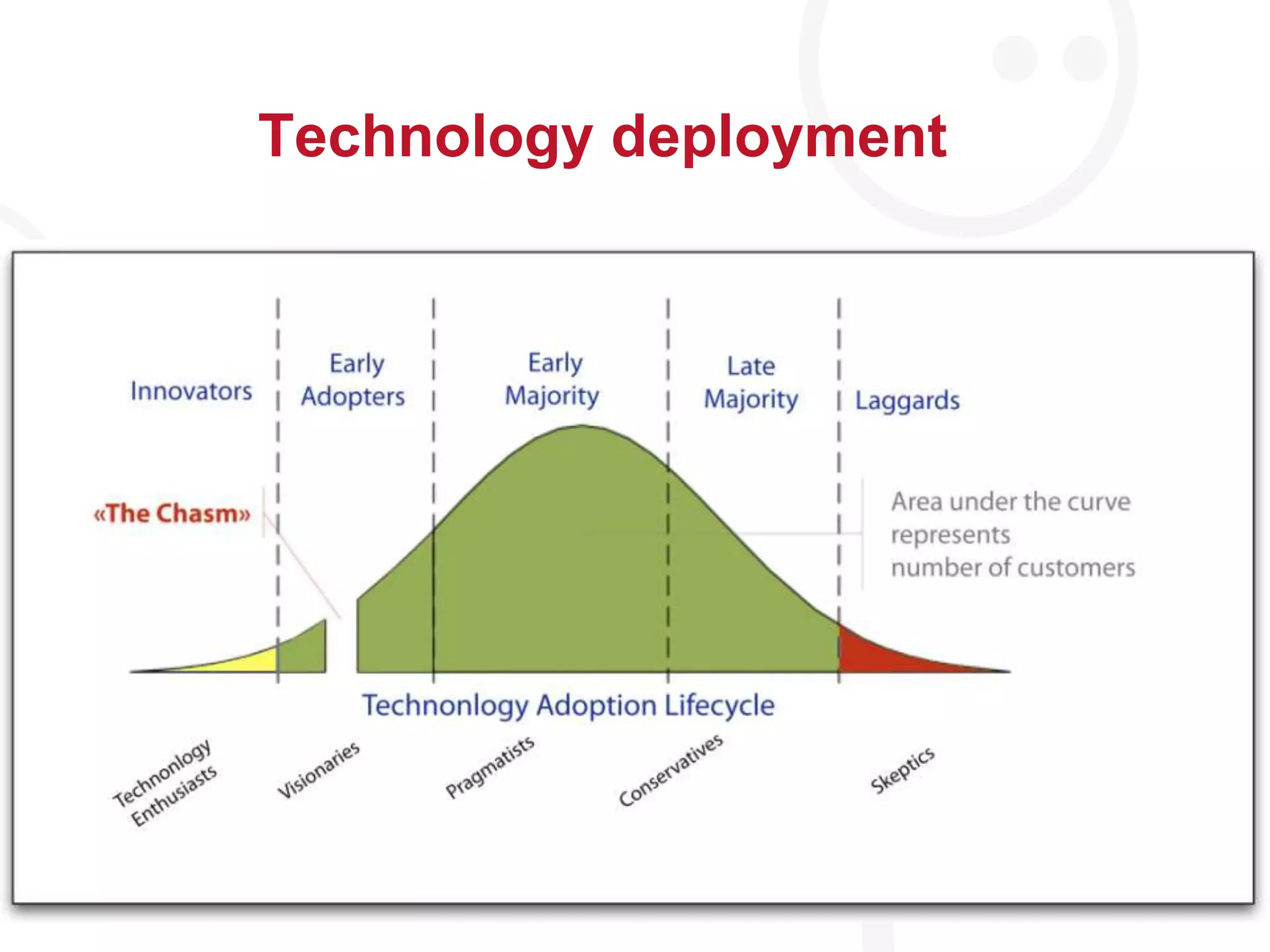
Technology deployment
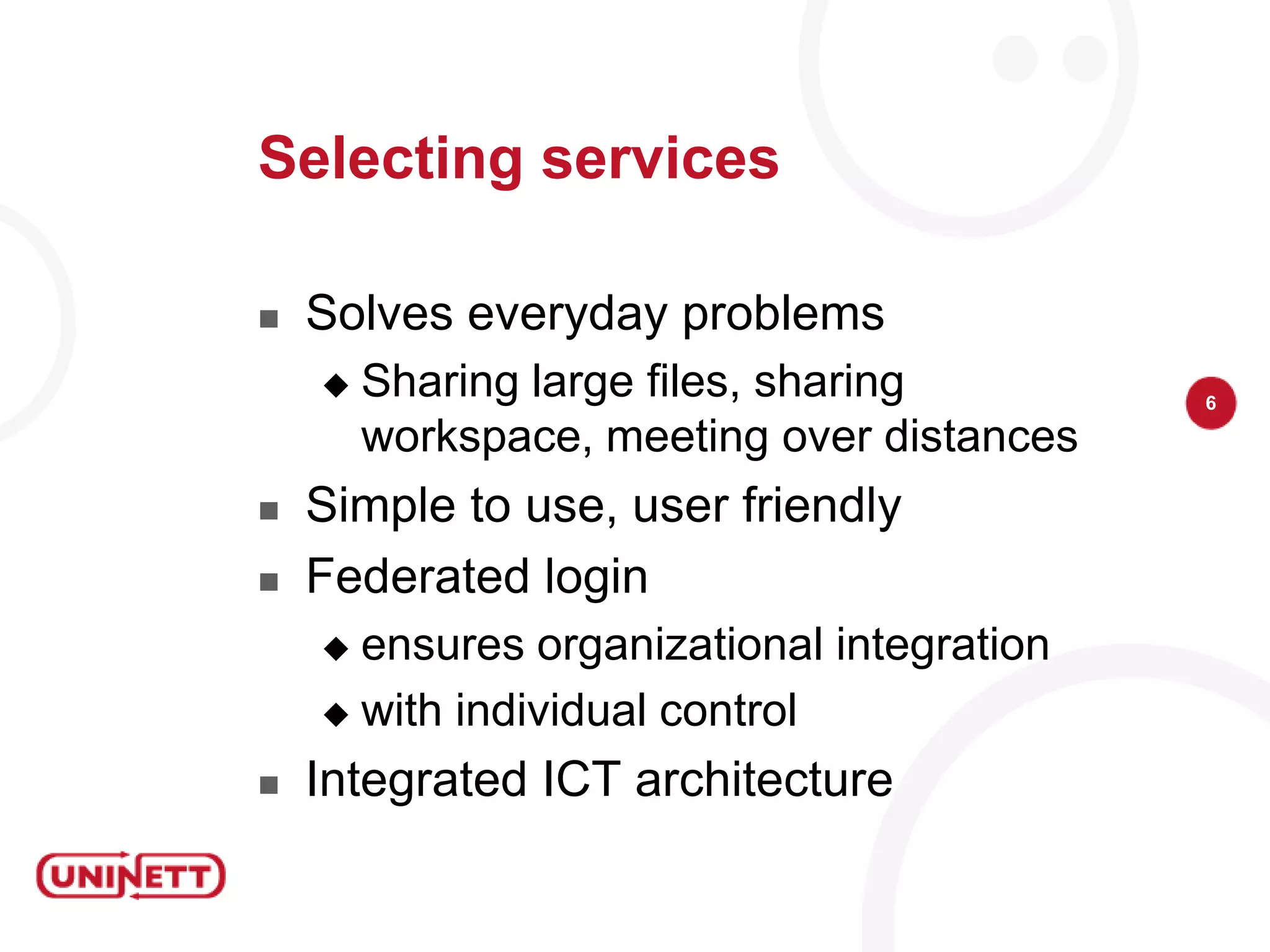
Selecting servicesSolveseveryday problemsSharing large files, sharingworkspace, meeting over distancesSimple to use, userfriendlyFederated loginensuresorganizationalintegrationwithindividualcontrolIntegrated ICT architecture
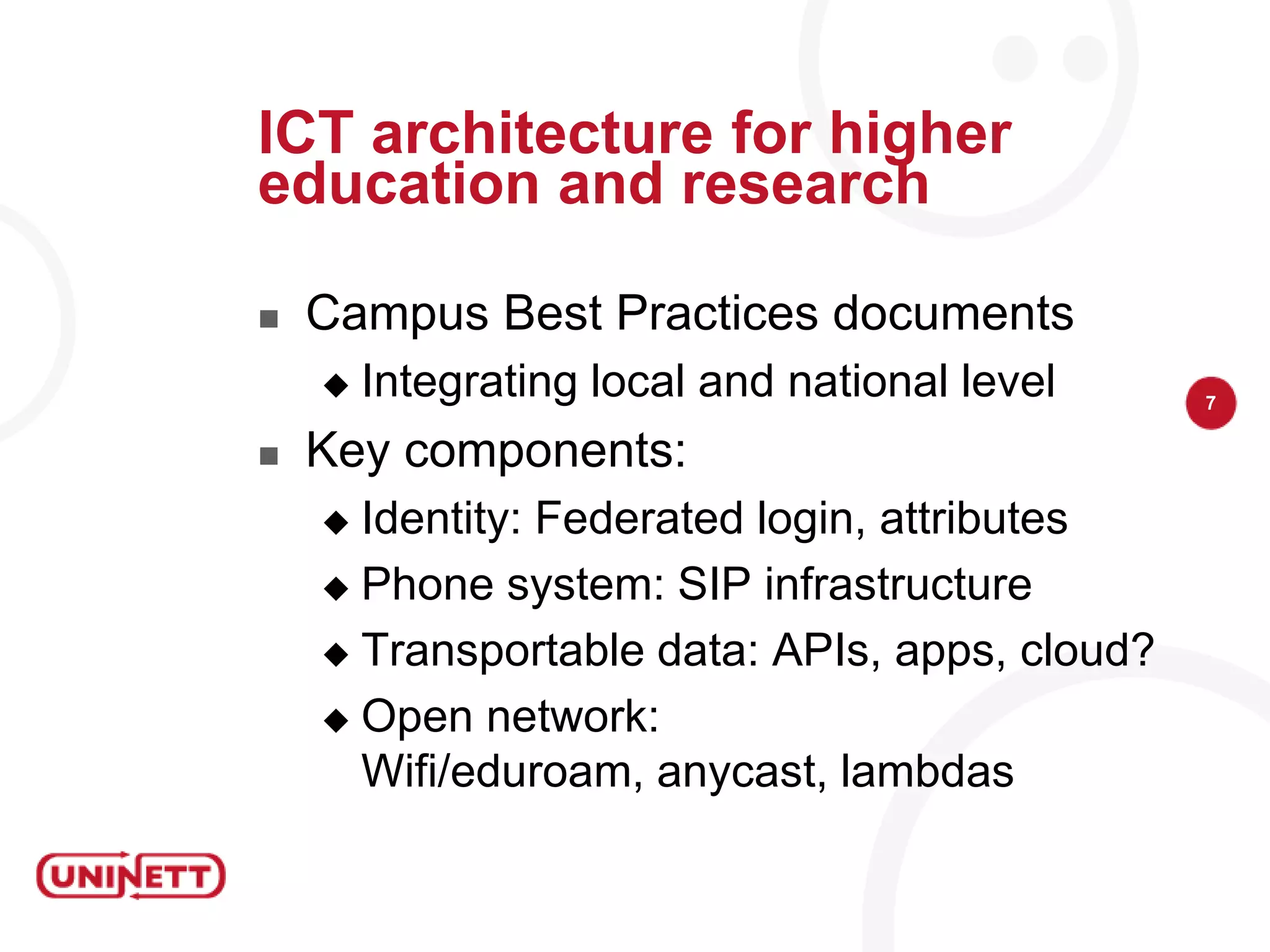
ICT architecture for higher education and researchCampus Best PracticesdocumentsIntegratinglocal and nationallevelKey components:Identity: Federated login, attributesPhone system: SIP infrastructureTransportable data: APIs, apps, cloud?Opennetwork: Wifi/eduroam, anycast, lambdas
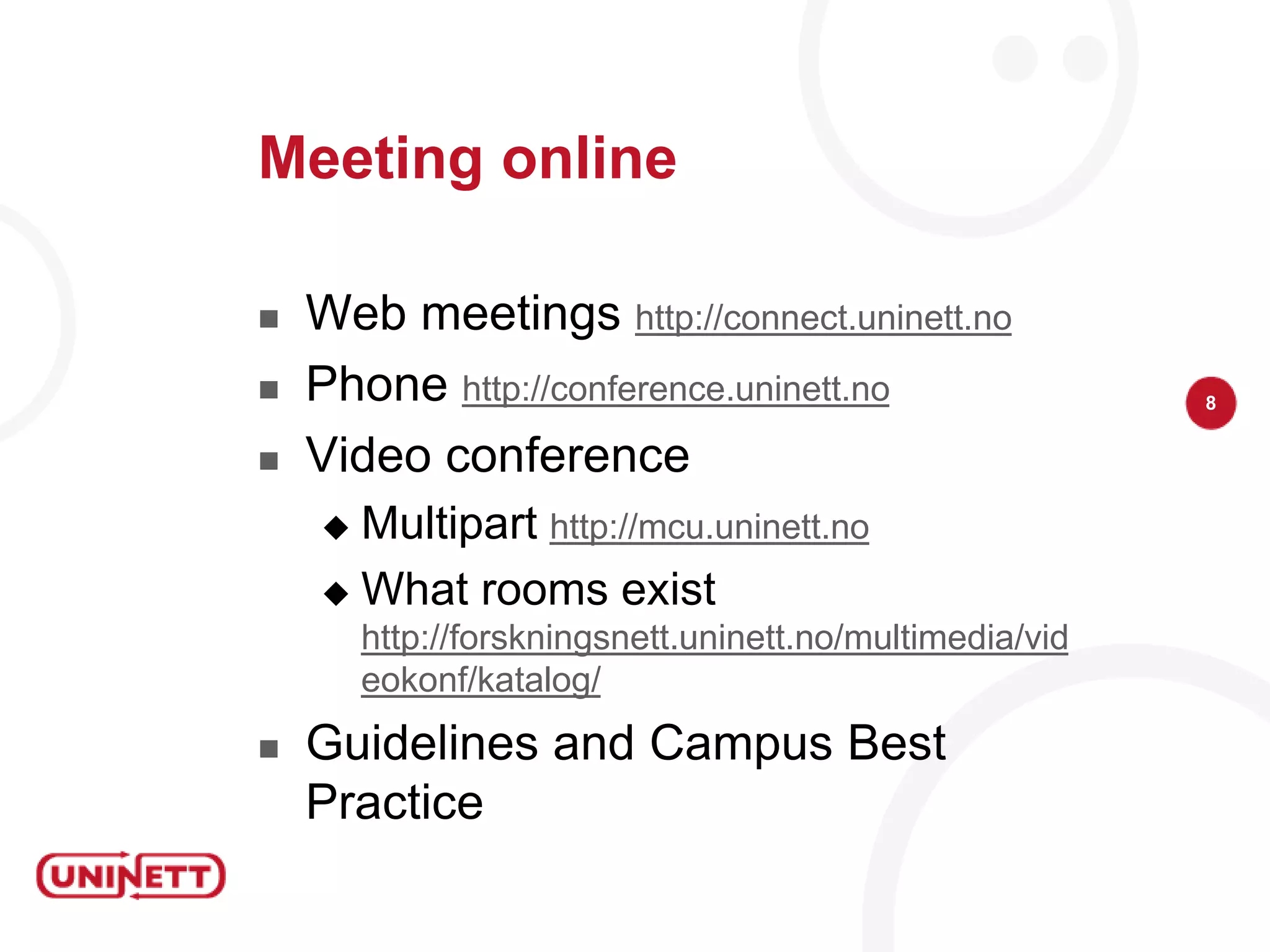
Meeting onlineWeb meetings http://connect.uninett.noPhone http://conference.uninett.noVideo conferenceMultipart http://mcu.uninett.noWhat rooms exist http://forskningsnett.uninett.no/multimedia/videokonf/katalog/Guidelines and Campus Best Practice
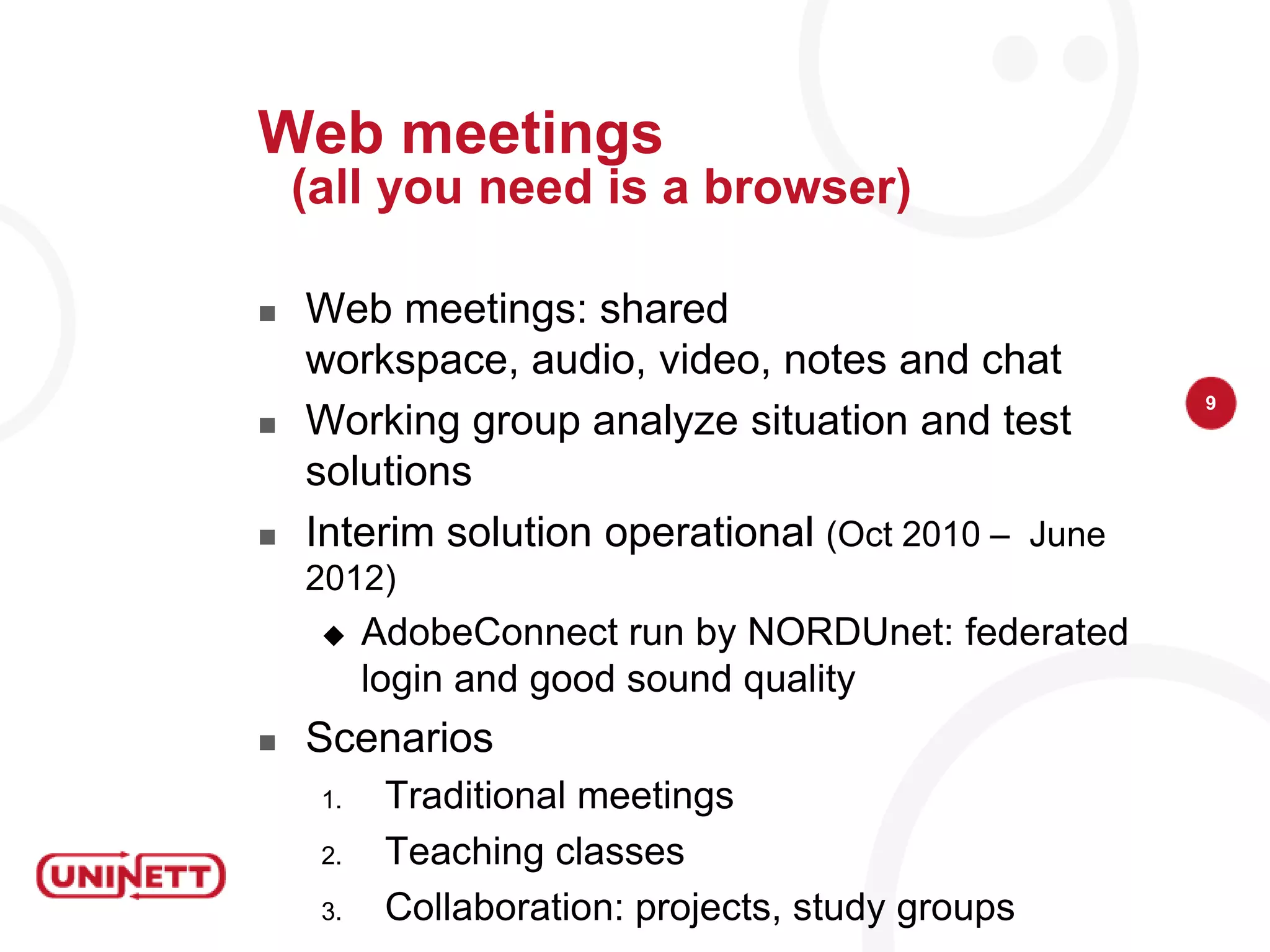
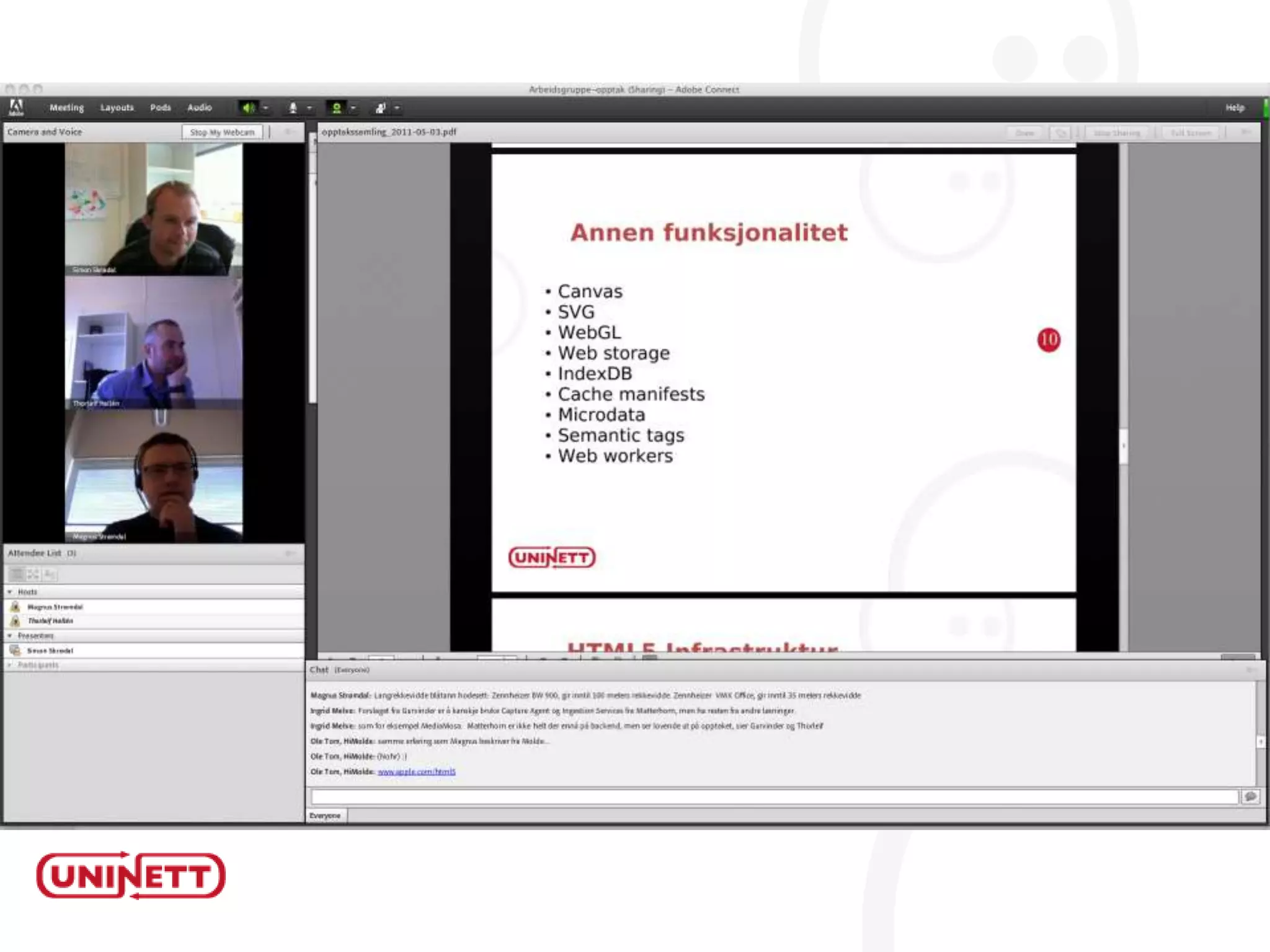
Web meetings(all you need is a browser)Web meetings: shared workspace, audio, video, notes and chatWorking group analyze situation and test solutionsInterim solution operational(Oct 2010 –  June 2012)AdobeConnect run by NORDUnet: federated login and good sound qualityScenariosTraditional meetingsTeaching classesCollaboration: projects, study groups

Building eCampus solutions

  • 1.
    eCampus: Building eCampussolutionsNORDUnet2011, Reykjavik, 2011-06-07Ingrid Melve, CTO, UNINETT
  • 2.
    UNINETT on campusGigaCampusand @campus coordinates Internet campus infrastructure
  • 3.
  • 4.
  • 5.
    “We need bettersupport for research and education”
  • 6.
  • 7.
    What about mobiledevices? eduroam and then…
  • 8.
    How to share:lecture capture, open access, groups
  • 9.
  • 10.
    Our community’s cloudservice requirements?
  • 11.
    How do weintegrate research tools?
  • 12.
    The meaning ofinteroperableThe eCampus programeCampus as a collaborative effort on technology and infrastructure for education and researchMotivating factorsIncreasing student populationStandardizing degrees and quality control Reorganizing higher education (SAK): Collaboration, division of labor, concentrationBest practice for use of technologyProgram period 2011-2015
  • 13.
    eCampus goalsImproving research,education and information dissemination by sensible use of technologyWorking groupsBest practice for using technologyFor universities, coordinated by UNINETTThe first areas:Mobileuse: into your pocketLecture capture: crossing boundaries of time, space and accessVideo conferencing and web meetings: crossing space and institutional borders
  • 14.
  • 15.
    Selecting servicesSolveseveryday problemsSharinglarge files, sharingworkspace, meeting over distancesSimple to use, userfriendlyFederated loginensuresorganizationalintegrationwithindividualcontrolIntegrated ICT architecture
  • 16.
    ICT architecture forhigher education and researchCampus Best PracticesdocumentsIntegratinglocal and nationallevelKey components:Identity: Federated login, attributesPhone system: SIP infrastructureTransportable data: APIs, apps, cloud?Opennetwork: Wifi/eduroam, anycast, lambdas
  • 17.
    Meeting onlineWeb meetingshttp://connect.uninett.noPhone http://conference.uninett.noVideo conferenceMultipart http://mcu.uninett.noWhat rooms exist http://forskningsnett.uninett.no/multimedia/videokonf/katalog/Guidelines and Campus Best Practice
  • 18.
    Web meetings(all youneed is a browser)Web meetings: shared workspace, audio, video, notes and chatWorking group analyze situation and test solutionsInterim solution operational(Oct 2010 – June 2012)AdobeConnect run by NORDUnet: federated login and good sound qualityScenariosTraditional meetingsTeaching classesCollaboration: projects, study groups
  • 20.
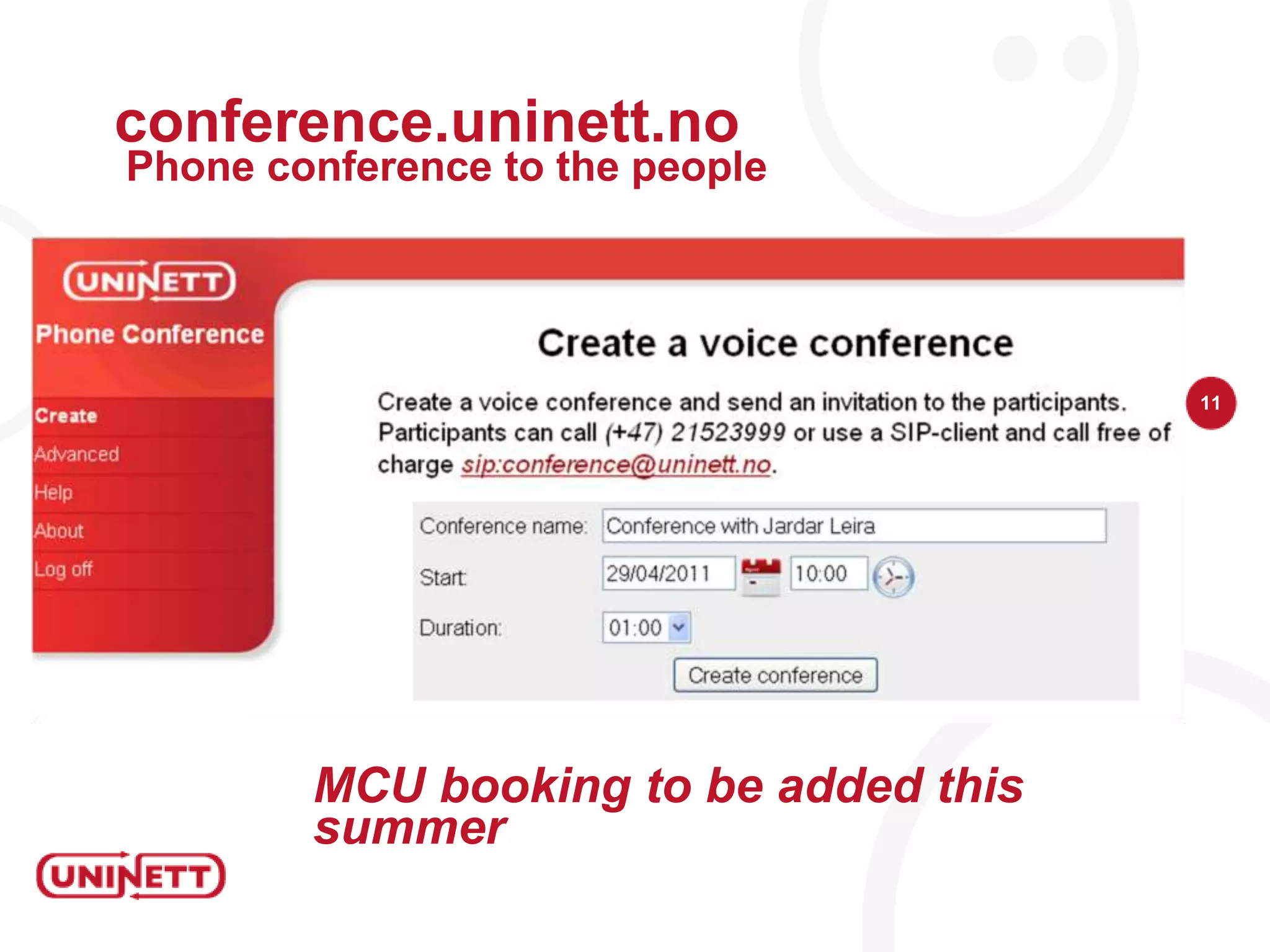
    conference.uninett.noPhone conference tothe peopleMCU booking to be added this summer
  • 21.
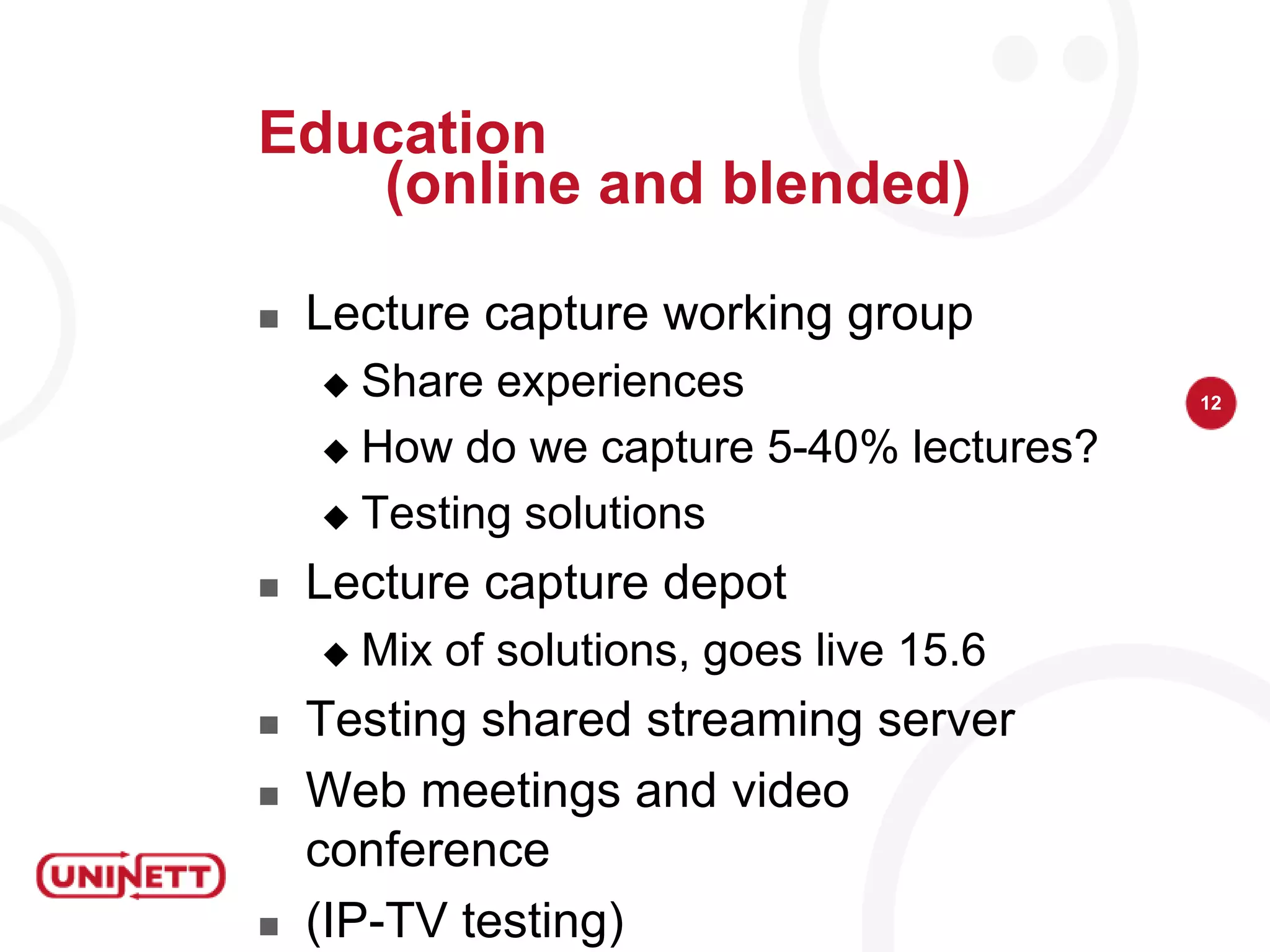
    Education (online and blended)Lecturecapture working groupShare experiencesHow do we capture 5-40% lectures?Testing solutionsLecture capture depotMix of solutions, goes live 15.6Testing shared streaming serverWeb meetings and video conference(IP-TV testing)
  • 24.
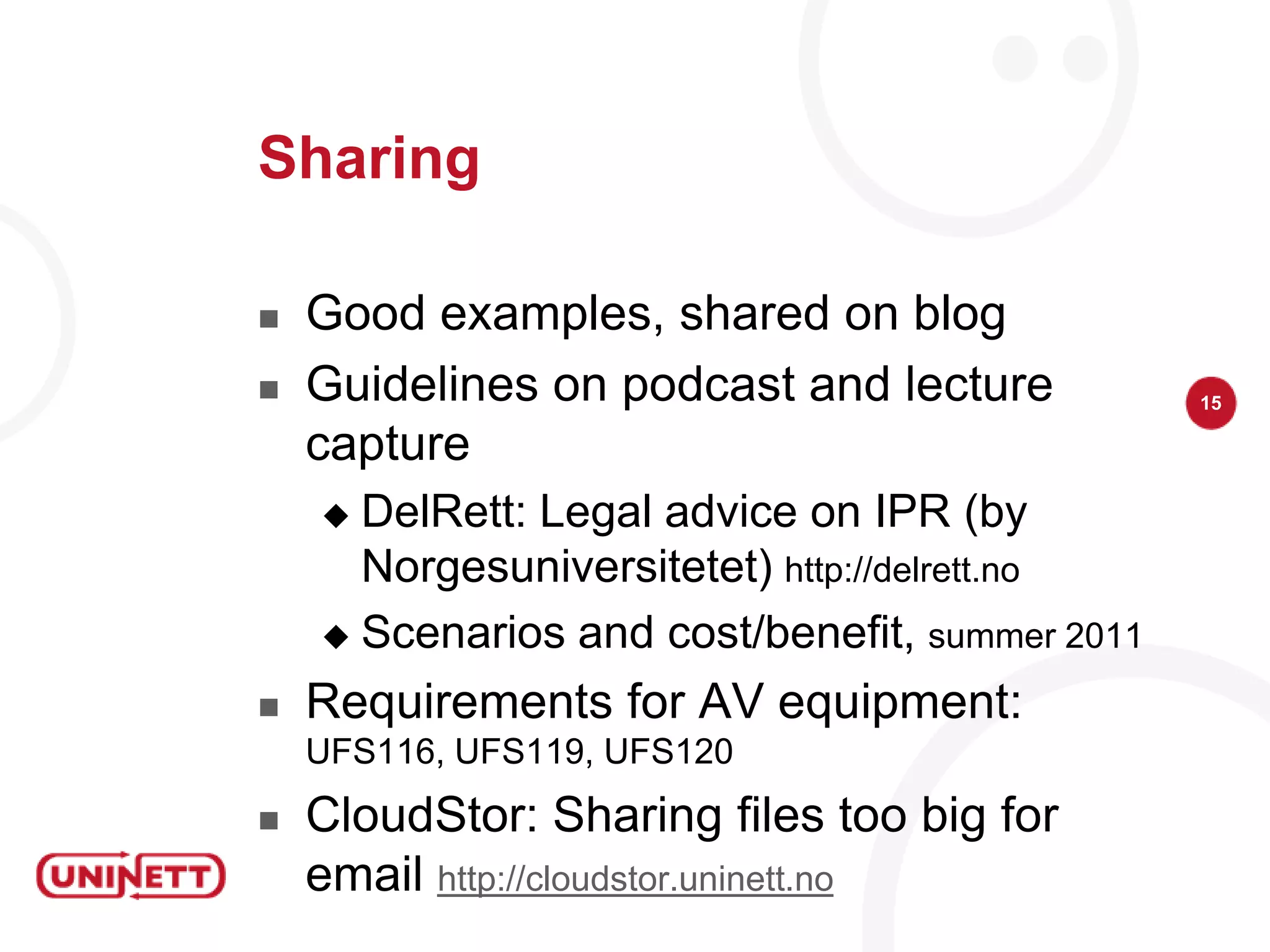
    SharingGood examples, sharedon blogGuidelines on podcast and lecture captureDelRett: Legal advice on IPR (by Norgesuniversitetet) http://delrett.noScenarios and cost/benefit, summer 2011Requirements for AV equipment: UFS116, UFS119, UFS120CloudStor: Sharing files too big for email http://cloudstor.uninett.no
  • 25.
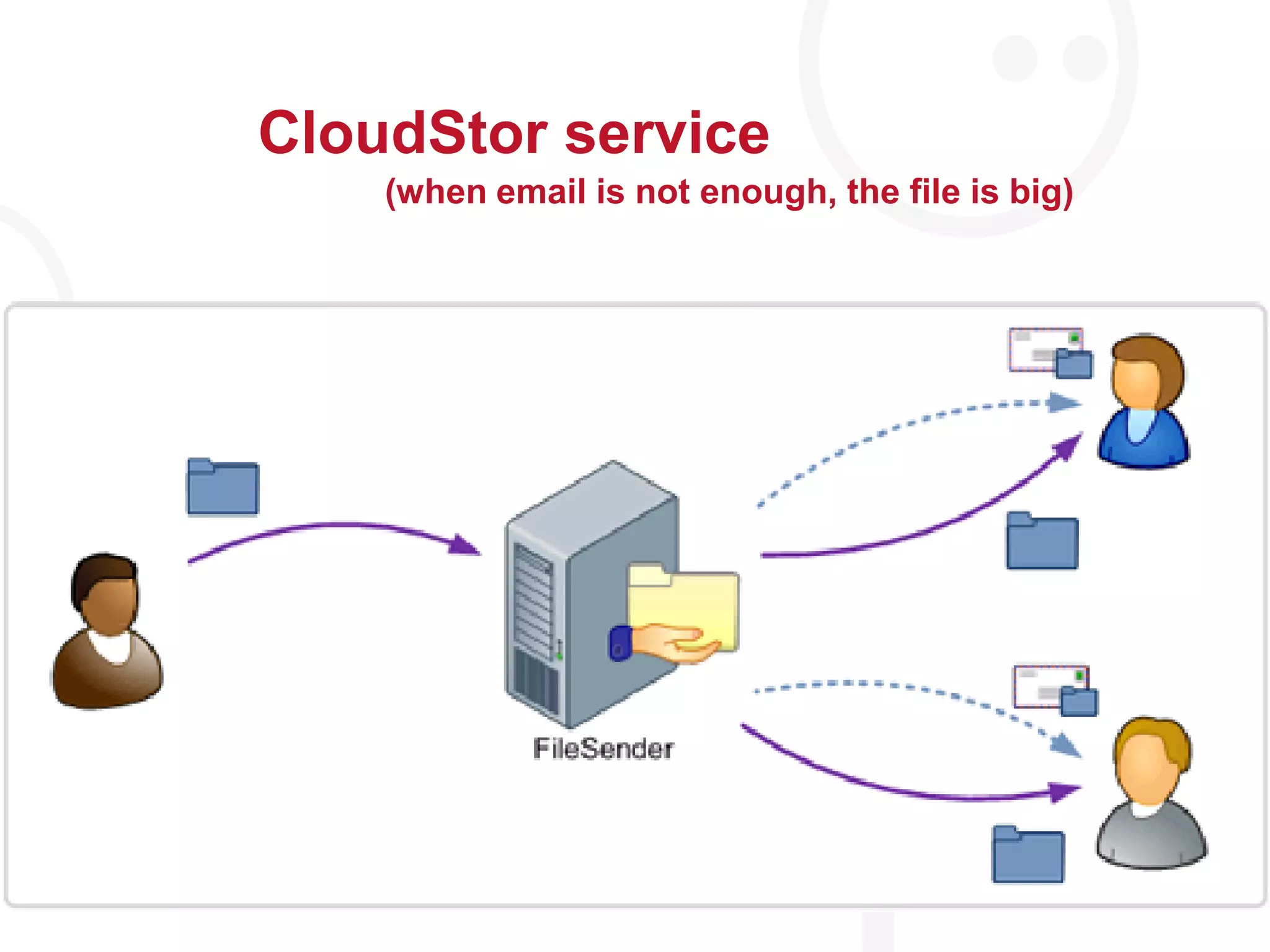
    CloudStor service(when emailis not enough, the file is big)
  • 26.
    Key eCampus pointsSimpletoolsWeb meetings, cloudstor, videoSupport research workflowAudio files, collaboration, sharingFlexible accessOnline education, eduroamSharing: Publish or perish, open access, cost
  • 27.
    Getting involvedhttp://blog.ecampus.noInformationabout eCampusservices and activitiesInterviewswithuniversities and colleges abouttheirprojects and opinionsContactThe program: kontakt@ecampus.noMe: ingrid.melve@uninett.noParticipatediskusjon@ecampus.no

Editor's Notes

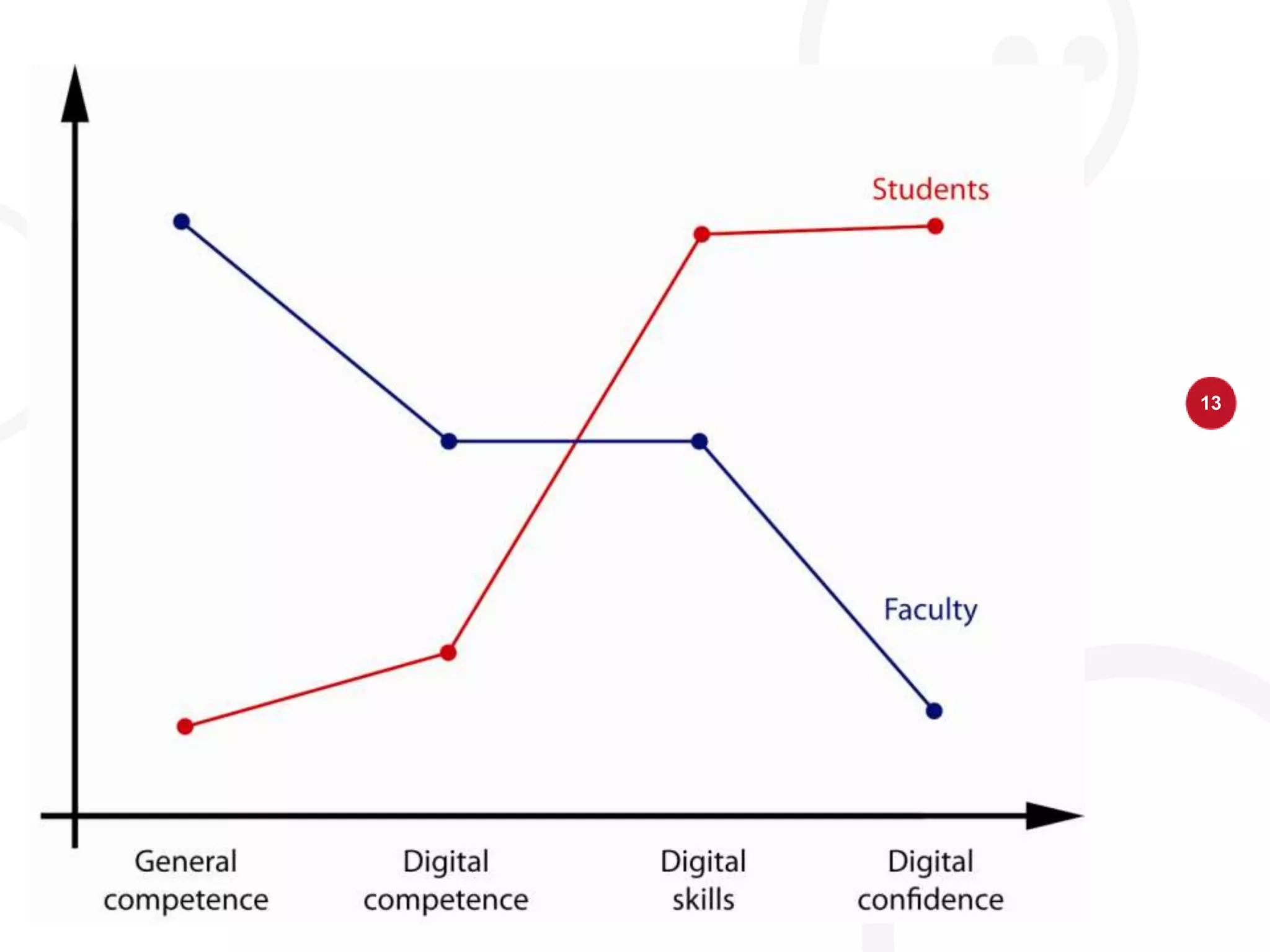
  • #6 Target audiences: whywe do not worryabout laggards or toomuchabouttheinnovators (learn from theyellow, forgetaboutthe red
  • #7 What are the criteria for selecting what we do in the first phase?
  • #8 I wish this part was solved
  • #9 First of the three: meeting online, education and sharing.
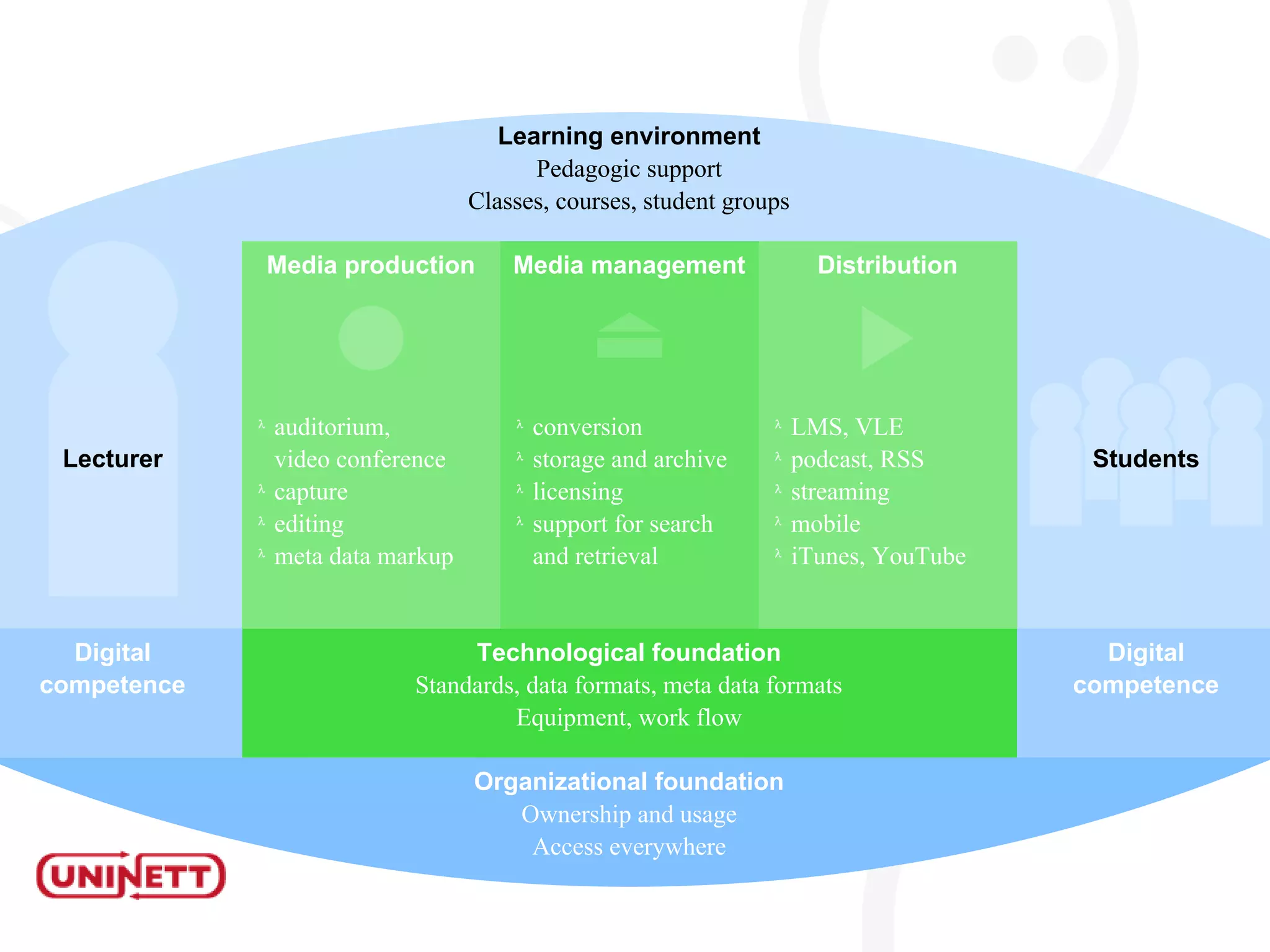
  • #15 ICTarchitecture: theindividualvstheinstitutionalperspective, examplified by a lecturecapture system
  • #16 Some examples of sharing services and info