Technology New toys or New opportunitiesPerhaps the greatest challenge of educational technology is not finding time and money to obtain hardware or software, or even in anticipating future needs, but in finding ways to adequately support people in using these tools. There is abundant evidence of the value of technology in promoting learning. But putting technology in place is just the starting point; like any tool, its effectiveness depends on the user’s skill in handling it, and on the conditions in which it is employed
Today's challenges in supporting ICT in the classroom environmentIncreased use and reliance on ICT.Increased computer-student ratio (1:5 – 1:2 – 1:1 – 2:1)Increased demand for services.Increased expectation of wireless technology.
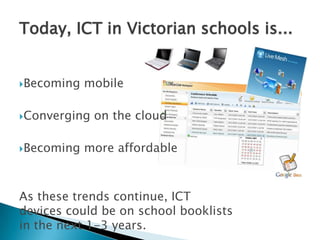
Today, ICT in Victorian schools is...Becoming mobileConverging on the cloudBecoming more affordableAs these trends continue, ICT devices could be on school booklists in the next 1-3 years.
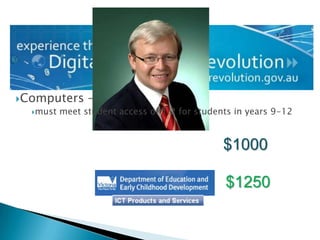
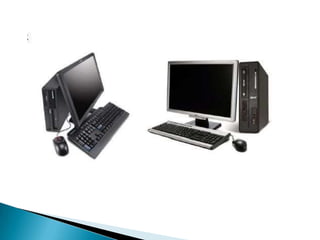
Computers –
must meet student access of 1:2 for students in years 9-12$1000$1250
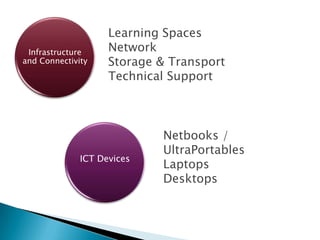
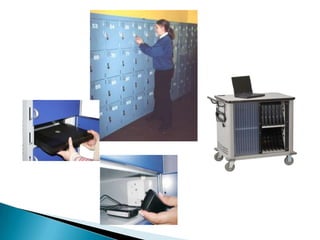
Learning SpacesNetworkStorage & TransportTechnical SupportNetbooks / UltraPortablesLaptopsDesktopsInfrastructure and ConnectivityICT Devices
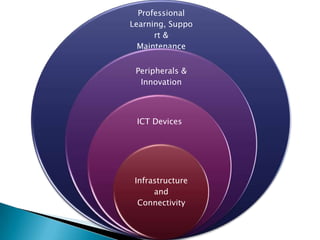
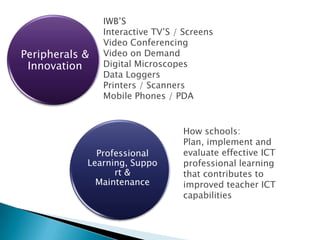
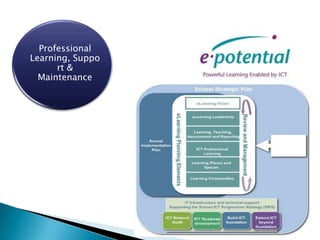
IWB’SInteractive TV’S / ScreensVideo ConferencingVideo on DemandDigital Microscopes Data LoggersPrinters / ScannersMobile Phones / PDAProfessional Learning, Support & MaintenancePeripherals &  InnovationHow schools:Plan, implement and evaluate effective ICT professional learning that contributes to improved teacher ICT capabilities
A managed, cost effective ICT environment for schools...School Technology Architecture and ResourcesInfrastructure and Connectivity
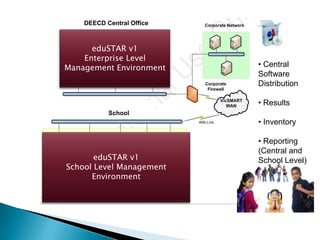
DEECD Central OfficeeduSTAR v1Enterprise Level Management Environment Central Software Distribution
 Results
 Inventory
 Reporting (Central and School Level)SchooleduSTAR v1School Level Management Environment
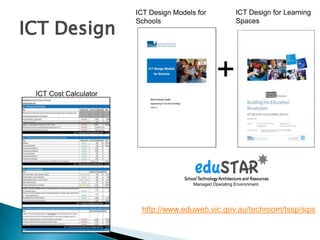
ICT DesignICT Design for Learning SpacesICT Design Models for Schools+ICT Cost CalculatorManaged Operating Environmenthttp://www.eduweb.vic.gov.au/techroom/tssp/sips
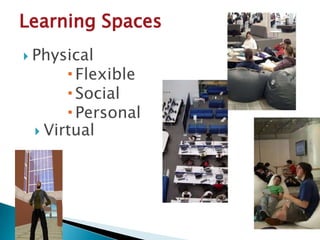
Learning SpacesPhysicalFlexibleSocialPersonalVirtual
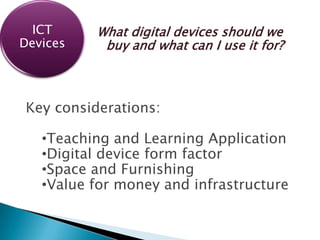
What digital devices should we buy and what can I use it for?Key considerations:Teaching and Learning Application
Digital device form factor
Space and Furnishing
Value for money and infrastructureICT Devices
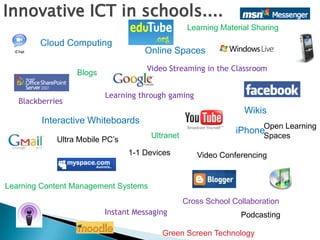
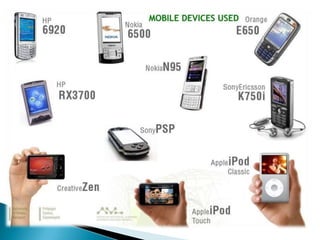
Innovative ICT in schools....Learning Material SharingCloud ComputingOnline SpacesVideo Streaming in the ClassroomBlogsLearning through gamingBlackberriesWikisOpen Learning SpacesInteractive WhiteboardsiPhoneUltranetUltra Mobile PC’s1-1 DevicesVideo ConferencingLearning Content Management SystemsCross School CollaborationInstant MessagingPodcastingGreen Screen Technology
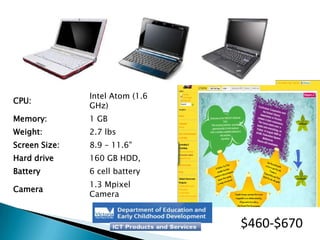
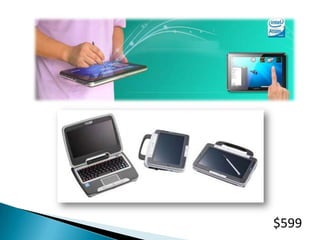
$460-$670
$599
Estimated that the device would cost $800 retail and serve as a mid-point between the iPod touch and the MacBook notebook model
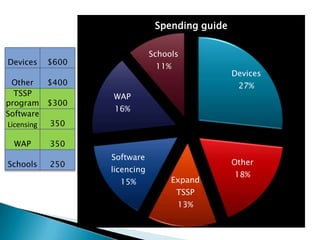
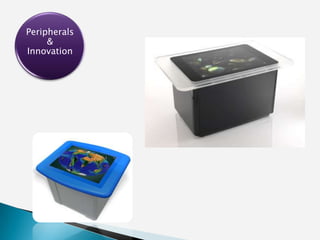
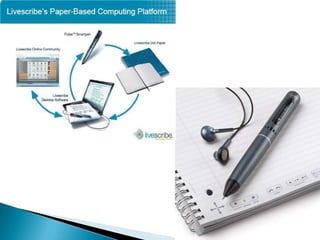
Peripherals &  InnovationWhat can the other funds be used for???
Peripherals &  Innovation
New gaming experiences

NSSCF Technology

  • 1.
    Technology New toysor New opportunitiesPerhaps the greatest challenge of educational technology is not finding time and money to obtain hardware or software, or even in anticipating future needs, but in finding ways to adequately support people in using these tools. There is abundant evidence of the value of technology in promoting learning. But putting technology in place is just the starting point; like any tool, its effectiveness depends on the user’s skill in handling it, and on the conditions in which it is employed
  • 2.
    Today's challenges insupporting ICT in the classroom environmentIncreased use and reliance on ICT.Increased computer-student ratio (1:5 – 1:2 – 1:1 – 2:1)Increased demand for services.Increased expectation of wireless technology.
  • 3.
    Today, ICT inVictorian schools is...Becoming mobileConverging on the cloudBecoming more affordableAs these trends continue, ICT devices could be on school booklists in the next 1-3 years.
  • 4.
  • 5.
    must meet studentaccess of 1:2 for students in years 9-12$1000$1250
  • 8.
    Learning SpacesNetworkStorage &TransportTechnical SupportNetbooks / UltraPortablesLaptopsDesktopsInfrastructure and ConnectivityICT Devices
  • 9.
    IWB’SInteractive TV’S /ScreensVideo ConferencingVideo on DemandDigital Microscopes Data LoggersPrinters / ScannersMobile Phones / PDAProfessional Learning, Support & MaintenancePeripherals & InnovationHow schools:Plan, implement and evaluate effective ICT professional learning that contributes to improved teacher ICT capabilities
  • 10.
    A managed, costeffective ICT environment for schools...School Technology Architecture and ResourcesInfrastructure and Connectivity
  • 11.
    DEECD Central OfficeeduSTARv1Enterprise Level Management Environment Central Software Distribution
  • 12.
  • 13.
  • 14.
    Reporting (Centraland School Level)SchooleduSTAR v1School Level Management Environment
  • 16.
    ICT DesignICT Designfor Learning SpacesICT Design Models for Schools+ICT Cost CalculatorManaged Operating Environmenthttp://www.eduweb.vic.gov.au/techroom/tssp/sips
  • 17.
  • 19.
    What digital devicesshould we buy and what can I use it for?Key considerations:Teaching and Learning Application
  • 20.
  • 21.
  • 22.
    Value for moneyand infrastructureICT Devices
  • 24.
    Innovative ICT inschools....Learning Material SharingCloud ComputingOnline SpacesVideo Streaming in the ClassroomBlogsLearning through gamingBlackberriesWikisOpen Learning SpacesInteractive WhiteboardsiPhoneUltranetUltra Mobile PC’s1-1 DevicesVideo ConferencingLearning Content Management SystemsCross School CollaborationInstant MessagingPodcastingGreen Screen Technology
  • 26.
  • 29.
  • 30.
    Estimated that thedevice would cost $800 retail and serve as a mid-point between the iPod touch and the MacBook notebook model
  • 31.
    Peripherals & InnovationWhat can the other funds be used for???
  • 32.
    Peripherals & Innovation
  • 35.

Editor's Notes

  • #11 Setup configuration & Management
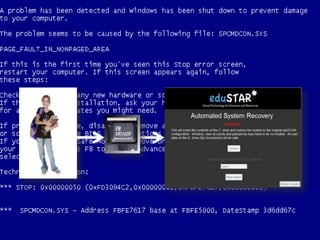
  • #12 Self restore
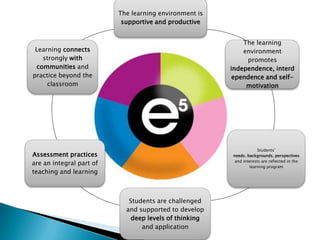
  • #18 How do we use technology to Transform how we teach?How will/ does technology support the Principles of Learning and Teaching?How will/ does technology support the planning and professional conversations when using e5 to analyse the Learning and Teaching?How do we use technology to Transform how we teach?
  • #23 Seemless collaborationIntegration onto the cloud – complementary to the Ultranet