Kate Boardman June 17 th  & 18 th  2004 Blackboard: Getting Started Presentation
Background Institutional Implementation Decisions and Procedures Customisation
University of Durham 670 academic / 280 academic-related staff 9400 undergraduates / 2400 postgraduates Split campus Research led Traditional university Learning Technologies Team
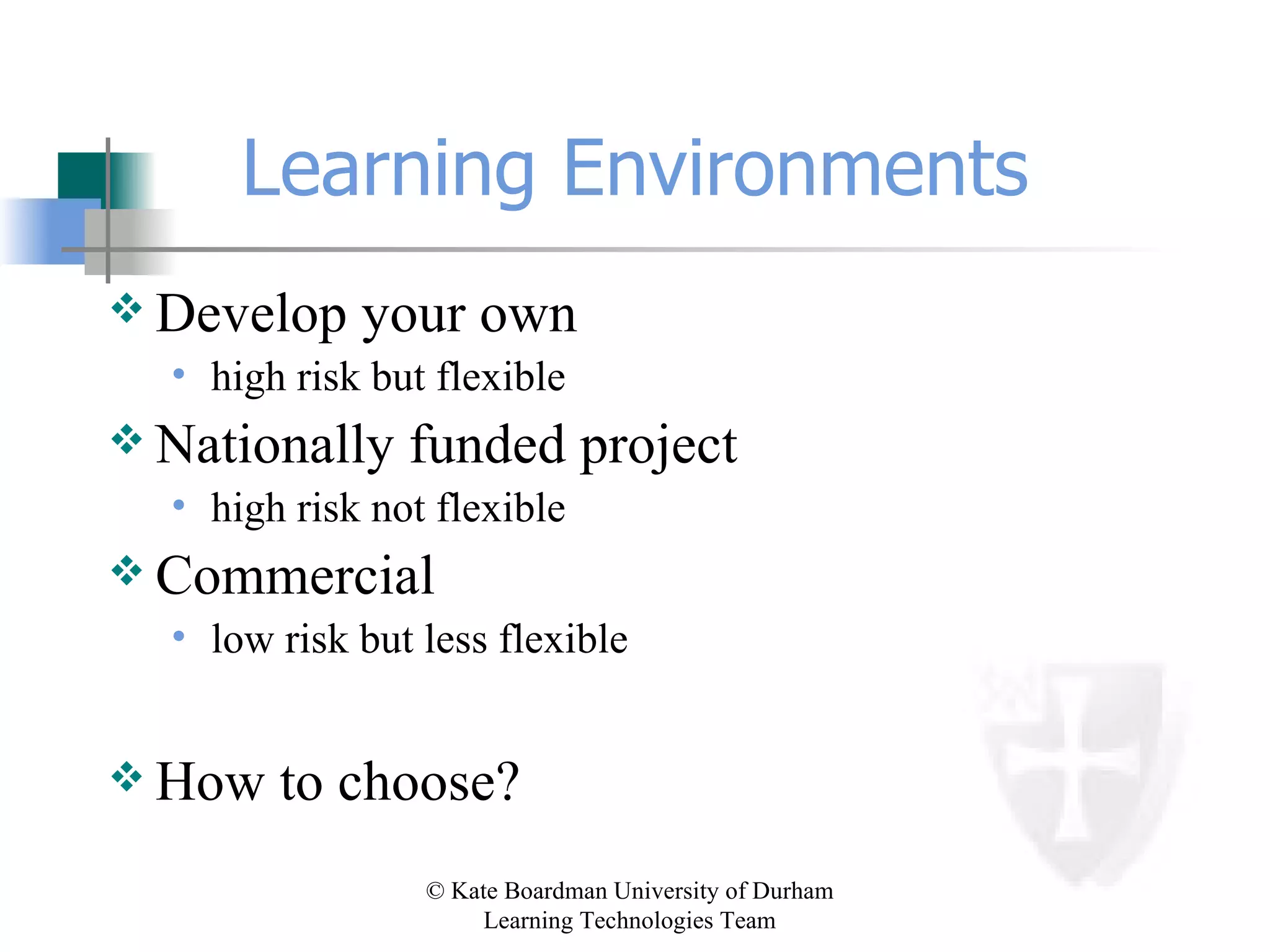
Learning Environments Develop your own high risk but flexible Nationally funded project high risk not flexible Commercial low risk but less flexible How to choose?
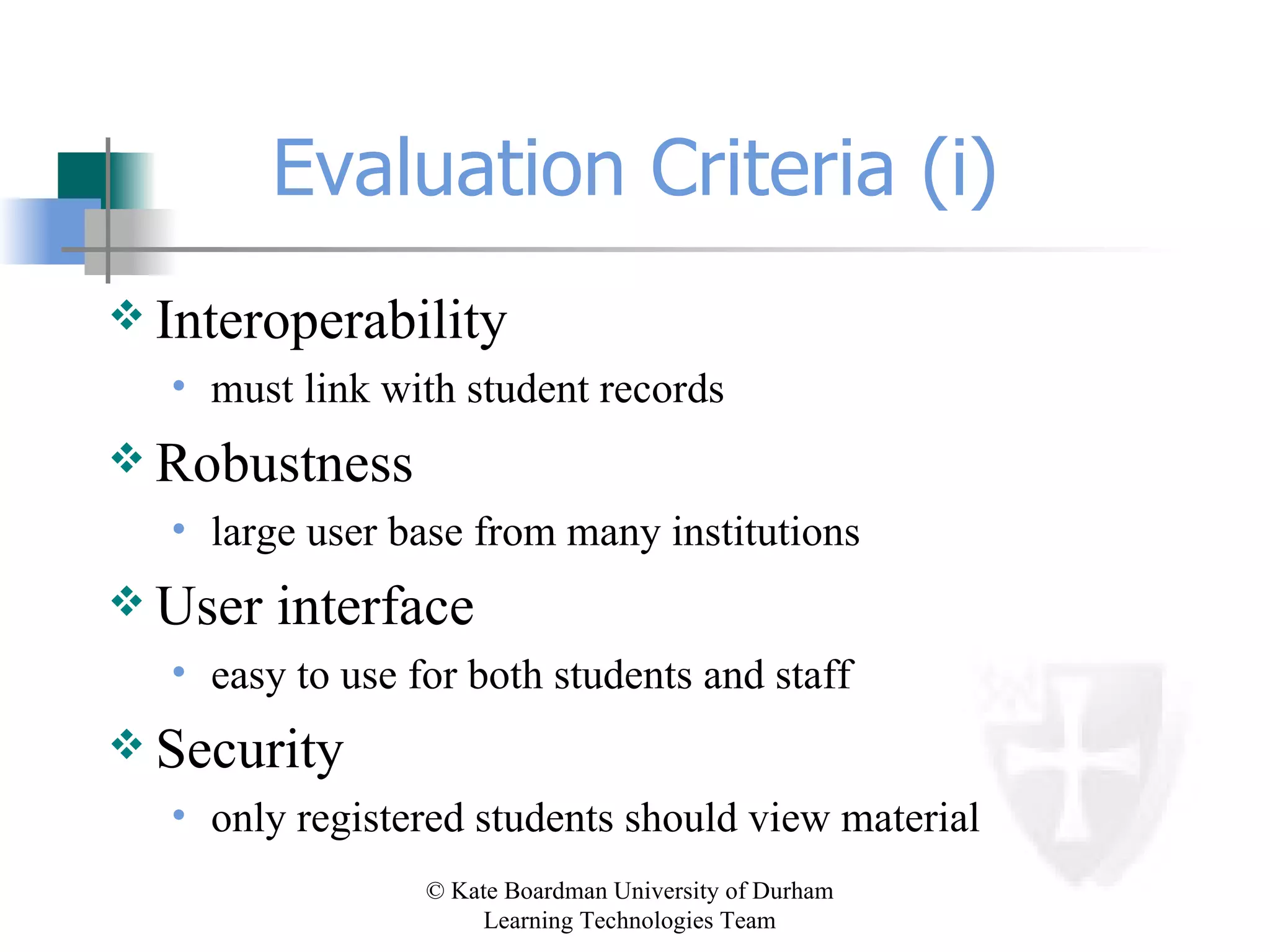
Evaluation Criteria (i) Interoperability must link with student records Robustness large user base from many institutions User interface easy to use for both students and staff Security only registered students should view material
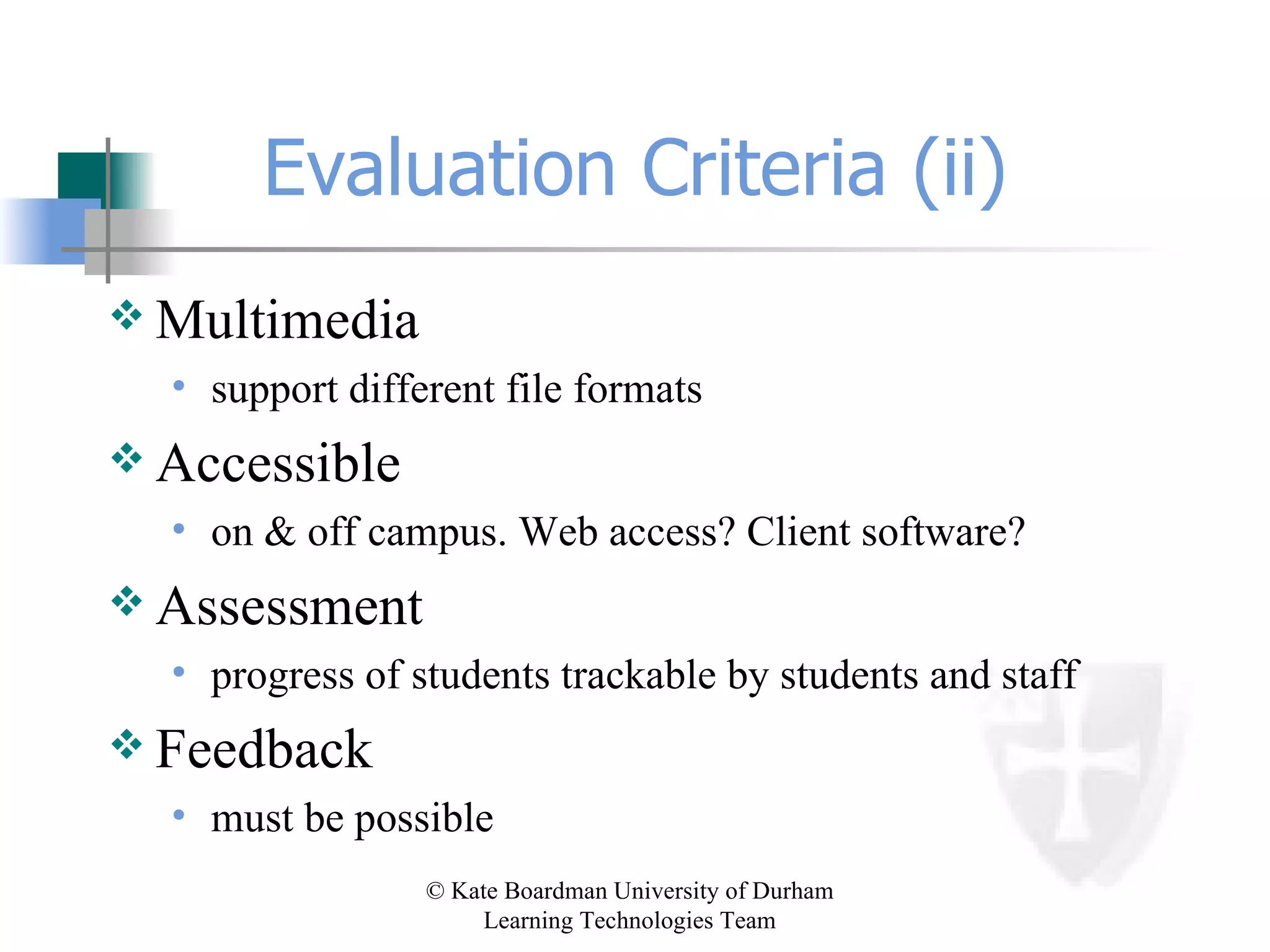
Evaluation Criteria (ii) Multimedia support different file formats Accessible on & off campus. Web access? Client software? Assessment progress of students trackable by students and staff Feedback must be possible
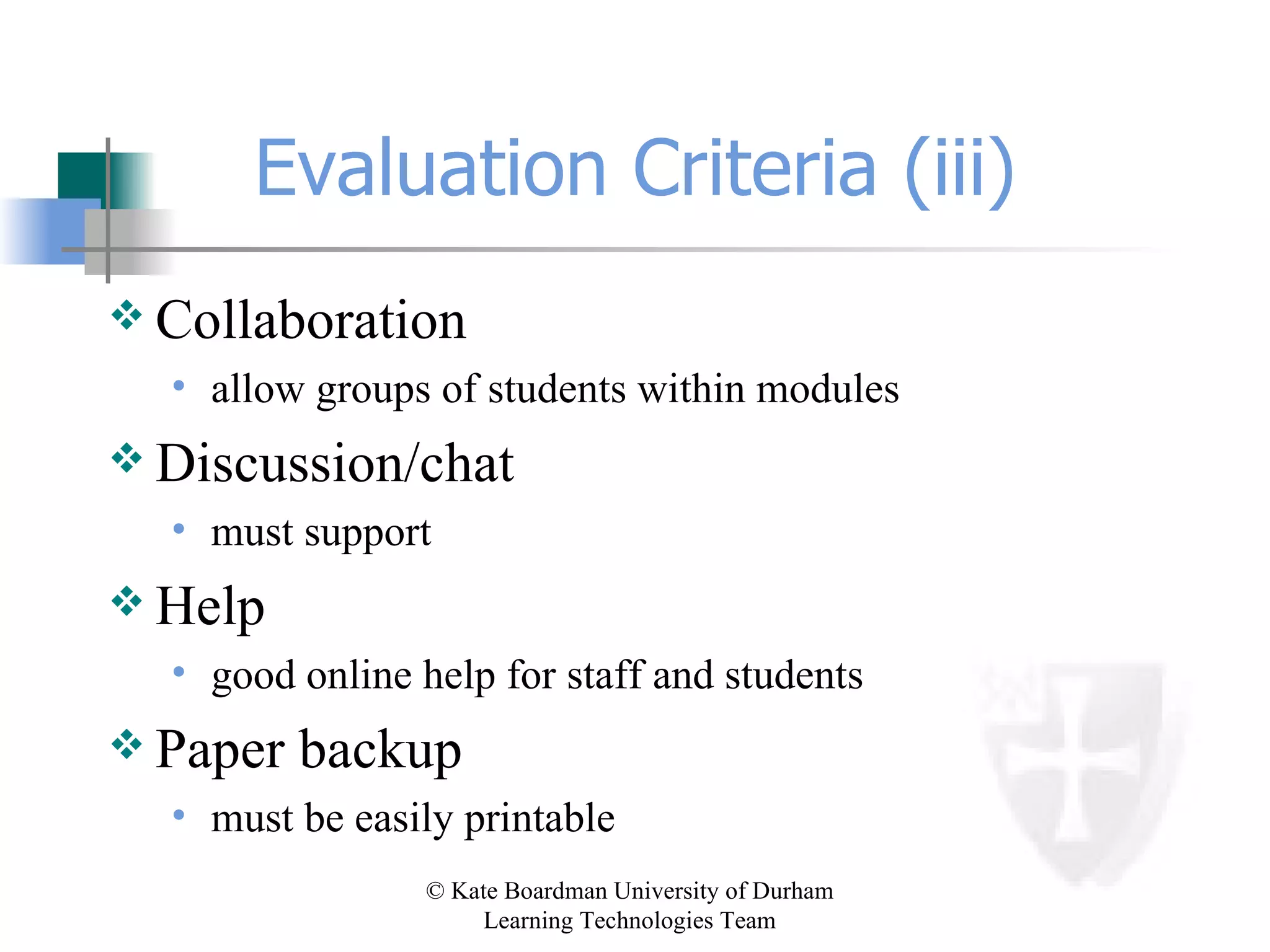
Evaluation Criteria (iii) Collaboration allow groups of students within modules Discussion/chat must support Help good online help for staff and students Paper backup must be easily printable
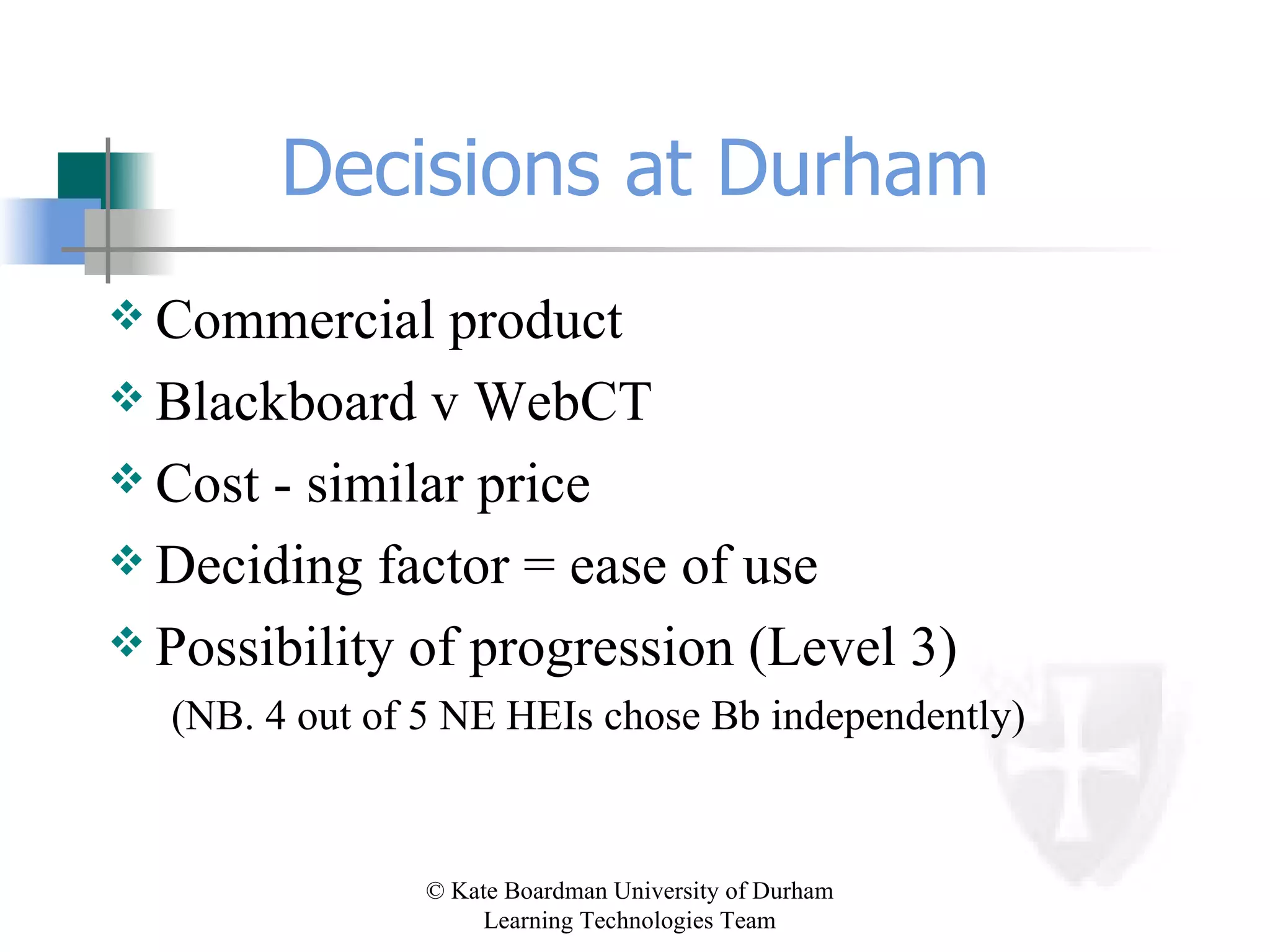
Decisions at Durham Commercial product Blackboard v WebCT Cost - similar price Deciding factor = ease of use Possibility of progression (Level 3) (NB. 4 out of 5 NE HEIs chose Bb independently)
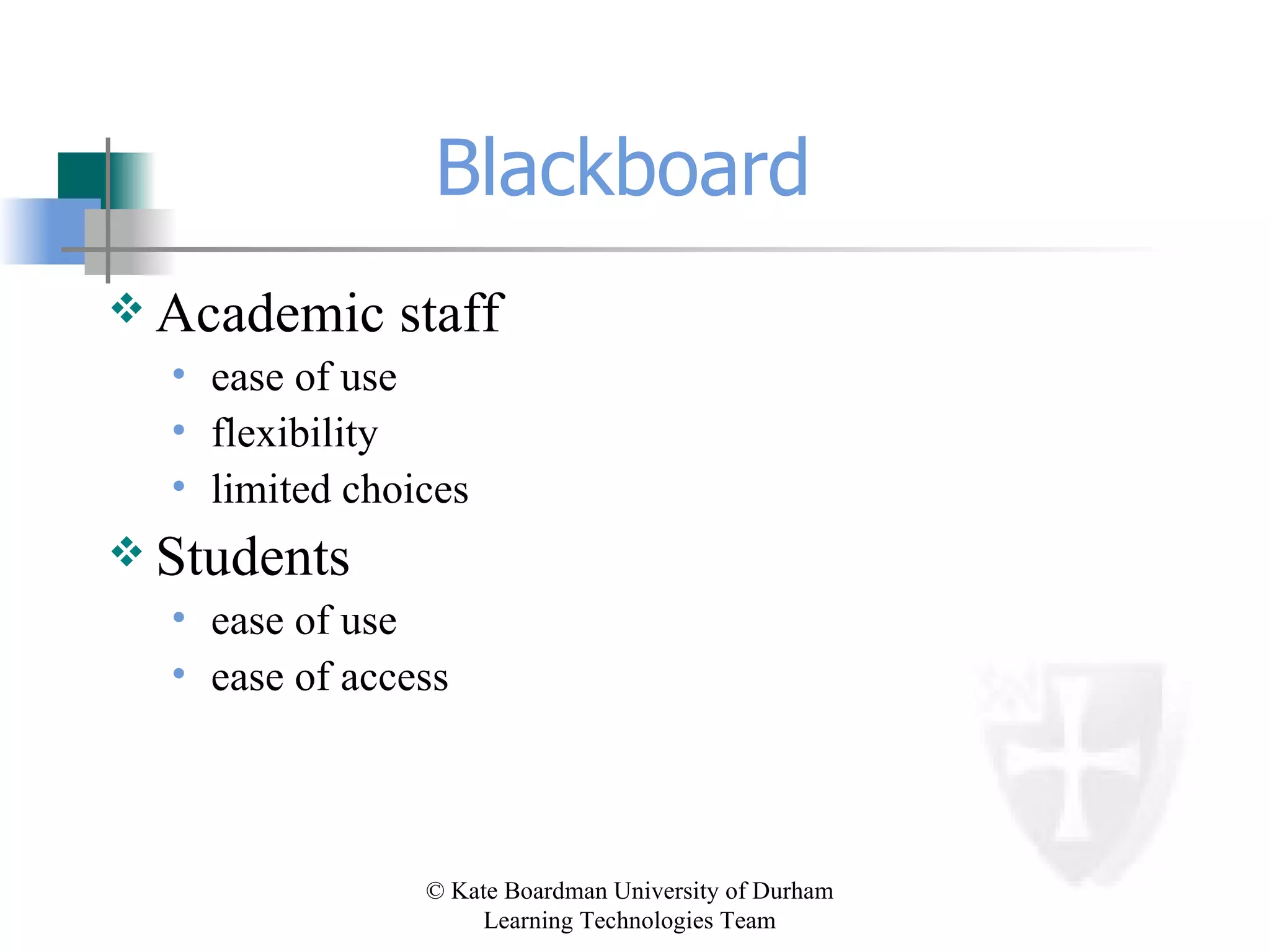
Blackboard  Academic staff ease of use flexibility limited choices Students ease of use ease of access
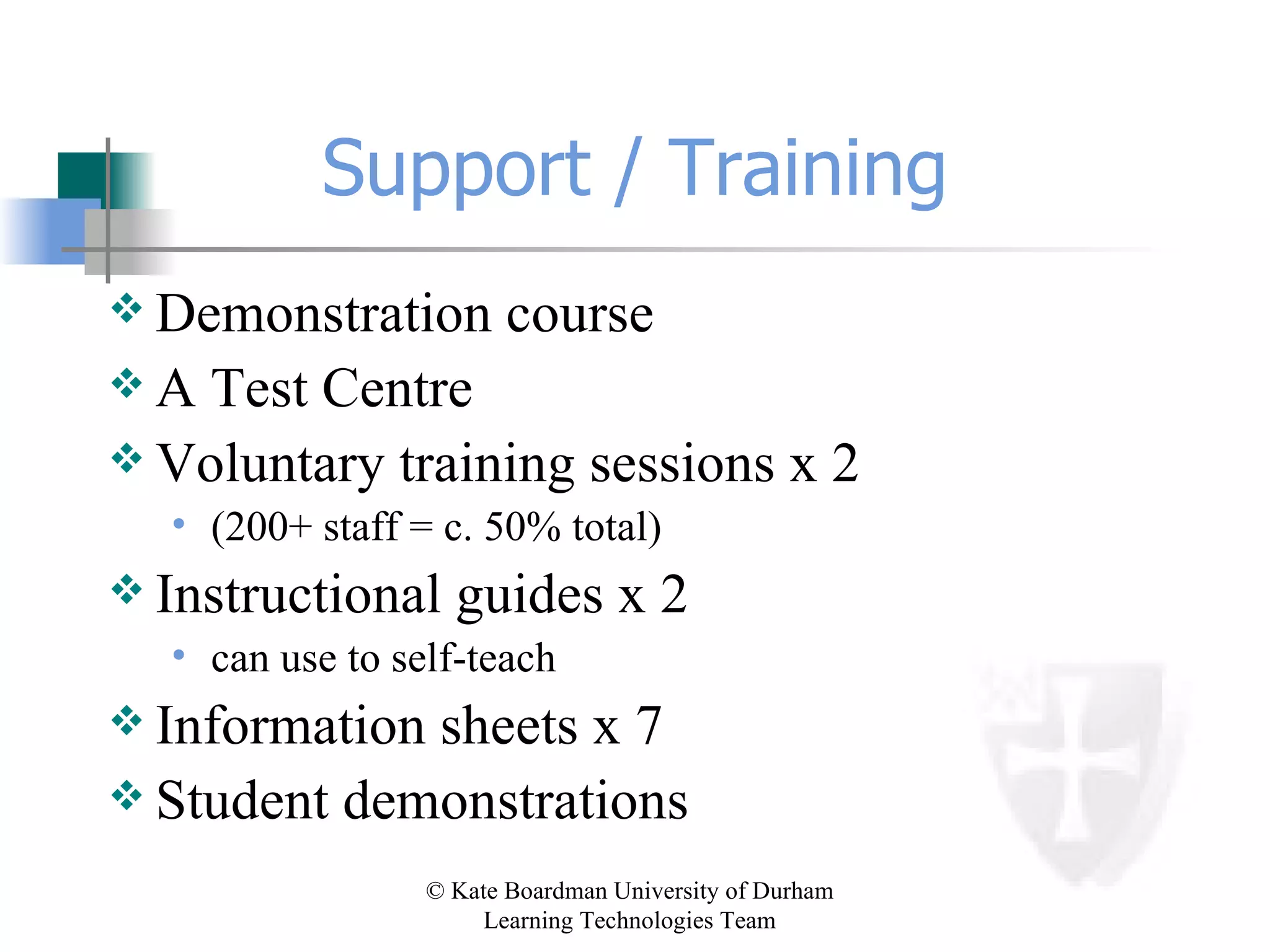
Support / Training Demonstration course A Test Centre Voluntary training sessions x 2 (200+ staff = c. 50% total) Instructional guides x 2 can use to self-teach Information sheets x 7 Student demonstrations
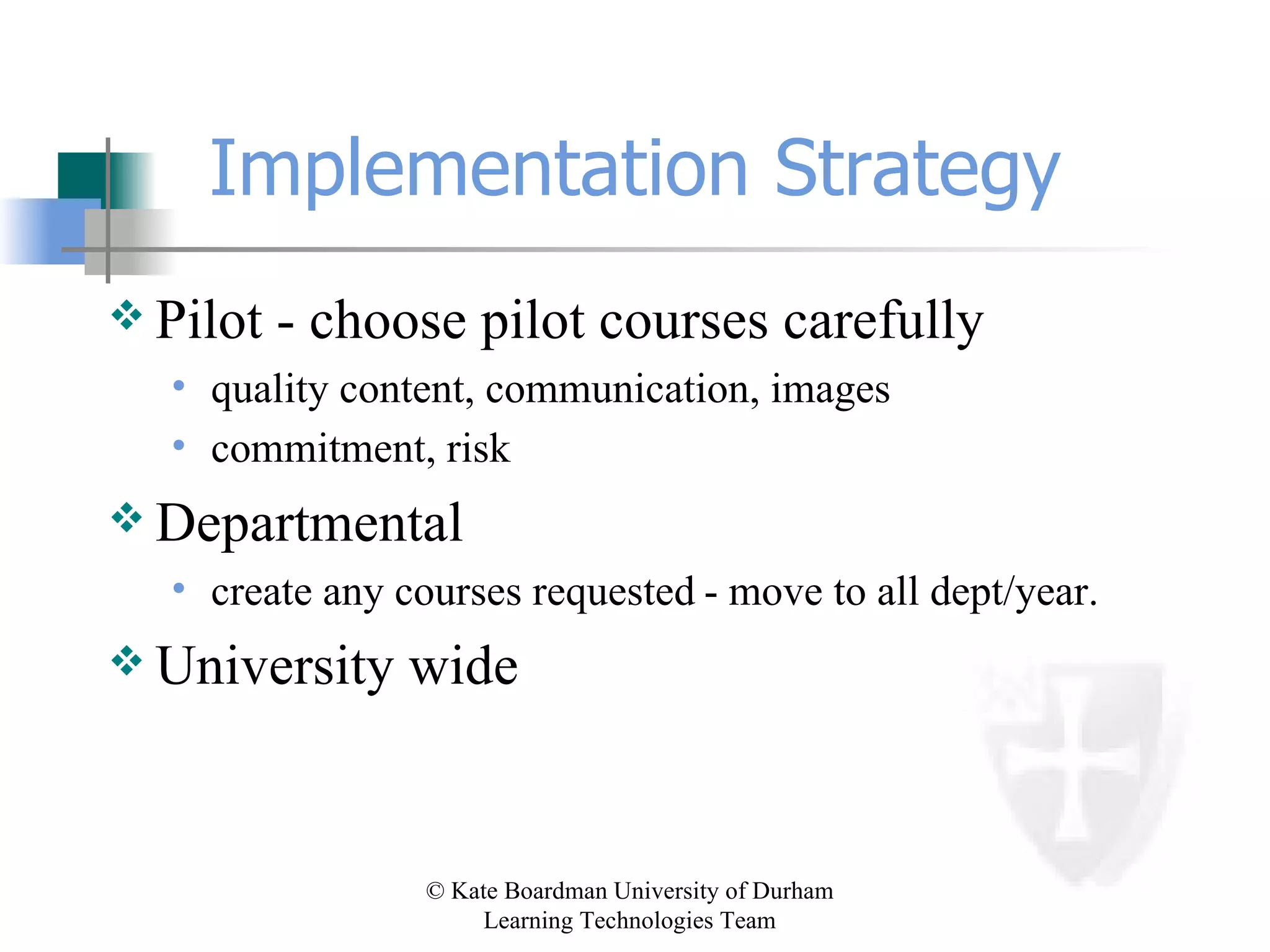
Implementation Strategy Pilot - choose pilot courses carefully quality content, communication, images commitment, risk   Departmental create any courses requested   - move to all dept/year. University wide
The Plan . . .  3 courses, 3 departments, 200 students Geography year 1 IT skills module History year 3 special subject ‘Mau Mau’ Sport PGCE Physical Education
The Reality . . . 383 courses, 23 departments, 6121 students (data correct June 12th 2001) All faculties Cross-campus research groups
Expansion Module Resources to Online Community Colleges  Tutor/Tutee support JCR / MCR / SCR ‘Livers out’ Placement students – e.g. year abroad Alumni
Expansion (cont) University Administration Academic Office Admissions Widening Participation Part-time students Senior Tutors / Heads of Houses / Bursars University Services Careers
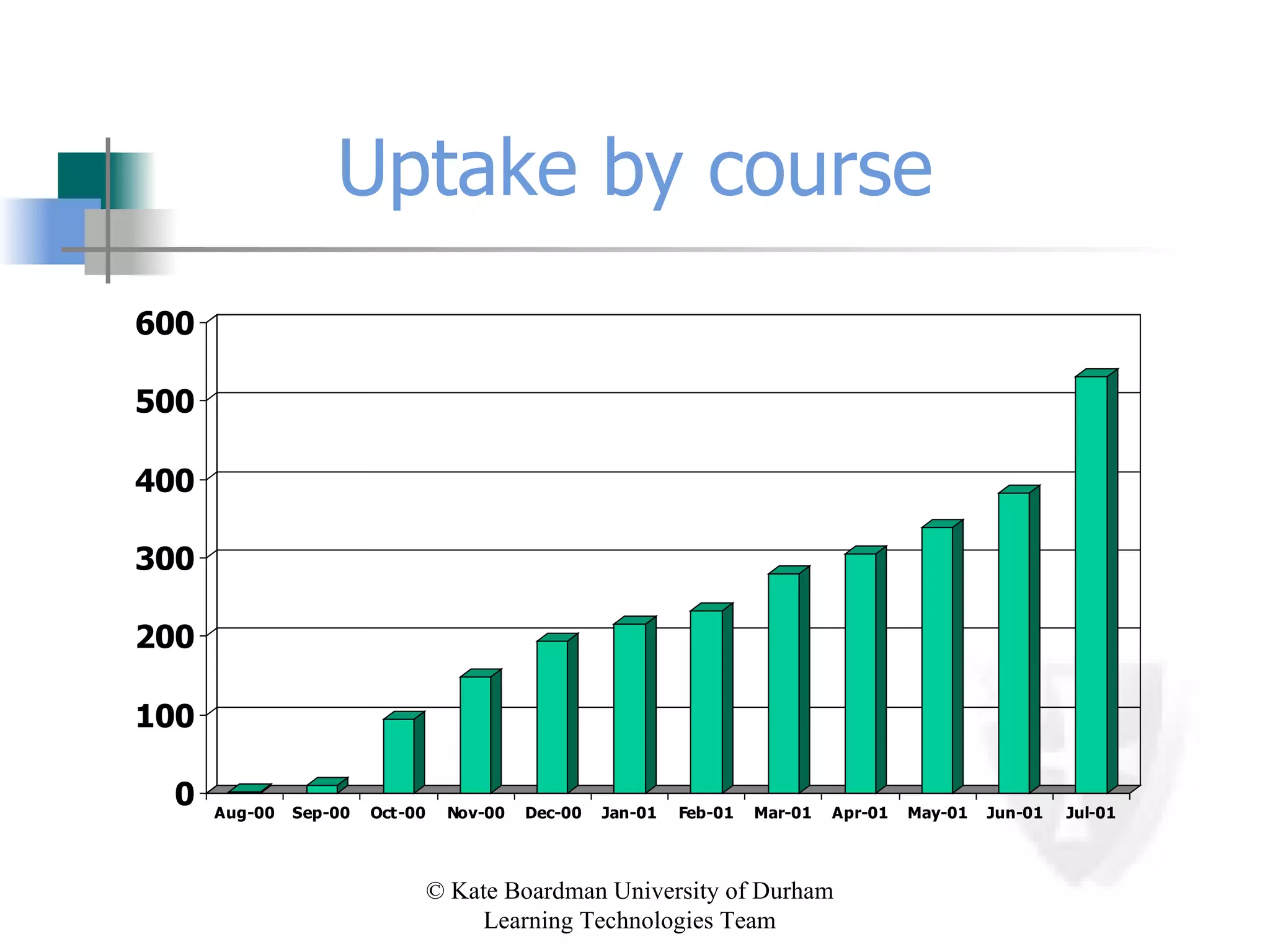
Uptake by course
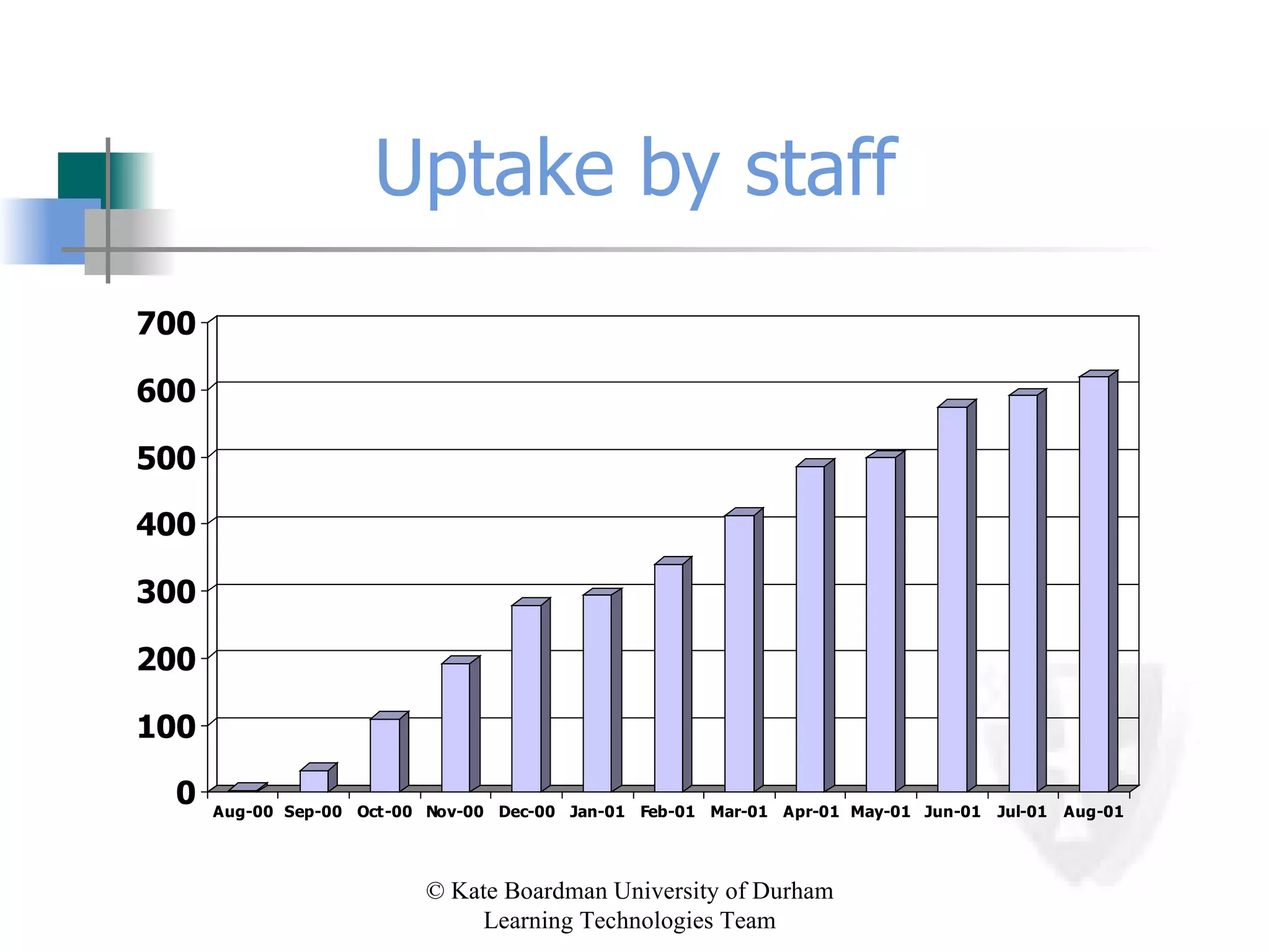
Uptake by staff
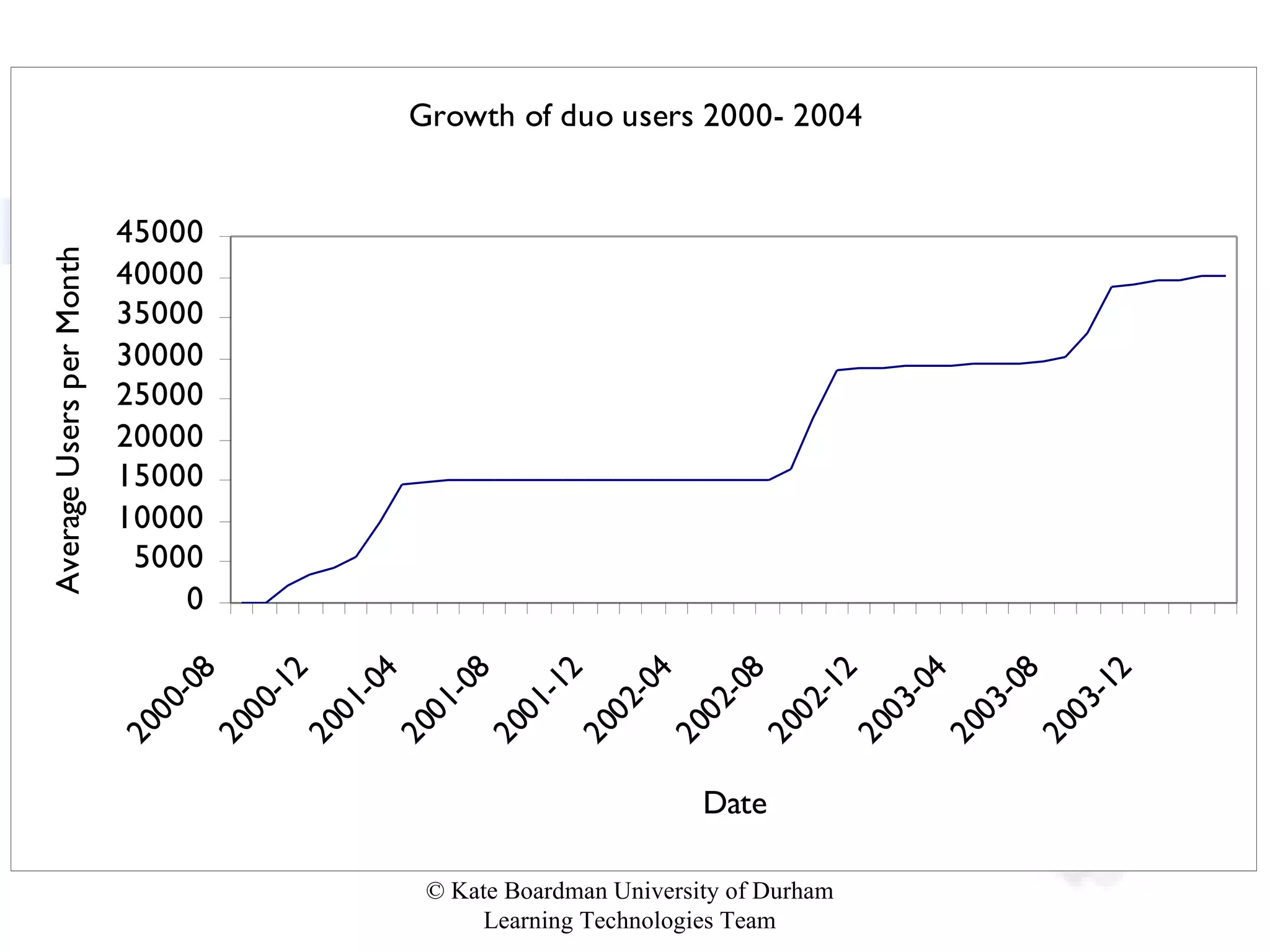
2004
Gift-wrapping the box Freshers International students Careers advisory service Library Resit registration Postgraduate training University Office
Our model of implementation Presentation: 15-20 mins, 3-5 people Demonstration: 45-60 mins, 15-25 people [ Departmental policy discussion ]  Implementation: module codes, titles, staff Development:  training @ 1-2 weeks,  follow-up @ 4-6 weeks,  revision with dept @ 12 weeks QAA PRIORITY
Progress with duo? LTT looking at content/activity  Little initial change in teaching methods Some staff aware of the potential  Beginning to move to online teaching Any intervention encourages staff to think about their teaching
The Learning Experience University: a community of scholars - sharing & refining knowledge & understanding VLE  >   MLE  >  E-moderating provide the environment let confidence grow offer targeted training regular ‘health-checks’ gradual change in techniques
Walk before you can run What am I saying? Add materials gradually Do things that are NOT a leap in technology Give students tasks involving appropriate use of Bb Ensure sound pedagogy Keep focus away from technology (especially where for technology’s sake)
Community of Practice Horizontal Vertical Within Without
Some ideas Raise awareness Identify generic projects Work in departments Examine training & help
VLE: Valuable Learning Experience Promotion of learning through discussion groups Self-test assessment with feedback Media-rich content Enhanced use of existing CAL applications Development of ‘e-tivities’
Welcome! blackboard.com / behind.blackboard.com JISCMAIL:  [email_address] ASU mail-list: [email_address] Blackboard UK Users http://www.dur.ac.uk/ltteam/bbuk
 
SysAdmin? SysAdmin panel overview Configuration of gateway System tools System options Course management User management
Getting Started Issues to consider when you start out: Technical System Courses Users Support Institutional implementation/rollout
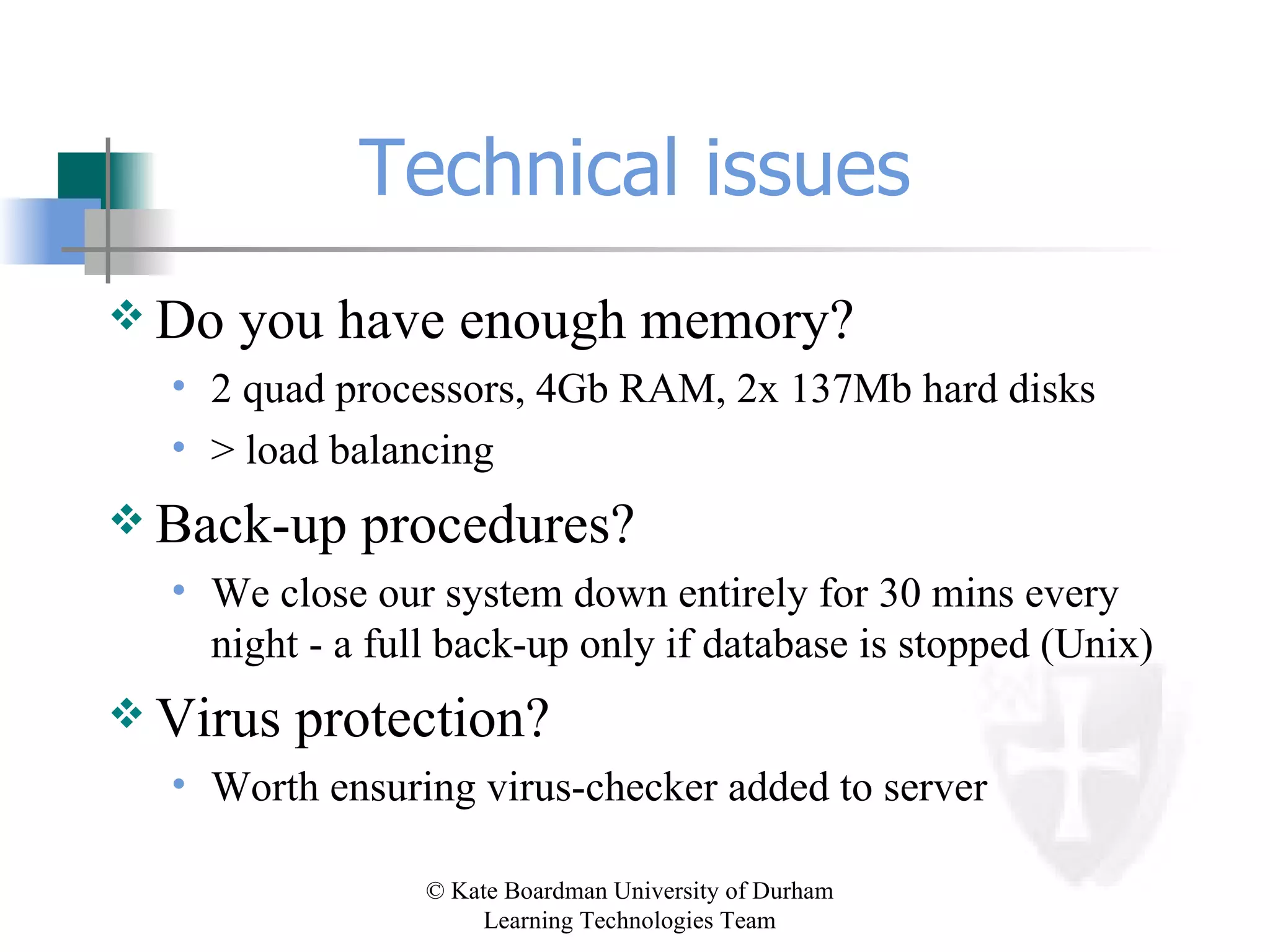
Technical issues Do you have enough memory? 2 quad processors, 4Gb RAM, 2x 137Mb hard disks > load balancing Back-up procedures? We close our system down entirely for 30 mins every night - a full back-up only if database is stopped (Unix) Virus protection? Worth ensuring virus-checker added to server
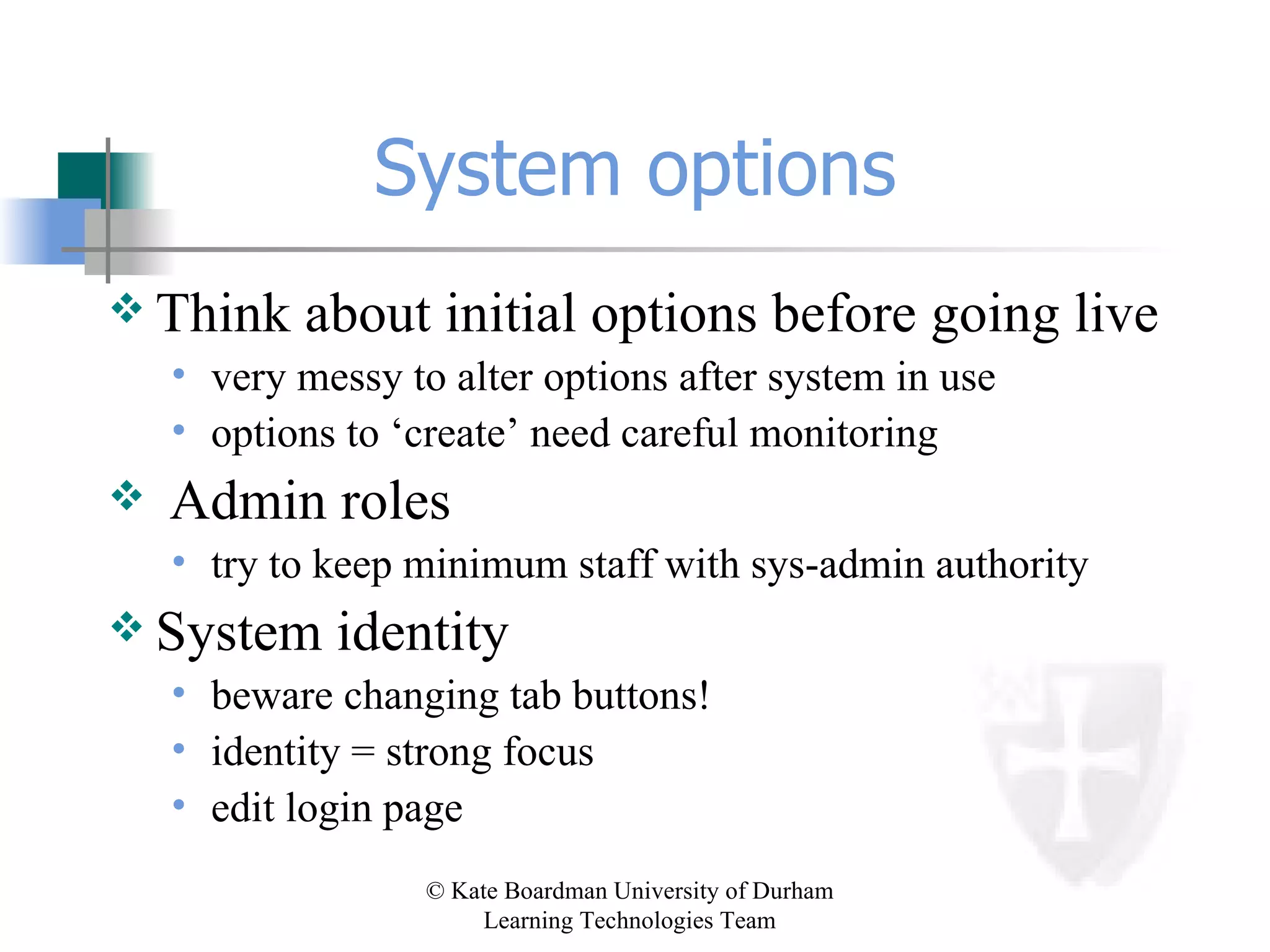
System options Think about initial options before going live very messy to alter options after system in use options to ‘create’ need careful monitoring Admin roles try to keep minimum staff with sys-admin authority System identity beware changing tab buttons! identity = strong focus  edit login page
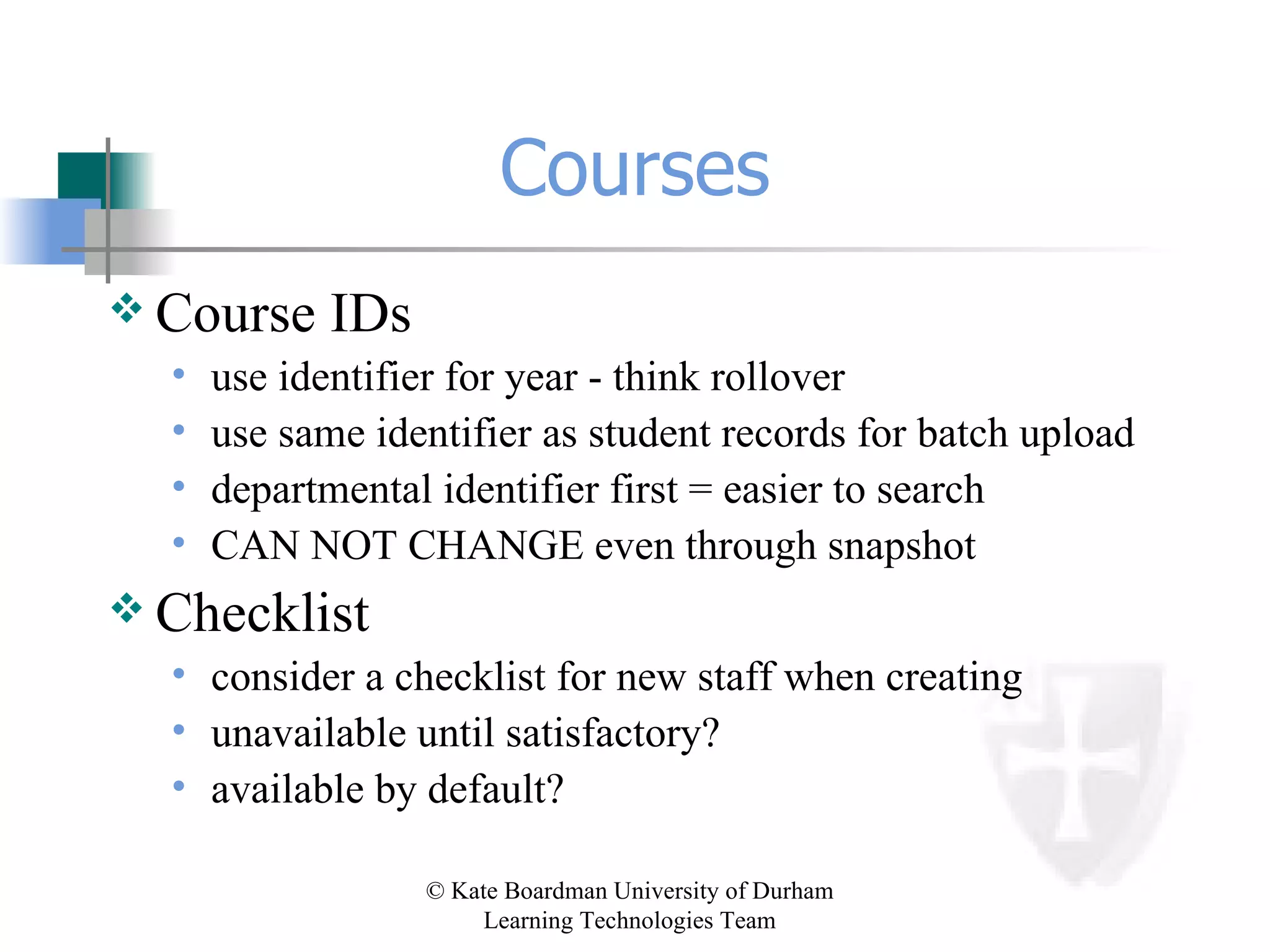
Courses Course IDs use identifier for year - think rollover use same identifier as student records for batch upload departmental identifier first = easier to search CAN NOT CHANGE even through snapshot Checklist consider a checklist for new staff when creating unavailable until satisfactory? available by default?
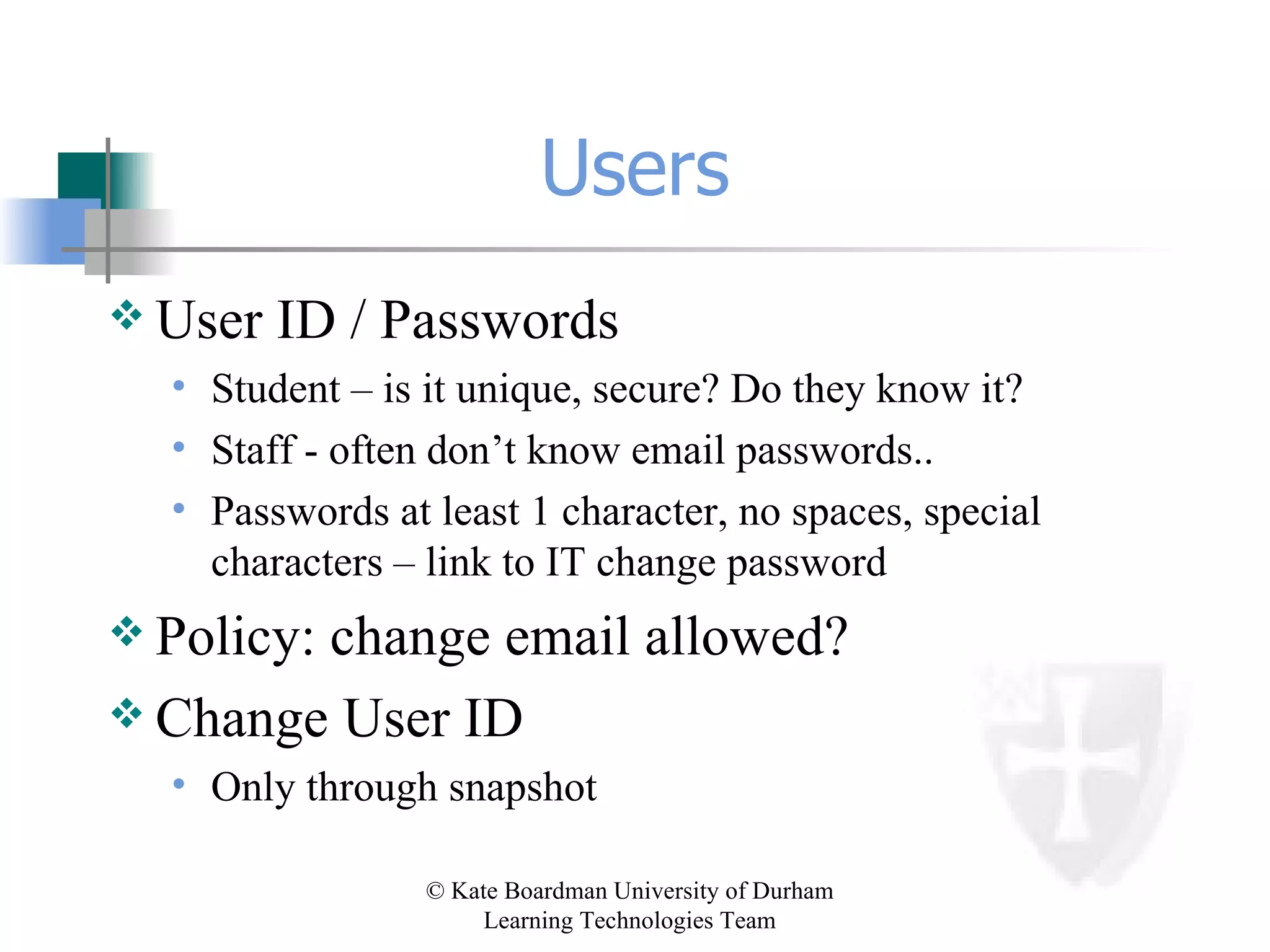
Users User ID / Passwords Student – is it unique, secure? Do they know it? Staff - often don’t know email passwords.. Passwords at least 1 character, no spaces, special characters – link to IT change password Policy: change email allowed? Change User ID Only through snapshot
Support ADMIN TAKES TIME!!! Help queries to general IT help desk - fast! Rolling programme of drop-in training sessions - not so much formal staff training Good examples / best practice for staff Students need little training using system BUT do need guidance what/when
Institutional rollout Policy development email addresses printing credits hard copy/photocopies ‘essential’ info Student records data is often unreliable batch uploads need constant verification use roster to check
Make sure… Catalog has enrol button in student view Email send to self – audit trail Address book – off Removing system area removes content Institutional announcements always top Access to brief help documents
Tips & tricks Admin/communication course hierarchy HTML basics (even with WYSIWYG) Test as ‘Joe Student’ Create a ‘guest’ instead of guest Add a course banner Prepare an introductory email Tools/links on menu
Rollover Process – through web forms Removing users  New courses New students  Automatic wherever possible

Bringing Blackboard to Bath

  • 1.
    Kate Boardman June17 th & 18 th 2004 Blackboard: Getting Started Presentation
  • 2.
    Background Institutional ImplementationDecisions and Procedures Customisation
  • 3.
    University of Durham670 academic / 280 academic-related staff 9400 undergraduates / 2400 postgraduates Split campus Research led Traditional university Learning Technologies Team
  • 4.
    Learning Environments Developyour own high risk but flexible Nationally funded project high risk not flexible Commercial low risk but less flexible How to choose?
  • 5.
    Evaluation Criteria (i)Interoperability must link with student records Robustness large user base from many institutions User interface easy to use for both students and staff Security only registered students should view material
  • 6.
    Evaluation Criteria (ii)Multimedia support different file formats Accessible on & off campus. Web access? Client software? Assessment progress of students trackable by students and staff Feedback must be possible
  • 7.
    Evaluation Criteria (iii)Collaboration allow groups of students within modules Discussion/chat must support Help good online help for staff and students Paper backup must be easily printable
  • 8.
    Decisions at DurhamCommercial product Blackboard v WebCT Cost - similar price Deciding factor = ease of use Possibility of progression (Level 3) (NB. 4 out of 5 NE HEIs chose Bb independently)
  • 9.
    Blackboard Academicstaff ease of use flexibility limited choices Students ease of use ease of access
  • 10.
    Support / TrainingDemonstration course A Test Centre Voluntary training sessions x 2 (200+ staff = c. 50% total) Instructional guides x 2 can use to self-teach Information sheets x 7 Student demonstrations
  • 11.
    Implementation Strategy Pilot- choose pilot courses carefully quality content, communication, images commitment, risk Departmental create any courses requested - move to all dept/year. University wide
  • 12.
    The Plan .. . 3 courses, 3 departments, 200 students Geography year 1 IT skills module History year 3 special subject ‘Mau Mau’ Sport PGCE Physical Education
  • 13.
    The Reality .. . 383 courses, 23 departments, 6121 students (data correct June 12th 2001) All faculties Cross-campus research groups
  • 14.
    Expansion Module Resourcesto Online Community Colleges Tutor/Tutee support JCR / MCR / SCR ‘Livers out’ Placement students – e.g. year abroad Alumni
  • 15.
    Expansion (cont) UniversityAdministration Academic Office Admissions Widening Participation Part-time students Senior Tutors / Heads of Houses / Bursars University Services Careers
  • 16.
  • 17.
  • 18.
  • 19.
    Gift-wrapping the boxFreshers International students Careers advisory service Library Resit registration Postgraduate training University Office
  • 20.
    Our model ofimplementation Presentation: 15-20 mins, 3-5 people Demonstration: 45-60 mins, 15-25 people [ Departmental policy discussion ] Implementation: module codes, titles, staff Development: training @ 1-2 weeks, follow-up @ 4-6 weeks, revision with dept @ 12 weeks QAA PRIORITY
  • 21.
    Progress with duo?LTT looking at content/activity Little initial change in teaching methods Some staff aware of the potential Beginning to move to online teaching Any intervention encourages staff to think about their teaching
  • 22.
    The Learning ExperienceUniversity: a community of scholars - sharing & refining knowledge & understanding VLE > MLE > E-moderating provide the environment let confidence grow offer targeted training regular ‘health-checks’ gradual change in techniques
  • 23.
    Walk before youcan run What am I saying? Add materials gradually Do things that are NOT a leap in technology Give students tasks involving appropriate use of Bb Ensure sound pedagogy Keep focus away from technology (especially where for technology’s sake)
  • 24.
    Community of PracticeHorizontal Vertical Within Without
  • 25.
    Some ideas Raiseawareness Identify generic projects Work in departments Examine training & help
  • 26.
    VLE: Valuable LearningExperience Promotion of learning through discussion groups Self-test assessment with feedback Media-rich content Enhanced use of existing CAL applications Development of ‘e-tivities’
  • 27.
    Welcome! blackboard.com /behind.blackboard.com JISCMAIL: [email_address] ASU mail-list: [email_address] Blackboard UK Users http://www.dur.ac.uk/ltteam/bbuk
  • 28.
  • 29.
    SysAdmin? SysAdmin paneloverview Configuration of gateway System tools System options Course management User management
  • 30.
    Getting Started Issuesto consider when you start out: Technical System Courses Users Support Institutional implementation/rollout
  • 31.
    Technical issues Doyou have enough memory? 2 quad processors, 4Gb RAM, 2x 137Mb hard disks > load balancing Back-up procedures? We close our system down entirely for 30 mins every night - a full back-up only if database is stopped (Unix) Virus protection? Worth ensuring virus-checker added to server
  • 32.
    System options Thinkabout initial options before going live very messy to alter options after system in use options to ‘create’ need careful monitoring Admin roles try to keep minimum staff with sys-admin authority System identity beware changing tab buttons! identity = strong focus edit login page
  • 33.
    Courses Course IDsuse identifier for year - think rollover use same identifier as student records for batch upload departmental identifier first = easier to search CAN NOT CHANGE even through snapshot Checklist consider a checklist for new staff when creating unavailable until satisfactory? available by default?
  • 34.
    Users User ID/ Passwords Student – is it unique, secure? Do they know it? Staff - often don’t know email passwords.. Passwords at least 1 character, no spaces, special characters – link to IT change password Policy: change email allowed? Change User ID Only through snapshot
  • 35.
    Support ADMIN TAKESTIME!!! Help queries to general IT help desk - fast! Rolling programme of drop-in training sessions - not so much formal staff training Good examples / best practice for staff Students need little training using system BUT do need guidance what/when
  • 36.
    Institutional rollout Policydevelopment email addresses printing credits hard copy/photocopies ‘essential’ info Student records data is often unreliable batch uploads need constant verification use roster to check
  • 37.
    Make sure… Cataloghas enrol button in student view Email send to self – audit trail Address book – off Removing system area removes content Institutional announcements always top Access to brief help documents
  • 38.
    Tips & tricksAdmin/communication course hierarchy HTML basics (even with WYSIWYG) Test as ‘Joe Student’ Create a ‘guest’ instead of guest Add a course banner Prepare an introductory email Tools/links on menu
  • 39.
    Rollover Process –through web forms Removing users New courses New students Automatic wherever possible

Editor's Notes

  • #4 You might be wondering whether anything I can say is relevant to you - you may have a traditional view of the University of Durham as the old, traditional model of a collegiate university, a slow, perhaps lumbering beast which keeps itself to itself, its nose in the air, and would be one of the last places to be reading and voluntarily at the forefront of advances in new technologies. And you may be right - we are a traditional old university, we are: SLIDE But we are also looking to the future - in a single academic year, we are getting famous for our modernism too. And this has not been achieved by a huge team of support staff - there’s three of us. So you may find that in fact our experience can be useful to you, which is why I’m here today.
  • #5 Develop own - like Leeds! Experience of NLE TLTP3 Blackboard - WebCT - Lotus Learning Space etc
  • #9 NELE meetings
  • #12 From pilots, then wanted to offer duo to any member of staff who asked for it, then gradually to permeate whole departments (Durham isn’t really an institution where you say this WILL happen) Aimed eventually - 5 years? 3 years?to be cross campus
  • #14 Geography 1 > 2 > 4 > 6 = all first year courses
  • #15 Without level 3, LDAP comparisons will enable as many minimisations of workload as possible, adding together all batch files, comparing and then squashing to 375s/
  • #16 Without level 3, LDAP comparisons will enable as many minimisations of workload as possible, adding together all batch files, comparing and then squashing to 375s/
  • #27 Without level 3, LDAP comparisons will enable as many minimisations of workload as possible, adding together all batch files, comparing and then squashing to 375s/
  • #40 Without level 3, LDAP comparisons will enable as many minimisations of workload as possible, adding together all batch files, comparing and then squashing to 375s/