Introduction to E-learningKate BoardmanFebruary 19th, 2010
OverviewWhat is e-learning?Why use e-learning?How we can use e-learning?Internal supportCentral supportExternal support
ExerciseWhat is e-learning?
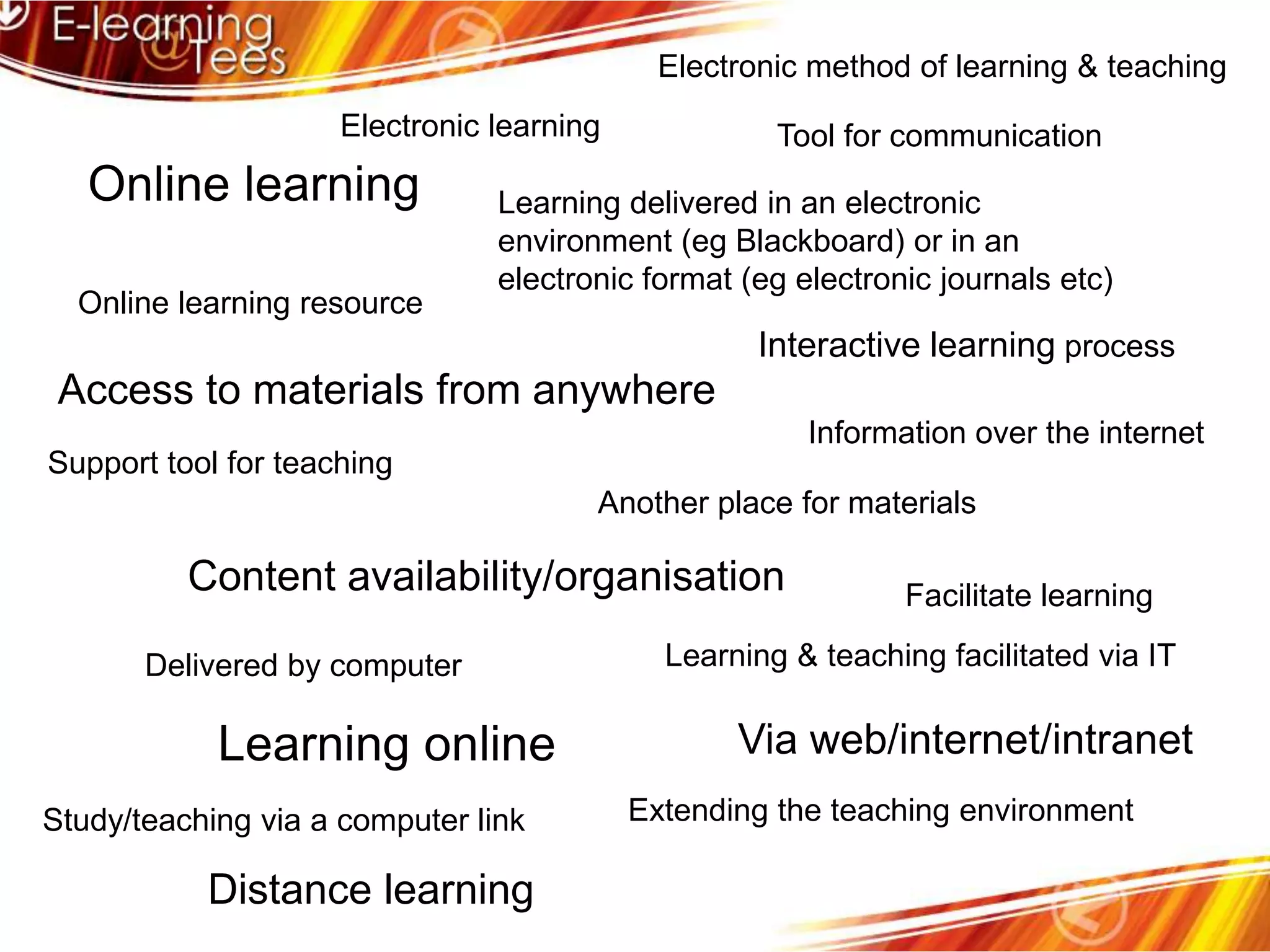
Electronic method of learning & teachingElectronic learningTool for communicationOnline learningLearning delivered in an electronic environment (eg Blackboard) or in an electronic format (eg electronic journals etc)Online learning resourceInteractive learning processAccess to materials from anywhereInformation over the internetSupport tool for teachingAnother place for materialsContent availability/organisationFacilitate learningLearning & teaching facilitated via ITDelivered by computerLearning onlineVia web/internet/intranetExtending the teaching environmentStudy/teaching via a computer linkDistance learning
What is e-learning?“Learning facilitated and or supported through the use of information and communication technologies”LTSN Generic Centre (2002)“E-learning is a means of education, not a mode of education”Eisenstadt and Vincent (2000)
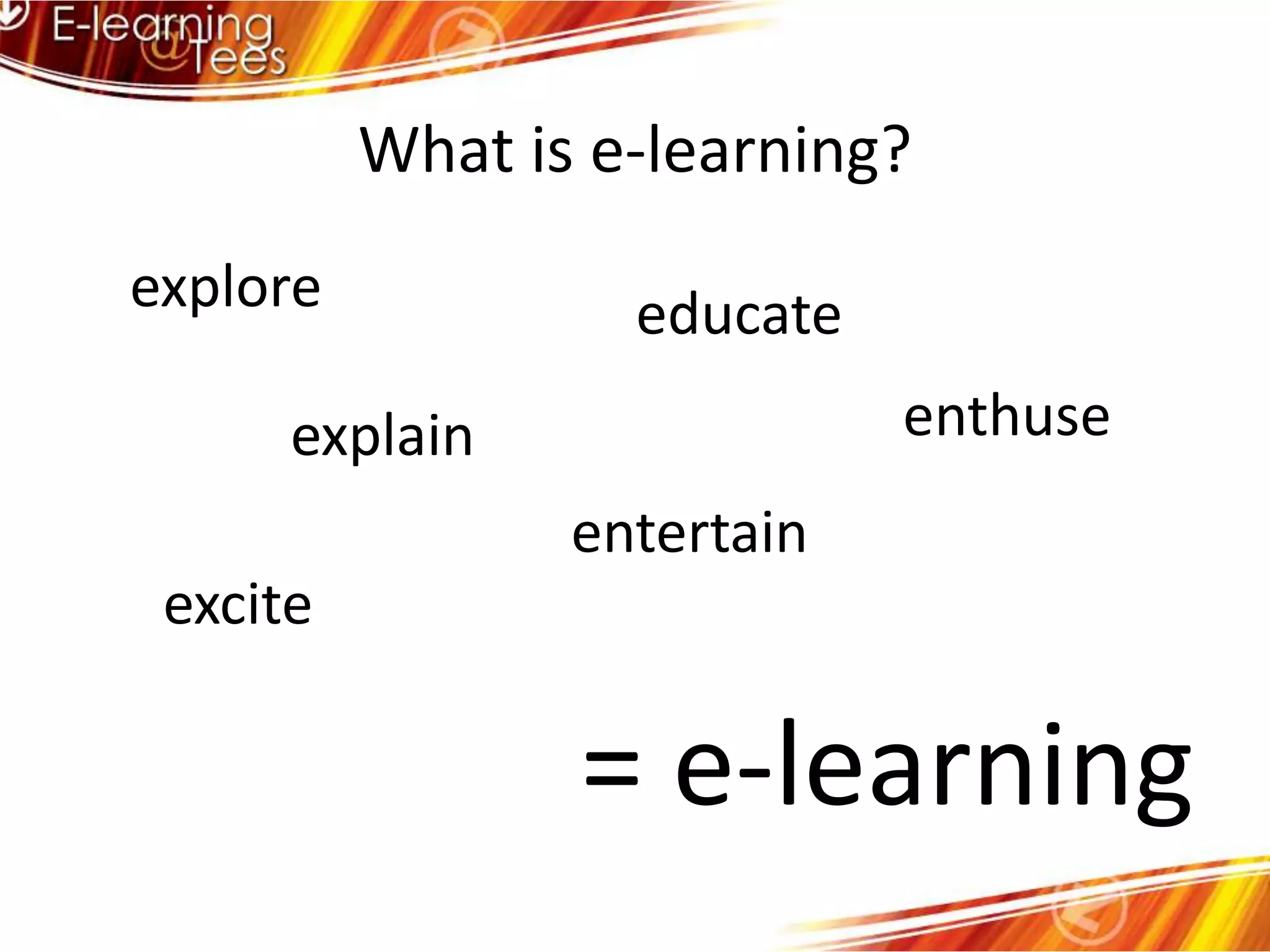
What is e-learning?explore educateenthuseexplainentertainexcite= e-learning
OverviewWhat is e-learning?Why use e-learning?How we can use e-learning?Internal supportCentral supportExternal support
The push for e-learning            FinancialCost effective (higher SSRs)Saves staff time (lets them do other things)Reduces staffing requirementsPoliticalIncome generation – alternative marketsCompetition – HE, FE, corporate, “me too”
The push for e-learning            EducationalEnhances qualityMotivates students (and they enjoy it!)Meets/raises student expectationsFacilitates small group teachingE-learning is inherently pedagogically sound
OverviewWhat is e-learning?Why use e-learning?How we can use e-learning?Internal supportCentral supportExternal support
Supporting student learningEncouraging student involvement Encourage contact between students and lecturersDevelop reciprocity and co-operation among studentsEncourage active learningGive prompt feedbackEmphasise “time on task”Communicate high expectationsRespect diverse talents and ways of learningChickering and Ehrmann (1996)
Supporting teaching & learningSupporting the phases of learningPresentationRemediationConsolidationElaborationEntwistle and Entwistle (1991)
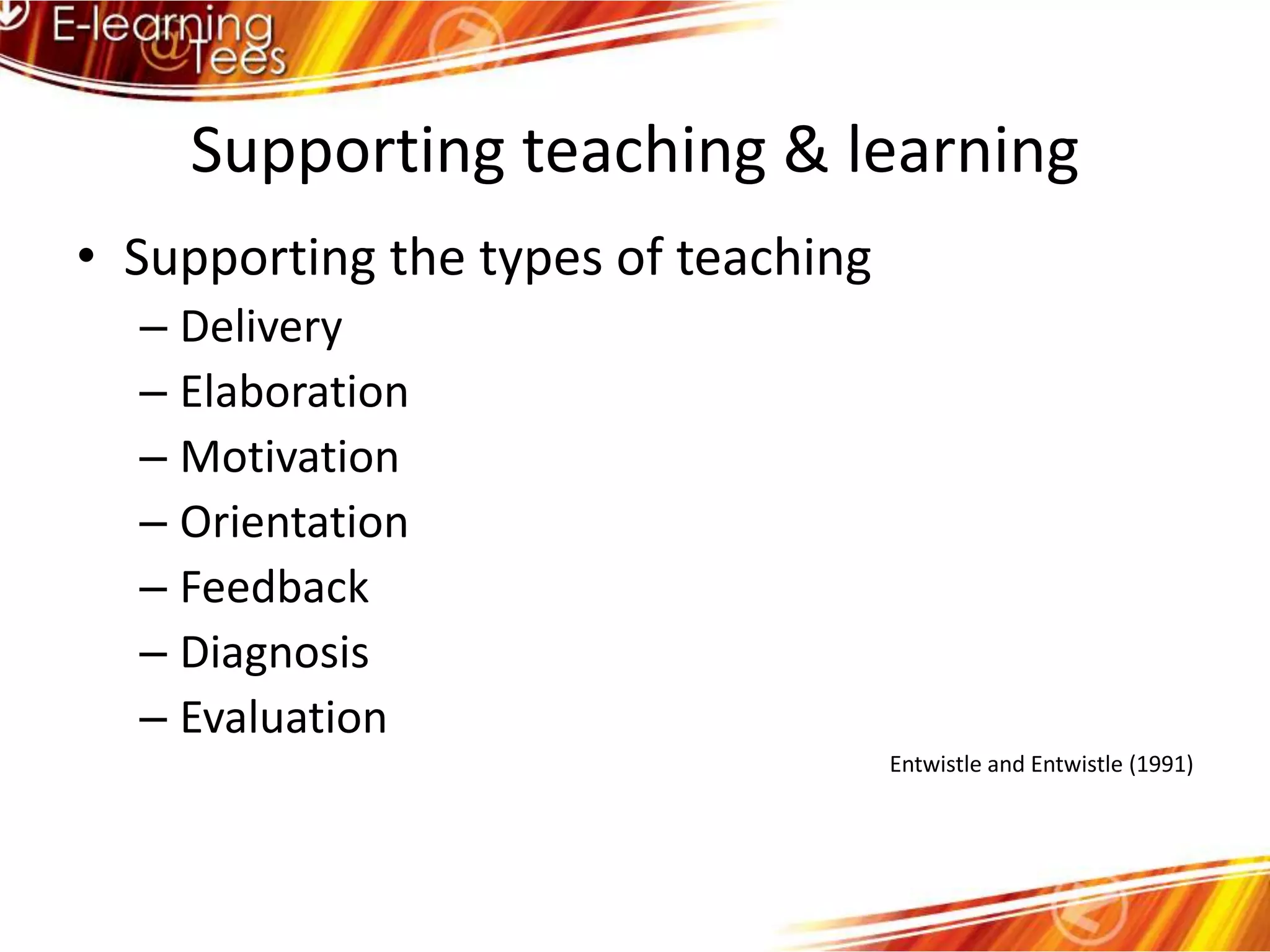
Supporting teaching & learningSupporting the types of teachingDeliveryElaborationMotivationOrientationFeedbackDiagnosisEvaluationEntwistle and Entwistle (1991)
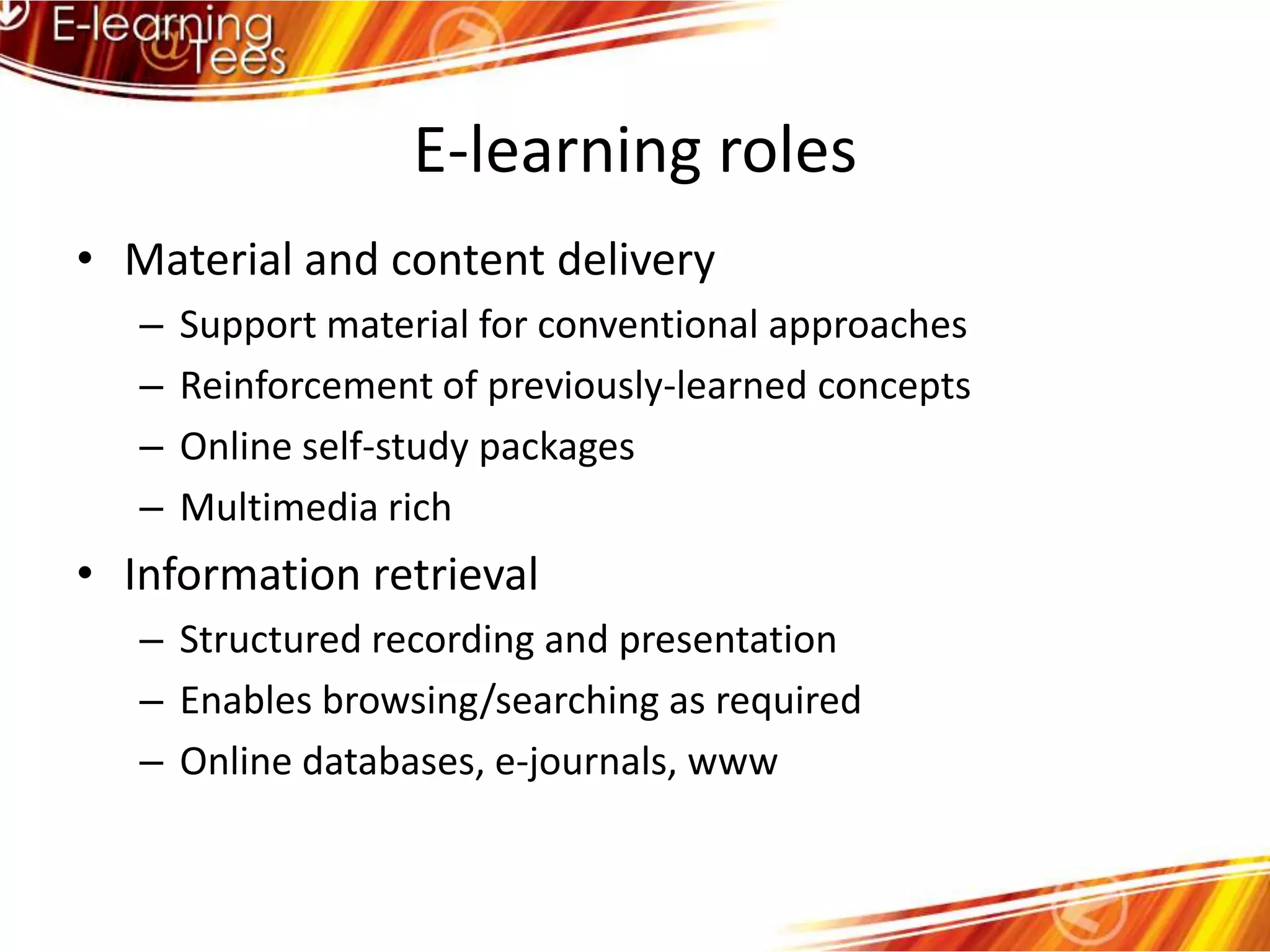
E-learning rolesMaterial and content deliverySupport material for conventional approachesReinforcement of previously-learned conceptsOnline self-study packagesMultimedia richInformation retrievalStructured recording and presentationEnables browsing/searching as requiredOnline databases, e-journals, www
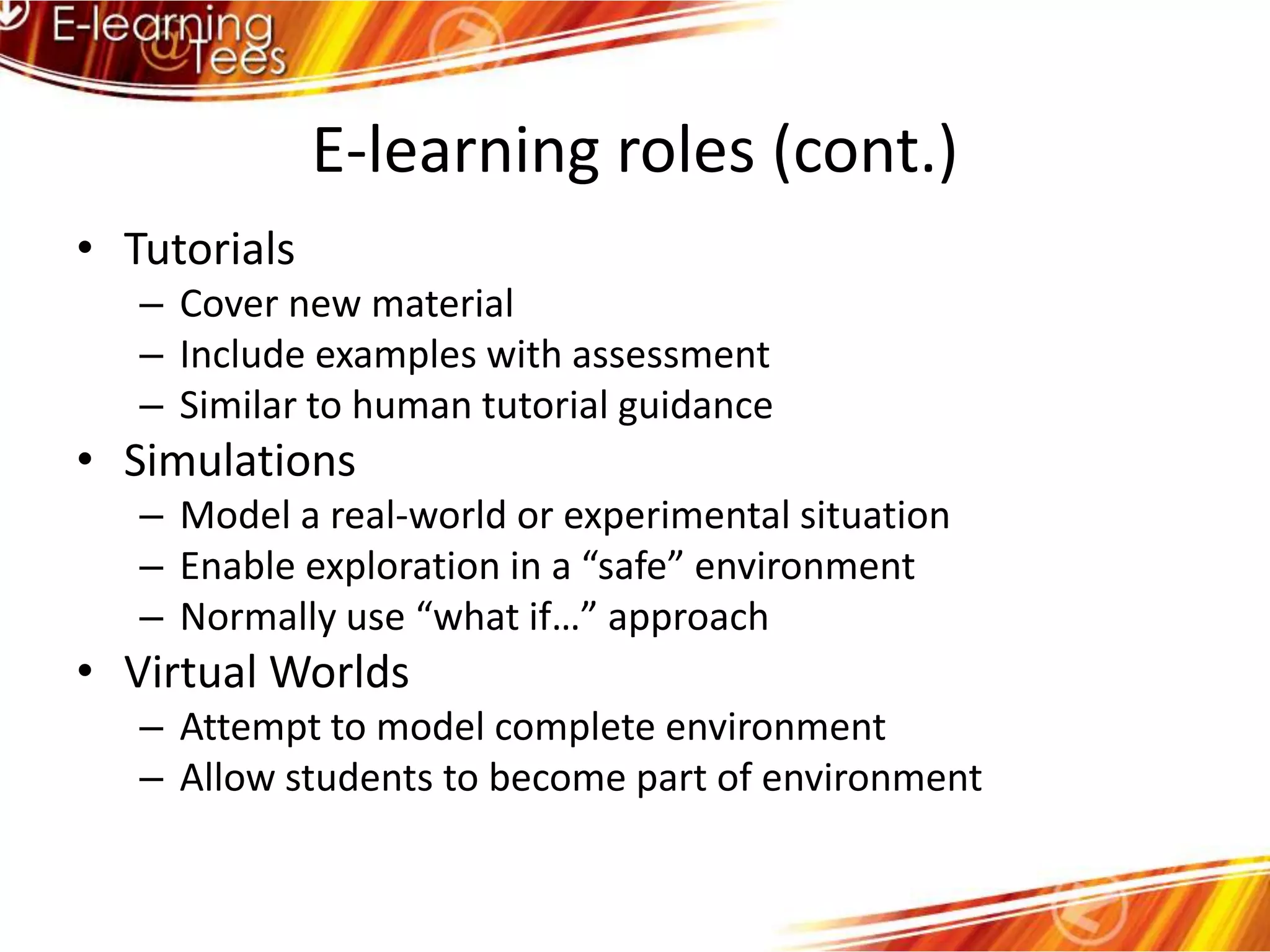
E-learning roles (cont.)TutorialsCover new materialInclude examples with assessmentSimilar to human tutorial guidanceSimulationsModel a real-world or experimental situationEnable exploration in a “safe” environmentNormally use “what if…” approachVirtual WorldsAttempt to model complete environmentAllow students to become part of environment
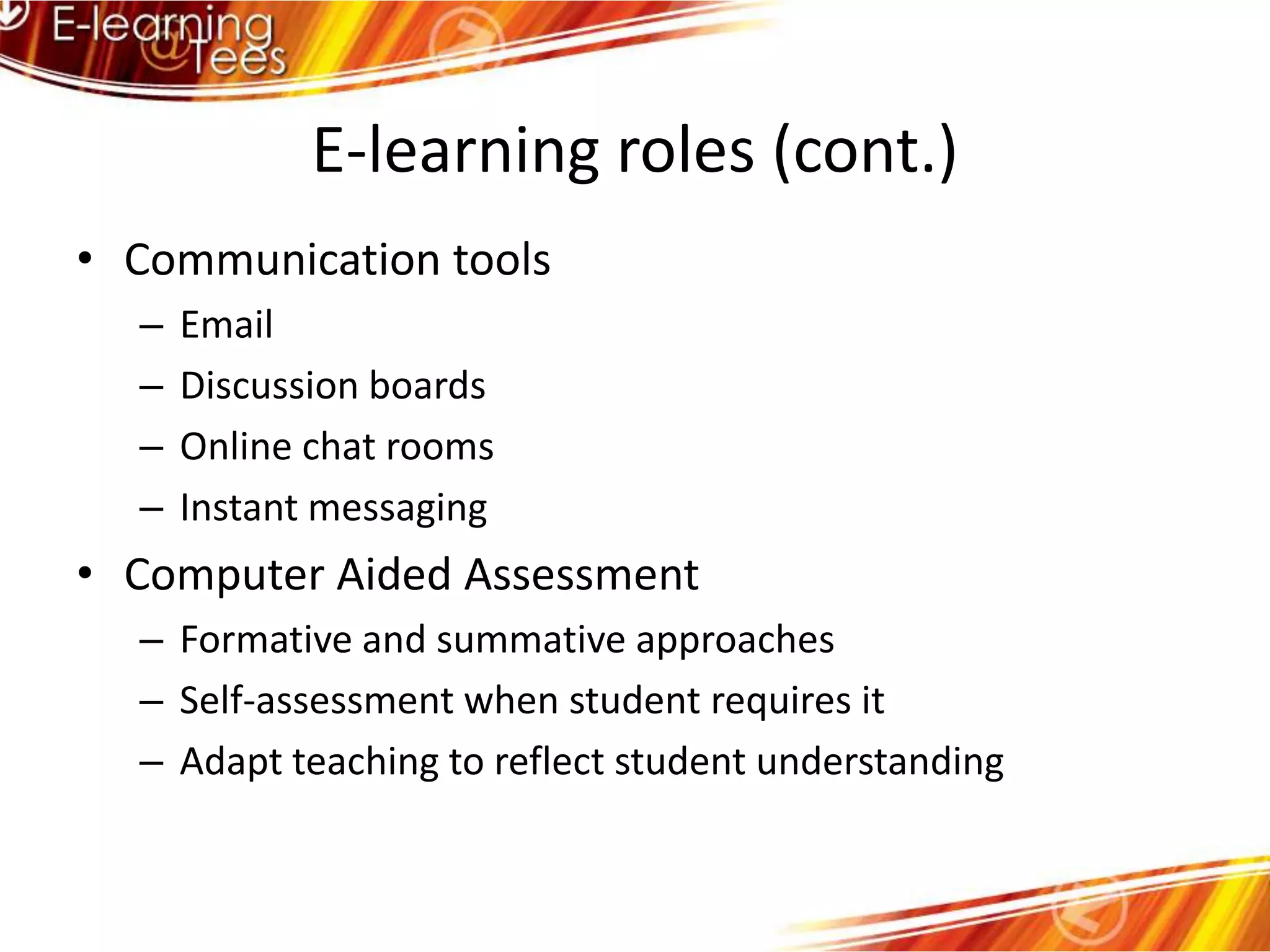
E-learning roles (cont.)Communication toolsEmailDiscussion boardsOnline chat roomsInstant messagingComputer Aided AssessmentFormative and summative approachesSelf-assessment when student requires itAdapt teaching to reflect student understanding
Summary of the roles of e-learningE-learning can be used for :Presenting educational contentMaking information availableFacilitating educational processesSupporting students’ self-construction of knowledgeE-learning is NOT contentE-learning is NOT processE-learning provides access to both								      (Ringan, 2004)
OverviewWhat is e-learning?Why use e-learning?How we can use e-learning?Internal supportCentral supportExternal support
Internal support for e-learningEmbedded into LTAS (Tech Enhanced Learning)E-learning Co-ordinatorsGPT Classrooms – generally bookableIT training for students and staffHardware – scanners, video captureInteractive whiteboards
OverviewWhat is e-learning?Why use e-learning?How we can use e-learning?Internal supportCentral supportExternal support
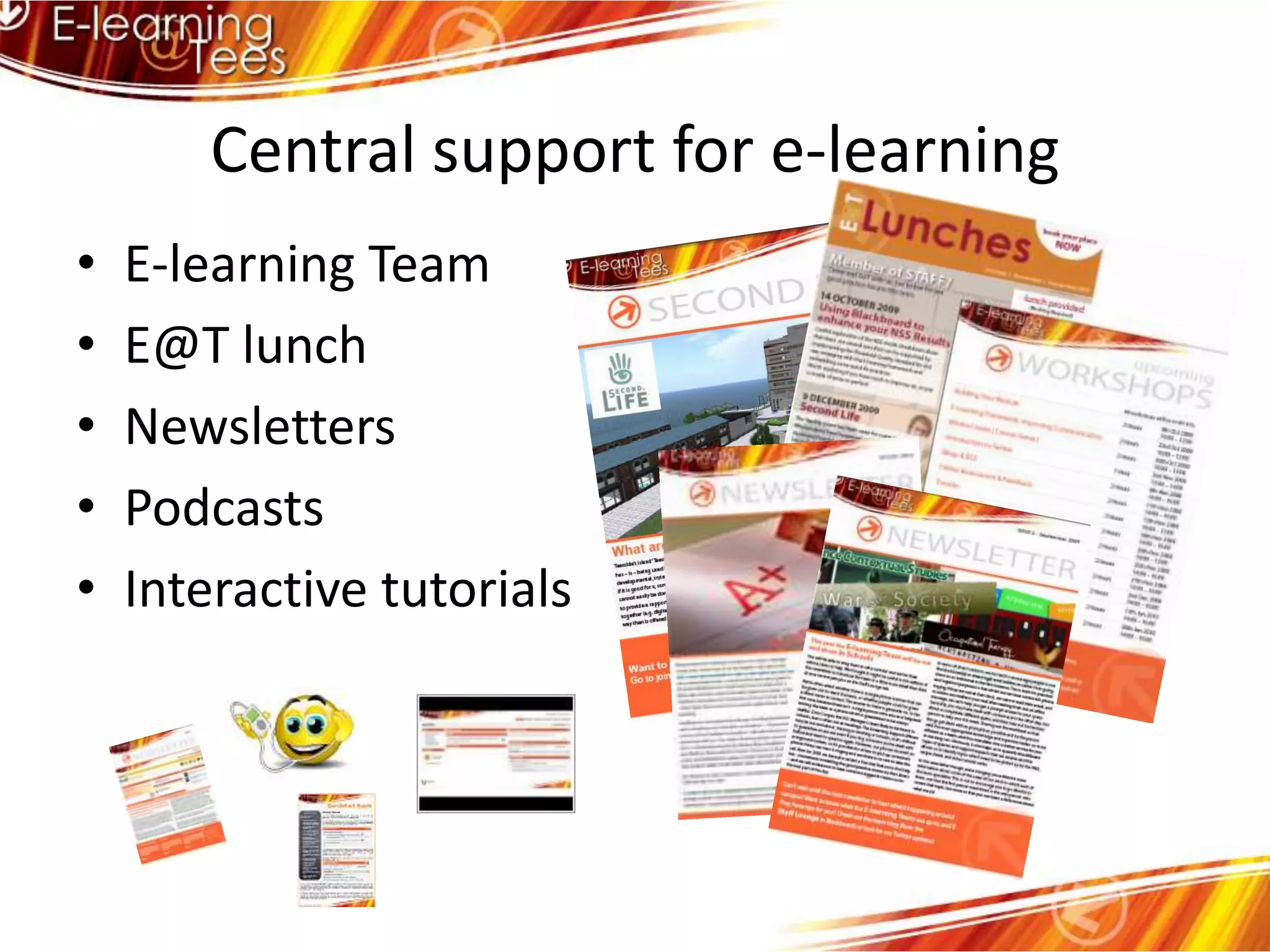
Central support for e-learningE-learning TeamE@T lunchNewslettersPodcastsInteractive tutorials
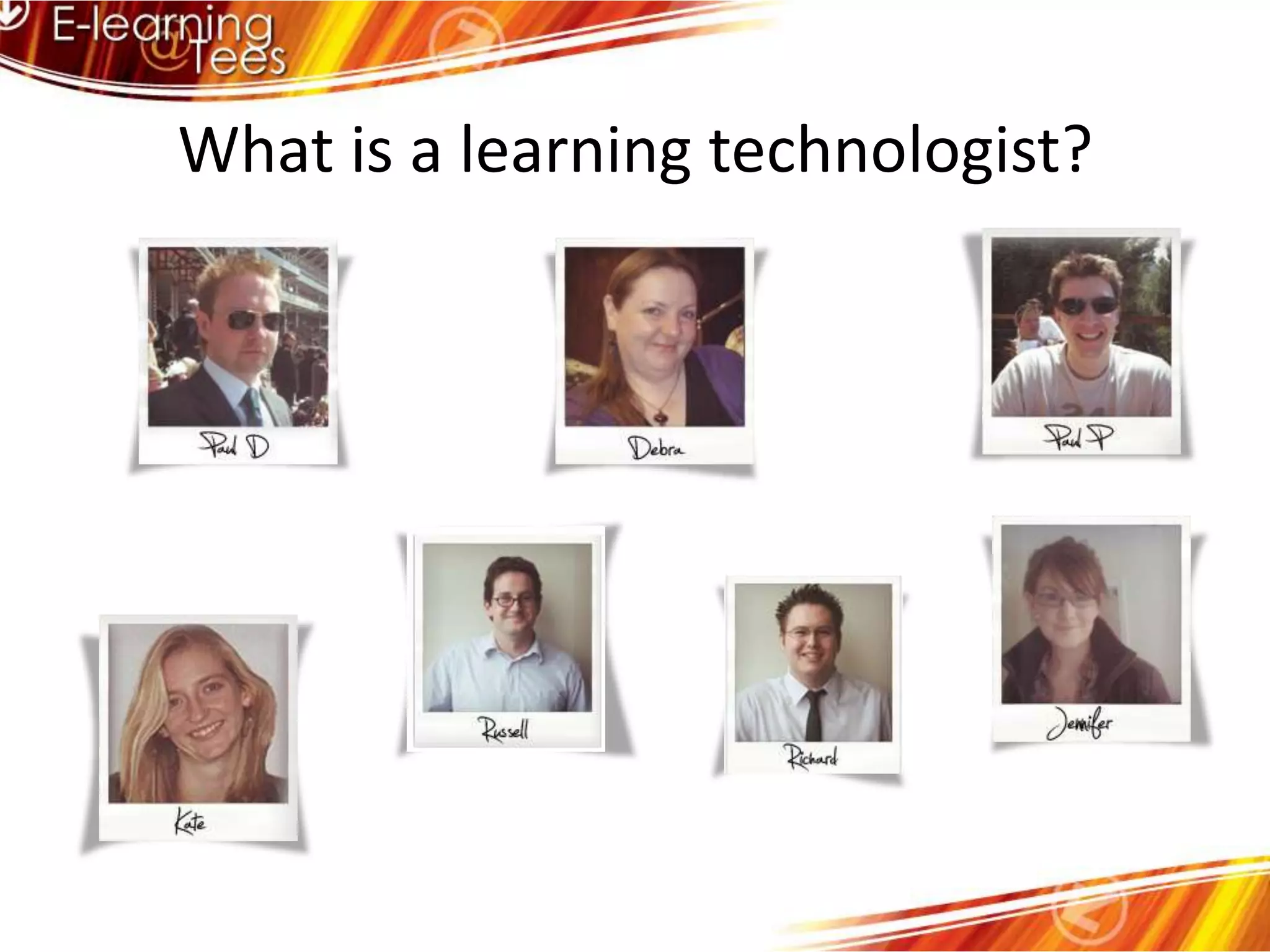
What is a learning technologist?"A learning technologist is employed with a core activity of the job to promote and/or support the pedagogically effective uptake of specific 'learning technologies'. Learning technologies are the systematic application of communication and information technologies to increase the efficiency and effectiveness of education through the design, implementation, use and evaluation of learning resources, organisational structures and methods. Because a learning technologist promotes and supports change in educational practice they understand not only the pedagogical principles and the technology available, but also how to make best use of the latter to support and serve those principles." If a person meets this definition, they can be considered a learning technologist.” – Scott Miller, Essex
What is a learning technologist?
OverviewWhat is e-learning?Why use e-learning?How we can use e-learning?Internal supportCentral supportExternal support
External support for e-learningHigher Education AcademyHEA subject centres http://www.heacademy.ac.ukAssociation for Learning Technology http://www.alt.ac.ukIntutehttp://www.intute.ac.uk/Jorum http://www.jorum.ac.uk/Merlot http://www.merlot.org/
Issues: AccessibilityTechDis is a Joint Information Systems Committee (JISC) funded service which supports all aspects of technology and disabilities and/or learning difficultieshttp://www.techdis.ac.uk
Issues: CopyrightLibrary infohttp://lis.tees.ac.uk/copyright/index.htmFair usehttp://ow.ly/18a0GTEACH acthttp://www.ala.org/ala/aboutala/offices/wo/woissues/copyrightb/federallegislation/distanceed/teachfaq.cfm
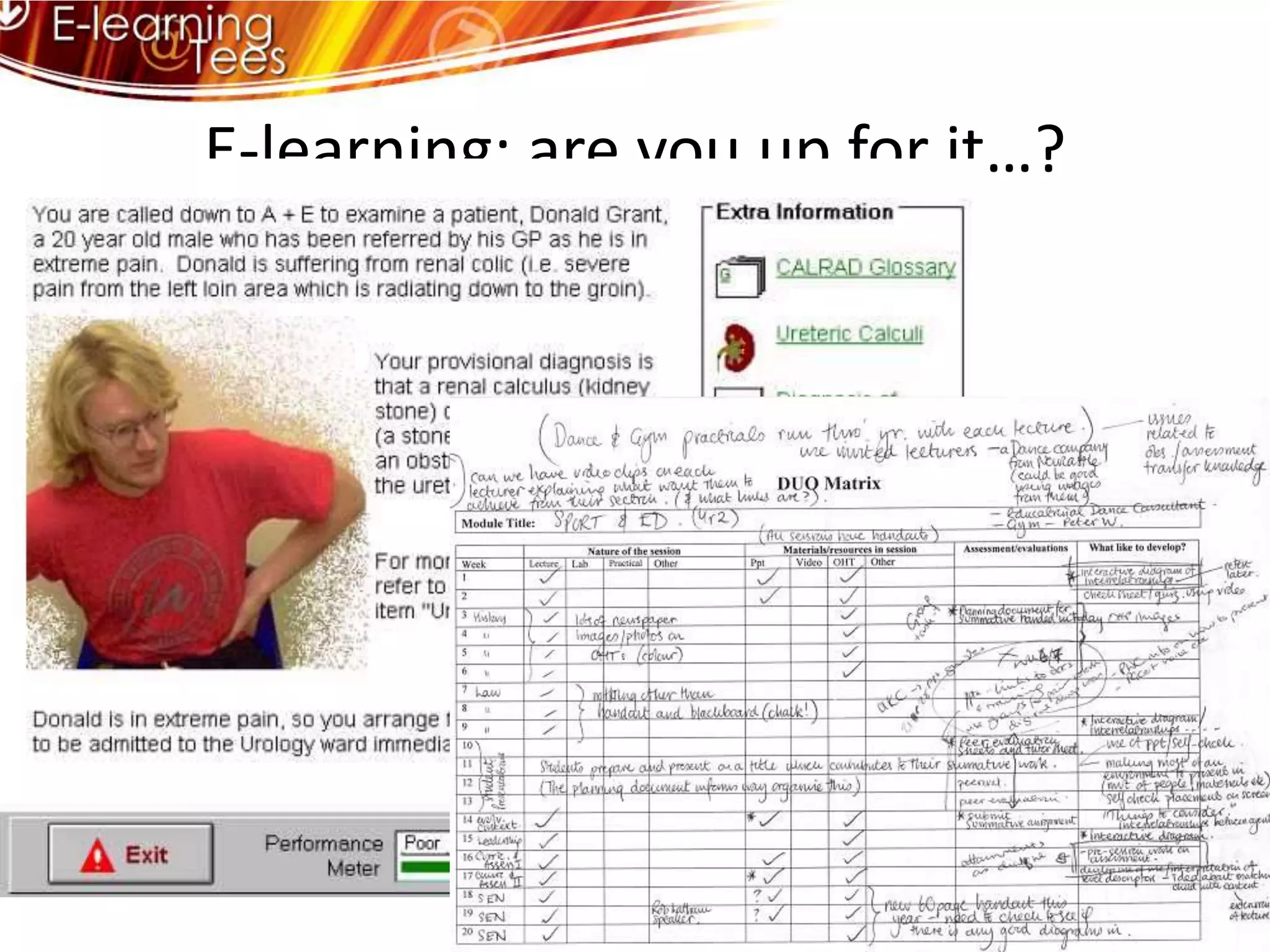
E-learning: are you up for it…?
E-learning: are you up for it…?It’s about enhancing.It’s about time saving.It’s about starting where you’re comfortable.It’s about thinking holistically.It’s about making a difference.

Intro to Technology Enhanced Learning (part 1)

  • 1.
    Introduction to E-learningKateBoardmanFebruary 19th, 2010
  • 2.
    OverviewWhat is e-learning?Whyuse e-learning?How we can use e-learning?Internal supportCentral supportExternal support
  • 3.
  • 4.
    Electronic method oflearning & teachingElectronic learningTool for communicationOnline learningLearning delivered in an electronic environment (eg Blackboard) or in an electronic format (eg electronic journals etc)Online learning resourceInteractive learning processAccess to materials from anywhereInformation over the internetSupport tool for teachingAnother place for materialsContent availability/organisationFacilitate learningLearning & teaching facilitated via ITDelivered by computerLearning onlineVia web/internet/intranetExtending the teaching environmentStudy/teaching via a computer linkDistance learning
  • 5.
    What is e-learning?“Learningfacilitated and or supported through the use of information and communication technologies”LTSN Generic Centre (2002)“E-learning is a means of education, not a mode of education”Eisenstadt and Vincent (2000)
  • 6.
    What is e-learning?exploreeducateenthuseexplainentertainexcite= e-learning
  • 7.
    OverviewWhat is e-learning?Whyuse e-learning?How we can use e-learning?Internal supportCentral supportExternal support
  • 8.
    The push fore-learning FinancialCost effective (higher SSRs)Saves staff time (lets them do other things)Reduces staffing requirementsPoliticalIncome generation – alternative marketsCompetition – HE, FE, corporate, “me too”
  • 9.
    The push fore-learning EducationalEnhances qualityMotivates students (and they enjoy it!)Meets/raises student expectationsFacilitates small group teachingE-learning is inherently pedagogically sound
  • 10.
    OverviewWhat is e-learning?Whyuse e-learning?How we can use e-learning?Internal supportCentral supportExternal support
  • 11.
    Supporting student learningEncouragingstudent involvement Encourage contact between students and lecturersDevelop reciprocity and co-operation among studentsEncourage active learningGive prompt feedbackEmphasise “time on task”Communicate high expectationsRespect diverse talents and ways of learningChickering and Ehrmann (1996)
  • 12.
    Supporting teaching &learningSupporting the phases of learningPresentationRemediationConsolidationElaborationEntwistle and Entwistle (1991)
  • 13.
    Supporting teaching &learningSupporting the types of teachingDeliveryElaborationMotivationOrientationFeedbackDiagnosisEvaluationEntwistle and Entwistle (1991)
  • 14.
    E-learning rolesMaterial andcontent deliverySupport material for conventional approachesReinforcement of previously-learned conceptsOnline self-study packagesMultimedia richInformation retrievalStructured recording and presentationEnables browsing/searching as requiredOnline databases, e-journals, www
  • 15.
    E-learning roles (cont.)TutorialsCovernew materialInclude examples with assessmentSimilar to human tutorial guidanceSimulationsModel a real-world or experimental situationEnable exploration in a “safe” environmentNormally use “what if…” approachVirtual WorldsAttempt to model complete environmentAllow students to become part of environment
  • 16.
    E-learning roles (cont.)CommunicationtoolsEmailDiscussion boardsOnline chat roomsInstant messagingComputer Aided AssessmentFormative and summative approachesSelf-assessment when student requires itAdapt teaching to reflect student understanding
  • 17.
    Summary of theroles of e-learningE-learning can be used for :Presenting educational contentMaking information availableFacilitating educational processesSupporting students’ self-construction of knowledgeE-learning is NOT contentE-learning is NOT processE-learning provides access to both (Ringan, 2004)
  • 18.
    OverviewWhat is e-learning?Whyuse e-learning?How we can use e-learning?Internal supportCentral supportExternal support
  • 19.
    Internal support fore-learningEmbedded into LTAS (Tech Enhanced Learning)E-learning Co-ordinatorsGPT Classrooms – generally bookableIT training for students and staffHardware – scanners, video captureInteractive whiteboards
  • 20.
    OverviewWhat is e-learning?Whyuse e-learning?How we can use e-learning?Internal supportCentral supportExternal support
  • 21.
    Central support fore-learningE-learning TeamE@T lunchNewslettersPodcastsInteractive tutorials
  • 22.
    What is alearning technologist?"A learning technologist is employed with a core activity of the job to promote and/or support the pedagogically effective uptake of specific 'learning technologies'. Learning technologies are the systematic application of communication and information technologies to increase the efficiency and effectiveness of education through the design, implementation, use and evaluation of learning resources, organisational structures and methods. Because a learning technologist promotes and supports change in educational practice they understand not only the pedagogical principles and the technology available, but also how to make best use of the latter to support and serve those principles." If a person meets this definition, they can be considered a learning technologist.” – Scott Miller, Essex
  • 23.
    What is alearning technologist?
  • 24.
    OverviewWhat is e-learning?Whyuse e-learning?How we can use e-learning?Internal supportCentral supportExternal support
  • 25.
    External support fore-learningHigher Education AcademyHEA subject centres http://www.heacademy.ac.ukAssociation for Learning Technology http://www.alt.ac.ukIntutehttp://www.intute.ac.uk/Jorum http://www.jorum.ac.uk/Merlot http://www.merlot.org/
  • 26.
    Issues: AccessibilityTechDis isa Joint Information Systems Committee (JISC) funded service which supports all aspects of technology and disabilities and/or learning difficultieshttp://www.techdis.ac.uk
  • 27.
    Issues: CopyrightLibrary infohttp://lis.tees.ac.uk/copyright/index.htmFairusehttp://ow.ly/18a0GTEACH acthttp://www.ala.org/ala/aboutala/offices/wo/woissues/copyrightb/federallegislation/distanceed/teachfaq.cfm
  • 28.
    E-learning: are youup for it…?
  • 29.
    E-learning: are youup for it…?It’s about enhancing.It’s about time saving.It’s about starting where you’re comfortable.It’s about thinking holistically.It’s about making a difference.