Presentation On
E-LEARNING FOR DIVINE FOOD RECIPES
 Presented To:
Prof. Urvi Pal
 Presented By
Name : Pallavi Kadam
Course : BCA-3rd Year
Dept. Of Computer Science
 Presented By
Name : Rushabh Parte
Course : BCA-3rd Year
Dept. Of Computer Science
E-LEARNING FOR DIVINE FOOD RECIPES
INTRODUCTION
The theme of ‘cooking skills’ has been the focus of investigations and interventions in
different countries . However, the concept of cooking skills still does not seem to be
sufficiently discussed, starting with definitions of the term cooking. Under one of the
approaches, the definition of cooking would be restricted to the application of heat to
raw foods. Nevertheless, the term can present more complex meanings, when
perspectives from different fields of knowledge are considered.
O E-resources serve as a platform for random access to multiple users at the same time
and save plenty of time.
O E-learning has developed very fast due to internet. The internet and the world wide
web has provided us with easy access to information and knowledge.
O E-learning is a technology which supports teaching and learning using a computer
web technology.
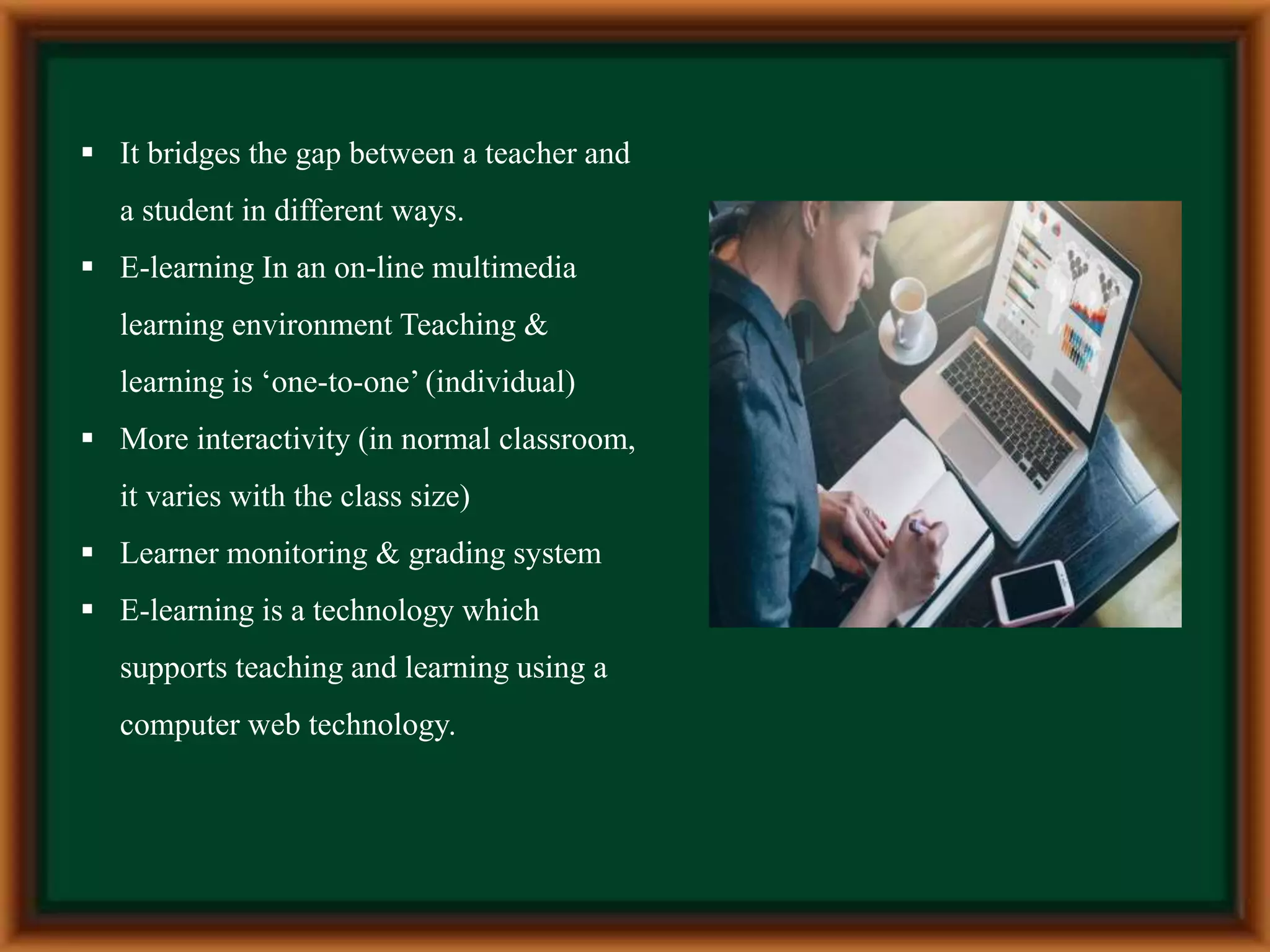
 It bridges the gap between a teacher and
a student in different ways.
 E-learning In an on-line multimedia
learning environment Teaching &
learning is ‘one-to-one’ (individual)
 More interactivity (in normal classroom,
it varies with the class size)
 Learner monitoring & grading system
 E-learning is a technology which
supports teaching and learning using a
computer web technology.
Definition:
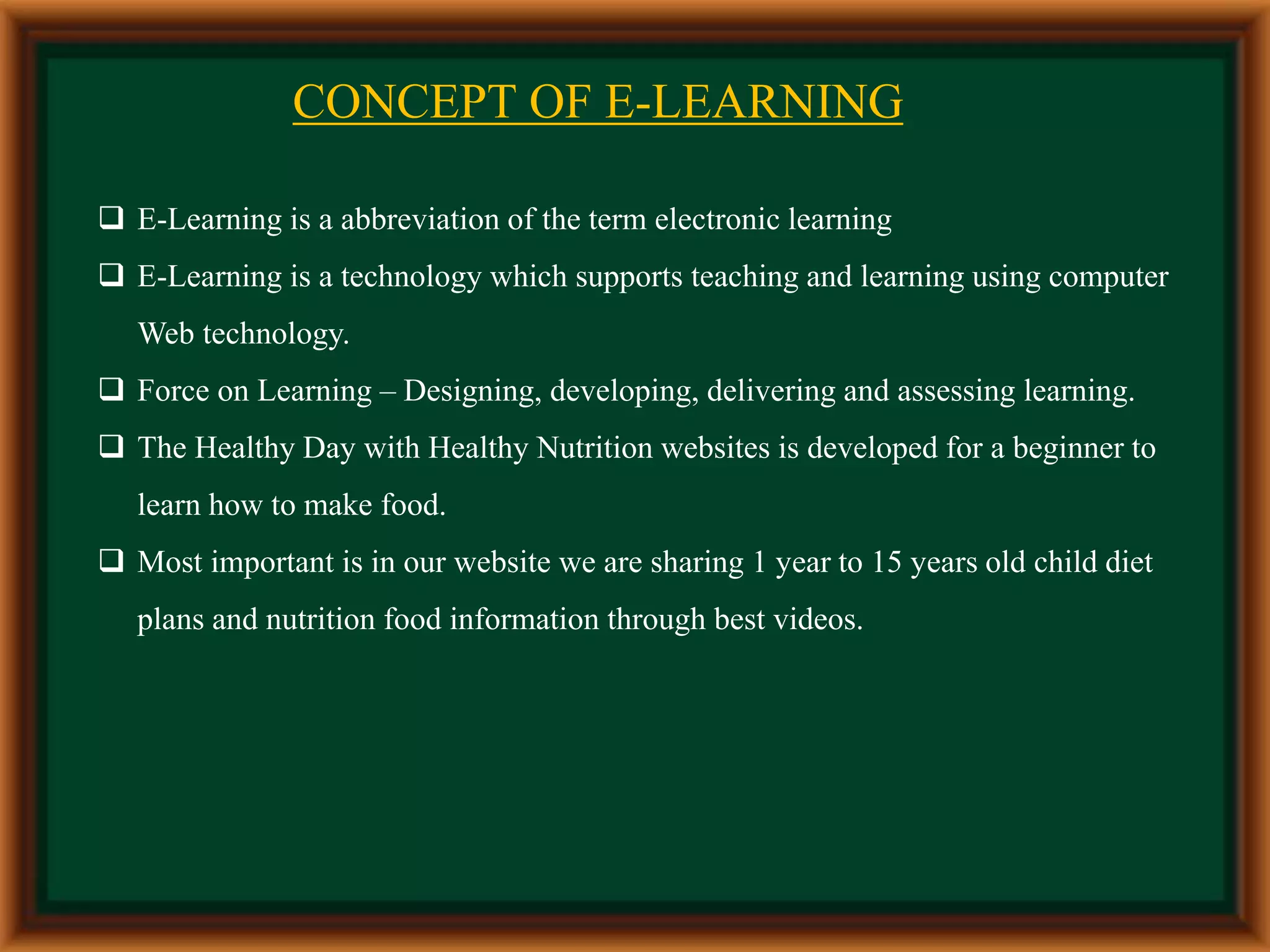
A learning system based on formalized teaching but
with the help of electronic resources is known as E-
Learning. While teaching can be based in or out of the
classrooms, the use of computers and the internet
forms the major component of E-Learning. E-
Learning can also be termed as a network enabled
transfer of skills and knowledge, and the delivery of
education is made to a large number of recipients at
the same or different times. Earlier, it was not
accepted wholeheartedly as it was assumed that this
system lacked the human element required in learning
.
CONCEPT OF E-LEARNING
 E-Learning is a abbreviation of the term electronic learning
 E-Learning is a technology which supports teaching and learning using computer
Web technology.
 Force on Learning – Designing, developing, delivering and assessing learning.
 The Healthy Day with Healthy Nutrition websites is developed for a beginner to
learn how to make food.
 Most important is in our website we are sharing 1 year to 15 years old child diet
plans and nutrition food information through best videos.
Features of E- Learning
• E-learning is dynamic: today in the era of globalization, it helps in availing the online
experts, best sources and quick approaches in a single mouse click.
• E-learning is individual i.e. centered across the learner and personalized to the
individual.
• E-learning operates in real time that is available for 24* 7days
• E-learning is comprehensive
• It is network assisted and often learning is done within the fraction of time.
• Blend of learning methods such as—virtual classroom, simulation, community and
even a classroom.
FEATURES OF E-LEARNING
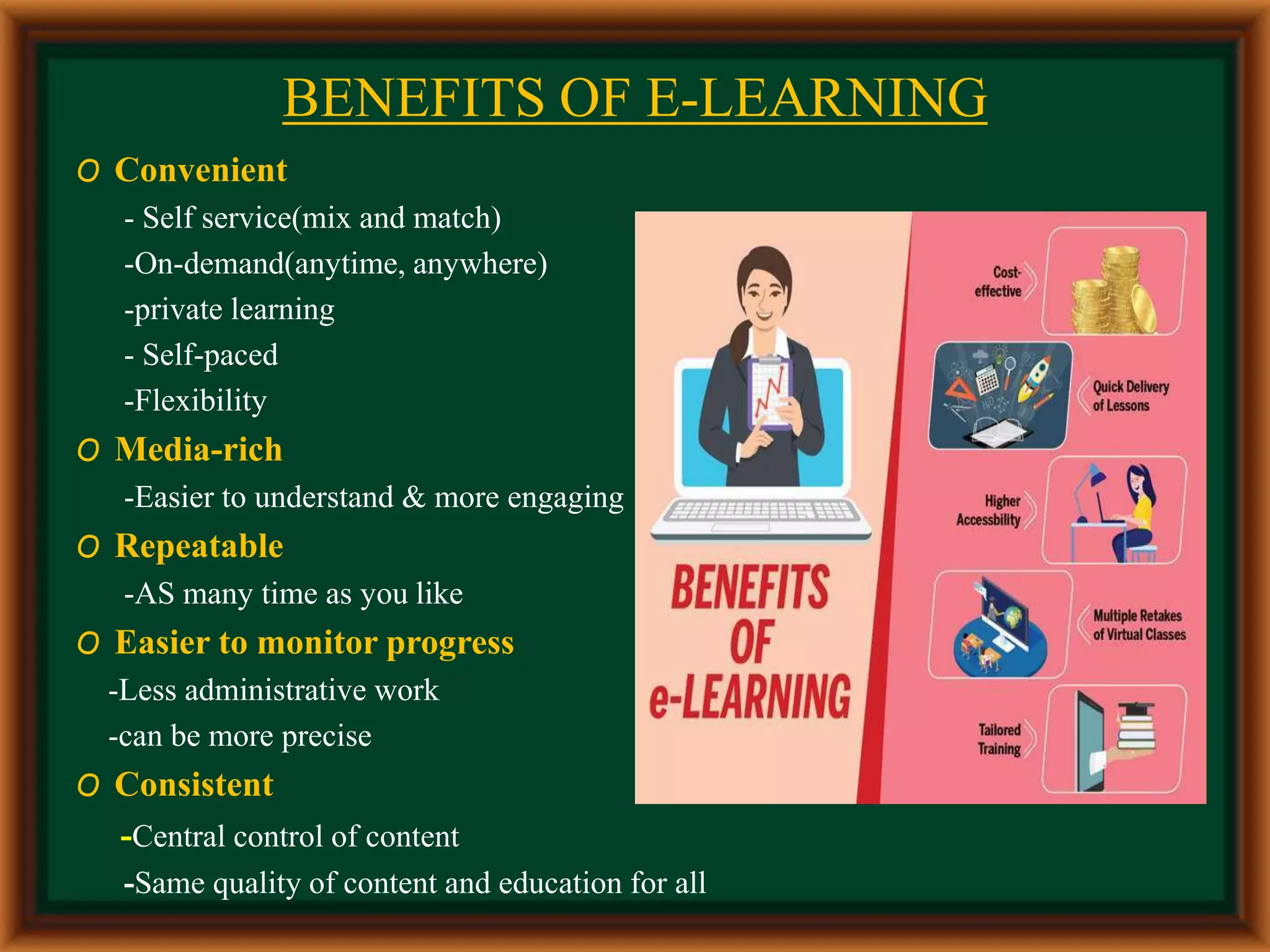
BENEFITS OF E-LEARNING
O Convenient
- Self service(mix and match)
-On-demand(anytime, anywhere)
-private learning
- Self-paced
-Flexibility
O Media-rich
-Easier to understand & more engaging
O Repeatable
-AS many time as you like
O Easier to monitor progress
-Less administrative work
-can be more precise
O Consistent
-Central control of content
-Same quality of content and education for all
ADVANTAGES OF E-LEARNING
O Reduces travel cost and time to and from training centers.
O Learners may have the option to select learning materials that meets their level of knowledge and
interest.
O Learners can study wherever they have access to a computer and Internet.
O Self-paced learning modules allow learners to work at their own pace.
O Flexibility to join discussions in the bulletin board threaded discussion areas at any hour, or visit
with classmates and instructors remotely in chat.
O Different learning styles are addressed and facilitation of learning occurs through varied activities.
O Development of computer and Internet skills that are transferable to other facets of learner's lives.
O Successfully completing online or computer-based courses builds self-knowledge and self-
confidence and encourages students to take responsibility for their learning.
DISADVANTAGES OF E-LEARNING
 Unmotivated learners or those with poor study habits may fall behind.
 Lack of familiar structure and routine may take getting used to.
 Students may feel isolated or miss social interaction.
 Instructor may not always be available on demand.
 Slow or unreliable Internet connections can be frustrating.
 Managing learning software can involve a learning curve.
 Some courses such as traditional hands-on courses can be difficult to simulate.
MANY DIFFERENT WAYS TO CLASSIFY
FORMS OF E-LEARNING:
 Learning Management
 Brower Based Training
 Distance Learning
 Course Management System
 Learning Management Systems
 Virtual Learning Environment
IMPACT ON TEACHING E-LEARNING
PROCESS
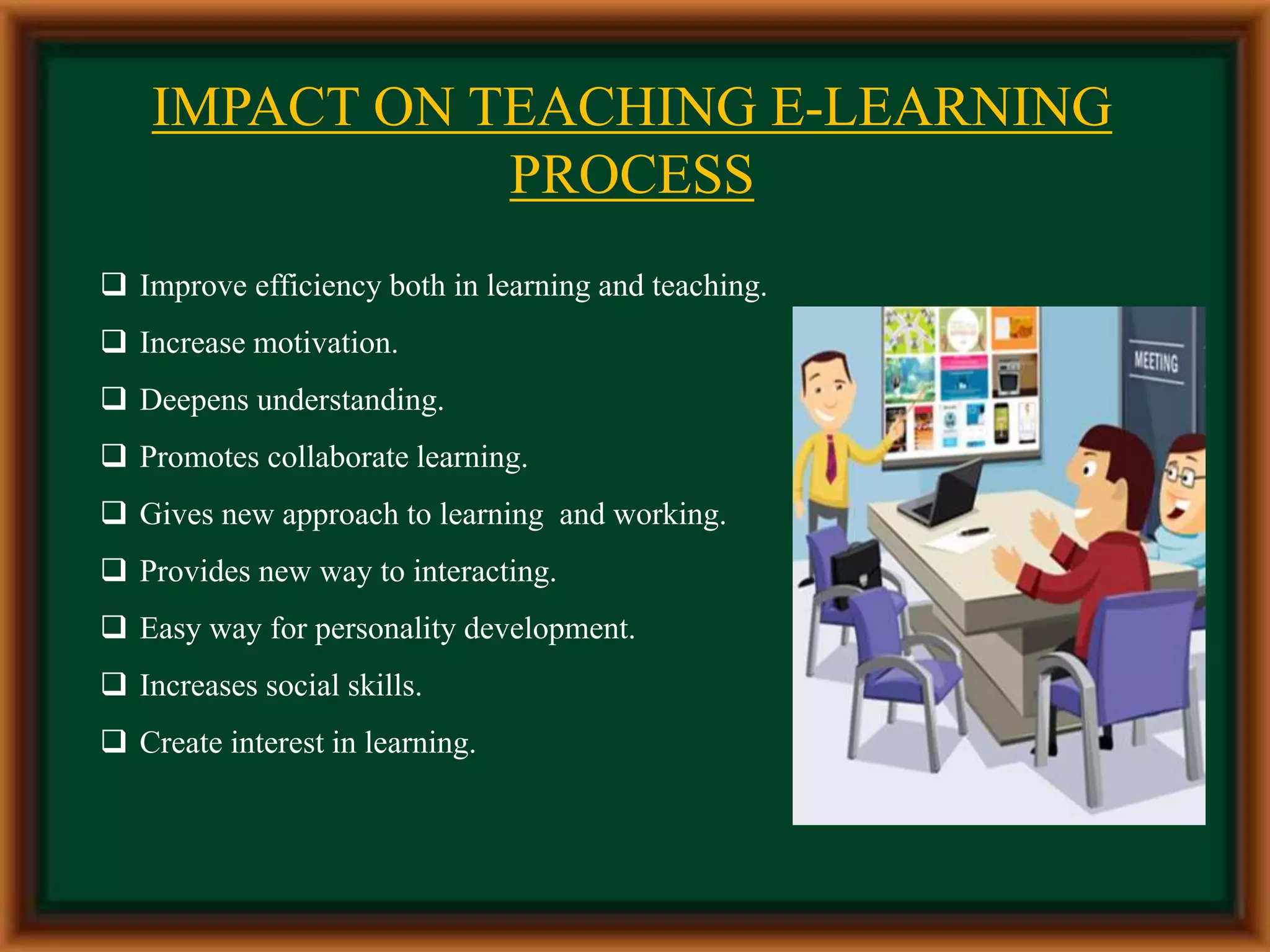
 Improve efficiency both in learning and teaching.
 Increase motivation.
 Deepens understanding.
 Promotes collaborate learning.
 Gives new approach to learning and working.
 Provides new way to interacting.
 Easy way for personality development.
 Increases social skills.
 Create interest in learning.
 Helpful for self-evaluation.
 Wide reach and consistent.
 User convenient.
 Flexible and rich medium for learners.
 Useful tool to address learners with different learning and cognitive styles.
 Self-pacing for slow and quick learners, reduces stress and increases
satisfaction.
USES OF E-LEARNING
 E-learning is mostly associated with activities involving computers and
interactive networks simultaneously. The computer does not need to be the
central element of the activity or provide learning content. However, the
computer and the network must hold a significant involvement in the learning
activity.
 Web-based learning is associated with learning materials delivered in a Web
browser, including when the materials are packaged on CD-ROM or other
media disk Online learning .
 Online learning: Is associated with content readily accessible on a computer.
The content may be on the Web or the Internet, or simply installed on a CD-
ROM or the computer hard disk.
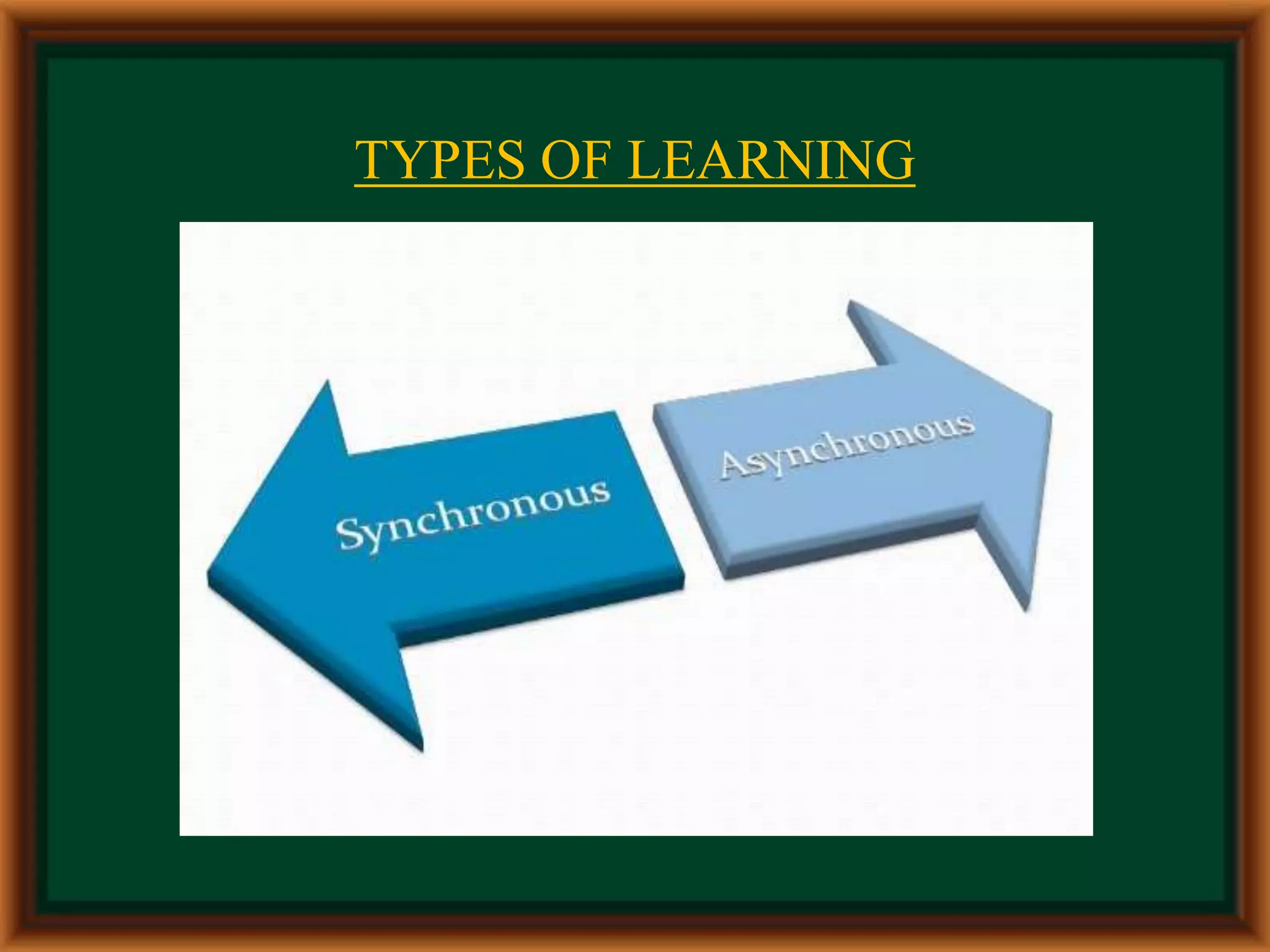
TYPES OF LEARNING
Synchronous Learning
Synchronous learning and teaching takes place in real time (same time)
while the trainer and learners are physically separated from each other.
 Examples include:
 listening to a live radio broadcast
 watching live a television broadcast
 audio/video conferencing
 Internet telephony
 online lectures
 two-way live satellite broadcast
SYNCHRONOUS LEARNING
ASYNCHRONOUS LEARNING
 Asynchronous learning is the fact that that the trainer prepares the courseware
material before the course takes place. The learner is free to decide when he wants to
study the courseware.
 In other words Asynchronous e-learning where people are not online at the same
time and interaction does not occur without a time delay, allowing people to
participate on their schedules.
 Examples include:
self paced courses taken via Internet or CD-ROM
videotaped classes
stored audio/video Web presentations or seminars
recorded audio tapes
Q & A mentoring
reading e-mail messages
PROJECT PROFILE
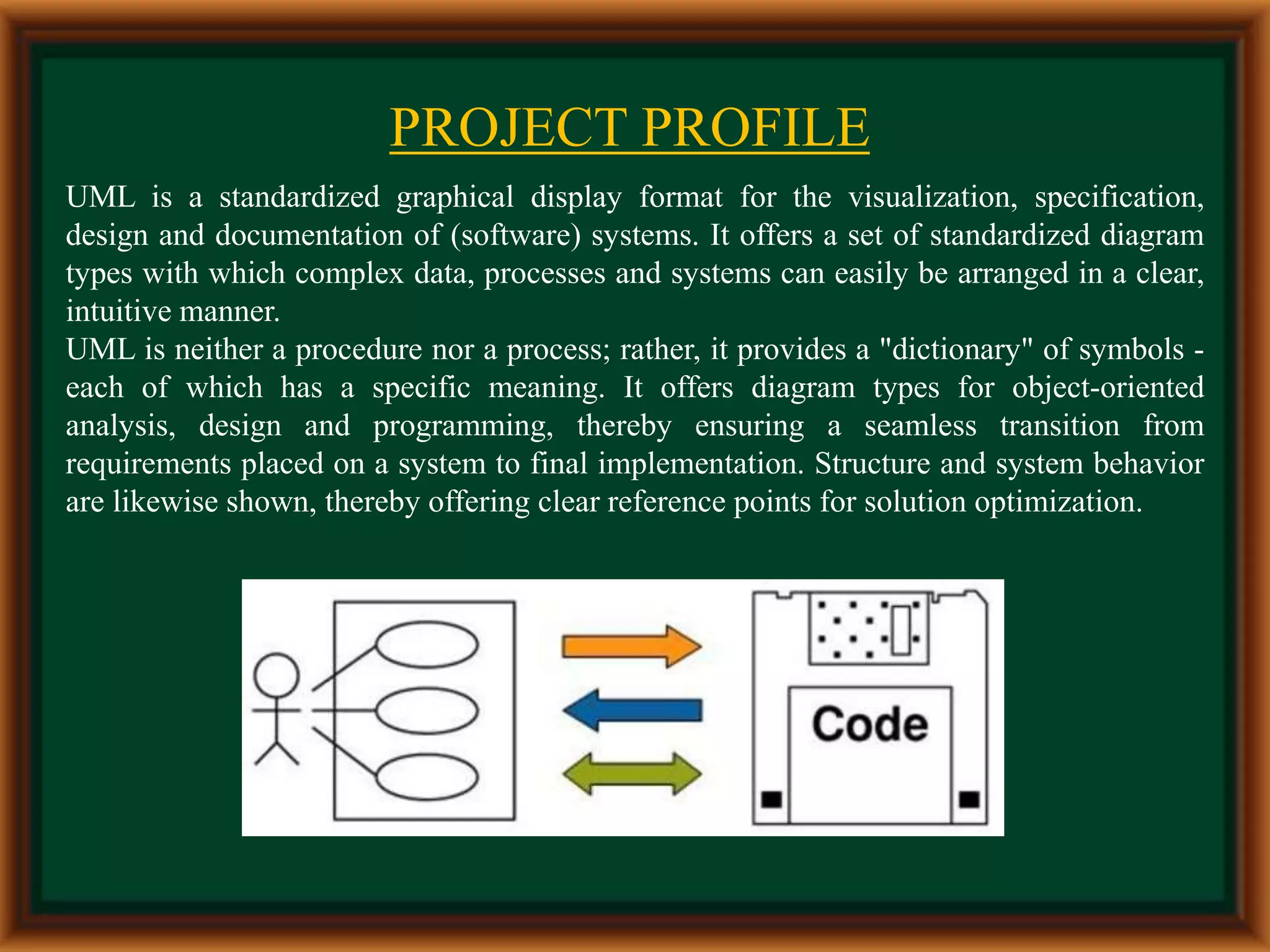
UML is a standardized graphical display format for the visualization, specification,
design and documentation of (software) systems. It offers a set of standardized diagram
types with which complex data, processes and systems can easily be arranged in a clear,
intuitive manner.
UML is neither a procedure nor a process; rather, it provides a "dictionary" of symbols -
each of which has a specific meaning. It offers diagram types for object-oriented
analysis, design and programming, thereby ensuring a seamless transition from
requirements placed on a system to final implementation. Structure and system behavior
are likewise shown, thereby offering clear reference points for solution optimization.
Thank you!!
THANK YOU!!

E-Learning Management System For Food Recipes Web Development.

  • 1.
    Presentation On E-LEARNING FORDIVINE FOOD RECIPES  Presented To: Prof. Urvi Pal  Presented By Name : Pallavi Kadam Course : BCA-3rd Year Dept. Of Computer Science  Presented By Name : Rushabh Parte Course : BCA-3rd Year Dept. Of Computer Science
  • 2.
  • 3.
    INTRODUCTION The theme of‘cooking skills’ has been the focus of investigations and interventions in different countries . However, the concept of cooking skills still does not seem to be sufficiently discussed, starting with definitions of the term cooking. Under one of the approaches, the definition of cooking would be restricted to the application of heat to raw foods. Nevertheless, the term can present more complex meanings, when perspectives from different fields of knowledge are considered. O E-resources serve as a platform for random access to multiple users at the same time and save plenty of time. O E-learning has developed very fast due to internet. The internet and the world wide web has provided us with easy access to information and knowledge. O E-learning is a technology which supports teaching and learning using a computer web technology.
  • 4.
     It bridgesthe gap between a teacher and a student in different ways.  E-learning In an on-line multimedia learning environment Teaching & learning is ‘one-to-one’ (individual)  More interactivity (in normal classroom, it varies with the class size)  Learner monitoring & grading system  E-learning is a technology which supports teaching and learning using a computer web technology.
  • 5.
    Definition: A learning systembased on formalized teaching but with the help of electronic resources is known as E- Learning. While teaching can be based in or out of the classrooms, the use of computers and the internet forms the major component of E-Learning. E- Learning can also be termed as a network enabled transfer of skills and knowledge, and the delivery of education is made to a large number of recipients at the same or different times. Earlier, it was not accepted wholeheartedly as it was assumed that this system lacked the human element required in learning .
  • 6.
    CONCEPT OF E-LEARNING E-Learning is a abbreviation of the term electronic learning  E-Learning is a technology which supports teaching and learning using computer Web technology.  Force on Learning – Designing, developing, delivering and assessing learning.  The Healthy Day with Healthy Nutrition websites is developed for a beginner to learn how to make food.  Most important is in our website we are sharing 1 year to 15 years old child diet plans and nutrition food information through best videos.
  • 7.
    Features of E-Learning • E-learning is dynamic: today in the era of globalization, it helps in availing the online experts, best sources and quick approaches in a single mouse click. • E-learning is individual i.e. centered across the learner and personalized to the individual. • E-learning operates in real time that is available for 24* 7days • E-learning is comprehensive • It is network assisted and often learning is done within the fraction of time. • Blend of learning methods such as—virtual classroom, simulation, community and even a classroom. FEATURES OF E-LEARNING
  • 8.
    BENEFITS OF E-LEARNING OConvenient - Self service(mix and match) -On-demand(anytime, anywhere) -private learning - Self-paced -Flexibility O Media-rich -Easier to understand & more engaging O Repeatable -AS many time as you like O Easier to monitor progress -Less administrative work -can be more precise O Consistent -Central control of content -Same quality of content and education for all
  • 9.
    ADVANTAGES OF E-LEARNING OReduces travel cost and time to and from training centers. O Learners may have the option to select learning materials that meets their level of knowledge and interest. O Learners can study wherever they have access to a computer and Internet. O Self-paced learning modules allow learners to work at their own pace. O Flexibility to join discussions in the bulletin board threaded discussion areas at any hour, or visit with classmates and instructors remotely in chat. O Different learning styles are addressed and facilitation of learning occurs through varied activities. O Development of computer and Internet skills that are transferable to other facets of learner's lives. O Successfully completing online or computer-based courses builds self-knowledge and self- confidence and encourages students to take responsibility for their learning.
  • 10.
    DISADVANTAGES OF E-LEARNING Unmotivated learners or those with poor study habits may fall behind.  Lack of familiar structure and routine may take getting used to.  Students may feel isolated or miss social interaction.  Instructor may not always be available on demand.  Slow or unreliable Internet connections can be frustrating.  Managing learning software can involve a learning curve.  Some courses such as traditional hands-on courses can be difficult to simulate.
  • 11.
    MANY DIFFERENT WAYSTO CLASSIFY FORMS OF E-LEARNING:  Learning Management  Brower Based Training  Distance Learning  Course Management System  Learning Management Systems  Virtual Learning Environment
  • 12.
    IMPACT ON TEACHINGE-LEARNING PROCESS  Improve efficiency both in learning and teaching.  Increase motivation.  Deepens understanding.  Promotes collaborate learning.  Gives new approach to learning and working.  Provides new way to interacting.  Easy way for personality development.  Increases social skills.  Create interest in learning.
  • 13.
     Helpful forself-evaluation.  Wide reach and consistent.  User convenient.  Flexible and rich medium for learners.  Useful tool to address learners with different learning and cognitive styles.  Self-pacing for slow and quick learners, reduces stress and increases satisfaction.
  • 14.
    USES OF E-LEARNING E-learning is mostly associated with activities involving computers and interactive networks simultaneously. The computer does not need to be the central element of the activity or provide learning content. However, the computer and the network must hold a significant involvement in the learning activity.  Web-based learning is associated with learning materials delivered in a Web browser, including when the materials are packaged on CD-ROM or other media disk Online learning .  Online learning: Is associated with content readily accessible on a computer. The content may be on the Web or the Internet, or simply installed on a CD- ROM or the computer hard disk.
  • 15.
  • 16.
    Synchronous Learning Synchronous learningand teaching takes place in real time (same time) while the trainer and learners are physically separated from each other.  Examples include:  listening to a live radio broadcast  watching live a television broadcast  audio/video conferencing  Internet telephony  online lectures  two-way live satellite broadcast SYNCHRONOUS LEARNING
  • 17.
    ASYNCHRONOUS LEARNING  Asynchronouslearning is the fact that that the trainer prepares the courseware material before the course takes place. The learner is free to decide when he wants to study the courseware.  In other words Asynchronous e-learning where people are not online at the same time and interaction does not occur without a time delay, allowing people to participate on their schedules.  Examples include: self paced courses taken via Internet or CD-ROM videotaped classes stored audio/video Web presentations or seminars recorded audio tapes Q & A mentoring reading e-mail messages
  • 18.
    PROJECT PROFILE UML isa standardized graphical display format for the visualization, specification, design and documentation of (software) systems. It offers a set of standardized diagram types with which complex data, processes and systems can easily be arranged in a clear, intuitive manner. UML is neither a procedure nor a process; rather, it provides a "dictionary" of symbols - each of which has a specific meaning. It offers diagram types for object-oriented analysis, design and programming, thereby ensuring a seamless transition from requirements placed on a system to final implementation. Structure and system behavior are likewise shown, thereby offering clear reference points for solution optimization.
  • 19.