BIM 
Overview + Application 
26 November 2014 
London South Bank University
Be Social 
@ElrondBurrell 
@ArchitypeUK 
@LSBU 
#BIM 
#UKBIMcrew
Elrond Burrell 
Associate, Architype Ltd 
elrond.burrell@architype.co.uk
We design 
Life Enhancing" 
Genuinely Sustainable Architecture
Overview 
1. The Context of BIM 
2. Getting into BIM 
3. Getting on with BIM
1. The Context of BIM
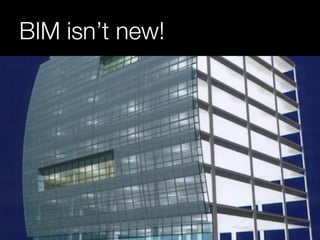
BIM isn’t new!
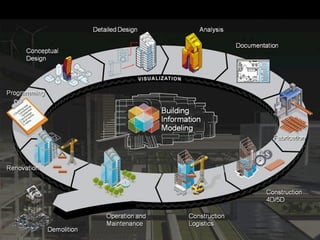
Why now? 
1. Software & Hardware capabilities 
3d Modeling 
Structured Information 
Digital Collaboration
Why now? 
2. Digital / Social Media ‘Tsunami’ 
Digital everything 
Social everything 
… will the construction industry catch up?
Why UK Gov + BIM?
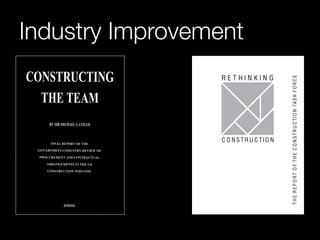
Industry Improvement
EU Directive 
Energy Performance of Buildings 
Buildings consume 40% of energy in EU 
By 2018 
All new public buildings “Nearly Zero-Energy” 
By 2020 
All new buildings “Nearly Zero-Energy”
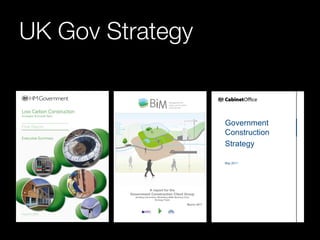
UK Gov Strategy
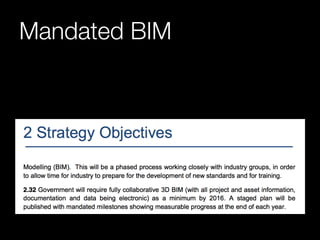
Mandated BIM
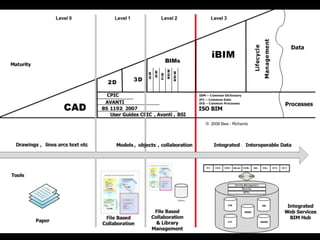
What is UK Gov BIM? 
“Building Information Modeling (BIM) is the 
process of generating and managing 
information about a built asset over its whole 
life.” 
Cabinet Office 2012
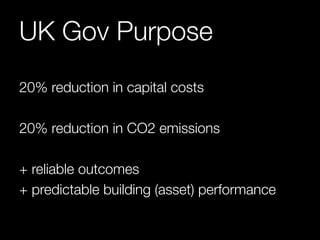
UK Gov Purpose 
20% reduction in capital costs 
20% reduction in CO2 emissions 
+ reliable outcomes 
+ predictable building (asset) performance
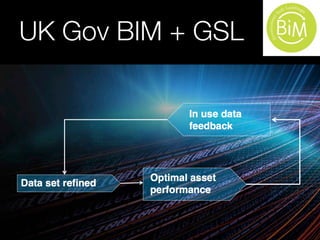
UK Gov BIM + GSL
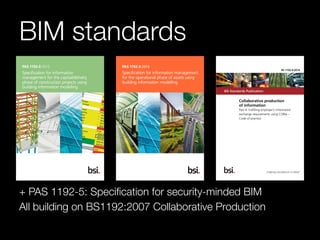
BIM standards 
+ PAS 1192-5: Specification for security-minded BIM 
All building on BS1192:2007 Collaborative Production
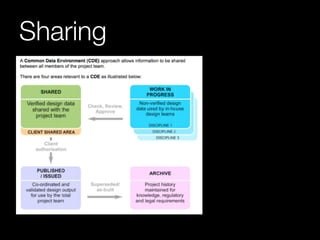
Sharing
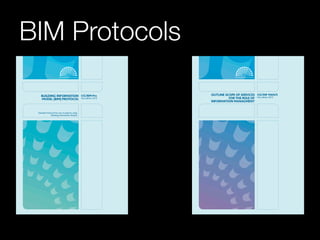
BIM Protocols
BIM Qualifications 
For the individual 
– BRE 
– RICS 
– Middlesex University 
– Northumbria University 
– University of Liverpool 
– University of Salford 
– University of South Wales
BIM Qualifications 
For the organisation 
– BRE (Level 2 Business Systems) 
– Lloyds Register (Level 2 ‘BIM Ready’)
2. Getting into BIM
Observing Pre-BIM 
Duplicate working 
Designing in 3d, documenting in 2d 
CAD standards not always enforced
Proposing BIM 
Quick “proving exercise” 
Demonstration of key benefits 
Overcoming doubts & resistance to change
BIM Pilot Project Rules 
Small / Medium single storey 
Short duration 
Bland, not too creative 
Plan for pulling back to CAD
BIM Pilot Project Rules
Benefits 
Carefully manages risk, minimises potential 
losses 
Facilitate a gradual transition / learning 
Allows for easy comparison between projects
Risks 
No benefits of BIM gained 
No memorable experiences 
No mindset-shift
Following the Rules: 
“BIM is a RISK to be managed”
OR… No Rules? 
Large project, multi-storey 
Long duration 
Highly creative, challenging design 
Commit to BIM, no plan to pull back to CAD
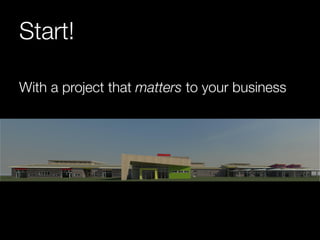
Start! 
With a project that matters to your business
Benefits 
Maximises all available benefits of BIM 
Longer duration allows for learning & mistakes 
Exciting, interesting, engaging… the BIM 
mindset sticks
Risks 
Much more at stake that could go wrong 
High level of training & support needed 
Takes longer to see the results, harder to 
compare
No Rules 
“BIM is an OPPORTUNITY to be realised”
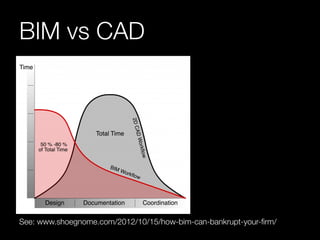
BIM vs CAD 
See: www.shoegnome.com/2012/10/15/how-bim-can-bankrupt-your-firm/
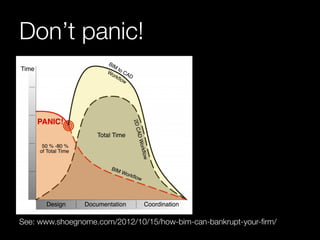
Don’t panic! 
See: www.shoegnome.com/2012/10/15/how-bim-can-bankrupt-your-firm/
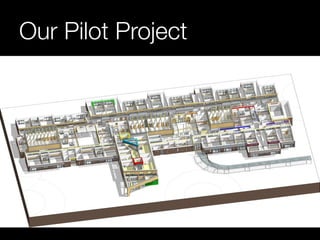
Our Pilot Project
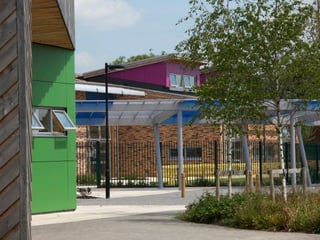
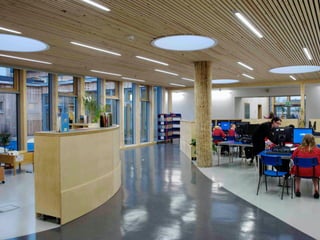
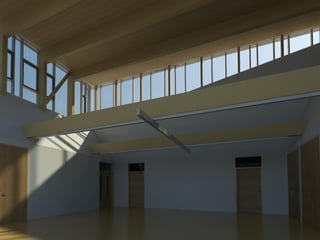
The Willows 
£17m / 6500sqm Lifelong learning campus 
Multiple clients 
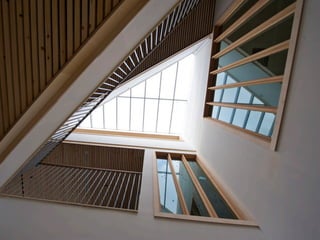
Complex geometry 
6 Phases, 10 Mineshafts
Ensuring Success 
Training / Support 
Project based bespoke training 
At desk training 
In-house expert (guess who?!)
Ensure Success 
The Team 
Tasks to suit abilities (not roles) 
Focus on LOD for outputs & outcomes 
Involve whole team in the real-world project
Results 
Stage D output in 4 weeks, reduced Stage E-F team 
500+ drawing sheets,1355 unique views directly 
from the digital model 
Massive productivity gain 
Site RFI turn around in hours (not days!)
Bonus Results 
Unexpected use of the model 
Staff exceeding expectations 
Spread of BIM skills
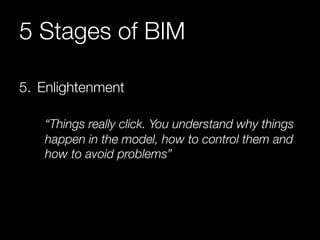
5 Stages of BIM 
1. Initial Excitement 
“Wow, Look what I can do with this thing!”
5 Stages of BIM 
2. First Bump 
“Why won’t it do what I want? 
…It was easy in CAD!”
5 Stages of BIM 
3. Creamy Middle 
“Things are going smoothly now”
5 Stages of BIM 
4. WTF!? 
“Component Creation eats you up and spits 
you out”
5 Stages of BIM 
5. Enlightenment 
“Things really click. You understand why things 
happen in the model, how to control them and 
how to avoid problems”
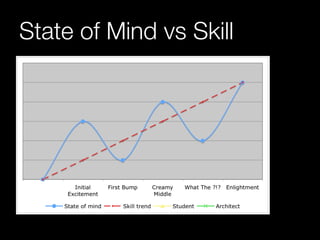
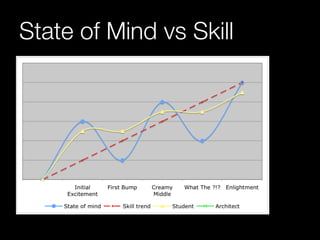
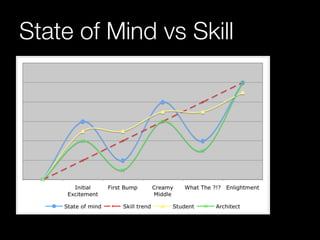
State of Mind vs Skill
3. Getting on with BIM
Beyond Pilot Projects 
Internal uptake 
External demand 
The wider design team … Level 2 BIM?
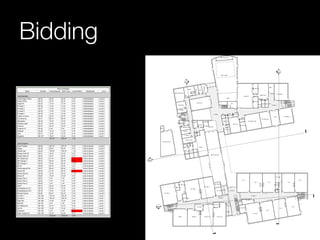
Bidding
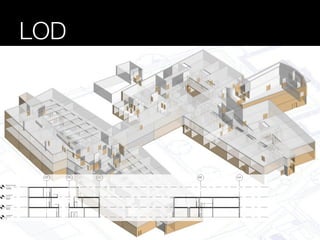
LOD
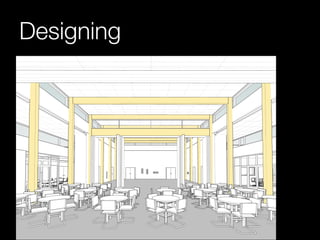
Designing
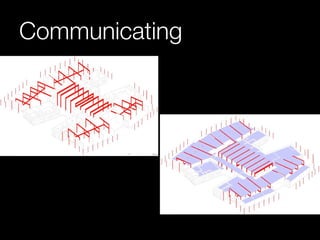
Communicating
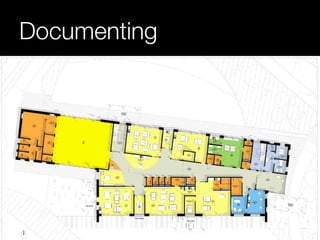
Documenting
Almost Level 2 … !
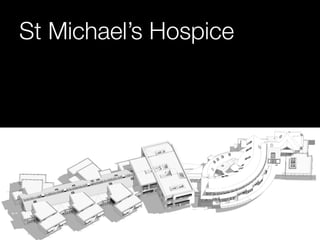
St Michael’s Hospice
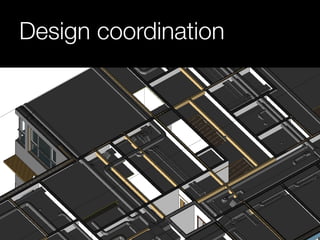
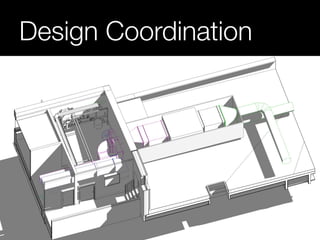
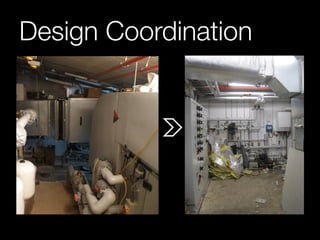
Design coordination
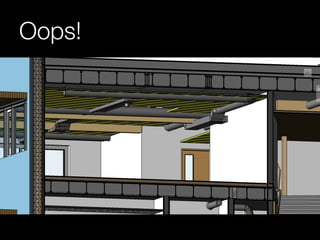
Oops!
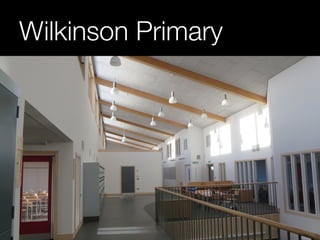
Wilkinson Primary
Design Coordination
Design Coordination
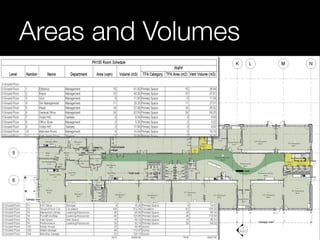
Areas and Volumes
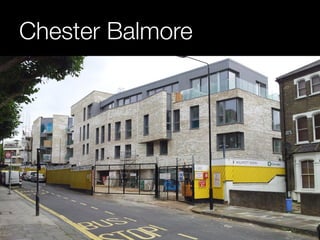
Chester Balmore
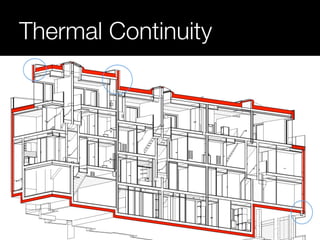
Thermal Continuity
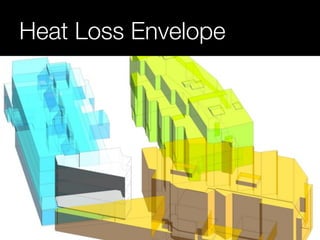
Heat Loss Envelope
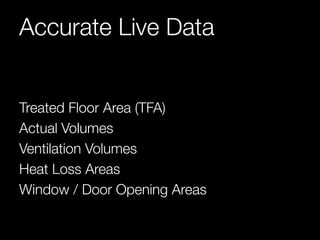
Accurate Live Data 
Treated Floor Area (TFA) 
Actual Volumes 
Ventilation Volumes 
Heat Loss Areas 
Window / Door Opening Areas
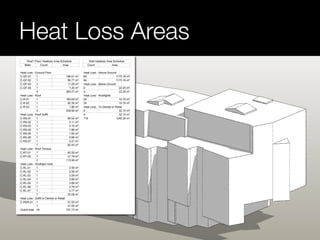
Heat Loss Areas
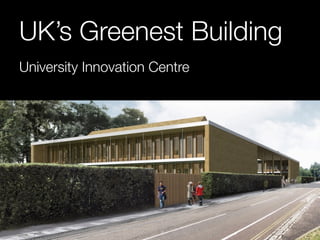
UK’s Greenest Building 
University Innovation Centre
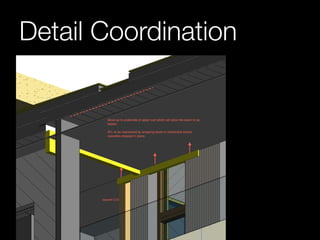
Detail Coordination
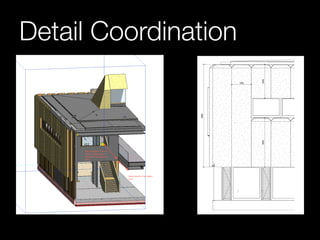
Detail Coordination
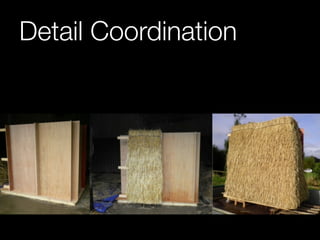
Detail Coordination
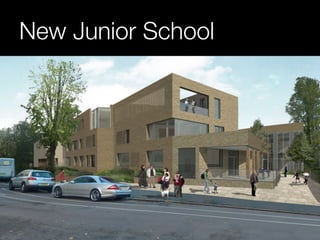
New Junior School
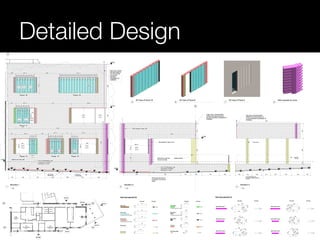
Detailed Design
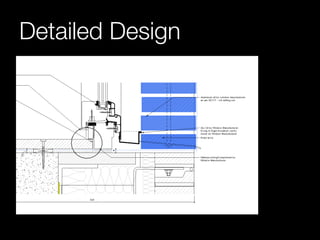
Detailed Design
Parting thoughts 
“Essentially, all models are wrong, but some 
are useful.” 
– George E. P. Box
www.architype.co.uk

RIBA Part 3 Course: BIM Overview + Application