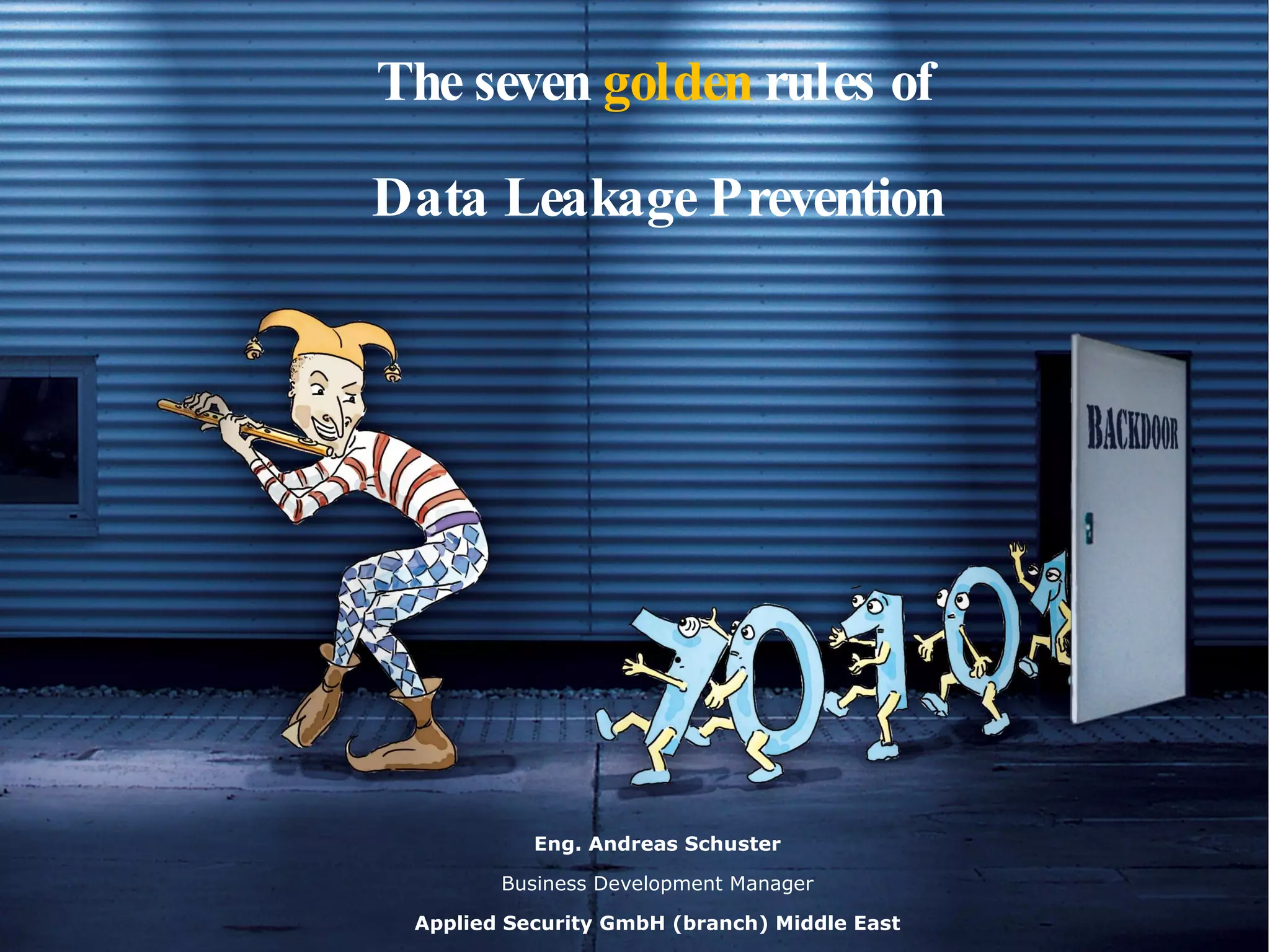
The seven  golden  rules of  Data Leakage Prevention  Eng. Andreas Schuster Business Development Manager Applied Security GmbH (branch) Middle East
Applied Security GmbH Founded in 1998 Main office in Stockstadt/Main, branch offices in London, Dubai and Grand Rapids, USA Software development and consulting in IT security Member of www.apsec.de About apsec
Applied Security US Incorporated Founded in September 2008 US HQ Grand Rapids, MI IT Security Software and Consulting Member of ACG www.apsec.us About apsec
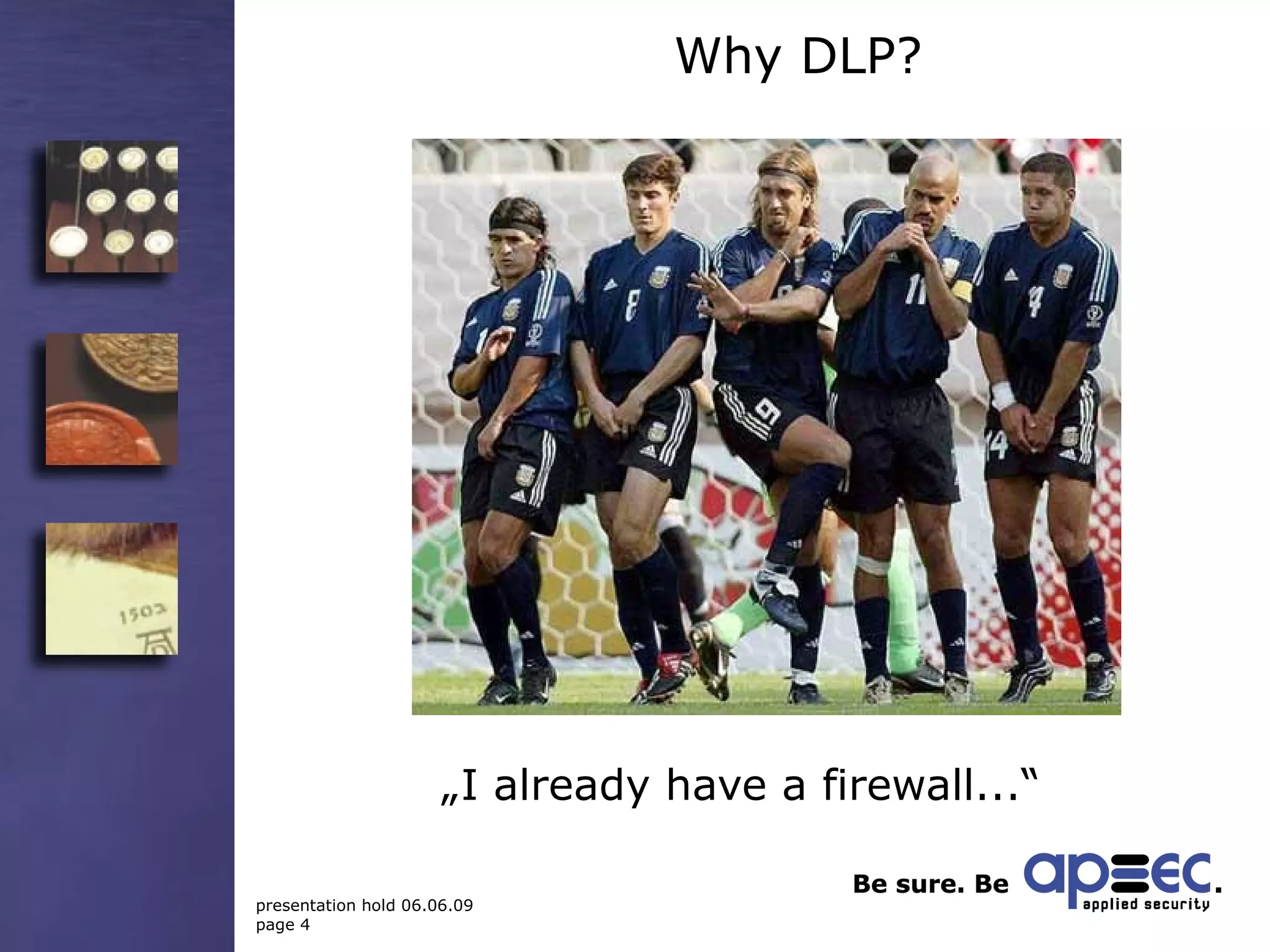
„ I already have a firewall...“ Why DLP?
No firewall could have prevented...
Examples of data loss May 2005  -- Time Warner  lost  40  computer backup tapes  containing sensitive data of about 600,000 current and former employees and service contractors while being shipped by Iron Mountain to an offsite storage center. June 2006  – American International Group  (AIG) lost personal data (names, adresses, SSNs, medical information) of 970,000 employees of various  companies whose insurance information was submitted to AIG due to the  burglary of a file server.
Examples of data loss November 2007  – In the U.K.  Her Majesty's Revenues and Customs (HMRC)  had to admit they'd lost  computer disks  containing personal information on almost half the country's population (25 million records), including nearly all families with children. If that's not bad enough, the databases included the worst kind of information to lose – consumer bank account numbers.  December 2007  –- The  U.K. Ministry of Transport  lost personal data of 3 million candidates for driver's licenses due to a vanished  hard disk  at a subcontractor's site in Iowa, USA.
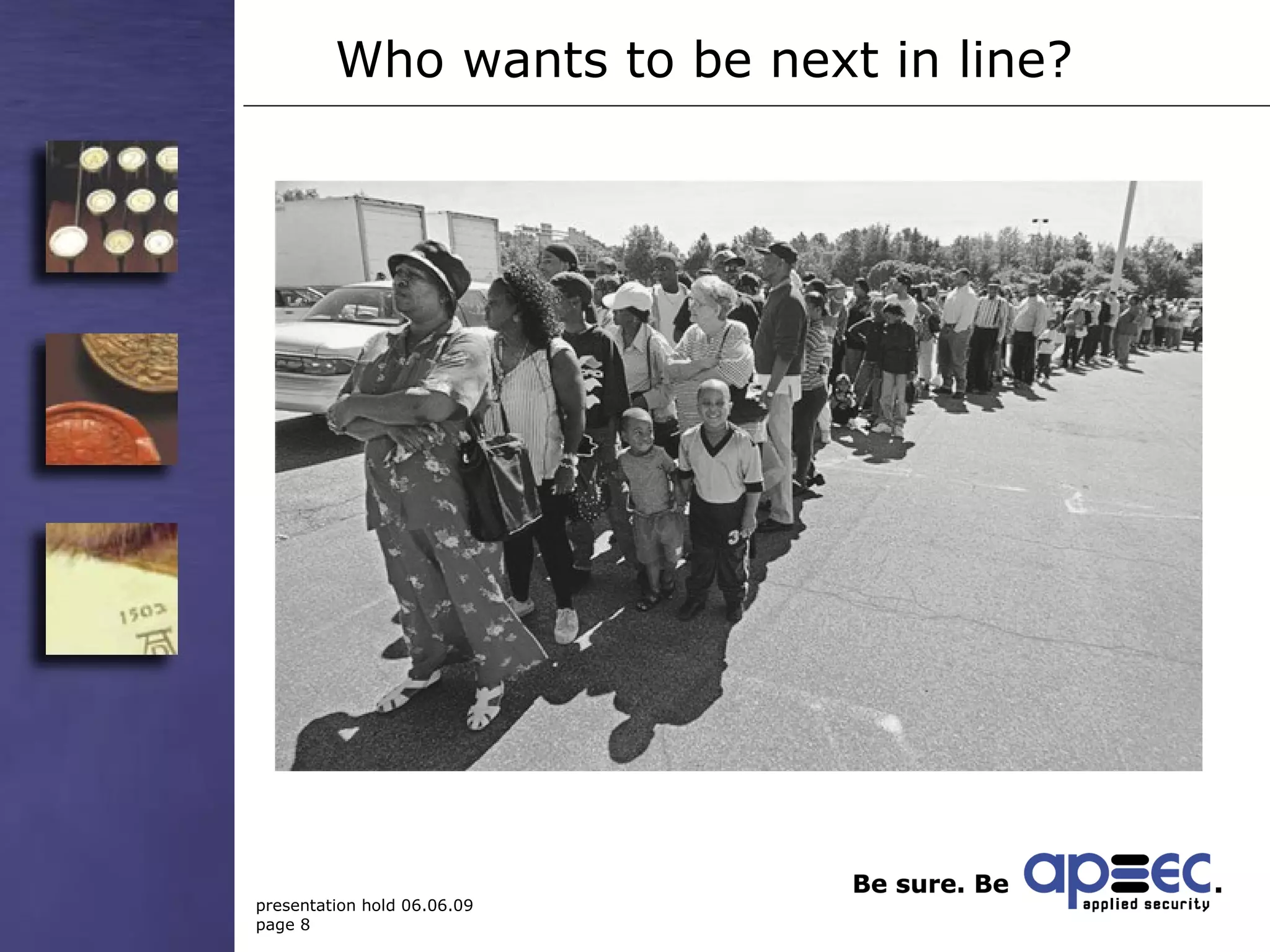
Who wants to be next in line?
What should I do? Seven golden rules of  Data Loss Prevention
What should I do? The stated examples have something in common:  None of them has anything to do with an Internet-based attack or was caused by a security flaw in the network Most commonly used protection measures such as Firewalls, IDS or Virus scanners could not have helped The data breaches could have been prevented by a single measure – encryption!
Rule No. 1: Accept that there is a risk!
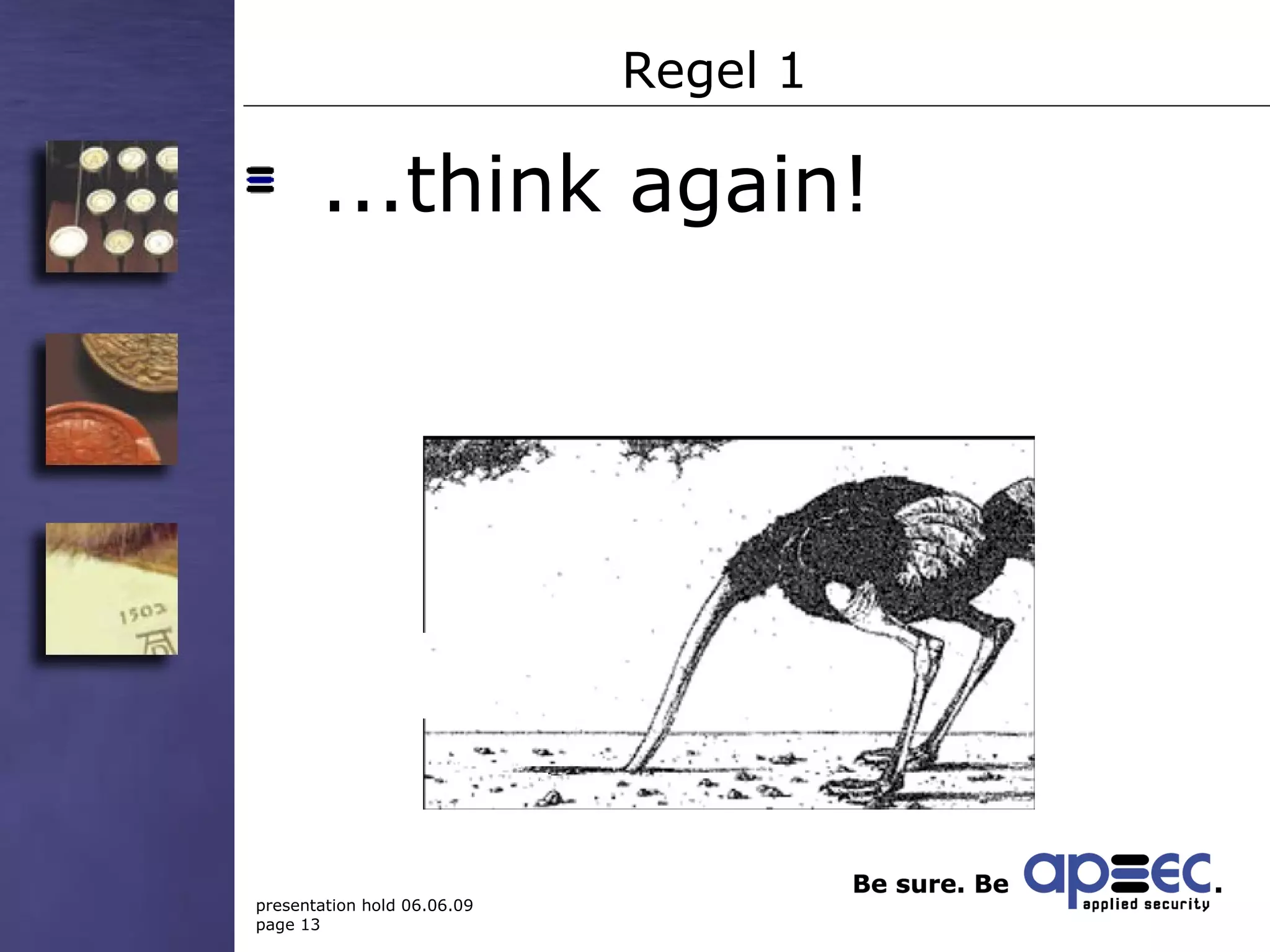
Regel 1 If you think „ This won‘t happen to me!“,...
Regel 1 ...think again!
Rule No. 1 ...because that‘s exactly what Time Warner, AIG, HMRC and all the other victims thought, too. Be smarter! Hence: Accept that there is a risk! But: Accept does not mean tolerate!
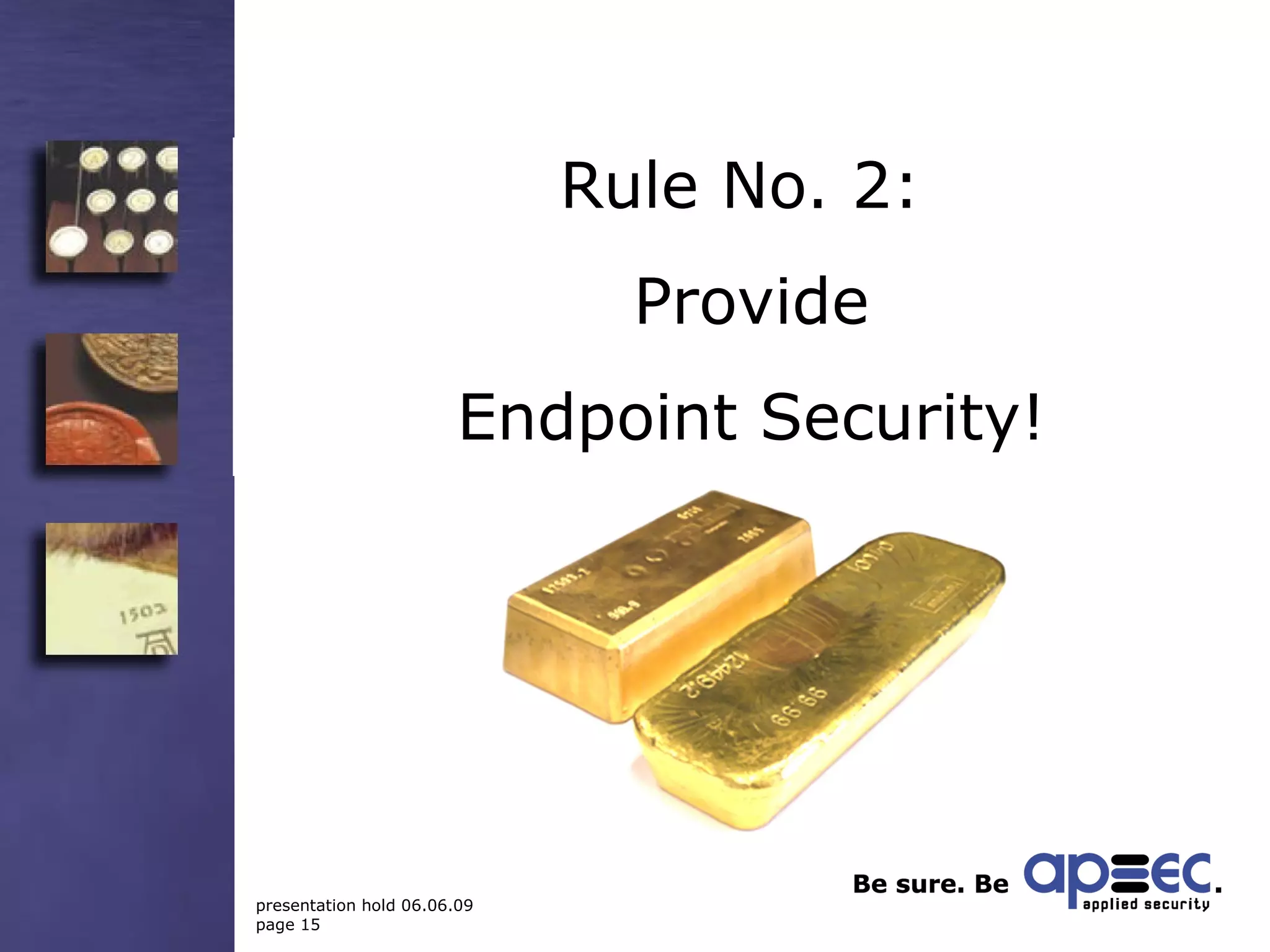
Rule No. 2:  Provide Endpoint Security!
Rule 2 Identify: Which data are sensitive? Who is allowed to work with sensitive data?  Protect sensitive data on their point of origin: the user‘s workplace! (Endpoint Security)
Rule No 2: practical hints File encryption with access for workgroups Restrict the use of mobile storage media Encrypt confidential e-mail attachments automatically Log all access to sensitive files
Rule Nr. 3: Take security into your own hands!
Rule No. 3: practical hints Demand central policy management! Separate powers between system administrator and security officer Grant access rights according to the „Need-to-know principle“ Realize a four-eyes-principle
Rule No. 4: Make security easy!
Rule No.4: the human factor According to many surveys, human error is the No.1 reason for data breaches There‘s nothing less secure than a misconfigured security solution
Rule No. 4: practical hints Invisible encryption in the background Choose a rule-based and centrally managed solution Care for an easy administration in order to reduce the chance of misconfiguration Reduce complexity: don‘t choose the product with the longest feature list, but the one offering the functions you really need
Rule No. 5: Emergency precautions
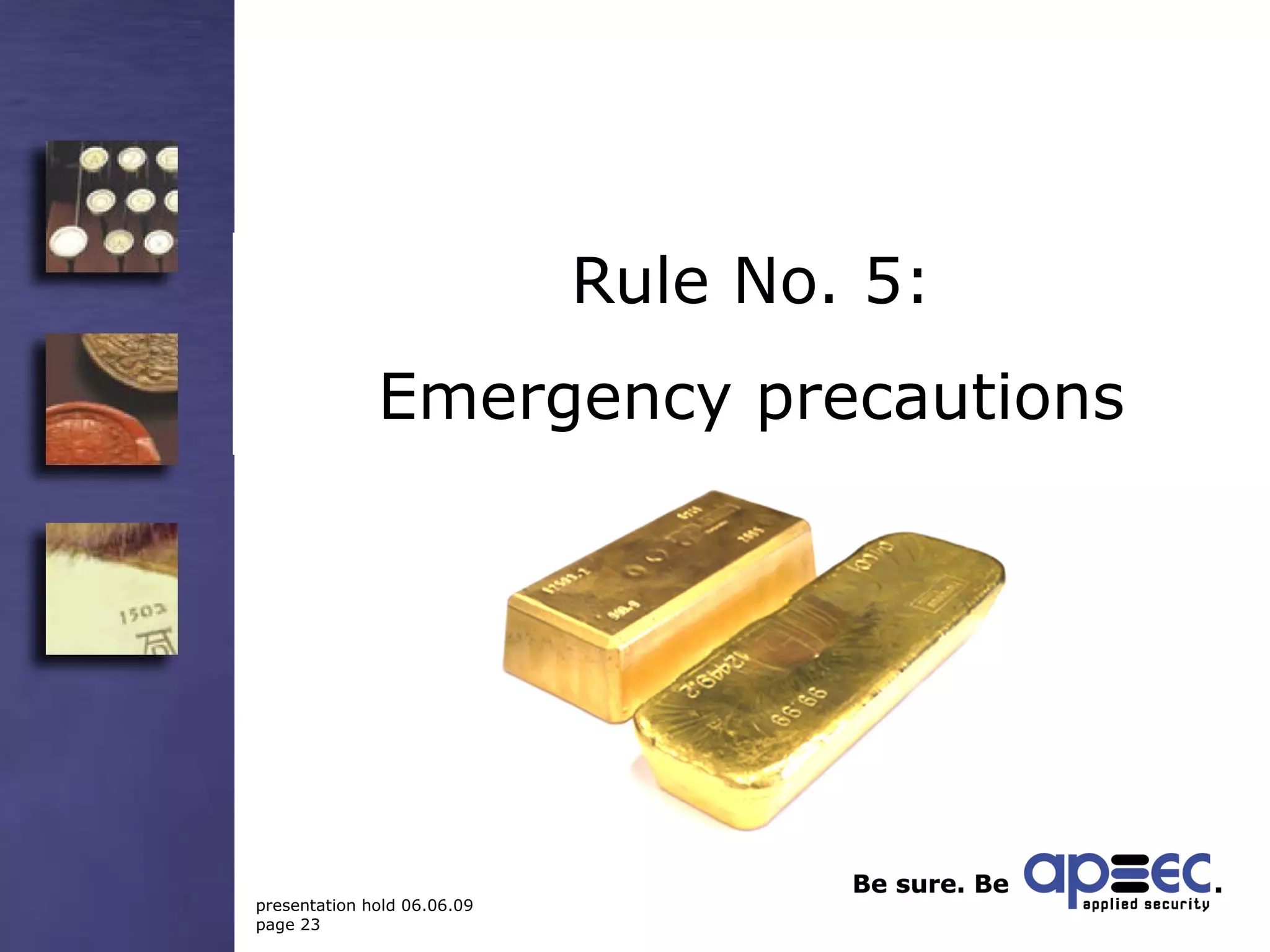
Rule No. 5 Encryption is silver, but decryption is gold!  Ask: what to do if... Passwords are forgotten? User keys are lost? Configuration data are destroyed?  Recovery mechanisms ensure the availability of your data! Ask your vendor about the mechanisms his solution offers!
Rule No. 6: The Pareto principle
Rule No. 6: The Pareto principle A typical dialogue: Customer: „I want 100% security!“ Consultant: „There is no 100% security!“ Customer: „In this case I want nothing at all!“
Rule No. 6: practical hints Prioritize your requirements! What is a „must“? What is only „nice to have“? What might even be counterproductive? Remember: 80% is much better than nothing! The remaining risk must be tolerable!
Rule No. 7: Security costs money –  but it is worth it!
Rule No. 7: Value for money A professional solution does not come as freeware from the Internet!  Data Leakage Prevention is a complex task – better ask a specialist! Specialists earn their money with this – otherwise they wouldn‘t be specialists!
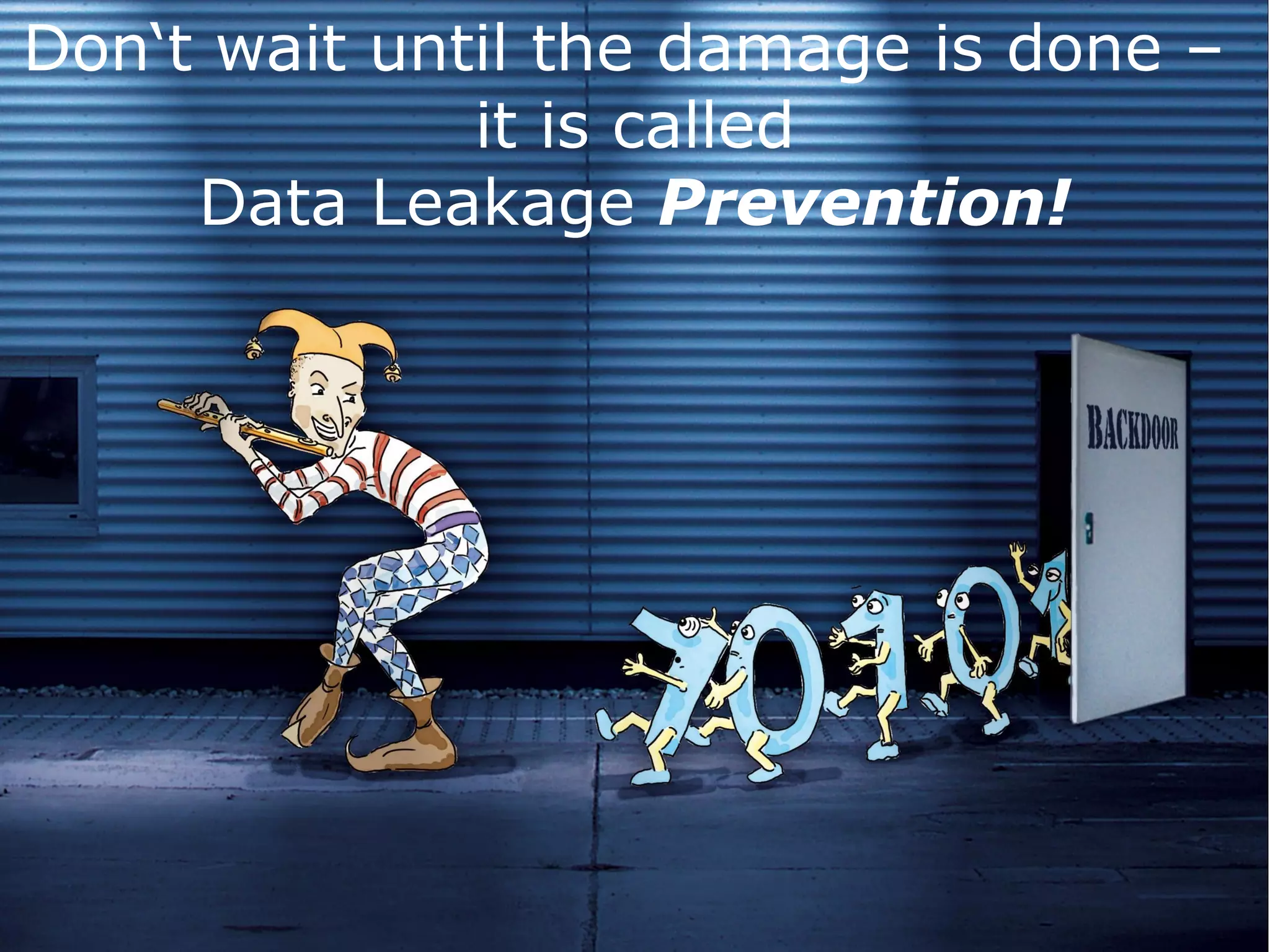
Don‘t wait until the damage is done –  it is called Data Leakage  Prevention!
fide AS ®  file enterprise A professional DLP solution
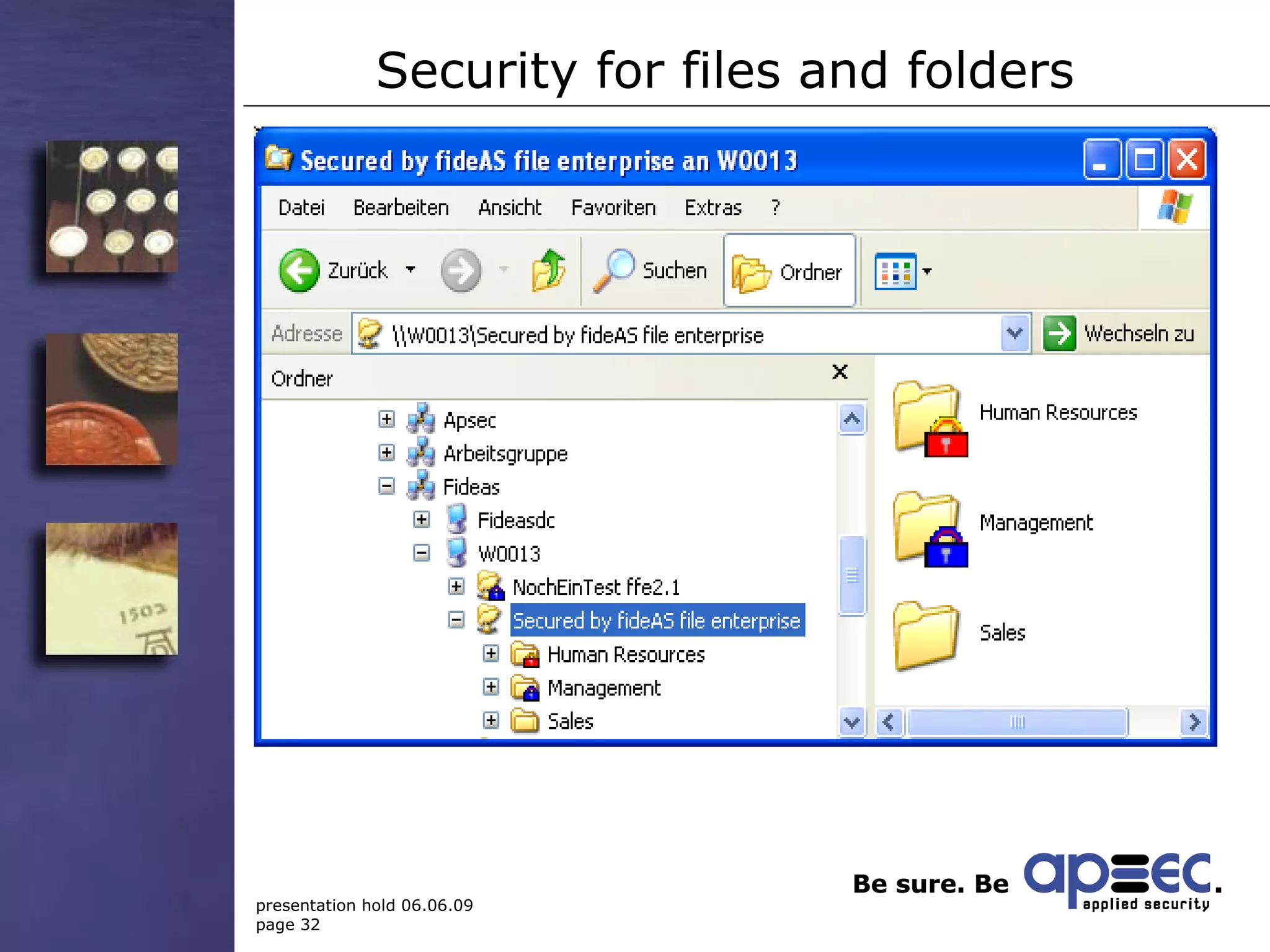
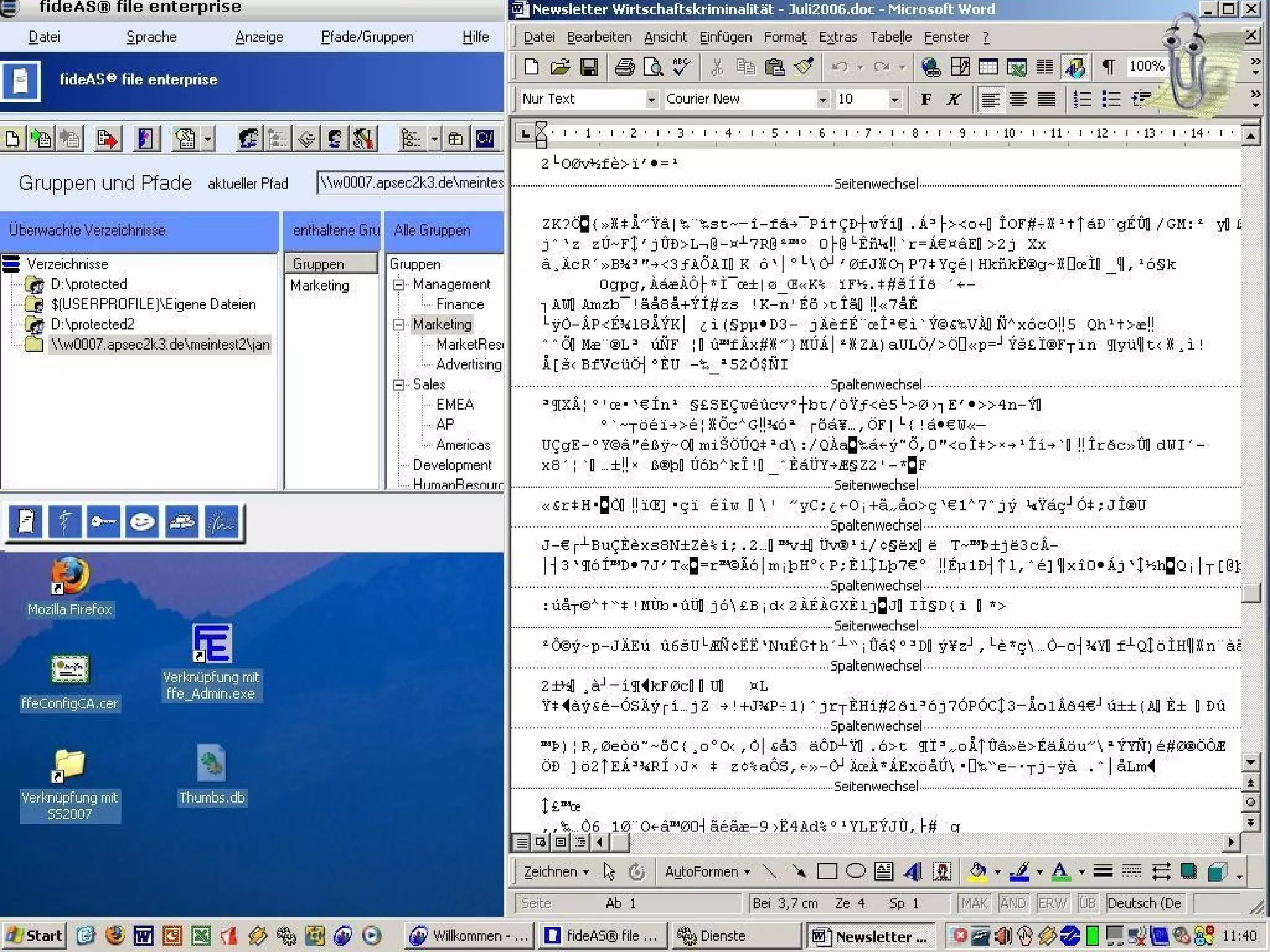
Security for files and folders
Sicherheit für Dateien und Ordner
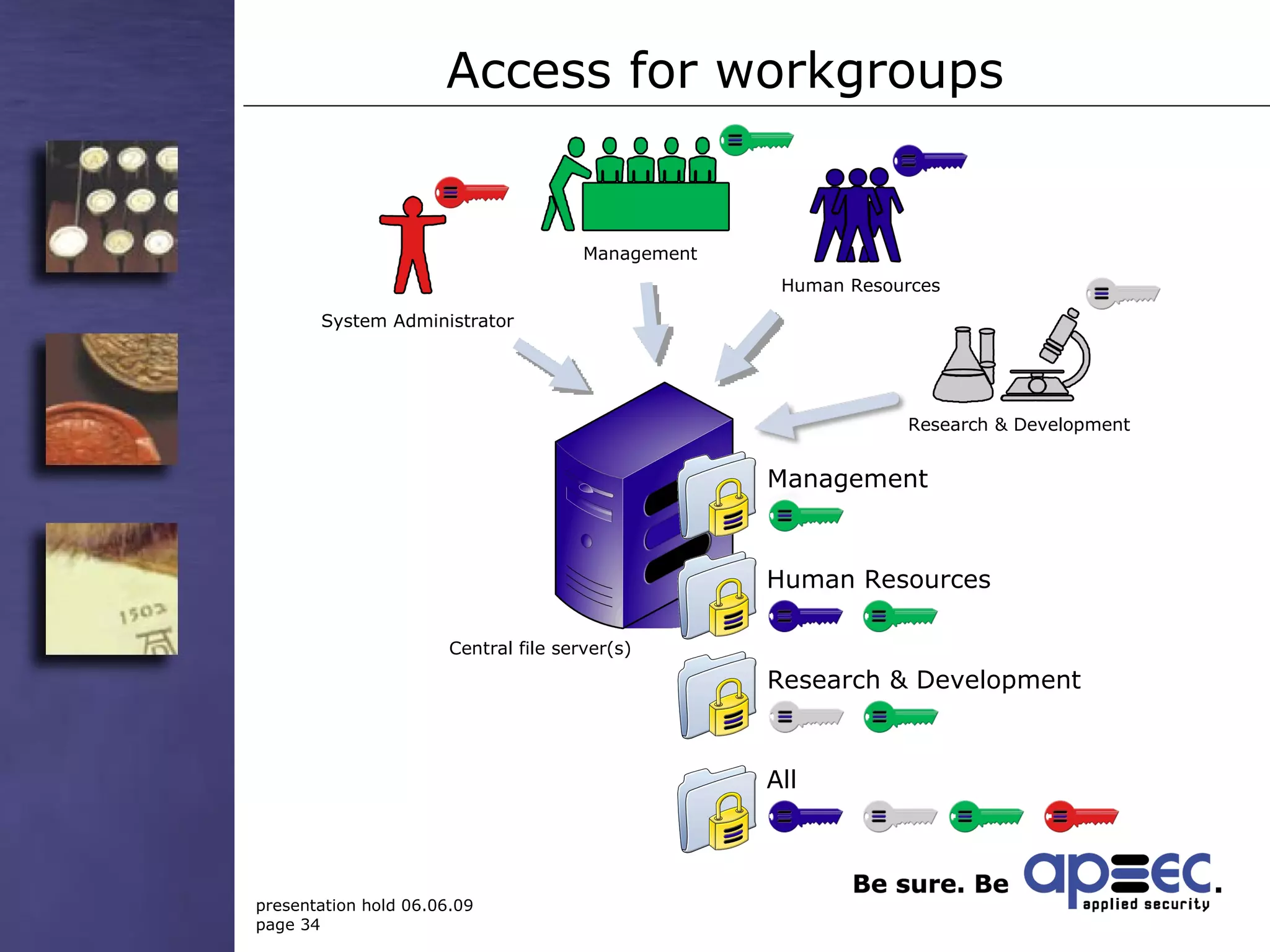
Access for workgroups Management Human Resources Research & Development System Administrator Central file server(s) Management .  .  .  . Human Resources .  .  .  . Research & Development .  .  .  . All .  .  .  .
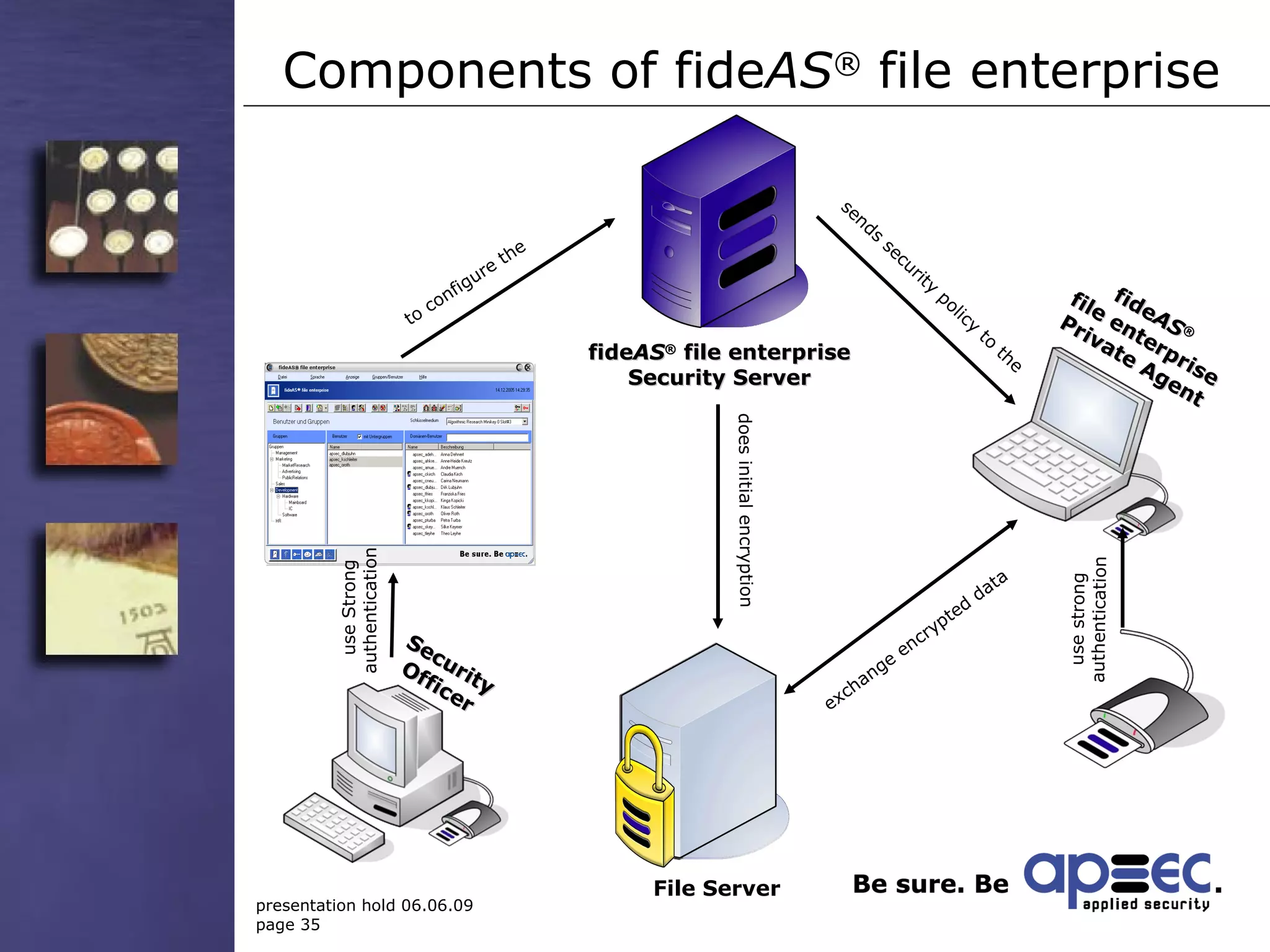
Components of  fide AS ®  file enterprise   File Server use Strong authentication does initial encryption exchange encrypted data to configure the fide AS ®  file enterprise Security Server fide AS ®   file enterprise Private Agent sends security policy to the use strong authentication Security Officer
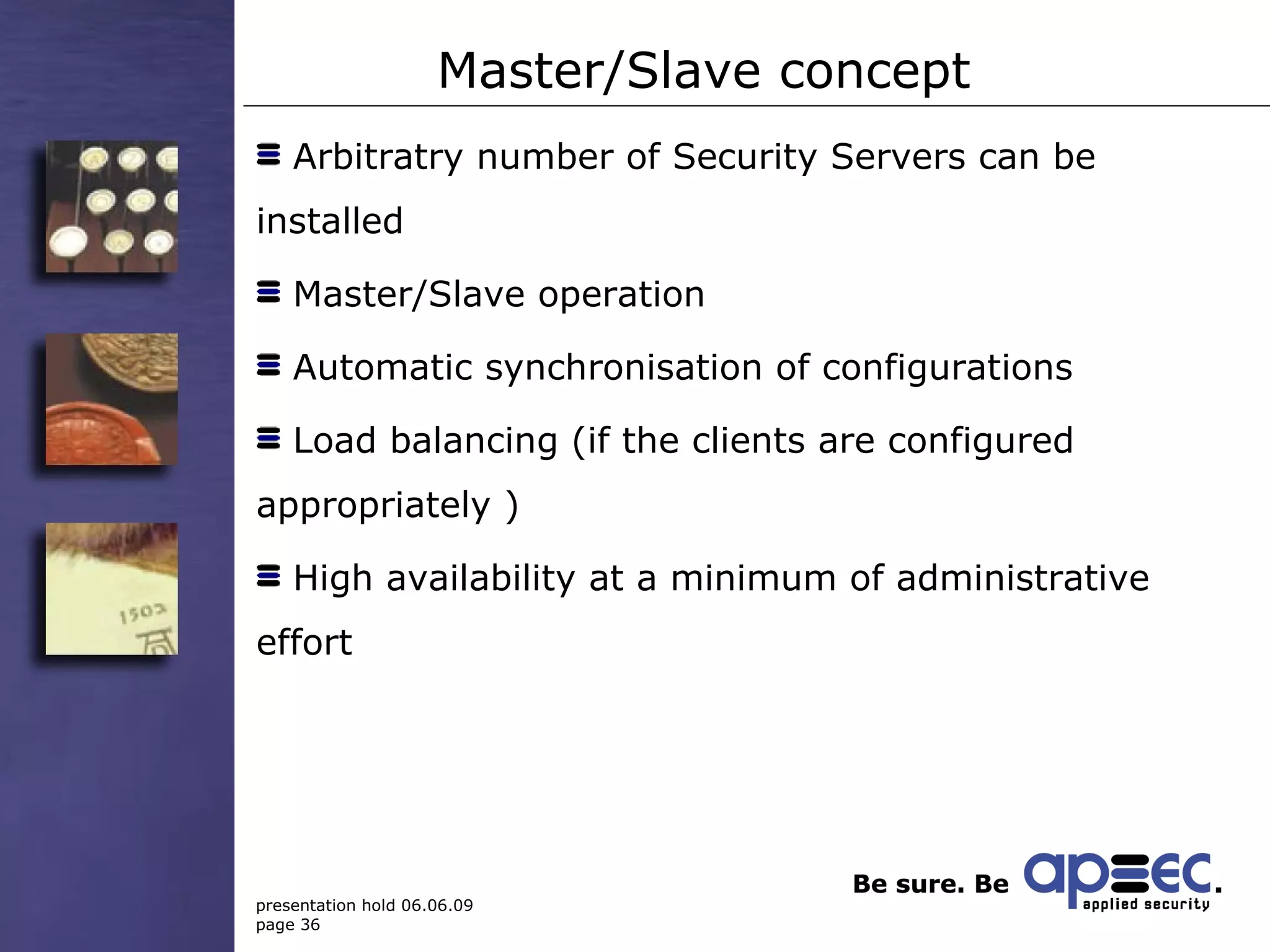
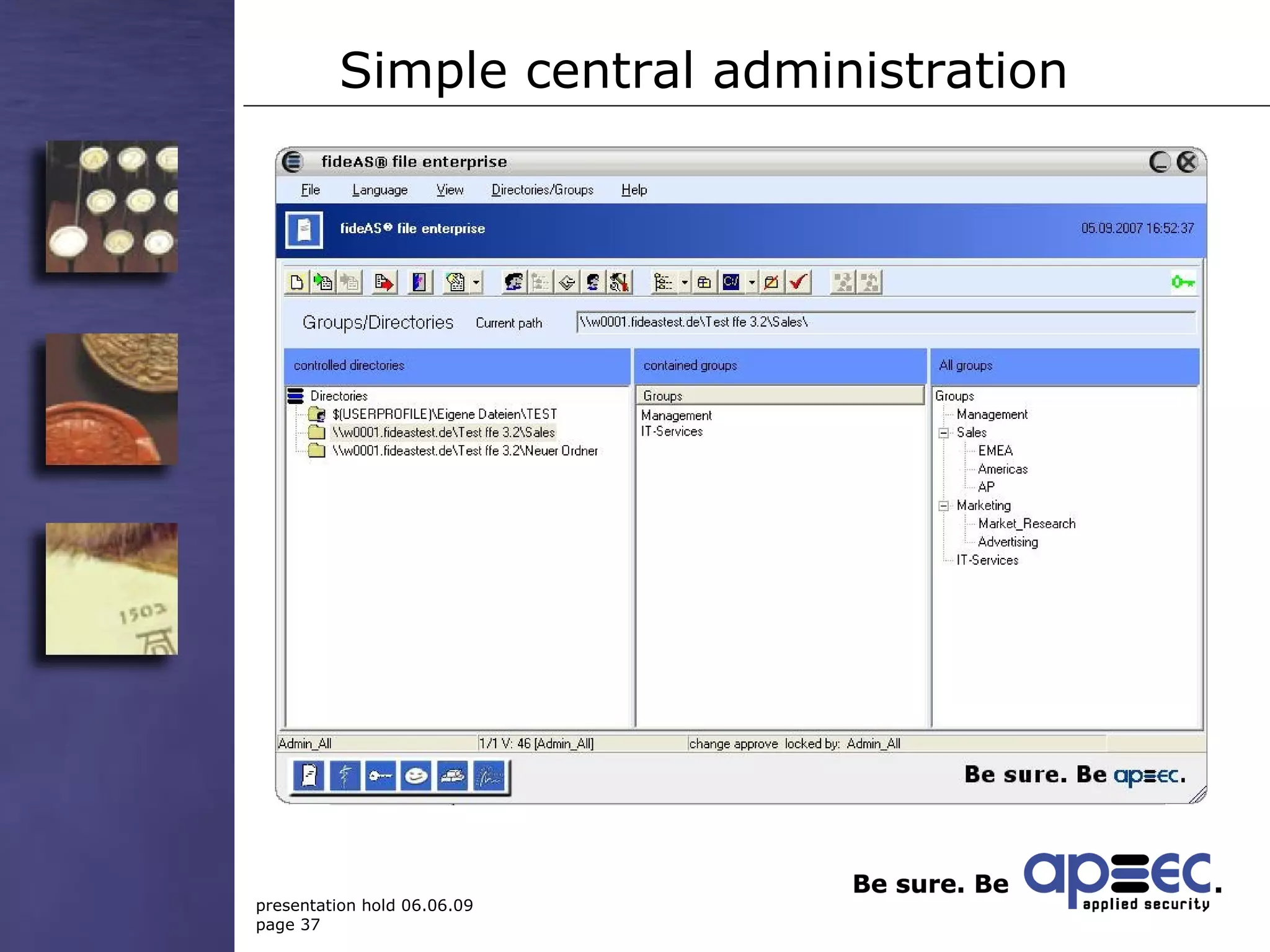
Master/Slave concept Arbitratry number of Security Servers can be installed Master/Slave operation Automatic synchronisation of configurations  Load balancing (if the clients are configured appropriately ) High availability at a minimum of administrative effort
Simple central administration
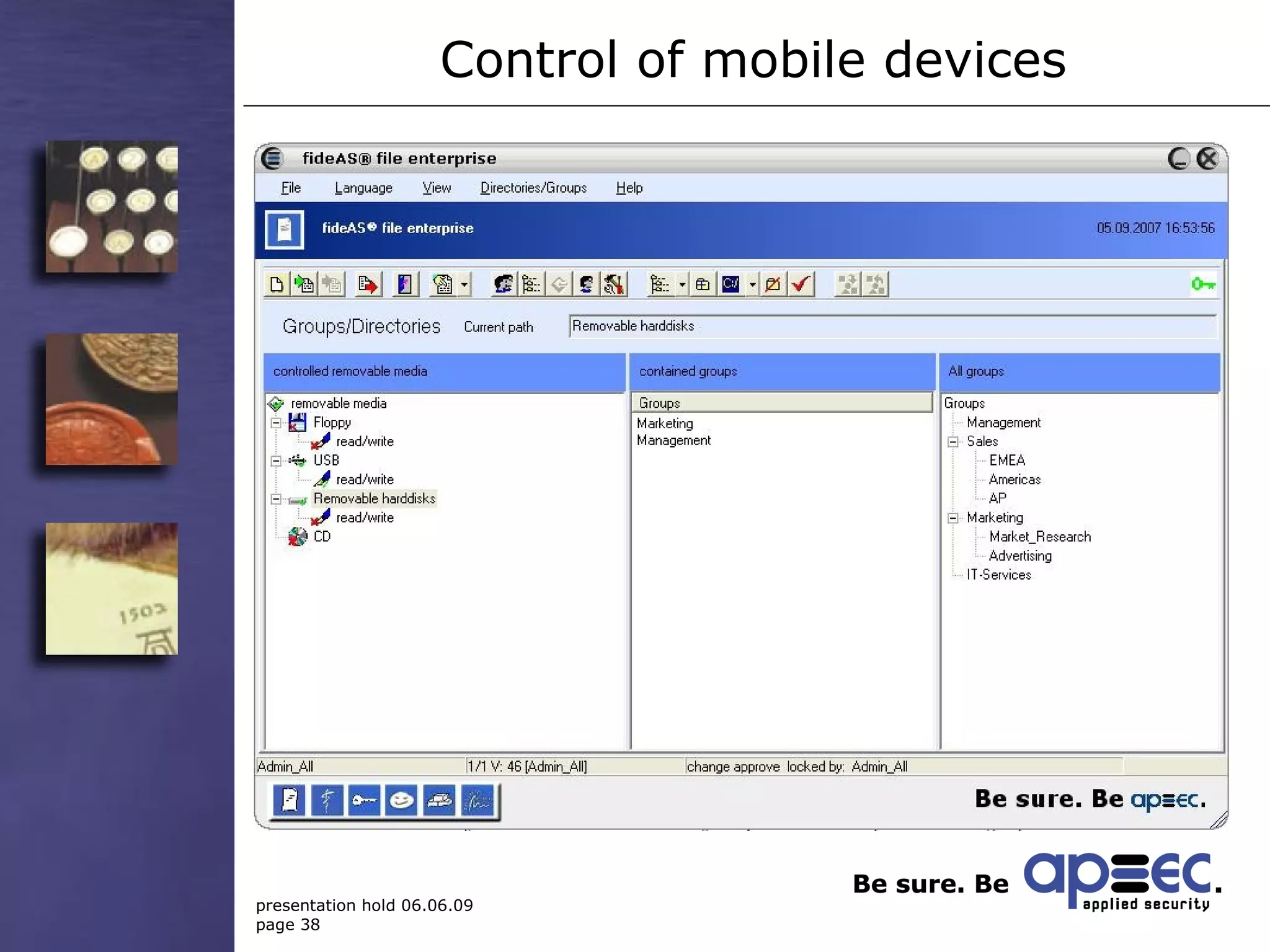
Control of mobile devices
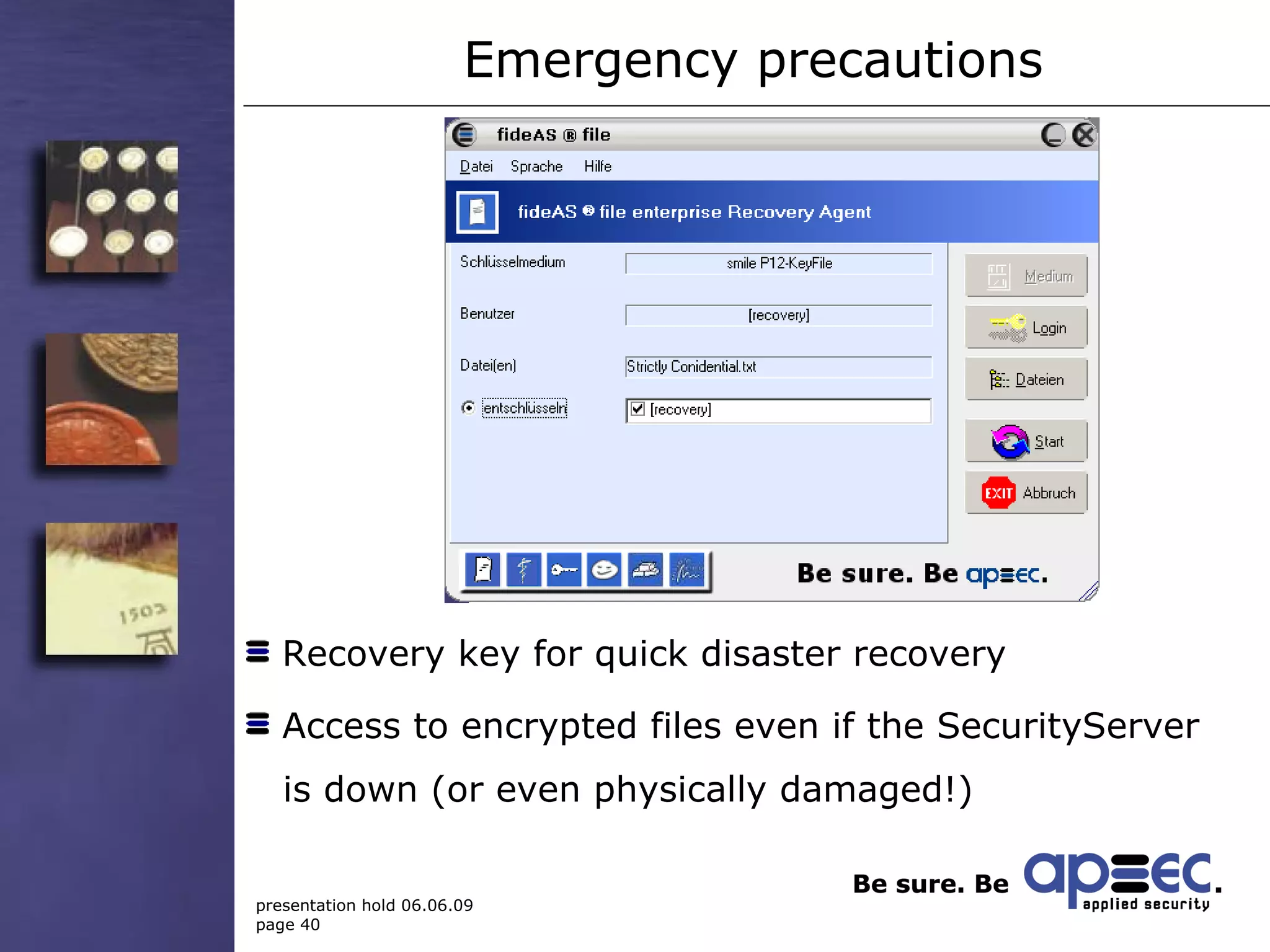
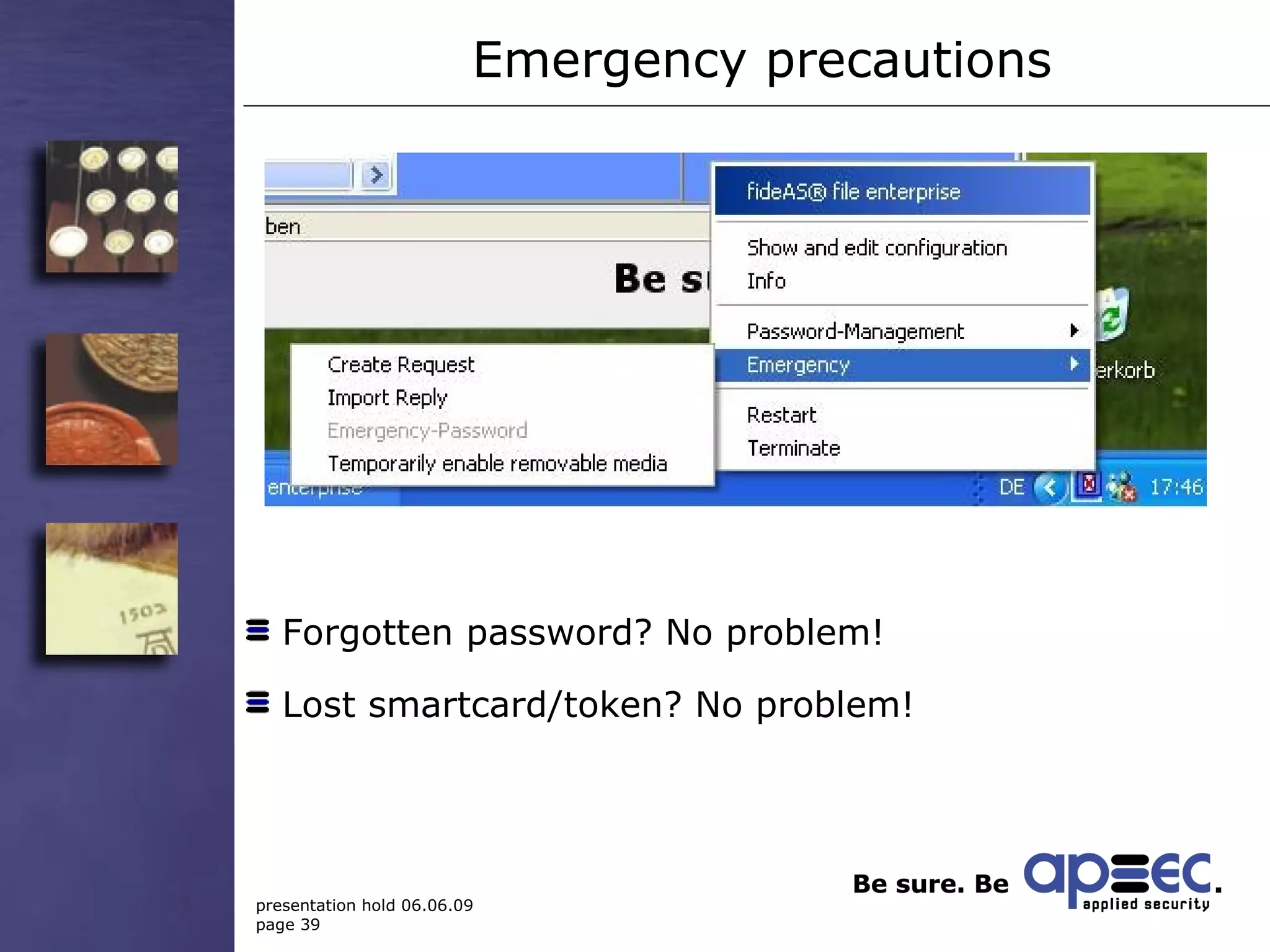
Emergency precautions Forgotten password? No problem! Lost smartcard/token? No problem!
Emergency precautions  Recovery key for quick disaster recovery Access to encrypted files even if the SecurityServer   is down (or even physically damaged!)
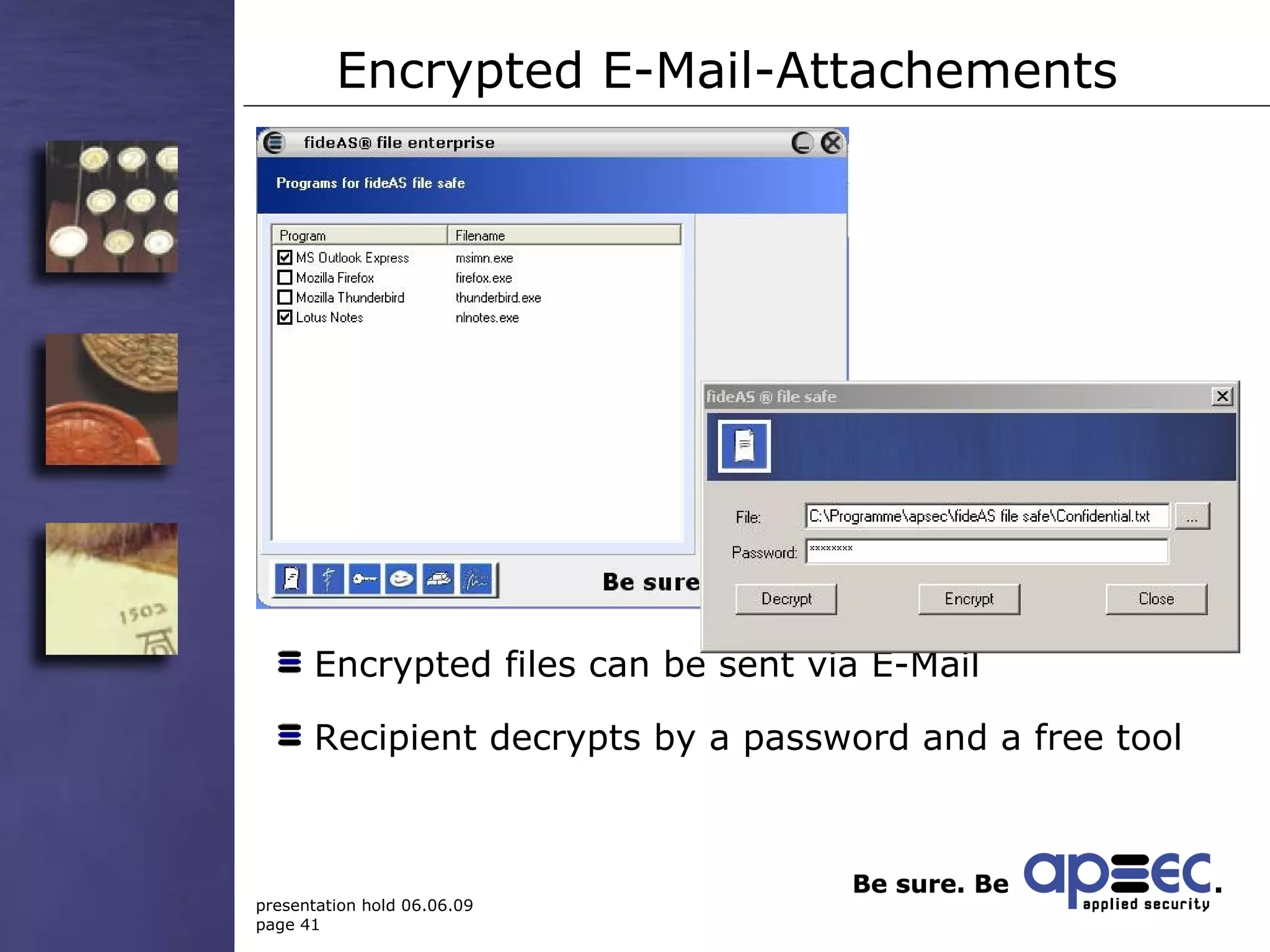
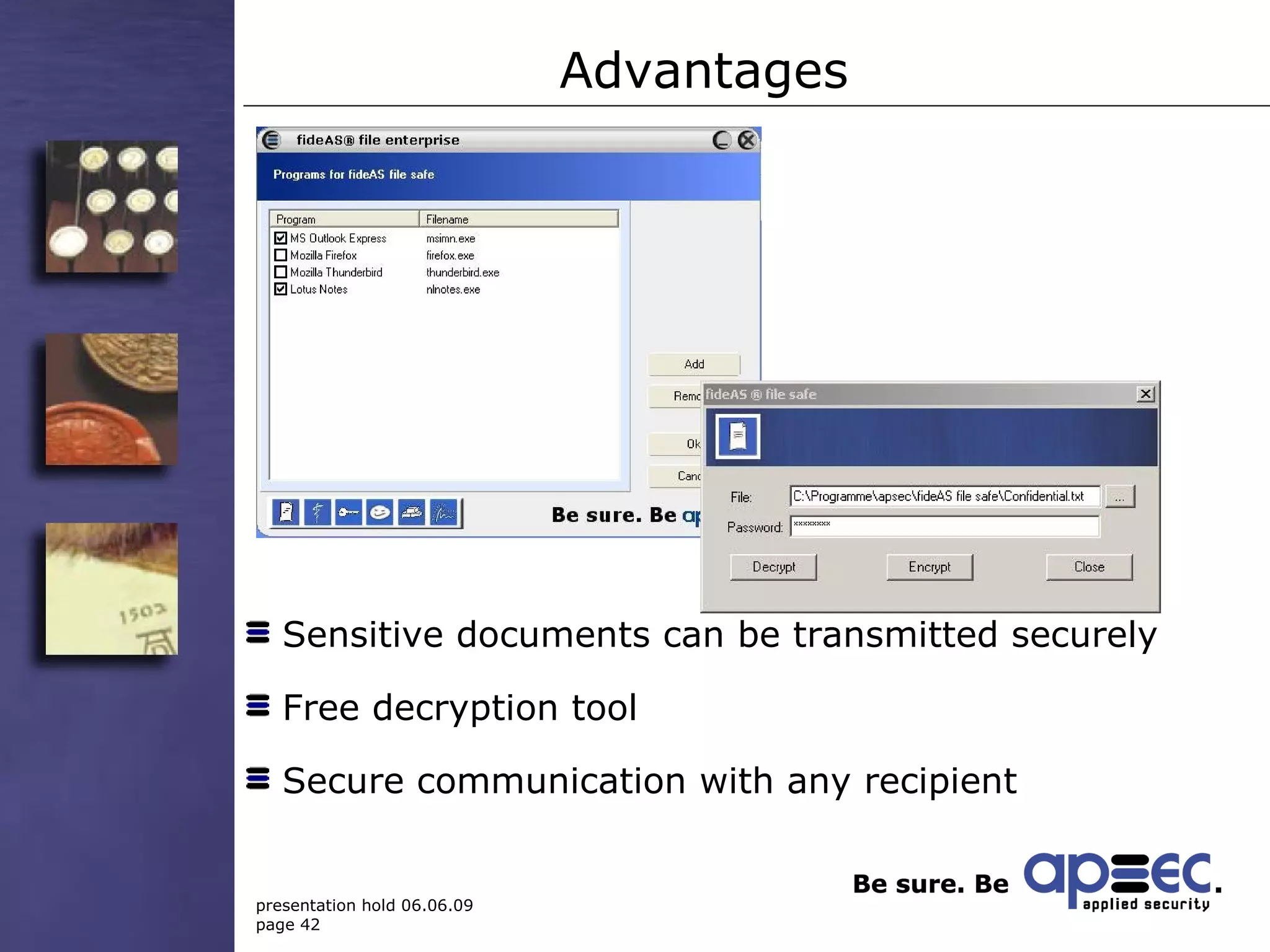
Encrypted E-Mail-Attachements  Encrypted files can be sent via E-Mail Recipient decrypts by a password and a free tool
Advantages Sensitive documents can be transmitted securely Free decryption tool Secure communication with any recipient
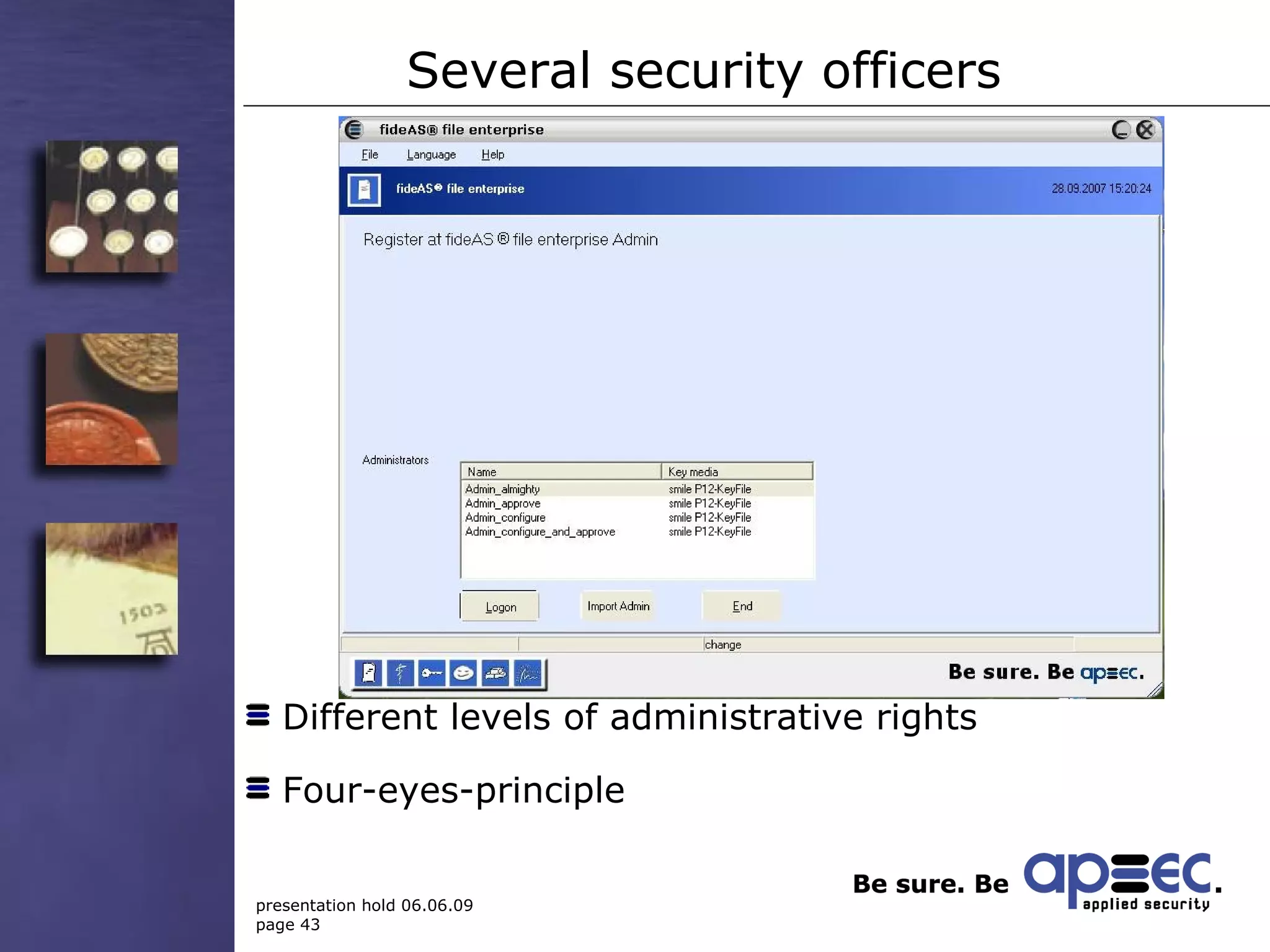
Several security officers Different levels of administrative rights Four-eyes-principle
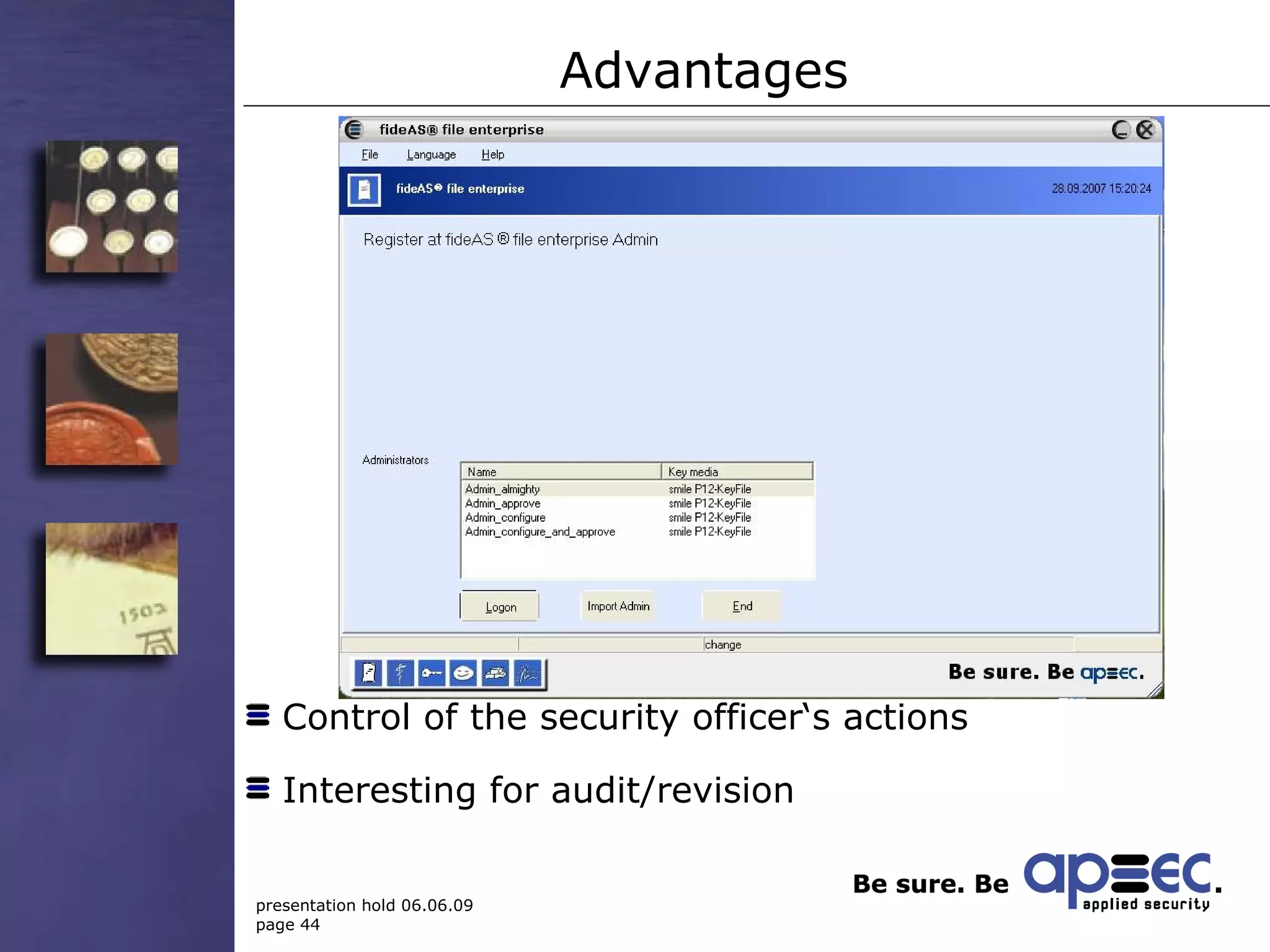
Advantages Control of the security officer‘s actions Interesting for audit/revision
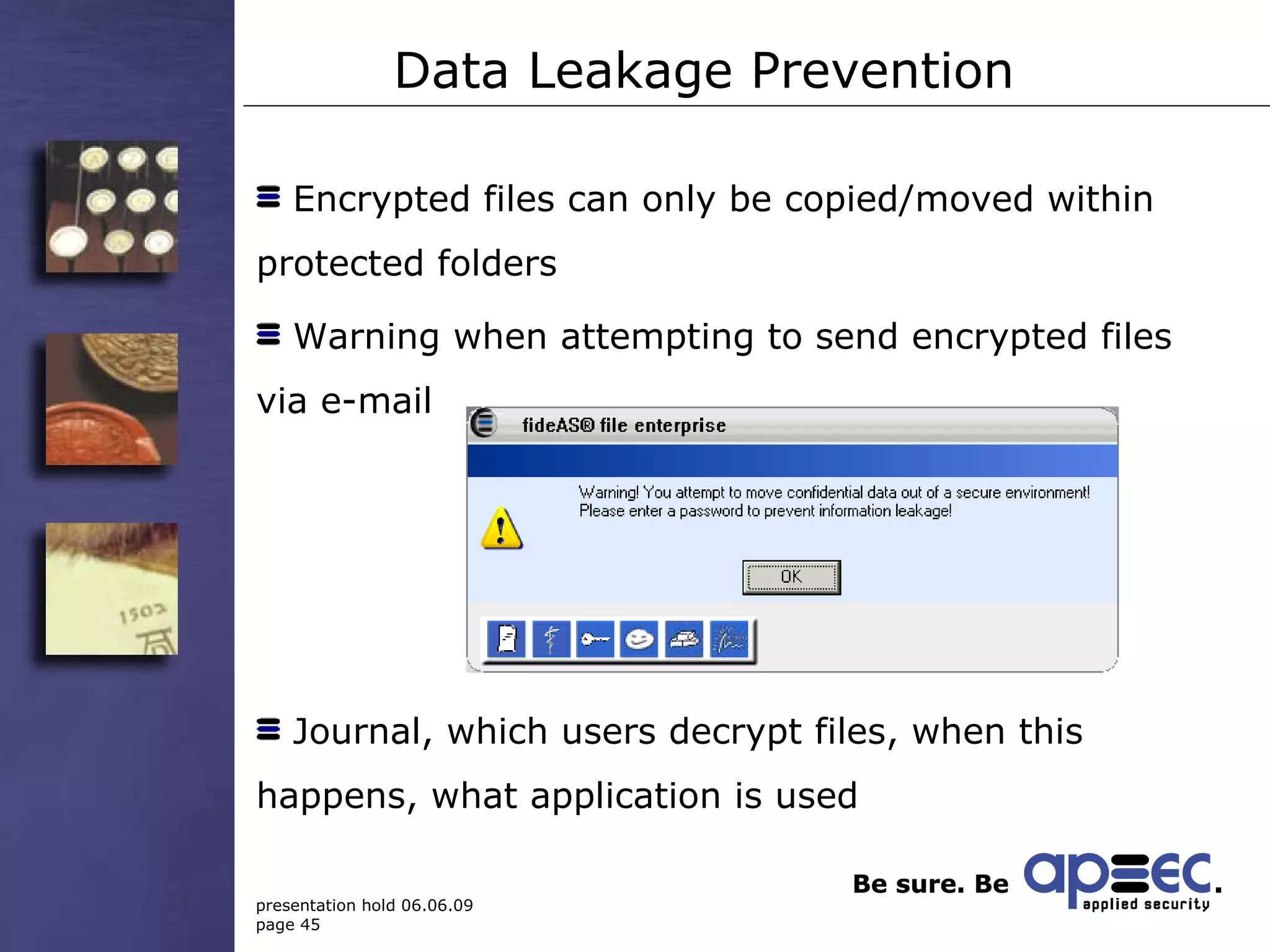
Data Leakage Prevention Encrypted files can only be copied/moved within protected folders Warning when attempting to send encrypted files via e-mail Journal, which users decrypt files, when this happens, what application is used
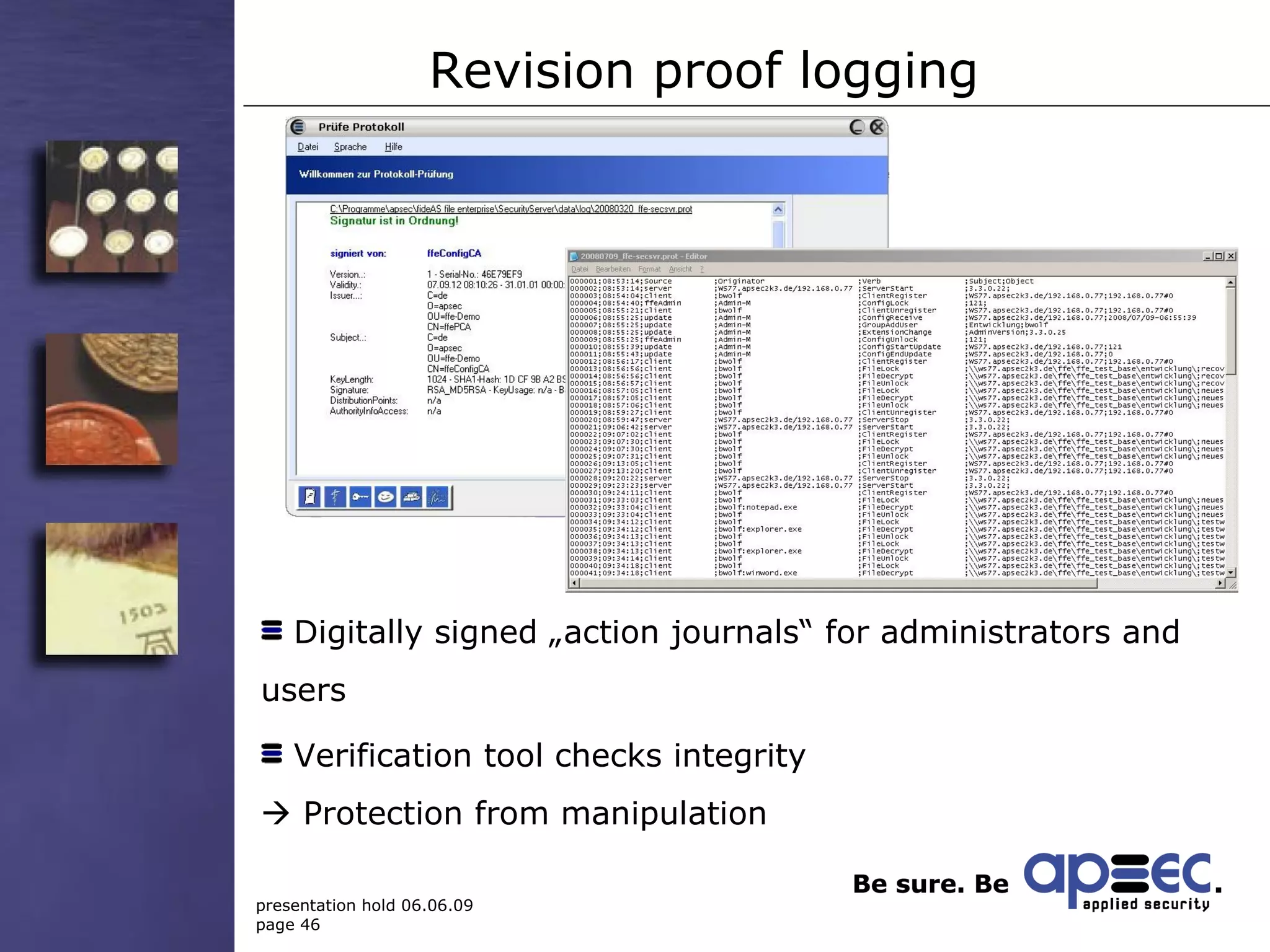
Revision proof logging Digitally signed „action journals“ for administrators and users  Verification tool checks integrity    Protection from manipulation
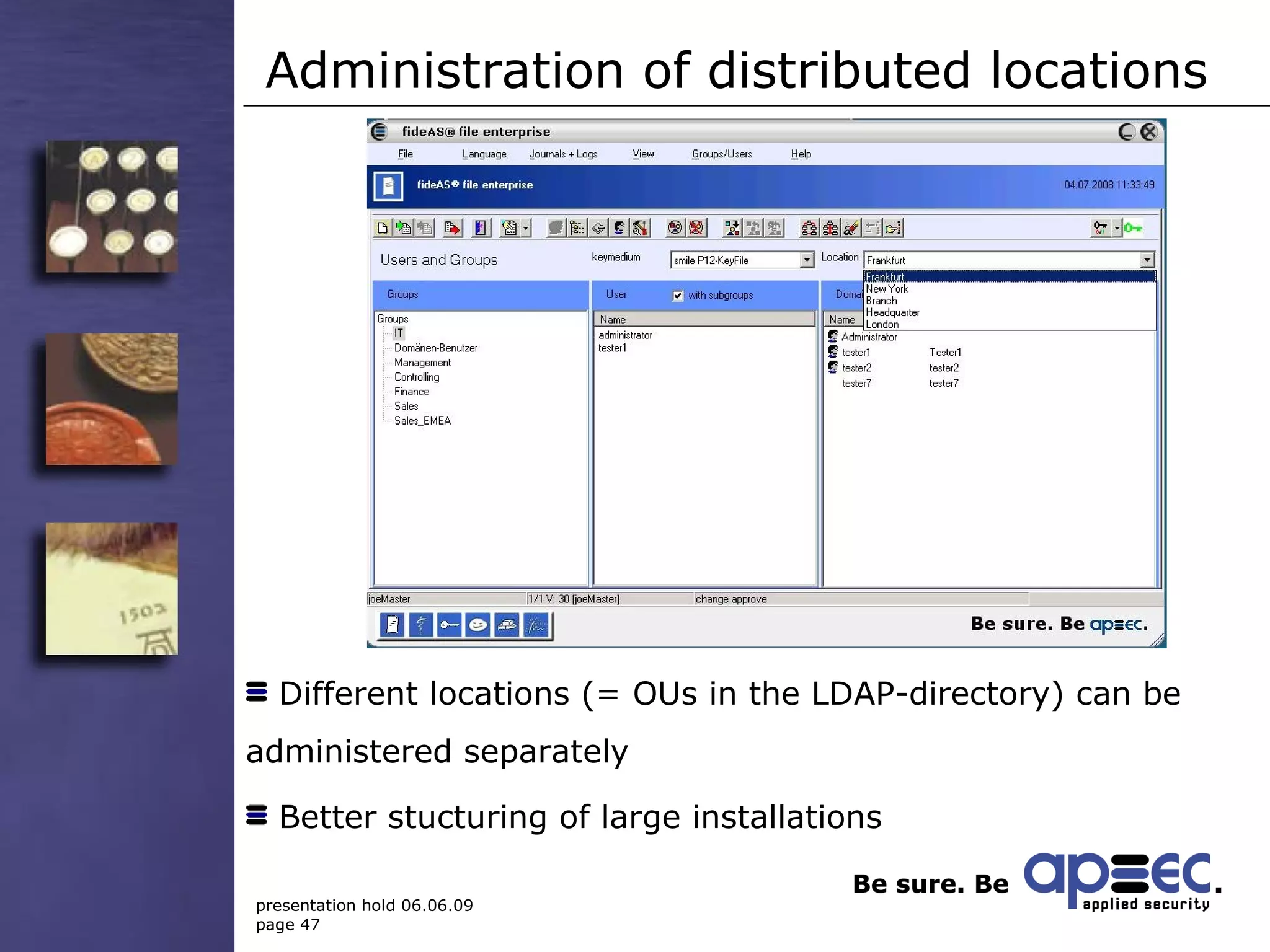
Administration of distributed locations Different locations (= OUs in the LDAP-directory) can be administered separately Better stucturing of large installations
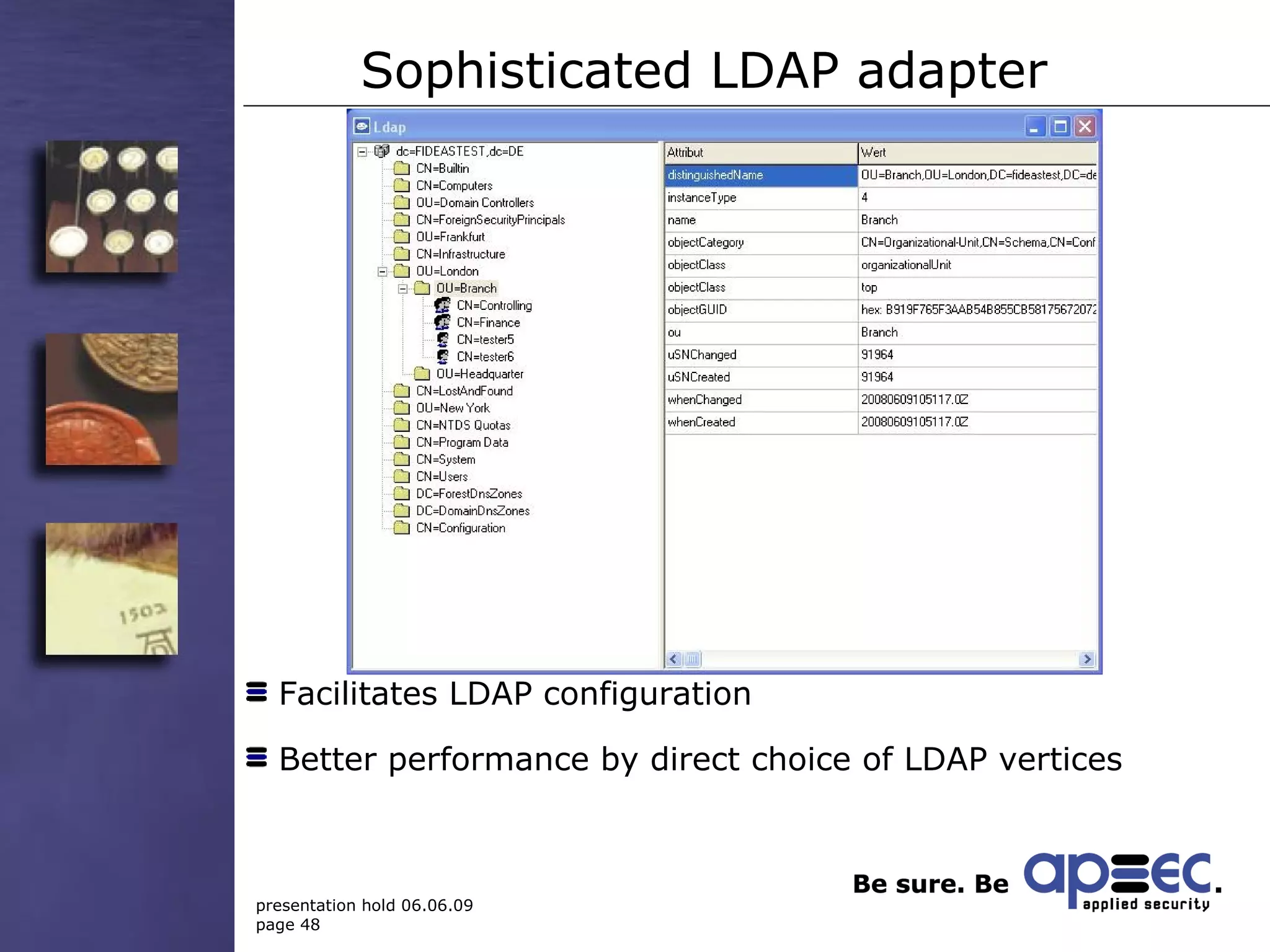
Sophisticated LDAP adapter Facilitates LDAP configuration Better performance by direct choice of LDAP vertices
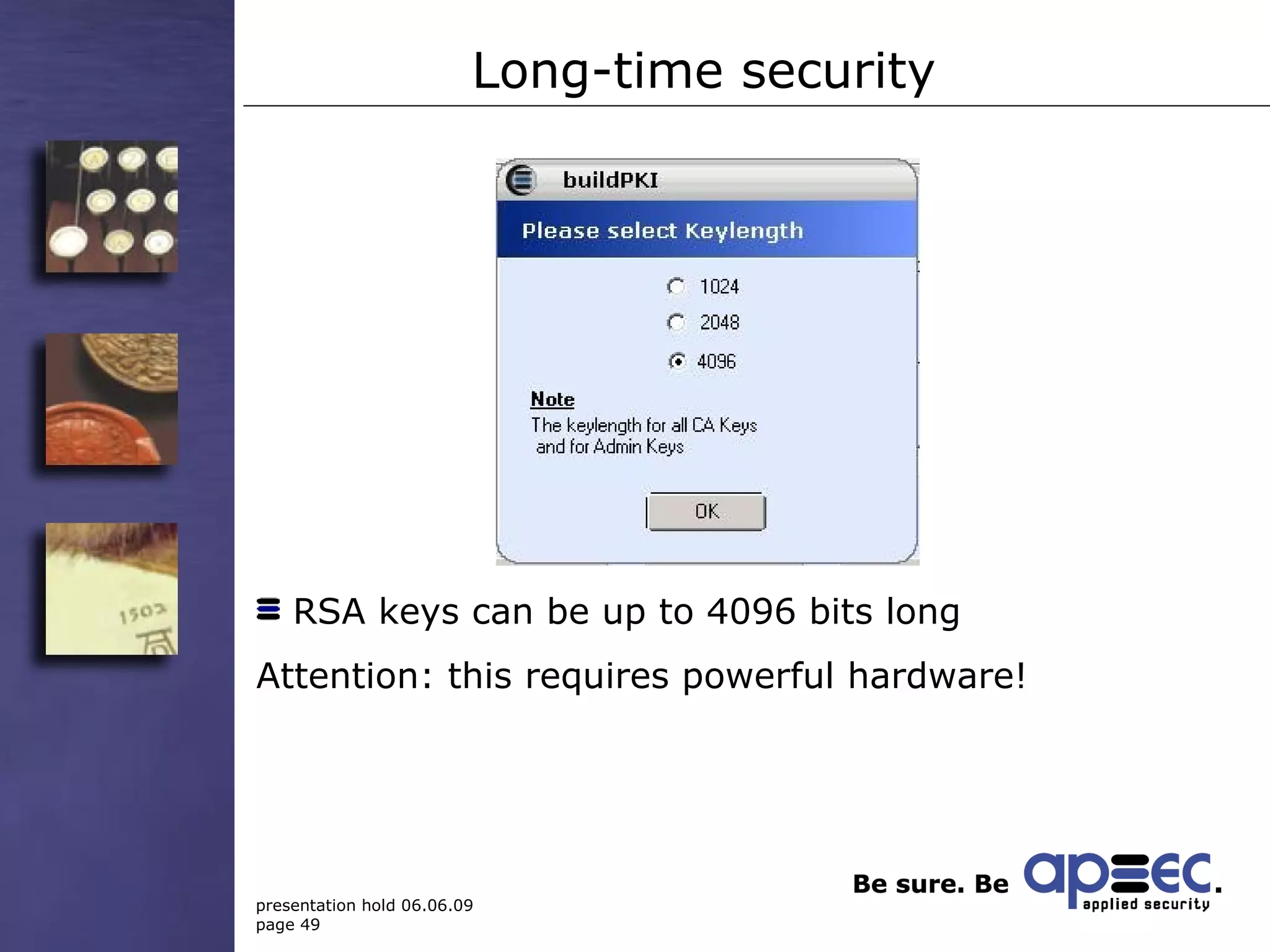
Long-time security RSA keys can be up to 4096 bits long  Attention: this requires powerful hardware!
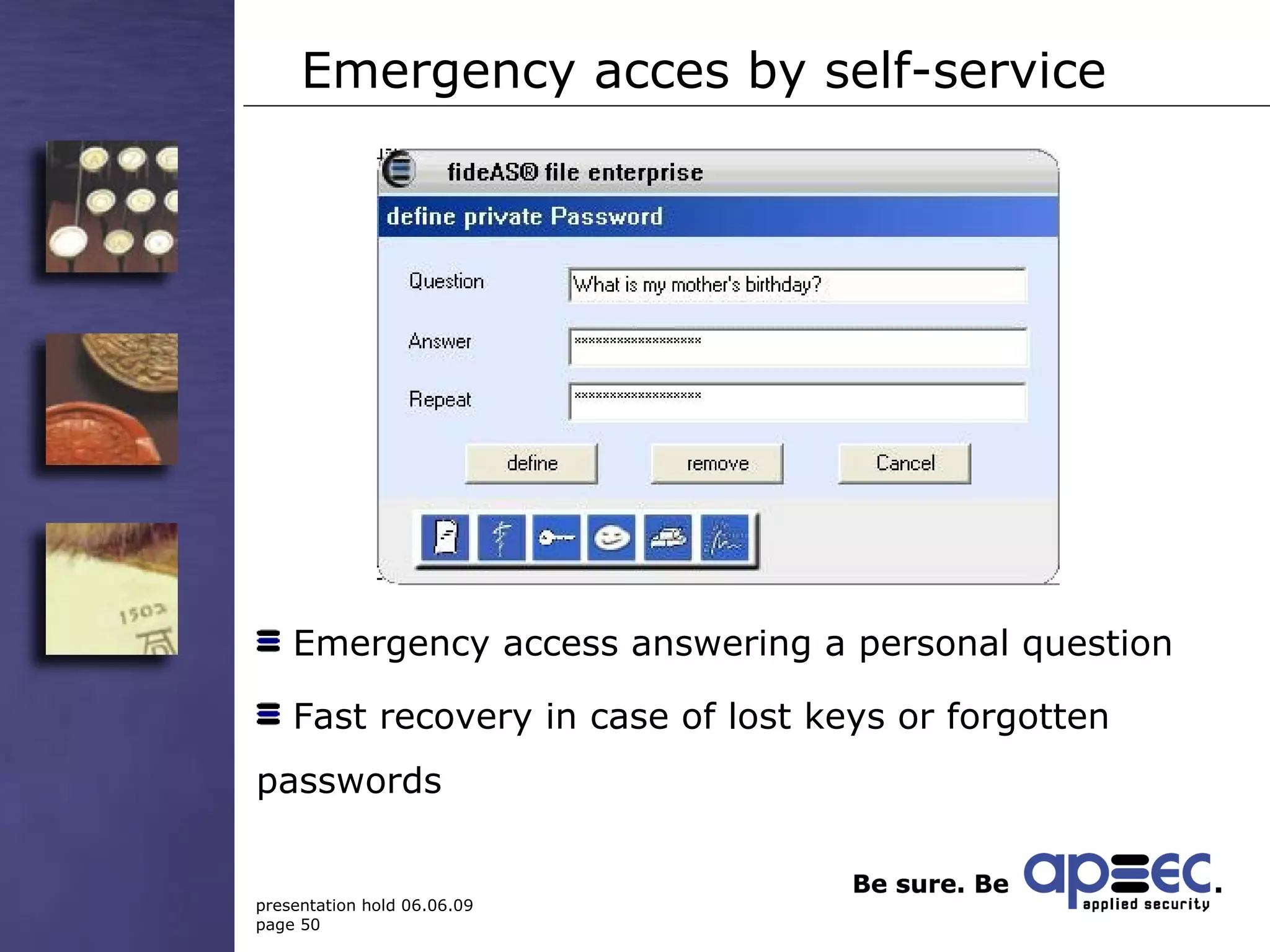
Emergency acces by self-service Emergency access answering a personal question Fast recovery in case of lost keys or forgotten passwords
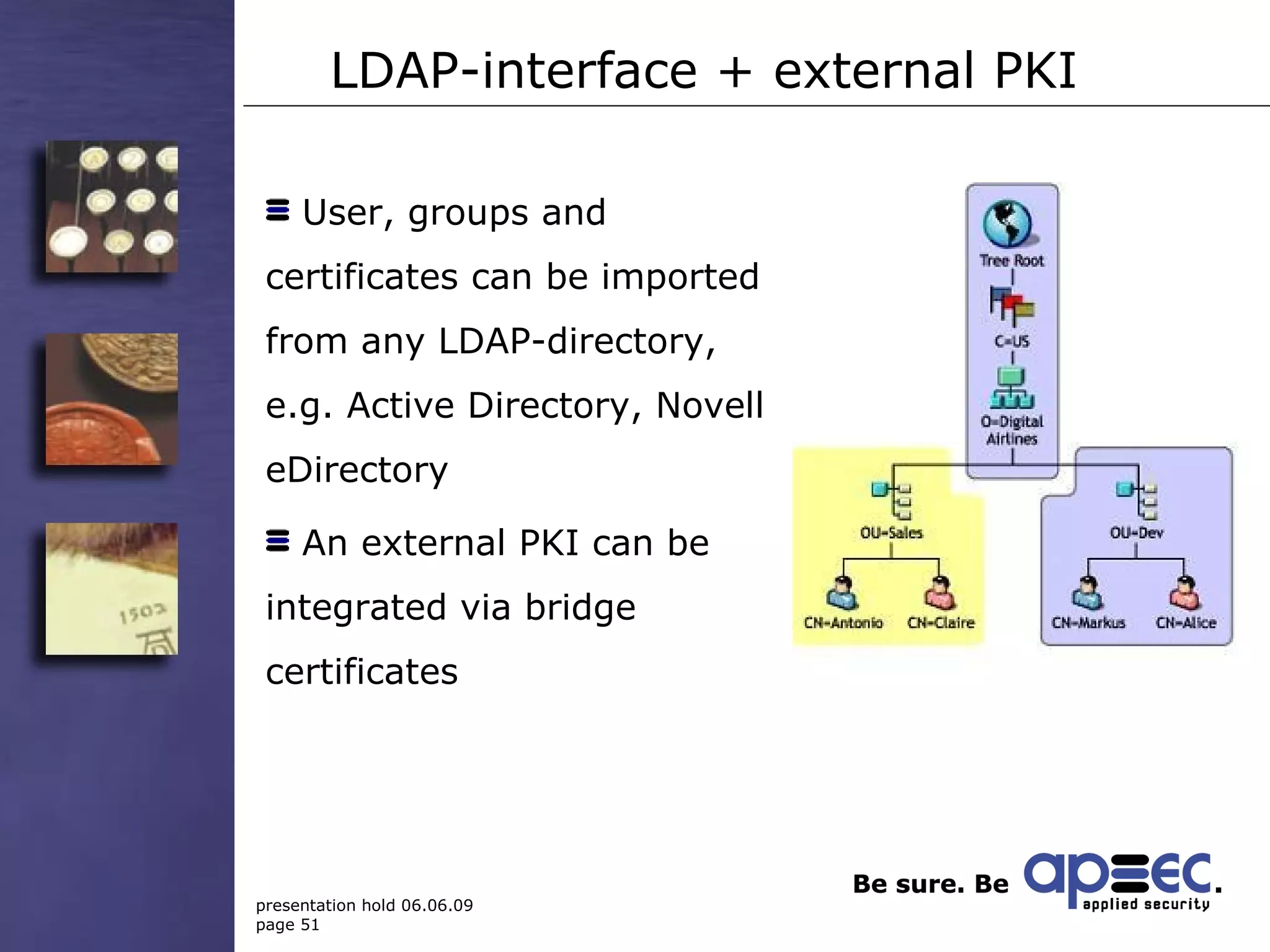
LDAP-interface + external PKI User, groups and certificates can be imported from any LDAP-directory, e.g. Active Directory, Novell eDirectory An external PKI can be integrated via bridge certificates
Technical stuff OS: Windows 2000, 2003, XP, Vista, 2008 Also runs on terminal servers Easy client-roll out via MSI Optional real-time central logging (syslog)  Supports every fileserver (Unix, Linux, Windows, …) Encryption algorithms: AES, RSA Certificates: X.509 Interface for smartcards/tokens: PKCS#11, MS CSP
Network prerequisites Users must be organized within an LDAP directory (AD works best) Security Server must have full access to all protected folders on the file servers Administrator’s workstation must be connected to AD (or other directory) Shares on file servers must be accessible via UNC Components of fide AS ®  file enterprise must be able to use an open HTTP port for communication
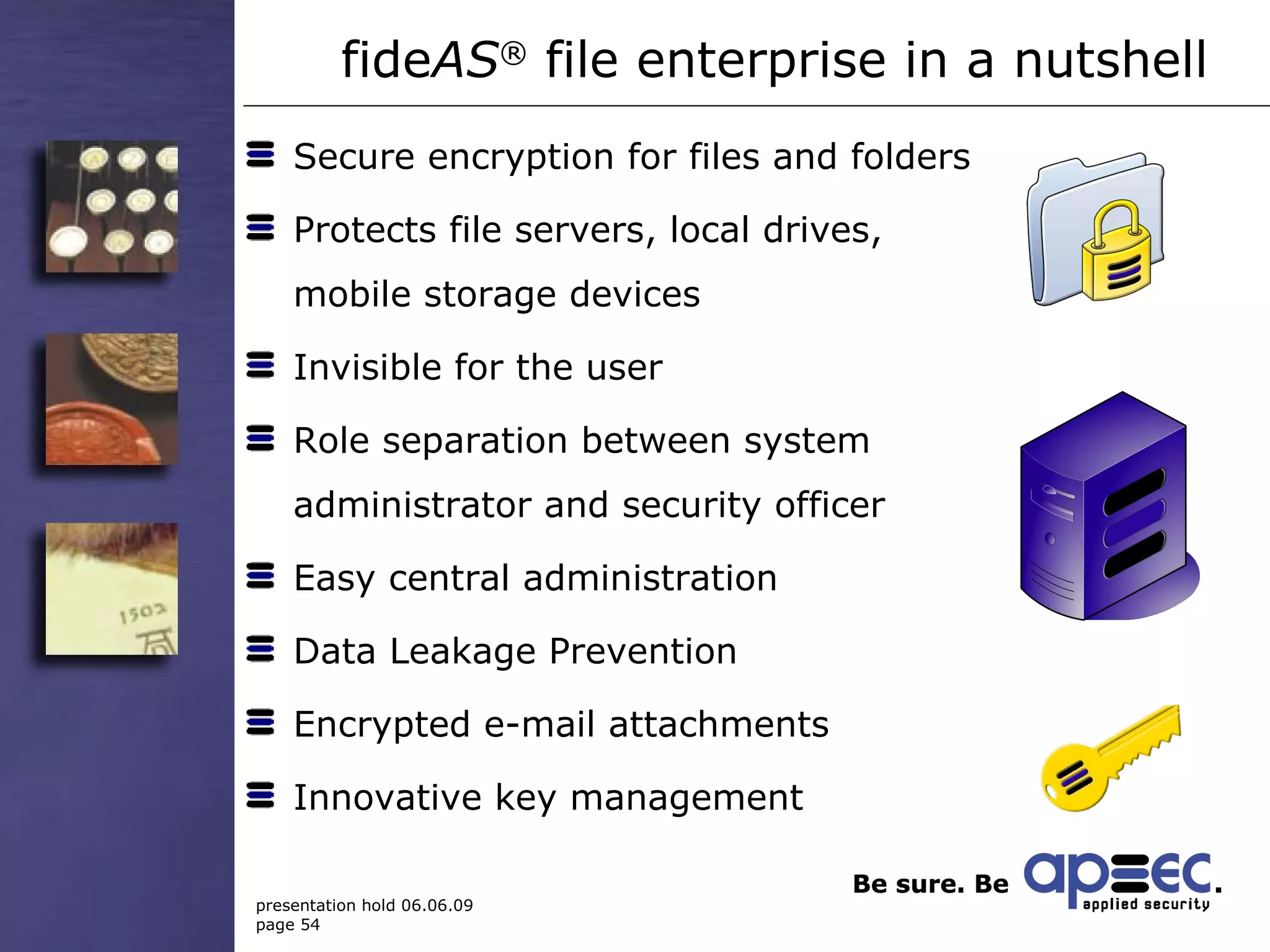
Secure encryption for files and folders Protects file servers, local drives,  mobile storage devices Invisible for the user Role separation between system  administrator and security officer Easy central administration Data Leakage Prevention Encrypted e-mail attachments Innovative key management  fide AS ®  file enterprise  in a nutshell
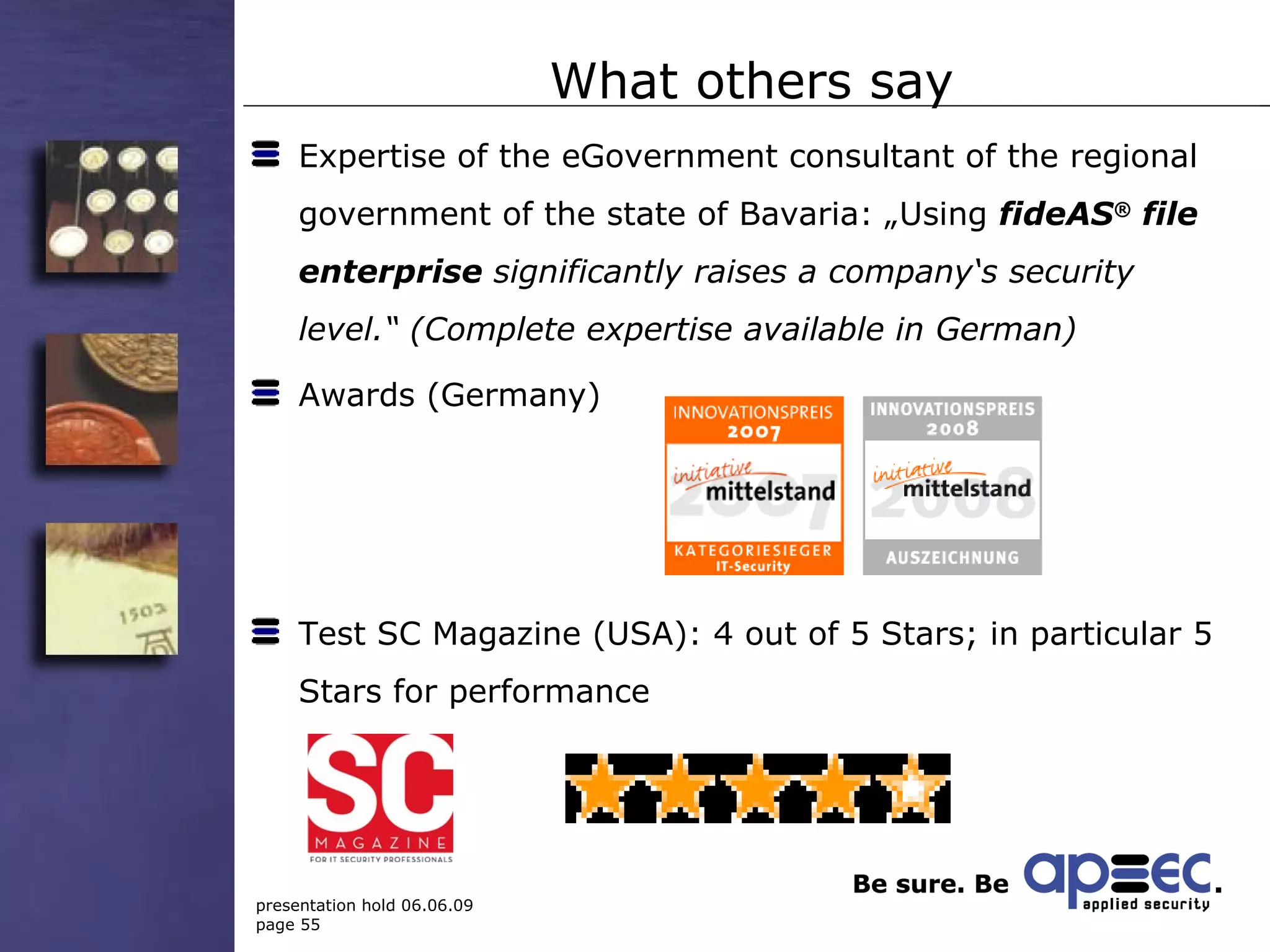
What others say Expertise of the eGovernment consultant of the regional government of the state of Bavaria: „Using  fideAS ®  file enterprise  significantly raises a company‘s security level.“ (Complete expertise available in German) Awards (Germany) Test SC Magazine (USA): 4 out of 5 Stars; in particular 5 Stars for performance
Thank you for your attention! Your contact: Andreas Schuster [email_address] Business Development Manager M.E. www.applied-security.com

apsec 7 Golden Rules Data Leakage Prevention / DLP

  • 1.
    The seven golden rules of Data Leakage Prevention Eng. Andreas Schuster Business Development Manager Applied Security GmbH (branch) Middle East
  • 2.
    Applied Security GmbHFounded in 1998 Main office in Stockstadt/Main, branch offices in London, Dubai and Grand Rapids, USA Software development and consulting in IT security Member of www.apsec.de About apsec
  • 3.
    Applied Security USIncorporated Founded in September 2008 US HQ Grand Rapids, MI IT Security Software and Consulting Member of ACG www.apsec.us About apsec
  • 4.
    „ I alreadyhave a firewall...“ Why DLP?
  • 5.
    No firewall couldhave prevented...
  • 6.
    Examples of dataloss May 2005 -- Time Warner lost 40 computer backup tapes containing sensitive data of about 600,000 current and former employees and service contractors while being shipped by Iron Mountain to an offsite storage center. June 2006 – American International Group (AIG) lost personal data (names, adresses, SSNs, medical information) of 970,000 employees of various companies whose insurance information was submitted to AIG due to the burglary of a file server.
  • 7.
    Examples of dataloss November 2007 – In the U.K. Her Majesty's Revenues and Customs (HMRC) had to admit they'd lost computer disks containing personal information on almost half the country's population (25 million records), including nearly all families with children. If that's not bad enough, the databases included the worst kind of information to lose – consumer bank account numbers. December 2007 –- The U.K. Ministry of Transport lost personal data of 3 million candidates for driver's licenses due to a vanished hard disk at a subcontractor's site in Iowa, USA.
  • 8.
    Who wants tobe next in line?
  • 9.
    What should Ido? Seven golden rules of Data Loss Prevention
  • 10.
    What should Ido? The stated examples have something in common: None of them has anything to do with an Internet-based attack or was caused by a security flaw in the network Most commonly used protection measures such as Firewalls, IDS or Virus scanners could not have helped The data breaches could have been prevented by a single measure – encryption!
  • 11.
    Rule No. 1:Accept that there is a risk!
  • 12.
    Regel 1 Ifyou think „ This won‘t happen to me!“,...
  • 13.
  • 14.
    Rule No. 1...because that‘s exactly what Time Warner, AIG, HMRC and all the other victims thought, too. Be smarter! Hence: Accept that there is a risk! But: Accept does not mean tolerate!
  • 15.
    Rule No. 2: Provide Endpoint Security!
  • 16.
    Rule 2 Identify:Which data are sensitive? Who is allowed to work with sensitive data? Protect sensitive data on their point of origin: the user‘s workplace! (Endpoint Security)
  • 17.
    Rule No 2:practical hints File encryption with access for workgroups Restrict the use of mobile storage media Encrypt confidential e-mail attachments automatically Log all access to sensitive files
  • 18.
    Rule Nr. 3:Take security into your own hands!
  • 19.
    Rule No. 3:practical hints Demand central policy management! Separate powers between system administrator and security officer Grant access rights according to the „Need-to-know principle“ Realize a four-eyes-principle
  • 20.
    Rule No. 4:Make security easy!
  • 21.
    Rule No.4: thehuman factor According to many surveys, human error is the No.1 reason for data breaches There‘s nothing less secure than a misconfigured security solution
  • 22.
    Rule No. 4:practical hints Invisible encryption in the background Choose a rule-based and centrally managed solution Care for an easy administration in order to reduce the chance of misconfiguration Reduce complexity: don‘t choose the product with the longest feature list, but the one offering the functions you really need
  • 23.
    Rule No. 5:Emergency precautions
  • 24.
    Rule No. 5Encryption is silver, but decryption is gold! Ask: what to do if... Passwords are forgotten? User keys are lost? Configuration data are destroyed? Recovery mechanisms ensure the availability of your data! Ask your vendor about the mechanisms his solution offers!
  • 25.
    Rule No. 6:The Pareto principle
  • 26.
    Rule No. 6:The Pareto principle A typical dialogue: Customer: „I want 100% security!“ Consultant: „There is no 100% security!“ Customer: „In this case I want nothing at all!“
  • 27.
    Rule No. 6:practical hints Prioritize your requirements! What is a „must“? What is only „nice to have“? What might even be counterproductive? Remember: 80% is much better than nothing! The remaining risk must be tolerable!
  • 28.
    Rule No. 7:Security costs money – but it is worth it!
  • 29.
    Rule No. 7:Value for money A professional solution does not come as freeware from the Internet! Data Leakage Prevention is a complex task – better ask a specialist! Specialists earn their money with this – otherwise they wouldn‘t be specialists!
  • 30.
    Don‘t wait untilthe damage is done – it is called Data Leakage Prevention!
  • 31.
    fide AS ® file enterprise A professional DLP solution
  • 32.
    Security for filesand folders
  • 33.
  • 34.
    Access for workgroupsManagement Human Resources Research & Development System Administrator Central file server(s) Management . . . . Human Resources . . . . Research & Development . . . . All . . . .
  • 35.
    Components of fide AS ® file enterprise File Server use Strong authentication does initial encryption exchange encrypted data to configure the fide AS ® file enterprise Security Server fide AS ® file enterprise Private Agent sends security policy to the use strong authentication Security Officer
  • 36.
    Master/Slave concept Arbitratrynumber of Security Servers can be installed Master/Slave operation Automatic synchronisation of configurations Load balancing (if the clients are configured appropriately ) High availability at a minimum of administrative effort
  • 37.
  • 38.
  • 39.
    Emergency precautions Forgottenpassword? No problem! Lost smartcard/token? No problem!
  • 40.
    Emergency precautions Recovery key for quick disaster recovery Access to encrypted files even if the SecurityServer is down (or even physically damaged!)
  • 41.
    Encrypted E-Mail-Attachements Encrypted files can be sent via E-Mail Recipient decrypts by a password and a free tool
  • 42.
    Advantages Sensitive documentscan be transmitted securely Free decryption tool Secure communication with any recipient
  • 43.
    Several security officersDifferent levels of administrative rights Four-eyes-principle
  • 44.
    Advantages Control ofthe security officer‘s actions Interesting for audit/revision
  • 45.
    Data Leakage PreventionEncrypted files can only be copied/moved within protected folders Warning when attempting to send encrypted files via e-mail Journal, which users decrypt files, when this happens, what application is used
  • 46.
    Revision proof loggingDigitally signed „action journals“ for administrators and users Verification tool checks integrity  Protection from manipulation
  • 47.
    Administration of distributedlocations Different locations (= OUs in the LDAP-directory) can be administered separately Better stucturing of large installations
  • 48.
    Sophisticated LDAP adapterFacilitates LDAP configuration Better performance by direct choice of LDAP vertices
  • 49.
    Long-time security RSAkeys can be up to 4096 bits long Attention: this requires powerful hardware!
  • 50.
    Emergency acces byself-service Emergency access answering a personal question Fast recovery in case of lost keys or forgotten passwords
  • 51.
    LDAP-interface + externalPKI User, groups and certificates can be imported from any LDAP-directory, e.g. Active Directory, Novell eDirectory An external PKI can be integrated via bridge certificates
  • 52.
    Technical stuff OS:Windows 2000, 2003, XP, Vista, 2008 Also runs on terminal servers Easy client-roll out via MSI Optional real-time central logging (syslog) Supports every fileserver (Unix, Linux, Windows, …) Encryption algorithms: AES, RSA Certificates: X.509 Interface for smartcards/tokens: PKCS#11, MS CSP
  • 53.
    Network prerequisites Usersmust be organized within an LDAP directory (AD works best) Security Server must have full access to all protected folders on the file servers Administrator’s workstation must be connected to AD (or other directory) Shares on file servers must be accessible via UNC Components of fide AS ® file enterprise must be able to use an open HTTP port for communication
  • 54.
    Secure encryption forfiles and folders Protects file servers, local drives, mobile storage devices Invisible for the user Role separation between system administrator and security officer Easy central administration Data Leakage Prevention Encrypted e-mail attachments Innovative key management fide AS ® file enterprise in a nutshell
  • 55.
    What others sayExpertise of the eGovernment consultant of the regional government of the state of Bavaria: „Using fideAS ® file enterprise significantly raises a company‘s security level.“ (Complete expertise available in German) Awards (Germany) Test SC Magazine (USA): 4 out of 5 Stars; in particular 5 Stars for performance
  • 56.
    Thank you foryour attention! Your contact: Andreas Schuster [email_address] Business Development Manager M.E. www.applied-security.com