






Segurança da Informação Rodrigo Cesar Benaglia Piovesana, MBA, CEH Versão 1.4/2010
Uma hora tem que começar… Bibliografia básica: Principles of Network Security. ISBN 0-9762241-2-7. Check Point Press.
Recomendações Estude mais o idioma inglês; Estude mais o idioma inglês; Estude mais o idioma inglês; Estude mais o idioma inglês; Estude mais o idioma inglês; Estude mais o idioma inglês; Estude mais o idioma inglês; Então… ”Hey ho let´s go” …
1. Fundamentals Information Security (infosec) “ Information Security is the pratice of protecting information resources. The importance of INFOSEC has increased dramatically since the creation of computer networks. Security professionals are constantly attempting to remain current with the new technologies, to maintain the security of networks and system.”  (Principles of Network Security)
INFOSEC triad Confidentiality Integraty Availability
Confidentiality Corporations and individuals have a great need for confidentiality Primary focus is to keep private information from being used by adversaries, against an organisation or individual. Methods of protecting: Encryption Access Control Classification Labels
Encryption Encryption is used to protect data on storage devices and in trainsit. Information Technology is how we call the data that is stored, viewed, processed, or otherwise manipulated on a computer. Types of data that should be encrypted: Personnel records; Medical records; Payroll; Finance Information; Trade secrets.
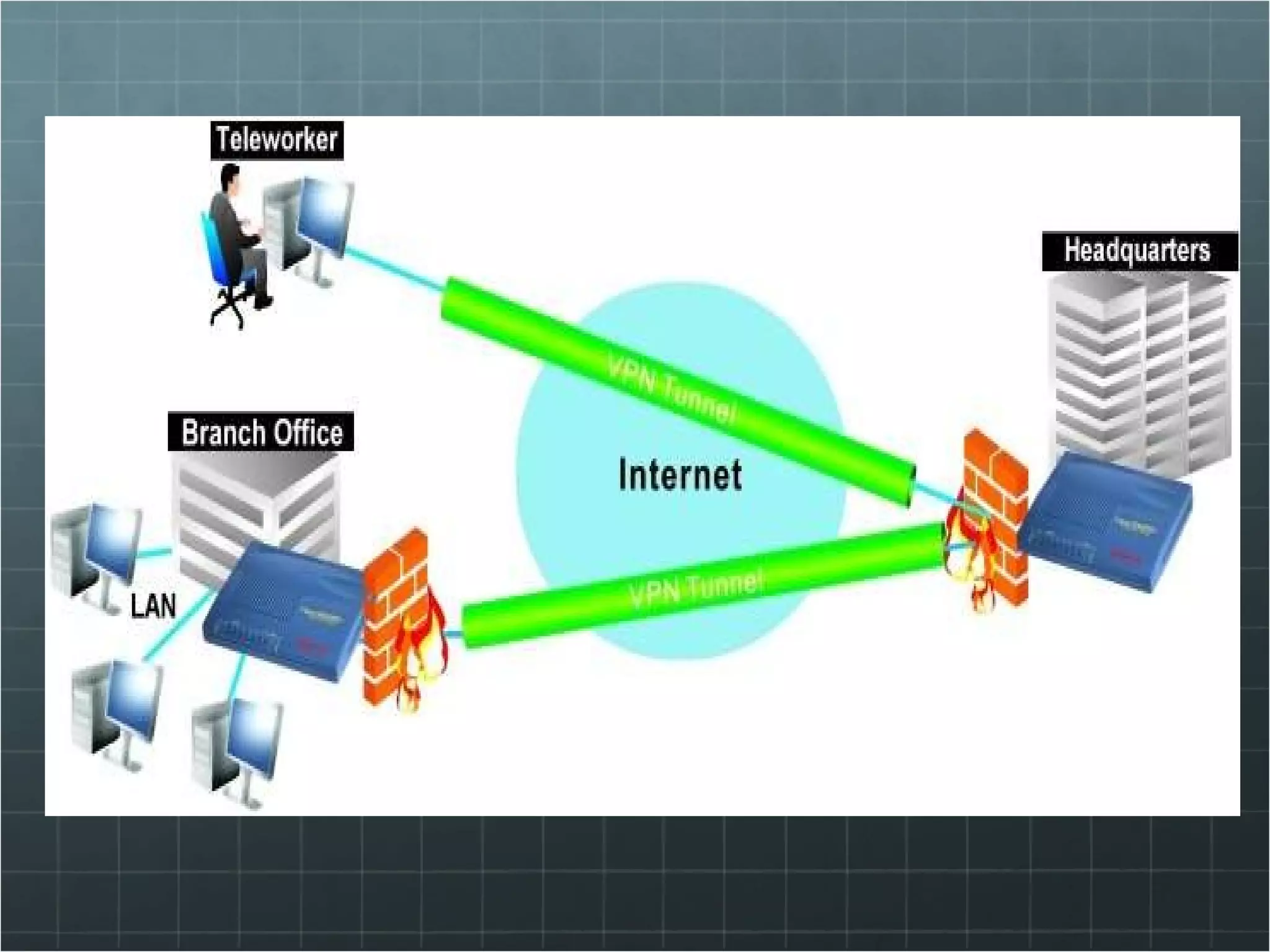
Encryption Virtual Private Networks (VPN) is how we send the information during a transmission through an insecurity environment (public network)
Access Control Access Controls are used in a variety of ways to restrict access to data. Could a simple user-name and password or Biometrics or Tokens or Any combination of these methods above.
Classification labels Data Labeling assigns classification labels to information. The data owner determines which level of privacy is required for a particular piece of data or information Corporate: Public; Confidential; Private. Military: Unclassified; Sensitive but unclassified; Confidential; Secret; Top secret. (only Ninjas has full access   )
Classification Labels Privilages Escalation occurs when users or process obtain more access than necessary to perform their functions. Significant threat to an organisation “ rooting a box” is the popular name Inheritance is property of a file system that allows objects to gain the attributes of their containers. Privilage aggregation occurs when an individual moves within an organisation and additional privileges are given. (never reviewed or removed)
Integrity Data integrity concerns maintaining data validity. This includes: Preventing unauthorizes data manipulation; Deletion; Maintaining data reliability.
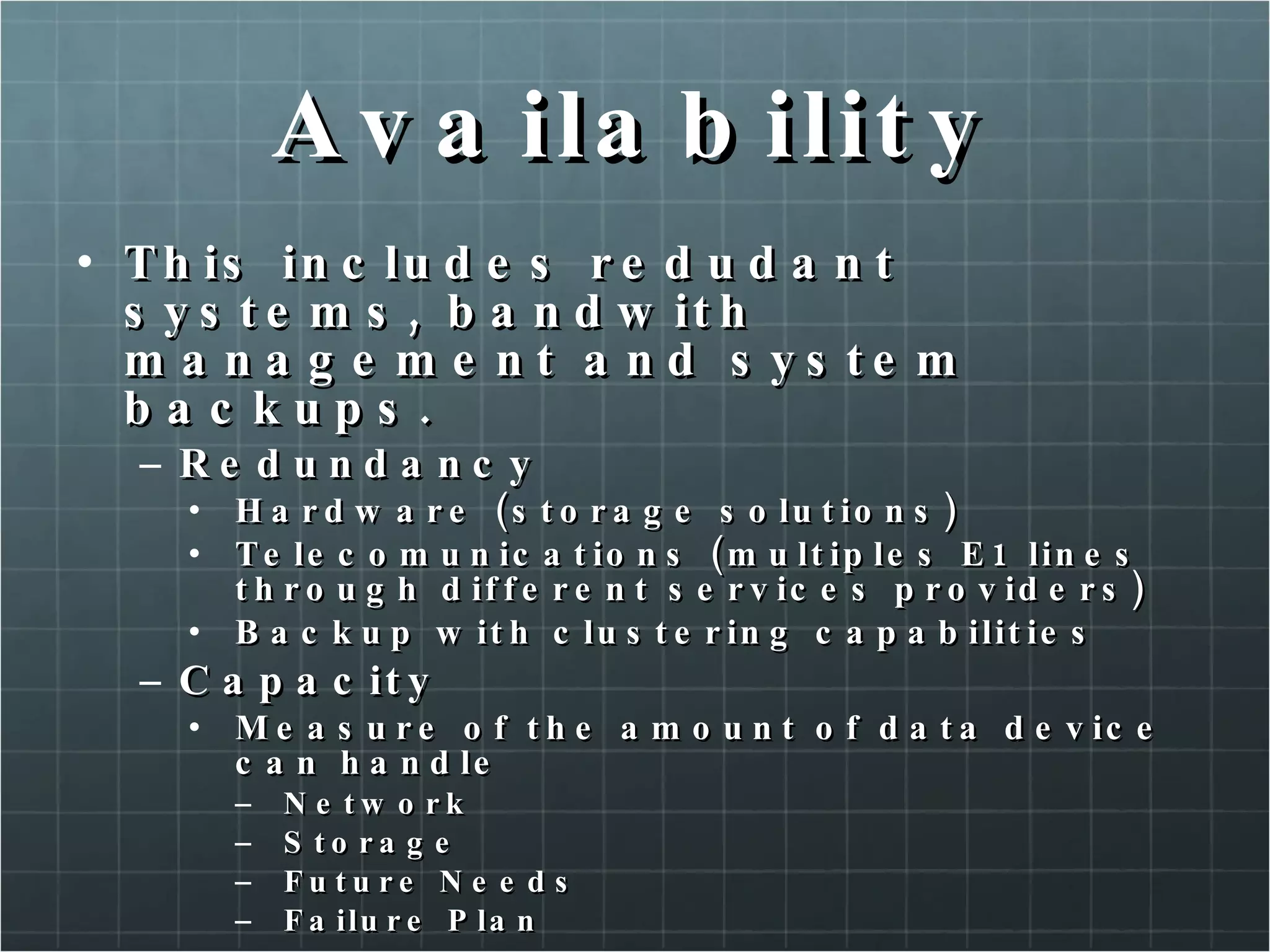
Availability This includes redudant systems, bandwith management and system backups. Redundancy Hardware (storage solutions) Telecomunications (multiples E1 lines through different services providers) Backup with clustering capabilities Capacity Measure of the amount of data device can handle Network Storage Future Needs Failure Plan
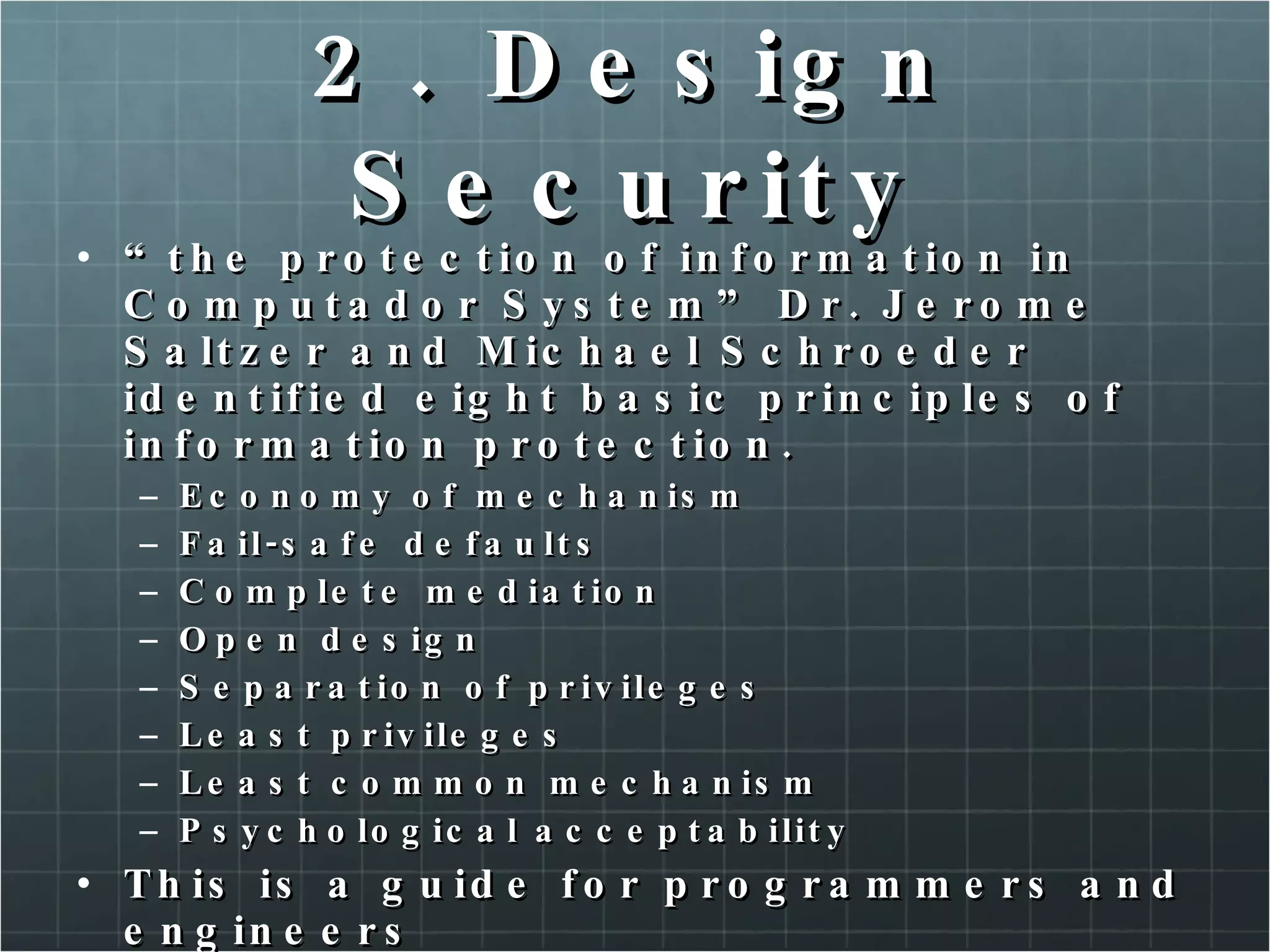
2. Design Security “ the protection of information in Computador System” Dr. Jerome Saltzer and Michael Schroeder identified eight basic principles of information protection. Economy of mechanism Fail-safe defaults Complete mediation Open design Separation of privileges Least privileges Least common mechanism Psychological acceptability This is a guide for programmers and engineers
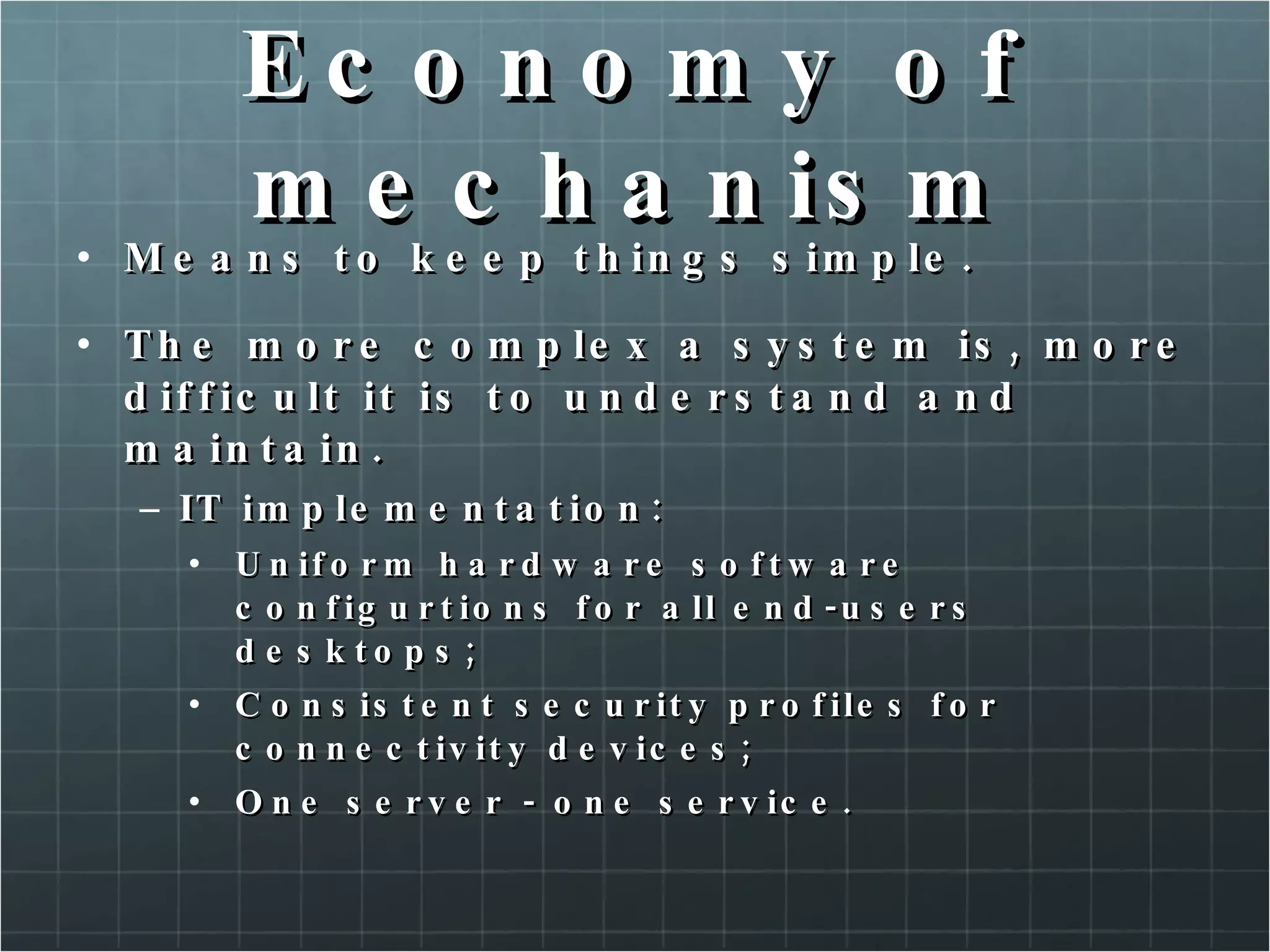
Economy of mechanism Means to keep things simple. The more complex a system is, more difficult it is to understand and maintain. IT implementation: Uniform hardware software configurtions for all end-users desktops; Consistent security profiles for connectivity devices; One server - one service.
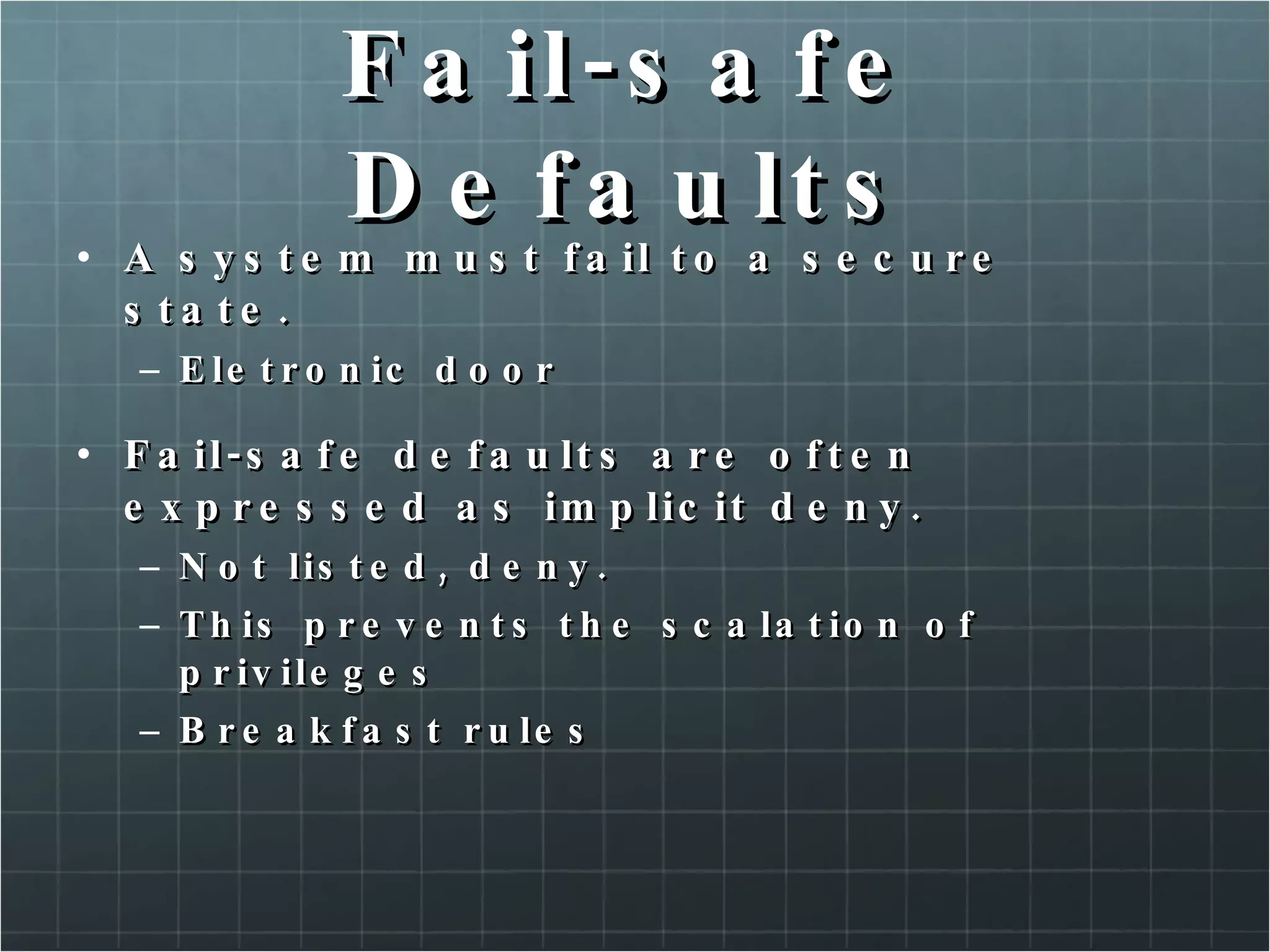
Fail-safe Defaults A system must fail to a secure state. Eletronic door Fail-safe defaults are often expressed as implicit deny. Not listed, deny. This prevents the scalation of privileges Breakfast rules
Complete Mediation All attempts by users or process to access resources must be controlled by the security mechanism. This security mechanism could be: A device or Technology used to control or Restrict access to information assets. Covert Channels are the methods to access the information without approval from the security mechanism
Open Design The principles of open design requires that the methods used by a control to perfom its tasks, be open for testing and review. Do not require to reveal trade secrets, but could be observed and tested. A black-box solutions claims to perform fuctions without explain the mechanism implemented Open source? Adheres to the principle of open design.
Separation of Privileges Separation of privileges requires a security mechanism to divide authorization between two or more entities. Keys for a safe-deposit box in a Bank Access to a resource inside a network requires an authentication and for the network.
Least privileges Users and processes should be given no more rights and privileges than absolutely necessary to perform theis  assigned tasks. Two types of keys for cars. (owner and valet keys)
Least common mechanism The principle of least common mechanism means that processes and users should share as few mechanism as possible. If a processes is shared for multiple users, this could be impossible to determine who initiated the unacceptable action. Shared variables.
Psychological acceptability This principle link that applies the previous seven secure-design principles. For psychological acceptability to apply to a technology, the interface must be designed for ease of use, also requires minimal intrusion of technology. “ a computer is secure if you can depend on it and its software to behave as you expect!” (Pratical unix & internet Security, Garfinkle, et al.)
Principle and Reality Cost Ease to use Scalability Integration Support
Security Life Cycle Securing a system is not a single event but an on-going process. Every change in the system every change in the system´s environment represents a potential new vulnerability or threat. Simple life cycle: Identify a need; Identify a solution; Implement the solution; Test the solution; Introducing a new asset A new FTP server
3. Risk Management “ no security system is effective 100 percent of the time. This is due to misconfiguration, flaws, or improper deployment of a security device. Risk Management is used to: Assess the value of key system, networks and personnel Determine threat probability Determine vulnelabilities Calculate risk Determine appropriate countermeasures to mitigate the risks”
Assets IT professionals tend to think of assets in tangible terms (database, web servers and routers are assets requiring protection). Unfortunately, this myopic view of assets to recognize that what really needs protection are the business process these assets supports. What flows throuth this equipments are the most important thing for a business: information. Payroll Billing Shipping Ordering Records maintenance
Assets Network topology The topology should be as detailed as possible, and should include the following elements: Entry points; Routers; Application and file servers; User populations.
Assets Valuation Assets are protected, because they have value. Valuation is the process of determine the value of an asset. Data owner is the responsible to determine the value. Should consider the following: Replacement cost of hardware; Replacement cost of data; Lost of productivity costs, due the data not being available Liability costs,due the breaches in confidentiality; Lost revenue; Personnel work hour!
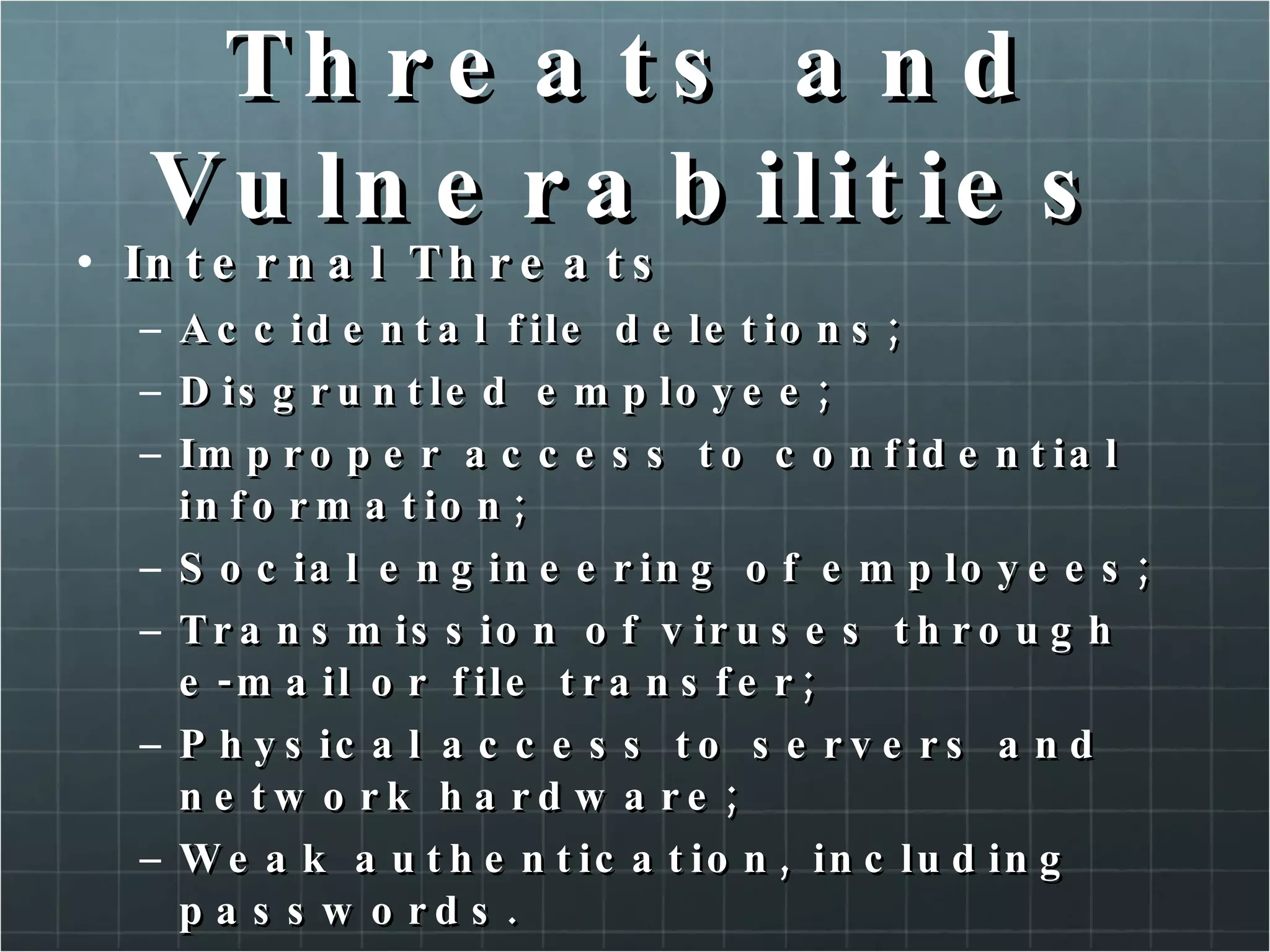
Threats and Vulnerabilities Internal Threats Accidental file deletions; Disgruntled employee; Improper access to confidential information; Social engineering of employees; Transmission of viruses through e-mail or file transfer; Physical access to servers and network hardware; Weak authentication, including passwords.
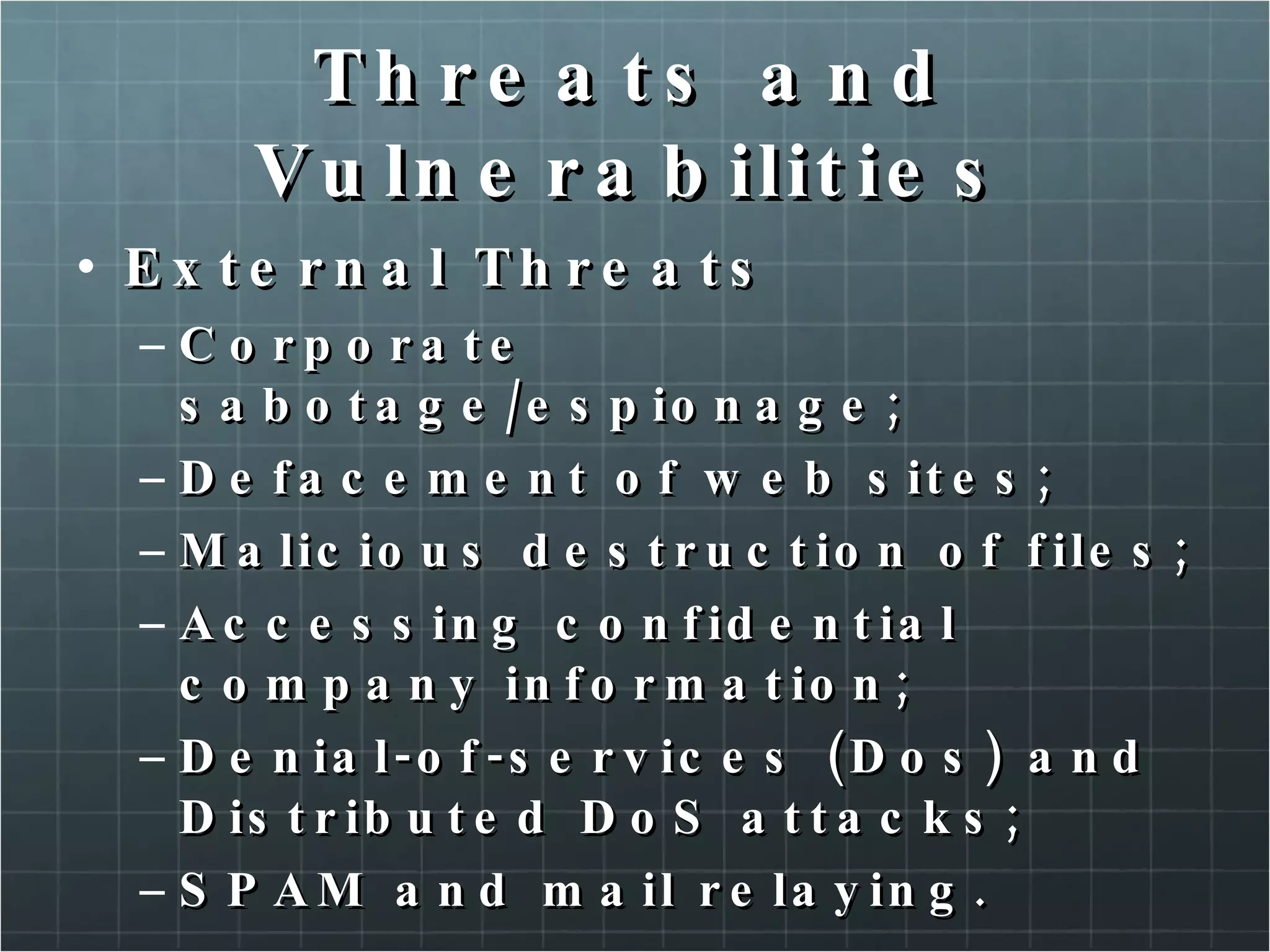
Threats and Vulnerabilities External Threats Corporate sabotage/espionage; Defacement of web sites; Malicious destruction of files; Accessing confidential company information; Denial-of-services (Dos) and Distributed DoS attacks; SPAM and mail relaying.
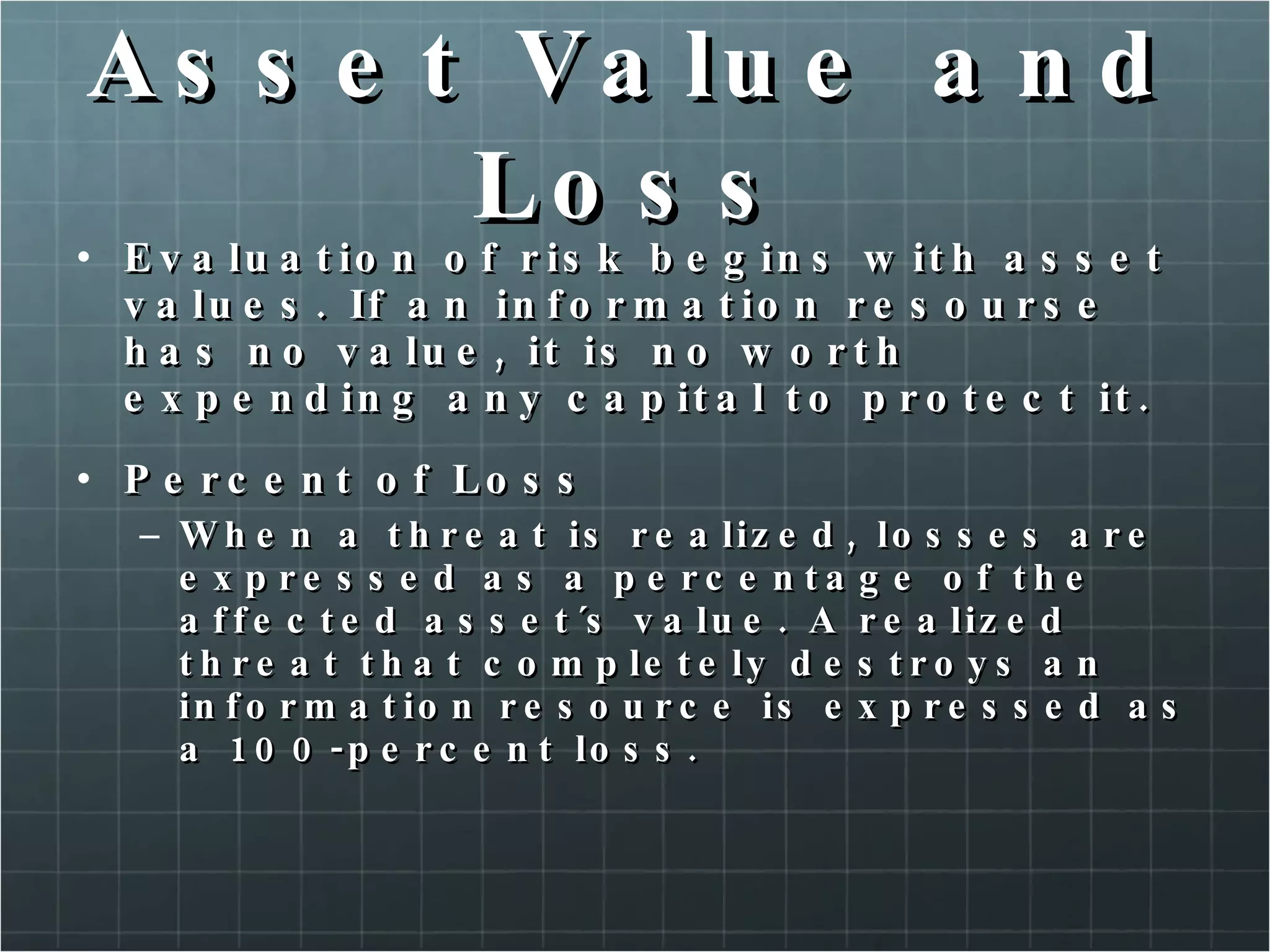
Asset Value and Loss Evaluation of risk begins with asset values. If an information resourse has no value, it is no worth expending any capital to protect it. Percent of Loss When a threat is realized, losses are expressed as a percentage of the affected asset´s value. A realized threat that completely destroys an information resource is expressed as a 100-percent loss.
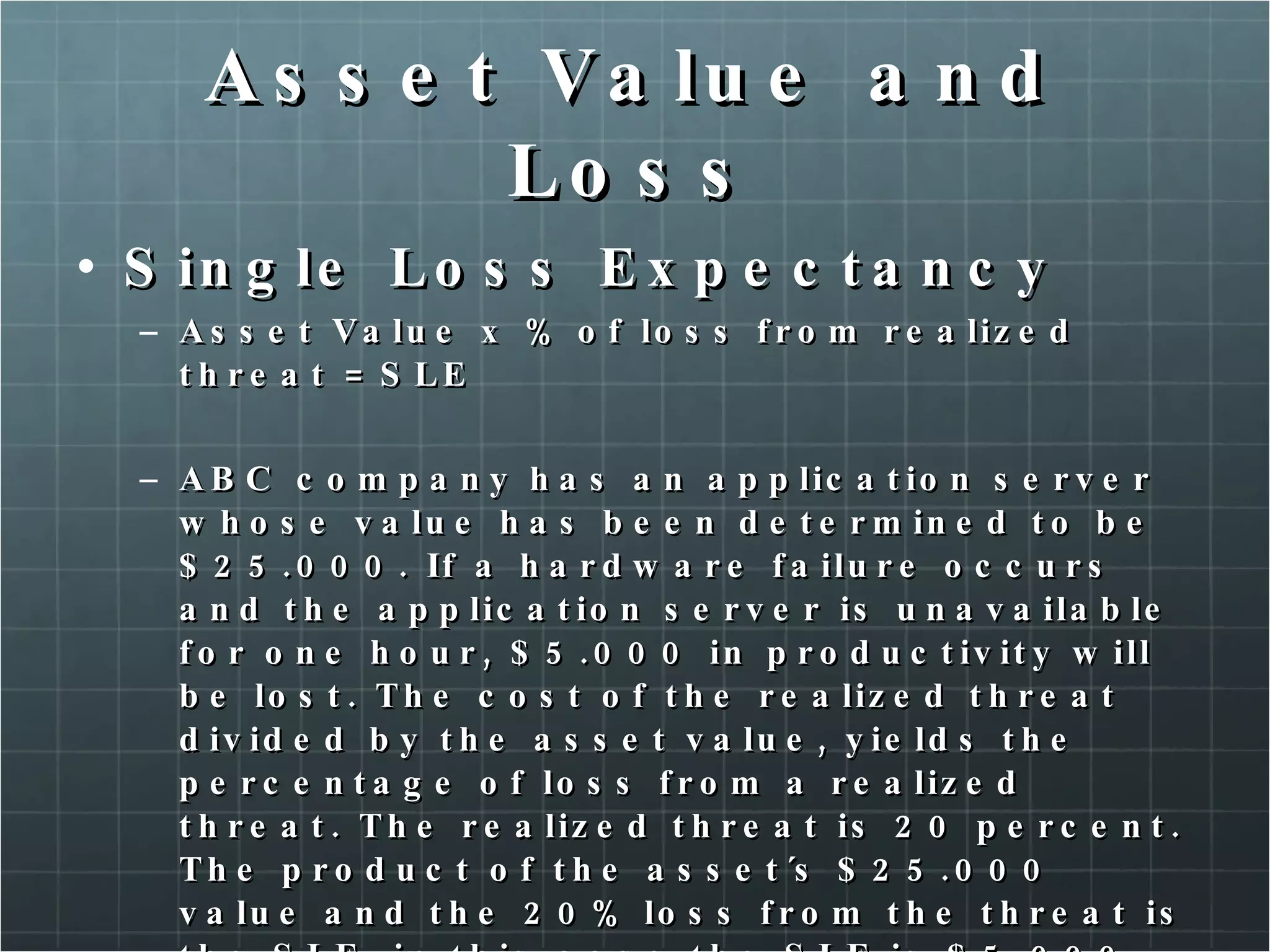
Asset Value and Loss Single Loss Expectancy Asset Value x % of loss from realized threat = SLE ABC company has an application server whose value has been determined to be $25.000. If a hardware failure occurs and the application server is unavailable for one hour, $5.000 in productivity will be lost. The cost of the realized threat divided by the asset value, yields the percentage of loss from a realized threat. The realized threat is 20 percent. The product of the asset´s $25.000 value and the 20% loss from the threat is the SLE, in this case the SLE is $5.000.
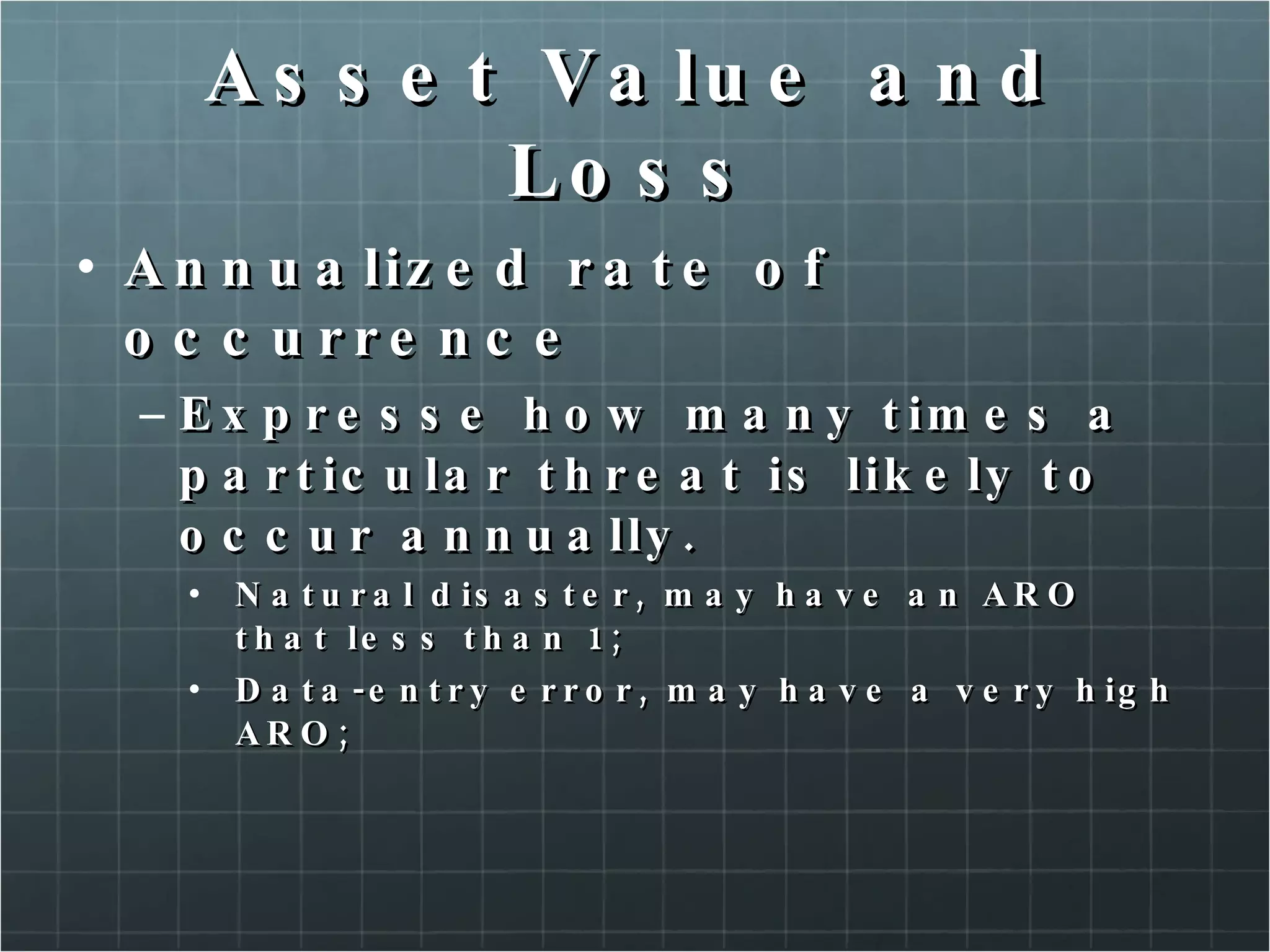
Asset Value and Loss Annualized rate of occurrence Expresse how many times a particular threat is likely to occur annually. Natural disaster, may have an ARO that less than 1; Data-entry error, may have a very high ARO;
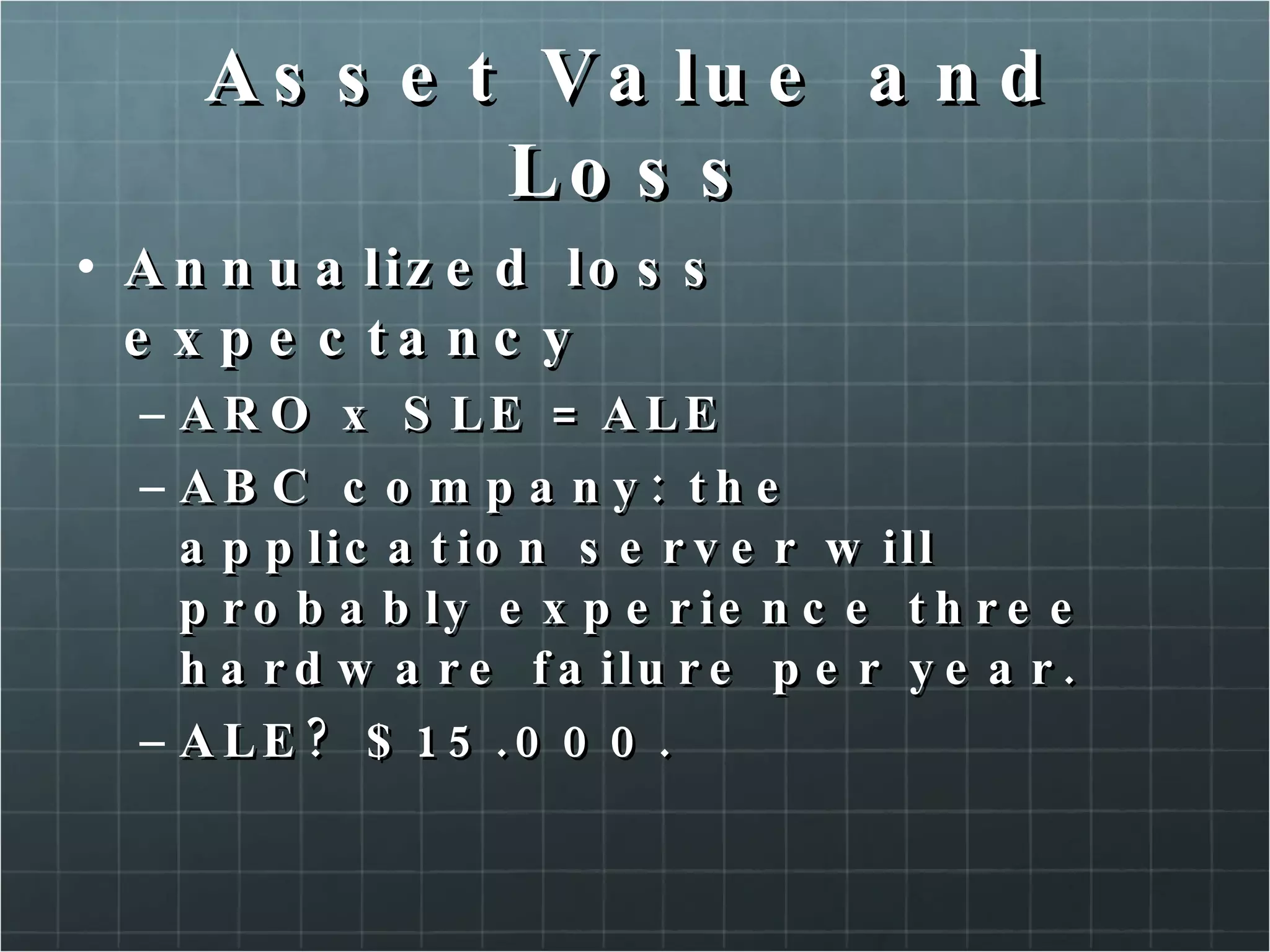
Asset Value and Loss Annualized loss expectancy ARO x SLE = ALE ABC company: the application server will probably experience three hardware failure per year. ALE? $15.000.
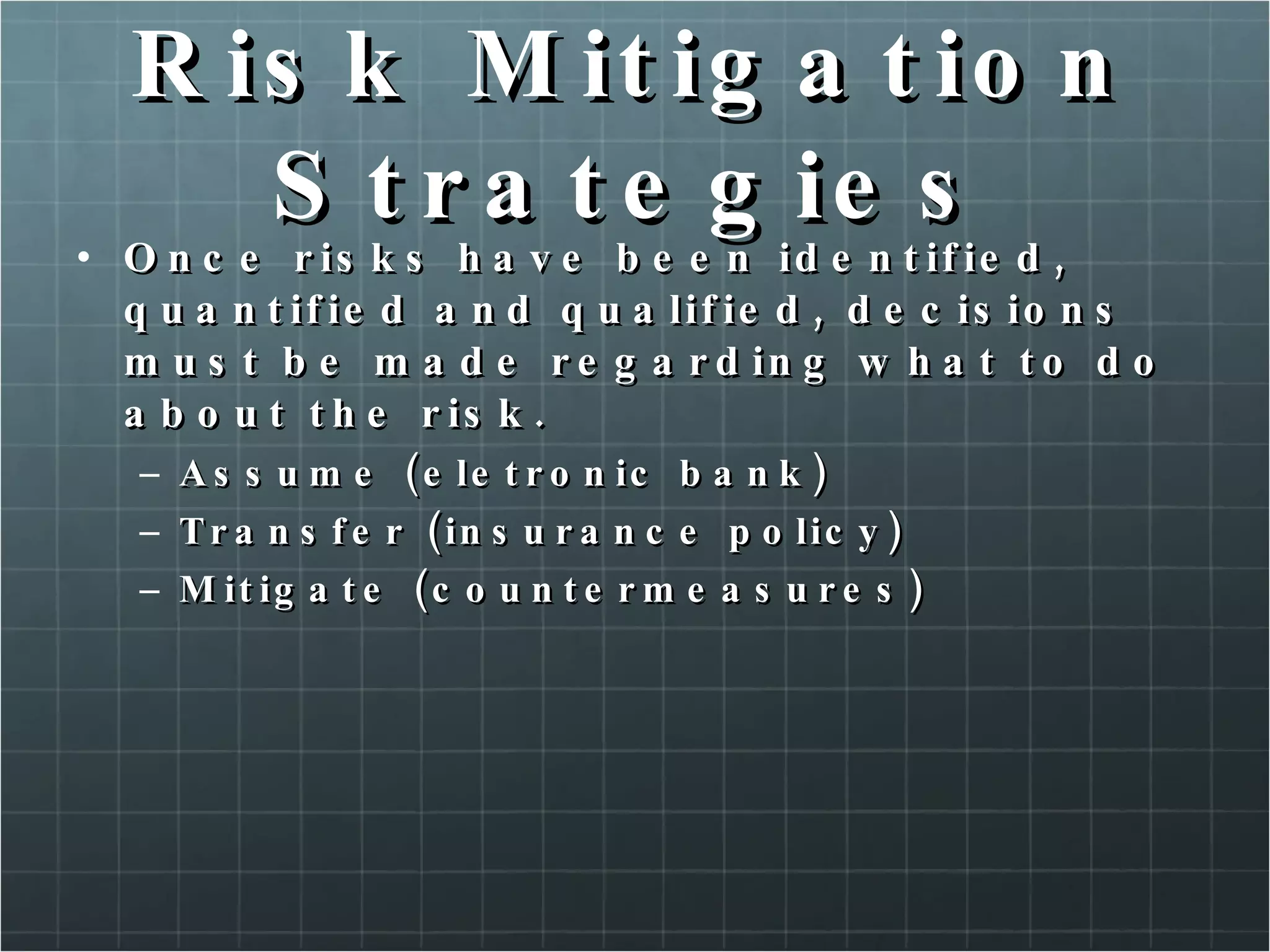
Risk Mitigation Strategies Once risks have been identified, quantified and qualified, decisions must be made regarding what to do about the risk. Assume (eletronic bank) Transfer (insurance policy) Mitigate (countermeasures)
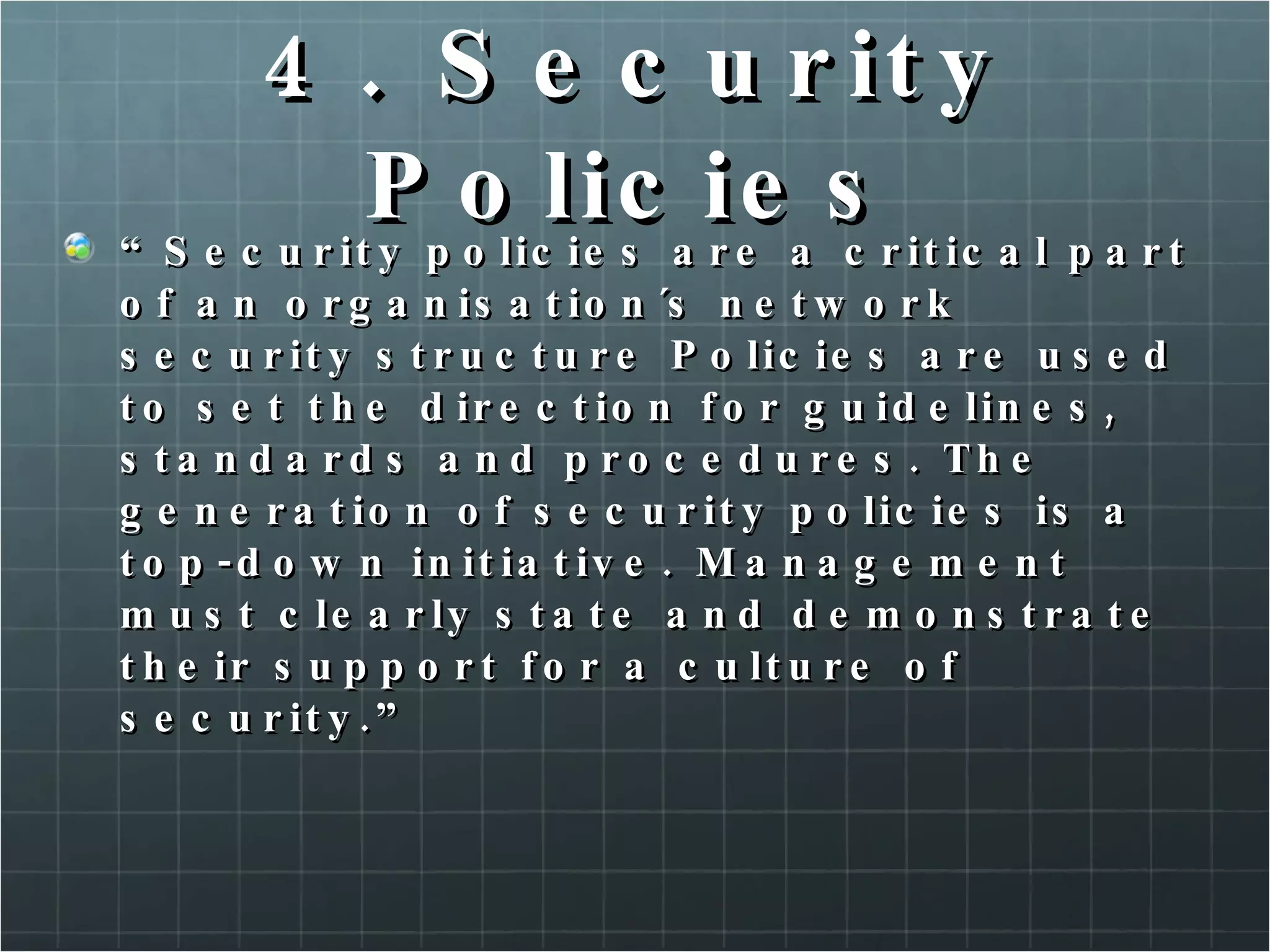
4. Security Policies “ Security policies are a critical part of an organisation´s network security structure Policies are used to set the direction for guidelines, standards and procedures. The generation of security policies is a top-down initiative. Management must clearly state and demonstrate their support for a culture of security.”
Organisation Security Policies Should set goals and standards Should be a guiding document for how the organisation protects its information assets Should address protection of all information assets Statement – High level security goals should be defined (specific information should not be included). The statement is a complement for goals and principles. More information @ http://www.cse.ohio-state.edu/cgi-bin/rfc/rfc2196.html http://www.sans.org/security-resources/policies/
Example Statement “ Organisation X acknowledges an obligation to ensure appropriate security for all information technology data in its domain of ownership and control. Organisation X will provide adequate protection and confidentiality of all corporate data and proprietary software systems, whether help centrally, locally or remotely. Organisation X will ensure the availability of data and programs to authorized personnel and the integrity of all data ans configuration controls. This obligations is shared to varying degrees, by every employee of Organisation X.”
Goals Support the mission Be and integral part of sound management Cost-effective Include explicit accountability and responsibilities Grant system owners responsibility outside their own organisation Require a comprehensive and integrated approach Be constrained by social factors
Issue-Specific Policies For assets shared by all business units, a issue-specific policies can help ensure uniform standards. Acceptable-use policy E-mail policy Software policy Hardware policy Backup policy
Network Security Policies Define how communication between systems and machines is accomplished.
System Security Policies Apply to specific application server, or group of application servers.
Service Level Agreement SLA are documents explaining vendor and customer obligations. SLA specify consequences for violations.
4. Business Continuity Planning Contingency planning refers to the interim measures used to recover IT systems after a disruption, emergency or disaster.
Building a BCP BCP begins with the risk management process. Risk management define assets needgin protection, their vulnerabilitities, and the possible threats to the assets. Countermeasures are deployed to mitigate risk, however risk cannot be eliminated completely.
Building a BCP There are a variety os possible disruptions, such as: Power Failures, surges  or sags Natural Disasters man-made disasters
Business Impact Analysis (BIA) The BIA is a quantitative analysis of each risk, to determine how an organisation will continue to operate during a crisis, and recover afterward. Once a risk is realized, businesses must react quickly to remain open and available to customers.
BIA Includes knowledgeable and responsible individuals from functional groups in the organisation Identifies the interdependencies of processes and organisational groups Inteifies information requirements of the organisation Identifies resources usage of the organisation Assess effetcs of risk exposure Estimates loss and its effect upon the organisation Establishes a time-line for recovery
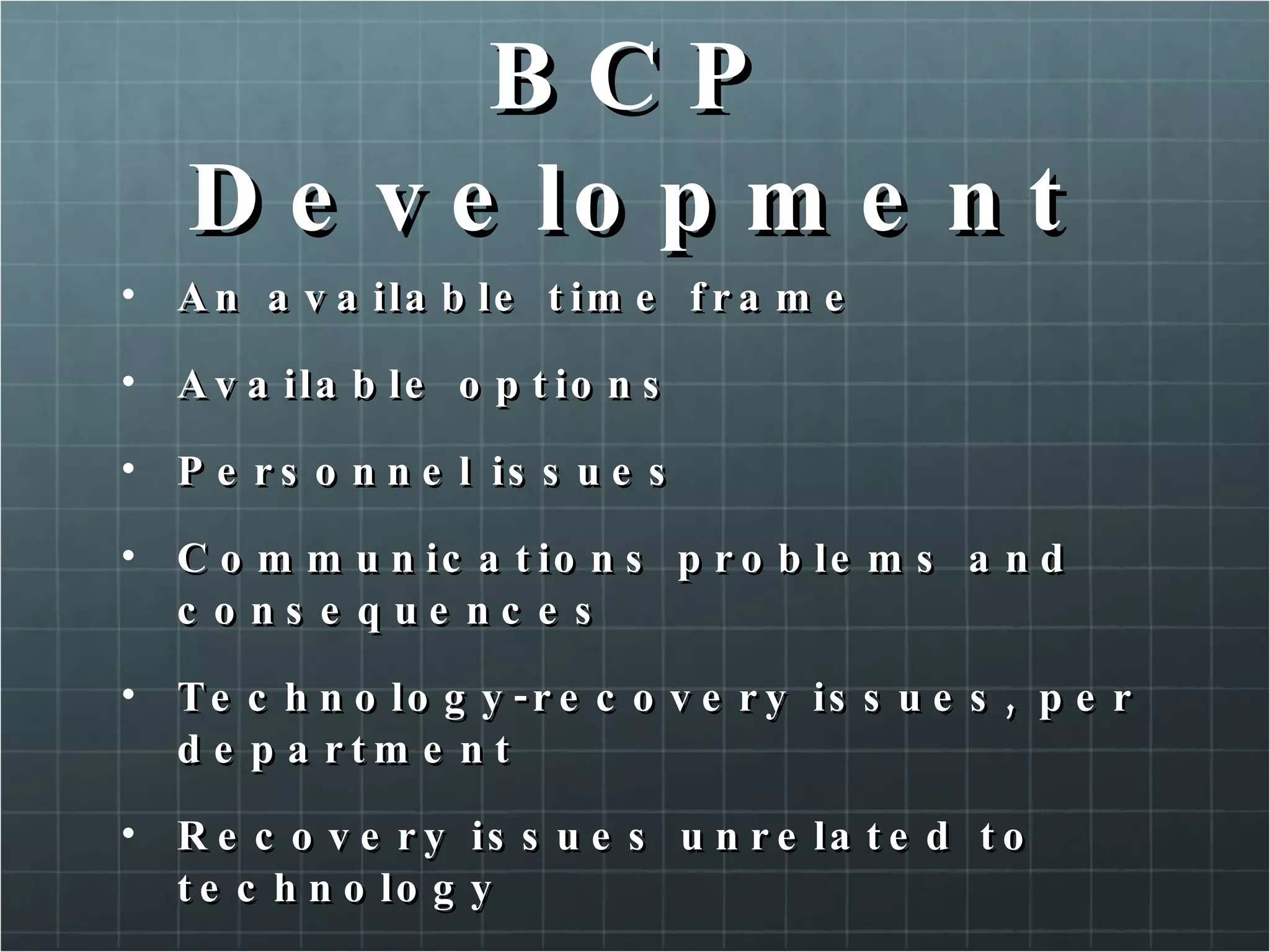
BCP Development An available time frame Available options Personnel issues Communications problems and consequences Technology-recovery issues, per department Recovery issues unrelated to technology
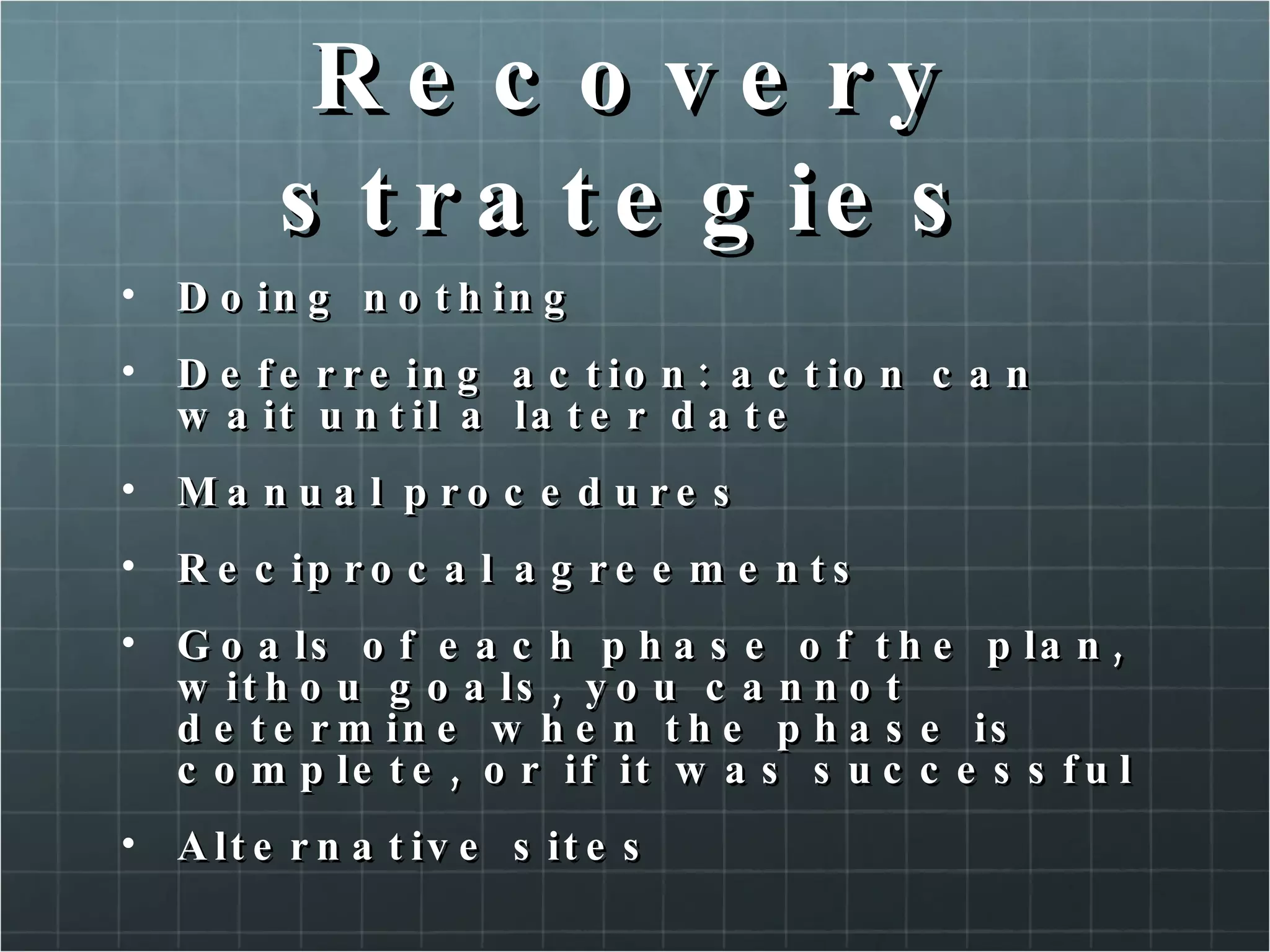
Recovery strategies Doing nothing Deferreing action: action can wait until a later date Manual procedures Reciprocal agreements Goals of each phase of the plan, withou goals, you cannot determine when the phase is complete, or if it was successful Alternative sites
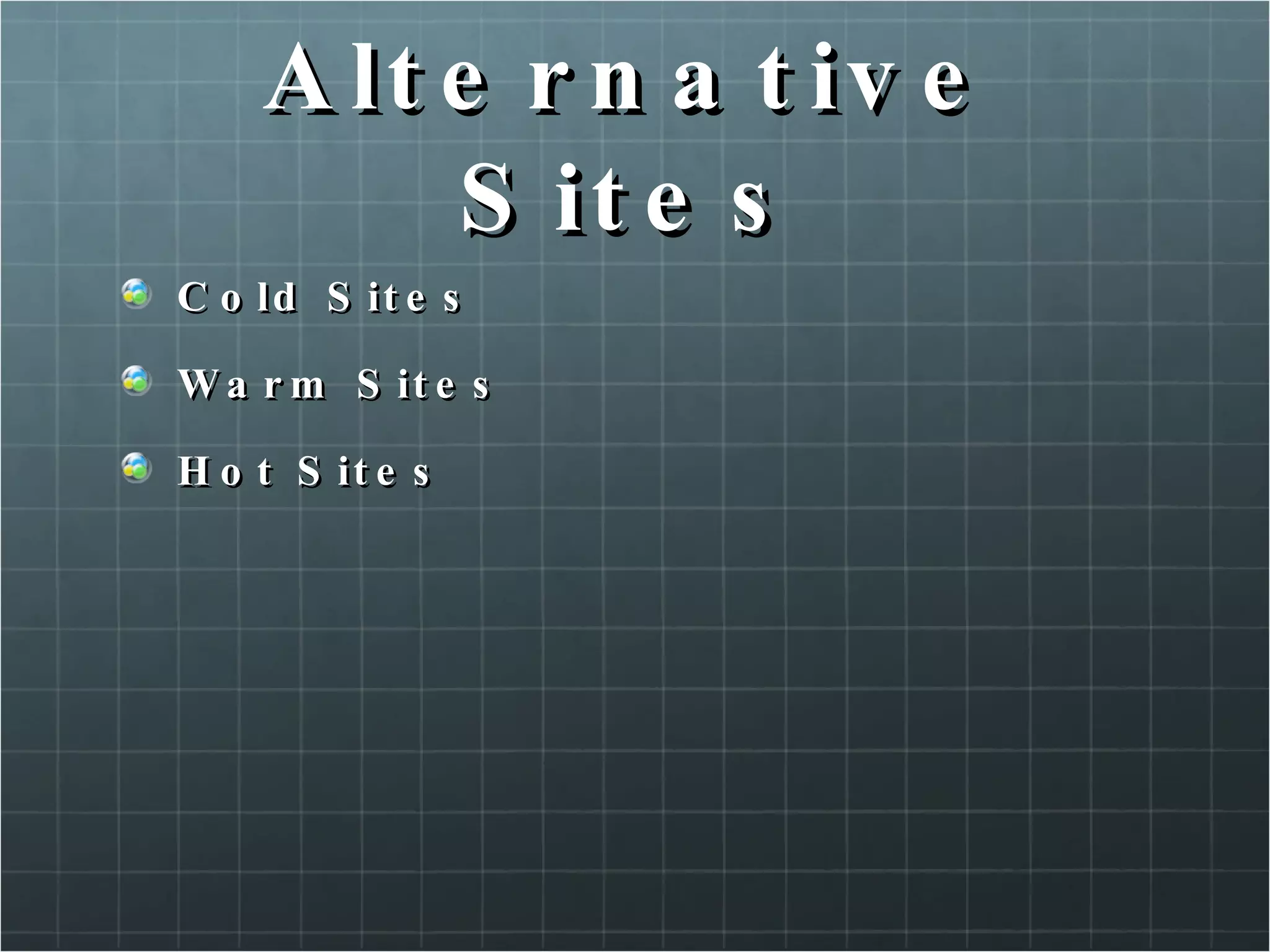
Alternative Sites Cold Sites Warm Sites Hot Sites
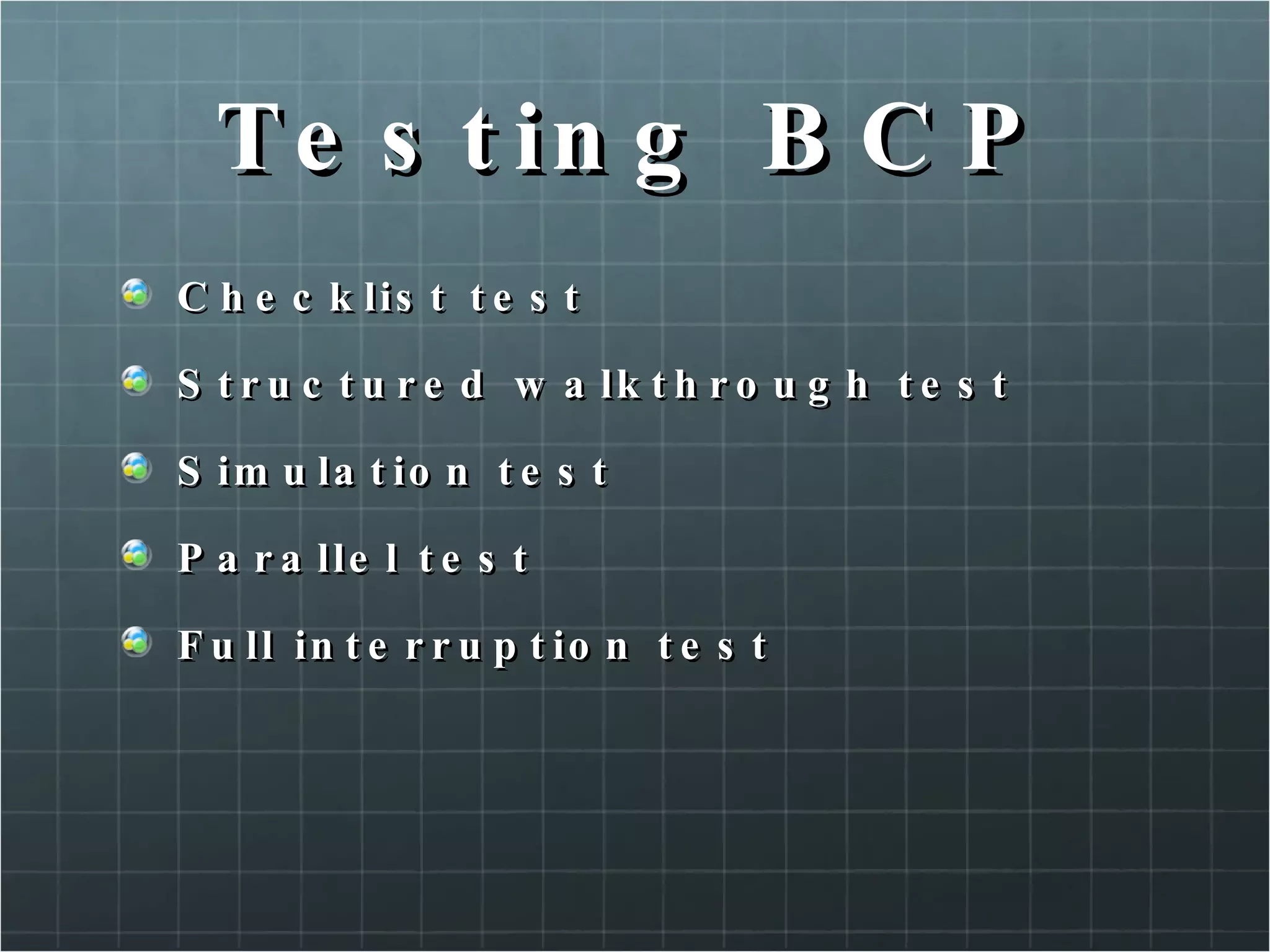
Testing BCP Checklist test Structured walkthrough test Simulation test Parallel test Full interruption test
BCP Life Cycle Once the BCP is created, reviewed, tested and approved, the first part of the BCP life cicle is complete. Changes to the business organisation New threats and vulnerabilities
6. Operation Security When considering how to protct information resources. Operational Security (OPSEC) usually receives the least emphasis.  OPSEC involves determining how an organisation´s daily affect the security of its information assets. OPSEC also encompasses the realms of physic security and administrative Controls.
OPSEC US DoD – is a process of identifying critical information, and subsequently analysing friendly actions attendant to military operations and other activities: Identify those actions that can be observed by adversary intelligence systems. Determine indicators that hostile intelligence systems might obtain that could be interpreted or pieced together, to derive critical information in time to be useful to adversaries. Select and execute measures that eliminate or reduce to an acceptable level the vulnerabilities of friendly actions to adversary explotation.
OPSEC Language Observables Indicators Adversary Intelligence Inference Aggregation
Origins of OPSEC Art of war (Sun Tzu)
Laws of OPSEC If you do not know the threat, how do you know what to protect? If you do not know what to proctec, how do you know you are protecting it? If you are not protecting it (information), the adversary wins.
Five Steps Identify critical information and its indicators Analyse threats Analyse vulnerabilities Assess risks Apply countermeasures Assess the adequacy of countermeasure.
Know your adversary White Hats Grey hats – this could not be serious… Black hats White\Black get their names from characters in old Westerns. The good and bad guys…
What are you adversary resources? Intelligence Money Anger / Ire / madness
Security Controls Physical Security Human safety (smoke and fire alarms) Information assets (cable lock, backup) Physical Plant Administrative Background investigation (human resources) Non-disclosure agreements Performance reviews Periodic review of access
Self Study Communicating security effectively Access Control Models
7.Intrusions and Attacks Define an intrusion Define an attack Review intrusion detection concepts Determine type of IDS
Intrusion Defined Internal Who have permission to use some of an organisation resources. External no granted permissions or rights
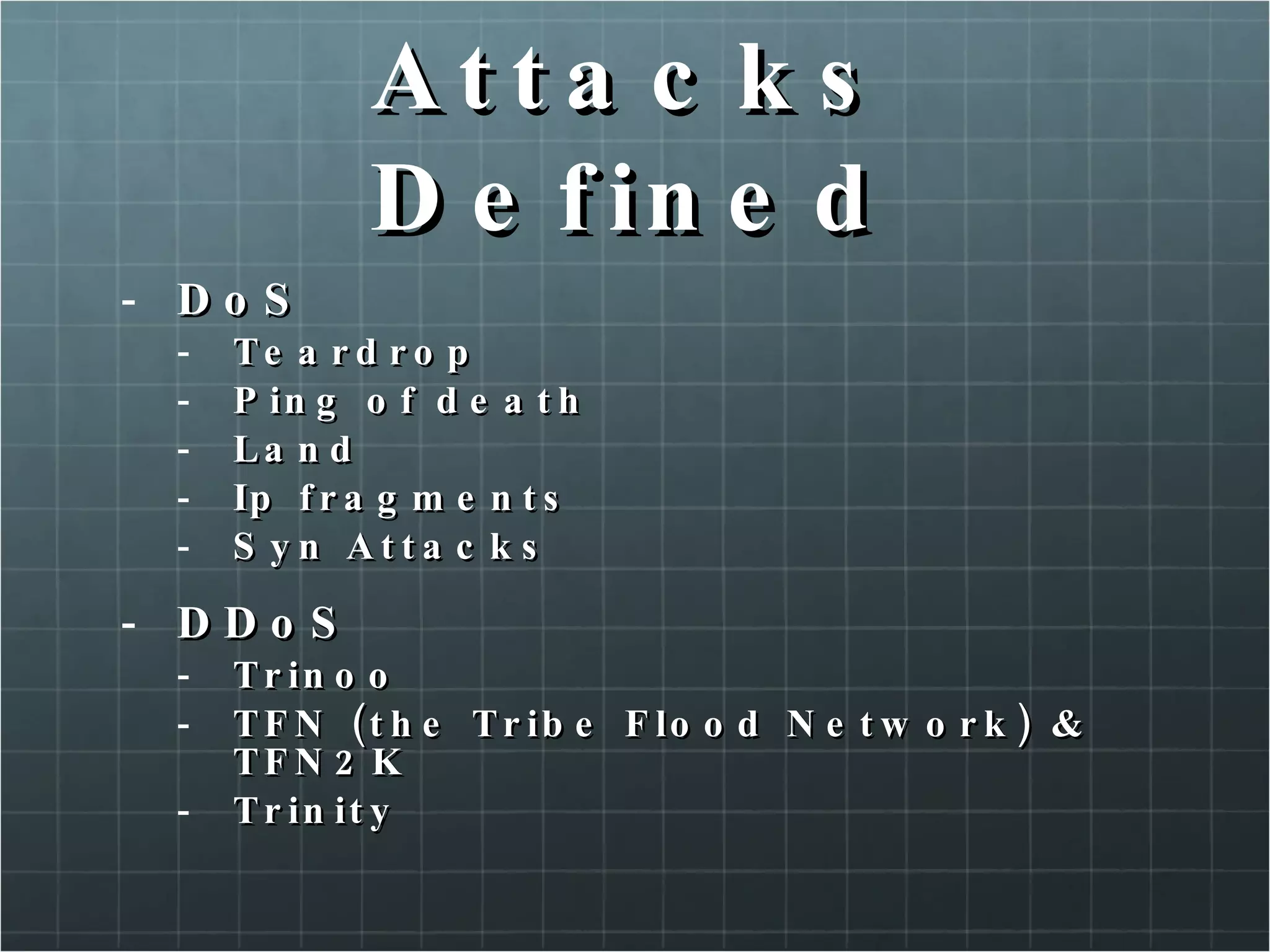
Attacks Defined DoS Teardrop Ping of death Land Ip fragments Syn Attacks DDoS Trinoo TFN (the Tribe Flood Network) & TFN2K Trinity
Secessive Events Address spoofing Local interface spoofing Port scanning
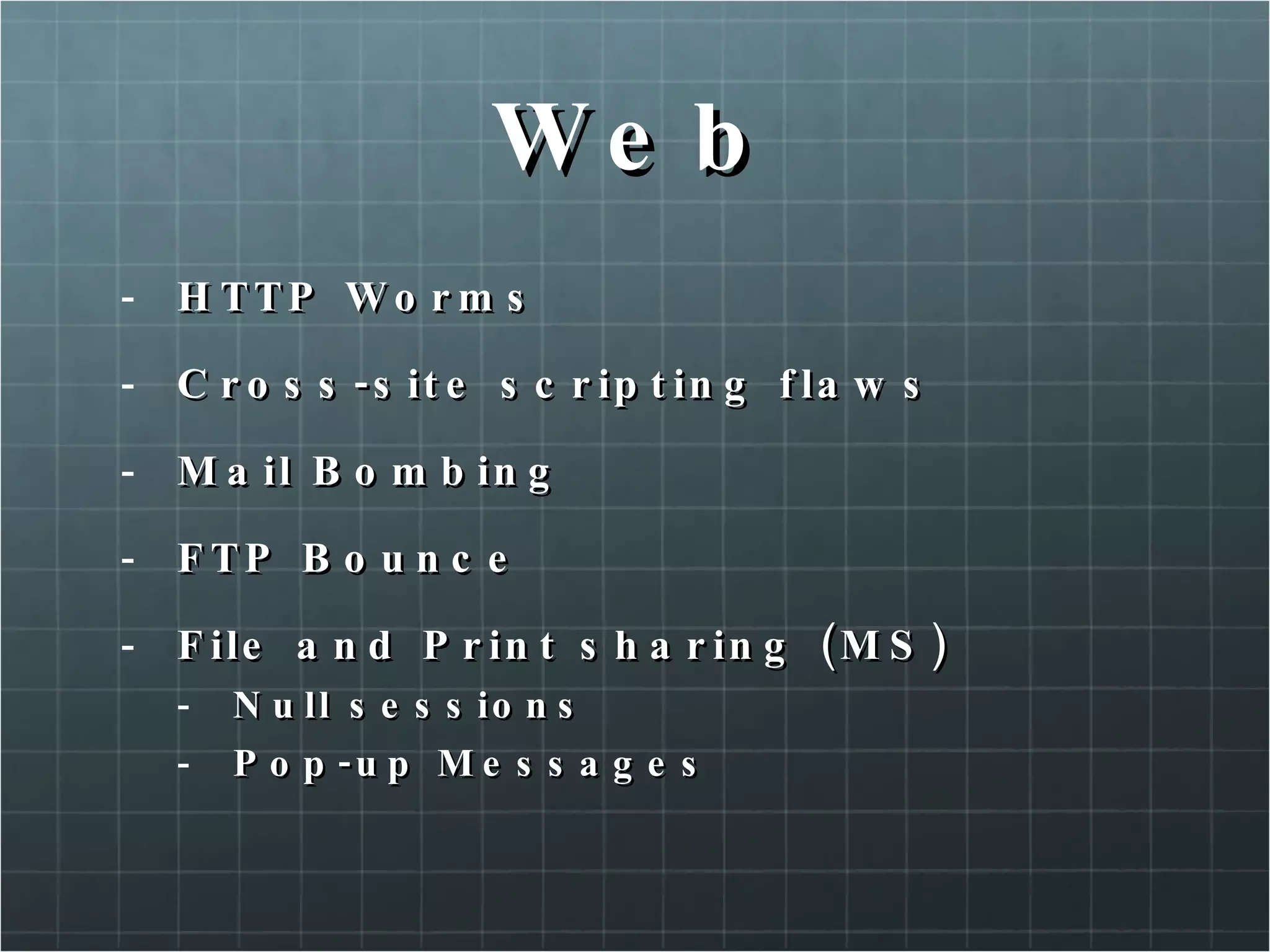
Web HTTP Worms Cross-site scripting flaws Mail Bombing FTP Bounce File and Print sharing (MS) Null sessions Pop-up Messages
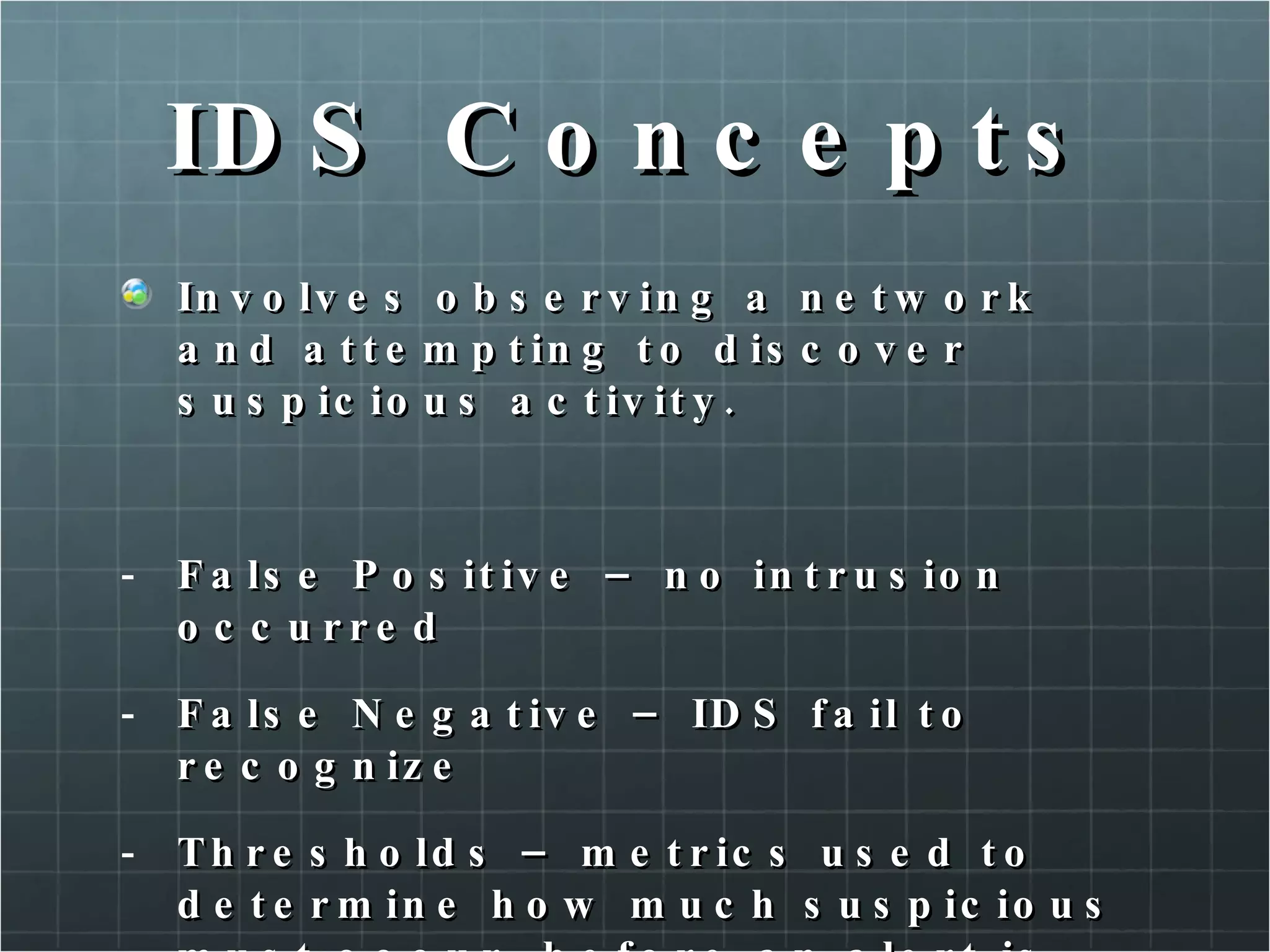
IDS Concepts Involves observing a network and attempting to discover suspicious activity. False Positive – no intrusion occurred False Negative – IDS fail to recognize Thresholds – metrics used to determine how much suspicious must occur, before an alert is generated.
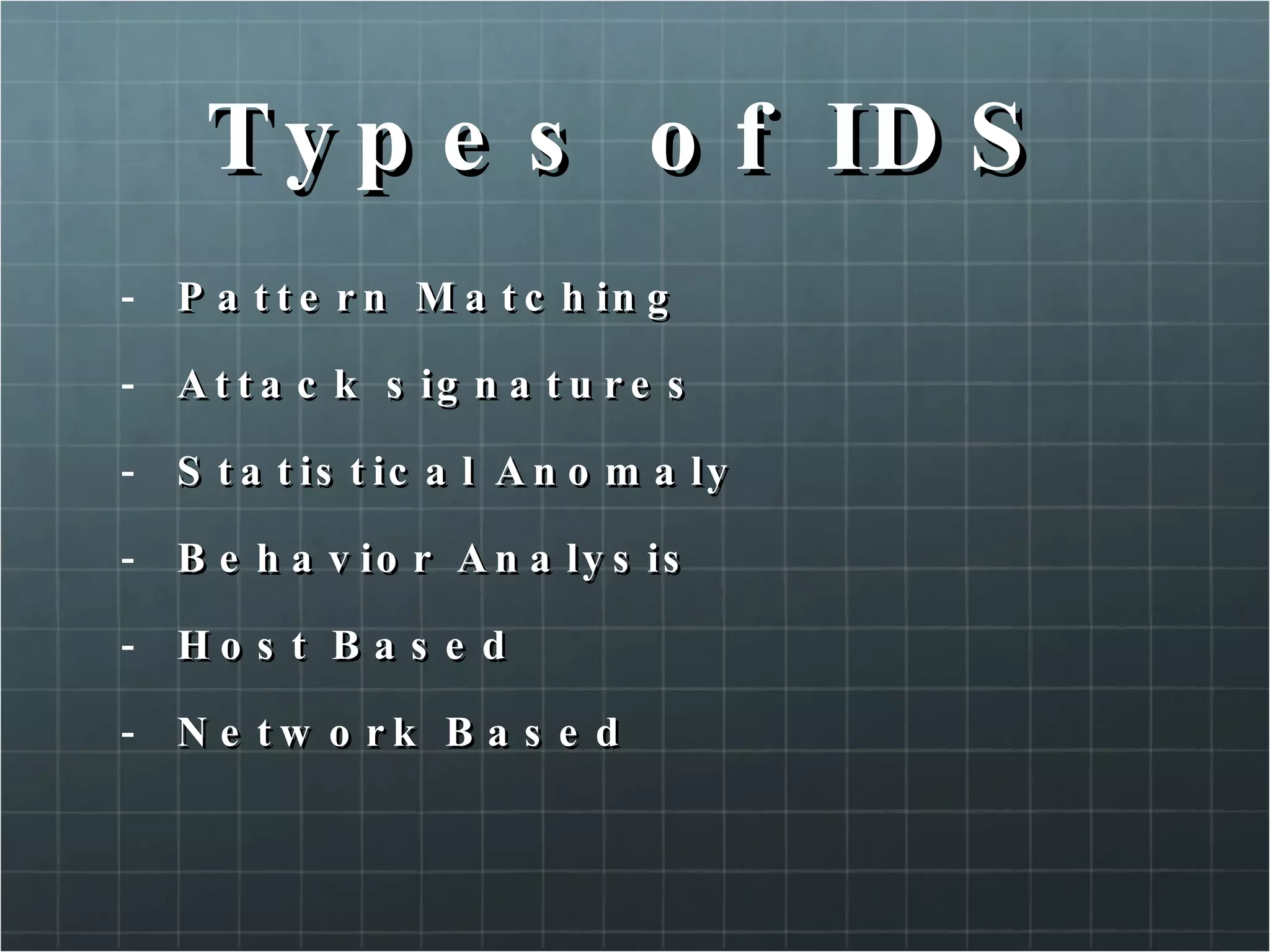
Types of IDS Pattern Matching Attack signatures Statistical Anomaly Behavior Analysis Host Based Network Based
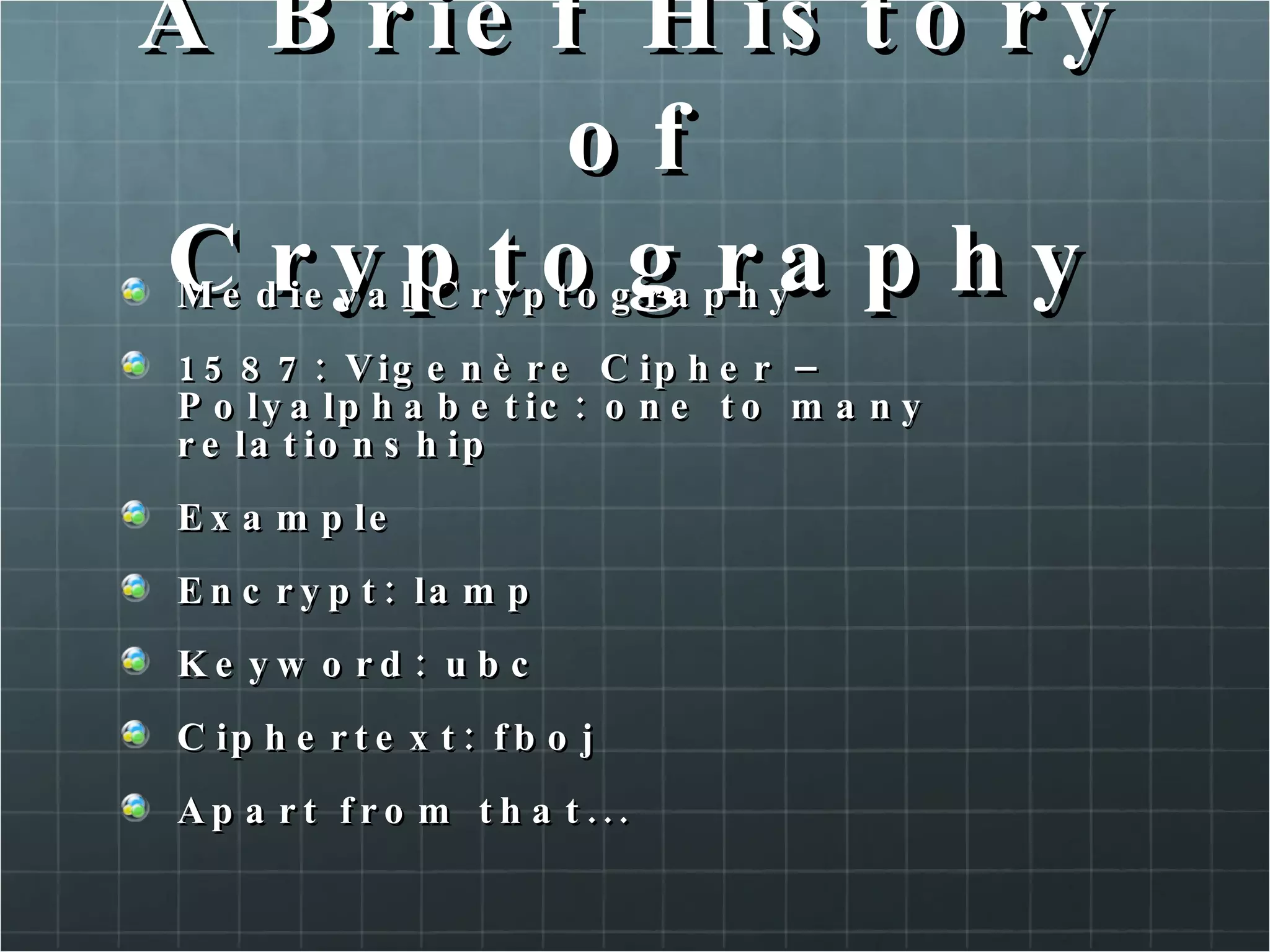
8. Cryptography A Brief History of Cryptography  How Encryption Works  Encryption Algorithms  Internet Key Exchange
Cryptography Encyclopedia Britannica: “ Cryptography: Practice of the enciphering and deciphering of messages in secret code in order to render them unintelligible to all but the intended receiver.”
A Brief History of Cryptography  Early Cryptography 3500 BC: Sumerians – Cuneiform writings
A Brief History of Cryptography Early Cryptography 1900 BC: Egypt – First known use of cryptography
A Brief History of Cryptography Early Cryptography  500 – 600 BC: ATBASH Cipher – Used by Hebrew scribes – Substitution cipher (reversed alphabet) (bible code)
A Brief History of Cryptography Early Cryptography • 486 BC: Greece – σκυτάλη – skytale
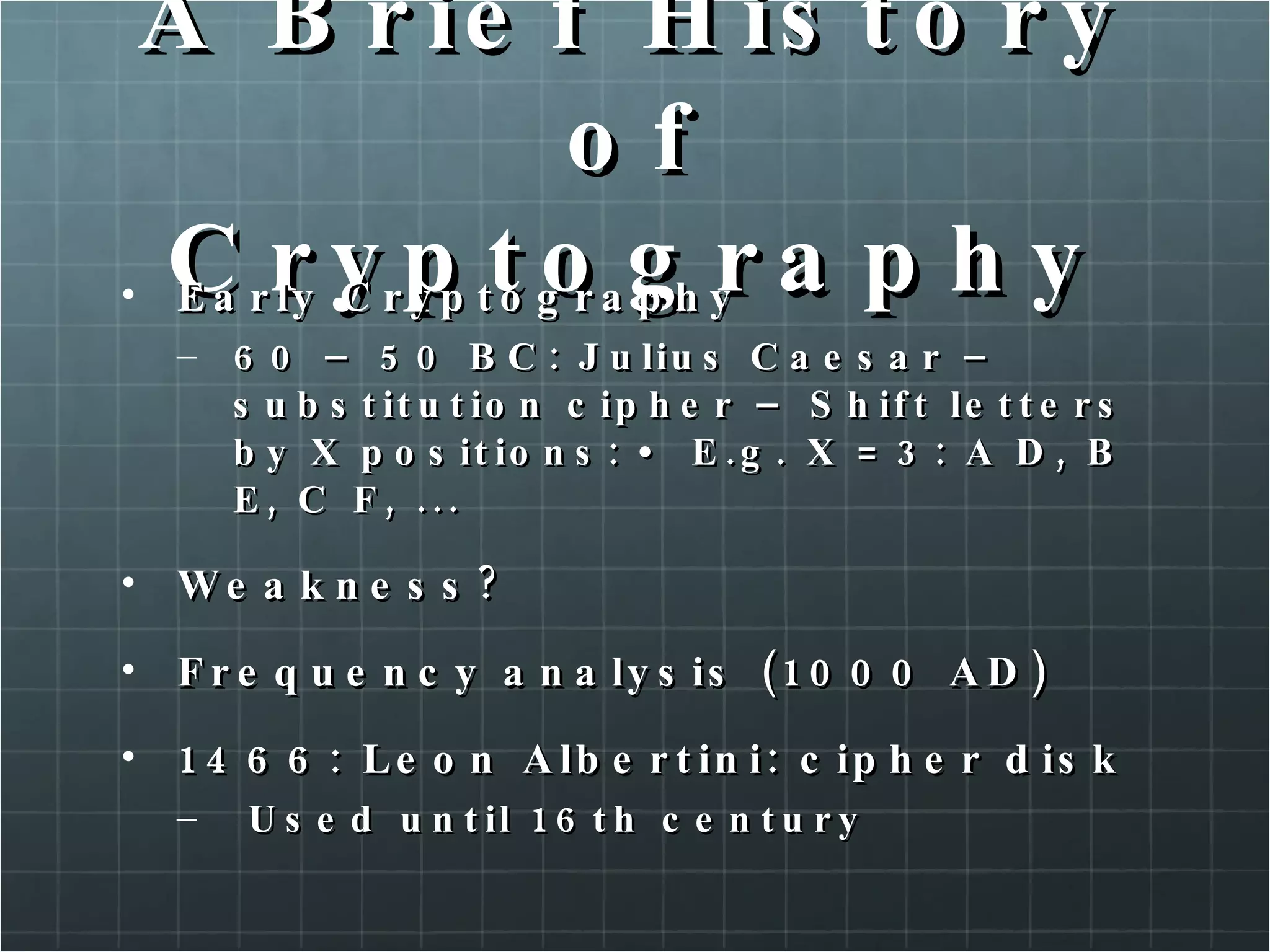
A Brief History of Cryptography Early Cryptography 60 – 50 BC: Julius Caesar – substitution cipher – Shift letters by X positions: • E.g. X = 3: A D, B E, C F, ...  Weakness?  Frequency analysis (1000 AD)  1466: Leon Albertini: cipher disk Used until 16th century
A Brief History of Cryptography Medieval Cryptography 1587: Vigenère Cipher – Polyalphabetic: one to many relationship Example Encrypt: lamp Keyword: ubc Ciphertext: fboj Apart from that...
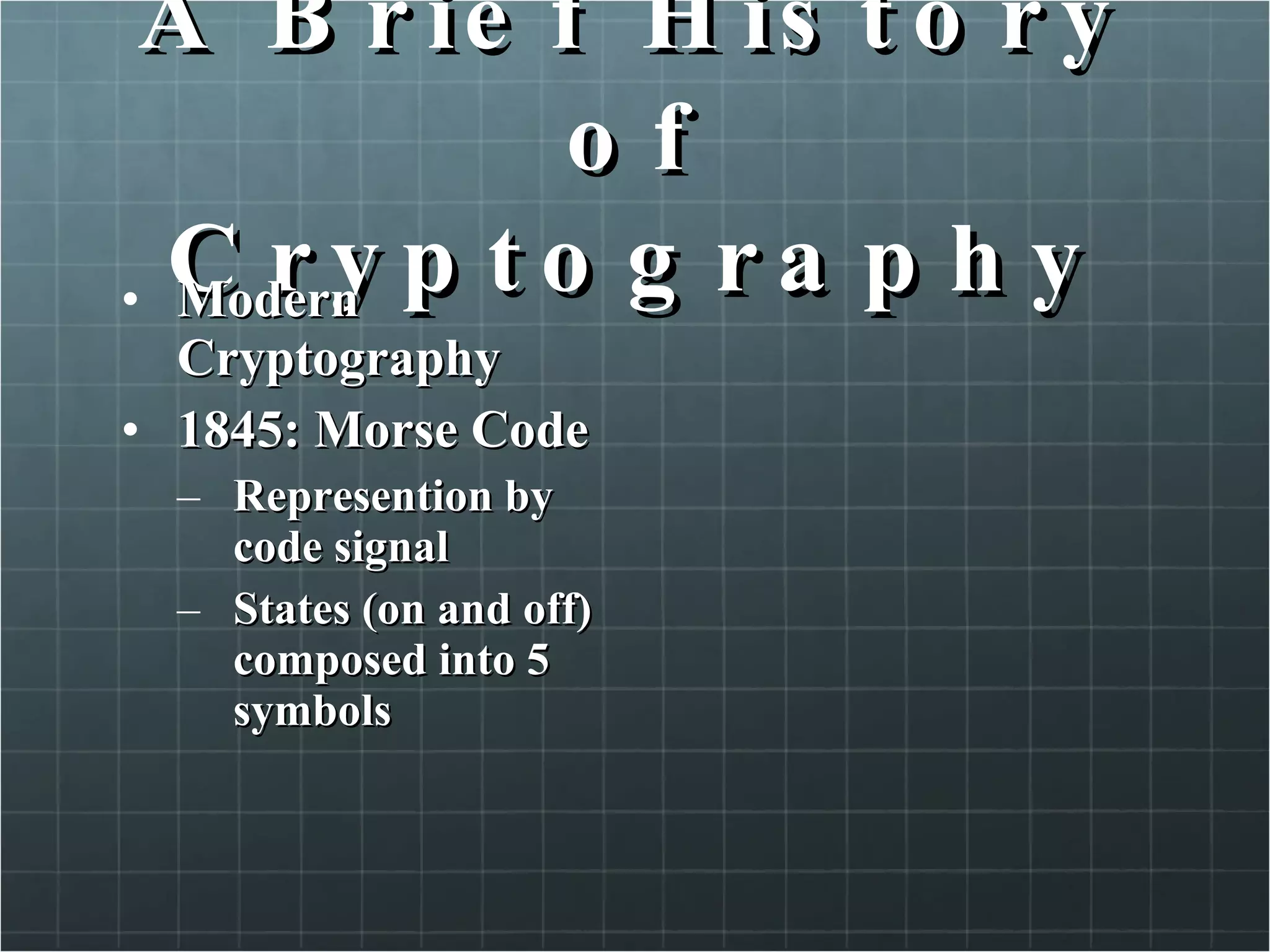
A Brief History of Cryptography Modern Cryptography 1845: Morse Code Represention by code signal States (on and off) composed into 5 symbols
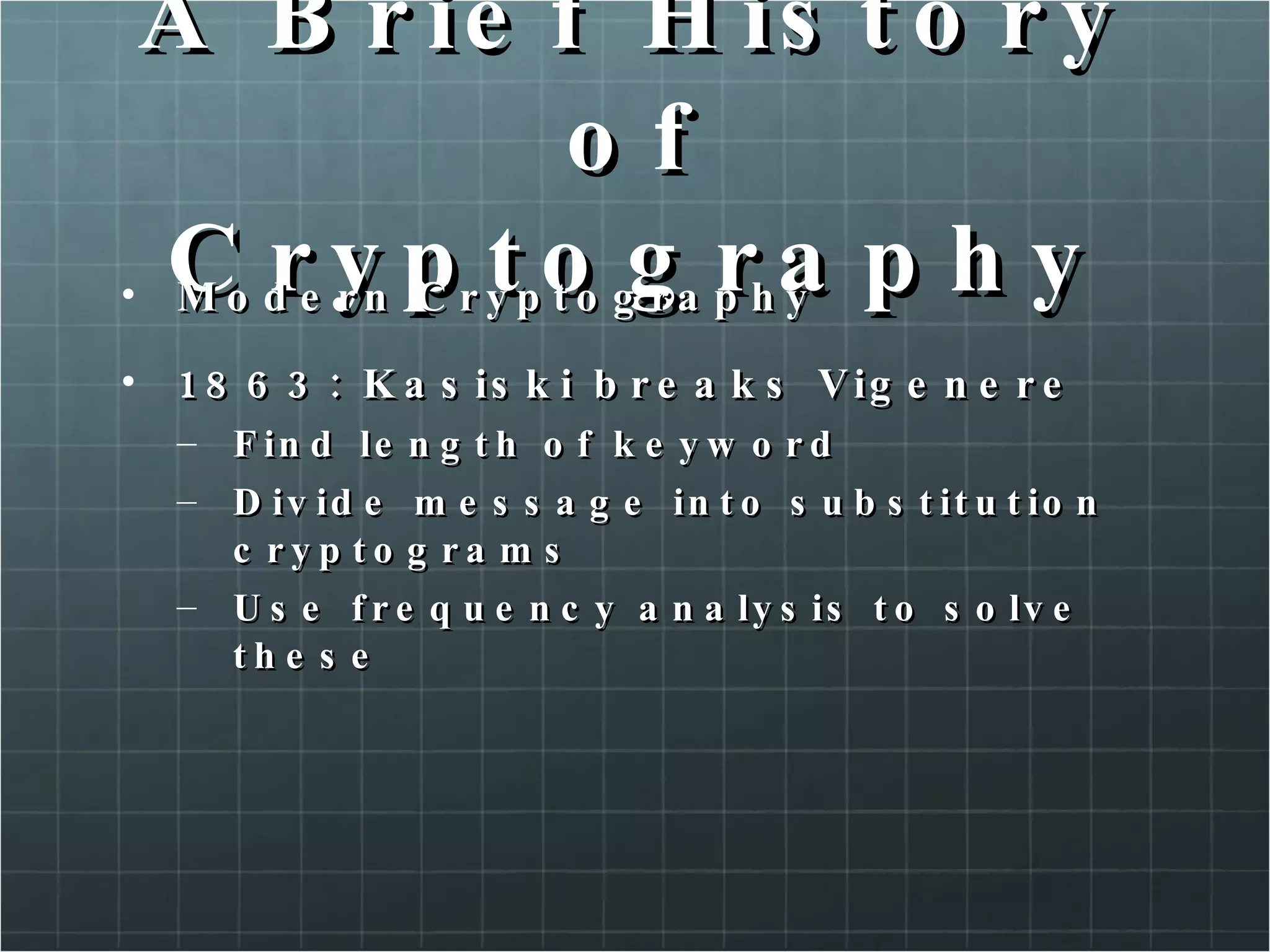
A Brief History of Cryptography Modern Cryptography  1863: Kasiski breaks Vigenere Find length of keyword Divide message into substitution cryptograms Use frequency analysis to solve these
A Brief History of Cryptography Modern Cryptography 1918: ADFGVX Cipher Used in the German army in WWI
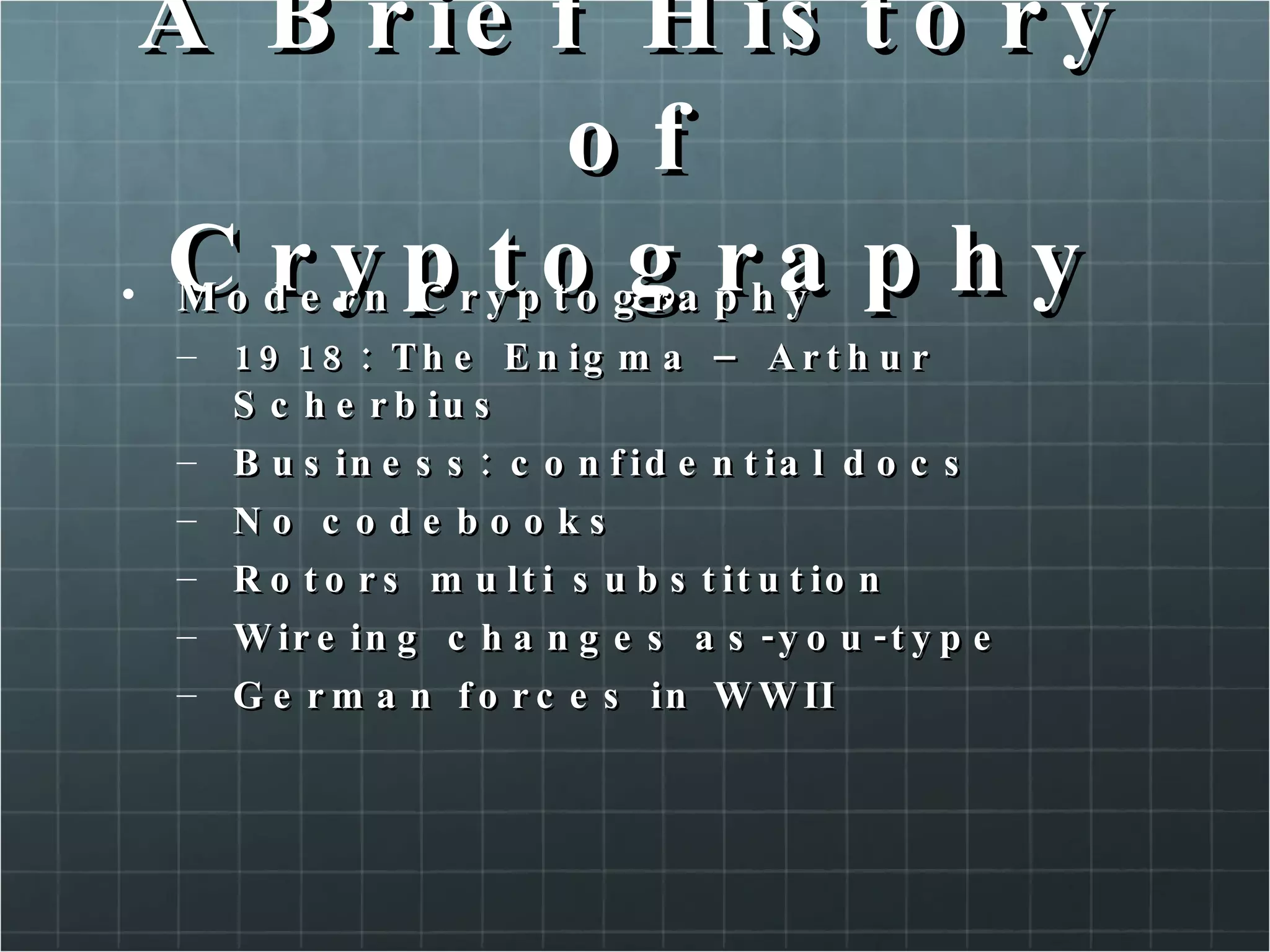
A Brief History of Cryptography Modern Cryptography  1918: The Enigma – Arthur Scherbius  Business: confidential docs No codebooks Rotors multi substitution Wireing changes as-you-type German forces in WWII
A Brief History of Cryptography Modern Cryptography 1937 – 1945: Navajo Code Talkers
A Brief History of Cryptography Modern Cryptography 1949: Shannon Communication Theory of Secret Systems Proved: One time pad unbreakable
A Brief History of Cryptography DES (digital encryption standard) Developed by IBM 1972 56-bits Triple DES Very secure
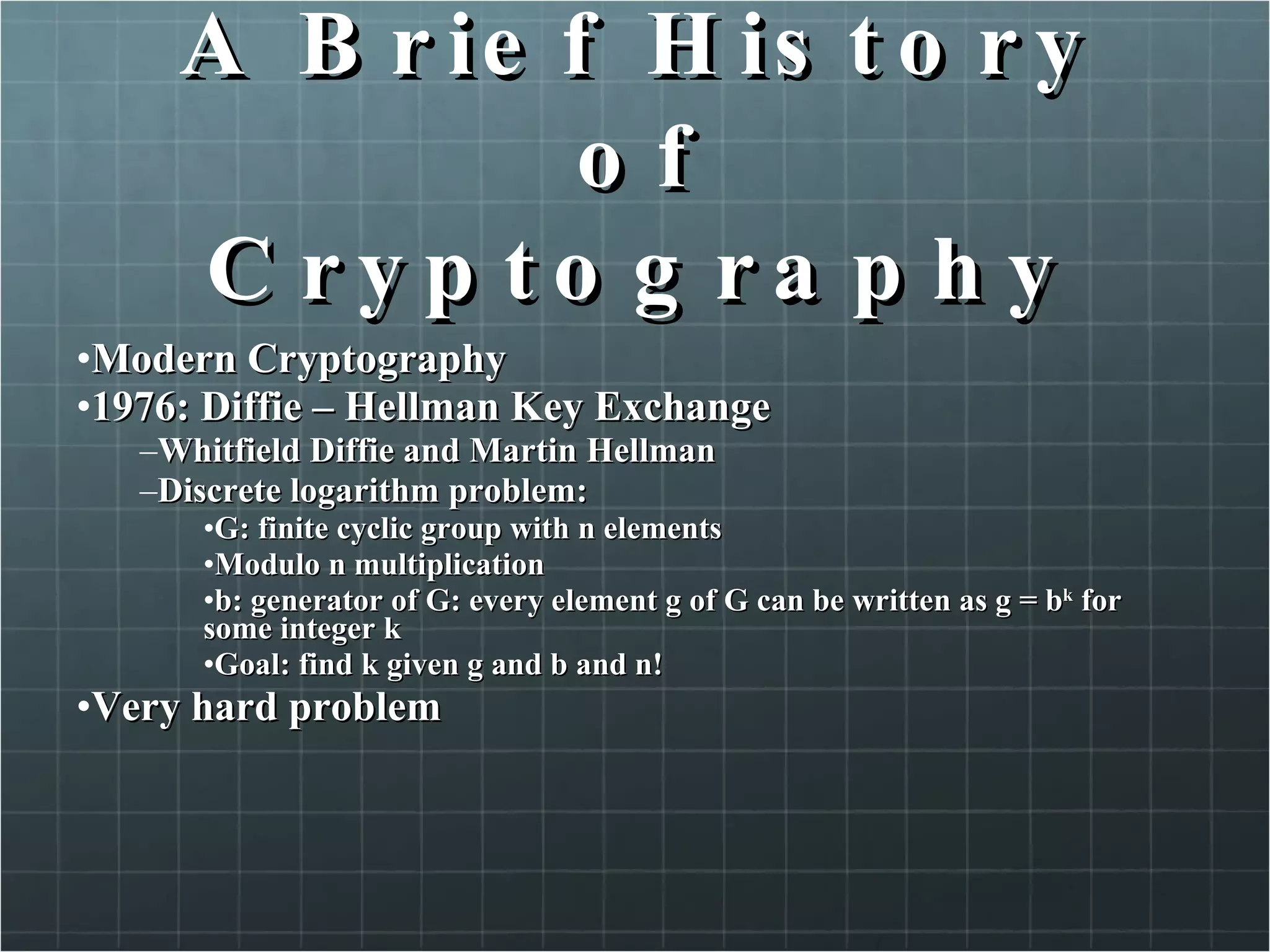
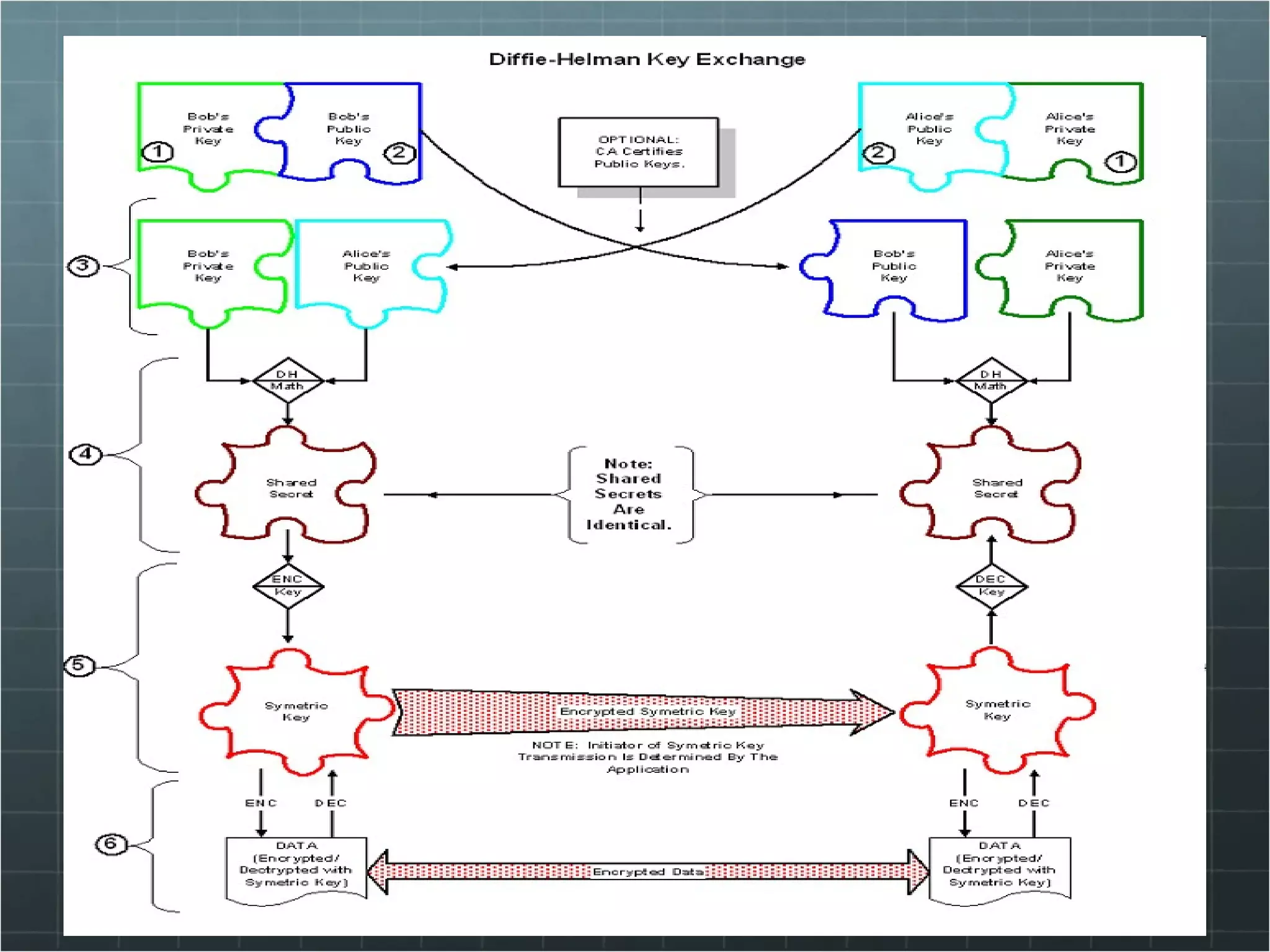
A Brief History of Cryptography Modern Cryptography  1976: Diffie – Hellman Key Exchange  Whitfield Diffie and Martin Hellman Discrete logarithm problem:  G: finite cyclic group with n elements  Modulo n multiplication b: generator of G: every element g of G can be written as g = b k  for some integer k Goal: find k given g and b and n! Very hard problem
A Brief History of Cryptography Modern Cryptography So how does it work? Exploits? Man in the middle Fix: additional authentication
A Brief History of Cryptography Modern Cryptography Public Key Crypto Key exchange problem Asymmetric key algorithm – E.g: RSA, MIT, 1977
 
A Brief History of Cryptography Modern Cryptography 1991: PGP Pretty Good Privacy Protocol, uses RSA – Encryption & decryption Digital signatures MD4/MD5 (HASH) How does that work? Web of Trust  Third party signs (public) key to attest association between person and key Other Possibility: Hierarchical, CA based E.g.: X.509 Certificates in SSL
9.Access Control Technologies Identify the major categories of authentication methods Discuss the characteristics of common access control methods Compare and contrast acess control technologies Review the administrative components of access control solutions
Authentication methods Singles sign-on Methods allows users to authenticate to a login server, and use credentials and security tokens to authenticate to other systems and services. Advantages: Fewer usenames/passwords Audit trails to trace the systems users access High user acceptance Reliable level of security Reduce administrative overhead due the password reset
Authentication methods Mandatory sign-on Requires users to log in individually at each server and access control. Each log in should be unique password and username Problems? Combination of single and mandatory sign-on might be a good compromise for increasing security.
Access control Methods Layered Access Controls Requires users and process to authenticate at several access points. Routers and other network deveices can use ACL to filter some traffic,or prompt users for authentication to pass. Physical Access Controls Restrict access to certain offices, areas, as well as building access to an organisation. Smartcard authentication Administrative Acess Controls Background investigation Mandatory vacations Acceptable use documents Separation of duties Job rotation Technical Acess controls Workstation authentication Network authentication Application authentication Service authentication
Acess control technologies Network authentication LDAP – Lightweight directory access protocol (enhanced version of X.500 protocol) Kerberos – single sign-on deployed in distributed environments Access Control List – generally used for general filtering of duties, most network devices include ACL Firewalls – gateways to internet network. Prevent unauthorized access to or from a private network. Application based Access Controls – most application contain access controls of some type, such as SMTP or FTP, users log in each time they access the services. File and Directory sharing – read, write and execute permissions.
Adminstrative Access Controls Centralized access management Decentralized access management Hybrid access management Accountability auditing
10. Small Network Security Determine security issues and solutions for ROBO users Identify issues with remote user security Determine security issues and solutions for SMB users Identify issues with home user security
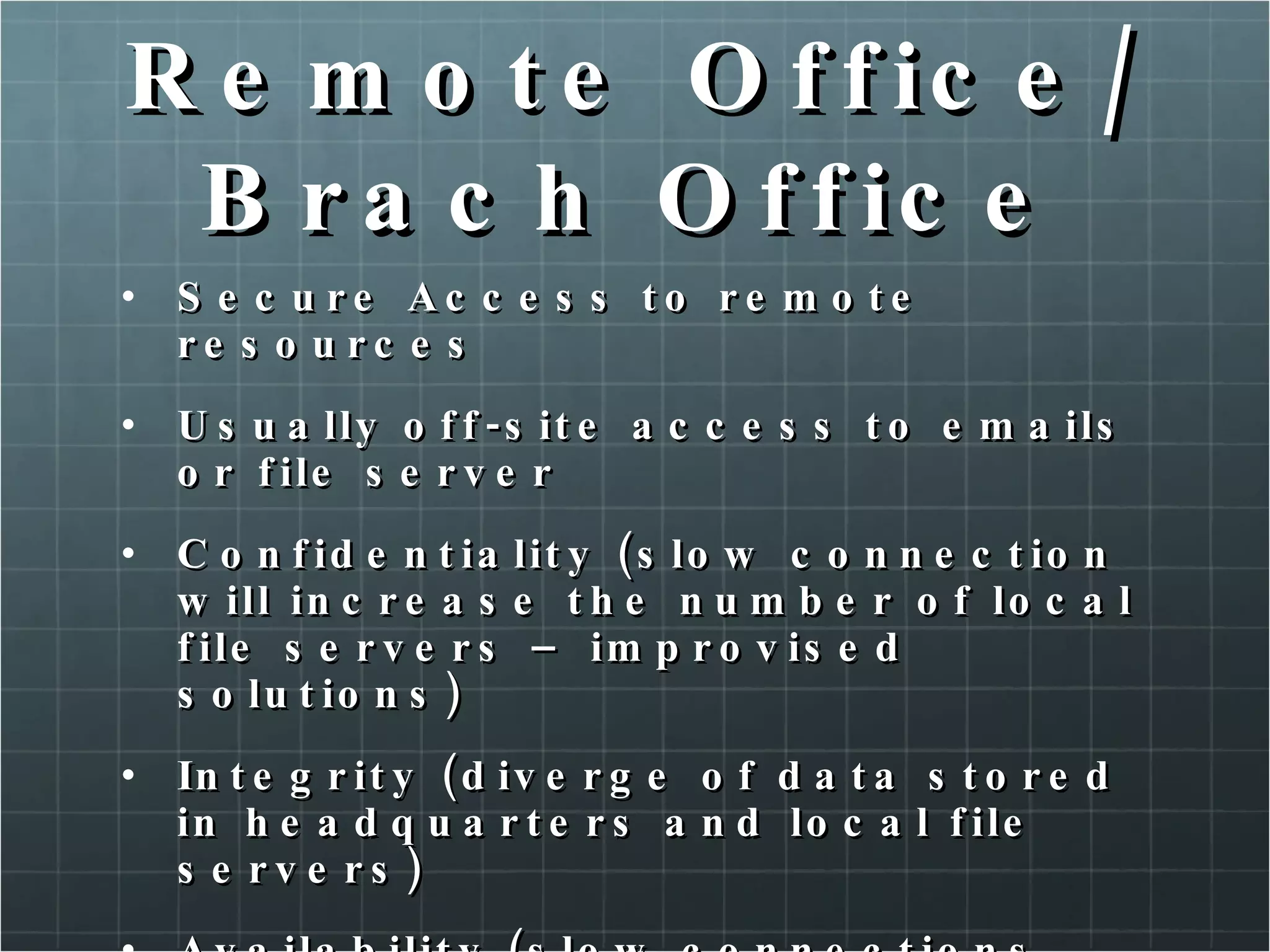
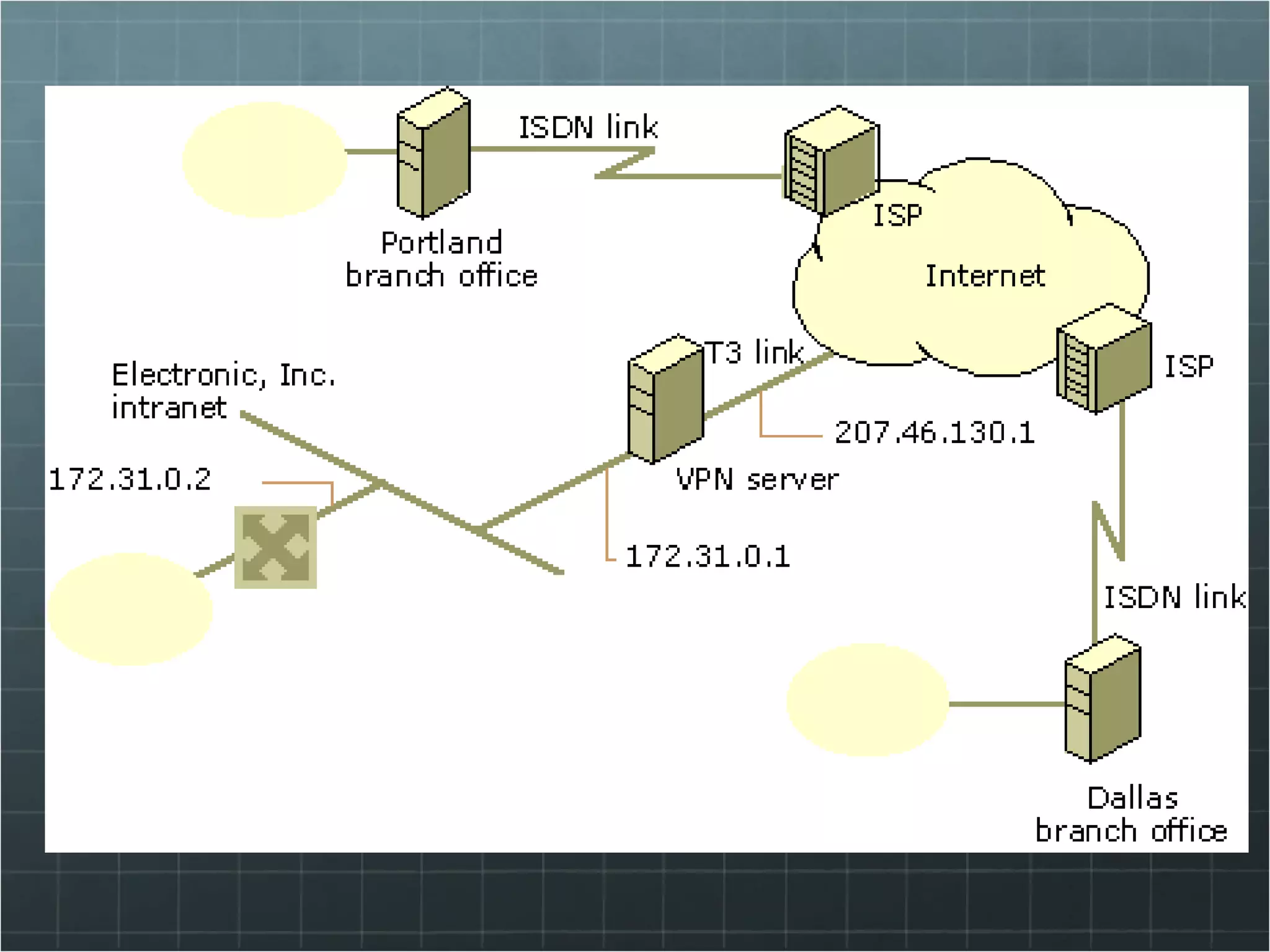
Remote Office/Brach Office A remote office/branch office (ROBO) is sometimes referred to as a satellite office. Typically have fewer employees and recources than a main office or headquarter. In most environments ROBO needs access to recources such as a file server, located at headquarters
Remote Office/Brach Office Issues Distance Resource limitation (links, emails, file servers) IT staff (any or a few) No dedicated INFOSEC professional
Remote Office/Brach Office Secure Access to remote resources Usually off-site access to emails or file server Confidentiality (slow connection will increase the number of local file servers – improvised solutions) Integrity (diverge of data stored in headquarters and local file servers) Availability (slow connections over internet)
 
Solutions Centralized Security Solutions Reduce the cost of maintaining security across and organisation. Firewall (core and perimeter) VPN servers Email Servers Antivirus servers Storage
Solutions Connectivity Solutions Adequate connectivity (bandwith) Allowing end users to perform their duties Multiple entry Point (MEP) Two or more gateways of firewalls protecting the networking entry points. Leased Line were the connectivity solution of choice for ROBOs, but VPNs over public lines are becoming more common. If VPN solutions is chosen, encryption should be strong enough to protect the confidentiality and integrity of the data in transit.
Remote User / Telecomuter Or Road warrior… remote users need to access the corporate information resourcem but they are not located on corporate networks. Sales, field technicians, marketing professionals, etc
 
Remote User / Telecomuter Unsecure environments Traveling (hotel, airports,coffee shop) Partners networks Customers networks Why unsecure? Antivirus (worms), DNS poisoning, etc. Physical Security Remote users = laptops, mobile phones, PDA
Remote User / Telecomuter Remote user requirements Access controls and file encryption Personal Firewall Flexible encryption capabilities  Configuration Control
Small businesses Typically less than 100 people, have fewr that 50 hosts on their network. Networks are typically flat (no segmented with vlans, routers, firewalls,etc). One person for IT “department” and that person must wear many hats!
Small businesses issues Limited Human resources Limited expertise Frugal information technology budget
Small businesses requirements Small business face the same or greater risk that larger organisations face from threat to thei IT resources. Confidentiality – there are trade secrets and competitive data. The budgetary requirement limit the number of available servers and expertise of security adminitrators. Integrity – somes pieces of a process may be computerized, while others still use hard-copy methods Availability – may actually be more critical than for their larger counterparts.
SB security Solutions Security Appliances Security Appliances are combined hardware and software, which may require very little configuration and maintenance. Appliances with Firewalls, IDS, antivirus, content filtering. Typically provide an easy way to configure and maintain.
Home users Lack of knowledge …

SegurançA Da InformaçãO Faat V1 4

  • 1.
    Segurança da InformaçãoRodrigo Cesar Benaglia Piovesana, MBA, CEH Versão 1.4/2010
  • 2.
    Uma hora temque começar… Bibliografia básica: Principles of Network Security. ISBN 0-9762241-2-7. Check Point Press.
  • 3.
    Recomendações Estude maiso idioma inglês; Estude mais o idioma inglês; Estude mais o idioma inglês; Estude mais o idioma inglês; Estude mais o idioma inglês; Estude mais o idioma inglês; Estude mais o idioma inglês; Então… ”Hey ho let´s go” …
  • 4.
    1. Fundamentals InformationSecurity (infosec) “ Information Security is the pratice of protecting information resources. The importance of INFOSEC has increased dramatically since the creation of computer networks. Security professionals are constantly attempting to remain current with the new technologies, to maintain the security of networks and system.” (Principles of Network Security)
  • 5.
    INFOSEC triad ConfidentialityIntegraty Availability
  • 6.
    Confidentiality Corporations andindividuals have a great need for confidentiality Primary focus is to keep private information from being used by adversaries, against an organisation or individual. Methods of protecting: Encryption Access Control Classification Labels
  • 7.
    Encryption Encryption isused to protect data on storage devices and in trainsit. Information Technology is how we call the data that is stored, viewed, processed, or otherwise manipulated on a computer. Types of data that should be encrypted: Personnel records; Medical records; Payroll; Finance Information; Trade secrets.
  • 8.
    Encryption Virtual PrivateNetworks (VPN) is how we send the information during a transmission through an insecurity environment (public network)
  • 9.
    Access Control AccessControls are used in a variety of ways to restrict access to data. Could a simple user-name and password or Biometrics or Tokens or Any combination of these methods above.
  • 10.
    Classification labels DataLabeling assigns classification labels to information. The data owner determines which level of privacy is required for a particular piece of data or information Corporate: Public; Confidential; Private. Military: Unclassified; Sensitive but unclassified; Confidential; Secret; Top secret. (only Ninjas has full access  )
  • 11.
    Classification Labels PrivilagesEscalation occurs when users or process obtain more access than necessary to perform their functions. Significant threat to an organisation “ rooting a box” is the popular name Inheritance is property of a file system that allows objects to gain the attributes of their containers. Privilage aggregation occurs when an individual moves within an organisation and additional privileges are given. (never reviewed or removed)
  • 12.
    Integrity Data integrityconcerns maintaining data validity. This includes: Preventing unauthorizes data manipulation; Deletion; Maintaining data reliability.
  • 13.
    Availability This includesredudant systems, bandwith management and system backups. Redundancy Hardware (storage solutions) Telecomunications (multiples E1 lines through different services providers) Backup with clustering capabilities Capacity Measure of the amount of data device can handle Network Storage Future Needs Failure Plan
  • 14.
    2. Design Security“ the protection of information in Computador System” Dr. Jerome Saltzer and Michael Schroeder identified eight basic principles of information protection. Economy of mechanism Fail-safe defaults Complete mediation Open design Separation of privileges Least privileges Least common mechanism Psychological acceptability This is a guide for programmers and engineers
  • 15.
    Economy of mechanismMeans to keep things simple. The more complex a system is, more difficult it is to understand and maintain. IT implementation: Uniform hardware software configurtions for all end-users desktops; Consistent security profiles for connectivity devices; One server - one service.
  • 16.
    Fail-safe Defaults Asystem must fail to a secure state. Eletronic door Fail-safe defaults are often expressed as implicit deny. Not listed, deny. This prevents the scalation of privileges Breakfast rules
  • 17.
    Complete Mediation Allattempts by users or process to access resources must be controlled by the security mechanism. This security mechanism could be: A device or Technology used to control or Restrict access to information assets. Covert Channels are the methods to access the information without approval from the security mechanism
  • 18.
    Open Design Theprinciples of open design requires that the methods used by a control to perfom its tasks, be open for testing and review. Do not require to reveal trade secrets, but could be observed and tested. A black-box solutions claims to perform fuctions without explain the mechanism implemented Open source? Adheres to the principle of open design.
  • 19.
    Separation of PrivilegesSeparation of privileges requires a security mechanism to divide authorization between two or more entities. Keys for a safe-deposit box in a Bank Access to a resource inside a network requires an authentication and for the network.
  • 20.
    Least privileges Usersand processes should be given no more rights and privileges than absolutely necessary to perform theis assigned tasks. Two types of keys for cars. (owner and valet keys)
  • 21.
    Least common mechanismThe principle of least common mechanism means that processes and users should share as few mechanism as possible. If a processes is shared for multiple users, this could be impossible to determine who initiated the unacceptable action. Shared variables.
  • 22.
    Psychological acceptability Thisprinciple link that applies the previous seven secure-design principles. For psychological acceptability to apply to a technology, the interface must be designed for ease of use, also requires minimal intrusion of technology. “ a computer is secure if you can depend on it and its software to behave as you expect!” (Pratical unix & internet Security, Garfinkle, et al.)
  • 23.
    Principle and RealityCost Ease to use Scalability Integration Support
  • 24.
    Security Life CycleSecuring a system is not a single event but an on-going process. Every change in the system every change in the system´s environment represents a potential new vulnerability or threat. Simple life cycle: Identify a need; Identify a solution; Implement the solution; Test the solution; Introducing a new asset A new FTP server
  • 25.
    3. Risk Management“ no security system is effective 100 percent of the time. This is due to misconfiguration, flaws, or improper deployment of a security device. Risk Management is used to: Assess the value of key system, networks and personnel Determine threat probability Determine vulnelabilities Calculate risk Determine appropriate countermeasures to mitigate the risks”
  • 26.
    Assets IT professionalstend to think of assets in tangible terms (database, web servers and routers are assets requiring protection). Unfortunately, this myopic view of assets to recognize that what really needs protection are the business process these assets supports. What flows throuth this equipments are the most important thing for a business: information. Payroll Billing Shipping Ordering Records maintenance
  • 27.
    Assets Network topologyThe topology should be as detailed as possible, and should include the following elements: Entry points; Routers; Application and file servers; User populations.
  • 28.
    Assets Valuation Assetsare protected, because they have value. Valuation is the process of determine the value of an asset. Data owner is the responsible to determine the value. Should consider the following: Replacement cost of hardware; Replacement cost of data; Lost of productivity costs, due the data not being available Liability costs,due the breaches in confidentiality; Lost revenue; Personnel work hour!
  • 29.
    Threats and VulnerabilitiesInternal Threats Accidental file deletions; Disgruntled employee; Improper access to confidential information; Social engineering of employees; Transmission of viruses through e-mail or file transfer; Physical access to servers and network hardware; Weak authentication, including passwords.
  • 30.
    Threats and VulnerabilitiesExternal Threats Corporate sabotage/espionage; Defacement of web sites; Malicious destruction of files; Accessing confidential company information; Denial-of-services (Dos) and Distributed DoS attacks; SPAM and mail relaying.
  • 31.
    Asset Value andLoss Evaluation of risk begins with asset values. If an information resourse has no value, it is no worth expending any capital to protect it. Percent of Loss When a threat is realized, losses are expressed as a percentage of the affected asset´s value. A realized threat that completely destroys an information resource is expressed as a 100-percent loss.
  • 32.
    Asset Value andLoss Single Loss Expectancy Asset Value x % of loss from realized threat = SLE ABC company has an application server whose value has been determined to be $25.000. If a hardware failure occurs and the application server is unavailable for one hour, $5.000 in productivity will be lost. The cost of the realized threat divided by the asset value, yields the percentage of loss from a realized threat. The realized threat is 20 percent. The product of the asset´s $25.000 value and the 20% loss from the threat is the SLE, in this case the SLE is $5.000.
  • 33.
    Asset Value andLoss Annualized rate of occurrence Expresse how many times a particular threat is likely to occur annually. Natural disaster, may have an ARO that less than 1; Data-entry error, may have a very high ARO;
  • 34.
    Asset Value andLoss Annualized loss expectancy ARO x SLE = ALE ABC company: the application server will probably experience three hardware failure per year. ALE? $15.000.
  • 35.
    Risk Mitigation StrategiesOnce risks have been identified, quantified and qualified, decisions must be made regarding what to do about the risk. Assume (eletronic bank) Transfer (insurance policy) Mitigate (countermeasures)
  • 36.
    4. Security Policies“ Security policies are a critical part of an organisation´s network security structure Policies are used to set the direction for guidelines, standards and procedures. The generation of security policies is a top-down initiative. Management must clearly state and demonstrate their support for a culture of security.”
  • 37.
    Organisation Security PoliciesShould set goals and standards Should be a guiding document for how the organisation protects its information assets Should address protection of all information assets Statement – High level security goals should be defined (specific information should not be included). The statement is a complement for goals and principles. More information @ http://www.cse.ohio-state.edu/cgi-bin/rfc/rfc2196.html http://www.sans.org/security-resources/policies/
  • 38.
    Example Statement “Organisation X acknowledges an obligation to ensure appropriate security for all information technology data in its domain of ownership and control. Organisation X will provide adequate protection and confidentiality of all corporate data and proprietary software systems, whether help centrally, locally or remotely. Organisation X will ensure the availability of data and programs to authorized personnel and the integrity of all data ans configuration controls. This obligations is shared to varying degrees, by every employee of Organisation X.”
  • 39.
    Goals Support themission Be and integral part of sound management Cost-effective Include explicit accountability and responsibilities Grant system owners responsibility outside their own organisation Require a comprehensive and integrated approach Be constrained by social factors
  • 40.
    Issue-Specific Policies Forassets shared by all business units, a issue-specific policies can help ensure uniform standards. Acceptable-use policy E-mail policy Software policy Hardware policy Backup policy
  • 41.
    Network Security PoliciesDefine how communication between systems and machines is accomplished.
  • 42.
    System Security PoliciesApply to specific application server, or group of application servers.
  • 43.
    Service Level AgreementSLA are documents explaining vendor and customer obligations. SLA specify consequences for violations.
  • 44.
    4. Business ContinuityPlanning Contingency planning refers to the interim measures used to recover IT systems after a disruption, emergency or disaster.
  • 45.
    Building a BCPBCP begins with the risk management process. Risk management define assets needgin protection, their vulnerabilitities, and the possible threats to the assets. Countermeasures are deployed to mitigate risk, however risk cannot be eliminated completely.
  • 46.
    Building a BCPThere are a variety os possible disruptions, such as: Power Failures, surges or sags Natural Disasters man-made disasters
  • 47.
    Business Impact Analysis(BIA) The BIA is a quantitative analysis of each risk, to determine how an organisation will continue to operate during a crisis, and recover afterward. Once a risk is realized, businesses must react quickly to remain open and available to customers.
  • 48.
    BIA Includes knowledgeableand responsible individuals from functional groups in the organisation Identifies the interdependencies of processes and organisational groups Inteifies information requirements of the organisation Identifies resources usage of the organisation Assess effetcs of risk exposure Estimates loss and its effect upon the organisation Establishes a time-line for recovery
  • 49.
    BCP Development Anavailable time frame Available options Personnel issues Communications problems and consequences Technology-recovery issues, per department Recovery issues unrelated to technology
  • 50.
    Recovery strategies Doingnothing Deferreing action: action can wait until a later date Manual procedures Reciprocal agreements Goals of each phase of the plan, withou goals, you cannot determine when the phase is complete, or if it was successful Alternative sites
  • 51.
    Alternative Sites ColdSites Warm Sites Hot Sites
  • 52.
    Testing BCP Checklisttest Structured walkthrough test Simulation test Parallel test Full interruption test
  • 53.
    BCP Life CycleOnce the BCP is created, reviewed, tested and approved, the first part of the BCP life cicle is complete. Changes to the business organisation New threats and vulnerabilities
  • 54.
    6. Operation SecurityWhen considering how to protct information resources. Operational Security (OPSEC) usually receives the least emphasis. OPSEC involves determining how an organisation´s daily affect the security of its information assets. OPSEC also encompasses the realms of physic security and administrative Controls.
  • 55.
    OPSEC US DoD– is a process of identifying critical information, and subsequently analysing friendly actions attendant to military operations and other activities: Identify those actions that can be observed by adversary intelligence systems. Determine indicators that hostile intelligence systems might obtain that could be interpreted or pieced together, to derive critical information in time to be useful to adversaries. Select and execute measures that eliminate or reduce to an acceptable level the vulnerabilities of friendly actions to adversary explotation.
  • 56.
    OPSEC Language ObservablesIndicators Adversary Intelligence Inference Aggregation
  • 57.
    Origins of OPSECArt of war (Sun Tzu)
  • 58.
    Laws of OPSECIf you do not know the threat, how do you know what to protect? If you do not know what to proctec, how do you know you are protecting it? If you are not protecting it (information), the adversary wins.
  • 59.
    Five Steps Identifycritical information and its indicators Analyse threats Analyse vulnerabilities Assess risks Apply countermeasures Assess the adequacy of countermeasure.
  • 60.
    Know your adversaryWhite Hats Grey hats – this could not be serious… Black hats White\Black get their names from characters in old Westerns. The good and bad guys…
  • 61.
    What are youadversary resources? Intelligence Money Anger / Ire / madness
  • 62.
    Security Controls PhysicalSecurity Human safety (smoke and fire alarms) Information assets (cable lock, backup) Physical Plant Administrative Background investigation (human resources) Non-disclosure agreements Performance reviews Periodic review of access
  • 63.
    Self Study Communicatingsecurity effectively Access Control Models
  • 64.
    7.Intrusions and AttacksDefine an intrusion Define an attack Review intrusion detection concepts Determine type of IDS
  • 65.
    Intrusion Defined InternalWho have permission to use some of an organisation resources. External no granted permissions or rights
  • 66.
    Attacks Defined DoSTeardrop Ping of death Land Ip fragments Syn Attacks DDoS Trinoo TFN (the Tribe Flood Network) & TFN2K Trinity
  • 67.
    Secessive Events Addressspoofing Local interface spoofing Port scanning
  • 68.
    Web HTTP WormsCross-site scripting flaws Mail Bombing FTP Bounce File and Print sharing (MS) Null sessions Pop-up Messages
  • 69.
    IDS Concepts Involvesobserving a network and attempting to discover suspicious activity. False Positive – no intrusion occurred False Negative – IDS fail to recognize Thresholds – metrics used to determine how much suspicious must occur, before an alert is generated.
  • 70.
    Types of IDSPattern Matching Attack signatures Statistical Anomaly Behavior Analysis Host Based Network Based
  • 71.
    8. Cryptography ABrief History of Cryptography How Encryption Works Encryption Algorithms Internet Key Exchange
  • 72.
    Cryptography Encyclopedia Britannica:“ Cryptography: Practice of the enciphering and deciphering of messages in secret code in order to render them unintelligible to all but the intended receiver.”
  • 73.
    A Brief Historyof Cryptography Early Cryptography 3500 BC: Sumerians – Cuneiform writings
  • 74.
    A Brief Historyof Cryptography Early Cryptography 1900 BC: Egypt – First known use of cryptography
  • 75.
    A Brief Historyof Cryptography Early Cryptography 500 – 600 BC: ATBASH Cipher – Used by Hebrew scribes – Substitution cipher (reversed alphabet) (bible code)
  • 76.
    A Brief Historyof Cryptography Early Cryptography • 486 BC: Greece – σκυτάλη – skytale
  • 77.
    A Brief Historyof Cryptography Early Cryptography 60 – 50 BC: Julius Caesar – substitution cipher – Shift letters by X positions: • E.g. X = 3: A D, B E, C F, ... Weakness? Frequency analysis (1000 AD) 1466: Leon Albertini: cipher disk Used until 16th century
  • 78.
    A Brief Historyof Cryptography Medieval Cryptography 1587: Vigenère Cipher – Polyalphabetic: one to many relationship Example Encrypt: lamp Keyword: ubc Ciphertext: fboj Apart from that...
  • 79.
    A Brief Historyof Cryptography Modern Cryptography 1845: Morse Code Represention by code signal States (on and off) composed into 5 symbols
  • 80.
    A Brief Historyof Cryptography Modern Cryptography 1863: Kasiski breaks Vigenere Find length of keyword Divide message into substitution cryptograms Use frequency analysis to solve these
  • 81.
    A Brief Historyof Cryptography Modern Cryptography 1918: ADFGVX Cipher Used in the German army in WWI
  • 82.
    A Brief Historyof Cryptography Modern Cryptography 1918: The Enigma – Arthur Scherbius Business: confidential docs No codebooks Rotors multi substitution Wireing changes as-you-type German forces in WWII
  • 83.
    A Brief Historyof Cryptography Modern Cryptography 1937 – 1945: Navajo Code Talkers
  • 84.
    A Brief Historyof Cryptography Modern Cryptography 1949: Shannon Communication Theory of Secret Systems Proved: One time pad unbreakable
  • 85.
    A Brief Historyof Cryptography DES (digital encryption standard) Developed by IBM 1972 56-bits Triple DES Very secure
  • 86.
    A Brief Historyof Cryptography Modern Cryptography 1976: Diffie – Hellman Key Exchange Whitfield Diffie and Martin Hellman Discrete logarithm problem: G: finite cyclic group with n elements Modulo n multiplication b: generator of G: every element g of G can be written as g = b k for some integer k Goal: find k given g and b and n! Very hard problem
  • 87.
    A Brief Historyof Cryptography Modern Cryptography So how does it work? Exploits? Man in the middle Fix: additional authentication
  • 88.
    A Brief Historyof Cryptography Modern Cryptography Public Key Crypto Key exchange problem Asymmetric key algorithm – E.g: RSA, MIT, 1977
  • 89.
  • 90.
    A Brief Historyof Cryptography Modern Cryptography 1991: PGP Pretty Good Privacy Protocol, uses RSA – Encryption & decryption Digital signatures MD4/MD5 (HASH) How does that work? Web of Trust Third party signs (public) key to attest association between person and key Other Possibility: Hierarchical, CA based E.g.: X.509 Certificates in SSL
  • 91.
    9.Access Control TechnologiesIdentify the major categories of authentication methods Discuss the characteristics of common access control methods Compare and contrast acess control technologies Review the administrative components of access control solutions
  • 92.
    Authentication methods Singlessign-on Methods allows users to authenticate to a login server, and use credentials and security tokens to authenticate to other systems and services. Advantages: Fewer usenames/passwords Audit trails to trace the systems users access High user acceptance Reliable level of security Reduce administrative overhead due the password reset
  • 93.
    Authentication methods Mandatorysign-on Requires users to log in individually at each server and access control. Each log in should be unique password and username Problems? Combination of single and mandatory sign-on might be a good compromise for increasing security.
  • 94.
    Access control MethodsLayered Access Controls Requires users and process to authenticate at several access points. Routers and other network deveices can use ACL to filter some traffic,or prompt users for authentication to pass. Physical Access Controls Restrict access to certain offices, areas, as well as building access to an organisation. Smartcard authentication Administrative Acess Controls Background investigation Mandatory vacations Acceptable use documents Separation of duties Job rotation Technical Acess controls Workstation authentication Network authentication Application authentication Service authentication
  • 95.
    Acess control technologiesNetwork authentication LDAP – Lightweight directory access protocol (enhanced version of X.500 protocol) Kerberos – single sign-on deployed in distributed environments Access Control List – generally used for general filtering of duties, most network devices include ACL Firewalls – gateways to internet network. Prevent unauthorized access to or from a private network. Application based Access Controls – most application contain access controls of some type, such as SMTP or FTP, users log in each time they access the services. File and Directory sharing – read, write and execute permissions.
  • 96.
    Adminstrative Access ControlsCentralized access management Decentralized access management Hybrid access management Accountability auditing
  • 97.
    10. Small NetworkSecurity Determine security issues and solutions for ROBO users Identify issues with remote user security Determine security issues and solutions for SMB users Identify issues with home user security
  • 98.
    Remote Office/Brach OfficeA remote office/branch office (ROBO) is sometimes referred to as a satellite office. Typically have fewer employees and recources than a main office or headquarter. In most environments ROBO needs access to recources such as a file server, located at headquarters
  • 99.
    Remote Office/Brach OfficeIssues Distance Resource limitation (links, emails, file servers) IT staff (any or a few) No dedicated INFOSEC professional
  • 100.
    Remote Office/Brach OfficeSecure Access to remote resources Usually off-site access to emails or file server Confidentiality (slow connection will increase the number of local file servers – improvised solutions) Integrity (diverge of data stored in headquarters and local file servers) Availability (slow connections over internet)
  • 101.
  • 102.
    Solutions Centralized SecuritySolutions Reduce the cost of maintaining security across and organisation. Firewall (core and perimeter) VPN servers Email Servers Antivirus servers Storage
  • 103.
    Solutions Connectivity SolutionsAdequate connectivity (bandwith) Allowing end users to perform their duties Multiple entry Point (MEP) Two or more gateways of firewalls protecting the networking entry points. Leased Line were the connectivity solution of choice for ROBOs, but VPNs over public lines are becoming more common. If VPN solutions is chosen, encryption should be strong enough to protect the confidentiality and integrity of the data in transit.
  • 104.
    Remote User /Telecomuter Or Road warrior… remote users need to access the corporate information resourcem but they are not located on corporate networks. Sales, field technicians, marketing professionals, etc
  • 105.
  • 106.
    Remote User /Telecomuter Unsecure environments Traveling (hotel, airports,coffee shop) Partners networks Customers networks Why unsecure? Antivirus (worms), DNS poisoning, etc. Physical Security Remote users = laptops, mobile phones, PDA
  • 107.
    Remote User /Telecomuter Remote user requirements Access controls and file encryption Personal Firewall Flexible encryption capabilities Configuration Control
  • 108.
    Small businesses Typicallyless than 100 people, have fewr that 50 hosts on their network. Networks are typically flat (no segmented with vlans, routers, firewalls,etc). One person for IT “department” and that person must wear many hats!
  • 109.
    Small businesses issuesLimited Human resources Limited expertise Frugal information technology budget
  • 110.
    Small businesses requirementsSmall business face the same or greater risk that larger organisations face from threat to thei IT resources. Confidentiality – there are trade secrets and competitive data. The budgetary requirement limit the number of available servers and expertise of security adminitrators. Integrity – somes pieces of a process may be computerized, while others still use hard-copy methods Availability – may actually be more critical than for their larger counterparts.
  • 111.
    SB security SolutionsSecurity Appliances Security Appliances are combined hardware and software, which may require very little configuration and maintenance. Appliances with Firewalls, IDS, antivirus, content filtering. Typically provide an easy way to configure and maintain.
  • 112.
    Home users Lackof knowledge …