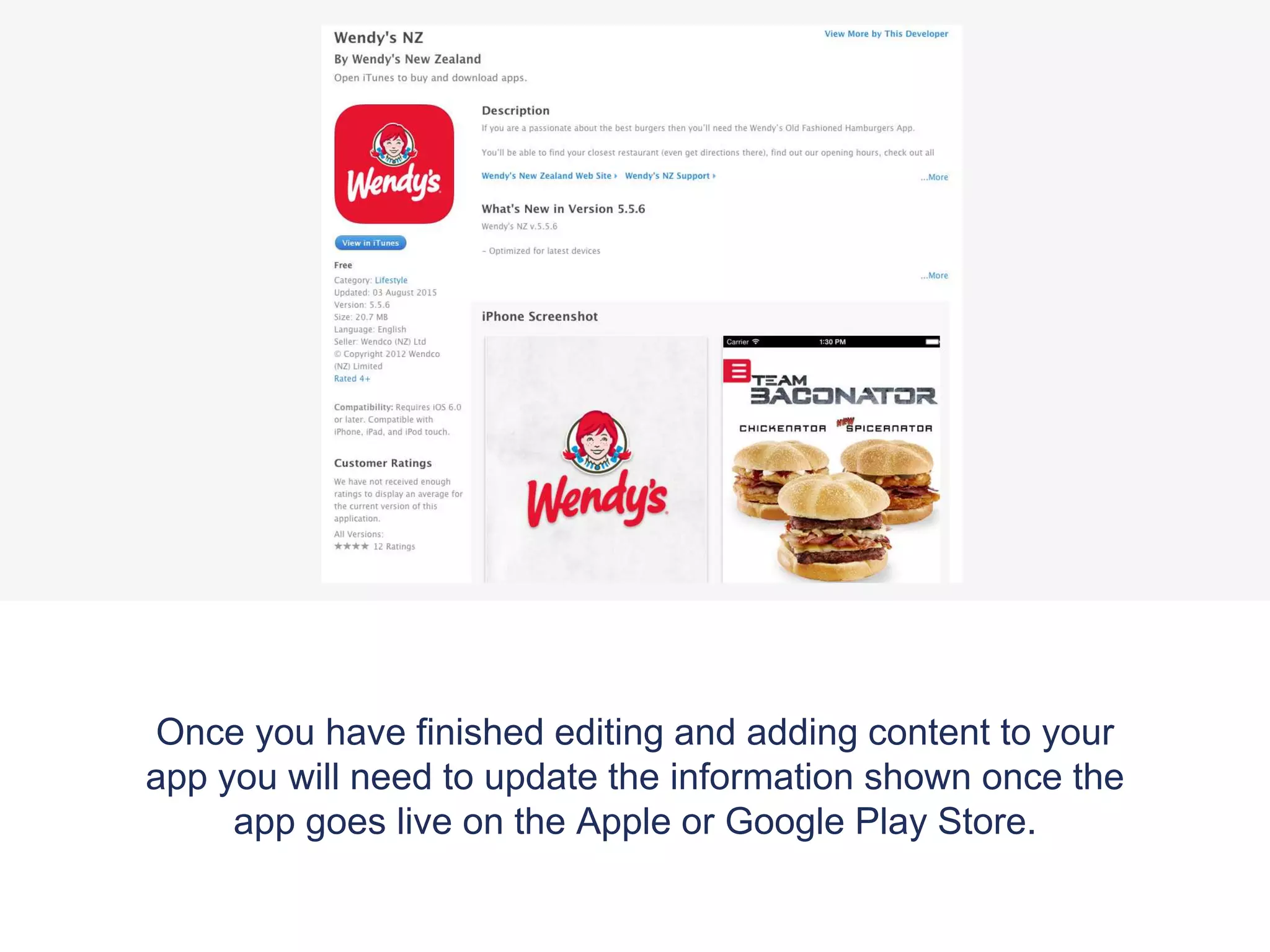
To update an app's settings for publishing on app stores:
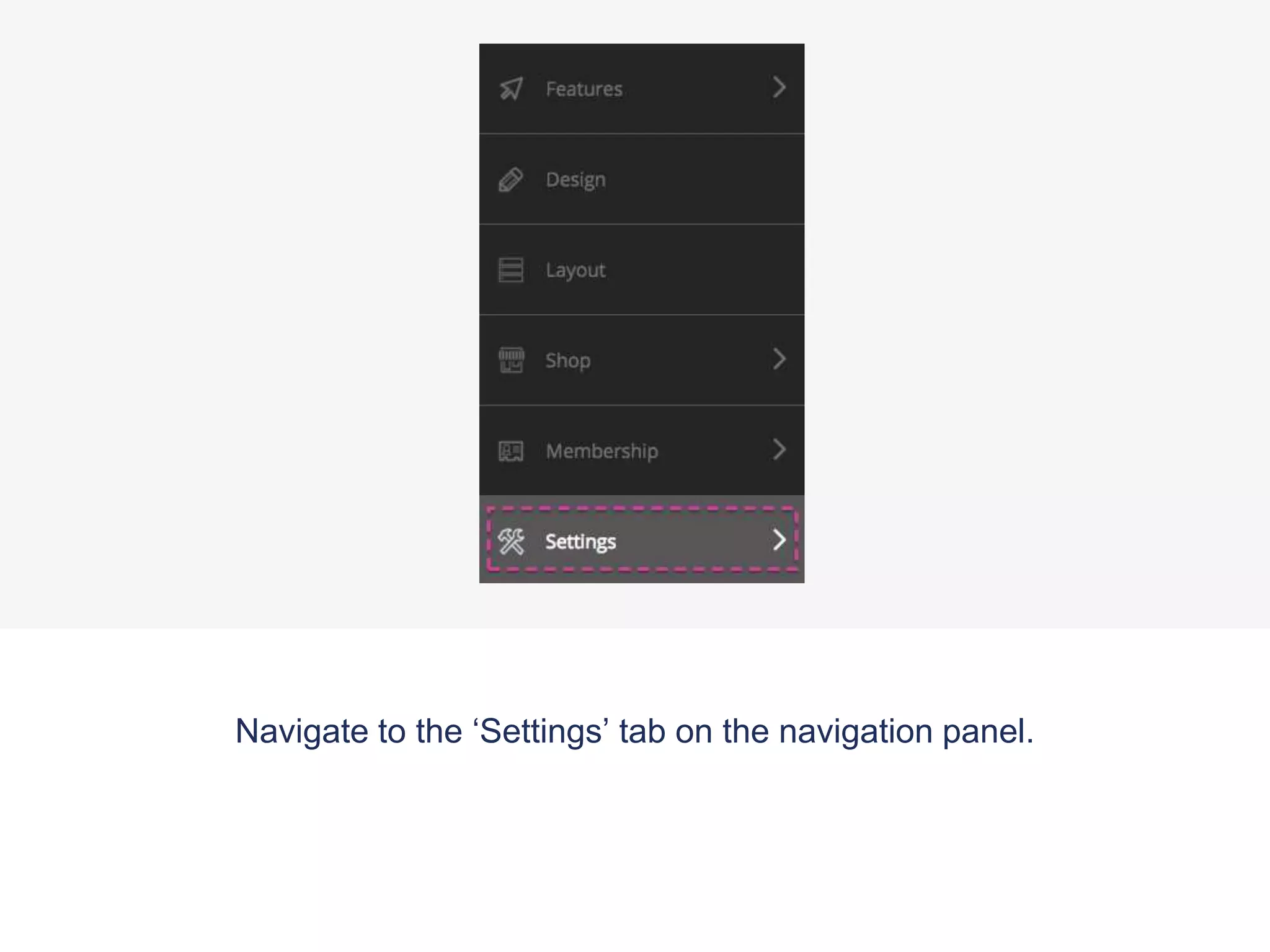
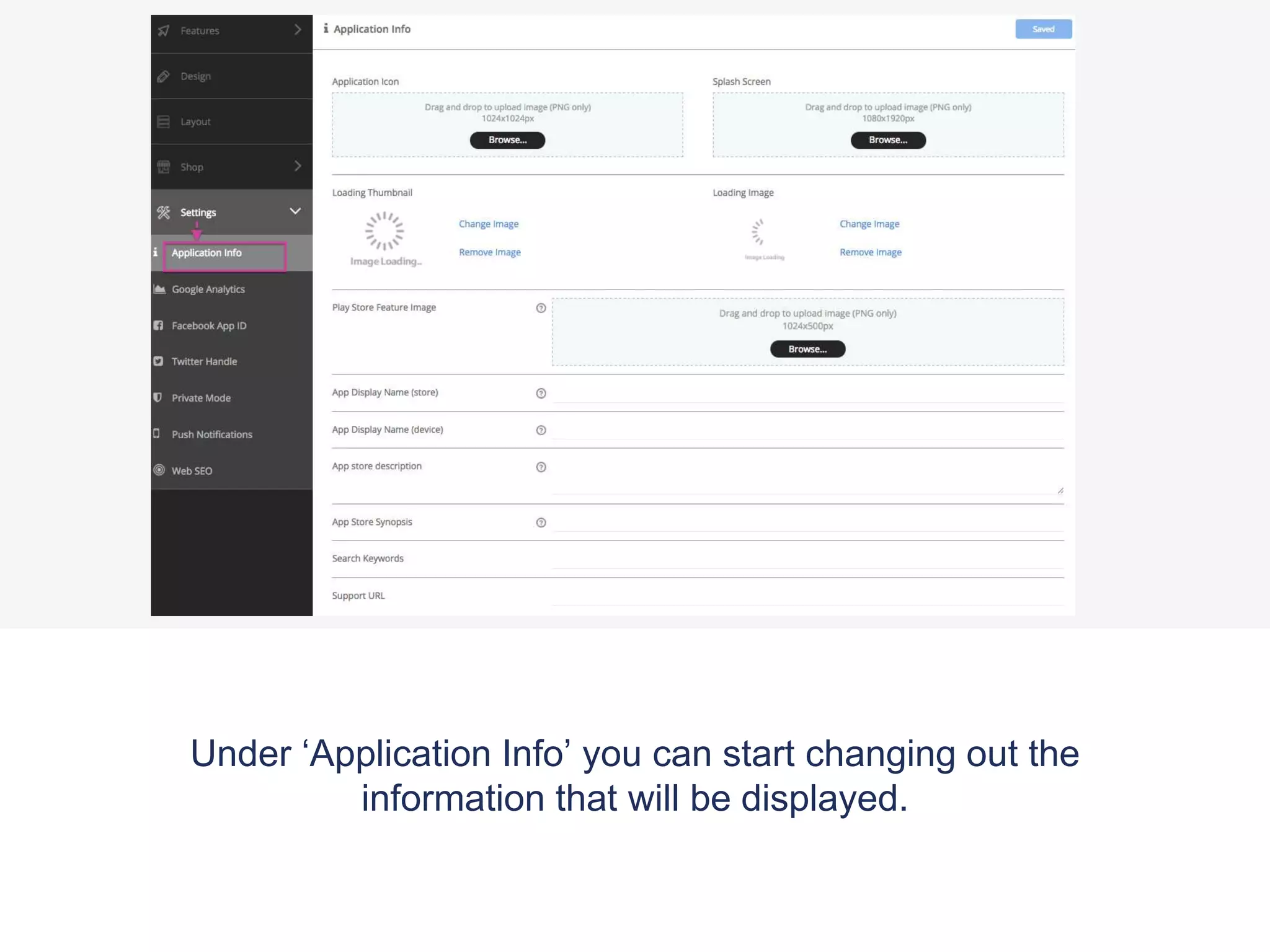
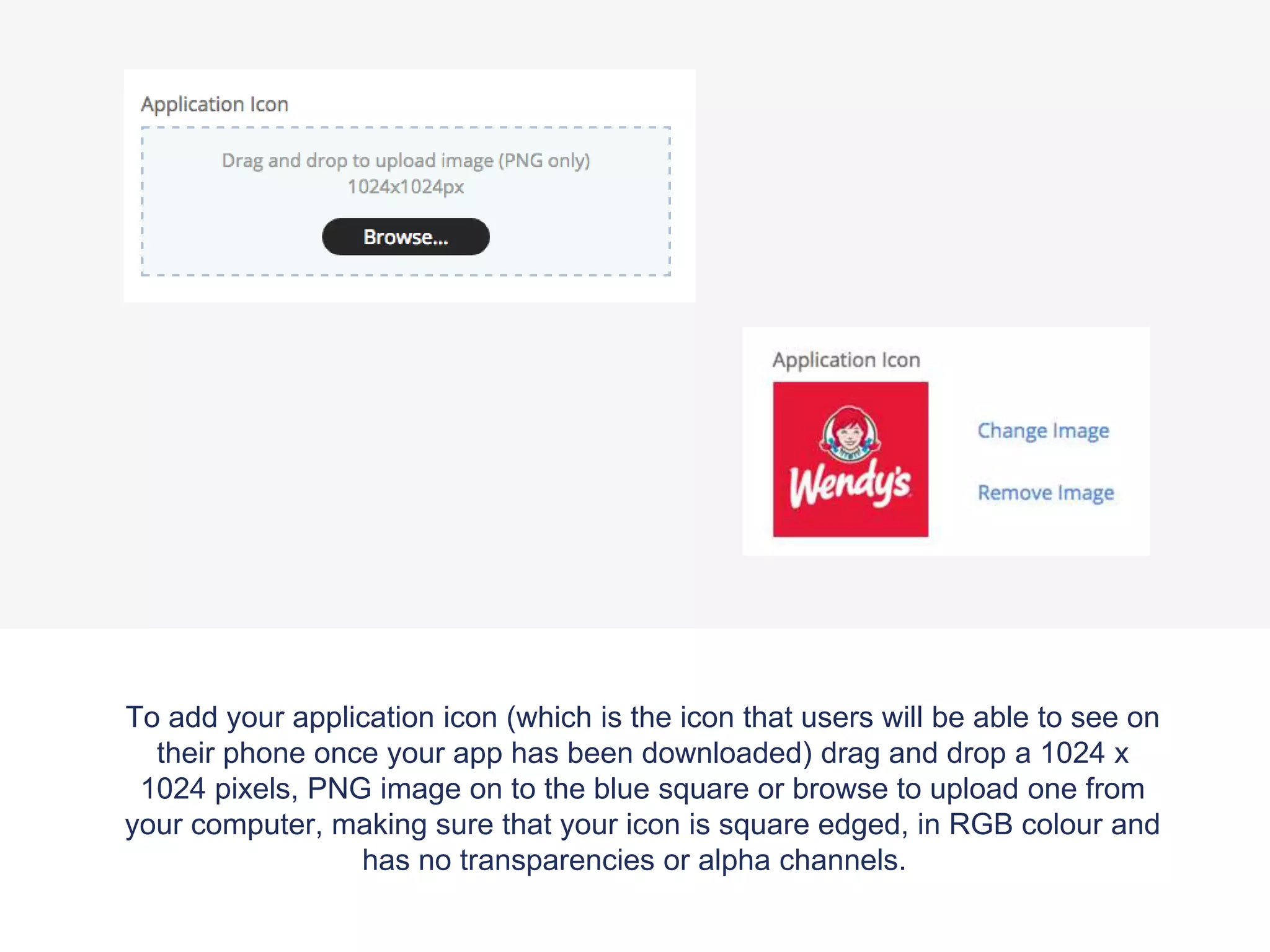
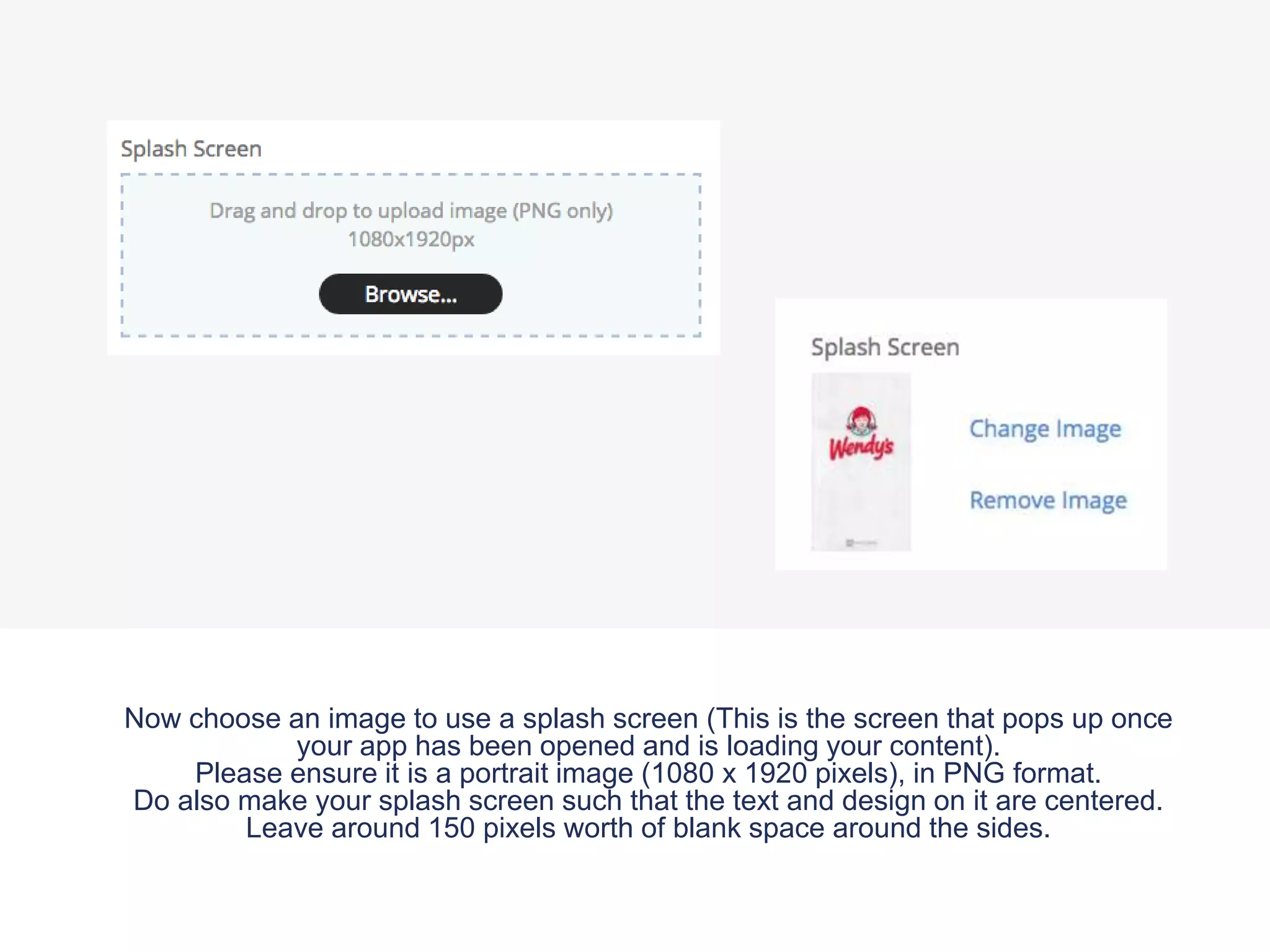
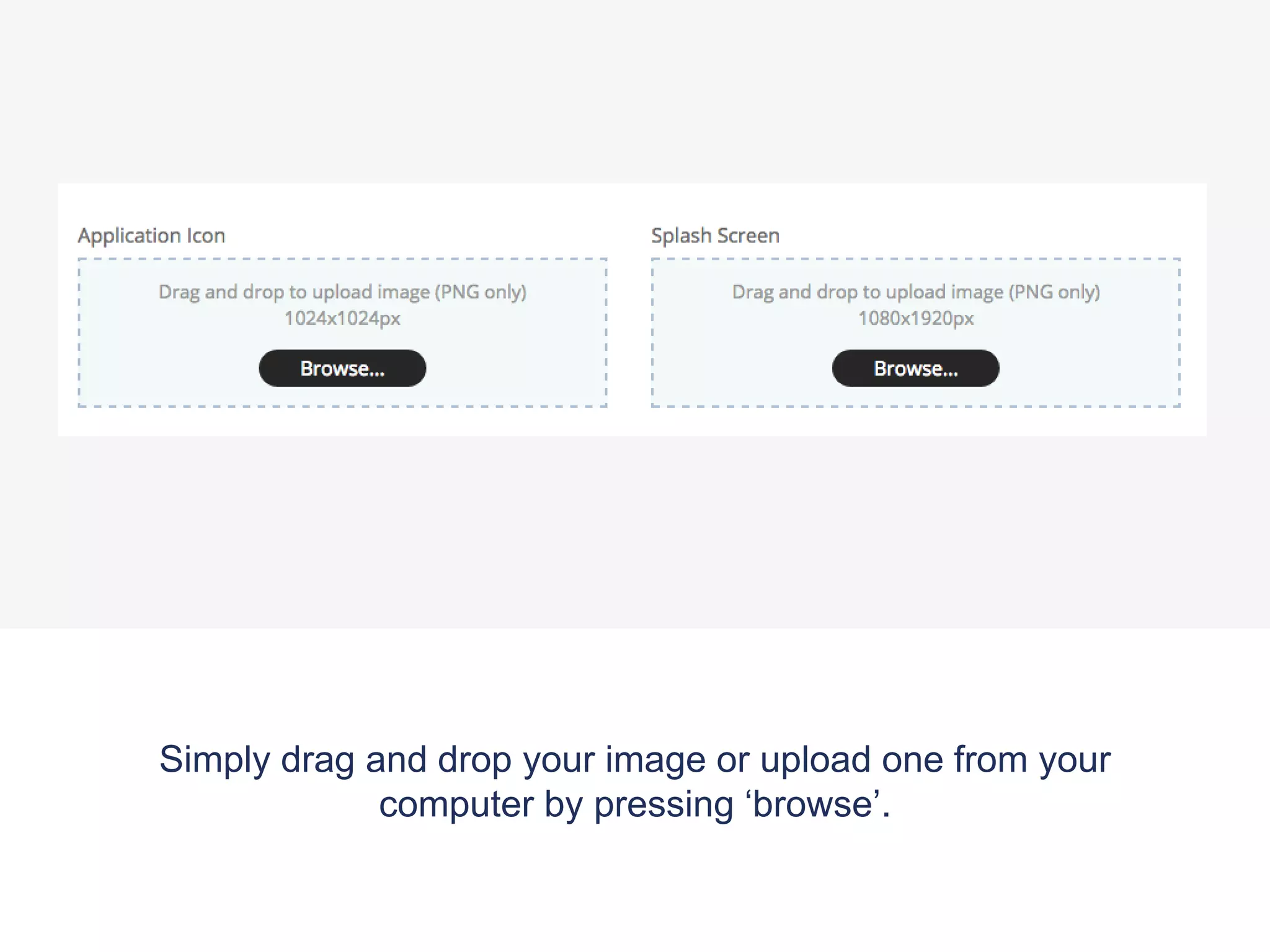
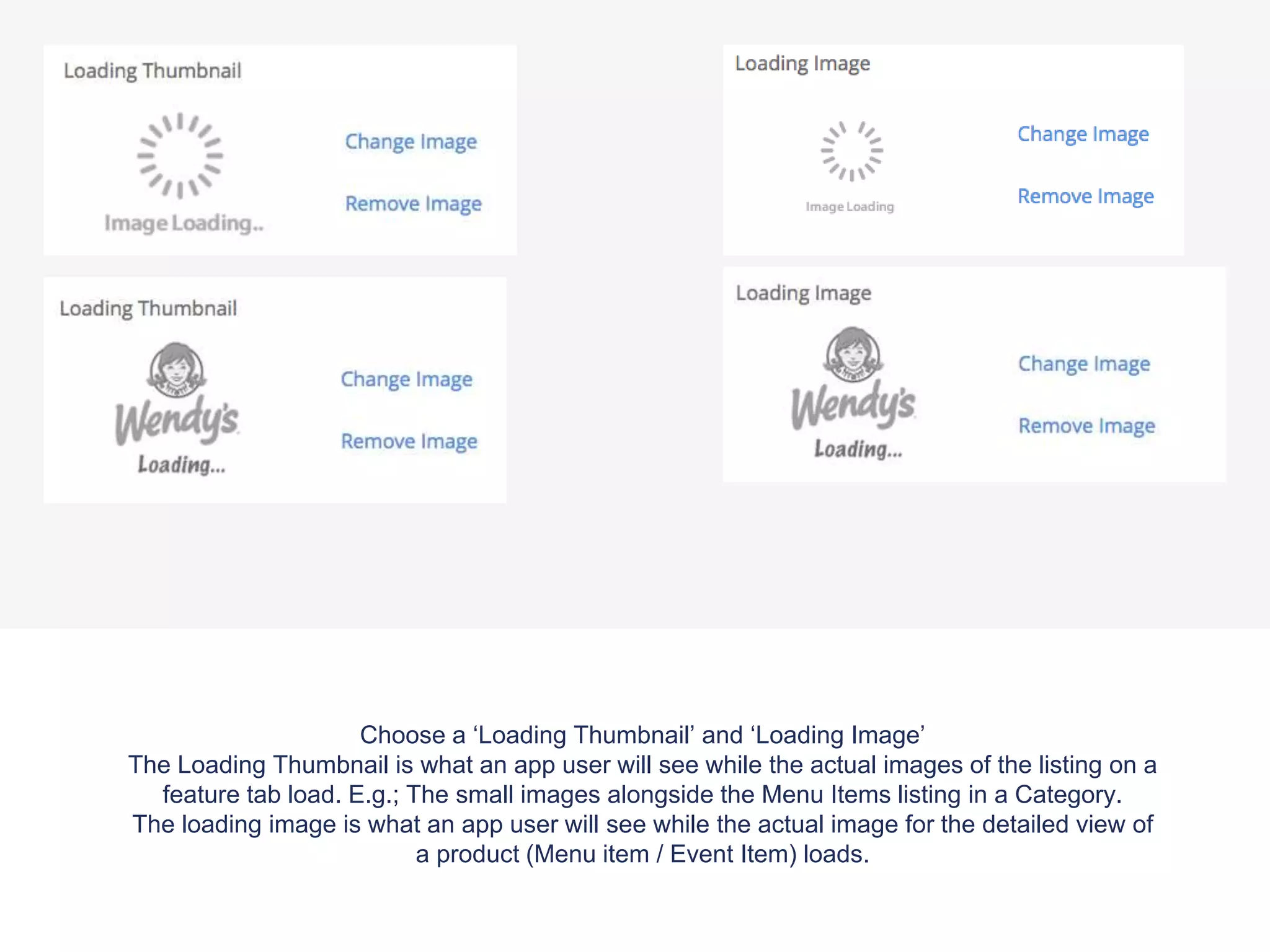
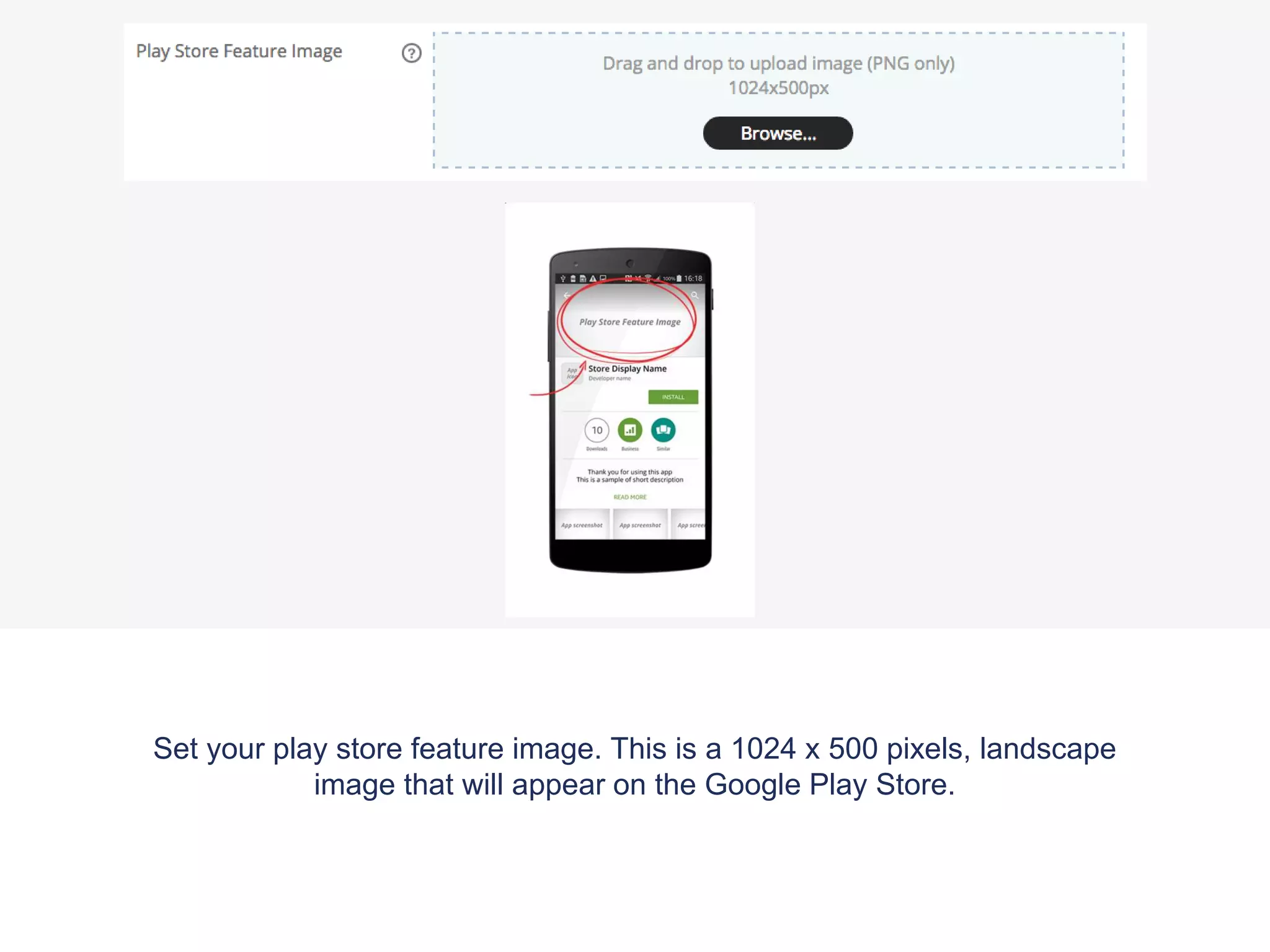
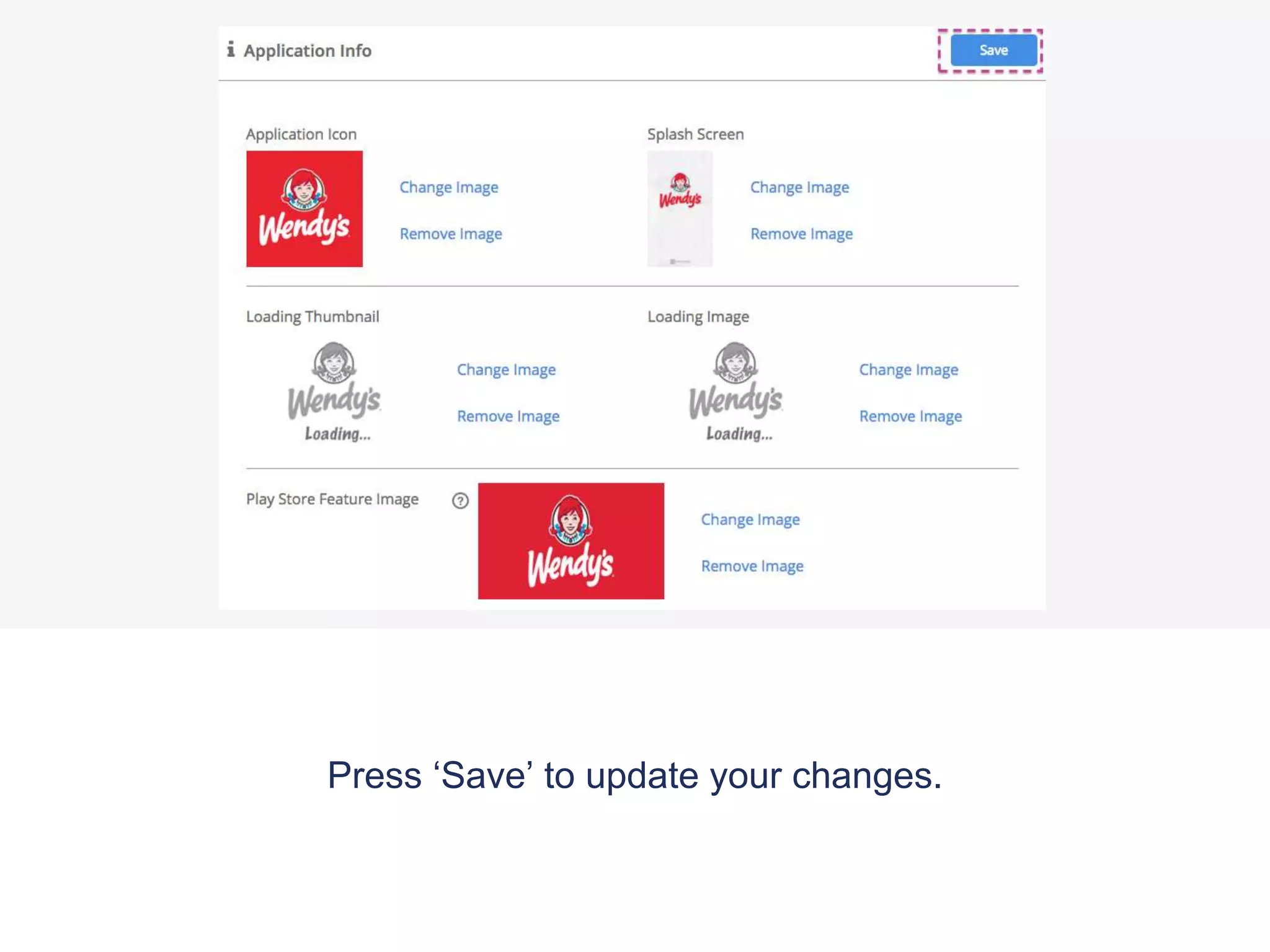
1. Navigate to the 'Settings' tab and 'Application Info' section to change display information like the app icon, splash screen, loading images, and Play Store feature image.
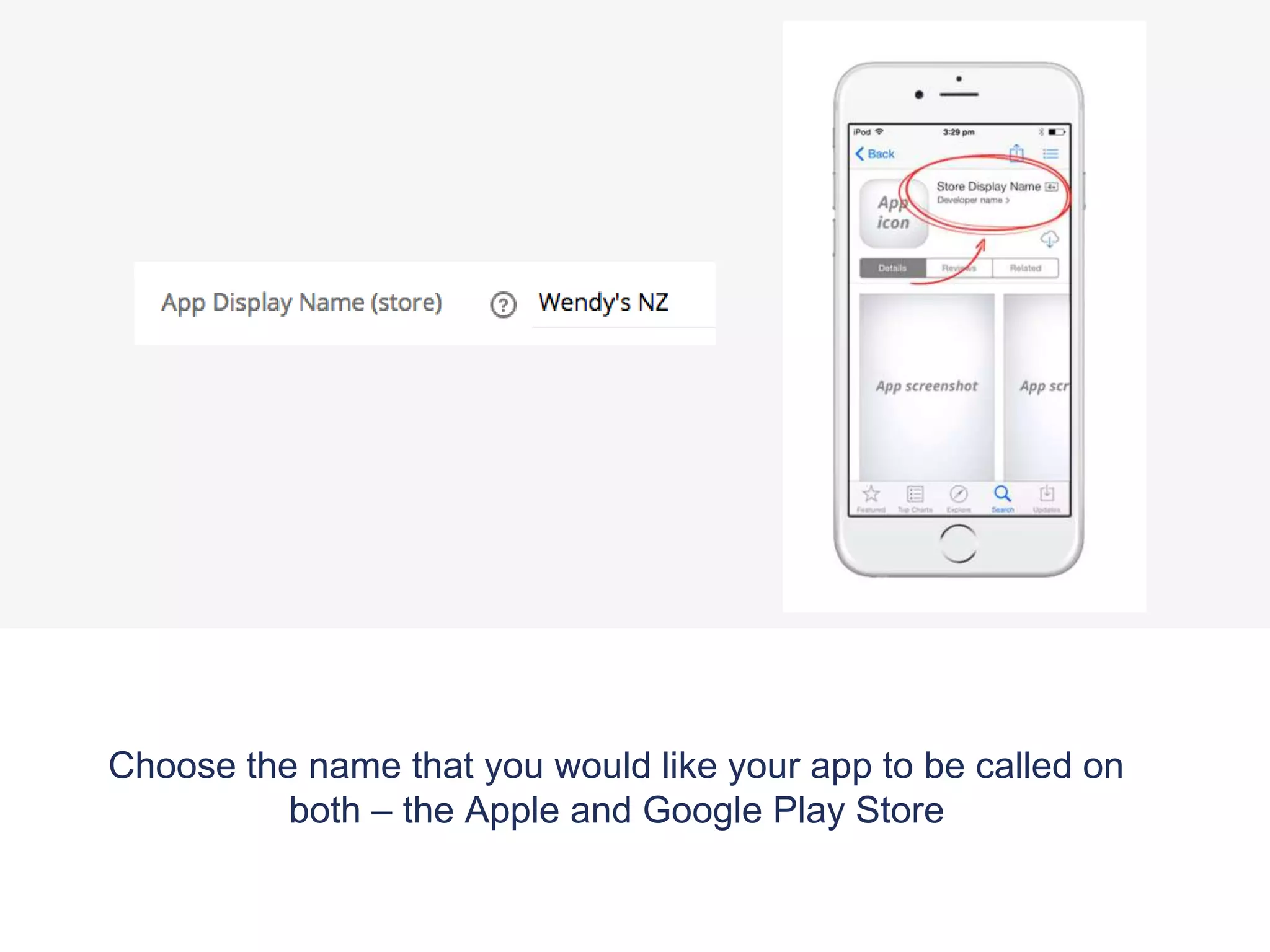
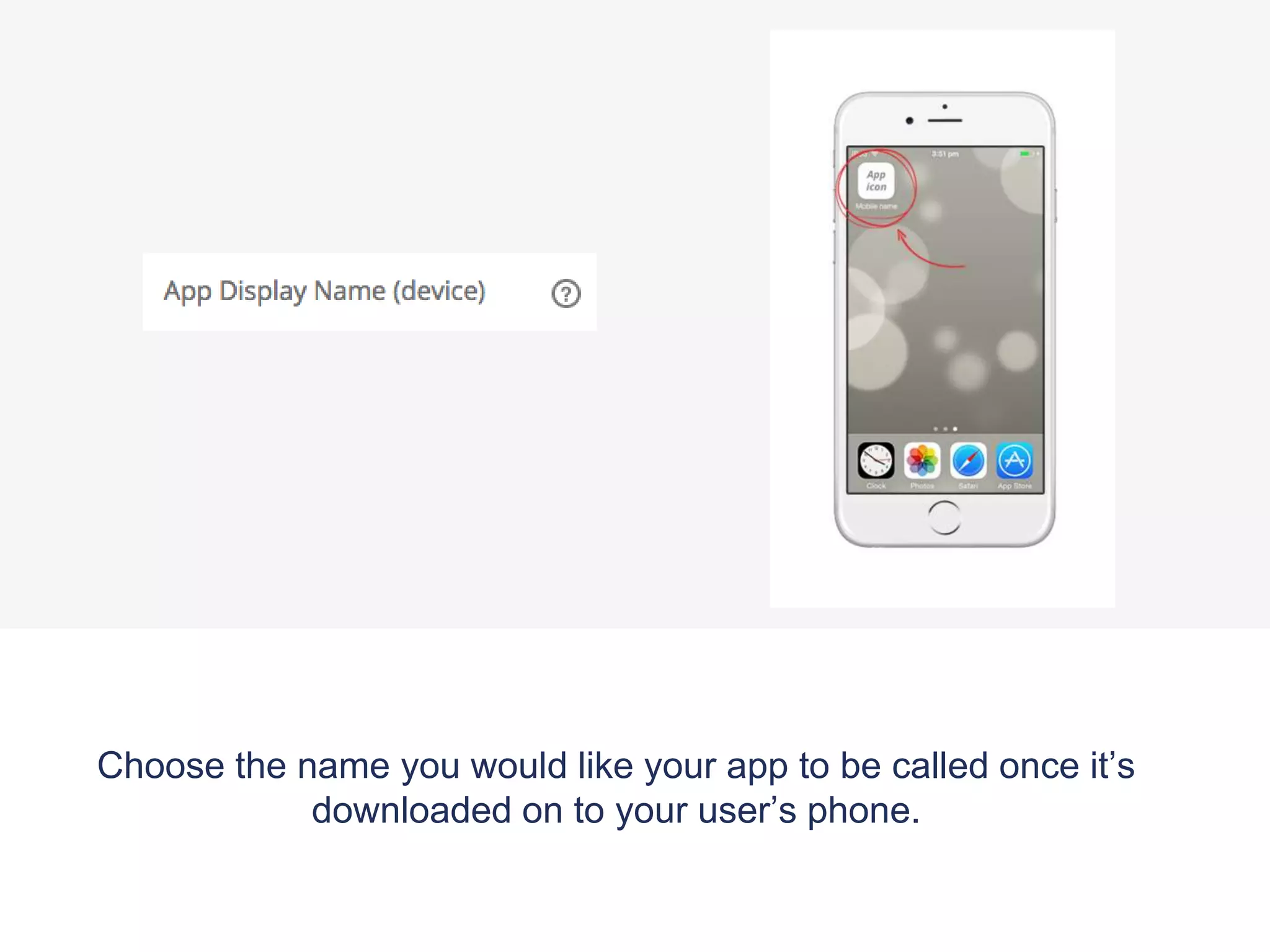
2. Choose the app name for both app stores and for how it appears on users' phones.
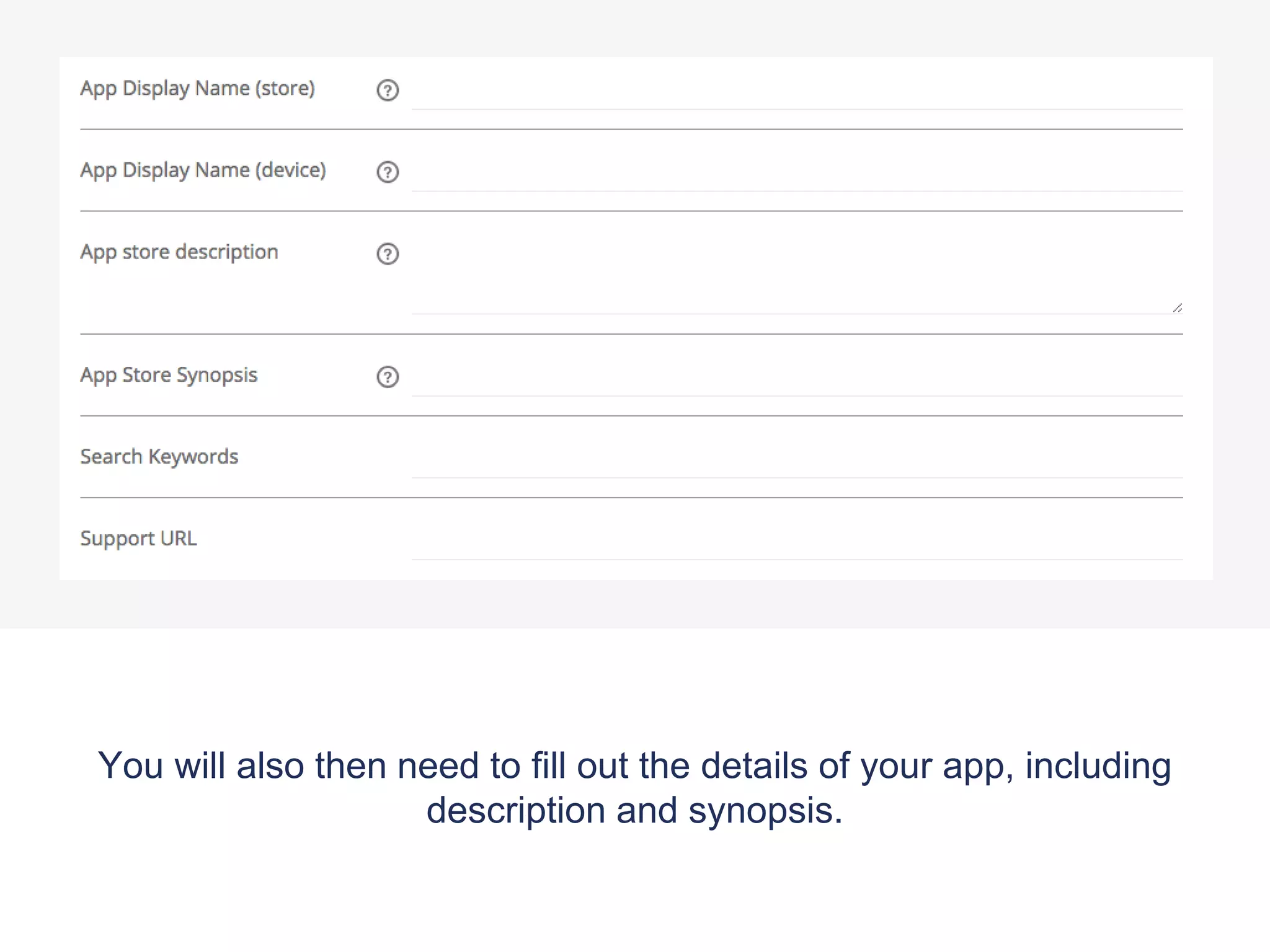
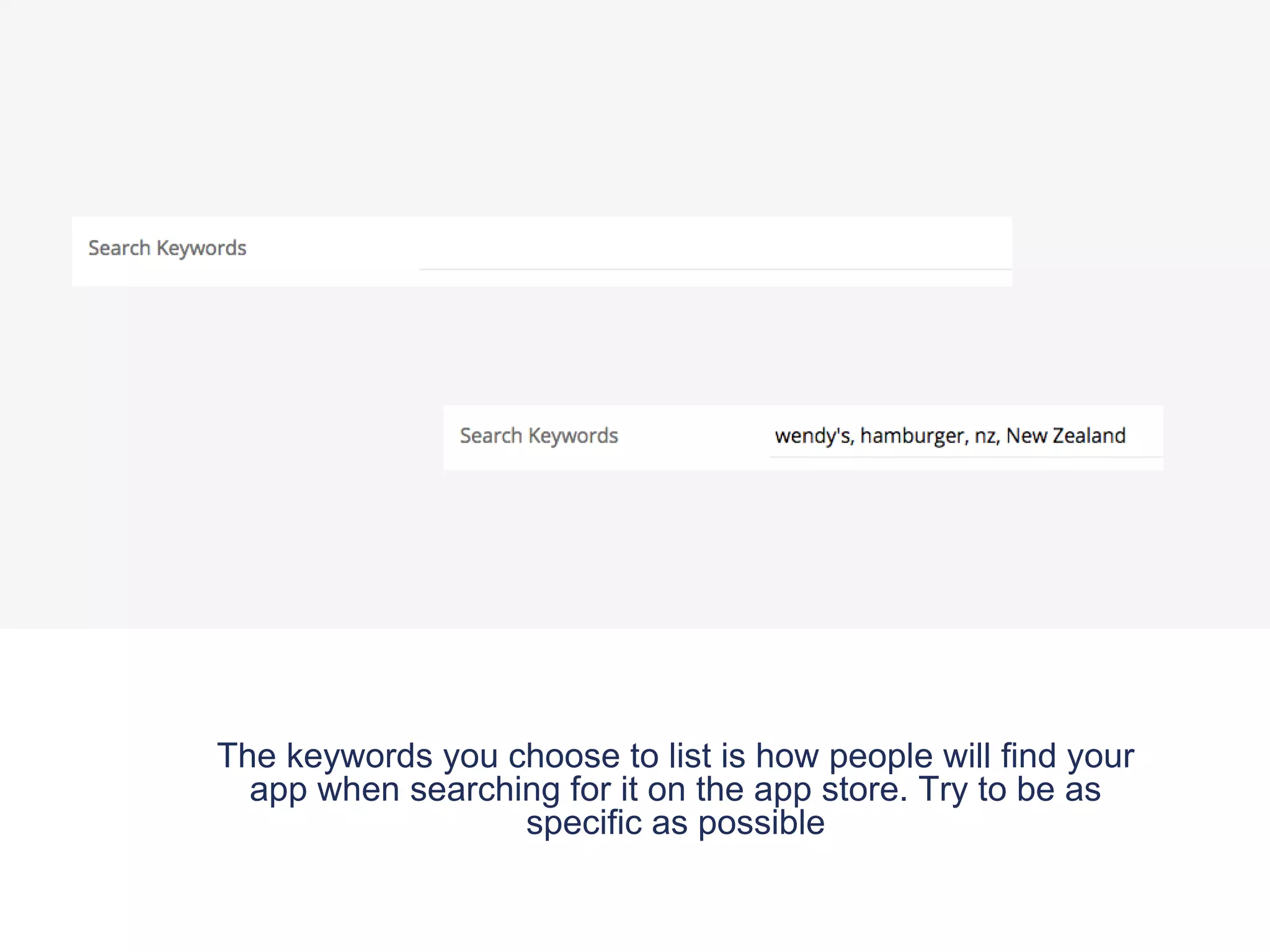
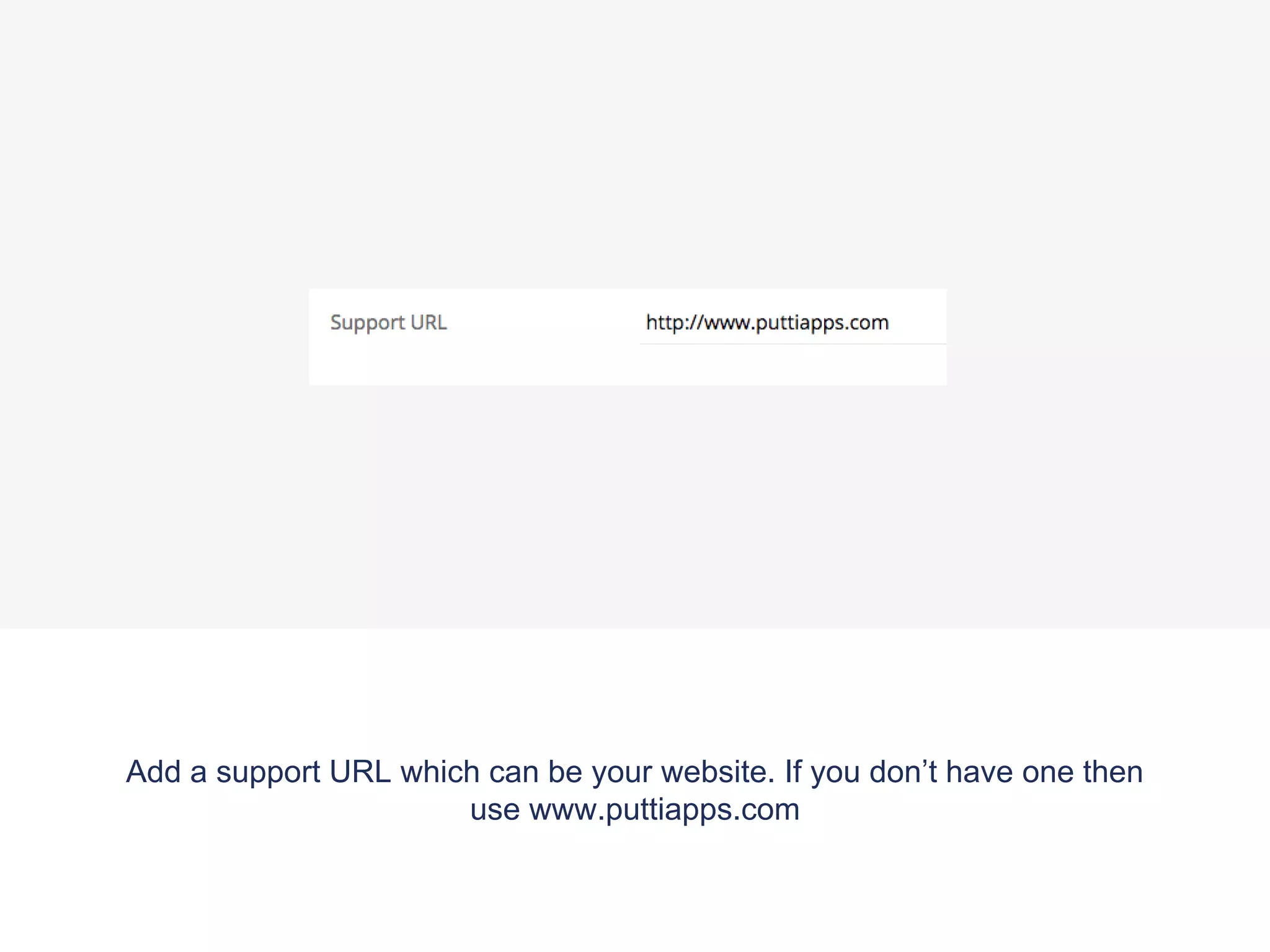
3. Fill out additional details like description, synopsis, keywords, and support URL.
4. Press 'Save' to publish the changes.



![Vibe Coding vs. Spec-Driven Development [Free Meetup]](https://cdn.slidesharecdn.com/ss_thumbnails/vibecodingvsspecdrivendevelopment-251209105622-43f455e7-thumbnail.jpg?width=640&height=640&fit=bounds)


