Ansible - Introduction


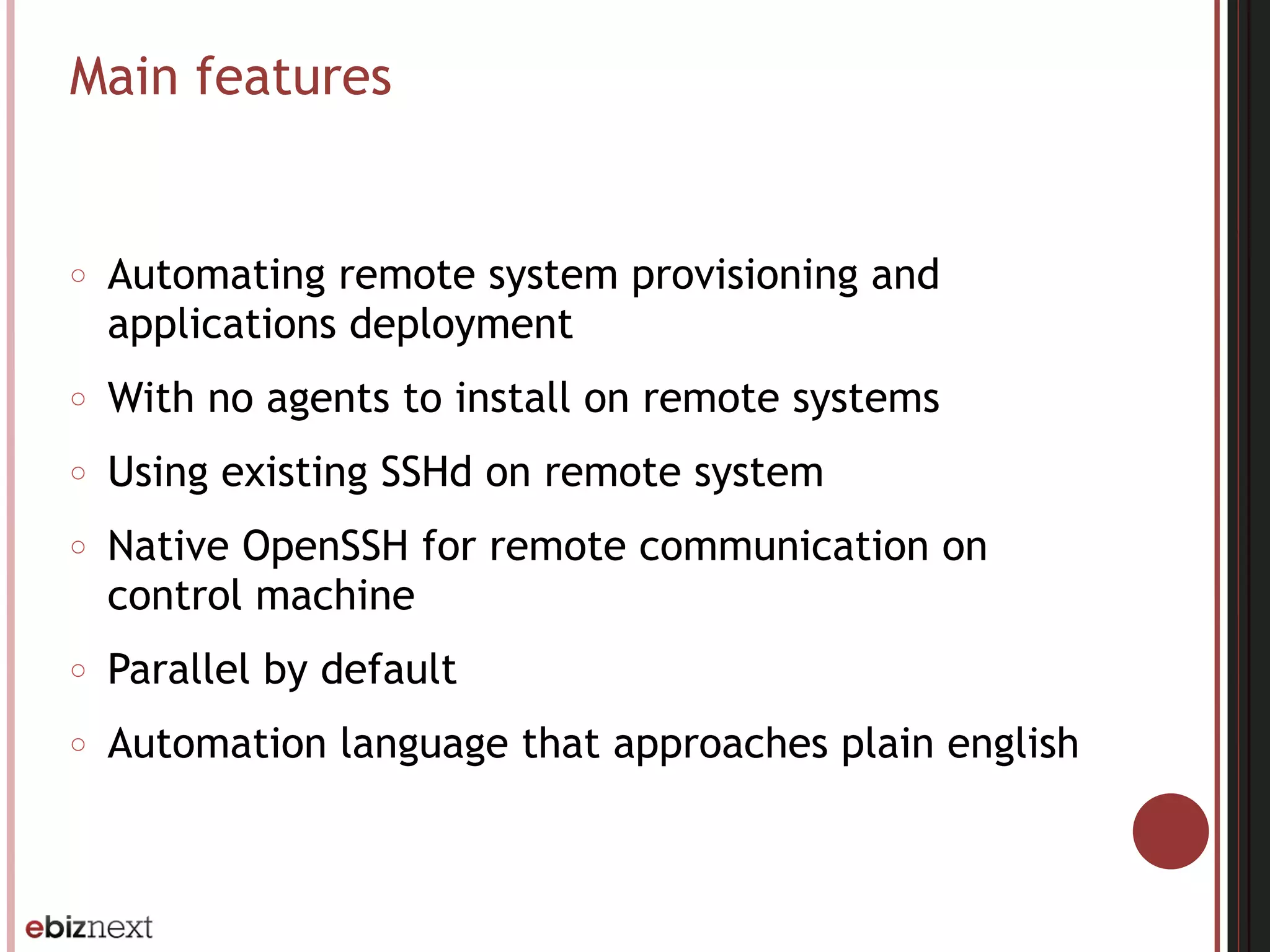
Main features
○ Automating remote system provisioning and
applications deployment
○ With no agents to install on remote systems
○ Using existing SSHd on remote system
○ Native OpenSSH for remote communication on
control machine
○ Parallel by default
○ Automation language that approaches plain english
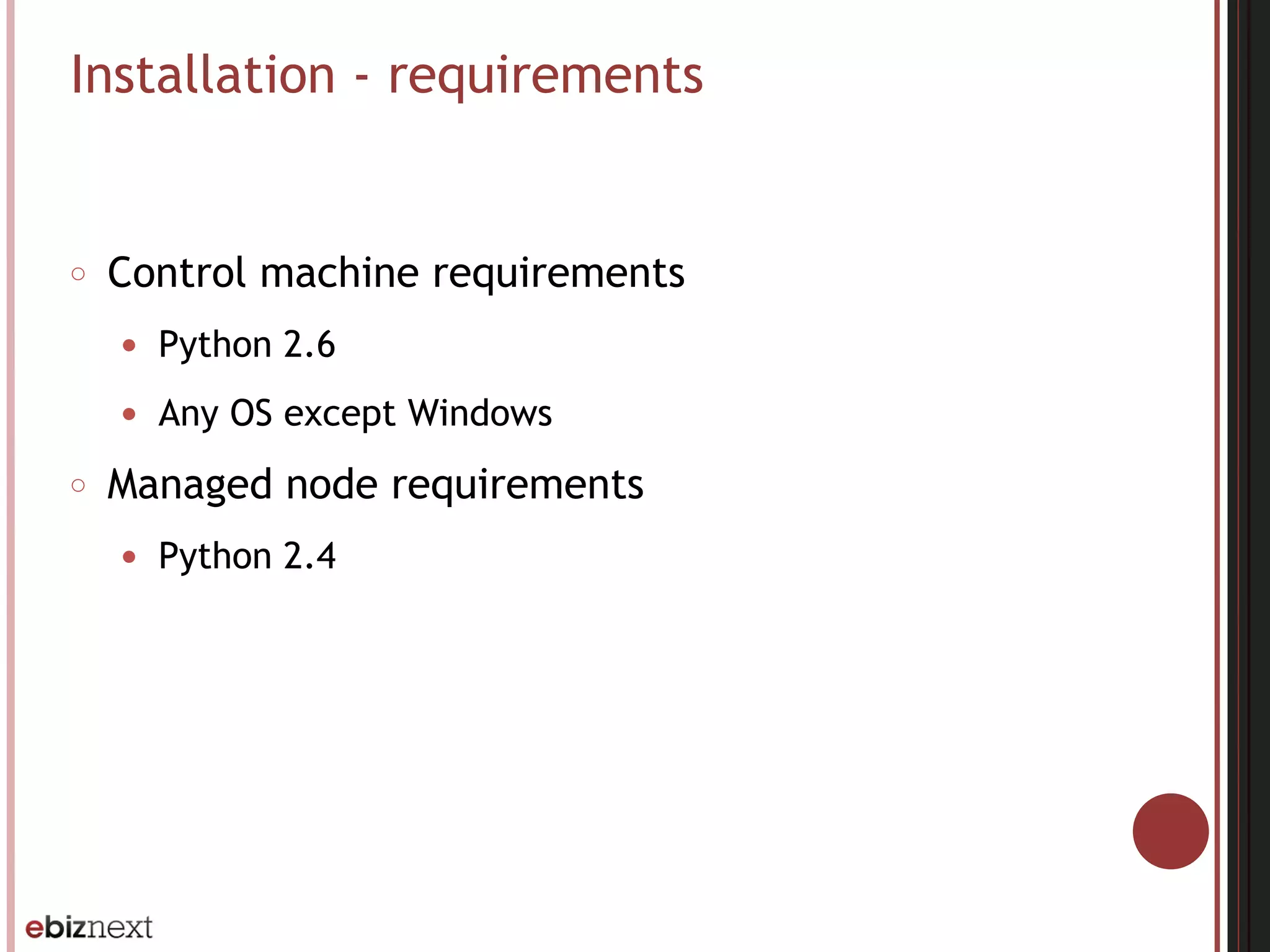
Installation - requirements
○ Control machine requirements
● Python 2.6
● Any OS except Windows
○ Managed node requirements
● Python 2.4
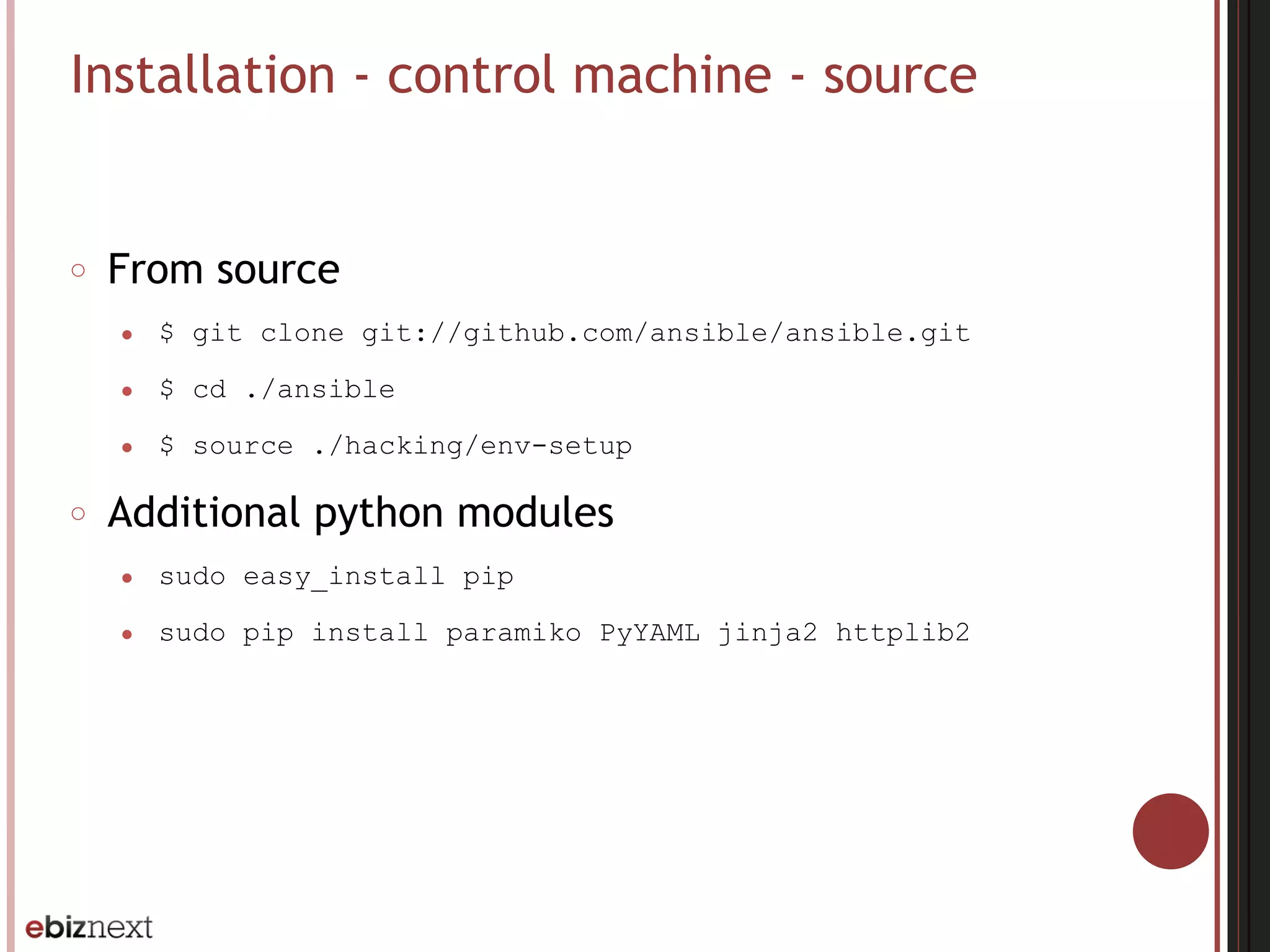
Installation - control machine - source
○ From source
● $ git clone git://github.com/ansible/ansible.git
● $ cd ./ansible
● $ source ./hacking/env-setup
○ Additional python modules
● sudo easy_install pip
● sudo pip install paramiko PyYAML jinja2 httplib2
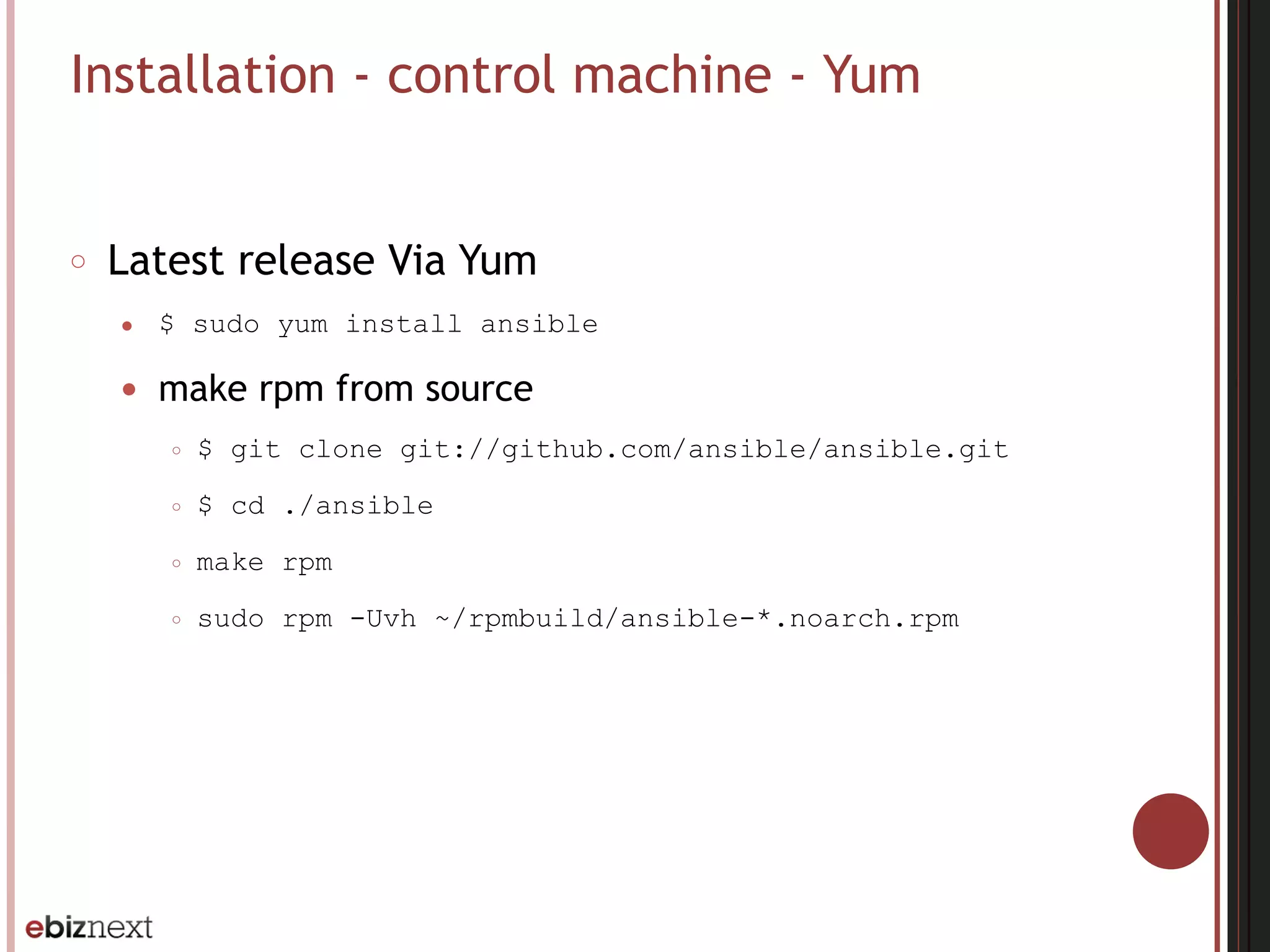
Installation - control machine - Yum
○ Latest release Via Yum
● $ sudo yum install ansible
● make rpm from source
○ $ git clone git://github.com/ansible/ansible.git
○ $ cd ./ansible
○ make rpm
○ sudo rpm -Uvh ~/rpmbuild/ansible-*.noarch.rpm
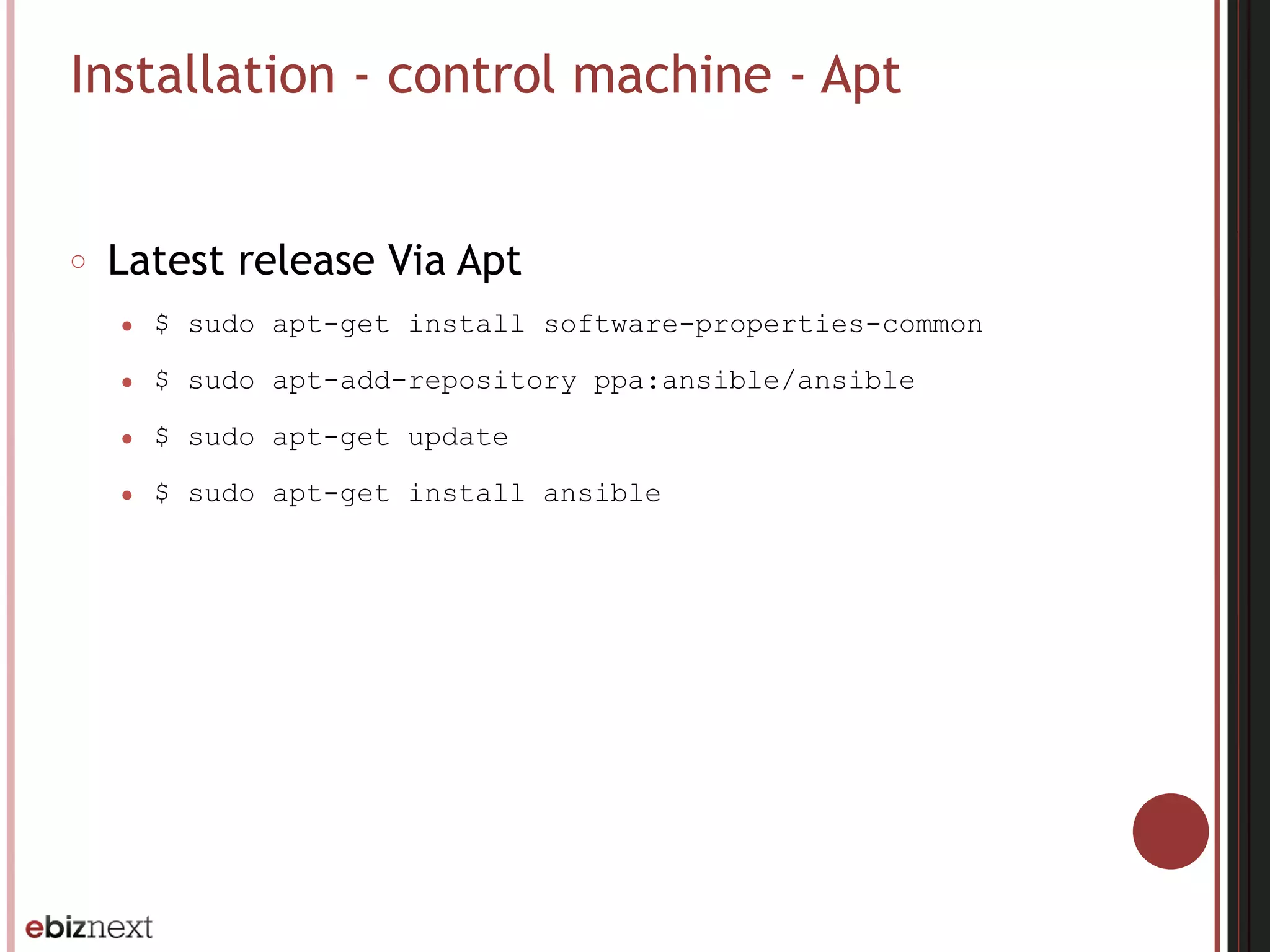
Installation - control machine - Apt
○ Latest release Via Apt
● $ sudo apt-get install software-properties-common
● $ sudo apt-add-repository ppa:ansible/ansible
● $ sudo apt-get update
● $ sudo apt-get install ansible
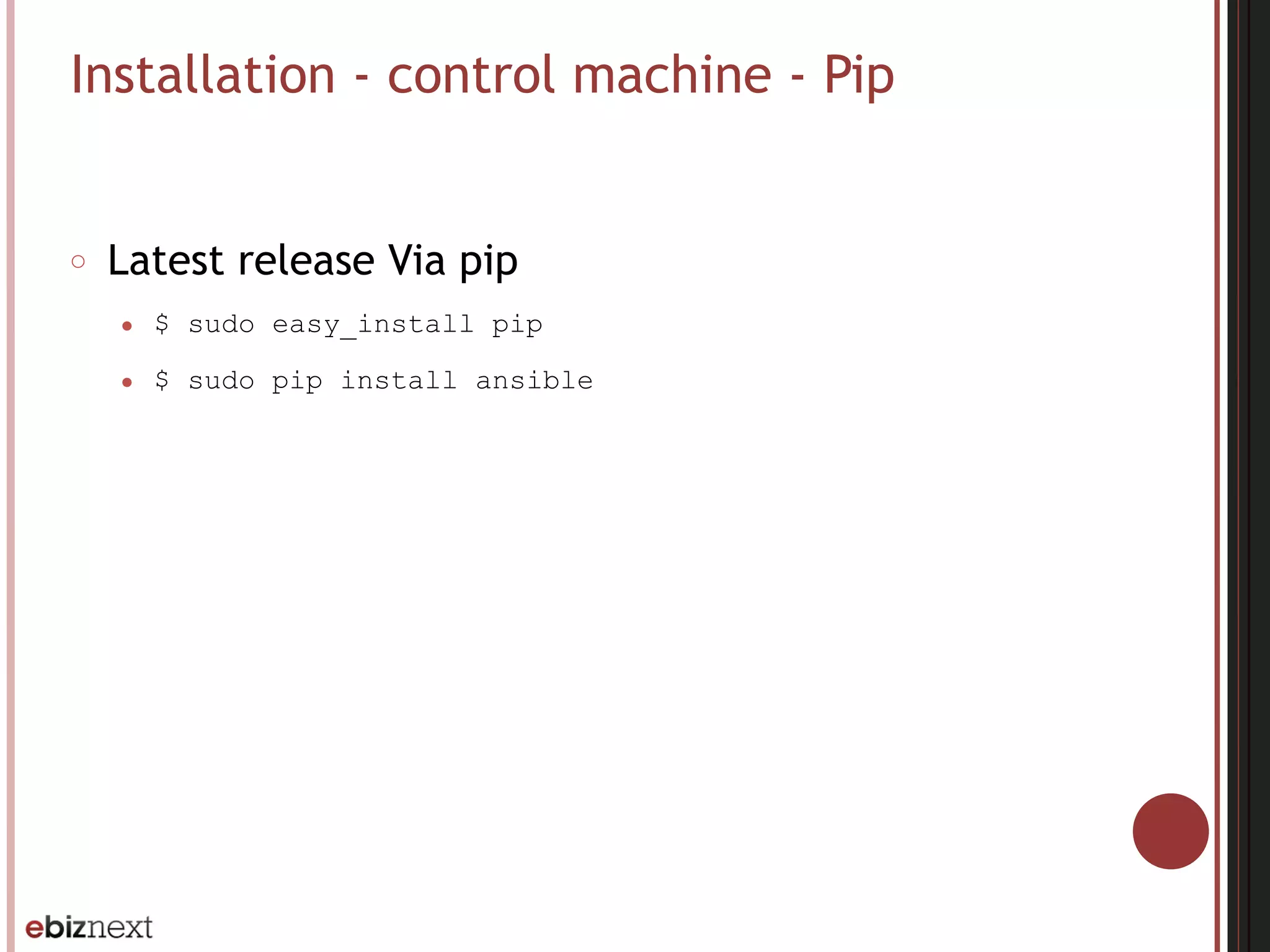
Installation - control machine - Pip
○ Latest release Via pip
● $ sudo easy_install pip
● $ sudo pip install ansible
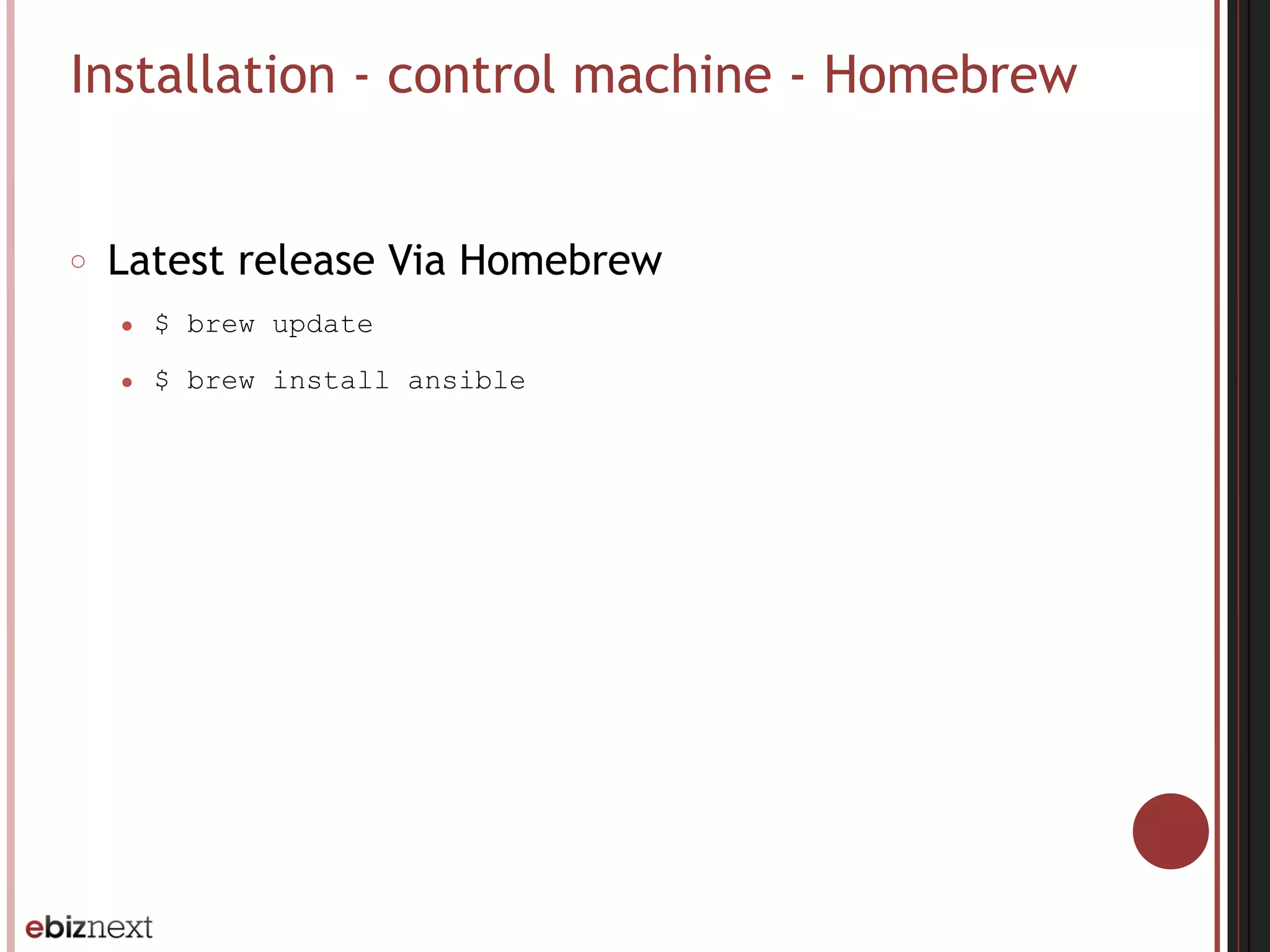
Installation - control machine - Homebrew
○ Latest release Via Homebrew
● $ brew update
● $ brew install ansible
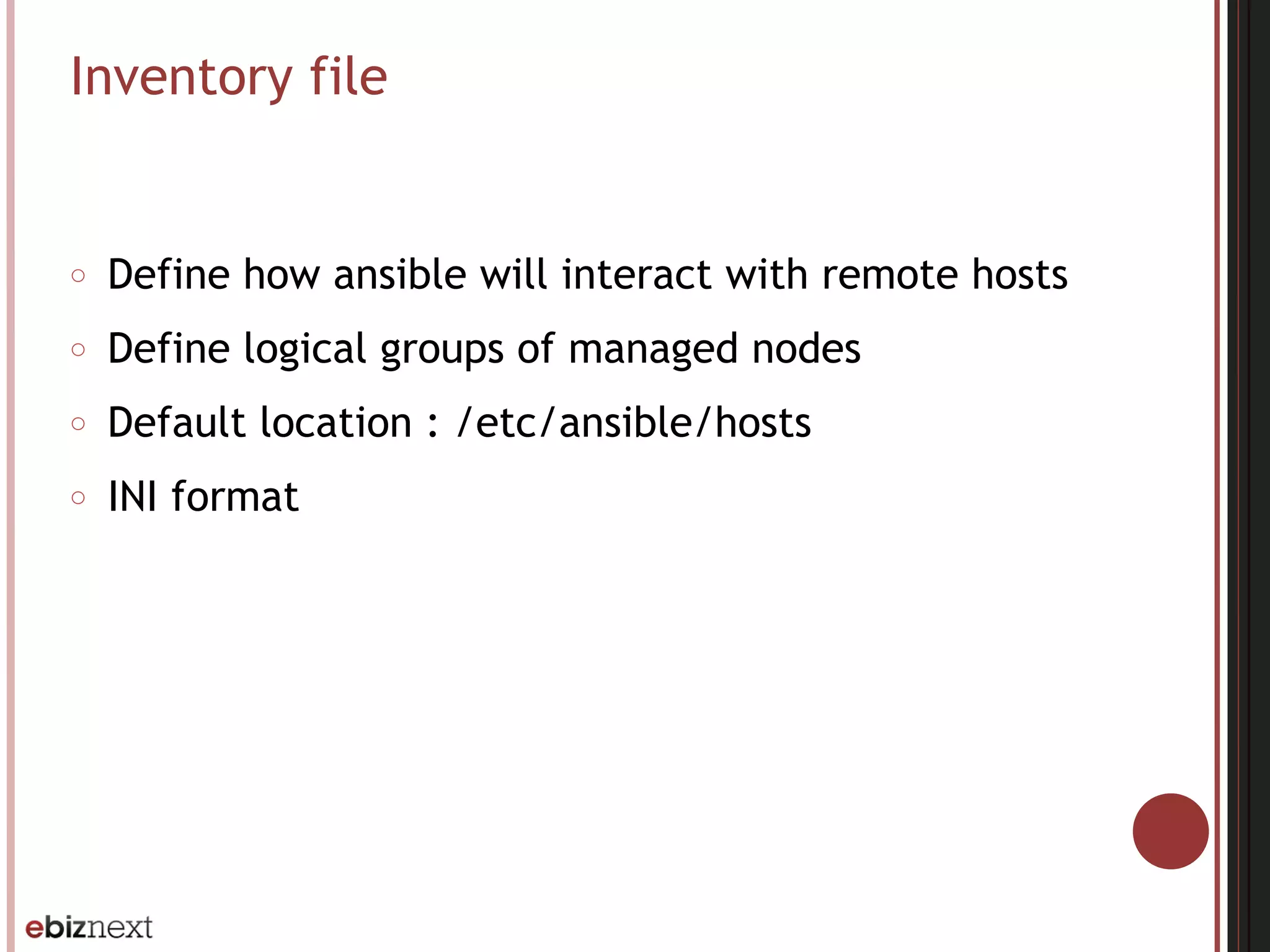
Inventory file
○ Define how ansible will interact with remote hosts
○ Define logical groups of managed nodes
○ Default location : /etc/ansible/hosts
○ INI format
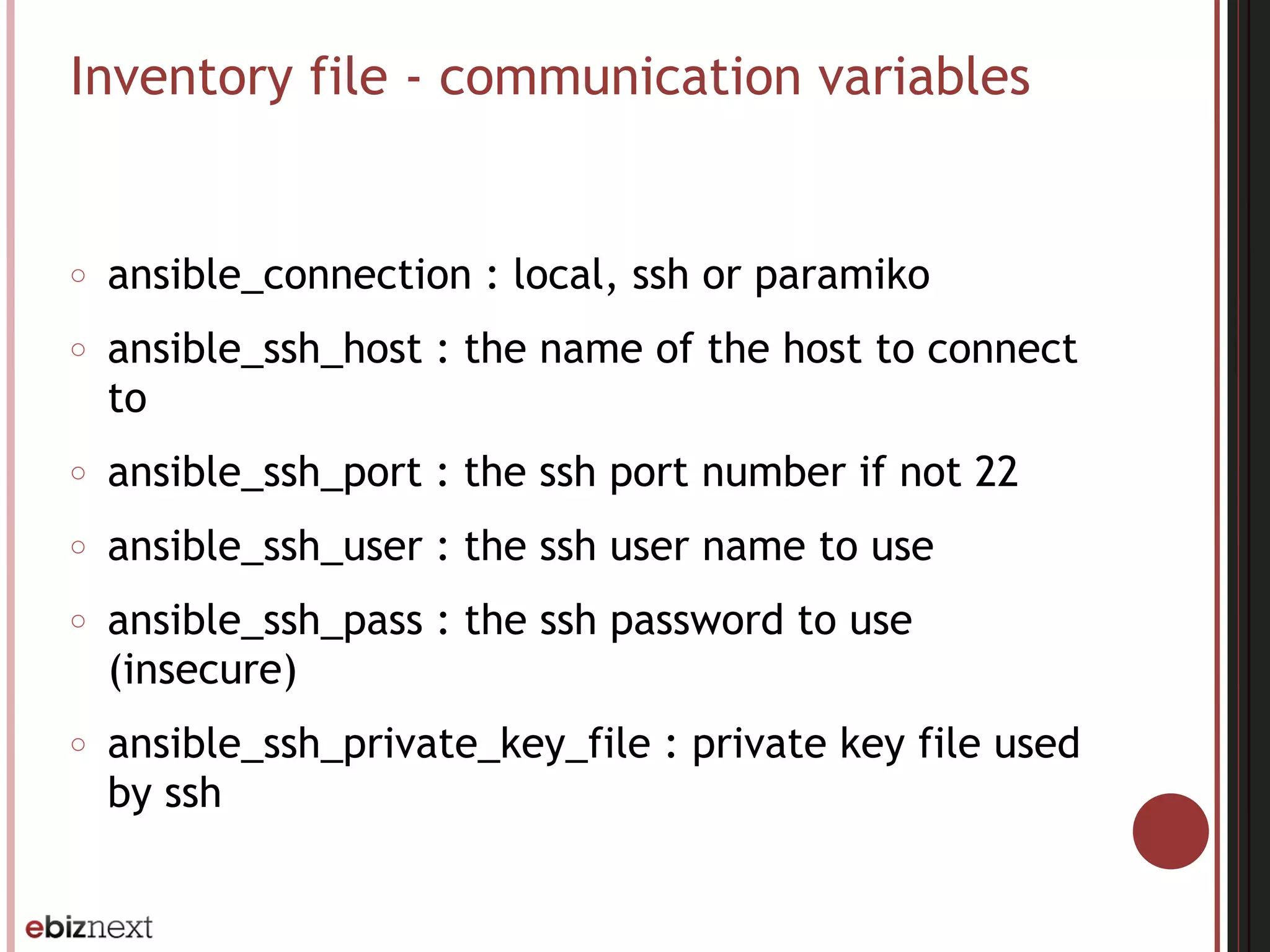
Inventory file - communication variables
○ ansible_connection : local, ssh or paramiko
○ ansible_ssh_host : the name of the host to connect
to
○ ansible_ssh_port : the ssh port number if not 22
○ ansible_ssh_user : the ssh user name to use
○ ansible_ssh_pass : the ssh password to use
(insecure)
○ ansible_ssh_private_key_file : private key file used
by ssh
Inventory file - hosts and groups
localhost ansible_connection=local
[webservers]
web[1:5].example.com ansible_connection=ssh ansible_ssh_user=webadmin
[dbservers]
db[1:2].example.com ansible_connection=ssh ansible_ssh_user=dbadmin
Inventory file - group variables
[webservers]
web[1:5].example.com ansible_connection=ssh ansible_ssh_user=webadmin
[webservers:vars]
http_port=80
Inventory file - groups of groups
[atlanta]
host1
host2
[raleigh]
host2
host3
[southeast:children]
atlanta
raleigh
Inventory file - splitting out specific data
○ Define specific data using variables within YAML
files relative to the inventory file
[atlanta]
host1
host2
○ /etc/ansible/group_vars/atlanta, /etc/ansible/
host_vars/host1
---
ntp_server: acme.example.org
database_server: storage.example.org
○ /etc/ansible/group_vars/atlanta/db_settings
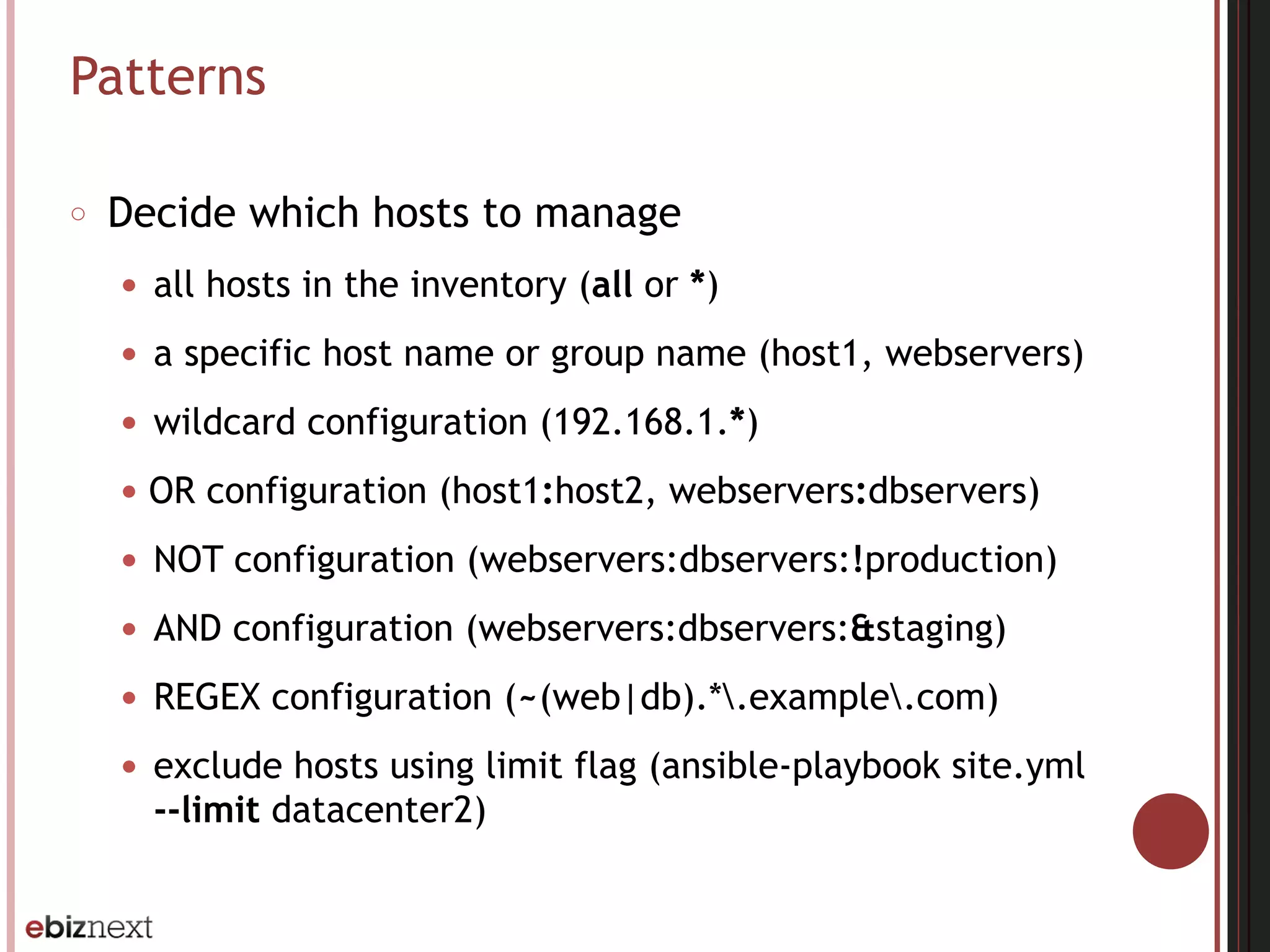
Patterns
○ Decide which hosts to manage
● all hosts in the inventory (all or *)
● a specific host name or group name (host1, webservers)
● wildcard configuration (192.168.1.*)
● OR configuration (host1:host2, webservers:dbservers)
● NOT configuration (webservers:dbservers:!production)
● AND configuration (webservers:dbservers:&staging)
● REGEX configuration (~(web|db).*.example.com)
● exclude hosts using limit flag (ansible-playbook site.yml
--limit datacenter2)
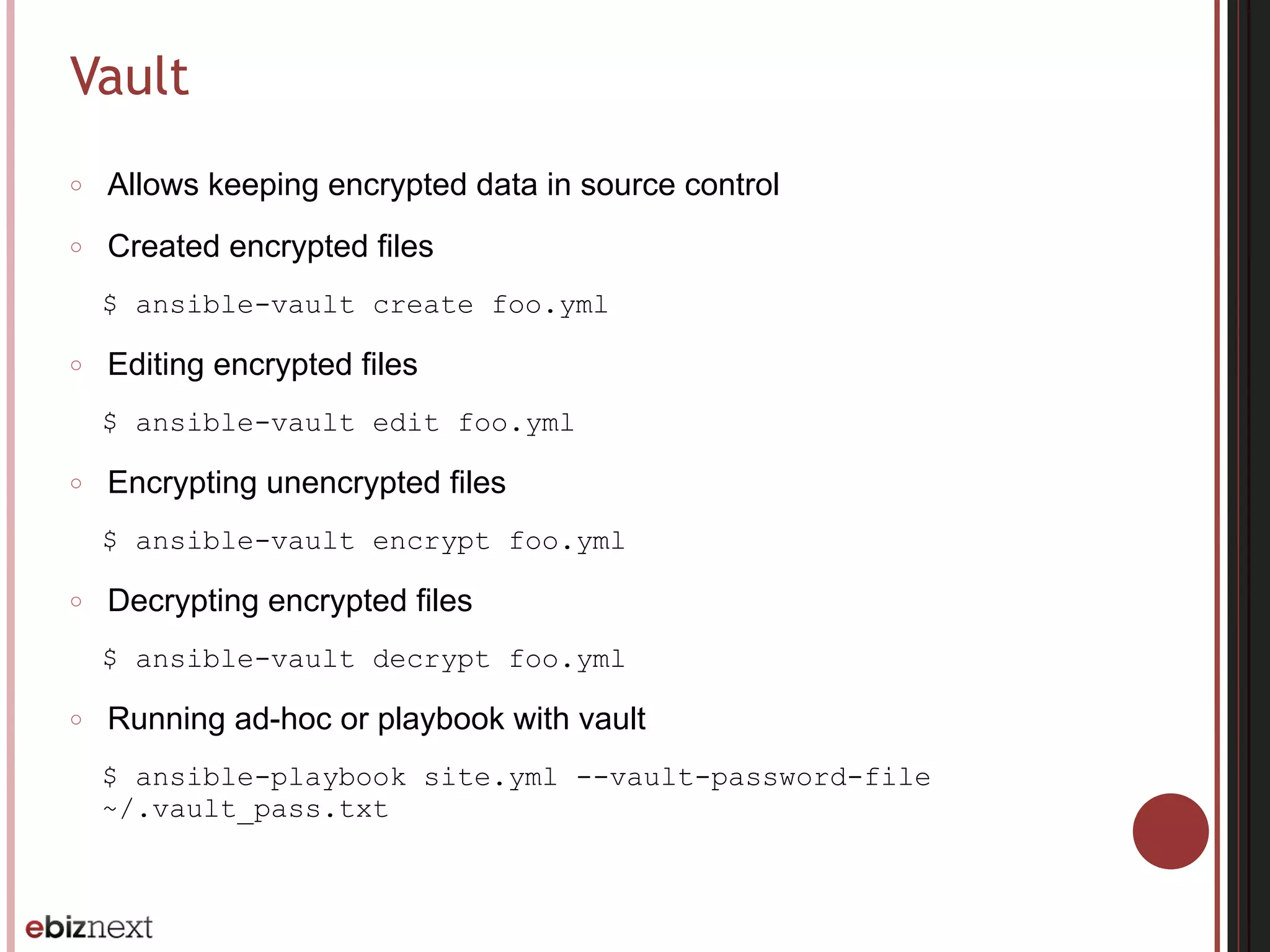
Vault
○ Allows keeping encrypted data in source control
○ Created encrypted files
$ ansible-vault create foo.yml
○ Editing encrypted files
$ ansible-vault edit foo.yml
○ Encrypting unencrypted files
$ ansible-vault encrypt foo.yml
○ Decrypting encrypted files
$ ansible-vault decrypt foo.yml
○ Running ad-hoc or playbook with vault
$ ansible-playbook site.yml --vault-password-file
~/.vault_pass.txt
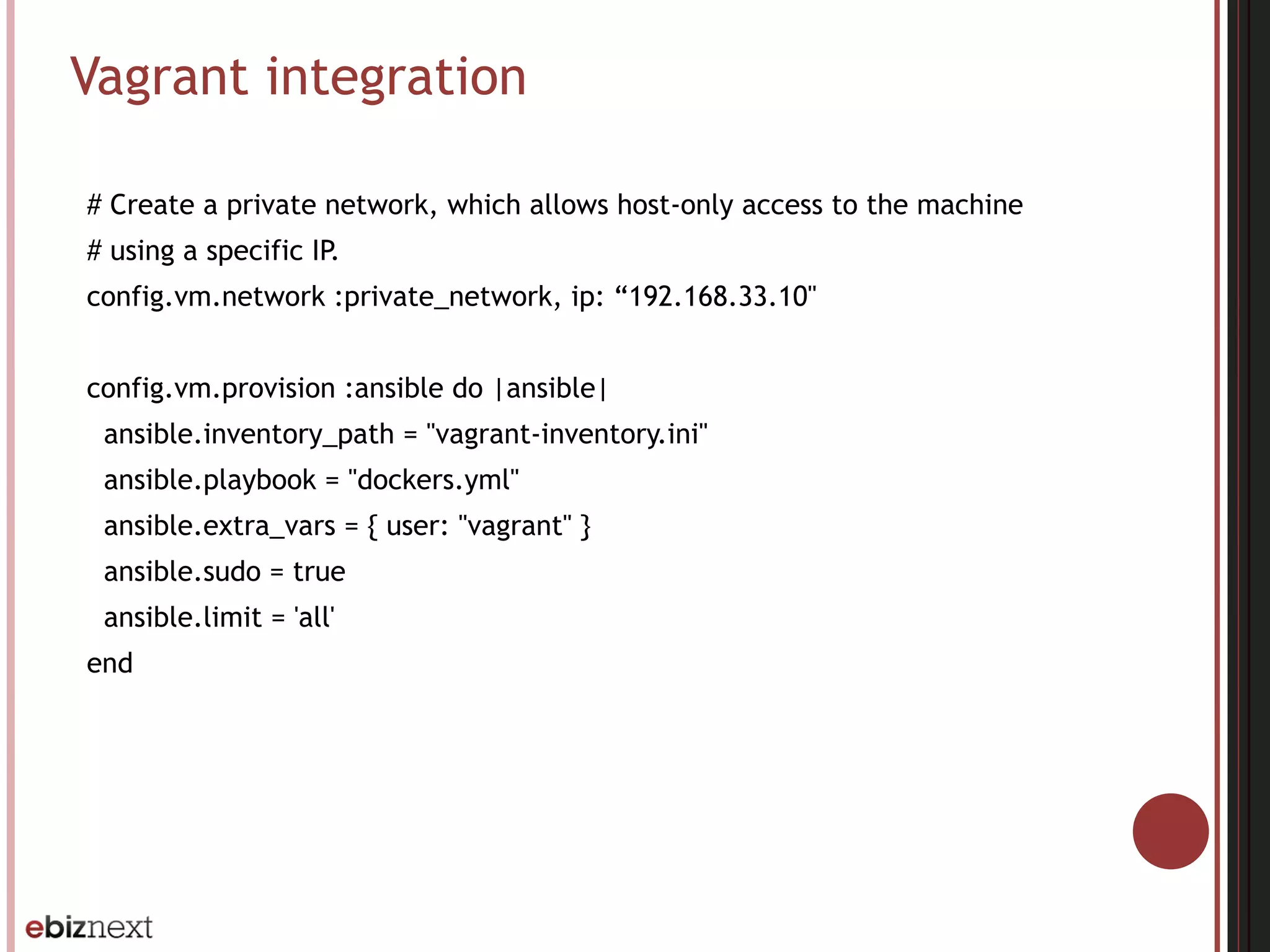
Vagrant integration
# Create a private network, which allows host-only access to the machine
# using a specific IP.
config.vm.network :private_network, ip: “192.168.33.10"
config.vm.provision :ansible do |ansible|
ansible.inventory_path = "vagrant-inventory.ini"
ansible.playbook = "dockers.yml"
ansible.extra_vars = { user: "vagrant" }
ansible.sudo = true
ansible.limit = 'all'
end
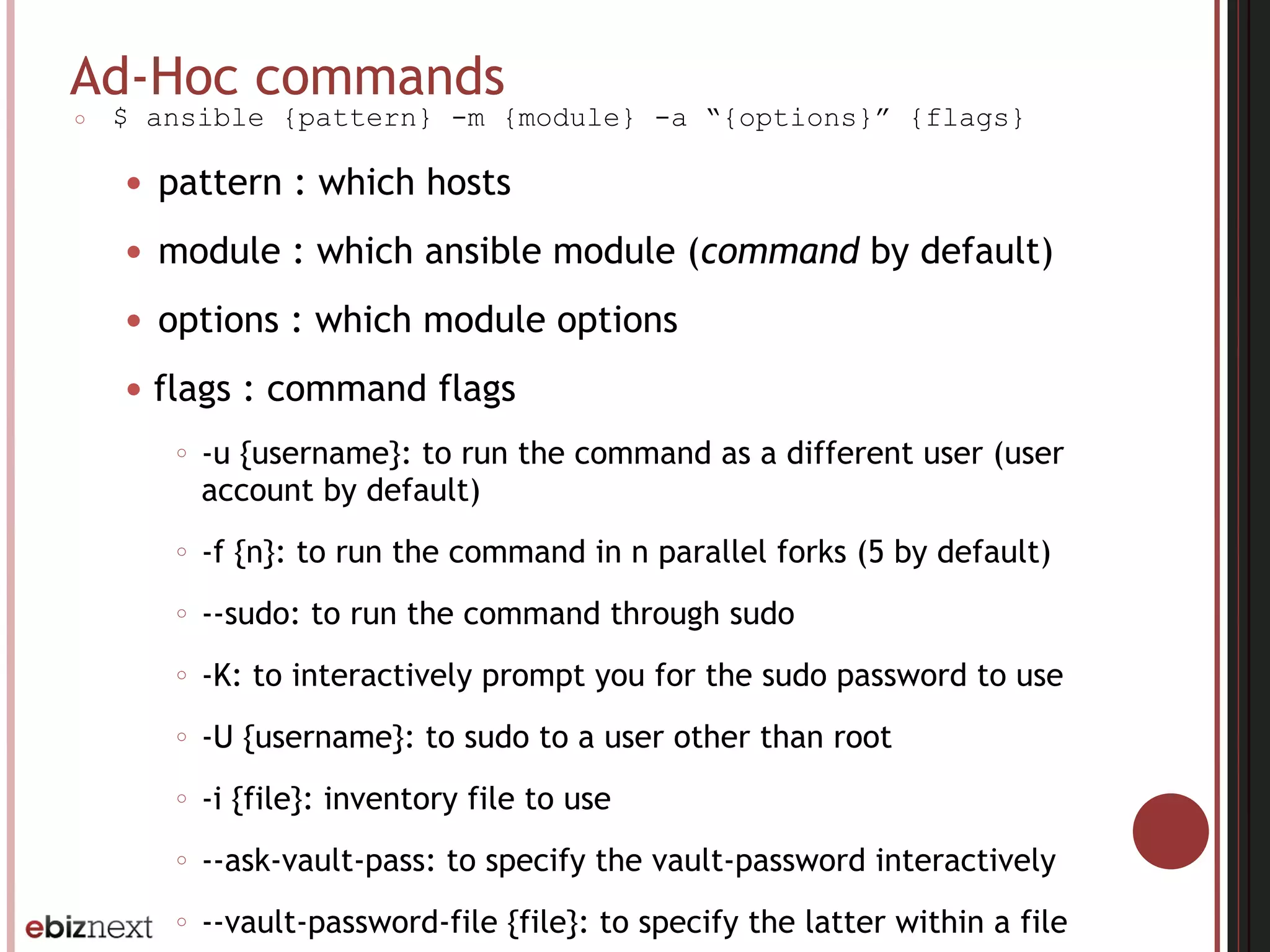
Ad-Hoc commands
○ $ ansible {pattern} -m {module} -a “{options}” {flags}
● pattern : which hosts
● module : which ansible module (command by default)
● options : which module options
● flags : command flags
○ -u {username}: to run the command as a different user (user
account by default)
○ -f {n}: to run the command in n parallel forks (5 by default)
○ --sudo: to run the command through sudo
○ -K: to interactively prompt you for the sudo password to use
○ -U {username}: to sudo to a user other than root
○ -i {file}: inventory file to use
○ --ask-vault-pass: to specify the vault-password interactively
○ --vault-password-file {file}: to specify the latter within a file
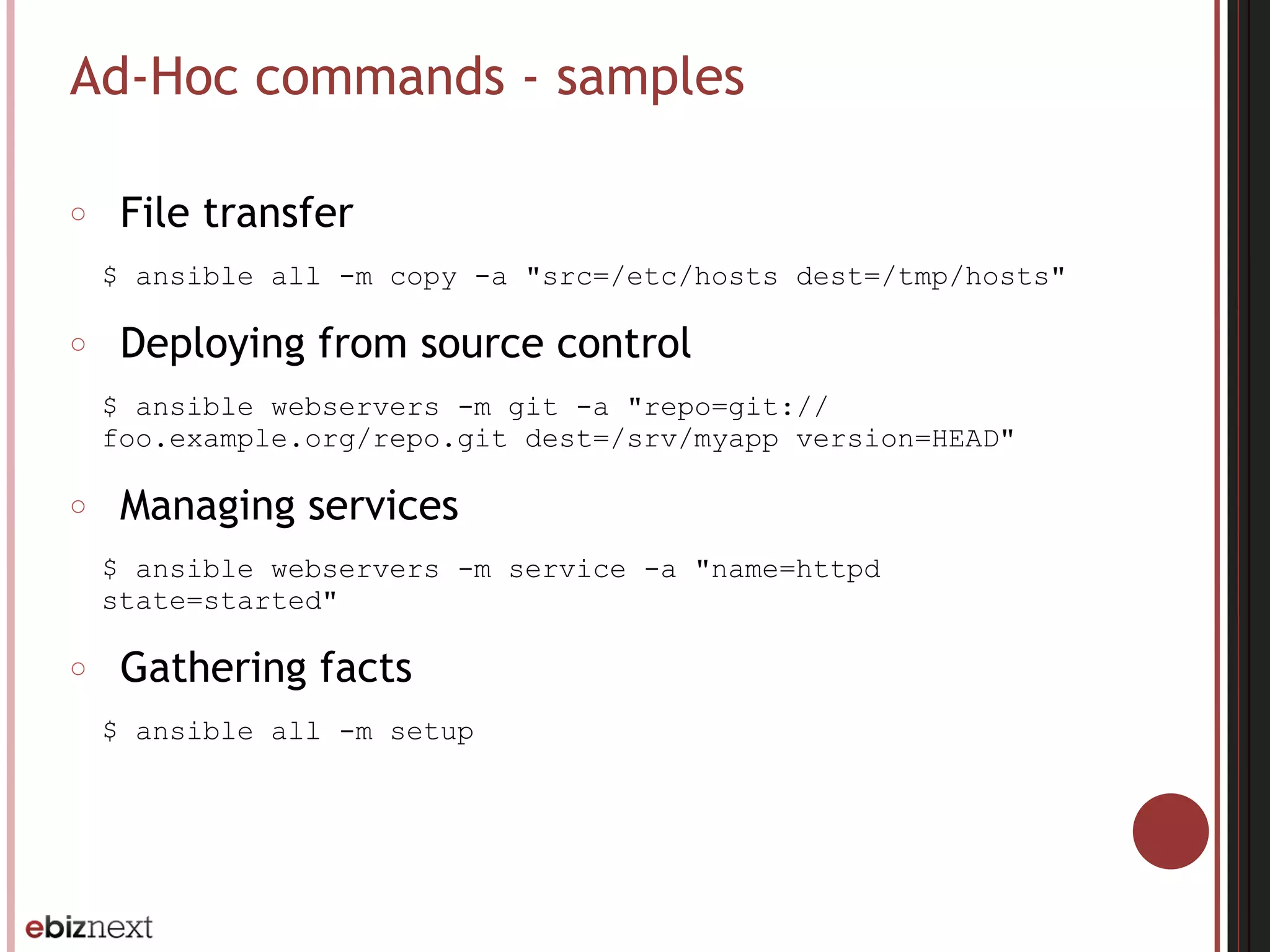
Ad-Hoc commands - samples
○ File transfer
$ ansible all -m copy -a "src=/etc/hosts dest=/tmp/hosts"
○ Deploying from source control
$ ansible webservers -m git -a "repo=git://
foo.example.org/repo.git dest=/srv/myapp version=HEAD"
○ Managing services
$ ansible webservers -m service -a "name=httpd
state=started"
○ Gathering facts
$ ansible all -m setup
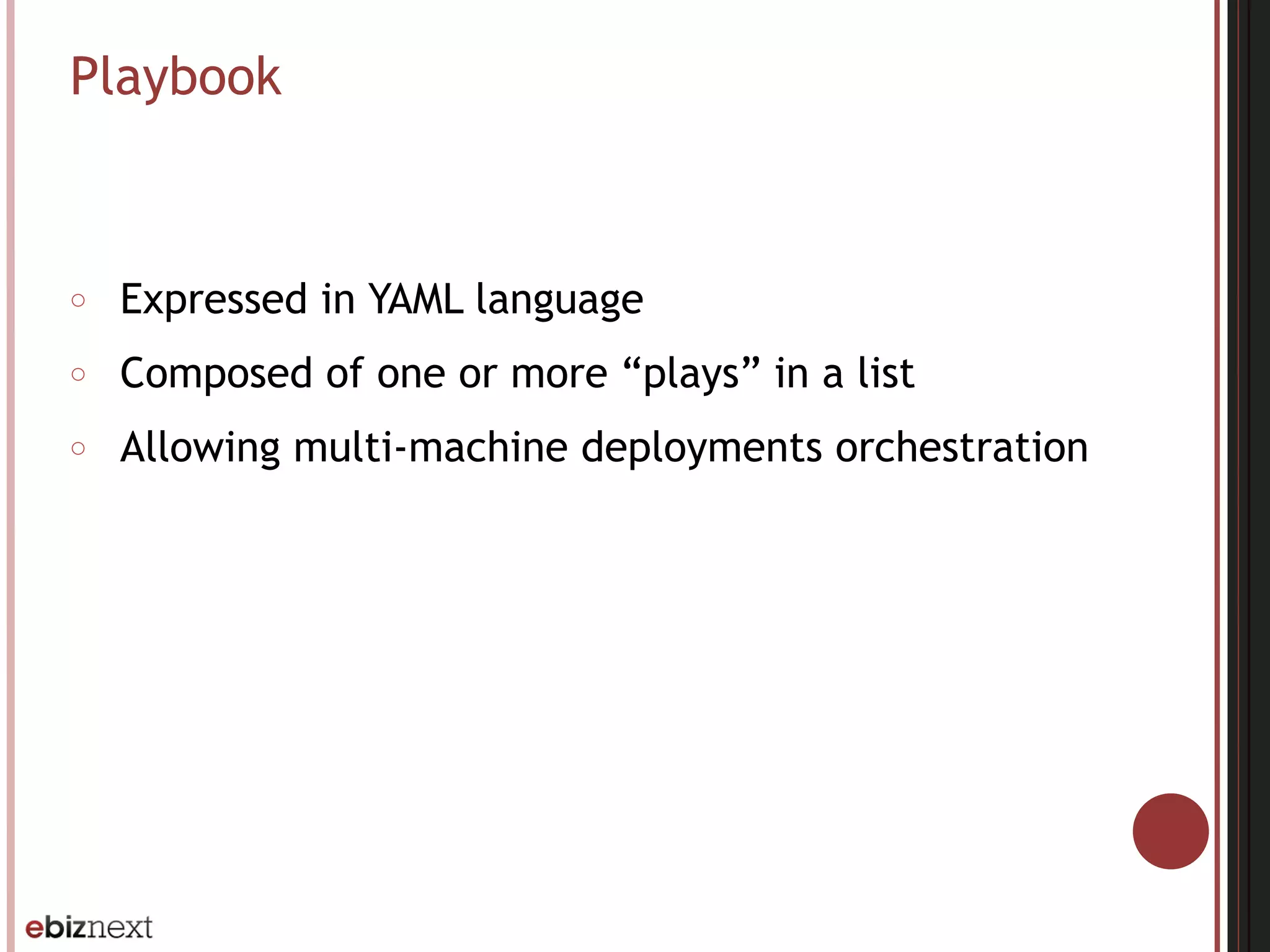
Playbook
○ Expressed in YAML language
○ Composed of one or more “plays” in a list
○ Allowing multi-machine deployments orchestration
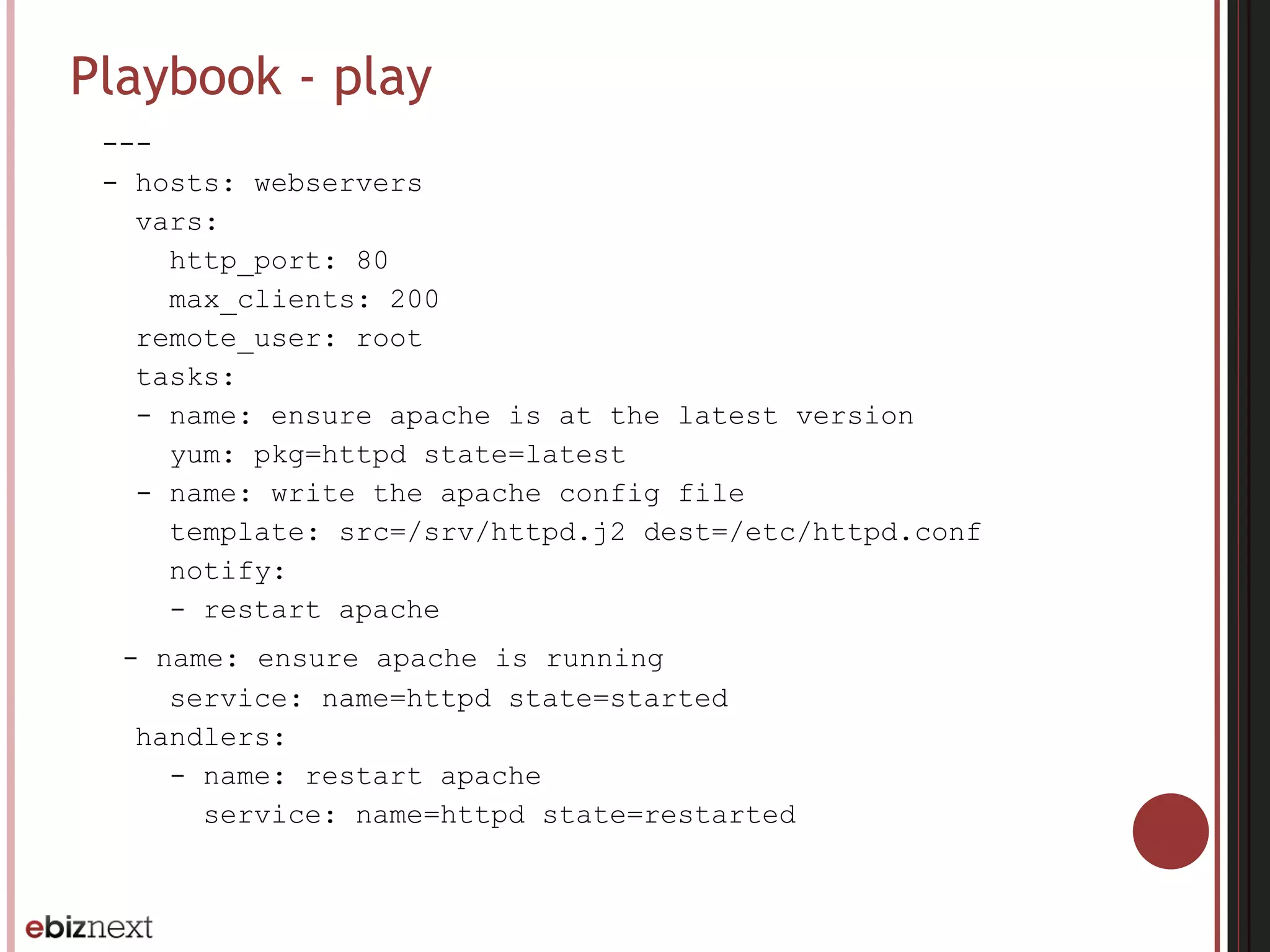
Playbook - play
---
- hosts: webservers
vars:
http_port: 80
max_clients: 200
remote_user: root
tasks:
- name: ensure apache is at the latest version
yum: pkg=httpd state=latest
- name: write the apache config file
template: src=/srv/httpd.j2 dest=/etc/httpd.conf
notify:
- restart apache
- name: ensure apache is running
service: name=httpd state=started
handlers:
- name: restart apache
service: name=httpd state=restarted
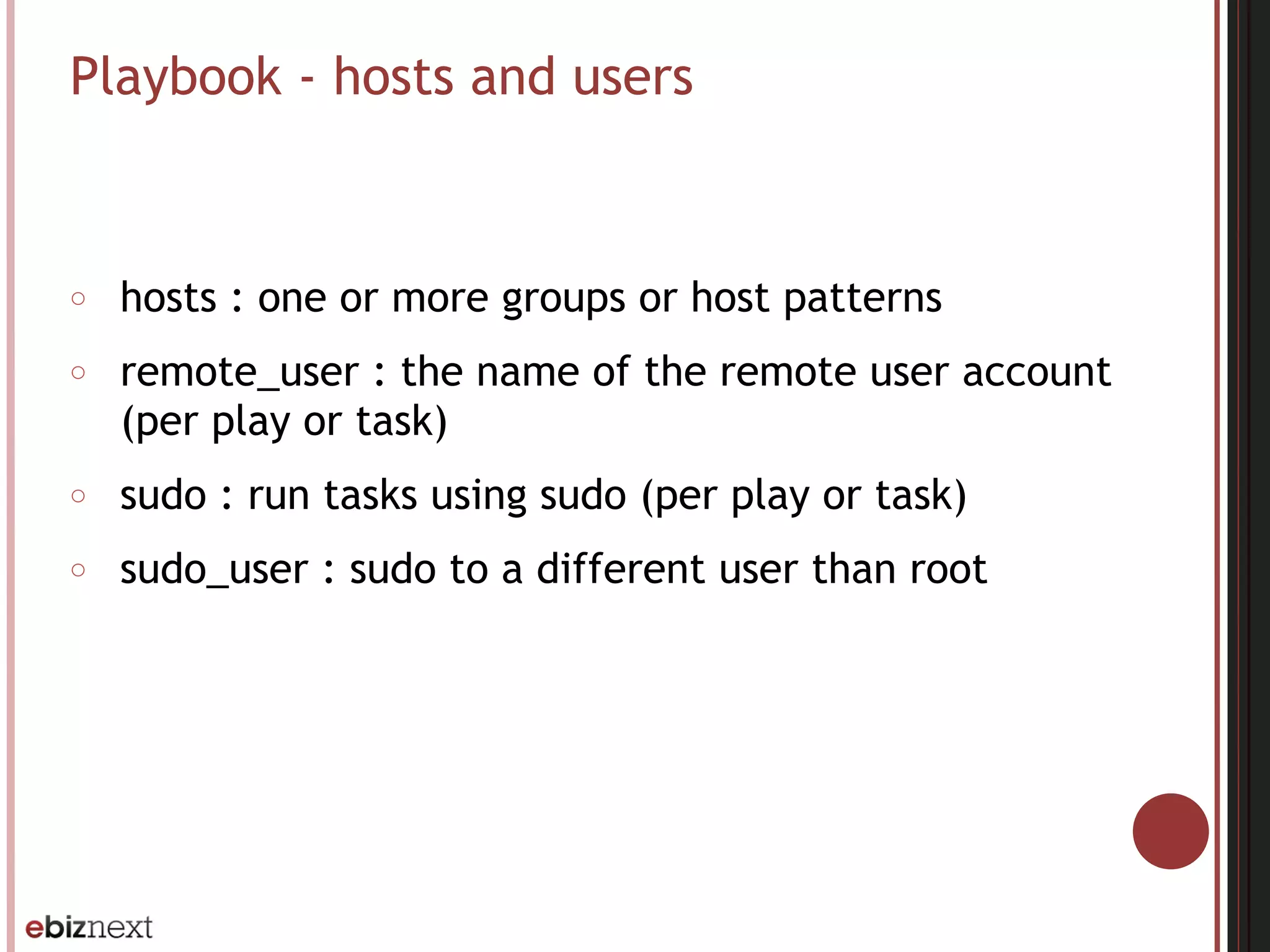
Playbook - hosts and users
○ hosts : one or more groups or host patterns
○ remote_user : the name of the remote user account
(per play or task)
○ sudo : run tasks using sudo (per play or task)
○ sudo_user : sudo to a different user than root
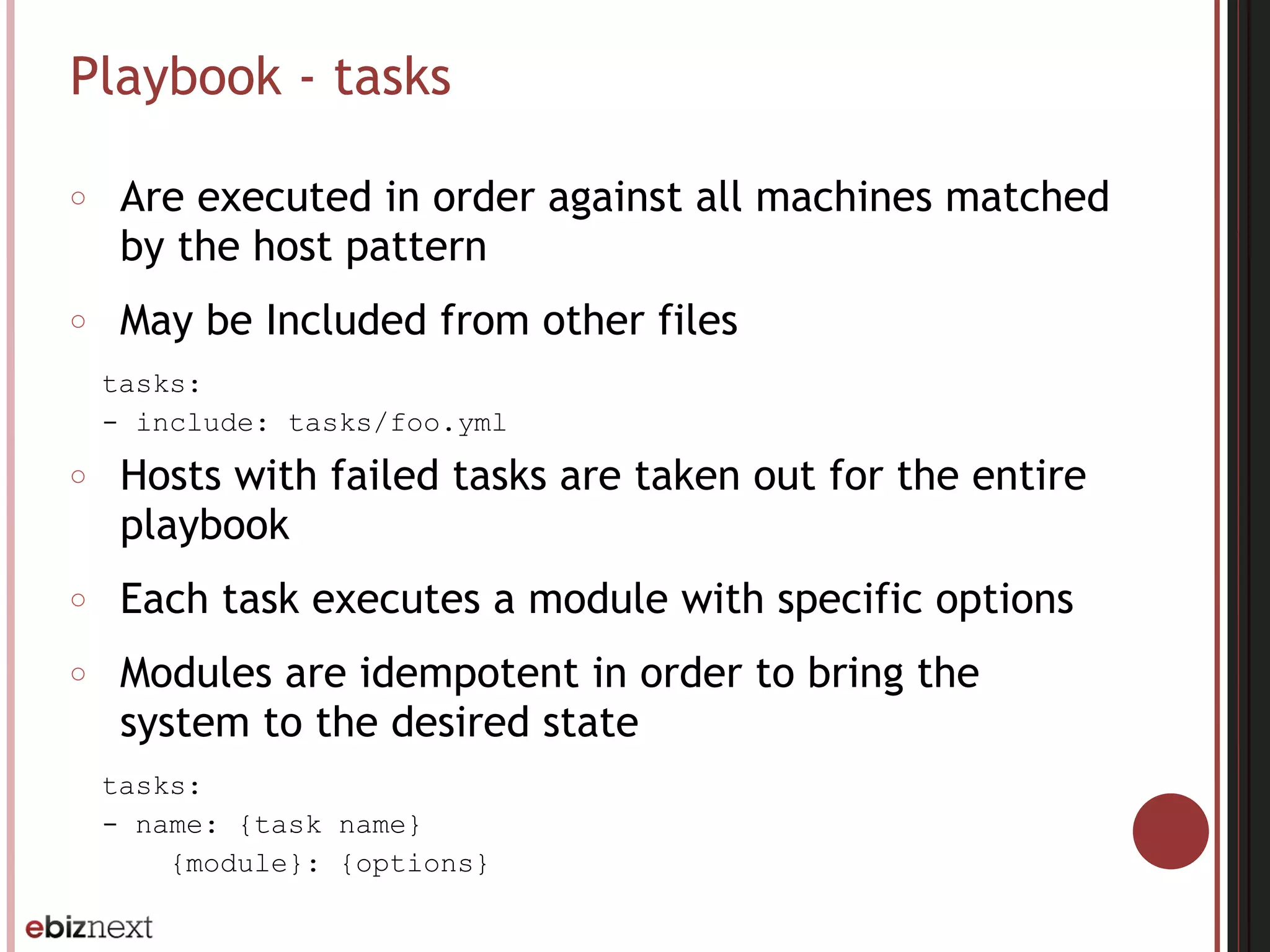
Playbook - tasks
○ Are executed in order against all machines matched
by the host pattern
○ May be Included from other files
tasks:
- include: tasks/foo.yml
○ Hosts with failed tasks are taken out for the entire
playbook
○ Each task executes a module with specific options
○ Modules are idempotent in order to bring the
system to the desired state
tasks:
- name: {task name}
{module}: {options}
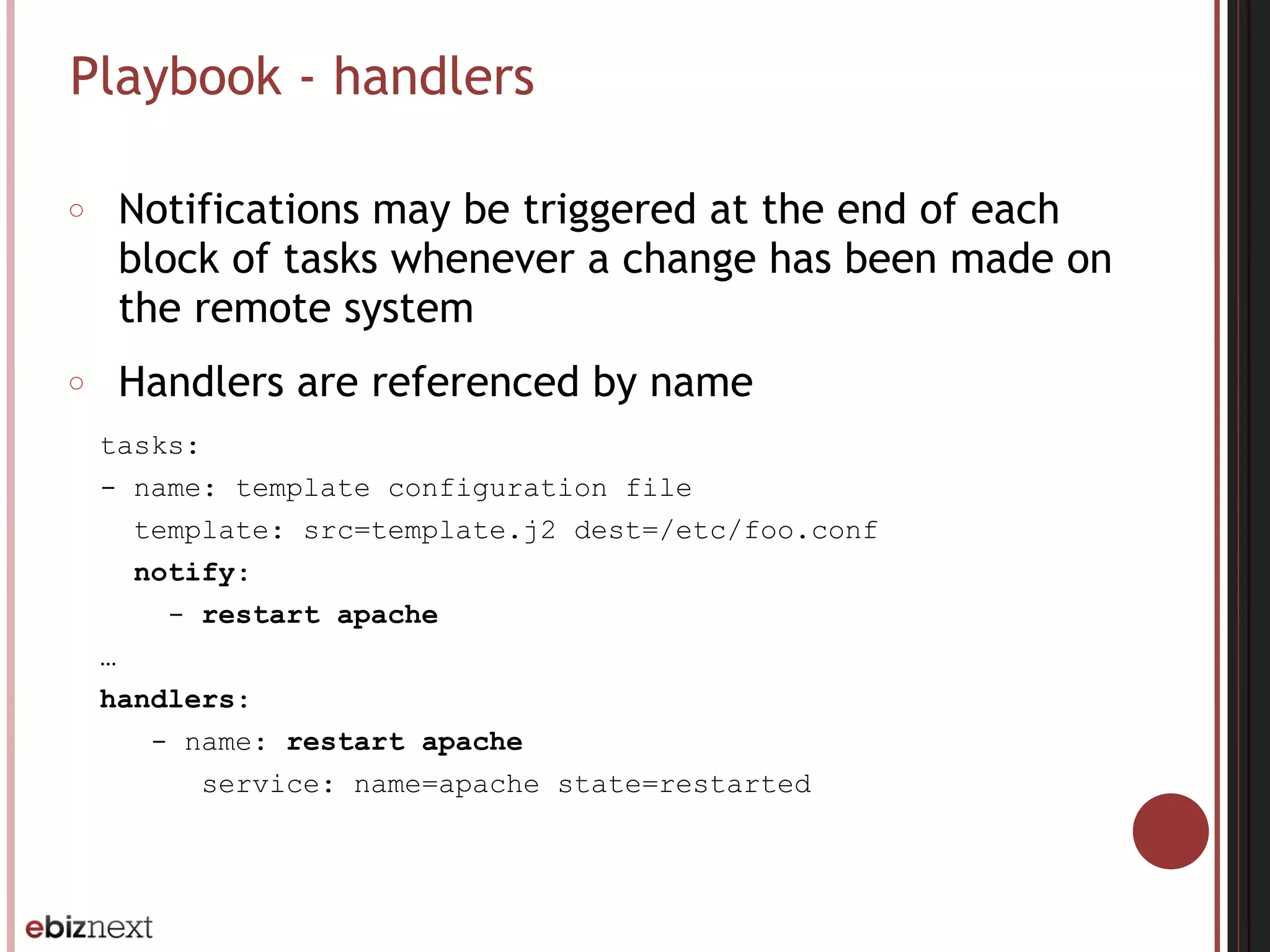
Playbook - handlers
○ Notifications may be triggered at the end of each
block of tasks whenever a change has been made on
the remote system
○ Handlers are referenced by name
tasks:
- name: template configuration file
template: src=template.j2 dest=/etc/foo.conf
notify:
- restart apache
…
handlers:
- name: restart apache
service: name=apache state=restarted
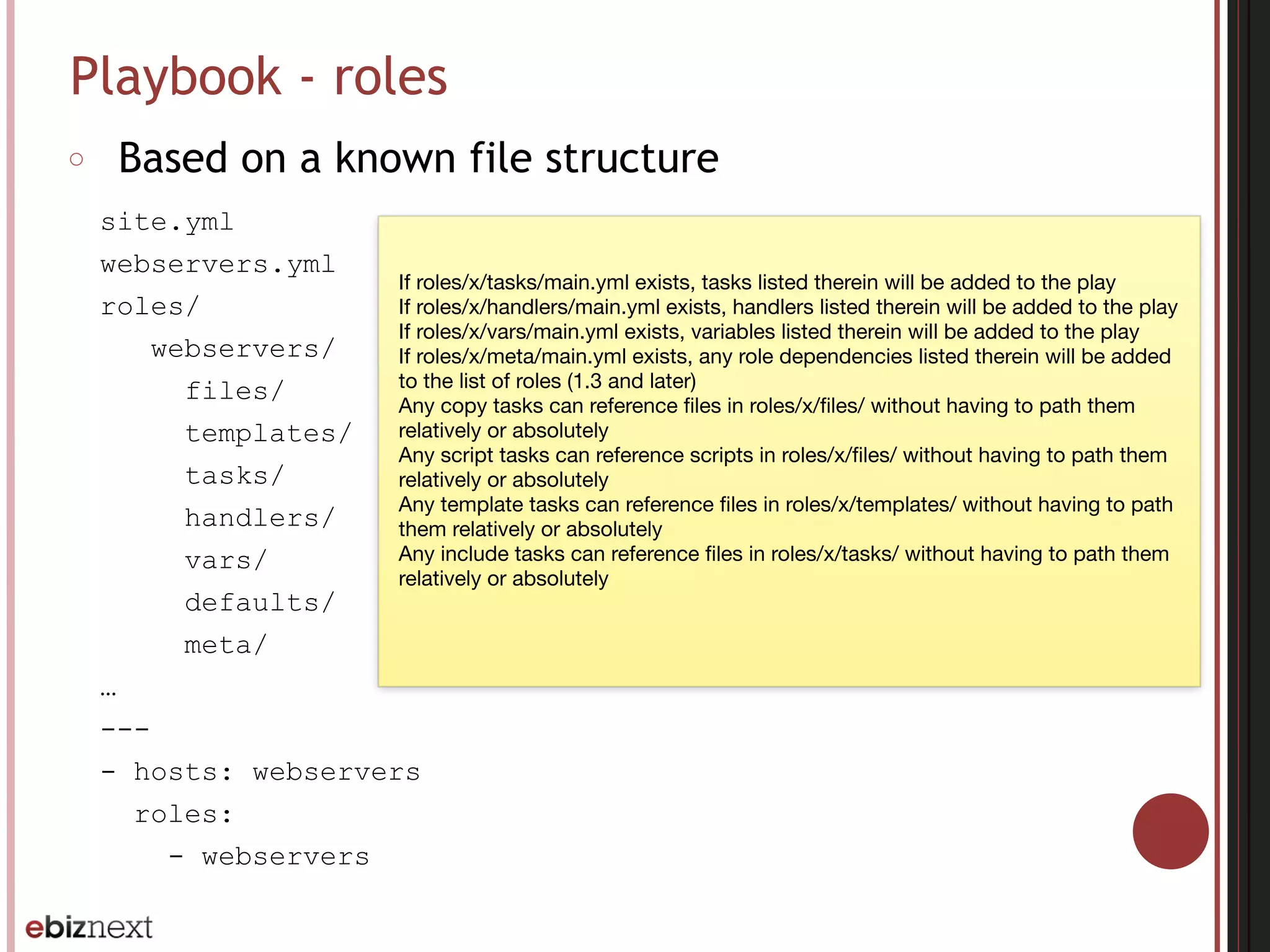
Playbook - roles
○ Based on a known file structure
site.yml
webservers.yml
roles/
webservers/
files/
templates/
tasks/
handlers/
vars/
defaults/
meta/
…
---
- hosts: webservers
roles:
- webservers
If roles/x/tasks/main.yml exists, tasks listed therein will be added to the play

If roles/x/handlers/main.yml exists, handlers listed therein will be added to the play

If roles/x/vars/main.yml exists, variables listed therein will be added to the play

If roles/x/meta/main.yml exists, any role dependencies listed therein will be added
to the list of roles (1.3 and later)

Any copy tasks can reference files in roles/x/files/ without having to path them
relatively or absolutely

Any script tasks can reference scripts in roles/x/files/ without having to path them
relatively or absolutely

Any template tasks can reference files in roles/x/templates/ without having to path
them relatively or absolutely

Any include tasks can reference files in roles/x/tasks/ without having to path them
relatively or absolutely
Playbook - roles
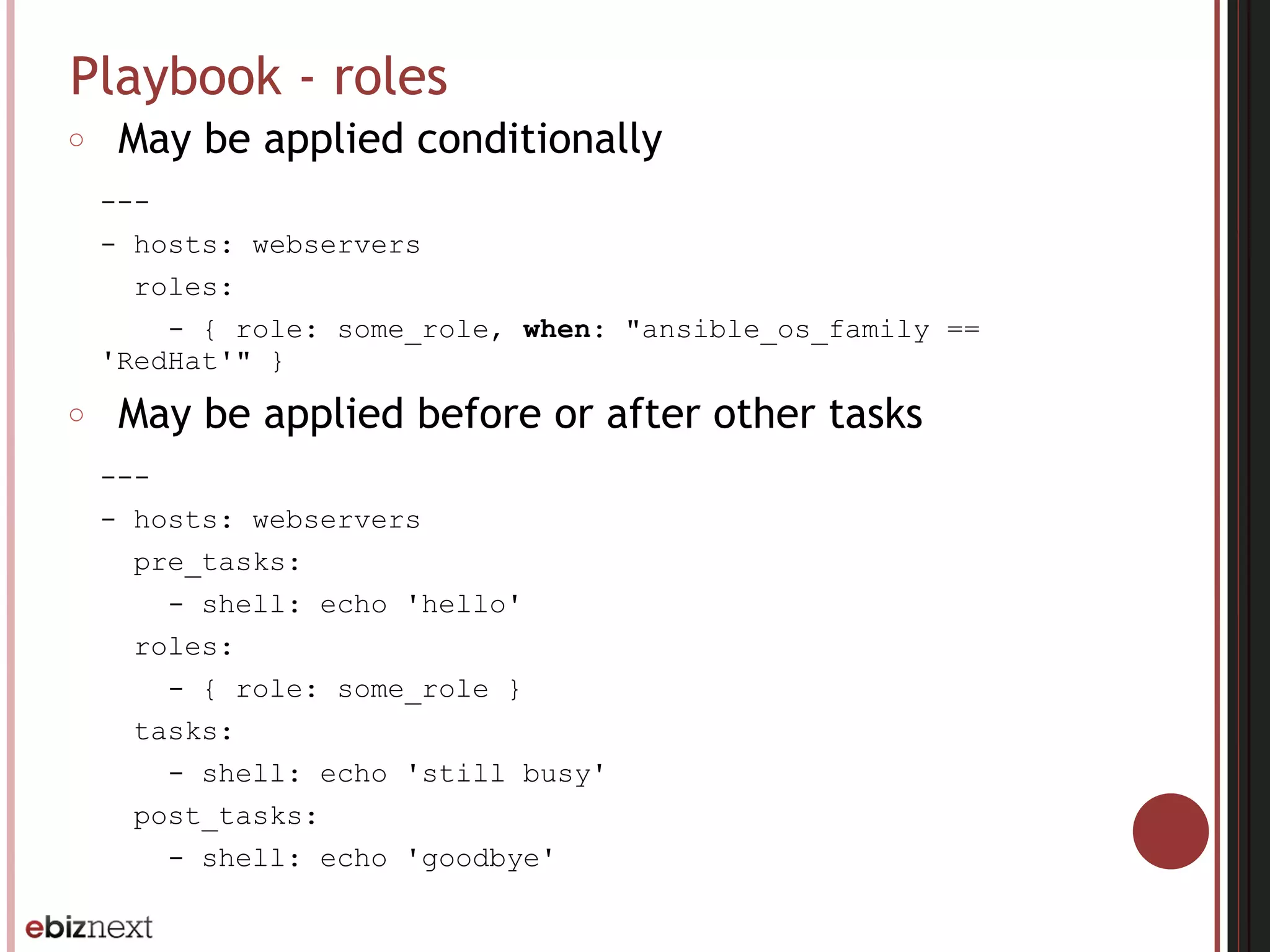
○ May be applied conditionally
---
- hosts: webservers
roles:
- { role: some_role, when: "ansible_os_family ==
'RedHat'" }
○ May be applied before or after other tasks
---
- hosts: webservers
pre_tasks:
- shell: echo 'hello'
roles:
- { role: some_role }
tasks:
- shell: echo 'still busy'
post_tasks:
- shell: echo 'goodbye'
Playbook - variables
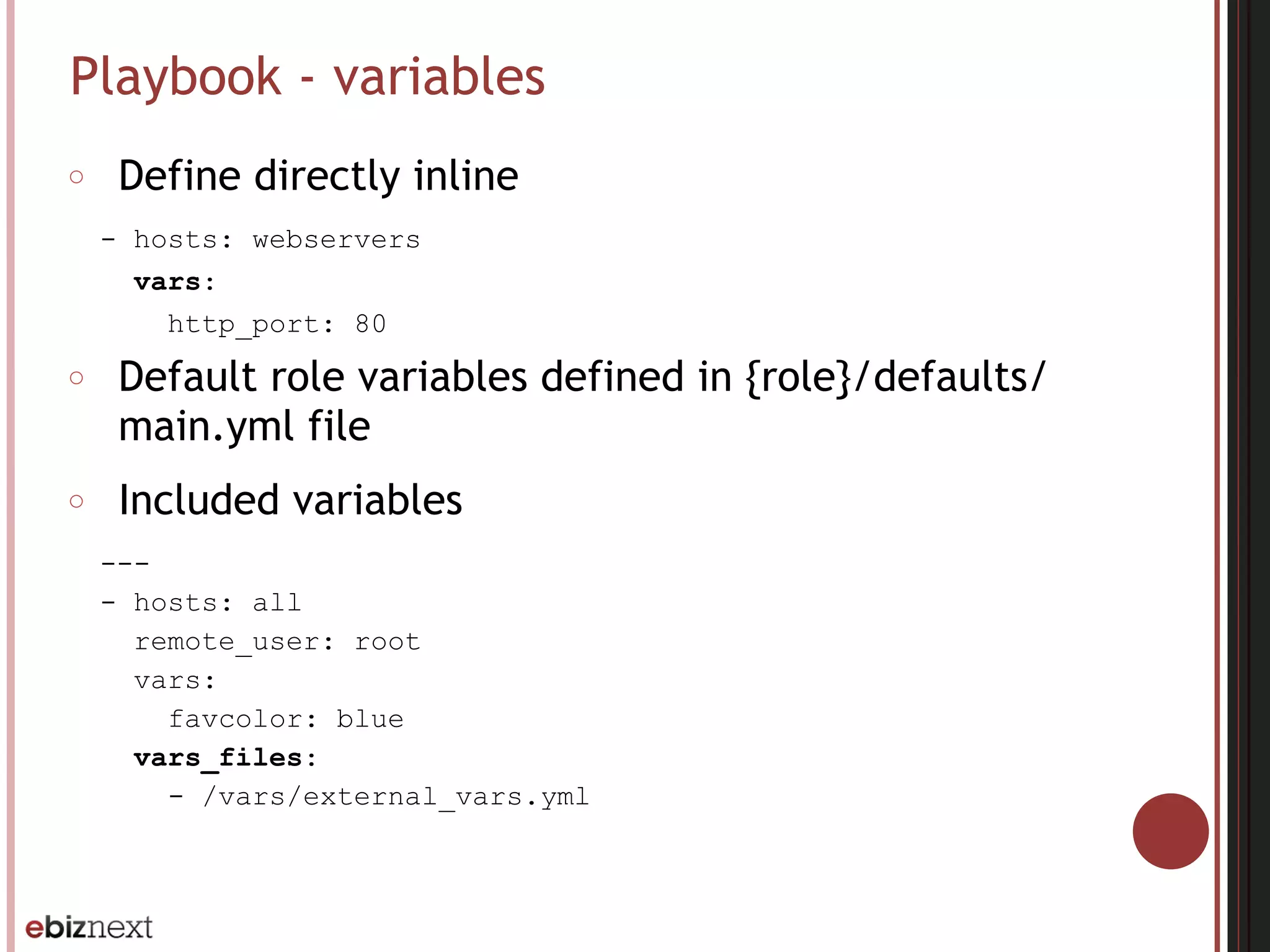
○ Define directly inline
- hosts: webservers
vars:
http_port: 80
○ Default role variables defined in {role}/defaults/
main.yml file
○ Included variables
---
- hosts: all
remote_user: root
vars:
favcolor: blue
vars_files:
- /vars/external_vars.yml
Playbook - variables - Jinja2
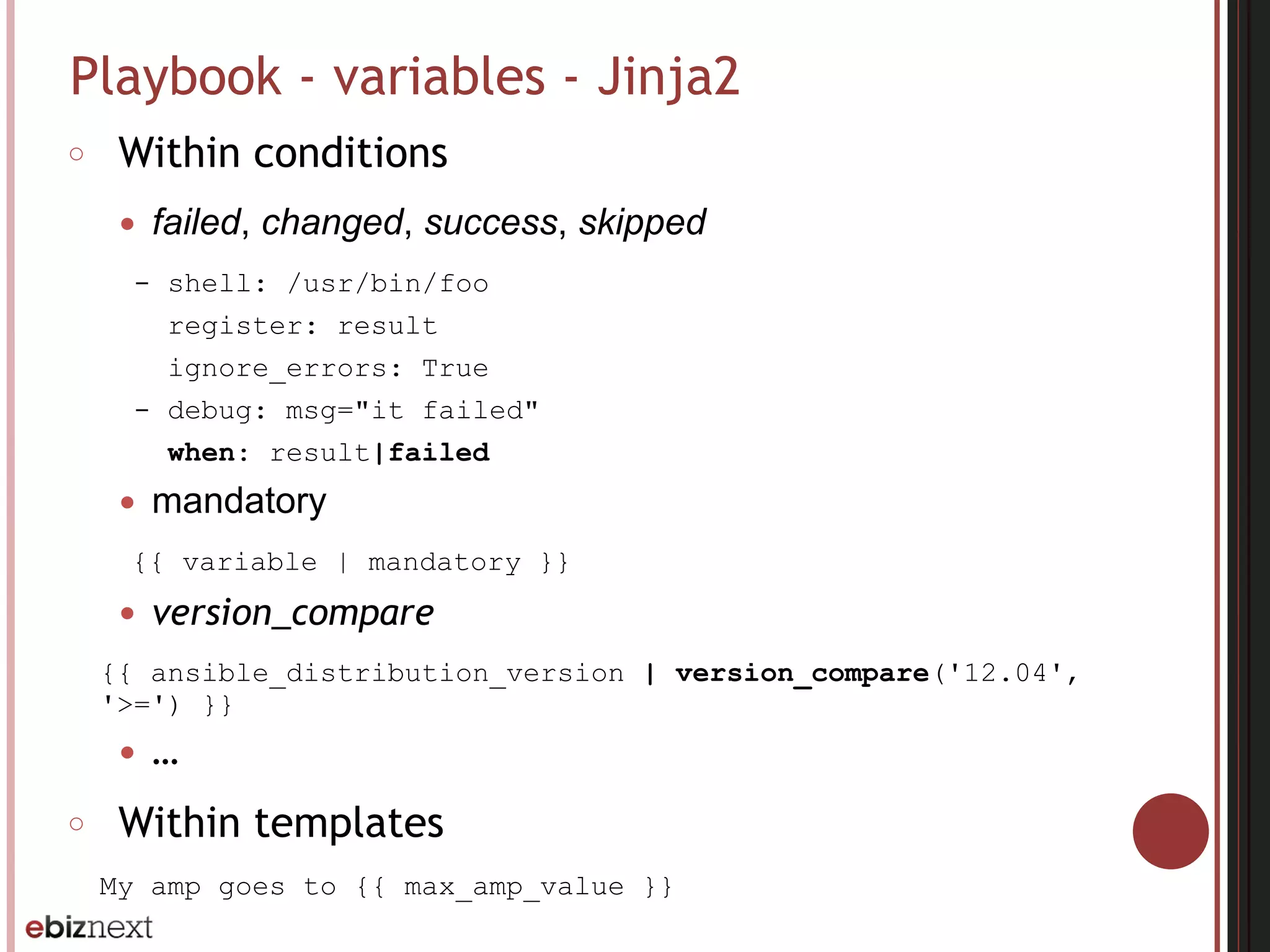
○ Within conditions
● failed, changed, success, skipped
- shell: /usr/bin/foo
register: result
ignore_errors: True
- debug: msg="it failed"
when: result|failed
● mandatory
{{ variable | mandatory }}
● version_compare
{{ ansible_distribution_version | version_compare('12.04',
'>=') }}
● …
○ Within templates
My amp goes to {{ max_amp_value }}
Playbook - variables - Facts
○ Information discovered from remote system
○ Frequently used in conditionals
---
- include: "Ubuntu.yml"
when: ansible_distribution == 'Ubuntu'
○ Local facts
● {file}.fact within /etc/ansible/facts.d
[general]
foo=1
bar=2
● can be accessed in a template/playbook as
{{ ansible_local.file.general.foo }}
Playbook - variables - Precedence
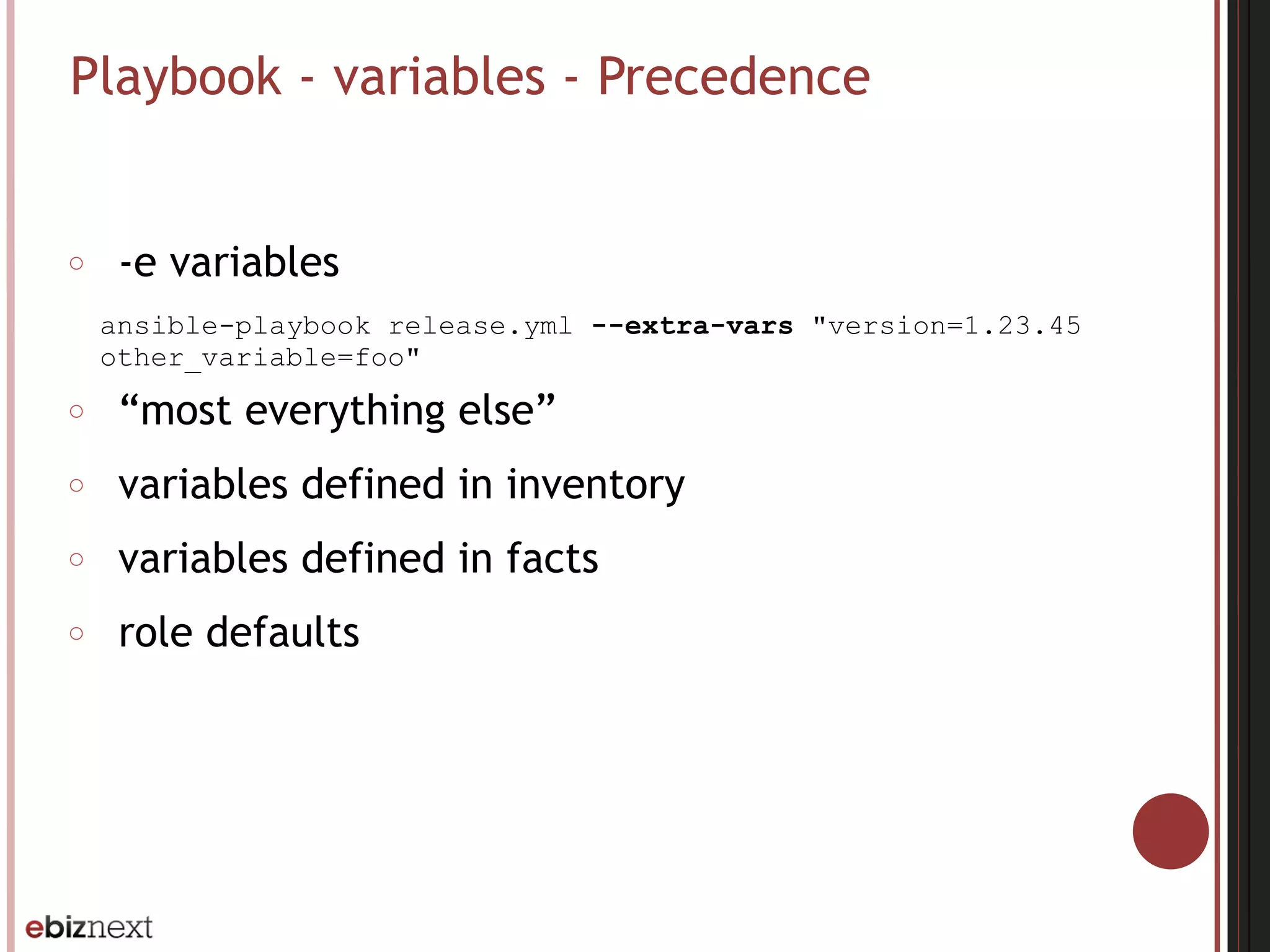
○ -e variables
ansible-playbook release.yml --extra-vars "version=1.23.45
other_variable=foo"
○ “most everything else”
○ variables defined in inventory
○ variables defined in facts
○ role defaults
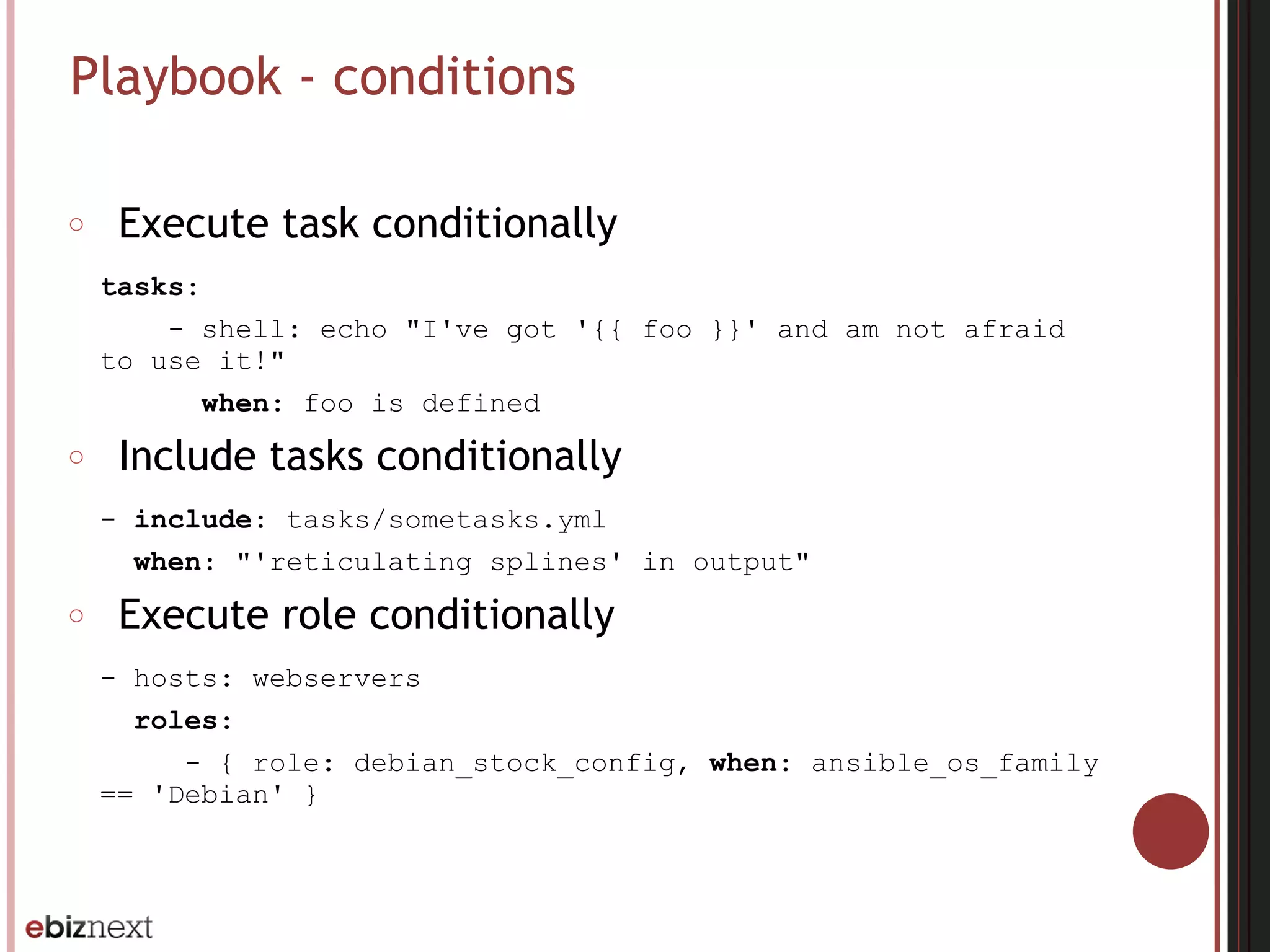
Playbook - conditions
○ Execute task conditionally
tasks:
- shell: echo "I've got '{{ foo }}' and am not afraid
to use it!"
when: foo is defined
○ Include tasks conditionally
- include: tasks/sometasks.yml
when: "'reticulating splines' in output"
○ Execute role conditionally
- hosts: webservers
roles:
- { role: debian_stock_config, when: ansible_os_family
== 'Debian' }
Questions ?

Ansible - Introduction

  • 1.
  • 2.
    Main features ○ Automatingremote system provisioning and applications deployment ○ With no agents to install on remote systems ○ Using existing SSHd on remote system ○ Native OpenSSH for remote communication on control machine ○ Parallel by default ○ Automation language that approaches plain english
  • 3.
    Installation - requirements ○Control machine requirements ● Python 2.6 ● Any OS except Windows ○ Managed node requirements ● Python 2.4
  • 4.
    Installation - controlmachine - source ○ From source ● $ git clone git://github.com/ansible/ansible.git ● $ cd ./ansible ● $ source ./hacking/env-setup ○ Additional python modules ● sudo easy_install pip ● sudo pip install paramiko PyYAML jinja2 httplib2
  • 5.
    Installation - controlmachine - Yum ○ Latest release Via Yum ● $ sudo yum install ansible ● make rpm from source ○ $ git clone git://github.com/ansible/ansible.git ○ $ cd ./ansible ○ make rpm ○ sudo rpm -Uvh ~/rpmbuild/ansible-*.noarch.rpm
  • 6.
    Installation - controlmachine - Apt ○ Latest release Via Apt ● $ sudo apt-get install software-properties-common ● $ sudo apt-add-repository ppa:ansible/ansible ● $ sudo apt-get update ● $ sudo apt-get install ansible
  • 7.
    Installation - controlmachine - Pip ○ Latest release Via pip ● $ sudo easy_install pip ● $ sudo pip install ansible
  • 8.
    Installation - controlmachine - Homebrew ○ Latest release Via Homebrew ● $ brew update ● $ brew install ansible
  • 9.
    Inventory file ○ Definehow ansible will interact with remote hosts ○ Define logical groups of managed nodes ○ Default location : /etc/ansible/hosts ○ INI format
  • 10.
    Inventory file -communication variables ○ ansible_connection : local, ssh or paramiko ○ ansible_ssh_host : the name of the host to connect to ○ ansible_ssh_port : the ssh port number if not 22 ○ ansible_ssh_user : the ssh user name to use ○ ansible_ssh_pass : the ssh password to use (insecure) ○ ansible_ssh_private_key_file : private key file used by ssh
  • 11.
    Inventory file -hosts and groups localhost ansible_connection=local [webservers] web[1:5].example.com ansible_connection=ssh ansible_ssh_user=webadmin [dbservers] db[1:2].example.com ansible_connection=ssh ansible_ssh_user=dbadmin
  • 12.
    Inventory file -group variables [webservers] web[1:5].example.com ansible_connection=ssh ansible_ssh_user=webadmin [webservers:vars] http_port=80
  • 13.
    Inventory file -groups of groups [atlanta] host1 host2 [raleigh] host2 host3 [southeast:children] atlanta raleigh
  • 14.
    Inventory file -splitting out specific data ○ Define specific data using variables within YAML files relative to the inventory file [atlanta] host1 host2 ○ /etc/ansible/group_vars/atlanta, /etc/ansible/ host_vars/host1 --- ntp_server: acme.example.org database_server: storage.example.org ○ /etc/ansible/group_vars/atlanta/db_settings
  • 15.
    Patterns ○ Decide whichhosts to manage ● all hosts in the inventory (all or *) ● a specific host name or group name (host1, webservers) ● wildcard configuration (192.168.1.*) ● OR configuration (host1:host2, webservers:dbservers) ● NOT configuration (webservers:dbservers:!production) ● AND configuration (webservers:dbservers:&staging) ● REGEX configuration (~(web|db).*.example.com) ● exclude hosts using limit flag (ansible-playbook site.yml --limit datacenter2)
  • 16.
    Vault ○ Allows keepingencrypted data in source control ○ Created encrypted files $ ansible-vault create foo.yml ○ Editing encrypted files $ ansible-vault edit foo.yml ○ Encrypting unencrypted files $ ansible-vault encrypt foo.yml ○ Decrypting encrypted files $ ansible-vault decrypt foo.yml ○ Running ad-hoc or playbook with vault $ ansible-playbook site.yml --vault-password-file ~/.vault_pass.txt
  • 17.
    Vagrant integration # Createa private network, which allows host-only access to the machine # using a specific IP. config.vm.network :private_network, ip: “192.168.33.10" config.vm.provision :ansible do |ansible| ansible.inventory_path = "vagrant-inventory.ini" ansible.playbook = "dockers.yml" ansible.extra_vars = { user: "vagrant" } ansible.sudo = true ansible.limit = 'all' end
  • 18.
    Ad-Hoc commands ○ $ansible {pattern} -m {module} -a “{options}” {flags} ● pattern : which hosts ● module : which ansible module (command by default) ● options : which module options ● flags : command flags ○ -u {username}: to run the command as a different user (user account by default) ○ -f {n}: to run the command in n parallel forks (5 by default) ○ --sudo: to run the command through sudo ○ -K: to interactively prompt you for the sudo password to use ○ -U {username}: to sudo to a user other than root ○ -i {file}: inventory file to use ○ --ask-vault-pass: to specify the vault-password interactively ○ --vault-password-file {file}: to specify the latter within a file
  • 19.
    Ad-Hoc commands -samples ○ File transfer $ ansible all -m copy -a "src=/etc/hosts dest=/tmp/hosts" ○ Deploying from source control $ ansible webservers -m git -a "repo=git:// foo.example.org/repo.git dest=/srv/myapp version=HEAD" ○ Managing services $ ansible webservers -m service -a "name=httpd state=started" ○ Gathering facts $ ansible all -m setup
  • 20.
    Playbook ○ Expressed inYAML language ○ Composed of one or more “plays” in a list ○ Allowing multi-machine deployments orchestration
  • 21.
    Playbook - play --- -hosts: webservers vars: http_port: 80 max_clients: 200 remote_user: root tasks: - name: ensure apache is at the latest version yum: pkg=httpd state=latest - name: write the apache config file template: src=/srv/httpd.j2 dest=/etc/httpd.conf notify: - restart apache - name: ensure apache is running service: name=httpd state=started handlers: - name: restart apache service: name=httpd state=restarted
  • 22.
    Playbook - hostsand users ○ hosts : one or more groups or host patterns ○ remote_user : the name of the remote user account (per play or task) ○ sudo : run tasks using sudo (per play or task) ○ sudo_user : sudo to a different user than root
  • 23.
    Playbook - tasks ○Are executed in order against all machines matched by the host pattern ○ May be Included from other files tasks: - include: tasks/foo.yml ○ Hosts with failed tasks are taken out for the entire playbook ○ Each task executes a module with specific options ○ Modules are idempotent in order to bring the system to the desired state tasks: - name: {task name} {module}: {options}
  • 24.
    Playbook - handlers ○Notifications may be triggered at the end of each block of tasks whenever a change has been made on the remote system ○ Handlers are referenced by name tasks: - name: template configuration file template: src=template.j2 dest=/etc/foo.conf notify: - restart apache … handlers: - name: restart apache service: name=apache state=restarted
  • 25.
    Playbook - roles ○Based on a known file structure site.yml webservers.yml roles/ webservers/ files/ templates/ tasks/ handlers/ vars/ defaults/ meta/ … --- - hosts: webservers roles: - webservers If roles/x/tasks/main.yml exists, tasks listed therein will be added to the play If roles/x/handlers/main.yml exists, handlers listed therein will be added to the play If roles/x/vars/main.yml exists, variables listed therein will be added to the play If roles/x/meta/main.yml exists, any role dependencies listed therein will be added to the list of roles (1.3 and later) Any copy tasks can reference files in roles/x/files/ without having to path them relatively or absolutely Any script tasks can reference scripts in roles/x/files/ without having to path them relatively or absolutely Any template tasks can reference files in roles/x/templates/ without having to path them relatively or absolutely Any include tasks can reference files in roles/x/tasks/ without having to path them relatively or absolutely
  • 26.
    Playbook - roles ○May be applied conditionally --- - hosts: webservers roles: - { role: some_role, when: "ansible_os_family == 'RedHat'" } ○ May be applied before or after other tasks --- - hosts: webservers pre_tasks: - shell: echo 'hello' roles: - { role: some_role } tasks: - shell: echo 'still busy' post_tasks: - shell: echo 'goodbye'
  • 27.
    Playbook - variables ○Define directly inline - hosts: webservers vars: http_port: 80 ○ Default role variables defined in {role}/defaults/ main.yml file ○ Included variables --- - hosts: all remote_user: root vars: favcolor: blue vars_files: - /vars/external_vars.yml
  • 28.
    Playbook - variables- Jinja2 ○ Within conditions ● failed, changed, success, skipped - shell: /usr/bin/foo register: result ignore_errors: True - debug: msg="it failed" when: result|failed ● mandatory {{ variable | mandatory }} ● version_compare {{ ansible_distribution_version | version_compare('12.04', '>=') }} ● … ○ Within templates My amp goes to {{ max_amp_value }}
  • 29.
    Playbook - variables- Facts ○ Information discovered from remote system ○ Frequently used in conditionals --- - include: "Ubuntu.yml" when: ansible_distribution == 'Ubuntu' ○ Local facts ● {file}.fact within /etc/ansible/facts.d [general] foo=1 bar=2 ● can be accessed in a template/playbook as {{ ansible_local.file.general.foo }}
  • 30.
    Playbook - variables- Precedence ○ -e variables ansible-playbook release.yml --extra-vars "version=1.23.45 other_variable=foo" ○ “most everything else” ○ variables defined in inventory ○ variables defined in facts ○ role defaults
  • 31.
    Playbook - conditions ○Execute task conditionally tasks: - shell: echo "I've got '{{ foo }}' and am not afraid to use it!" when: foo is defined ○ Include tasks conditionally - include: tasks/sometasks.yml when: "'reticulating splines' in output" ○ Execute role conditionally - hosts: webservers roles: - { role: debian_stock_config, when: ansible_os_family == 'Debian' }
  • 32.