Who I am? 
❖ Robert Reiz 
❖ Software Developer 
❖ I started VersionEye 
❖ I’m NOT your IT guy!
2012 VersionEye is running on Heroku.
2013 VersionEye moves to Yunicon because of performance reasons. 
2 XXL Servers! 
Lovely hand crafted.
2013 VersionEye moves to AWS because 
of the Amazon Activate Program!
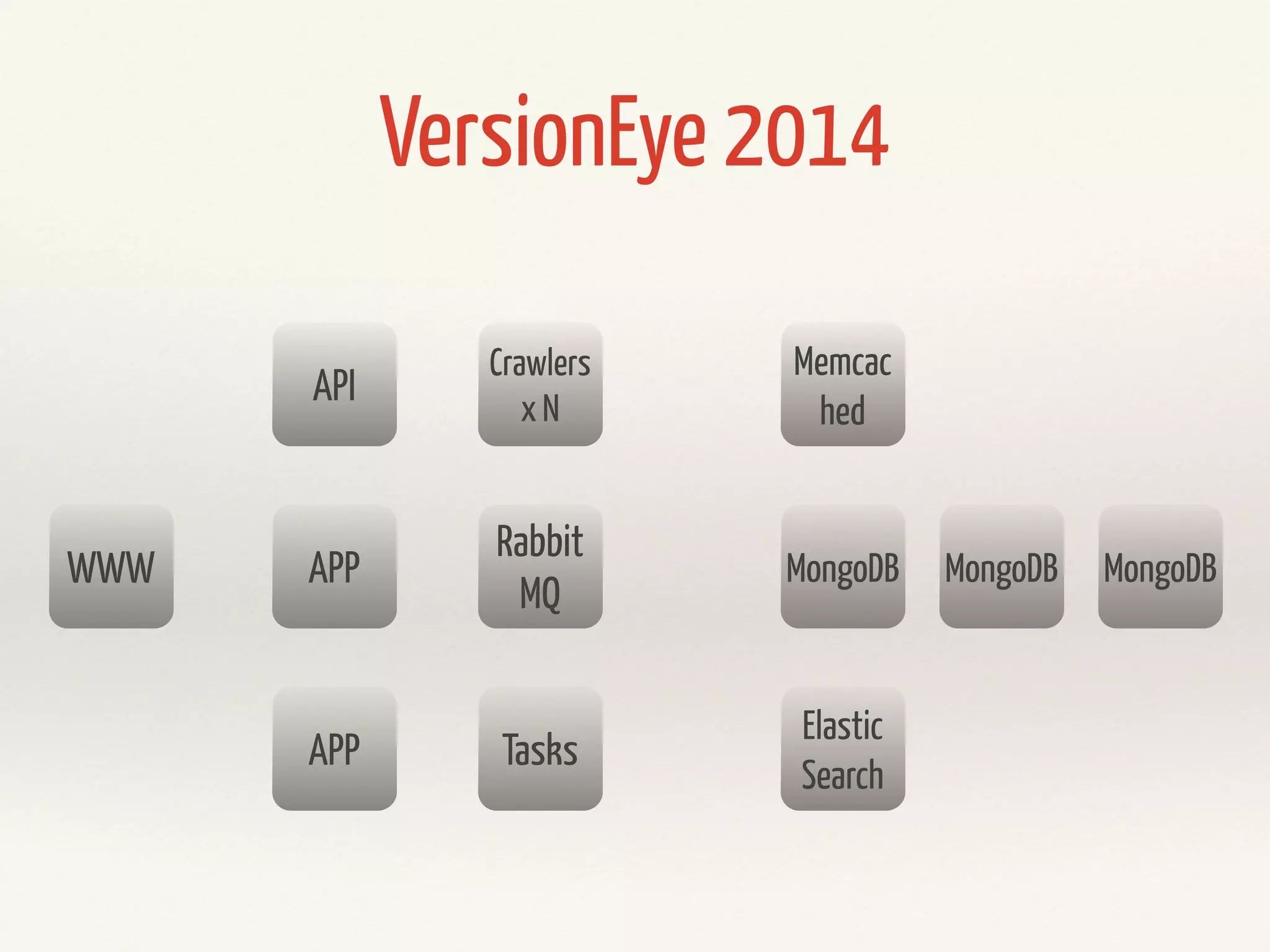
WWW 
API 
APP 
APP 
VersionEye 2014 
Rabbit 
MQ 
Tasks 
Memcac 
hed 
MongoDB MongoDB MongoDB 
Elastic 
Search 
Crawlers 
x N
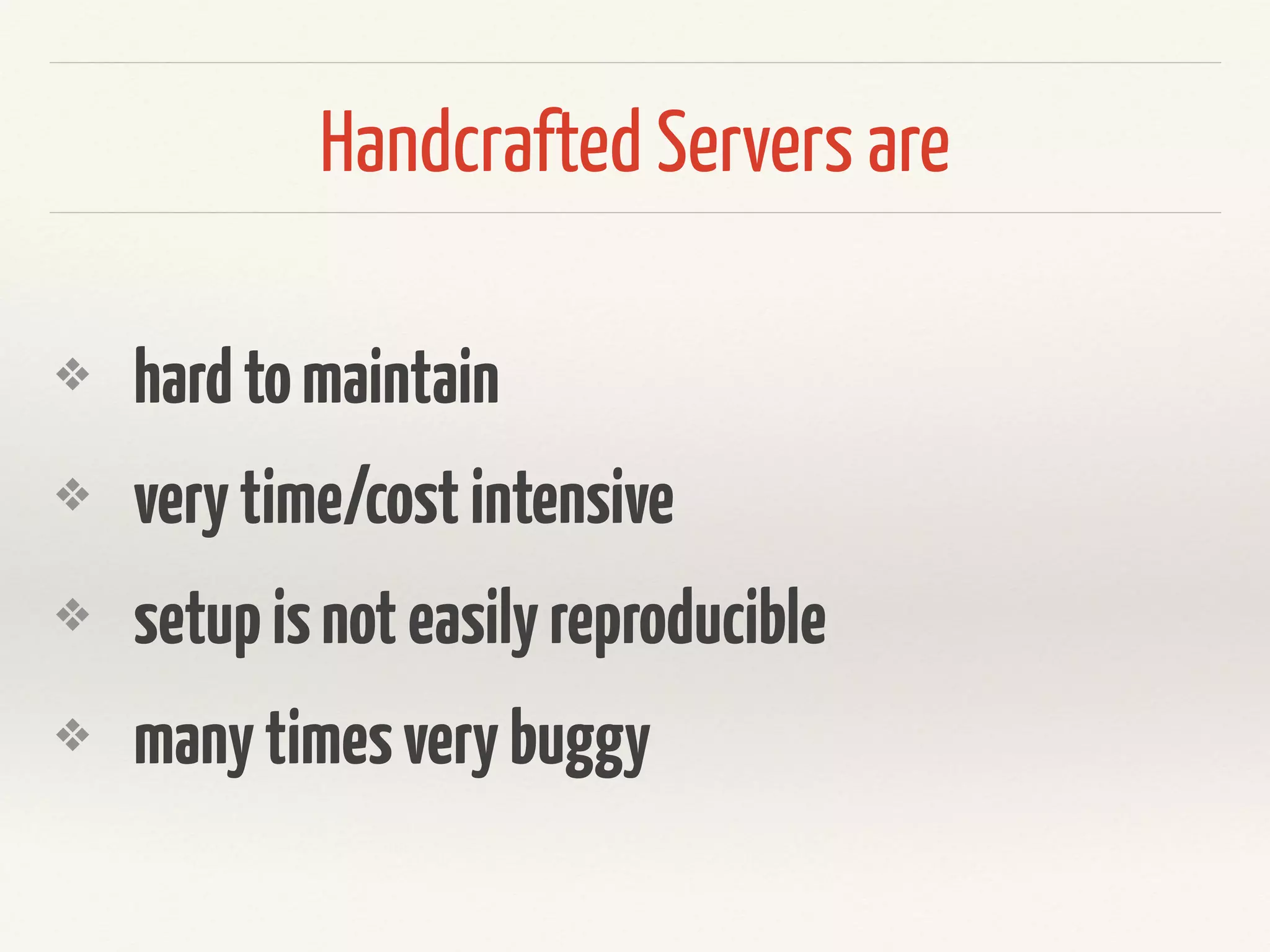
Handcrafted Servers are 
❖ hard to maintain 
❖ very time/cost intensive 
❖ setup is not easily reproducible 
❖ many times very buggy
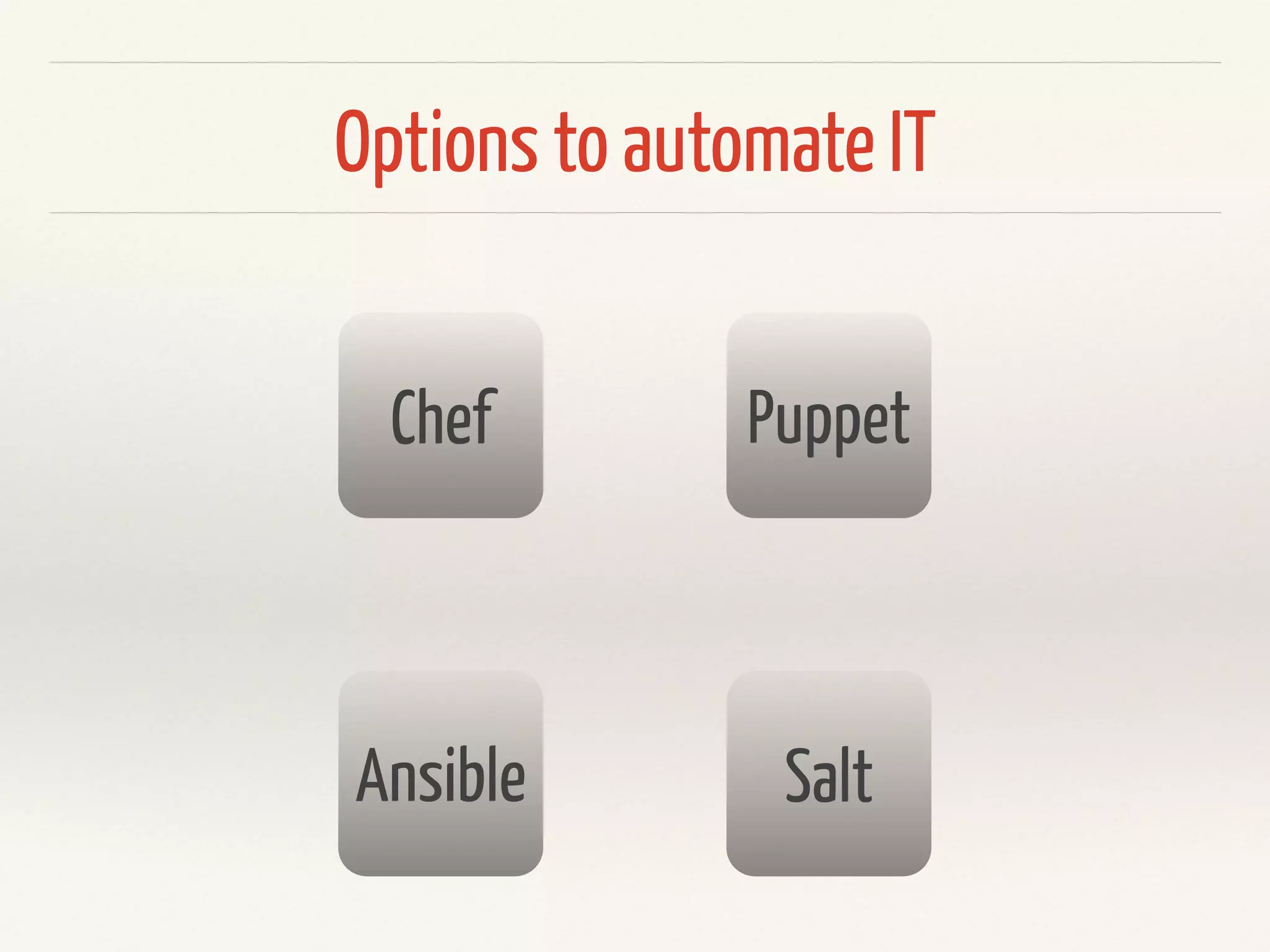
Options to automate IT 
Chef Puppet 
Ansible Salt
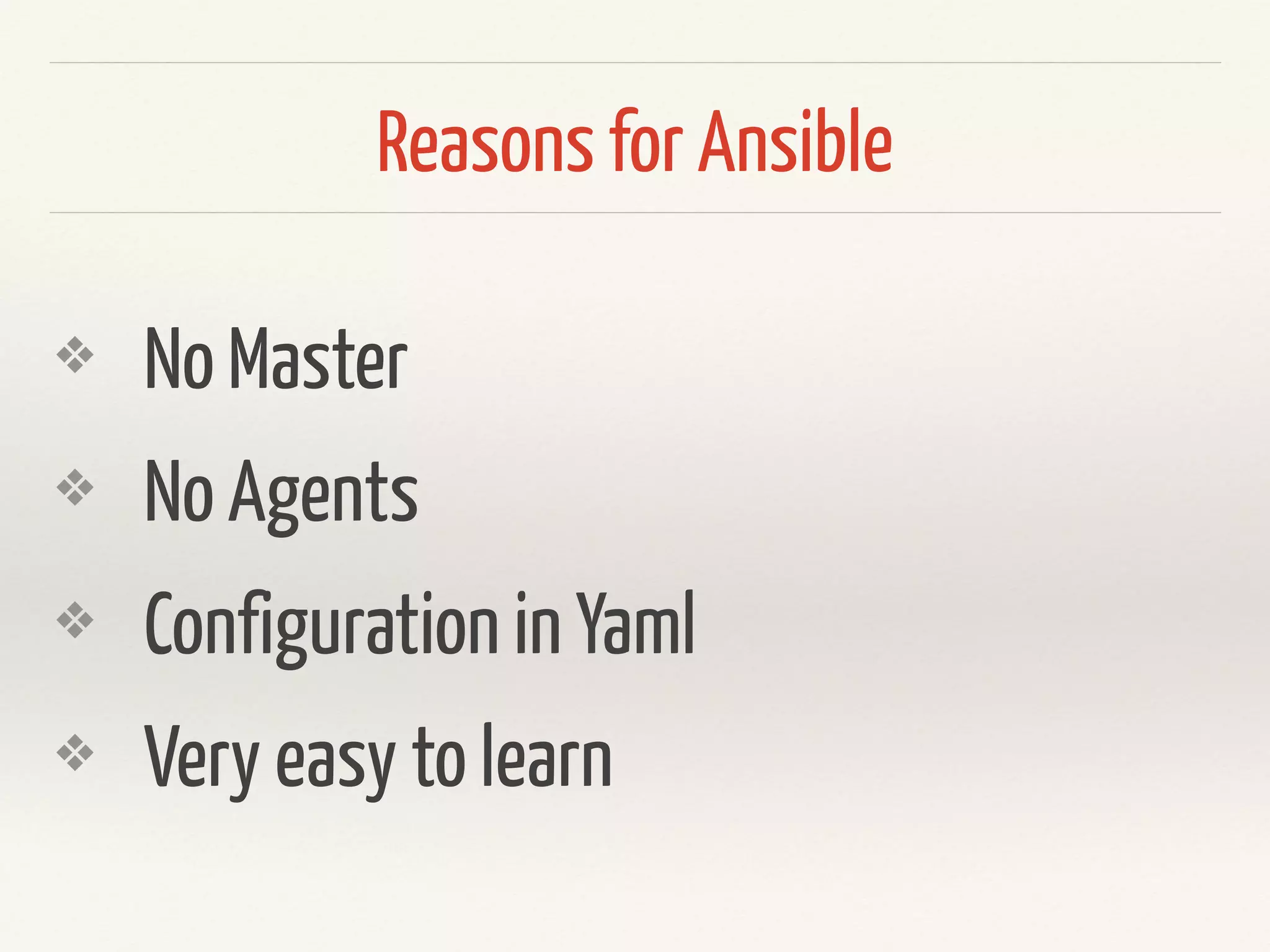
Reasons for Ansible 
❖ No Master 
❖ No Agents 
❖ Configuration in Yaml 
❖ Very easy to learn
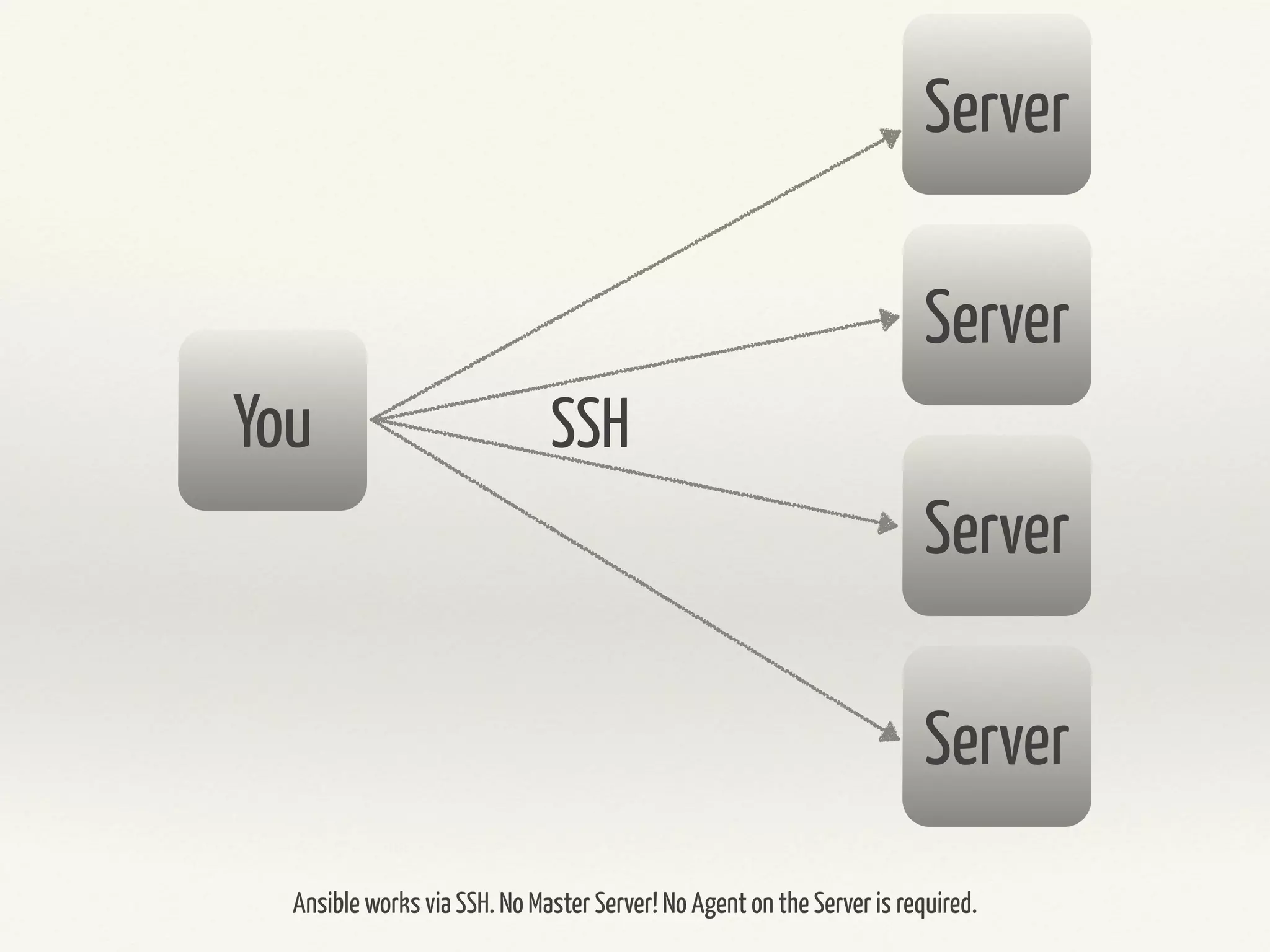
Server 
Server 
Server 
Server 
You SSH 
Ansible works via SSH. No Master Server! No Agent on the Server is required.
Installation
sudo pip install ansible
brew update 
brew install ansible
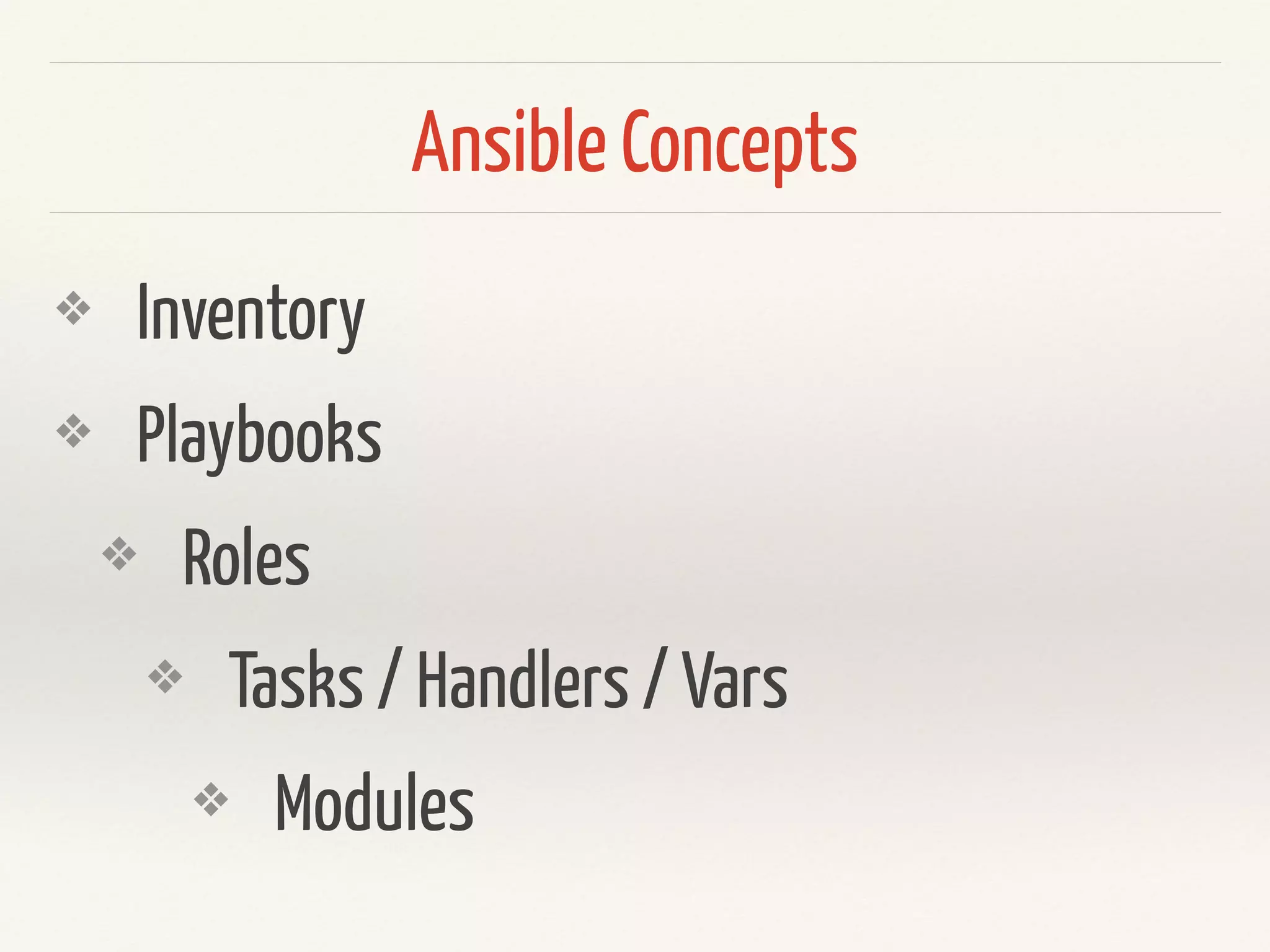
Ansible Concepts 
❖ Inventory 
❖ Playbooks 
❖ Roles 
❖ Tasks / Handlers / Vars 
❖ Modules
Inventory
Inventory 
[mongo_master] 
168.197.1.14 
! 
[mongo_slaves] 
168.197.1.15 
168.197.1.16 
168.197.1.17 
! 
[www] 
168.197.1.2 
Inventory files are simple text 
files which describe your servers. 
IP Addresses or DNS Names 
grouped by names.
Inventory 
[mongo_master] 
168.197.1.14 
! 
[mongo_slaves] 
mongo1.server 
mongo2.server 
mongo3.server 
! 
[www] 
168.197.1.2 
List of target hosts. 
Usually located in 
/etc/ansible/hosts
Inventory 
[mongo_master] 
mongo-[a:c]-server 
! 
[mongo_slaves] 
mongo[1:3].server 
! 
[www] 
{{my_little_webserver}} 
Inventory files can take advantage of 
variables and enumerations
Playbooks
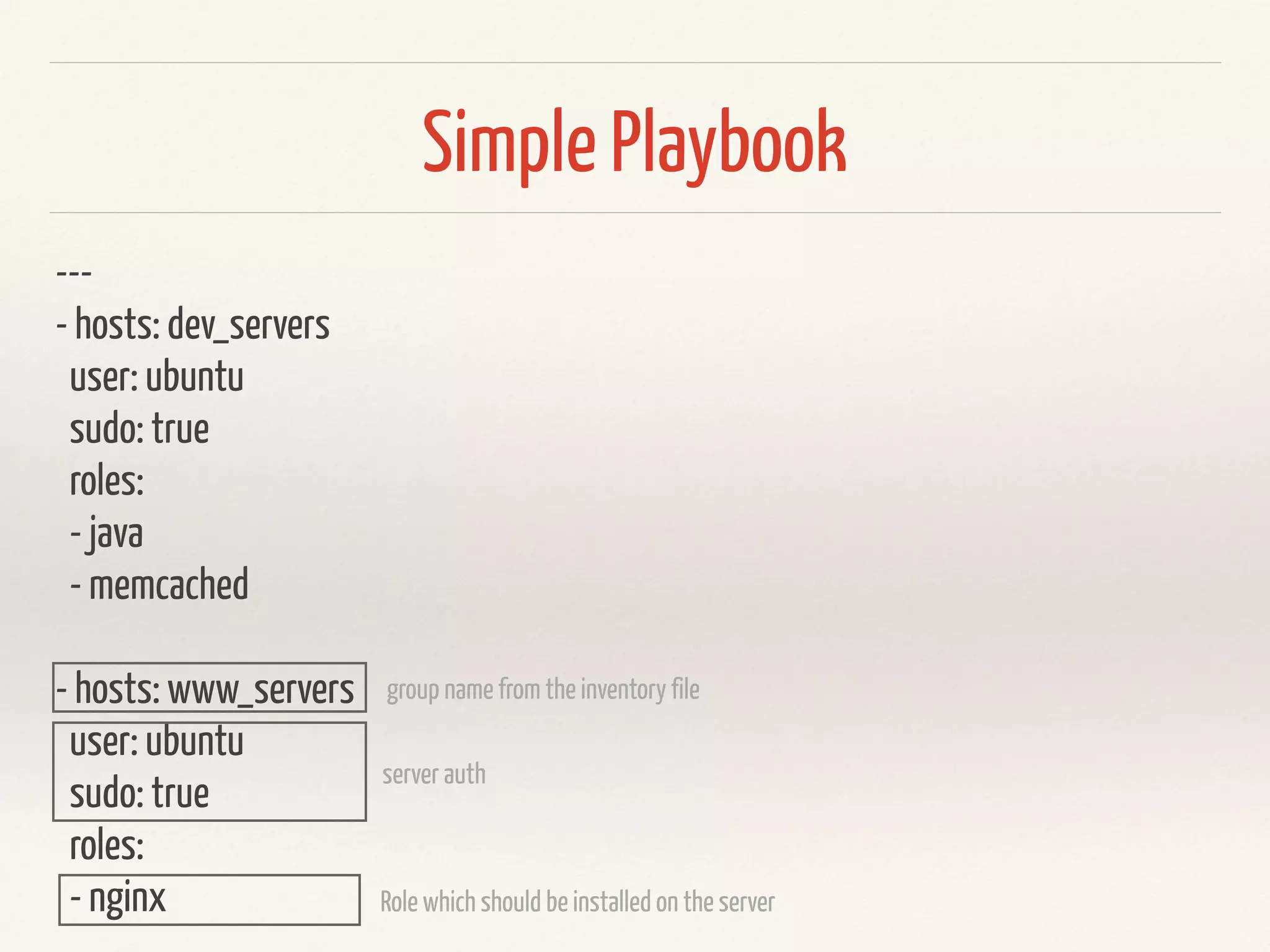
Simple Playbook 
--- 
- hosts: dev_servers 
user: ubuntu 
sudo: true 
roles: 
- java 
- memcached 
! 
- hosts: www_servers 
user: ubuntu 
sudo: true 
roles: 
- nginx 
group name from the inventory file 
server auth 
Role which should be installed on the server
Roles / Modules
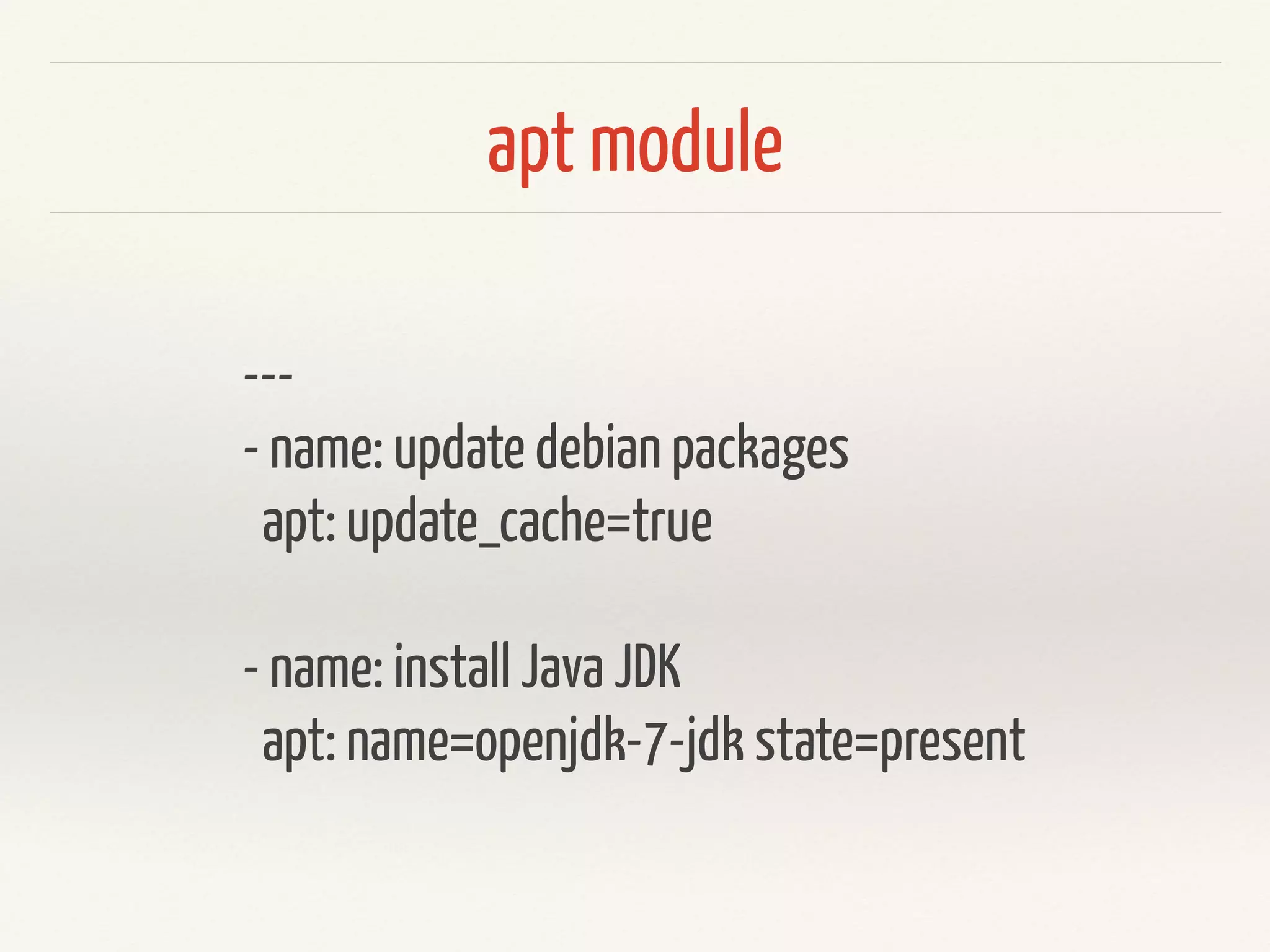
apt module 
--- 
- name: update debian packages 
apt: update_cache=true 
! 
- name: install Java JDK 
apt: name=openjdk-7-jdk state=present
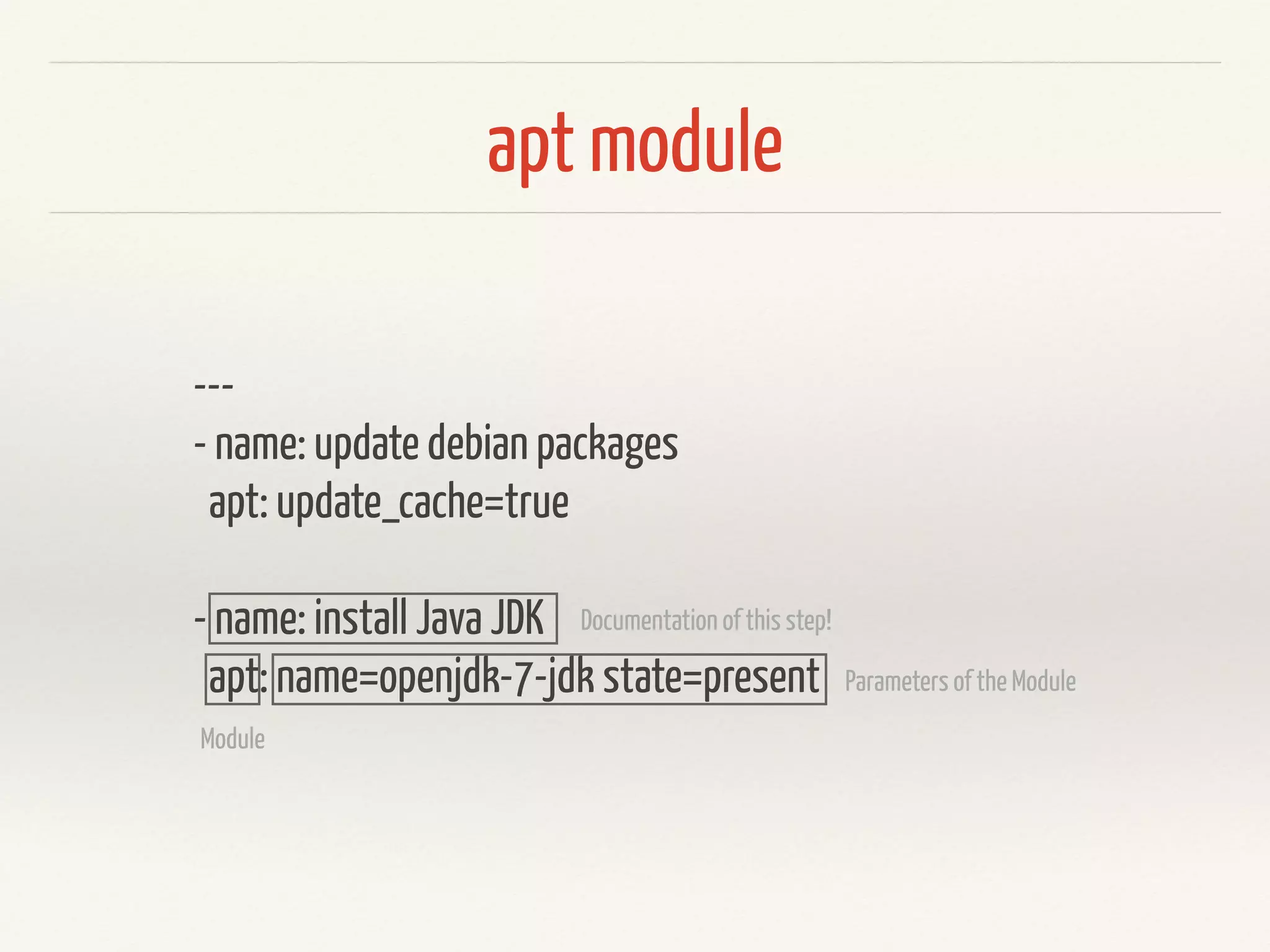
apt module 
--- 
- name: update debian packages 
apt: update_cache=true 
! 
- name: install Java JDK 
apt: name=openjdk-7-jdk state=present 
Documentation of this step! 
Module 
Parameters of the Module
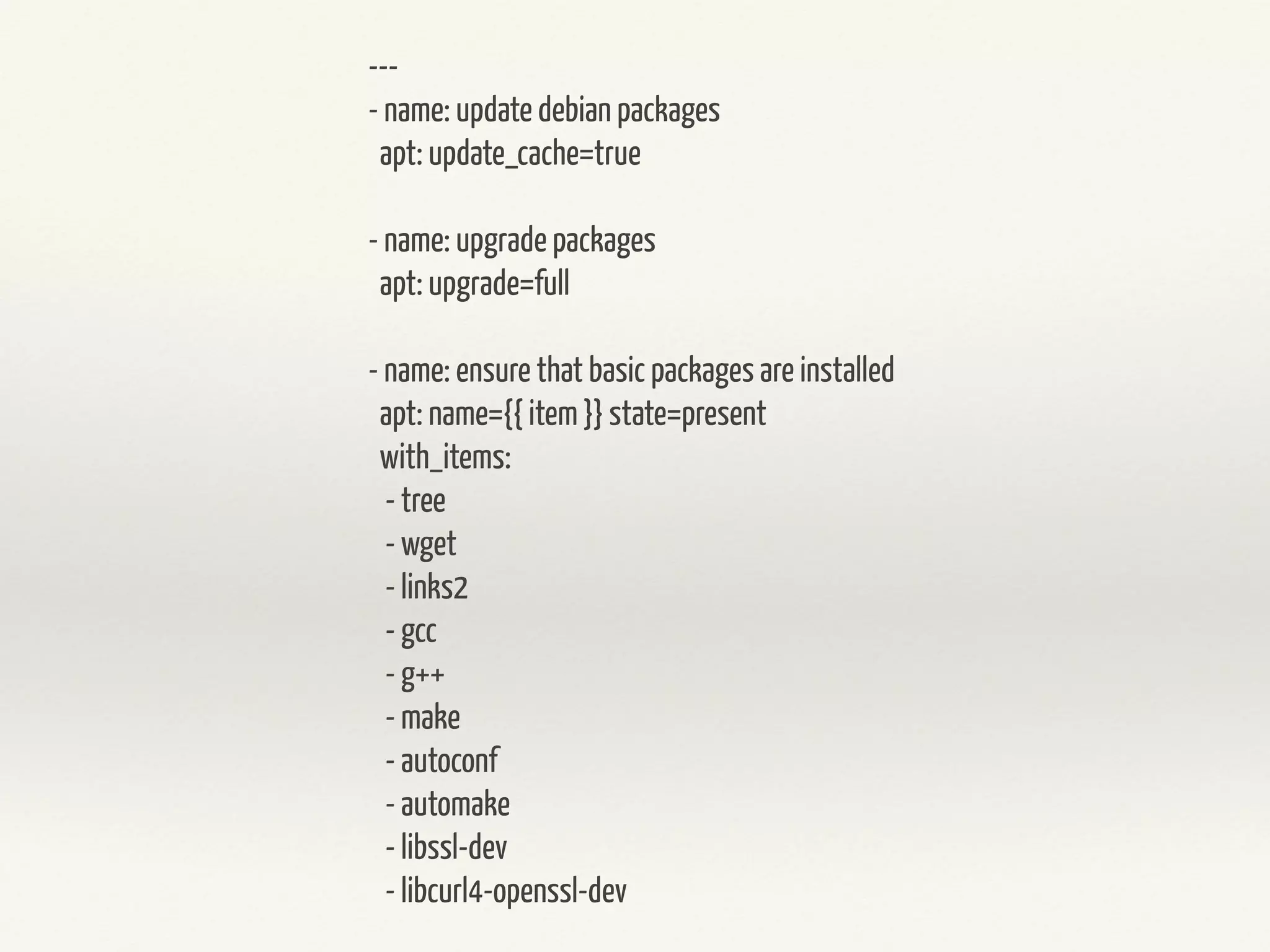
--- 
- name: update debian packages 
apt: update_cache=true 
! 
- name: upgrade packages 
apt: upgrade=full 
! 
- name: ensure that basic packages are installed 
apt: name={{ item }} state=present 
with_items: 
- tree 
- wget 
- links2 
- gcc 
- g++ 
- make 
- autoconf 
- automake 
- libssl-dev 
- libcurl4-openssl-dev
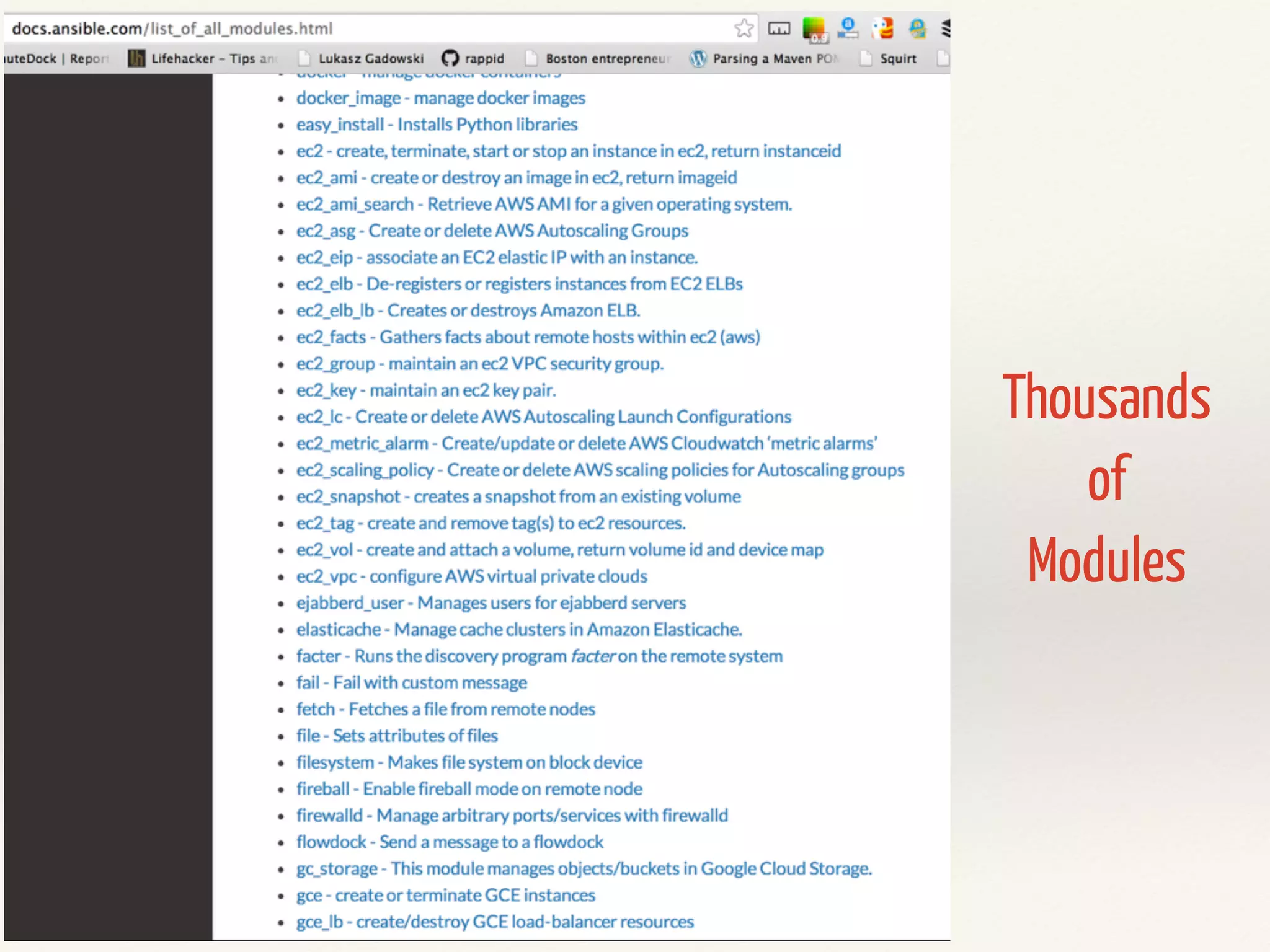
Thousands 
of 
Modules
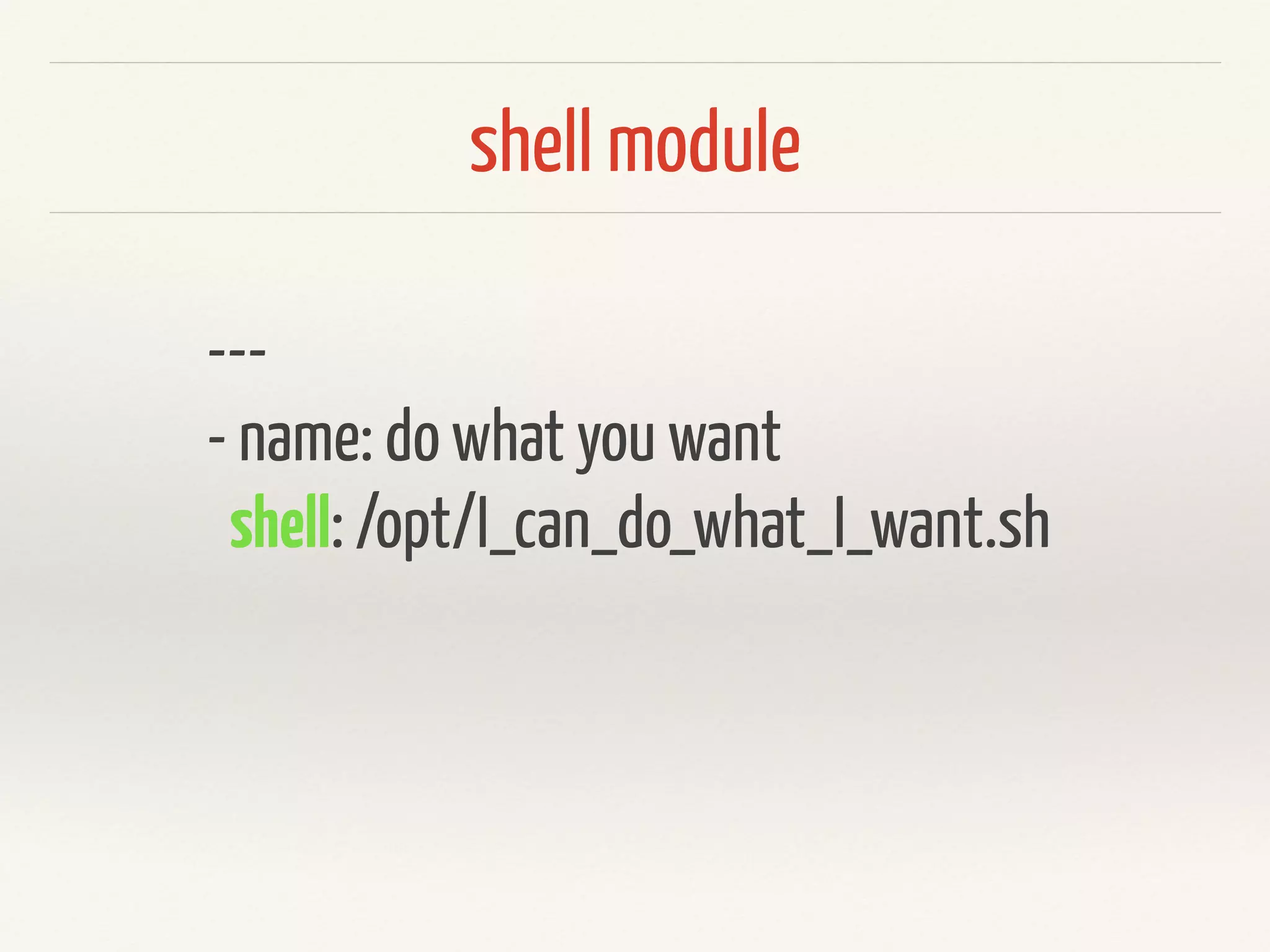
shell module 
--- 
- name: do what you want 
shell: /opt/I_can_do_what_I_want.sh
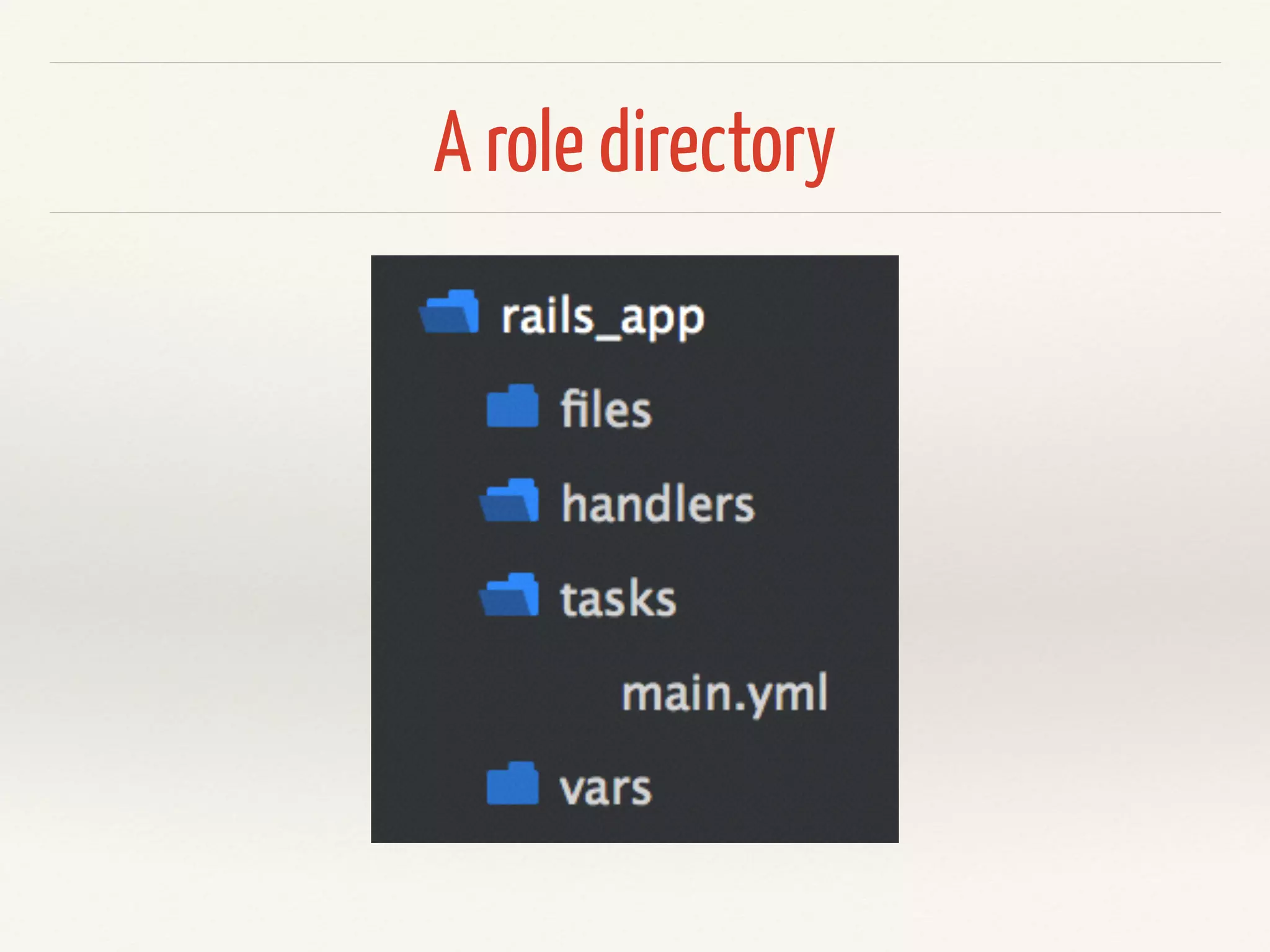
A role directory
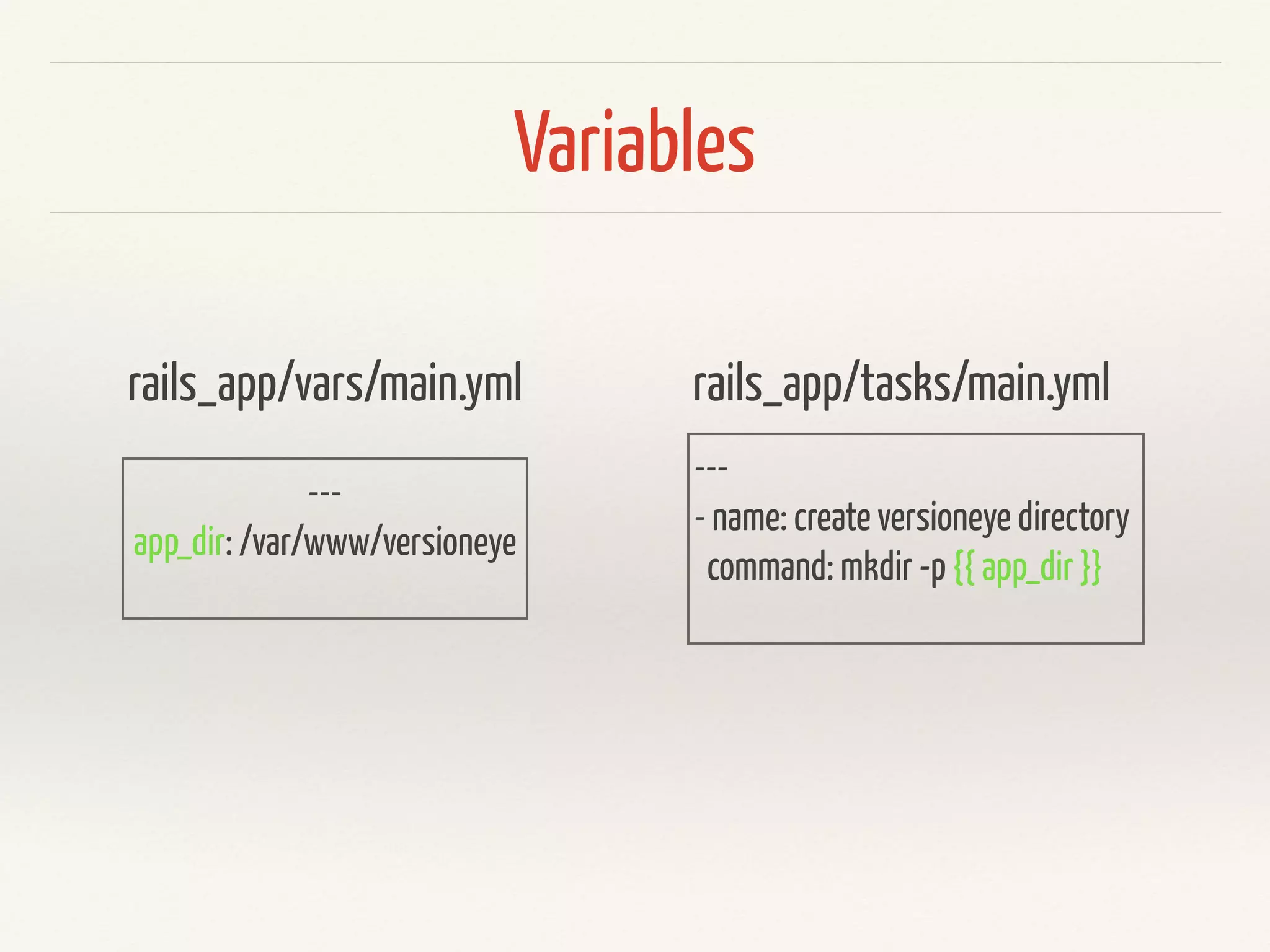
Variables 
rails_app/vars/main.yml 
--- 
app_dir: /var/www/versioneye 
rails_app/tasks/main.yml 
--- 
- name: create versioneye directory 
command: mkdir -p {{ app_dir }}
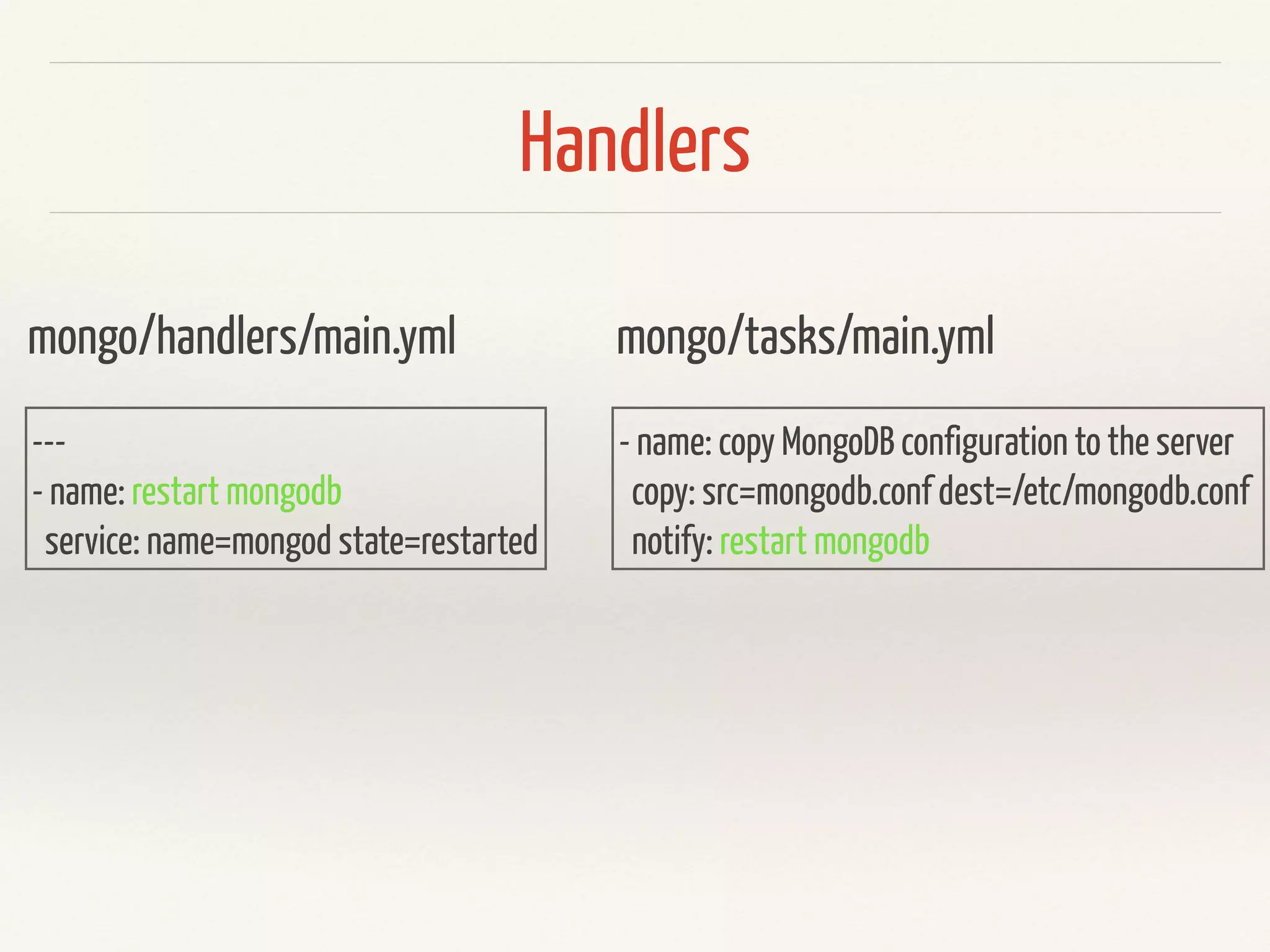
Handlers 
mongo/handlers/main.yml 
--- 
- name: restart mongodb 
service: name=mongod state=restarted 
mongo/tasks/main.yml 
- name: copy MongoDB configuration to the server 
copy: src=mongodb.conf dest=/etc/mongodb.conf 
notify: restart mongodb
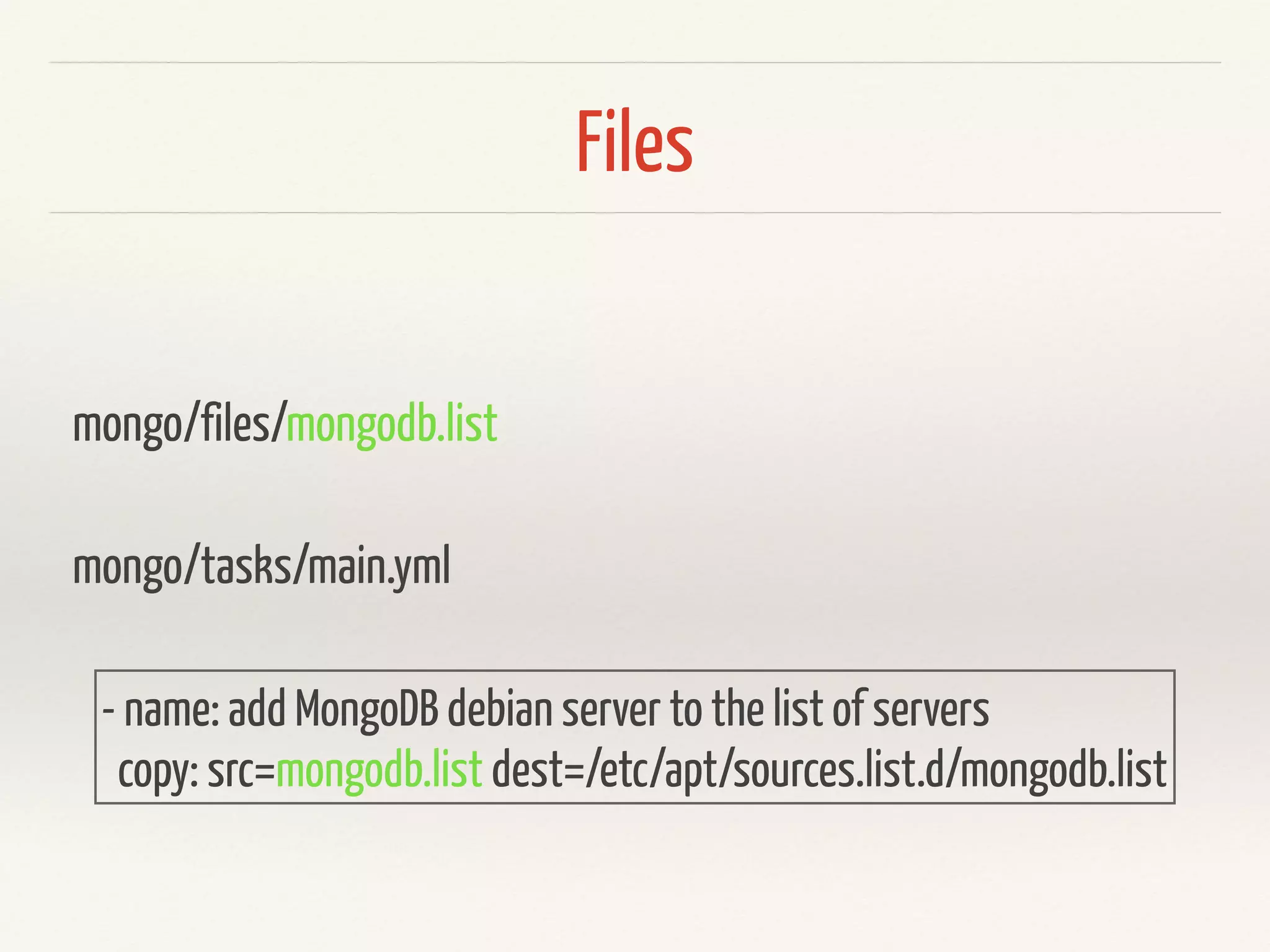
Files 
mongo/files/mongodb.list 
mongo/tasks/main.yml 
- name: add MongoDB debian server to the list of servers 
copy: src=mongodb.list dest=/etc/apt/sources.list.d/mongodb.list
Demo
Demo 
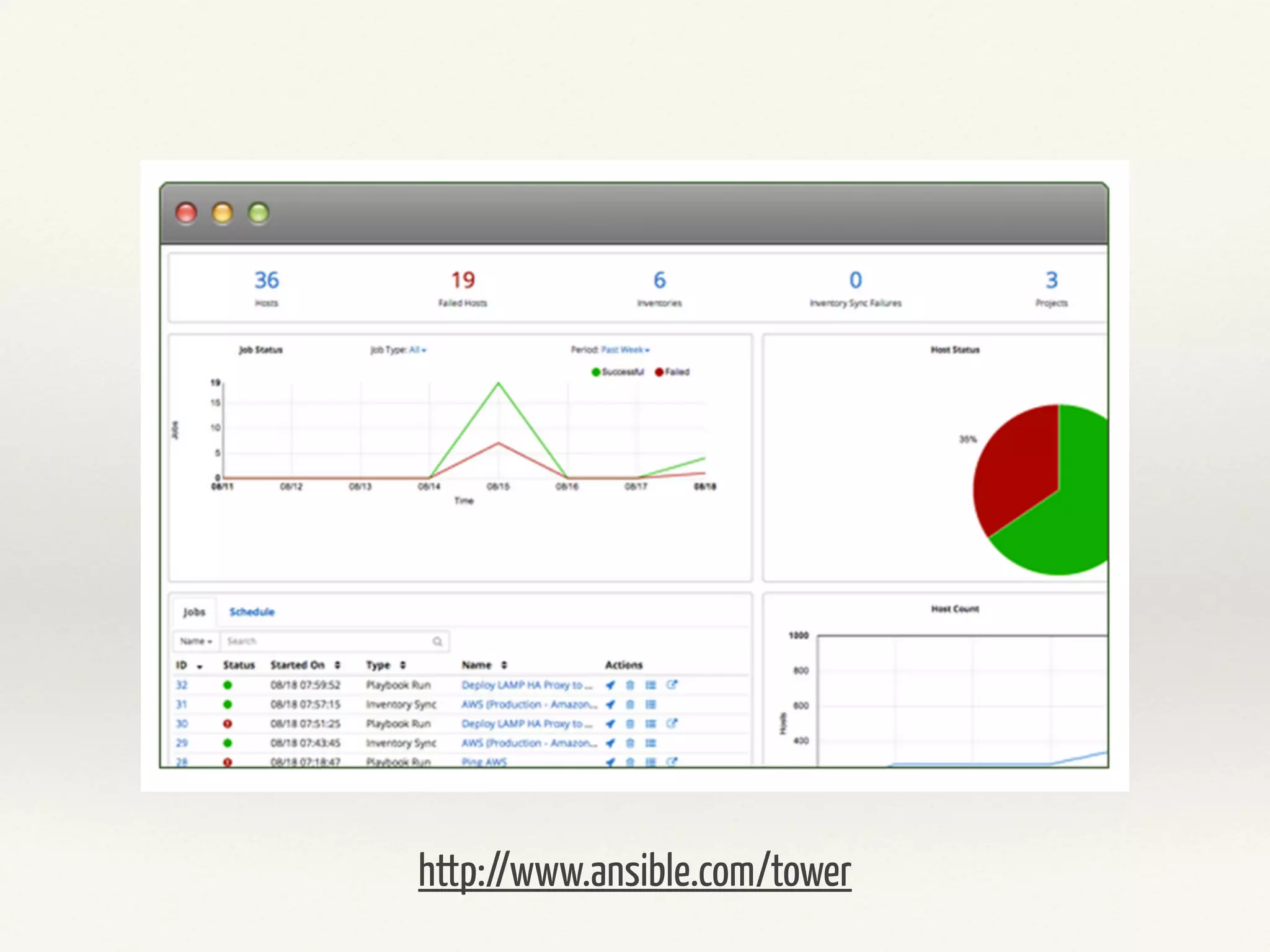
http://www.ansible.com/tower
Demo 
https://galaxy.ansible.com/
Further Links 
Intro do Ansible 
http://blog.versioneye.com/2014/07/03/intro-to-ansible/ 
Rebuilding Capistrano like deployment with Ansible 
http://blog.versioneye.com/2014/09/24/rebuilding-capistrano-like-deployment-with-ansible/
Questions? 
@RobertReiz

Ansible Introduction