An introduction to personas for technical authors Neil Turner June 2010
User experience architect at Cambridge Assessment This means that I do (among other things): UI and UX design User research User testing and usability evaluation A bit about me…
What are personas?
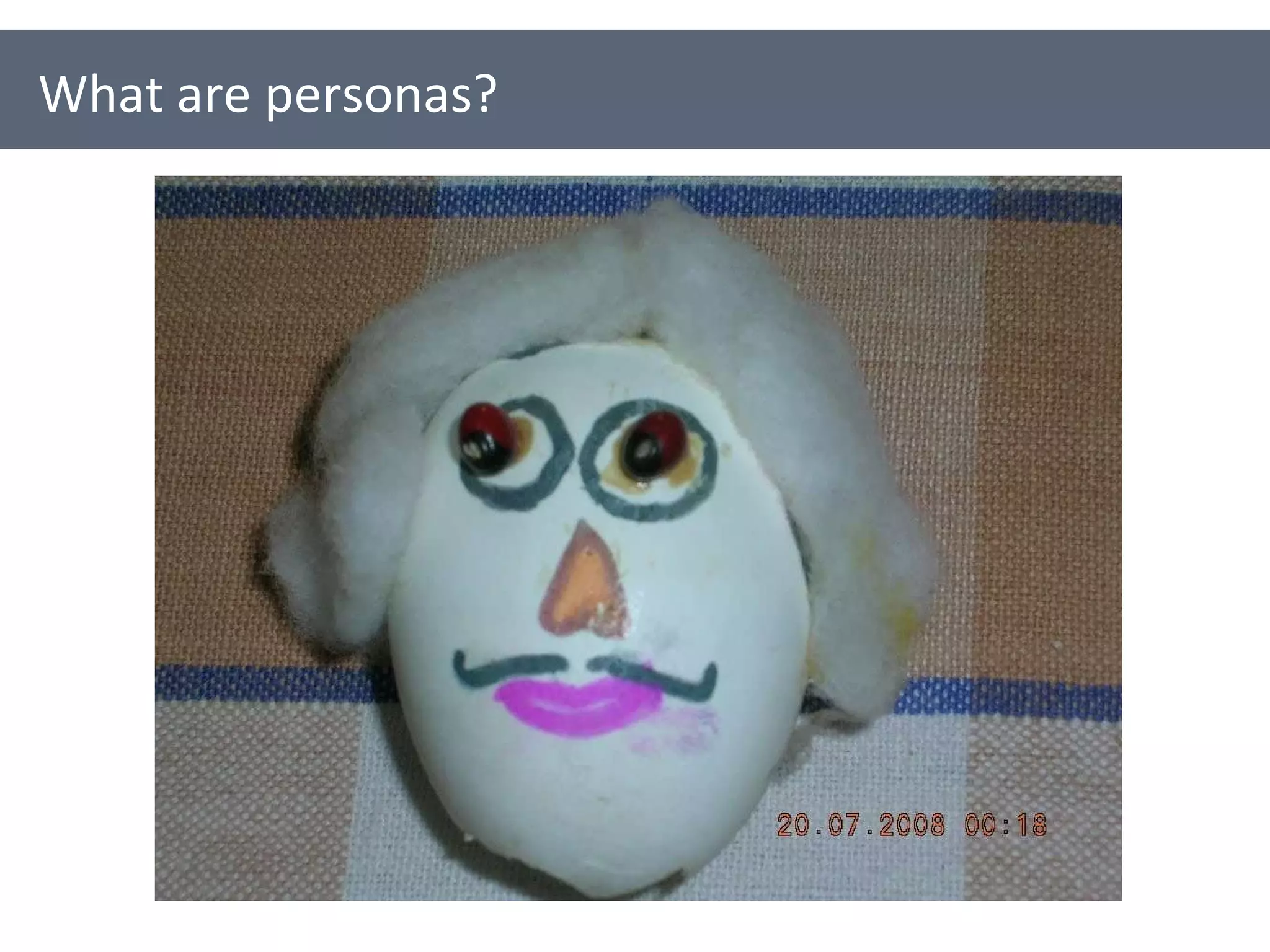
Some example personas
Representatives for your users / audience They represent the goals, motivations, characteristics and behaviour of a real group of users They are fictional, but based on fact (hopefully) What are personas?
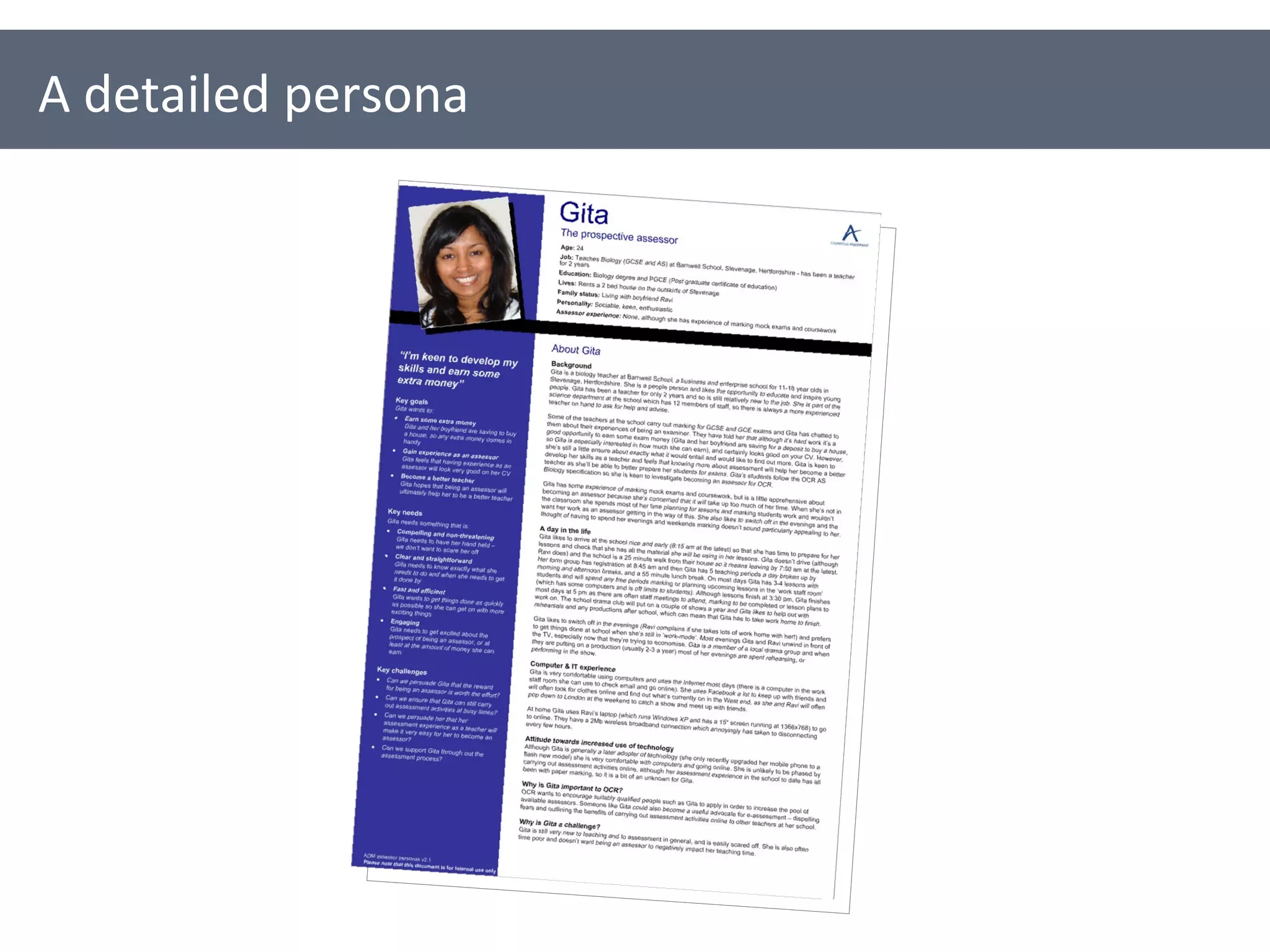
A detailed persona
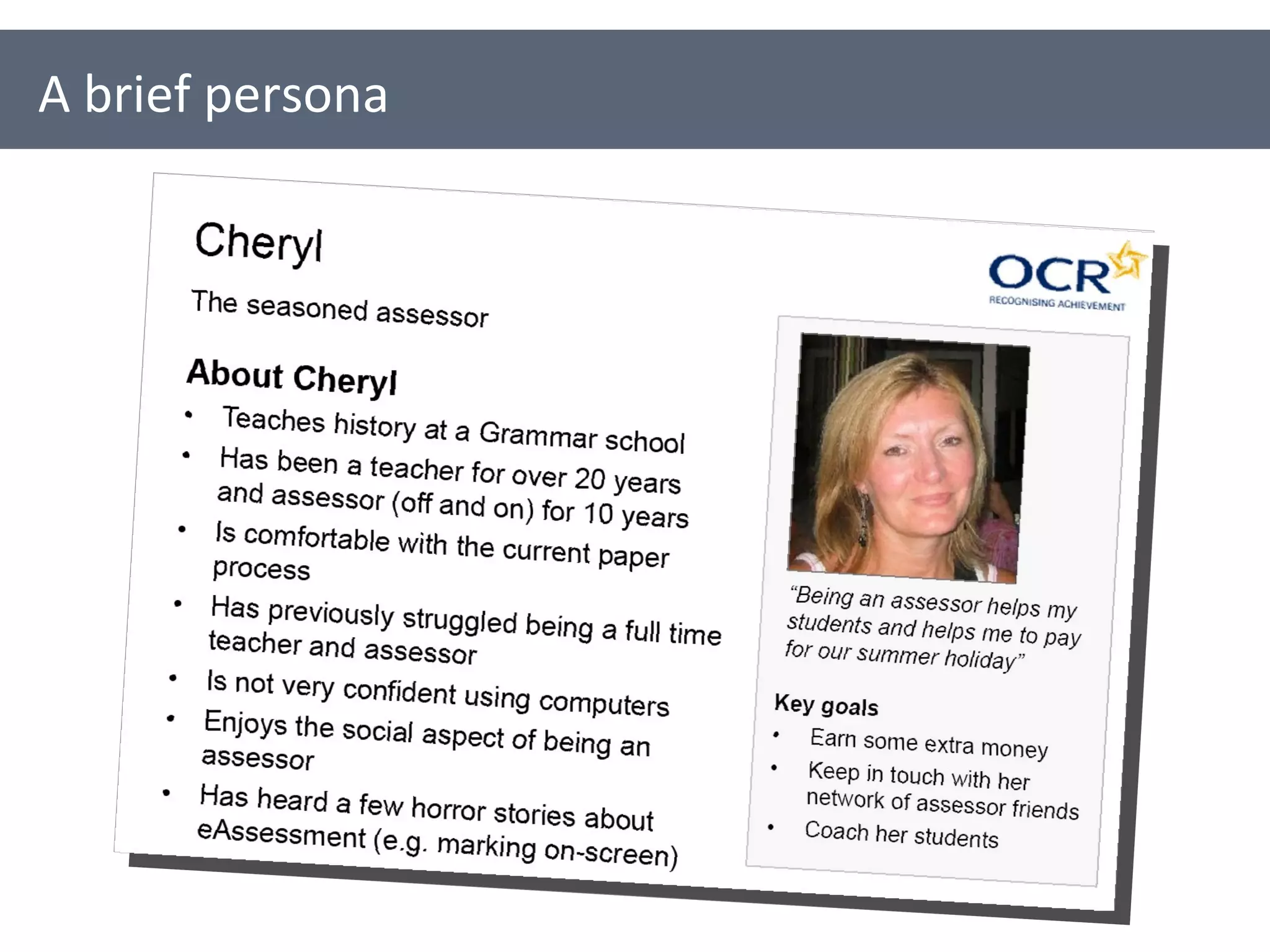
A brief persona
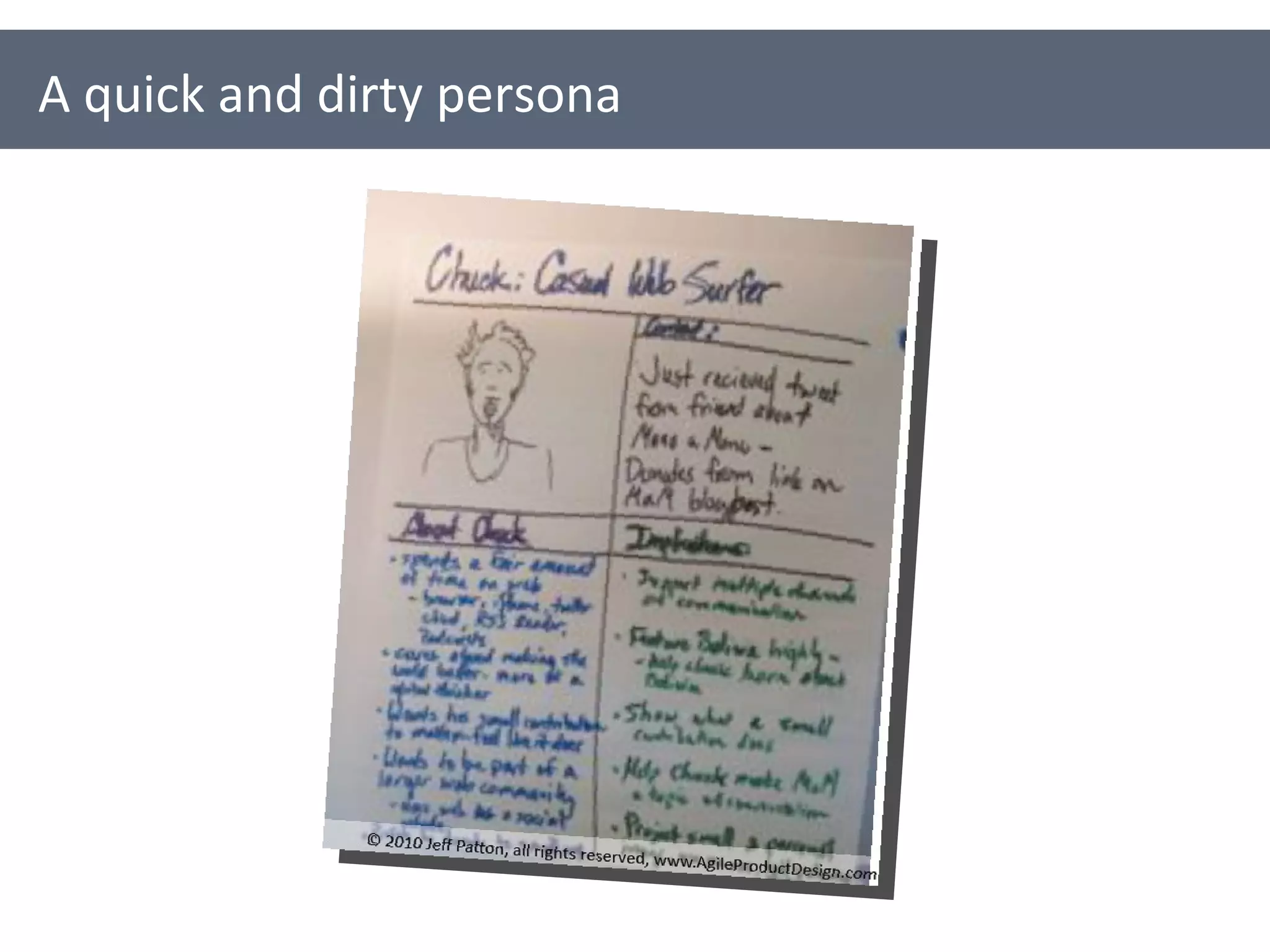
A quick and dirty persona
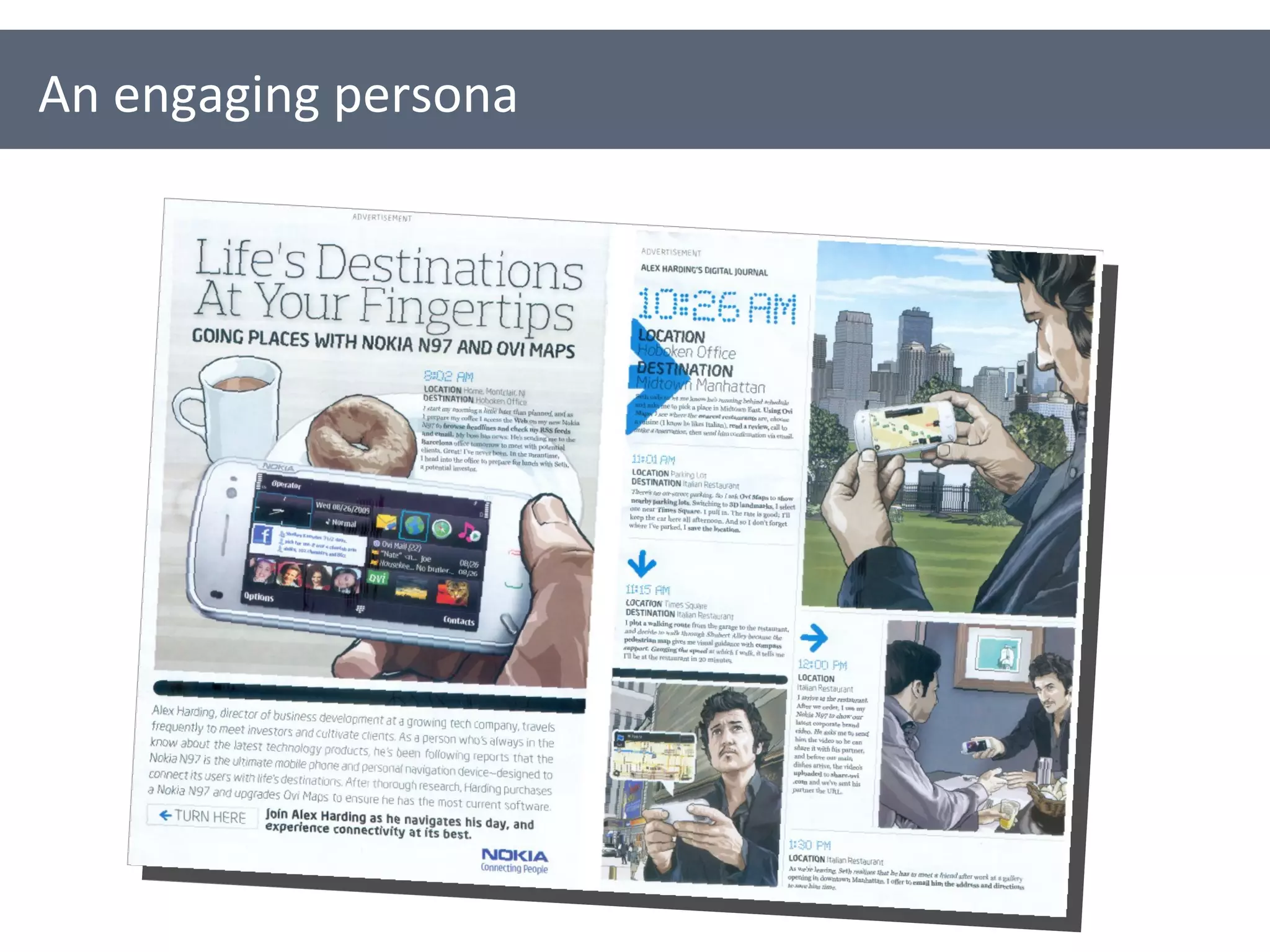
An engaging persona
Why use personas?
Put a human face to your users Encourage us to design and write for  real people Capture important user needs & requirements Help to build consensus Provoke discussion about users and usability Support and encourage user-centred design The creation process forces people to think about and find out about users Why use personas?
Why use personas? Sometimes the journey is more important than the destination…
Creating personas
1. Find out everything you can about your users
Talk to your users Talk to people who talk to your users Read about your users Survey your users Observe your users (with their permission) Write down everything you know and everything you don’t know about your users… 1. Find out everything you can about your users
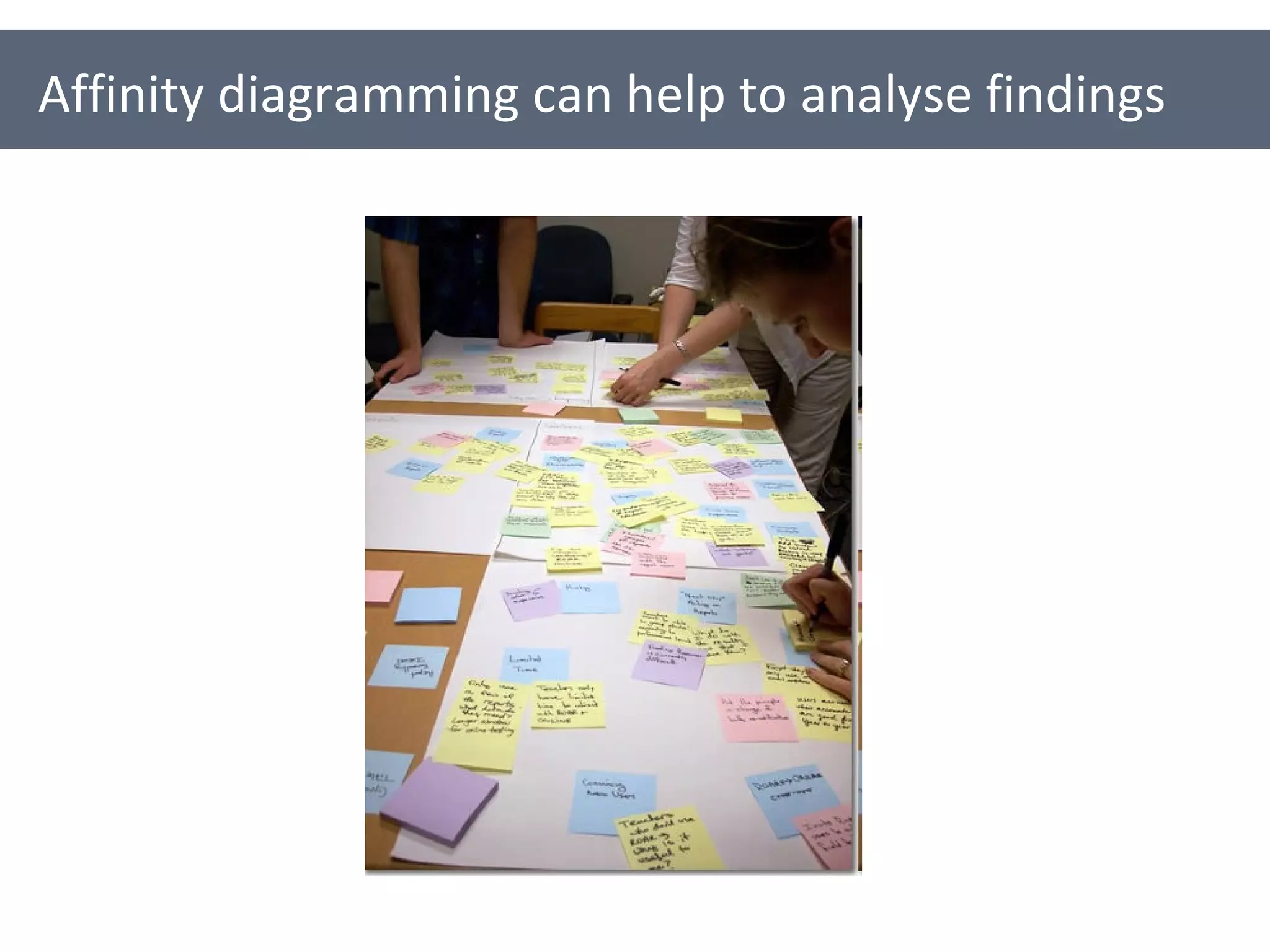
Affinity diagramming can help to analyse findings
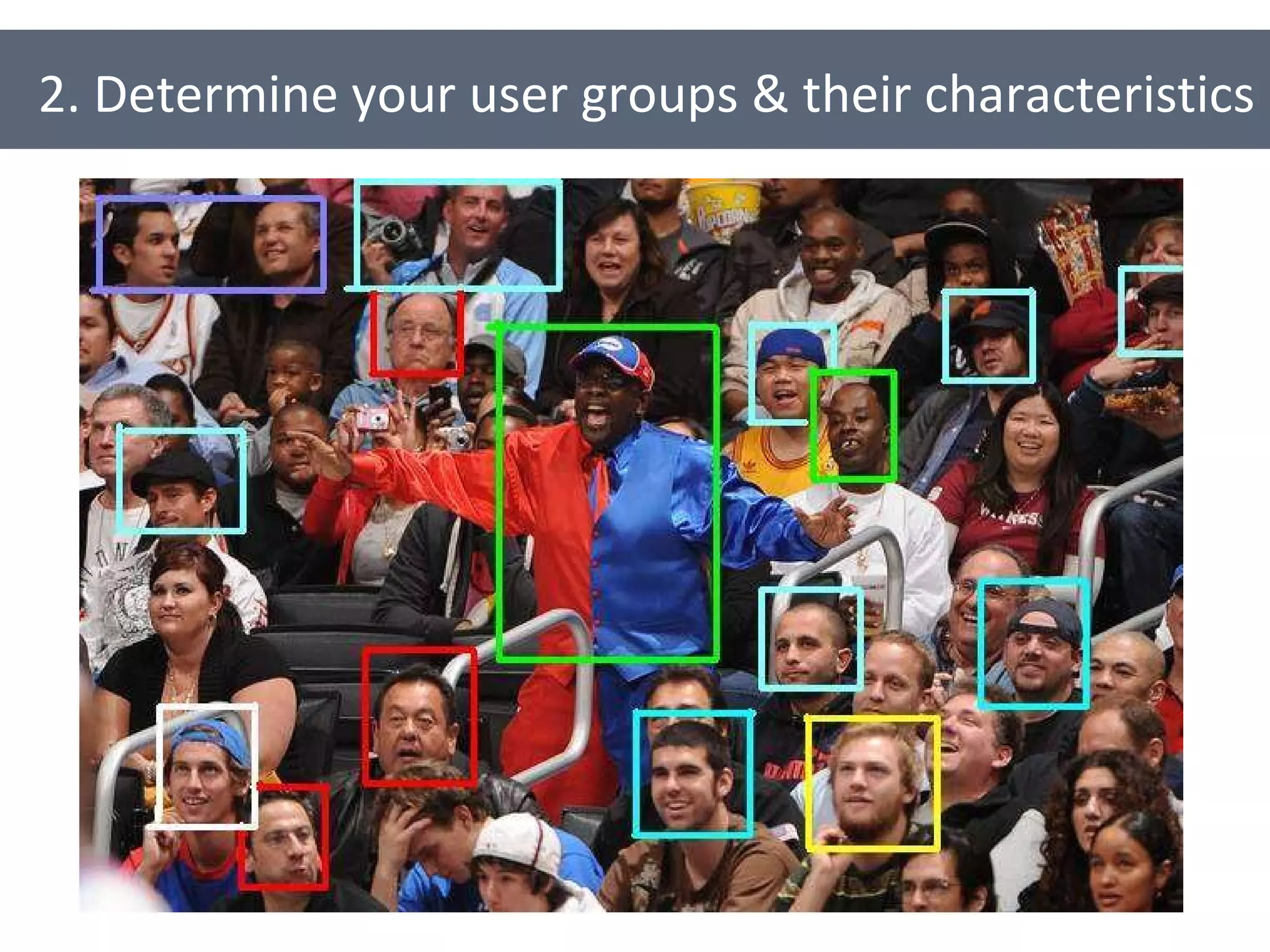
2. Determine your user groups & their characteristics
Which groups naturally form? What are the trends? Which groups are most important? What are the shared characteristics for each group? Goals and motivations Behaviours Attitudes 2. Determine your user groups & their characteristics
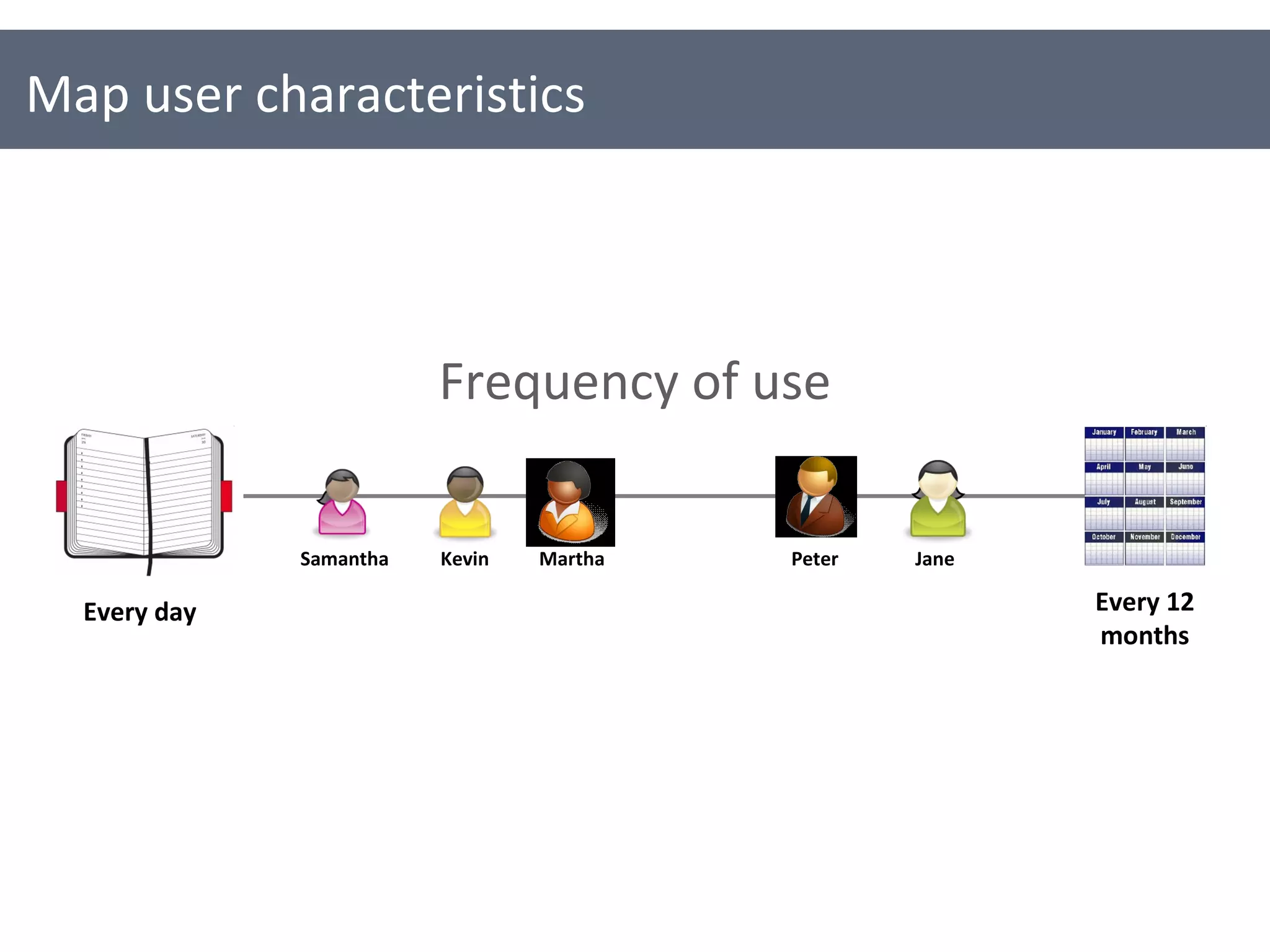
Map user characteristics Every day Every 12 months Martha Jane Samantha Kevin Frequency of use Peter
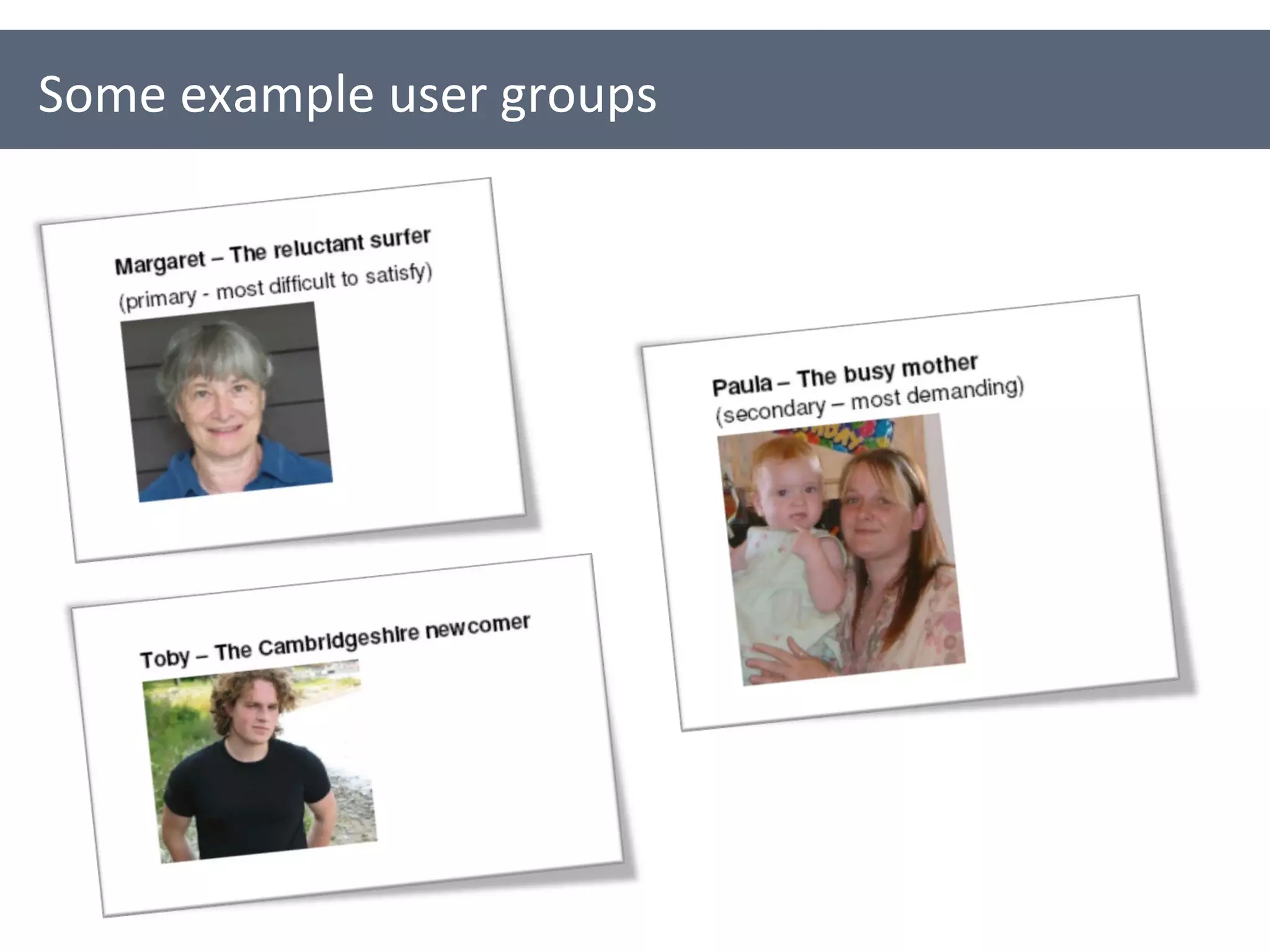
Some example user groups
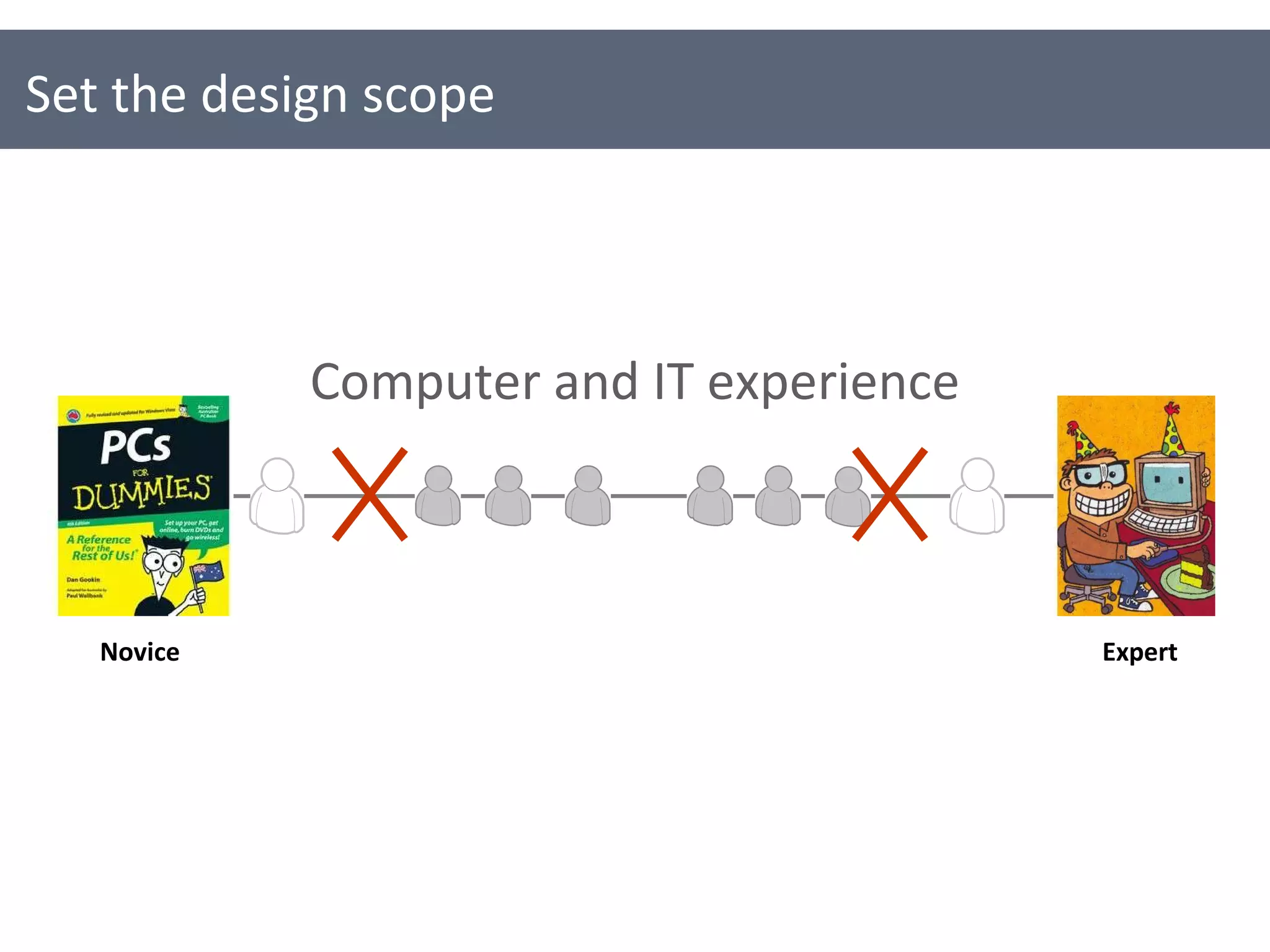
Set the design scope Novice Expert Computer and IT experience
3. Start creating your personas
3. Start creating your personas [Persona’s name] [A tag line for the persona] About [Name] Who are they? What is their background? What is their context? What’s important to them? What are their pain points and frustrations? Key goals & needs Goals Motivations Drivers Needs A picture or photo of the persona “ A quote the persona might say”
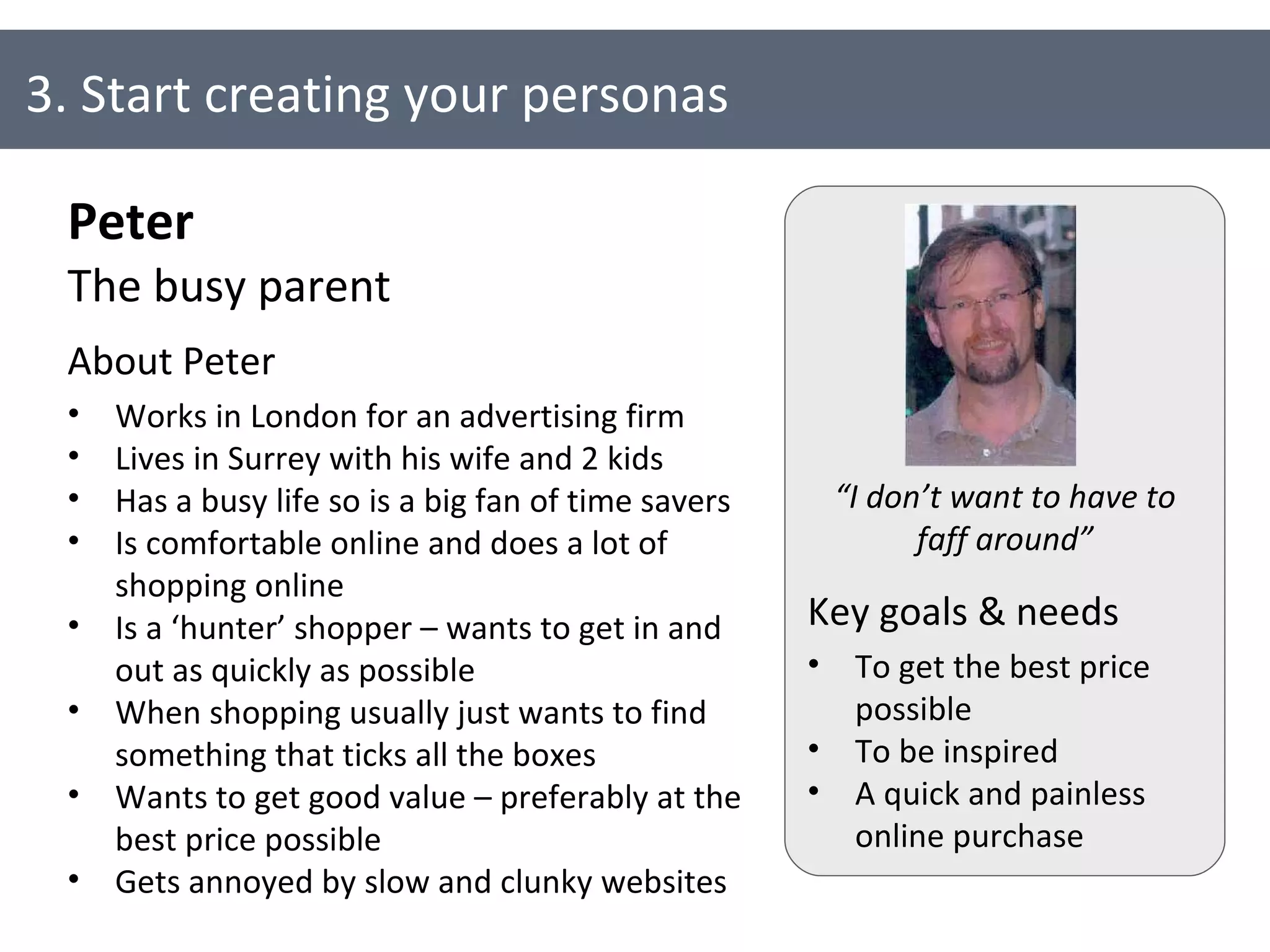
3. Start creating your personas Peter The busy parent About Peter Works in London for an advertising firm Lives in Surrey with his wife and 2 kids Has a busy life so is a big fan of time savers Is comfortable online and does a lot of shopping online Is a ‘hunter’ shopper – wants to get in and out as quickly as possible When shopping usually just wants to find something that ticks all the boxes Wants to get good value – preferably at the best price possible Gets annoyed by slow and clunky websites Key goals & needs To get the best price possible To be inspired A quick and painless online purchase “ I don’t want to have to faff around”
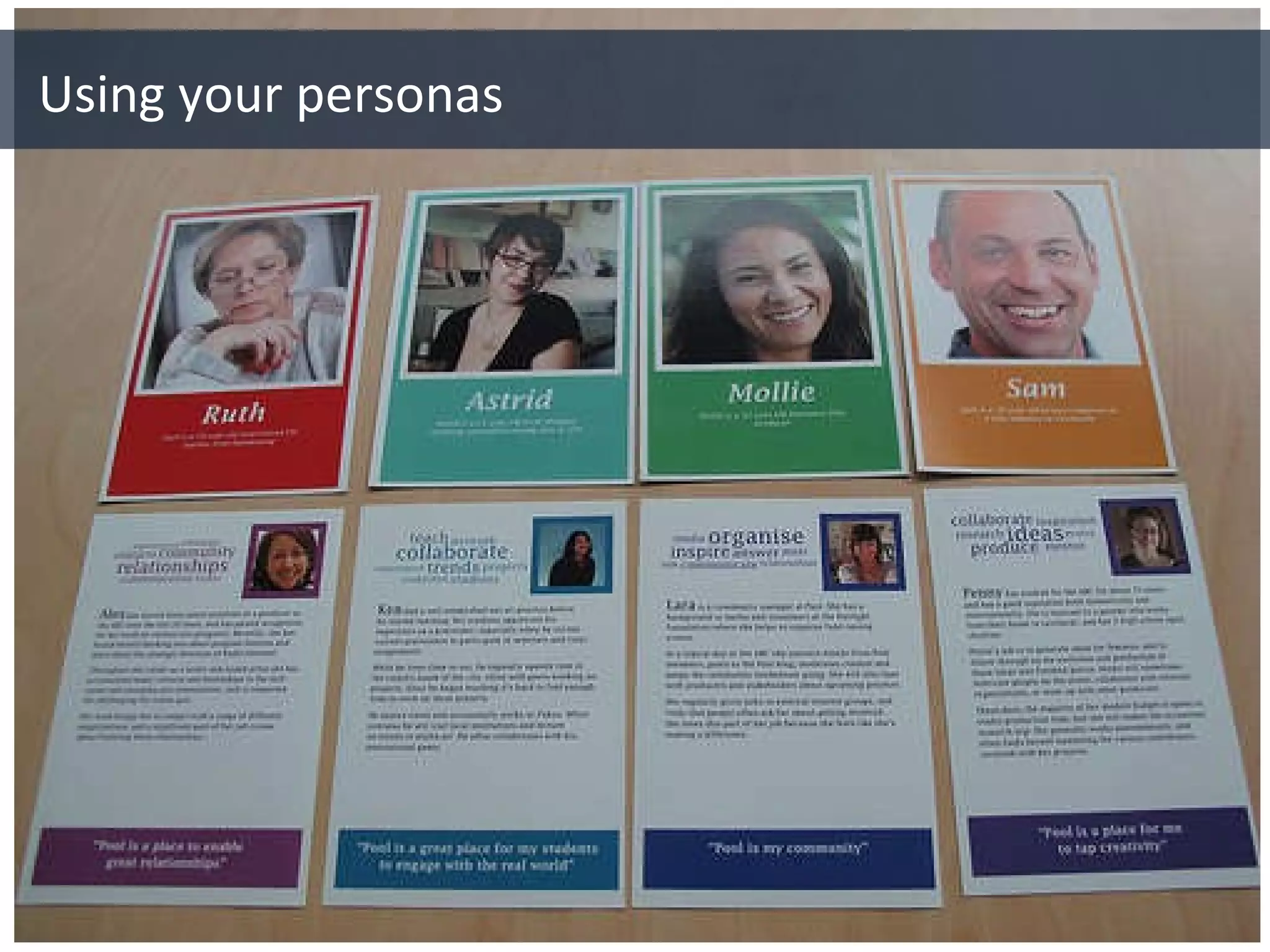
Using your personas
Use your personas to Communicate and define your users (especially key users) Brainstorm and think about content required by your users Prioritise content Define and think about appropriate language and terminology for your users Using your personas
Evaluate content and documents Role-play your users Define participants for user testing Using your personas
Some persona tips
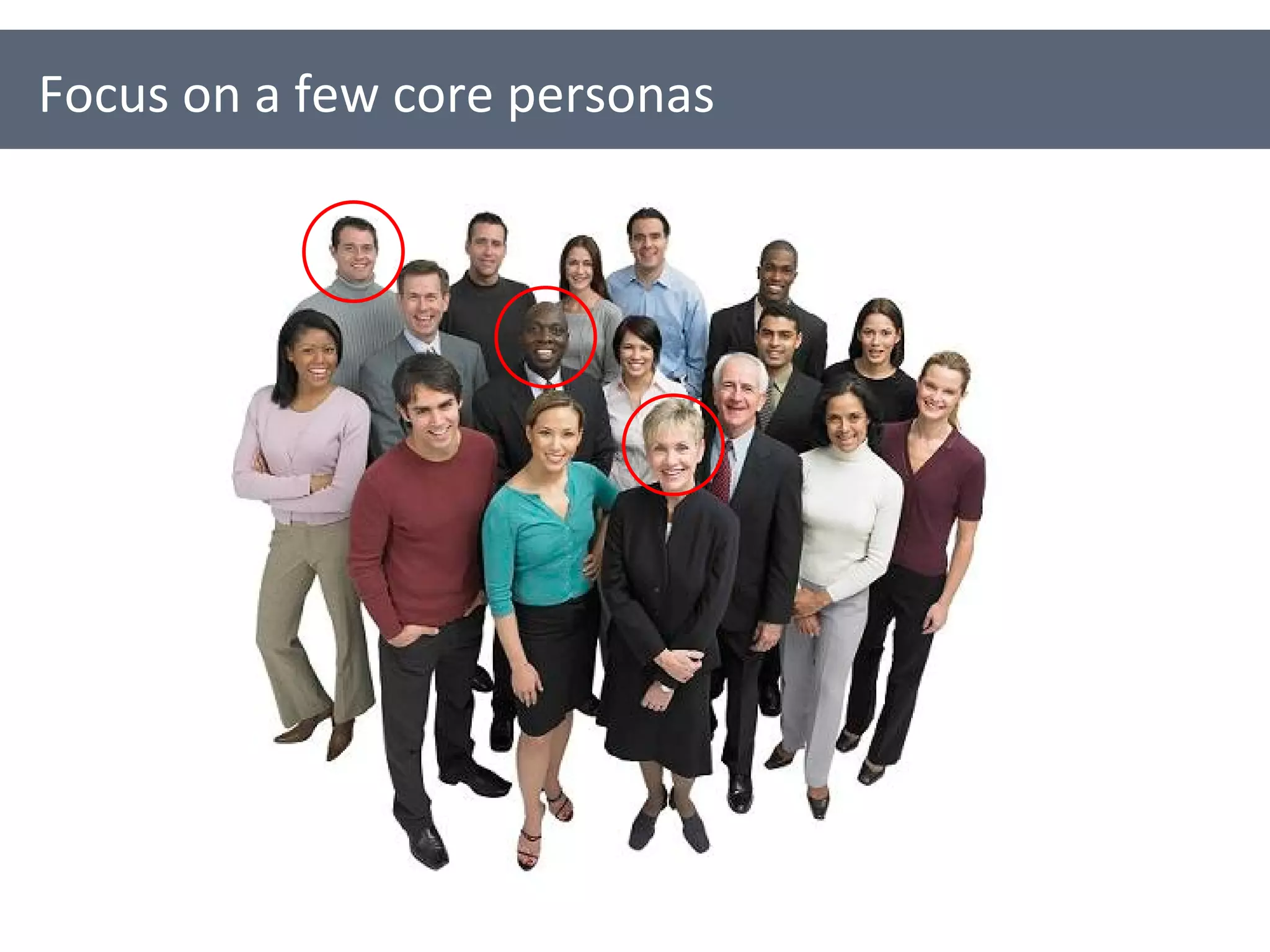
Focus on a few core personas
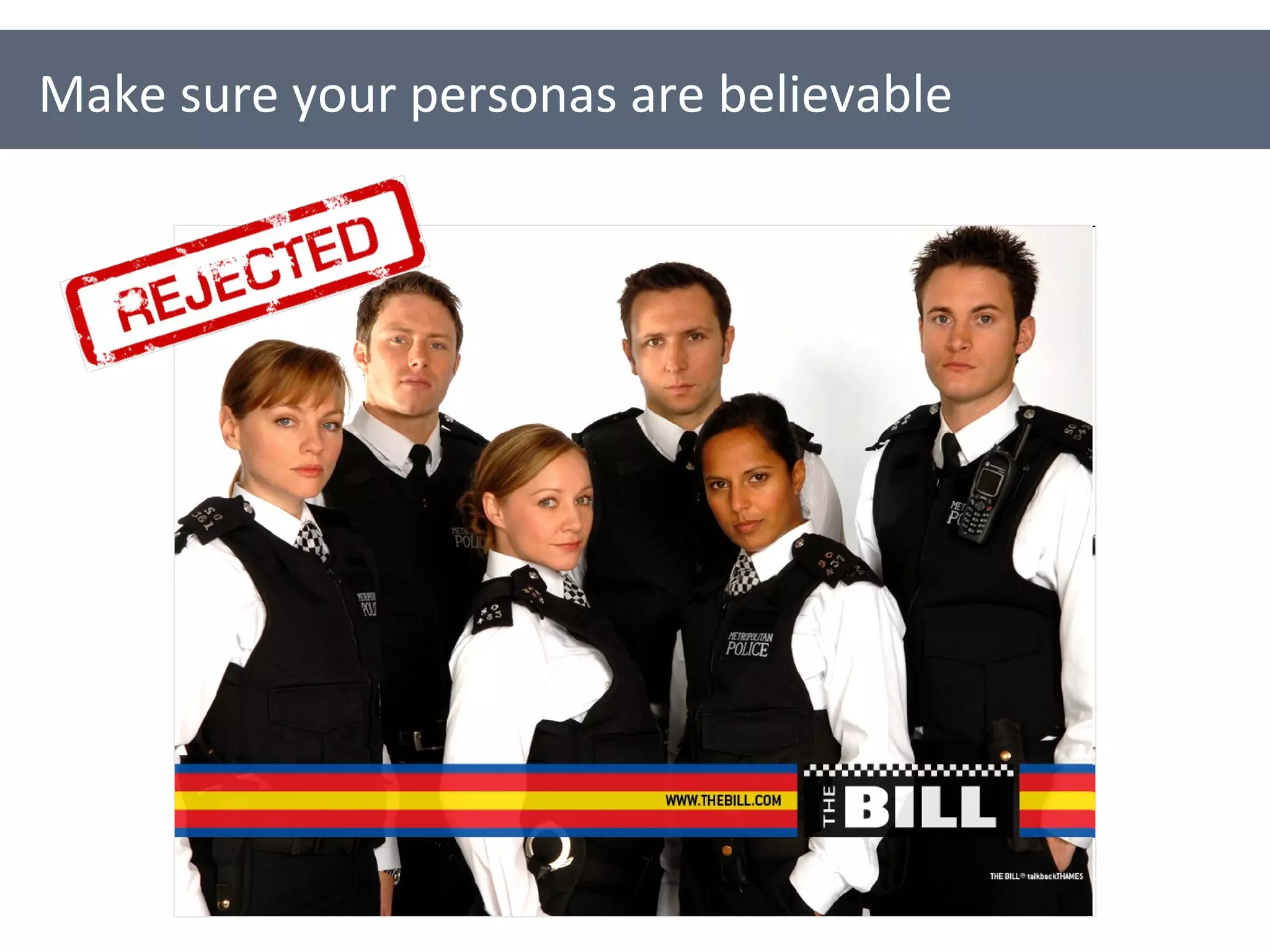
Make sure your personas are believable
Think of your persona as a brand People are more likely to remember a memorable name e.g. Phoebe the photographer Stuart the student Enrique the engineer Think memorable, but believable! Give your persona a memorable name
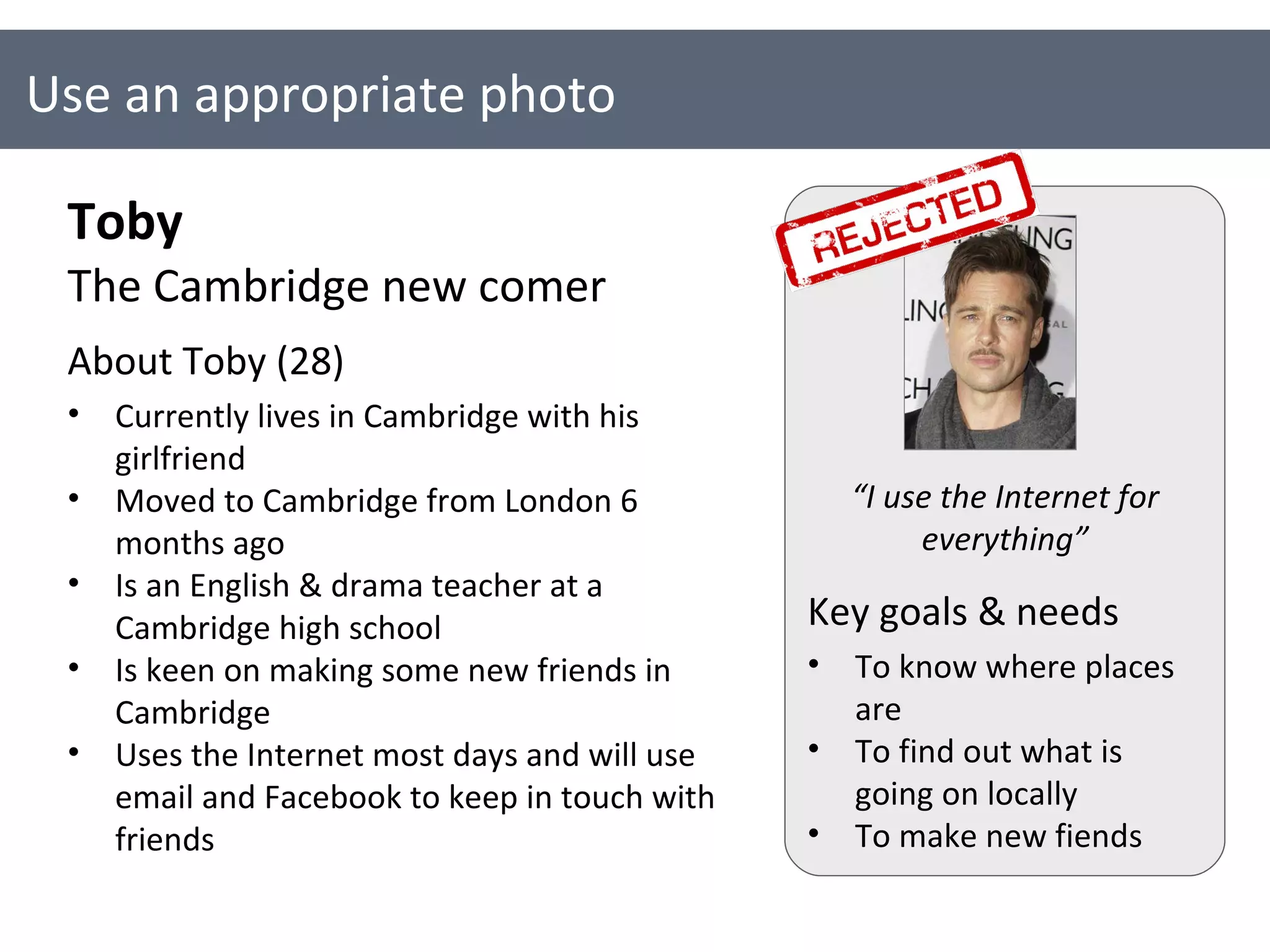
Use an appropriate photo Toby The Cambridge new comer About Toby (28) Currently lives in Cambridge with his girlfriend Moved to Cambridge from London 6 months ago Is an English & drama teacher at a Cambridge high school Is keen on making some new friends in Cambridge  Uses the Internet most days and will use email and Facebook to keep in touch with friends Key goals & needs To know where places are To find out what is going on locally To make new fiends “ I use the Internet for everything”
A person photo should be: A good size A head shot Natural, not too staged Royalty free Some good websites for finding photos are: Flickr Stock.xchng Fotolia Use an appropriate photo
Use a template [Persona’s name] [A tag line for the persona] About [Name] Who are they? What is their background? What is their context? What’s important to them? What are their pain points and frustrations? Key goals & needs Goals Motivations Drivers Needs A picture or photo of the persona “ A quote the persona might say”
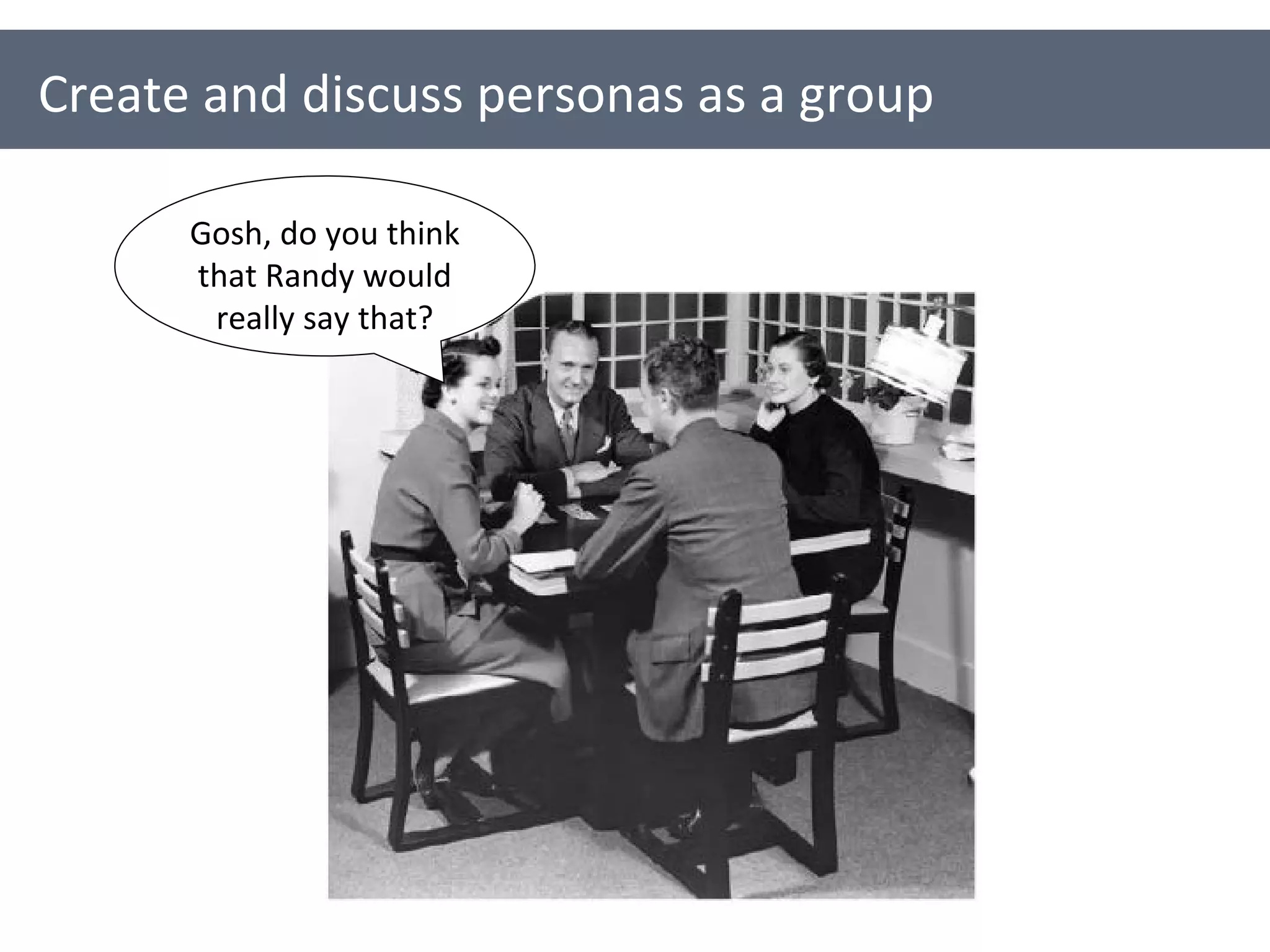
Create and discuss personas as a group Gosh, do you think that Randy would really say that?
Only include information that is important when it comes to designing for that person Throw away any superfluous information (unless of course it impacts the design) e.g. Their favourite film What car they drive Who their best friend is Cut out any unnecessary detail
Make your personas challenging
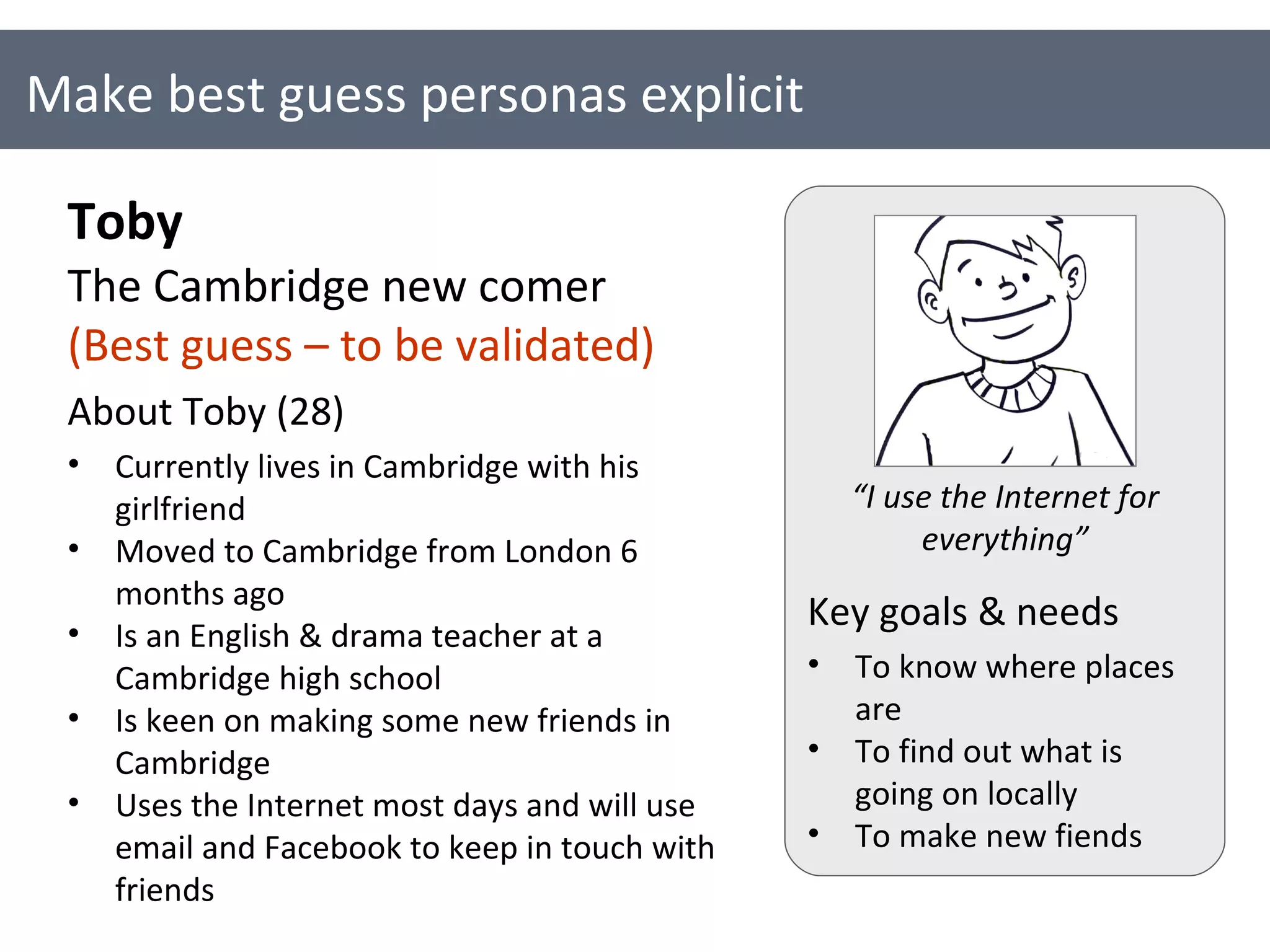
Make best guess personas explicit Toby The Cambridge new comer (Best guess – to be validated) About Toby (28) Currently lives in Cambridge with his girlfriend Moved to Cambridge from London 6 months ago Is an English & drama teacher at a Cambridge high school Is keen on making some new friends in Cambridge  Uses the Internet most days and will use email and Facebook to keep in touch with friends Key goals & needs To know where places are To find out what is going on locally To make new fiends “ I use the Internet for everything”
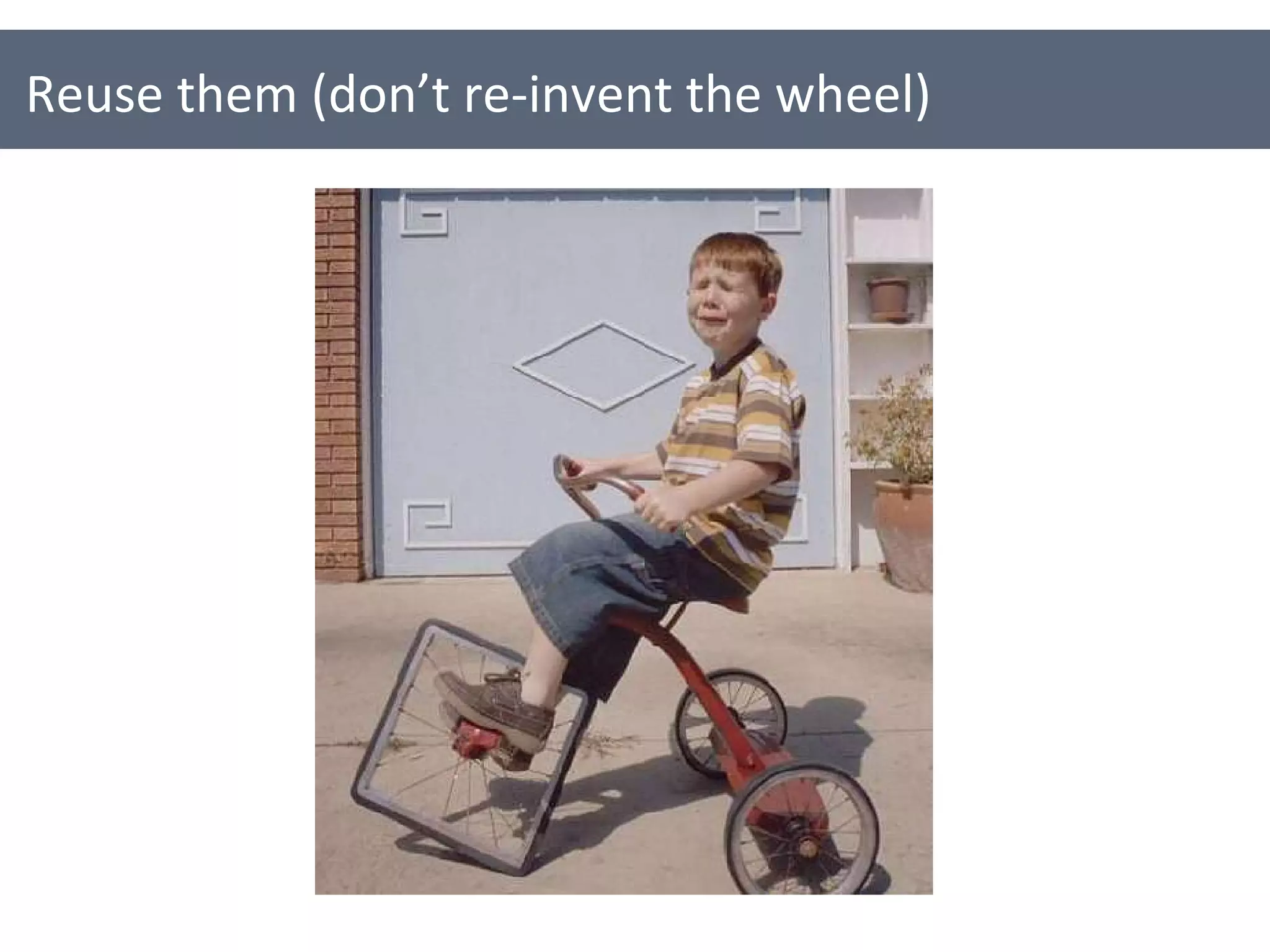
Reuse them (don’t re-invent the wheel)
Get your personas out in to the open Talk to people about them Put them up on the wall Include them in your documentation and presentations Create cards and hand outs for them Don’t just keep them to yourself
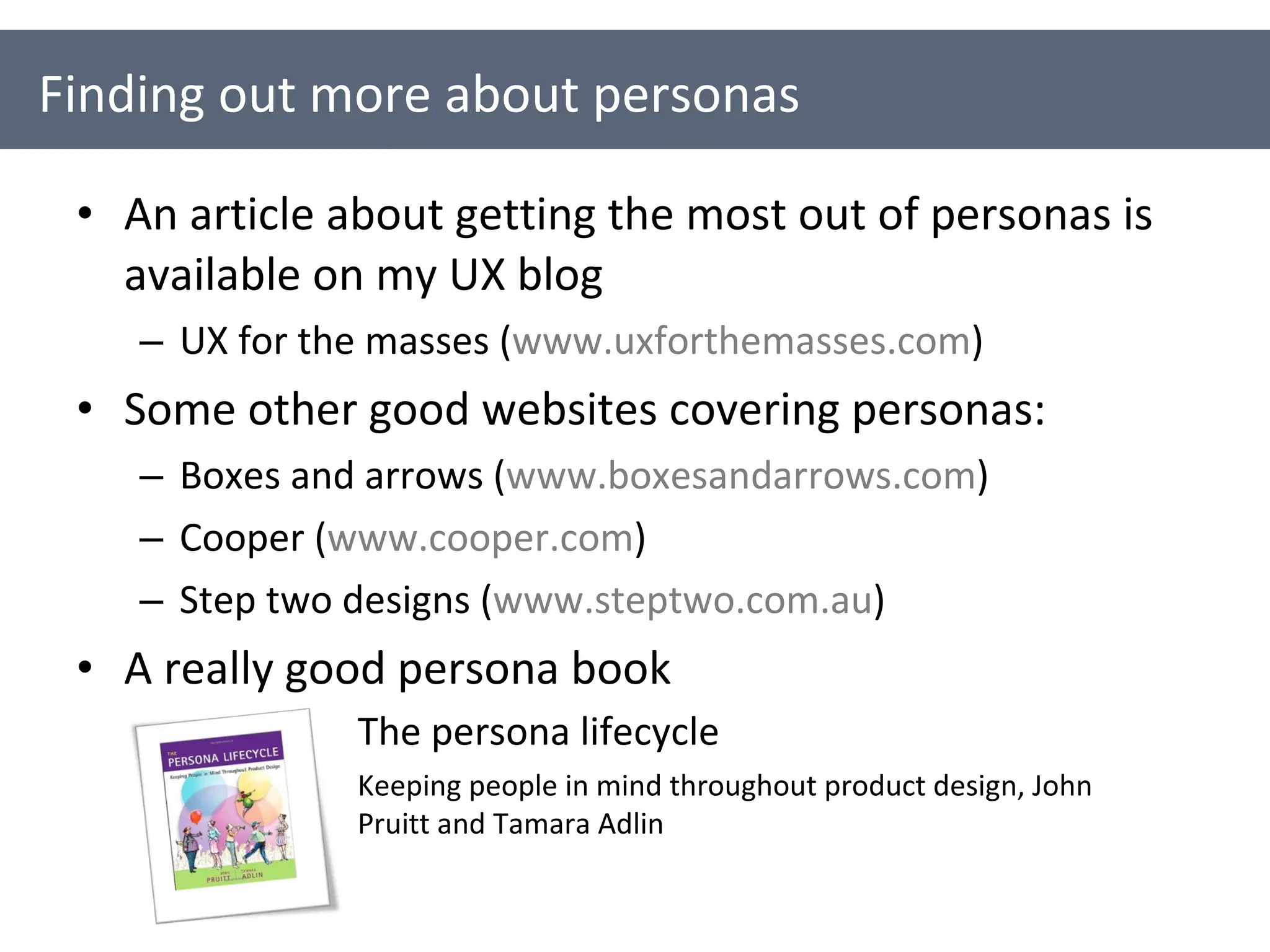
An article about getting the most out of personas is available on my UX blog UX for the masses ( www.uxforthemasses.com ) Some other good websites covering personas: Boxes and arrows ( www.boxesandarrows.com ) Cooper ( www.cooper.com ) Step two designs ( www.steptwo.com.au )  A really good persona book Finding out more about personas The persona lifecycle Keeping people in mind throughout product design, John Pruitt and Tamara Adlin
Thank you, and good night…

An introduction to personas for technical authors

  • 1.
    An introduction topersonas for technical authors Neil Turner June 2010
  • 2.
    User experience architectat Cambridge Assessment This means that I do (among other things): UI and UX design User research User testing and usability evaluation A bit about me…
  • 3.
  • 4.
  • 5.
    Representatives for yourusers / audience They represent the goals, motivations, characteristics and behaviour of a real group of users They are fictional, but based on fact (hopefully) What are personas?
  • 6.
  • 7.
  • 8.
    A quick anddirty persona
  • 9.
  • 10.
  • 11.
    Put a humanface to your users Encourage us to design and write for real people Capture important user needs & requirements Help to build consensus Provoke discussion about users and usability Support and encourage user-centred design The creation process forces people to think about and find out about users Why use personas?
  • 12.
    Why use personas?Sometimes the journey is more important than the destination…
  • 13.
  • 14.
    1. Find outeverything you can about your users
  • 15.
    Talk to yourusers Talk to people who talk to your users Read about your users Survey your users Observe your users (with their permission) Write down everything you know and everything you don’t know about your users… 1. Find out everything you can about your users
  • 16.
    Affinity diagramming canhelp to analyse findings
  • 17.
    2. Determine youruser groups & their characteristics
  • 18.
    Which groups naturallyform? What are the trends? Which groups are most important? What are the shared characteristics for each group? Goals and motivations Behaviours Attitudes 2. Determine your user groups & their characteristics
  • 19.
    Map user characteristicsEvery day Every 12 months Martha Jane Samantha Kevin Frequency of use Peter
  • 20.
  • 21.
    Set the designscope Novice Expert Computer and IT experience
  • 22.
    3. Start creatingyour personas
  • 23.
    3. Start creatingyour personas [Persona’s name] [A tag line for the persona] About [Name] Who are they? What is their background? What is their context? What’s important to them? What are their pain points and frustrations? Key goals & needs Goals Motivations Drivers Needs A picture or photo of the persona “ A quote the persona might say”
  • 24.
    3. Start creatingyour personas Peter The busy parent About Peter Works in London for an advertising firm Lives in Surrey with his wife and 2 kids Has a busy life so is a big fan of time savers Is comfortable online and does a lot of shopping online Is a ‘hunter’ shopper – wants to get in and out as quickly as possible When shopping usually just wants to find something that ticks all the boxes Wants to get good value – preferably at the best price possible Gets annoyed by slow and clunky websites Key goals & needs To get the best price possible To be inspired A quick and painless online purchase “ I don’t want to have to faff around”
  • 25.
  • 26.
    Use your personasto Communicate and define your users (especially key users) Brainstorm and think about content required by your users Prioritise content Define and think about appropriate language and terminology for your users Using your personas
  • 27.
    Evaluate content anddocuments Role-play your users Define participants for user testing Using your personas
  • 28.
  • 29.
    Focus on afew core personas
  • 30.
    Make sure yourpersonas are believable
  • 31.
    Think of yourpersona as a brand People are more likely to remember a memorable name e.g. Phoebe the photographer Stuart the student Enrique the engineer Think memorable, but believable! Give your persona a memorable name
  • 32.
    Use an appropriatephoto Toby The Cambridge new comer About Toby (28) Currently lives in Cambridge with his girlfriend Moved to Cambridge from London 6 months ago Is an English & drama teacher at a Cambridge high school Is keen on making some new friends in Cambridge Uses the Internet most days and will use email and Facebook to keep in touch with friends Key goals & needs To know where places are To find out what is going on locally To make new fiends “ I use the Internet for everything”
  • 33.
    A person photoshould be: A good size A head shot Natural, not too staged Royalty free Some good websites for finding photos are: Flickr Stock.xchng Fotolia Use an appropriate photo
  • 34.
    Use a template[Persona’s name] [A tag line for the persona] About [Name] Who are they? What is their background? What is their context? What’s important to them? What are their pain points and frustrations? Key goals & needs Goals Motivations Drivers Needs A picture or photo of the persona “ A quote the persona might say”
  • 35.
    Create and discusspersonas as a group Gosh, do you think that Randy would really say that?
  • 36.
    Only include informationthat is important when it comes to designing for that person Throw away any superfluous information (unless of course it impacts the design) e.g. Their favourite film What car they drive Who their best friend is Cut out any unnecessary detail
  • 37.
    Make your personaschallenging
  • 38.
    Make best guesspersonas explicit Toby The Cambridge new comer (Best guess – to be validated) About Toby (28) Currently lives in Cambridge with his girlfriend Moved to Cambridge from London 6 months ago Is an English & drama teacher at a Cambridge high school Is keen on making some new friends in Cambridge Uses the Internet most days and will use email and Facebook to keep in touch with friends Key goals & needs To know where places are To find out what is going on locally To make new fiends “ I use the Internet for everything”
  • 39.
    Reuse them (don’tre-invent the wheel)
  • 40.
    Get your personasout in to the open Talk to people about them Put them up on the wall Include them in your documentation and presentations Create cards and hand outs for them Don’t just keep them to yourself
  • 41.
    An article aboutgetting the most out of personas is available on my UX blog UX for the masses ( www.uxforthemasses.com ) Some other good websites covering personas: Boxes and arrows ( www.boxesandarrows.com ) Cooper ( www.cooper.com ) Step two designs ( www.steptwo.com.au ) A really good persona book Finding out more about personas The persona lifecycle Keeping people in mind throughout product design, John Pruitt and Tamara Adlin
  • 42.
    Thank you, andgood night…

Editor's Notes

  • #3 The last point is really important – Garbage in, garbage out.
  • #4 In case you didn’t guess – it’s an egg with a face on it!
  • #5 In case you didn’t guess – it’s an egg with a face on it!
  • #6 The last point is really important – Garbage in, garbage out.
  • #7 This is a persona created for the OCR ADM project. It’s quite detailed outlining background about the person, a day in their life and their attitude towards technology and OCR
  • #8 Personas don’t have to be so detailed. They can be brief, just giving enough information for people to put themselves in that person’s shoes.
  • #9 You could have very quick and dirty personas. All it takes is 15 minutes to very quickly start putting together a persona.
  • #10 This is a very slick example persona from Nokia. It’s more of a storyboard really but shows a really good way of using personas to demonstrate how a product might be used.
  • #11 Monkey persona?
  • #12 The last one is really important. The journey is just as important as the destination! In other word, you learn loads through the process of creating personas.
  • #13 Monkey persona?
  • #15 Elementary my dear Watson!
  • #17 Elementary my dear Watson!
  • #18 From all the people that could user your site or product, which are the most important ones? Who does it primarily need to be designed for?
  • #19 A group doesn’t just have to be a demographic group. It could be based around similar attitudes, level of engagement, behaviour etc…
  • #20 A group doesn’t just have to be a demographic group. It could be based around similar attitudes, level of engagement, behaviour etc…
  • #21 These are some example user groups and personas that were created for a Cambridge community website.
  • #22 A group doesn’t just have to be a demographic group. It could be based around similar attitudes, level of engagement, behaviour etc…
  • #26 These are some persona cards that were created to help everyone get to know the personas. You can see some information about the persona on the back of each card, together with what is important to them and a good quote.
  • #29 These are some persona cards that were created to help everyone get to know the personas. You can see some information about the persona on the back of each card, together with what is important to them and a good quote.
  • #30 You might have identify a lot of different users – it’s best to focus on those that are most important. You can’t design something for everyone, so the key is to get a good mix of the users you really care about.
  • #31 If you’re designing a computer system to be used in schools, don’t base your personas on characters from Grange Hill!!!
  • #32 Comedy names, such as ‘Miguel the Mexican’ are best avoided, as are celebrity names, such as ‘Jo Lo’ or ‘Madonna’
  • #34 Comedy names, such as ‘Miguel the Mexican’ are best avoided, as are celebrity names, such as ‘Jo Lo’ or ‘Madonna’
  • #36 If you’re designing a computer system to be used in schools, don’t base your personas on characters from Grange Hill!!!
  • #37 The last example is from a company that used to send their personas birthday cards and would receive holiday postcards from their personas. It’s all about getting people regularly thinking about their users.
  • #38 The last example is from a company that used to send their personas birthday cards and would receive holiday postcards from their personas. It’s all about getting people regularly thinking about their users.
  • #41 The last example is from a company that used to send their personas birthday cards and would receive holiday postcards from their personas. It’s all about getting people regularly thinking about their users.