REMOTE DESIGN SPRINTS -
LESSONS FROM A BRAVE
NEIL TURNER
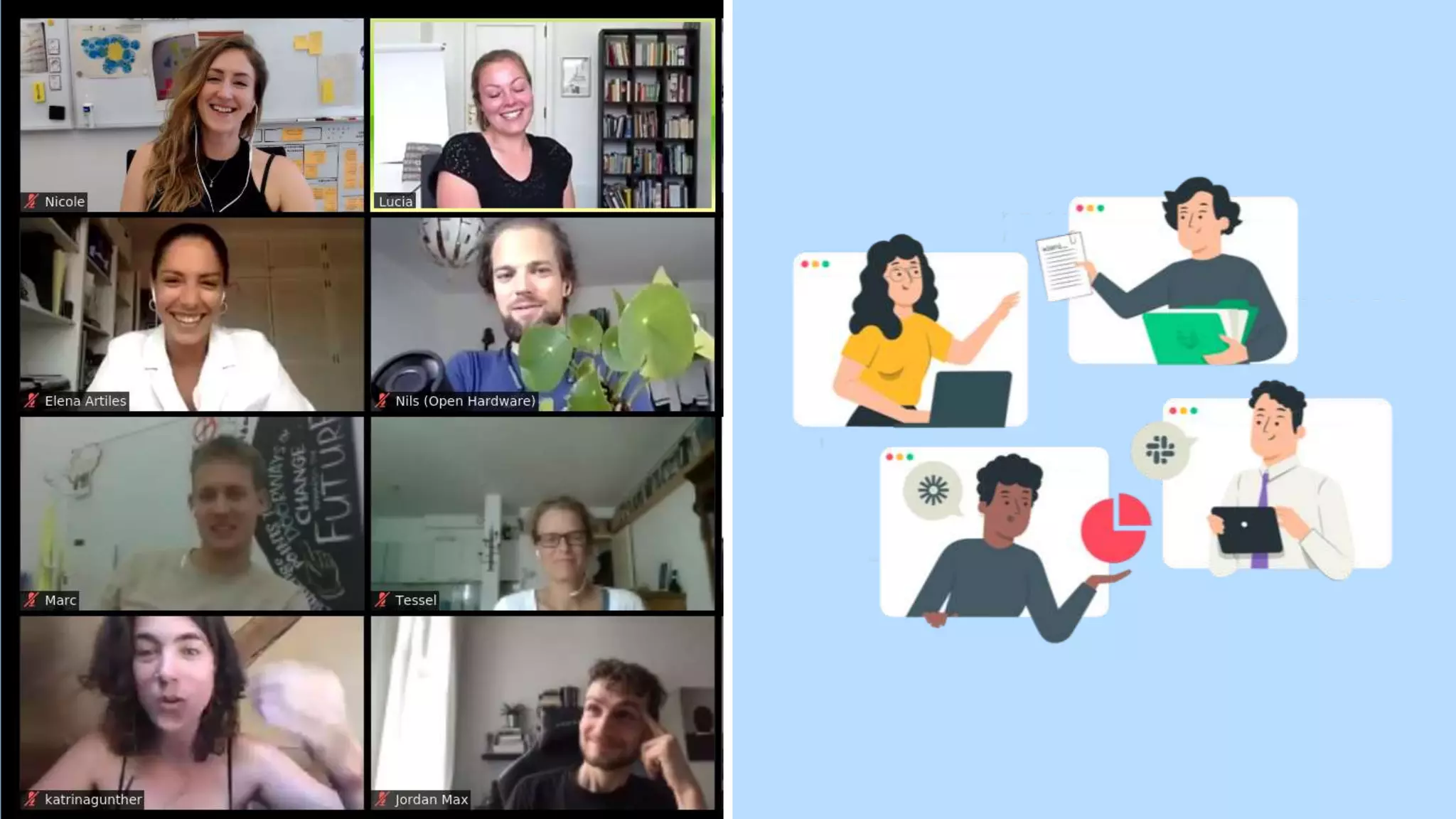
NEW (REMOTE) WORLD
Image by Pete Linforth from Pixabay
REMOTE DESIGN SPRINTS
β€’ What is a design sprint?
β€’ Remote design sprints vs in-person
β€’ When to run a remote design sprint
β€’ Lessons from remote design sprints
β€’ Where to find out more
WHAT IS A
DESIGN SPRINT?
β€œA design sprint is a time-constrained process
that uses design thinking with the aim of
reducing the risk when bringing a new
product, service or a feature to the market.”
Wikipedia
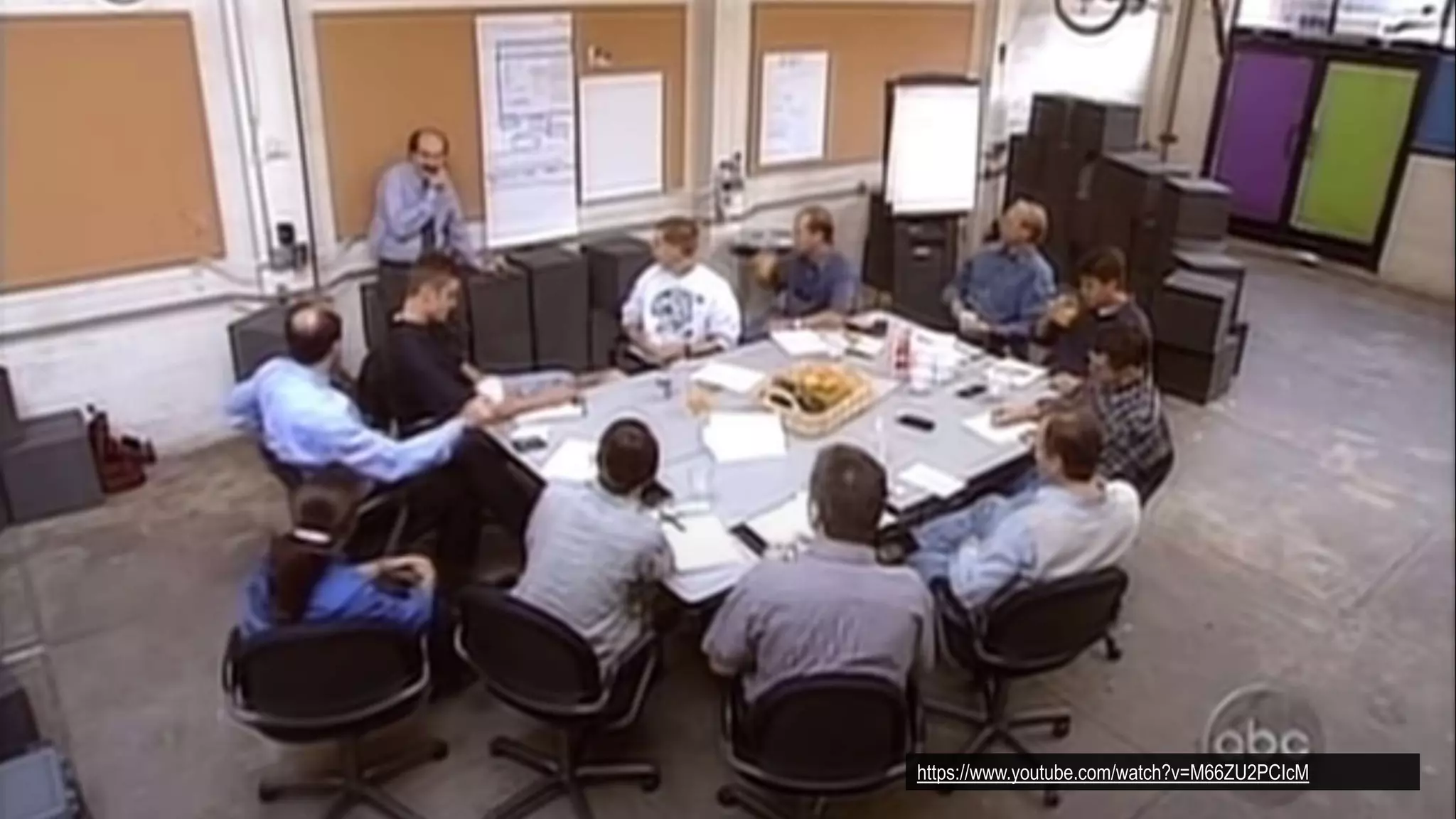
https://www.youtube.com/watch?v=M66ZU2PCIcM
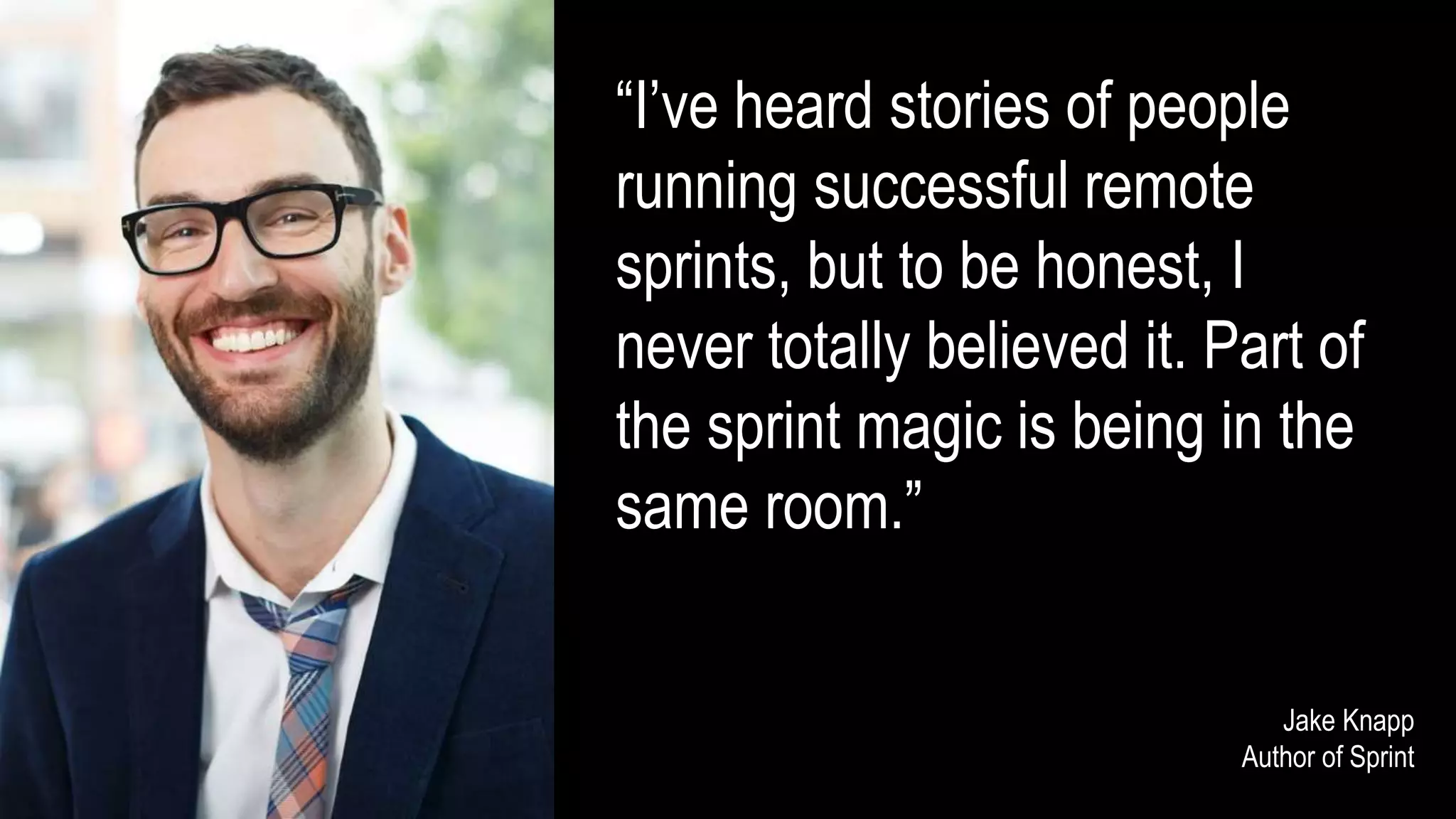
β€œI’ve heard stories of people
running successful remote
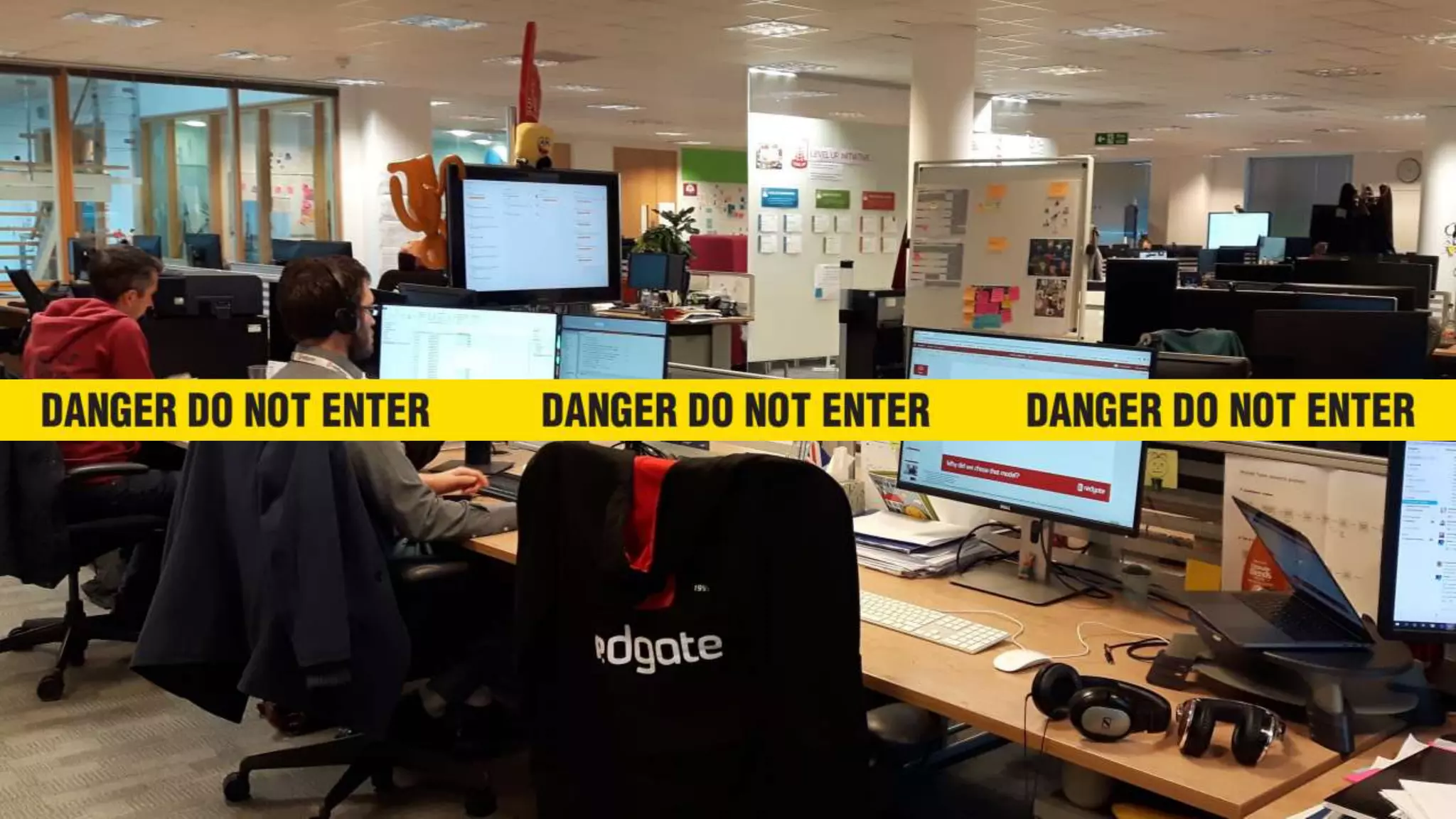
sprints, but to be honest, I
never totally believed it. Part of
the sprint magic is being in the
same room.”
Jake Knapp
Author of Sprint
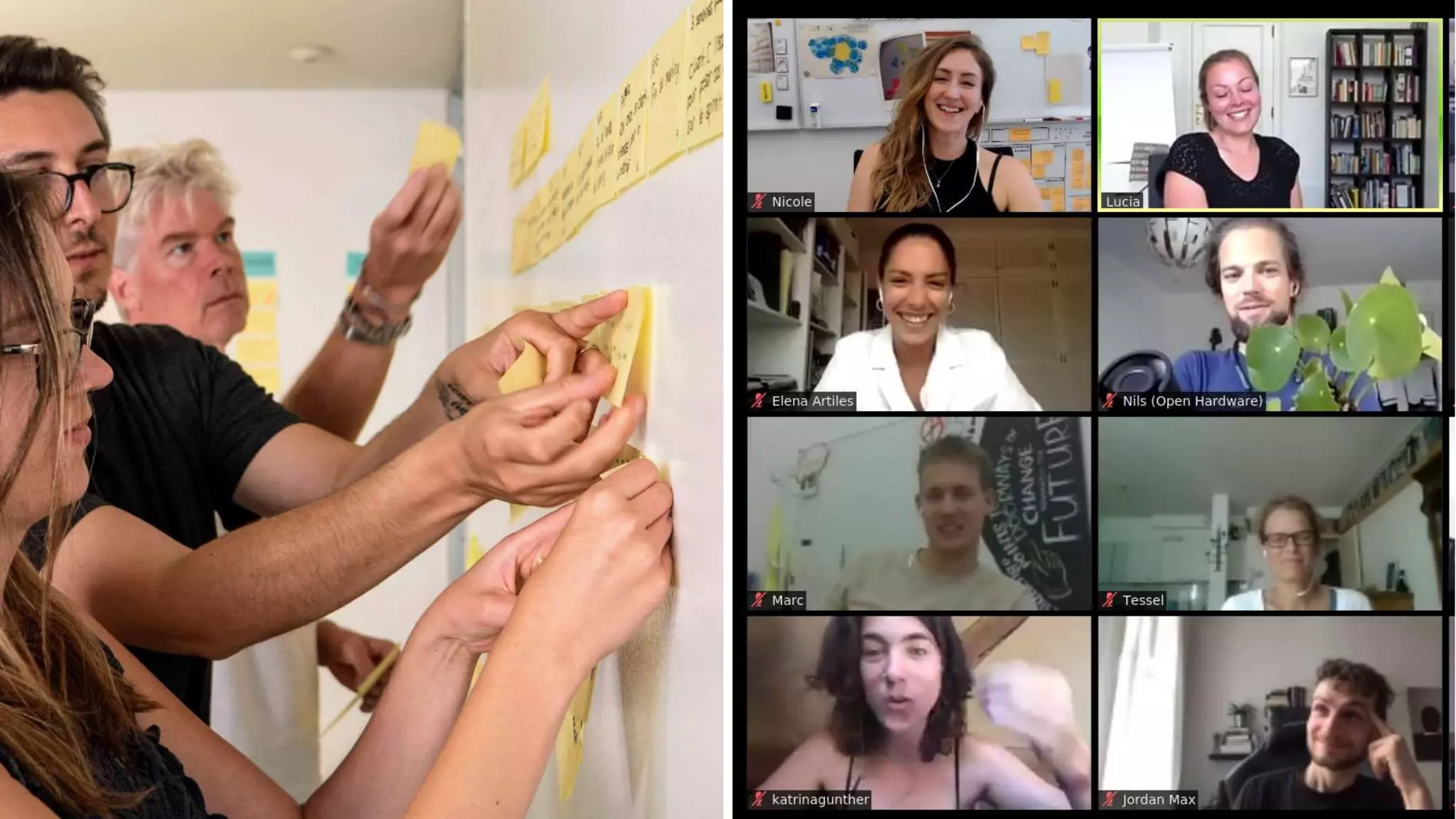
REMOTE DESIGN SPRINTS
VS
IN-PERSON
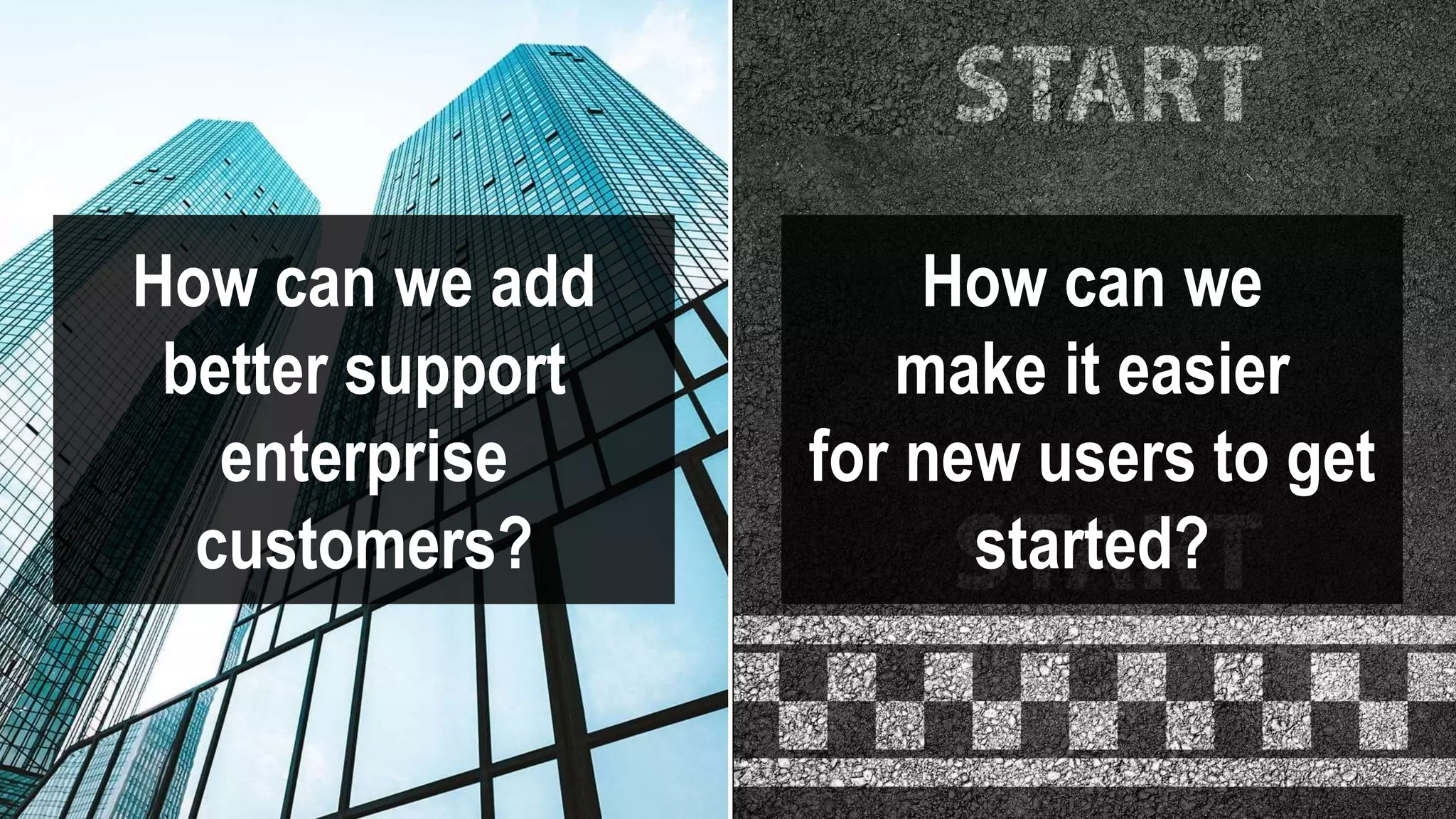
How can we add
better support
enterprise
customers?
How can we
make it easier
for new users to get
started?
WHEN TO RUN A REMOTE
DESIGN SPRINT
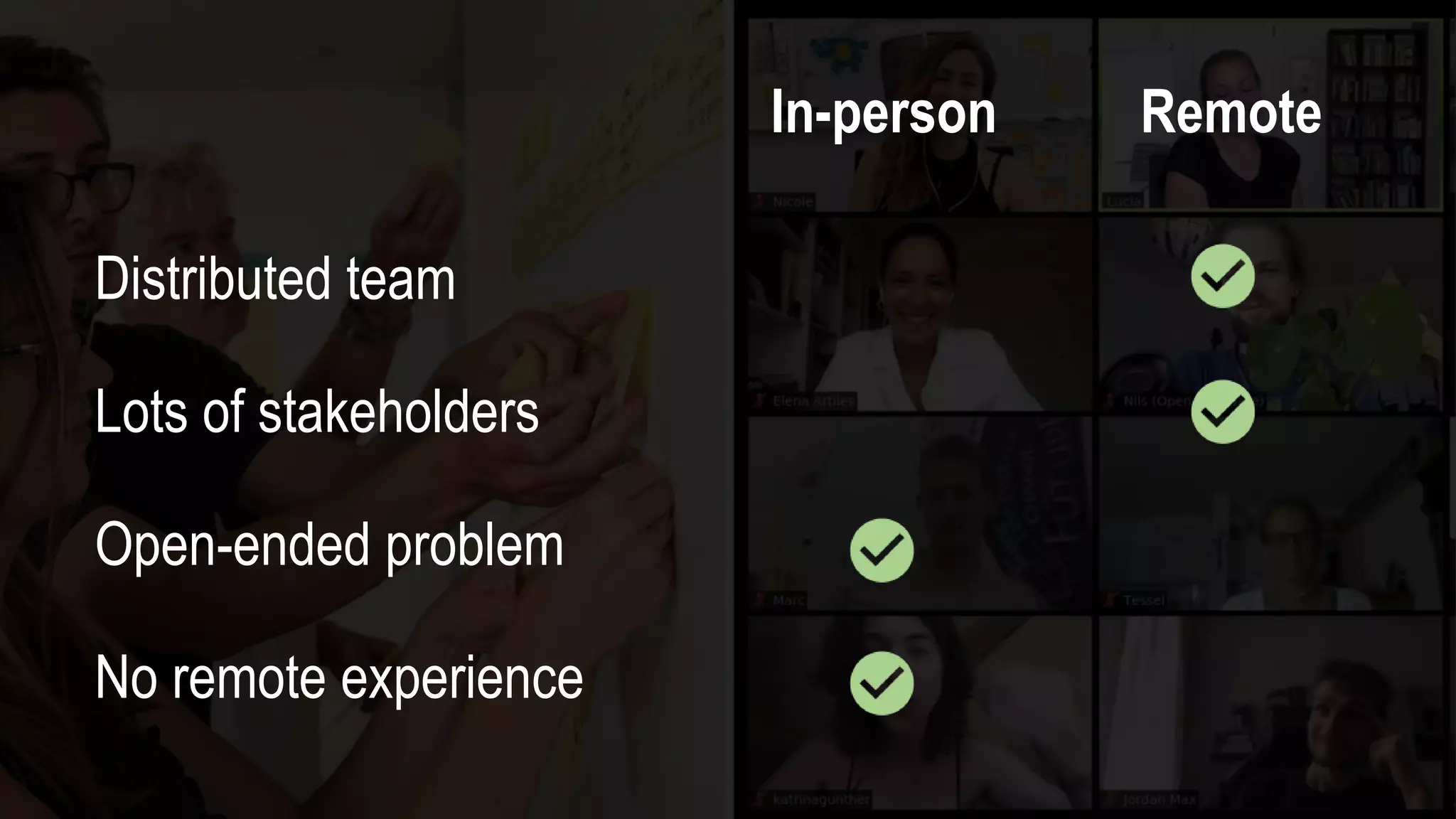
In-person Remote
Distributed team
Lots of stakeholders
Open-ended problem
No remote experience
IN-PERSON REMOTE
10 LESSONS FROM
2 X REMOTE DESIGN SPRINTS
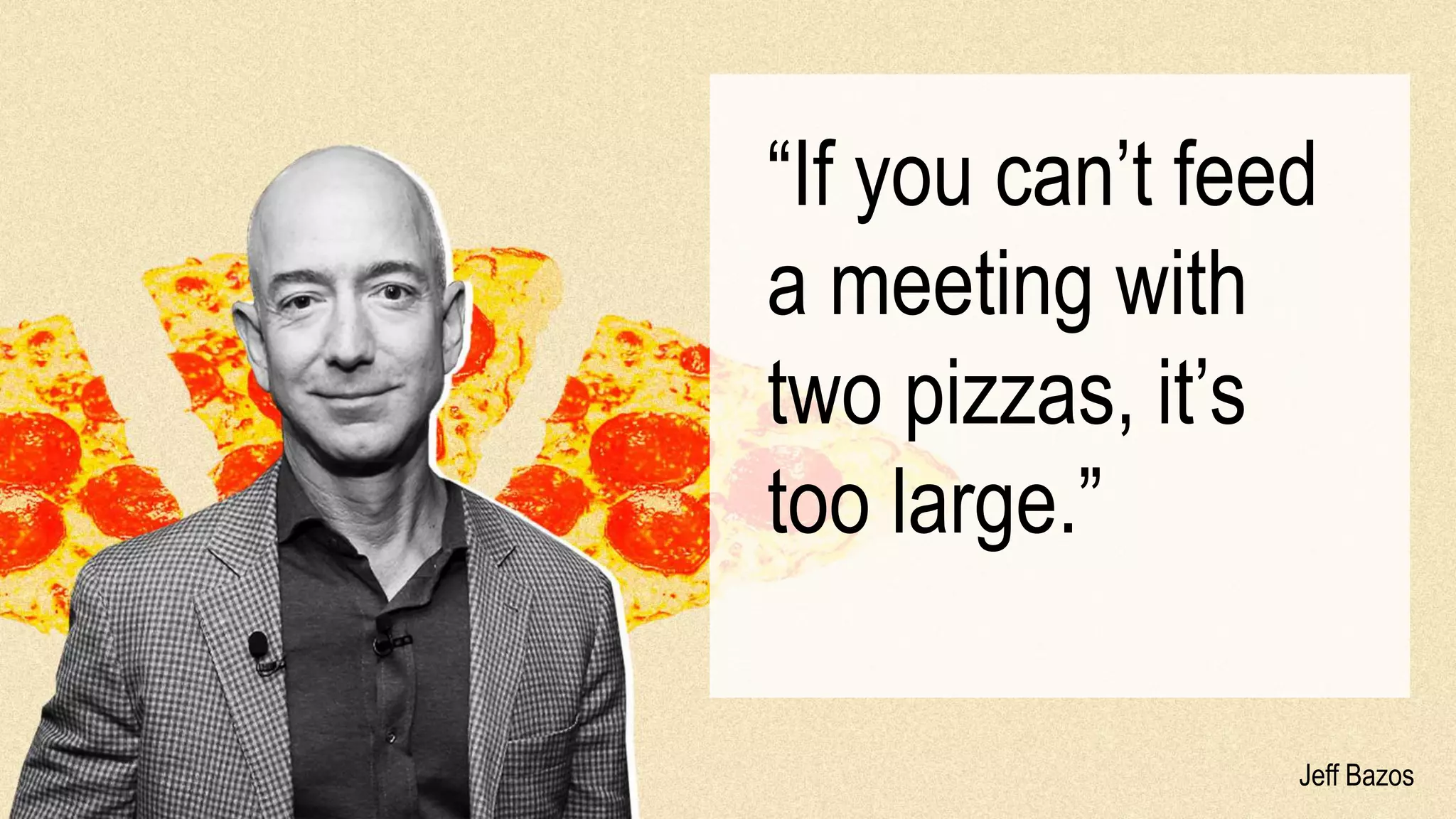
Jeff Bazos
β€œIf you can’t feed
a meeting with
two pizzas, it’s
too large.”
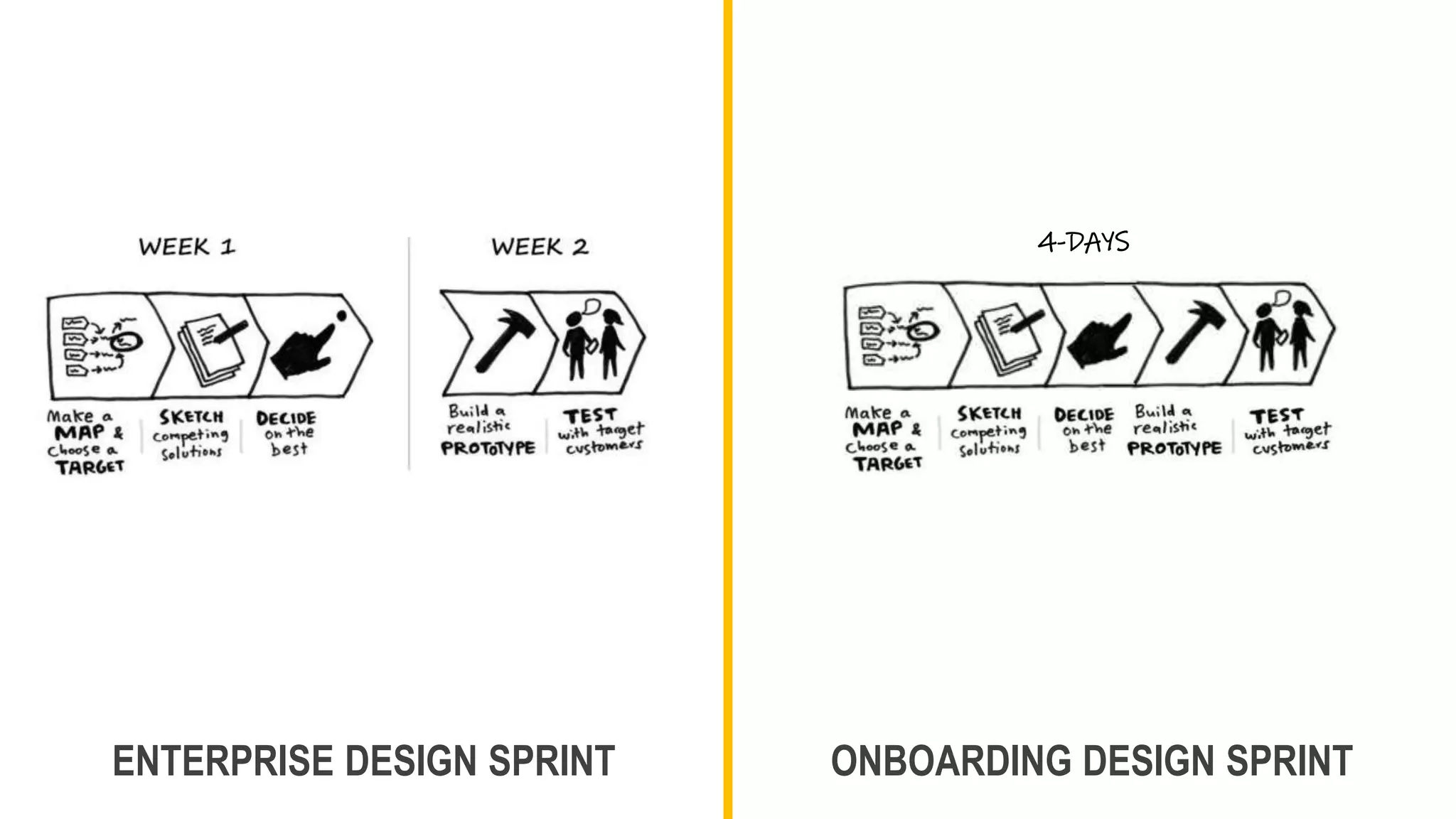
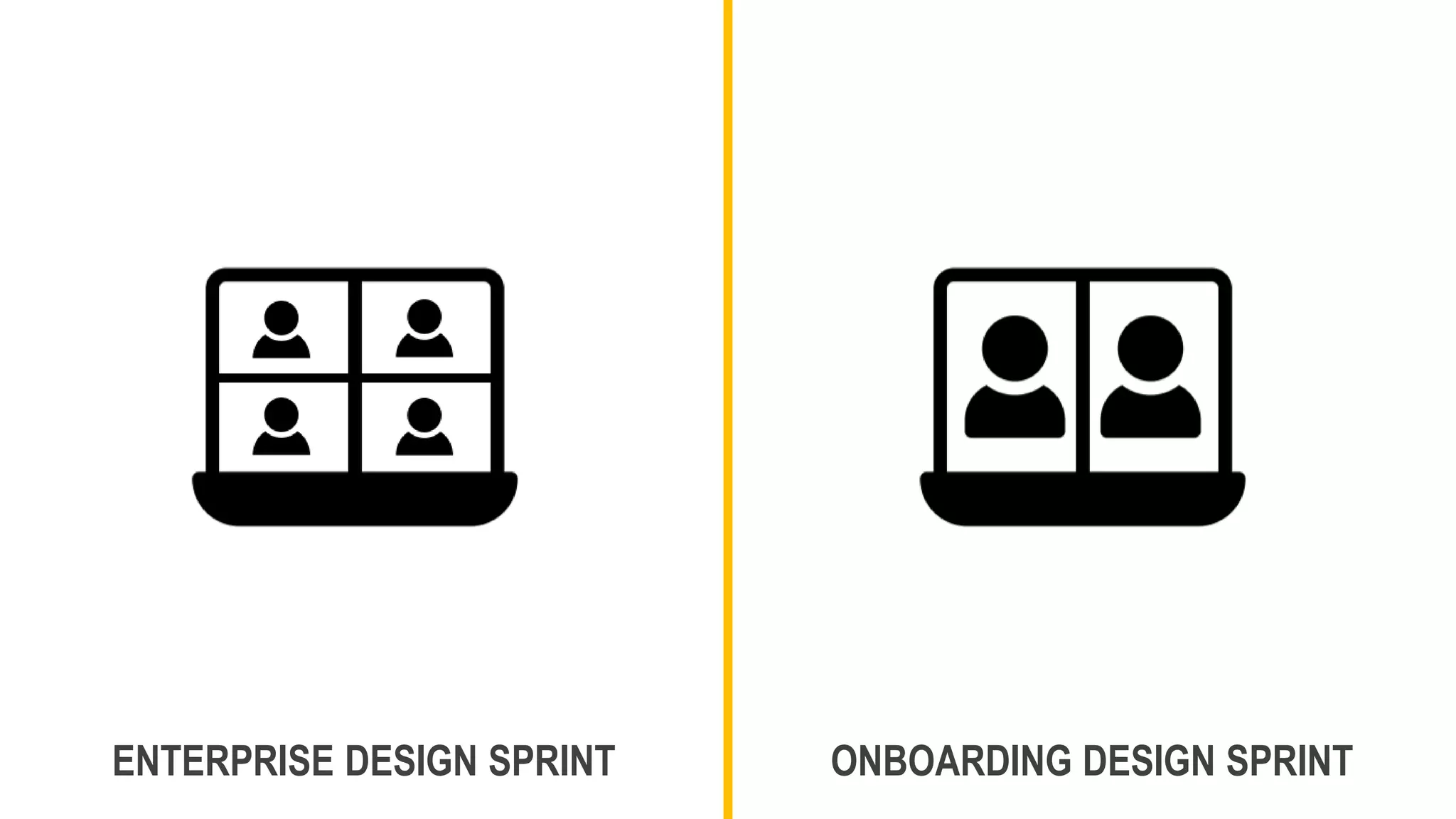
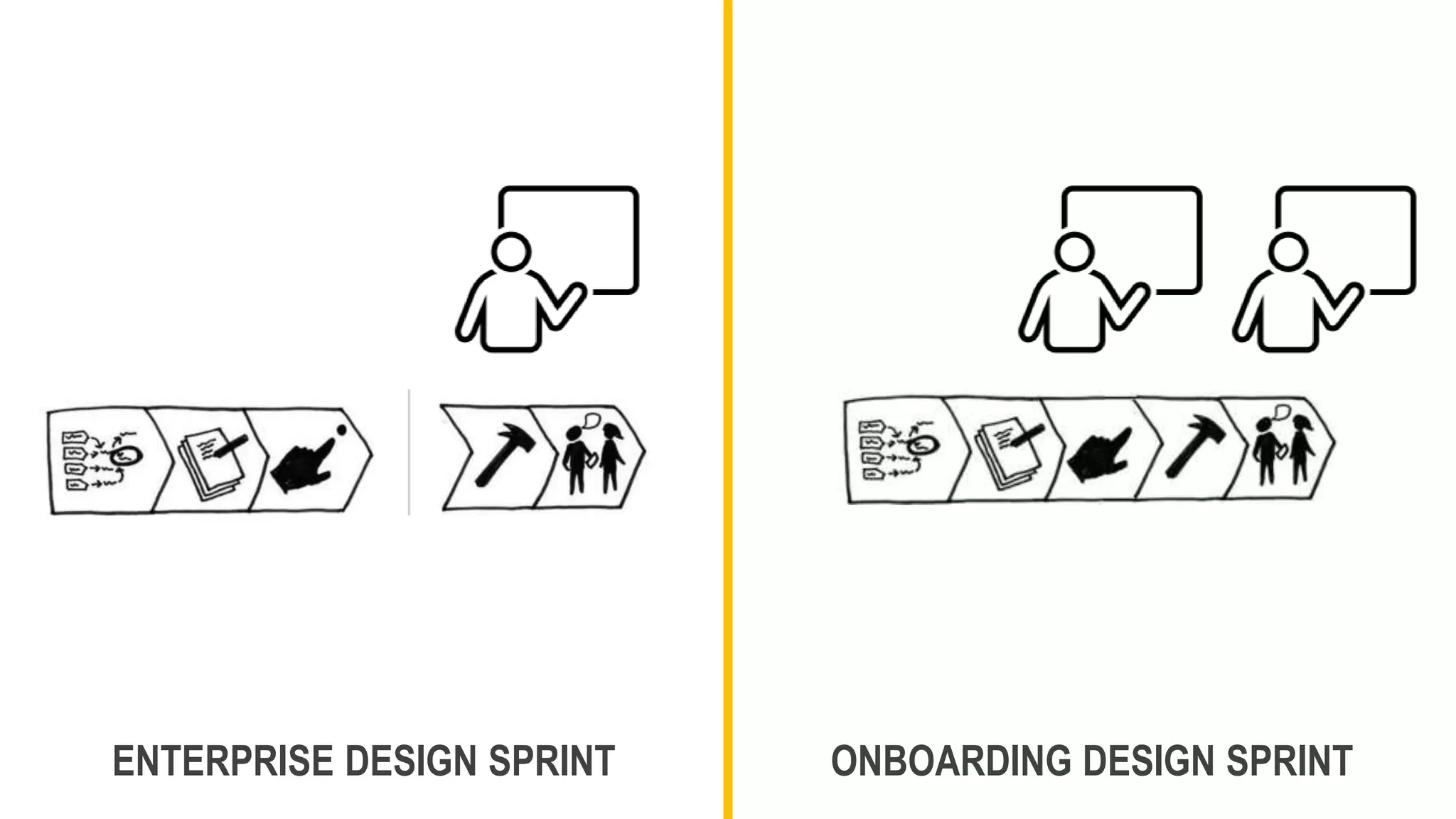
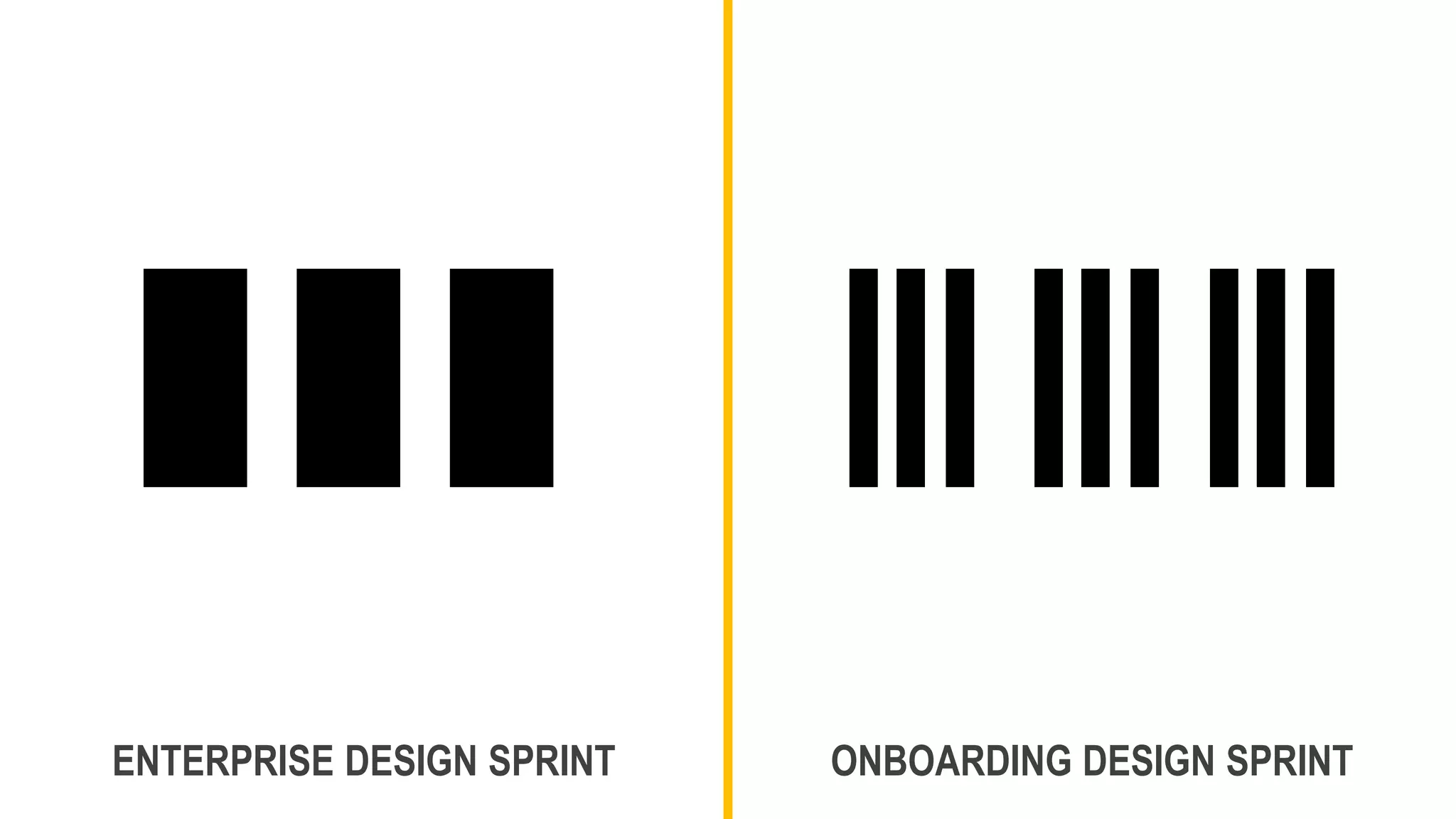
ENTERPRISE DESIGN SPRINT ONBOARDING DESIGN SPRINT
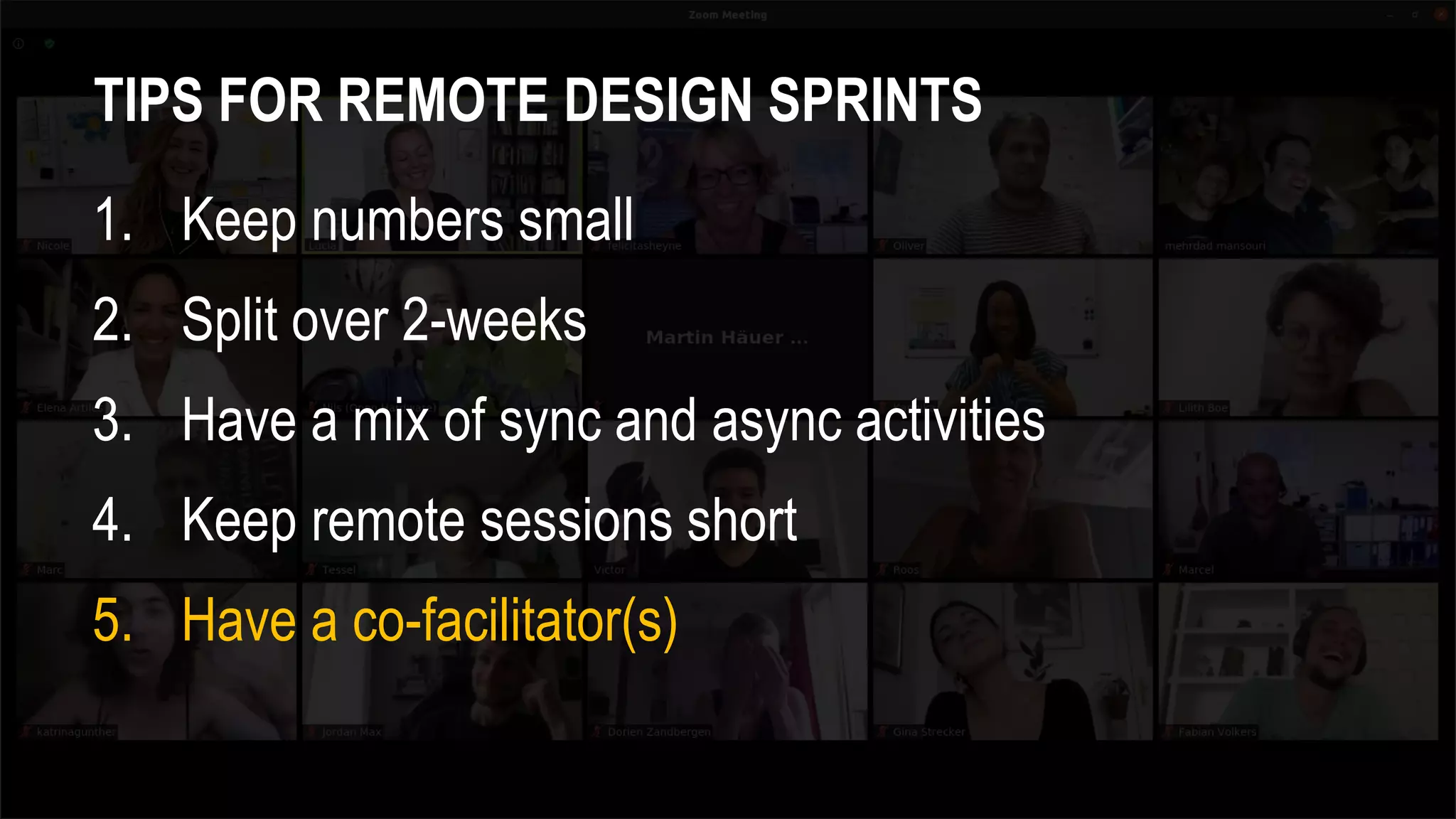
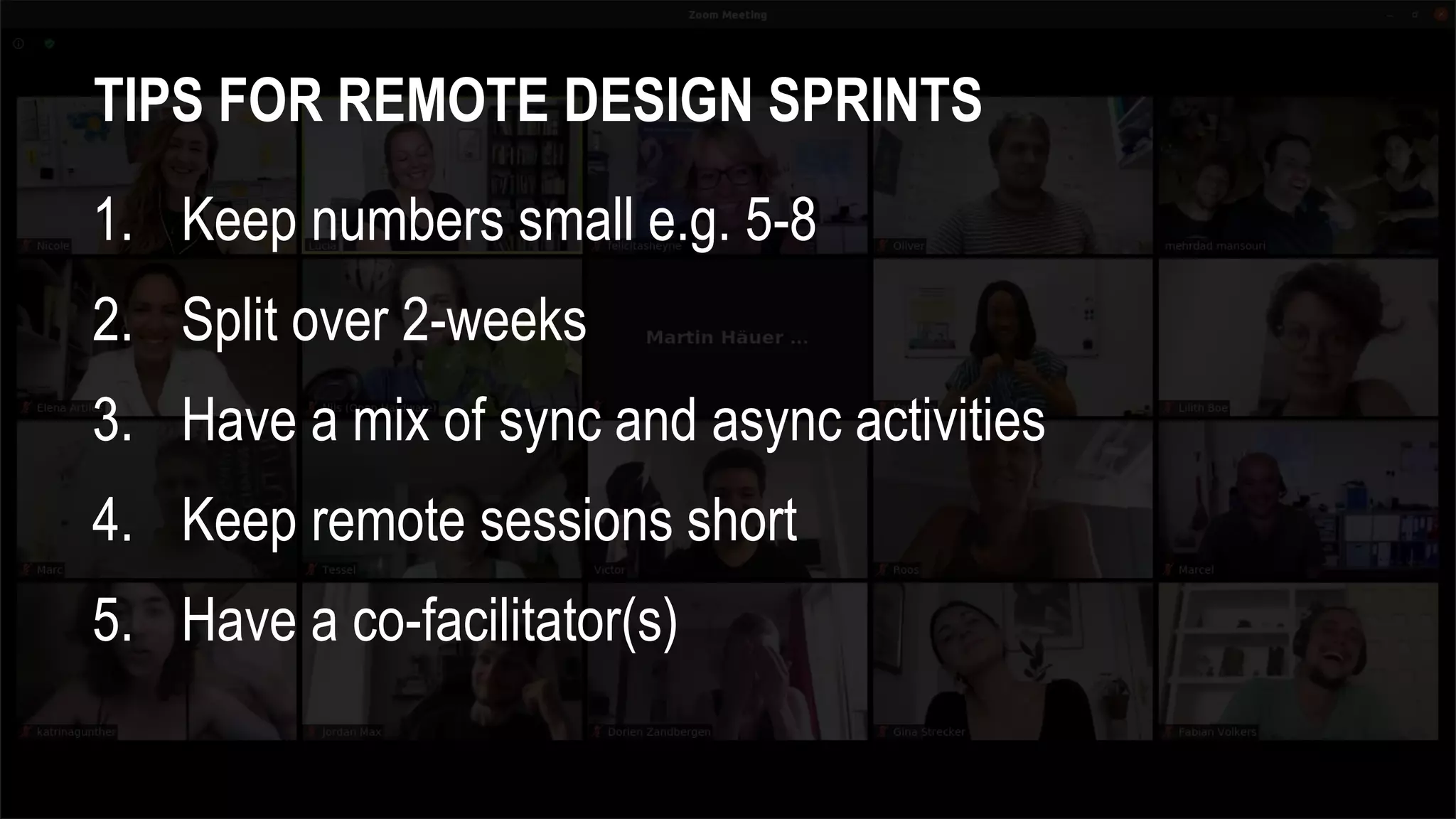
TIPS FOR REMOTE DESIGN SPRINTS
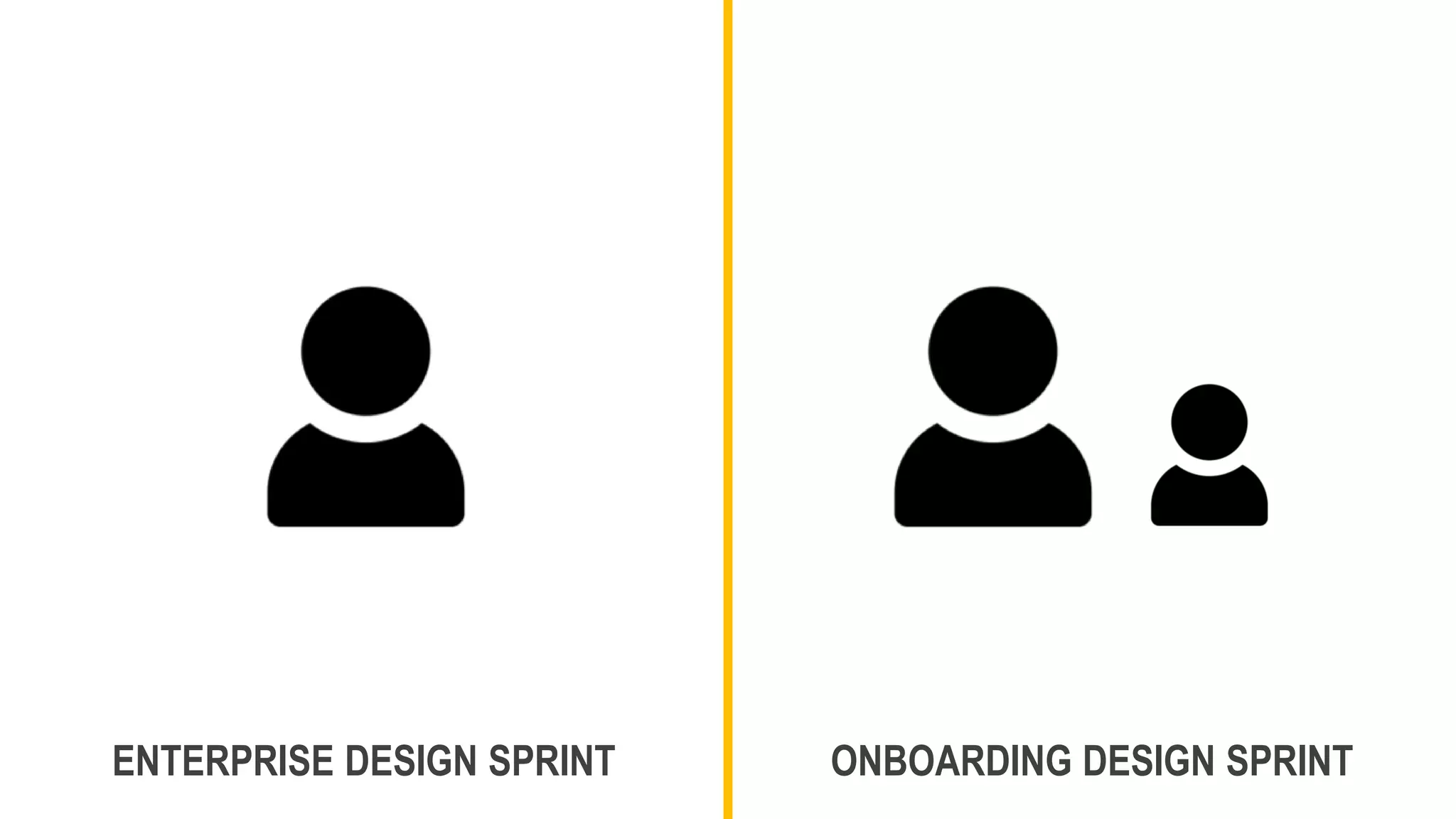
1. Keep numbers small e.g. 5-8
4-DAYS
ENTERPRISE DESIGN SPRINT ONBOARDING DESIGN SPRINT
TIPS FOR REMOTE DESIGN SPRINTS
1. Keep numbers small
2. Split over 2-weeks
ENTERPRISE DESIGN SPRINT ONBOARDING DESIGN SPRINT
TIPS FOR REMOTE DESIGN SPRINTS
1. Keep numbers small
2. Split over 2-weeks
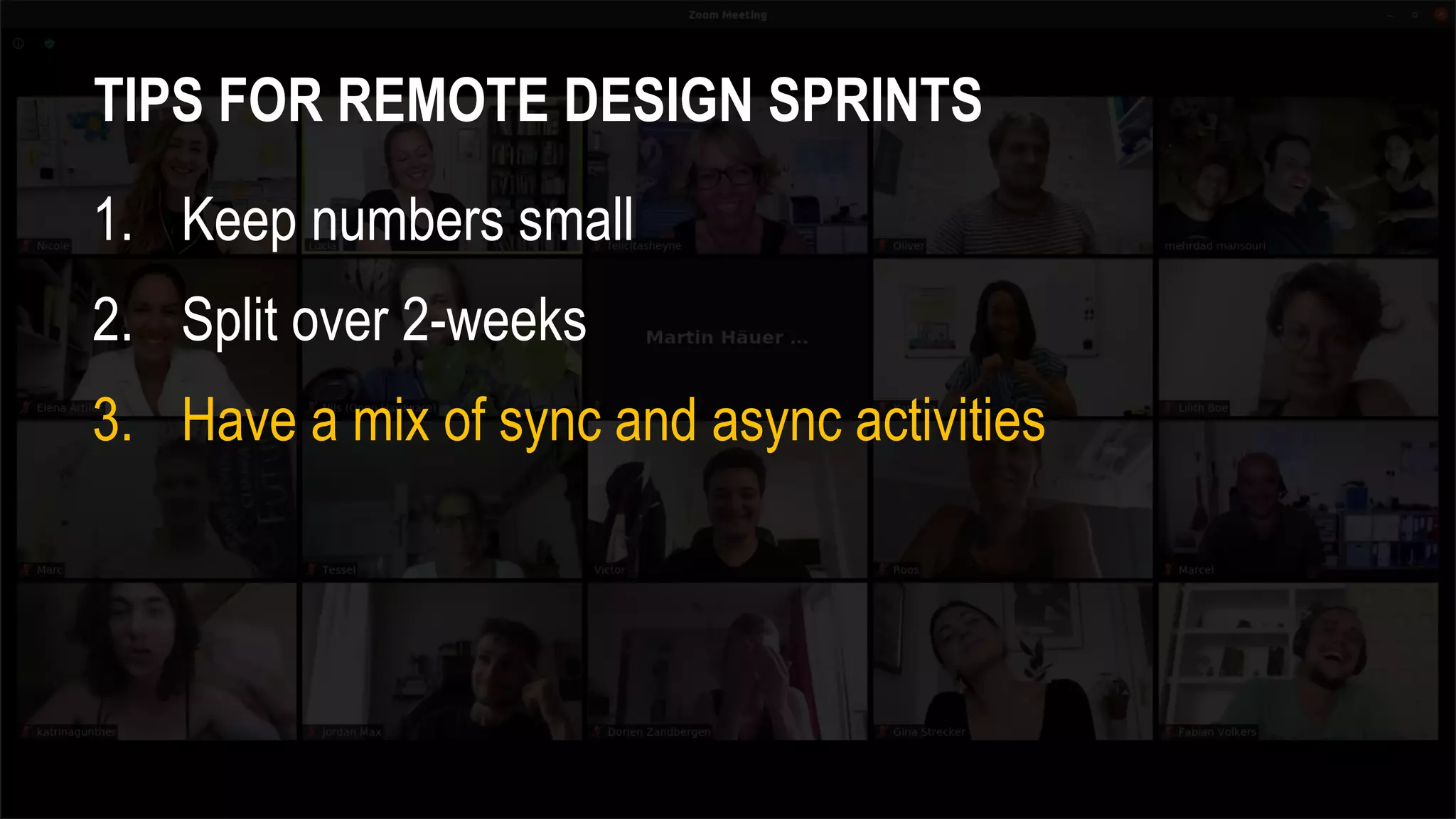
3. Have a mix of sync and async activities
ENTERPRISE DESIGN SPRINT ONBOARDING DESIGN SPRINT
TIPS FOR REMOTE DESIGN SPRINTS
1. Keep numbers small
2. Split over 2-weeks
3. Have a mix of sync and async activities
4. Keep remote sessions short
ENTERPRISE DESIGN SPRINT ONBOARDING DESIGN SPRINT
TIPS FOR REMOTE DESIGN SPRINTS
1. Keep numbers small
2. Split over 2-weeks
3. Have a mix of sync and async activities
4. Keep remote sessions short
5. Have a co-facilitator(s)
ENTERPRISE DESIGN SPRINT ONBOARDING DESIGN SPRINT
TIPS FOR REMOTE DESIGN SPRINTS
6. Use pairs over groups
TIPS FOR REMOTE DESIGN SPRINTS
6. Use pairs over groups
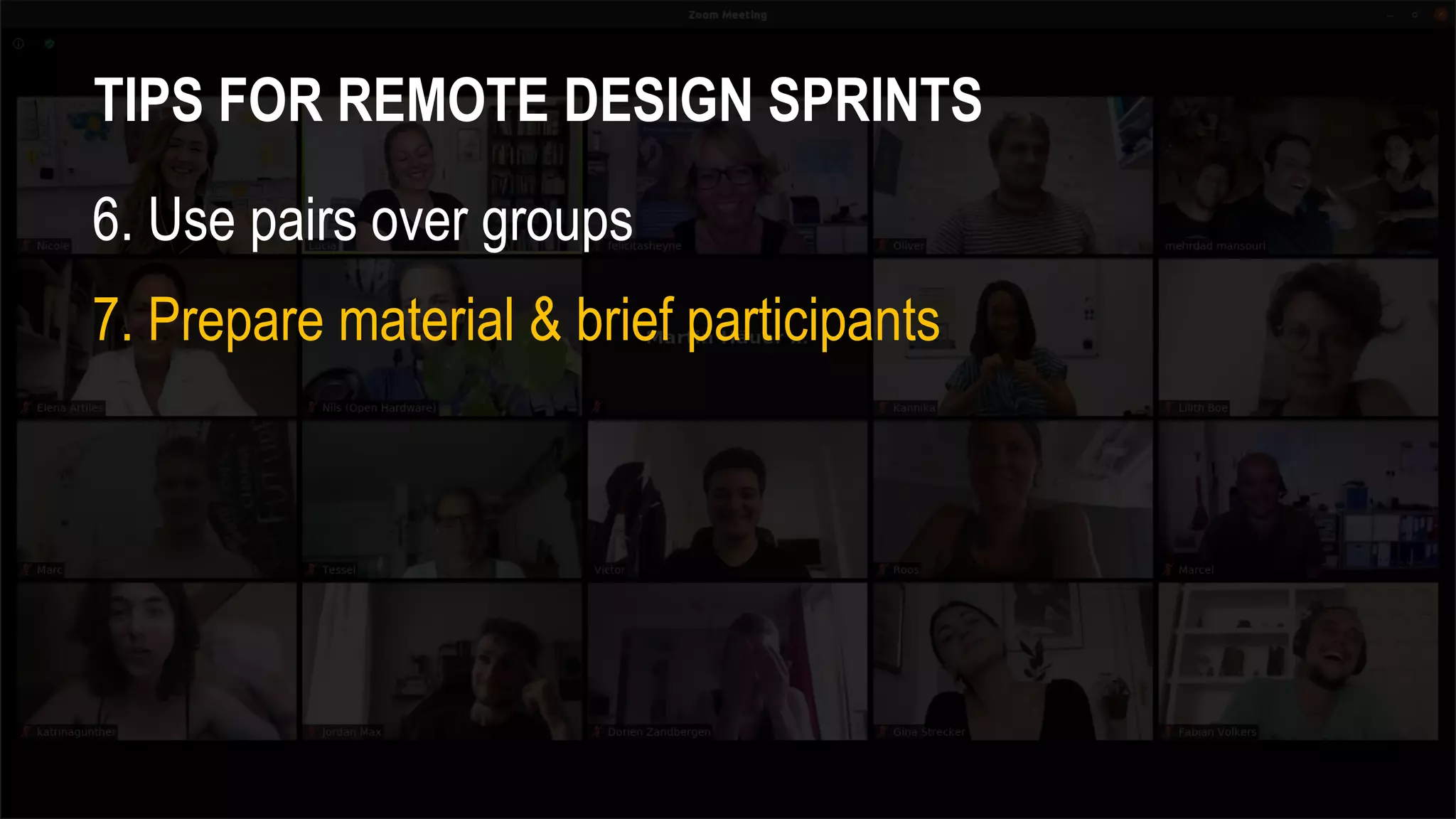
7. Prepare material & brief participants
TIPS FOR REMOTE DESIGN SPRINTS
6. Use pairs over groups
7. Prepare material & brief participants
8. Set house rules
ENTERPRISE DESIGN SPRINT ONBOARDING DESIGN SPRINT
PowerPoint
TIPS FOR REMOTE DESIGN SPRINTS
6. Use pairs over groups
7. Prepare material & brief participants
8. Set house rules
9. Utilise remote collaboration tools
ENTERPRISE DESIGN SPRINT ONBOARDING DESIGN SPRINT
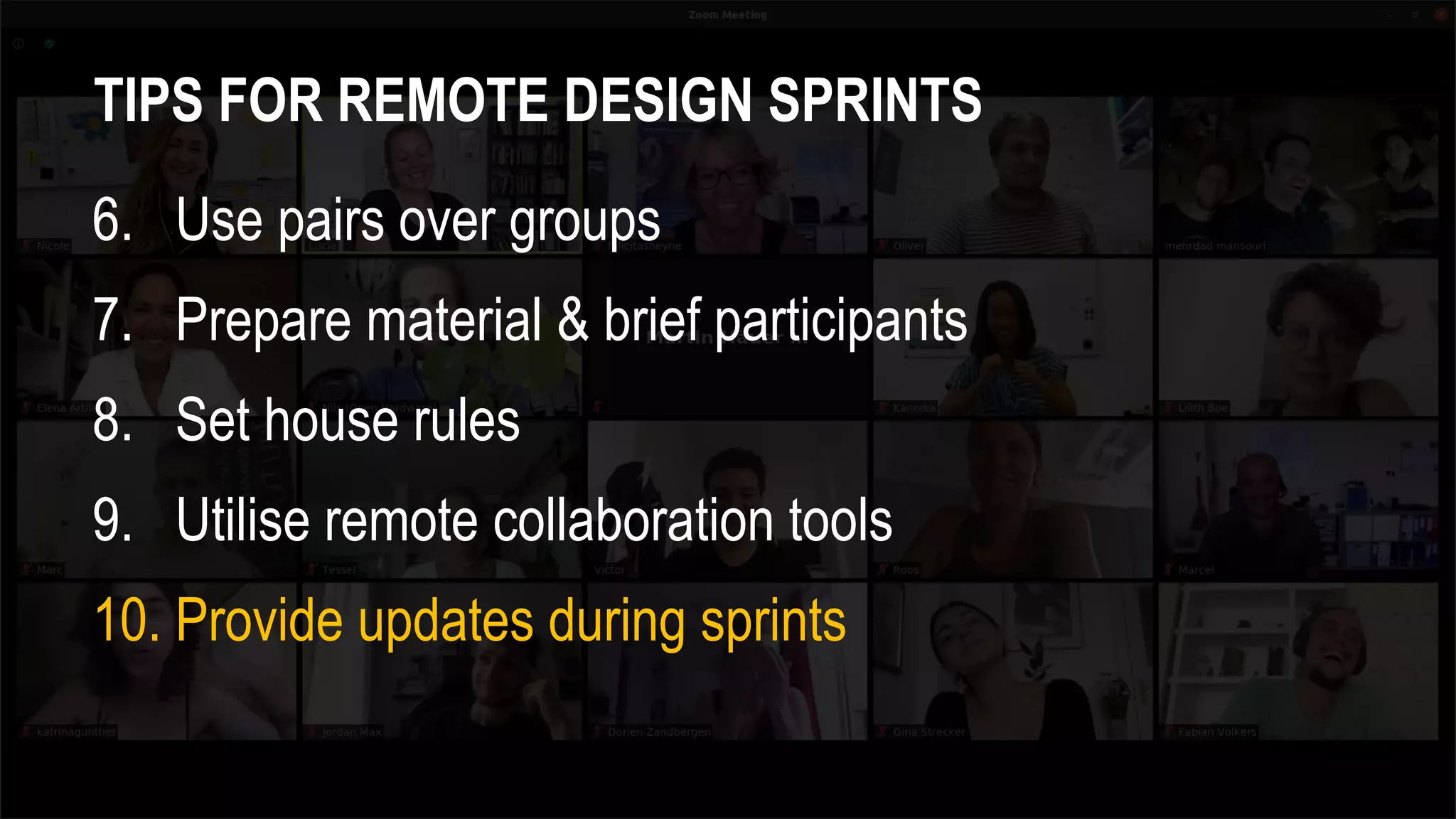
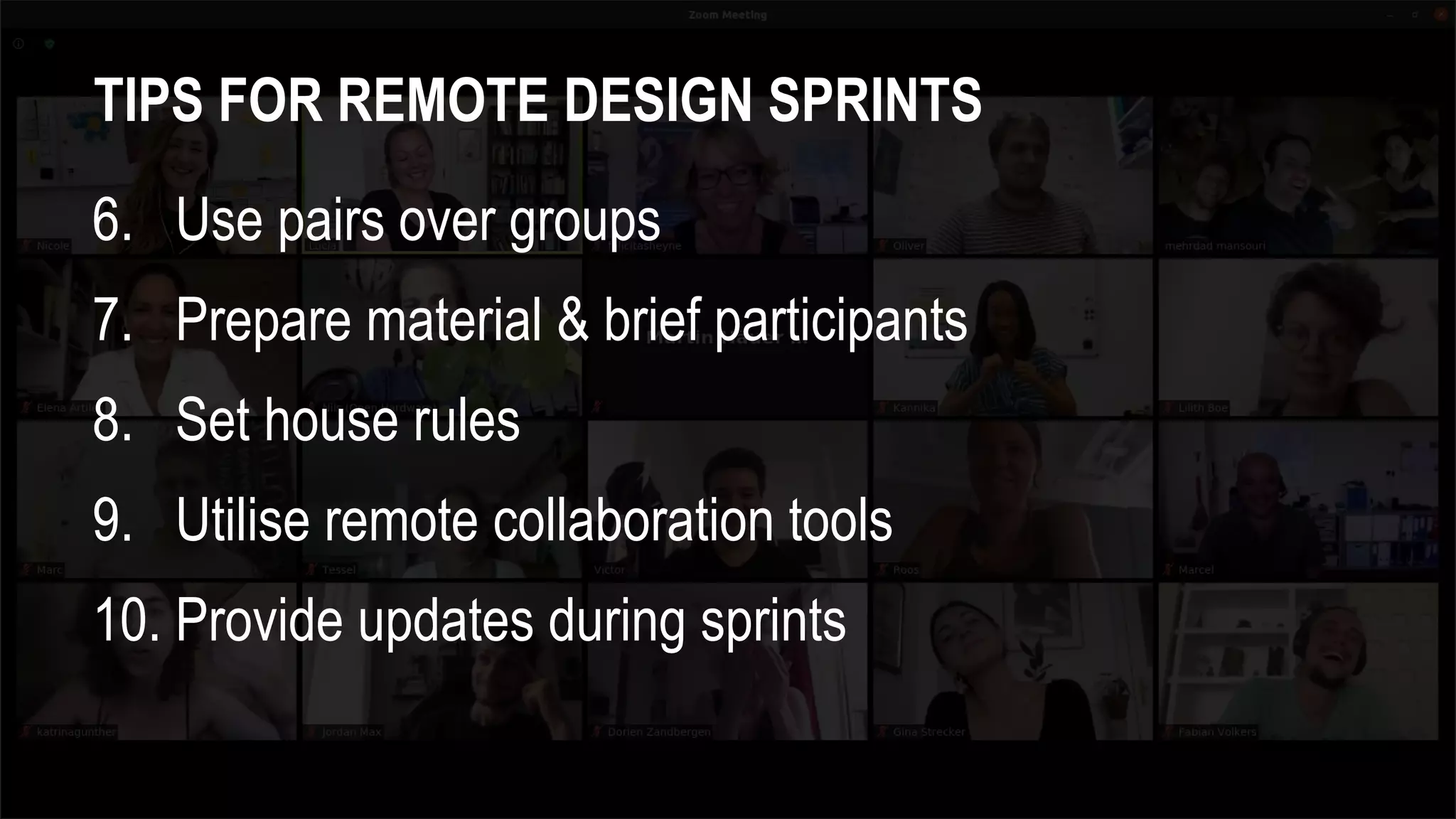
TIPS FOR REMOTE DESIGN SPRINTS
6. Use pairs over groups
7. Prepare material & brief participants
8. Set house rules
9. Utilise remote collaboration tools
10. Provide updates during sprints
CAN REMOTE DESIGN
SPRINTS WORK?
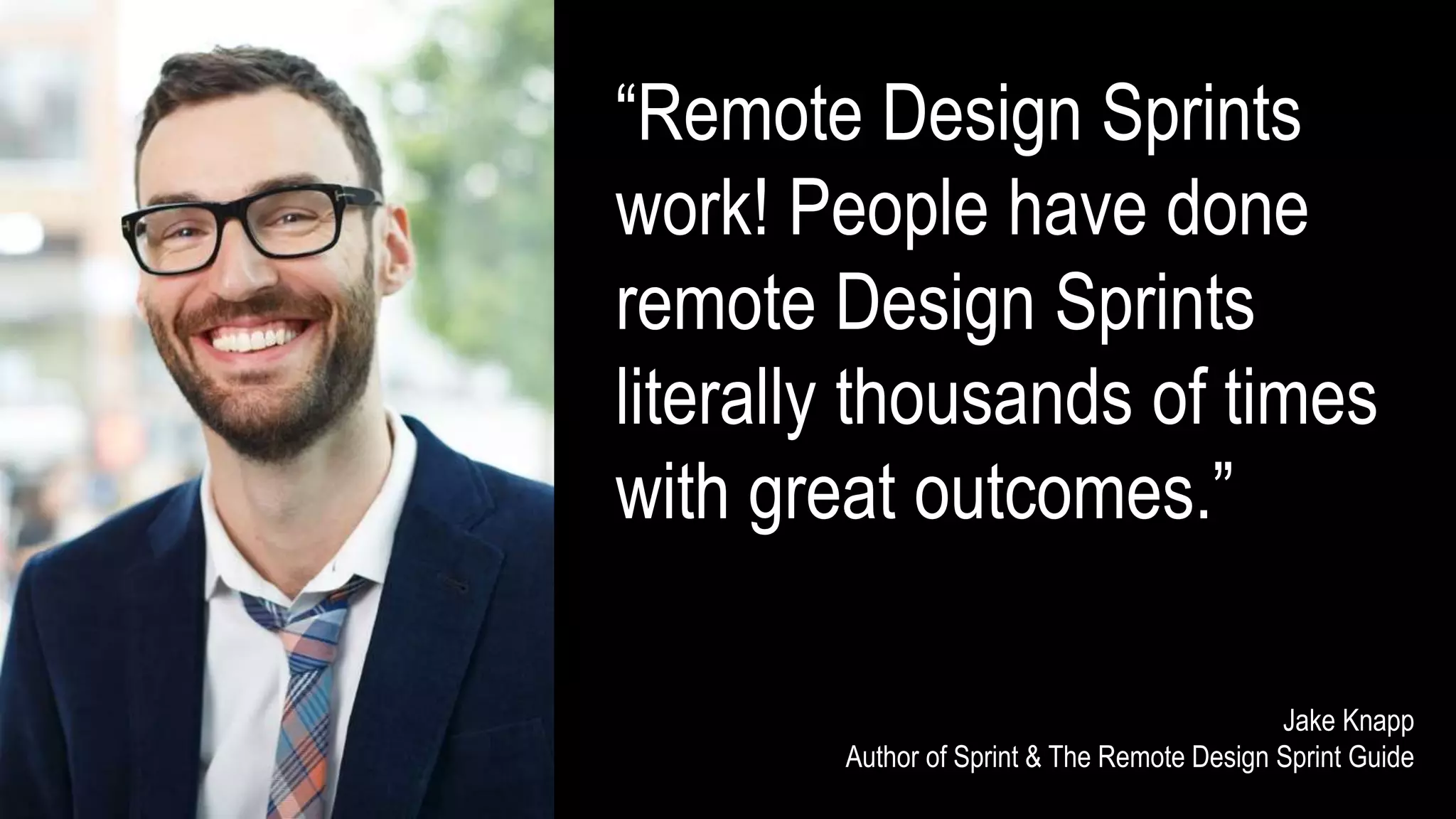
β€œRemote Design Sprints
work! People have done
remote Design Sprints
literally thousands of times
with great outcomes.”
Jake Knapp
Author of Sprint & The Remote Design Sprint Guide
SUMMARY
TIPS FOR REMOTE DESIGN SPRINTS
1. Keep numbers small e.g. 5-8
2. Split over 2-weeks
3. Have a mix of sync and async activities
4. Keep remote sessions short
5. Have a co-facilitator(s)
TIPS FOR REMOTE DESIGN SPRINTS
6. Use pairs over groups
7. Prepare material & brief participants
8. Set house rules
9. Utilise remote collaboration tools
10. Provide updates during sprints
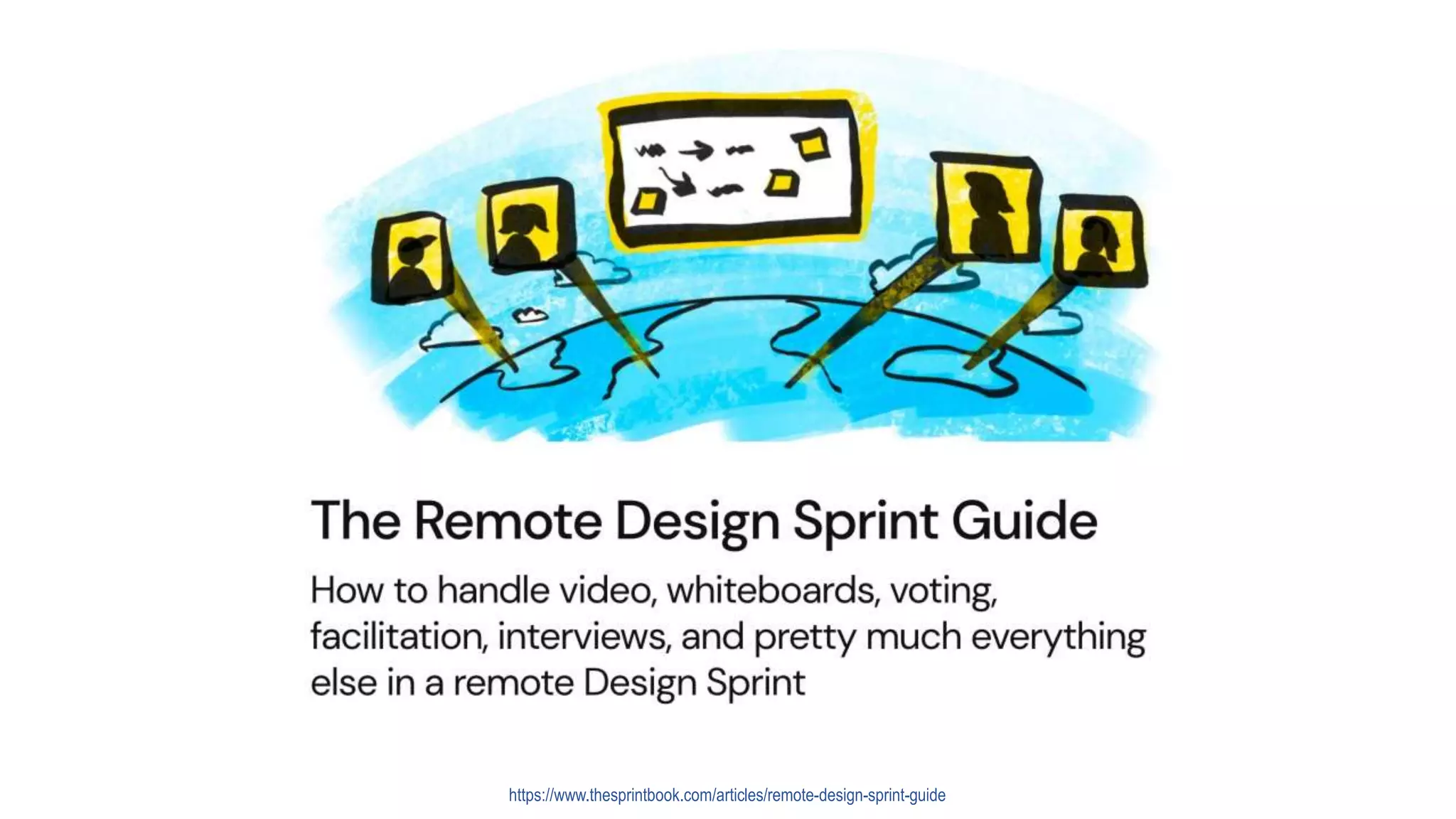
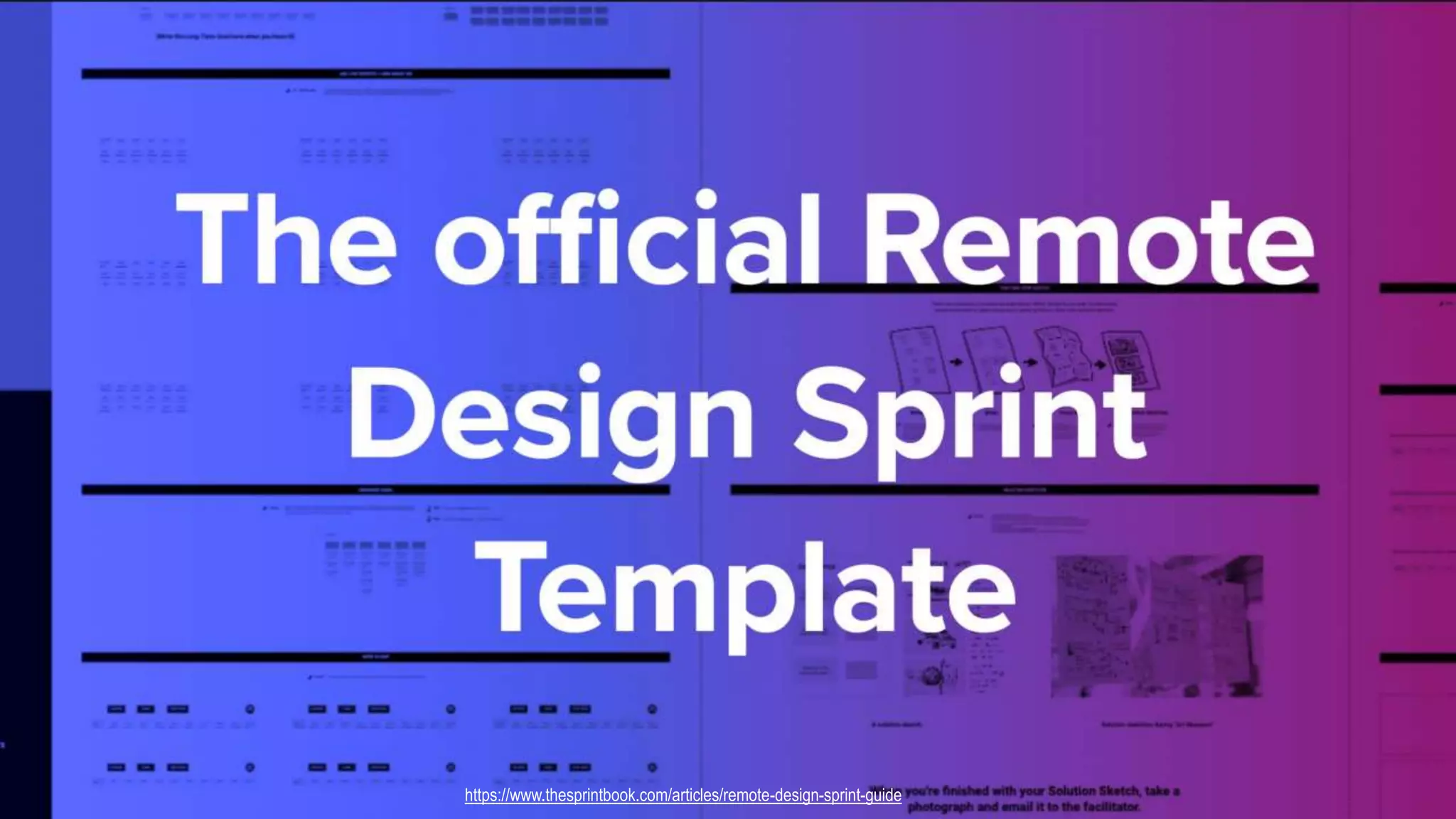
https://www.thesprintbook.com/articles/remote-design-sprint-guide
THANK YOU
www.uxforthemasses.com
@neilturnerux

Remote design sprints - Lessons from a brave new remote world (Agile Manchester).pptx

Editor's Notes

  • #2Β Thank you for joining me I’m going to talk about remote design sprints But first, I should introduce myself
  • #3Β I’m Neil Turner Lead product designer at Redgate software in Cambridge, UK Designing and developing software for database development and management So, what am I going to cover today?
  • #4Β What is a design sprint When to run a remote design sprint as opposed to in-person Lessons I’ve learnt from running 2 remote design sprints at Redgate And finally where to go to find out more about remote design sprints But first I have a number of questions for you…
  • #5Β Firstly here we are in Manchester, home to Manchester United and City, two of the biggest football clubs in the world Even if you’re not a football fan, I suspect most of you have watched a game of football, even if it’s only every 4 years at the World Cup So, I’ve got two options for you: You can either watch a game of football at the stadium, or in the comfort of your own home Stand up, who would rather watch at the stadium? Stand up , who would rather watch at home?
  • #6Β Manchester is also home to amazing bands like The Stone Roses, Oasis and The Smiths Given the choice of going to a live concert, or watching a concert on TV Who would rather go to a live concert? Who would rather watch in the comfort of their own home?
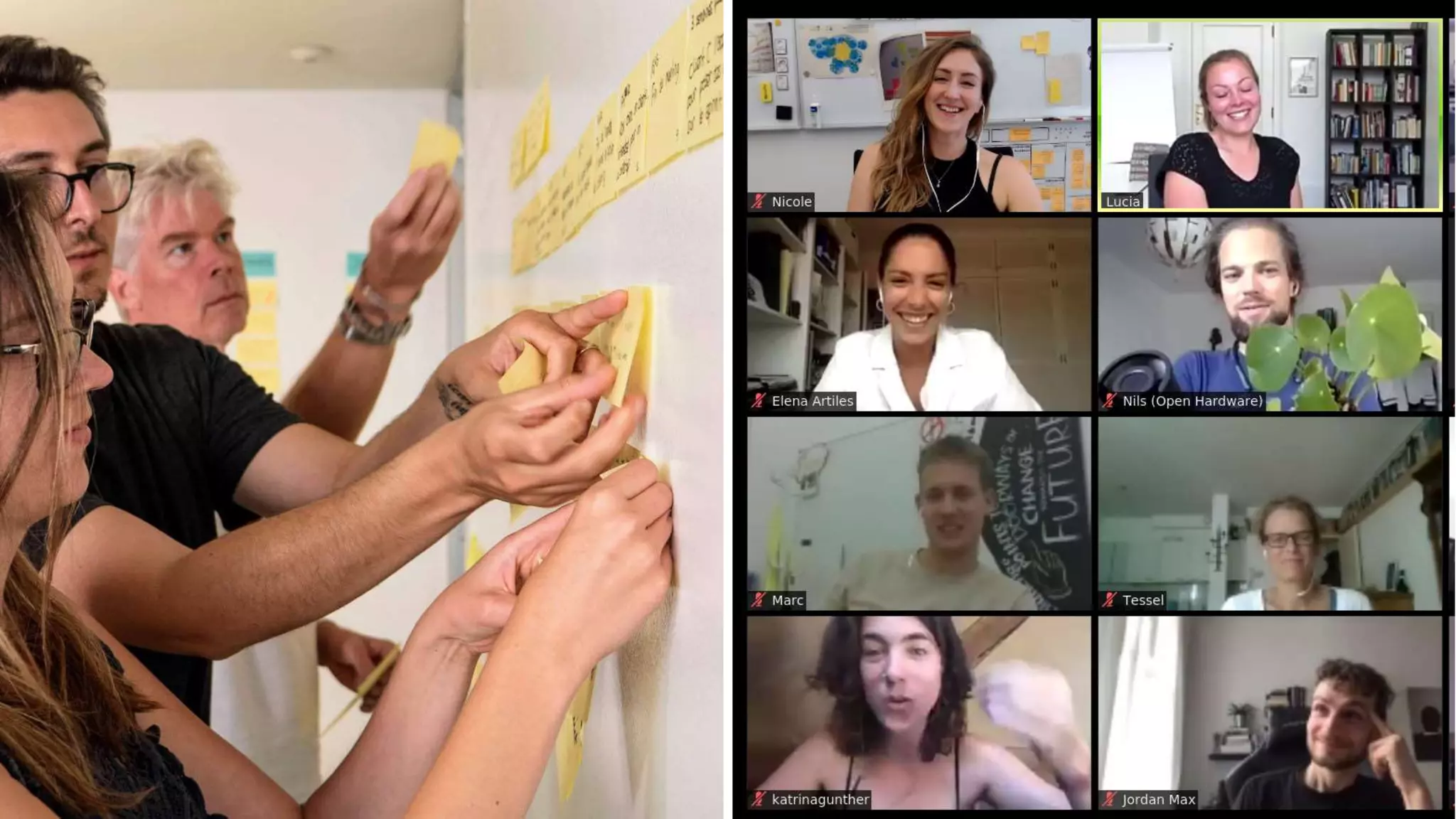
  • #7Β I’ve got a third set of questions for you.. Given the choice of doing a workshop in-person, or remotely Who would rather take part in a face-to-face workshop? Who would rather take part in a remote workshop? So clearly somethings are better in-person, is the same true of design sprints? Before we explore that I’ll talk a little about what a design sprint is
  • #8Β Hands up who has taken part in a design sprint?
  • #9Β Wikipedia defines a design sprint as…. A time-constrained process that uses design thinking with the aim of reducing the risk when bringing a new product, service or a feature to the market
  • #10Β Design sprints are nothing especially new, teams have been doing design sprint type activities for years Don’t believe me, check out the video from 1999 of the design team at IDEO, the famous American design consultancy doing a week long exercise to redesign shopping carts They call it a deep dive, but it has all the hallmarks of a what we would now call a design sprint
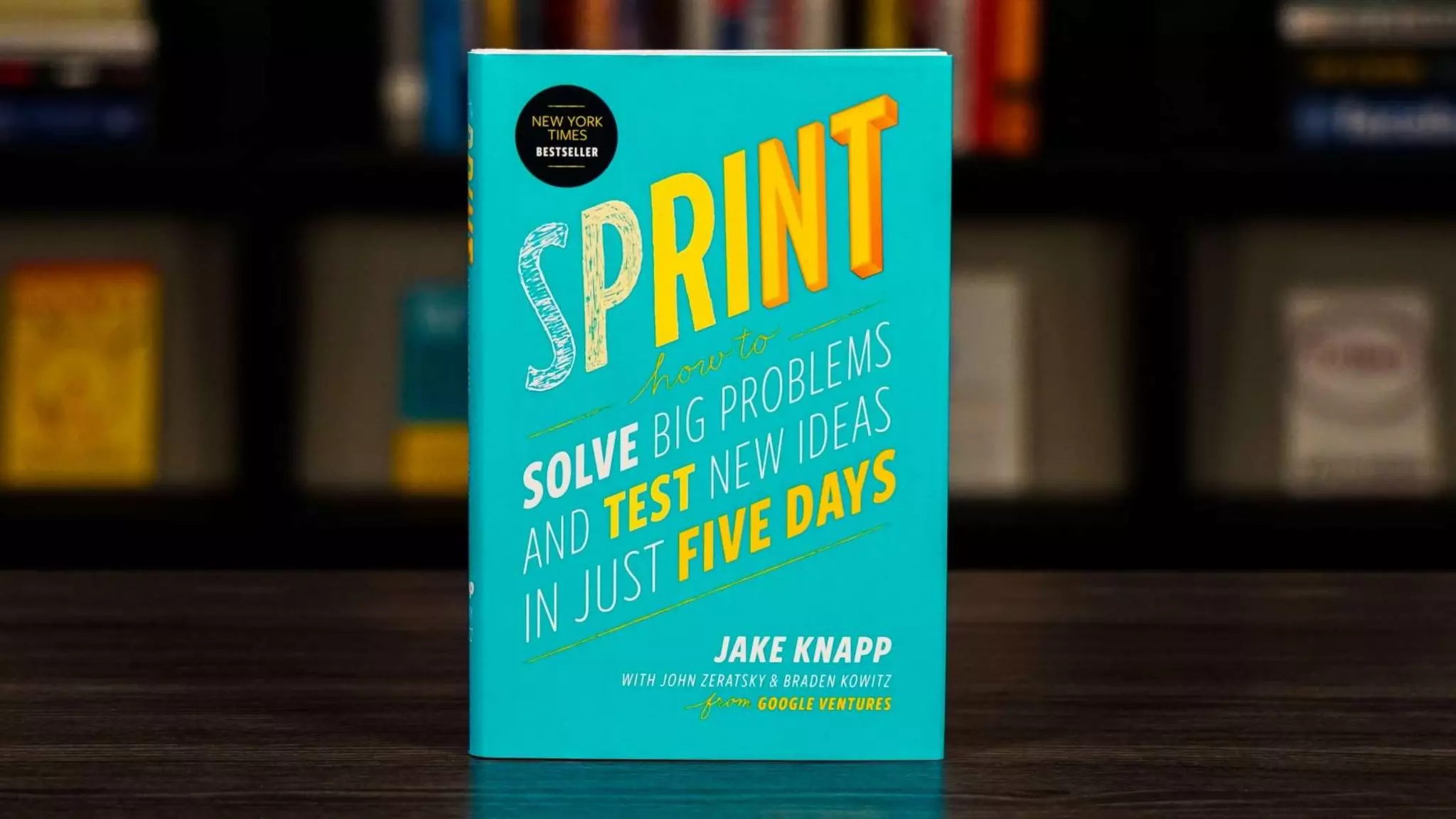
  • #11Β The term design sprint comes from Jake Knapp’s sprint book Jake was a designer and start-up advisor at Google He wanted a playbook that teams could use to rapidly tackle a design challenge He and his team came up with the sprint, A way for team to supposedly solve big problems and test new ideas in just 5 days
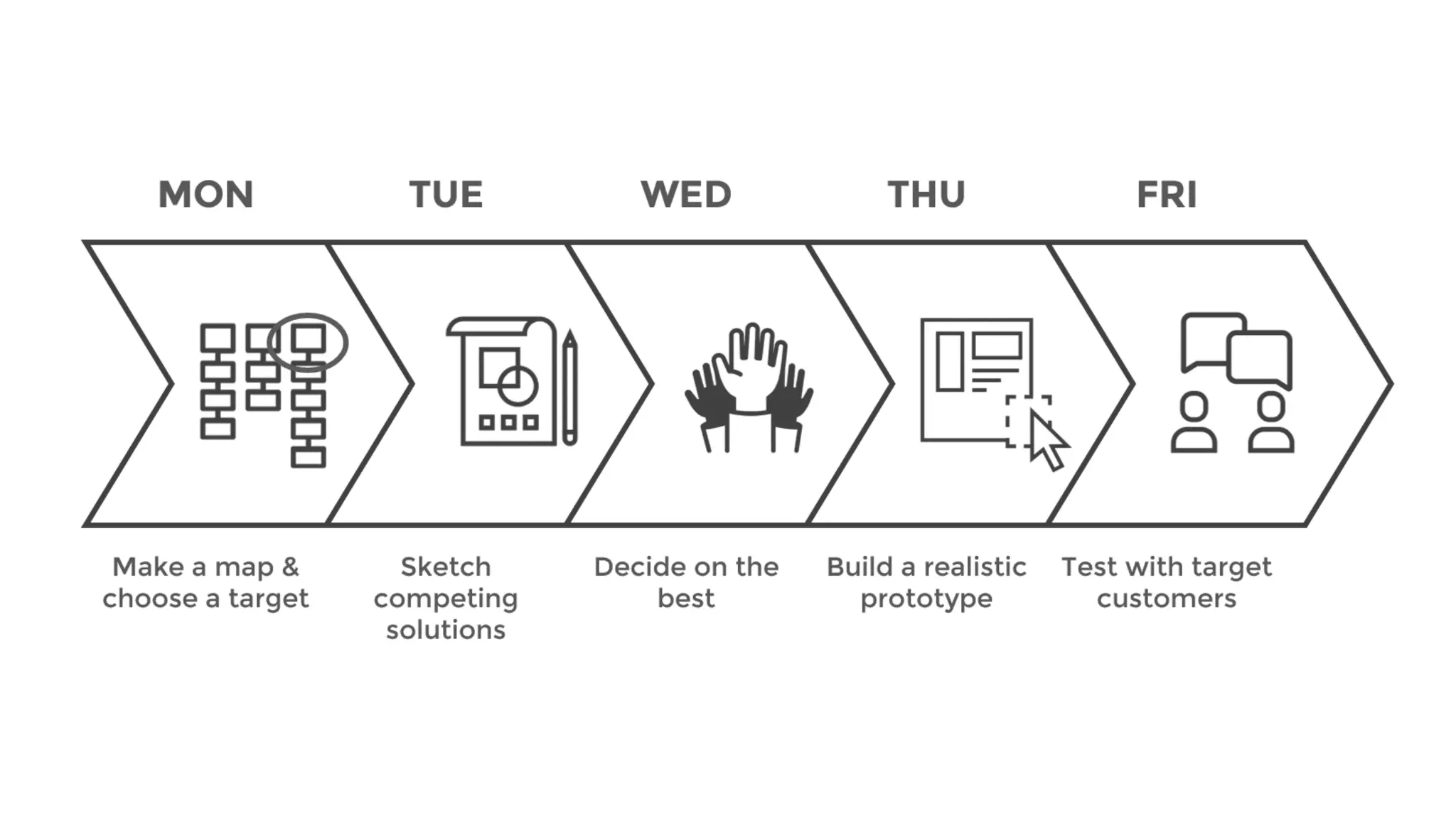
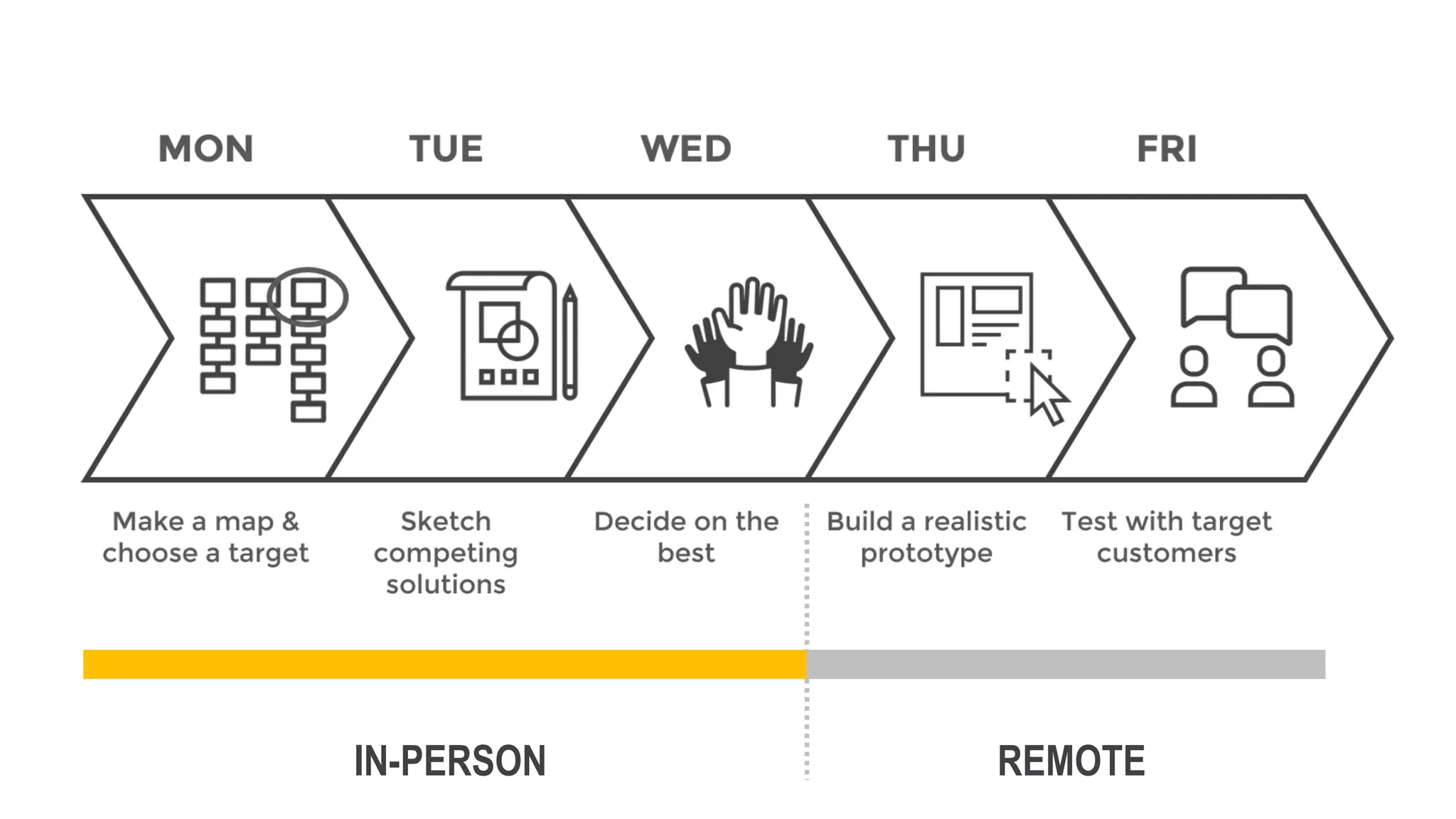
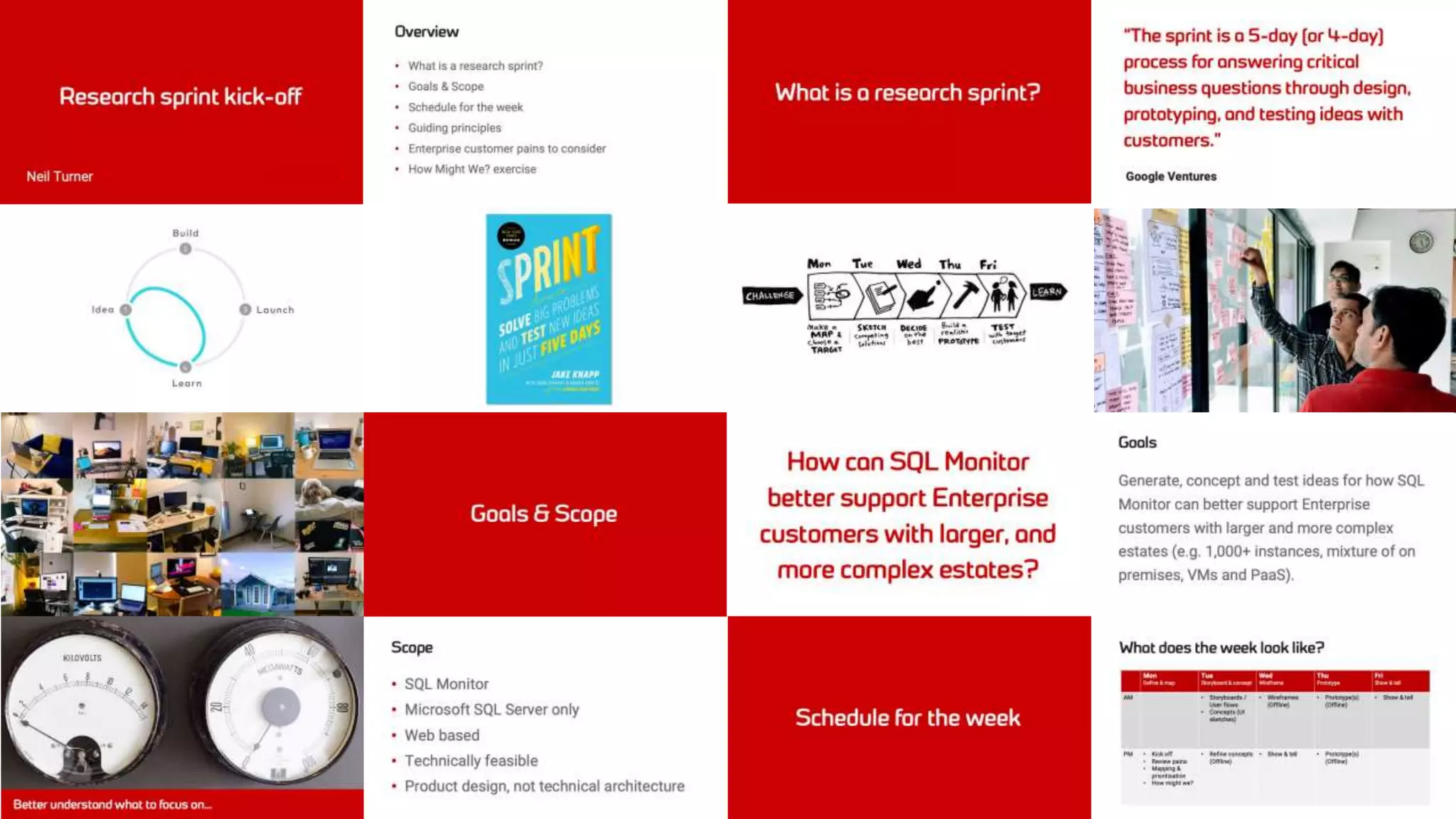
  • #12Β As per the Sprint book, design sprints are spread over 5 days They are run in-person, with teams spending the week Choosing which part of a problem to focus on Coming up with potential solutions Generating a protype to test ideas And then testing those ideas with target customers
  • #13Β I’m a big fan of design sprints I’ve run them with success with a number of teams and with a number of companies I’ve worked at, including Redgate They can indeed be a great way to tackle problems But, given that design sprints were designed to be carried out in-person, can they still work when done remotely?
  • #14Β Jake Knapp himself doesn’t seem so sure… As he says: β€œI’ve heard stories of people running successful remote sprints, but to be honest, I never totally believed it. Part of the sprint magic is being in the same room”.
  • #15Β I was soon soon to find out because thanks to Covid carrying out an in-person design sprint was no longer an option
  • #16Β With the Redgate office closed following the Covid pandemic I was forced to run two remote design sprints I’ll briefly run through these 2 design sprints and then cover 10 key lessons I learnt running them
  • #17Β Those 2 remote design sprints were tackling different problems The first design sprint was exploring how to better support enterprise customers and their needs for one of Redgate’s largest products I’ll refer to this as the enterprise design sprint The second was exploring how to make it easier for new users of Redgate products to get started I’ll refer to this as the onboarding design sprint
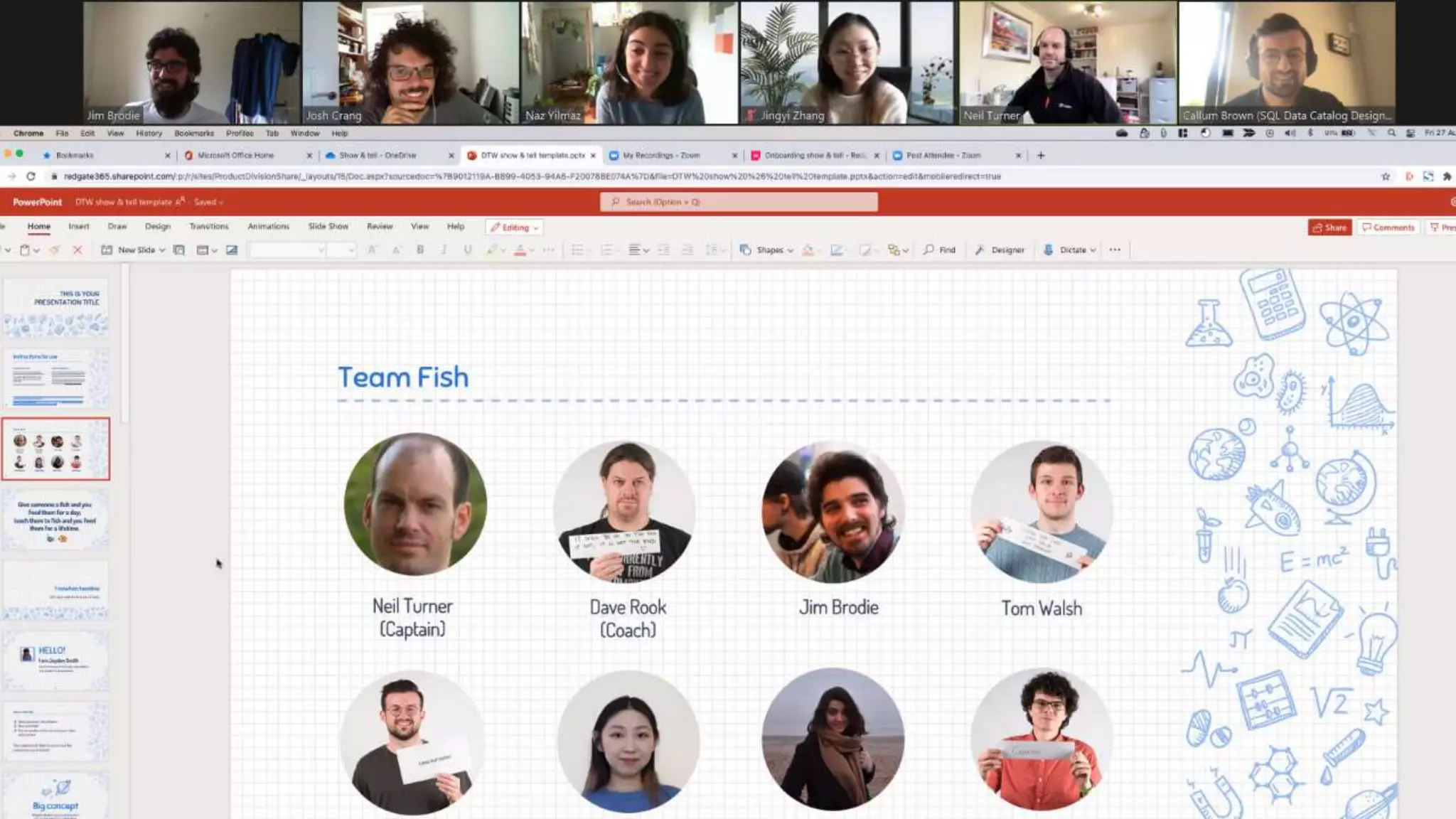
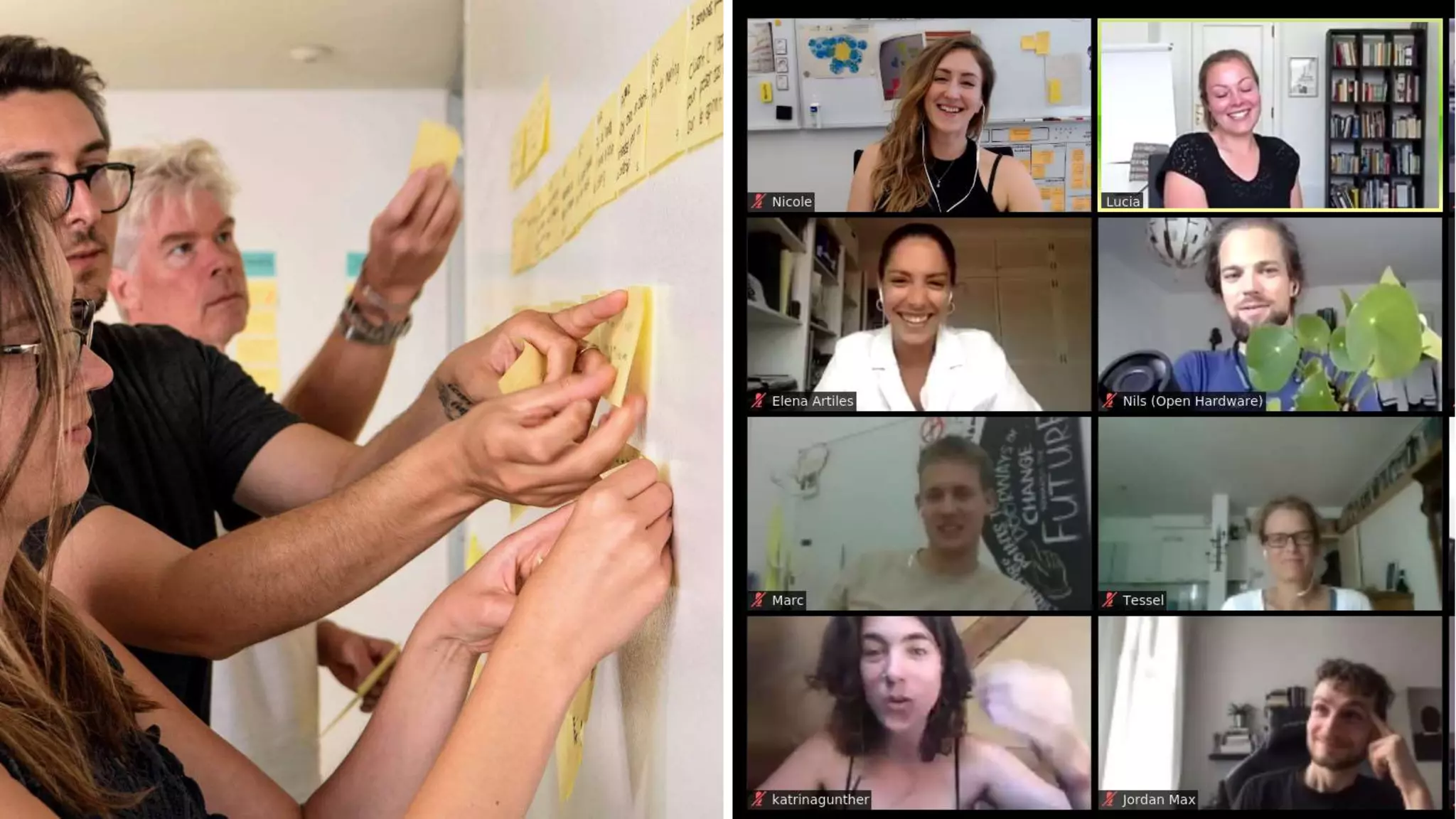
  • #18Β Each design sprint was carried out completely remotely using Zoom Each design sprint had a cross functional team of designers, engineers and product managers
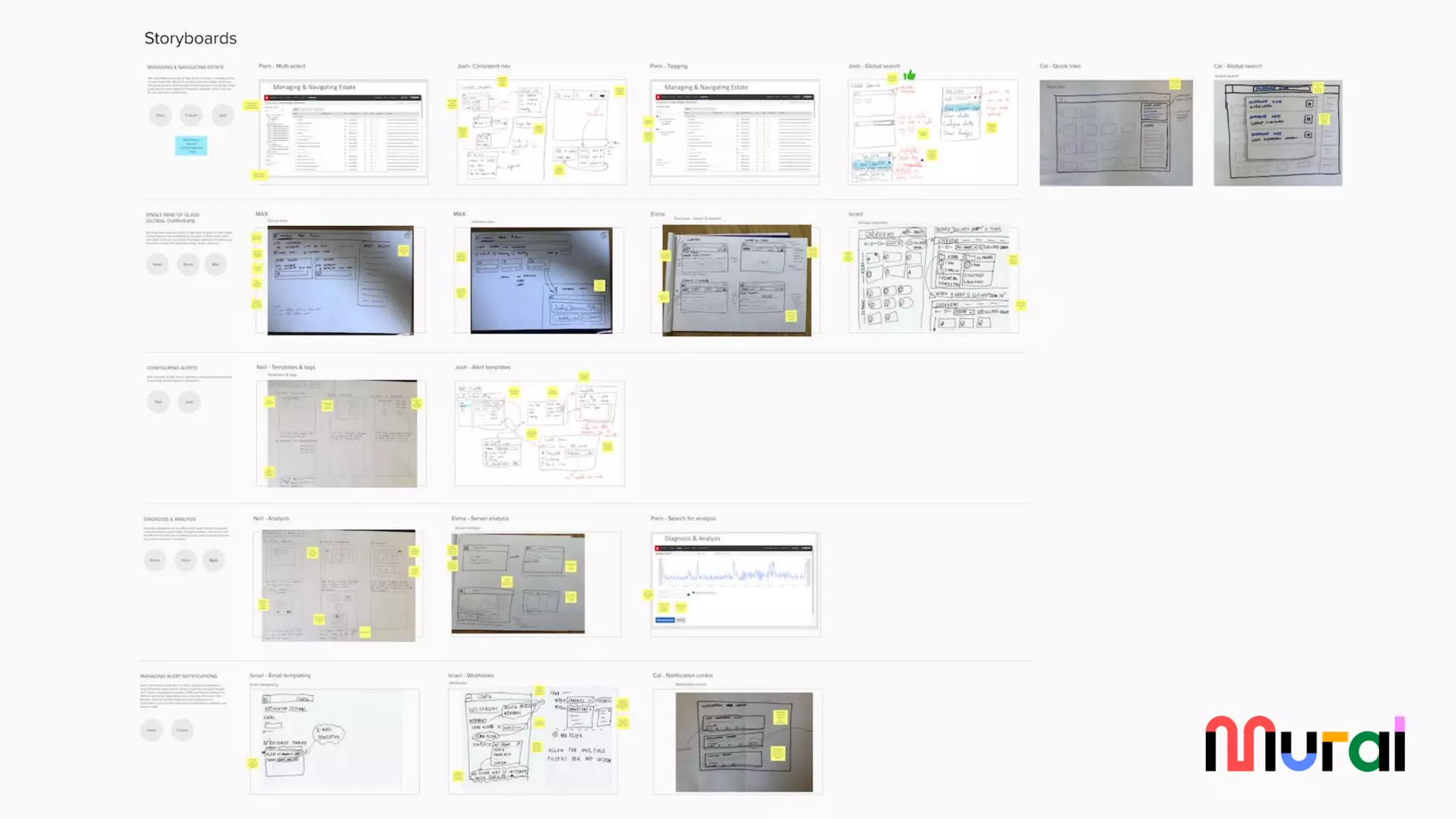
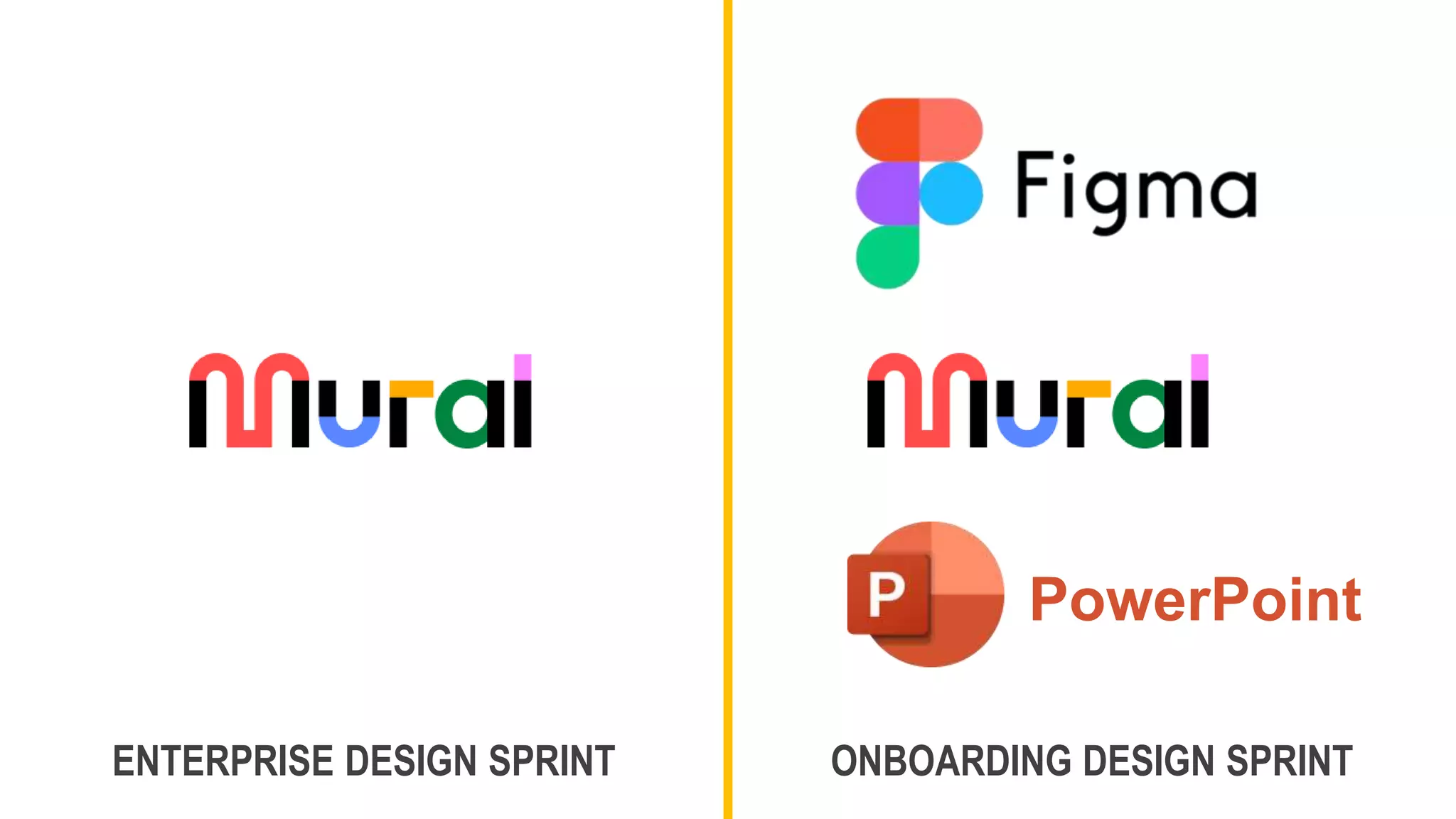
  • #19Β And each design sprint heavily utilised Mural, an online collaboration tool as a virtual whiteboard

  • #20Β Before I go through the key lessons learnt let’s talk about when to run And maybe when not to run remote design sprints
  • #21Β We looked before at whether we’d all rather take part in a workshop in-person, or remotely My personal preference would always be for an in-person workshop However, just like watching football, or a concert in-person isn’t always better There are times when doing things remotely makes more sense Let’s look at when this might be the case for remote design sprints
  • #22Β The most obvious one is if you have a distributed team For example, I’ve previously worked at organisations where you’re often collaborating with people from all over the world It can be expensive, disruptive and not to mention bad for the environment to fly people from all over the world for a design sprint A better alternative is to run a remote design sprint If there are lots of stakeholders then it can often be easier to bring them into a remote design sprint as they are only a mouse click away from joining When is it not a good idea to run remote design sprints? Very open-ended problems lend themselves more to in-person sprints because they will require a lot more synchronous collaboration, which is easier to do in-person It’s also a bad idea to run a remote design sprint with a team who have little or no remote experience Although given I suspect everyone now has lots of remote experience, I suspect that is now rarely the case
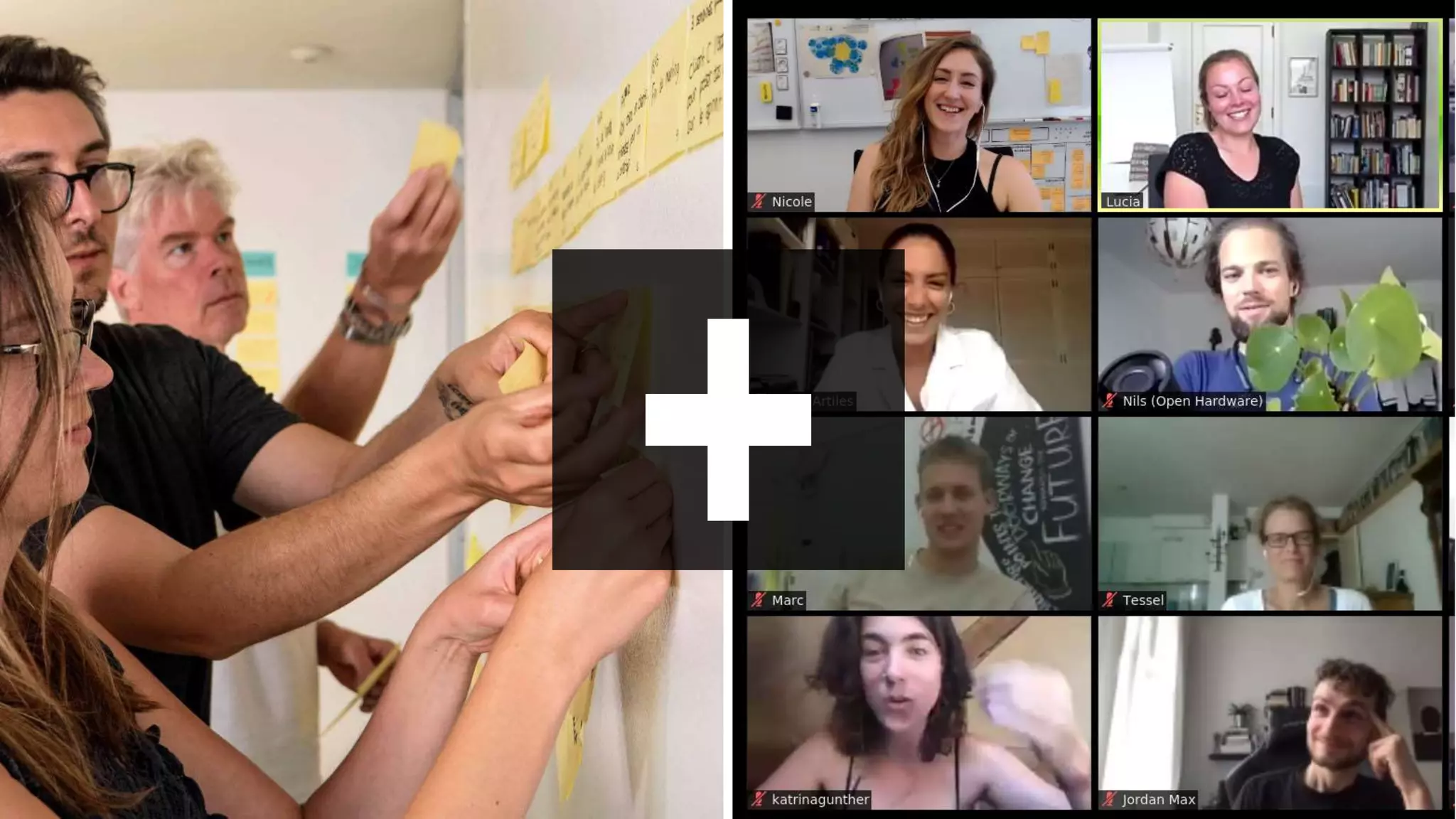
  • #23Β Rather than one or other, it can be a great idea to combine the two by taking a hybrid approach Carry out some of the design sprint in-person And some of the design sprint remotely This way you can get the best of both
  • #24Β For example, you might have the first part of the design sprint in-person This is when there is the greatest need for collaboration, which is easier in-person The second part of the design sprint, building a prototype and testing with target users could be done remotely With remote design tools like Figma, and remote user testing it can be easier to do this part of the design sprint remotely

  • #25Β So, assuming thatΒ it makes sense to run a remote design sprint What are some of the things to think about? Here are 10 key lessons that I learnt from the 2 remote design sprints that I’ve spoken of
  • #26Β Hands up who has heard of Jeff Bazos’s famous two pizza principle for meetings? β€œIf you can’t feed a meeting with 2 pizzas, it’s too large” You’d have thought that one of the world’s richest people would be willing to buy more than 2 pizzas for a meeting But Jeff does have a point, you don’t want too many people are your meetings, otherwise it becomes unwieldy The same is true of remote design sprints
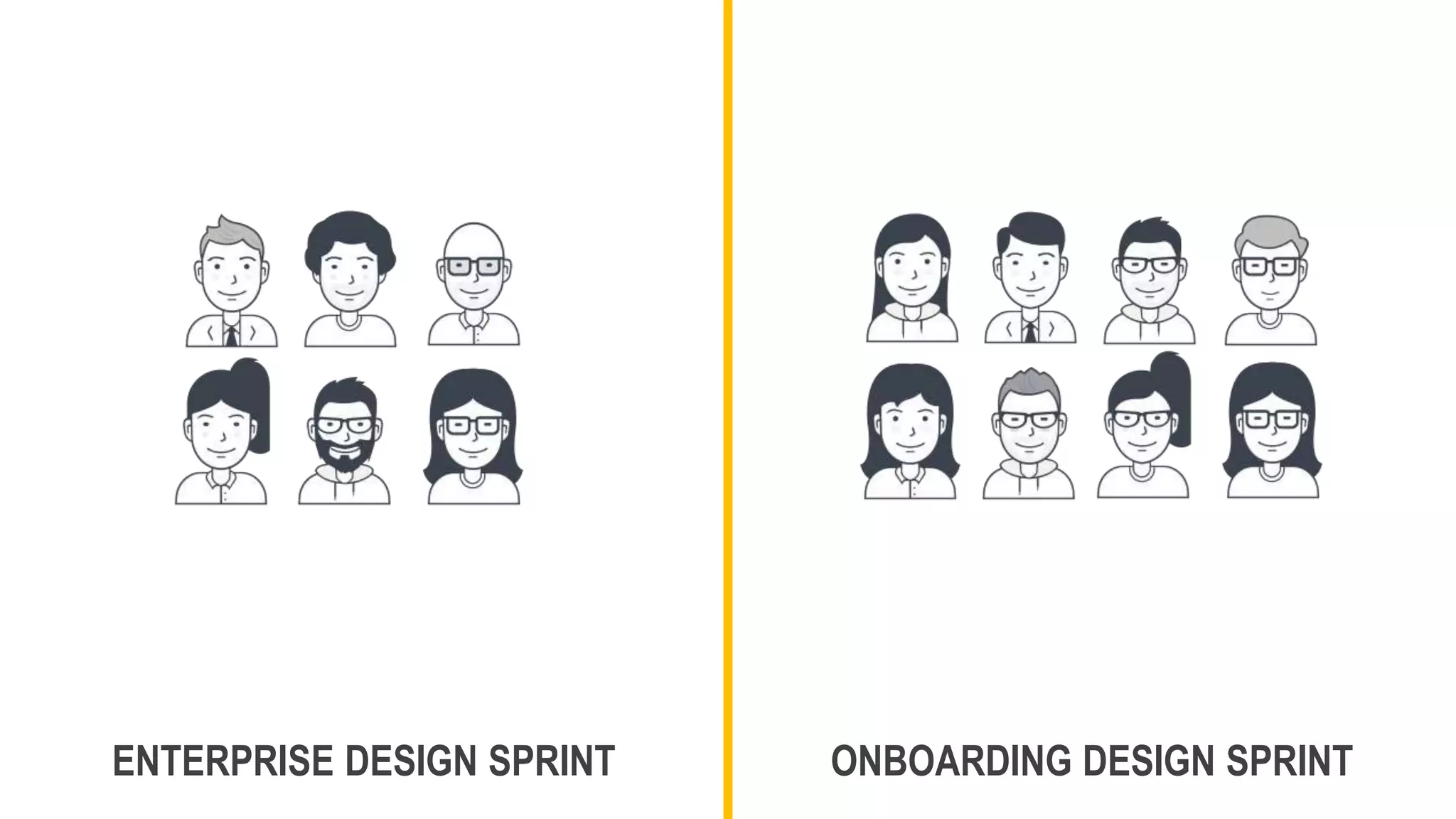
  • #27Β Both remote design sprints had relatively small teams 6 for the enterprise sprint, 8 for the onboarding sprint Jeff will be delighted to know that you should be able to feed both teams with 2 pizzas In fact, I’d say that a small team is even more important for a remote design sprint than in-person Because collaboration becomes harder the more people you add for remote workshops over in-person
  • #28Β Which brings me to my first tip for remote design sprints: Keep numbers as small as possible 5-8 is a good range to aim for
  • #29Β One of the key differences between the two remote sprints was the duration The enterprise sprint was run over 2 weeks, where as the onboarding sprint was over 4 days The main reasoning behind a 2 week sprint was an acknowledgement that it takes longer to do things as a team remotely This was also the first remote design sprint I’d done, so I wanted to give the team a bit more time to try things out
  • #30Β Having the second week available for prototyping and testing allows for a more realistic prototype to be created And tested with users
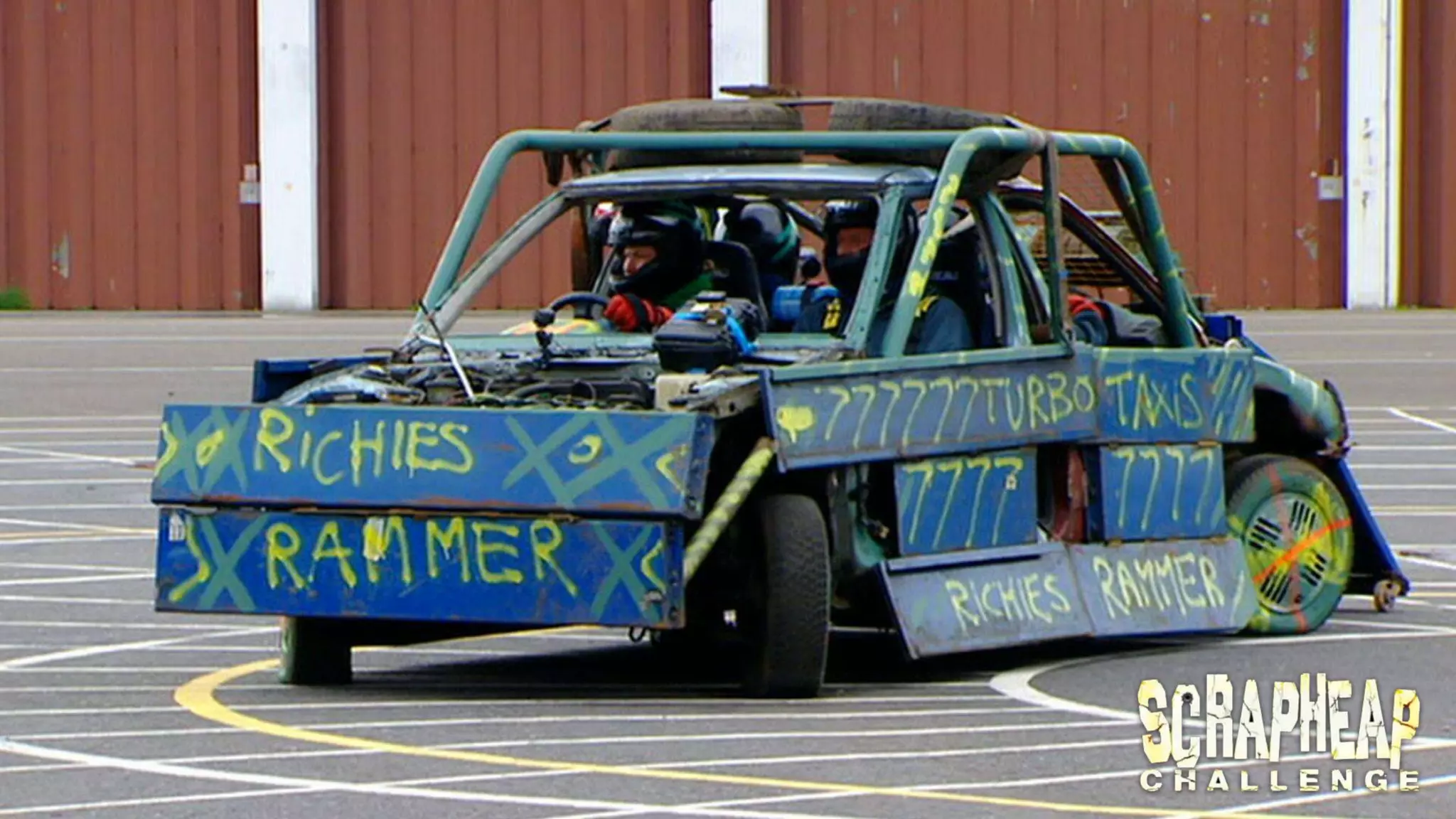
  • #31Β Cramming everything into 4 or 5 days can make the prototyping and test feel very rushed If anyone remembers scrapheap challenge on Channel 4 In scrapheap challenge teams had a few days to create a vehicle or device out of scrap A 1 week remote design sprint can feel like this Teams have to create a realistic protype in hours, rather than days This invariably leads to very scrappy prototypes Sure you’re going to get feedback from these sorts of prototypes, but not as much as something more realistic
  • #32Β Splitting a remote design sprint over 2 weeks also allows tests with customers to be trialled and iterated Rather than having 1 shot, teams can carry out a practice run, iron out any issues And even make changes for the second round of testing
  • #33Β So my second tip for remote design sprints Is to split the design sprint over 2-weeks if possible The first week should be focused on exploring the problem Identifying what to focus on And deciding the best ideas to test The second week can then focus on creating a realistic prototype And testing this with users over a number of days
  • #34Β When you are running a remote design sprint You can have synchronous activities, such as workshops and collaborative design sessions Or Asynchronous activities, typically where you divide and conquer tasks and then come together as a group to discuss For example, you might split up to look at competing solutions and then get together to discuss as a group
  • #35Β For the first enterprise sprint the majority of activities were synchronous This can be mentally quite taxing when working remotely So for the second remote design sprint we had more of a mixture of synchronous and asynchronous activities For example, agreeing the basic flow for the prototype so that the team could go away and work on their pages This approach worked well and whilst I think it makes sense to have workshops for most activities when carrying out a design sprint in-person For remote design sprints I would recommend more asynchronous activities
  • #36Β So my third tip is to have a mixture of synchronous and asynchronous activities Think about what you have to do synchronously If you don’t have to do something synchronously, aim to do it, or at least part of it asynchronously
  • #37Β Remember we looked at remote vs in-person workshops One thing that I personally find with remote workshops is that they are mentally more taxing than in-person workshops
  • #38Β This is certainly something that I noticed for the first design sprint So for the onboarding sprint we had shorter sessions, with more breaks to help keep energy levels high For example, going no longer than 45 minutes without a break Having more of a mix of synchronous and asynchronous sessions also helped
  • #39Β So my fourth tip is To keep remote sessions short Ideally you should have a short break every 45 to 60 minutes
  • #40Β Facilitating an in-person design sprint is hard, but facilitating a remote design sprint is even harder You can’t easily read the room to see how things are going There is the technology barrier of having to use a digital board collaboration tool such as Mural or Miro You might want to split larger groups into smaller groups, something much harder to do remotely than in-person
  • #41Β It’s therefore a great idea to have a co-facilitator for remote design sprints This makes it easier to run activities, and to generally keep things running I didn’t have a co-facilitator for the first remote design sprint Whilst I didn’t have a permanent co-facilitator for the second remote design sprint I did get help with some of the activities that required more facilitation
  • #42Β So if you can, I’d definitely recommend organising a co-facilitator or co-faciliators for remote design sprints
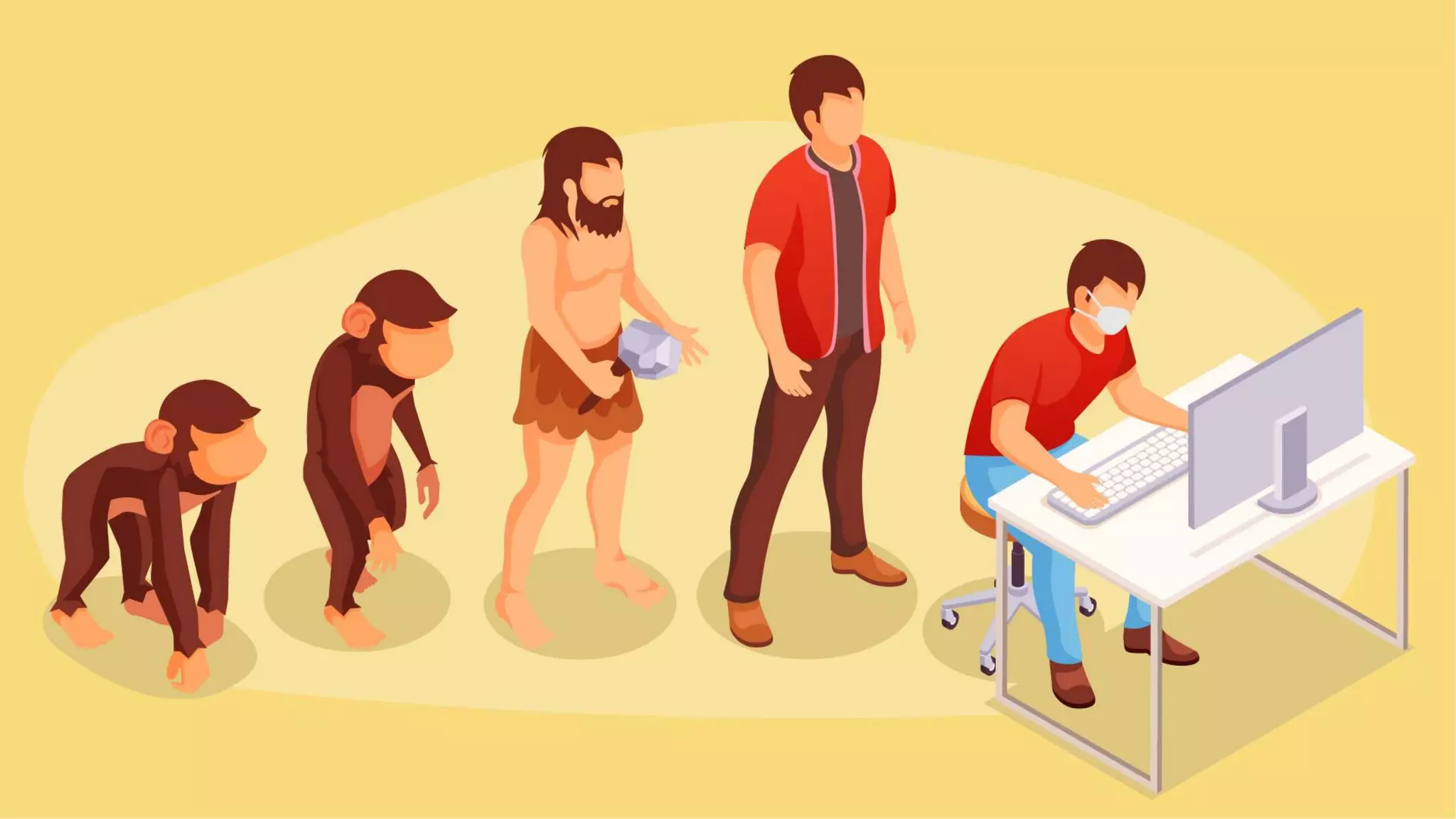
  • #43Β I’ve already mentioned that doing things remotely can be mentally and even physically very taxing The truth is that humans have not evolved to do things over a computer screen We naturally communicate face-to-face, and even video calls can feel quite unnatural
  • #44Β For the first remote design sprint we did a lot of activities as a group of 6 We changed approach for the second remote design sprint by carrying out more activities in pairs, or even asynchronously For example, reviewing competing solutions in pairs, rather than as a group
  • #45Β Whilst there are lots of things that should be done as a group, I’d recommend using pairs over groups where possible
  • #46Β When it comes to design sprints planning is very important As the old saying goes, failing to plan is planning to fail I think this is especially important for remote design sprints which typically require more planning because it’s much hard to make it up as you go along
  • #47Β Some of the key planning for both remote design sprints included Creating briefing material before the design sprints And kick off sessions at the start to build a shared understanding of the problem And of the goals, scope and plan
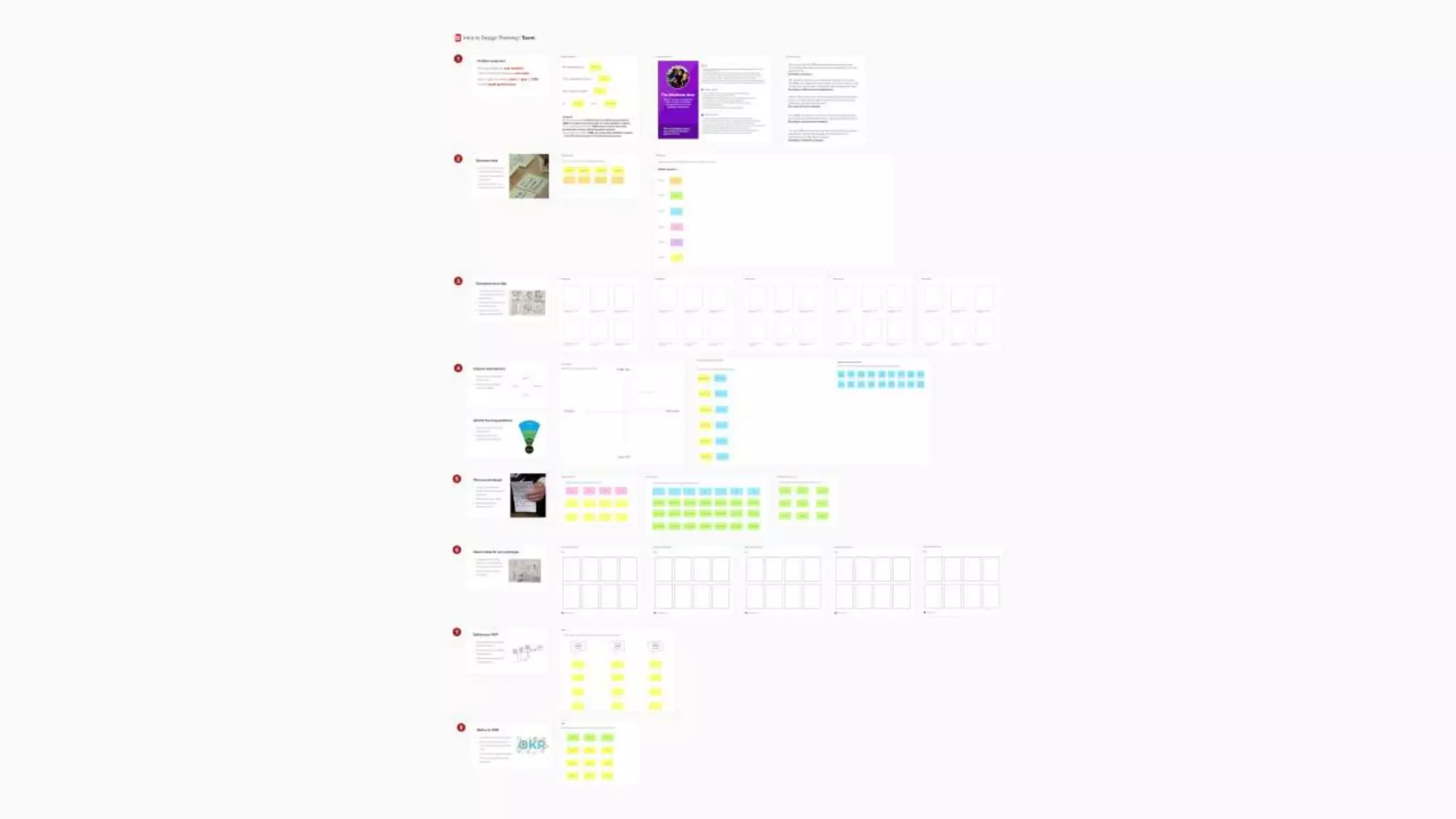
  • #48Β I also spent considerable time preparing online boards before sessions We used Mural for collaborating together on these Rather than creating lots of different boards I’d recommend creating one big board so that everything can be seen together This is a bit like the virtual equivalent of a design sprint war room with sketches, post-it notes and screenshots stuck to the walls
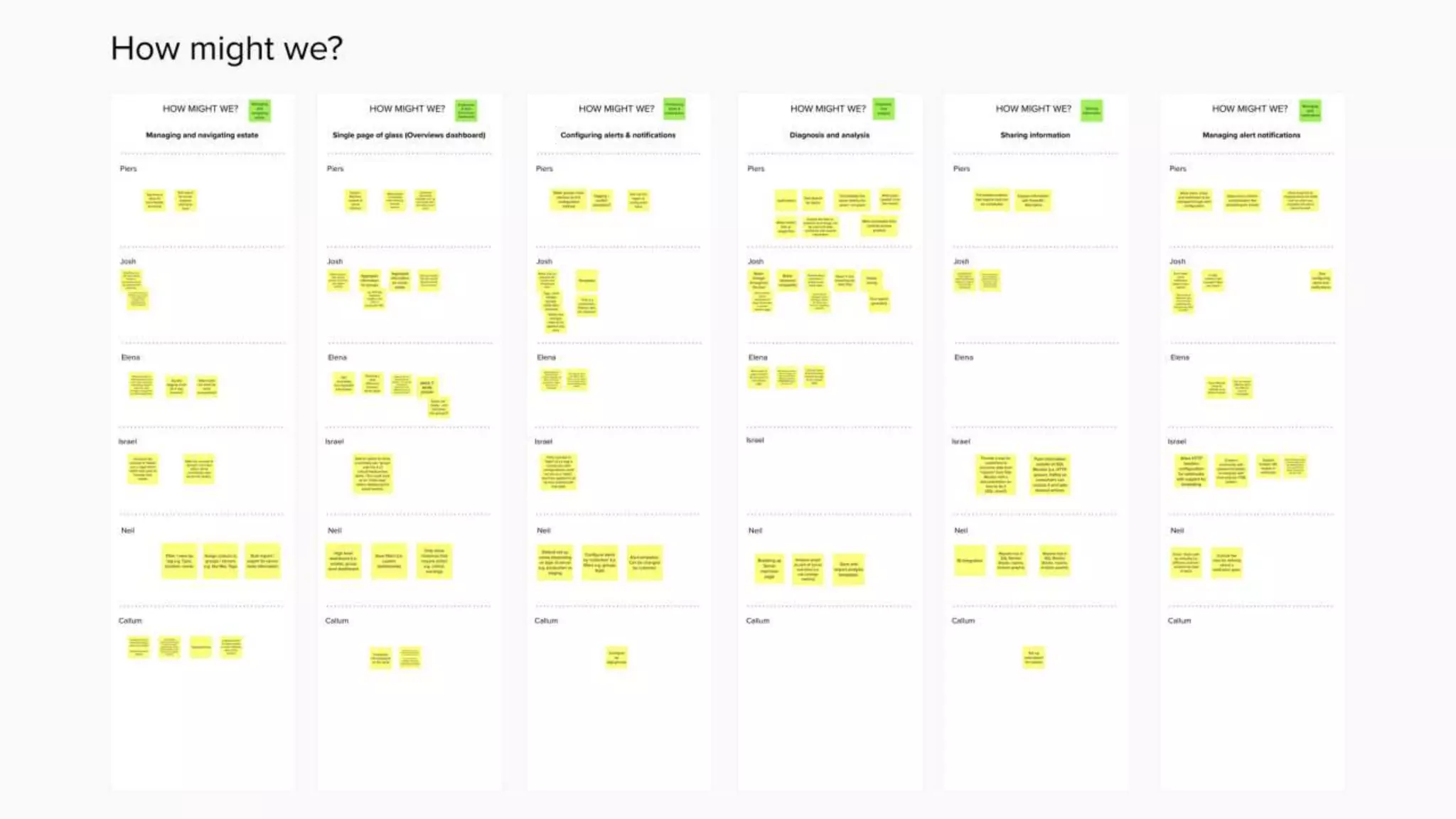
  • #49Β Another good tip is to create swim lanes for each participant This ensures that everyone has a space on the board for their input For example, here is a board capturing ideas using the classic how might we? format
  • #50Β So my seventh tip is to prepare material before remote design sprints And to brief participants beforehand so that they know what to expect, and can carry out any pre-remote design sprint homework For example, reading up on previous insights
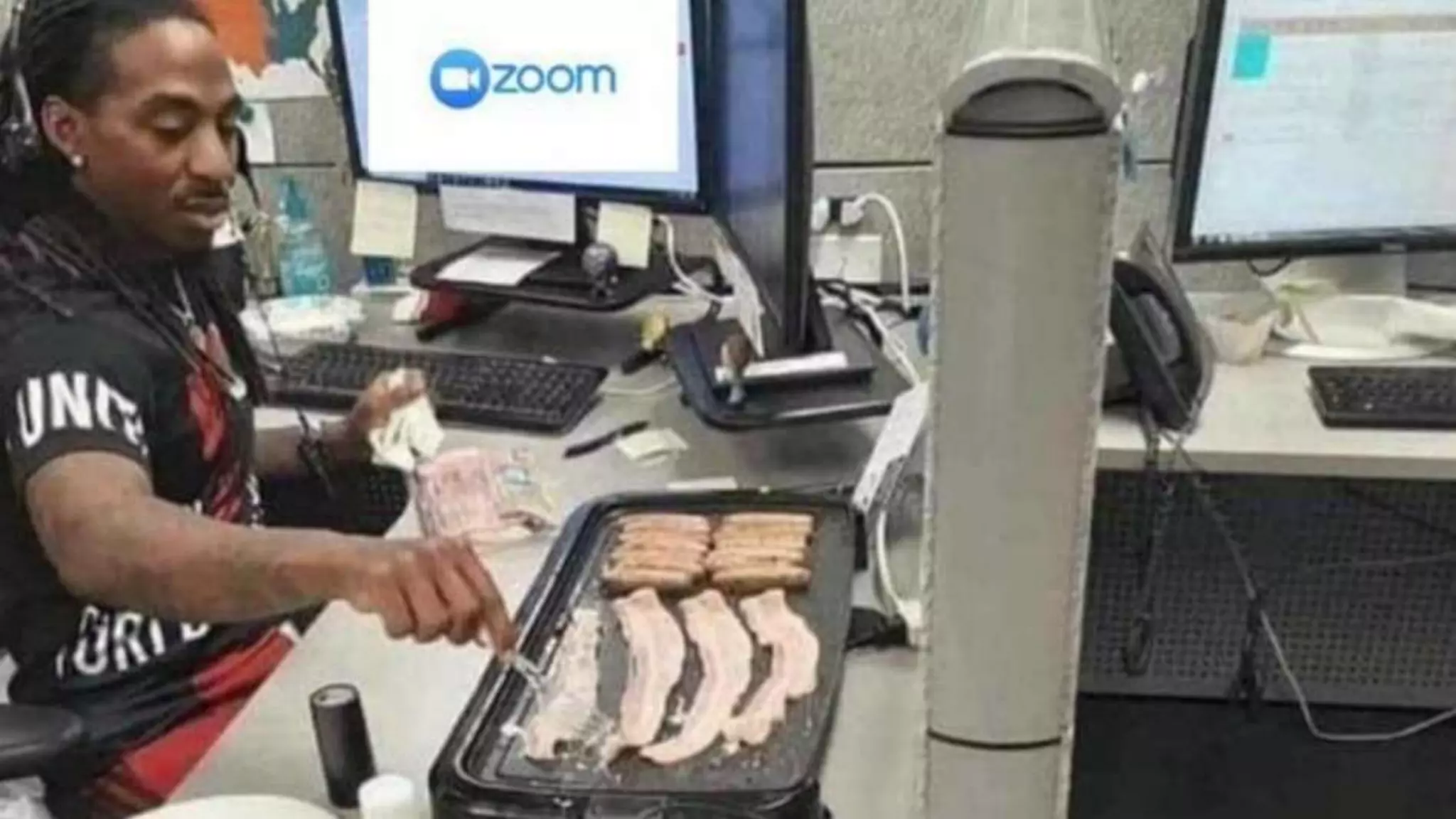
  • #51Β When you’re on a video call it’s tempting to multi-task Perhaps checking your socials
  • #52Β Or cooking up a little snack
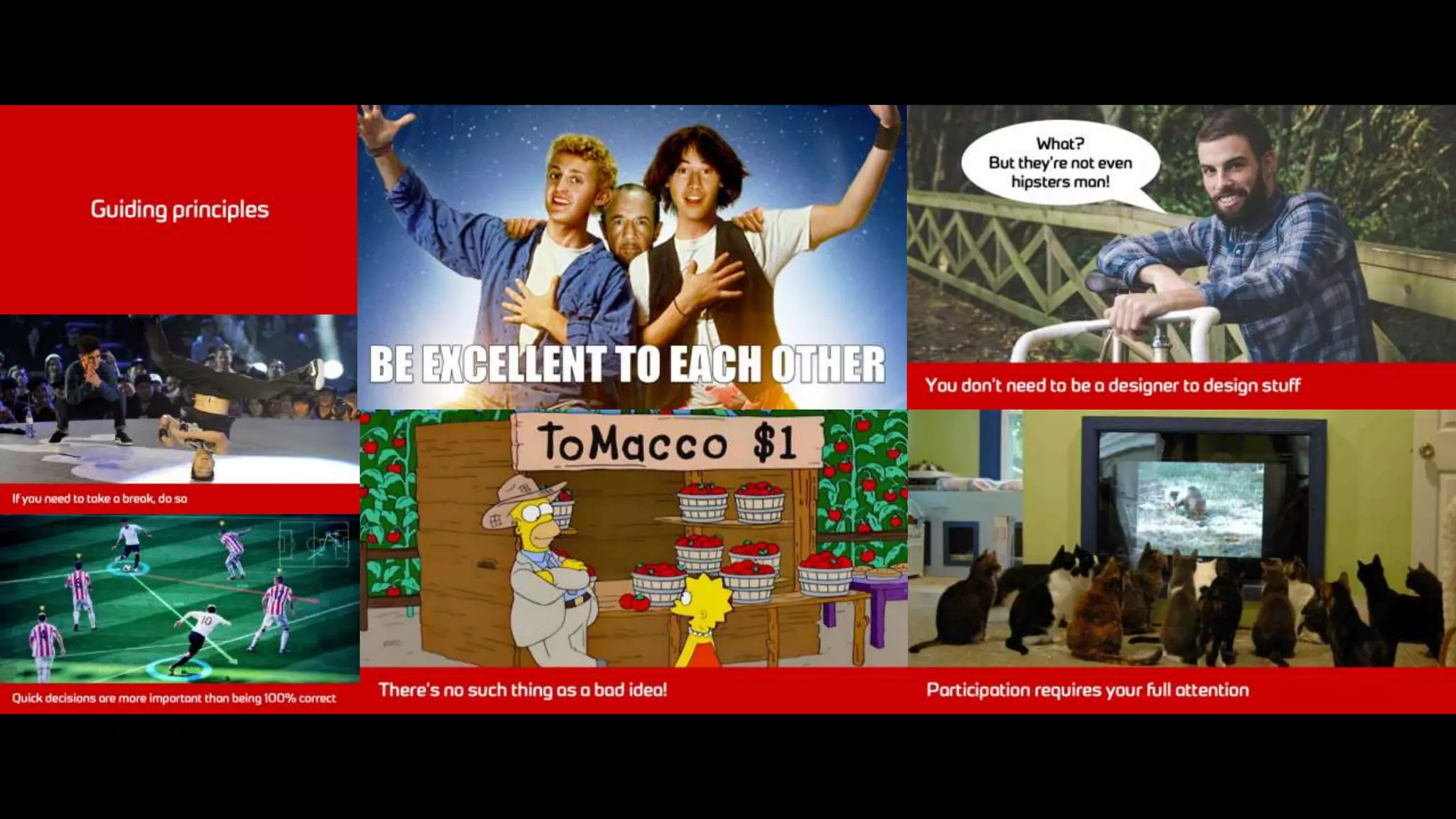
  • #53Β This is why it’s important to set ground rules for remote design sprints Prior to both remote design sprints I outlined the guiding principles Such as having a web cam on where possible Making quick decisions being more important than being 100% correct And that there’s no such thing as a bad idea
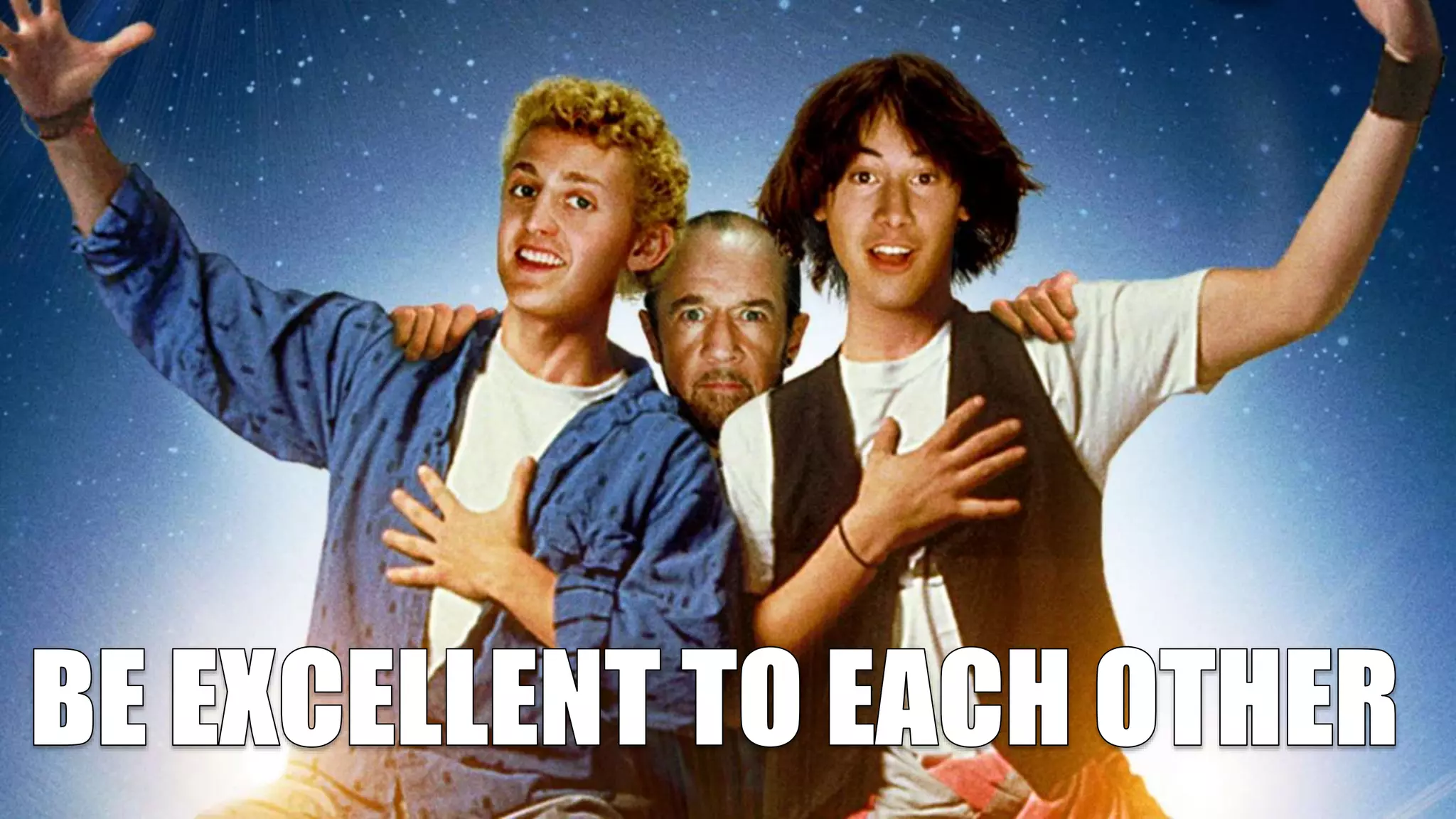
  • #54Β With the most important to be excellent to each other
  • #55Β It’s a good idea to set the house rules for remote design sprints And to make sure that everyone knows what these rules are And importantly to actively sign up to these rules
  • #56Β When you’re running a remote design sprint the tools you use can make or break the sprint From video calls that keep dropping out, to design tools that are not a good fit for working remotely It’s important that you use tools designed with remote working in mind
  • #57Β For the first sprint we heavily utilised Mural for online collaboration, but little else For the second sprint we used more tools to help drive remote collaboration This included Figma for real time design collaboration And even PowerPoint to collaborate on a presentation deck in real-time
  • #58Β For remote design sprints it’s essential to utilise remote collaboration tools Such as Mural, Miro, Figma and even Office apps This can make it easier to collaborate remotely
  • #59Β My final tip covers sharing your work during a design sprint If you’re doing a design sprint in-person, you can generally stick up lots of stuff in the room you’re working in This makes it easy to take everyone through what you’ve been doing Unfortunately for remote design sprints it’s not so easy
  • #60Β This is why during the second remote design sprint we had a show and tell not just at the end of the sprint But mid-way through as well This is a great way to show stakeholders what has happened in the sprint In fact, if you’re doing a remote design sprint over 2 weeks you could have a show and tell after the first week And then after the second week
  • #61Β So my final tip is to provide updates during remote design sprints Not just at the end
  • #62Β I’ve run through some tips for running remote design sprints But ultimately do they work?
  • #63Β Well Jake Knapp certainly seems to think so He claims that people have done remote design sprints thousands of times with great outcomes
  • #64Β And this is borne out by the 2 remote design sprints I’ve spoken about Both ultimately proved successful With the enterprise remote design sprint we were able to test lots of ideas with enterprise customers With a number making it to the roadmap for the product
  • #65Β With the onboarding design sprint we were able to test some ideas, including an interactive onboarding tutorial However, having only 4 days resulted in less time to explore different ideas So I’d definitely recommend a 2-week sprint over a 4 or 5 day sprint if possible
  • #66Β So, we’ve looked at what remote design sprints are, how they compare to in-person and some tips when running them
  • #67Β Remote design sprints are different from in-person design sprints They are not necessarily better or worse, because there are times when it makes to sense to run an in-person design sprint And times when it makes sense to run a remote design sprint The important thing is that you actively think about the best approach to take And plan out your design sprint accordingly
  • #68Β So let’s recap those 10 tips for remote design sprints
  • #70Β If you want to find out more about remote design sprints Check out the remote design sprint guide This is a collection of tips and advice from the same authors of the original sprint book
  • #71Β The guide also include template for popular online collaboration tools Such as Miro and Mural
  • #72Β So why not have a go at running your next design sprint remotely, or at least in part remotely I’ll make the slides available as soon as possible and will also post them to my website UX for the Masses If you have any questions, I’d be happy to answer them