Downloaded 565 times
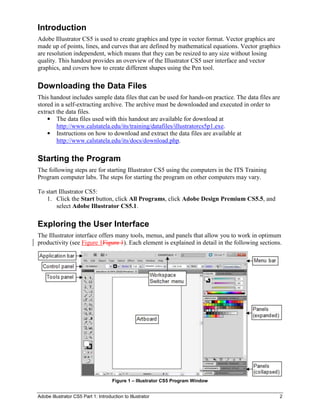
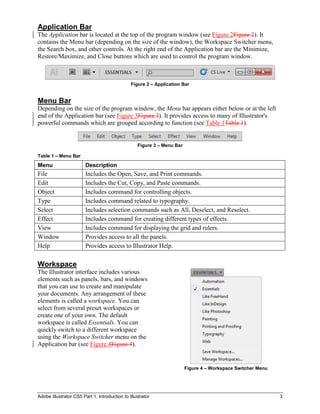
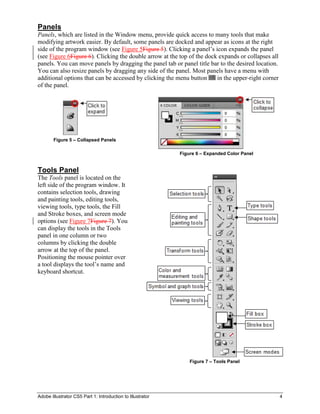
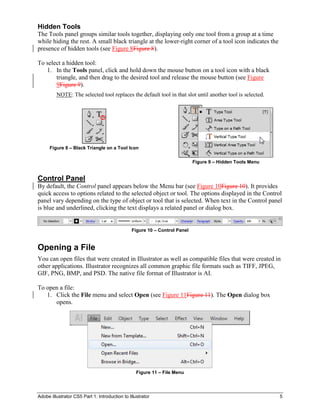
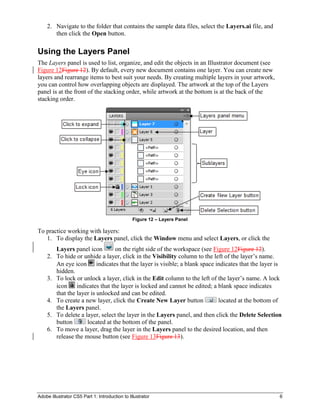
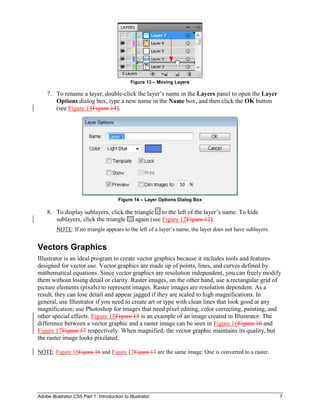

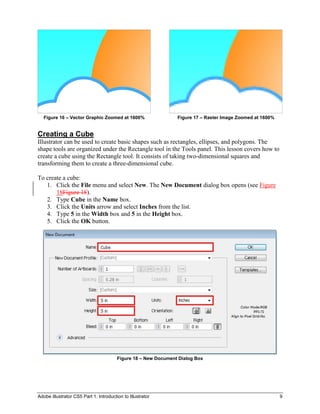
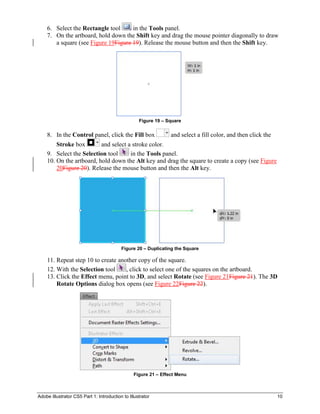
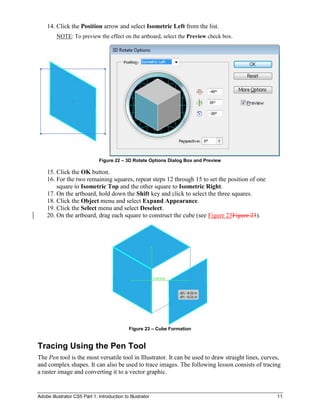
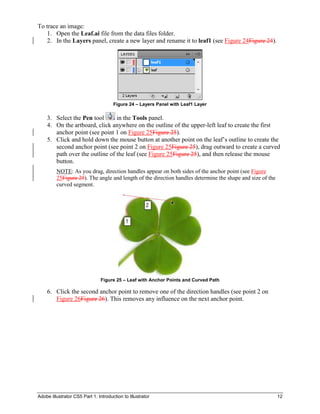
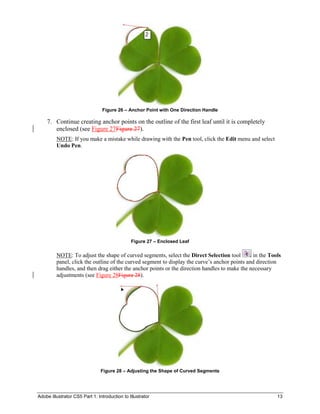
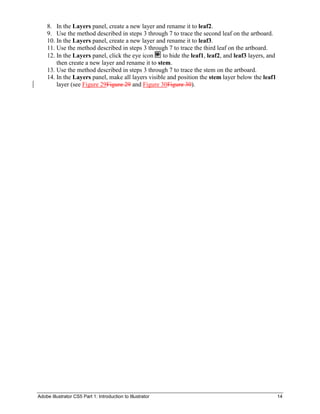
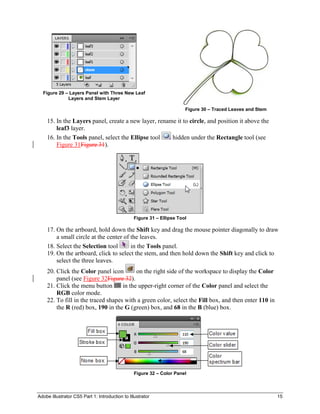
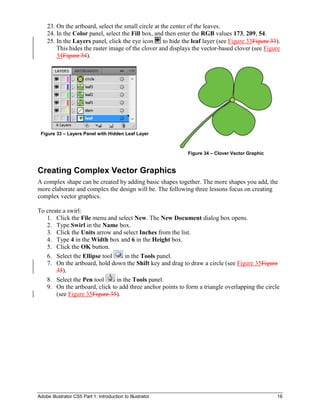
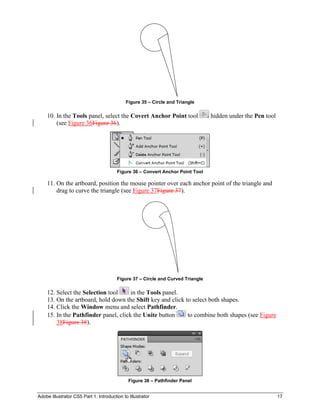
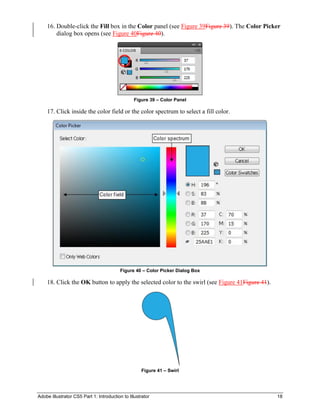
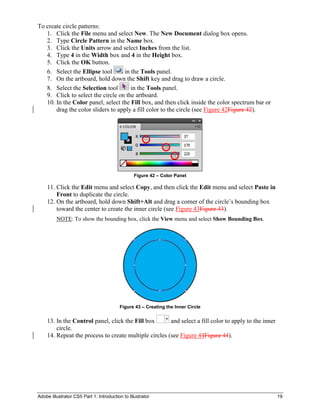
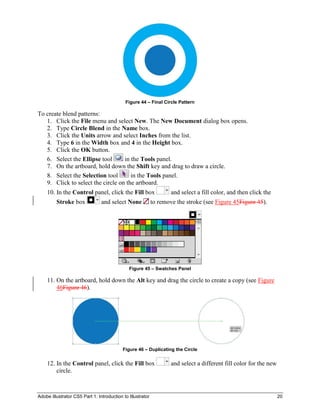
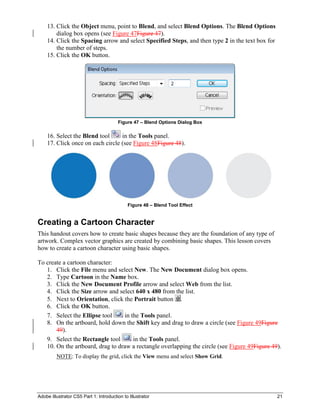
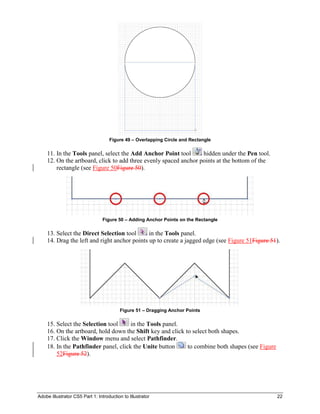
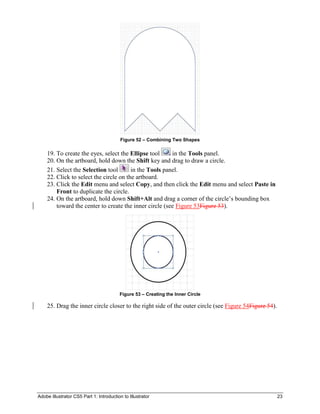
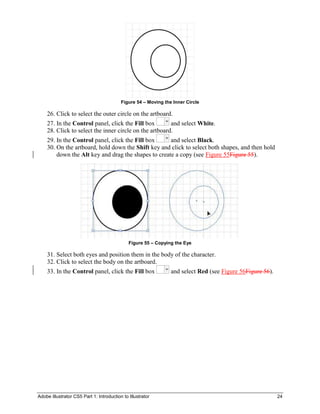

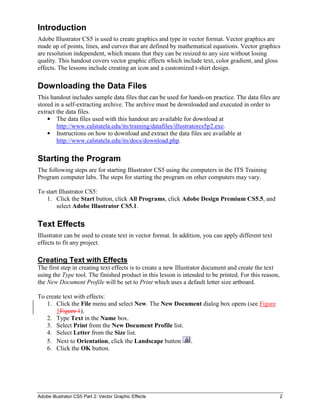
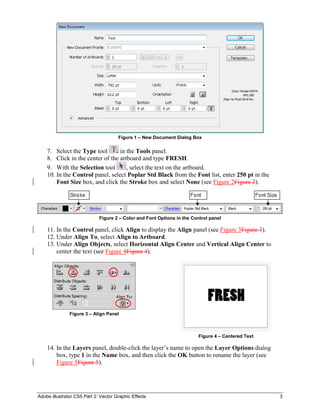
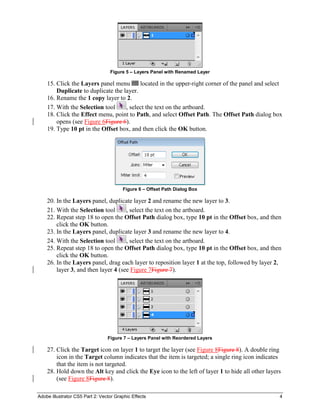
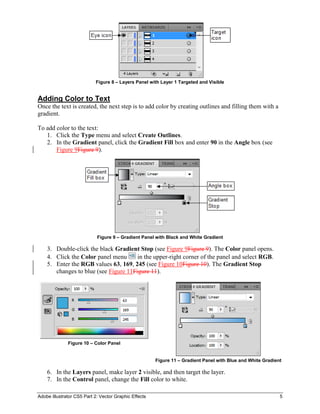
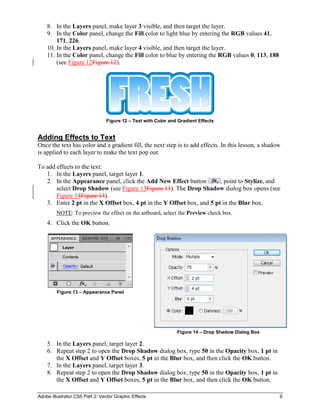
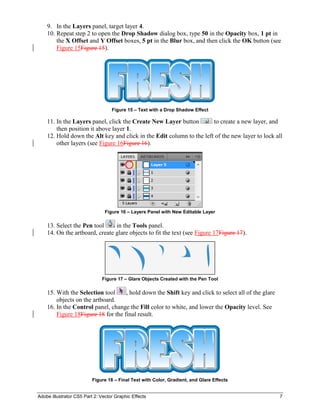
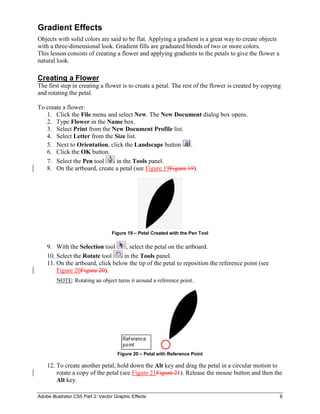
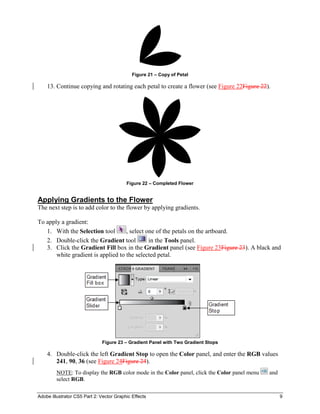
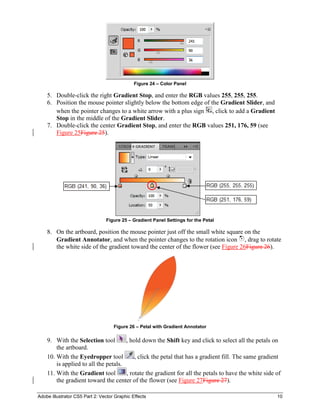
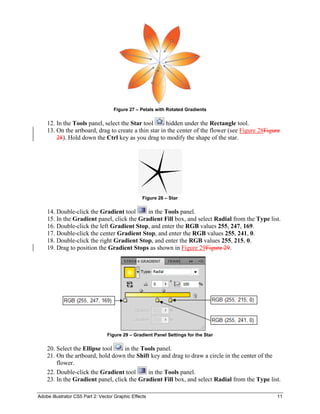
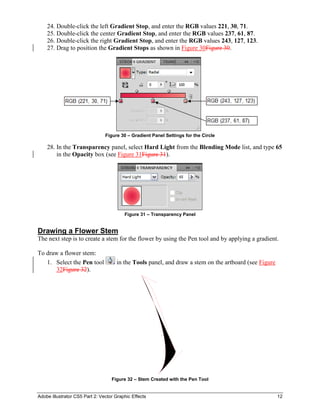
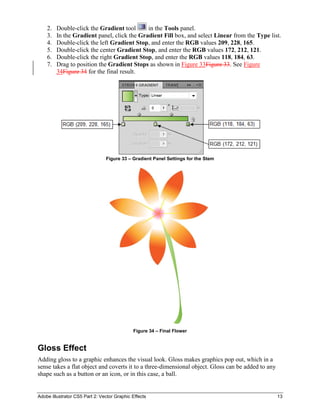
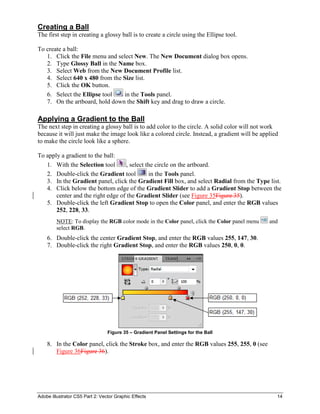
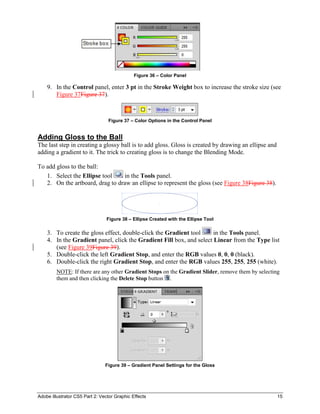
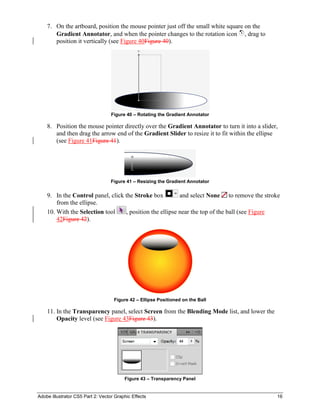
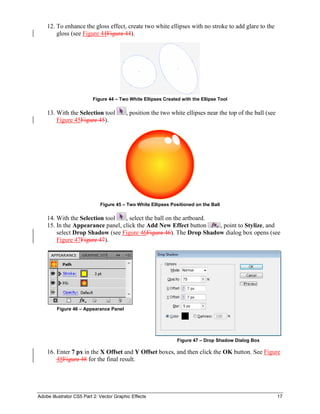
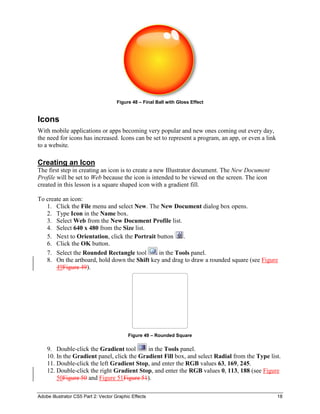
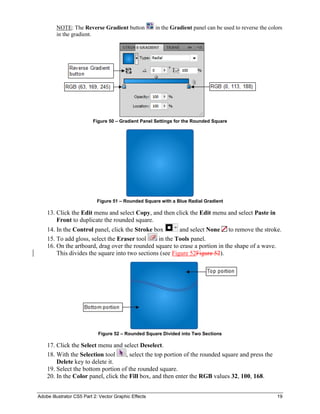
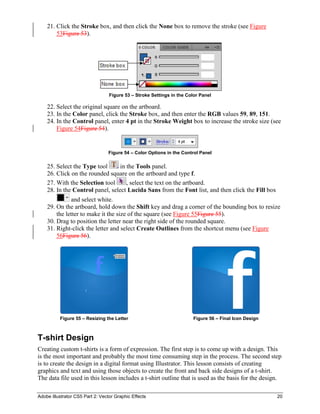
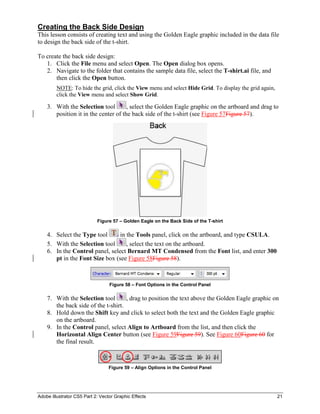
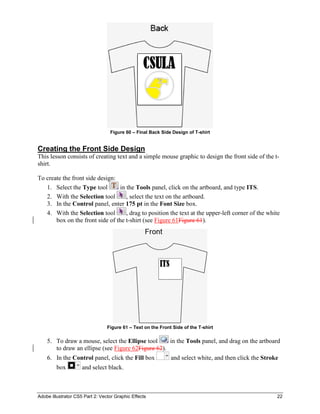
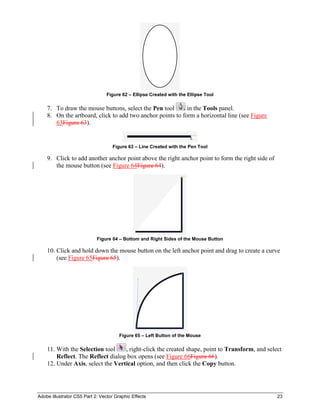
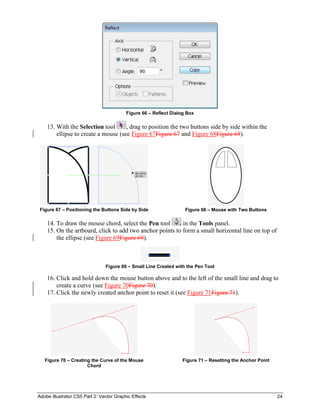
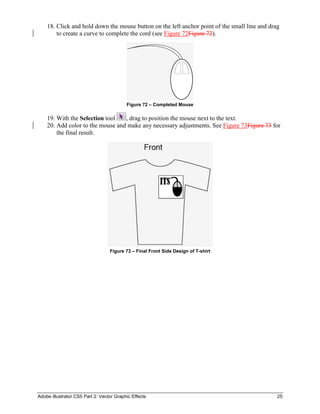
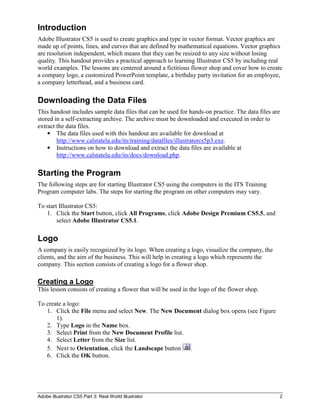
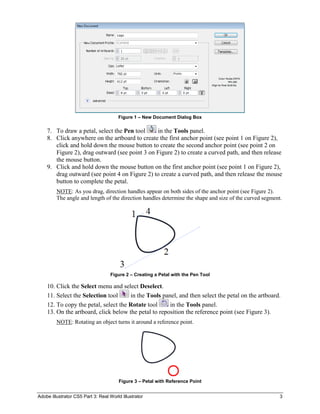
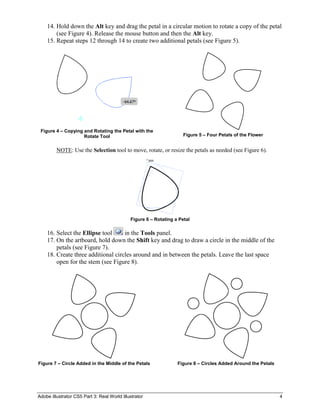
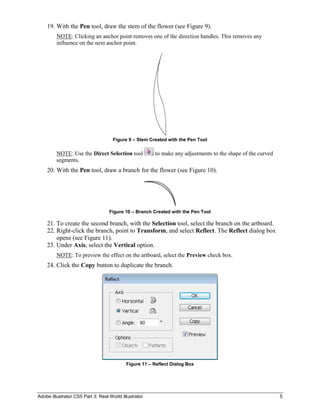
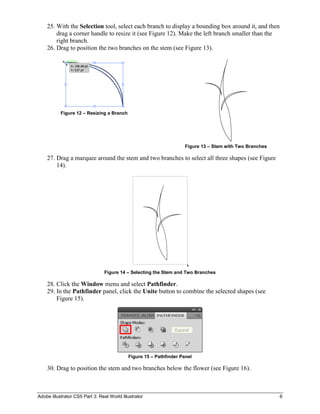
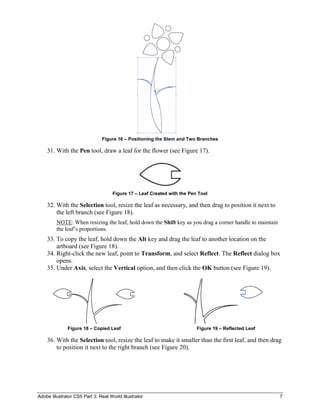
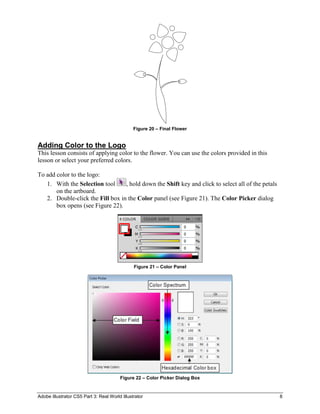
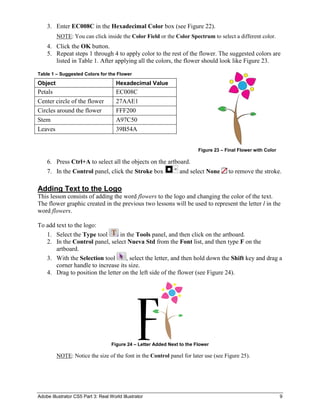
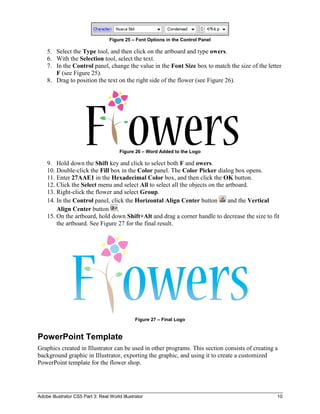
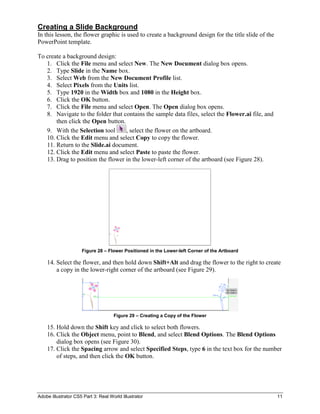
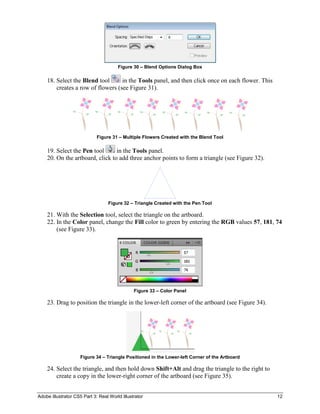
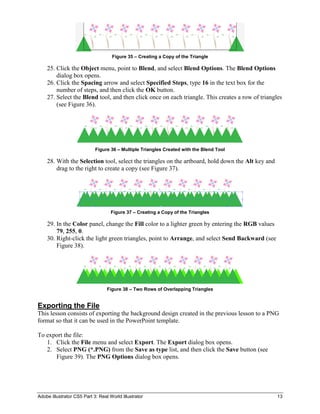
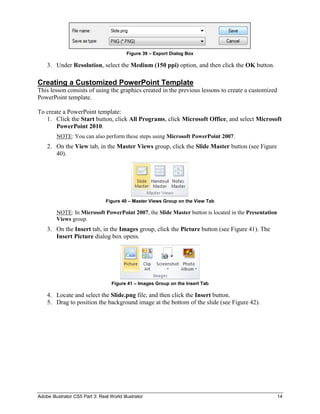
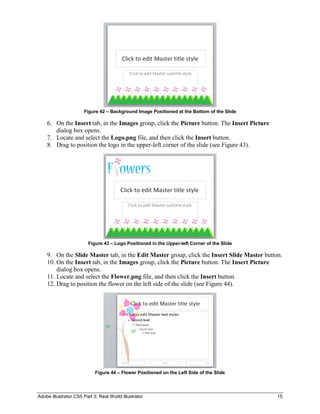
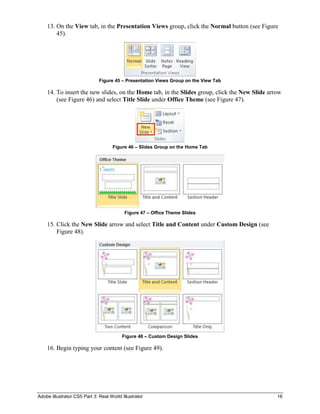
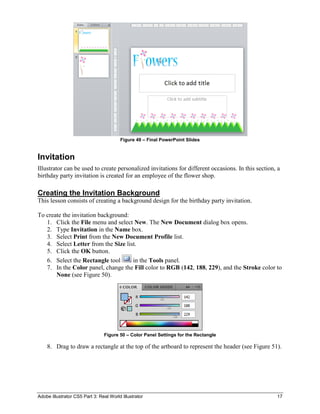
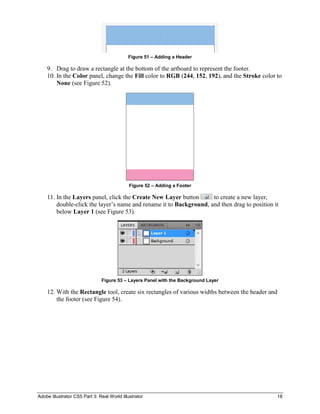
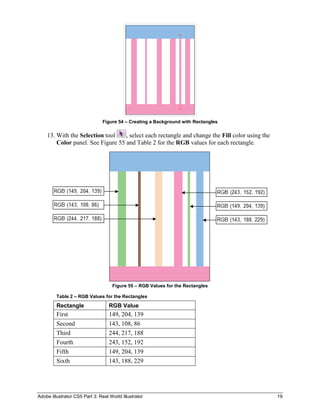
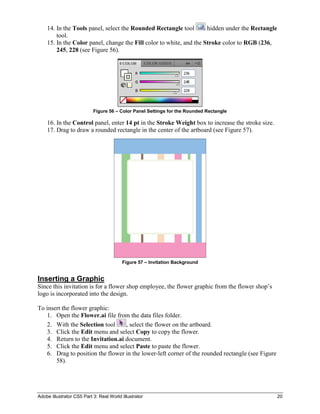
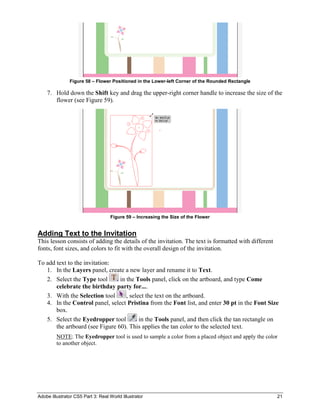
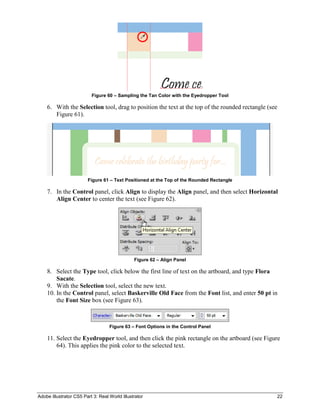
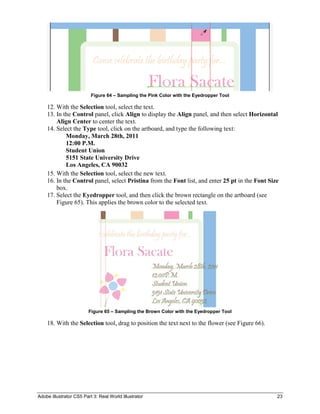
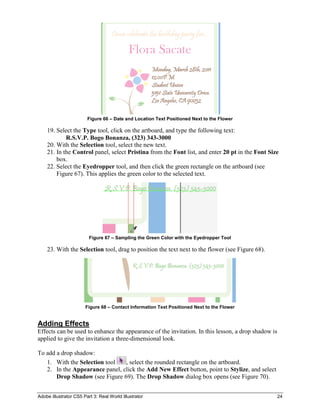
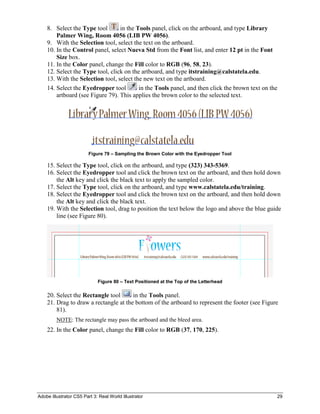
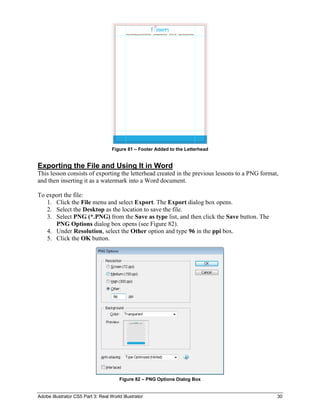
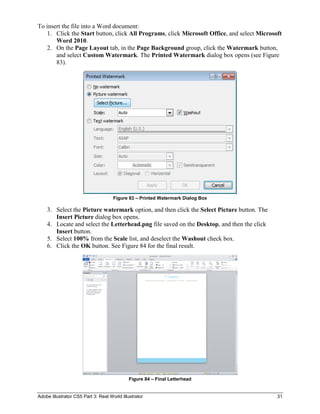
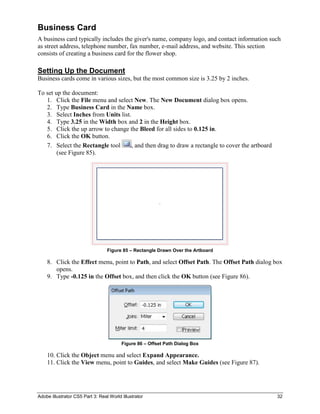
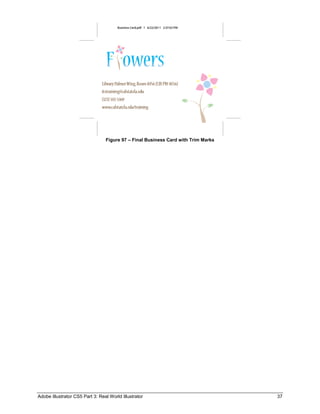

The document provides an overview of the Adobe Illustrator CS5 user interface and how to use some of its vector drawing tools. It describes starting the program, exploring the application bar, menu bar, workspace, panels like layers and tools, and how to open and work with files. Key points covered include how to create basic shapes using the rectangle and pen tools, including tracing an image to create a vector graphic of leaves and a stem. More complex techniques like creating 3D objects and adjusting paths are also demonstrated.


