Weka: An Introduction 1
Weka – An Introduction
Weka: An Introduction 2
WEKA
 Waikato Environment for Knowledge Analysis (WEKA)
 Developed by the Department of Computer Science, University
of Waikato, New Zealand
 Machine learning/data mining software written in Java
(distributed under the GNU Public License)
 Used for research, education, and applications
 http://www.cs.waikato.ac.nz/ml/weka/
Weka: An Introduction 3
Weka Interfaces
 Explorer
 Preprocessing, attribute selection, learning, visualization
 Knowledge Flow
 Visual design of KDD process
 Experimenter
 testing and evaluating machine learning algorithms
 Command-line
Weka: An Introduction 4
Data Formats
 Uses flat text files to describe the data
 Can work with a wide variety of data files including its own “.arff”
format and C4.5 file formats
 Data can be imported from a file in various formats: ARFF,
CSV, C4.5 etc.
Weka: An Introduction 5
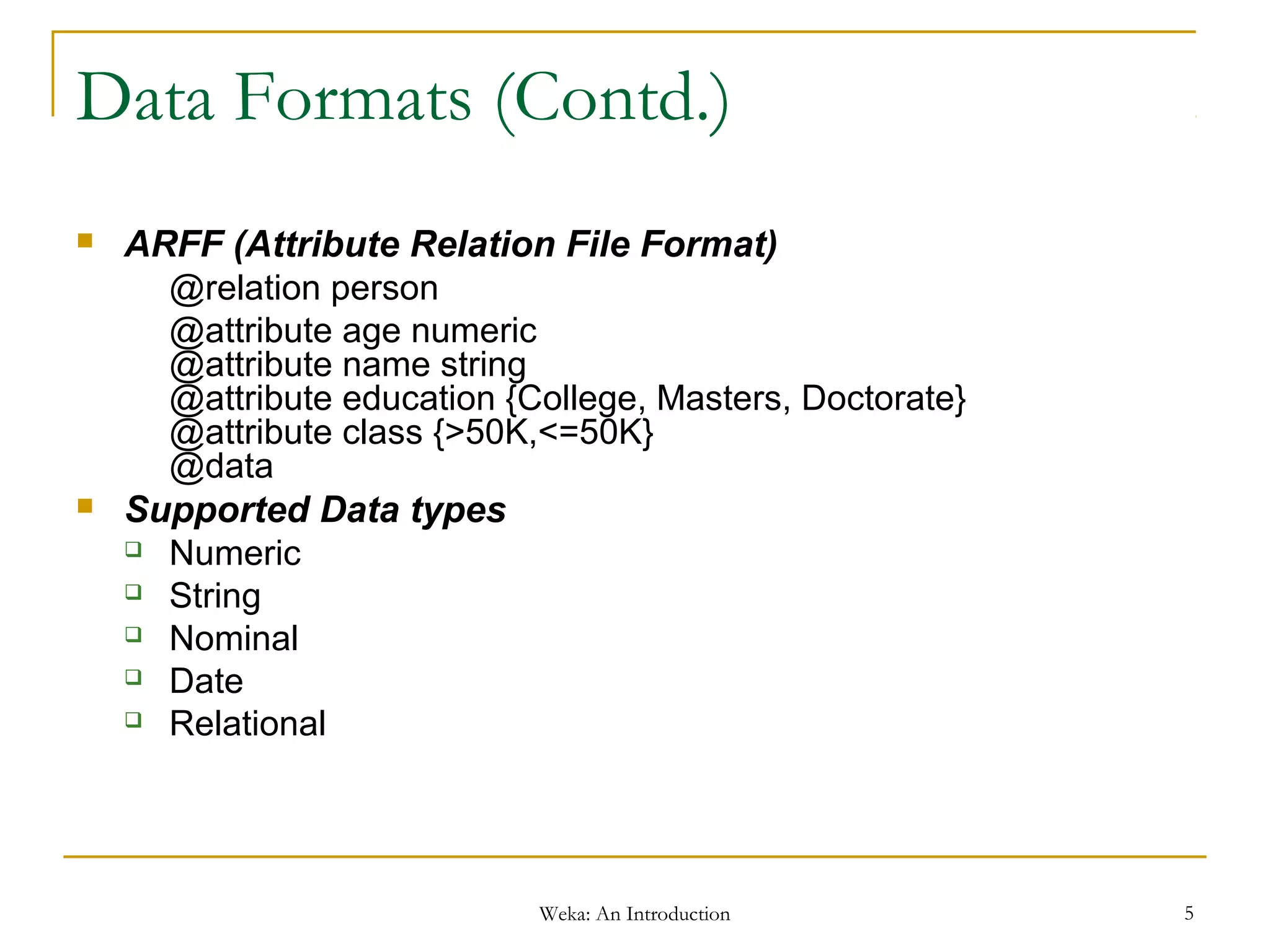
Data Formats (Contd.)
 ARFF (Attribute Relation File Format)
@relation person
@attribute age numeric
@attribute name string
@attribute education {College, Masters, Doctorate}
@attribute class {>50K,<=50K}
@data
 Supported Data types
 Numeric
 String
 Nominal
 Date
 Relational
Weka: An Introduction 6
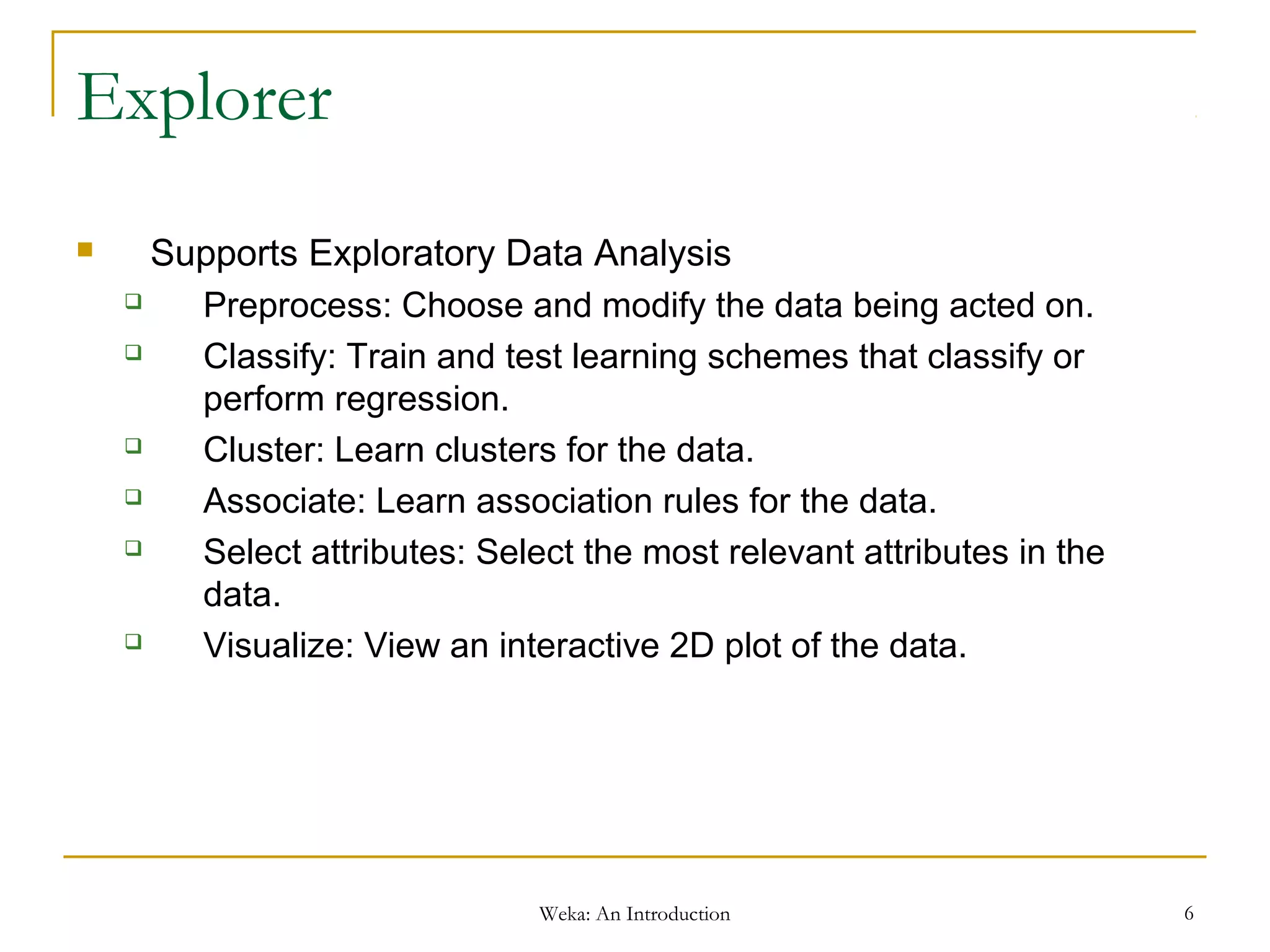
Explorer
 Supports Exploratory Data Analysis
 Preprocess: Choose and modify the data being acted on.
 Classify: Train and test learning schemes that classify or
perform regression.
 Cluster: Learn clusters for the data.
 Associate: Learn association rules for the data.
 Select attributes: Select the most relevant attributes in the
data.
 Visualize: View an interactive 2D plot of the data.
Weka: An Introduction 7
Explorer - Preprocessing
 Loading Data
 Open file
 Open URL
 Open DB
 Generate
 Native format – ARFF
 Supports file Conversions
Weka: An Introduction 8
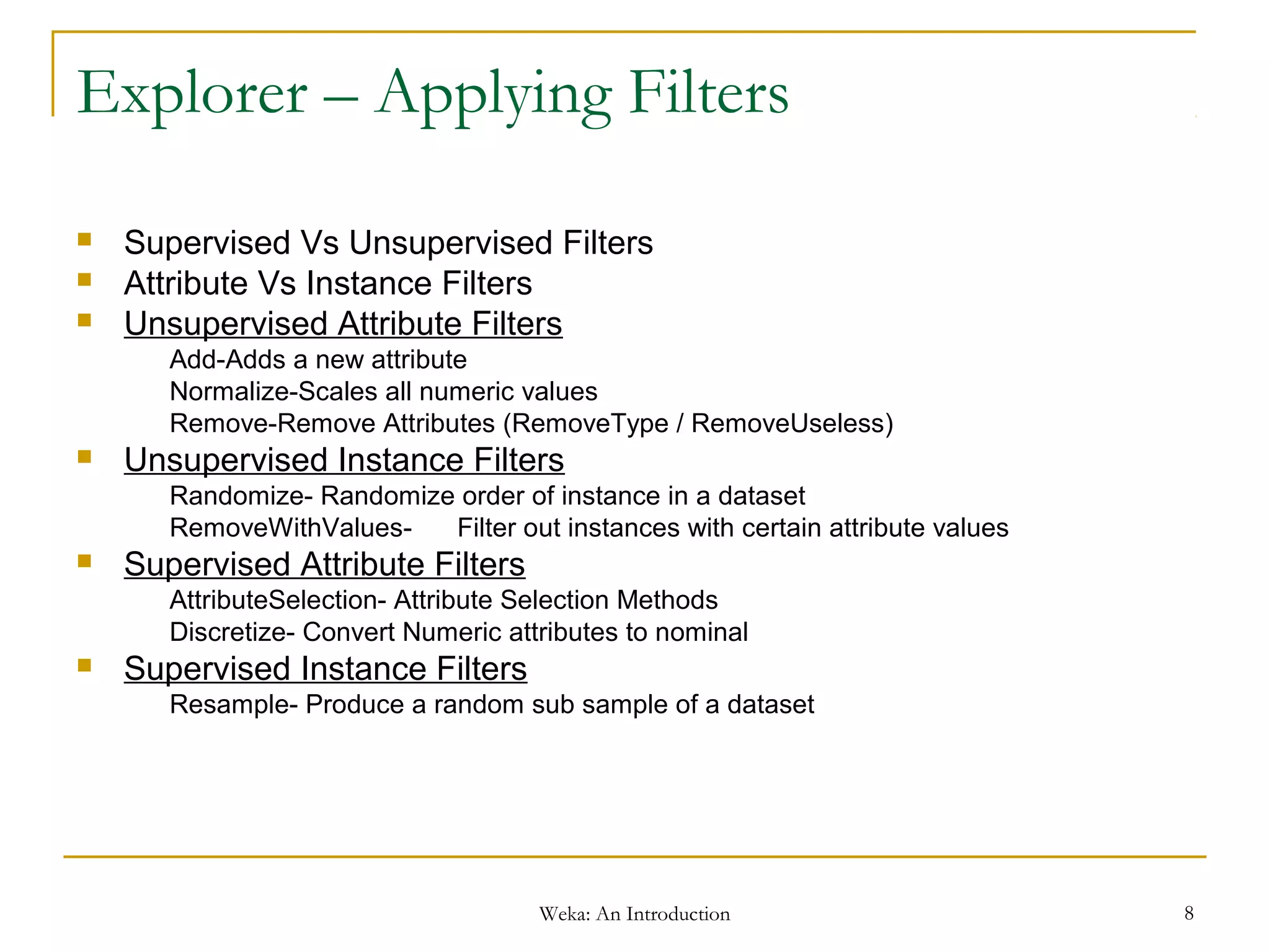
Explorer – Applying Filters
 Supervised Vs Unsupervised Filters
 Attribute Vs Instance Filters
 Unsupervised Attribute Filters
Add-Adds a new attribute
Normalize-Scales all numeric values
Remove-Remove Attributes (RemoveType / RemoveUseless)
 Unsupervised Instance Filters
Randomize- Randomize order of instance in a dataset
RemoveWithValues- Filter out instances with certain attribute values
 Supervised Attribute Filters
AttributeSelection- Attribute Selection Methods
Discretize- Convert Numeric attributes to nominal
 Supervised Instance Filters
Resample- Produce a random sub sample of a dataset
Weka: An Introduction 9
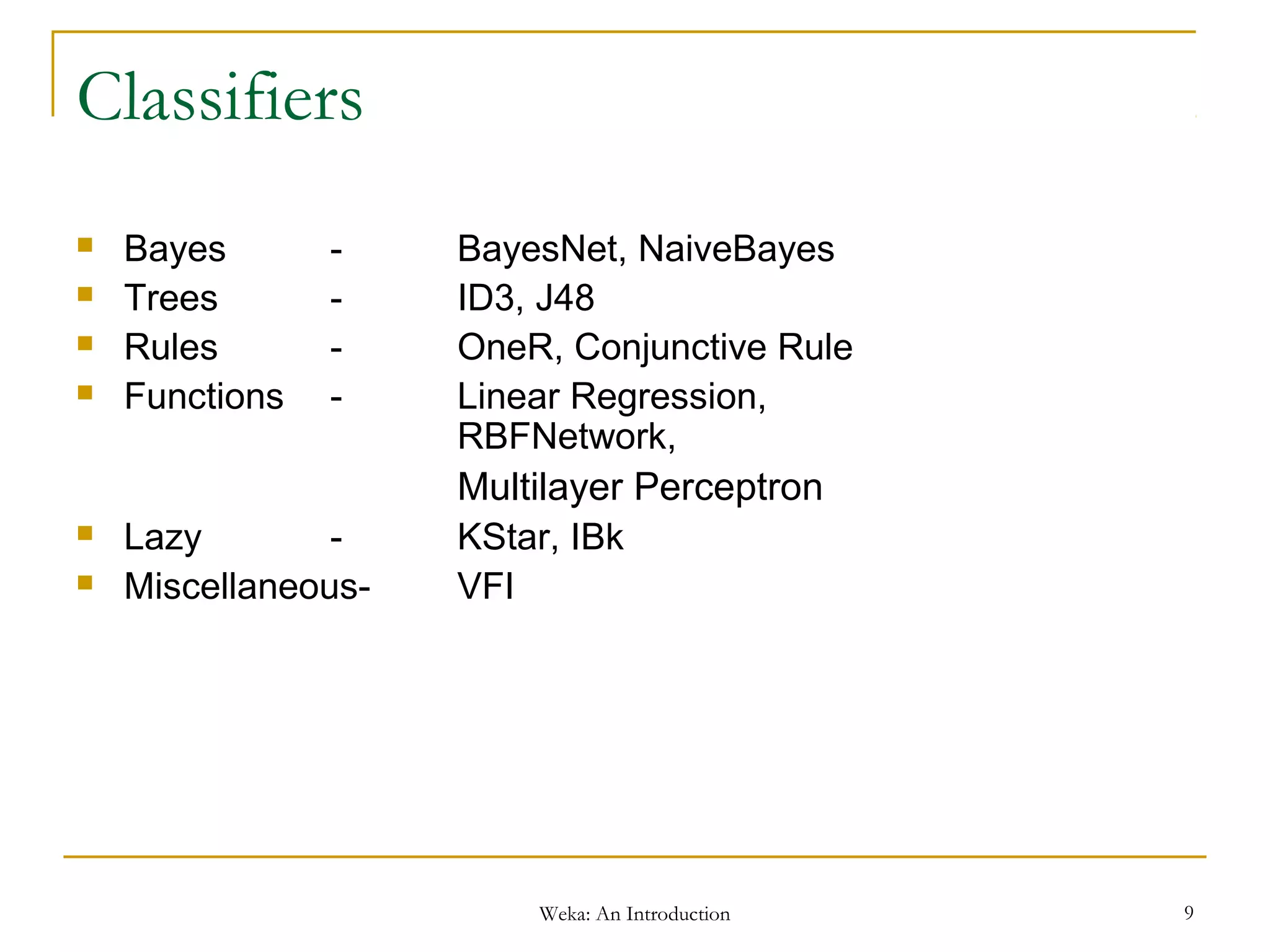
Classifiers
 Bayes - BayesNet, NaiveBayes
 Trees - ID3, J48
 Rules - OneR, Conjunctive Rule
 Functions - Linear Regression,
RBFNetwork,
Multilayer Perceptron
 Lazy - KStar, IBk
 Miscellaneous- VFI
Weka: An Introduction 10
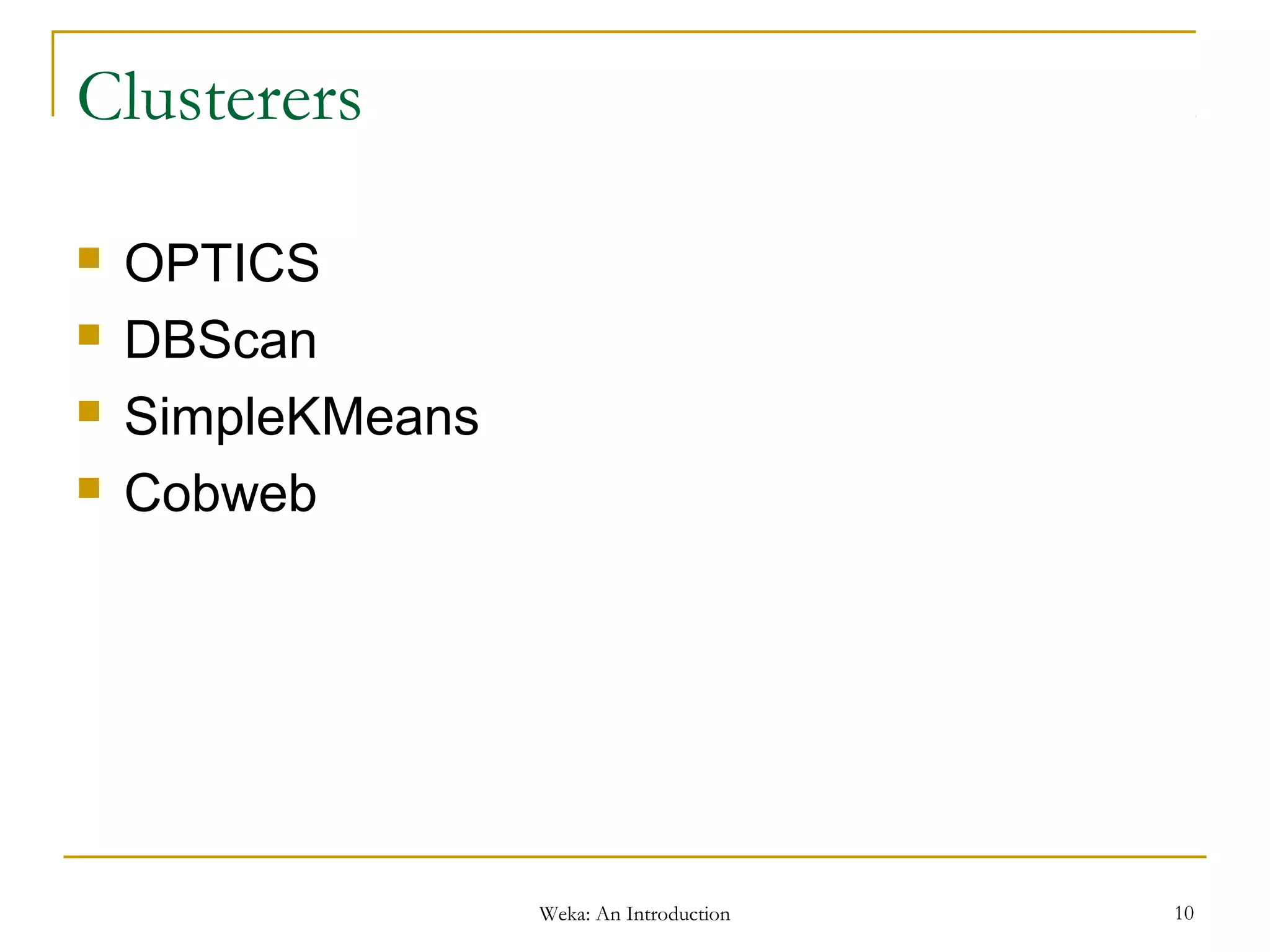
Clusterers
 OPTICS
 DBScan
 SimpleKMeans
 Cobweb
Weka: An Introduction 11
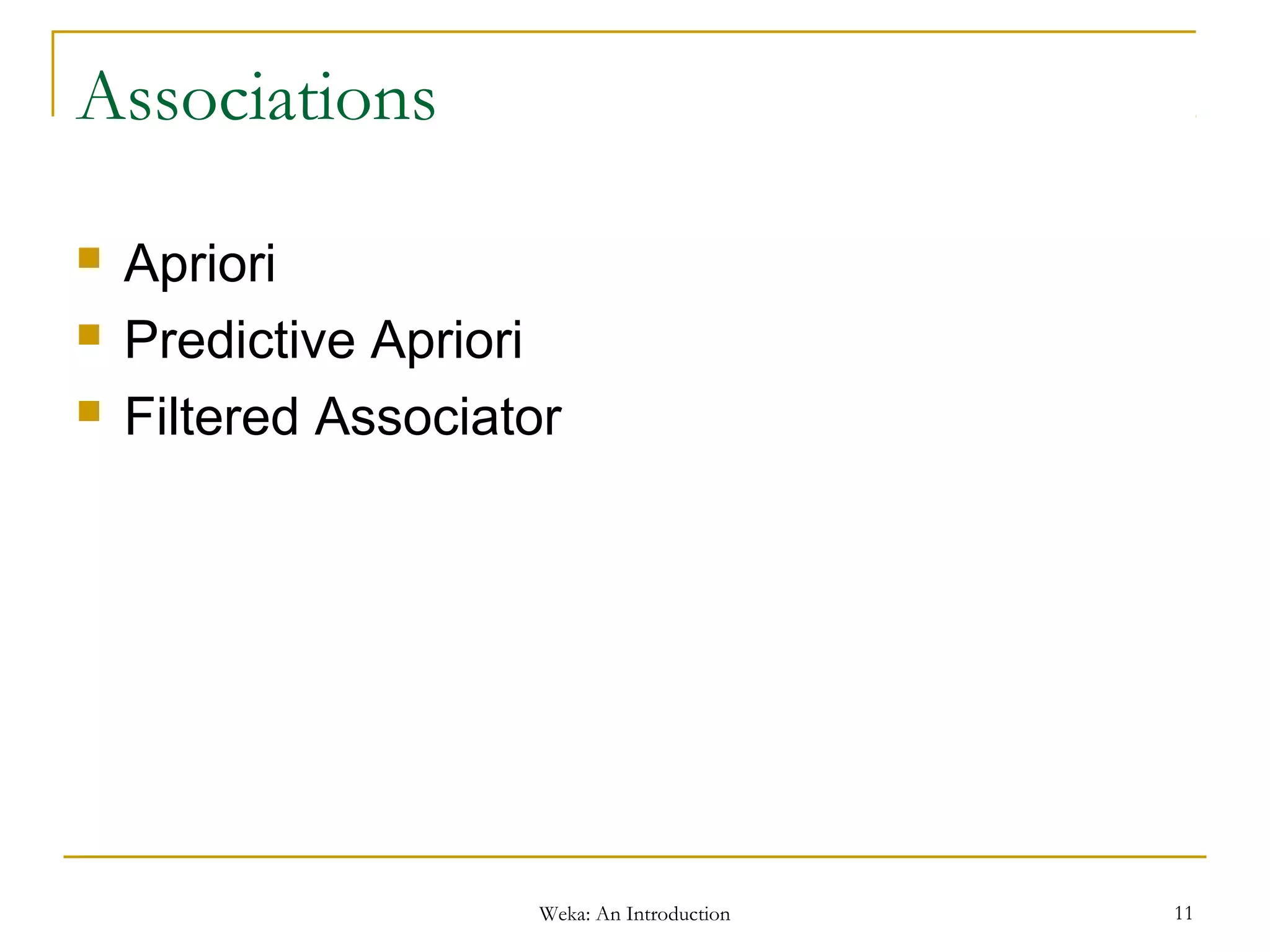
Associations
 Apriori
 Predictive Apriori
 Filtered Associator
Weka: An Introduction 12
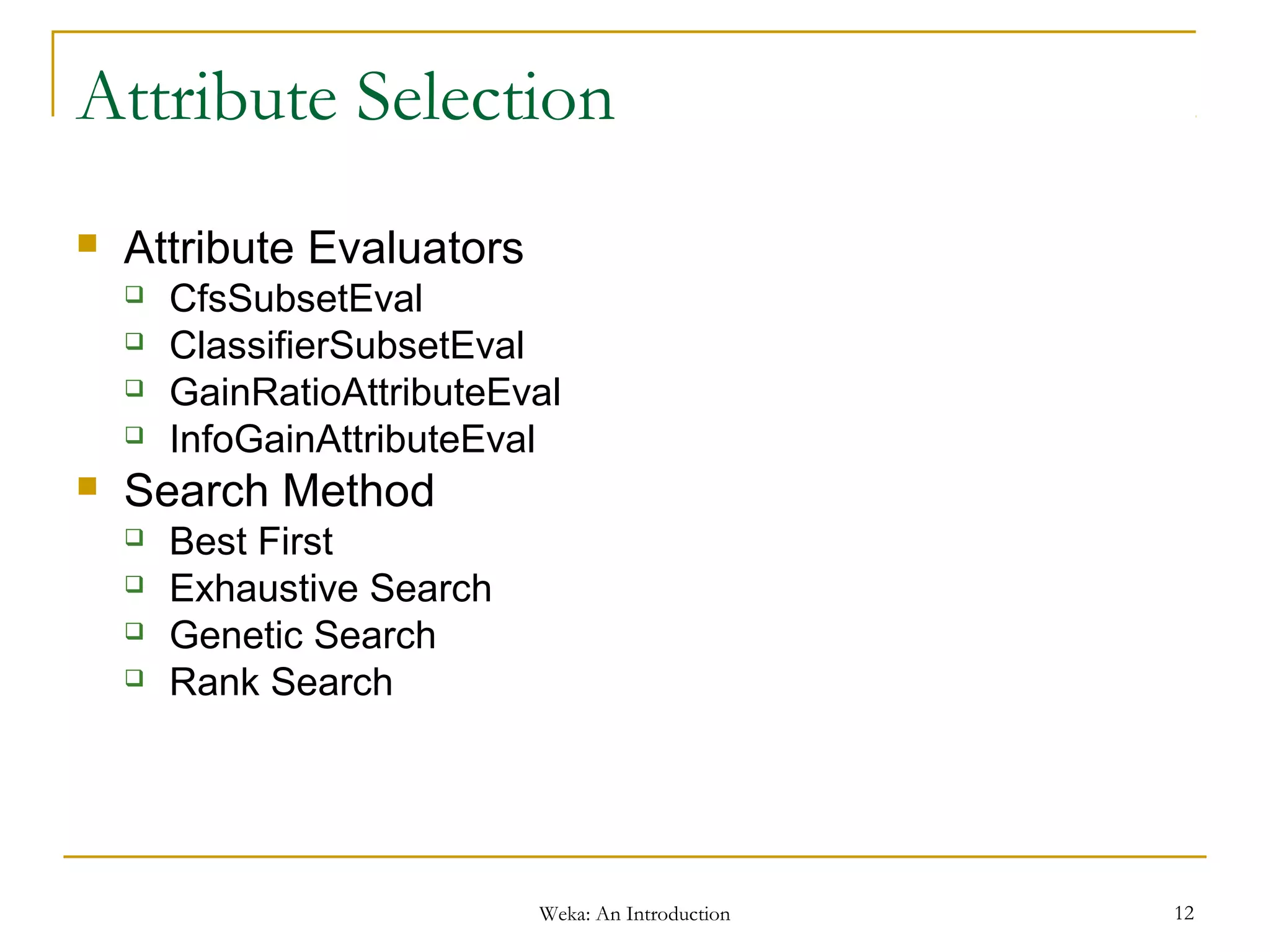
Attribute Selection
 Attribute Evaluators
 CfsSubsetEval
 ClassifierSubsetEval
 GainRatioAttributeEval
 InfoGainAttributeEval
 Search Method
 Best First
 Exhaustive Search
 Genetic Search
 Rank Search
Weka: An Introduction 13
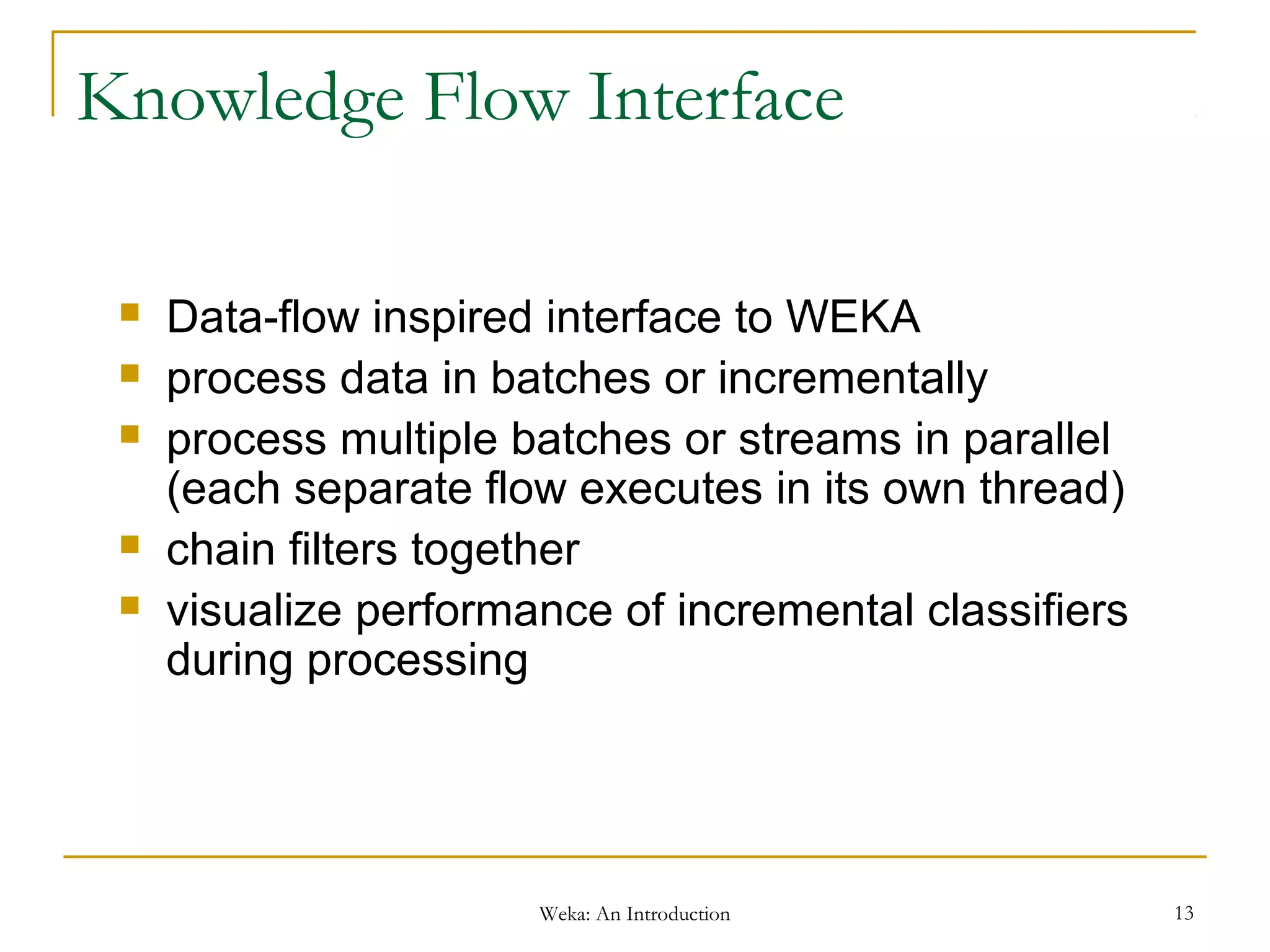
Knowledge Flow Interface
 Data-flow inspired interface to WEKA
 process data in batches or incrementally
 process multiple batches or streams in parallel
(each separate flow executes in its own thread)
 chain filters together
 visualize performance of incremental classifiers
during processing
Weka: An Introduction 14
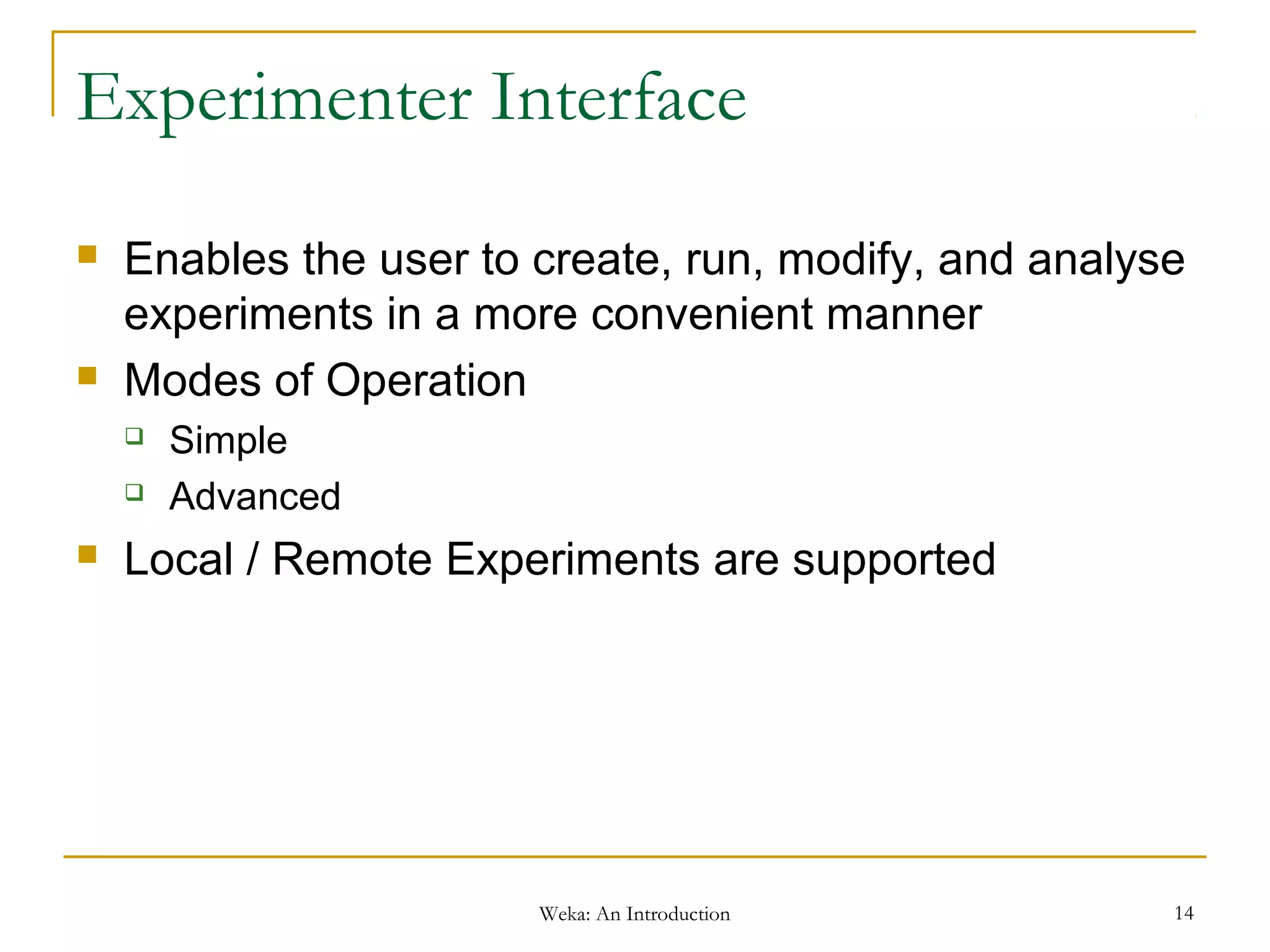
Experimenter Interface
 Enables the user to create, run, modify, and analyse
experiments in a more convenient manner
 Modes of Operation
 Simple
 Advanced
 Local / Remote Experiments are supported
Weka: An Introduction 15
Command Line Interface
 Plain text panel from where commands can be
entered
 java <classname> [<args>] invokes a java class with
the given arguments (if any)
 break stops the current thread, e.g., a running classifier,
in a friendly manner
 kill stops the current thread in an unfriendly fashion
 cls clears the output area
 exit exits the Simple CLI
 help [<command>]
Weka: An Introduction 16
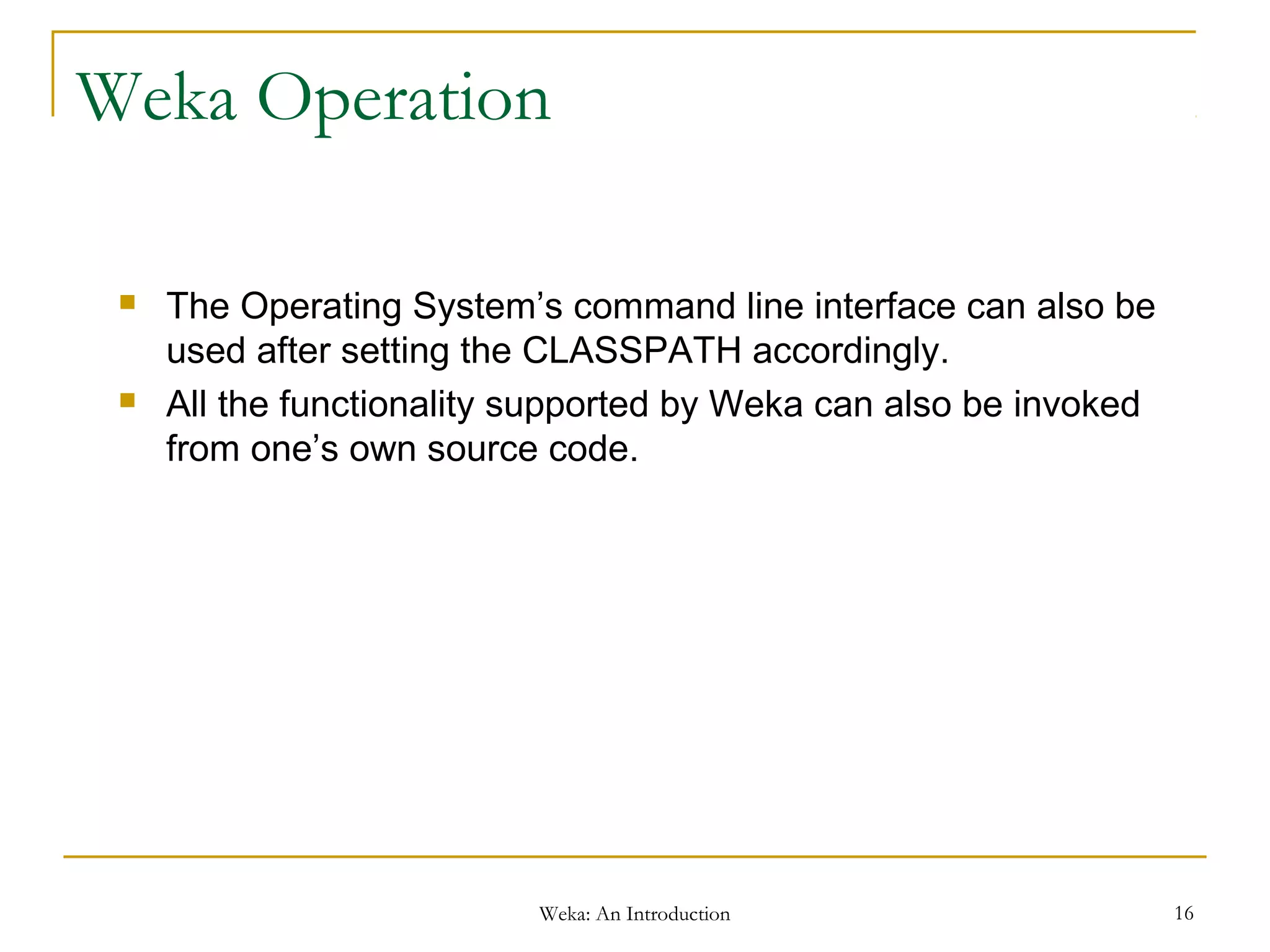
Weka Operation
 The Operating System’s command line interface can also be
used after setting the CLASSPATH accordingly.
 All the functionality supported by Weka can also be invoked
from one’s own source code.
Weka: An Introduction 17
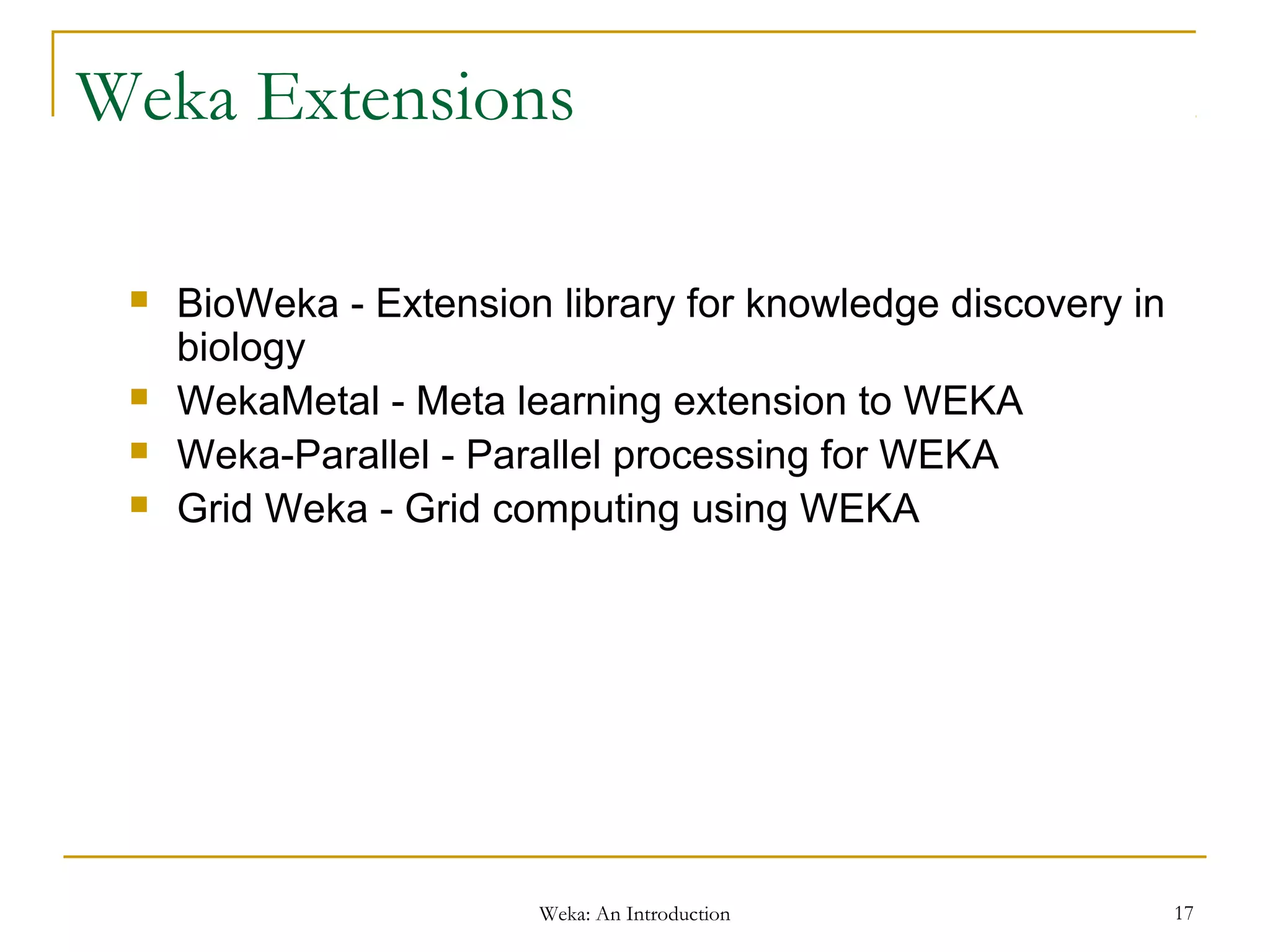
Weka Extensions
 BioWeka - Extension library for knowledge discovery in
biology
 WekaMetal - Meta learning extension to WEKA
 Weka-Parallel - Parallel processing for WEKA
 Grid Weka - Grid computing using WEKA
Weka: An Introduction 18
References
 Witten, I.H. and Frank, E. (2005) Data Mining: Practical machine
learning tools and techniques. 2nd edition Morgan Kaufmann,
San Francisco
 Weka Knowledge Flow Tutorial, Mark Hall Peter Reutemann
http://www.inf.fh-
dortmund.de/personen/professoren/engels/dm/praktikum/WEKA-
KnowledgeFlowTutorial-3-5-7.pdf
 WEKA Manual for Version 3-6-2 - Remco R. Bouckaert, Eibe
Frank et.al, January 11, 2010

1.5 weka an intoduction

  • 1.
    Weka: An Introduction1 Weka – An Introduction
  • 2.
    Weka: An Introduction2 WEKA  Waikato Environment for Knowledge Analysis (WEKA)  Developed by the Department of Computer Science, University of Waikato, New Zealand  Machine learning/data mining software written in Java (distributed under the GNU Public License)  Used for research, education, and applications  http://www.cs.waikato.ac.nz/ml/weka/
  • 3.
    Weka: An Introduction3 Weka Interfaces  Explorer  Preprocessing, attribute selection, learning, visualization  Knowledge Flow  Visual design of KDD process  Experimenter  testing and evaluating machine learning algorithms  Command-line
  • 4.
    Weka: An Introduction4 Data Formats  Uses flat text files to describe the data  Can work with a wide variety of data files including its own “.arff” format and C4.5 file formats  Data can be imported from a file in various formats: ARFF, CSV, C4.5 etc.
  • 5.
    Weka: An Introduction5 Data Formats (Contd.)  ARFF (Attribute Relation File Format) @relation person @attribute age numeric @attribute name string @attribute education {College, Masters, Doctorate} @attribute class {>50K,<=50K} @data  Supported Data types  Numeric  String  Nominal  Date  Relational
  • 6.
    Weka: An Introduction6 Explorer  Supports Exploratory Data Analysis  Preprocess: Choose and modify the data being acted on.  Classify: Train and test learning schemes that classify or perform regression.  Cluster: Learn clusters for the data.  Associate: Learn association rules for the data.  Select attributes: Select the most relevant attributes in the data.  Visualize: View an interactive 2D plot of the data.
  • 7.
    Weka: An Introduction7 Explorer - Preprocessing  Loading Data  Open file  Open URL  Open DB  Generate  Native format – ARFF  Supports file Conversions
  • 8.
    Weka: An Introduction8 Explorer – Applying Filters  Supervised Vs Unsupervised Filters  Attribute Vs Instance Filters  Unsupervised Attribute Filters Add-Adds a new attribute Normalize-Scales all numeric values Remove-Remove Attributes (RemoveType / RemoveUseless)  Unsupervised Instance Filters Randomize- Randomize order of instance in a dataset RemoveWithValues- Filter out instances with certain attribute values  Supervised Attribute Filters AttributeSelection- Attribute Selection Methods Discretize- Convert Numeric attributes to nominal  Supervised Instance Filters Resample- Produce a random sub sample of a dataset
  • 9.
    Weka: An Introduction9 Classifiers  Bayes - BayesNet, NaiveBayes  Trees - ID3, J48  Rules - OneR, Conjunctive Rule  Functions - Linear Regression, RBFNetwork, Multilayer Perceptron  Lazy - KStar, IBk  Miscellaneous- VFI
  • 10.
    Weka: An Introduction10 Clusterers  OPTICS  DBScan  SimpleKMeans  Cobweb
  • 11.
    Weka: An Introduction11 Associations  Apriori  Predictive Apriori  Filtered Associator
  • 12.
    Weka: An Introduction12 Attribute Selection  Attribute Evaluators  CfsSubsetEval  ClassifierSubsetEval  GainRatioAttributeEval  InfoGainAttributeEval  Search Method  Best First  Exhaustive Search  Genetic Search  Rank Search
  • 13.
    Weka: An Introduction13 Knowledge Flow Interface  Data-flow inspired interface to WEKA  process data in batches or incrementally  process multiple batches or streams in parallel (each separate flow executes in its own thread)  chain filters together  visualize performance of incremental classifiers during processing
  • 14.
    Weka: An Introduction14 Experimenter Interface  Enables the user to create, run, modify, and analyse experiments in a more convenient manner  Modes of Operation  Simple  Advanced  Local / Remote Experiments are supported
  • 15.
    Weka: An Introduction15 Command Line Interface  Plain text panel from where commands can be entered  java <classname> [<args>] invokes a java class with the given arguments (if any)  break stops the current thread, e.g., a running classifier, in a friendly manner  kill stops the current thread in an unfriendly fashion  cls clears the output area  exit exits the Simple CLI  help [<command>]
  • 16.
    Weka: An Introduction16 Weka Operation  The Operating System’s command line interface can also be used after setting the CLASSPATH accordingly.  All the functionality supported by Weka can also be invoked from one’s own source code.
  • 17.
    Weka: An Introduction17 Weka Extensions  BioWeka - Extension library for knowledge discovery in biology  WekaMetal - Meta learning extension to WEKA  Weka-Parallel - Parallel processing for WEKA  Grid Weka - Grid computing using WEKA
  • 18.
    Weka: An Introduction18 References  Witten, I.H. and Frank, E. (2005) Data Mining: Practical machine learning tools and techniques. 2nd edition Morgan Kaufmann, San Francisco  Weka Knowledge Flow Tutorial, Mark Hall Peter Reutemann http://www.inf.fh- dortmund.de/personen/professoren/engels/dm/praktikum/WEKA- KnowledgeFlowTutorial-3-5-7.pdf  WEKA Manual for Version 3-6-2 - Remco R. Bouckaert, Eibe Frank et.al, January 11, 2010