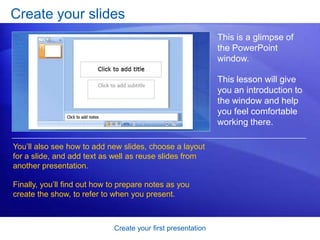
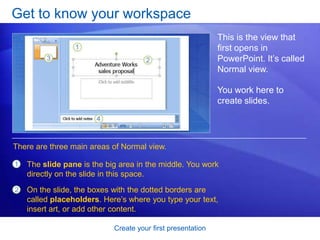
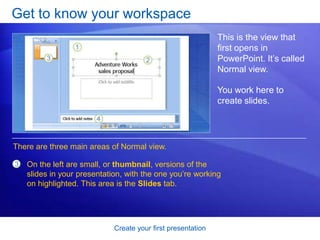
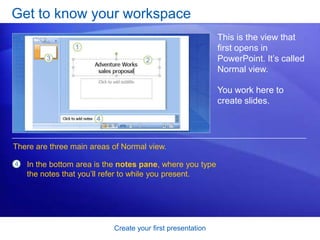
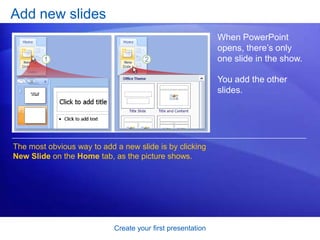
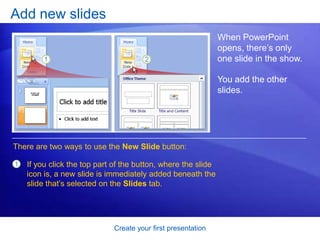
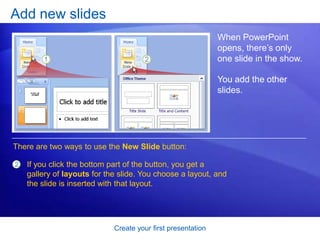
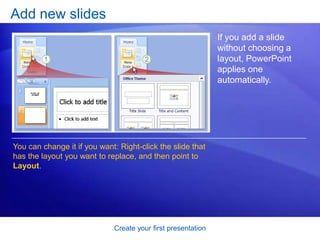
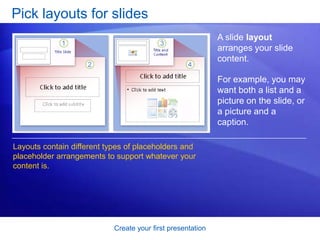
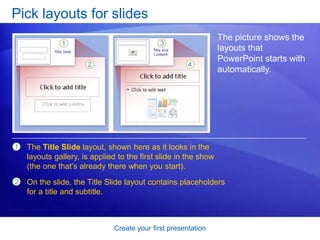
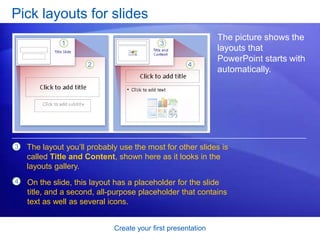
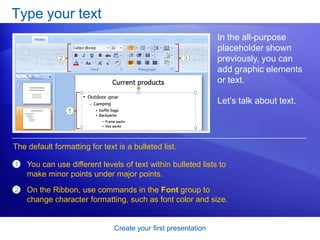
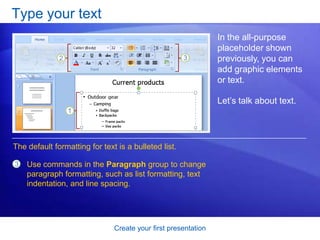
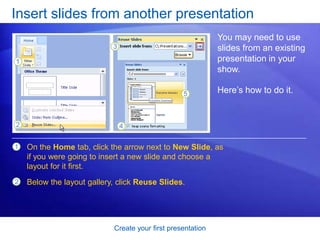
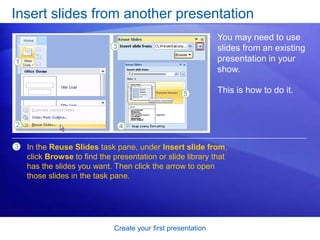
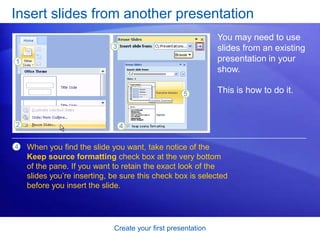
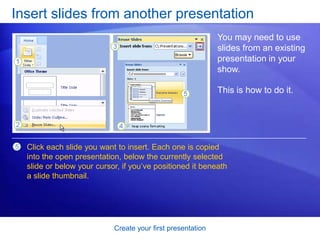
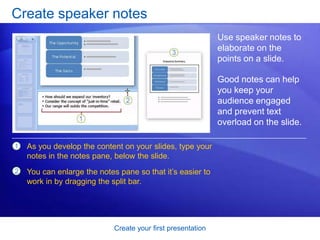
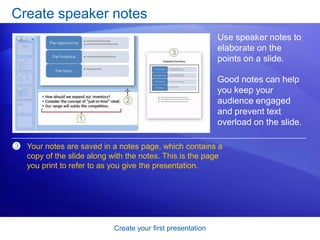
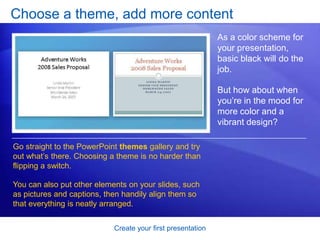
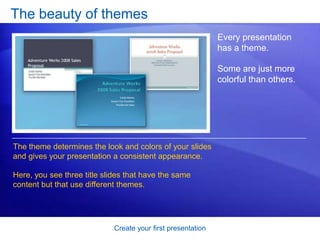
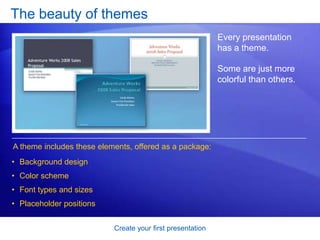
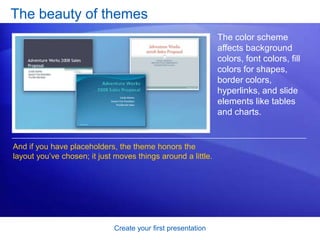
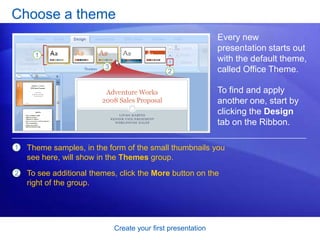
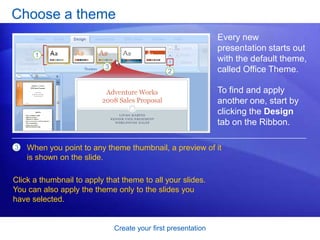
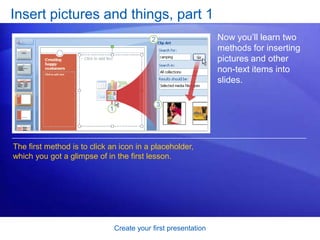
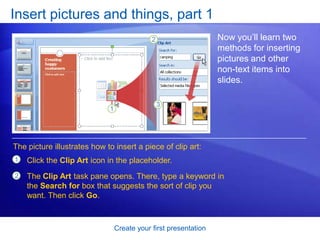
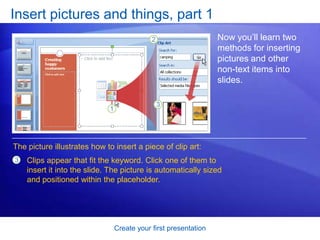
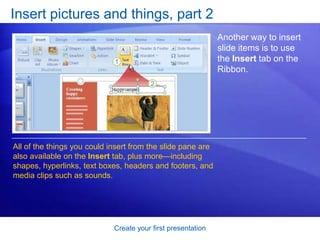
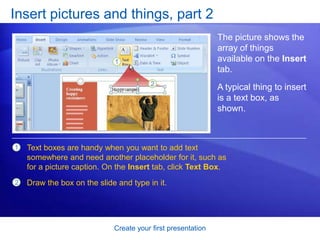
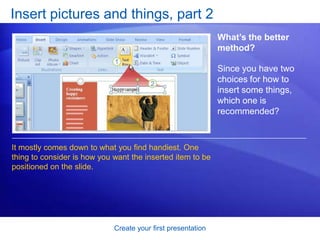
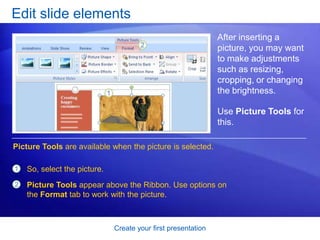
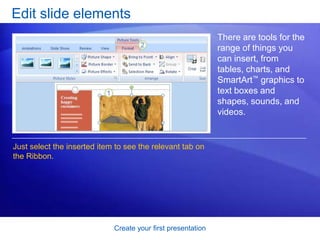
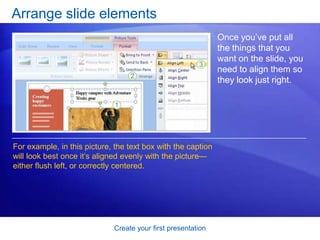
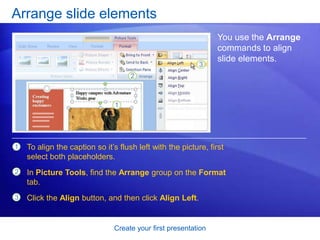
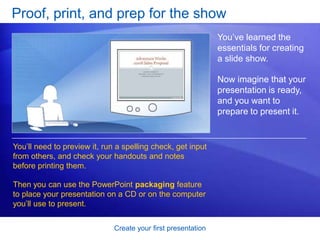
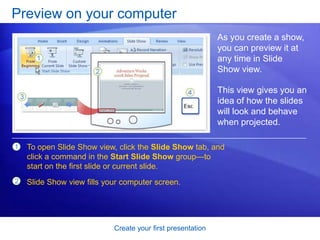
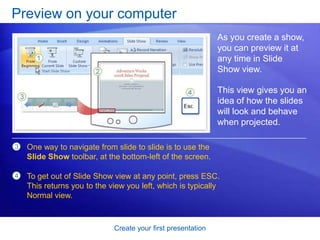
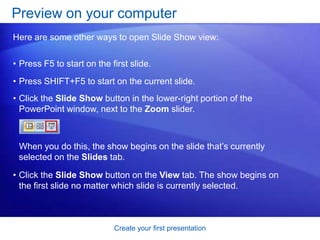
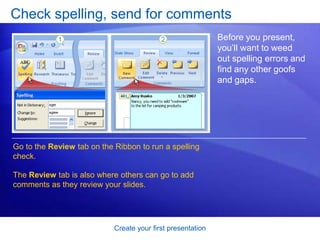
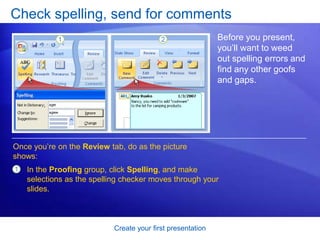
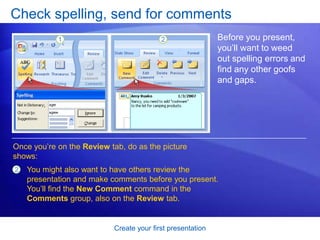
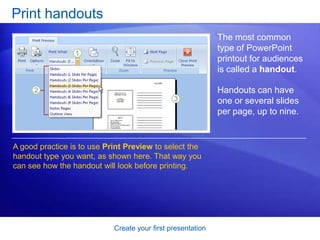
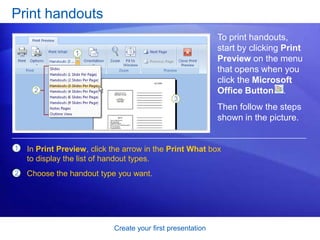
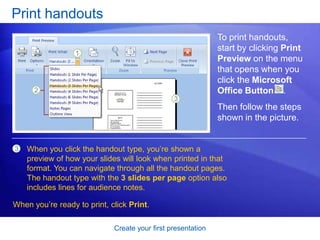
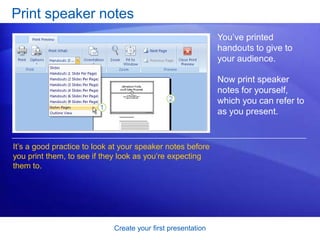
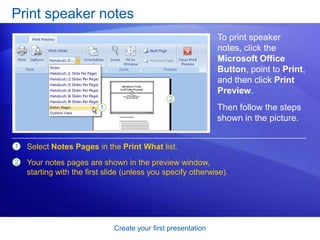
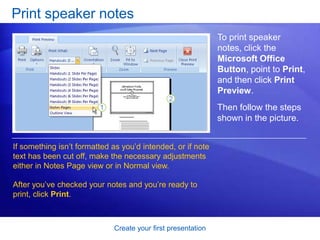
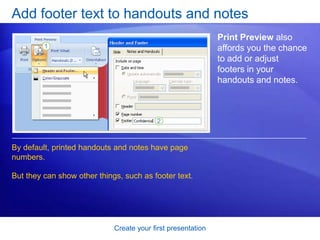
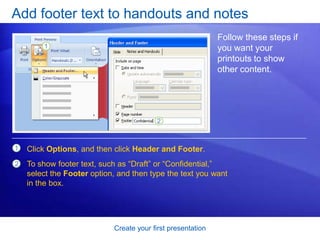
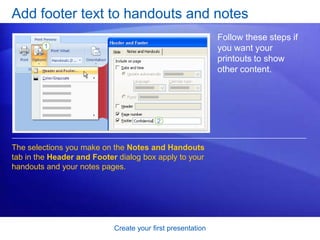
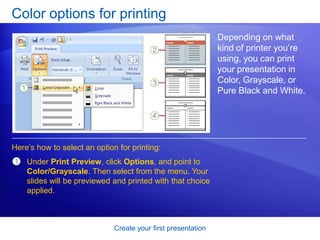
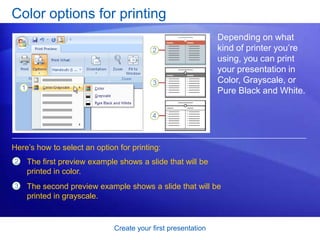
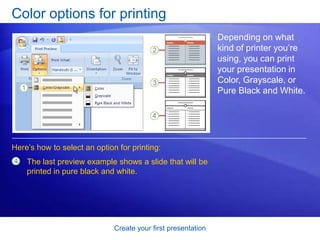
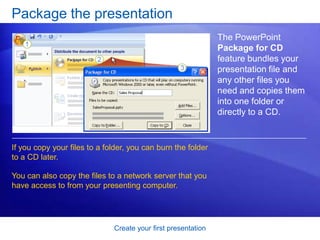
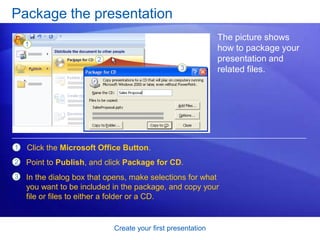
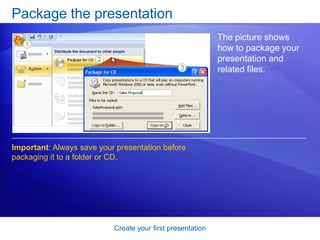
This document provides instructions for creating a PowerPoint presentation. It discusses getting familiar with the PowerPoint workspace, adding and formatting text on slides, inserting pictures and other elements, choosing and applying themes, and preparing a presentation for delivery. The final sections cover previewing the presentation, checking for spelling errors, collecting comments from reviewers, and printing handouts for audience members. The overall purpose is to guide users through the basic steps of assembling and refining their first PowerPoint presentation.