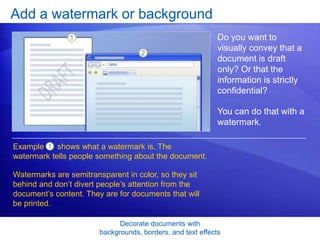
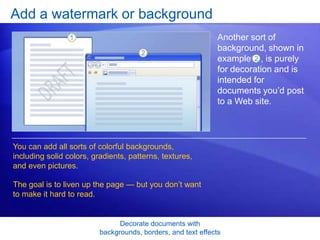
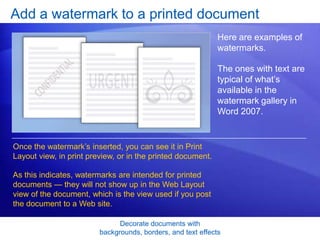
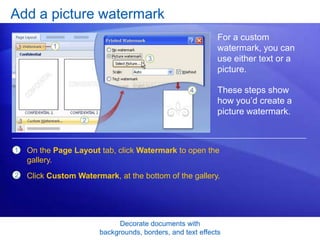
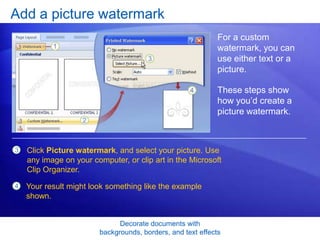
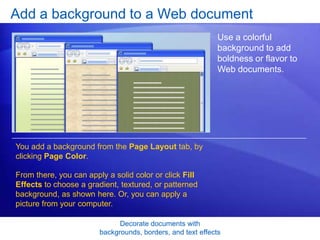
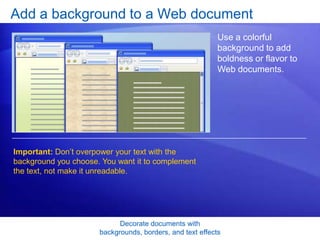
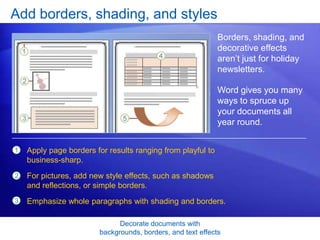
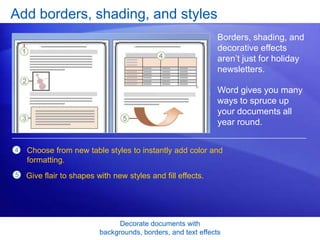
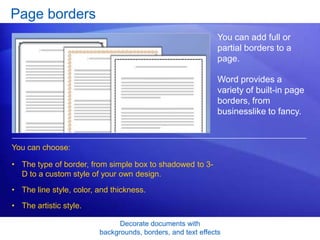
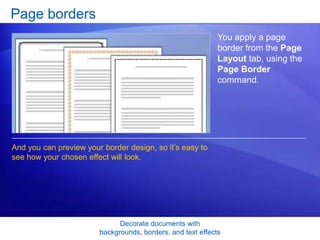
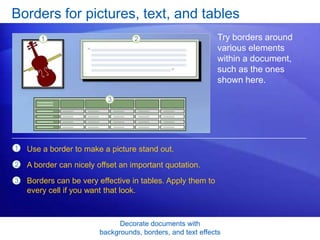
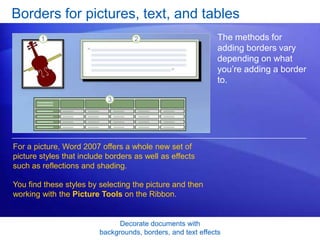
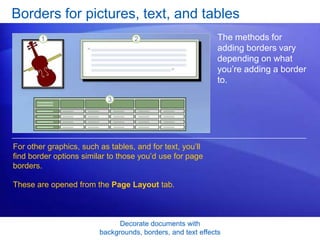
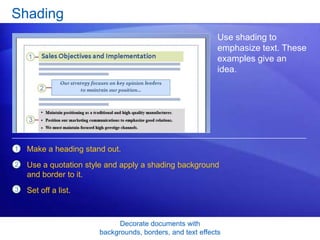
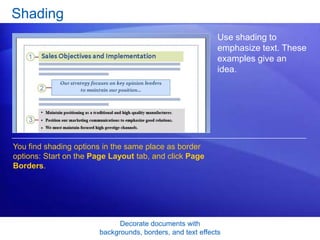
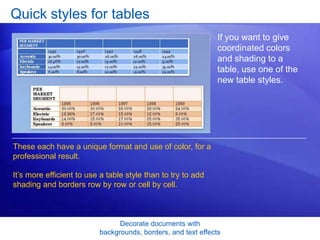
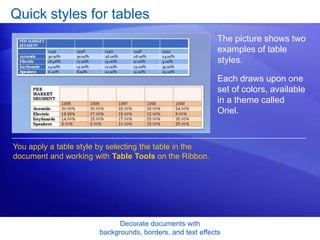
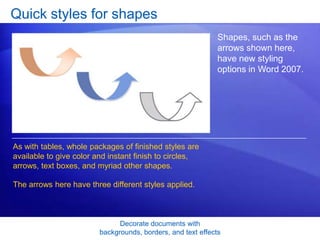
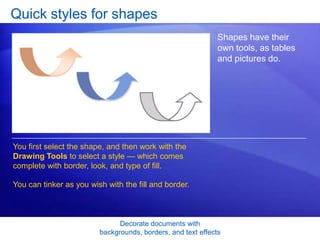
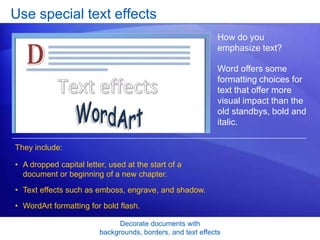
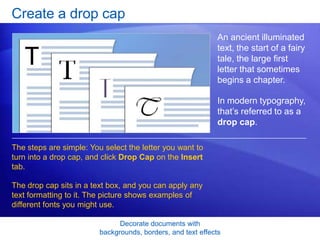
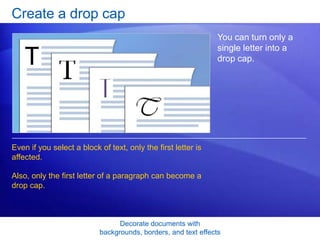
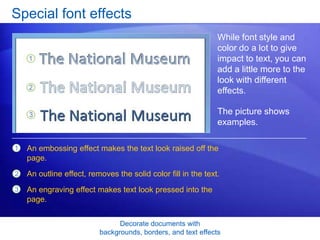
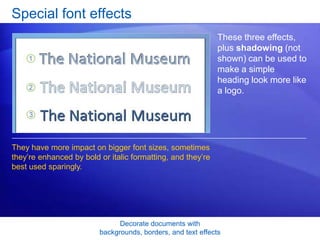
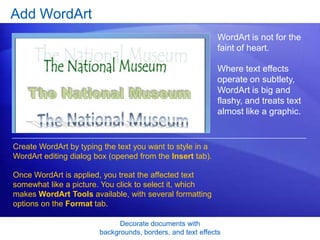
This document provides instructions for adding various decorative elements in Microsoft Word 2007, including backgrounds, borders, text effects, and more. It discusses how to add watermarks, backgrounds, borders, drop caps, font effects like embossing, and WordArt. Step-by-step instructions and examples are given for each element to show how to customize the look of documents. The goal is to teach readers how to visually enhance documents beyond just basic formatting options.