DHCP DHCP
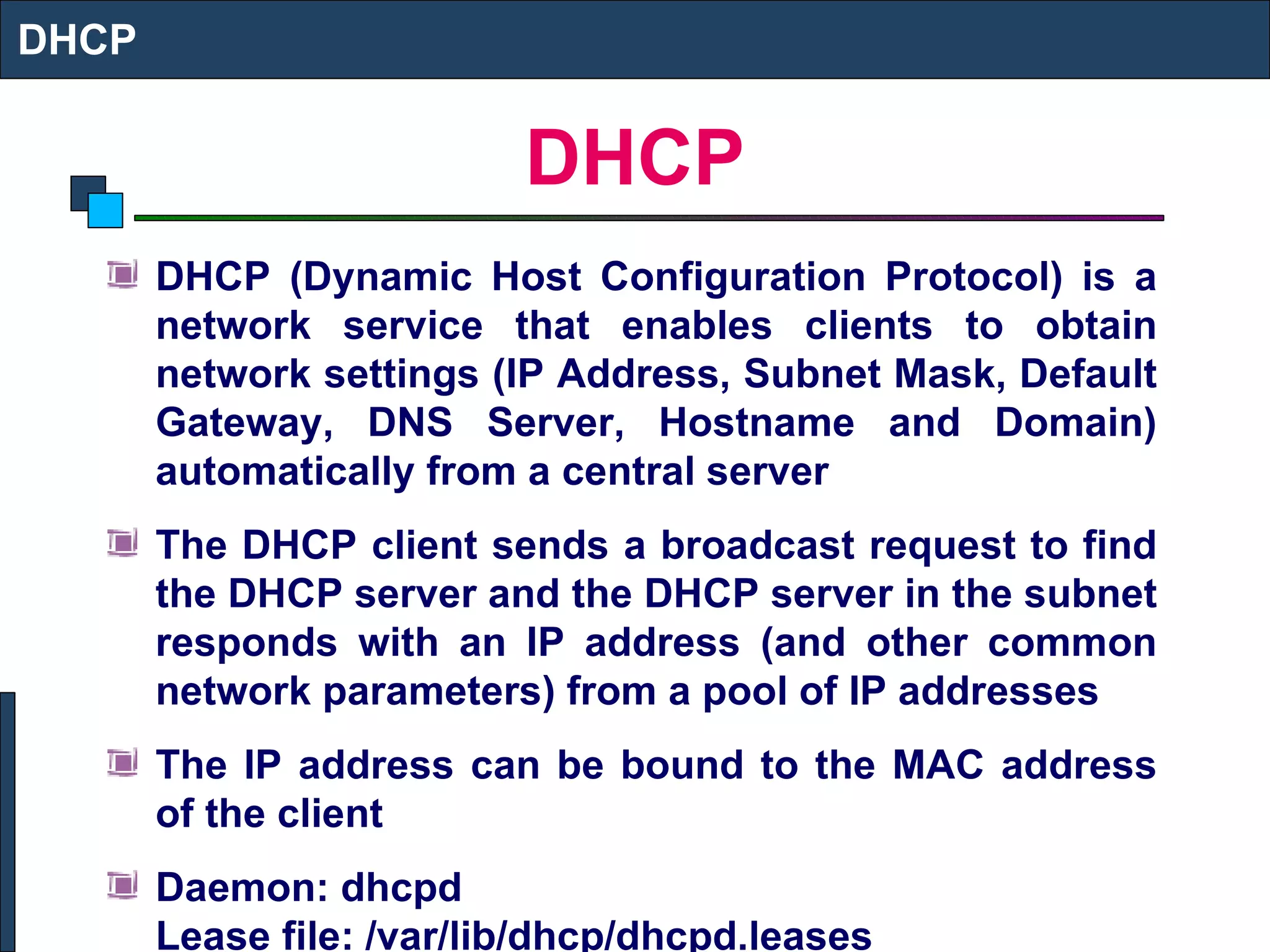
DHCP DHCP (Dynamic Host Configuration Protocol) is a network service that enables clients to obtain network settings (IP Address, Subnet Mask, Default Gateway, DNS Server, Hostname and Domain) automatically from a central server The DHCP client sends a broadcast request to find the DHCP server and the DHCP server in the subnet responds with an IP address (and other common network parameters) from a pool of IP addresses The IP address can be bound to the MAC address of the client Daemon: dhcpd  Lease file: /var/lib/dhcp/dhcpd.leases DHCP
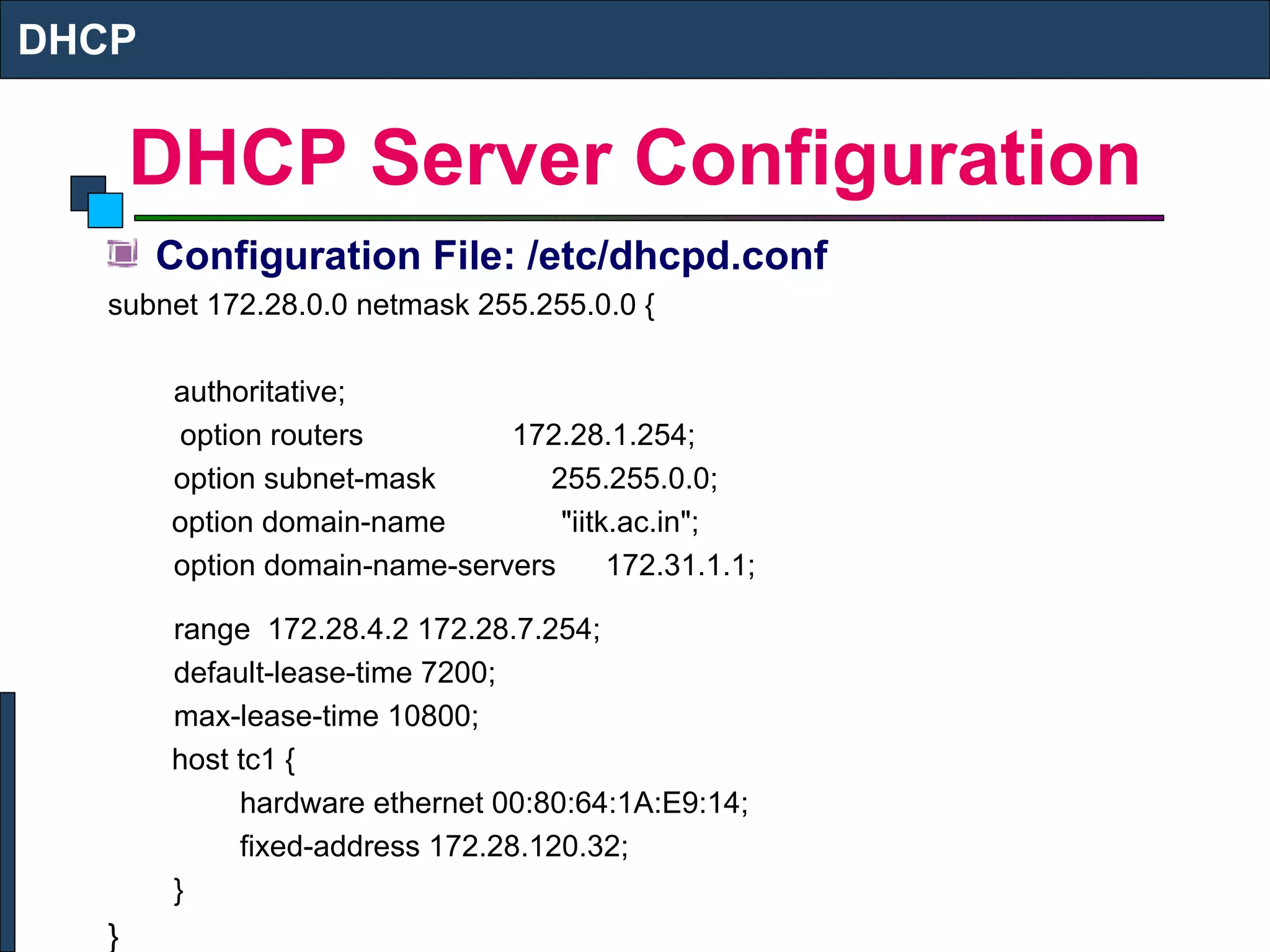
DHCP Server Configuration Configuration File: /etc/dhcpd.conf subnet 172.28.0.0 netmask 255.255.0.0 { authoritative;   option routers  172.28.1.254; option subnet-mask  255.255.0.0;   option domain-name  "iitk.ac.in"; option domain-name-servers  172.31.1.1; range  172.28.4.2 172.28.7.254; default-lease-time 7200; max-lease-time 10800;   host tc1 { hardware ethernet 00:80:64:1A:E9:14; fixed-address 172.28.120.32; } } DHCP
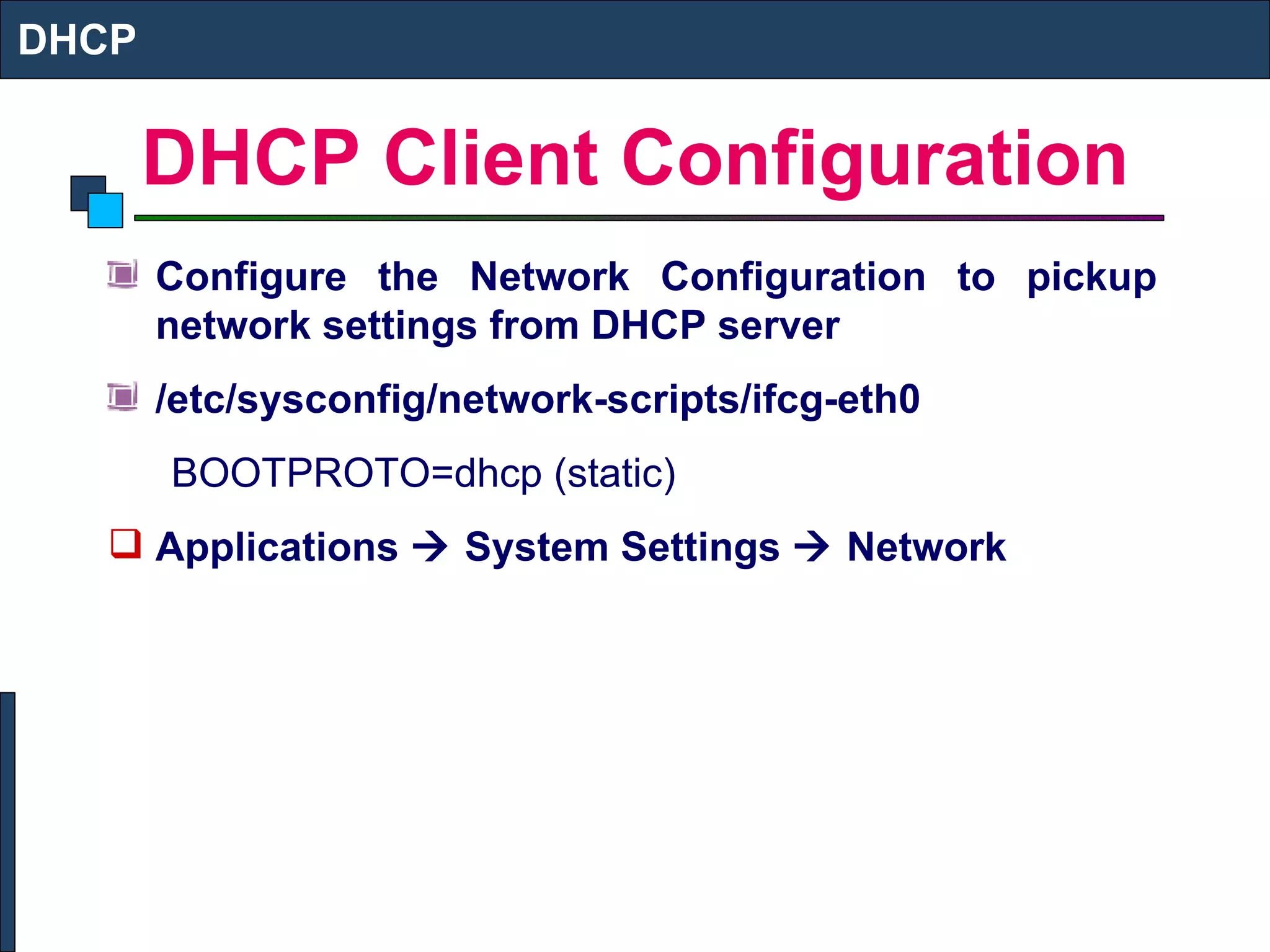
DHCP Client Configuration Configure the Network Configuration to pickup network settings from DHCP server /etc/sysconfig/network-scripts/ifcg-eth0 BOOTPROTO=dhcp (static) Applications    System Settings    Network DHCP
NIS SERVER SETUP  NIS Server Setup
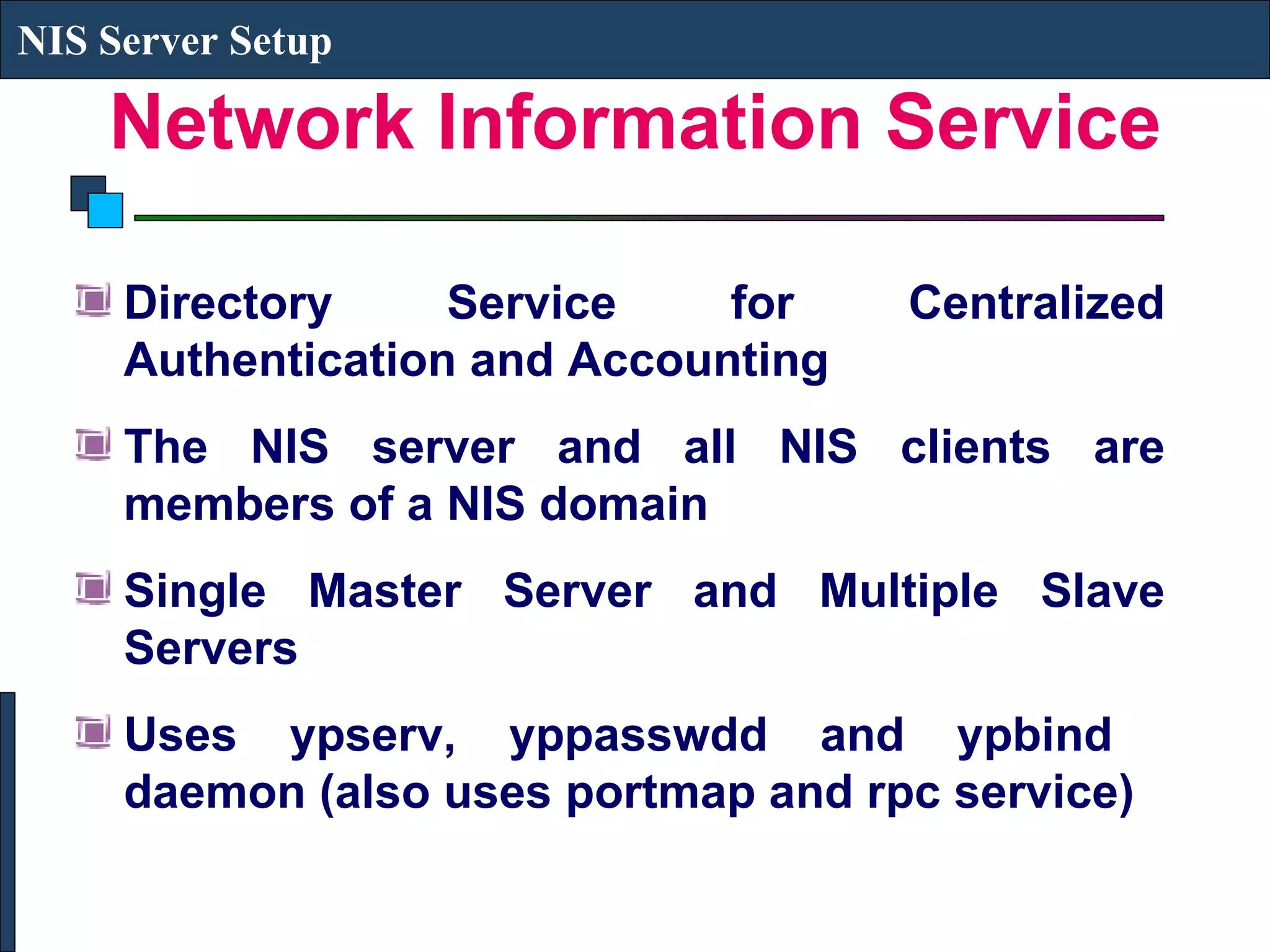
Network Information Service Directory Service for Centralized Authentication and Accounting The NIS server and all NIS clients are members of a NIS domain Single Master Server and Multiple Slave Servers Uses ypserv, yppasswdd and ypbind  daemon (also uses portmap and rpc service) NIS Server Setup
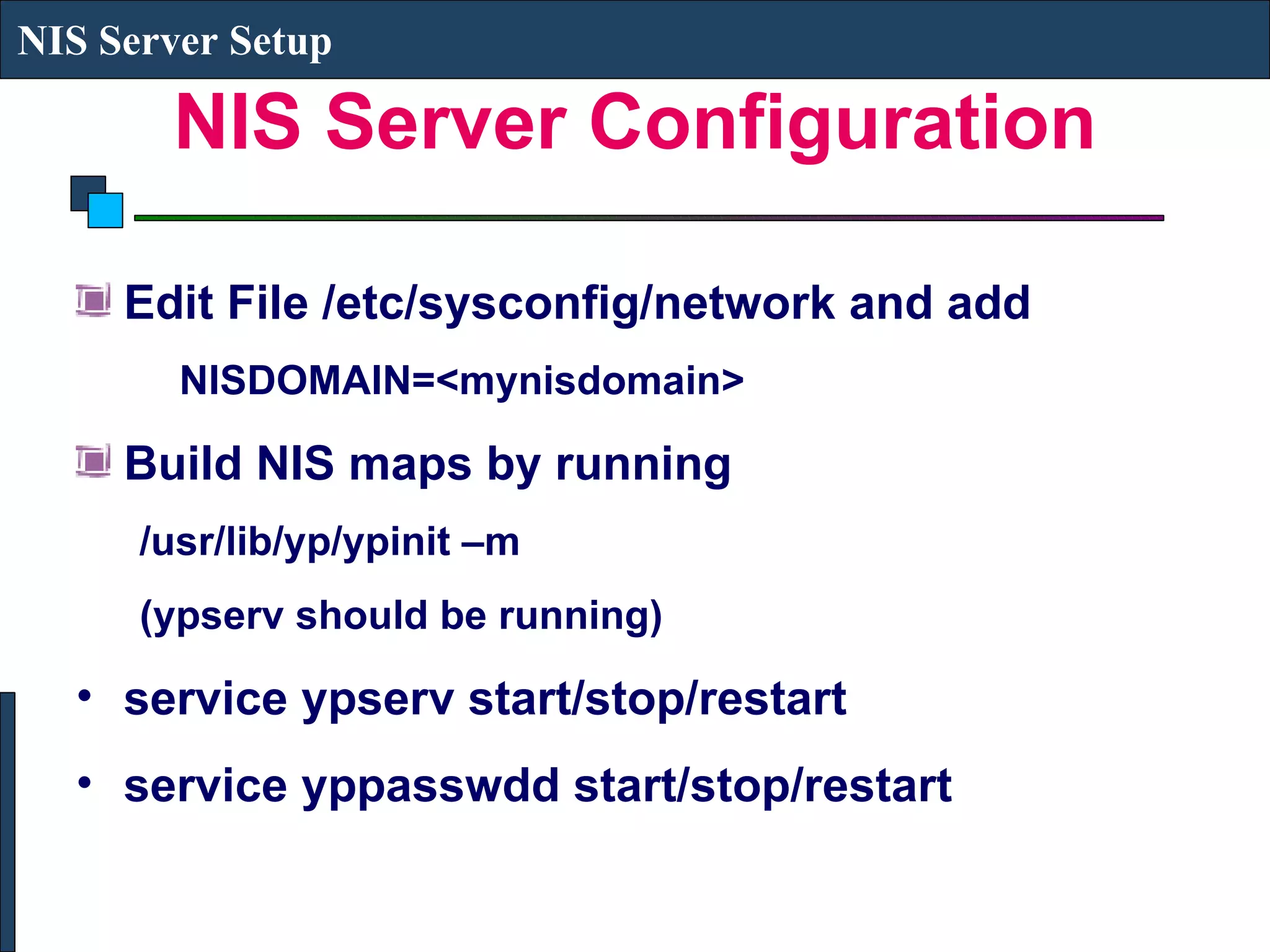
NIS Server Configuration Edit File /etc/sysconfig/network and add NISDOMAIN=<mynisdomain> Build NIS maps by running  /usr/lib/yp/ypinit –m (ypserv should be running) service ypserv start/stop/restart service yppasswdd start/stop/restart NIS Server Setup
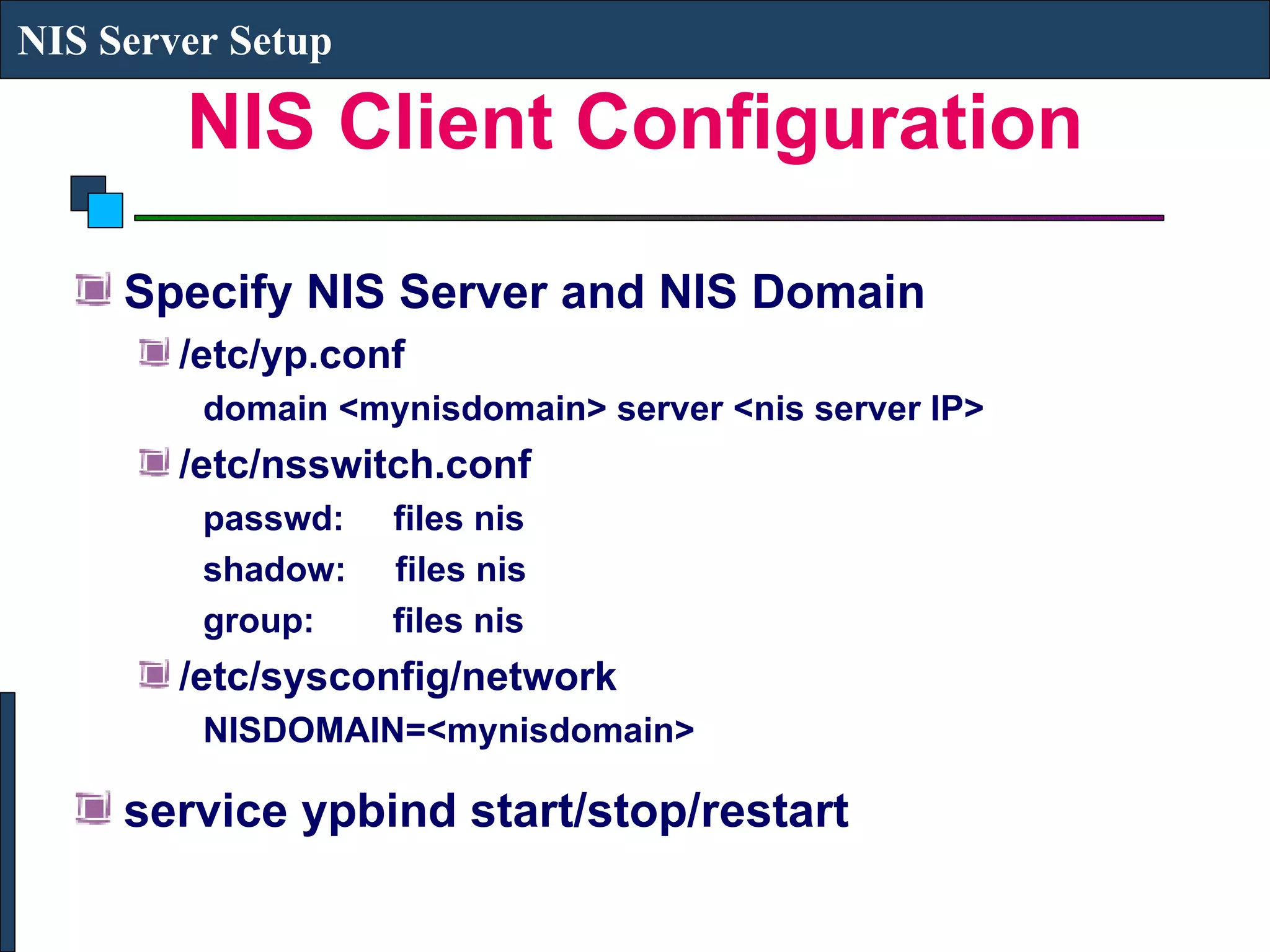
NIS Client Configuration Specify NIS Server and NIS Domain /etc/yp.conf domain <mynisdomain> server <nis server IP> /etc/nsswitch.conf passwd:  files nis shadow:  files nis group:  files nis /etc/sysconfig/network NISDOMAIN=<mynisdomain> service ypbind start/stop/restart NIS Server Setup
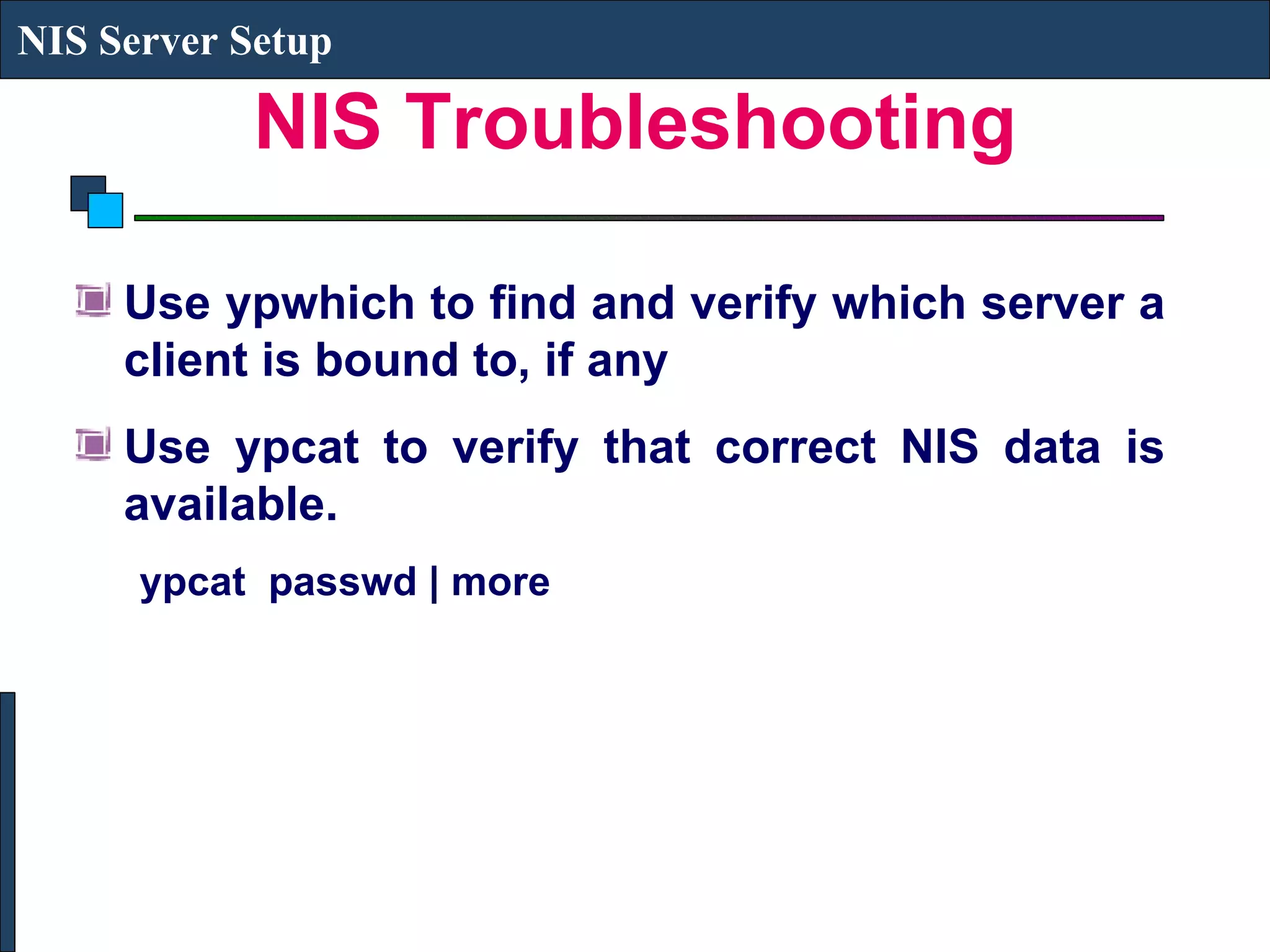
NIS Troubleshooting Use ypwhich to find and verify which server a client is bound to, if any Use ypcat to verify that correct NIS data is available. ypcat  passwd | more  NIS Server Setup

Linux lecture9

  • 1.
  • 2.
    DHCP DHCP (DynamicHost Configuration Protocol) is a network service that enables clients to obtain network settings (IP Address, Subnet Mask, Default Gateway, DNS Server, Hostname and Domain) automatically from a central server The DHCP client sends a broadcast request to find the DHCP server and the DHCP server in the subnet responds with an IP address (and other common network parameters) from a pool of IP addresses The IP address can be bound to the MAC address of the client Daemon: dhcpd Lease file: /var/lib/dhcp/dhcpd.leases DHCP
  • 3.
    DHCP Server ConfigurationConfiguration File: /etc/dhcpd.conf subnet 172.28.0.0 netmask 255.255.0.0 { authoritative; option routers 172.28.1.254; option subnet-mask 255.255.0.0; option domain-name &quot;iitk.ac.in&quot;; option domain-name-servers 172.31.1.1; range 172.28.4.2 172.28.7.254; default-lease-time 7200; max-lease-time 10800; host tc1 { hardware ethernet 00:80:64:1A:E9:14; fixed-address 172.28.120.32; } } DHCP
  • 4.
    DHCP Client ConfigurationConfigure the Network Configuration to pickup network settings from DHCP server /etc/sysconfig/network-scripts/ifcg-eth0 BOOTPROTO=dhcp (static) Applications  System Settings  Network DHCP
  • 5.
    NIS SERVER SETUP NIS Server Setup
  • 6.
    Network Information ServiceDirectory Service for Centralized Authentication and Accounting The NIS server and all NIS clients are members of a NIS domain Single Master Server and Multiple Slave Servers Uses ypserv, yppasswdd and ypbind daemon (also uses portmap and rpc service) NIS Server Setup
  • 7.
    NIS Server ConfigurationEdit File /etc/sysconfig/network and add NISDOMAIN=<mynisdomain> Build NIS maps by running /usr/lib/yp/ypinit –m (ypserv should be running) service ypserv start/stop/restart service yppasswdd start/stop/restart NIS Server Setup
  • 8.
    NIS Client ConfigurationSpecify NIS Server and NIS Domain /etc/yp.conf domain <mynisdomain> server <nis server IP> /etc/nsswitch.conf passwd: files nis shadow: files nis group: files nis /etc/sysconfig/network NISDOMAIN=<mynisdomain> service ypbind start/stop/restart NIS Server Setup
  • 9.
    NIS Troubleshooting Useypwhich to find and verify which server a client is bound to, if any Use ypcat to verify that correct NIS data is available. ypcat passwd | more NIS Server Setup