Prepared by
Dima Gomaa
 sudo apt-get install nis
   It will install NIS files
 It will ask for NIS server name let’s call it “NIS-server”
 sudo apt-get install portmap
   It will install portmap “is a server that converts RPC
    program numbers into DARPA protocol port numbers. It
    must be running in order to make RPC calls”
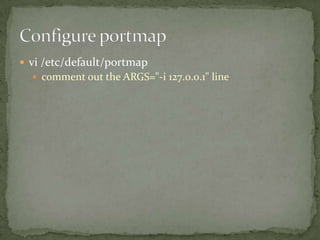
 vi /etc/default/portmap
   comment out the ARGS="-i 127.0.0.1" line
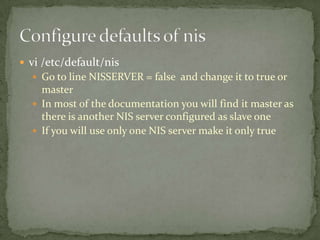
 vi /etc/default/nis
   Go to line NISSERVER = false and change it to true or
    master
   In most of the documentation you will find it master as
    there is another NIS server configured as slave one
   If you will use only one NIS server make it only true
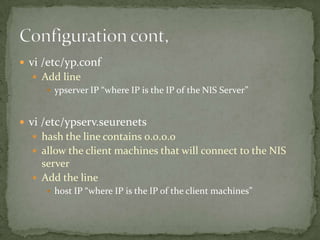
 vi /etc/yp.conf
   Add line
      ypserver IP “where IP is the IP of the NIS Server”


 vi /etc/ypserv.seurenets
   hash the line contains 0.0.0.0
   allow the client machines that will connect to the NIS
    server
   Add the line
      host IP “where IP is the IP of the client machines”
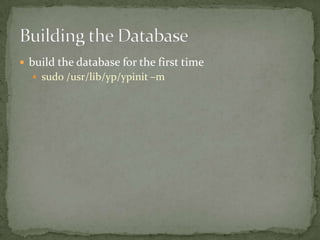
 build the database for the first time
   sudo /usr/lib/yp/ypinit –m
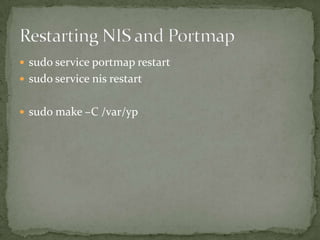
 sudo service portmap restart
 sudo service nis restart


 sudo make –C /var/yp
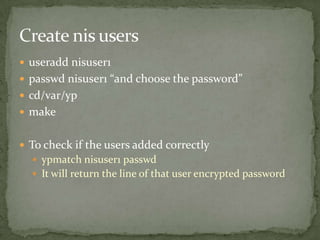
 useradd nisuser1
 passwd nisuser1 “and choose the password”
 cd/var/yp
 make


 To check if the users added correctly
   ypmatch nisuser1 passwd
   It will return the line of that user encrypted password

NIS server installation

  • 1.
  • 2.
     sudo apt-getinstall nis  It will install NIS files  It will ask for NIS server name let’s call it “NIS-server”  sudo apt-get install portmap  It will install portmap “is a server that converts RPC program numbers into DARPA protocol port numbers. It must be running in order to make RPC calls”
  • 3.
     vi /etc/default/portmap  comment out the ARGS="-i 127.0.0.1" line
  • 4.
     vi /etc/default/nis  Go to line NISSERVER = false and change it to true or master  In most of the documentation you will find it master as there is another NIS server configured as slave one  If you will use only one NIS server make it only true
  • 5.
     vi /etc/yp.conf  Add line  ypserver IP “where IP is the IP of the NIS Server”  vi /etc/ypserv.seurenets  hash the line contains 0.0.0.0  allow the client machines that will connect to the NIS server  Add the line  host IP “where IP is the IP of the client machines”
  • 6.
     build thedatabase for the first time  sudo /usr/lib/yp/ypinit –m
  • 7.
     sudo serviceportmap restart  sudo service nis restart  sudo make –C /var/yp
  • 8.
     useradd nisuser1 passwd nisuser1 “and choose the password”  cd/var/yp  make  To check if the users added correctly  ypmatch nisuser1 passwd  It will return the line of that user encrypted password