HSBC Global Technology   UNIX -Kirtikumar Shinde
Topics 1. Introduction Unix Filesystem File Permissions Advanced Commands Shell Shell Programming  AWK My Learnings Questions?
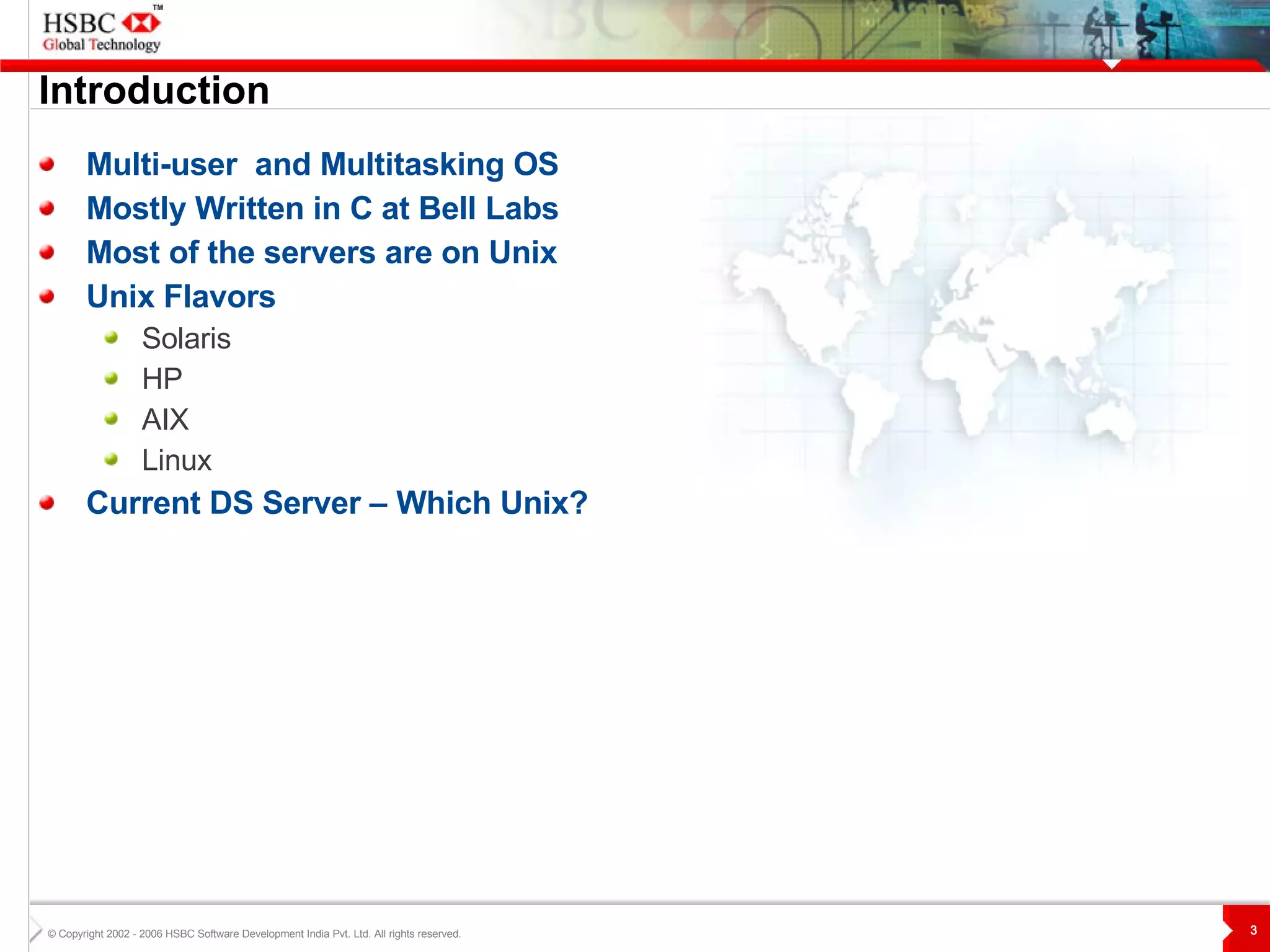
Introduction Multi-user  and Multitasking OS Mostly Written in C at Bell Labs Most of the servers are on Unix Unix Flavors Solaris HP AIX Linux Current DS Server – Which Unix?
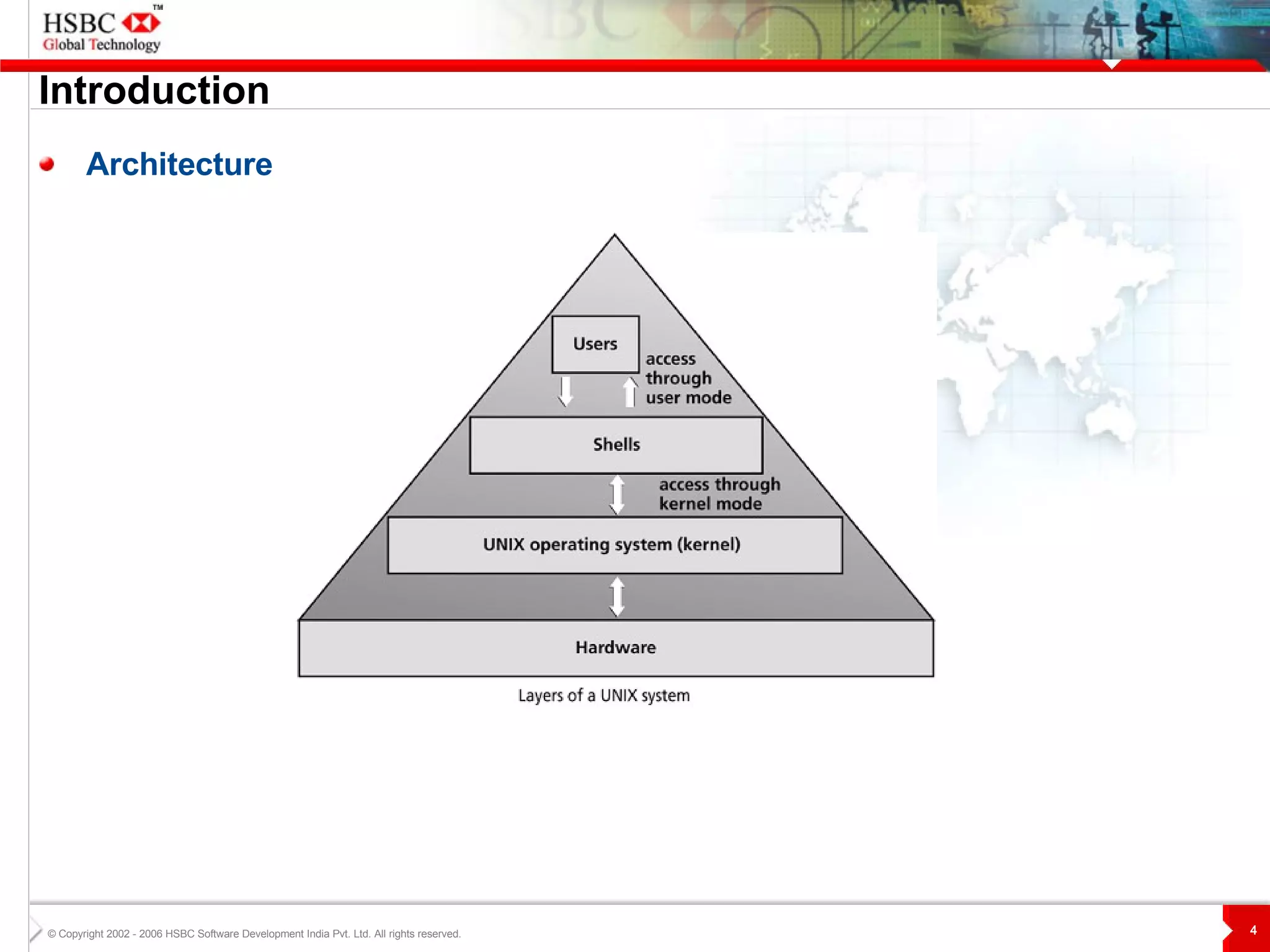
Introduction Architecture
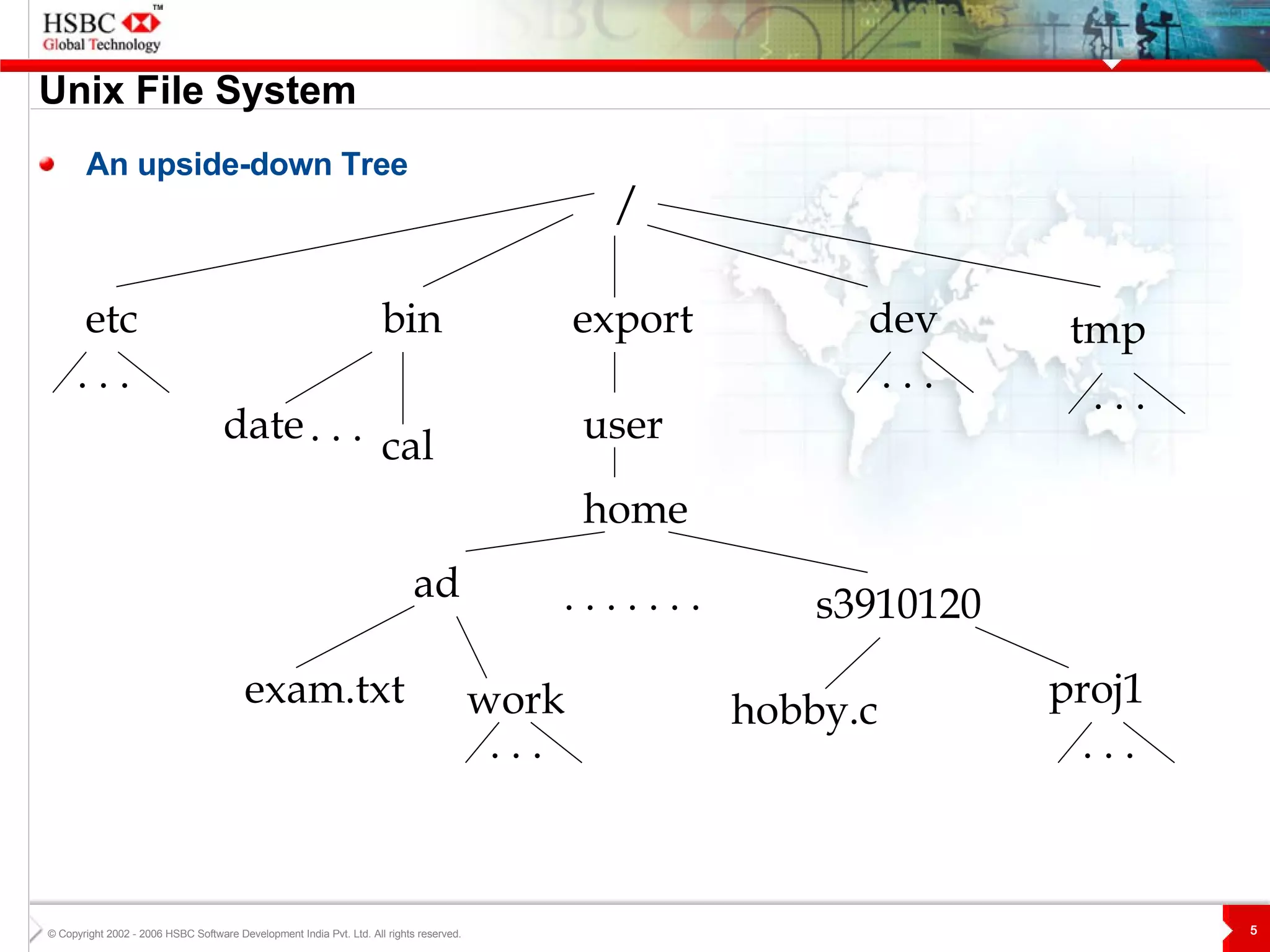
Unix File System An upside-down Tree / etc bin export home user ad s3910120 dev tmp exam.txt work hobby.c proj1 date cal . . . . . . . . . .  . . . . . . . . . . . . . . .
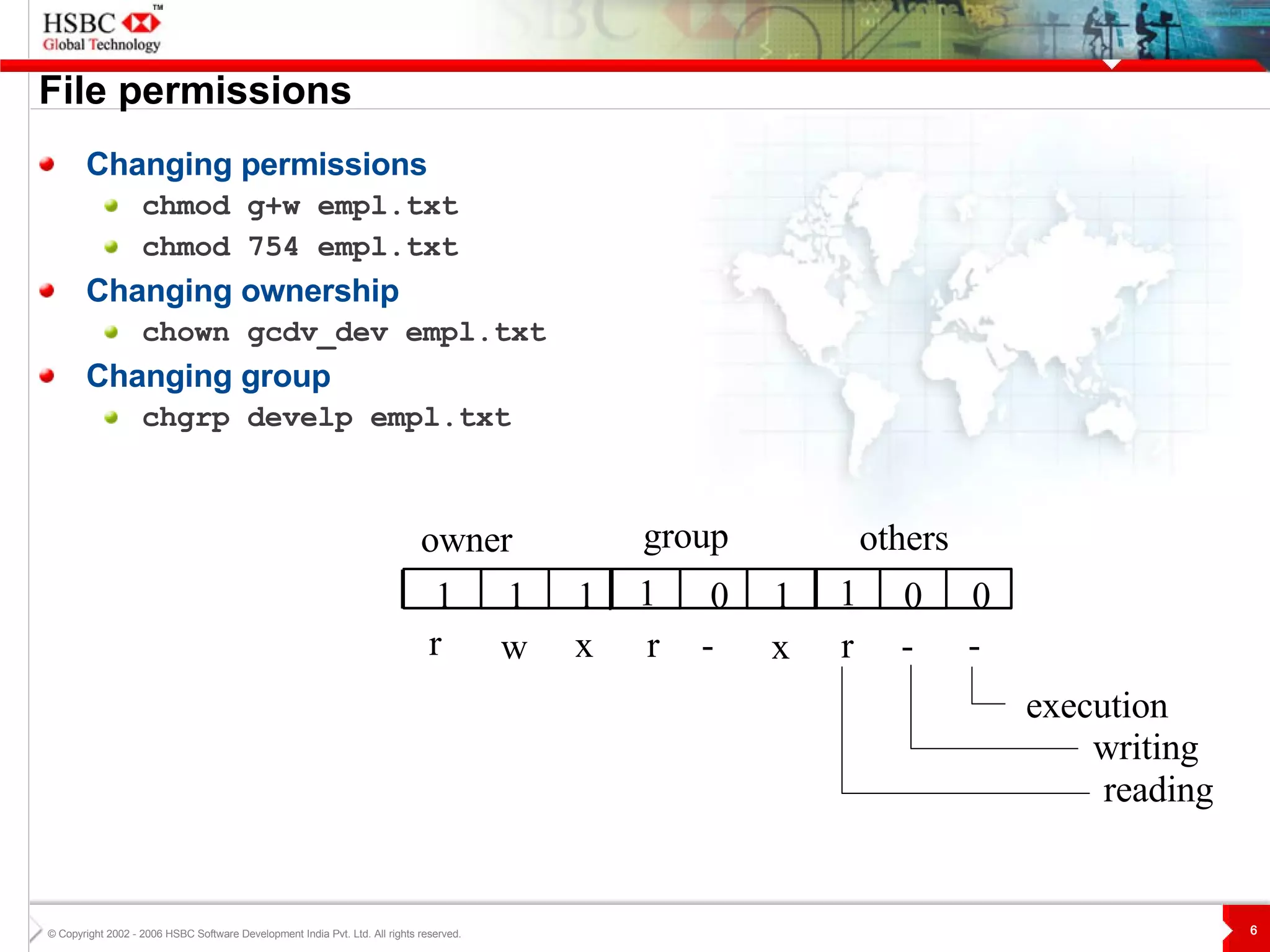
File permissions Changing permissions chmod g+w empl.txt chmod 754 empl.txt Changing ownership chown gcdv_dev empl.txt Changing group chgrp develp empl.txt reading others group owner 1 0 0 1 0 1 1 1 1 - r - r - x r x w execution writing
Advanced Commands Sort Sorts the contents of a file .  sort [-b f n r o t] [file name(s)]   Takes the contents of a file(s) and displays it in sorted order.  Flags: -b ignores blanks -f change all lower case letter to upper case before  comparing -n numeric sort -r reverse usual order -o sends output of command to some file -t field delimiter E.g.  To sort the Emp.txt on 2 nd  field in reverse order $sort -t, -n -r +2 Emp.txt
Advanced Commands grep Searches a file for pattern .   grep [-c i l v]  <pattern> [file name(s)]   Takes the contents of a file(s) and displays it in sorted order. Flags: -c displays count of matching lines. -i ignore the case while searching -l lists the names of files that matches pattern -v displays all lines that don’t contain the pattern  E.g.   To display all lines in the ‘Emp.txt’ that match either the abc or xyz string:   $grep &quot;abc|xyz&quot; Emp.txt
Advanced Commands tar Compression and decompression of files.   tar -(x|c) [ v f r]  <tarfile> [file name(s)]   Flags: -x extract from file. -c create new extract file. -v displays list files -f name of file follows -r append to old extract.  E.g .  To compress file Emp.txt   $tar -cvf Emp.tar Emp.txt To decompress file Emp.tar   $tar -xvf Emp.tar
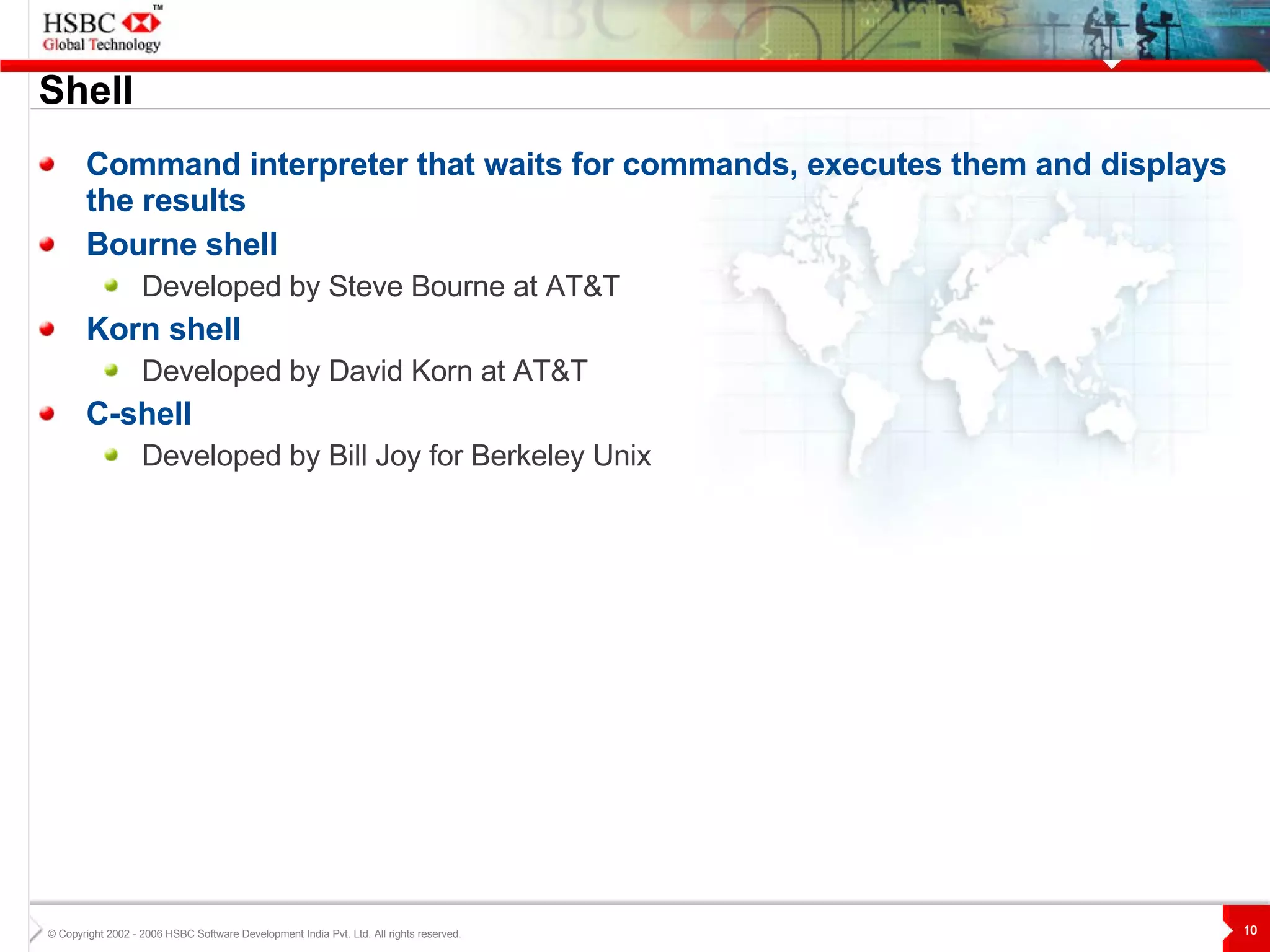
Shell Command interpreter that waits for commands, executes them and displays the results Bourne shell Developed by Steve Bourne at AT&T Korn shell Developed by David Korn at AT&T C-shell Developed by Bill Joy for Berkeley Unix
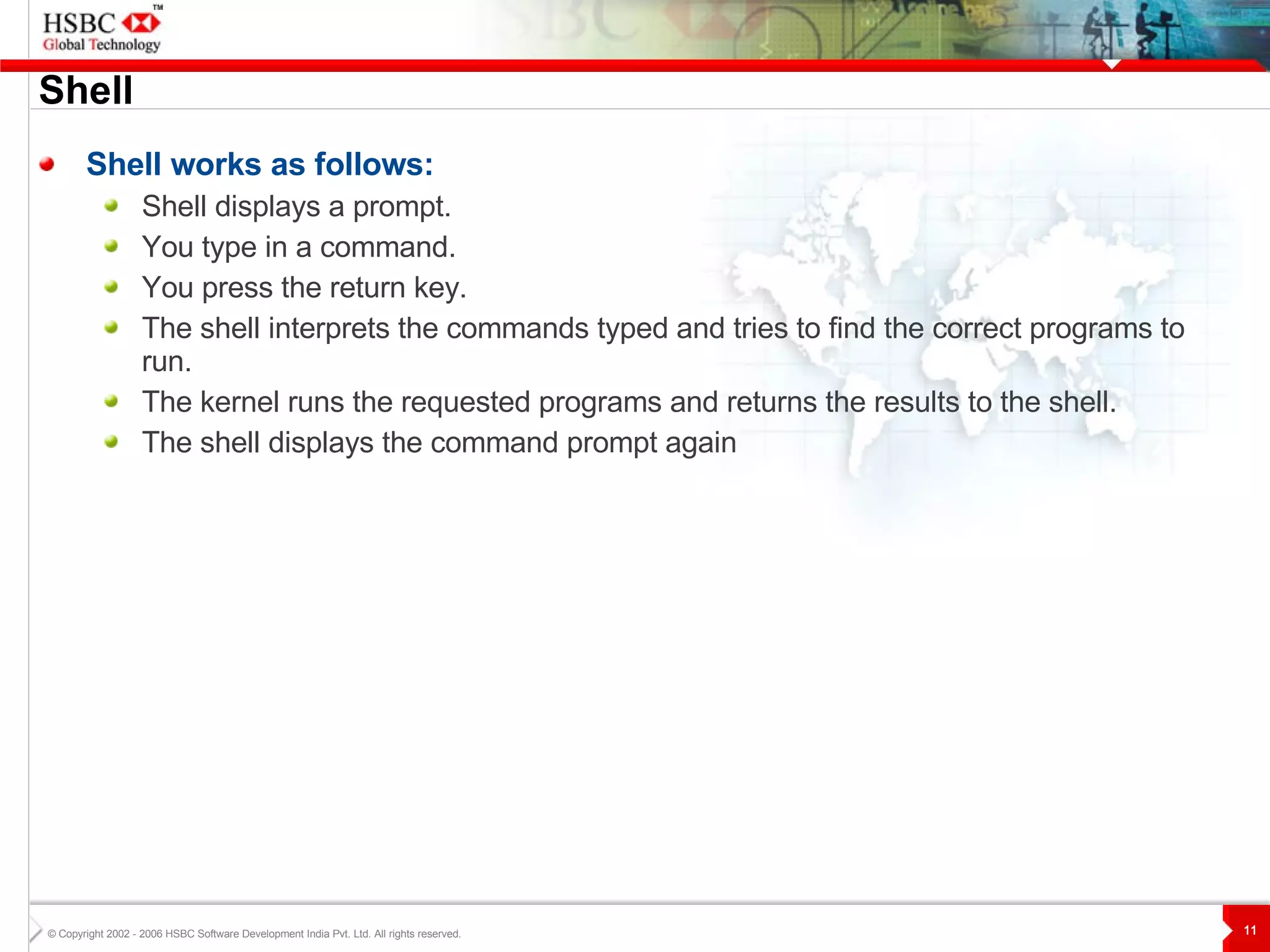
Shell Shell works as follows: Shell displays a prompt.  You type in a command.  You press the return key.  The shell interprets the commands typed and tries to find the correct programs to run.  The kernel runs the requested programs and returns the results to the shell.  The shell displays the command prompt again
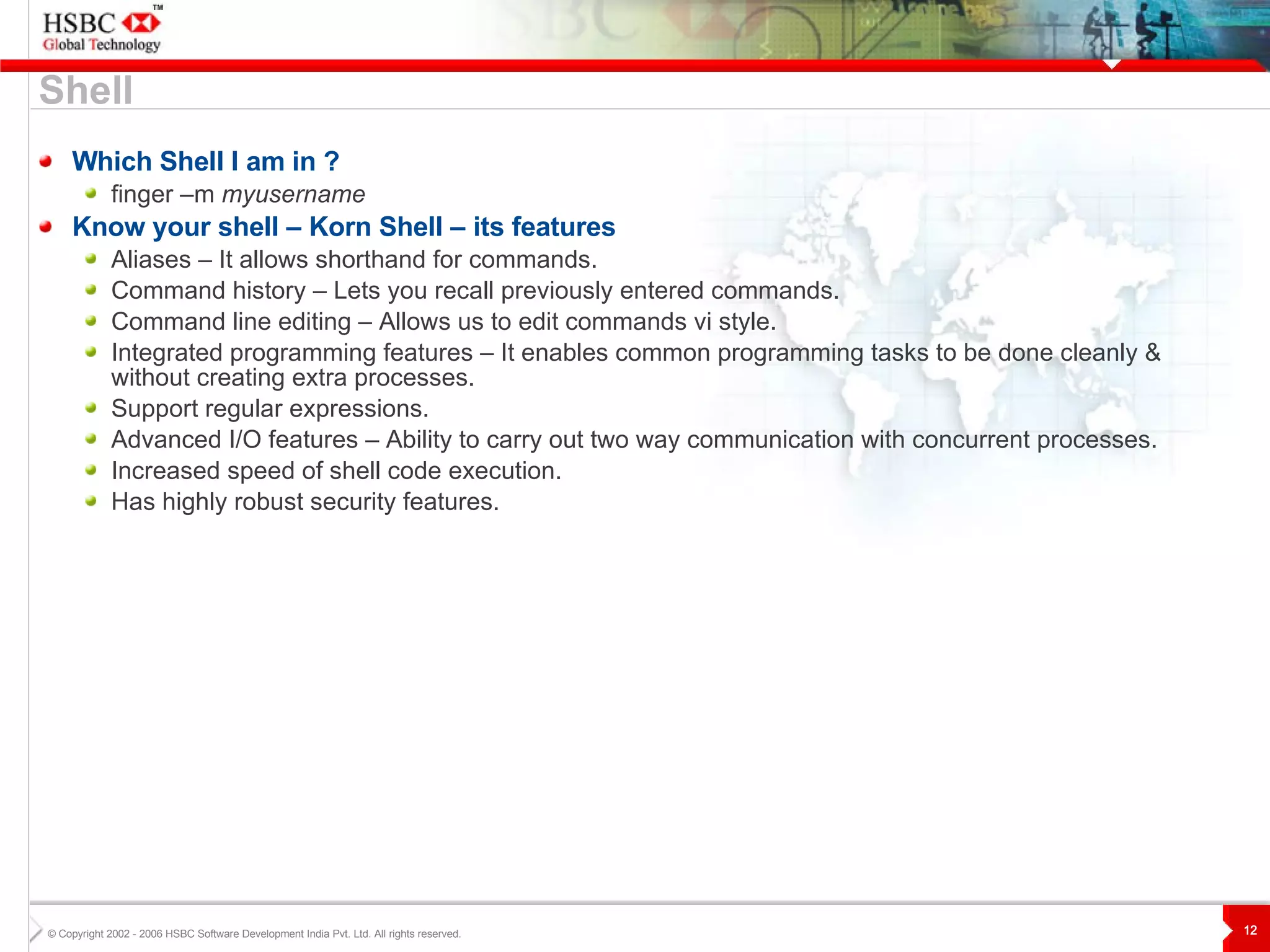
Shell Which Shell I am in ? finger –m  myusername Know your shell – Korn Shell – its features Aliases – It allows shorthand for commands. Command history – Lets you recall previously entered commands. Command line editing – Allows us to edit commands vi style. Integrated programming features – It enables common programming tasks to be done cleanly & without creating extra processes. Support regular expressions. Advanced I/O features – Ability to carry out two way communication with concurrent processes. Increased speed of shell code execution. Has highly robust security features.
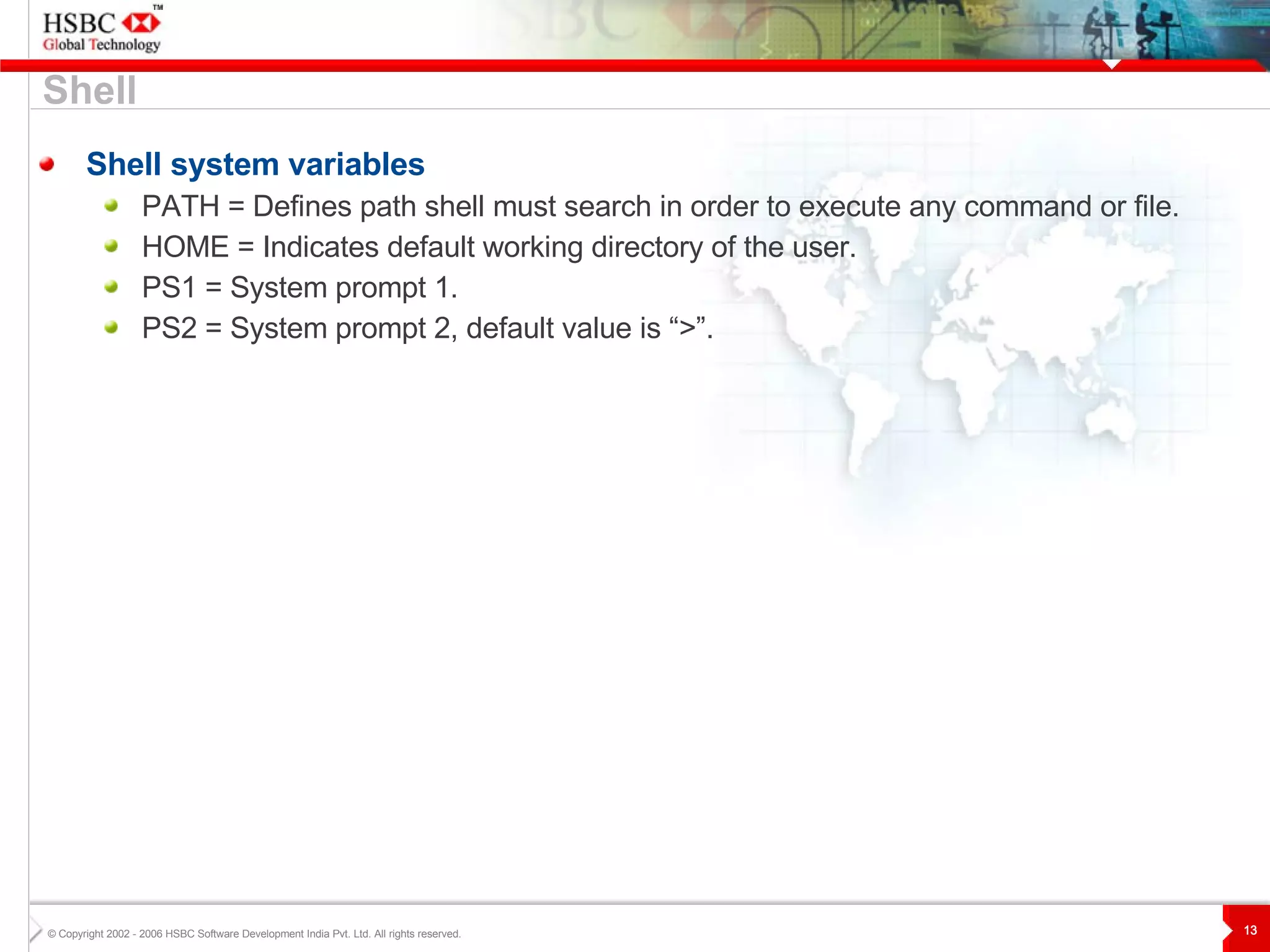
Shell system variables PATH = Defines path shell must search in order to execute any command or file. HOME = Indicates default working directory of the user. PS1 = System prompt 1. PS2 = System prompt 2, default value is “>”. Shell
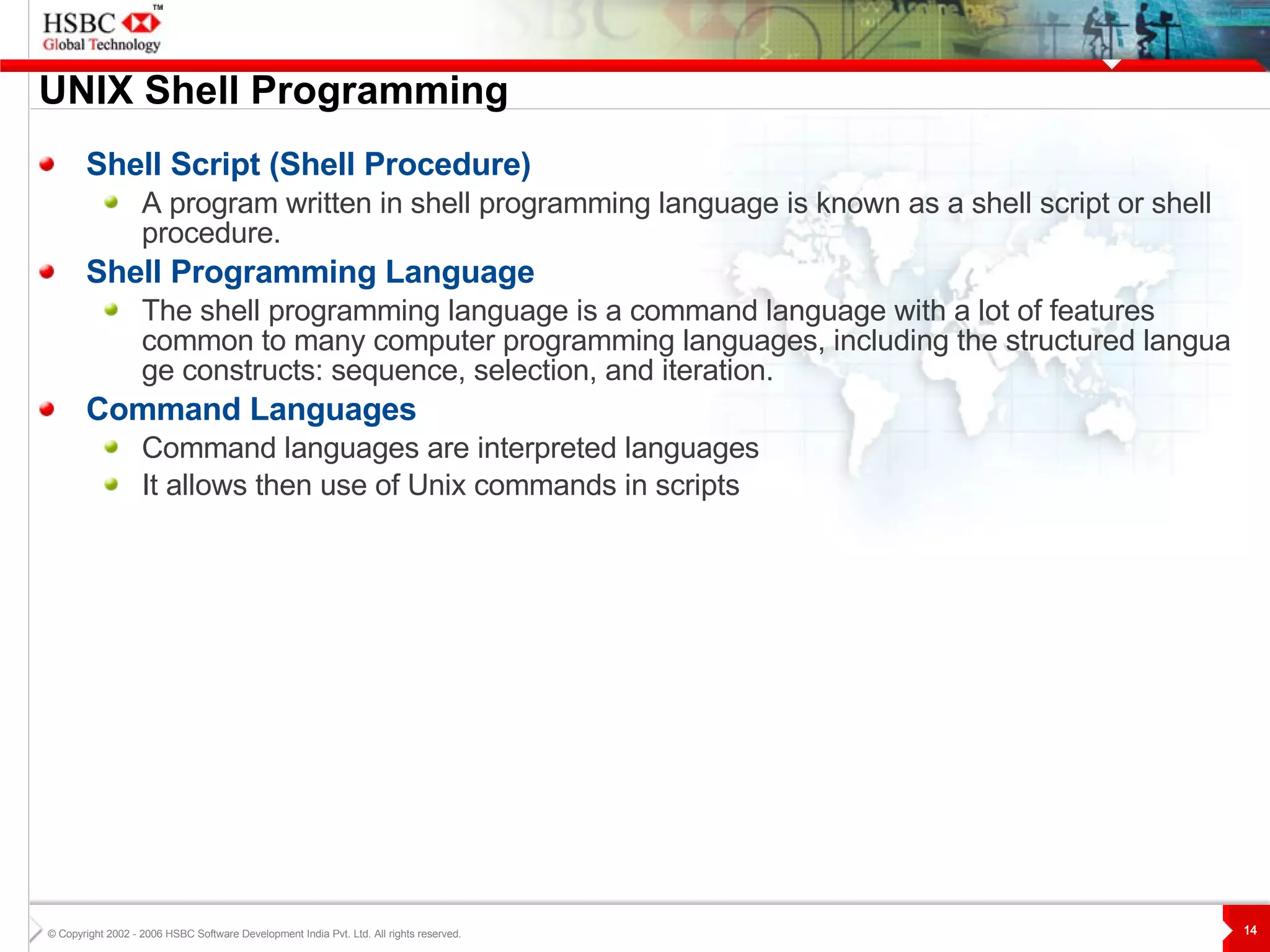
UNIX  S hell Programming Shell Script (Shell Procedure) A program written in shell programming language is known as a shell script or shell procedure. Shell Programming Language The shell programming language is a command language with a lot of features common to many computer programming languages, including the structured language constructs: sequence, selection, and iteration.  Command Languages Command languages are interpreted language s It allows then use of Unix commands in scripts
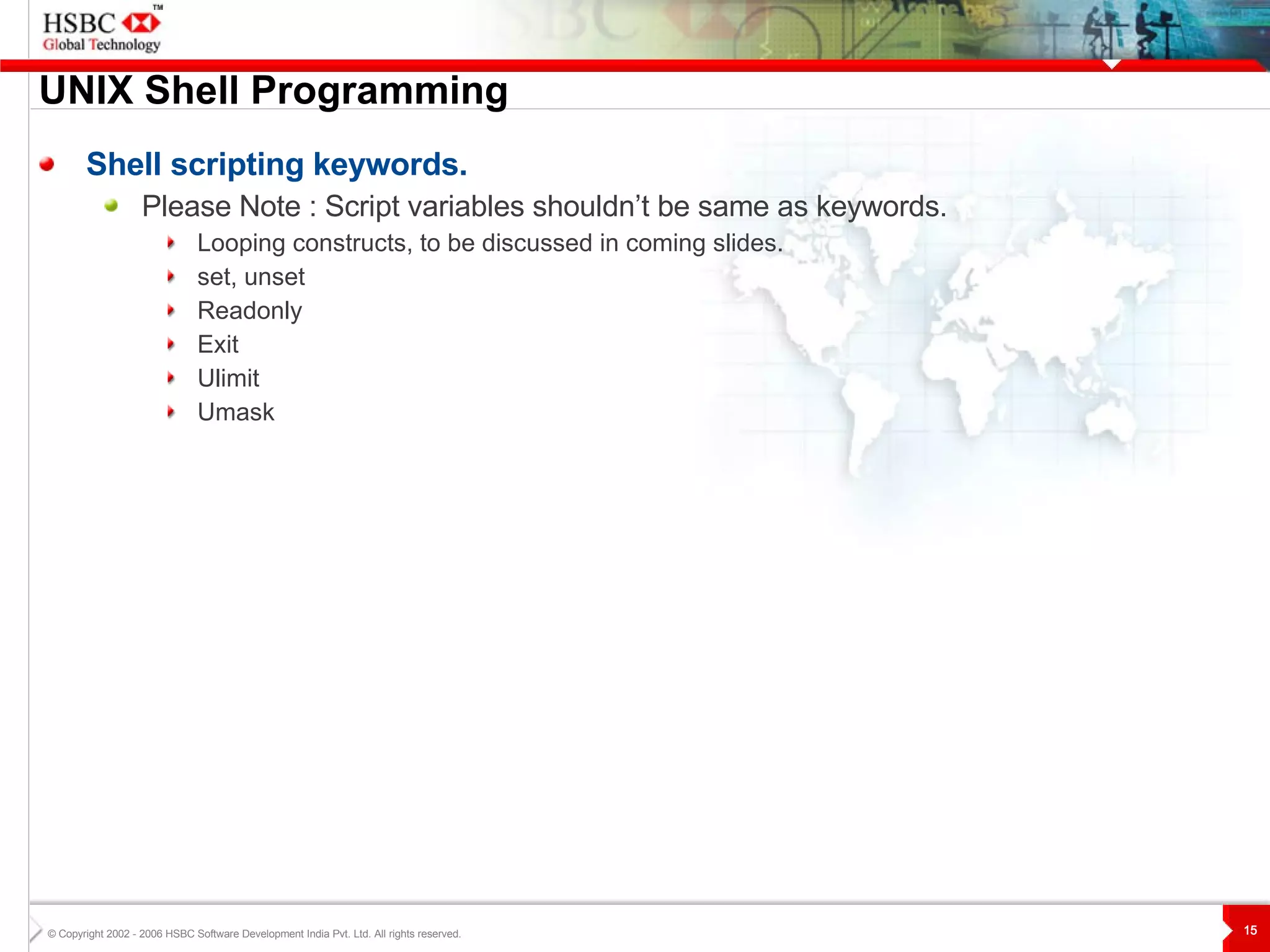
UNIX  S hell Programming Shell scripting keywords. Please Note : Script variables shouldn’t be same as keywords. Looping constructs, to be discussed in coming slides. set, unset Readonly Exit Ulimit Umask
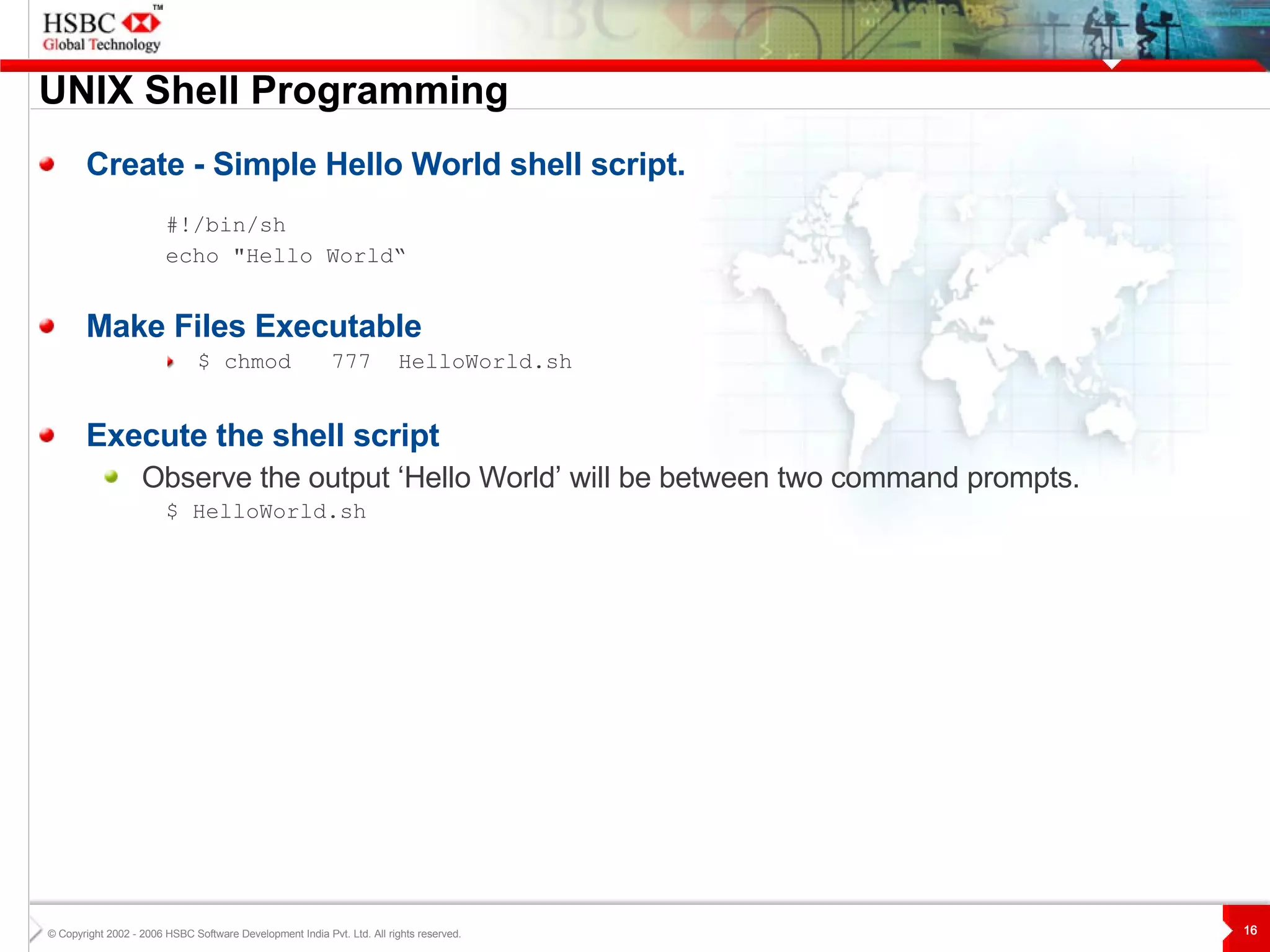
UNIX  S hell Programming Create - Simple Hello World shell script. #!/bin/sh echo &quot;Hello World“ Make Files Executable $ chmod  777   HelloWorld.sh Execute the shell script Observe the output ‘Hello World’ will be between two command prompts. $  HelloWorld.sh
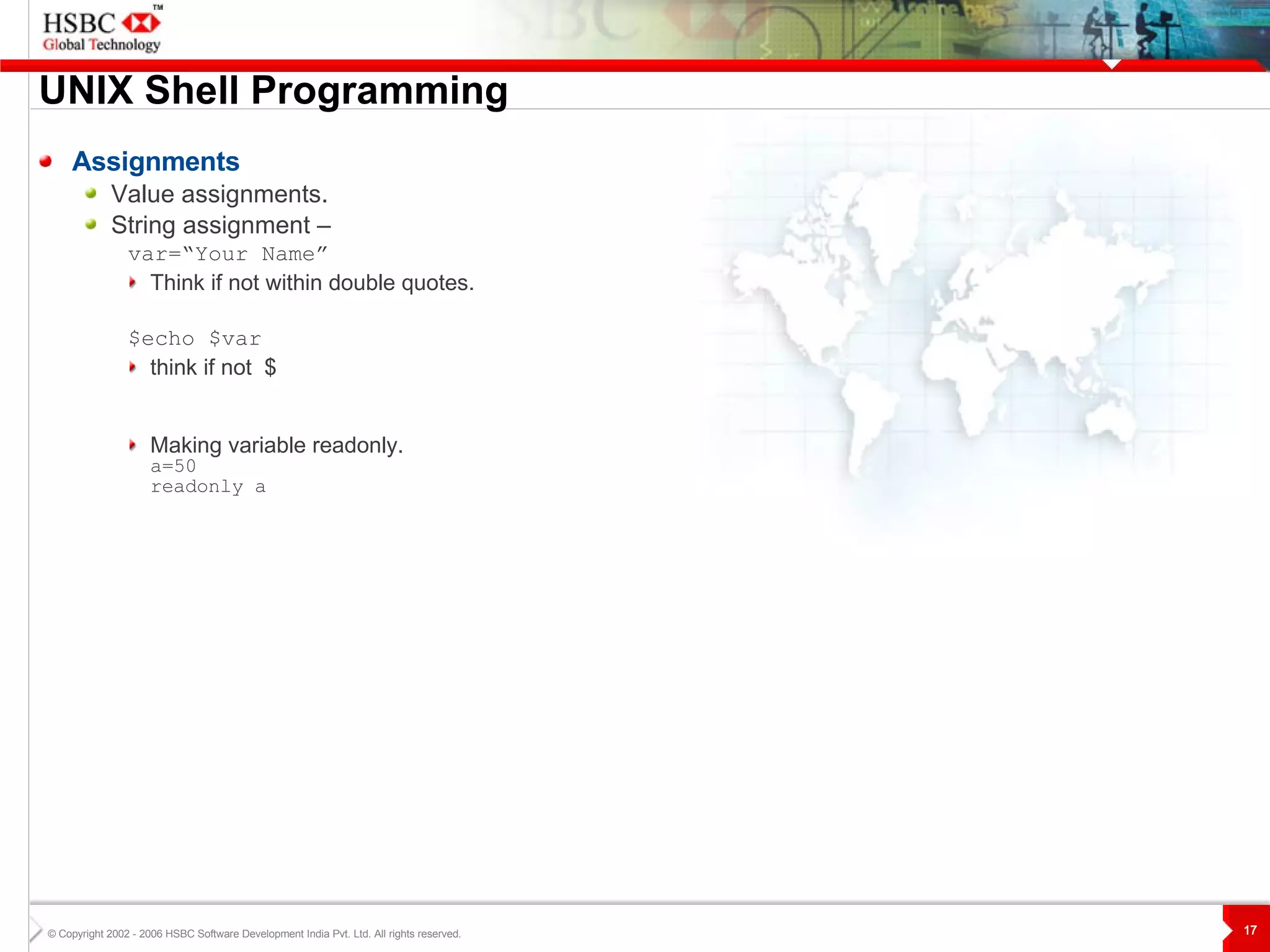
UNIX  S hell Programming Assignments Value assignments. String assignment –   var=“Your Name”  Think if not within double quotes. $echo $var think if not  $ Making variable readonly. a=50 readonly a
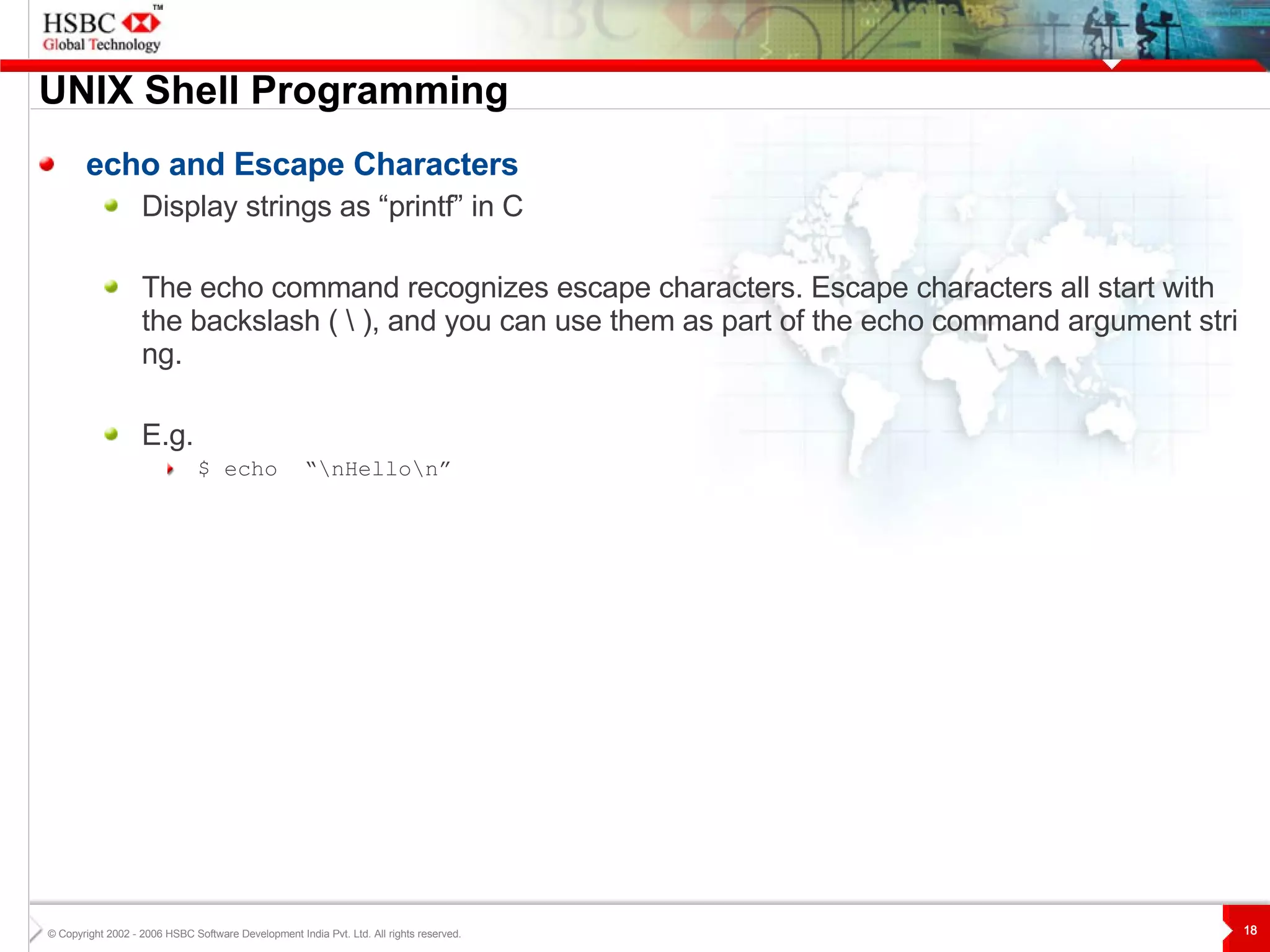
UNIX  S hell Programming echo and Escape Characters Display strings as “printf” in C The echo command recognizes escape characters. Escape characters all start with the backslash ( \ ), and you can use them as part of the echo command argument string.  E.g. $ echo  “\nHello\n”
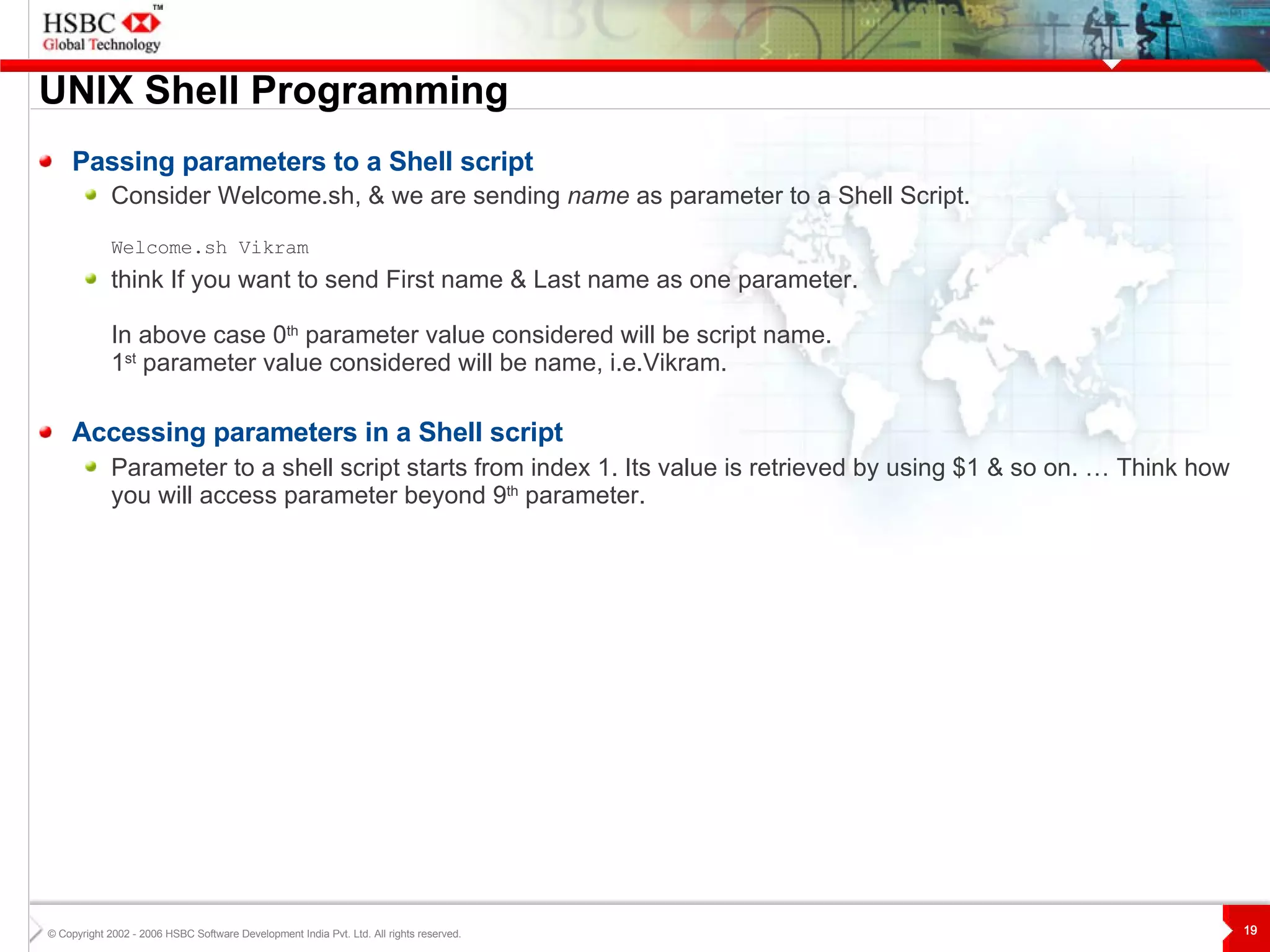
UNIX  S hell Programming Passing parameters to a Shell script Consider Welcome.sh, & we are sending  name  as parameter to a Shell Script. Welcome.sh Vikram  think If you want to send First name & Last name as one parameter.  In above case 0 th  parameter value considered will be script name. 1 st  parameter value considered will be name, i.e.Vikram. Accessing parameters in a Shell script Parameter to a shell script starts from index 1. Its value is retrieved by using $1 & so on. … Think how you will access parameter beyond 9 th  parameter.
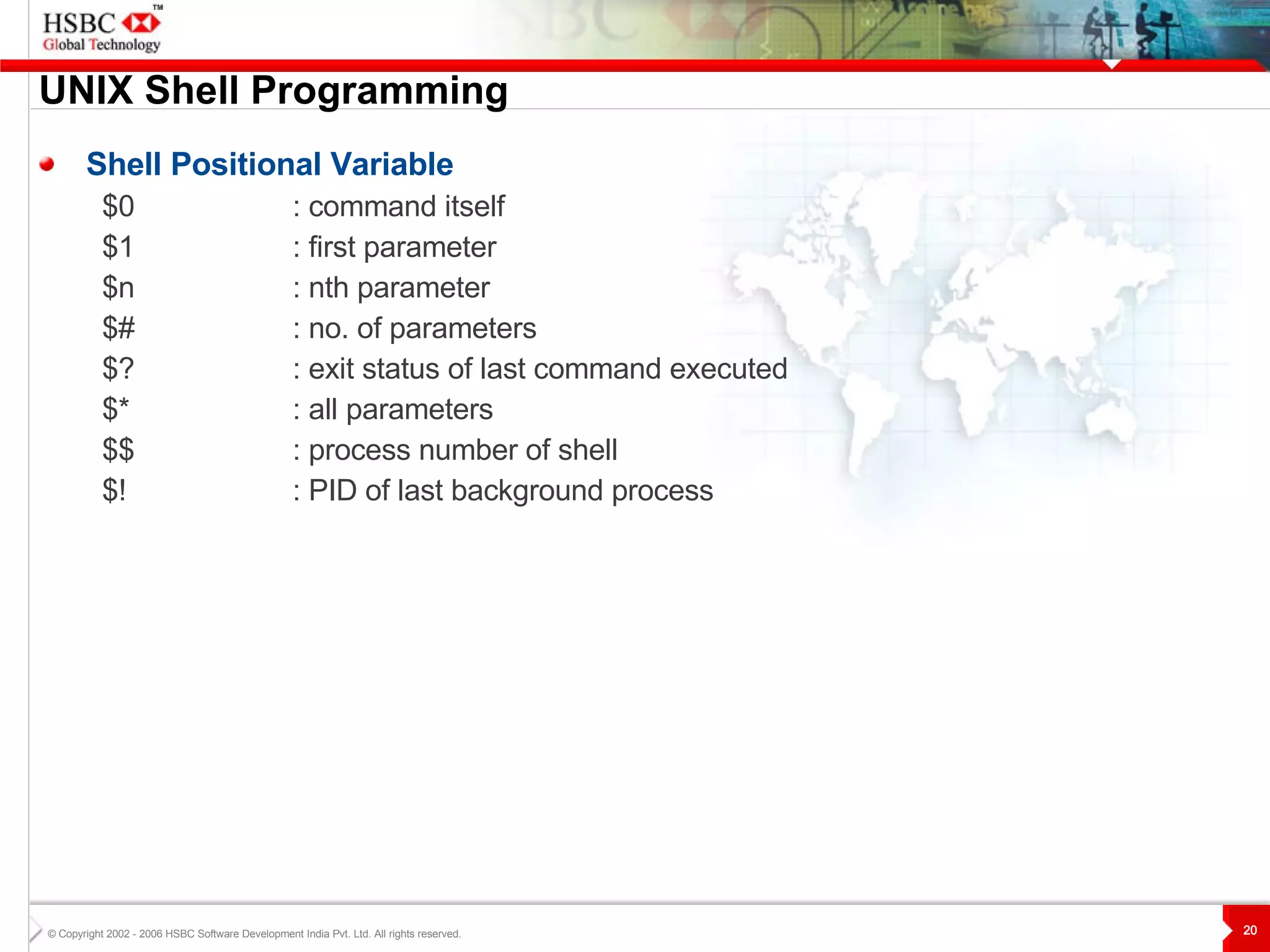
UNIX  S hell Programming Shell Positional Variable $0 : command itself $1  : first parameter $n  : nth parameter $# : no. of parameters $? : exit status of last command executed $* : all parameters $$ : process number of shell $! : PID of last background process
UNIX  S hell Programming if-then  and if-then-else The if-then Construct if [ condition ] then true-commands f i The if-then-else Construct if [ condition ] then true-commands else false-command(s) fi
UNIX  S hell Programming if-then-elif if [ condition1 ] then commands_1 elif  [ condition2 ] then commands_2 else commands_n fi
UNIX  S hell Programming test Command The test command is a built-in shell command that evaluates the expression given to it as an argument and return true if the expression is true, if otherwise, false. You can use square brackets ( [  ] ) instead of the word test. Example if test $str1 = $str2  then echo “Something” fi if [$str1 = $str2]  then echo “Something” fi
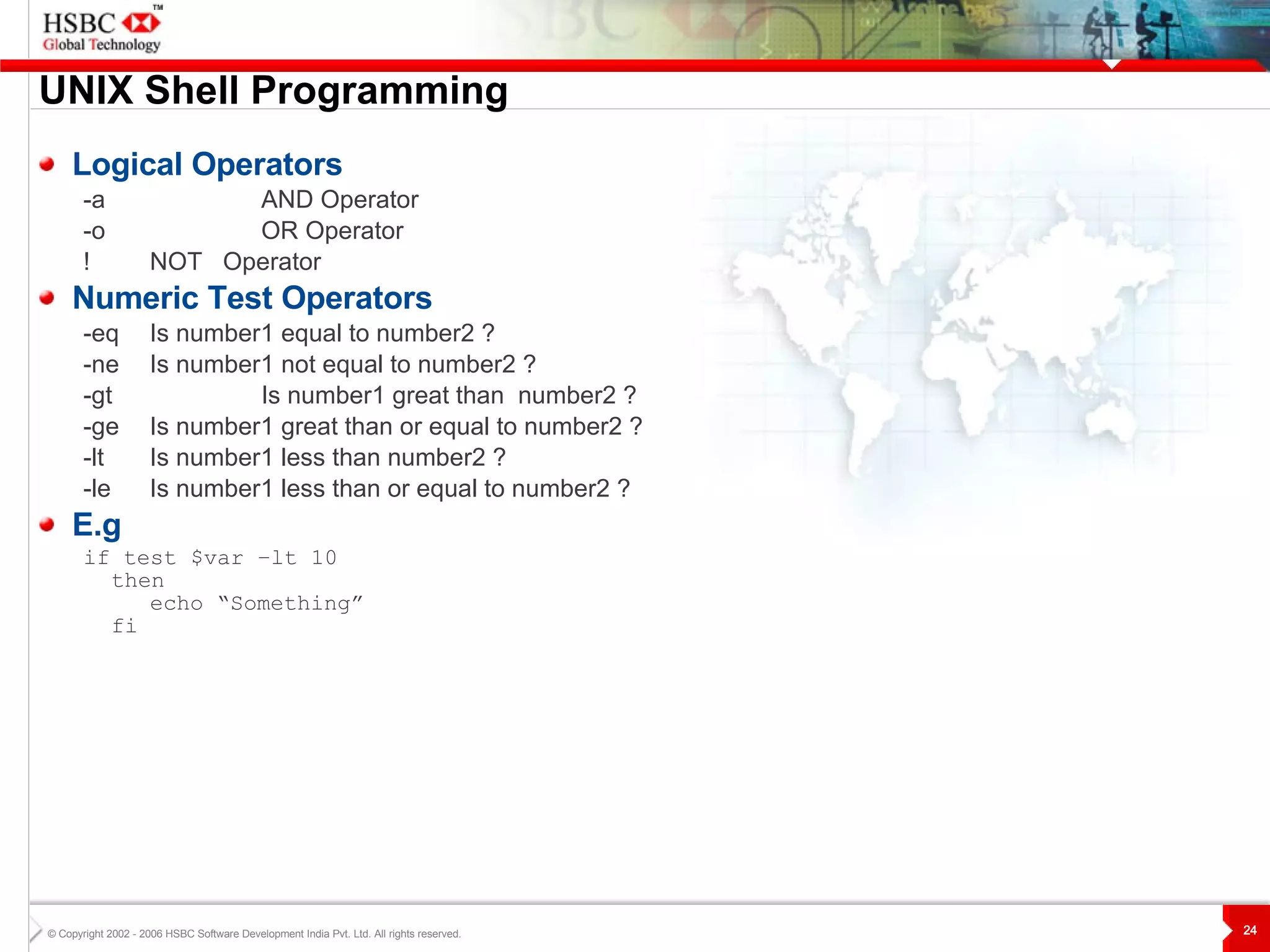
UNIX  S hell Programming Logical Operators -a  AND  Operator -o  OR  Operator !  NOT  Operator Numeric Test Operators -eq Is number1 equal to number2 ? -ne Is number 1  not equal to number2 ? -gt Is number1 great than  number2 ? -ge Is number1 great than or equal to number2 ? -lt Is number1 less than number2 ? -le Is number1 less than or equal to number2 ? E.g if test $var –lt 10 then echo “Something” fi
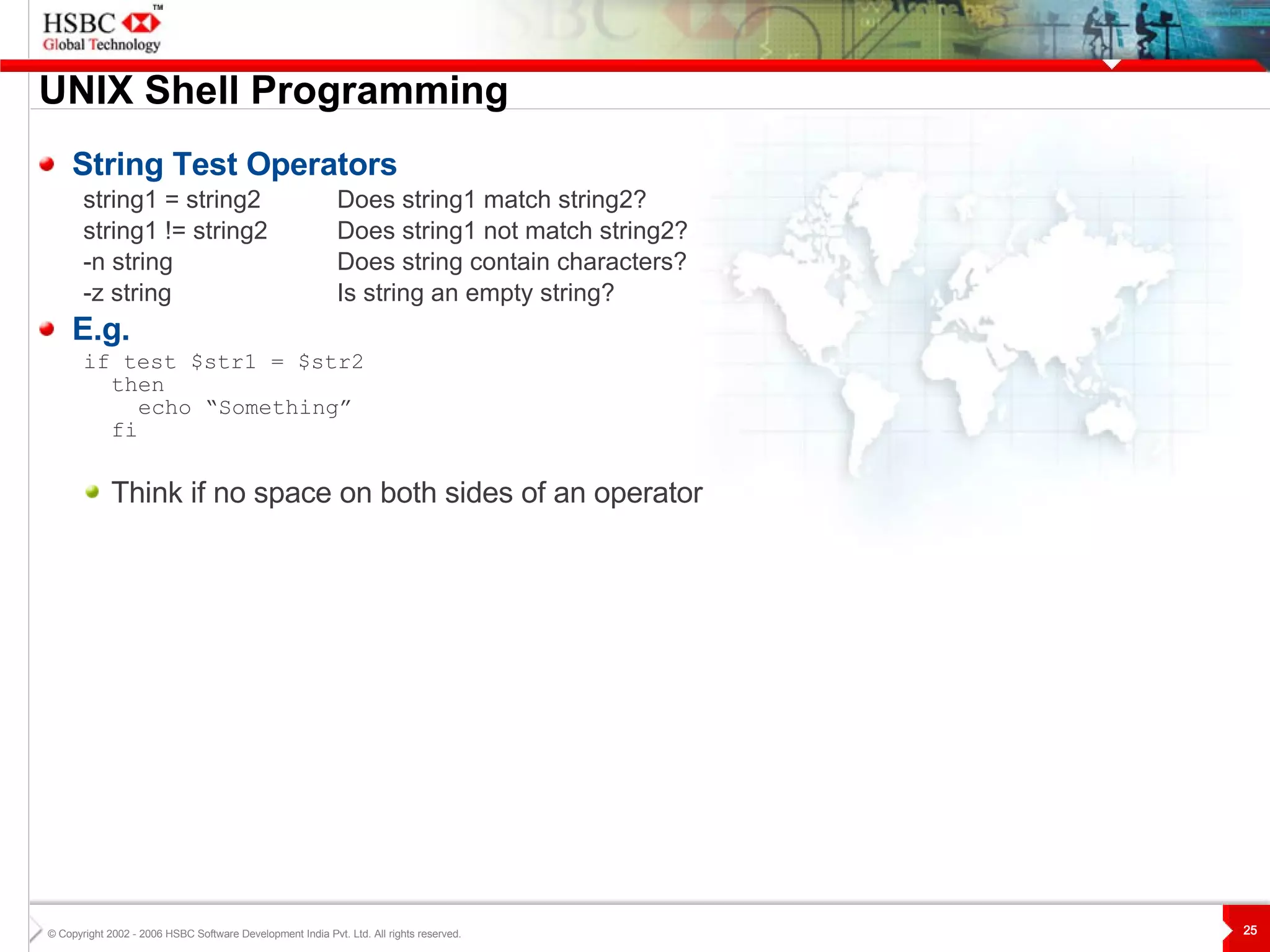
UNIX  S hell Programming String Test Operators string1 = string2 Does string1 match string2? string1 != string2 Does string1 not match string2? -n string Does string contain characters? -z string   Is string an empty string? E.g. if test $str1 = $str2  then echo “Something” fi Think if no space on both sides of an operator
UNIX  S hell Programming File Test Operators -s file True if File size is greater than 0 -f file True if File exists & not a directory -d file True if file exists & is a directory file.  -r file  True if file exists & you have read permission on it. -w file  True if file exists & you have write permission on it. -x file True if file exists & you have execute permission on it. E.g if [ –f $filename ] then echo “Something” fi Think if no space on both sides of an option.
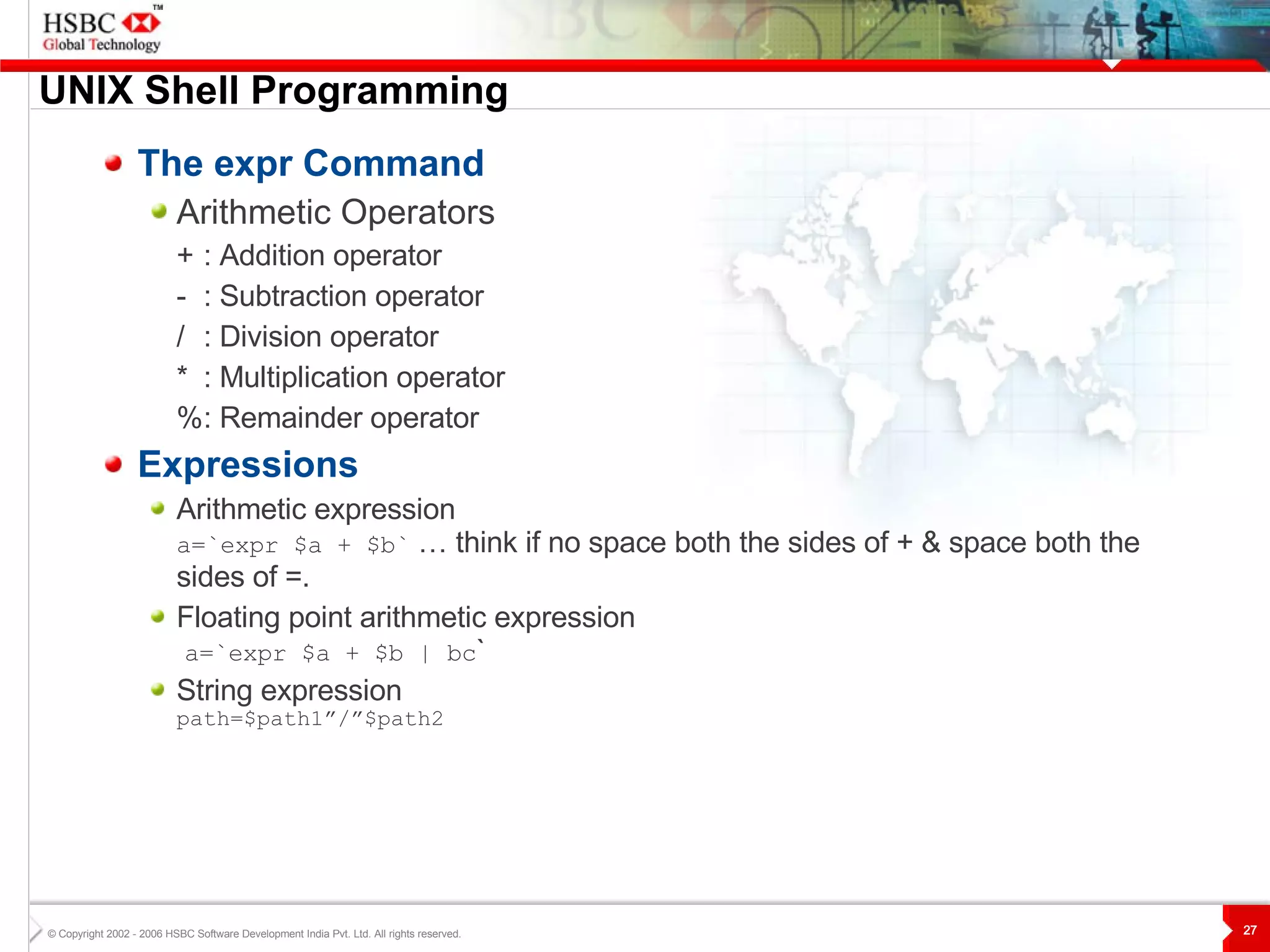
UNIX  S hell Programming The expr Command Arithmetic Operators + : Addition operator - : Subtraction operator / : Division operator * : Multiplication operator % : Remainder operator Expressions Arithmetic expression a=`expr $a + $b`  … think if no space both the sides of + & space both the sides of =. Floating point arithmetic expression   a=`expr $a + $b | bc ` String expression path=$path1”/”$path2
UNIX  S hell Programming While Loop while [ condition ] do command(s) done For Loop for variable in list-of-value do command(s) done
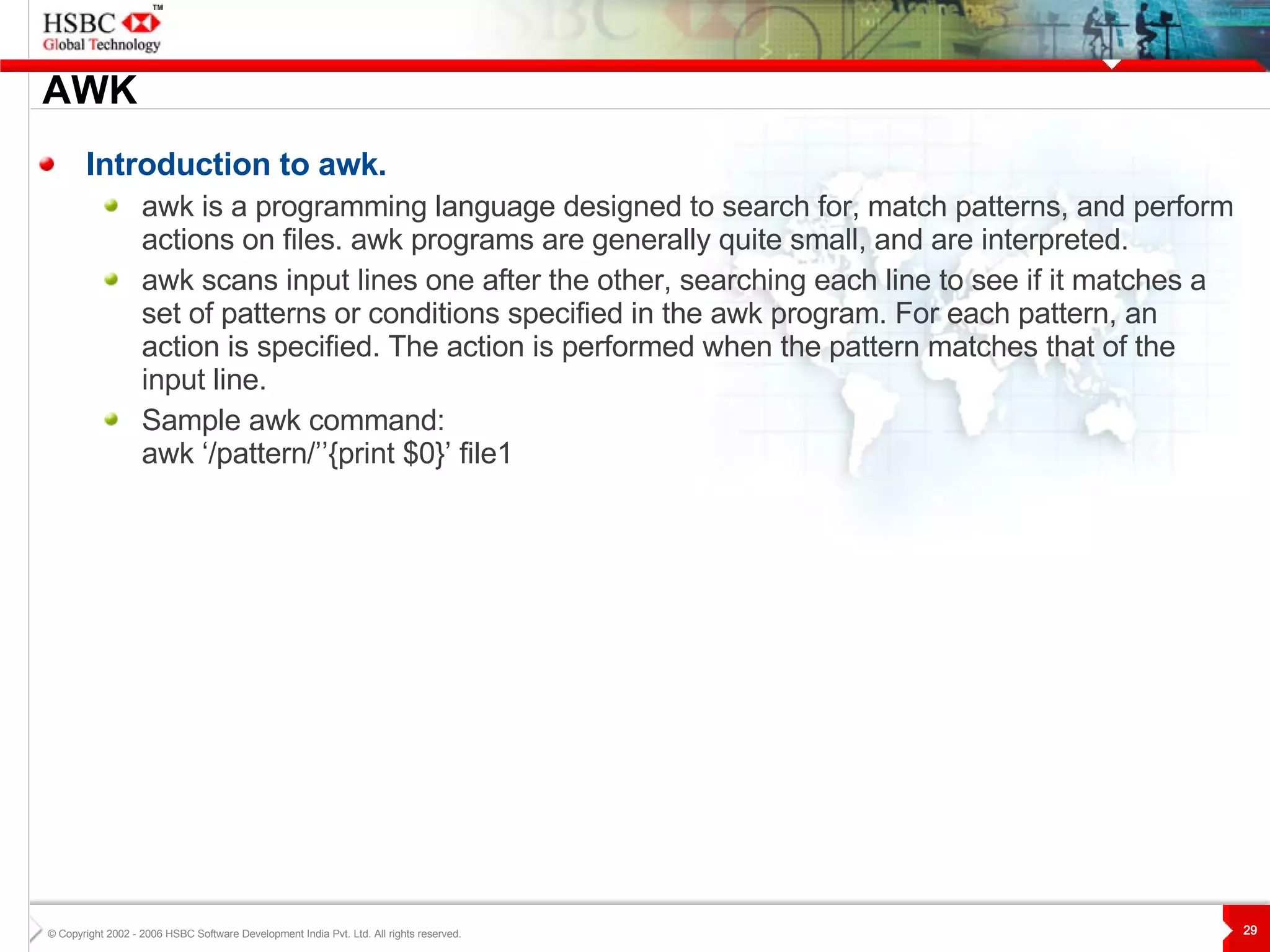
AWK Introduction to awk. awk is a programming language designed to search for, match patterns, and perform actions on files. awk programs are generally quite small, and are interpreted.  awk scans input lines one after the other, searching each line to see if it matches a set of patterns or conditions specified in the awk program. For each pattern, an action is specified. The action is performed when the pattern matches that of the input line. Sample awk command: awk ‘/pattern/’’{print $0}’ file1
My Learnings When I will go for Shell scripting. Automating my regular tasks. Customizing my work environment. Task is pretty simple When I will avoid Shell scripting . It needs interaction with multiple applications. Problem is relatively complex involves more than one tool. Lookups or finding data .
Questions ?
Thank You

Unix

  • 1.
    HSBC Global Technology UNIX -Kirtikumar Shinde
  • 2.
    Topics 1. IntroductionUnix Filesystem File Permissions Advanced Commands Shell Shell Programming AWK My Learnings Questions?
  • 3.
    Introduction Multi-user and Multitasking OS Mostly Written in C at Bell Labs Most of the servers are on Unix Unix Flavors Solaris HP AIX Linux Current DS Server – Which Unix?
  • 4.
  • 5.
    Unix File SystemAn upside-down Tree / etc bin export home user ad s3910120 dev tmp exam.txt work hobby.c proj1 date cal . . . . . . . . . . . . . . . . . . . . . . . . .
  • 6.
    File permissions Changingpermissions chmod g+w empl.txt chmod 754 empl.txt Changing ownership chown gcdv_dev empl.txt Changing group chgrp develp empl.txt reading others group owner 1 0 0 1 0 1 1 1 1 - r - r - x r x w execution writing
  • 7.
    Advanced Commands SortSorts the contents of a file . sort [-b f n r o t] [file name(s)] Takes the contents of a file(s) and displays it in sorted order. Flags: -b ignores blanks -f change all lower case letter to upper case before comparing -n numeric sort -r reverse usual order -o sends output of command to some file -t field delimiter E.g. To sort the Emp.txt on 2 nd field in reverse order $sort -t, -n -r +2 Emp.txt
  • 8.
    Advanced Commands grepSearches a file for pattern . grep [-c i l v] <pattern> [file name(s)] Takes the contents of a file(s) and displays it in sorted order. Flags: -c displays count of matching lines. -i ignore the case while searching -l lists the names of files that matches pattern -v displays all lines that don’t contain the pattern E.g. To display all lines in the ‘Emp.txt’ that match either the abc or xyz string: $grep &quot;abc|xyz&quot; Emp.txt
  • 9.
    Advanced Commands tarCompression and decompression of files. tar -(x|c) [ v f r] <tarfile> [file name(s)] Flags: -x extract from file. -c create new extract file. -v displays list files -f name of file follows -r append to old extract. E.g . To compress file Emp.txt $tar -cvf Emp.tar Emp.txt To decompress file Emp.tar $tar -xvf Emp.tar
  • 10.
    Shell Command interpreterthat waits for commands, executes them and displays the results Bourne shell Developed by Steve Bourne at AT&T Korn shell Developed by David Korn at AT&T C-shell Developed by Bill Joy for Berkeley Unix
  • 11.
    Shell Shell worksas follows: Shell displays a prompt. You type in a command. You press the return key. The shell interprets the commands typed and tries to find the correct programs to run. The kernel runs the requested programs and returns the results to the shell. The shell displays the command prompt again
  • 12.
    Shell Which ShellI am in ? finger –m myusername Know your shell – Korn Shell – its features Aliases – It allows shorthand for commands. Command history – Lets you recall previously entered commands. Command line editing – Allows us to edit commands vi style. Integrated programming features – It enables common programming tasks to be done cleanly & without creating extra processes. Support regular expressions. Advanced I/O features – Ability to carry out two way communication with concurrent processes. Increased speed of shell code execution. Has highly robust security features.
  • 13.
    Shell system variablesPATH = Defines path shell must search in order to execute any command or file. HOME = Indicates default working directory of the user. PS1 = System prompt 1. PS2 = System prompt 2, default value is “>”. Shell
  • 14.
    UNIX Shell Programming Shell Script (Shell Procedure) A program written in shell programming language is known as a shell script or shell procedure. Shell Programming Language The shell programming language is a command language with a lot of features common to many computer programming languages, including the structured language constructs: sequence, selection, and iteration. Command Languages Command languages are interpreted language s It allows then use of Unix commands in scripts
  • 15.
    UNIX Shell Programming Shell scripting keywords. Please Note : Script variables shouldn’t be same as keywords. Looping constructs, to be discussed in coming slides. set, unset Readonly Exit Ulimit Umask
  • 16.
    UNIX Shell Programming Create - Simple Hello World shell script. #!/bin/sh echo &quot;Hello World“ Make Files Executable $ chmod 777 HelloWorld.sh Execute the shell script Observe the output ‘Hello World’ will be between two command prompts. $ HelloWorld.sh
  • 17.
    UNIX Shell Programming Assignments Value assignments. String assignment – var=“Your Name” Think if not within double quotes. $echo $var think if not $ Making variable readonly. a=50 readonly a
  • 18.
    UNIX Shell Programming echo and Escape Characters Display strings as “printf” in C The echo command recognizes escape characters. Escape characters all start with the backslash ( \ ), and you can use them as part of the echo command argument string. E.g. $ echo “\nHello\n”
  • 19.
    UNIX Shell Programming Passing parameters to a Shell script Consider Welcome.sh, & we are sending name as parameter to a Shell Script. Welcome.sh Vikram think If you want to send First name & Last name as one parameter. In above case 0 th parameter value considered will be script name. 1 st parameter value considered will be name, i.e.Vikram. Accessing parameters in a Shell script Parameter to a shell script starts from index 1. Its value is retrieved by using $1 & so on. … Think how you will access parameter beyond 9 th parameter.
  • 20.
    UNIX Shell Programming Shell Positional Variable $0 : command itself $1 : first parameter $n : nth parameter $# : no. of parameters $? : exit status of last command executed $* : all parameters $$ : process number of shell $! : PID of last background process
  • 21.
    UNIX Shell Programming if-then and if-then-else The if-then Construct if [ condition ] then true-commands f i The if-then-else Construct if [ condition ] then true-commands else false-command(s) fi
  • 22.
    UNIX Shell Programming if-then-elif if [ condition1 ] then commands_1 elif [ condition2 ] then commands_2 else commands_n fi
  • 23.
    UNIX Shell Programming test Command The test command is a built-in shell command that evaluates the expression given to it as an argument and return true if the expression is true, if otherwise, false. You can use square brackets ( [ ] ) instead of the word test. Example if test $str1 = $str2 then echo “Something” fi if [$str1 = $str2] then echo “Something” fi
  • 24.
    UNIX Shell Programming Logical Operators -a AND Operator -o OR Operator ! NOT Operator Numeric Test Operators -eq Is number1 equal to number2 ? -ne Is number 1 not equal to number2 ? -gt Is number1 great than number2 ? -ge Is number1 great than or equal to number2 ? -lt Is number1 less than number2 ? -le Is number1 less than or equal to number2 ? E.g if test $var –lt 10 then echo “Something” fi
  • 25.
    UNIX Shell Programming String Test Operators string1 = string2 Does string1 match string2? string1 != string2 Does string1 not match string2? -n string Does string contain characters? -z string Is string an empty string? E.g. if test $str1 = $str2 then echo “Something” fi Think if no space on both sides of an operator
  • 26.
    UNIX Shell Programming File Test Operators -s file True if File size is greater than 0 -f file True if File exists & not a directory -d file True if file exists & is a directory file. -r file True if file exists & you have read permission on it. -w file True if file exists & you have write permission on it. -x file True if file exists & you have execute permission on it. E.g if [ –f $filename ] then echo “Something” fi Think if no space on both sides of an option.
  • 27.
    UNIX Shell Programming The expr Command Arithmetic Operators + : Addition operator - : Subtraction operator / : Division operator * : Multiplication operator % : Remainder operator Expressions Arithmetic expression a=`expr $a + $b` … think if no space both the sides of + & space both the sides of =. Floating point arithmetic expression a=`expr $a + $b | bc ` String expression path=$path1”/”$path2
  • 28.
    UNIX Shell Programming While Loop while [ condition ] do command(s) done For Loop for variable in list-of-value do command(s) done
  • 29.
    AWK Introduction toawk. awk is a programming language designed to search for, match patterns, and perform actions on files. awk programs are generally quite small, and are interpreted. awk scans input lines one after the other, searching each line to see if it matches a set of patterns or conditions specified in the awk program. For each pattern, an action is specified. The action is performed when the pattern matches that of the input line. Sample awk command: awk ‘/pattern/’’{print $0}’ file1
  • 30.
    My Learnings WhenI will go for Shell scripting. Automating my regular tasks. Customizing my work environment. Task is pretty simple When I will avoid Shell scripting . It needs interaction with multiple applications. Problem is relatively complex involves more than one tool. Lookups or finding data .
  • 31.
  • 32.