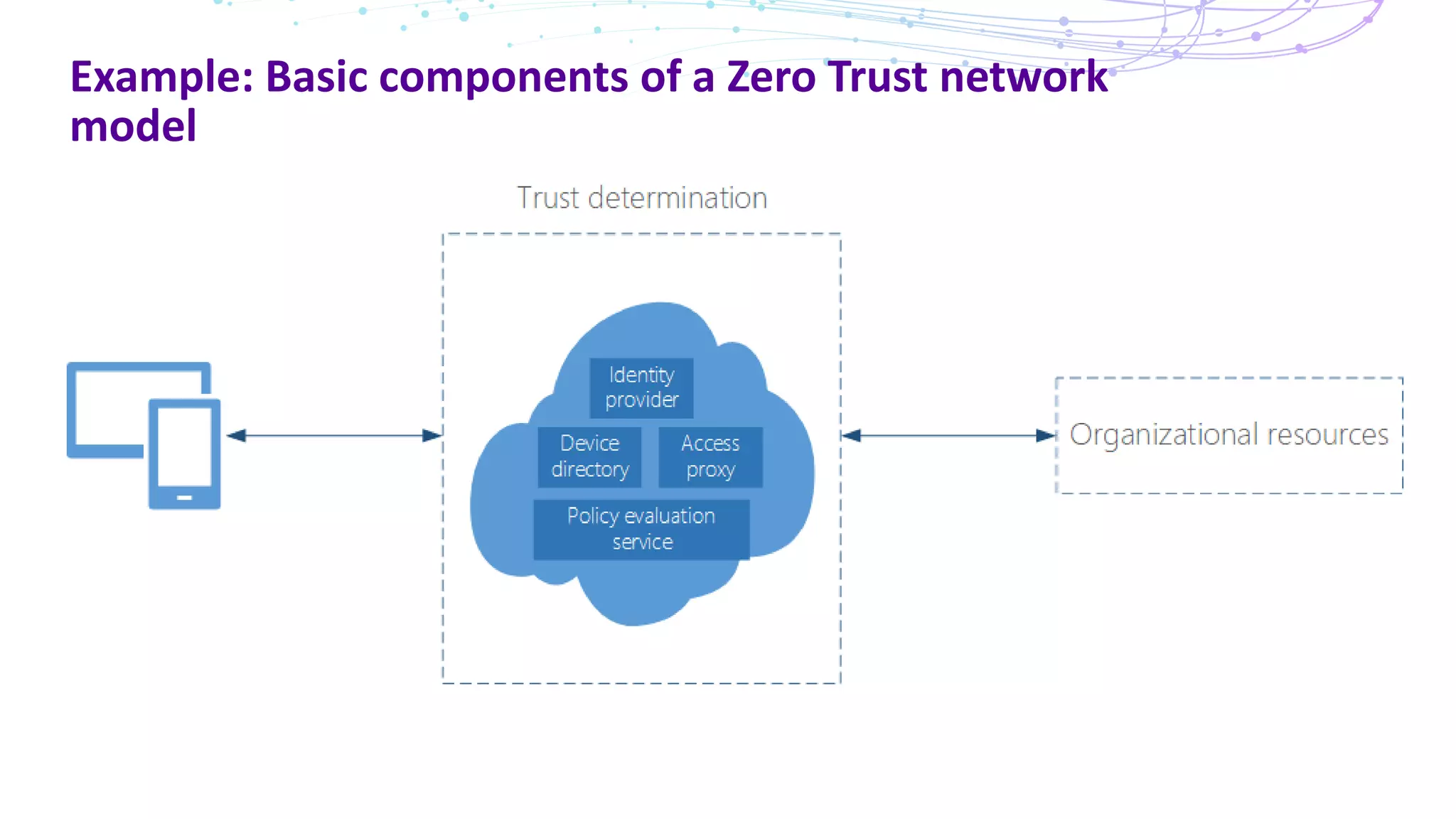
This document discusses Zero Trust security and how to implement a Zero Trust network architecture. It begins with an overview of Zero Trust and why it is important given limitations of traditional perimeter-based networks. It then covers the basic components of a Zero Trust network, including an identity provider, device directory, policy evaluation service, and access proxy. The document provides guidance on designing a Zero Trust architecture by starting with questions about users, applications, conditions for access, and corresponding controls. Specific conditions discussed include user/device attributes as well as device health and identity. Benefits of the Zero Trust model include conditional access, preventing lateral movement, and increased productivity.
Topics Covered
Understand whatZero Trust is and why it is important.
What comprises a Zero Trust network and how to create
architecture
Conditions and Controls
Understand how identity, device health
Benefits of Zero Trust
Discover how to apply these conditions to line of business SaaS apps
or on-premises web apps.
Examples and Demo (If time permits)
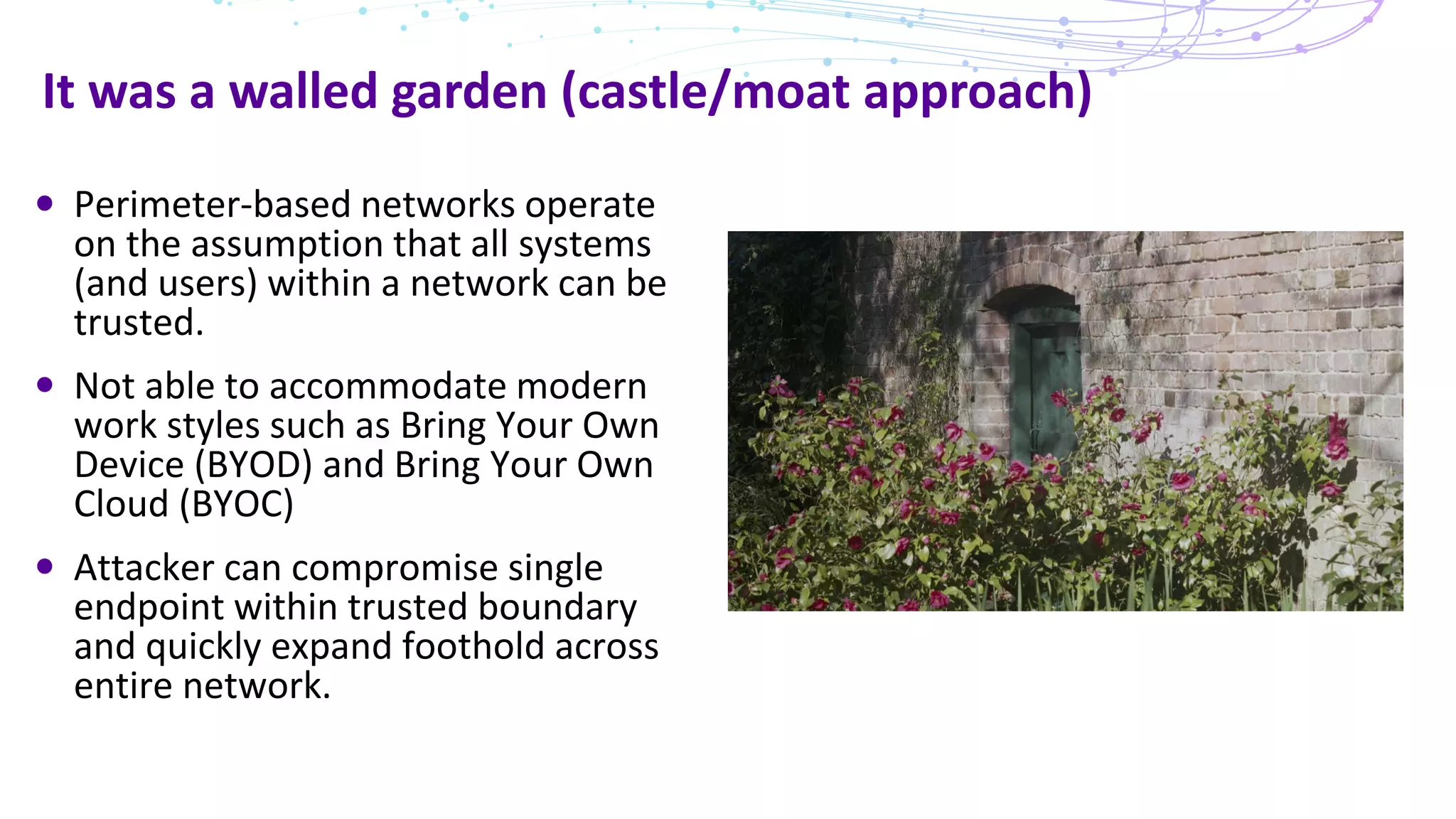
It was awalled garden (castle/moat approach)
Perimeter-based networks operate
on the assumption that all systems
(and users) within a network can be
trusted.
Not able to accommodate modern
work styles such as Bring Your Own
Device (BYOD) and Bring Your Own
Cloud (BYOC)
Attacker can compromise single
endpoint within trusted boundary
and quickly expand foothold across
entire network.
6.
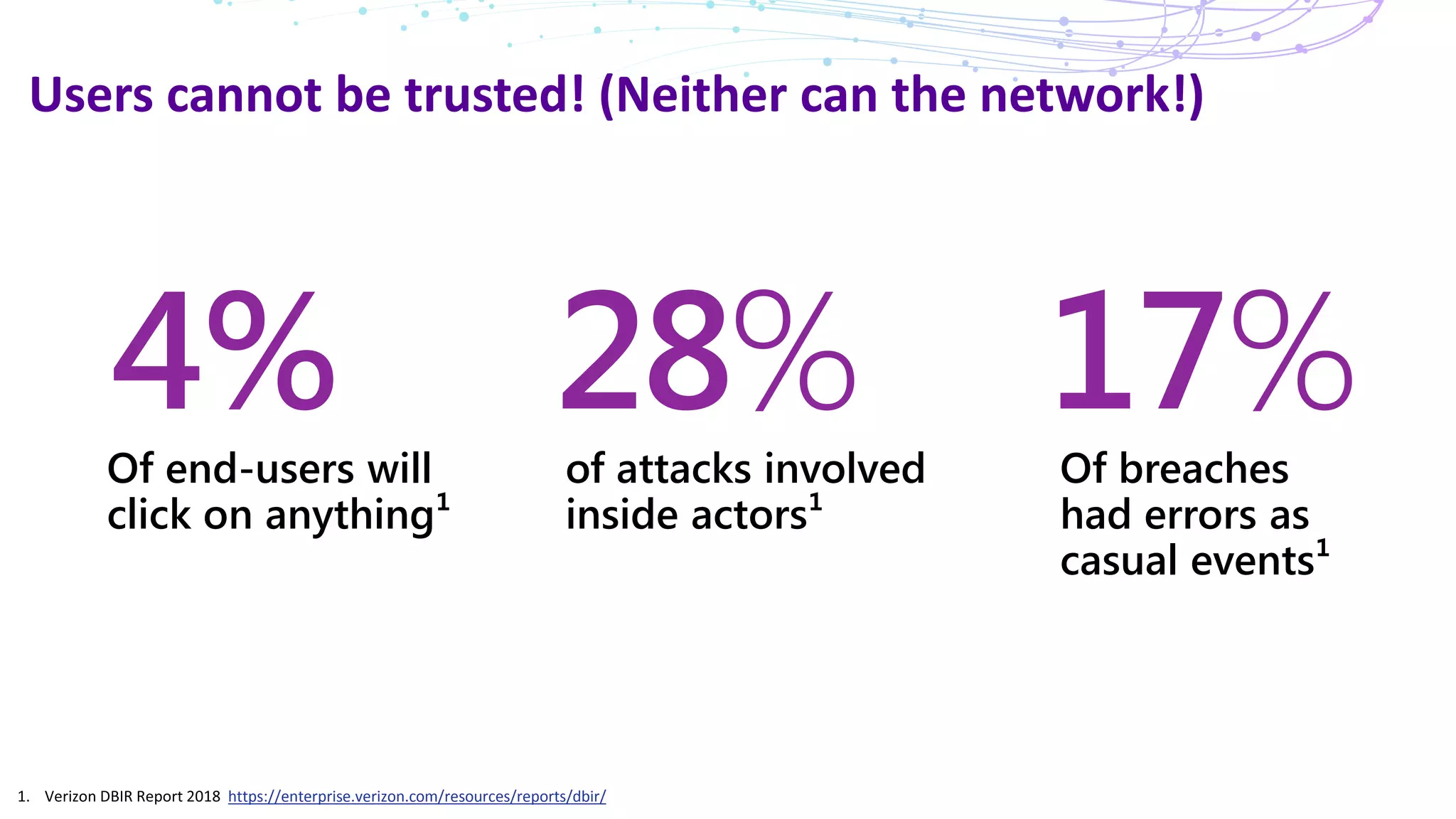
Users cannot betrusted! (Neither can the network!)
https://enterprise.verizon.com/resources/reports/dbir/
28%of attacks involved
inside actors¹
4%Of end-users will
click on anything¹
17%Of breaches
had errors as
casual events¹
7.
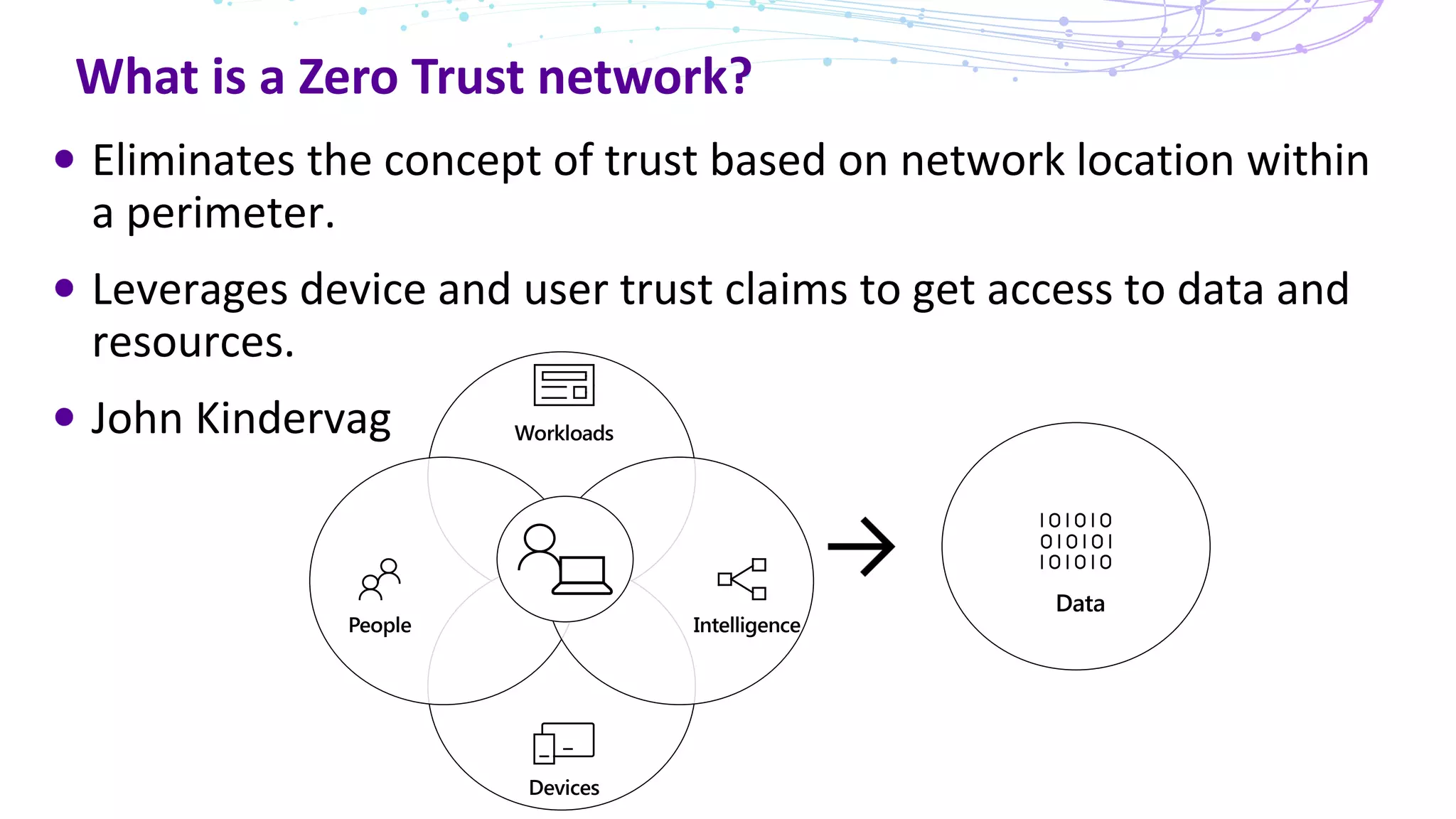
What is aZero Trust network?
Eliminates the concept of trust based on network location within
a perimeter.
Leverages device and user trust claims to get access to data and
resources.
John Kindervag
8.
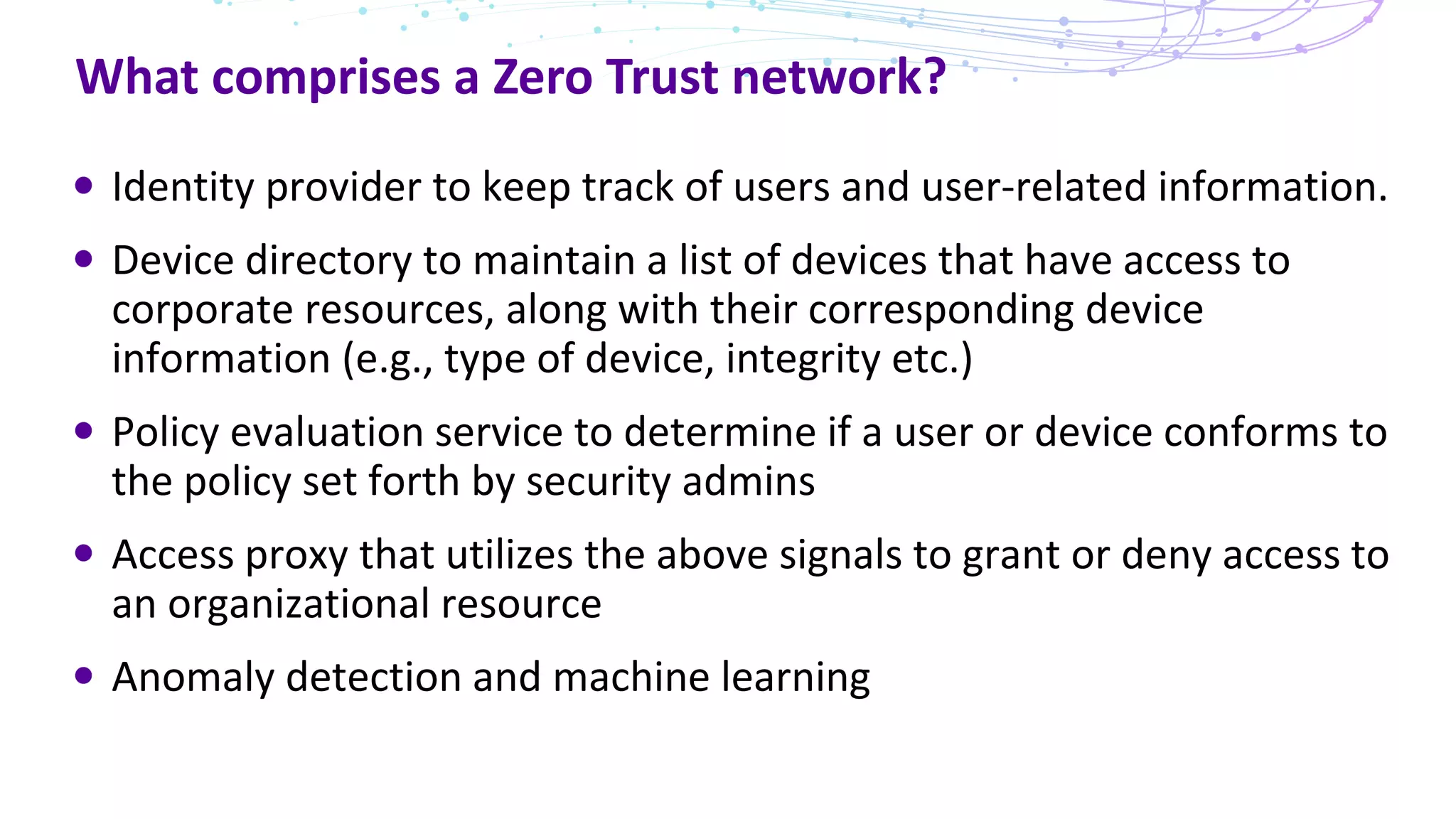
What comprises aZero Trust network?
Identity provider to keep track of users and user-related information.
Device directory to maintain a list of devices that have access to
corporate resources, along with their corresponding device
information (e.g., type of device, integrity etc.)
Policy evaluation service to determine if a user or device conforms to
the policy set forth by security admins
Access proxy that utilizes the above signals to grant or deny access to
an organizational resource
Anomaly detection and machine learning
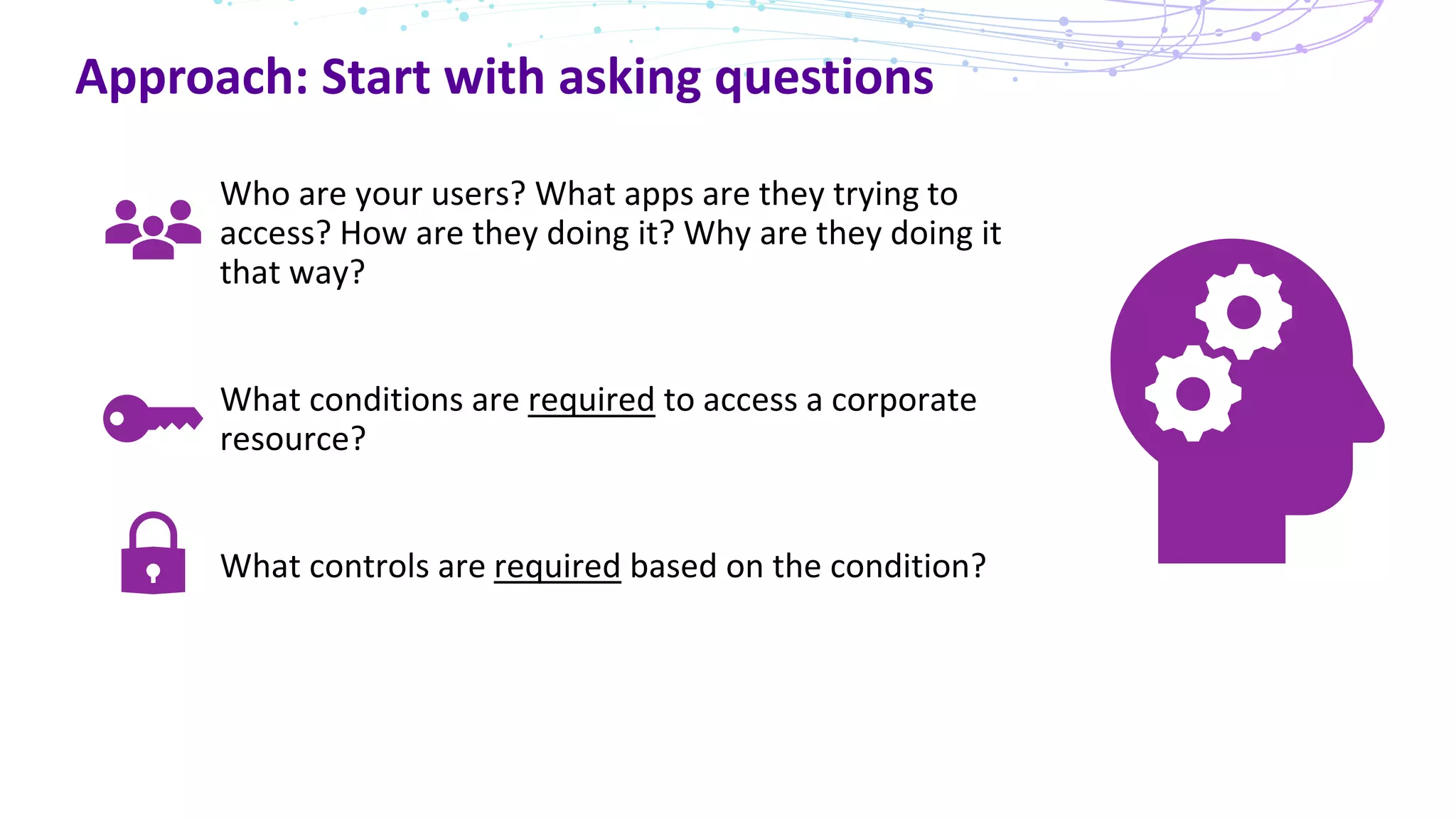
Approach: Start withasking questions
Who are your users? What apps are they trying to
access? How are they doing it? Why are they doing it
that way?
What conditions are required to access a corporate
resource?
What controls are required based on the condition?
12.
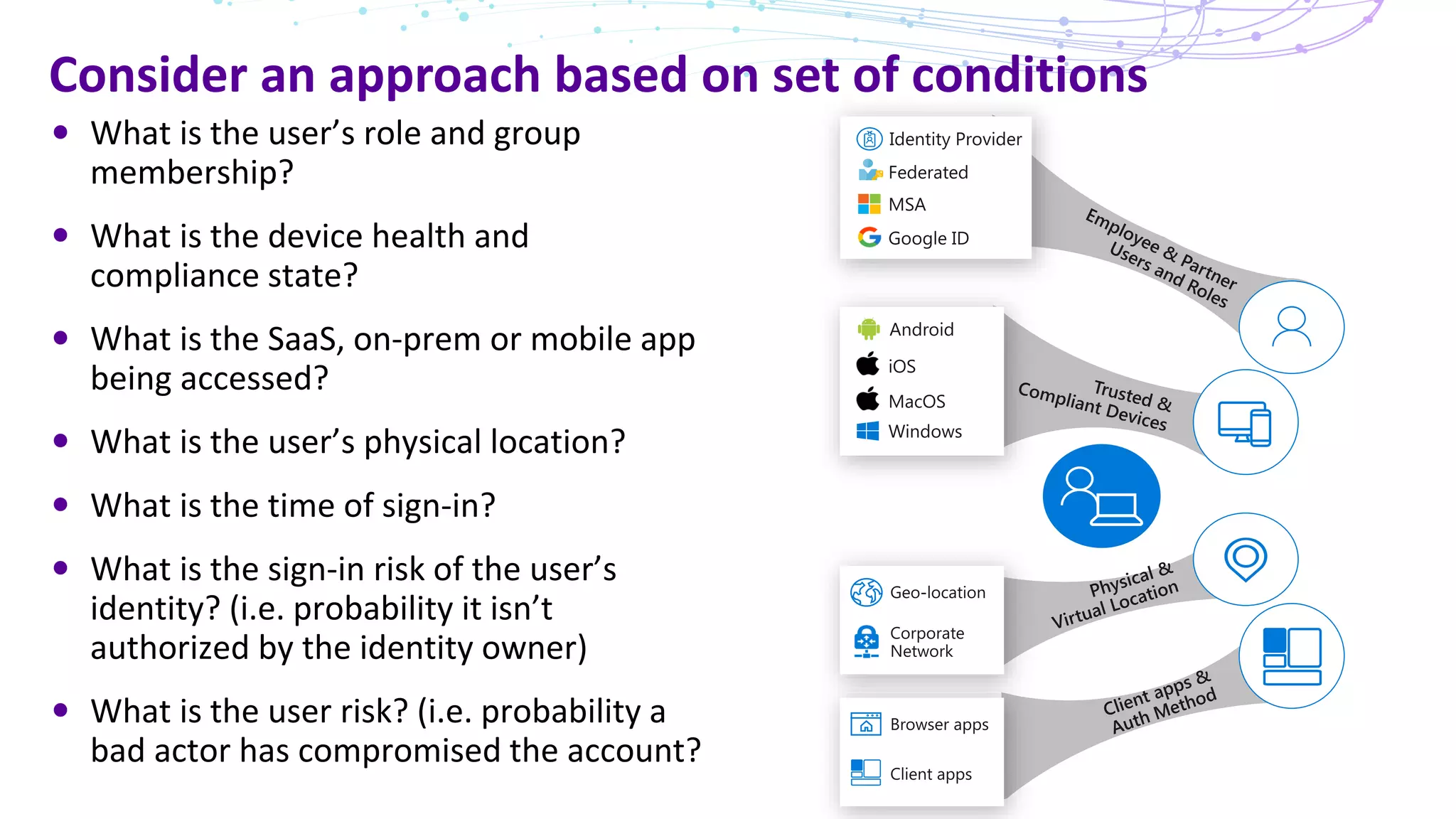
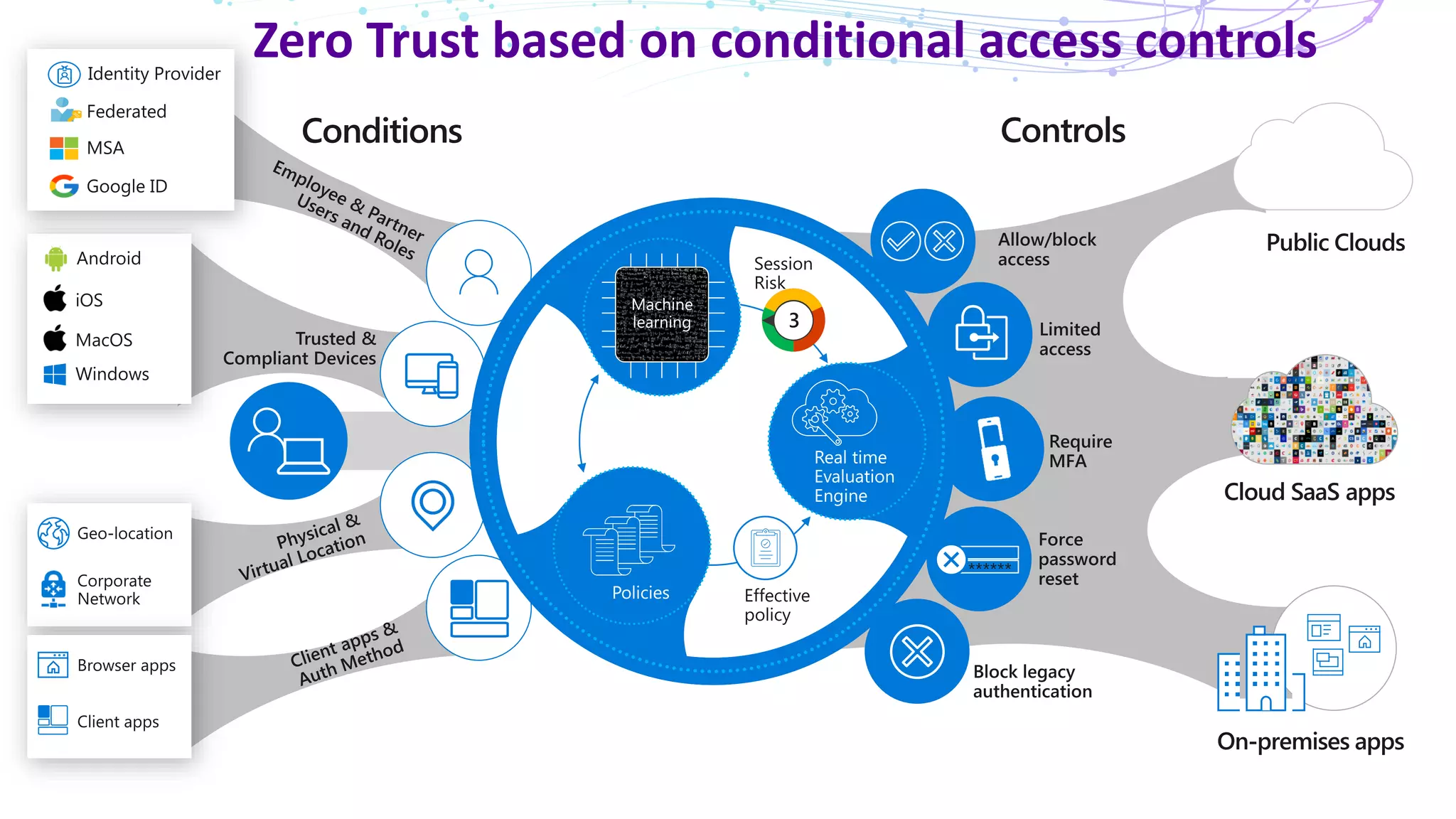
Consider an approachbased on set of conditions
What is the user’s role and group
membership?
What is the device health and
compliance state?
What is the SaaS, on-prem or mobile app
being accessed?
What is the user’s physical location?
What is the time of sign-in?
What is the sign-in risk of the user’s
identity? (i.e. probability it isn’t
authorized by the identity owner)
What is the user risk? (i.e. probability a
bad actor has compromised the account?
13.
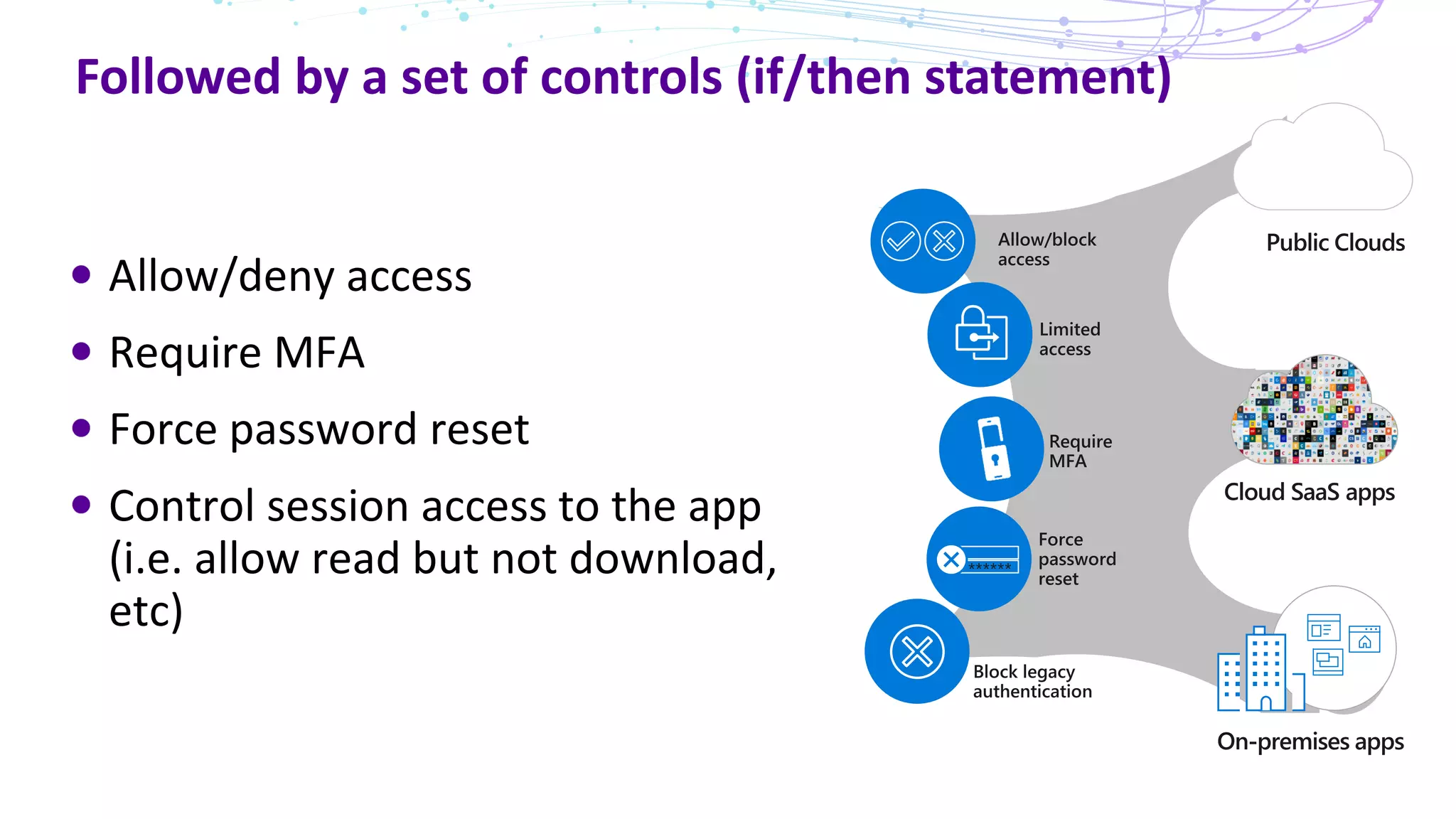
Followed by aset of controls (if/then statement)
Allow/deny access
Require MFA
Force password reset
Control session access to the app
(i.e. allow read but not download,
etc)
14.
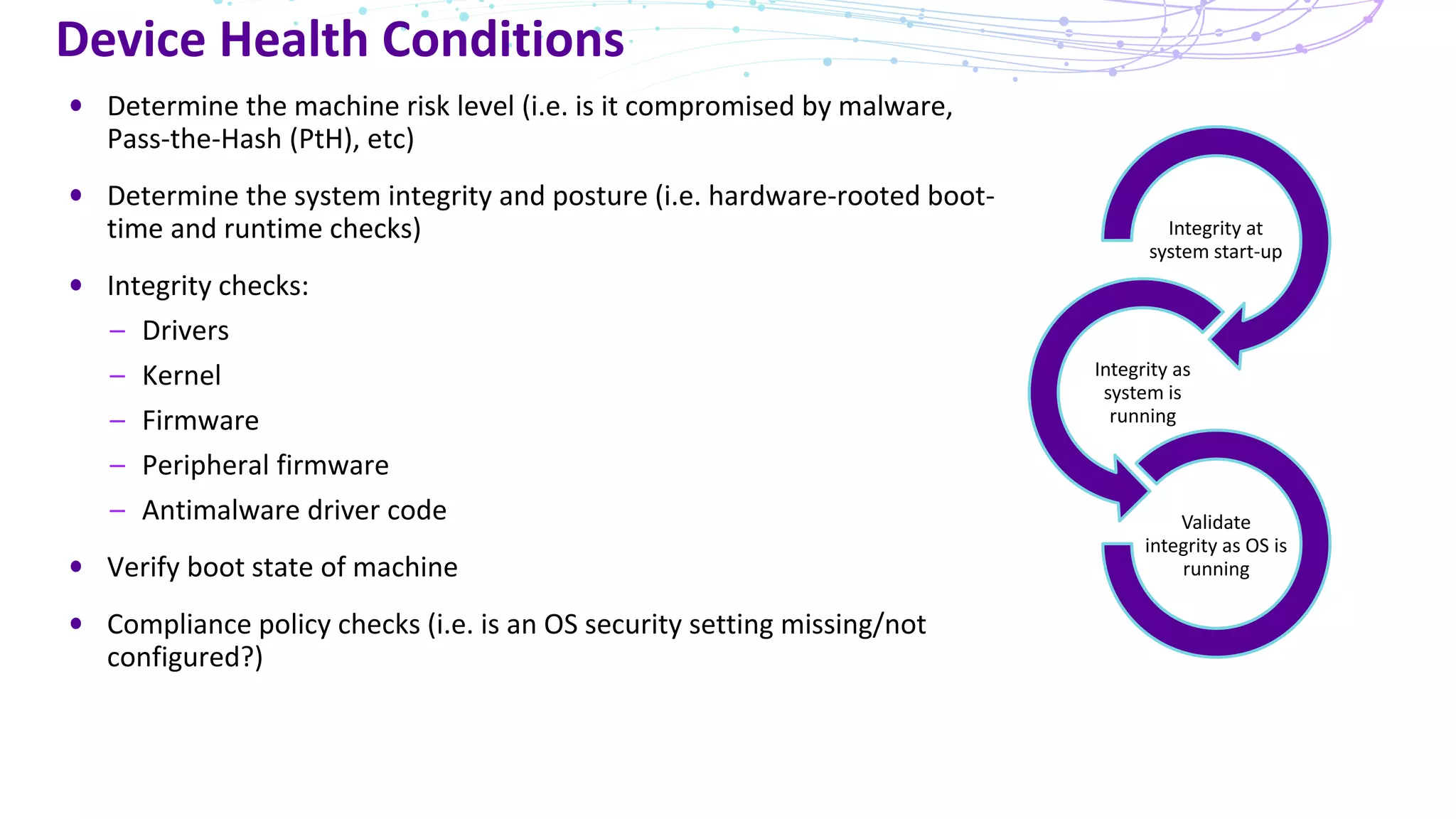
Device Health Conditions
Determinethe machine risk level (i.e. is it compromised by malware,
Pass-the-Hash (PtH), etc)
Determine the system integrity and posture (i.e. hardware-rooted boot-
time and runtime checks)
Integrity checks:
– Drivers
– Kernel
– Firmware
– Peripheral firmware
– Antimalware driver code
Verify boot state of machine
Compliance policy checks (i.e. is an OS security setting missing/not
configured?)
Integrity at
system start-up
Integrity as
system is
running
Validate
integrity as OS is
running
15.
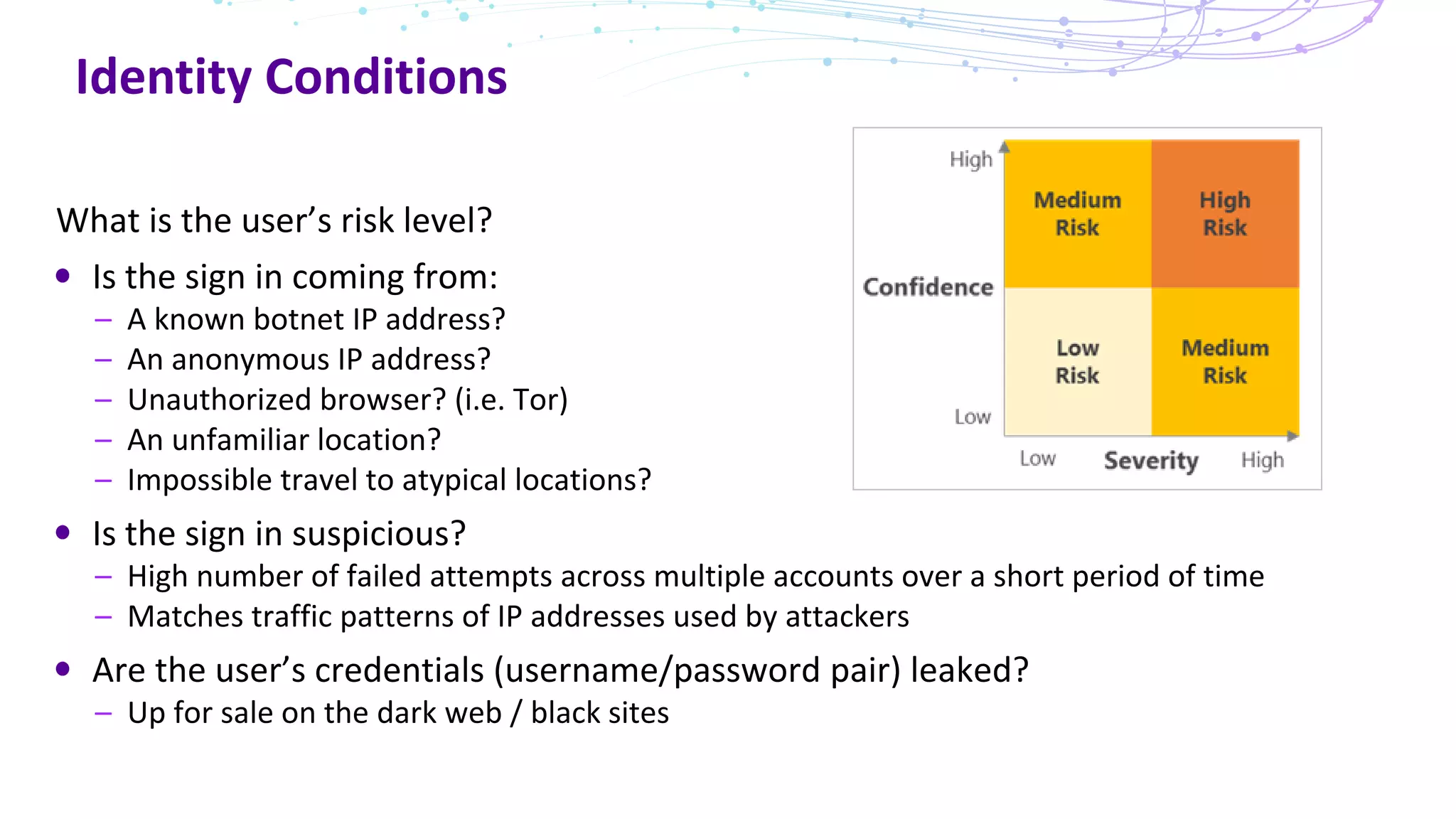
Identity Conditions
What isthe user’s risk level?
Is the sign in coming from:
– A known botnet IP address?
– An anonymous IP address?
– Unauthorized browser? (i.e. Tor)
– An unfamiliar location?
– Impossible travel to atypical locations?
Is the sign in suspicious?
– High number of failed attempts across multiple accounts over a short period of time
– Matches traffic patterns of IP addresses used by attackers
Are the user’s credentials (username/password pair) leaked?
– Up for sale on the dark web / black sites
Benefits of aZero Trust model
Allow conditional access to certain resources while restricting access
to high-value resources on managed/compliant devices.
Prevent network access and lateral movement using stolen
credentials and compromised device.
Enables users to be more productive by working however they want,
where they want, when they want.
Identity is everything, make it the control plane.
Consider an “if-this-then-that” automated approach to Zero Trust.
Zero Trust can enable new business outcomes that were not possible
before.