is media and content that uses a combination of different 
content forms. The term can be used as a noun (a medium 
with multiple content forms) or as an adjective describing a 
medium as having multiple content forms. The term is used 
in contrast to media which use only rudimentary computer 
display such as text-only, or traditional forms of printed or 
hand-produced material. Multimedia includes a combination 
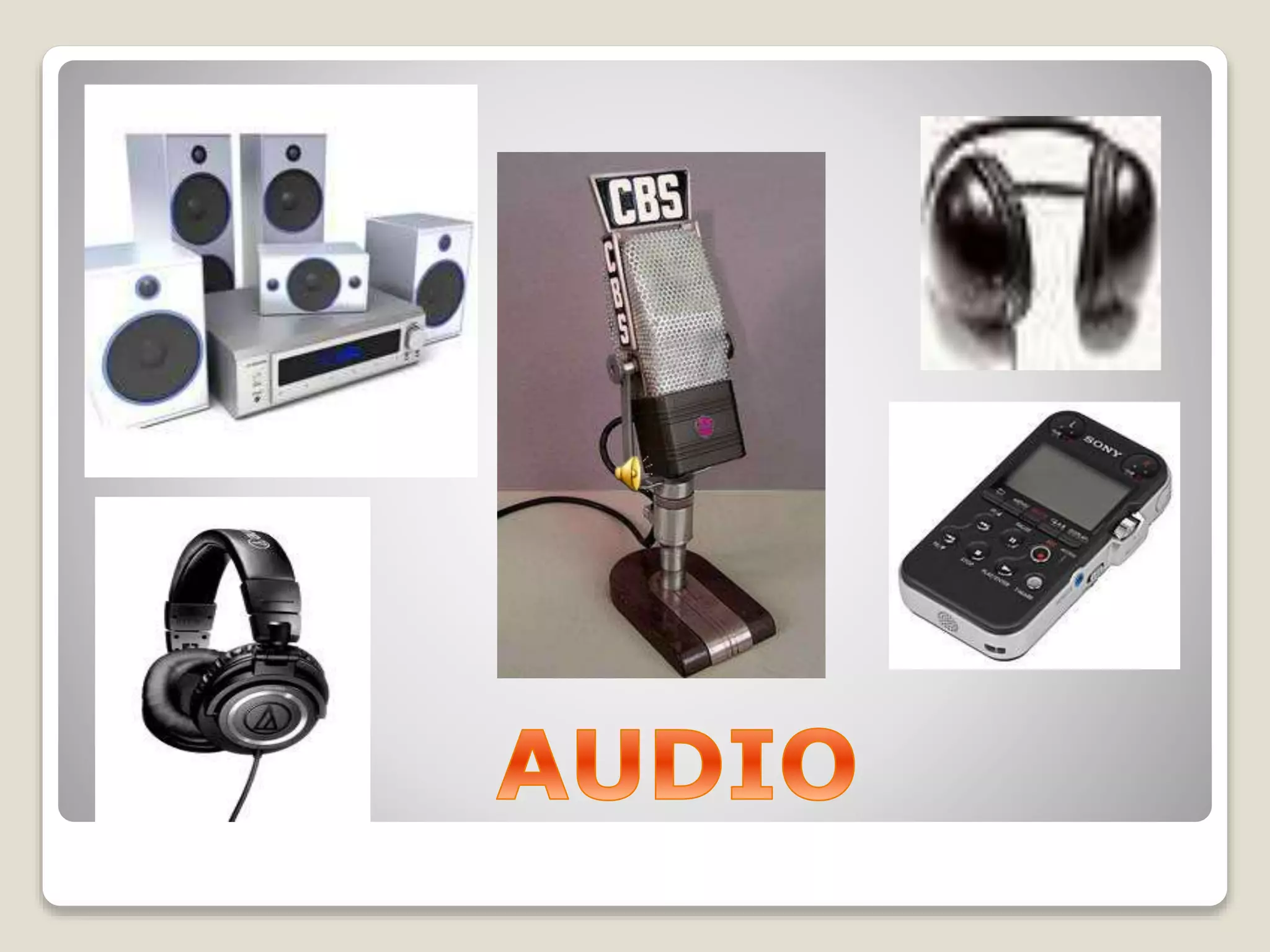
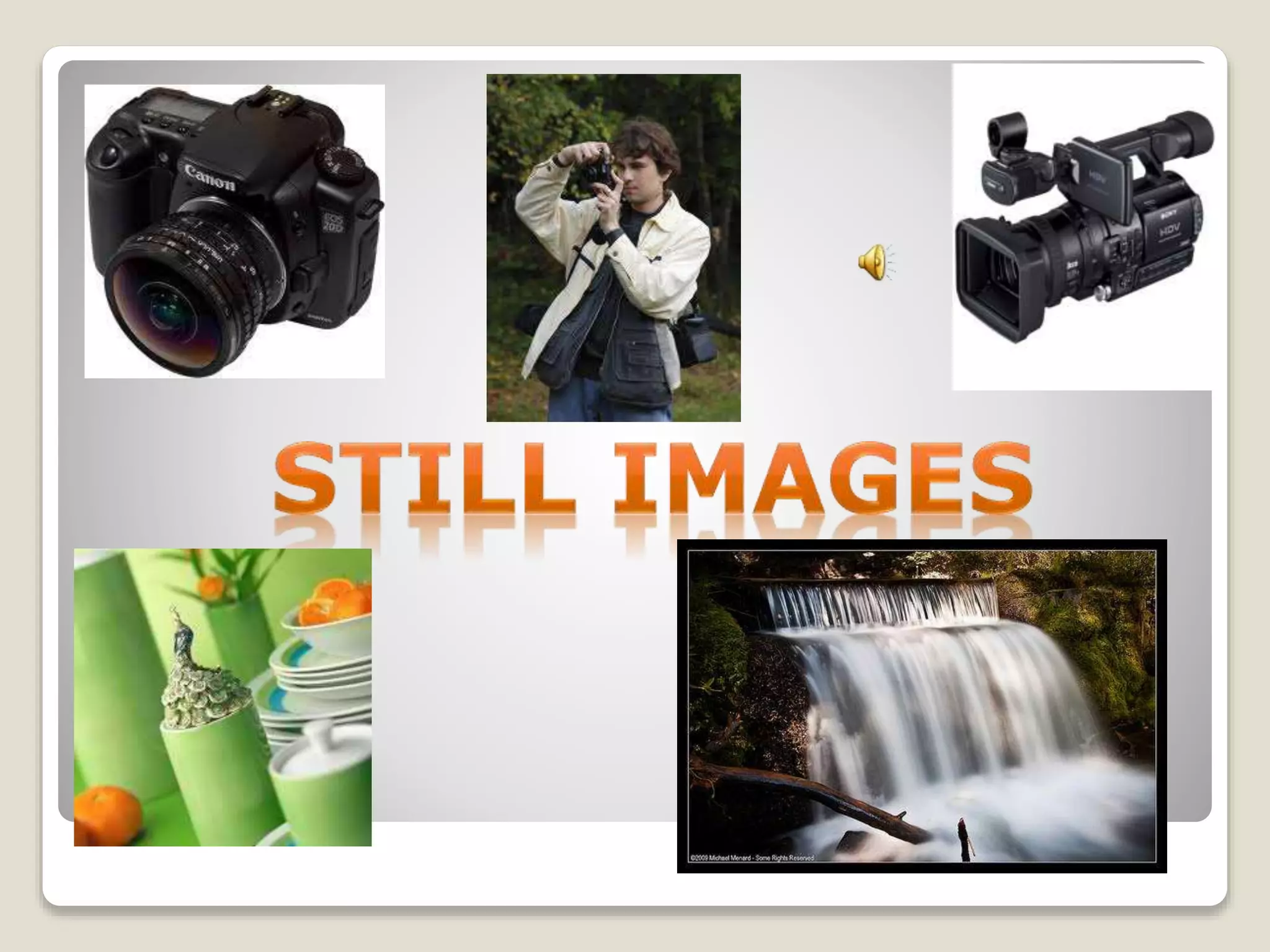
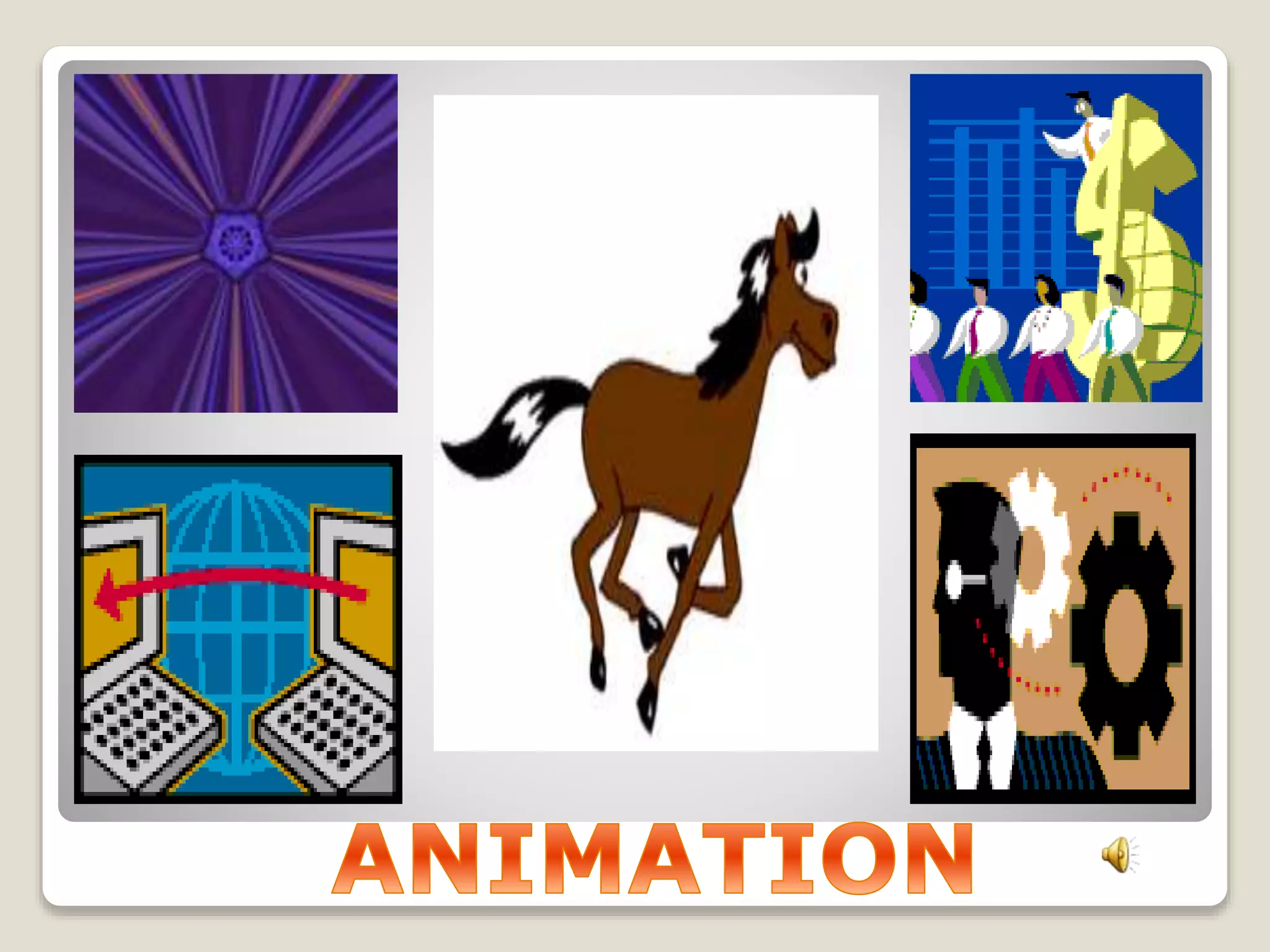
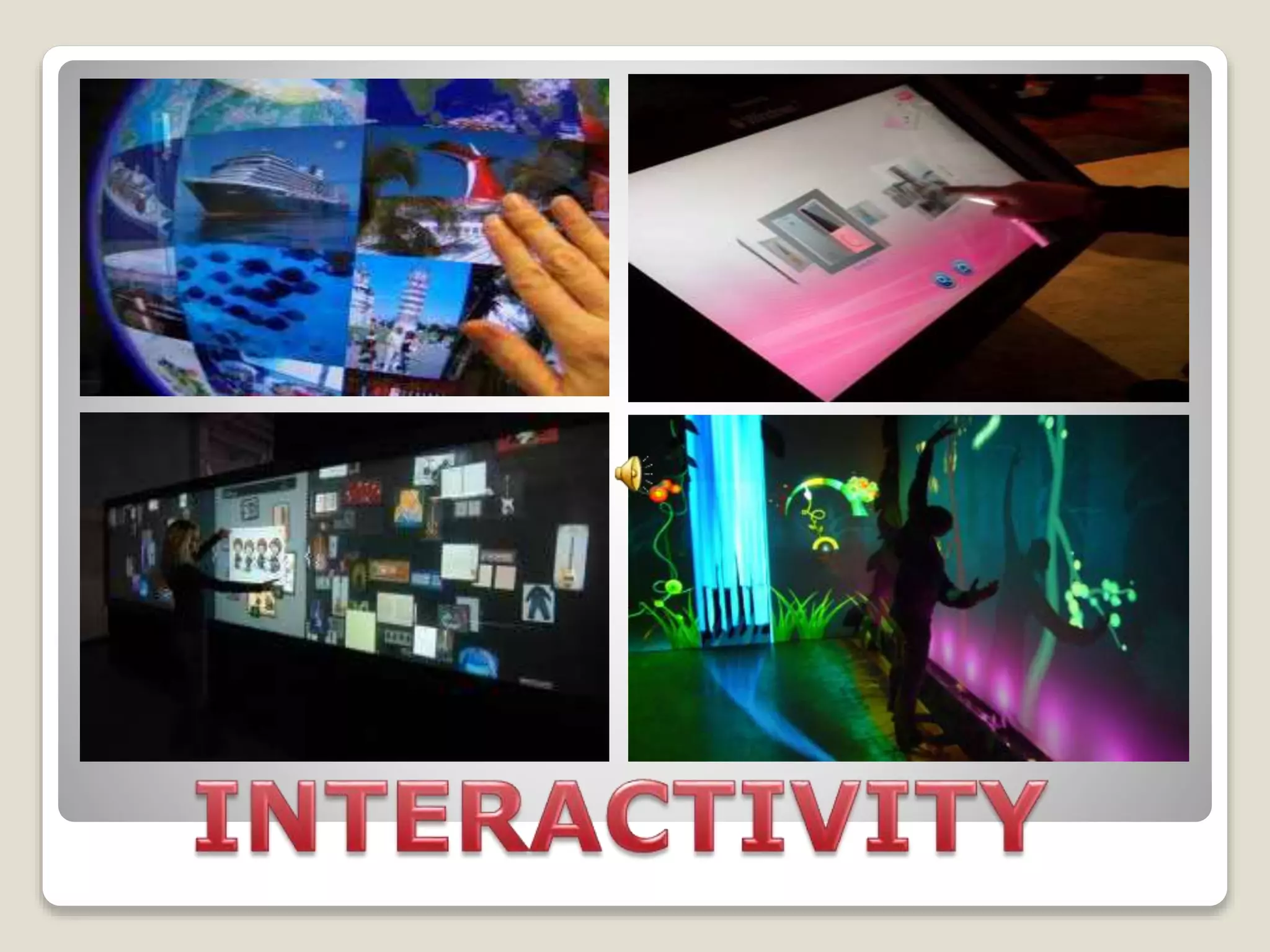
of text, audio, still images, animation, video, or interactivity 
content forms.
Examples of individual content 
forms combined in multimedia:
Multimedia is usually recorded and played, 
displayed or accessed by information content 
processing devices, such as computerized and 
electronic devices, but can also be part of a live 
performance. Multimedia (as an adjective) also 
describes electronic media devices used to store 
and experience multimedia content. Multimedia 
is distinguished from mixed media in fine art; by 
including audio, for example, it has a broader 
scope. The term "rich media" is synonymous for 
interactive multimedia. Hypermedia can be 
considered one particular multimedia application.
Categorization of multimedia 
Multimedia may be broadly divided into linear and non-linear 
categories. Linear active content progresses without any 
navigational control for the viewer such as a cinema presentation. 
Non-linear user interactivity to control progress as used with a 
video game or used in self-paced computer based training. 
Hypermedia is an example of non-linear content. Multimedia 
presentations can be live or recorded. A recorded presentation 
may allow interactivity via a navigation system. A live multimedia 
presentation may allow interactivity via an interaction with the 
presenter or performer.
Major characteristics of multimedia 
Multimedia presentations may be 
viewed by person on stage, projected, 
transmitted, or played locally with a 
media player. A broadcast may be a live 
or recorded multimedia presentation. 
Broadcasts and recordings can be either 
analog or digital electronic media 
technology. Digital online multimedia may 
be downloaded or streamed. Streaming 
multimedia may be live or on-demand.
Multimedia games and 
simulations may be used in 
a physical environment with 
special effects, with multiple 
users in an online network, 
or locally with an offline 
computer, game system, or 
simulator.
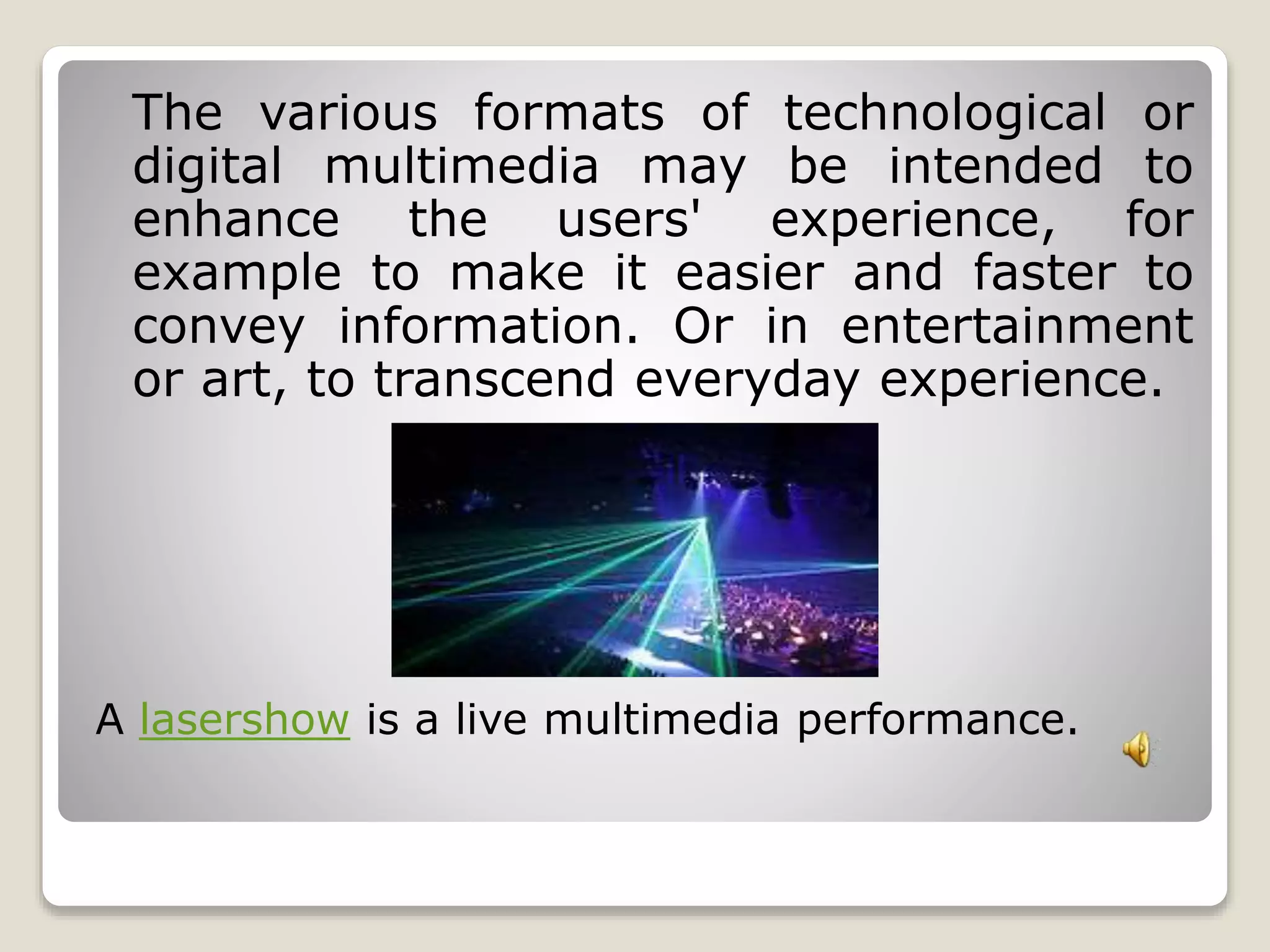
The various formats of technological or 
digital multimedia may be intended to 
enhance the users' experience, for 
example to make it easier and faster to 
convey information. Or in entertainment 
or art, to transcend everyday experience. 
A lasershow is a live multimedia performance.
Enhanced levels of interactivity are made 
possible by combining multiple forms of 
media content. Online multimedia is 
increasingly becoming object-oriented and 
data-driven, enabling applications with 
collaborative end-user innovation and 
personalization on multiple forms of content 
over time. Examples of these range from 
multiple forms of content on Web sites like 
photo galleries with both images (pictures) 
and title (text) user-updated, to simulations 
whose co-efficients, events, illustrations, 
animations or videos are modifiable, 
allowing the multimedia "experience" to be 
altered without reprogramming.
Multimedia Tools Used 
for Teaching 
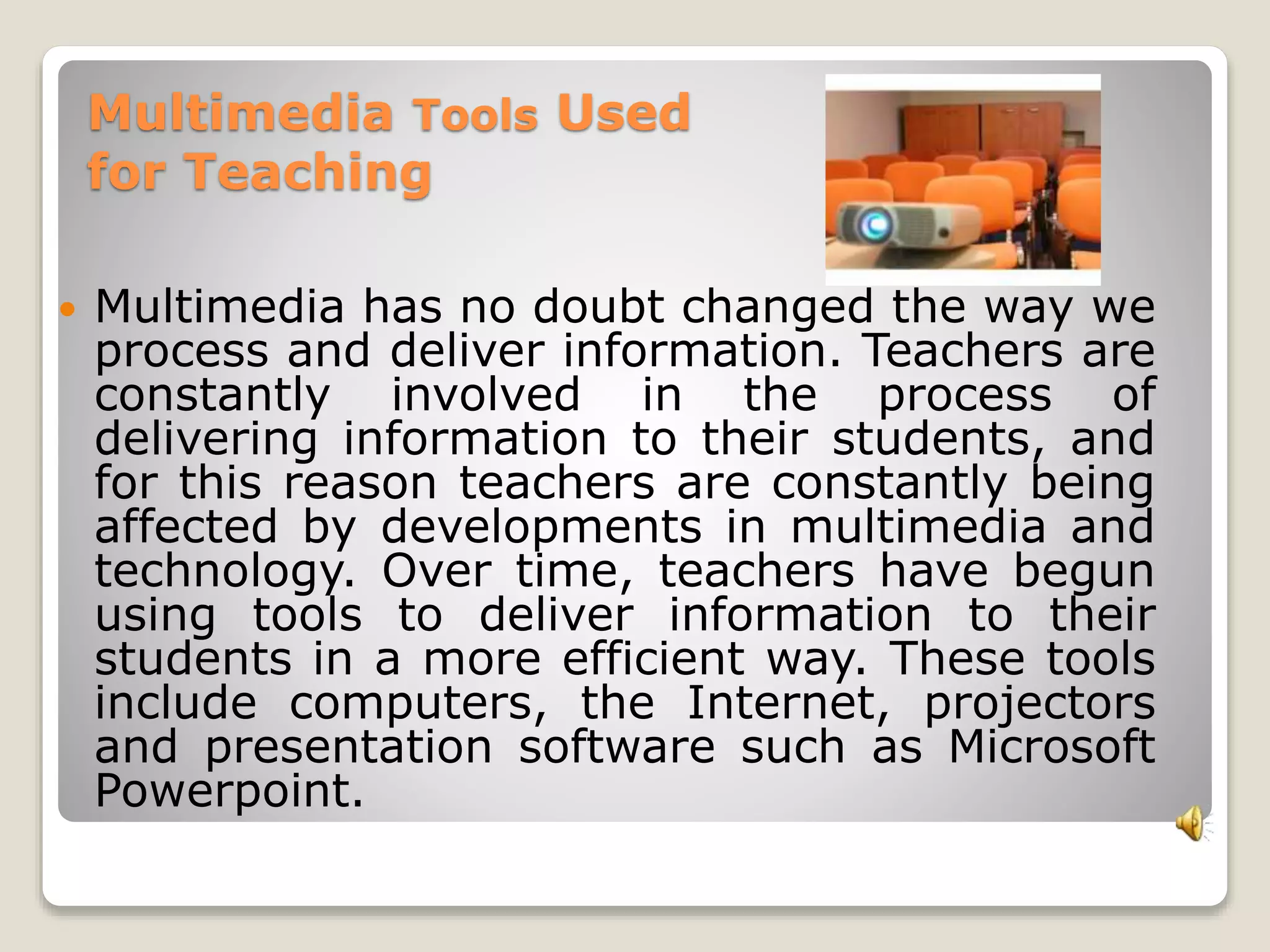
 Multimedia has no doubt changed the way we 
process and deliver information. Teachers are 
constantly involved in the process of 
delivering information to their students, and 
for this reason teachers are constantly being 
affected by developments in multimedia and 
technology. Over time, teachers have begun 
using tools to deliver information to their 
students in a more efficient way. These tools 
include computers, the Internet, projectors 
and presentation software such as Microsoft 
Powerpoint.
Computers 
 Computers are the main tool used to present 
multimedia items such as video, Powerpoint 
presentations, animation and sound. In the 
classroom, computers have made a huge impact 
on the way teachers provide information to their 
students. Using computers, teachers have 
evolved their teaching methods; instead of 
lecturing and writing notes on a blackboard, 
teachers can now show their students visual and 
audio material to enhance their learning. These 
methods are much more effective for students 
who process information visually.
Internet 
 The internet is another multimedia tool that 
works in tandem with computers. The Internet is 
an extremely valuable resource for teachers 
because it makes information readily available. 
Teachers can use the Internet to look up lesson 
plans from other teachers, find educational 
videos and materials to show their class and they 
can even have their students use the Internet as 
a research tool. The Internet makes it possible 
for teachers to download and stream various 
types of multimedia that can enhance their 
lessons.
Projectors 
 Projectors are another multimedia tool that is 
commonly used by teachers. Projectors are 
used to project images from a computer onto 
a larger screen so that students can easily 
see what is being shown. Projectors make it 
possible for teachers to show a large 
classroom or auditorium multimedia content 
such as videos, or Powerpoint presentations. 
Projectors are now commonplace in 
classrooms as a tool for showing multimedia.
Powerpoint 
 Microsoft Powerpoint is one of the most popular 
programs used for creating multimedia presentations. 
Powerpoint is an incredible tool because it allows 
teachers to combine text, audio and video into one 
presentation. With the use of computers and 
projectors, the presentation can be displayed to a 
large audience. Powerpoint and other similar 
presentation programs have changed the way 
teachers provide information; Powerpoint 
presentations are a more effective way of conveying 
information because they can be prepared 
beforehand, unlike hand written notes on a 
blackboard. These presentations can be distributed to 
students on the Internet for studying purposes.
Thank you so much! 
Have a nice day!! 
Presented by: 
MAR GAUDEN F. ACERON 
Bulalacao National High School

What is Multimedia? individual report

  • 1.
    is media andcontent that uses a combination of different content forms. The term can be used as a noun (a medium with multiple content forms) or as an adjective describing a medium as having multiple content forms. The term is used in contrast to media which use only rudimentary computer display such as text-only, or traditional forms of printed or hand-produced material. Multimedia includes a combination of text, audio, still images, animation, video, or interactivity content forms.
  • 2.
    Examples of individualcontent forms combined in multimedia:
  • 9.
    Multimedia is usuallyrecorded and played, displayed or accessed by information content processing devices, such as computerized and electronic devices, but can also be part of a live performance. Multimedia (as an adjective) also describes electronic media devices used to store and experience multimedia content. Multimedia is distinguished from mixed media in fine art; by including audio, for example, it has a broader scope. The term "rich media" is synonymous for interactive multimedia. Hypermedia can be considered one particular multimedia application.
  • 10.
    Categorization of multimedia Multimedia may be broadly divided into linear and non-linear categories. Linear active content progresses without any navigational control for the viewer such as a cinema presentation. Non-linear user interactivity to control progress as used with a video game or used in self-paced computer based training. Hypermedia is an example of non-linear content. Multimedia presentations can be live or recorded. A recorded presentation may allow interactivity via a navigation system. A live multimedia presentation may allow interactivity via an interaction with the presenter or performer.
  • 11.
    Major characteristics ofmultimedia Multimedia presentations may be viewed by person on stage, projected, transmitted, or played locally with a media player. A broadcast may be a live or recorded multimedia presentation. Broadcasts and recordings can be either analog or digital electronic media technology. Digital online multimedia may be downloaded or streamed. Streaming multimedia may be live or on-demand.
  • 12.
    Multimedia games and simulations may be used in a physical environment with special effects, with multiple users in an online network, or locally with an offline computer, game system, or simulator.
  • 13.
    The various formatsof technological or digital multimedia may be intended to enhance the users' experience, for example to make it easier and faster to convey information. Or in entertainment or art, to transcend everyday experience. A lasershow is a live multimedia performance.
  • 14.
    Enhanced levels ofinteractivity are made possible by combining multiple forms of media content. Online multimedia is increasingly becoming object-oriented and data-driven, enabling applications with collaborative end-user innovation and personalization on multiple forms of content over time. Examples of these range from multiple forms of content on Web sites like photo galleries with both images (pictures) and title (text) user-updated, to simulations whose co-efficients, events, illustrations, animations or videos are modifiable, allowing the multimedia "experience" to be altered without reprogramming.
  • 15.
    Multimedia Tools Used for Teaching  Multimedia has no doubt changed the way we process and deliver information. Teachers are constantly involved in the process of delivering information to their students, and for this reason teachers are constantly being affected by developments in multimedia and technology. Over time, teachers have begun using tools to deliver information to their students in a more efficient way. These tools include computers, the Internet, projectors and presentation software such as Microsoft Powerpoint.
  • 16.
    Computers  Computersare the main tool used to present multimedia items such as video, Powerpoint presentations, animation and sound. In the classroom, computers have made a huge impact on the way teachers provide information to their students. Using computers, teachers have evolved their teaching methods; instead of lecturing and writing notes on a blackboard, teachers can now show their students visual and audio material to enhance their learning. These methods are much more effective for students who process information visually.
  • 17.
    Internet  Theinternet is another multimedia tool that works in tandem with computers. The Internet is an extremely valuable resource for teachers because it makes information readily available. Teachers can use the Internet to look up lesson plans from other teachers, find educational videos and materials to show their class and they can even have their students use the Internet as a research tool. The Internet makes it possible for teachers to download and stream various types of multimedia that can enhance their lessons.
  • 18.
    Projectors  Projectorsare another multimedia tool that is commonly used by teachers. Projectors are used to project images from a computer onto a larger screen so that students can easily see what is being shown. Projectors make it possible for teachers to show a large classroom or auditorium multimedia content such as videos, or Powerpoint presentations. Projectors are now commonplace in classrooms as a tool for showing multimedia.
  • 19.
    Powerpoint  MicrosoftPowerpoint is one of the most popular programs used for creating multimedia presentations. Powerpoint is an incredible tool because it allows teachers to combine text, audio and video into one presentation. With the use of computers and projectors, the presentation can be displayed to a large audience. Powerpoint and other similar presentation programs have changed the way teachers provide information; Powerpoint presentations are a more effective way of conveying information because they can be prepared beforehand, unlike hand written notes on a blackboard. These presentations can be distributed to students on the Internet for studying purposes.
  • 20.
    Thank you somuch! Have a nice day!! Presented by: MAR GAUDEN F. ACERON Bulalacao National High School