“Multimedia”
Presented by:-
Piyush Gupta
1st Year, MCA
YMCA University
INTRODUCTION
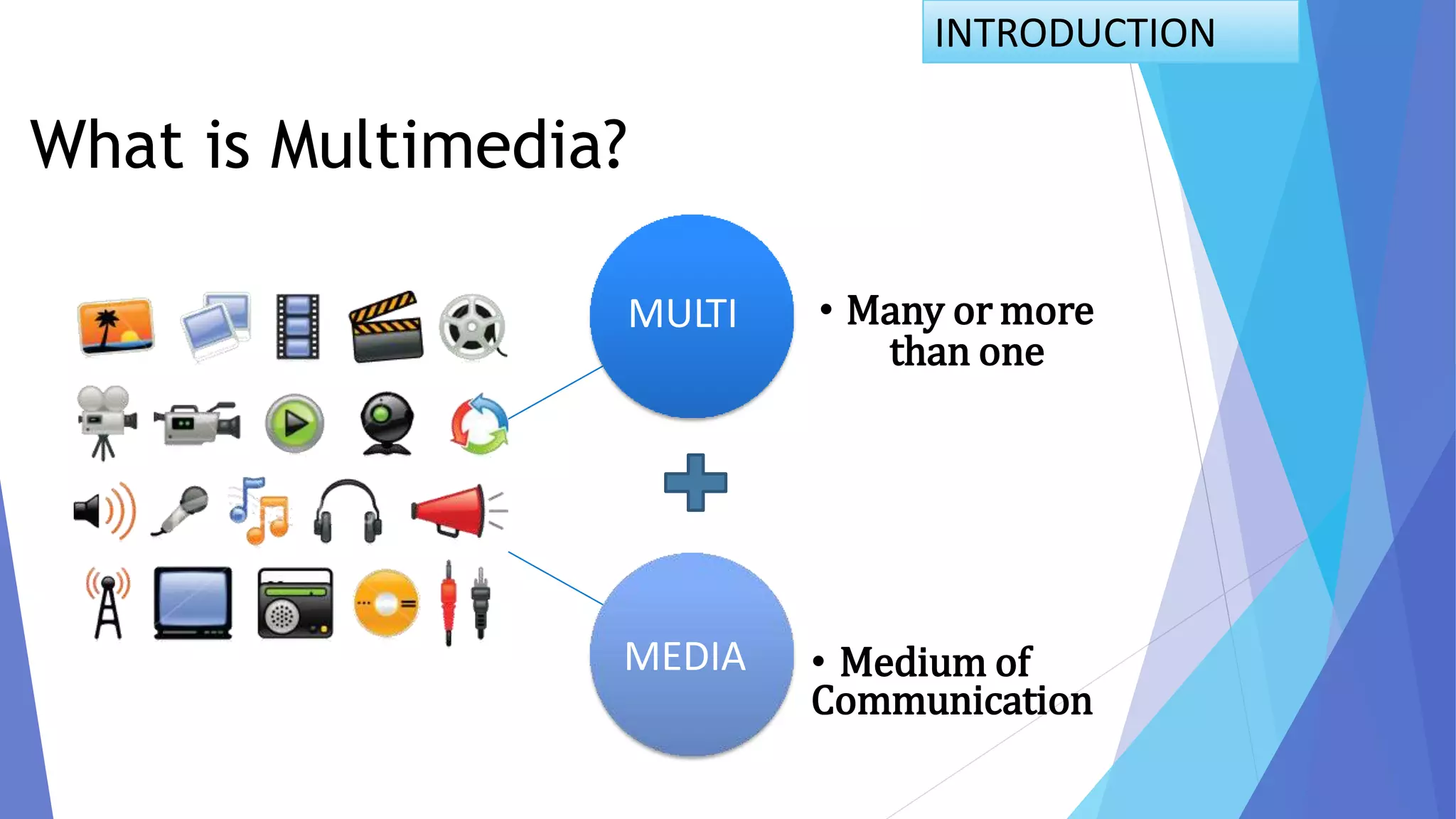
What is Multimedia?
MULTI • Many or more
than one
MEDIA • Medium of
Communication
Definition of Multimedia:-
 Multimedia is any combination of text, art, sound, animation,
and video delivered to you by computer or other electronic or
digitally manipulated means.
 Multimedia is media and content that uses a combination of different
content forms. Such as Text, Videos, Graphics etc.
INTRODUCTION
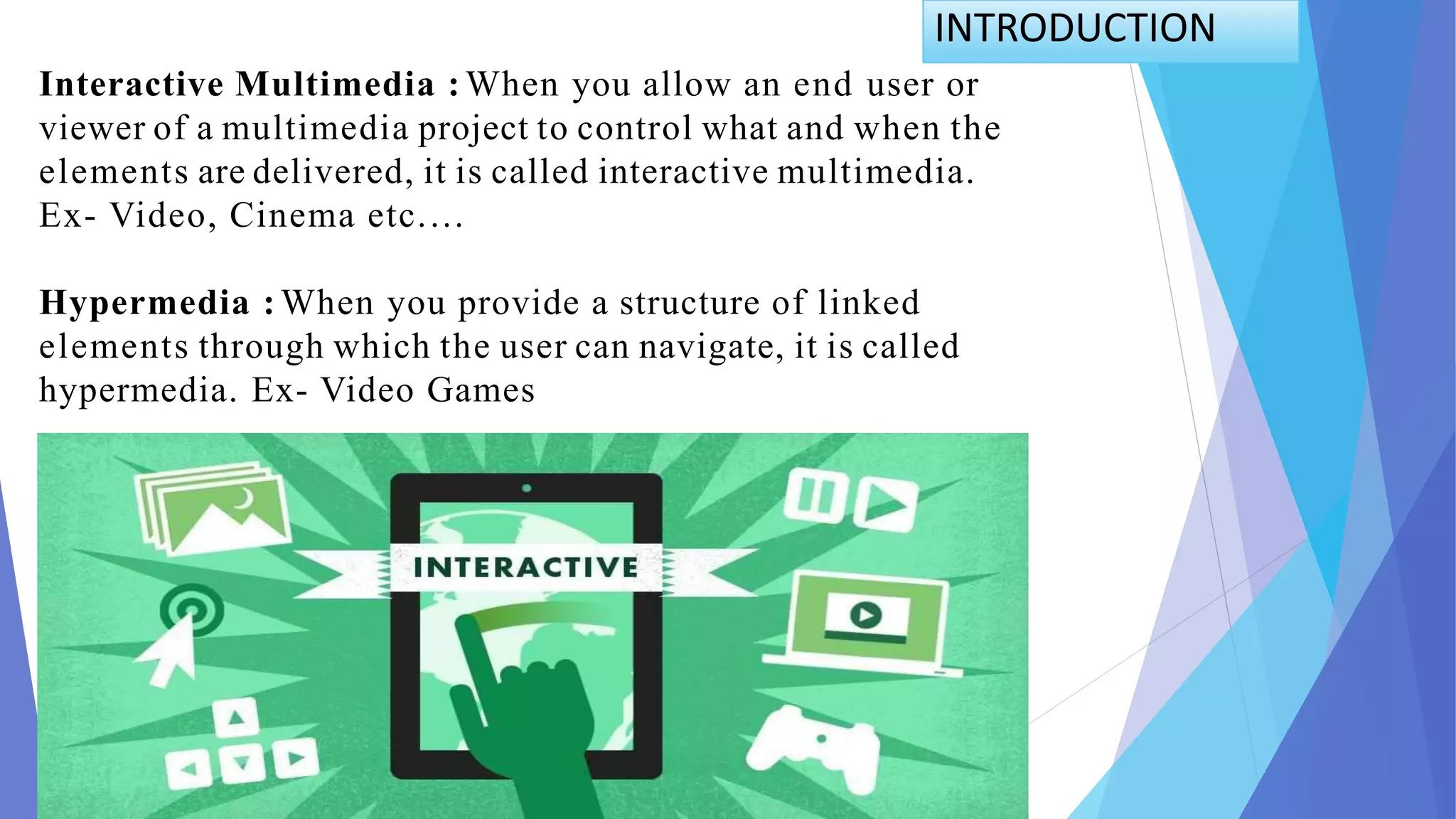
Interactive Multimedia : When you allow an end user or
viewer of a multimedia project to control what and when the
elements are delivered, it is called interactive multimedia.
Ex- Video, Cinema etc.…
Hypermedia : When you provide a structure of linked
elements through which the user can navigate, it is called
hypermedia. Ex- Video Games
INTRODUCTION
Types of Multimedia Presentation:-
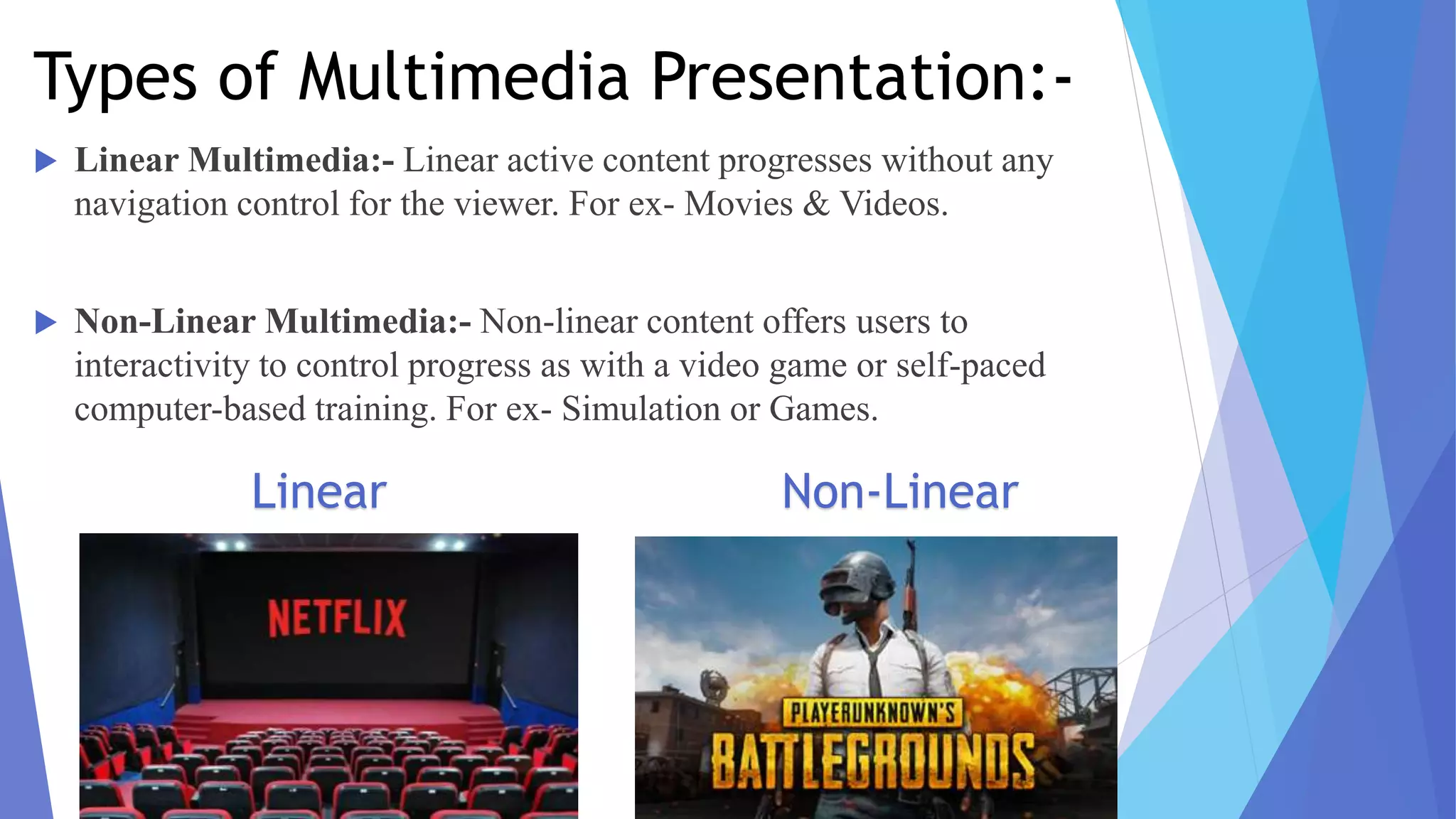
 Linear Multimedia:- Linear active content progresses without any
navigation control for the viewer. For ex- Movies & Videos.
 Non-Linear Multimedia:- Non-linear content offers users to
interactivity to control progress as with a video game or self-paced
computer-based training. For ex- Simulation or Games.
Linear Non-Linear
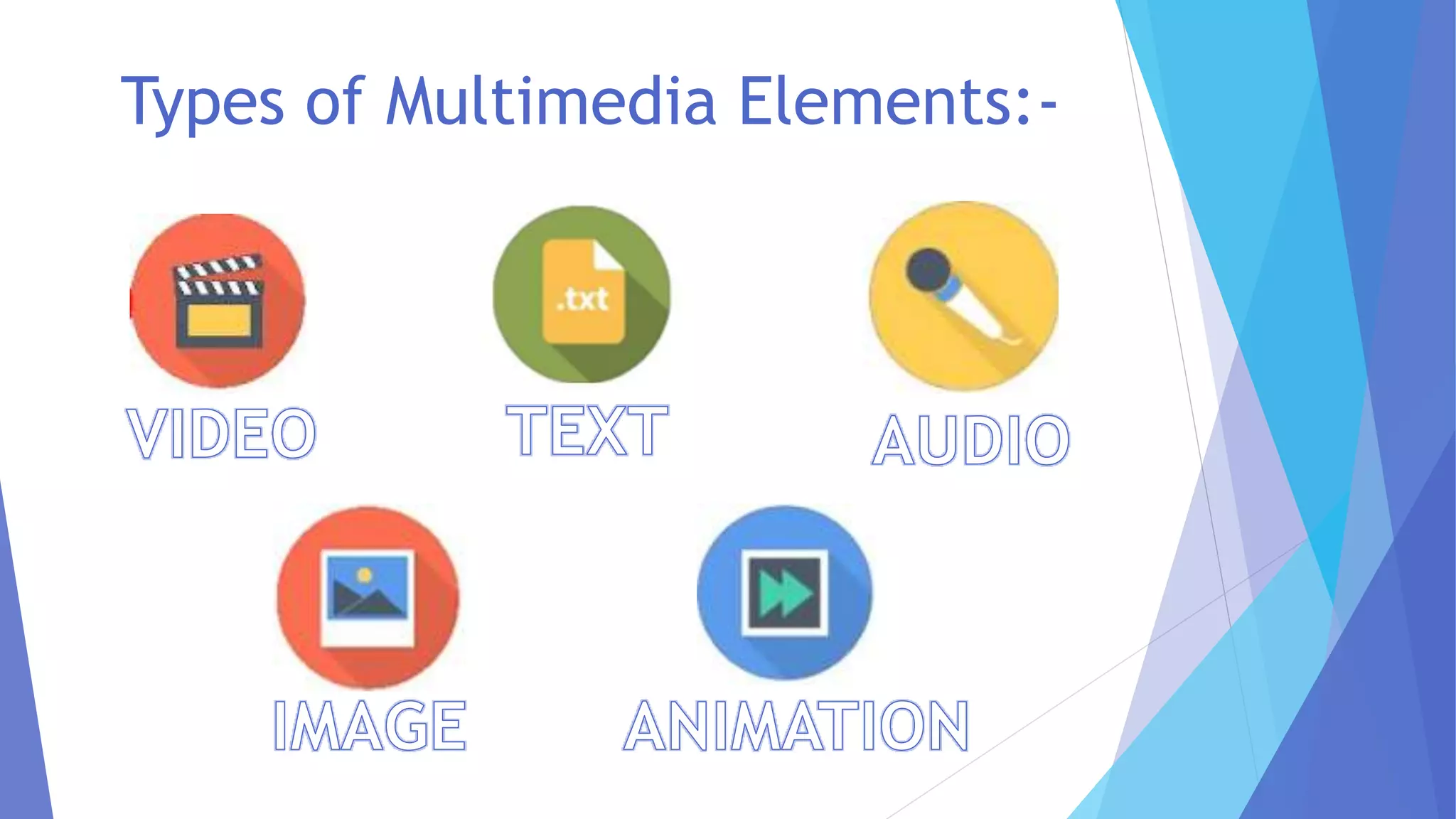
Types of Multimedia Elements:-
 Text is the most widely used and flexible means of presenting information on screen
and conveying ideas.
 Text is an essential aspect of presenting the information.
 The common formats of text is .txt, .doc etc.
TEXT:-
AUDIO:-
 Audio refers to sound. Multimedia can includefiles which contain sounds.
 Audio songs also come under the audio multimedia.
 Audio formats include MP3, WMA, Wave, MIDI and RealAudio.
 Various audio software include VLC media player, real player, etc.
PICTURES:-
 Pictures(images) is a two-dimensional screen display, and as well as a three-
dimensional, such as a statue.
 Graphs, pie-charts, painting etc. all come under images.
 Images are a very useful feature of multimedia.
 Multimedia presentation uses pictures or clip-art to make people understand. Various
file formats of images are .jpg, .png, .gif etc.
VIDEO:-
 A video is unedited material as it had been originally filmed by movie camera or
recorded by a video camera.
 Video enhances, dramatizes, and gives impact to your multimedia application.
 The advantage of integrating video into a multimedia presentation is the capacity to
effectively convey a great deal of information in the least amount of time.
 The common used video formats are .mp4, .mkv, .aac etc.
ANIMATION:-
 Animation is the rapid display of a sequence of images of 2-D or 3-D artwork or model
positions in order to create a set of movements.
 Animation adds visual impact to the multimedia project.
 Animation are used in cartoons, scientific visualization.
 The most common animation format is .mov
SCOPE OF MULTIMEDIA:-
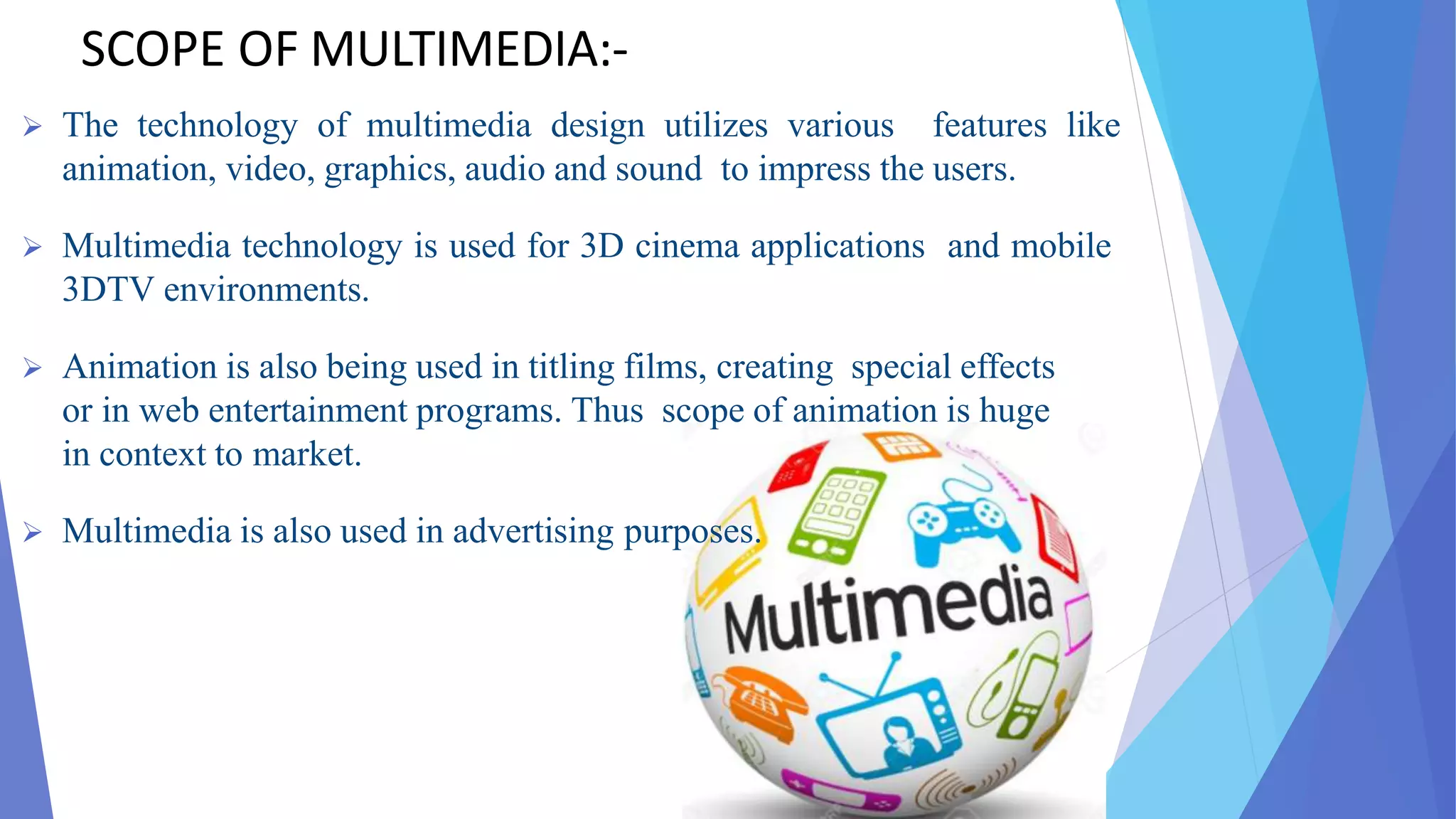
 The technology of multimedia design utilizes various features like
animation, video, graphics, audio and sound to impress the users.
 Multimedia technology is used for 3D cinema applications and mobile
3DTV environments.
 Animation is also being used in titling films, creating special effects
or in web entertainment programs. Thus scope of animation is huge
in context to market.
 Multimedia is also used in advertising purposes.
ADVANTAGES:-
 Multimedia enhances the effect of text presentations.
 Improves the quality of presentation and retains the attentionof
audience.
 It can be used for educational as well as entertainment purpose.
 It is quick and easier to operate for the instructor.
 Multimedia presentations can be modified very easily.
 Multimedia is Entertaining as well as Educational.
Dis-advantages:-
 Non-interactive – if one-way, no feedback.
 Complex to create.
 Time consuming.
 Use of multimedia is expensive.
CONCLUSION:-
 Multimedia and graphics can be a very effective tool to
communicate, educate, compel, and convince you and/or your
audience.
 Multimedia can help to gain and hold attention, make points
clearer, stimulate discussion, and in general, enhance the learning
process, if it also includes the appropriate human elements.
Multimedia ppt

Multimedia ppt

  • 1.
  • 2.
    INTRODUCTION What is Multimedia? MULTI• Many or more than one MEDIA • Medium of Communication
  • 3.
    Definition of Multimedia:- Multimedia is any combination of text, art, sound, animation, and video delivered to you by computer or other electronic or digitally manipulated means.  Multimedia is media and content that uses a combination of different content forms. Such as Text, Videos, Graphics etc. INTRODUCTION
  • 4.
    Interactive Multimedia :When you allow an end user or viewer of a multimedia project to control what and when the elements are delivered, it is called interactive multimedia. Ex- Video, Cinema etc.… Hypermedia : When you provide a structure of linked elements through which the user can navigate, it is called hypermedia. Ex- Video Games INTRODUCTION
  • 5.
    Types of MultimediaPresentation:-  Linear Multimedia:- Linear active content progresses without any navigation control for the viewer. For ex- Movies & Videos.  Non-Linear Multimedia:- Non-linear content offers users to interactivity to control progress as with a video game or self-paced computer-based training. For ex- Simulation or Games. Linear Non-Linear
  • 6.
  • 7.
     Text isthe most widely used and flexible means of presenting information on screen and conveying ideas.  Text is an essential aspect of presenting the information.  The common formats of text is .txt, .doc etc. TEXT:- AUDIO:-  Audio refers to sound. Multimedia can includefiles which contain sounds.  Audio songs also come under the audio multimedia.  Audio formats include MP3, WMA, Wave, MIDI and RealAudio.  Various audio software include VLC media player, real player, etc. PICTURES:-  Pictures(images) is a two-dimensional screen display, and as well as a three- dimensional, such as a statue.  Graphs, pie-charts, painting etc. all come under images.  Images are a very useful feature of multimedia.  Multimedia presentation uses pictures or clip-art to make people understand. Various file formats of images are .jpg, .png, .gif etc.
  • 8.
    VIDEO:-  A videois unedited material as it had been originally filmed by movie camera or recorded by a video camera.  Video enhances, dramatizes, and gives impact to your multimedia application.  The advantage of integrating video into a multimedia presentation is the capacity to effectively convey a great deal of information in the least amount of time.  The common used video formats are .mp4, .mkv, .aac etc. ANIMATION:-  Animation is the rapid display of a sequence of images of 2-D or 3-D artwork or model positions in order to create a set of movements.  Animation adds visual impact to the multimedia project.  Animation are used in cartoons, scientific visualization.  The most common animation format is .mov
  • 9.
    SCOPE OF MULTIMEDIA:- The technology of multimedia design utilizes various features like animation, video, graphics, audio and sound to impress the users.  Multimedia technology is used for 3D cinema applications and mobile 3DTV environments.  Animation is also being used in titling films, creating special effects or in web entertainment programs. Thus scope of animation is huge in context to market.  Multimedia is also used in advertising purposes.
  • 10.
    ADVANTAGES:-  Multimedia enhancesthe effect of text presentations.  Improves the quality of presentation and retains the attentionof audience.  It can be used for educational as well as entertainment purpose.  It is quick and easier to operate for the instructor.  Multimedia presentations can be modified very easily.  Multimedia is Entertaining as well as Educational.
  • 11.
    Dis-advantages:-  Non-interactive –if one-way, no feedback.  Complex to create.  Time consuming.  Use of multimedia is expensive.
  • 12.
    CONCLUSION:-  Multimedia andgraphics can be a very effective tool to communicate, educate, compel, and convince you and/or your audience.  Multimedia can help to gain and hold attention, make points clearer, stimulate discussion, and in general, enhance the learning process, if it also includes the appropriate human elements.