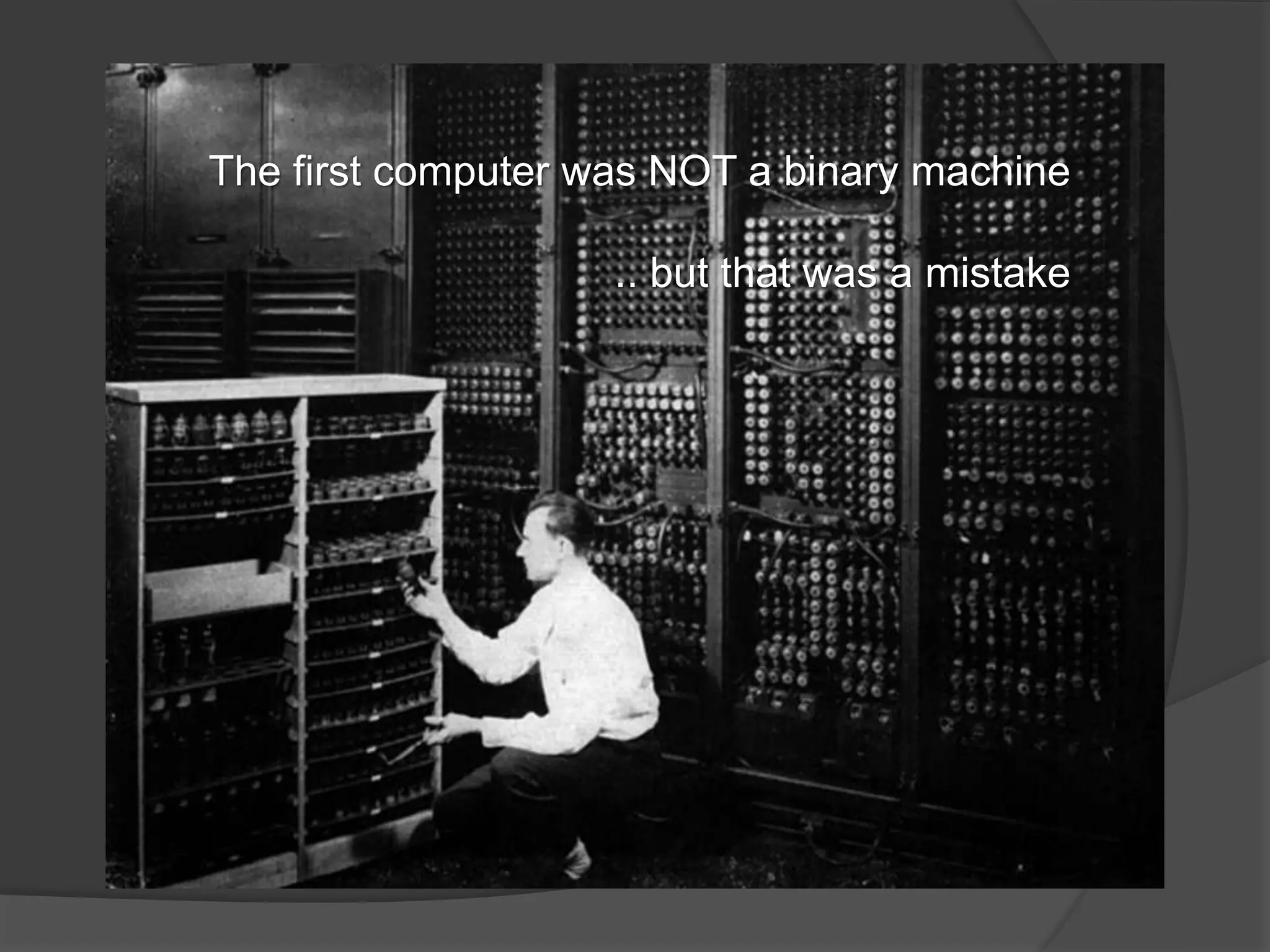
The first computer was NOT a binary machine 
.. but that was a mistake
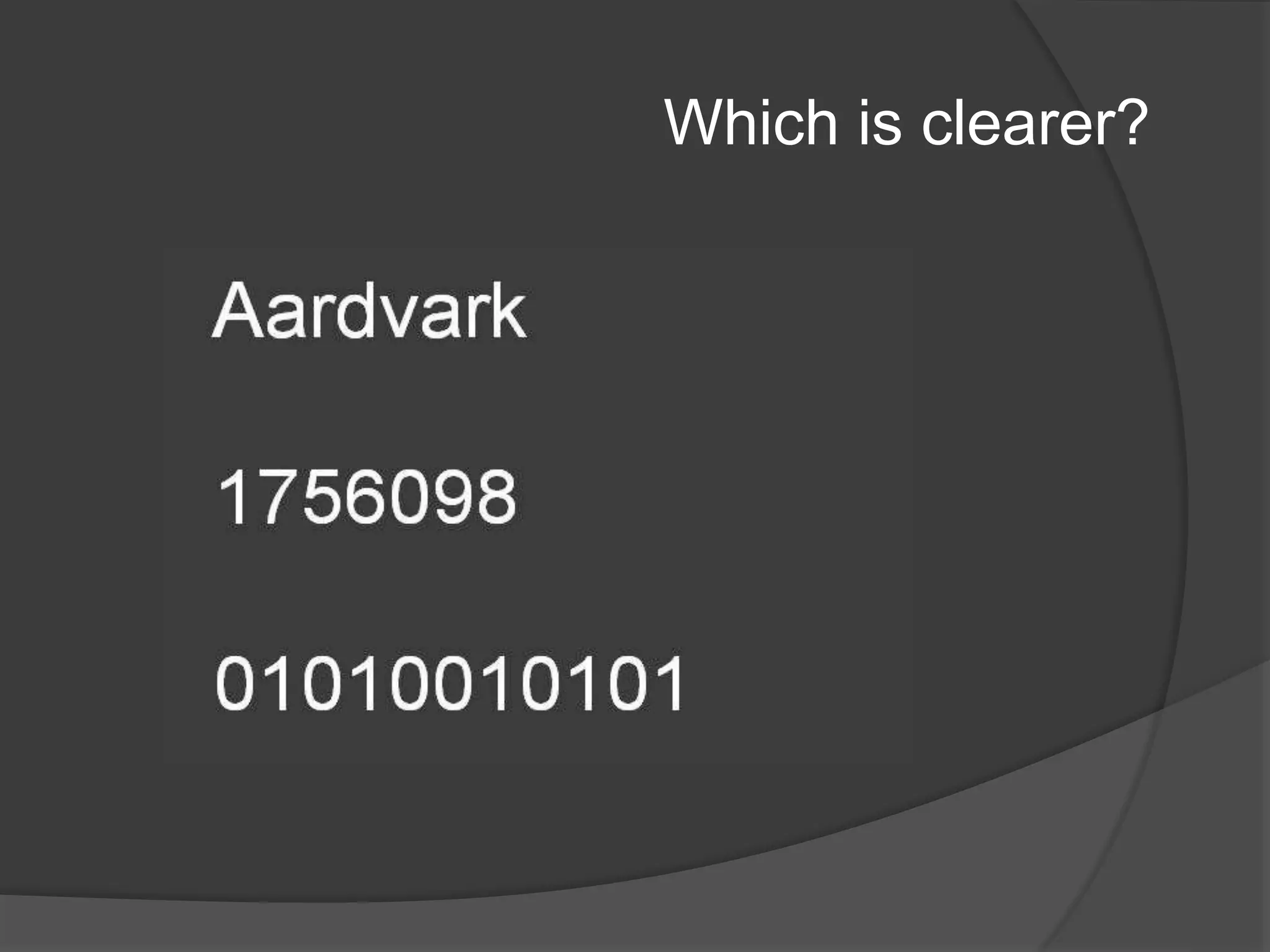
Which is clearer?
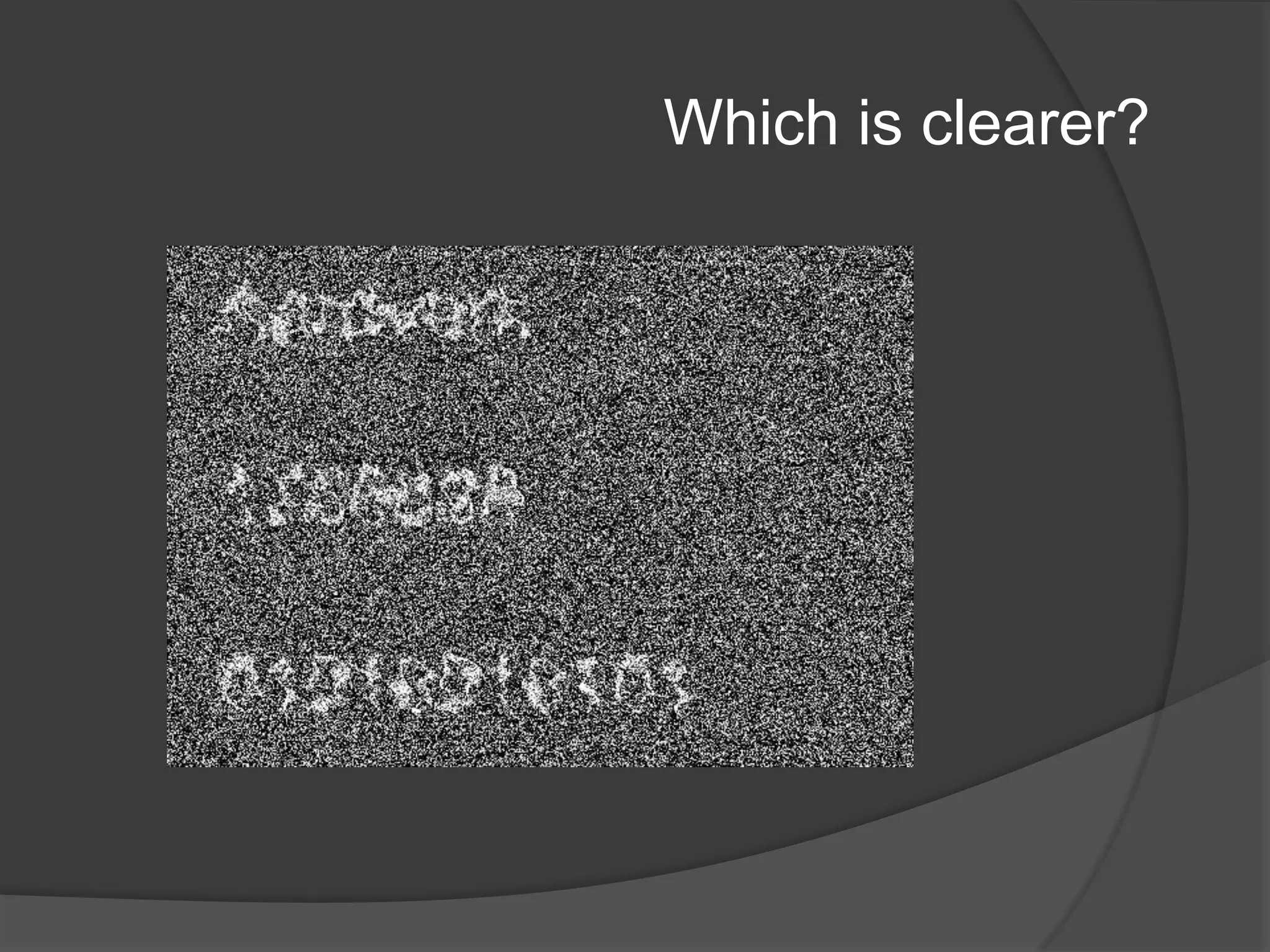
Which is clearer?
Confident?
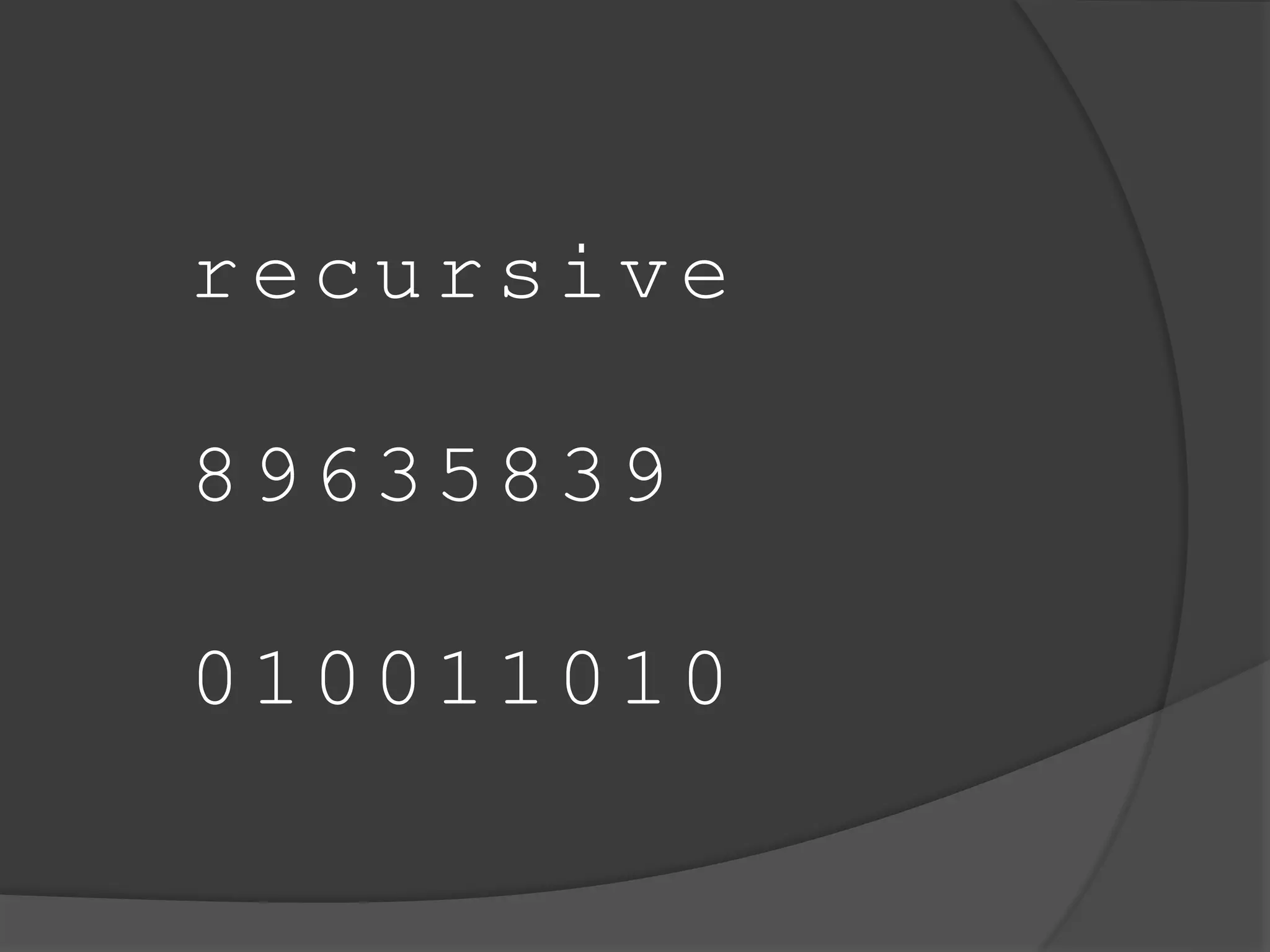
recursive 
89635839 
010011010
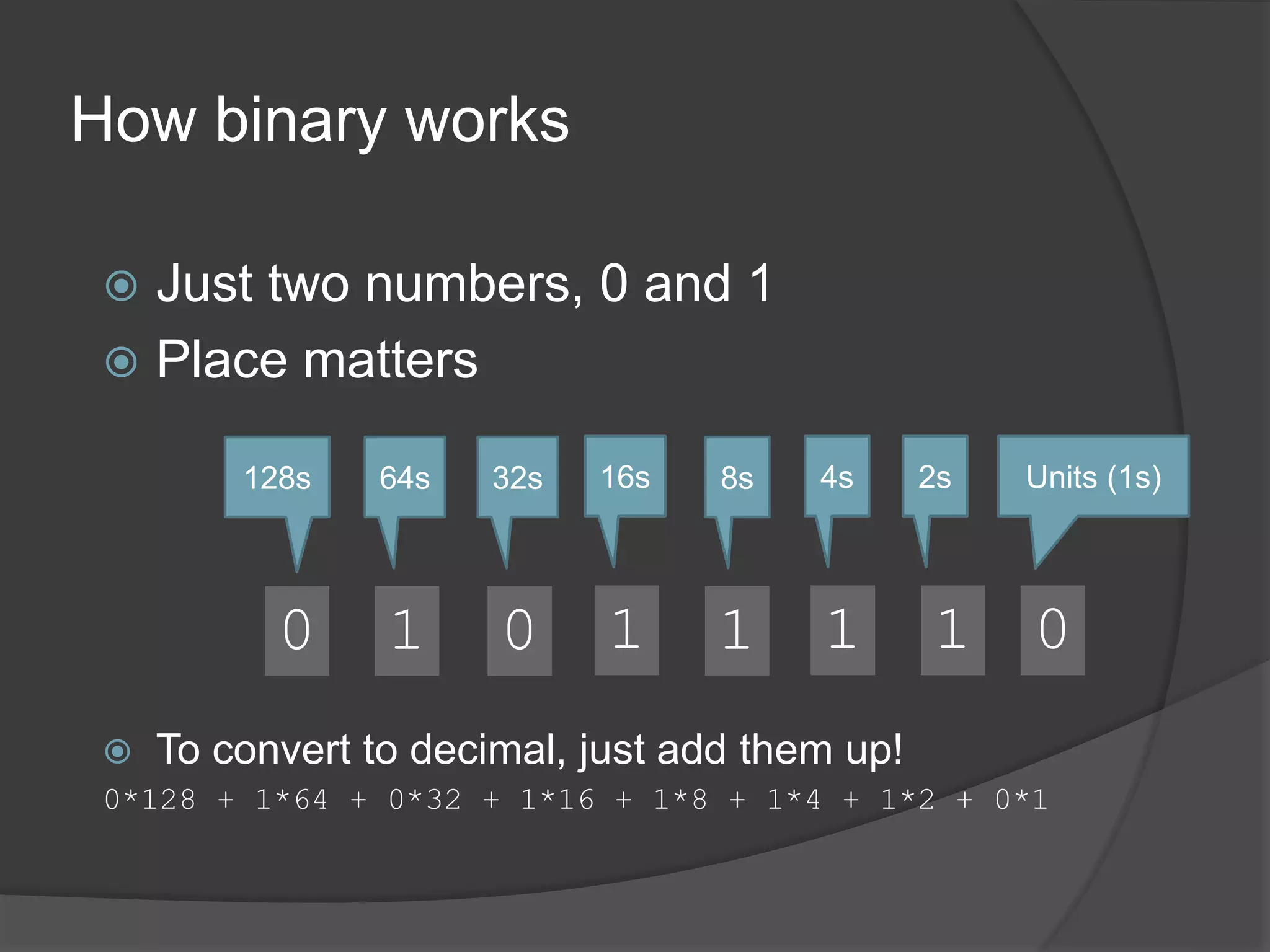
How binary works 
Units (1s) 
0 
2s 
1 
4s 
1 
 Just two numbers, 0 and 1 
8s 
1 
16s 
1 
32s 
0 
 Place matters 
64s 
1 
128s 
0 
 To convert to decimal, just add them up! 
0*128 + 1*64 + 0*32 + 1*16 + 1*8 + 1*4 + 1*2 + 0*1
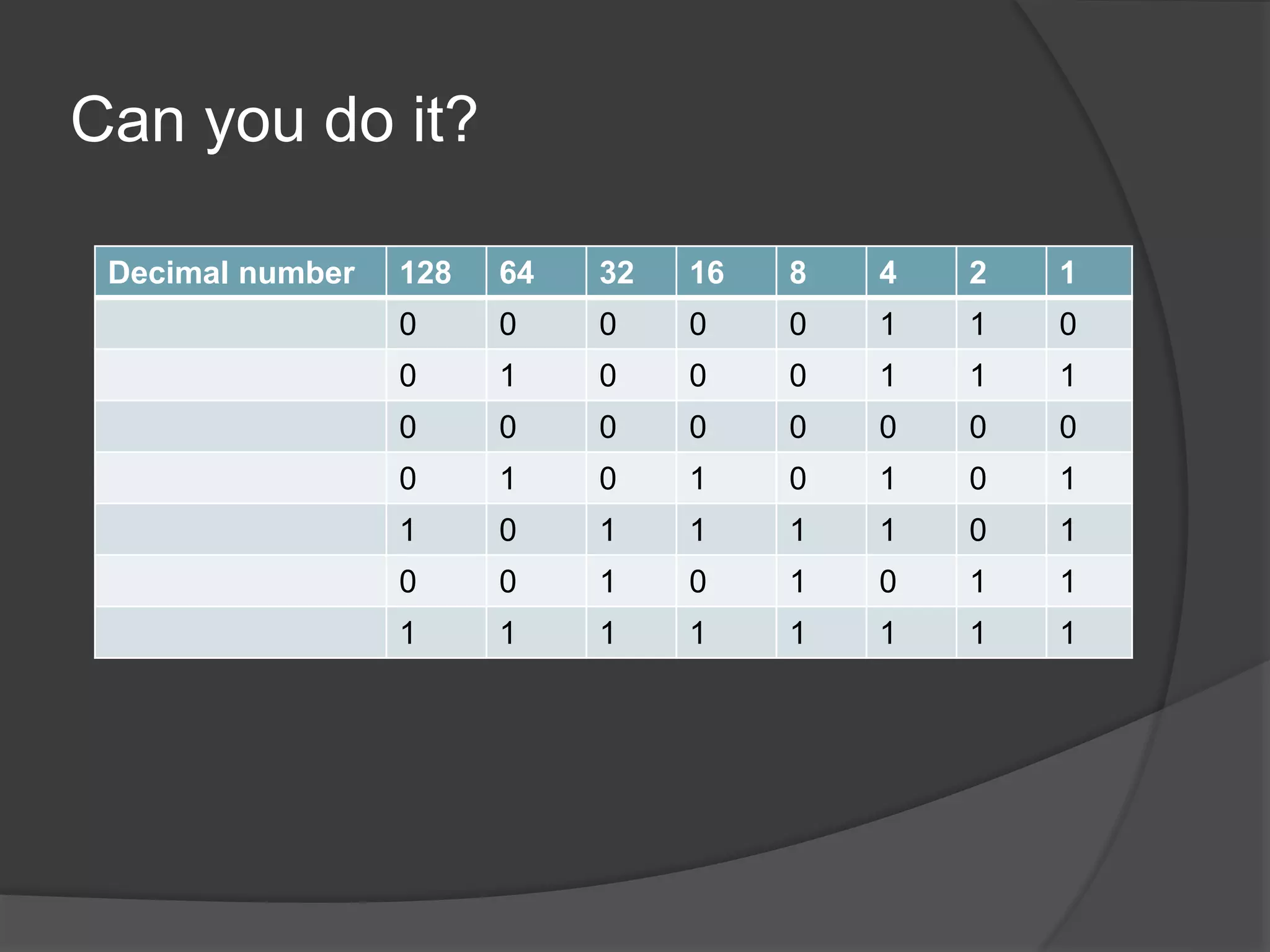
Can you do it? 
Decimal number 128 64 32 16 8 4 2 1 
0 0 0 0 0 1 1 0 
0 1 0 0 0 1 1 1 
0 0 0 0 0 0 0 0 
0 1 0 1 0 1 0 1 
1 0 1 1 1 1 0 1 
0 0 1 0 1 0 1 1 
1 1 1 1 1 1 1 1
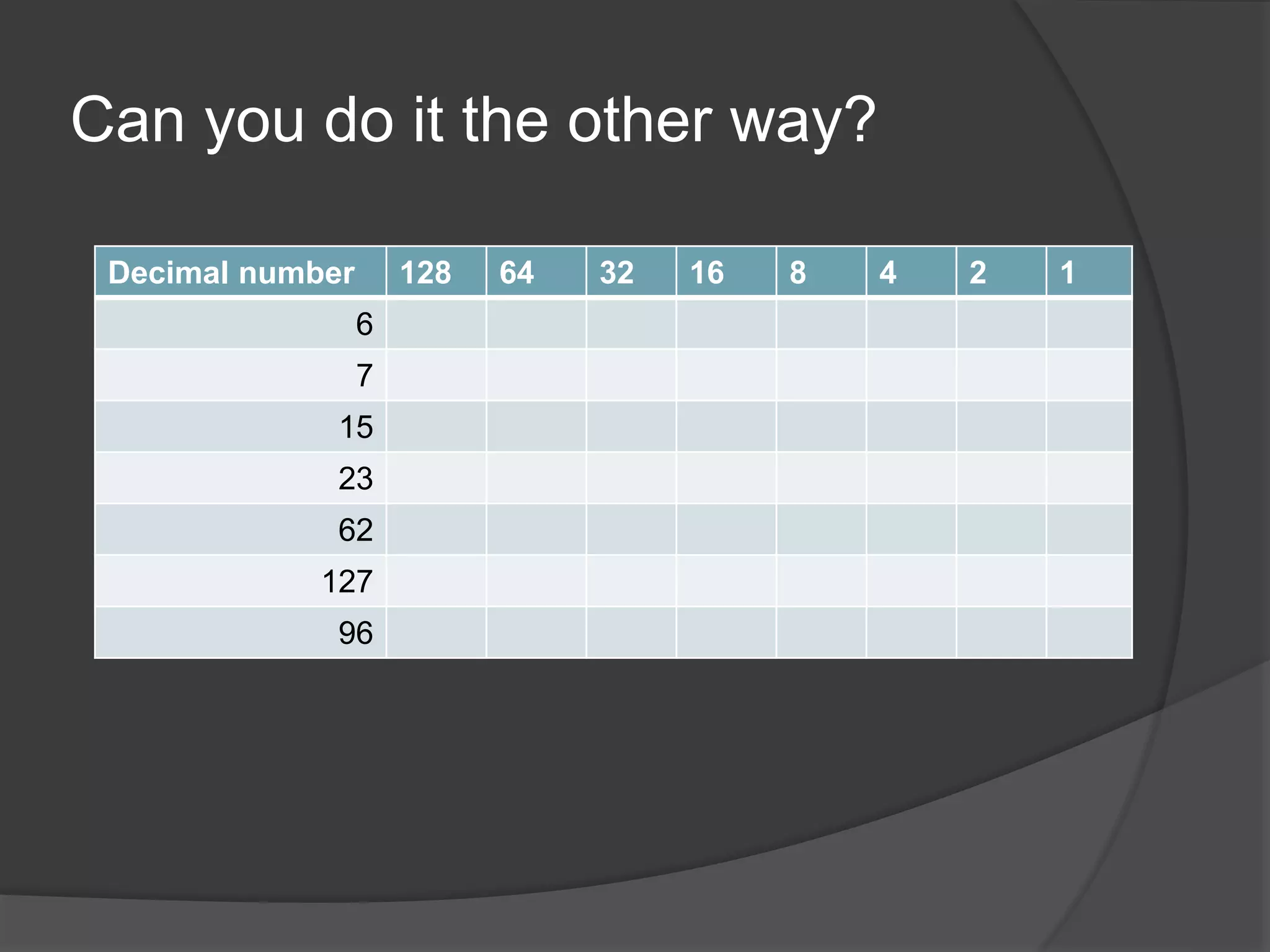
Can you do it the other way? 
Decimal number 128 64 32 16 8 4 2 1 
6 
7 
15 
23 
62 
127 
96
What’s the bottom of Excel?
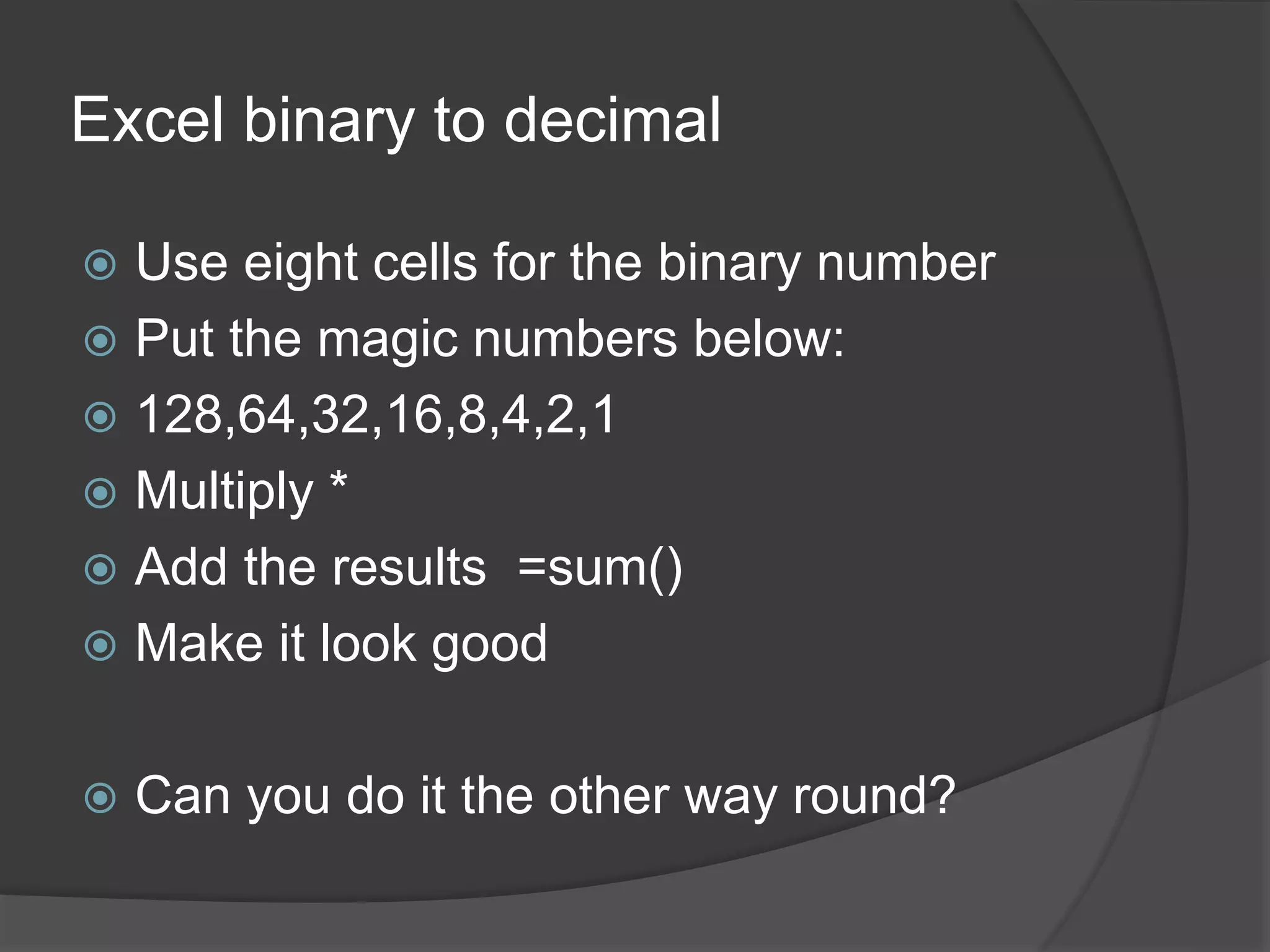
Excel binary to decimal 
 Use eight cells for the binary number 
 Put the magic numbers below: 
 128,64,32,16,8,4,2,1 
 Multiply * 
 Add the results =sum() 
 Make it look good 
 Can you do it the other way round?
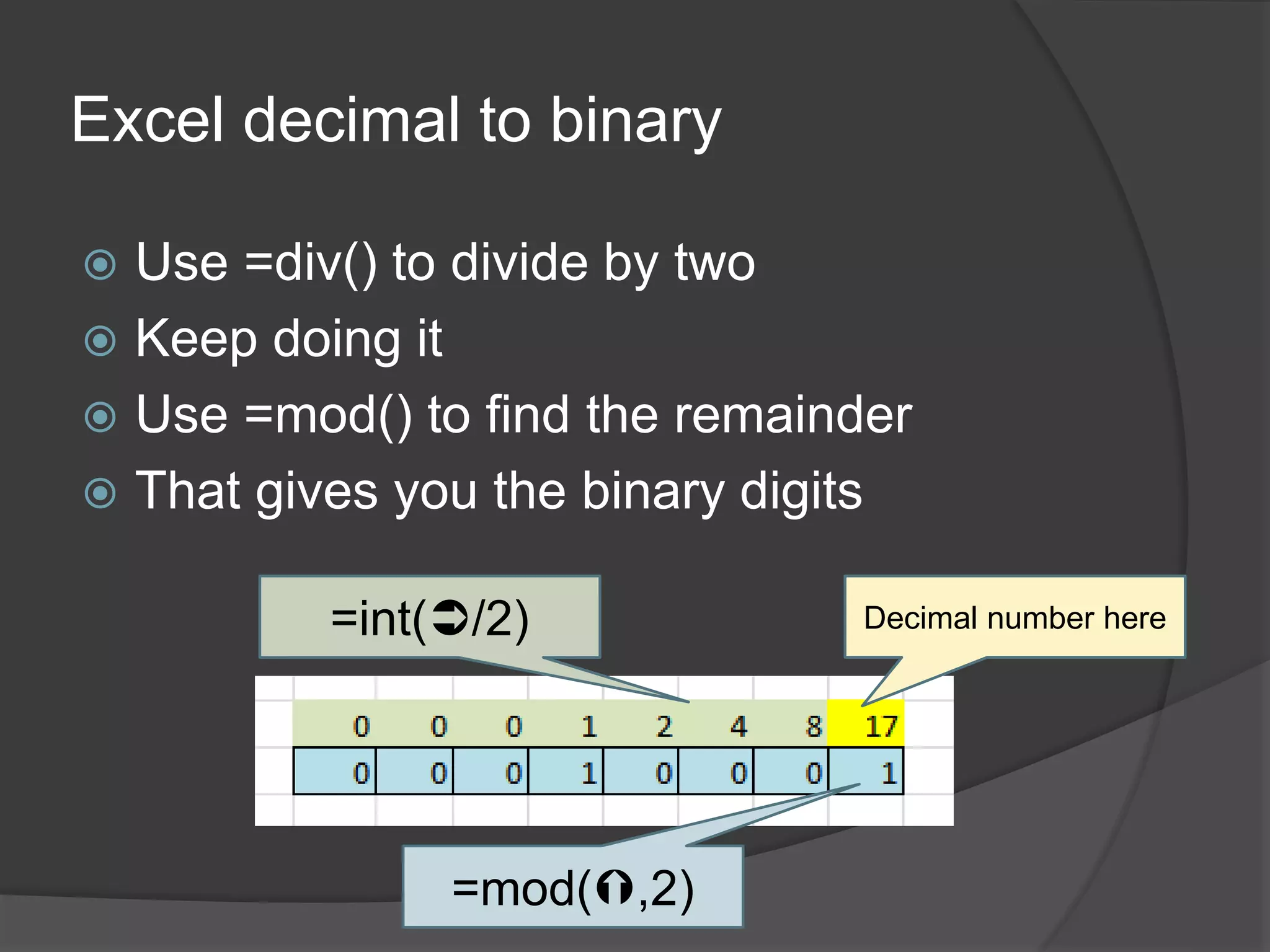
Excel decimal to binary 
 Use =div() to divide by two 
 Keep doing it 
 Use =mod() to find the remainder 
 That gives you the binary digits 
=int(/2) Decimal number here 
=mod(,2)
Can you …. 
 Write out a binary number? 
 Convert binary to decimal? 
 Convert decimal to binary? 
 Use multiply in a spreadsheet? 
 Drag-Copy in a spreadsheet? 
 Use =SUM() in a spreadsheet? 
 Use =INT() in a spreadsheet? 
 Use =MOD() in a spreadsheet?

What is binary and why do we use it?

  • 2.
    The first computerwas NOT a binary machine .. but that was a mistake
  • 3.
  • 4.
  • 5.
  • 6.
  • 7.
    How binary works Units (1s) 0 2s 1 4s 1  Just two numbers, 0 and 1 8s 1 16s 1 32s 0  Place matters 64s 1 128s 0  To convert to decimal, just add them up! 0*128 + 1*64 + 0*32 + 1*16 + 1*8 + 1*4 + 1*2 + 0*1
  • 8.
    Can you doit? Decimal number 128 64 32 16 8 4 2 1 0 0 0 0 0 1 1 0 0 1 0 0 0 1 1 1 0 0 0 0 0 0 0 0 0 1 0 1 0 1 0 1 1 0 1 1 1 1 0 1 0 0 1 0 1 0 1 1 1 1 1 1 1 1 1 1
  • 9.
    Can you doit the other way? Decimal number 128 64 32 16 8 4 2 1 6 7 15 23 62 127 96
  • 10.
  • 11.
    Excel binary todecimal  Use eight cells for the binary number  Put the magic numbers below:  128,64,32,16,8,4,2,1  Multiply *  Add the results =sum()  Make it look good  Can you do it the other way round?
  • 12.
    Excel decimal tobinary  Use =div() to divide by two  Keep doing it  Use =mod() to find the remainder  That gives you the binary digits =int(/2) Decimal number here =mod(,2)
  • 13.
    Can you ….  Write out a binary number?  Convert binary to decimal?  Convert decimal to binary?  Use multiply in a spreadsheet?  Drag-Copy in a spreadsheet?  Use =SUM() in a spreadsheet?  Use =INT() in a spreadsheet?  Use =MOD() in a spreadsheet?