A turtle can be commanded to crawl over a sheet of paper with a pen tied to its tail. The turtle module in Python allows you to control a turtle shape to draw on a graphic window. Basic turtle commands include moving the turtle forward or turning it right by a set number of degrees. Challenges for using the turtle include drawing shapes like squares and hexagons of varying sides, as well as getting the turtle to draw a person's initials.
In this document
Powered by AI
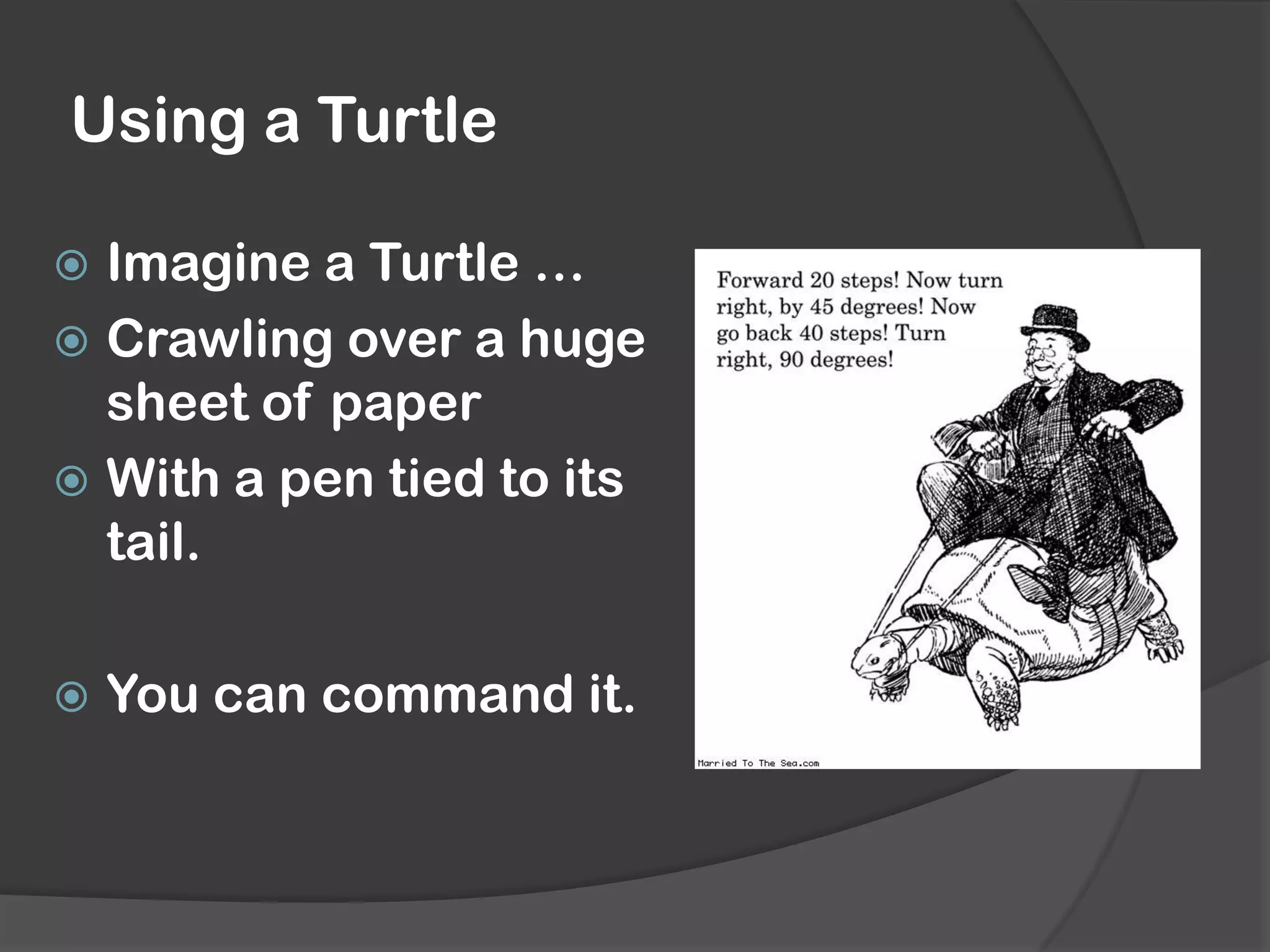
Introduces the concept of a Turtle crawling over paper with a pen tied to its tail, which can be commanded in graphics.
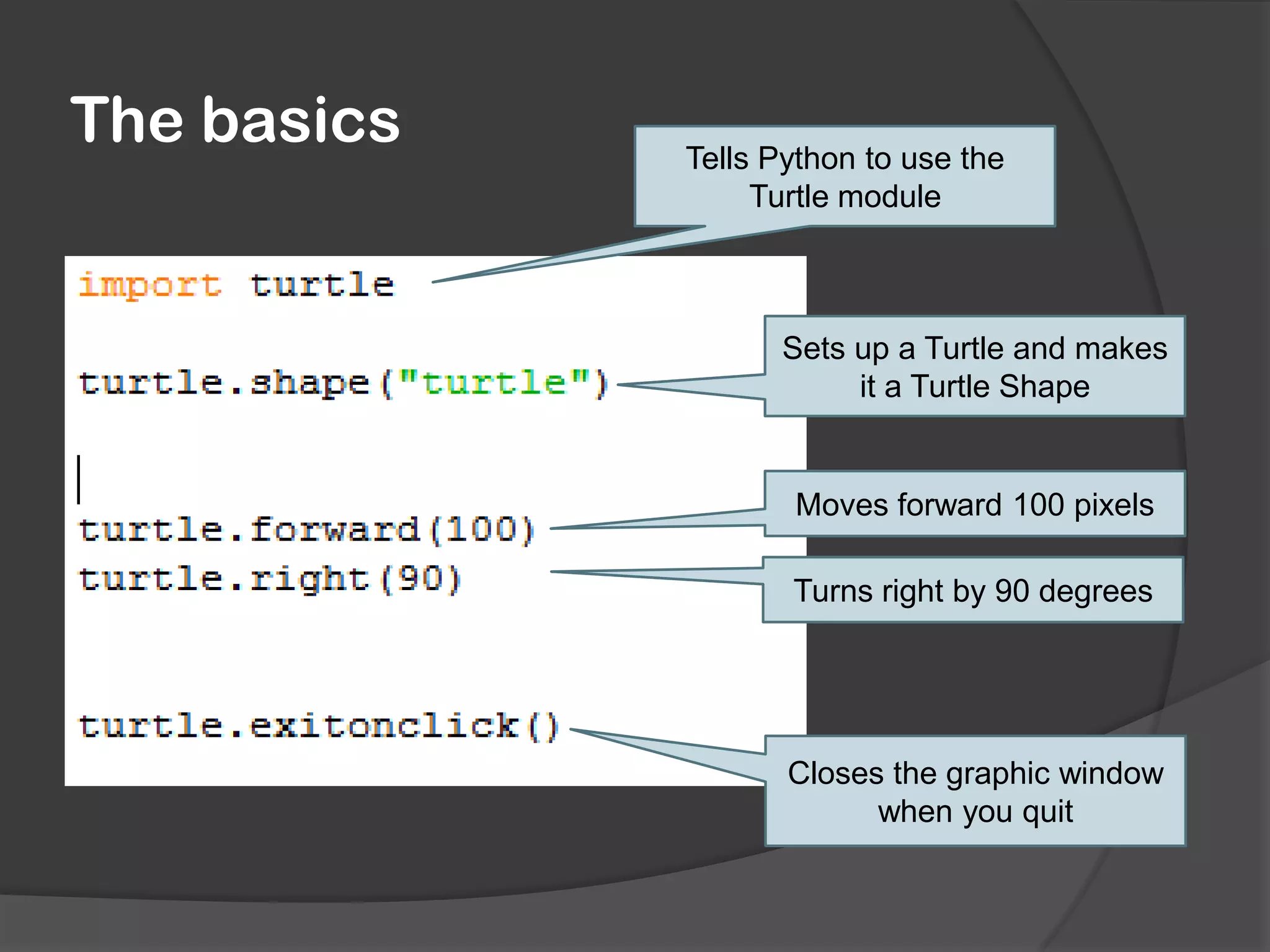
Explains the basic commands to use the Turtle module in Python, including setup, movement, and window closure.
Presents challenges to draw shapes like squares and hexagons, and interact with user input for custom polygons.
Using a Turtle
Imaginea Turtle …
Crawling over a huge
sheet of paper
With a pen tied to its
tail.
You can command it.
3.
The basics
Tells Pythonto use the
Turtle module
Sets up a Turtle and makes
it a Turtle Shape
Moves forward 100 pixels
Turns right by 90 degrees
Closes the graphic window
when you quit
4.
Challenges
Draw a square:
By repeating the same commands four times
Using ‘For I in range(4):’
Draw a hexagon
Allow the user to say how many sides
the polygon should have
Remember, use
‘myVariable = int(raw_input)’ to get a
number from the user
Get the turtle to draw your initials