Lamar University
                          College of Educational
                         Educational Leadership
                                  Beaumont, TX


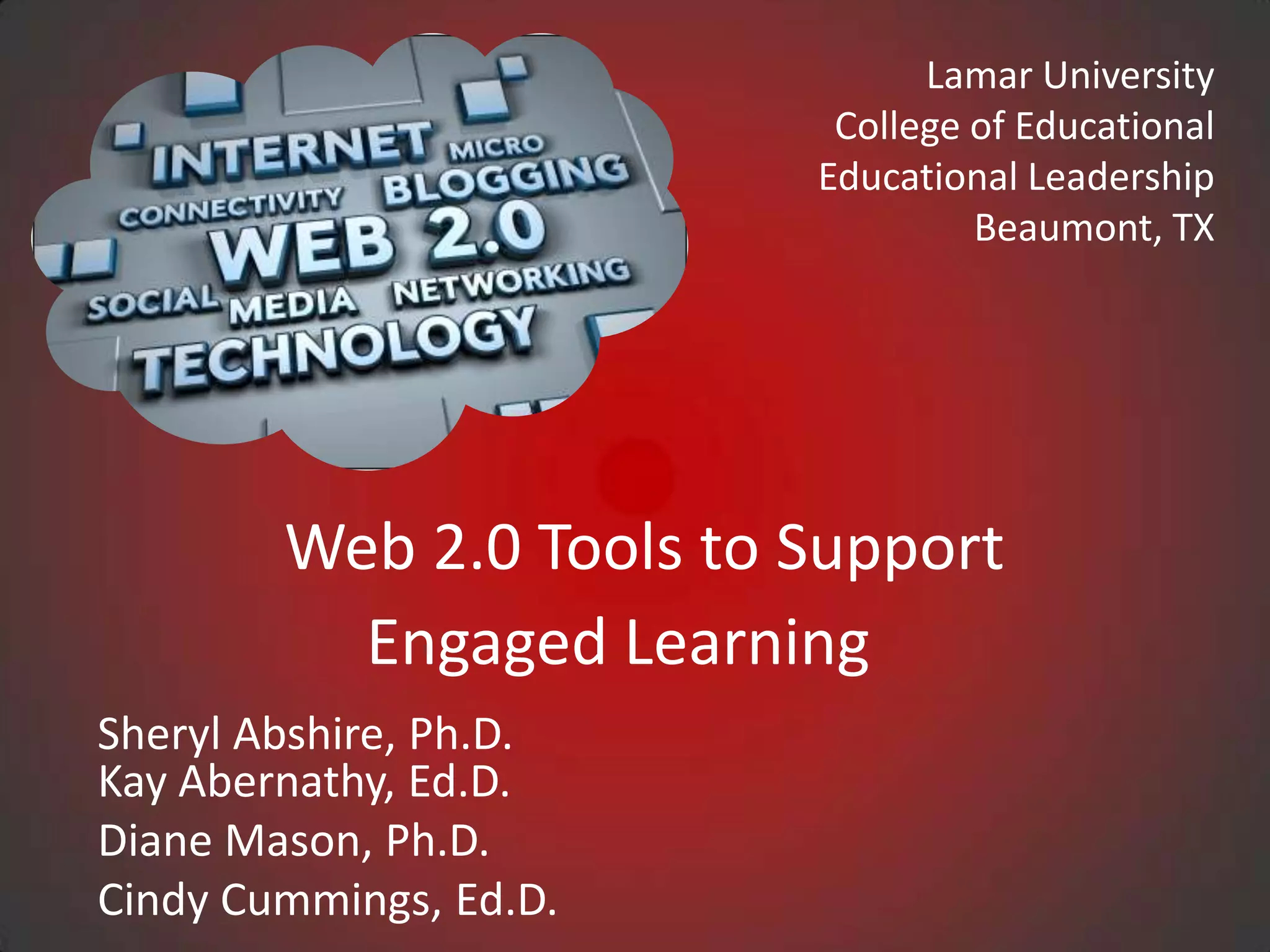
        Web 2.0 Tools to Support
          Engaged Learning
Sheryl Abshire, Ph.D.
Kay Abernathy, Ed.D.
Diane Mason, Ph.D.
Cindy Cummings, Ed.D.
Web 2.0/Literacy
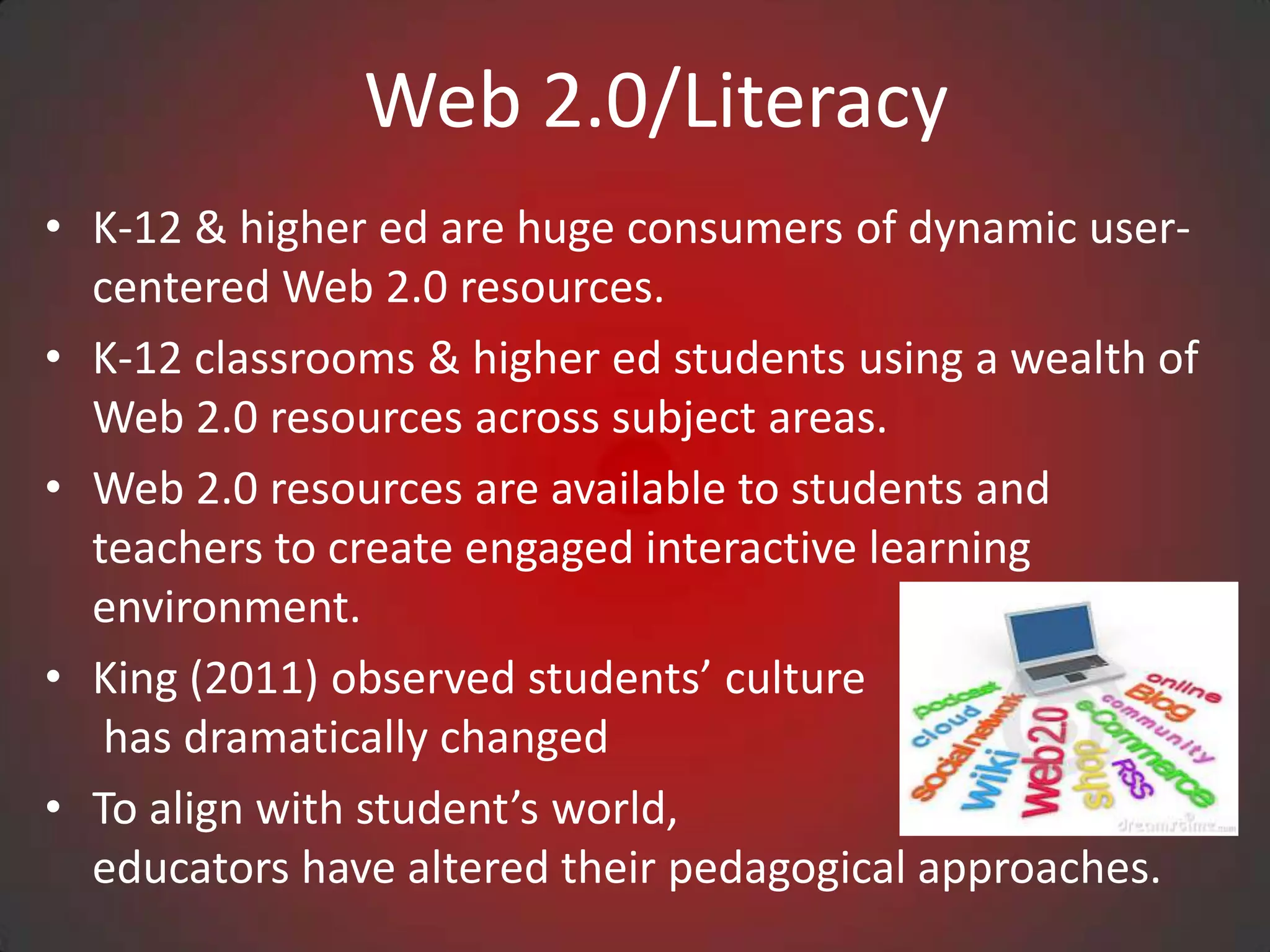
• K-12 & higher ed are huge consumers of dynamic user-
  centered Web 2.0 resources.
• K-12 classrooms & higher ed students using a wealth of
  Web 2.0 resources across subject areas.
• Web 2.0 resources are available to students and
  teachers to create engaged interactive learning
  environment.
• King (2011) observed students’ culture
   has dramatically changed
• To align with student’s world,
  educators have altered their pedagogical approaches.
Web 2.0/Literacy
• New pedagogical approaches are student centered and
  are in response to the cultural and literacy demands of
  the information age.
• Solomon and Schrum (2007) defined literacy today
  “acquiring new skills, including those of using
  technology, understanding science, having global
  awareness, and most important, having the ability to
  keep learning” (p.20).
• Consequently, we have seen huge strides made in
  contributing to the growth of literacy with the use of
  Web 2.0 tools.
Web 2.0 Research

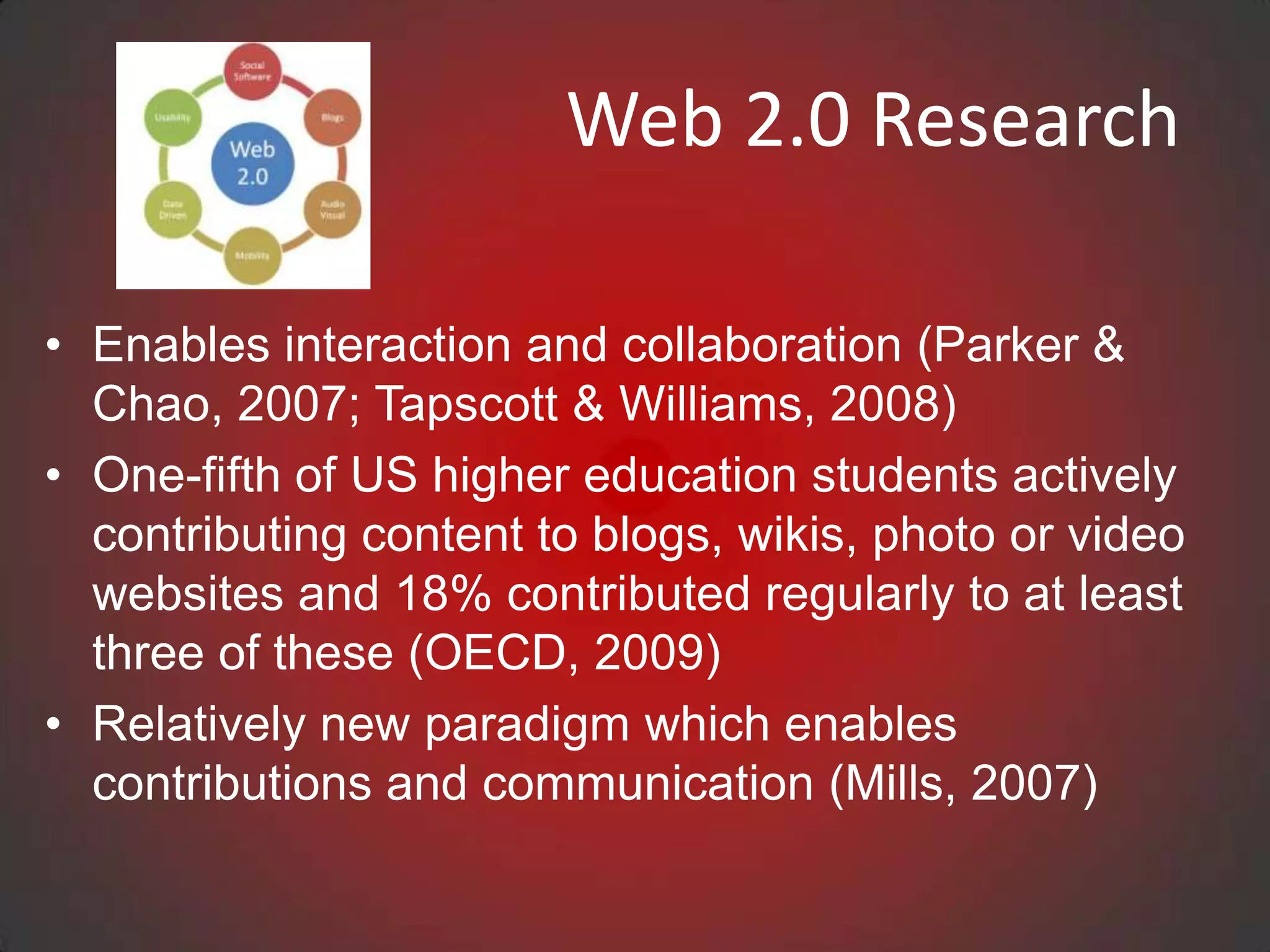
• Enables interaction and collaboration (Parker &
  Chao, 2007; Tapscott & Williams, 2008)
• One-fifth of US higher education students actively
  contributing content to blogs, wikis, photo or video
  websites and 18% contributed regularly to at least
  three of these (OECD, 2009)
• Relatively new paradigm which enables
  contributions and communication (Mills, 2007)
Web 2.0 Tools

• EdShelf
• Google Tools, Slideshare, AudioBoo
• DropBox, DropVox, & MediaFire
• Web Conferencing, Skype, Google Talk/Chat Hangouts
• Animoto, Podcasts, Stykz, Audacity, Wordle, Tagxedo
• Assistive Technologies
• YouTube, TeacherTube, SchoolTube, YouTube
  Education
• WikiSpaces, Blogger, WordPress
• EdTech Toolbox
• Best Web 2.0 Tools
Questions: Web 2.0 Tools


• What Web 2.0 tools and resources impact
  the way you learn, communicate, and assess
  growth?

• How are you currently using Web 2.0
  personally and/or with students?
edshelf

Edshelf is a directory of digital tools for educators

•   www.edshelf.com
•   Discover new tools
•   See what other educators use
•   Rate and review your favorite tools
Dropbox
What is Dropbox?
• Any file you save to Dropbox also instantly saves to your computers,
  phones, and the Dropbox website.
• 2GB of Dropbox for free, with subscriptions up to 100GB available.
• Your files are always available from the secure Dropbox website.
• Dropbox works with Windows, Mac, Linux, iPad, iPhone, Android
  and Blackberry
• Works even when offline. You always have your files, whether or not
  you have a connection.
• Dropbox transfers just the parts of a file that change (not the whole
  thing).
• Manually set bandwidth limits — Dropbox won’t hog
  your connection.
Dropbox
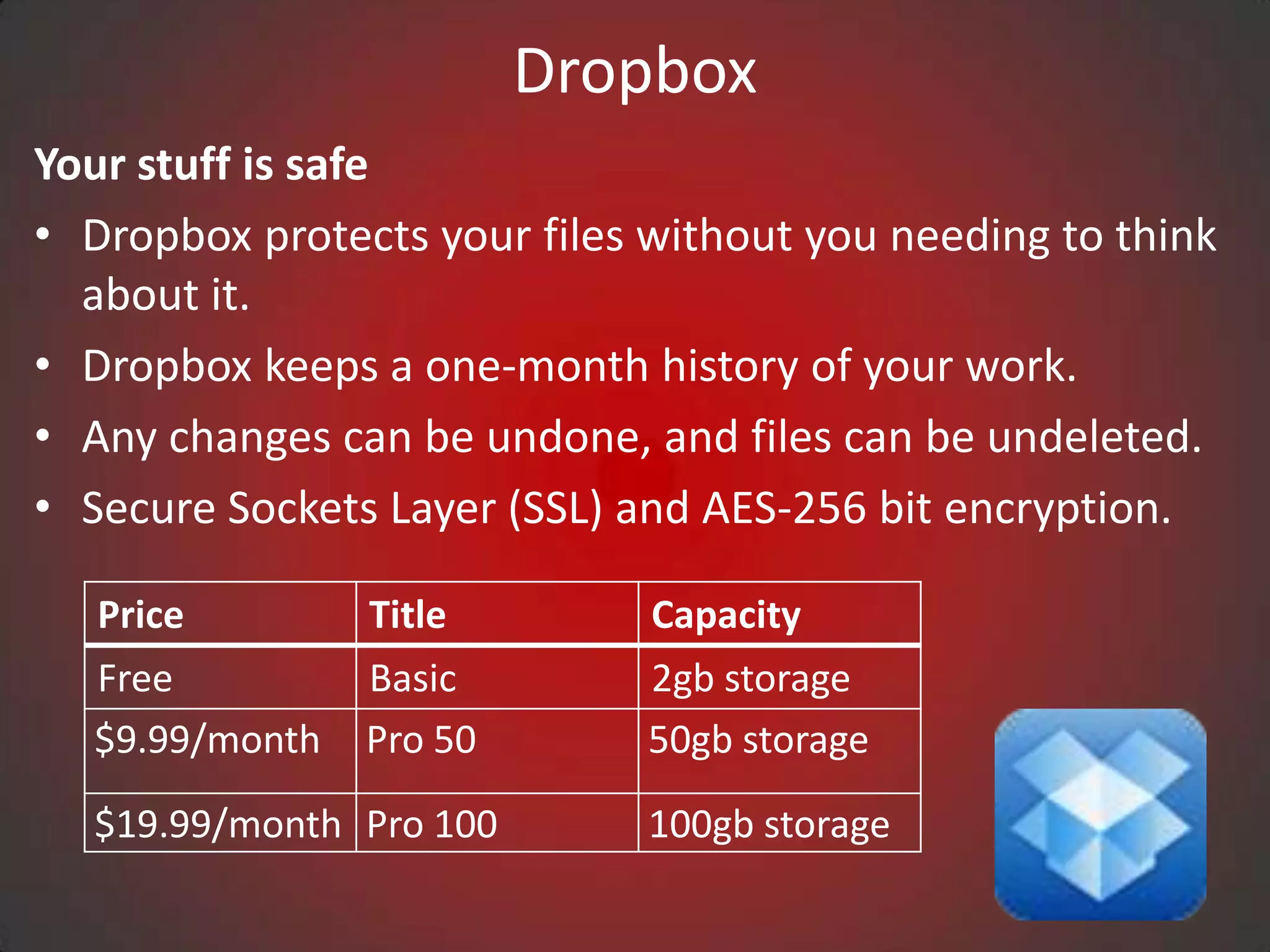
Your stuff is safe
• Dropbox protects your files without you needing to think
  about it.
• Dropbox keeps a one-month history of your work.
• Any changes can be undone, and files can be undeleted.
• Secure Sockets Layer (SSL) and AES-256 bit encryption.

  Price         Title         Capacity
  Free          Basic         2gb storage
  $9.99/month   Pro 50        50gb storage
  $19.99/month Pro 100        100gb storage
eBlogger
• A blog gives you your own voice on the web. It’s a place to
  collect and share things that you find interesting—
  whether it’s your educational thinking, political
  commentary, a personal diary, or links to web sites you
  want to remember.
• Many people use a blog just to organize their own
  thoughts, while others command influential, worldwide
  audiences of thousands.
• Professional and amateur journalists use blogs to publish
  breaking news, while personal journalers reveal inner
  thoughts.
• Example: Dr. Kay Abernathy
  http://kabernathy.blogspot.com/?view=timeslide#!/
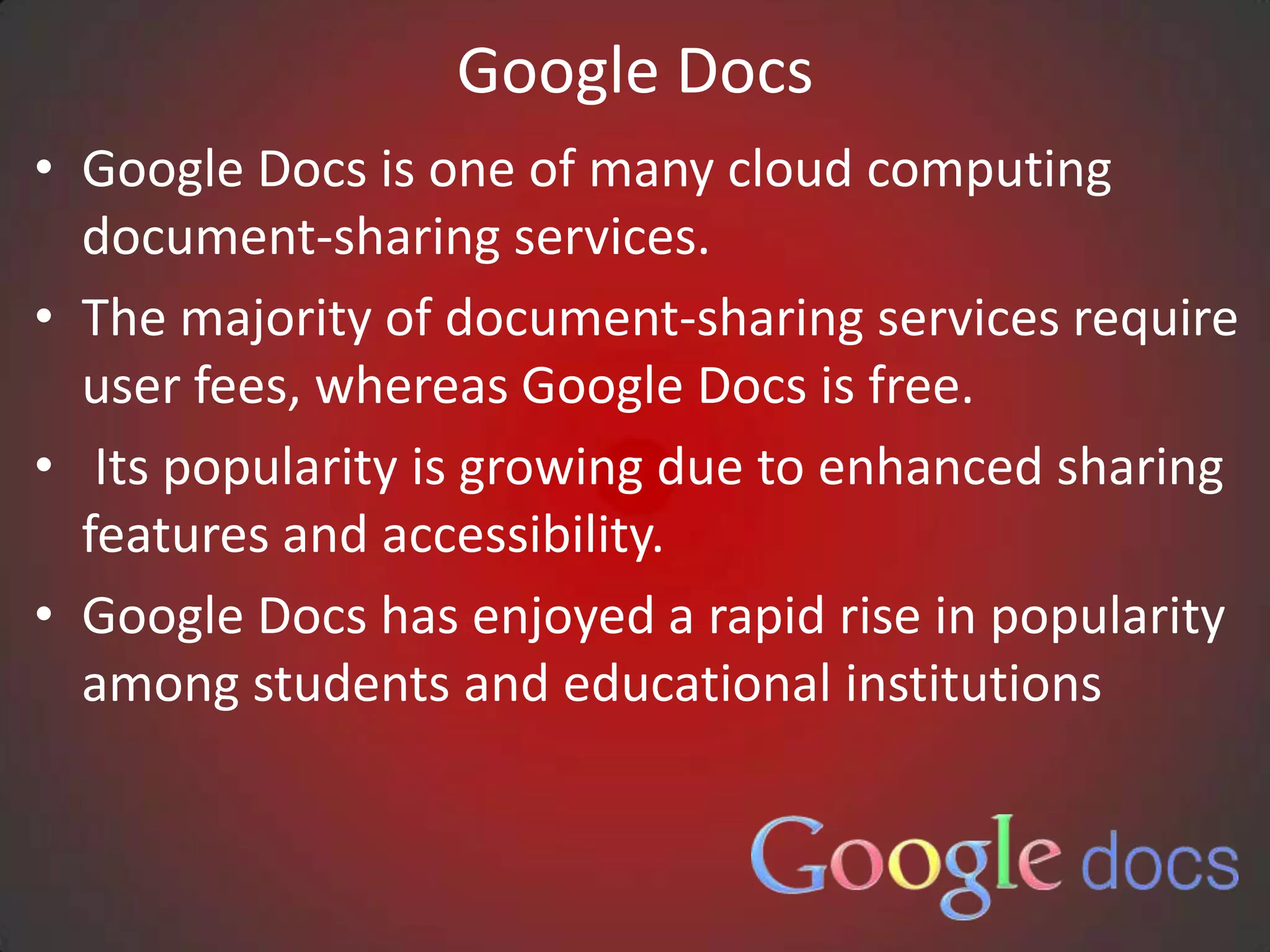
Google Docs
• Google Docs is one of many cloud computing
  document-sharing services.
• The majority of document-sharing services require
  user fees, whereas Google Docs is free.
• Its popularity is growing due to enhanced sharing
  features and accessibility.
• Google Docs has enjoyed a rapid rise in popularity
  among students and educational institutions
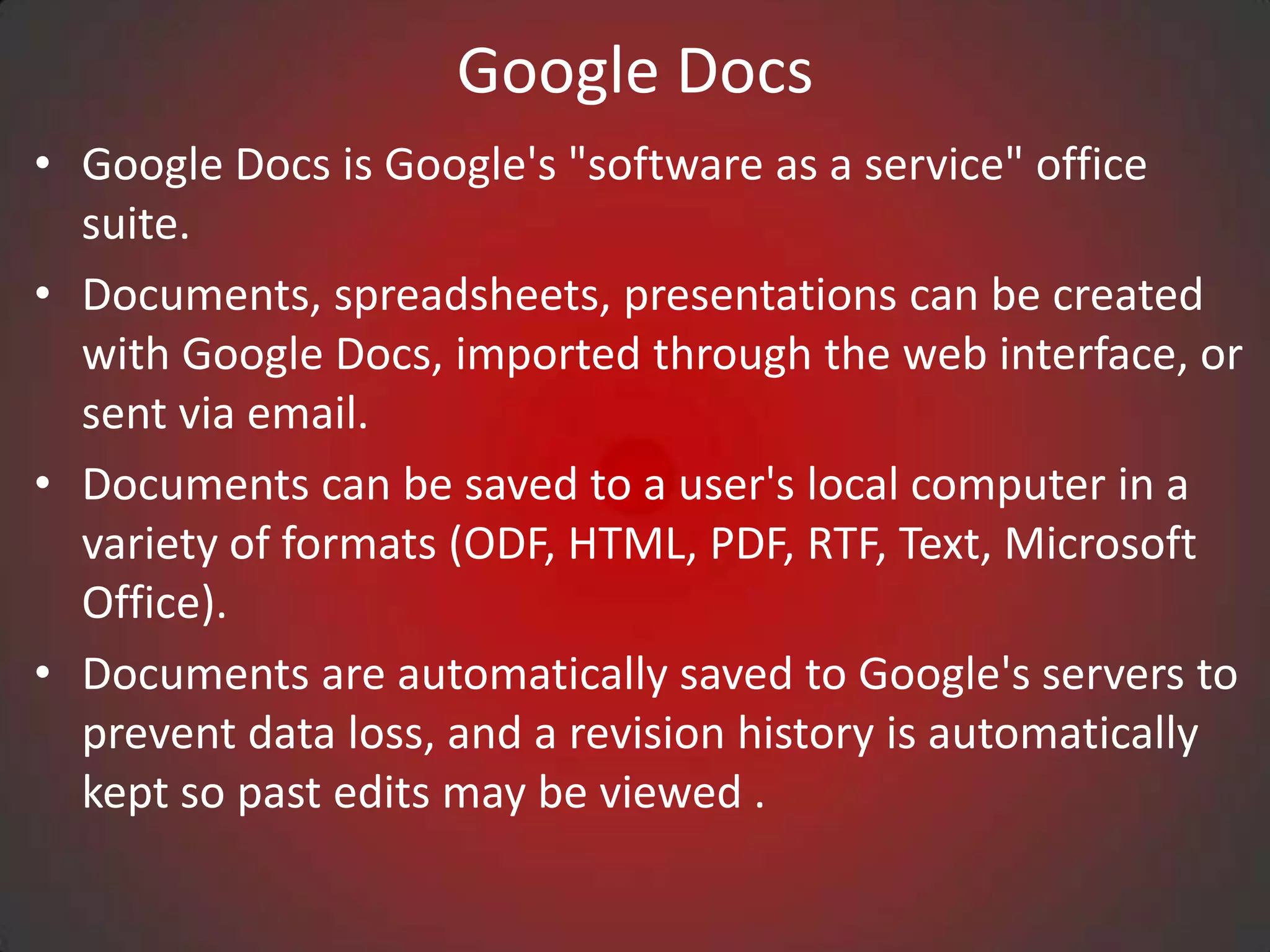
Google Docs
• Google Docs is Google's "software as a service" office
  suite.
• Documents, spreadsheets, presentations can be created
  with Google Docs, imported through the web interface, or
  sent via email.
• Documents can be saved to a user's local computer in a
  variety of formats (ODF, HTML, PDF, RTF, Text, Microsoft
  Office).
• Documents are automatically saved to Google's servers to
  prevent data loss, and a revision history is automatically
  kept so past edits may be viewed .
Google Docs
• Documents can be tagged and archived for organizational
  purposes.
• Google Docs serves as a collaborative tool for editing
  amongst in real time.
• Documents can be shared, opened, and edited by multiple
  users at the same time.
• Users cannot be notified of changes, but the application
  can notify users when a comment or discussion is made or
  replied to, facilitating collaboration.
Cloud Computing
                    Professional Eportfolio
                      Samples - Google
• Sara Tarragona
  http://www.sites.google.com/site/sarabaragona/
• Janette Hill
  https://sites.google.com/site/janettehilleportfolio
• Pamela Comer
  https://sites.google.com/site/visionforedtechleadersh
  ip/final-comprehensive-exam
Cloud Computing Samples


• Marie Grigsby
  https://sites.google.com/site/mariegrigsby/


• Matthew Kitchens
  https://sites.google.com/site/gradesandupgrades/home


• Paula Brewton
  https://sites.google.com/site/brewtonsinternshipportfolio/
Cloud Computing
                   Professional Eportfolio
                     Samples - Google

               Teacher Collaboration

• Kathy Payne, Erin Cobb, Michelle Barber
  https://sites.google.com/site/science2project/home
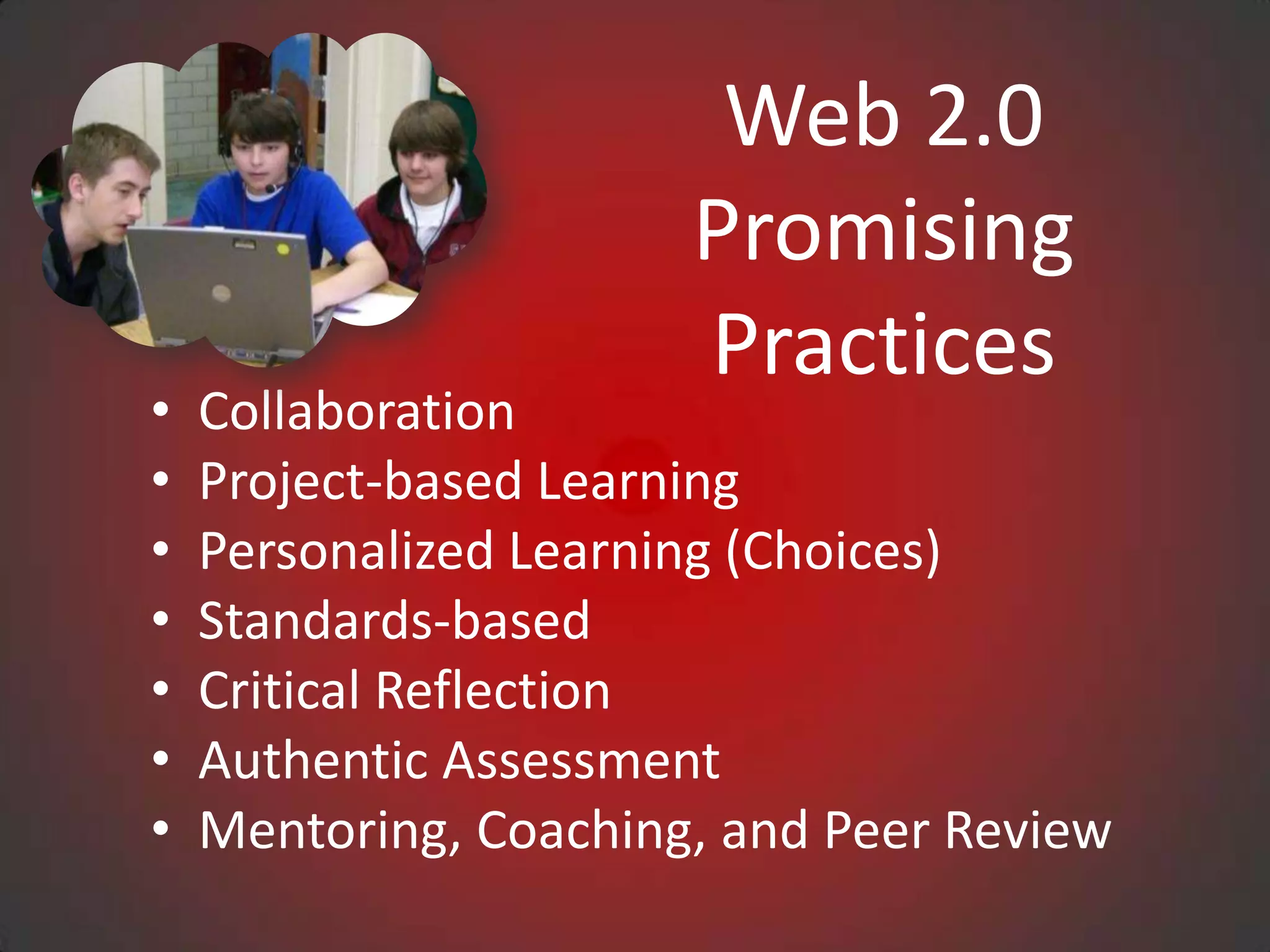
Web 2.0
                       Promising
                       Practices
•   Collaboration
•   Project-based Learning
•   Personalized Learning (Choices)
•   Standards-based
•   Critical Reflection
•   Authentic Assessment
•   Mentoring, Coaching, and Peer Review
Contact Information

            Sheryl Abshire, Ph.D.
            sheryl.abshire@lamar.edu


Kay Abernathy, Ed.D.
kay.abernathy@lamar.edu
Presentation in slideshare.net


              Tiny URL
  http://tinyurl.com/8qmg6xr
For More Information:
                  Lamar University
                    Beaumont, TX

http://luonline.lamar.edu/ACP/graduate/med_edtechleadshp.htm
                        http://lamar.edu/
                     http://stateu.com/lamar/

Web 2.0 blast_off_8-21-12_final

  • 1.
    Lamar University College of Educational Educational Leadership Beaumont, TX Web 2.0 Tools to Support Engaged Learning Sheryl Abshire, Ph.D. Kay Abernathy, Ed.D. Diane Mason, Ph.D. Cindy Cummings, Ed.D.
  • 2.
    Web 2.0/Literacy • K-12& higher ed are huge consumers of dynamic user- centered Web 2.0 resources. • K-12 classrooms & higher ed students using a wealth of Web 2.0 resources across subject areas. • Web 2.0 resources are available to students and teachers to create engaged interactive learning environment. • King (2011) observed students’ culture has dramatically changed • To align with student’s world, educators have altered their pedagogical approaches.
  • 3.
    Web 2.0/Literacy • Newpedagogical approaches are student centered and are in response to the cultural and literacy demands of the information age. • Solomon and Schrum (2007) defined literacy today “acquiring new skills, including those of using technology, understanding science, having global awareness, and most important, having the ability to keep learning” (p.20). • Consequently, we have seen huge strides made in contributing to the growth of literacy with the use of Web 2.0 tools.
  • 4.
    Web 2.0 Research •Enables interaction and collaboration (Parker & Chao, 2007; Tapscott & Williams, 2008) • One-fifth of US higher education students actively contributing content to blogs, wikis, photo or video websites and 18% contributed regularly to at least three of these (OECD, 2009) • Relatively new paradigm which enables contributions and communication (Mills, 2007)
  • 5.
    Web 2.0 Tools •EdShelf • Google Tools, Slideshare, AudioBoo • DropBox, DropVox, & MediaFire • Web Conferencing, Skype, Google Talk/Chat Hangouts • Animoto, Podcasts, Stykz, Audacity, Wordle, Tagxedo • Assistive Technologies • YouTube, TeacherTube, SchoolTube, YouTube Education • WikiSpaces, Blogger, WordPress • EdTech Toolbox • Best Web 2.0 Tools
  • 6.
    Questions: Web 2.0Tools • What Web 2.0 tools and resources impact the way you learn, communicate, and assess growth? • How are you currently using Web 2.0 personally and/or with students?
  • 7.
    edshelf Edshelf is adirectory of digital tools for educators • www.edshelf.com • Discover new tools • See what other educators use • Rate and review your favorite tools
  • 8.
    Dropbox What is Dropbox? •Any file you save to Dropbox also instantly saves to your computers, phones, and the Dropbox website. • 2GB of Dropbox for free, with subscriptions up to 100GB available. • Your files are always available from the secure Dropbox website. • Dropbox works with Windows, Mac, Linux, iPad, iPhone, Android and Blackberry • Works even when offline. You always have your files, whether or not you have a connection. • Dropbox transfers just the parts of a file that change (not the whole thing). • Manually set bandwidth limits — Dropbox won’t hog your connection.
  • 9.
    Dropbox Your stuff issafe • Dropbox protects your files without you needing to think about it. • Dropbox keeps a one-month history of your work. • Any changes can be undone, and files can be undeleted. • Secure Sockets Layer (SSL) and AES-256 bit encryption. Price Title Capacity Free Basic 2gb storage $9.99/month Pro 50 50gb storage $19.99/month Pro 100 100gb storage
  • 10.
    eBlogger • A bloggives you your own voice on the web. It’s a place to collect and share things that you find interesting— whether it’s your educational thinking, political commentary, a personal diary, or links to web sites you want to remember. • Many people use a blog just to organize their own thoughts, while others command influential, worldwide audiences of thousands. • Professional and amateur journalists use blogs to publish breaking news, while personal journalers reveal inner thoughts. • Example: Dr. Kay Abernathy http://kabernathy.blogspot.com/?view=timeslide#!/
  • 11.
    Google Docs • GoogleDocs is one of many cloud computing document-sharing services. • The majority of document-sharing services require user fees, whereas Google Docs is free. • Its popularity is growing due to enhanced sharing features and accessibility. • Google Docs has enjoyed a rapid rise in popularity among students and educational institutions
  • 12.
    Google Docs • GoogleDocs is Google's "software as a service" office suite. • Documents, spreadsheets, presentations can be created with Google Docs, imported through the web interface, or sent via email. • Documents can be saved to a user's local computer in a variety of formats (ODF, HTML, PDF, RTF, Text, Microsoft Office). • Documents are automatically saved to Google's servers to prevent data loss, and a revision history is automatically kept so past edits may be viewed .
  • 13.
    Google Docs • Documentscan be tagged and archived for organizational purposes. • Google Docs serves as a collaborative tool for editing amongst in real time. • Documents can be shared, opened, and edited by multiple users at the same time. • Users cannot be notified of changes, but the application can notify users when a comment or discussion is made or replied to, facilitating collaboration.
  • 14.
    Cloud Computing Professional Eportfolio Samples - Google • Sara Tarragona http://www.sites.google.com/site/sarabaragona/ • Janette Hill https://sites.google.com/site/janettehilleportfolio • Pamela Comer https://sites.google.com/site/visionforedtechleadersh ip/final-comprehensive-exam
  • 15.
    Cloud Computing Samples •Marie Grigsby https://sites.google.com/site/mariegrigsby/ • Matthew Kitchens https://sites.google.com/site/gradesandupgrades/home • Paula Brewton https://sites.google.com/site/brewtonsinternshipportfolio/
  • 16.
    Cloud Computing Professional Eportfolio Samples - Google Teacher Collaboration • Kathy Payne, Erin Cobb, Michelle Barber https://sites.google.com/site/science2project/home
  • 17.
    Web 2.0 Promising Practices • Collaboration • Project-based Learning • Personalized Learning (Choices) • Standards-based • Critical Reflection • Authentic Assessment • Mentoring, Coaching, and Peer Review
  • 18.
    Contact Information Sheryl Abshire, Ph.D. sheryl.abshire@lamar.edu Kay Abernathy, Ed.D. kay.abernathy@lamar.edu
  • 19.
    Presentation in slideshare.net Tiny URL http://tinyurl.com/8qmg6xr
  • 20.
    For More Information: Lamar University Beaumont, TX http://luonline.lamar.edu/ACP/graduate/med_edtechleadshp.htm http://lamar.edu/ http://stateu.com/lamar/

Editor's Notes