Lamar University
                          College of Education
                        Educational Leadership
                                Beaumont, TX


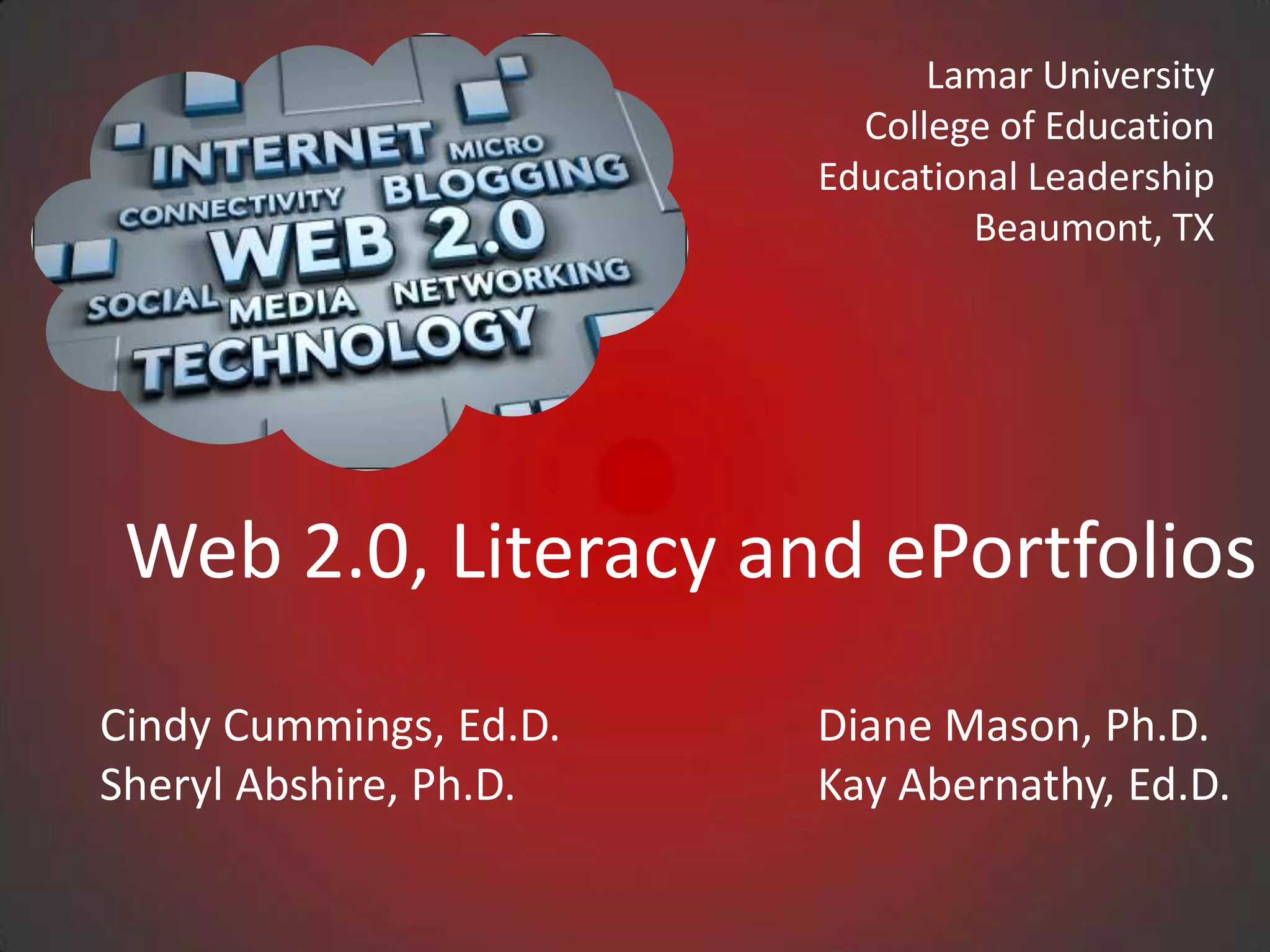
 Web 2.0, Literacy and ePortfolios
Cindy Cummings, Ed.D.   Diane Mason, Ph.D.
Sheryl Abshire, Ph.D.   Kay Abernathy, Ed.D.
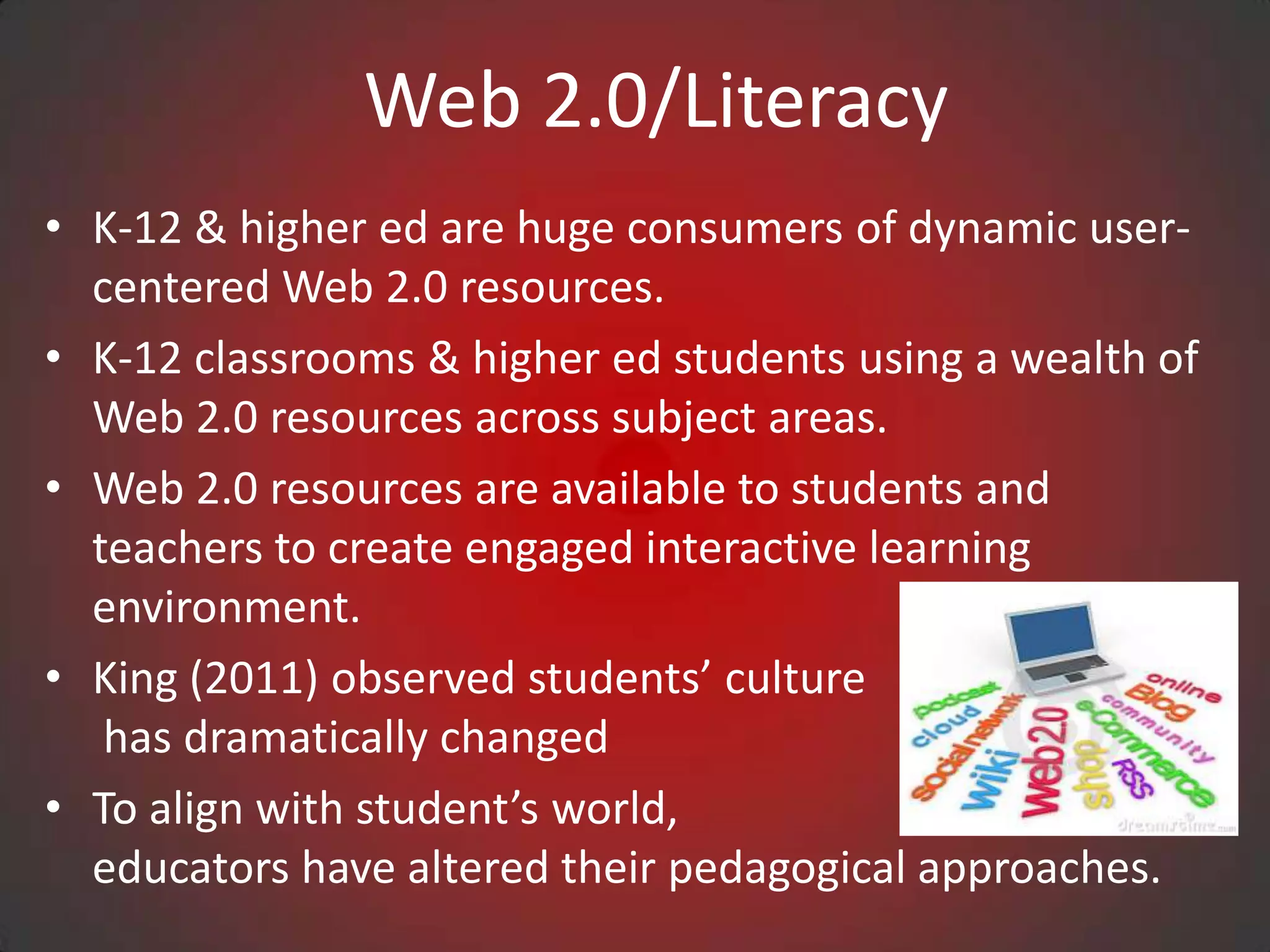
Web 2.0/Literacy
• K-12 & higher ed are huge consumers of dynamic user-
  centered Web 2.0 resources.
• K-12 classrooms & higher ed students using a wealth of
  Web 2.0 resources across subject areas.
• Web 2.0 resources are available to students and
  teachers to create engaged interactive learning
  environment.
• King (2011) observed students’ culture
   has dramatically changed
• To align with student’s world,
  educators have altered their pedagogical approaches.
Web 2.0/Literacy
• New pedagogical approaches are student centered and
  are in response to the cultural and literacy demands of
  the information age.
• Solomon and Schrum (2007) defined literacy today
  “acquiring new skills, including those of using
  technology, understanding science, having global
  awareness, and most important, having the ability to
  keep learning” (p.20).
• Consequently, we have seen huge strides made in
  contributing to the growth of literacy with the use of
  Web 2.0 tools.
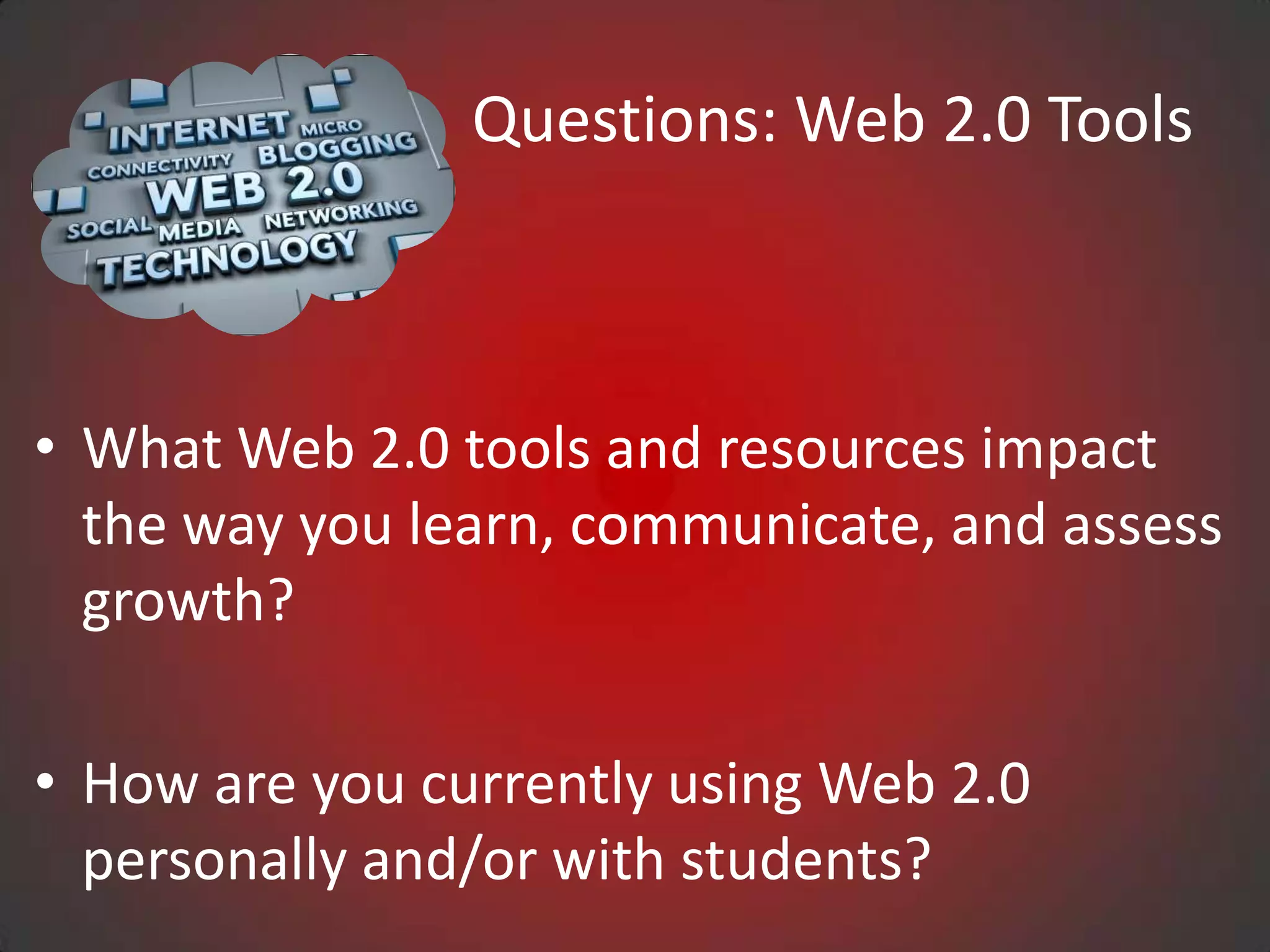
Questions: Web 2.0 Tools


• What Web 2.0 tools and resources impact
  the way you learn, communicate, and assess
  growth?

• How are you currently using Web 2.0
  personally and/or with students?
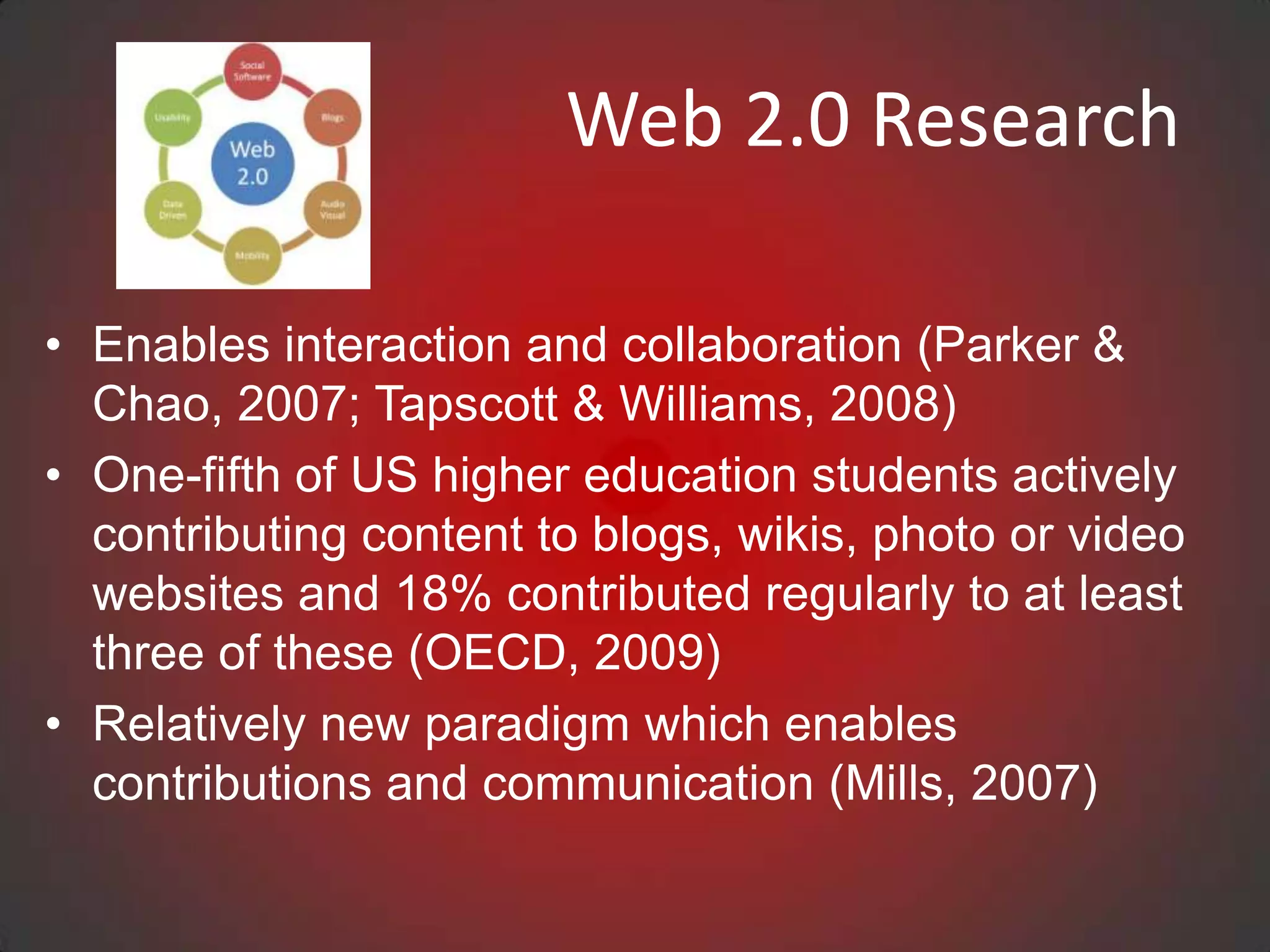
Web 2.0 Research

• Enables interaction and collaboration (Parker &
  Chao, 2007; Tapscott & Williams, 2008)
• One-fifth of US higher education students actively
  contributing content to blogs, wikis, photo or video
  websites and 18% contributed regularly to at least
  three of these (OECD, 2009)
• Relatively new paradigm which enables
  contributions and communication (Mills, 2007)
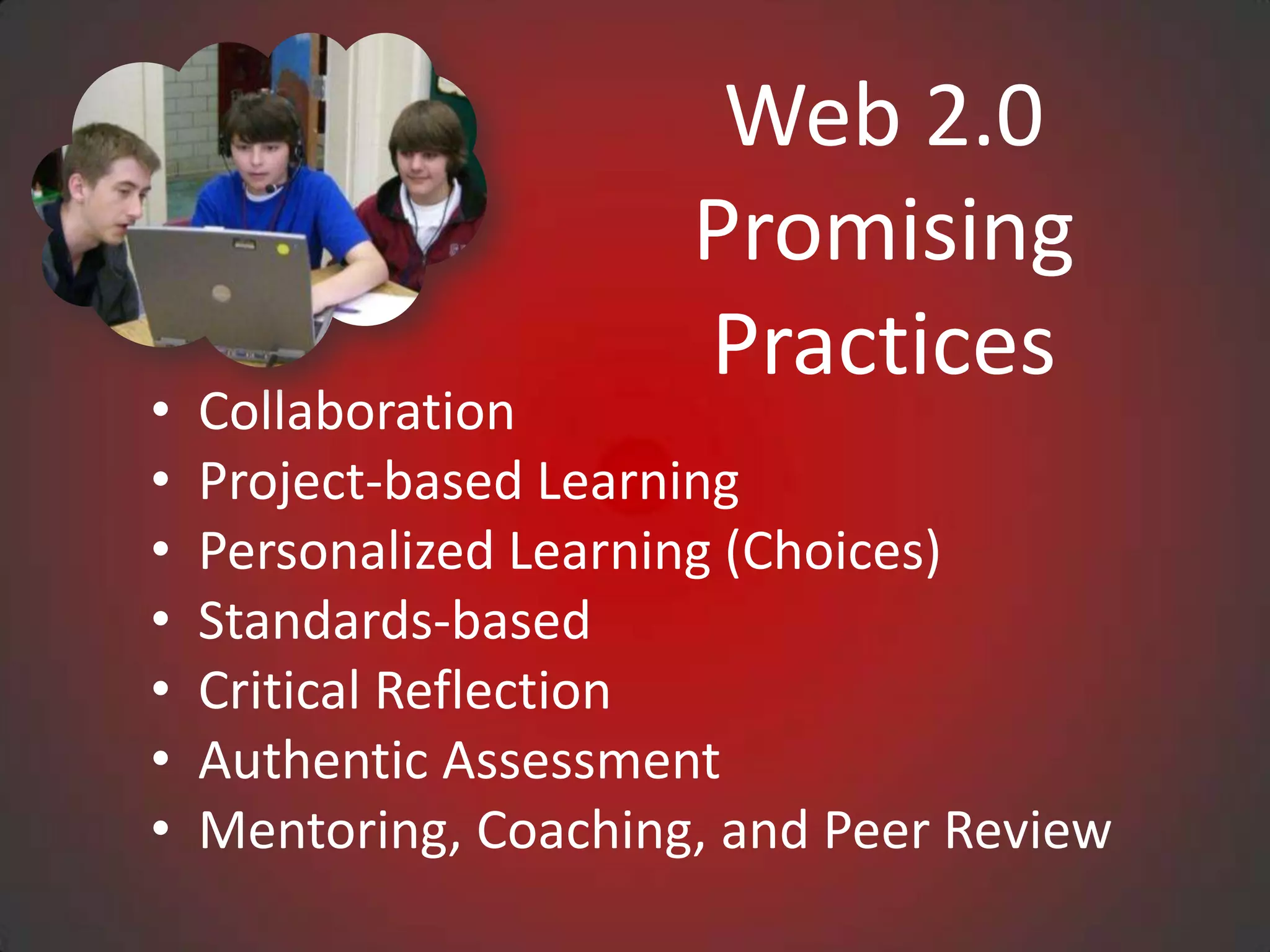
Web 2.0
                       Promising
                       Practices
•   Collaboration
•   Project-based Learning
•   Personalized Learning (Choices)
•   Standards-based
•   Critical Reflection
•   Authentic Assessment
•   Mentoring, Coaching, and Peer Review
Web 2.0 Tools

• EdShelf
• Google Tools, Slideshare, AudioBoo
• DropBox, DropVox, & MediaFire
• Web Conferencing, Skype, Google Talk/Chat Hangouts
• Animoto, Podcasts, Stykz, Audacity, Wordle, Tagxedo
• Assistive Technologies
• YouTube, TeacherTube, SchoolTube, YouTube
  Education
• WikiSpaces, Blogger, WordPress
• EdTech Toolbox
• Best Web 2.0 Tools
edshelf

Edshelf is a directory of digital tools for educators

•   www.edshelf.com
•   Discover new tools
•   See what other educators use
•   Rate and review your favorite tools
Dropbox
What is Dropbox?
• Any file you save to Dropbox also instantly saves to your computers,
  phones, and the Dropbox website.
• 2GB of Dropbox for free, with subscriptions up to 100GB available.
• Your files are always available from the secure Dropbox website.
• Dropbox works with Windows, Mac, Linux, iPad, iPhone, Android
  and Blackberry
• Works even when offline. You always have your files, whether or not
  you have a connection.
• Dropbox transfers just the parts of a file that change (not the whole
  thing).
• Manually set bandwidth limits — Dropbox won’t hog
  your connection.
Evernote
Great tool for teachers and students to:
• capture notes
• save research
• collaborate on projects
• snap photos of whiteboards
• record audio
• everything you add to your account is
  automatically synced and made available on all
  the computers, phones and tablets you use.
Mangahigh
• adapt in difficulty to the ability of the student in
  order to aid the student to stay in their zone of
  proximal development
• overlaying the game mechanic with the core
  learning concept
• develop students' ability and curiosity to observe,
  hypothesize, test, evaluate, conclude and refine
  ideas
• provide powerful contexts that often bring out
  the 'real-world' application of the topic at hand
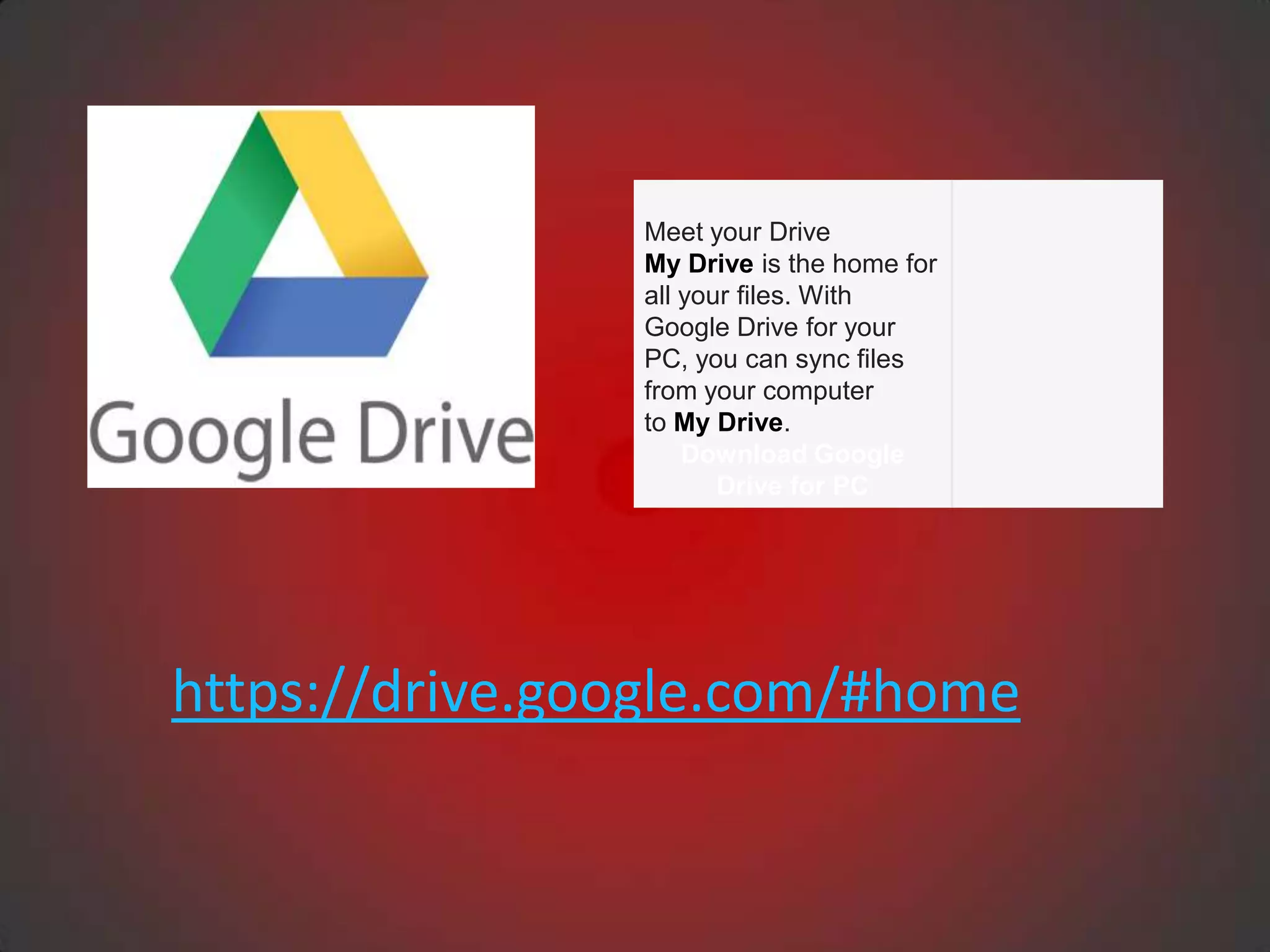
Meet your Drive
                My Drive is the home for
                all your files. With
                Google Drive for your
                PC, you can sync files
                from your computer
                to My Drive.
                    Download Google
                       Drive for PC


https://drive.google.com/#home
Google Documents, Spreadsheets,
  Presentations, Forms, Drawings and
                 Folder
• Google Docs is one of many cloud computing document-
  sharing services in Google Drive.

• https://docs.google.com/document/d/1uoJp40K3FRYjxn
  JHVm8uW01Lb10skpxVmSUUI7htDB4/edit

• Its popularity is growing due to enhanced sharing
  features and accessibility.
• Google Docs has enjoyed a rapid rise in popularity
  among students and educational institutions
Questions: Using Eportfolios

• What is the purpose for having students develop
  electronic portfolios?

• What are three types of student eportfolios?
   – Storage
   – Workspace
   – Showcase
• https://sites.google.com/site/eportfolioapps/overview/le
  vels

                 Dr. Helen Barrett: http://electronicportfolios.com/
Questions: Considerations for You
• What ages are the students?
• What content areas?
• What is your current technology infrastructure (i.e., will
  your network keep up with GoogleDocs network
  traffic?)?
• What is your computer-to-student ratio?
• How many students will be implementing portfolios?
• Will you use some type of Internet/cloud/Web 2.0
  system?


         Dr. Helen Barrett: http://electronicportfolios.com/
Questions: Eportfolio Answers


• What? (The Past) What have I collected about my
  life/work/learning? (my artifacts)

• So What? (The Present) What do those artifacts
  show about what I have learned? (my current
  reflections on my knowledge, skills and abilities)

• Now What? (The Future) What direction do I want
  to take in the future? (my future learning goals)

     Dr. Helen Barrett: http://electronicportfolios.com/
e-portfolios PK-12
• Web-based or electronic portfolios (e-portfolios, ePortfolios, efolios,
  digital portfolios, etc.) are a relatively new, but quickly expanding,
  component of teacher education programs (Strudler & Wetzel, 2005).
• e-Portfolio templates in teacher education programs range
   – highly structured(e.g., foliotek) to those that are
   – loosely defined by rubric where students
      independently organize and construct
      format of their own entries using website
      design program (e.g., Google Sites).
• Electronic portfolios (ePortfolios) basically
  operate as a "content-management system"
  (Jafari, 2004, p. 40).
e-portfolios PK-12
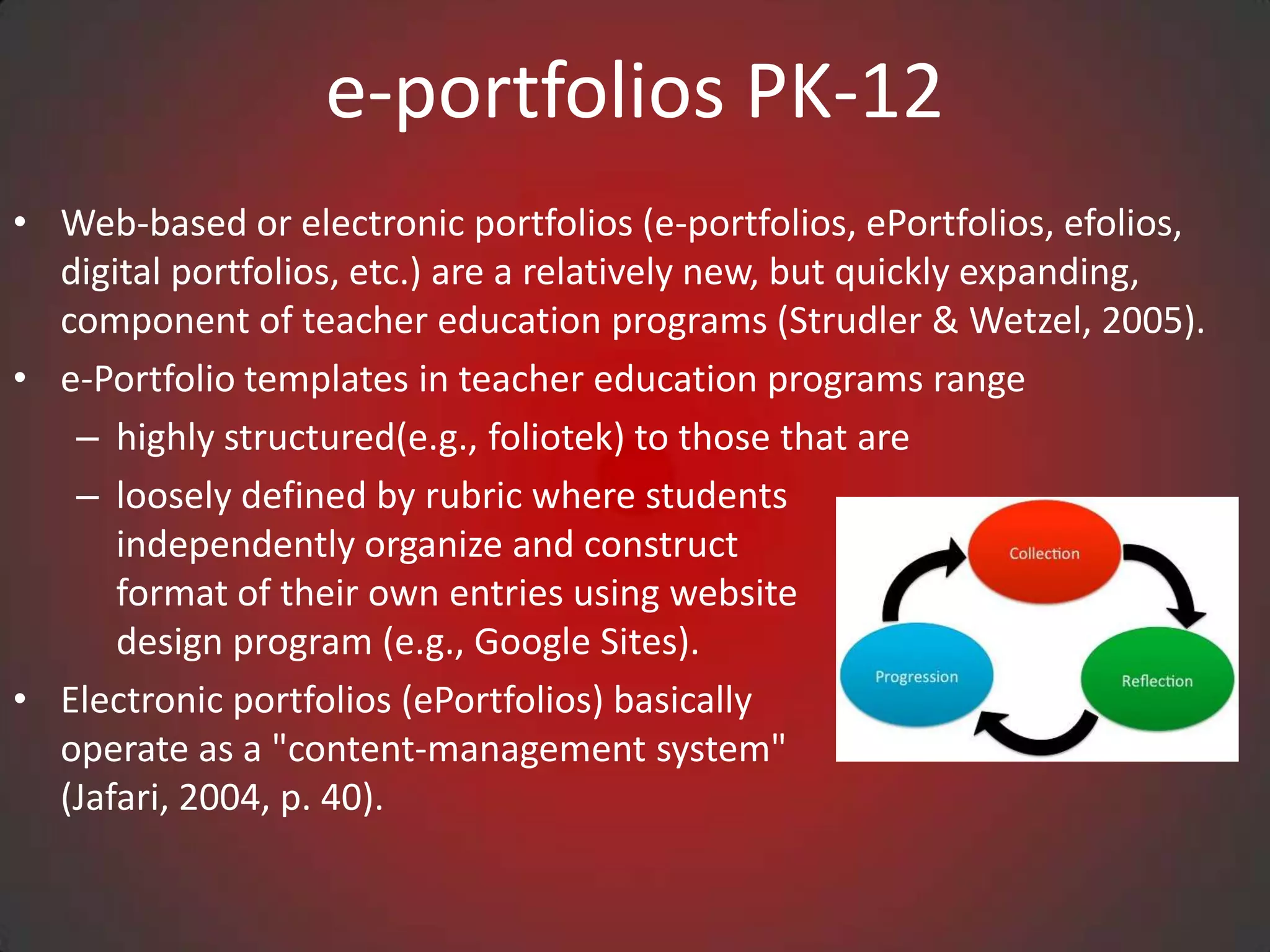
• Chen and Light (2010) observed, ePortfolios allow students to select a
  variety of digital artifacts and assemble them in one place in order to
  exhibit presentation skills or reflect, inquire and analyze material
• ePortfolios require students to reflect on their learning.
• Richards and Guilbault (2009) contend that reflection has become as
  essential way for students to speak in their own voices.
• Critical reflection at strategic points in the development of the
  ePortfolio creates a pathway for the formative examination and
  demonstration of learning
Contact Information

Sheryl Abshire, Ph.D.       Cynthia Cummings, Ed.D.
sheryl.abshire@lamar.edu    cdcummings@lamar.edu


Diane Mason, Ph.D.              Kay Abernathy, Ed.D.
diane.mason@lamar.edu      lkayabernathy@lamar.edu
Presentation in slideshare.net


                Tiny URL
For More Information:
                  Lamar University
                    Beaumont, TX

http://luonline.lamar.edu/ACP/graduate/med_edtechleadshp.htm
                        http://lamar.edu/
                     http://stateu.com/lamar/

Lacue 2012

  • 1.
    Lamar University College of Education Educational Leadership Beaumont, TX Web 2.0, Literacy and ePortfolios Cindy Cummings, Ed.D. Diane Mason, Ph.D. Sheryl Abshire, Ph.D. Kay Abernathy, Ed.D.
  • 2.
    Web 2.0/Literacy • K-12& higher ed are huge consumers of dynamic user- centered Web 2.0 resources. • K-12 classrooms & higher ed students using a wealth of Web 2.0 resources across subject areas. • Web 2.0 resources are available to students and teachers to create engaged interactive learning environment. • King (2011) observed students’ culture has dramatically changed • To align with student’s world, educators have altered their pedagogical approaches.
  • 3.
    Web 2.0/Literacy • Newpedagogical approaches are student centered and are in response to the cultural and literacy demands of the information age. • Solomon and Schrum (2007) defined literacy today “acquiring new skills, including those of using technology, understanding science, having global awareness, and most important, having the ability to keep learning” (p.20). • Consequently, we have seen huge strides made in contributing to the growth of literacy with the use of Web 2.0 tools.
  • 4.
    Questions: Web 2.0Tools • What Web 2.0 tools and resources impact the way you learn, communicate, and assess growth? • How are you currently using Web 2.0 personally and/or with students?
  • 5.
    Web 2.0 Research •Enables interaction and collaboration (Parker & Chao, 2007; Tapscott & Williams, 2008) • One-fifth of US higher education students actively contributing content to blogs, wikis, photo or video websites and 18% contributed regularly to at least three of these (OECD, 2009) • Relatively new paradigm which enables contributions and communication (Mills, 2007)
  • 6.
    Web 2.0 Promising Practices • Collaboration • Project-based Learning • Personalized Learning (Choices) • Standards-based • Critical Reflection • Authentic Assessment • Mentoring, Coaching, and Peer Review
  • 7.
    Web 2.0 Tools •EdShelf • Google Tools, Slideshare, AudioBoo • DropBox, DropVox, & MediaFire • Web Conferencing, Skype, Google Talk/Chat Hangouts • Animoto, Podcasts, Stykz, Audacity, Wordle, Tagxedo • Assistive Technologies • YouTube, TeacherTube, SchoolTube, YouTube Education • WikiSpaces, Blogger, WordPress • EdTech Toolbox • Best Web 2.0 Tools
  • 8.
    edshelf Edshelf is adirectory of digital tools for educators • www.edshelf.com • Discover new tools • See what other educators use • Rate and review your favorite tools
  • 9.
    Dropbox What is Dropbox? •Any file you save to Dropbox also instantly saves to your computers, phones, and the Dropbox website. • 2GB of Dropbox for free, with subscriptions up to 100GB available. • Your files are always available from the secure Dropbox website. • Dropbox works with Windows, Mac, Linux, iPad, iPhone, Android and Blackberry • Works even when offline. You always have your files, whether or not you have a connection. • Dropbox transfers just the parts of a file that change (not the whole thing). • Manually set bandwidth limits — Dropbox won’t hog your connection.
  • 10.
    Evernote Great tool forteachers and students to: • capture notes • save research • collaborate on projects • snap photos of whiteboards • record audio • everything you add to your account is automatically synced and made available on all the computers, phones and tablets you use.
  • 11.
    Mangahigh • adapt indifficulty to the ability of the student in order to aid the student to stay in their zone of proximal development • overlaying the game mechanic with the core learning concept • develop students' ability and curiosity to observe, hypothesize, test, evaluate, conclude and refine ideas • provide powerful contexts that often bring out the 'real-world' application of the topic at hand
  • 12.
    Meet your Drive My Drive is the home for all your files. With Google Drive for your PC, you can sync files from your computer to My Drive. Download Google Drive for PC https://drive.google.com/#home
  • 13.
    Google Documents, Spreadsheets, Presentations, Forms, Drawings and Folder • Google Docs is one of many cloud computing document- sharing services in Google Drive. • https://docs.google.com/document/d/1uoJp40K3FRYjxn JHVm8uW01Lb10skpxVmSUUI7htDB4/edit • Its popularity is growing due to enhanced sharing features and accessibility. • Google Docs has enjoyed a rapid rise in popularity among students and educational institutions
  • 14.
    Questions: Using Eportfolios •What is the purpose for having students develop electronic portfolios? • What are three types of student eportfolios? – Storage – Workspace – Showcase • https://sites.google.com/site/eportfolioapps/overview/le vels Dr. Helen Barrett: http://electronicportfolios.com/
  • 15.
    Questions: Considerations forYou • What ages are the students? • What content areas? • What is your current technology infrastructure (i.e., will your network keep up with GoogleDocs network traffic?)? • What is your computer-to-student ratio? • How many students will be implementing portfolios? • Will you use some type of Internet/cloud/Web 2.0 system? Dr. Helen Barrett: http://electronicportfolios.com/
  • 16.
    Questions: Eportfolio Answers •What? (The Past) What have I collected about my life/work/learning? (my artifacts) • So What? (The Present) What do those artifacts show about what I have learned? (my current reflections on my knowledge, skills and abilities) • Now What? (The Future) What direction do I want to take in the future? (my future learning goals) Dr. Helen Barrett: http://electronicportfolios.com/
  • 17.
    e-portfolios PK-12 • Web-basedor electronic portfolios (e-portfolios, ePortfolios, efolios, digital portfolios, etc.) are a relatively new, but quickly expanding, component of teacher education programs (Strudler & Wetzel, 2005). • e-Portfolio templates in teacher education programs range – highly structured(e.g., foliotek) to those that are – loosely defined by rubric where students independently organize and construct format of their own entries using website design program (e.g., Google Sites). • Electronic portfolios (ePortfolios) basically operate as a "content-management system" (Jafari, 2004, p. 40).
  • 18.
    e-portfolios PK-12 • Chenand Light (2010) observed, ePortfolios allow students to select a variety of digital artifacts and assemble them in one place in order to exhibit presentation skills or reflect, inquire and analyze material • ePortfolios require students to reflect on their learning. • Richards and Guilbault (2009) contend that reflection has become as essential way for students to speak in their own voices. • Critical reflection at strategic points in the development of the ePortfolio creates a pathway for the formative examination and demonstration of learning
  • 19.
    Contact Information Sheryl Abshire,Ph.D. Cynthia Cummings, Ed.D. sheryl.abshire@lamar.edu cdcummings@lamar.edu Diane Mason, Ph.D. Kay Abernathy, Ed.D. diane.mason@lamar.edu lkayabernathy@lamar.edu
  • 20.
  • 21.
    For More Information: Lamar University Beaumont, TX http://luonline.lamar.edu/ACP/graduate/med_edtechleadshp.htm http://lamar.edu/ http://stateu.com/lamar/

Editor's Notes