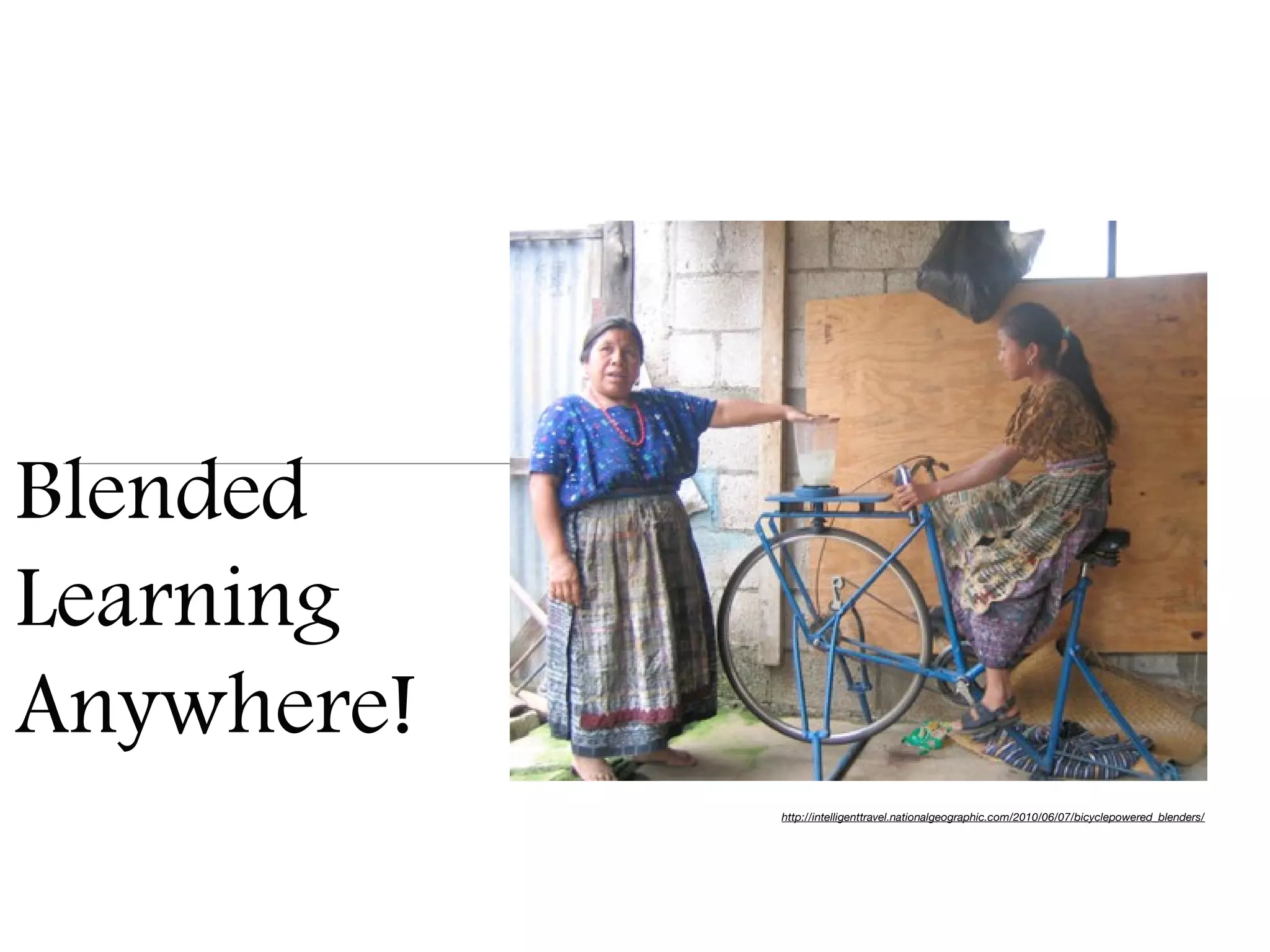
Blended
Learning
Anywhere!
            http://intelligenttravel.nationalgeographic.com/2010/06/07/bicyclepowered_blenders/
What you WON’T learn...and other disappointments up front
that I hope you can be ok with
• You won’t learn how to use any one specific piece of software or web tool


• You won’t learn about apps or tools that ONLY work on the iPad


• I’m going to tell you that many (though not all) new web tools require you to
  register or set up an account.


• Don’t wait for PD - it will not come. Take control of you own learning!
What you CAN learn - and other possibilities I hope
you take with you...

• Links to many great tools that are classroom tested by ME - and some
  suggestions for ways to use them


• Some ideas for how you can personalize these tools for your classroom, and
  how your students can personalize them too


• Me telling you that if you are OPEN to possibilities, great things can happen!


• Never underestimate the power of networking!
Remember - The Cloud is your friend...
Imagine....a bridge
     To utilize mobile effectively in our
    classrooms, we need to build bridges
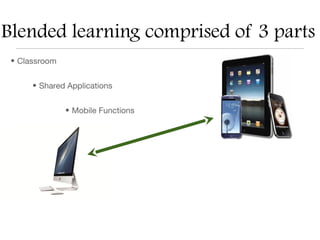
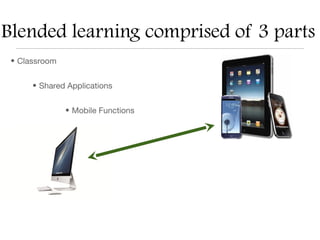
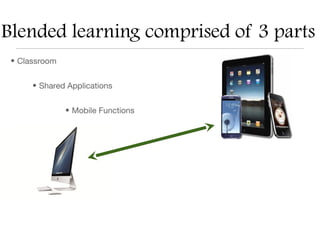
Blended learning comprised of 3 parts
 • Classroom


      • Shared Applications


               • Mobile Functions
Part 1: The Classroom - (Home Base)
•   Establish a base of operating platforms:

     Blog            Wiki             Website
Blogs, Wikis, Websites
• Blogs, wikis, or websites can link to other blogs, wikis, or websites.


• Blogs, wikis, or websites can link to other courseware such as Moodle,
  Coursera, iTunesU, and Blackboard


• Blogs, wikis, or websites can host images and any other embedded items
  (videos, mp3 files, web 2.0 presentations and forms).


• Blogs, wikis, or websites can be a combination of news, student work,
  project rubrics, and student links - a really useful space for all.
Blogs
• Consist of posts in reverse chronological order


• Can contain sidebars for links or other images or media


• Posts can be categorized (tagged or labeled) and made search-able


• Posts may contain text, images, and other media


• Posts may be commented on
Wikis
• They are websites which can be edited quickly


• They can be edited by more than one person if the owner of the wiki desires


• They can host text, links, images, and other media


• They can host many other pages within one wiki for organization of content
Websites
• A set of related pages which can contain content like text, audio, and other
  media


• A home page usually controls navigation for the other related webpages that
  are a part of the site.
Blended learning comprised of 3 parts
 • Classroom


      • Shared Applications


               • Mobile Functions
Build a bridge between classroom and shared apps
Part 2: Shared Applications
• The shared applications are those that have a place on your base of
  operations, but can also be used on a mobile device. They are based in “The
  Cloud”. The information can be accessed in either place.


• You can post a link to it on your home base, all students can have accounts,
  and all (students and teacher) can access it in real time any time, any where -
  including with a mobile device.
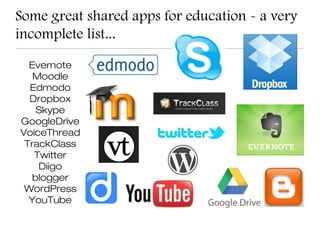
Some great shared apps for education - a very
incomplete list...

  Evernote
   Moodle
  Edmodo
  Dropbox
    Skype
GoogleDrive
VoiceThread
 TrackClass
   Twitter
    Diigo
   blogger
 WordPress
  YouTube
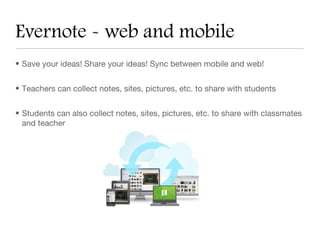
Evernote - web and mobile
• Save your ideas! Share your ideas! Sync between mobile and web!


• Teachers can collect notes, sites, pictures, etc. to share with students


• Students can also collect notes, sites, pictures, etc. to share with classmates
  and teacher
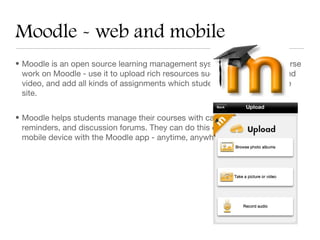
Moodle - web and mobile
• Moodle is an open source learning management system. House your course
  work on Moodle - use it to upload rich resources such as live web links and
  video, and add all kinds of assignments which students can upload on the
  site.


• Moodle helps students manage their courses with calendars, notifications,
  reminders, and discussion forums. They can do this on a computer or a
  mobile device with the Moodle app - anytime, anywhere.
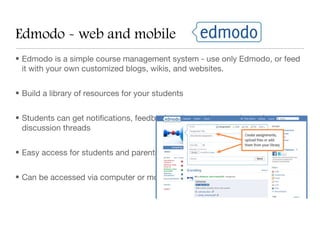
Edmodo - web and mobile
• Edmodo is a simple course management system - use only Edmodo, or feed
  it with your own customized blogs, wikis, and websites.


• Build a library of resources for your students


• Students can get notifications, feedback, ask questions, and post in
  discussion threads


• Easy access for students and parents.


• Can be accessed via computer or mobile app - any time, anywhere!
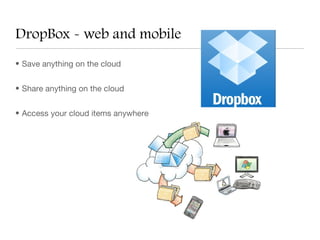
DropBox - web and mobile
• Save anything on the cloud


• Share anything on the cloud


• Access your cloud items anywhere
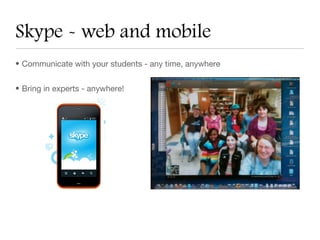
Skype - web and mobile
• Communicate with your students - any time, anywhere


• Bring in experts - anywhere!
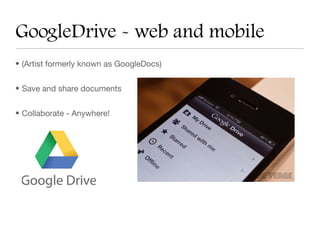
GoogleDrive - web and mobile
• (Artist formerly known as GoogleDocs)


• Save and share documents


• Collaborate - Anywhere!
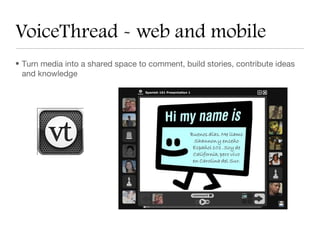
VoiceThread - web and mobile
• Turn media into a shared space to comment, build stories, contribute ideas
  and knowledge
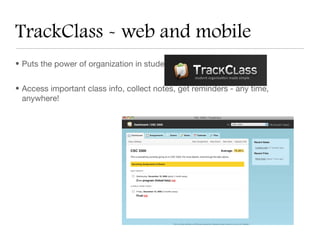
TrackClass - web and mobile
• Puts the power of organization in students’ hands


• Access important class info, collect notes, get reminders - any time,
  anywhere!
Twitter - web and mobile
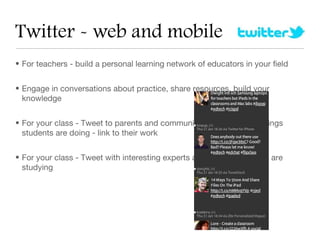
• For teachers - build a personal learning network of educators in your field


• Engage in conversations about practice, share resources, build your
  knowledge


• For your class - Tweet to parents and community about the great things
  students are doing - link to their work


• For your class - Tweet with interesting experts about something you are
  studying
Diigo - Web and Mobile
• For teachers - collect resources and tools. Build your own personal reference
  library - and share the libraries of others in your field.


• For students - help them to collect resources and tools and ORGANIZE their
  online life. This is a skill they desperately need to learn early.


• For your class - share content resources, create groups who collect and
  comment on resources.


• Have access to your “library” any time, any where!
Blogging - web and mobile
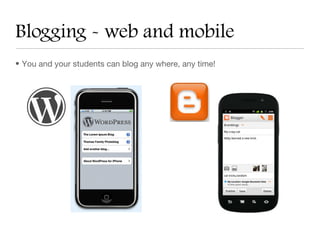
• You and your students can blog any where, any time!
Video Hosting - web and mobile
• Upload video creations - any time, any where!


• Create a designated channel for your students


• Embed creations into blog, wiki, webpage
Blended learning comprised of 3 parts
 • Classroom


      • Shared Applications


               • Mobile Functions
Build a bridge between mobile functions and
classroom
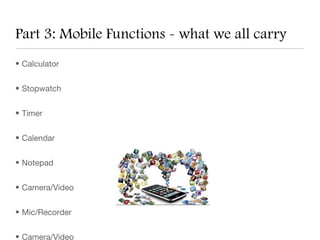
Part 3: Mobile Functions - what we all carry
• Calculator


• Stopwatch


• Timer


• Calendar


• Notepad


• Camera/Video


• Mic/Recorder


• Camera/Video
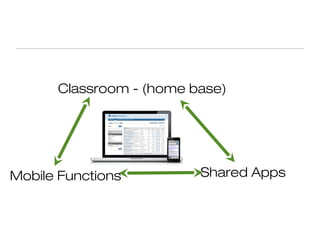
Classroom - (home base)


Mobile Functions         Shared Apps

Aste2013

  • 1.
    Blended Learning Anywhere! http://intelligenttravel.nationalgeographic.com/2010/06/07/bicyclepowered_blenders/
  • 2.
    What you WON’Tlearn...and other disappointments up front that I hope you can be ok with • You won’t learn how to use any one specific piece of software or web tool • You won’t learn about apps or tools that ONLY work on the iPad • I’m going to tell you that many (though not all) new web tools require you to register or set up an account. • Don’t wait for PD - it will not come. Take control of you own learning!
  • 3.
    What you CANlearn - and other possibilities I hope you take with you... • Links to many great tools that are classroom tested by ME - and some suggestions for ways to use them • Some ideas for how you can personalize these tools for your classroom, and how your students can personalize them too • Me telling you that if you are OPEN to possibilities, great things can happen! • Never underestimate the power of networking!
  • 4.
    Remember - TheCloud is your friend...
  • 5.
    Imagine....a bridge To utilize mobile effectively in our classrooms, we need to build bridges
  • 6.
    Blended learning comprisedof 3 parts • Classroom • Shared Applications • Mobile Functions
  • 7.
    Part 1: TheClassroom - (Home Base) • Establish a base of operating platforms: Blog Wiki Website
  • 8.
    Blogs, Wikis, Websites •Blogs, wikis, or websites can link to other blogs, wikis, or websites. • Blogs, wikis, or websites can link to other courseware such as Moodle, Coursera, iTunesU, and Blackboard • Blogs, wikis, or websites can host images and any other embedded items (videos, mp3 files, web 2.0 presentations and forms). • Blogs, wikis, or websites can be a combination of news, student work, project rubrics, and student links - a really useful space for all.
  • 9.
    Blogs • Consist ofposts in reverse chronological order • Can contain sidebars for links or other images or media • Posts can be categorized (tagged or labeled) and made search-able • Posts may contain text, images, and other media • Posts may be commented on
  • 10.
    Wikis • They arewebsites which can be edited quickly • They can be edited by more than one person if the owner of the wiki desires • They can host text, links, images, and other media • They can host many other pages within one wiki for organization of content
  • 11.
    Websites • A setof related pages which can contain content like text, audio, and other media • A home page usually controls navigation for the other related webpages that are a part of the site.
  • 12.
    Blended learning comprisedof 3 parts • Classroom • Shared Applications • Mobile Functions
  • 13.
    Build a bridgebetween classroom and shared apps
  • 14.
    Part 2: SharedApplications • The shared applications are those that have a place on your base of operations, but can also be used on a mobile device. They are based in “The Cloud”. The information can be accessed in either place. • You can post a link to it on your home base, all students can have accounts, and all (students and teacher) can access it in real time any time, any where - including with a mobile device.
  • 15.
    Some great sharedapps for education - a very incomplete list... Evernote Moodle Edmodo Dropbox Skype GoogleDrive VoiceThread TrackClass Twitter Diigo blogger WordPress YouTube
  • 16.
    Evernote - weband mobile • Save your ideas! Share your ideas! Sync between mobile and web! • Teachers can collect notes, sites, pictures, etc. to share with students • Students can also collect notes, sites, pictures, etc. to share with classmates and teacher
  • 17.
    Moodle - weband mobile • Moodle is an open source learning management system. House your course work on Moodle - use it to upload rich resources such as live web links and video, and add all kinds of assignments which students can upload on the site. • Moodle helps students manage their courses with calendars, notifications, reminders, and discussion forums. They can do this on a computer or a mobile device with the Moodle app - anytime, anywhere.
  • 18.
    Edmodo - weband mobile • Edmodo is a simple course management system - use only Edmodo, or feed it with your own customized blogs, wikis, and websites. • Build a library of resources for your students • Students can get notifications, feedback, ask questions, and post in discussion threads • Easy access for students and parents. • Can be accessed via computer or mobile app - any time, anywhere!
  • 19.
    DropBox - weband mobile • Save anything on the cloud • Share anything on the cloud • Access your cloud items anywhere
  • 20.
    Skype - weband mobile • Communicate with your students - any time, anywhere • Bring in experts - anywhere!
  • 21.
    GoogleDrive - weband mobile • (Artist formerly known as GoogleDocs) • Save and share documents • Collaborate - Anywhere!
  • 22.
    VoiceThread - weband mobile • Turn media into a shared space to comment, build stories, contribute ideas and knowledge
  • 23.
    TrackClass - weband mobile • Puts the power of organization in students’ hands • Access important class info, collect notes, get reminders - any time, anywhere!
  • 24.
    Twitter - weband mobile • For teachers - build a personal learning network of educators in your field • Engage in conversations about practice, share resources, build your knowledge • For your class - Tweet to parents and community about the great things students are doing - link to their work • For your class - Tweet with interesting experts about something you are studying
  • 25.
    Diigo - Weband Mobile • For teachers - collect resources and tools. Build your own personal reference library - and share the libraries of others in your field. • For students - help them to collect resources and tools and ORGANIZE their online life. This is a skill they desperately need to learn early. • For your class - share content resources, create groups who collect and comment on resources. • Have access to your “library” any time, any where!
  • 26.
    Blogging - weband mobile • You and your students can blog any where, any time!
  • 27.
    Video Hosting -web and mobile • Upload video creations - any time, any where! • Create a designated channel for your students • Embed creations into blog, wiki, webpage
  • 28.
    Blended learning comprisedof 3 parts • Classroom • Shared Applications • Mobile Functions
  • 29.
    Build a bridgebetween mobile functions and classroom
  • 30.
    Part 3: MobileFunctions - what we all carry • Calculator • Stopwatch • Timer • Calendar • Notepad • Camera/Video • Mic/Recorder • Camera/Video
  • 31.
    Classroom - (homebase) Mobile Functions Shared Apps