Information source: Using LibGuides to Enhance Library Services (Dobbs, Sittler, and Cook), p. 104
Image sources: http://www.i2symbol.com/symbols/popular/x30C4-katakana-letter-tu-smiley-face; http://jeffdegraff.com/blog/2014/02/mastering-the-five-levels-of-creativity-part-2/;
http://www.teachingcollegeenglish.com/2013/02/27/5-potential-teaching-alternatives/
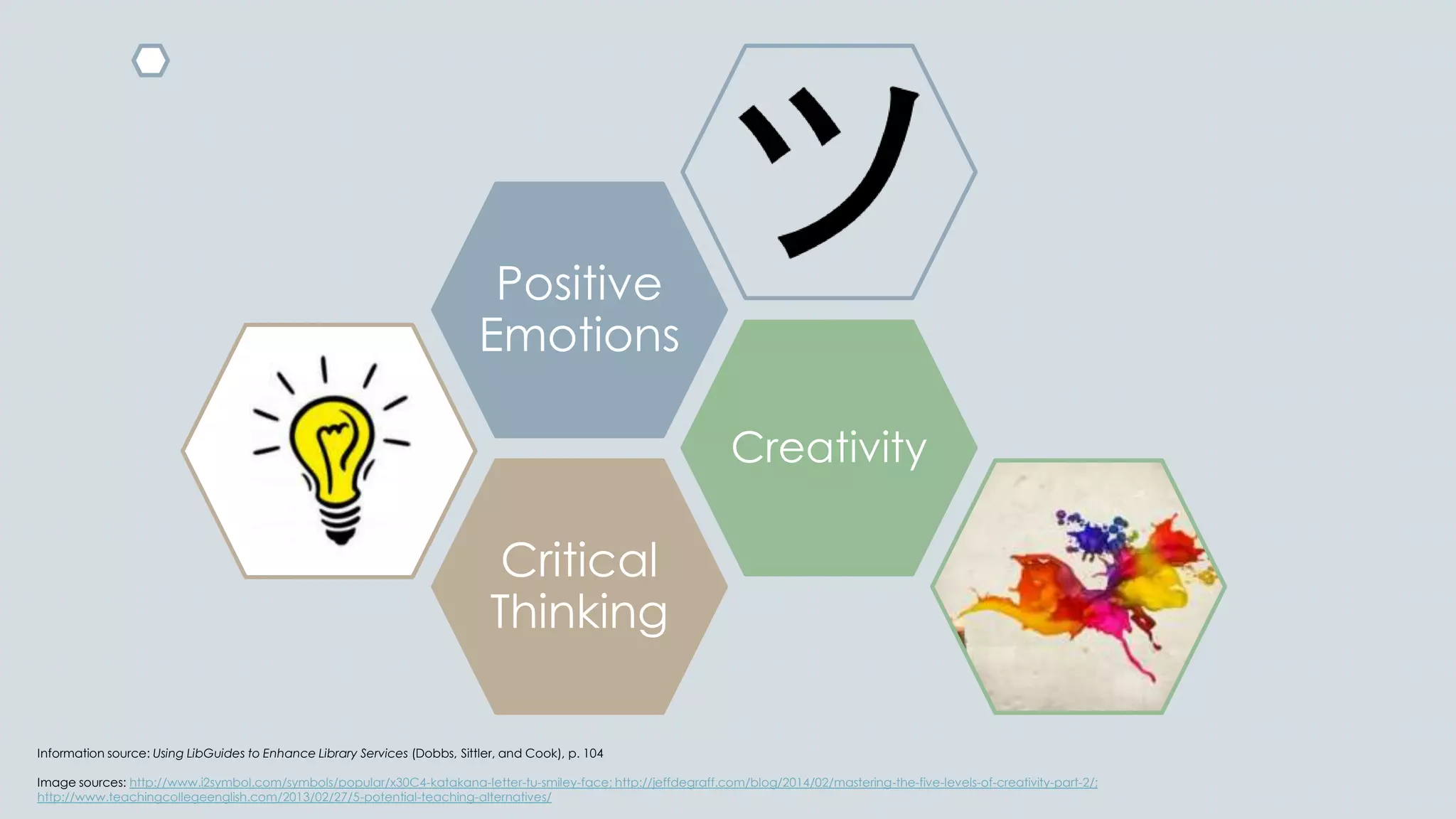
Critical
Thinking
Creativity
Positive
Emotions
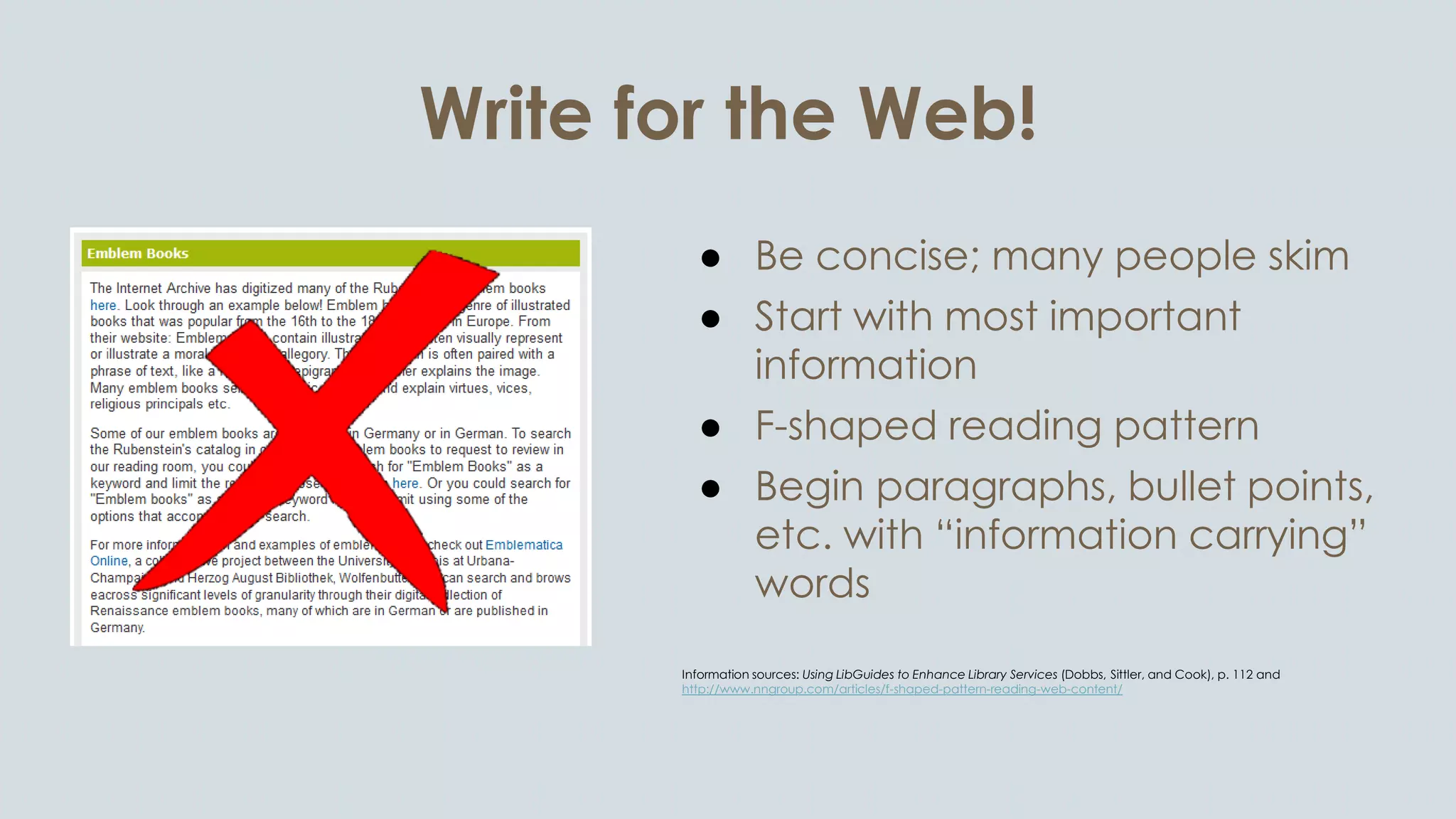
Write for the Web!
● Be concise; many people skim
● Start with most important
information
● F-shaped reading pattern
● Begin paragraphs, bullet points,
etc. with “information carrying”
words
Information sources: Using LibGuides to Enhance Library Services (Dobbs, Sittler, and Cook), p. 112 and
http://www.nngroup.com/articles/f-shaped-pattern-reading-web-content/
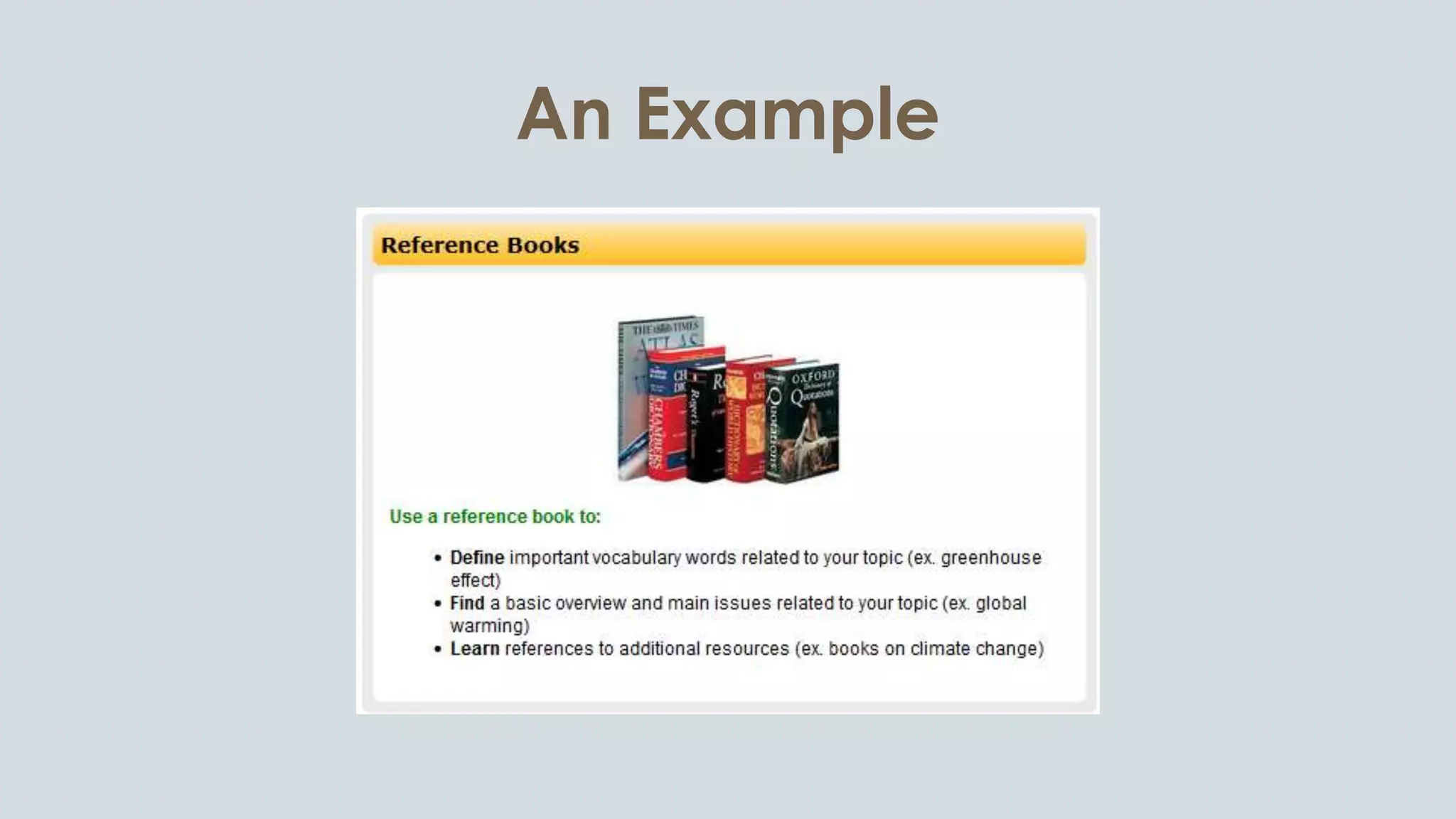
An Example
Chunk or Choke
Chunking is a learning
theory that involves
the breakdown of a
concept into smaller
units to facilitate
learning.
Information source: Using LibGuides to Enhance Library Services (Dobbs, Sittler, and Cook), p. 123
Image source: http://junbelen.wordpress.com/2010/01/11/homemade-split-pea-soup-with-homemade-cornbread/
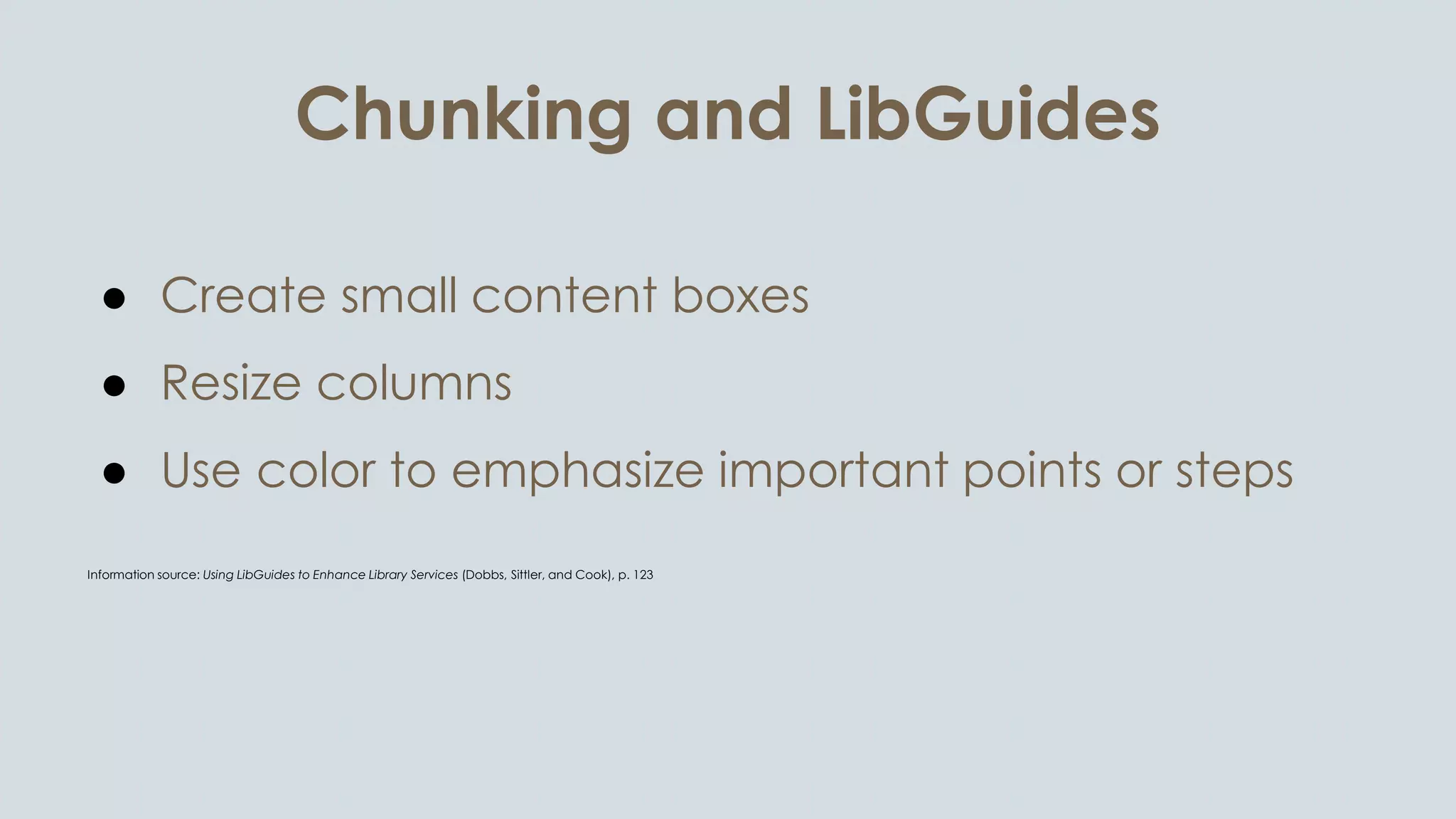
Chunking and LibGuides
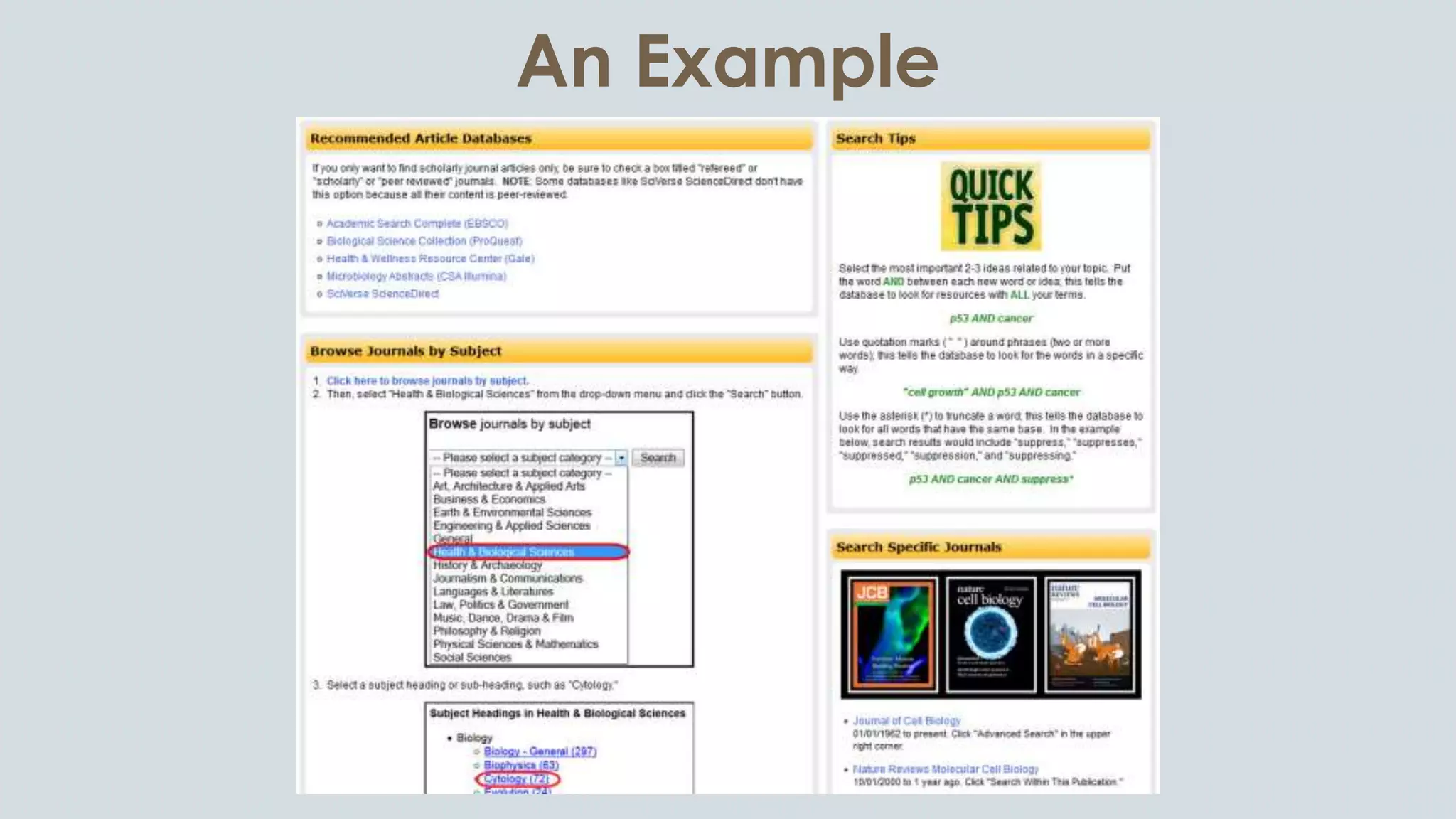
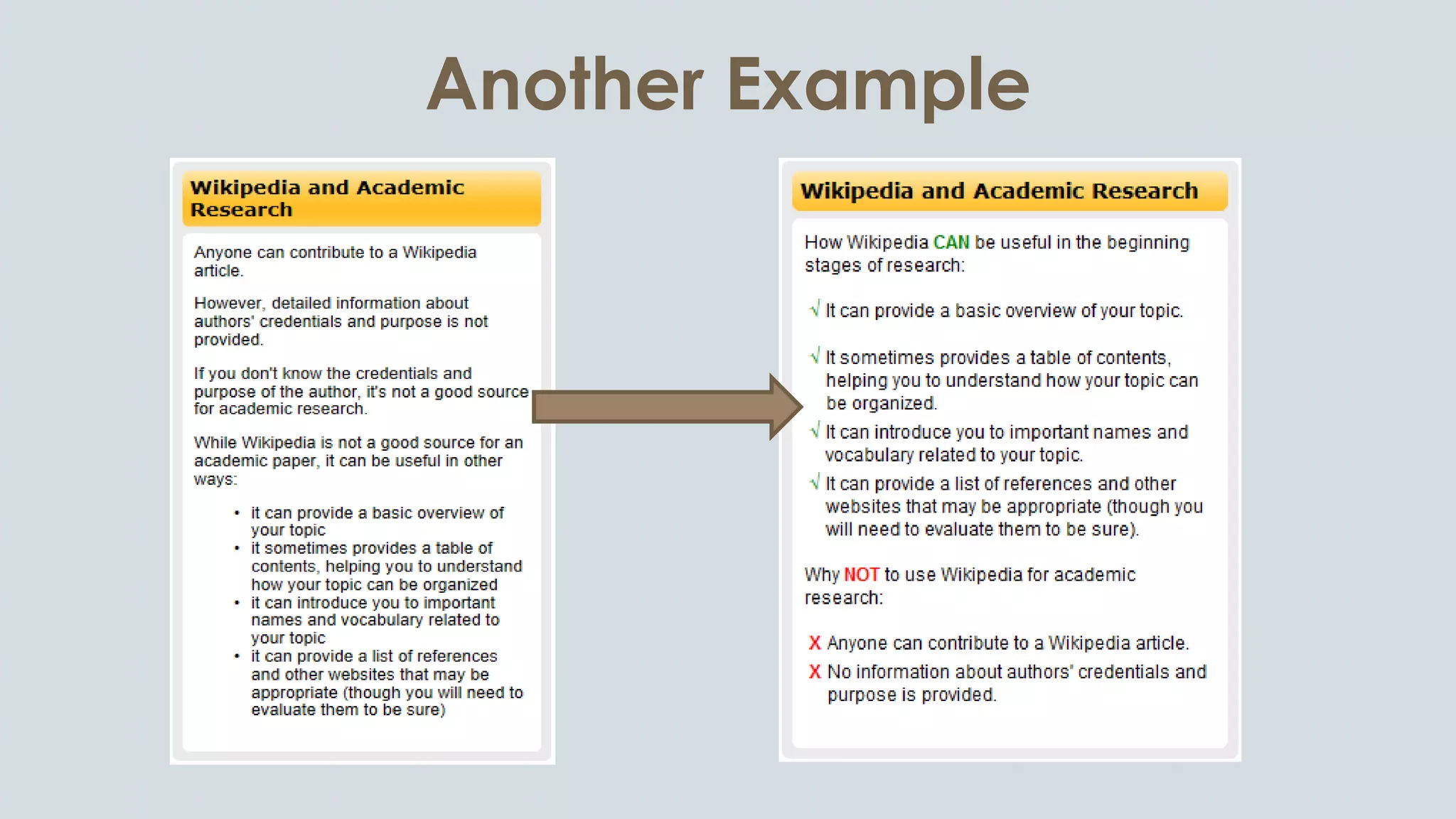
● Create small content boxes
● Resize columns
● Use color to emphasize important points or steps
Information source: Using LibGuides to Enhance Library Services (Dobbs, Sittler, and Cook), p. 123
An Example
Another Example
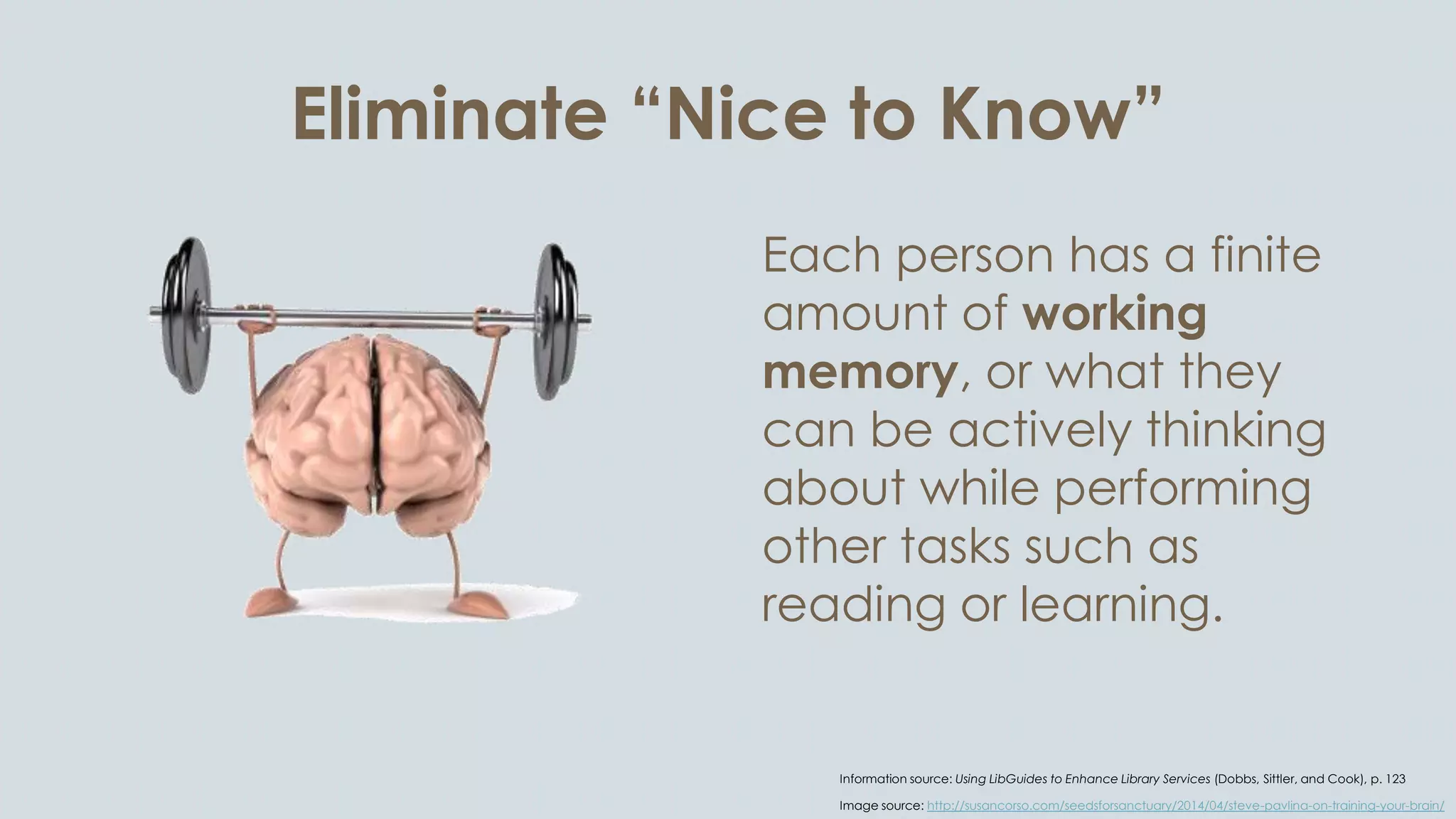
Eliminate “Nice to Know”
Each person has a finite
amount of working
memory, or what they
can be actively thinking
about while performing
other tasks such as
reading or learning.
Information source: Using LibGuides to Enhance Library Services (Dobbs, Sittler, and Cook), p. 123
Image source: http://susancorso.com/seedsforsanctuary/2014/04/steve-pavlina-on-training-your-brain/
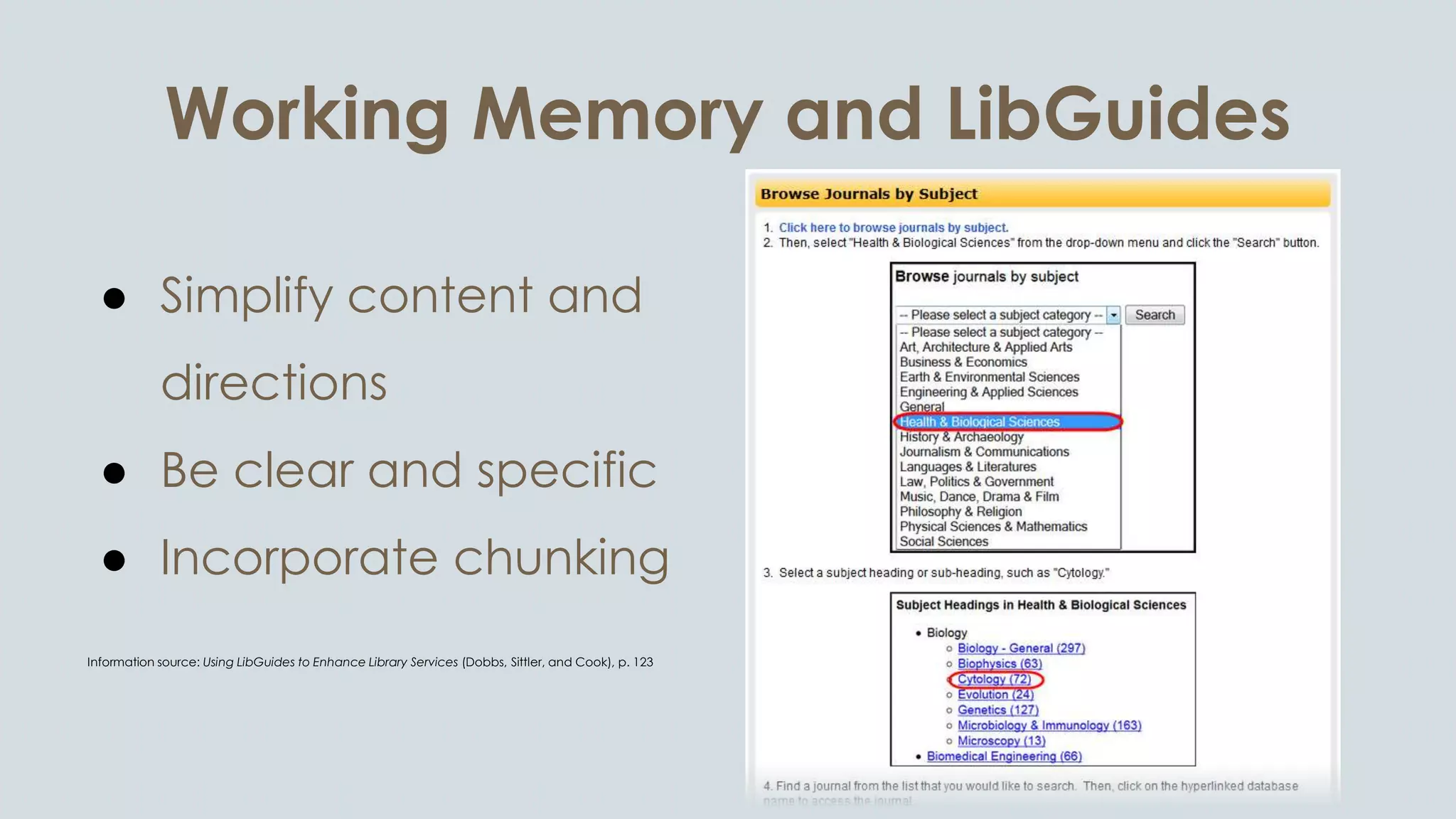
Working Memory and LibGuides
● Simplify content and
directions
● Be clear and specific
● Incorporate chunking
Information source: Using LibGuides to Enhance Library Services (Dobbs, Sittler, and Cook), p. 123
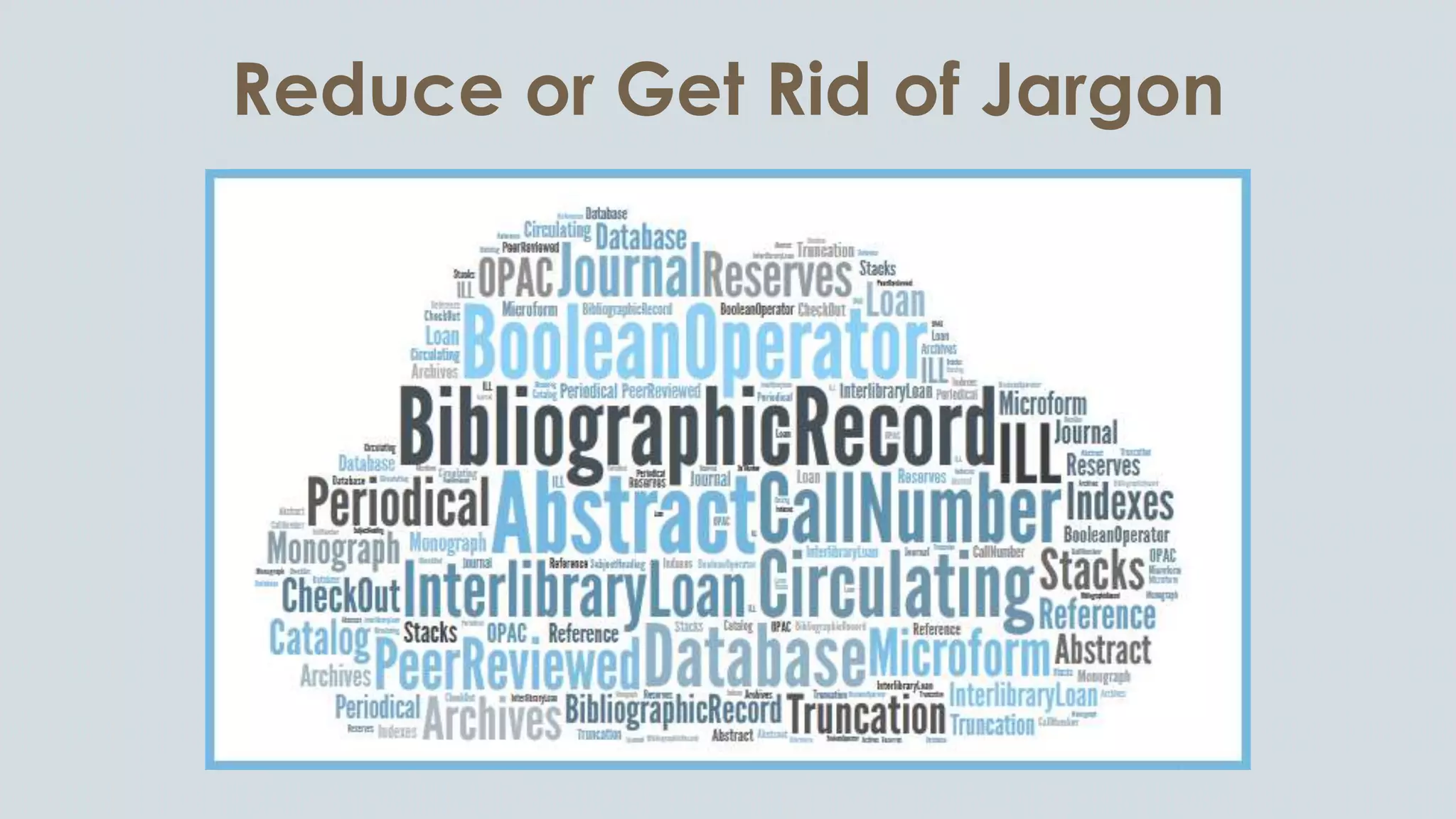
Reduce or Get Rid of Jargon
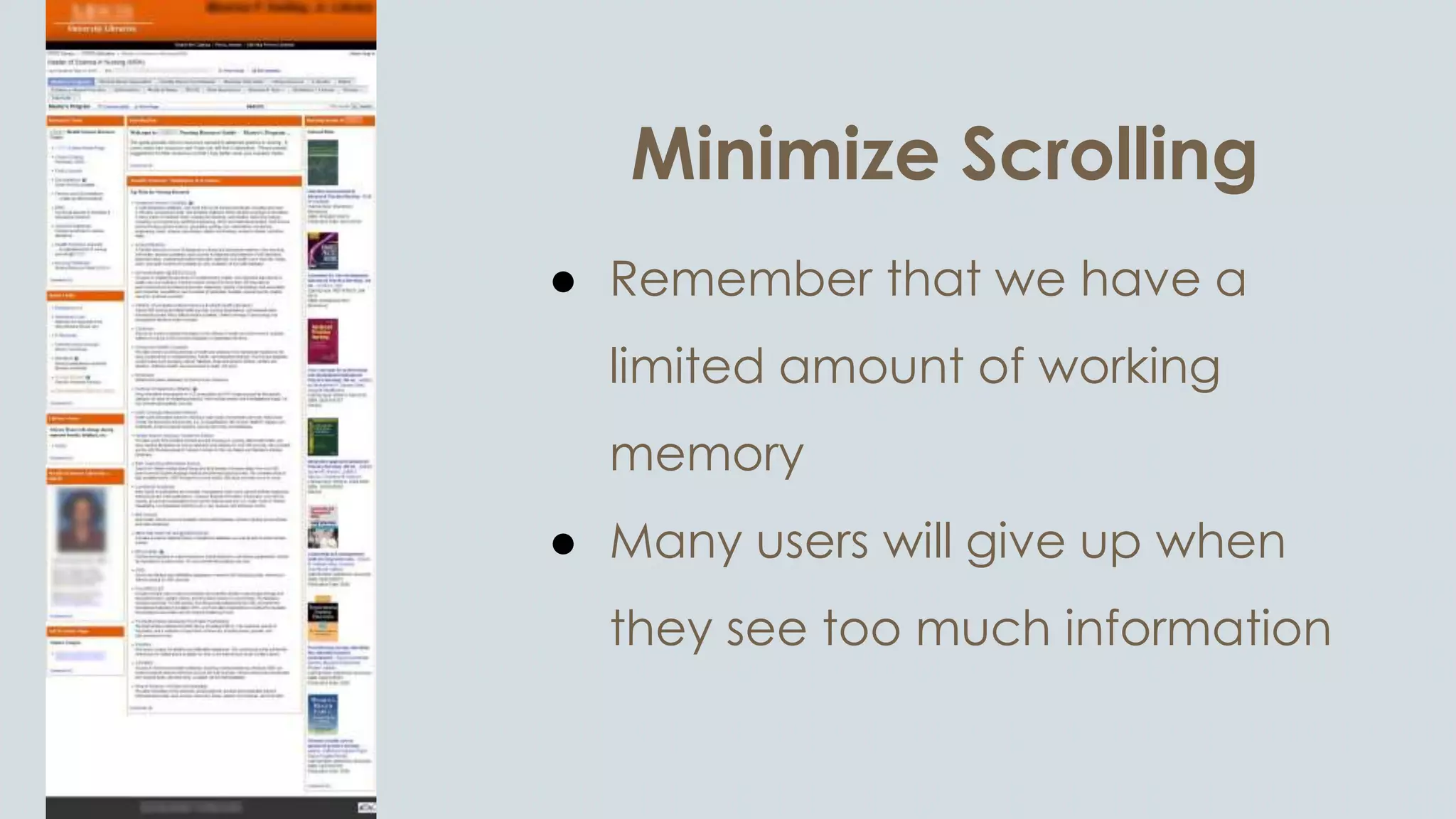
Minimize Scrolling
● Remember that we have a
limited amount of working
memory
● Many users will give up when
they see too much information
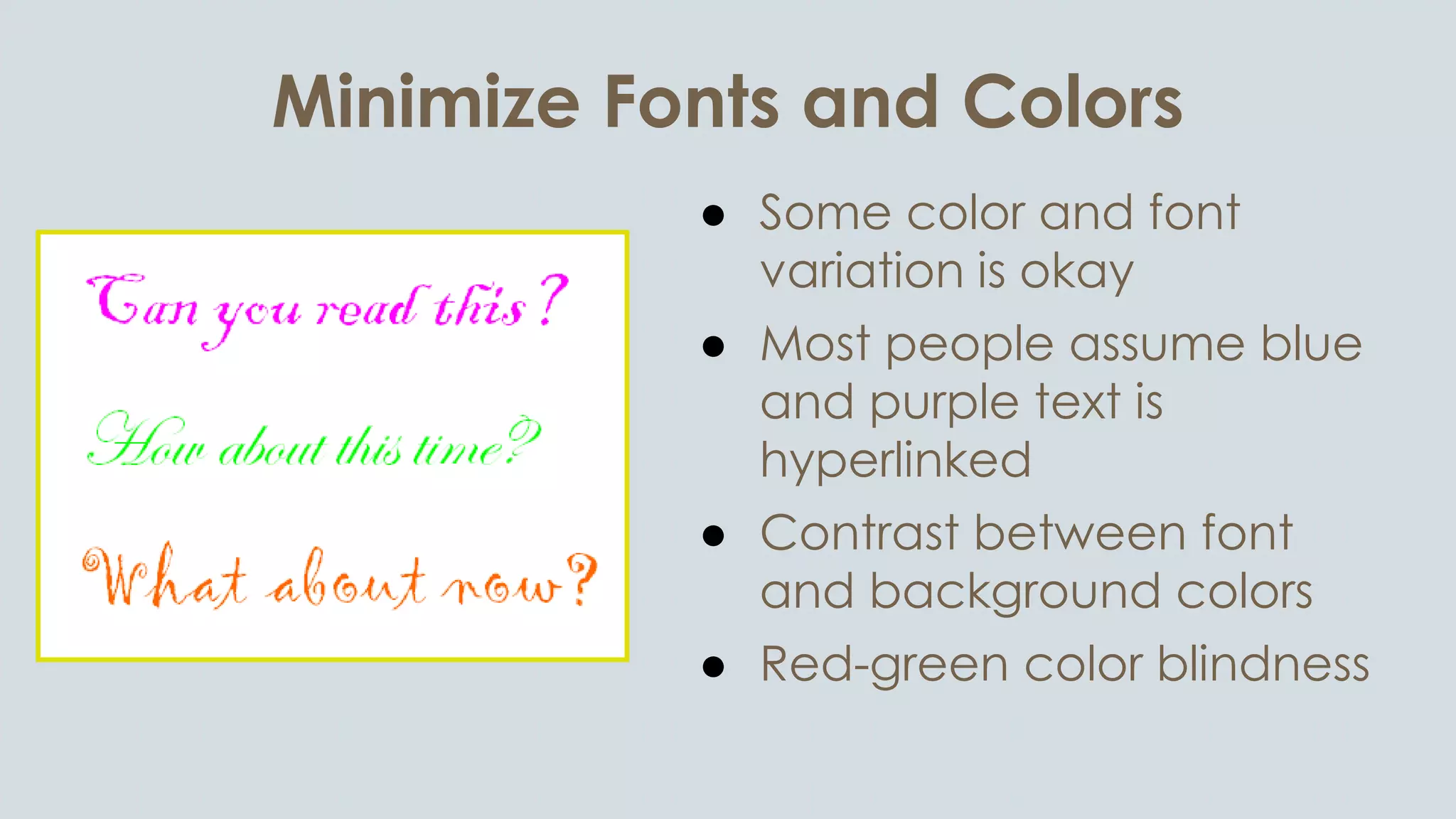
Minimize Fonts and Colors
● Some color and font
variation is okay
● Most people assume blue
and purple text is
hyperlinked
● Contrast between font
and background colors
● Red-green color blindness
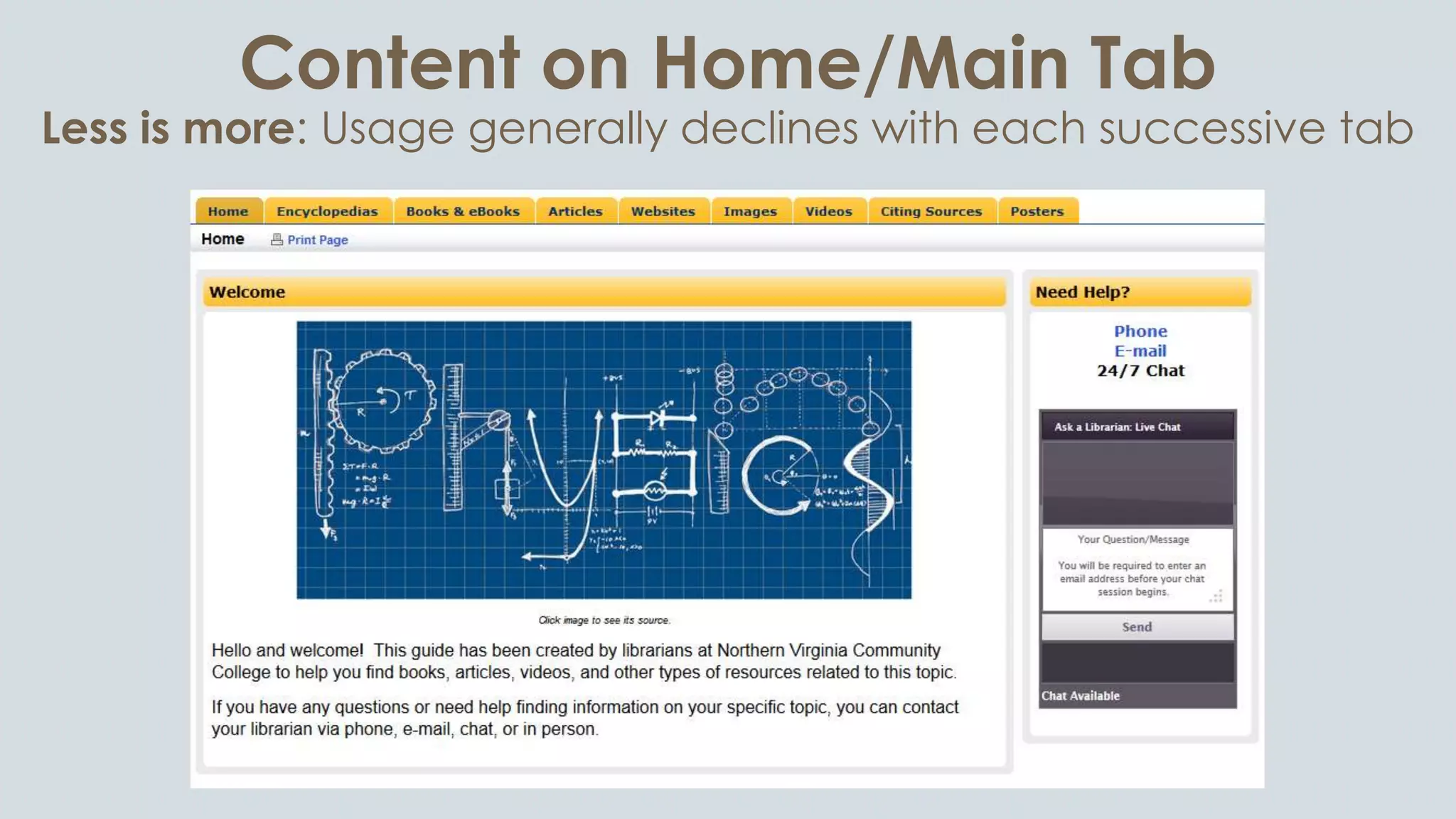
Content on Home/Main Tab
Less is more: Usage generally declines with each successive tab
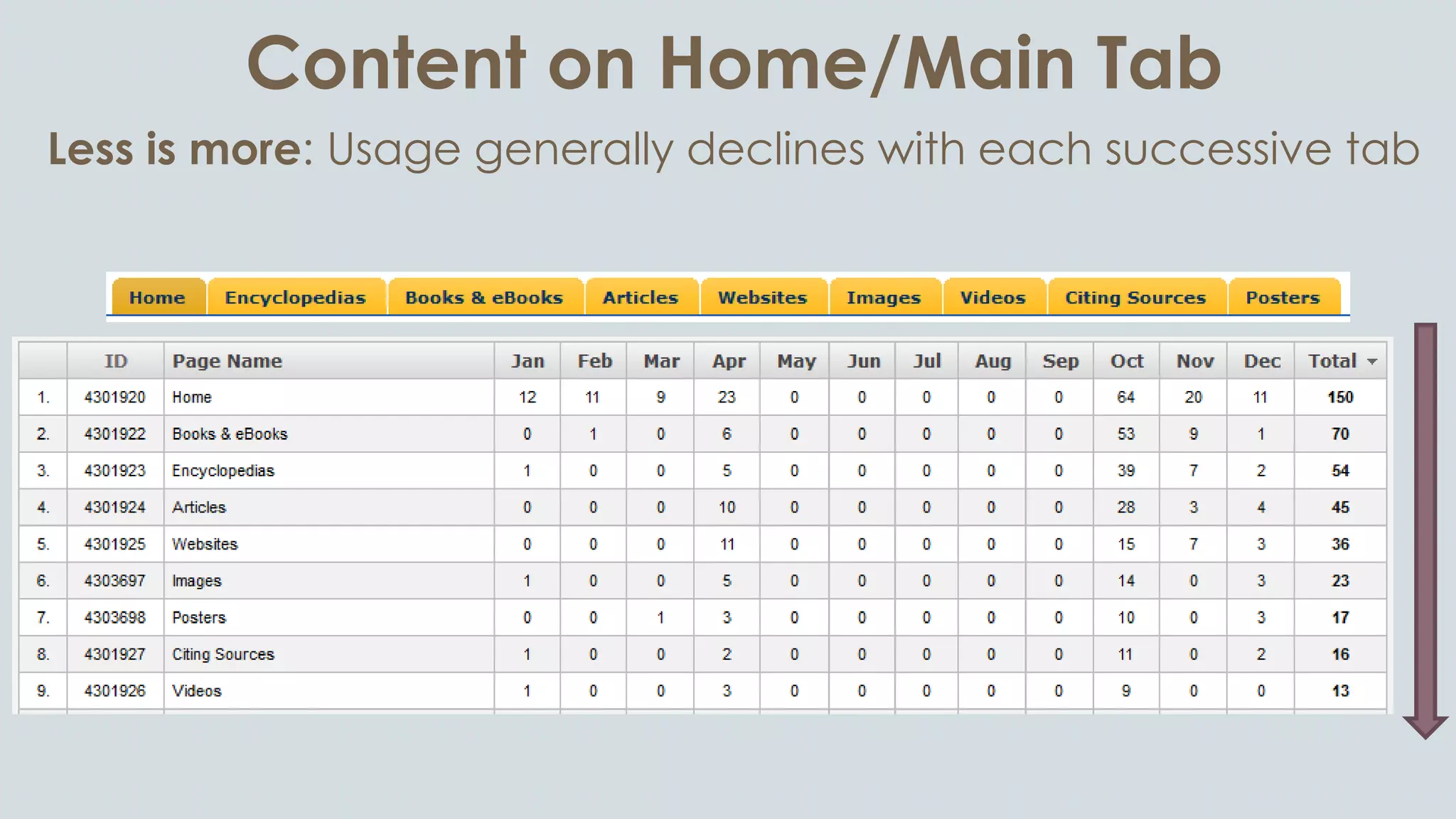
Content on Home/Main Tab
Less is more: Usage generally declines with each successive tab
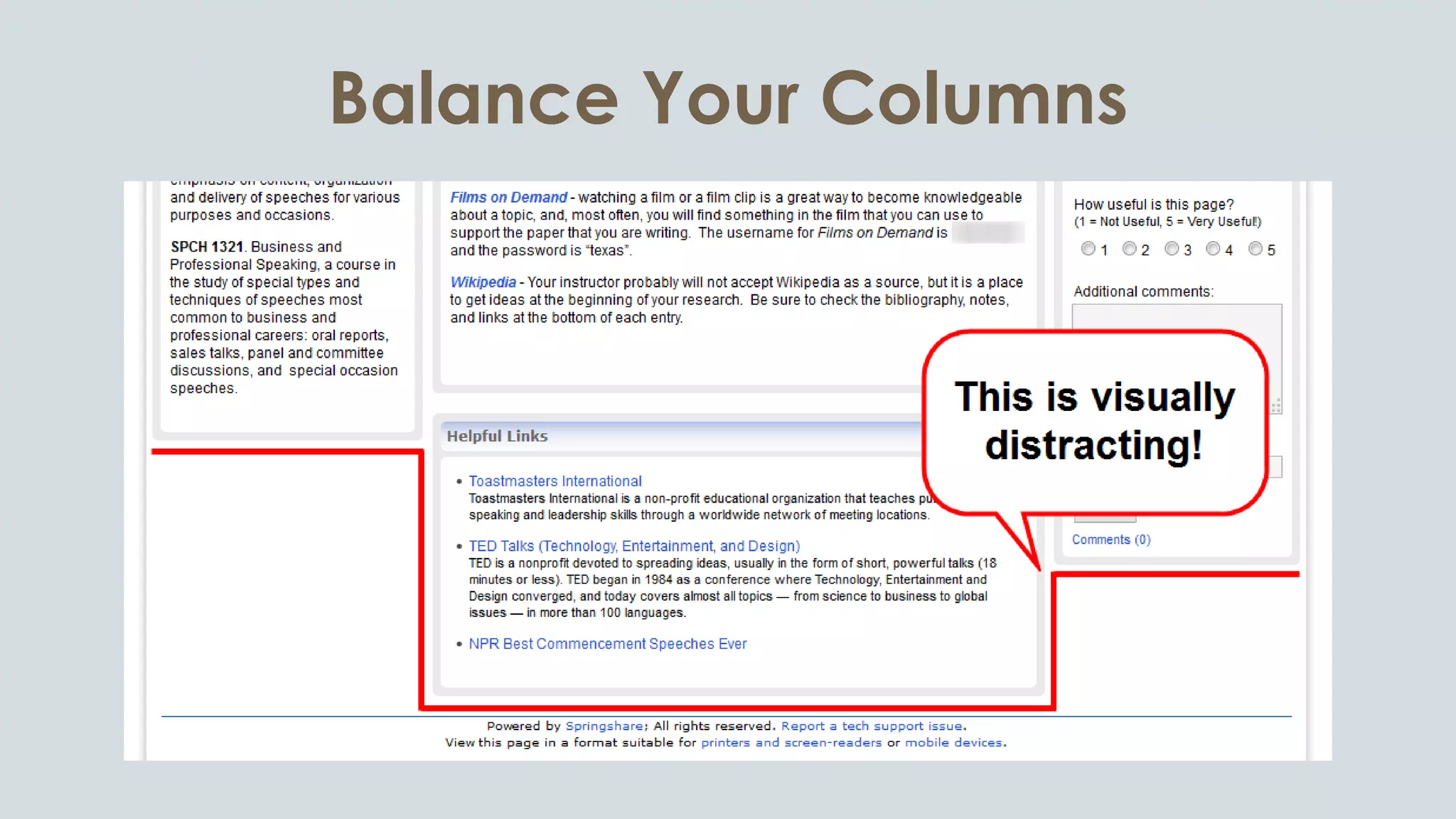
Balance Your Columns
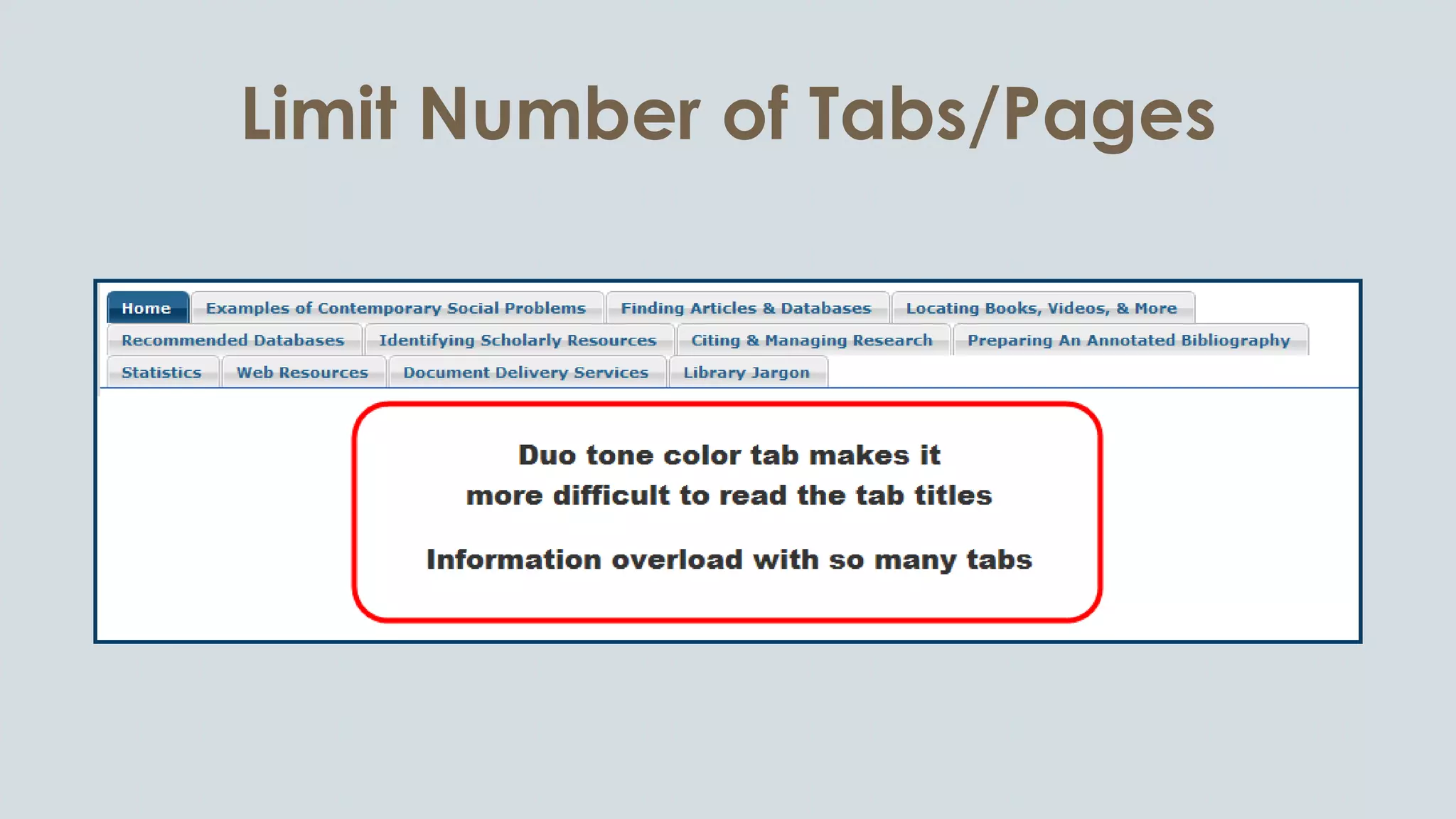
Limit Number of Tabs/Pages
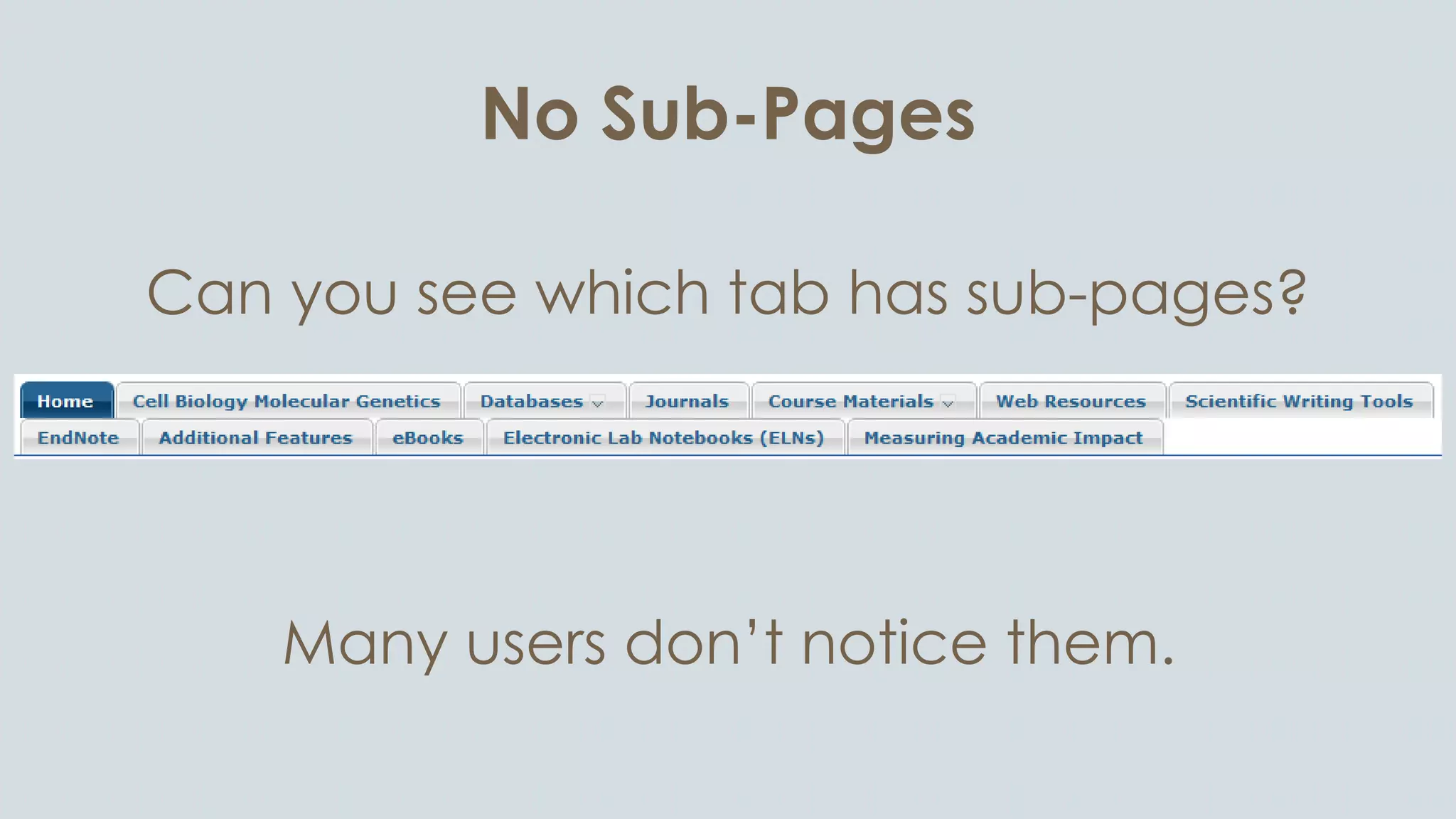
No Sub-Pages
Can you see which tab has sub-pages?
Many users don’t notice them.
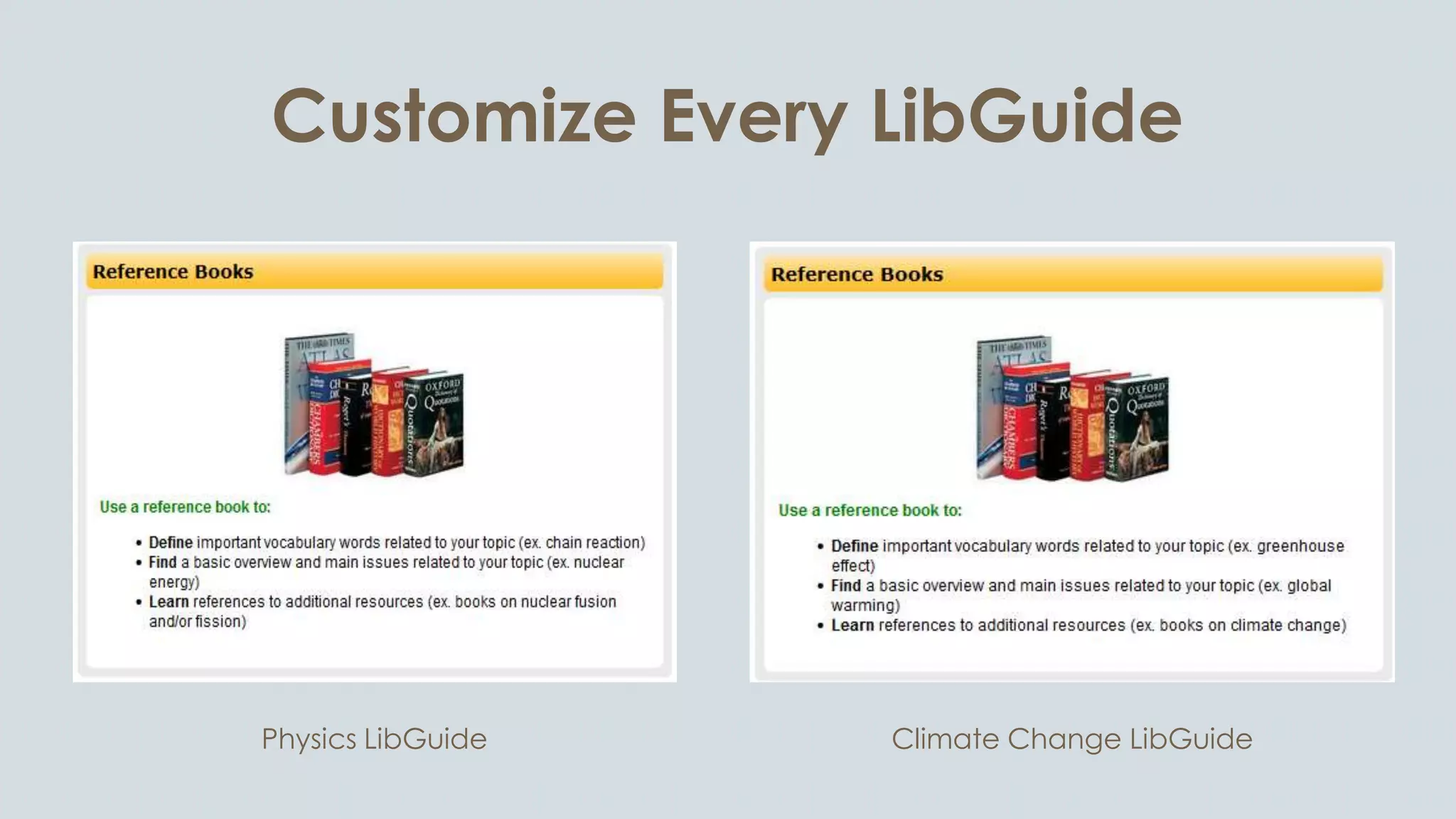
Customize Every LibGuide
Climate Change LibGuidePhysics LibGuide
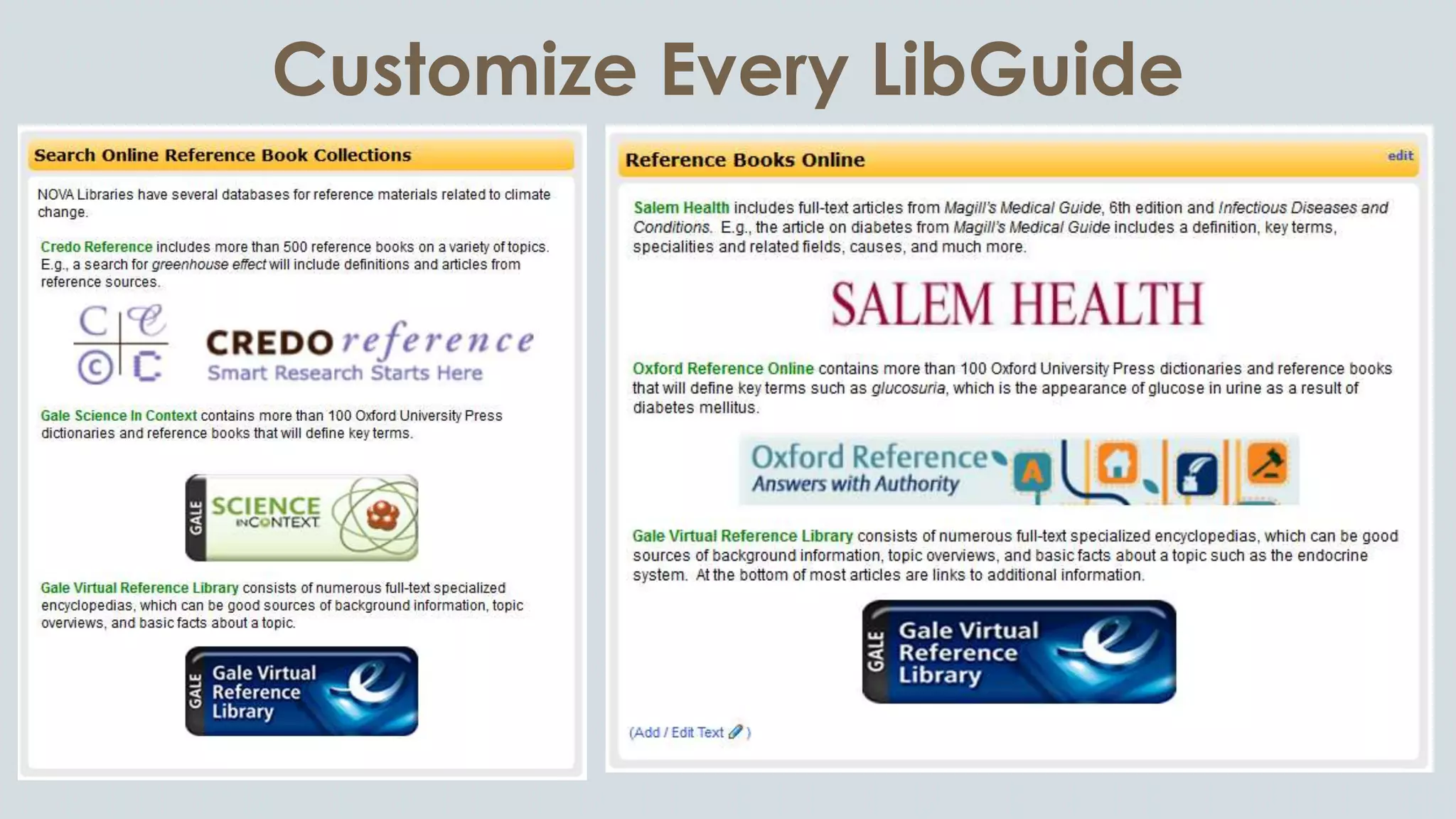
Customize Every LibGuide
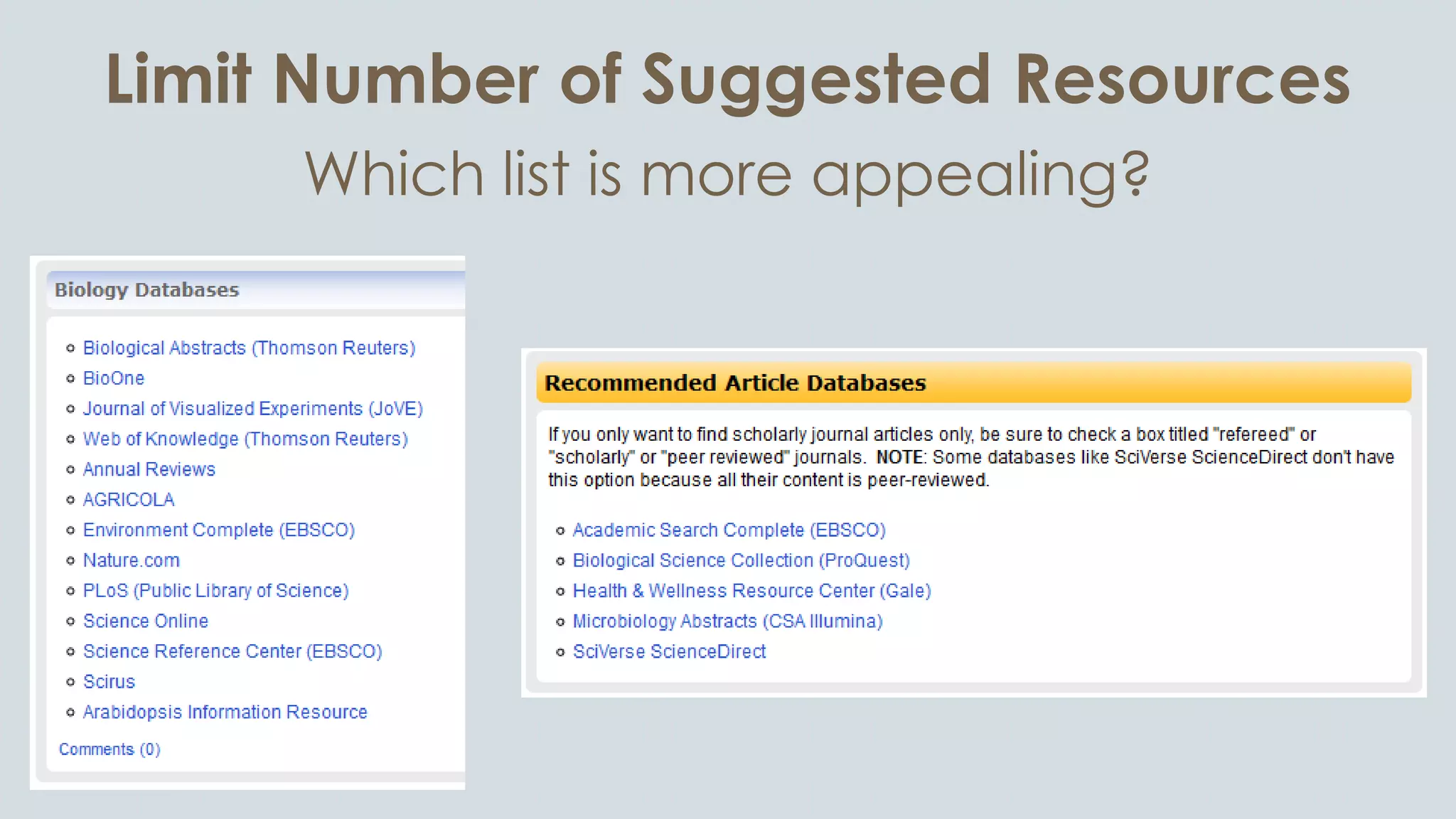
Limit Number of Suggested Resources
Which list is more appealing?
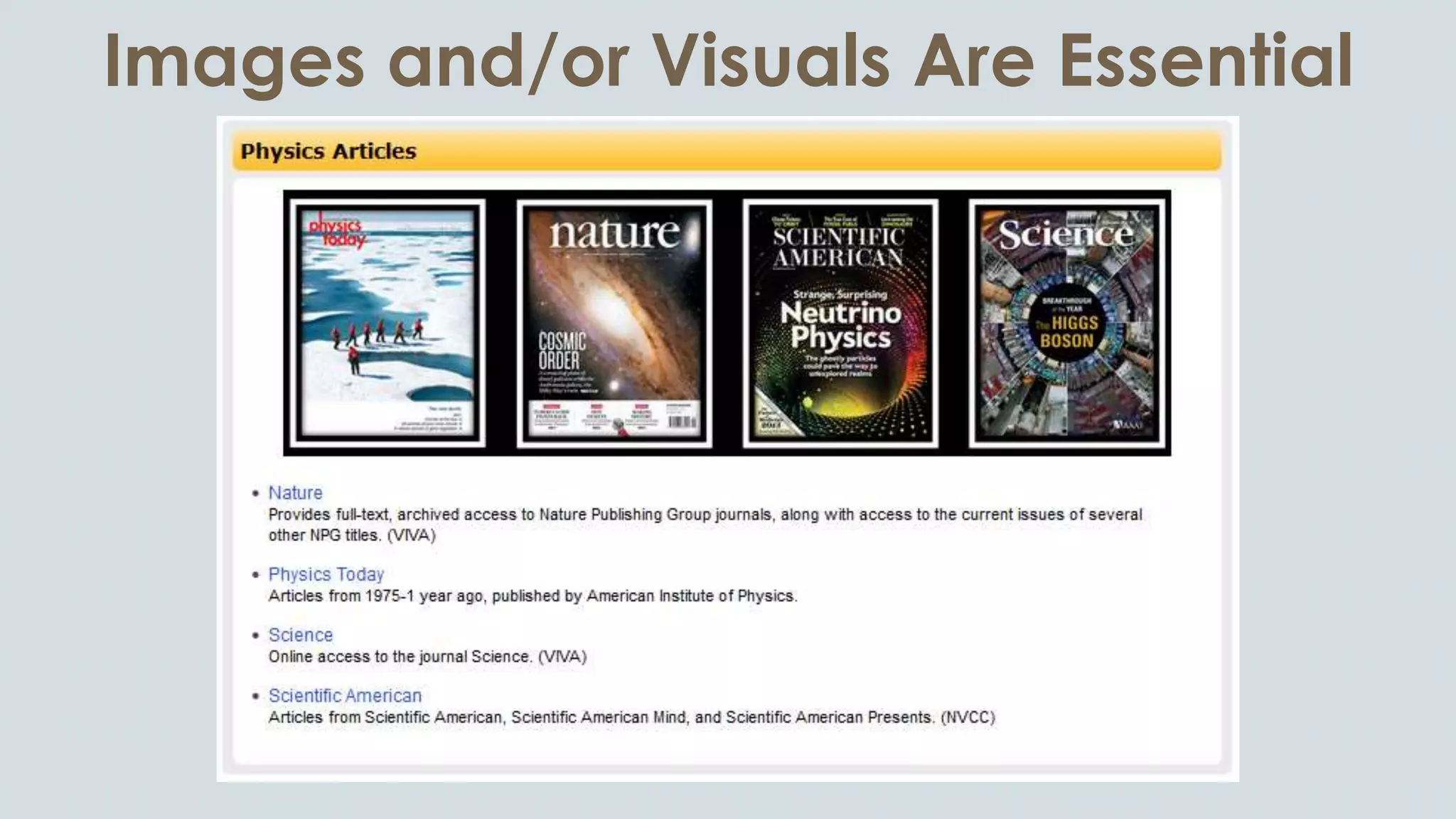
Images and/or Visuals Are Essential
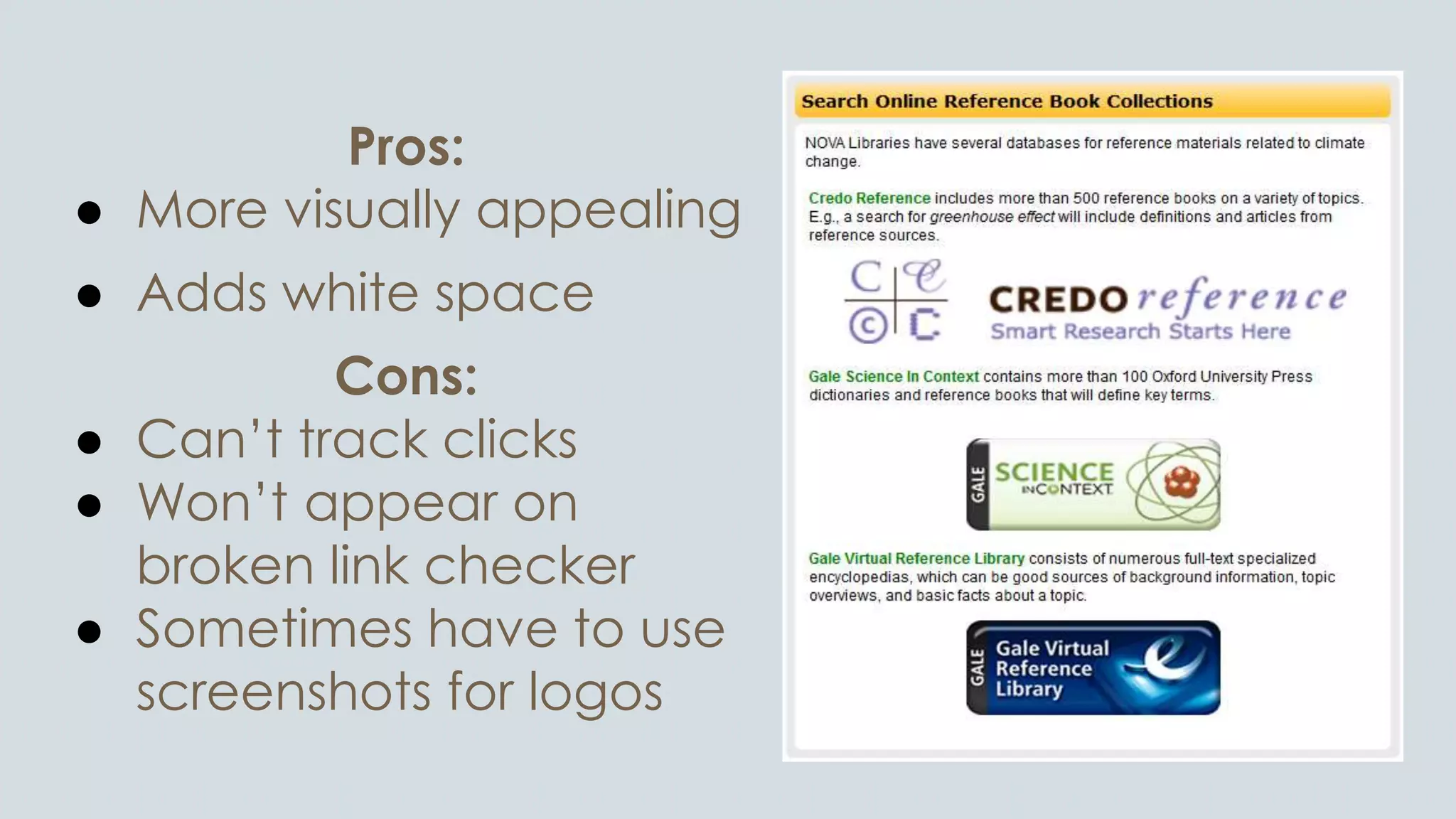
Pros:
● More visually appealing
● Adds white space
Cons:
● Can’t track clicks
● Won’t appear on
broken link checker
● Sometimes have to use
screenshots for logos
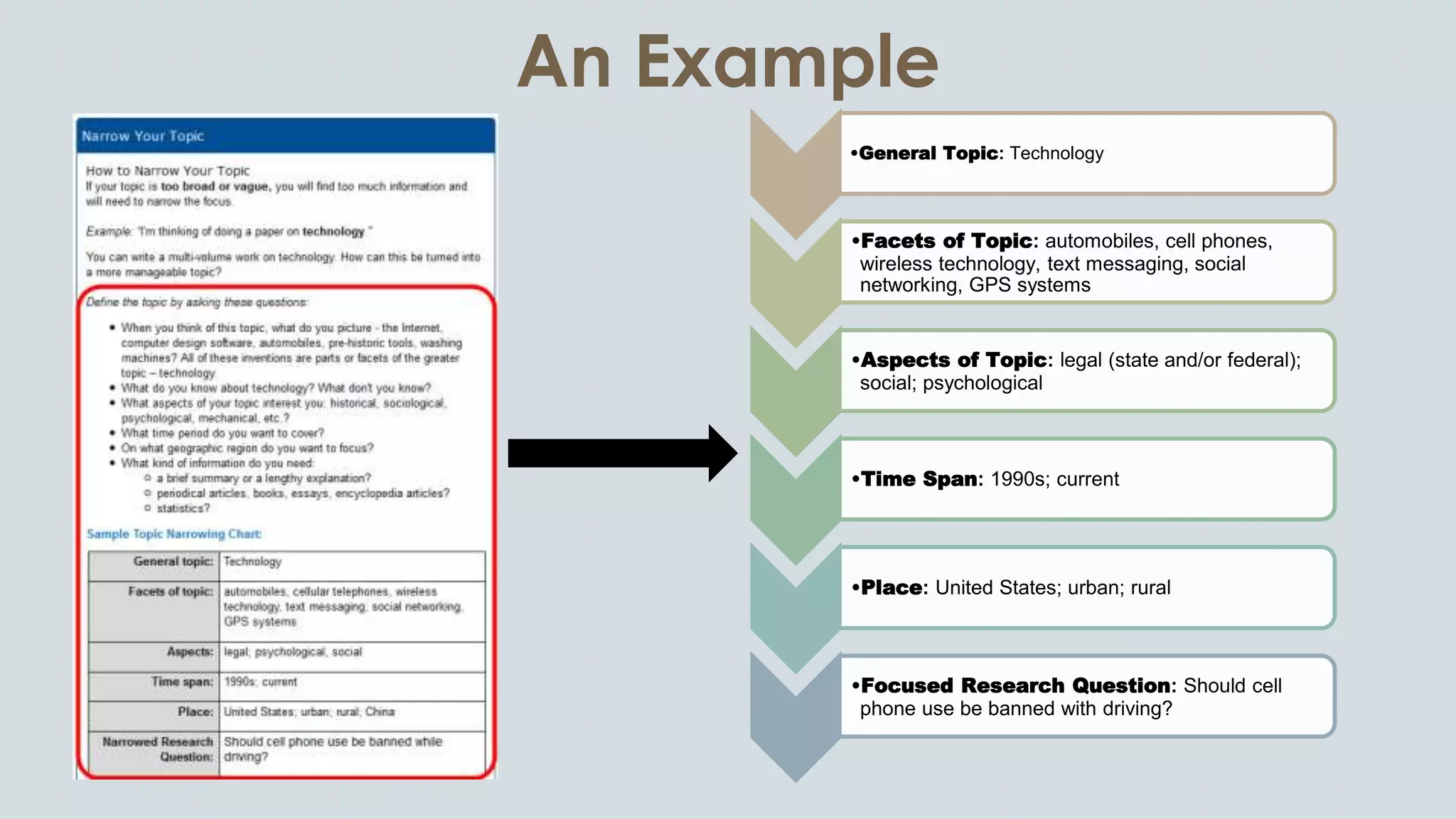
An Example
•General Topic: Technology
•Facets of Topic: automobiles, cell phones,
wireless technology, text messaging, social
networking, GPS systems
•Aspects of Topic: legal (state and/or federal);
social; psychological
•Time Span: 1990s; current
•Place: United States; urban; rural
•Focused Research Question: Should cell
phone use be banned with driving?
Where to Find Images
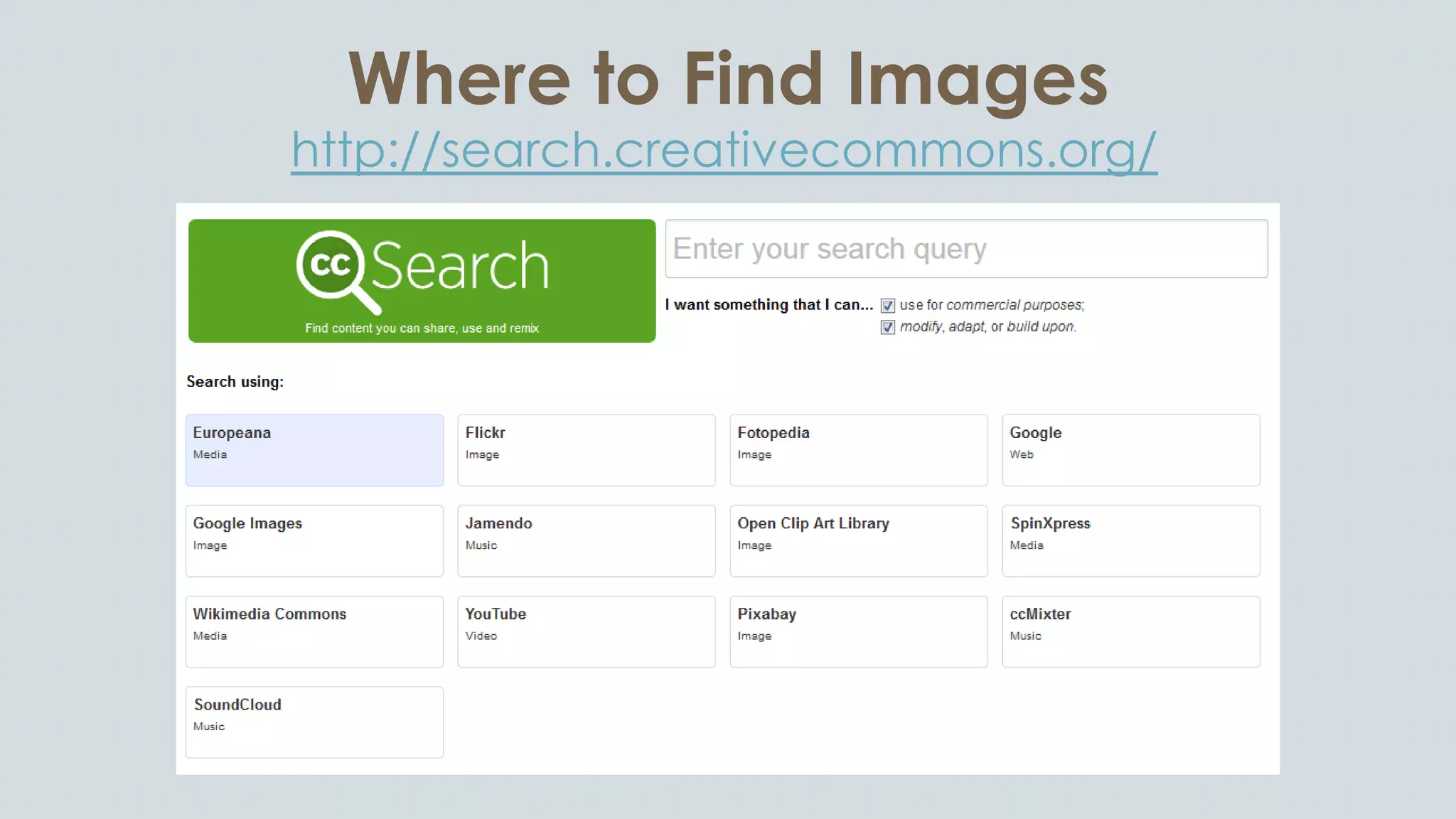
http://search.creativecommons.org/
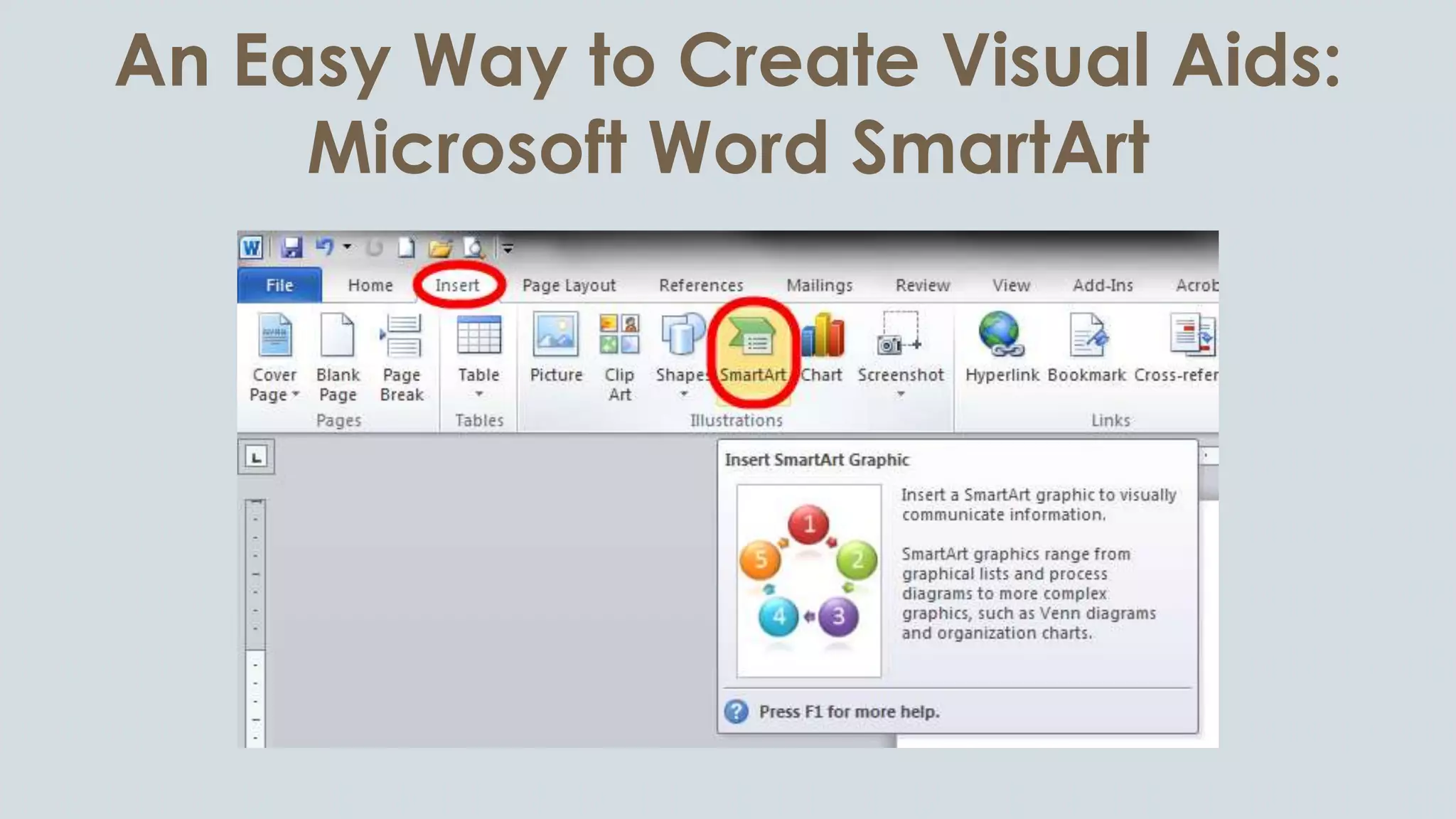
An Easy Way to Create Visual Aids:
Microsoft Word SmartArt
Where to Find Database Logos
Gale: http://solutions.cengage.com/Gale/Product-
Icons/
Ebsco:
https://www.ebscohost.com/customerSuccess/defau
lt.php?id=189
There are probably other vendors who provide icons for their products
Creating Screenshots
Snagit by Techsmith (license):
● Can take one screenshot of
scrolling webpage
● Video option
● Add text, highlight, blur, etc.
● Transparent background
● Can edit at a later time
Snipping Tool (Windows OS):
● Can only capture what is visible
(i.e., no scrolling)
● Can only write using mouse
(i.e., no type)
● Highlighter (but very rough)
● Cannot edit later
Tips for Creating Screenshots
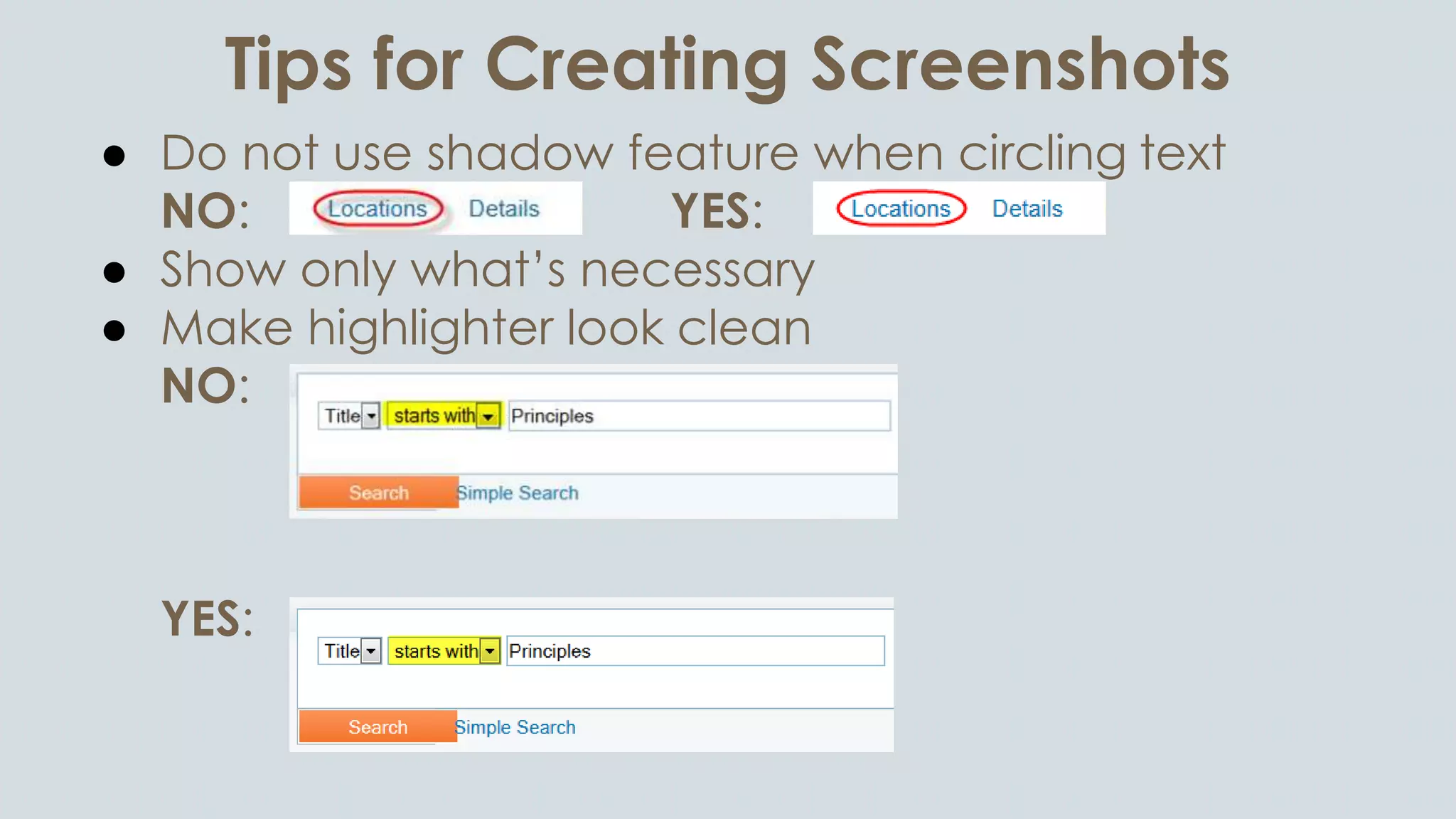
● Do not use shadow feature when circling text
NO: YES:
● Show only what’s necessary
● Make highlighter look clean
NO:
YES:
Link or Give Credit for Images
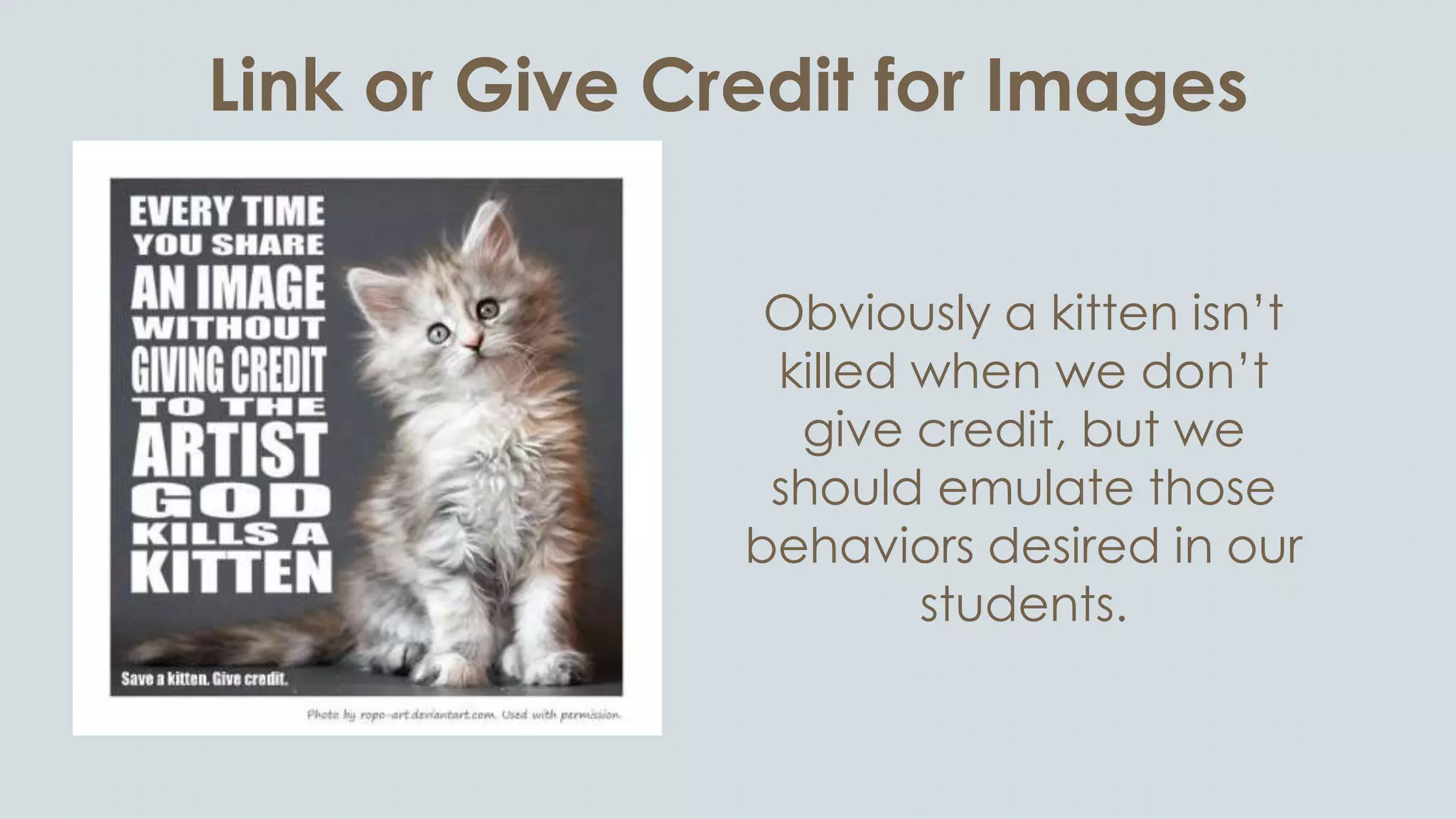
Obviously a kitten isn’t
killed when we don’t
give credit, but we
should emulate those
behaviors desired in our
students.
Further Reading
 Using LibGuides to Enhance Library Services
http://www.amazon.com/Using-LibGuides-Enhance-Library-Services/dp/1555708803/
 Design for How People Learn
http://www.amazon.com/Design-People-Learn-Voices-Matter/dp/0321768434/
 e-Learning and the Science of Instruction: Proven Guidelines
for Consumers and Designers of Multimedia Learning
http://www.amazon.com/-Learning-Science-Instruction-Guidelines-Multimedia/dp/0470874309/
 The Non-Designer’s Design Book
http://www.amazon.com/Non-Designers-Design-Book-3rd/dp/0321534042/

Why Good LibGuide Design Matters & How You Can Get It Right

  • 3.
    Information source: UsingLibGuides to Enhance Library Services (Dobbs, Sittler, and Cook), p. 104 Image sources: http://www.i2symbol.com/symbols/popular/x30C4-katakana-letter-tu-smiley-face; http://jeffdegraff.com/blog/2014/02/mastering-the-five-levels-of-creativity-part-2/; http://www.teachingcollegeenglish.com/2013/02/27/5-potential-teaching-alternatives/ Critical Thinking Creativity Positive Emotions
  • 4.
    Write for theWeb! ● Be concise; many people skim ● Start with most important information ● F-shaped reading pattern ● Begin paragraphs, bullet points, etc. with “information carrying” words Information sources: Using LibGuides to Enhance Library Services (Dobbs, Sittler, and Cook), p. 112 and http://www.nngroup.com/articles/f-shaped-pattern-reading-web-content/
  • 5.
  • 6.
    Chunk or Choke Chunkingis a learning theory that involves the breakdown of a concept into smaller units to facilitate learning. Information source: Using LibGuides to Enhance Library Services (Dobbs, Sittler, and Cook), p. 123 Image source: http://junbelen.wordpress.com/2010/01/11/homemade-split-pea-soup-with-homemade-cornbread/
  • 7.
    Chunking and LibGuides ●Create small content boxes ● Resize columns ● Use color to emphasize important points or steps Information source: Using LibGuides to Enhance Library Services (Dobbs, Sittler, and Cook), p. 123
  • 8.
  • 9.
  • 10.
    Eliminate “Nice toKnow” Each person has a finite amount of working memory, or what they can be actively thinking about while performing other tasks such as reading or learning. Information source: Using LibGuides to Enhance Library Services (Dobbs, Sittler, and Cook), p. 123 Image source: http://susancorso.com/seedsforsanctuary/2014/04/steve-pavlina-on-training-your-brain/
  • 11.
    Working Memory andLibGuides ● Simplify content and directions ● Be clear and specific ● Incorporate chunking Information source: Using LibGuides to Enhance Library Services (Dobbs, Sittler, and Cook), p. 123
  • 12.
    Reduce or GetRid of Jargon
  • 13.
    Minimize Scrolling ● Rememberthat we have a limited amount of working memory ● Many users will give up when they see too much information
  • 14.
    Minimize Fonts andColors ● Some color and font variation is okay ● Most people assume blue and purple text is hyperlinked ● Contrast between font and background colors ● Red-green color blindness
  • 15.
    Content on Home/MainTab Less is more: Usage generally declines with each successive tab
  • 16.
    Content on Home/MainTab Less is more: Usage generally declines with each successive tab
  • 17.
  • 18.
    Limit Number ofTabs/Pages
  • 19.
    No Sub-Pages Can yousee which tab has sub-pages? Many users don’t notice them.
  • 20.
    Customize Every LibGuide ClimateChange LibGuidePhysics LibGuide
  • 21.
  • 22.
    Limit Number ofSuggested Resources Which list is more appealing?
  • 23.
    Images and/or VisualsAre Essential
  • 24.
    Pros: ● More visuallyappealing ● Adds white space Cons: ● Can’t track clicks ● Won’t appear on broken link checker ● Sometimes have to use screenshots for logos
  • 25.
    An Example •General Topic:Technology •Facets of Topic: automobiles, cell phones, wireless technology, text messaging, social networking, GPS systems •Aspects of Topic: legal (state and/or federal); social; psychological •Time Span: 1990s; current •Place: United States; urban; rural •Focused Research Question: Should cell phone use be banned with driving?
  • 26.
    Where to FindImages http://search.creativecommons.org/
  • 27.
    An Easy Wayto Create Visual Aids: Microsoft Word SmartArt
  • 28.
    Where to FindDatabase Logos Gale: http://solutions.cengage.com/Gale/Product- Icons/ Ebsco: https://www.ebscohost.com/customerSuccess/defau lt.php?id=189 There are probably other vendors who provide icons for their products
  • 29.
    Creating Screenshots Snagit byTechsmith (license): ● Can take one screenshot of scrolling webpage ● Video option ● Add text, highlight, blur, etc. ● Transparent background ● Can edit at a later time Snipping Tool (Windows OS): ● Can only capture what is visible (i.e., no scrolling) ● Can only write using mouse (i.e., no type) ● Highlighter (but very rough) ● Cannot edit later
  • 30.
    Tips for CreatingScreenshots ● Do not use shadow feature when circling text NO: YES: ● Show only what’s necessary ● Make highlighter look clean NO: YES:
  • 31.
    Link or GiveCredit for Images Obviously a kitten isn’t killed when we don’t give credit, but we should emulate those behaviors desired in our students.
  • 32.
    Further Reading  UsingLibGuides to Enhance Library Services http://www.amazon.com/Using-LibGuides-Enhance-Library-Services/dp/1555708803/  Design for How People Learn http://www.amazon.com/Design-People-Learn-Voices-Matter/dp/0321768434/  e-Learning and the Science of Instruction: Proven Guidelines for Consumers and Designers of Multimedia Learning http://www.amazon.com/-Learning-Science-Instruction-Guidelines-Multimedia/dp/0470874309/  The Non-Designer’s Design Book http://www.amazon.com/Non-Designers-Design-Book-3rd/dp/0321534042/

Editor's Notes

  • #3 Our jobs are about service. Well-designed materials provide better service to our patrons.
  • #4 Good design elicits …
  • #15 Colors also vary depending on monitor resolution
  • #23 Try to offer no more than 3-5 of the most useful resources. Remember, no “nice to know” information.
  • #26 The colors, bullet points, and arrows all lend themselves to easier comprehension, are more visually appearing, and are less overwhelming
  • #31 Shadow impairs legibility, especially for those with visual impairments