Lamar University
                          College of Education
                        Educational Leadership
                                Beaumont, TX


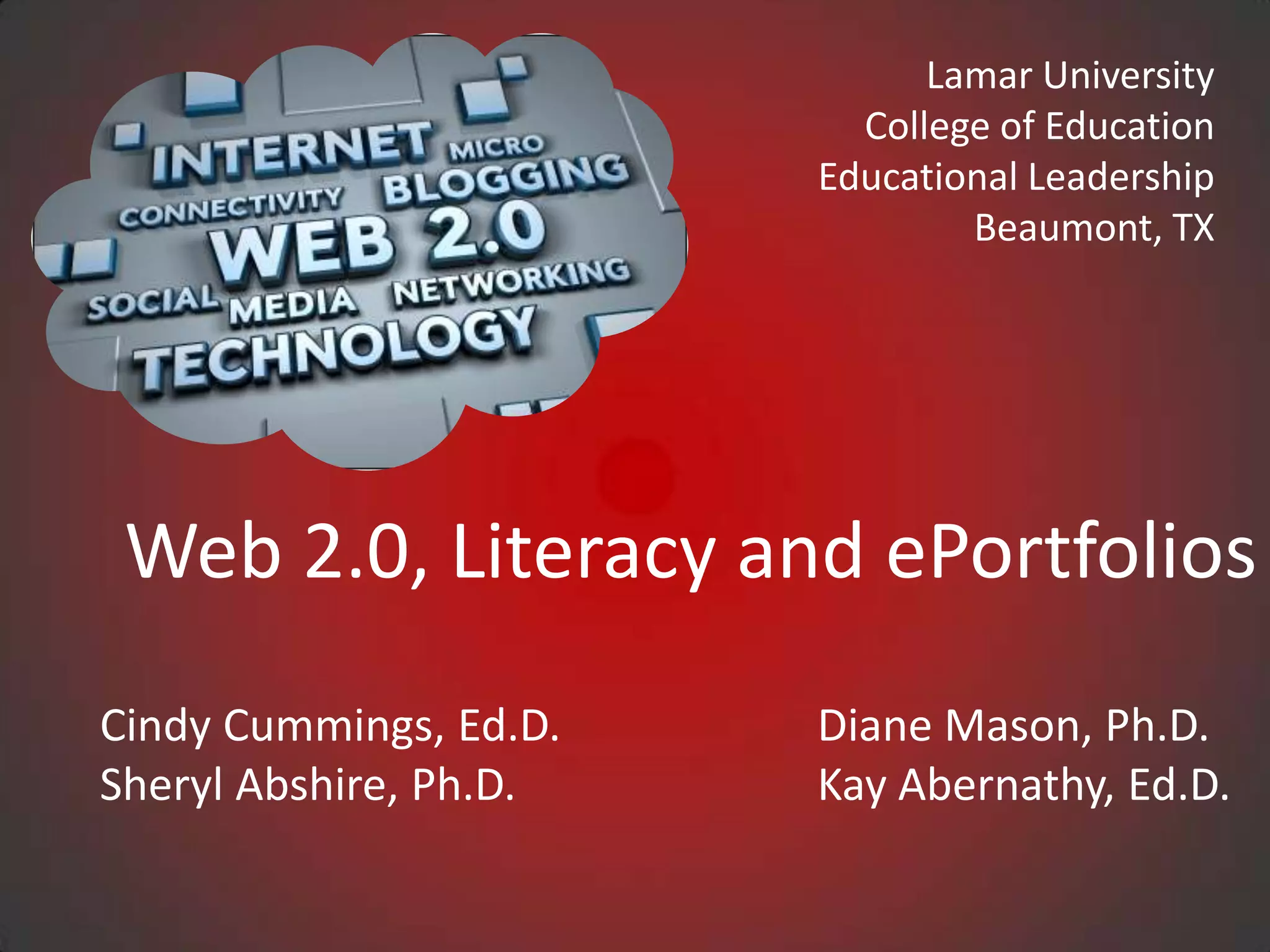
 Web 2.0, Literacy and ePortfolios
Cindy Cummings, Ed.D.   Diane Mason, Ph.D.
Sheryl Abshire, Ph.D.   Kay Abernathy, Ed.D.
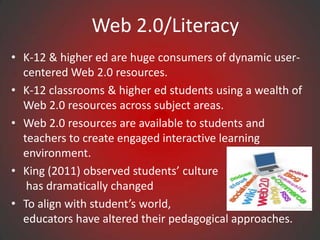
Web 2.0/Literacy
• K-12 & higher ed are huge consumers of dynamic user-
  centered Web 2.0 resources.
• K-12 classrooms & higher ed students using a wealth of
  Web 2.0 resources across subject areas.
• Web 2.0 resources are available to students and
  teachers to create engaged interactive learning
  environment.
• King (2011) observed students’ culture
   has dramatically changed
• To align with student’s world,
  educators have altered their pedagogical approaches.
Web 2.0/Literacy
• New pedagogical approaches are student centered and
  are in response to the cultural and literacy demands of
  the information age.
• Solomon and Schrum (2007) defined literacy today
  “acquiring new skills, including those of using
  technology, understanding science, having global
  awareness, and most important, having the ability to
  keep learning” (p.20).
• Consequently, we have seen huge strides made in
  contributing to the growth of literacy with the use of
  Web 2.0 tools.
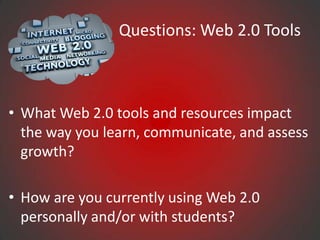
Questions: Web 2.0 Tools


• What Web 2.0 tools and resources impact
  the way you learn, communicate, and assess
  growth?

• How are you currently using Web 2.0
  personally and/or with students?
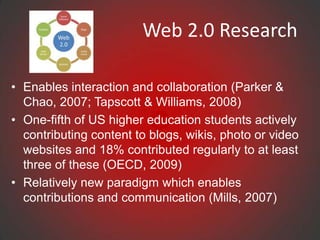
Web 2.0 Research

• Enables interaction and collaboration (Parker &
  Chao, 2007; Tapscott & Williams, 2008)
• One-fifth of US higher education students actively
  contributing content to blogs, wikis, photo or video
  websites and 18% contributed regularly to at least
  three of these (OECD, 2009)
• Relatively new paradigm which enables
  contributions and communication (Mills, 2007)
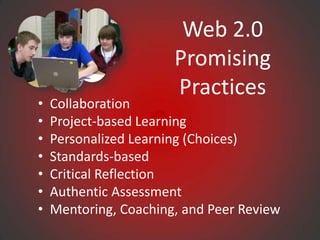
Web 2.0
                       Promising
                       Practices
•   Collaboration
•   Project-based Learning
•   Personalized Learning (Choices)
•   Standards-based
•   Critical Reflection
•   Authentic Assessment
•   Mentoring, Coaching, and Peer Review
Web 2.0 Tools

• EdShelf
• Google Tools, Slideshare, AudioBoo
• DropBox, DropVox, & MediaFire
• Web Conferencing, Skype, Google Talk/Chat Hangouts
• Animoto, Podcasts, Stykz, Audacity, Wordle, Tagxedo
• Assistive Technologies
• YouTube, TeacherTube, SchoolTube, YouTube
  Education
• WikiSpaces, Blogger, WordPress
• EdTech Toolbox
• Best Web 2.0 Tools
edshelf

Edshelf is a directory of digital tools for educators

•   www.edshelf.com
•   Discover new tools
•   See what other educators use
•   Rate and review your favorite tools
Dropbox
What is Dropbox?
• Saves file to your computers, phones, and the Dropbox website.
• Provides 2GB of Dropbox for free, with subscriptions up to 100GB
  available.
• Makes files are always available from the secure Dropbox website.
• Works with Windows, Mac, Linux, iPad, iPhone, Android and
  Blackberry
• Works even when offline. You always have your files, whether or not
  you have a connection.
• Transfers parts of a file that change (not the whole thing).
• Manually sets bandwidth limits — Dropbox won’t hog
  your connection.
Evernote
Great tool for teachers and students to:

• Keep everything in sync- all of your notes, web
  clips, files and images are available on every device
  and computer you use.
• Remembers things you like- Snap a photo, record
  some audio and save it
• Save favorite webpages - Save entire webpages to
  Evernote account with web clipper browser
  extensions.
• Research better - Collect information from anywhere
  into a single place.
• Share notes and collaborate on projects with
  friends, colleagues and classmates.
Mangahigh
• Adapt in difficulty to the ability of the student in
  order to aid the student to stay in their zone of
  proximal development
• Overlay the game mechanic with the core
  learning concept
• Develop students' ability and curiosity to observe,
  hypothesize, test, evaluate, conclude and refine
  ideas
• Provide powerful contexts that often bring out
  the 'real-world' application of the topic at hand
Google Drive
• Google Drive is one of many cloud computing
  document-sharing services.
• The majority of document-sharing services require
  user fees, whereas Google Drive is free.
• Its popularity is growing due to enhanced sharing
  features and accessibility.
• Google Drive has enjoyed a rapid rise in popularity
  among students and educational institutions
Questions: Using Eportfolios

• What is the purpose for having students develop
  electronic portfolios?

• What are three types of student eportfolios?
   – Storage
   – Workspace
   – Showcase
• https://sites.google.com/site/eportfolioapps/overview/le
  vels

                 Dr. Helen Barrett: http://electronicportfolios.com/
Questions: Considerations for You
• What ages are the students?
• What content areas?
• What is your current technology infrastructure (i.e., will
  your network keep up with GoogleDocs network
  traffic?)?
• What is your computer-to-student ratio?
• How many students will be implementing portfolios?
• Will you use some type of Internet/cloud/Web 2.0
  system?


         Dr. Helen Barrett: http://electronicportfolios.com/
Questions: Eportfolio Answers


• What? (The Past) What have I collected about my
  life/work/learning? (my artifacts)

• So What? (The Present) What do those artifacts
  show about what I have learned? (my current
  reflections on my knowledge, skills and abilities)

• Now What? (The Future) What direction do I want
  to take in the future? (my future learning goals)

     Dr. Helen Barrett: http://electronicportfolios.com/
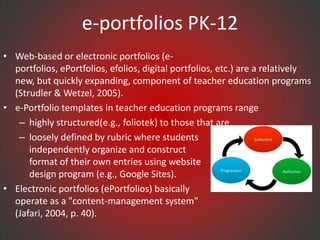
e-portfolios PK-12
• Web-based or electronic portfolios (e-
  portfolios, ePortfolios, efolios, digital portfolios, etc.) are a relatively
  new, but quickly expanding, component of teacher education programs
  (Strudler & Wetzel, 2005).
• e-Portfolio templates in teacher education programs range
   – highly structured(e.g., foliotek) to those that are
   – loosely defined by rubric where students
      independently organize and construct
      format of their own entries using website
      design program (e.g., Google Sites).
• Electronic portfolios (ePortfolios) basically
  operate as a "content-management system"
  (Jafari, 2004, p. 40).
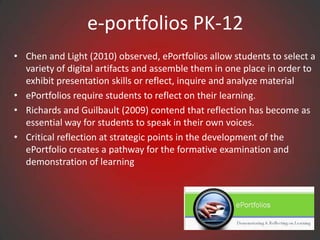
e-portfolios PK-12
• Chen and Light (2010) observed, ePortfolios allow students to select a
  variety of digital artifacts and assemble them in one place in order to
  exhibit presentation skills or reflect, inquire and analyze material
• ePortfolios require students to reflect on their learning.
• Richards and Guilbault (2009) contend that reflection has become as
  essential way for students to speak in their own voices.
• Critical reflection at strategic points in the development of the
  ePortfolio creates a pathway for the formative examination and
  demonstration of learning
Contact Information

Sheryl Abshire, Ph.D.       Cynthia Cummings, Ed.D.
sheryl.abshire@lamar.edu    cdcummings@lamar.edu


Diane Mason, Ph.D.              Kay Abernathy, Ed.D.
diane.mason@lamar.edu      lkayabernathy@lamar.edu
Presentation in slideshare.net


http://www.slideshare.net/cdcummings/tcea-2013
For More Information:
                  Lamar University
                    Beaumont, TX

http://luonline.lamar.edu/ACP/graduate/med_edtechleadshp.htm
                        http://lamar.edu/
                     http://stateu.com/lamar/

Tcea 2013

  • 1.
    Lamar University College of Education Educational Leadership Beaumont, TX Web 2.0, Literacy and ePortfolios Cindy Cummings, Ed.D. Diane Mason, Ph.D. Sheryl Abshire, Ph.D. Kay Abernathy, Ed.D.
  • 2.
    Web 2.0/Literacy • K-12& higher ed are huge consumers of dynamic user- centered Web 2.0 resources. • K-12 classrooms & higher ed students using a wealth of Web 2.0 resources across subject areas. • Web 2.0 resources are available to students and teachers to create engaged interactive learning environment. • King (2011) observed students’ culture has dramatically changed • To align with student’s world, educators have altered their pedagogical approaches.
  • 3.
    Web 2.0/Literacy • Newpedagogical approaches are student centered and are in response to the cultural and literacy demands of the information age. • Solomon and Schrum (2007) defined literacy today “acquiring new skills, including those of using technology, understanding science, having global awareness, and most important, having the ability to keep learning” (p.20). • Consequently, we have seen huge strides made in contributing to the growth of literacy with the use of Web 2.0 tools.
  • 4.
    Questions: Web 2.0Tools • What Web 2.0 tools and resources impact the way you learn, communicate, and assess growth? • How are you currently using Web 2.0 personally and/or with students?
  • 5.
    Web 2.0 Research •Enables interaction and collaboration (Parker & Chao, 2007; Tapscott & Williams, 2008) • One-fifth of US higher education students actively contributing content to blogs, wikis, photo or video websites and 18% contributed regularly to at least three of these (OECD, 2009) • Relatively new paradigm which enables contributions and communication (Mills, 2007)
  • 6.
    Web 2.0 Promising Practices • Collaboration • Project-based Learning • Personalized Learning (Choices) • Standards-based • Critical Reflection • Authentic Assessment • Mentoring, Coaching, and Peer Review
  • 7.
    Web 2.0 Tools •EdShelf • Google Tools, Slideshare, AudioBoo • DropBox, DropVox, & MediaFire • Web Conferencing, Skype, Google Talk/Chat Hangouts • Animoto, Podcasts, Stykz, Audacity, Wordle, Tagxedo • Assistive Technologies • YouTube, TeacherTube, SchoolTube, YouTube Education • WikiSpaces, Blogger, WordPress • EdTech Toolbox • Best Web 2.0 Tools
  • 8.
    edshelf Edshelf is adirectory of digital tools for educators • www.edshelf.com • Discover new tools • See what other educators use • Rate and review your favorite tools
  • 9.
    Dropbox What is Dropbox? •Saves file to your computers, phones, and the Dropbox website. • Provides 2GB of Dropbox for free, with subscriptions up to 100GB available. • Makes files are always available from the secure Dropbox website. • Works with Windows, Mac, Linux, iPad, iPhone, Android and Blackberry • Works even when offline. You always have your files, whether or not you have a connection. • Transfers parts of a file that change (not the whole thing). • Manually sets bandwidth limits — Dropbox won’t hog your connection.
  • 10.
    Evernote Great tool forteachers and students to: • Keep everything in sync- all of your notes, web clips, files and images are available on every device and computer you use. • Remembers things you like- Snap a photo, record some audio and save it • Save favorite webpages - Save entire webpages to Evernote account with web clipper browser extensions. • Research better - Collect information from anywhere into a single place. • Share notes and collaborate on projects with friends, colleagues and classmates.
  • 11.
    Mangahigh • Adapt indifficulty to the ability of the student in order to aid the student to stay in their zone of proximal development • Overlay the game mechanic with the core learning concept • Develop students' ability and curiosity to observe, hypothesize, test, evaluate, conclude and refine ideas • Provide powerful contexts that often bring out the 'real-world' application of the topic at hand
  • 12.
    Google Drive • GoogleDrive is one of many cloud computing document-sharing services. • The majority of document-sharing services require user fees, whereas Google Drive is free. • Its popularity is growing due to enhanced sharing features and accessibility. • Google Drive has enjoyed a rapid rise in popularity among students and educational institutions
  • 13.
    Questions: Using Eportfolios •What is the purpose for having students develop electronic portfolios? • What are three types of student eportfolios? – Storage – Workspace – Showcase • https://sites.google.com/site/eportfolioapps/overview/le vels Dr. Helen Barrett: http://electronicportfolios.com/
  • 14.
    Questions: Considerations forYou • What ages are the students? • What content areas? • What is your current technology infrastructure (i.e., will your network keep up with GoogleDocs network traffic?)? • What is your computer-to-student ratio? • How many students will be implementing portfolios? • Will you use some type of Internet/cloud/Web 2.0 system? Dr. Helen Barrett: http://electronicportfolios.com/
  • 15.
    Questions: Eportfolio Answers •What? (The Past) What have I collected about my life/work/learning? (my artifacts) • So What? (The Present) What do those artifacts show about what I have learned? (my current reflections on my knowledge, skills and abilities) • Now What? (The Future) What direction do I want to take in the future? (my future learning goals) Dr. Helen Barrett: http://electronicportfolios.com/
  • 16.
    e-portfolios PK-12 • Web-basedor electronic portfolios (e- portfolios, ePortfolios, efolios, digital portfolios, etc.) are a relatively new, but quickly expanding, component of teacher education programs (Strudler & Wetzel, 2005). • e-Portfolio templates in teacher education programs range – highly structured(e.g., foliotek) to those that are – loosely defined by rubric where students independently organize and construct format of their own entries using website design program (e.g., Google Sites). • Electronic portfolios (ePortfolios) basically operate as a "content-management system" (Jafari, 2004, p. 40).
  • 17.
    e-portfolios PK-12 • Chenand Light (2010) observed, ePortfolios allow students to select a variety of digital artifacts and assemble them in one place in order to exhibit presentation skills or reflect, inquire and analyze material • ePortfolios require students to reflect on their learning. • Richards and Guilbault (2009) contend that reflection has become as essential way for students to speak in their own voices. • Critical reflection at strategic points in the development of the ePortfolio creates a pathway for the formative examination and demonstration of learning
  • 18.
    Contact Information Sheryl Abshire,Ph.D. Cynthia Cummings, Ed.D. sheryl.abshire@lamar.edu cdcummings@lamar.edu Diane Mason, Ph.D. Kay Abernathy, Ed.D. diane.mason@lamar.edu lkayabernathy@lamar.edu
  • 19.
  • 20.
    For More Information: Lamar University Beaumont, TX http://luonline.lamar.edu/ACP/graduate/med_edtechleadshp.htm http://lamar.edu/ http://stateu.com/lamar/

Editor's Notes