Desktop
Virtualisation
Choices
Citrix XenDesktop,
XenApp or
VDI-In-A-Box -
How to Decide?
Presenters
Andrew Wood (Gilwood CS Ltd)
Keith Girt (eG Innovations UK Ltd)
Citrix Desktop Virtualisation Choices:
        XenDesktop, XenApp, VDI-in-a-Box.
        How to Decide ?

                                            Andrew Wood
                                            CEO
                                            Gilwood CS Ltd
                                            Andrew.Wood@gilwood-cs.co.uk
                                            Twitter: @gilwood_cs
                                            www.gilwood-cs.co.uk


© eG Innovations, Inc | www.eginnovations.com
Is this just another smackdown?
Poll
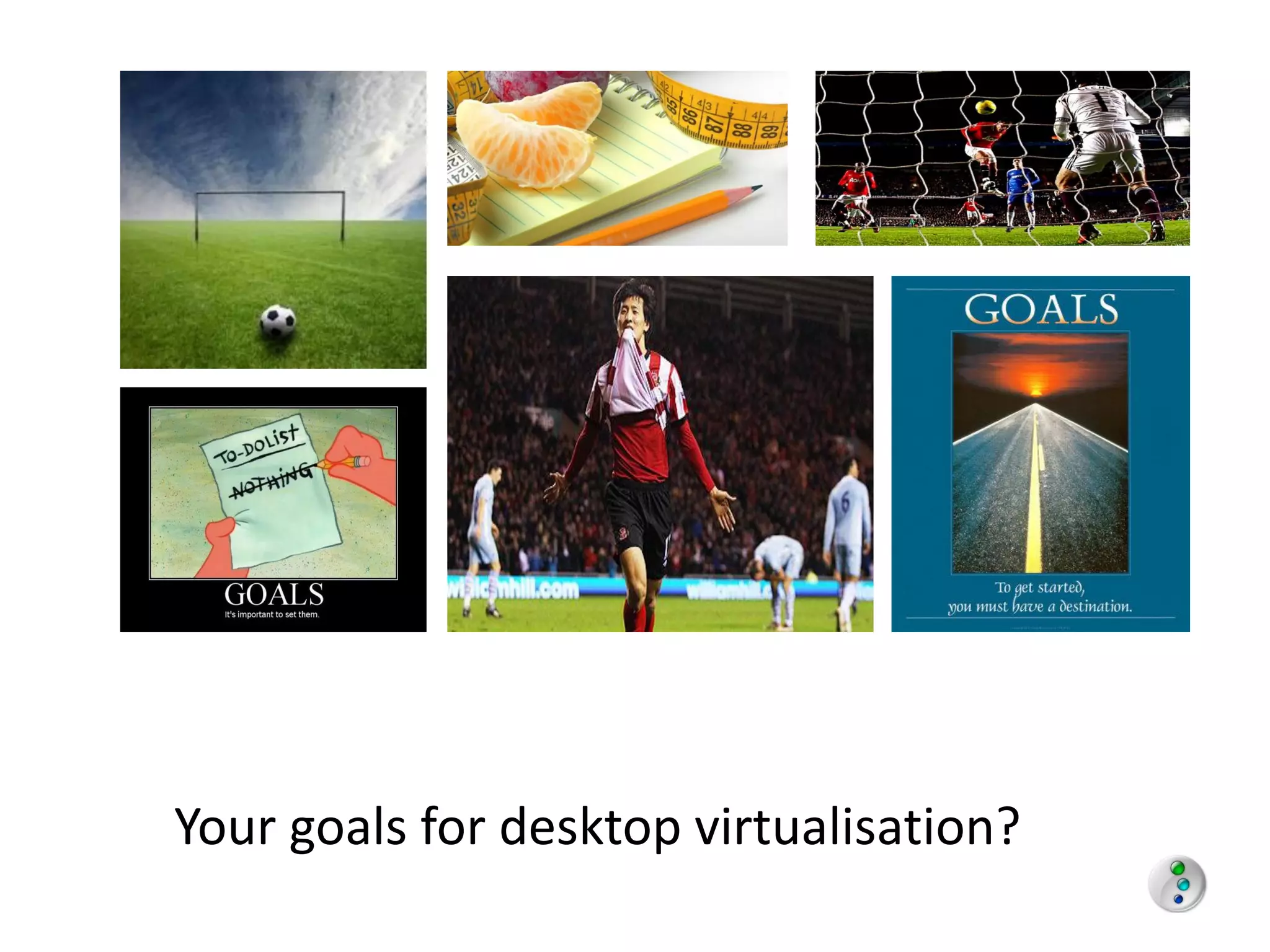
Your goals for desktop virtualisation?
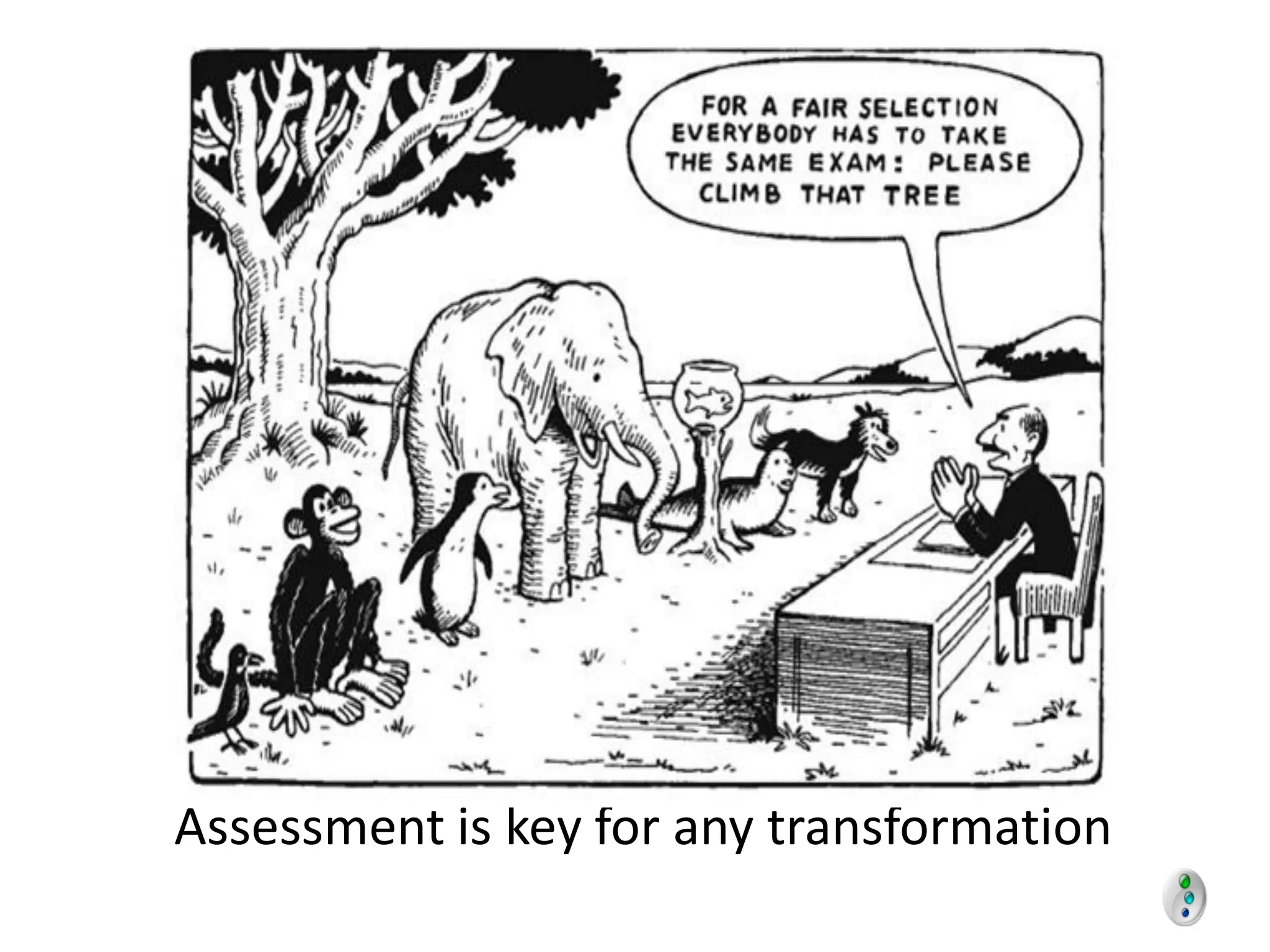
Assessment is key for any transformation
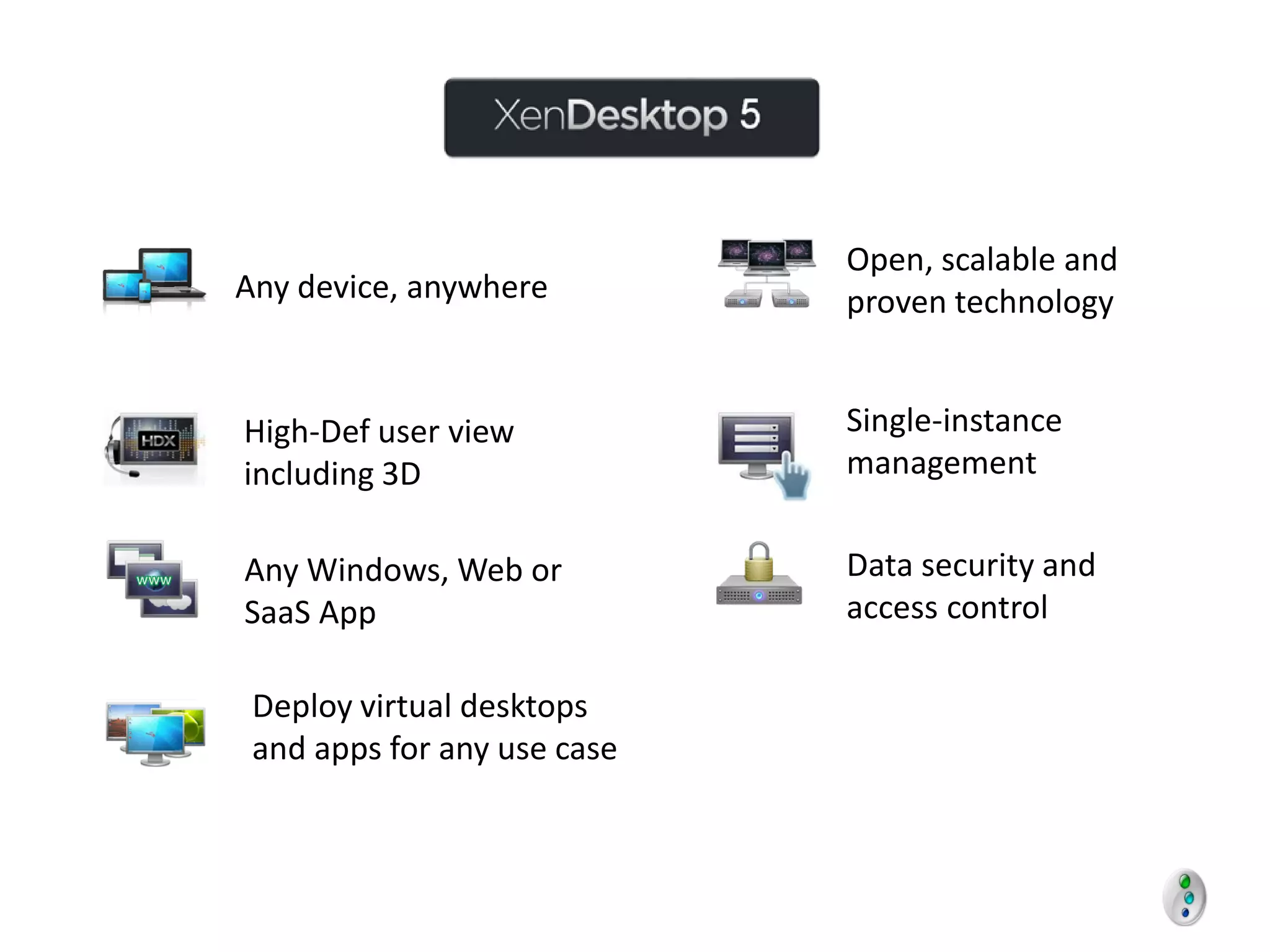
Open, scalable and
Any device, anywhere         proven technology


High-Def user view           Single-instance
including 3D                 management


Any Windows, Web or          Data security and
SaaS App                     access control

 Deploy virtual desktops
 and apps for any use case
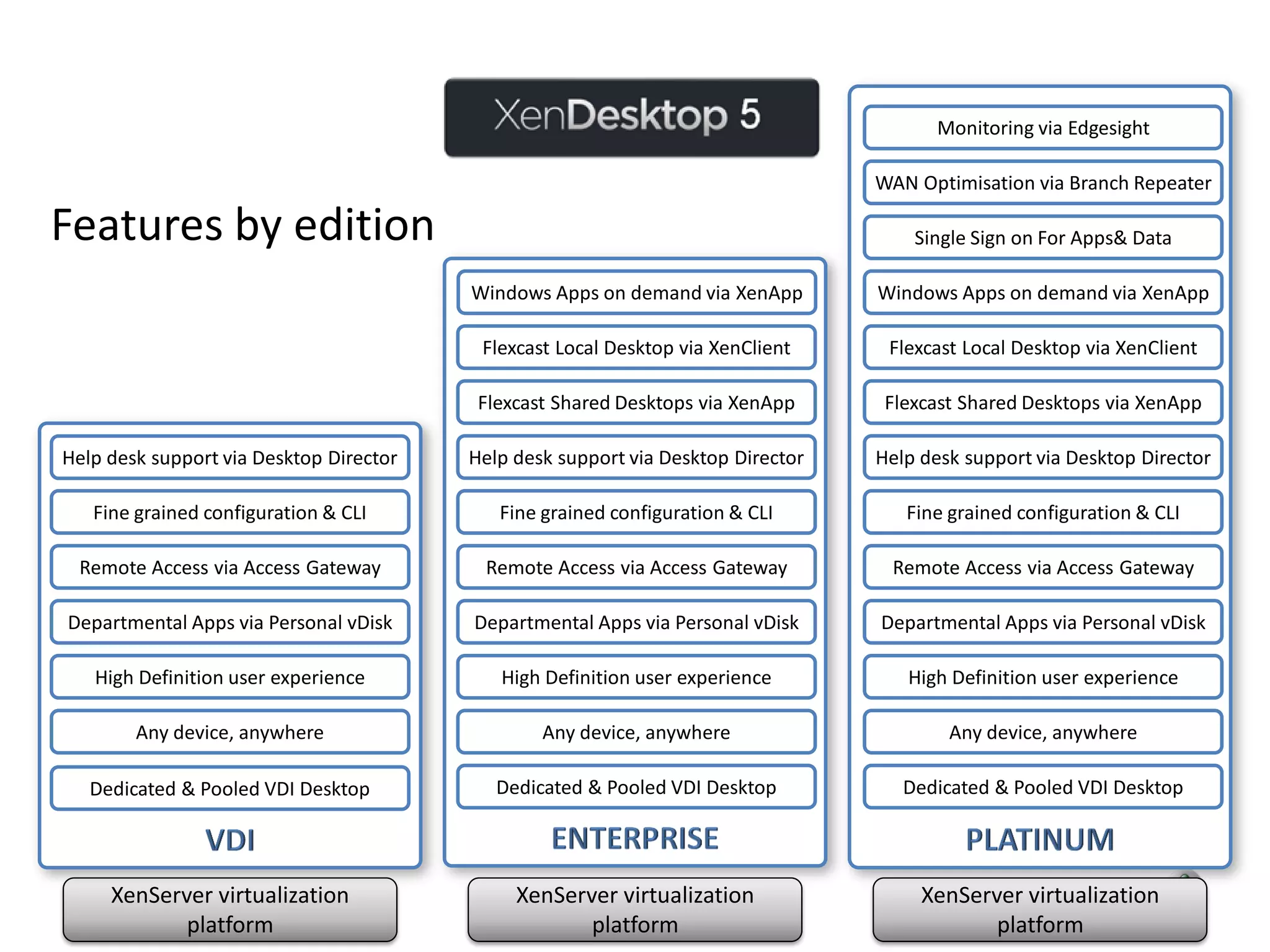
Monitoring via Edgesight

                                                                                  WAN Optimisation via Branch Repeater

Features by edition                                                                   Single Sign on For Apps& Data

                                         Windows Apps on demand via XenApp        Windows Apps on demand via XenApp

                                          Flexcast Local Desktop via XenClient     Flexcast Local Desktop via XenClient

                                          Flexcast Shared Desktops via XenApp      Flexcast Shared Desktops via XenApp

Help desk support via Desktop Director   Help desk support via Desktop Director   Help desk support via Desktop Director

   Fine grained configuration & CLI         Fine grained configuration & CLI         Fine grained configuration & CLI

 Remote Access via Access Gateway         Remote Access via Access Gateway         Remote Access via Access Gateway

Departmental Apps via Personal vDisk     Departmental Apps via Personal vDisk     Departmental Apps via Personal vDisk

   High Definition user experience          High Definition user experience          High Definition user experience

        Any device, anywhere                     Any device, anywhere                     Any device, anywhere

   Dedicated & Pooled VDI Desktop           Dedicated & Pooled VDI Desktop           Dedicated & Pooled VDI Desktop


     XenServer virtualization                 XenServer virtualization                 XenServer virtualization
            platform                                 platform                                 platform
Questions to ask of XenDesktop 5
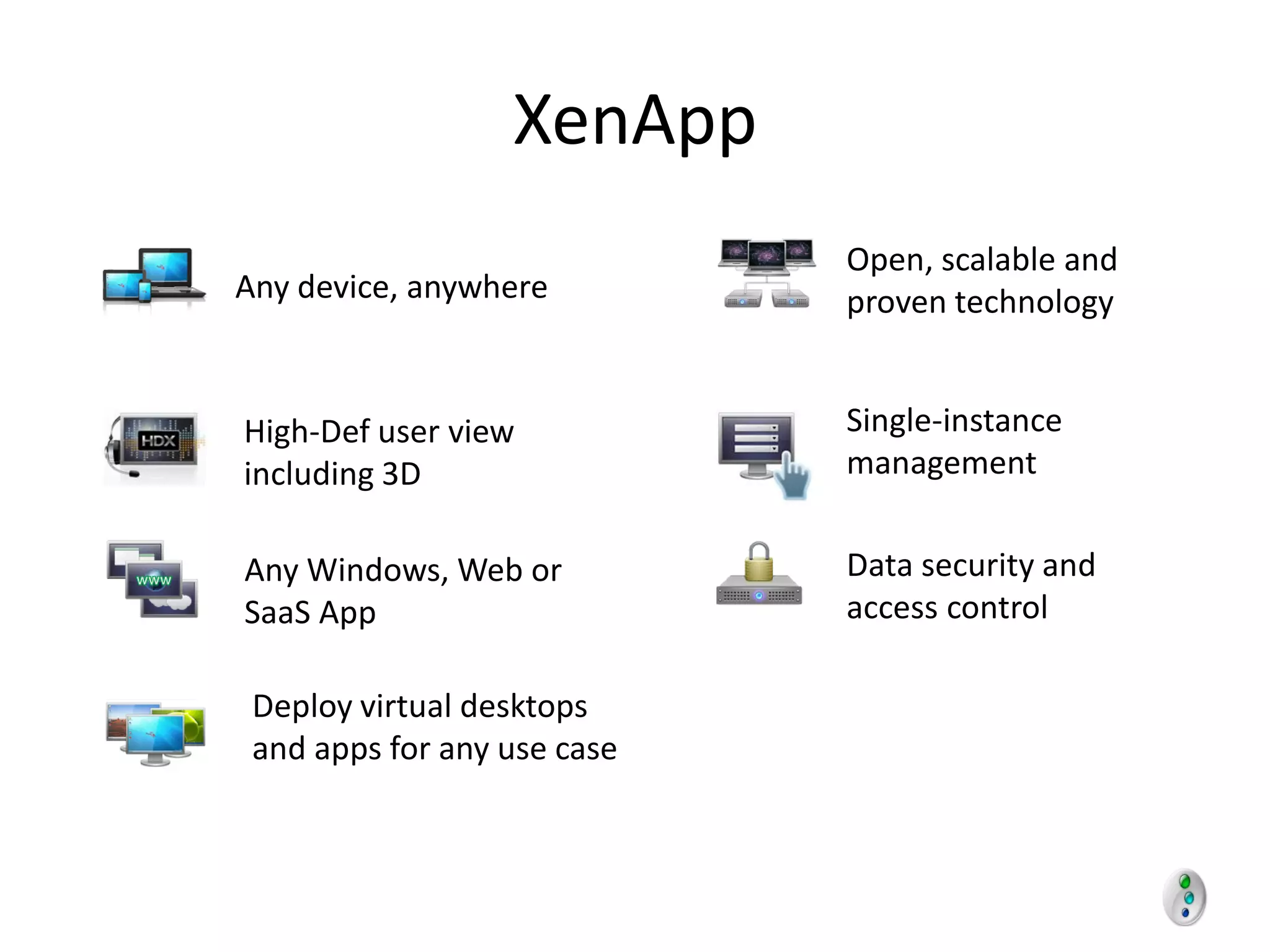
XenApp
                             Open, scalable and
Any device, anywhere         proven technology


High-Def user view           Single-instance
including 3D                 management


Any Windows, Web or          Data security and
SaaS App                     access control

 Deploy virtual desktops
 and apps for any use case
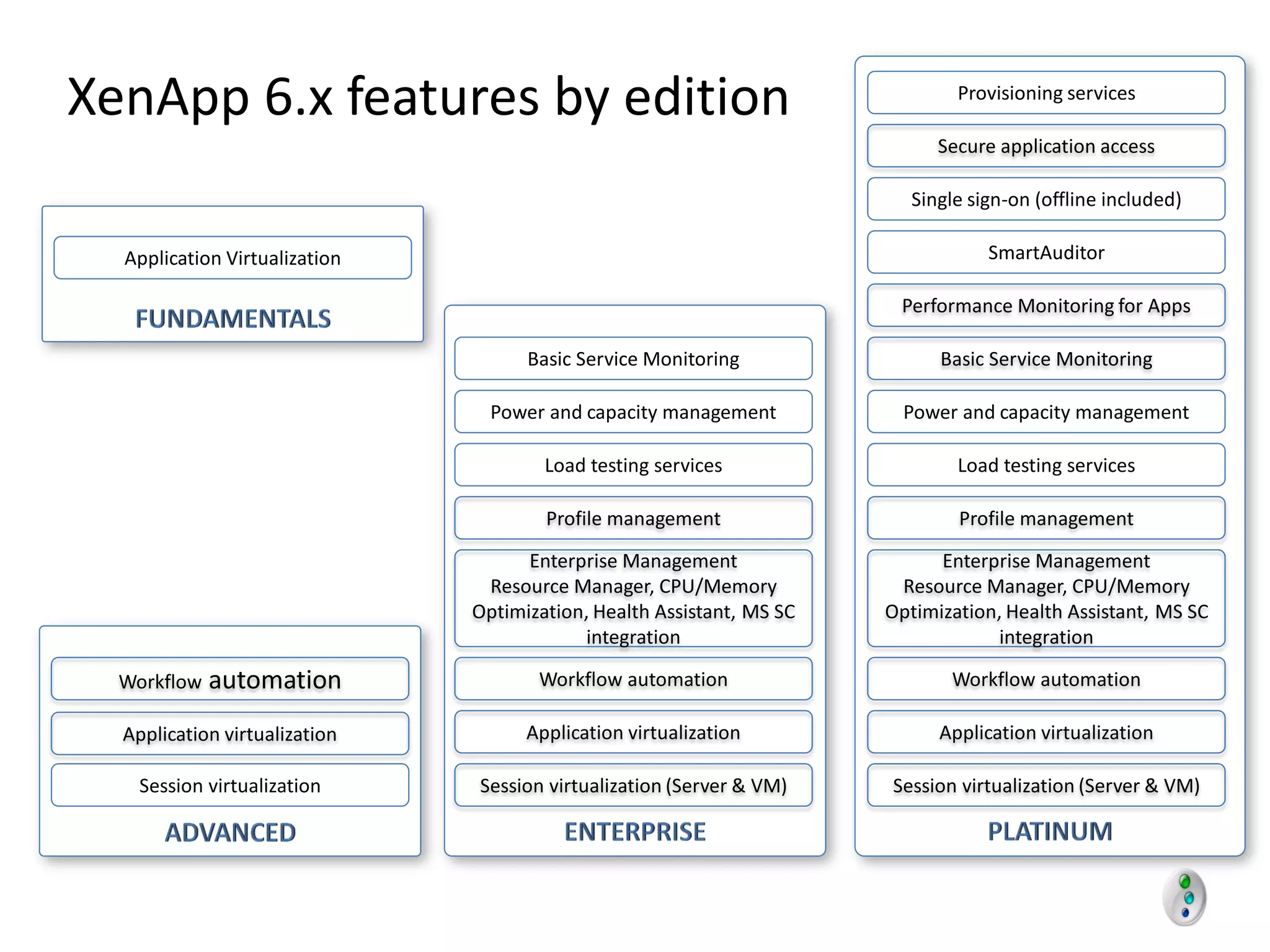
XenApp 6.x features by edition                                                 Provisioning services

                                                                             Secure application access

                                                                          Single sign-on (offline included)

  Application Virtualization                                                       SmartAuditor

                                                                        Performance Monitoring for Apps

                                     Basic Service Monitoring                Basic Service Monitoring

                                 Power and capacity management           Power and capacity management

                                       Load testing services                   Load testing services

                                       Profile management                      Profile management

                                     Enterprise Management                   Enterprise Management
                                Resource Manager, CPU/Memory            Resource Manager, CPU/Memory
                               Optimization, Health Assistant, MS SC   Optimization, Health Assistant, MS SC
                                           integration                             integration

  Workflow   automation               Workflow automation                     Workflow automation

  Application virtualization         Application virtualization              Application virtualization

    Session virtualization     Session virtualization (Server & VM)    Session virtualization (Server & VM)
XENAPP


Questions to ask of XenApp 6.5
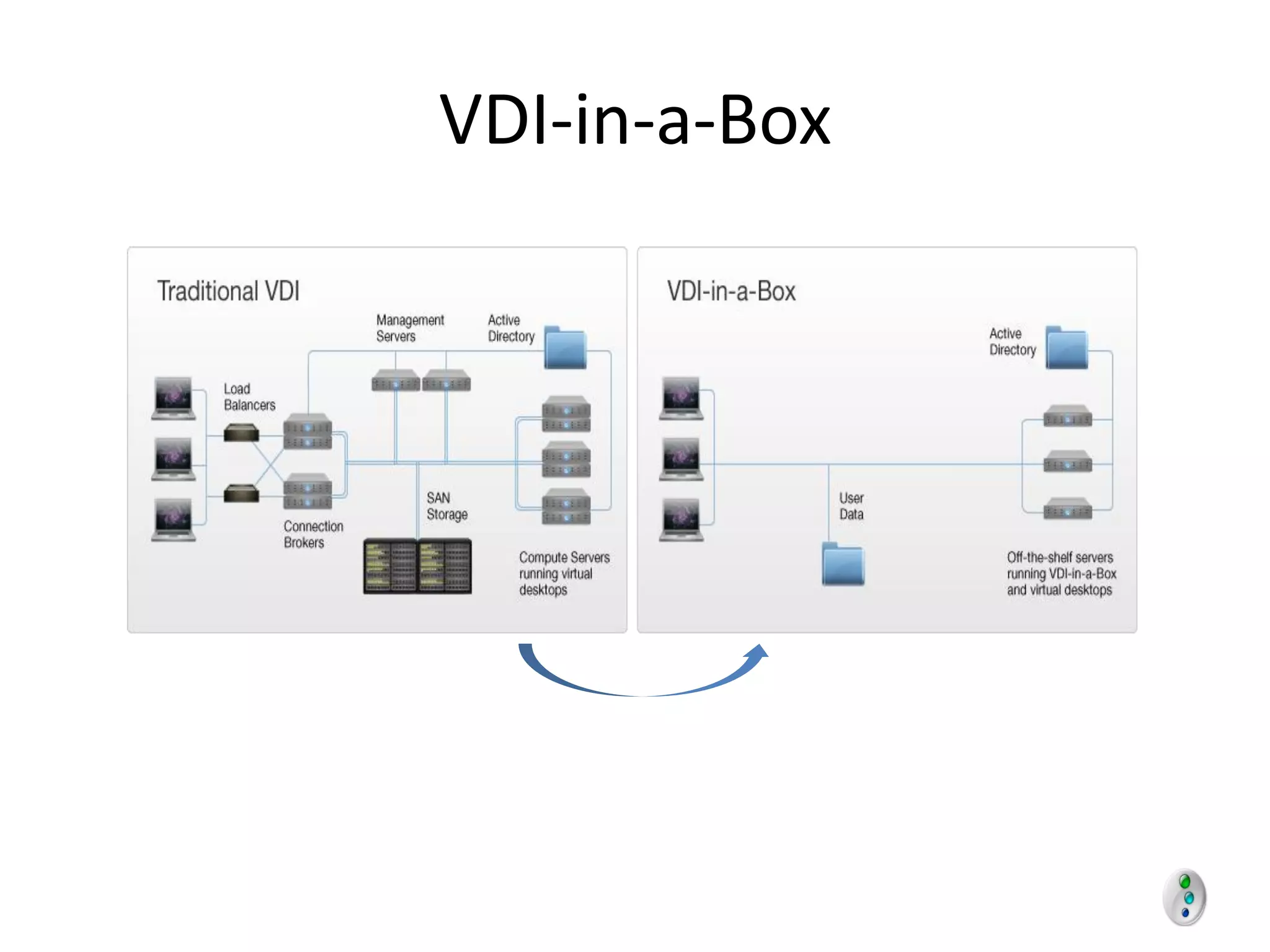
VDI-in-a-Box
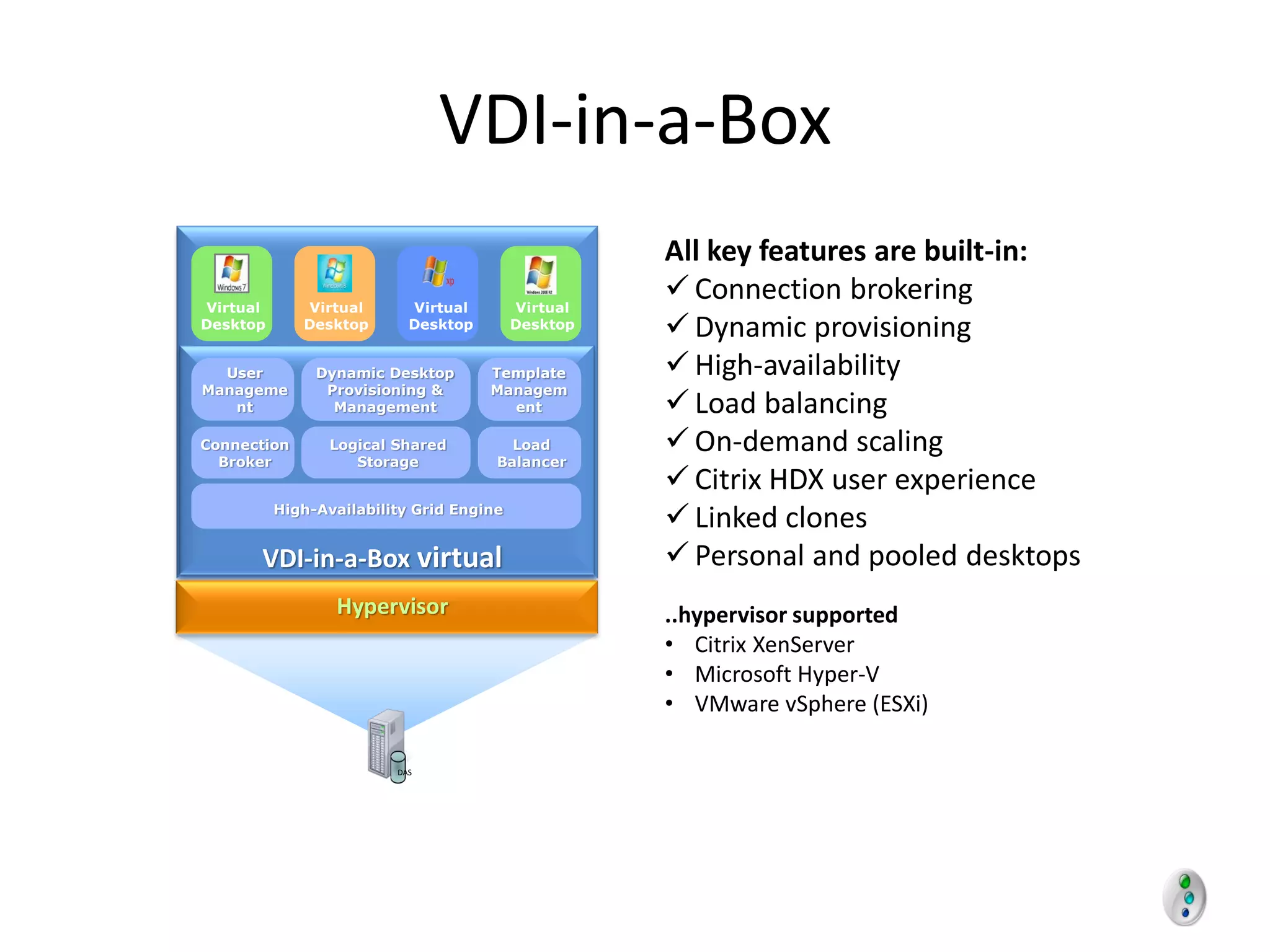
VDI-in-a-Box
                                                    All key features are built-in:
Virtual      Virtual       Virtual        Virtual
                                                     Connection brokering
Desktop      Desktop       Desktop        Desktop
                                                     Dynamic provisioning
  User         Dynamic Desktop       Template        High-availability
Manageme        Provisioning &       Managem
   nt            Management            ent           Load balancing
Connection
  Broker
                 Logical Shared
                    Storage
                                        Load
                                      Balancer
                                                     On-demand scaling
                                                     Citrix HDX user experience
          High-Availability Grid Engine
                                                     Linked clones
      VDI-in-a-Box virtual                           Personal and pooled desktops
               appliance
                Hypervisor                          ..hypervisor supported
                                                    • Citrix XenServer
                                                    • Microsoft Hyper-V
                                                    • VMware vSphere (ESXi)

                         DAS
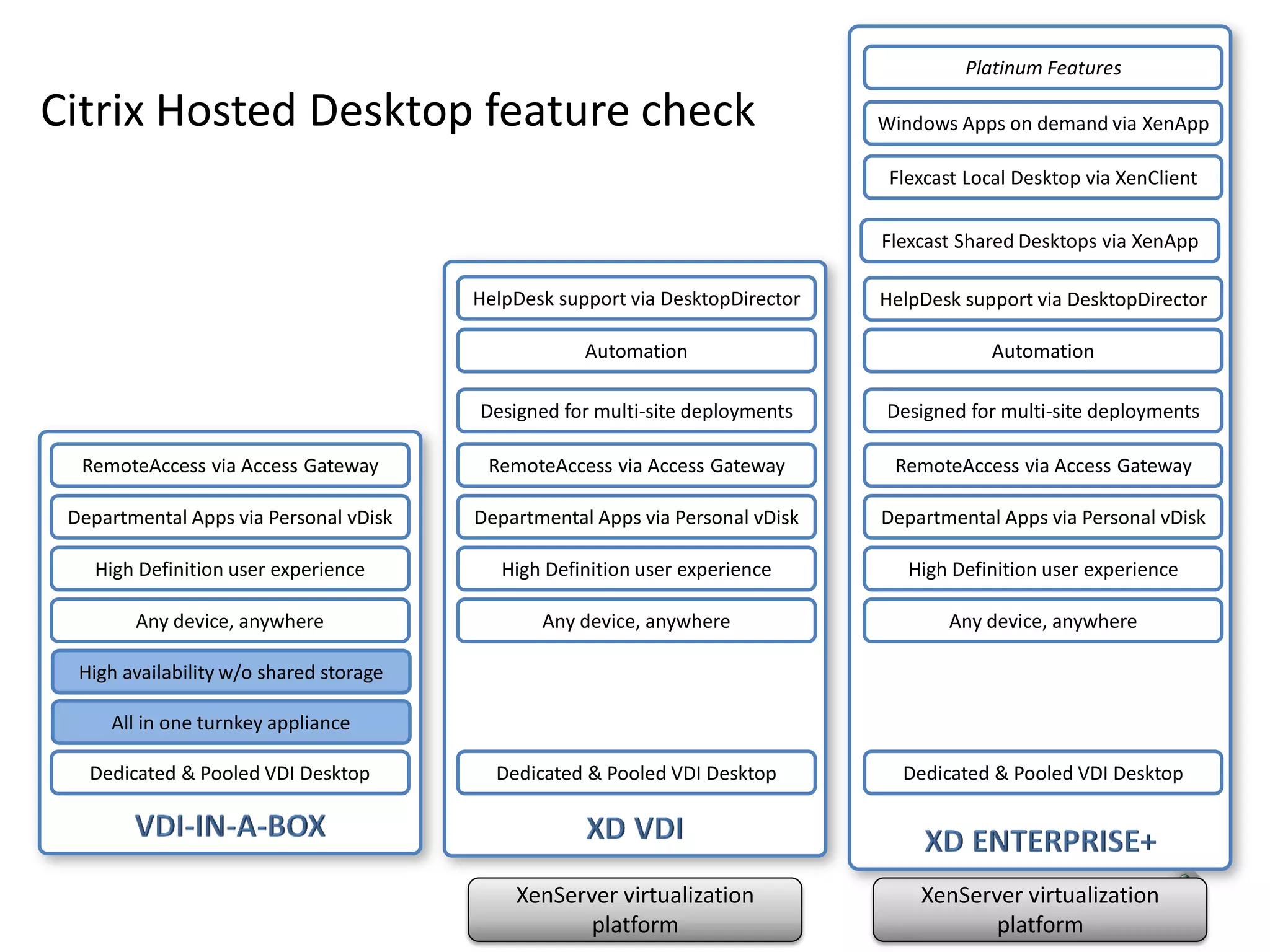
Platinum Features

Citrix Hosted Desktop feature check                                             Windows Apps on demand via XenApp

                                                                                 Flexcast Local Desktop via XenClient

                                                                                Flexcast Shared Desktops via XenApp

                                         HelpDesk support via DesktopDirector   HelpDesk support via DesktopDirector

                                                     Automation                             Automation

                                         Designed for multi-site deployments    Designed for multi-site deployments

  RemoteAccess via Access Gateway         RemoteAccess via Access Gateway        RemoteAccess via Access Gateway

 Departmental Apps via Personal vDisk    Departmental Apps via Personal vDisk   Departmental Apps via Personal vDisk

    High Definition user experience         High Definition user experience        High Definition user experience

        Any device, anywhere                    Any device, anywhere                    Any device, anywhere

  High availability w/o shared storage

     All in one turnkey appliance

   Dedicated & Pooled VDI Desktop          Dedicated & Pooled VDI Desktop         Dedicated & Pooled VDI Desktop


                                             XenServer virtualization               XenServer virtualization
                                                    platform                               platform
VDI-in-a-Box


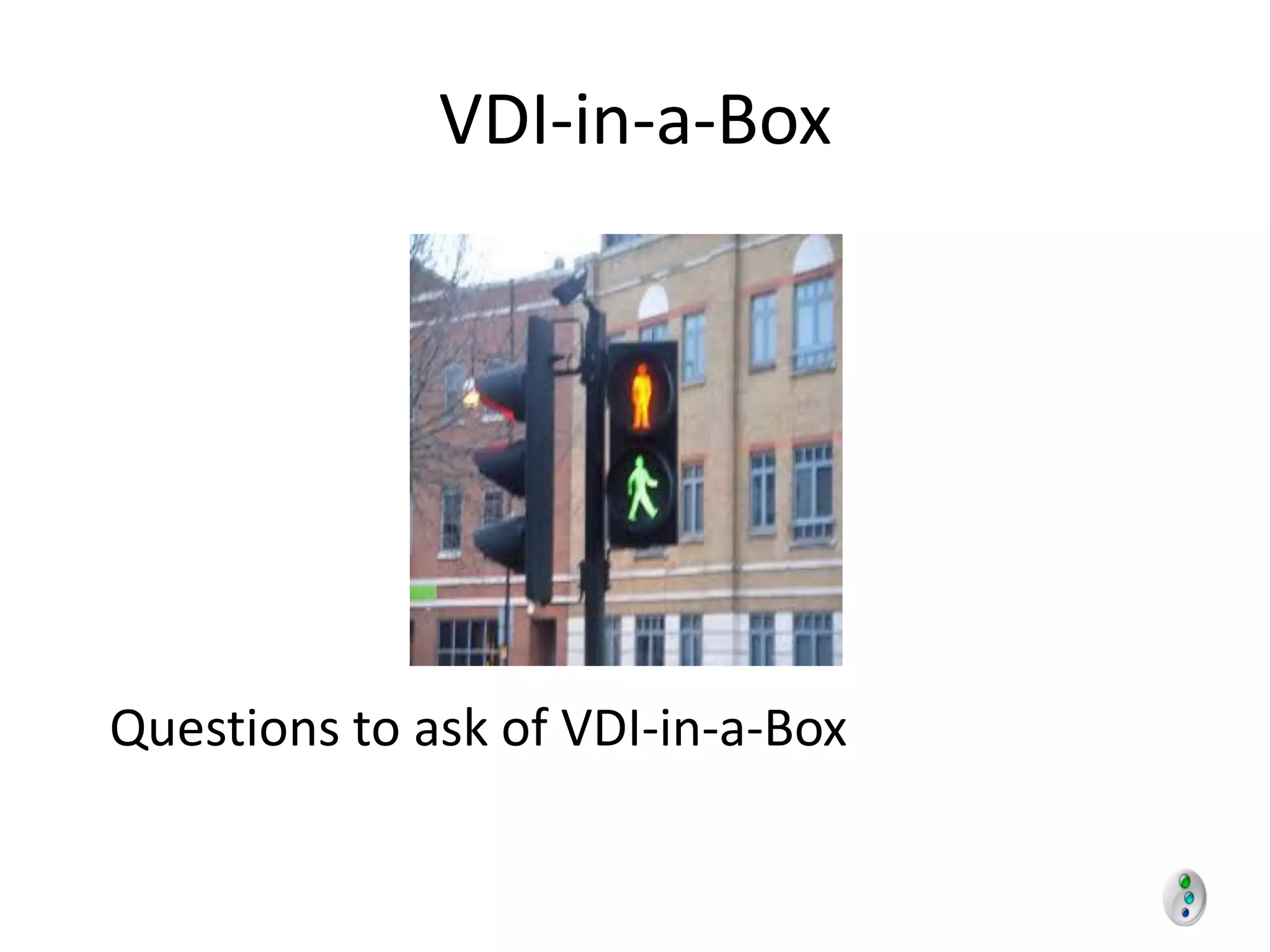
Questions to ask of VDI-in-a-Box
What works for me?
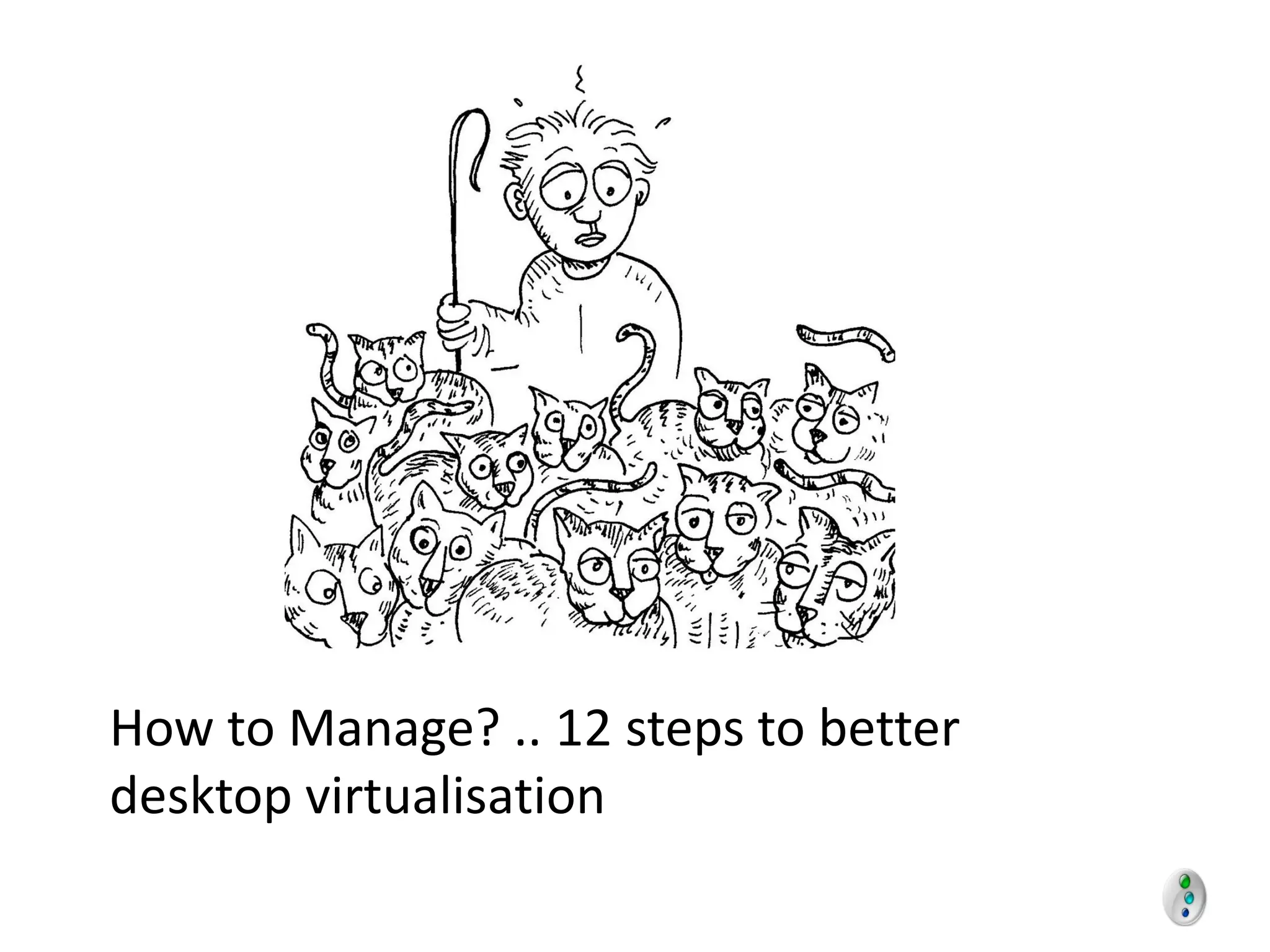
How to Manage? .. 12 steps to better
desktop virtualisation
How to decide?
Poll
eG Innovations Support For
        Desktop Virtualisation Projects


                                                Keith Girt
                                                Regional Sales Manager
                                                eG Innovations Ltd (UK)
                                                Keith.Girt@eginnovations.com


© eG Innovations, Inc | www.eginnovations.com
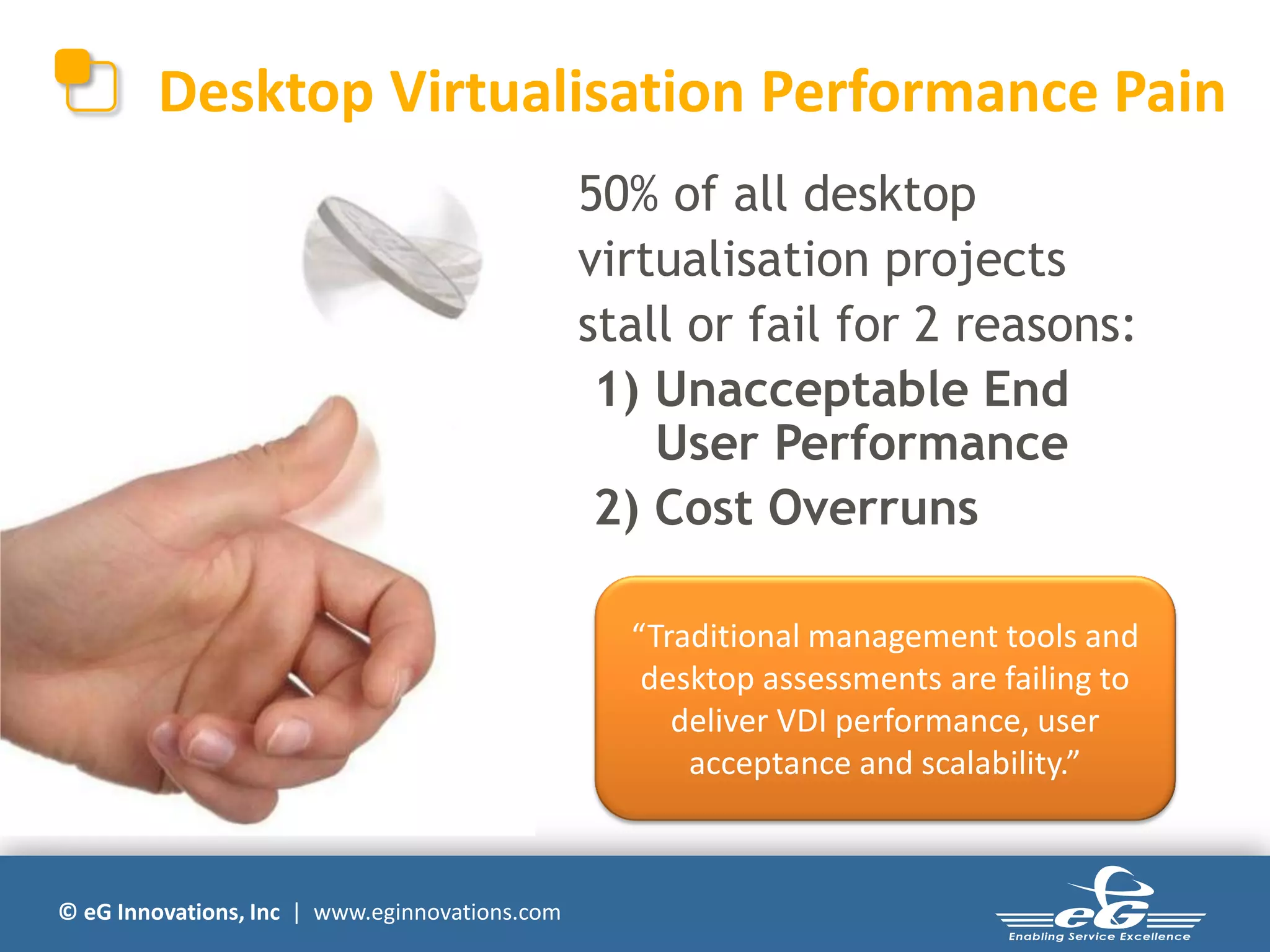
Desktop Virtualisation Performance Pain
                                                50% of all desktop
                                                virtualisation projects
                                                stall or fail for 2 reasons:
                                                 1) Unacceptable End
                                                    User Performance
                                                 2) Cost Overruns

                                                  “Traditional management tools and
                                                   desktop assessments are failing to
                                                     deliver VDI performance, user
                                                      acceptance and scalability.”


© eG Innovations, Inc | www.eginnovations.com
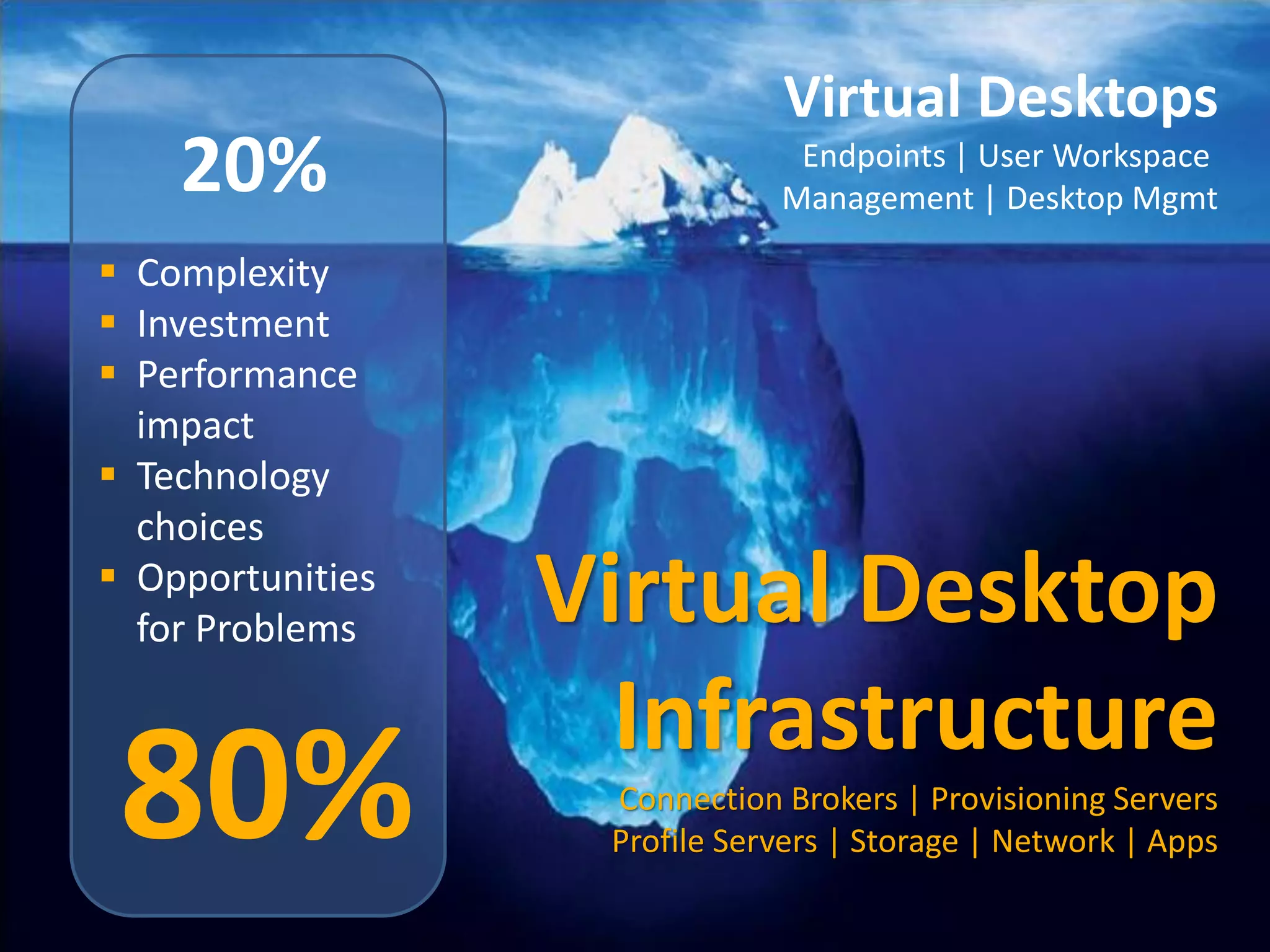
Virtual Desktops
          20%                                               Endpoints | User Workspace
                                                           Management | Desktop Mgmt

    Complexity
    Investment
    Performance
     impact
    Technology
     choices
    Opportunities
     for Problems                         Virtual Desktop
                                            Infrastructure
     80%
© eG Innovations, Inc | www.eginnovations.com
                                                Connection Brokers | Provisioning Servers
                                                Profile Servers | Storage | Network | Apps
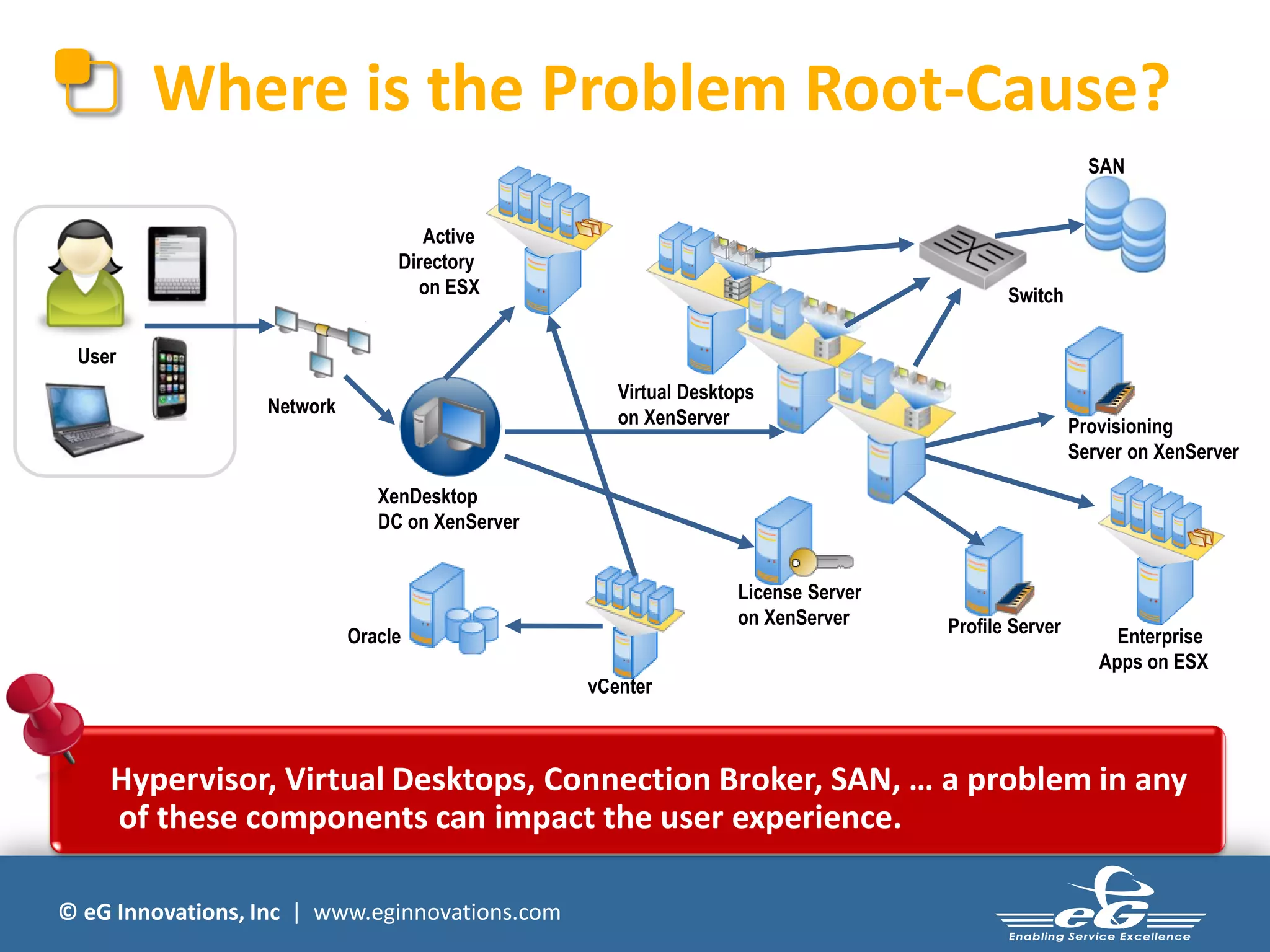
Where is the Problem Root-Cause?
                                                                                                      SAN


                                    Active
                                 Directory
                                   on ESX                                                 Switch

 User
                                                    Virtual Desktops
                  Network
                                                    on XenServer                                    Provisioning
                                                                                                    Server on XenServer

                               XenDesktop
                               DC on XenServer


                                                                  License Server
                                                                  on XenServer     Profile Server
                            Oracle                                                                       Enterprise
                                                                                                       Apps on ESX
                                                 vCenter


    Hypervisor, Virtual Desktops, Connection Broker, SAN, … a problem in any
    of these components can impact the user experience.

© eG Innovations, Inc | www.eginnovations.com
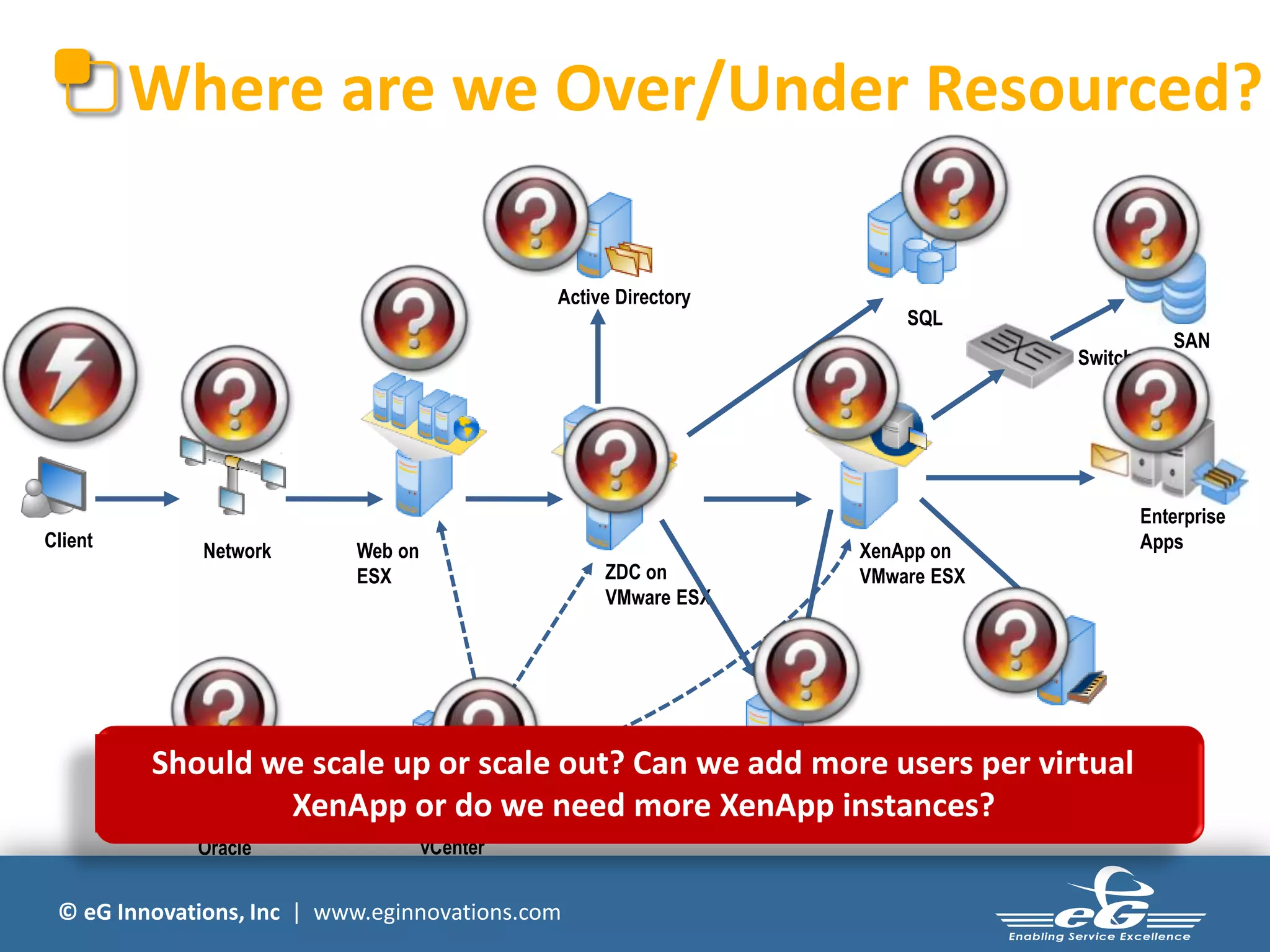
Where are we Over/Under Resourced?

                                              Active Directory
                                                                     SQL
                                                                                                  SAN
                                                                                     Switch


                                                                                               Enterprise
Client                                                                                         Apps
              Network      Web on                                XenApp on
                           ESX                     ZDC on        VMware ESX
                                                   VMware ESX


                                                                              Profile Server
         Should we scale up or scale out? Can we add more users per virtual
                 XenApp or do we need more License Server instances?
                                               XenApp
             Oracle                 vCenter


 © eG Innovations, Inc | www.eginnovations.com
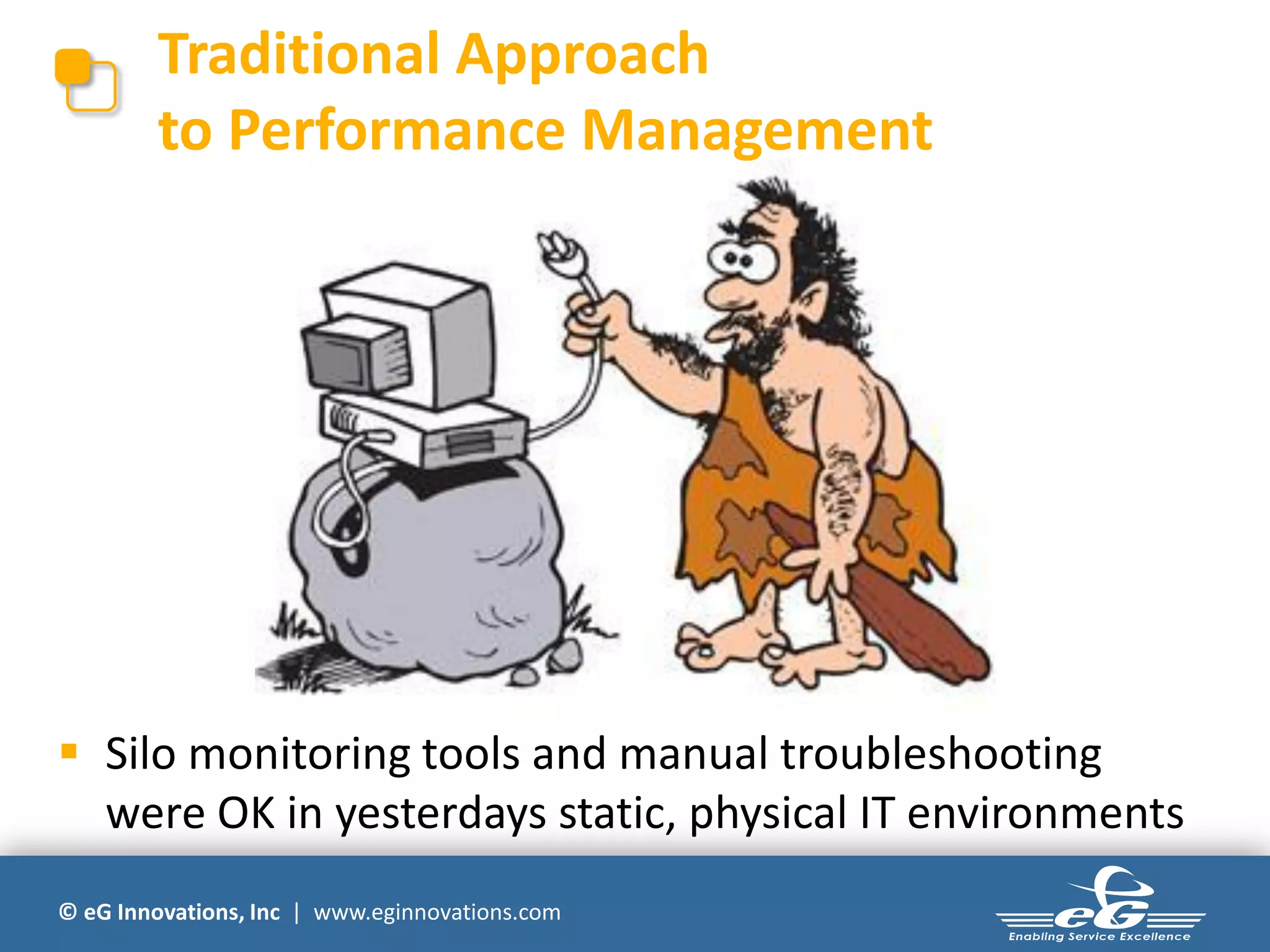
Traditional Approach
        to Performance Management


 Silo monitoring tools and manual troubleshooting
  were OK in yesterdays static, physical IT environments
© eG Innovations, Inc | www.eginnovations.com
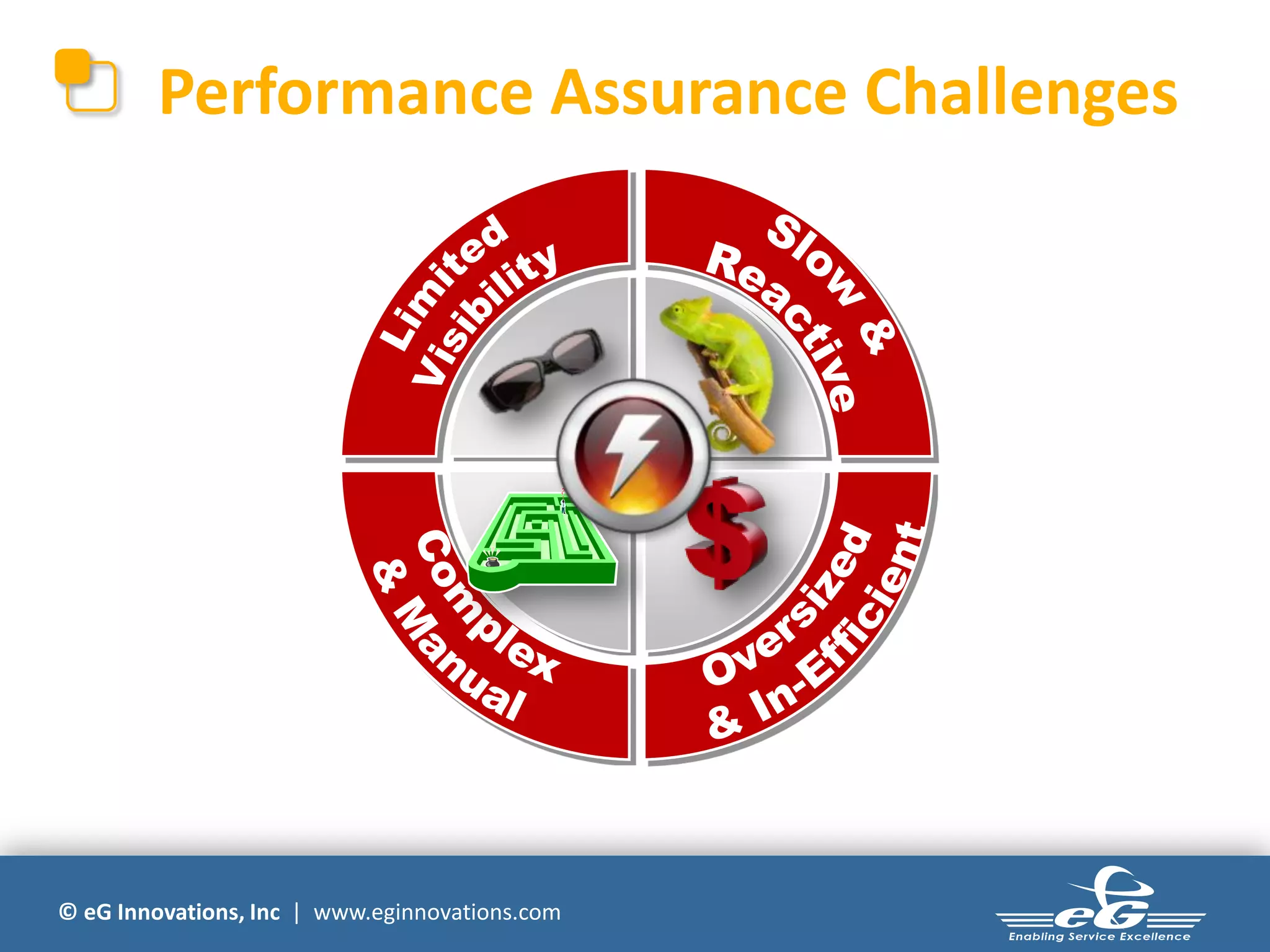
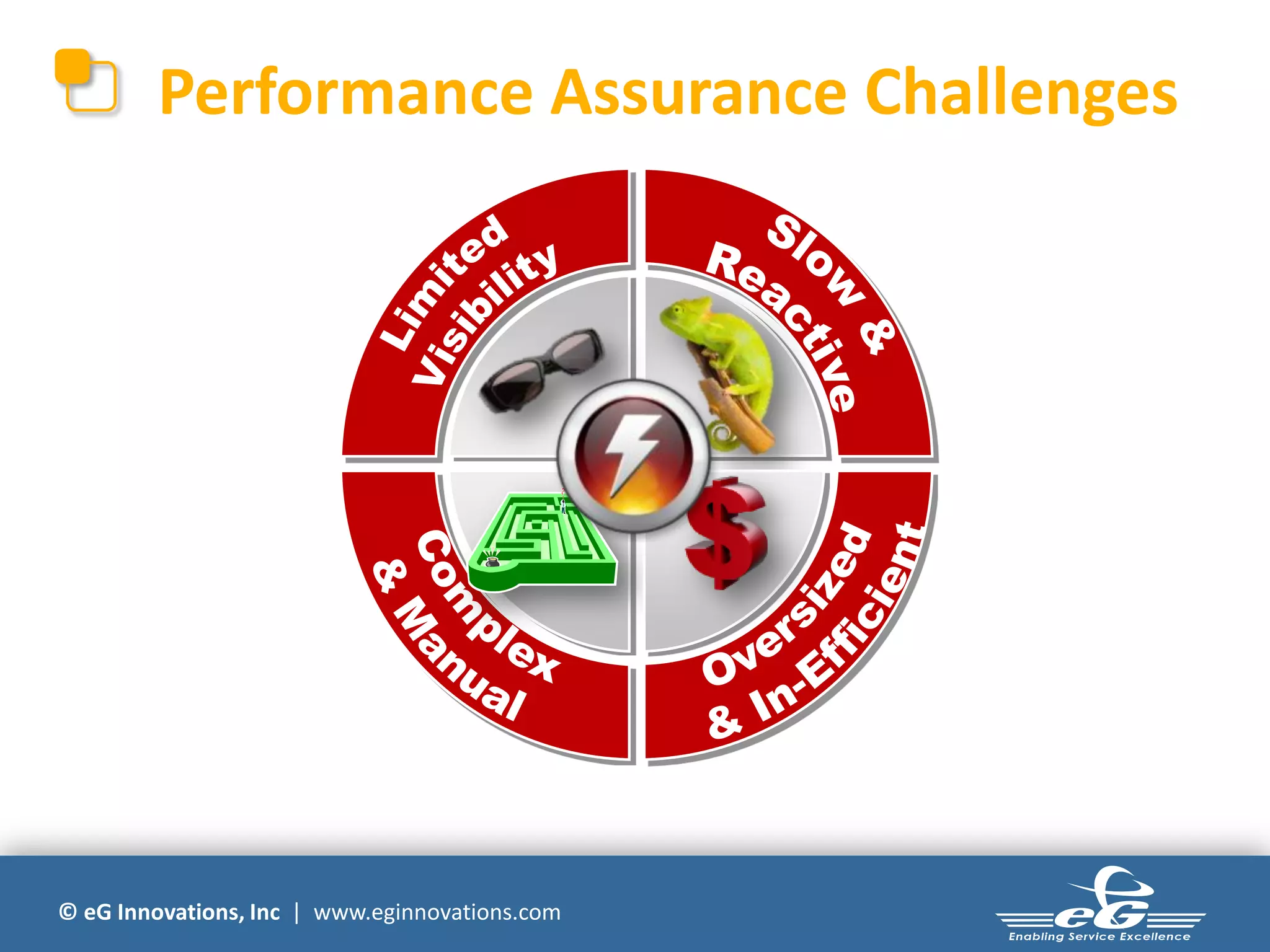
Performance Assurance Challenges


© eG Innovations, Inc | www.eginnovations.com
How Do We Help?


© eG Innovations, Inc | www.eginnovations.com
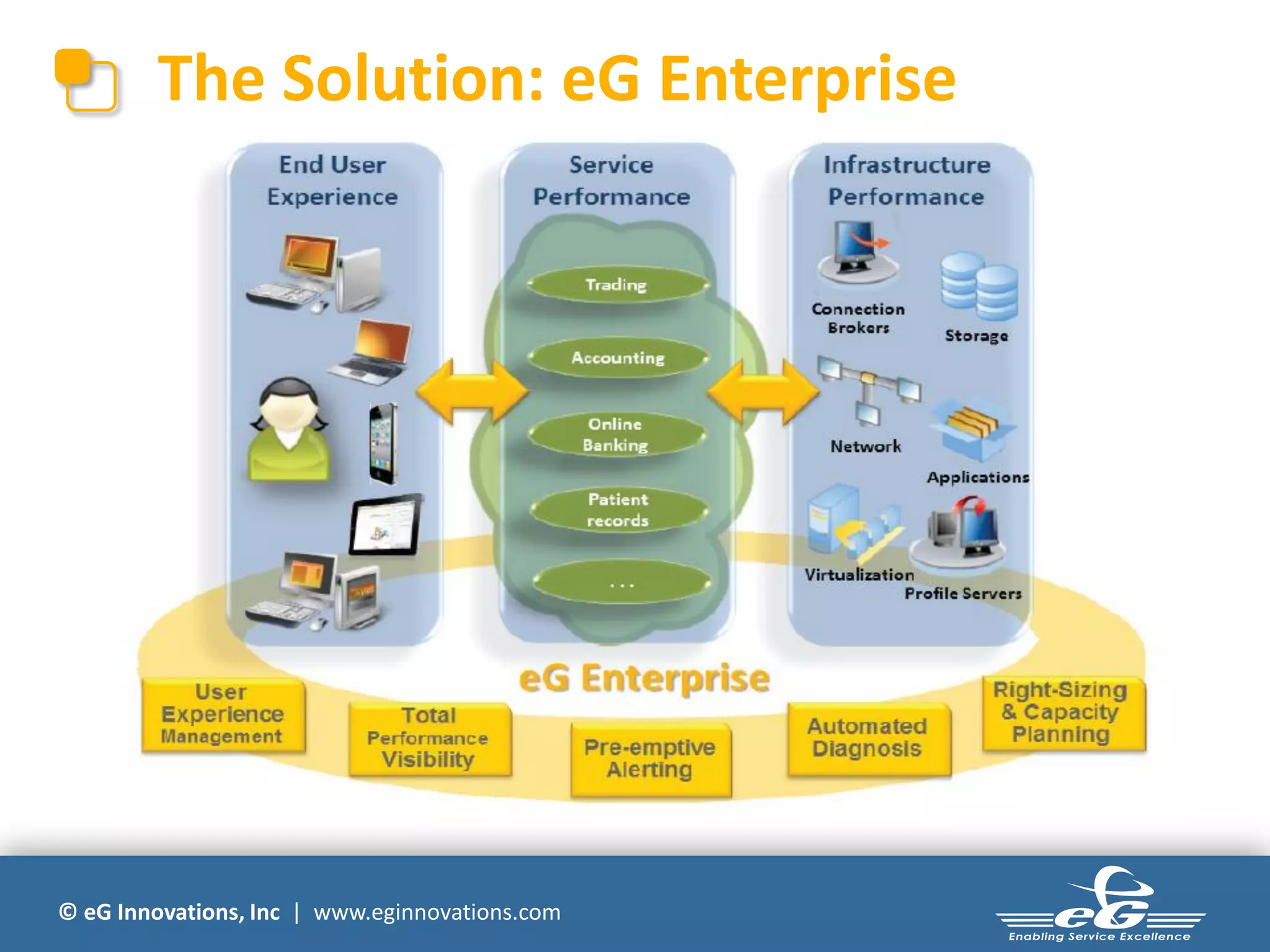
The Solution: eG Enterprise


© eG Innovations, Inc | www.eginnovations.com
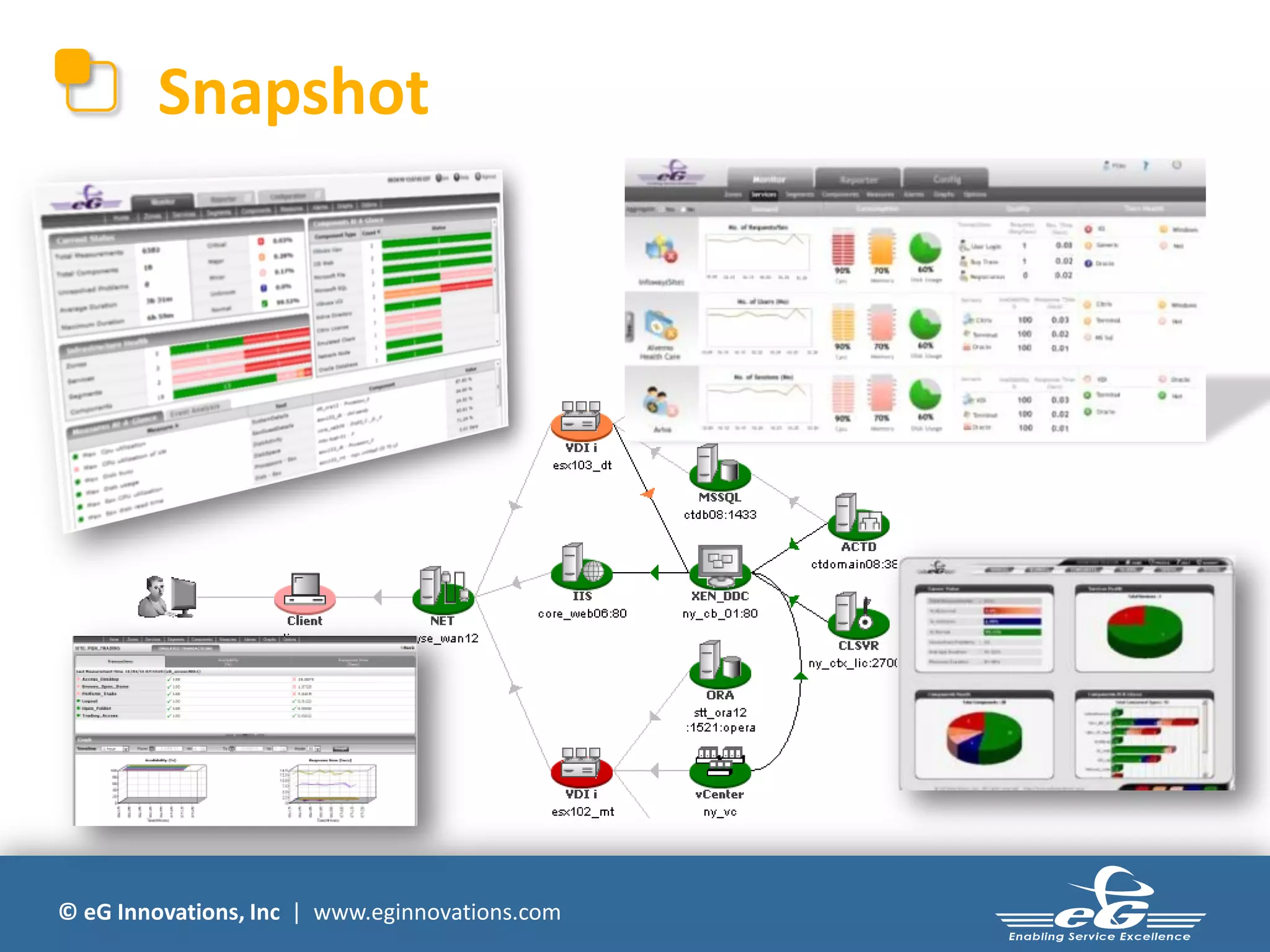
Snapshot


© eG Innovations, Inc | www.eginnovations.com
Performance Assurance Challenges


© eG Innovations, Inc | www.eginnovations.com
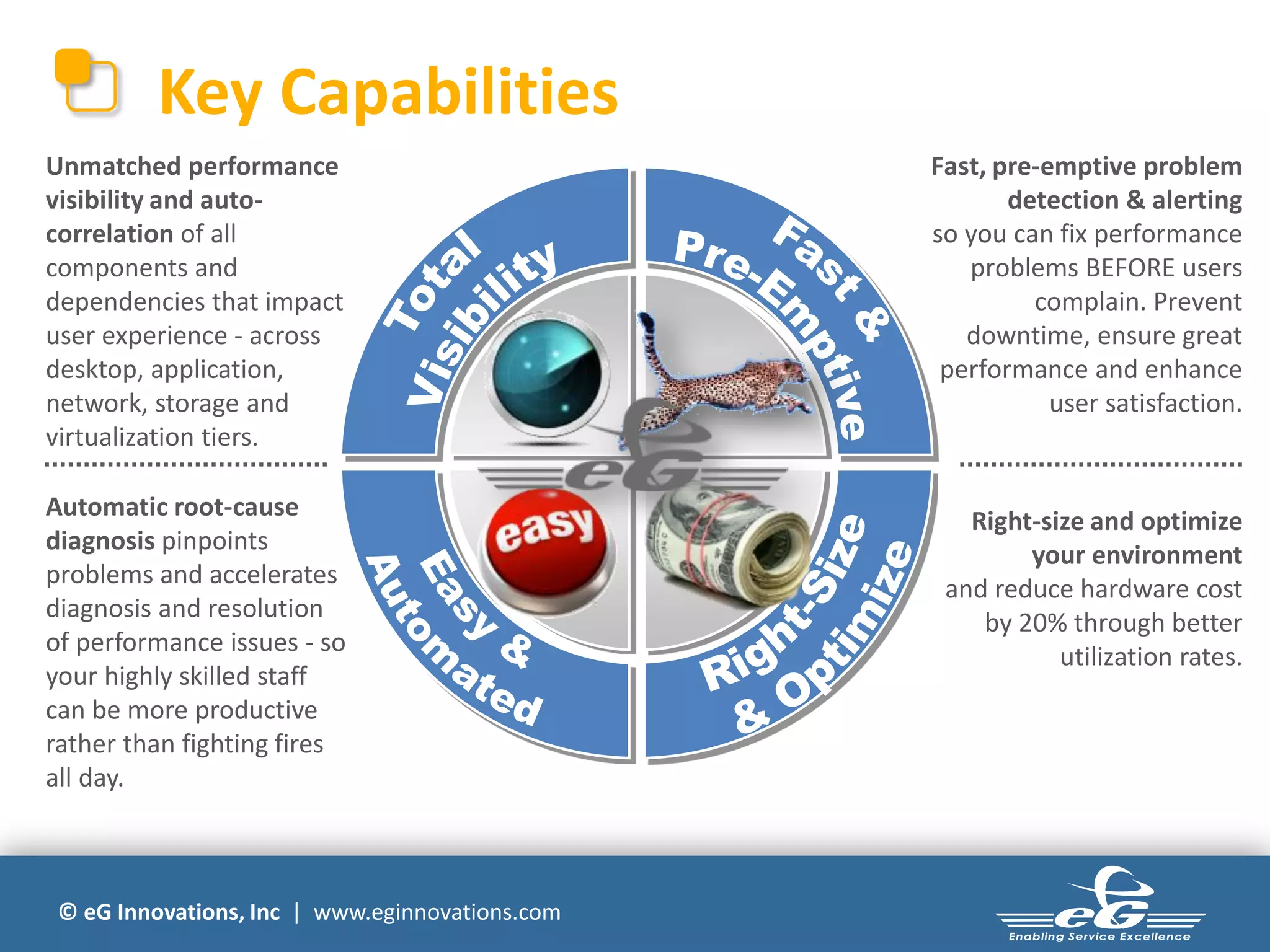
Key Capabilities
Unmatched performance                            Fast, pre-emptive problem
visibility and auto-                                    detection & alerting
correlation of all                               so you can fix performance
components and                                      problems BEFORE users
dependencies that impact                                  complain. Prevent
user experience - across                            downtime, ensure great
desktop, application,                             performance and enhance
network, storage and                                        user satisfaction.
virtualization tiers.

Automatic root-cause
                                                    Right-size and optimize
diagnosis pinpoints
                                                         your environment
problems and accelerates
                                                  and reduce hardware cost
diagnosis and resolution
                                                     by 20% through better
of performance issues - so
                                                            utilization rates.
your highly skilled staff
can be more productive
rather than fighting fires
all day.


 © eG Innovations, Inc | www.eginnovations.com
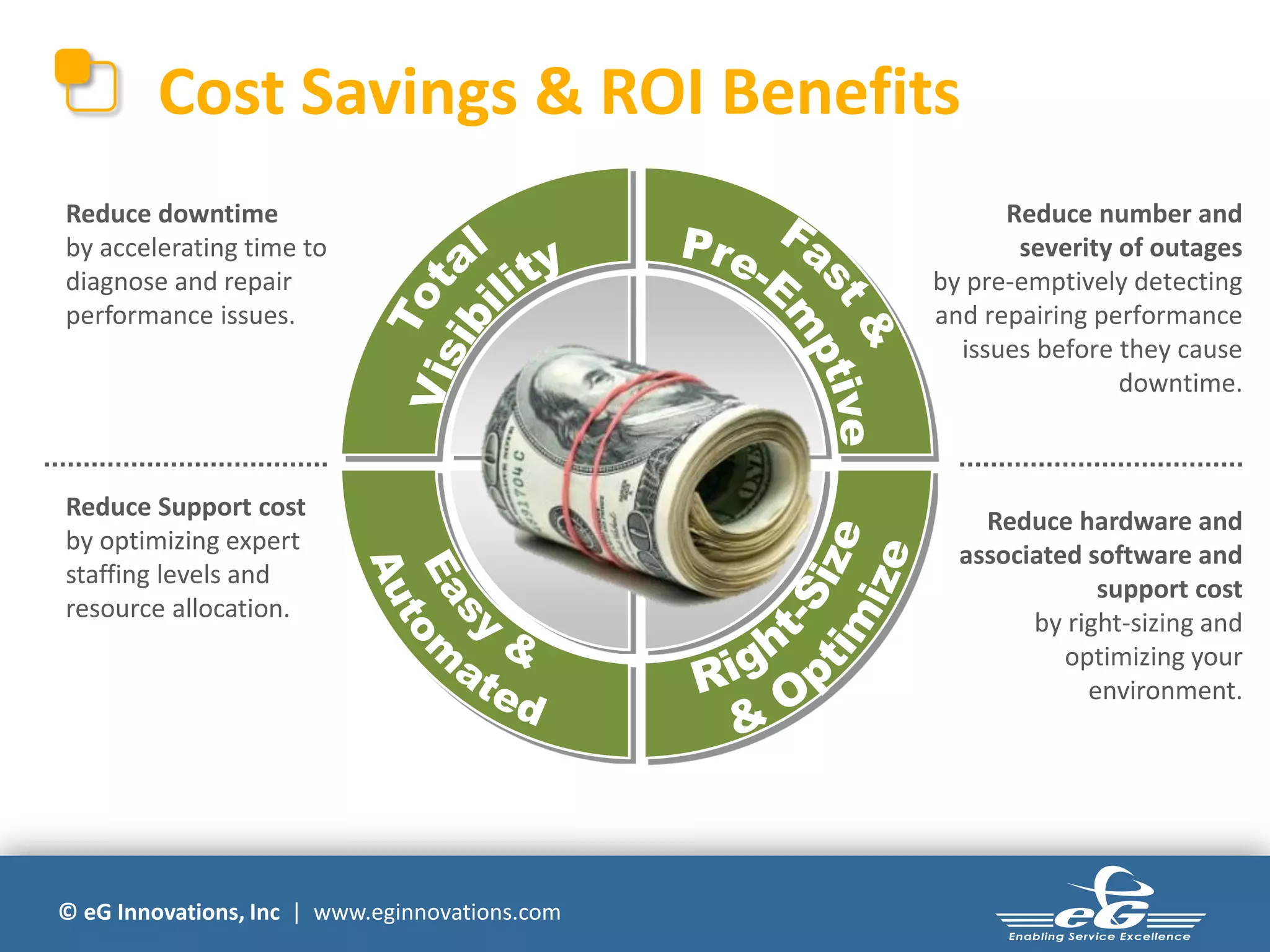
Cost Savings & ROI Benefits
Reduce downtime                                       Reduce number and
by accelerating time to                                severity of outages
diagnose and repair                             by pre-emptively detecting
performance issues.                             and repairing performance
                                                  issues before they cause
                                                                downtime.


Reduce Support cost
                                                    Reduce hardware and
by optimizing expert
                                                  associated software and
staffing levels and
                                                              support cost
resource allocation.
                                                        by right-sizing and
                                                           optimizing your
                                                             environment.


© eG Innovations, Inc | www.eginnovations.com
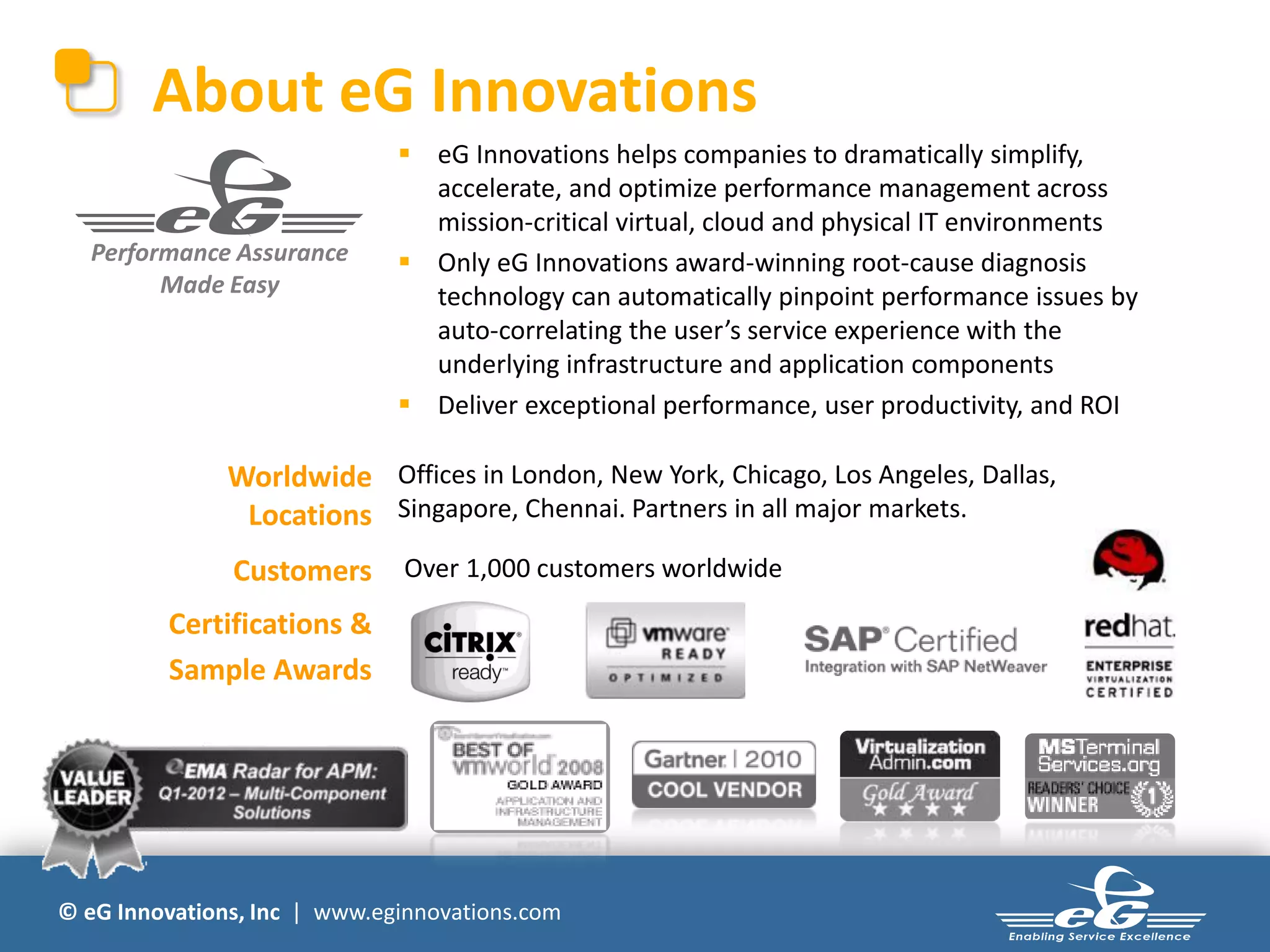
About eG Innovations
                               eG Innovations helps companies to dramatically simplify,
                                accelerate, and optimize performance management across
                                mission-critical virtual, cloud and physical IT environments
  Performance Assurance        Only eG Innovations award-winning root-cause diagnosis
        Made Easy               technology can automatically pinpoint performance issues by
                                auto-correlating the user’s service experience with the
                                underlying infrastructure and application components
                               Deliver exceptional performance, user productivity, and ROI

               Worldwide Offices in London, New York, Chicago, Los Angeles, Dallas,
                Locations Singapore, Chennai. Partners in all major markets.
               Customers      Over 1,000 customers worldwide

         Certifications &
         Sample Awards


© eG Innovations, Inc | www.eginnovations.com
Customer Success


© eG Innovations, Inc | www.eginnovations.com
Ask the Experts


                                                &

© eG Innovations, Inc | www.eginnovations.com
Next Steps

 Live Product Demonstration
      www.eginnovations.com

 Call Us
      +44 (0)207 935 6721


© eG Innovations, Inc | www.eginnovations.com

VDI Choices - Citrix XenDesktop, XenApp or VDI in a Box?

  • 1.
    Desktop Virtualisation Choices Citrix XenDesktop, XenApp or VDI-In-A-Box- How to Decide? Presenters Andrew Wood (Gilwood CS Ltd) Keith Girt (eG Innovations UK Ltd)
  • 2.
    Citrix Desktop VirtualisationChoices: XenDesktop, XenApp, VDI-in-a-Box. How to Decide ? Andrew Wood CEO Gilwood CS Ltd Andrew.Wood@gilwood-cs.co.uk Twitter: @gilwood_cs www.gilwood-cs.co.uk © eG Innovations, Inc | www.eginnovations.com
  • 3.
    Is this justanother smackdown?
  • 4.
  • 5.
    Your goals fordesktop virtualisation?
  • 6.
    Assessment is keyfor any transformation
  • 7.
    Open, scalable and Anydevice, anywhere proven technology High-Def user view Single-instance including 3D management Any Windows, Web or Data security and SaaS App access control Deploy virtual desktops and apps for any use case
  • 8.
    Monitoring via Edgesight WAN Optimisation via Branch Repeater Features by edition Single Sign on For Apps& Data Windows Apps on demand via XenApp Windows Apps on demand via XenApp Flexcast Local Desktop via XenClient Flexcast Local Desktop via XenClient Flexcast Shared Desktops via XenApp Flexcast Shared Desktops via XenApp Help desk support via Desktop Director Help desk support via Desktop Director Help desk support via Desktop Director Fine grained configuration & CLI Fine grained configuration & CLI Fine grained configuration & CLI Remote Access via Access Gateway Remote Access via Access Gateway Remote Access via Access Gateway Departmental Apps via Personal vDisk Departmental Apps via Personal vDisk Departmental Apps via Personal vDisk High Definition user experience High Definition user experience High Definition user experience Any device, anywhere Any device, anywhere Any device, anywhere Dedicated & Pooled VDI Desktop Dedicated & Pooled VDI Desktop Dedicated & Pooled VDI Desktop XenServer virtualization XenServer virtualization XenServer virtualization platform platform platform
  • 9.
    Questions to askof XenDesktop 5
  • 10.
    XenApp Open, scalable and Any device, anywhere proven technology High-Def user view Single-instance including 3D management Any Windows, Web or Data security and SaaS App access control Deploy virtual desktops and apps for any use case
  • 11.
    XenApp 6.x featuresby edition Provisioning services Secure application access Single sign-on (offline included) Application Virtualization SmartAuditor Performance Monitoring for Apps Basic Service Monitoring Basic Service Monitoring Power and capacity management Power and capacity management Load testing services Load testing services Profile management Profile management Enterprise Management Enterprise Management Resource Manager, CPU/Memory Resource Manager, CPU/Memory Optimization, Health Assistant, MS SC Optimization, Health Assistant, MS SC integration integration Workflow automation Workflow automation Workflow automation Application virtualization Application virtualization Application virtualization Session virtualization Session virtualization (Server & VM) Session virtualization (Server & VM)
  • 12.
  • 13.
  • 14.
    VDI-in-a-Box All key features are built-in: Virtual Virtual Virtual Virtual  Connection brokering Desktop Desktop Desktop Desktop  Dynamic provisioning User Dynamic Desktop Template  High-availability Manageme Provisioning & Managem nt Management ent  Load balancing Connection Broker Logical Shared Storage Load Balancer  On-demand scaling  Citrix HDX user experience High-Availability Grid Engine  Linked clones VDI-in-a-Box virtual  Personal and pooled desktops appliance Hypervisor ..hypervisor supported • Citrix XenServer • Microsoft Hyper-V • VMware vSphere (ESXi) DAS
  • 15.
    Platinum Features Citrix HostedDesktop feature check Windows Apps on demand via XenApp Flexcast Local Desktop via XenClient Flexcast Shared Desktops via XenApp HelpDesk support via DesktopDirector HelpDesk support via DesktopDirector Automation Automation Designed for multi-site deployments Designed for multi-site deployments RemoteAccess via Access Gateway RemoteAccess via Access Gateway RemoteAccess via Access Gateway Departmental Apps via Personal vDisk Departmental Apps via Personal vDisk Departmental Apps via Personal vDisk High Definition user experience High Definition user experience High Definition user experience Any device, anywhere Any device, anywhere Any device, anywhere High availability w/o shared storage All in one turnkey appliance Dedicated & Pooled VDI Desktop Dedicated & Pooled VDI Desktop Dedicated & Pooled VDI Desktop XenServer virtualization XenServer virtualization platform platform
  • 16.
  • 17.
  • 18.
    How to Manage?.. 12 steps to better desktop virtualisation
  • 19.
  • 20.
  • 21.
    eG Innovations SupportFor Desktop Virtualisation Projects Keith Girt Regional Sales Manager eG Innovations Ltd (UK) Keith.Girt@eginnovations.com © eG Innovations, Inc | www.eginnovations.com
  • 22.
    Desktop Virtualisation PerformancePain 50% of all desktop virtualisation projects stall or fail for 2 reasons: 1) Unacceptable End User Performance 2) Cost Overruns “Traditional management tools and desktop assessments are failing to deliver VDI performance, user acceptance and scalability.” © eG Innovations, Inc | www.eginnovations.com
  • 23.
    Virtual Desktops 20% Endpoints | User Workspace Management | Desktop Mgmt  Complexity  Investment  Performance impact  Technology choices  Opportunities for Problems Virtual Desktop Infrastructure 80% © eG Innovations, Inc | www.eginnovations.com Connection Brokers | Provisioning Servers Profile Servers | Storage | Network | Apps
  • 24.
    Where is theProblem Root-Cause? SAN Active Directory on ESX Switch User Virtual Desktops Network on XenServer Provisioning Server on XenServer XenDesktop DC on XenServer License Server on XenServer Profile Server Oracle Enterprise Apps on ESX vCenter Hypervisor, Virtual Desktops, Connection Broker, SAN, … a problem in any of these components can impact the user experience. © eG Innovations, Inc | www.eginnovations.com
  • 25.
    Where are weOver/Under Resourced? Active Directory SQL SAN Switch Enterprise Client Apps Network Web on XenApp on ESX ZDC on VMware ESX VMware ESX Profile Server Should we scale up or scale out? Can we add more users per virtual XenApp or do we need more License Server instances? XenApp Oracle vCenter © eG Innovations, Inc | www.eginnovations.com
  • 26.
    Traditional Approach to Performance Management  Silo monitoring tools and manual troubleshooting were OK in yesterdays static, physical IT environments © eG Innovations, Inc | www.eginnovations.com
  • 27.
    Performance Assurance Challenges ©eG Innovations, Inc | www.eginnovations.com
  • 28.
    How Do WeHelp? © eG Innovations, Inc | www.eginnovations.com
  • 29.
    The Solution: eGEnterprise © eG Innovations, Inc | www.eginnovations.com
  • 30.
    Snapshot © eG Innovations,Inc | www.eginnovations.com
  • 31.
    Performance Assurance Challenges ©eG Innovations, Inc | www.eginnovations.com
  • 32.
    Key Capabilities Unmatched performance Fast, pre-emptive problem visibility and auto- detection & alerting correlation of all so you can fix performance components and problems BEFORE users dependencies that impact complain. Prevent user experience - across downtime, ensure great desktop, application, performance and enhance network, storage and user satisfaction. virtualization tiers. Automatic root-cause Right-size and optimize diagnosis pinpoints your environment problems and accelerates and reduce hardware cost diagnosis and resolution by 20% through better of performance issues - so utilization rates. your highly skilled staff can be more productive rather than fighting fires all day. © eG Innovations, Inc | www.eginnovations.com
  • 33.
    Cost Savings &ROI Benefits Reduce downtime Reduce number and by accelerating time to severity of outages diagnose and repair by pre-emptively detecting performance issues. and repairing performance issues before they cause downtime. Reduce Support cost Reduce hardware and by optimizing expert associated software and staffing levels and support cost resource allocation. by right-sizing and optimizing your environment. © eG Innovations, Inc | www.eginnovations.com
  • 34.
    About eG Innovations  eG Innovations helps companies to dramatically simplify, accelerate, and optimize performance management across mission-critical virtual, cloud and physical IT environments Performance Assurance  Only eG Innovations award-winning root-cause diagnosis Made Easy technology can automatically pinpoint performance issues by auto-correlating the user’s service experience with the underlying infrastructure and application components  Deliver exceptional performance, user productivity, and ROI Worldwide Offices in London, New York, Chicago, Los Angeles, Dallas, Locations Singapore, Chennai. Partners in all major markets. Customers Over 1,000 customers worldwide Certifications & Sample Awards © eG Innovations, Inc | www.eginnovations.com
  • 35.
    Customer Success © eGInnovations, Inc | www.eginnovations.com
  • 36.
    Ask the Experts & © eG Innovations, Inc | www.eginnovations.com
  • 37.
    Next Steps  LiveProduct Demonstration www.eginnovations.com  Call Us +44 (0)207 935 6721 © eG Innovations, Inc | www.eginnovations.com