A world where people can work or play from anywhere
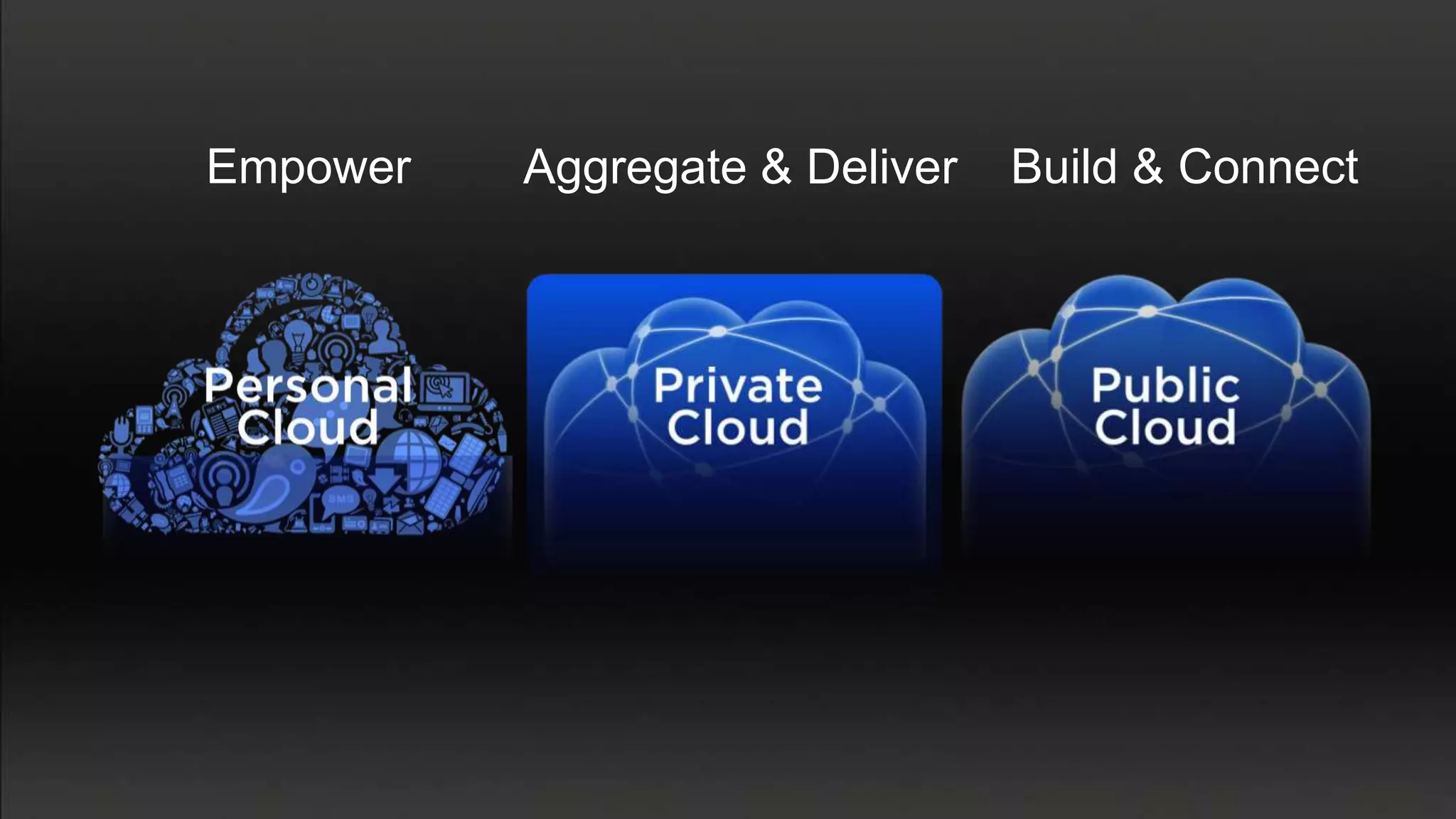
Empower   Aggregate & Deliver   Build & Connect
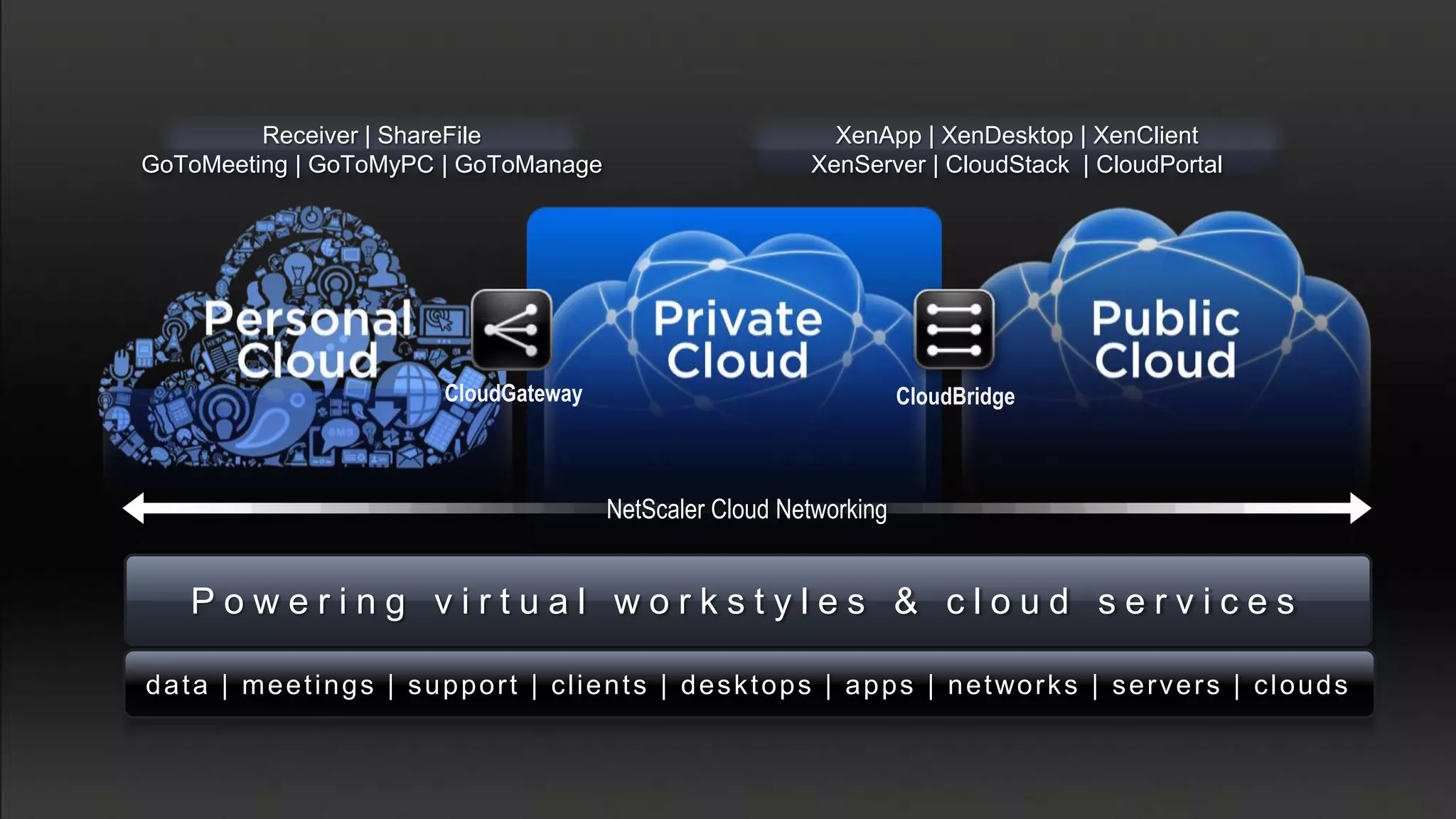
Receiver | ShareFile                                              XenApp | XenDesktop | XenClient
GoToMeeting | GoToMyPC | GoToManage                                      XenServer | CloudStack | CloudPortal


                                CloudGateway                                      CloudBridge


                                                  NetScaler Cloud Networking


    Powering virtual workstyles & cloud services

d a t a | m e e t i n g s | s u p p o r t | c l i e n t s | d e s k t o p s | a p p s | n e t wo r k s | s e r v e r s | c l o u d s
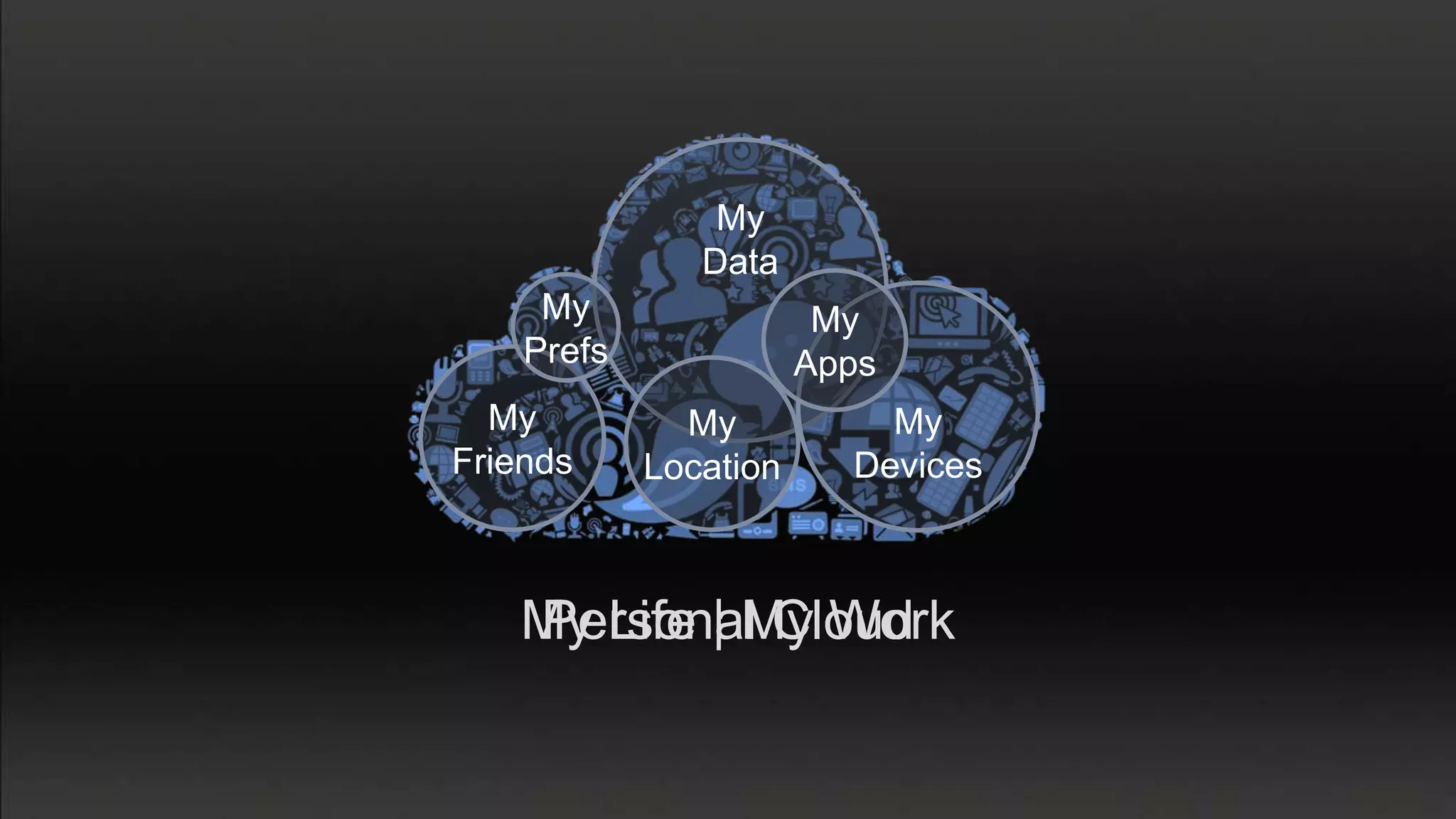
My
               Data
     My                 My
    Prefs              Apps
  My          My           My
Friends     Location     Devices


   My Life | My Work
   Personal Cloud
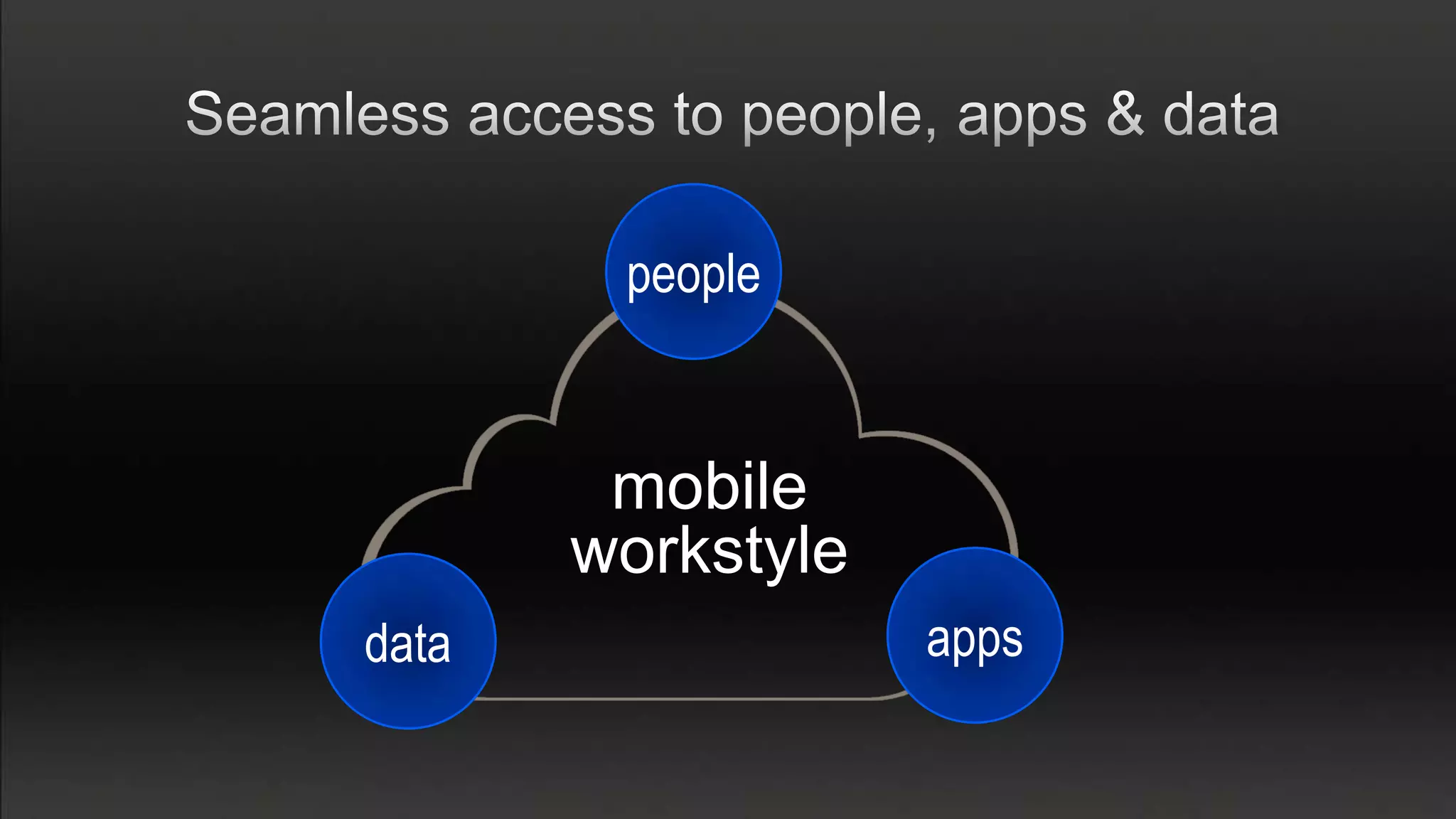
people


        mobile
       workstyle
data               apps
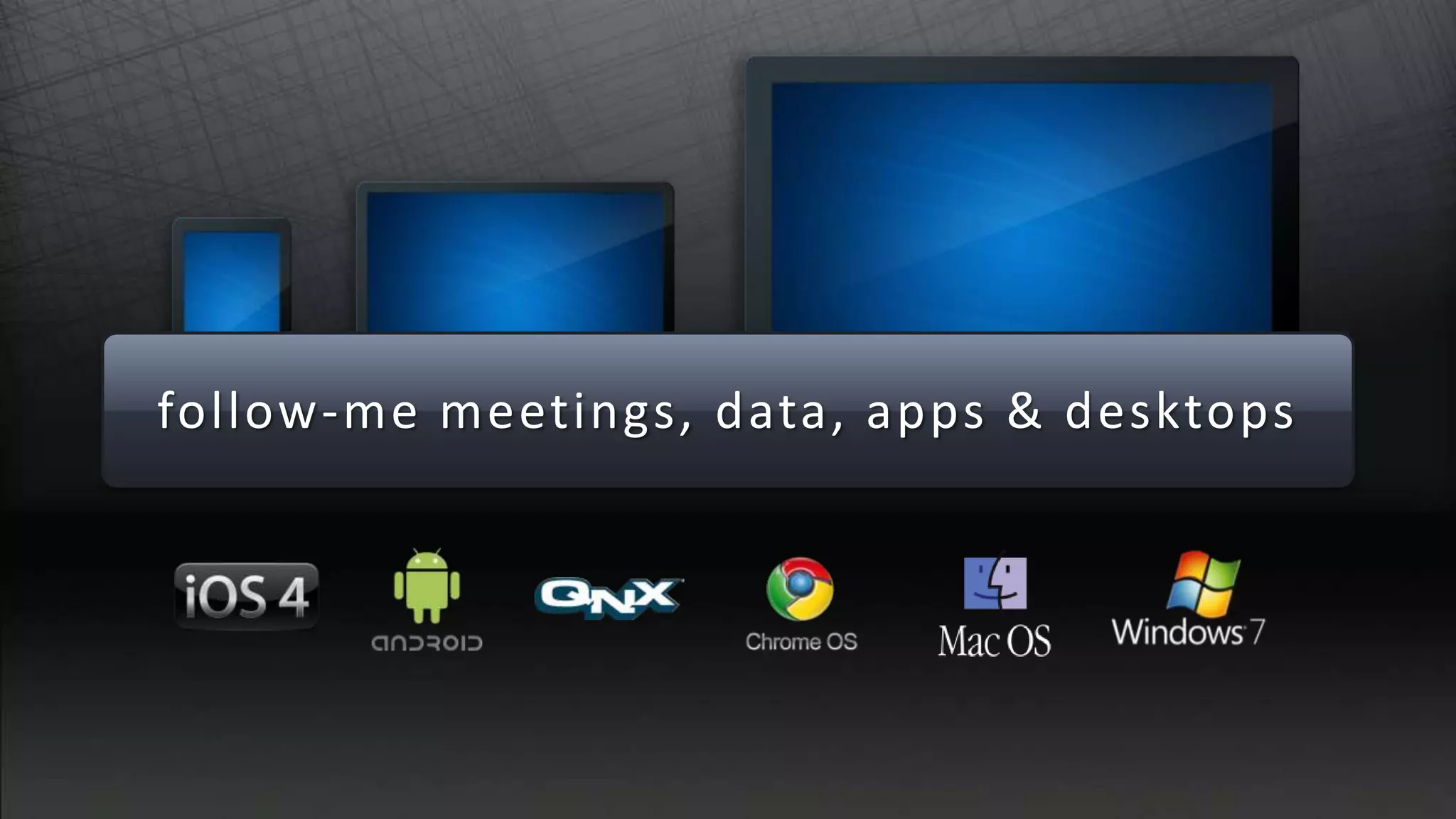
follow-me meetings, data, apps & desktops
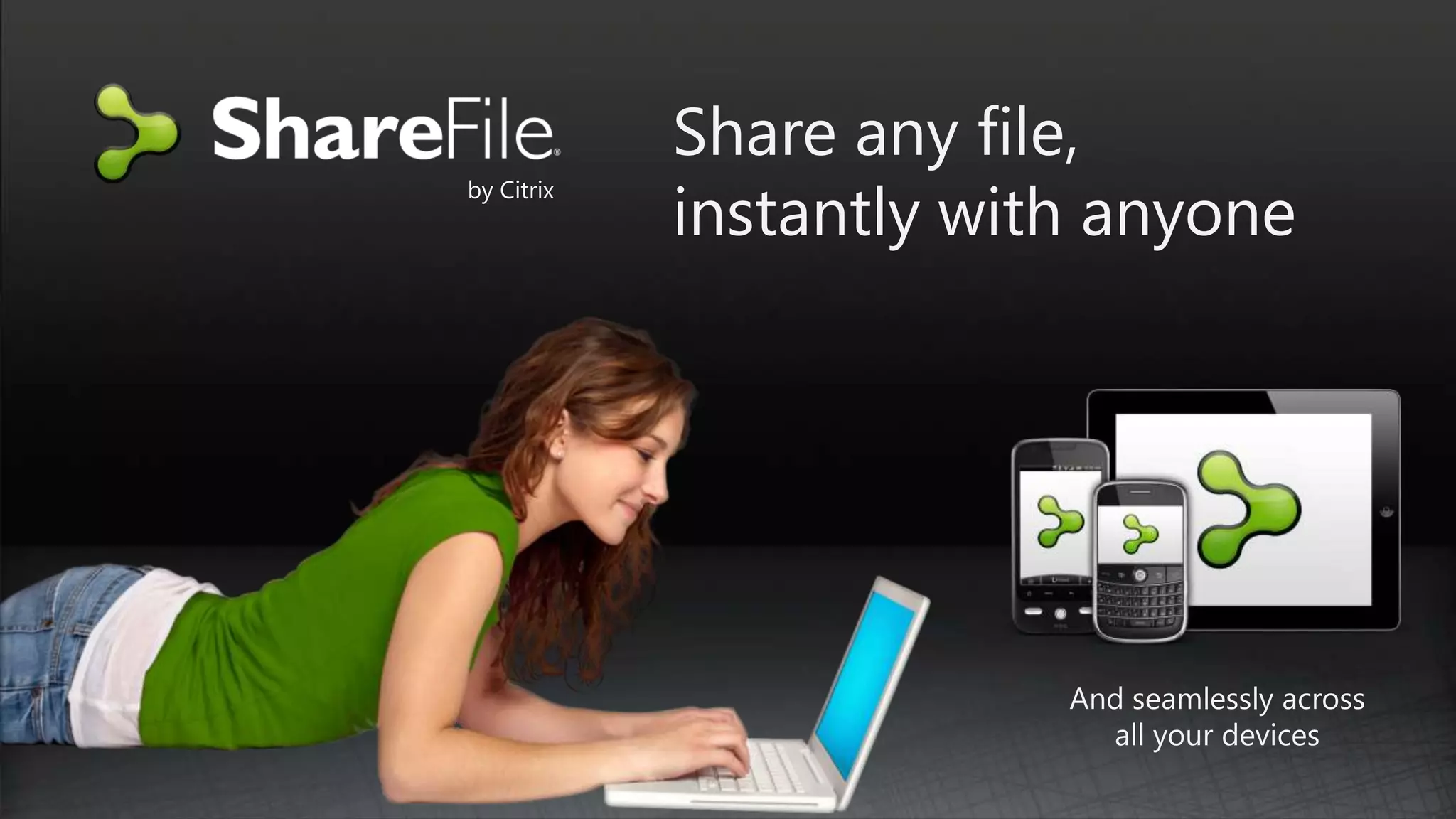
Share any file,
            instantly with anyone
by Citrix


                         And seamlessly across
                           all your devices
• Send, request & share files within Outlook
• Data from all your devices
• Desktop widget & sync tools
• File encryption – at rest and in transit
• Versioning & comment tracking
• File activity alerts & notifications
• Remote wipe & account locking
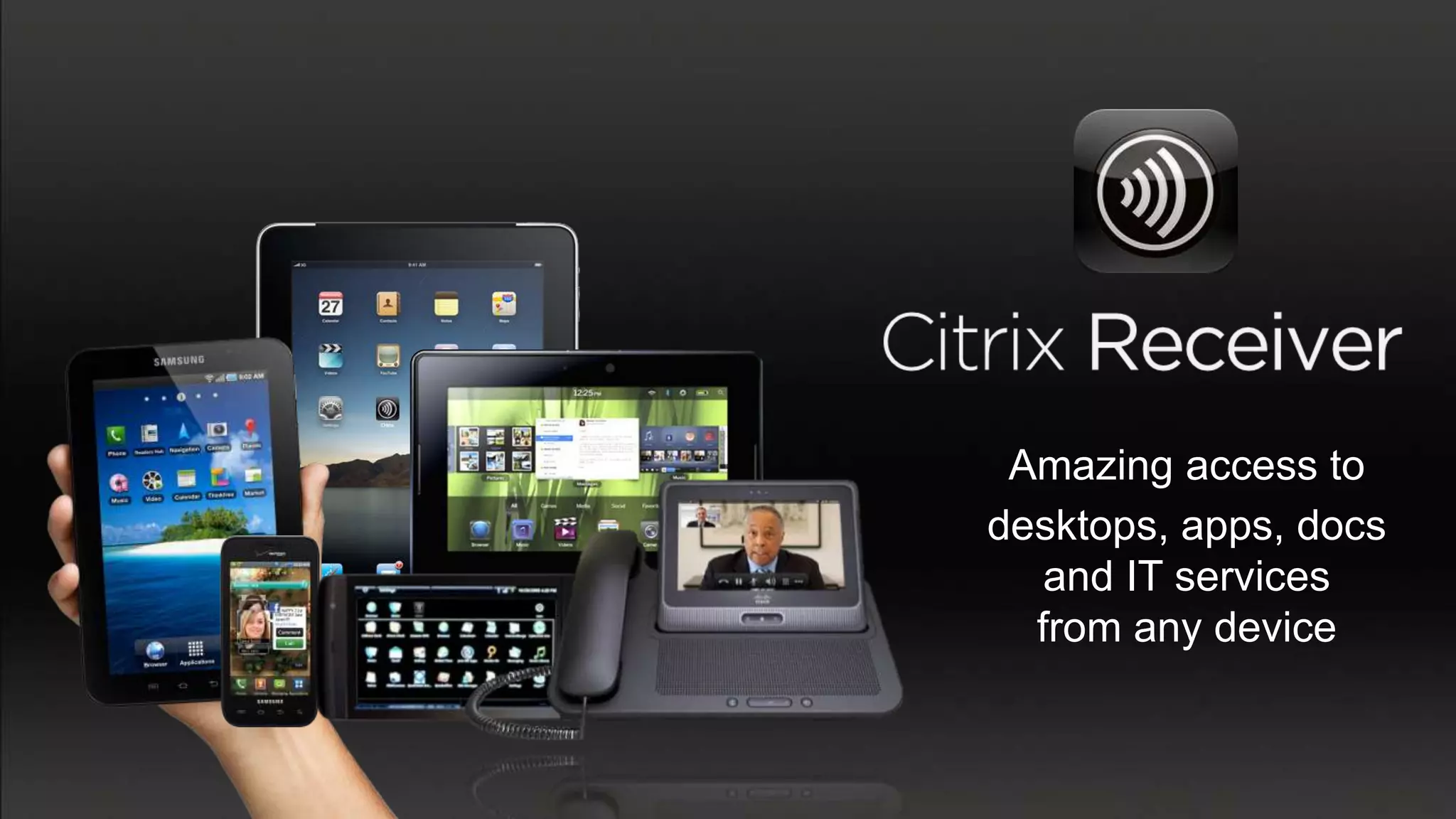
Amazing access to
desktops, apps, docs
   and IT services
  from any device
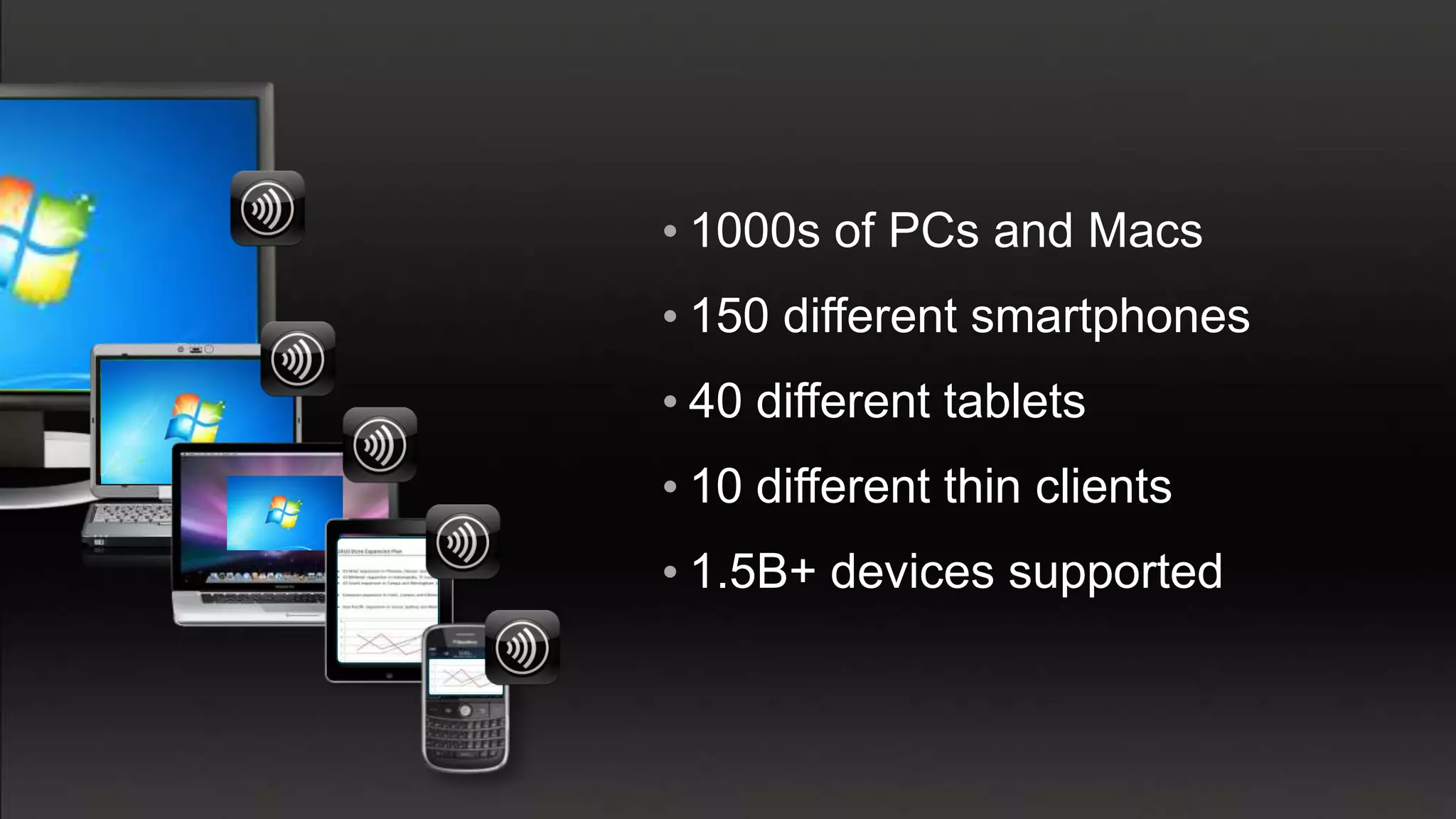
• 1000s of PCs and Macs
• 150 different smartphones
• 40 different tablets
• 10 different thin clients
• 1.5B+ devices supported
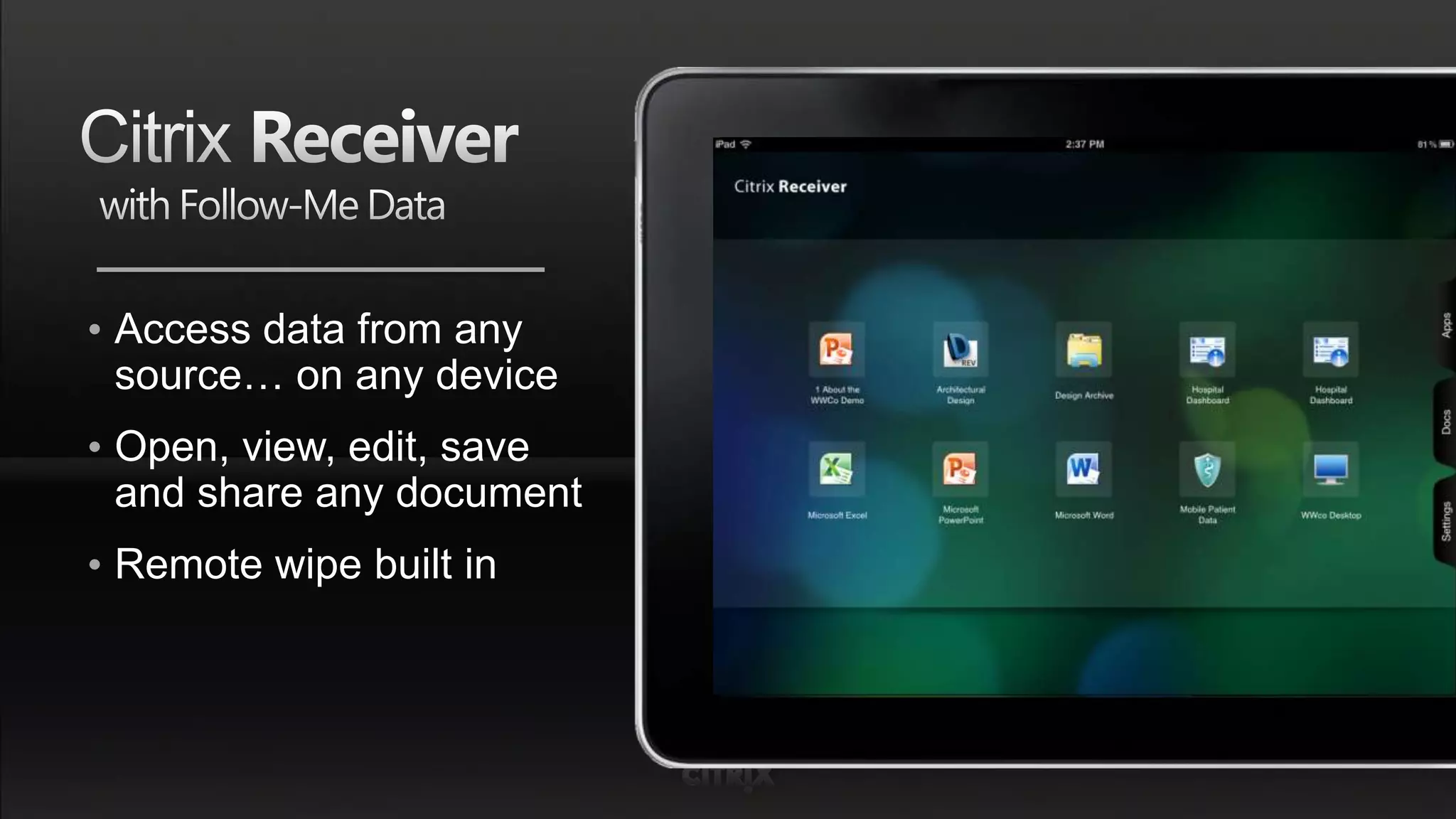
• Access data from any
  source… on any device
• Open, view, edit, save
  and share any document
• Remote wipe built in
people


        mobile
       workstyle
data               apps
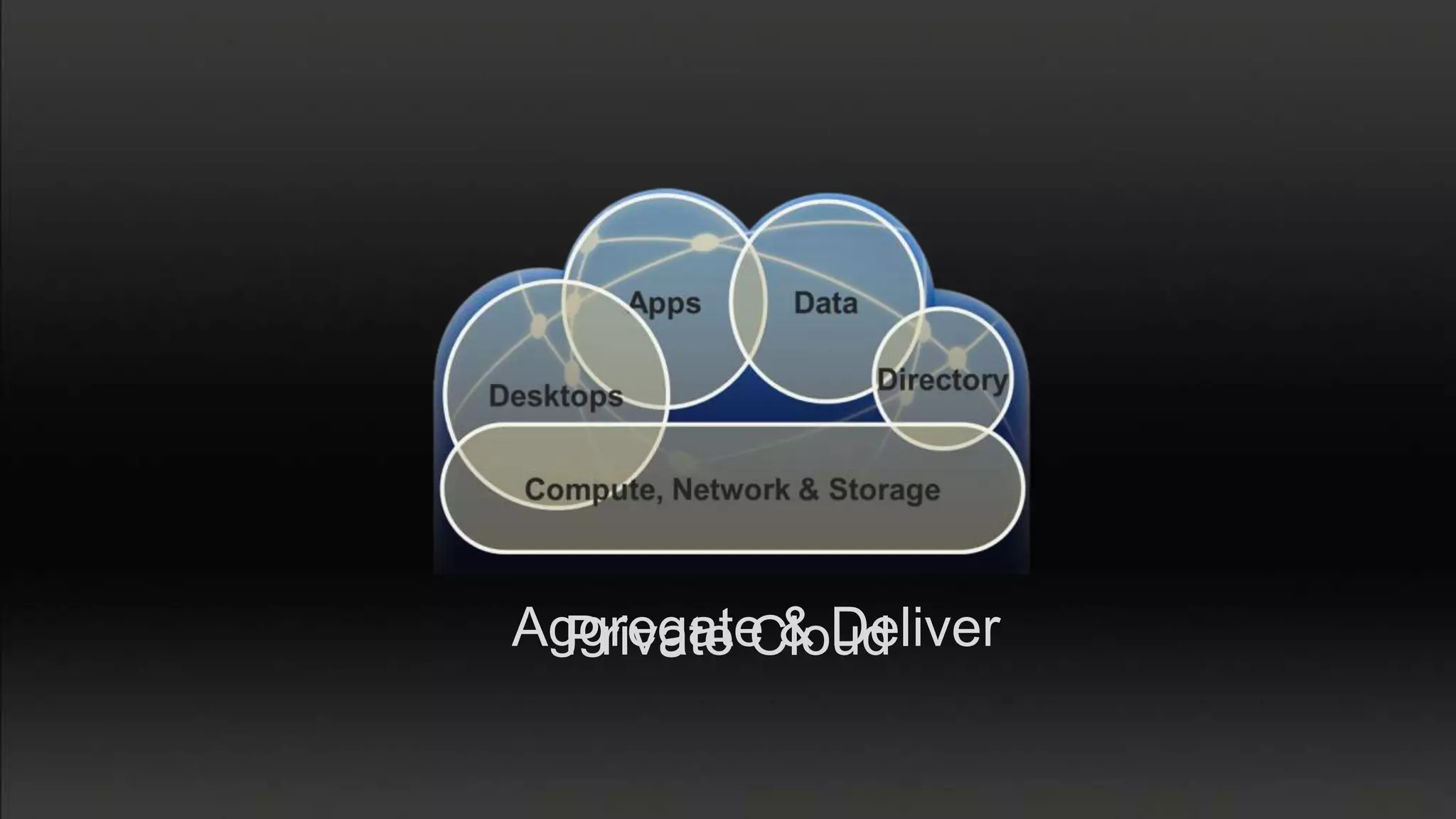
Aggregate & Deliver
  Private Cloud
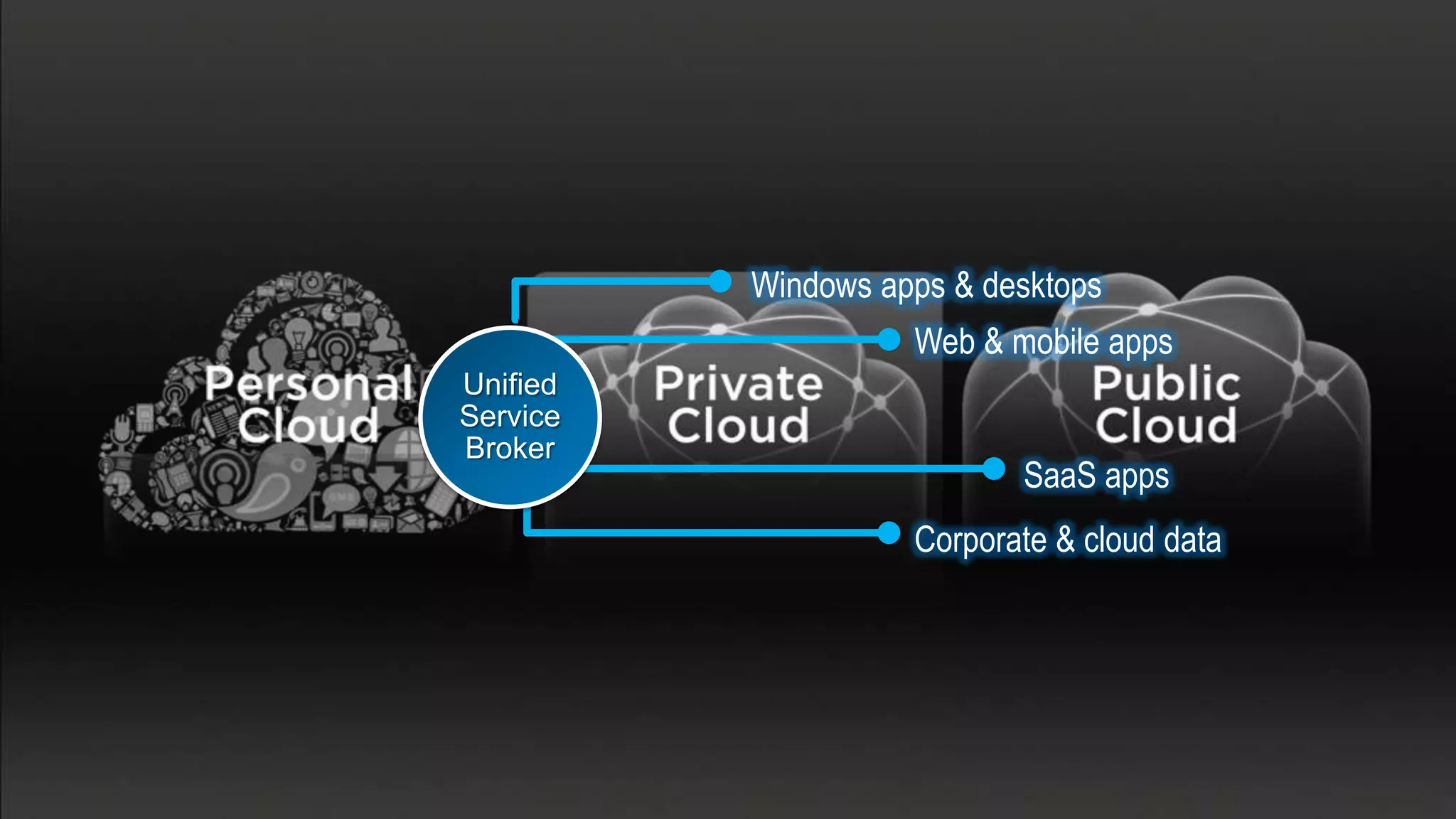
Windows apps & desktops
                    Web & mobile apps
Unified
Service
Broker
                           SaaS apps
                    Corporate & cloud data
XenApp
              XenDesktop


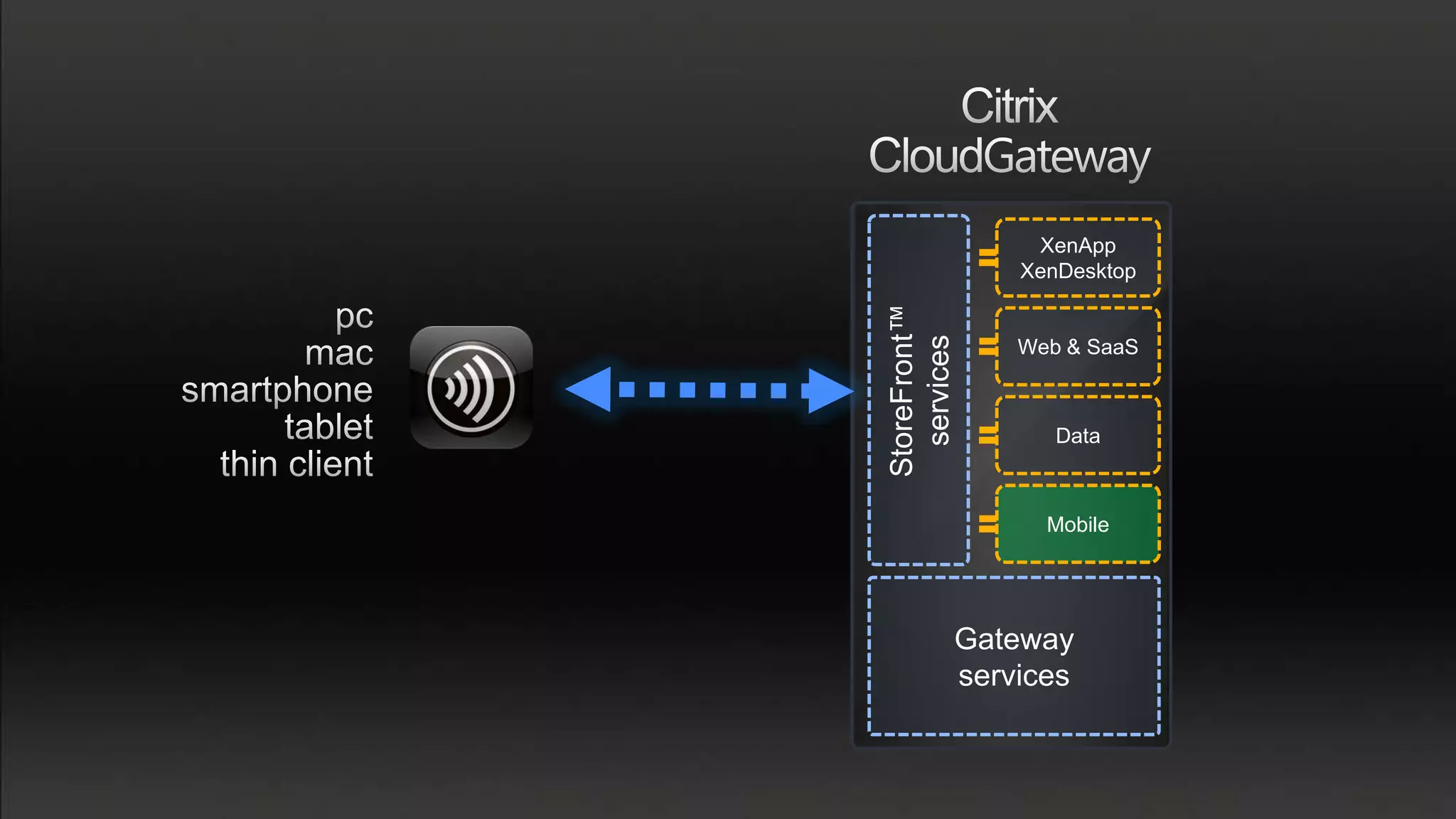
StoreFront™
  services
              Web & SaaS


                 Data


                Mobile


          Gateway
          services
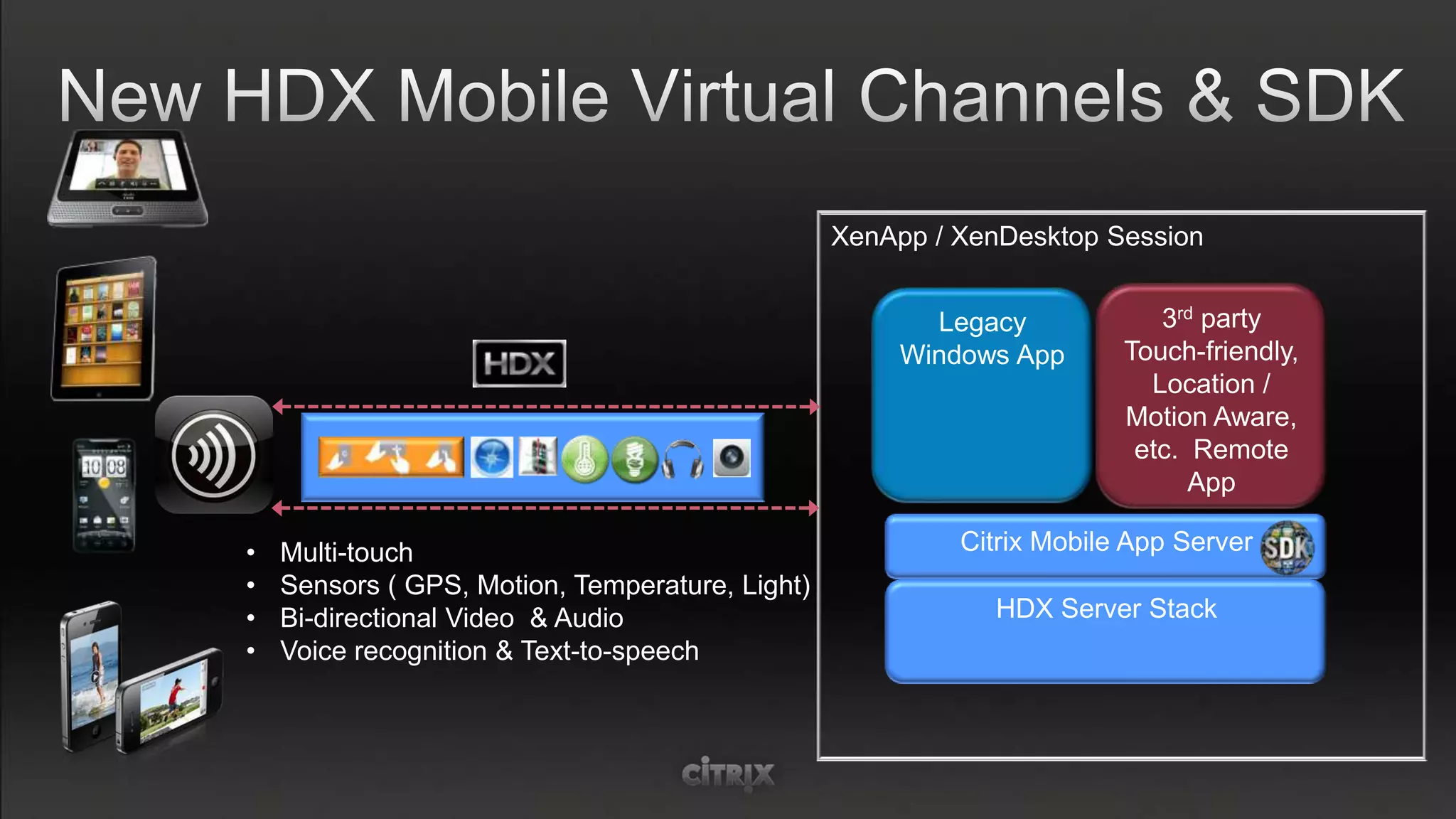
XenApp / XenDesktop Session


                                                       Legacy             3rd party
                                                     Windows App       Touch-friendly,
                                                                         Location /
                                                                       Motion Aware,
                                                                        etc. Remote
                                                                             App

•   Multi-touch                                           Citrix Mobile App Server
•   Sensors ( GPS, Motion, Temperature, Light)
•   Bi-directional Video & Audio                            HDX Server Stack
•   Voice recognition & Text-to-speech
•
                    •
                    •
                    •
                    •
                    •


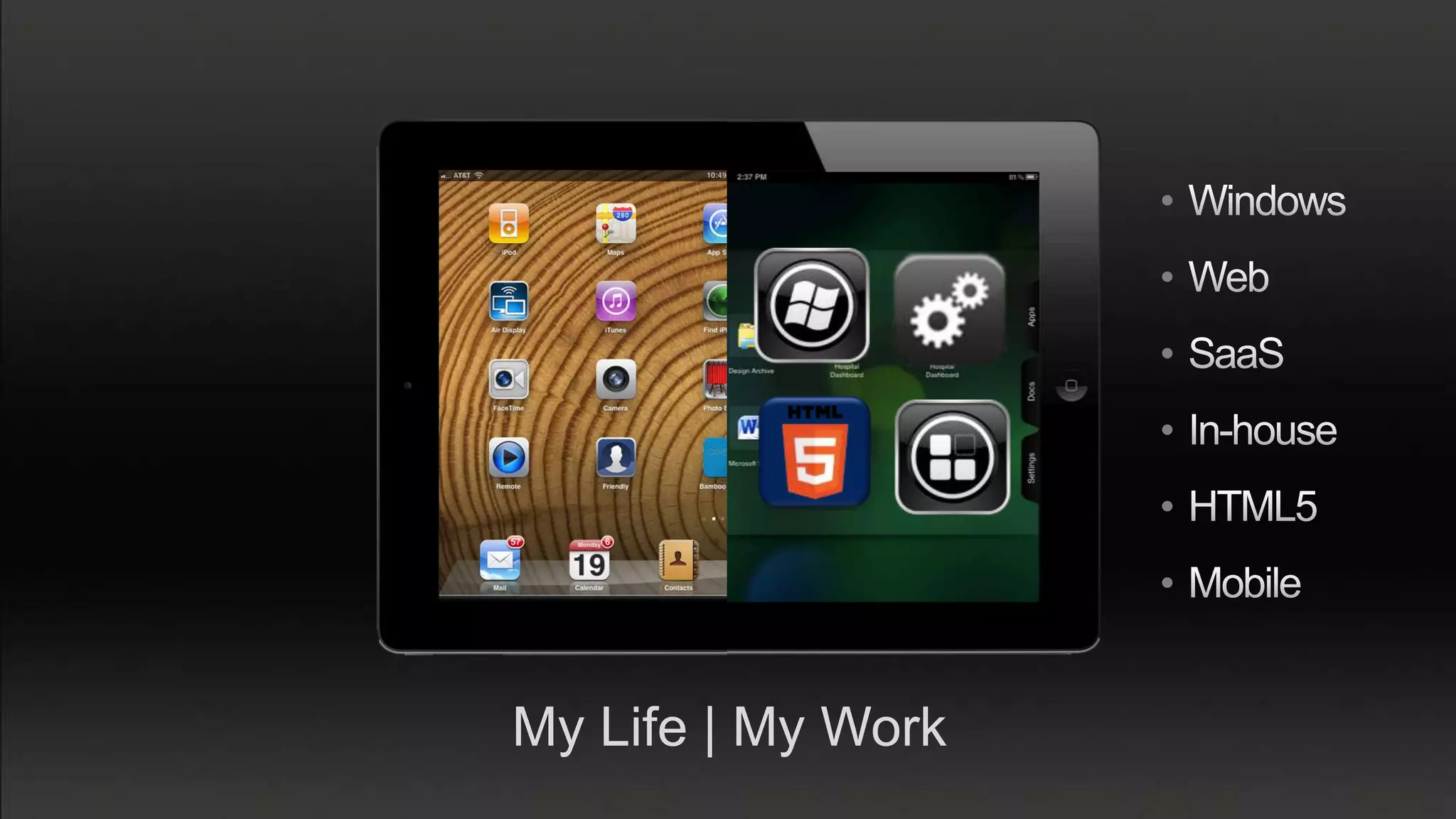
My Life | My Work
Windows
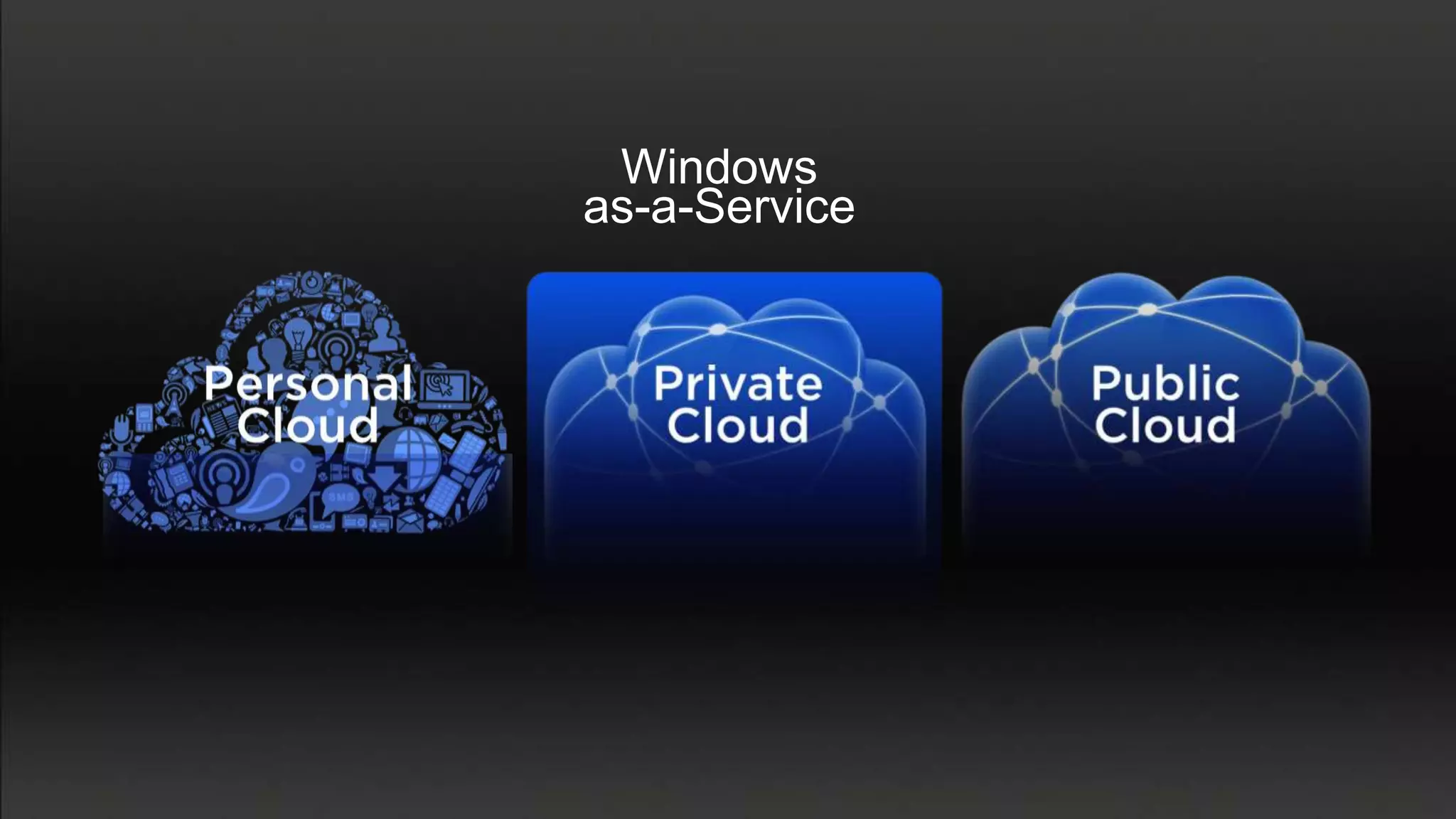
as-a-Service
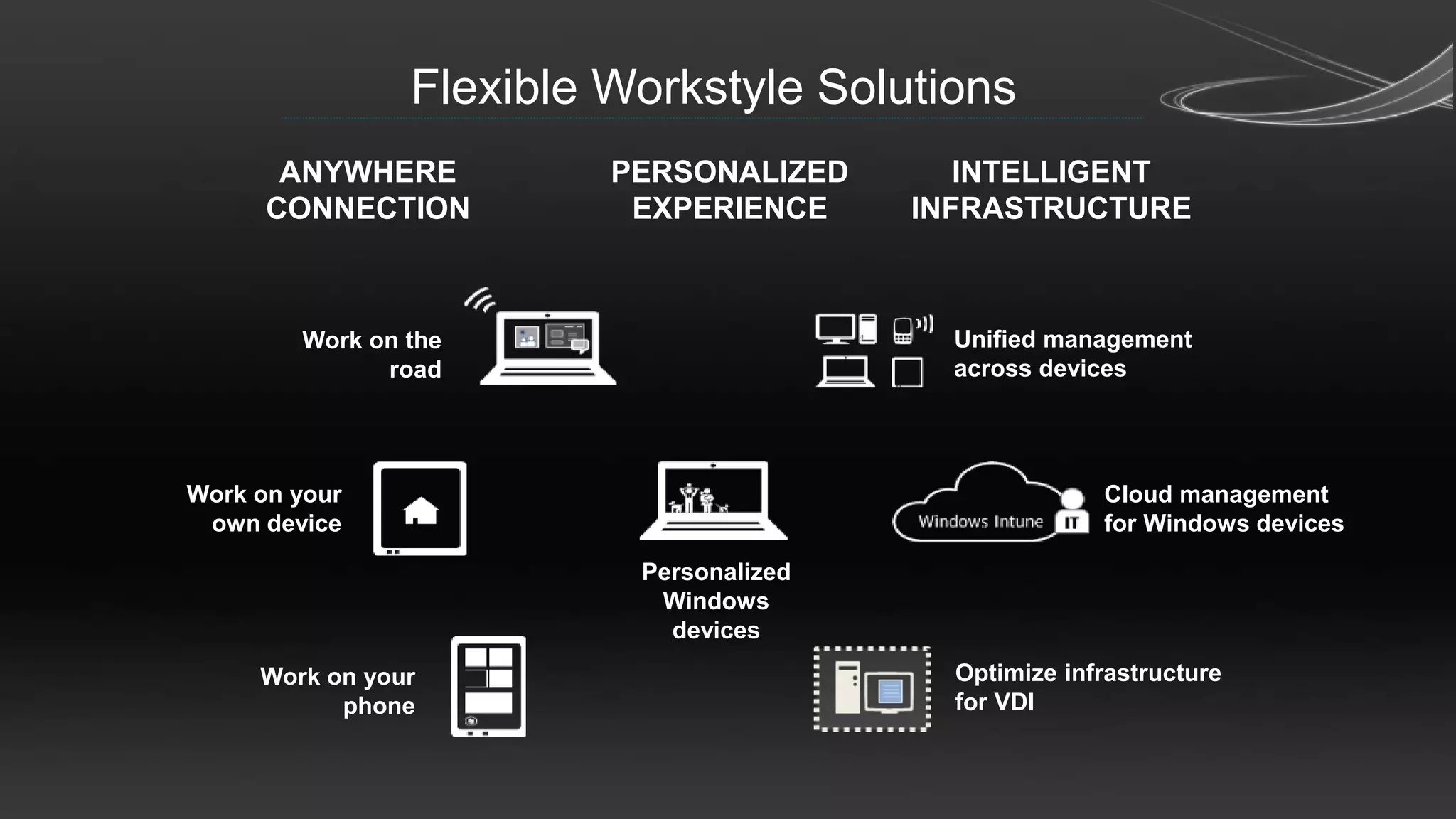
Flexible Workstyle Solutions
       ANYWHERE          PERSONALIZED       INTELLIGENT
      CONNECTION          EXPERIENCE     INFRASTRUCTURE


        Work on the                        Unified management
              road                         across devices


Work on your                                           Cloud management
 own device                                            for Windows devices

                          Personalized
                           Windows
                            devices
     Work on your                          Optimize infrastructure
           phone                           for VDI
Cost?
  Scalability?
User Experience?
A One-Way VIEW on Desktop virtialization
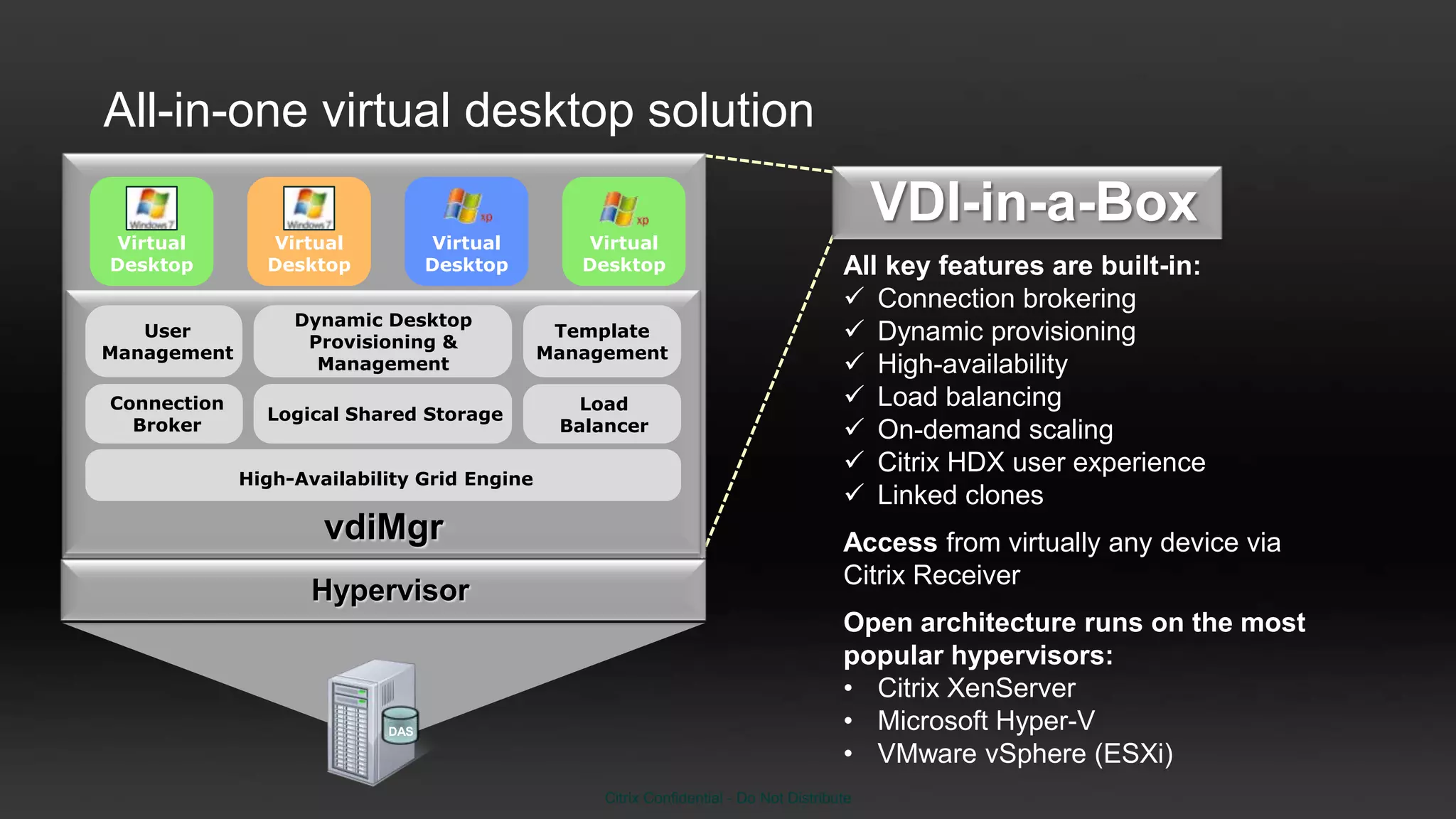
All-in-one virtual desktop solution
                                                                                            VDI-in-a-Box
Virtual        Virtual           Virtual        Virtual
Desktop        Desktop           Desktop        Desktop                                All key features are built-in:
                                                                                        Connection brokering
                  Dynamic Desktop
   User
                   Provisioning &
                                              Template                                  Dynamic provisioning
Management                                   Management
                    Management                                                          High-availability
Connection                                      Load                                    Load balancing
               Logical Shared Storage
  Broker                                      Balancer                                  On-demand scaling
                                                                                        Citrix HDX user experience
             High-Availability Grid Engine
                                                                                        Linked clones
                     vdiMgr                                                            Access from virtually any device via
                                                                                       Citrix Receiver
                    Hypervisor
                                                                                       Open architecture runs on the most
                                                                                       popular hypervisors:
                                                                                       • Citrix XenServer
                           DAS                                                         • Microsoft Hyper-V
                                                                                       • VMware vSphere (ESXi)
                                                  Citrix Confidential - Do Not Distribute
The Right Virtual Desktop for Every User
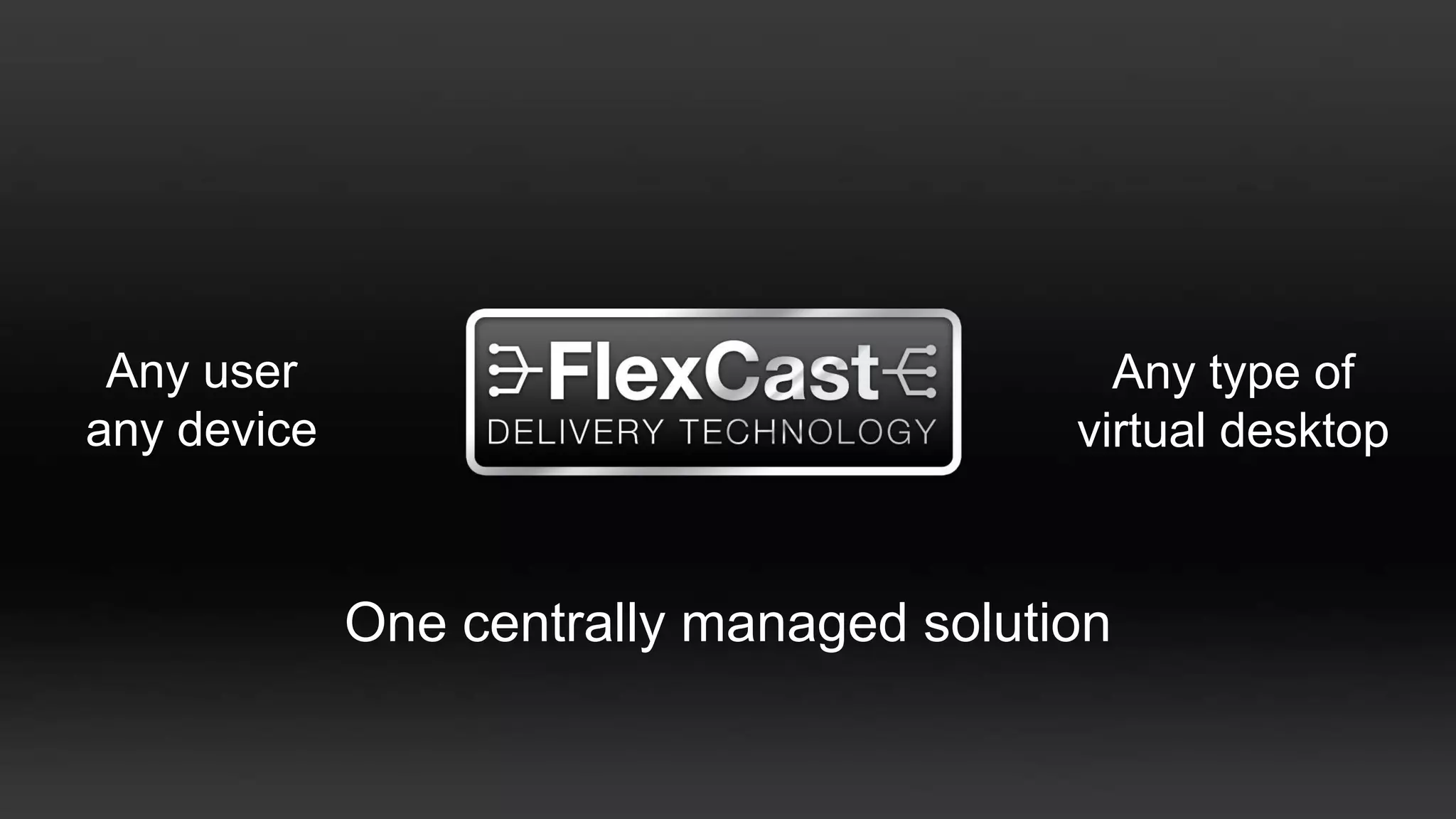
Any user                                  Any type of
any device                               virtual desktop


             One centrally managed solution
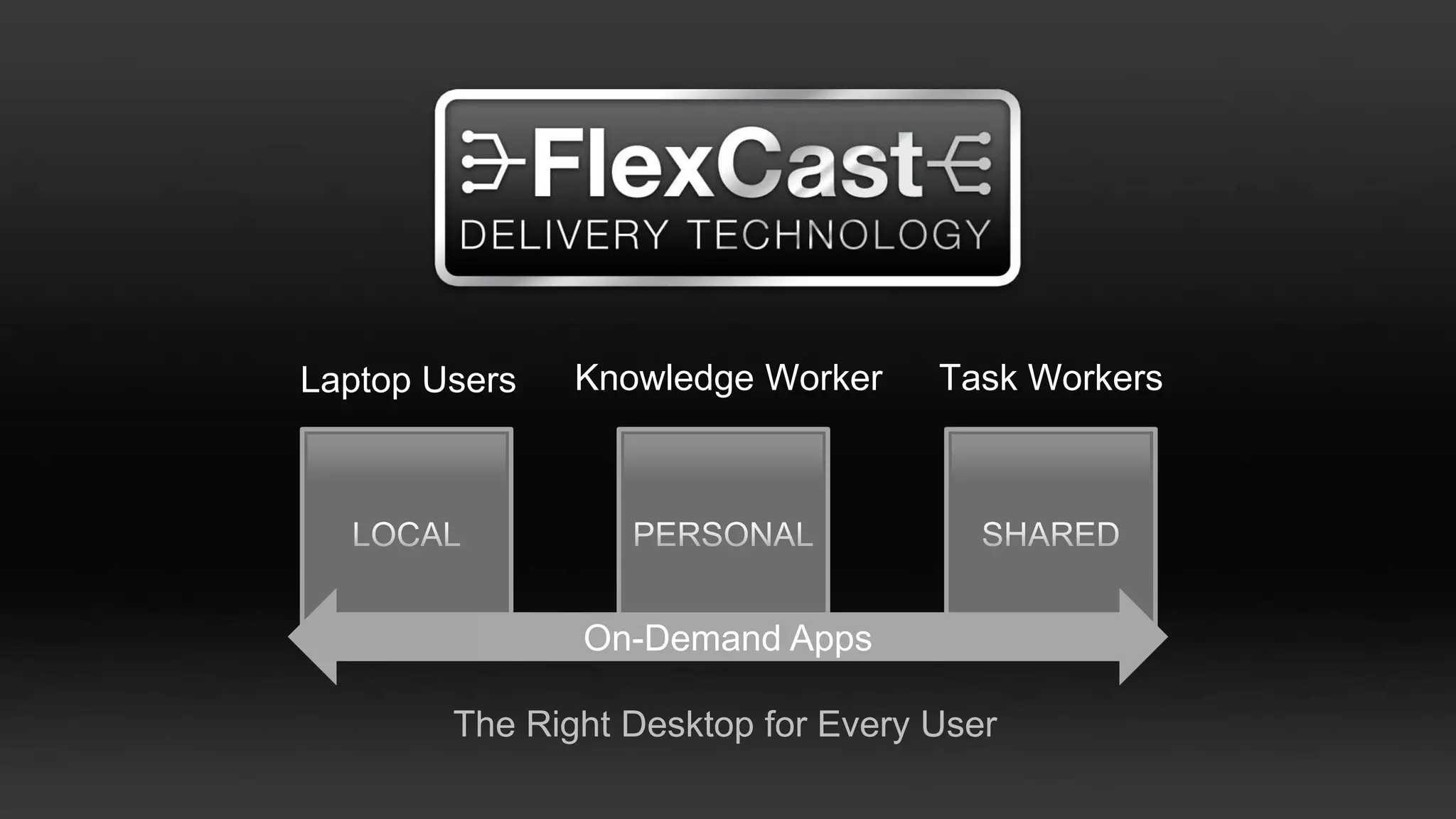
Laptop Users   Knowledge Worker     Task Workers


               On-Demand Apps

        The Right Desktop for Every User
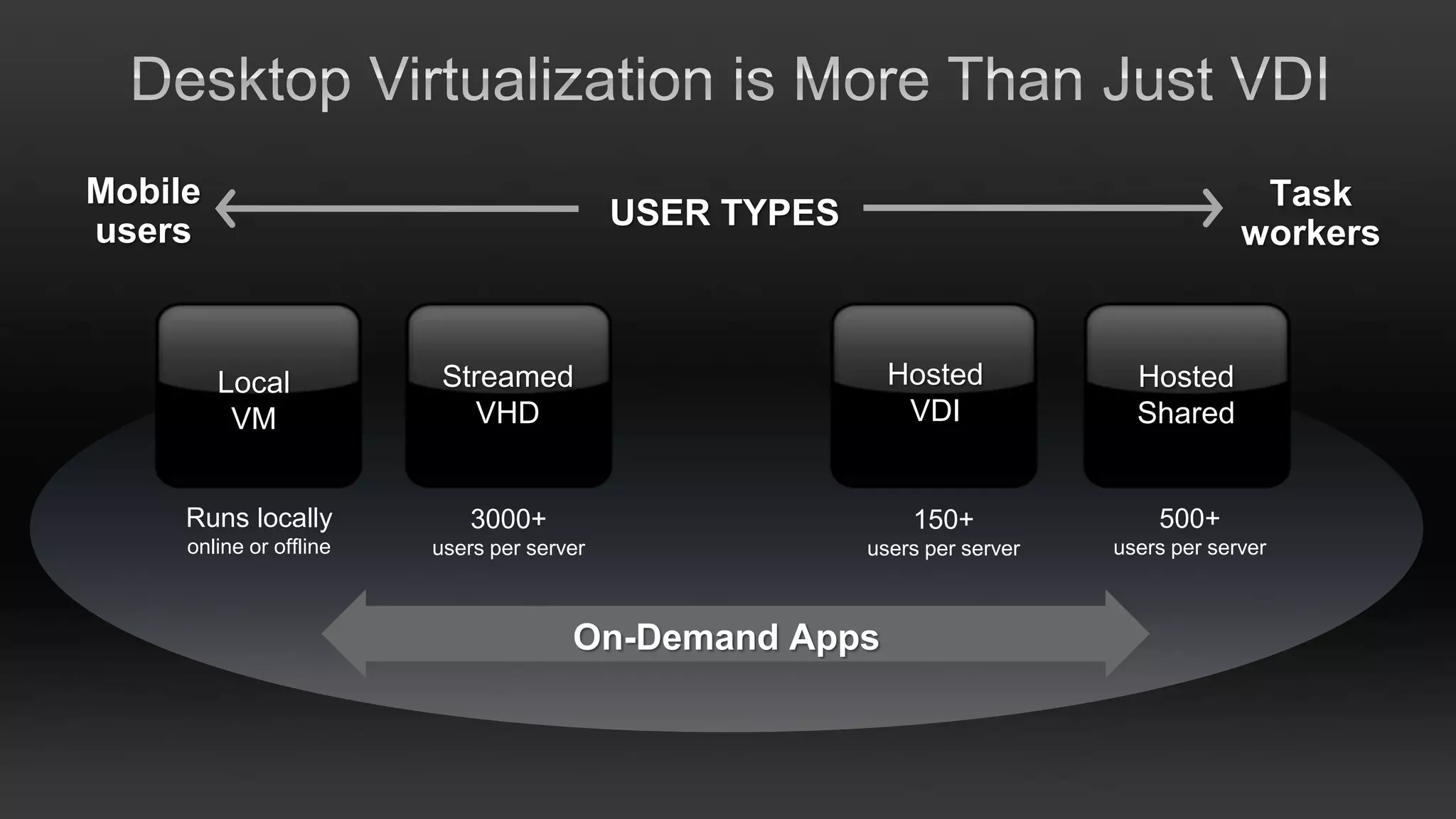
Mobile                                                                                    Task
users                                       USER TYPES
                                                                                         workers


         Local            Streamed                         Hosted             Hosted
          VM                VHD                             VDI               Shared


     Runs locally            3000+                           150+               500+
     online or offline   users per server                users per server   users per server


                                       On-Demand Apps
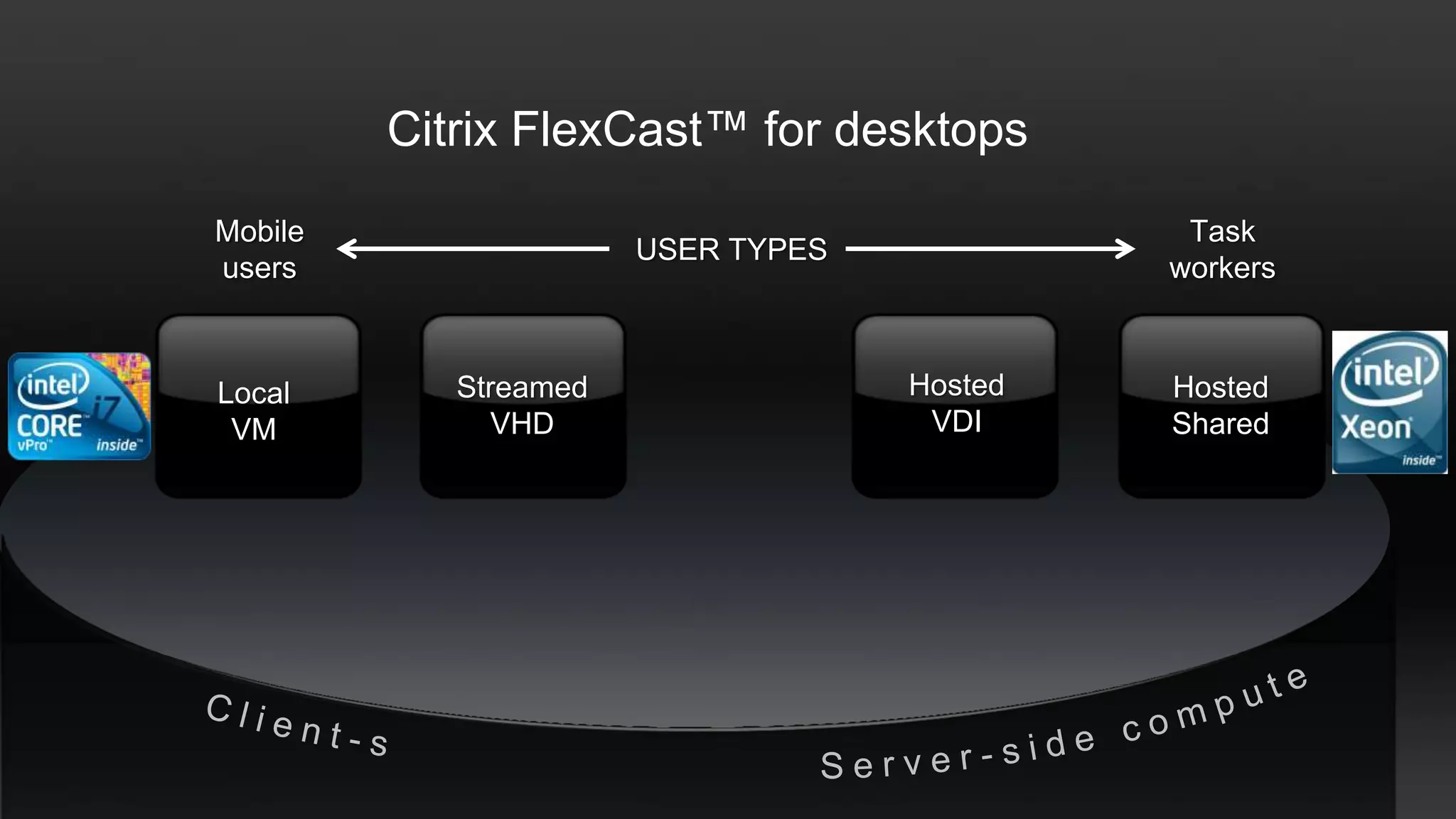
Citrix FlexCast™ for desktops
Mobile                                        Task
                       USER TYPES
users                                        workers


Local       Streamed                Hosted   Hosted
 VM            VHD                   VDI     Shared
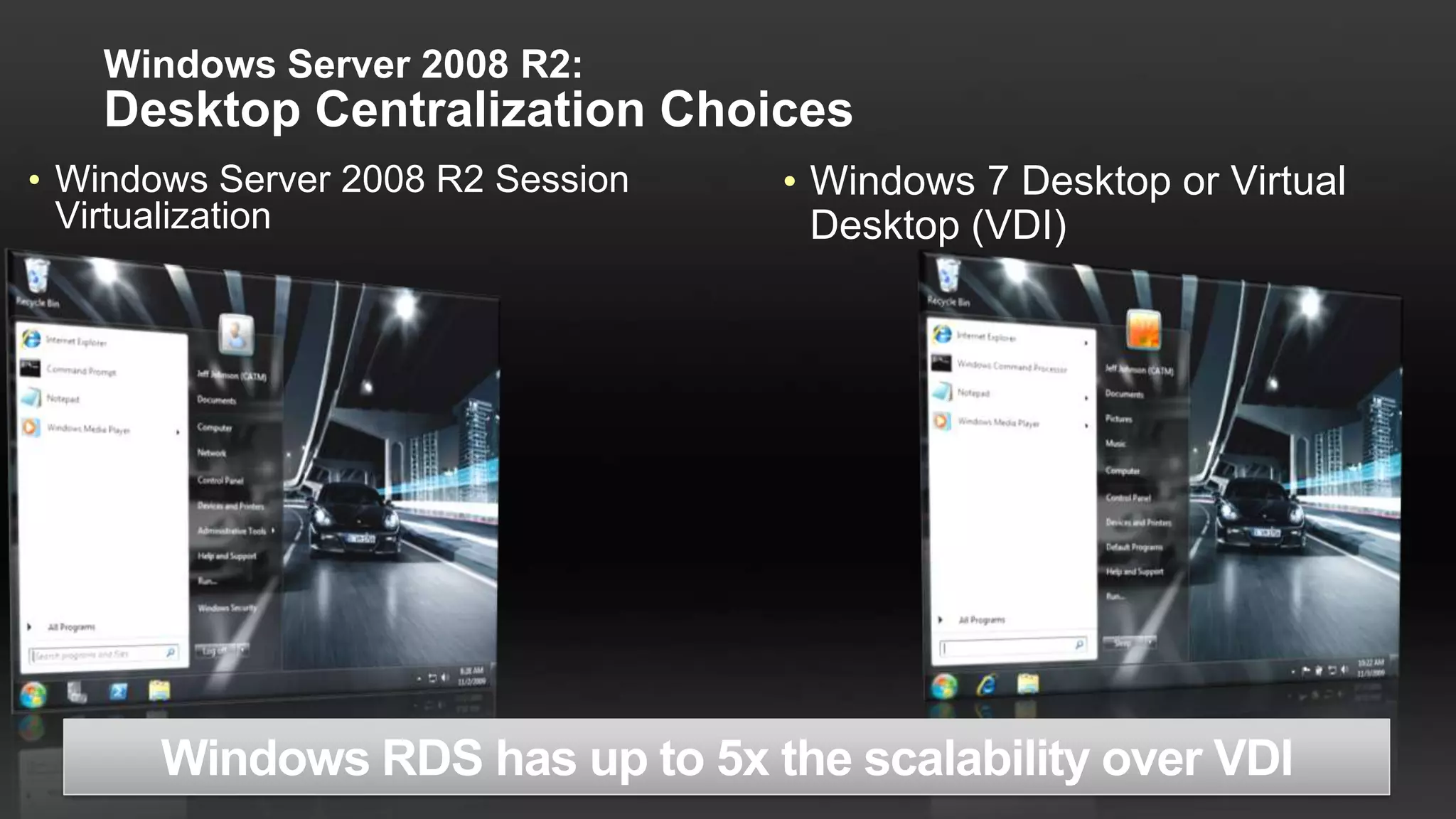
Windows Server 2008 R2:
    Desktop Centralization Choices
• Windows Server 2008 R2 Session   • Windows 7 Desktop or Virtual
  Virtualization                     Desktop (VDI)
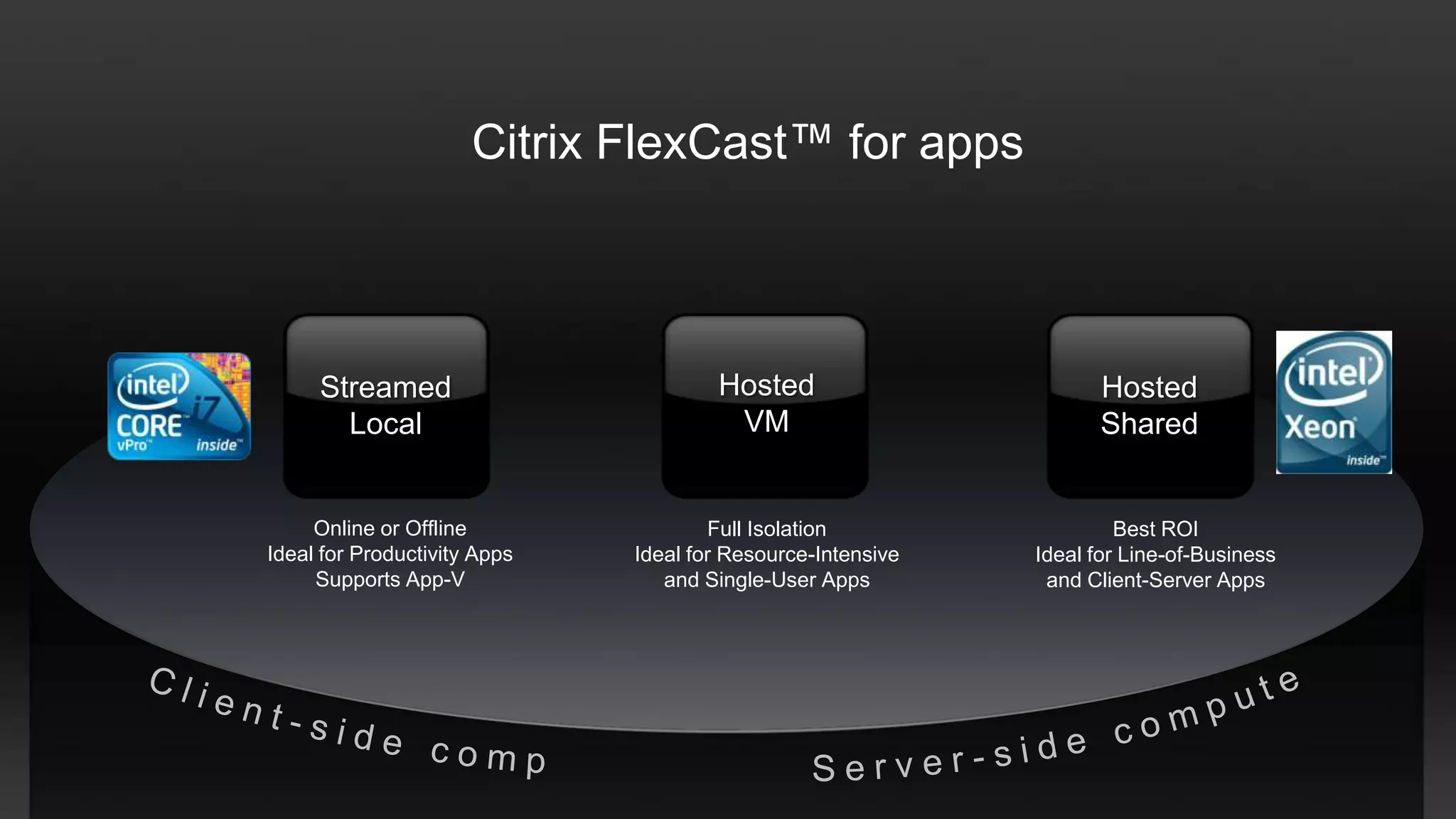
Citrix FlexCast™ for apps


     Streamed                         Hosted                        Hosted
       Local                           VM                           Shared


     Online or Offline                Full Isolation                  Best ROI
Ideal for Productivity Apps   Ideal for Resource-Intensive   Ideal for Line-of-Business
     Supports App-V              and Single-User Apps         and Client-Server Apps
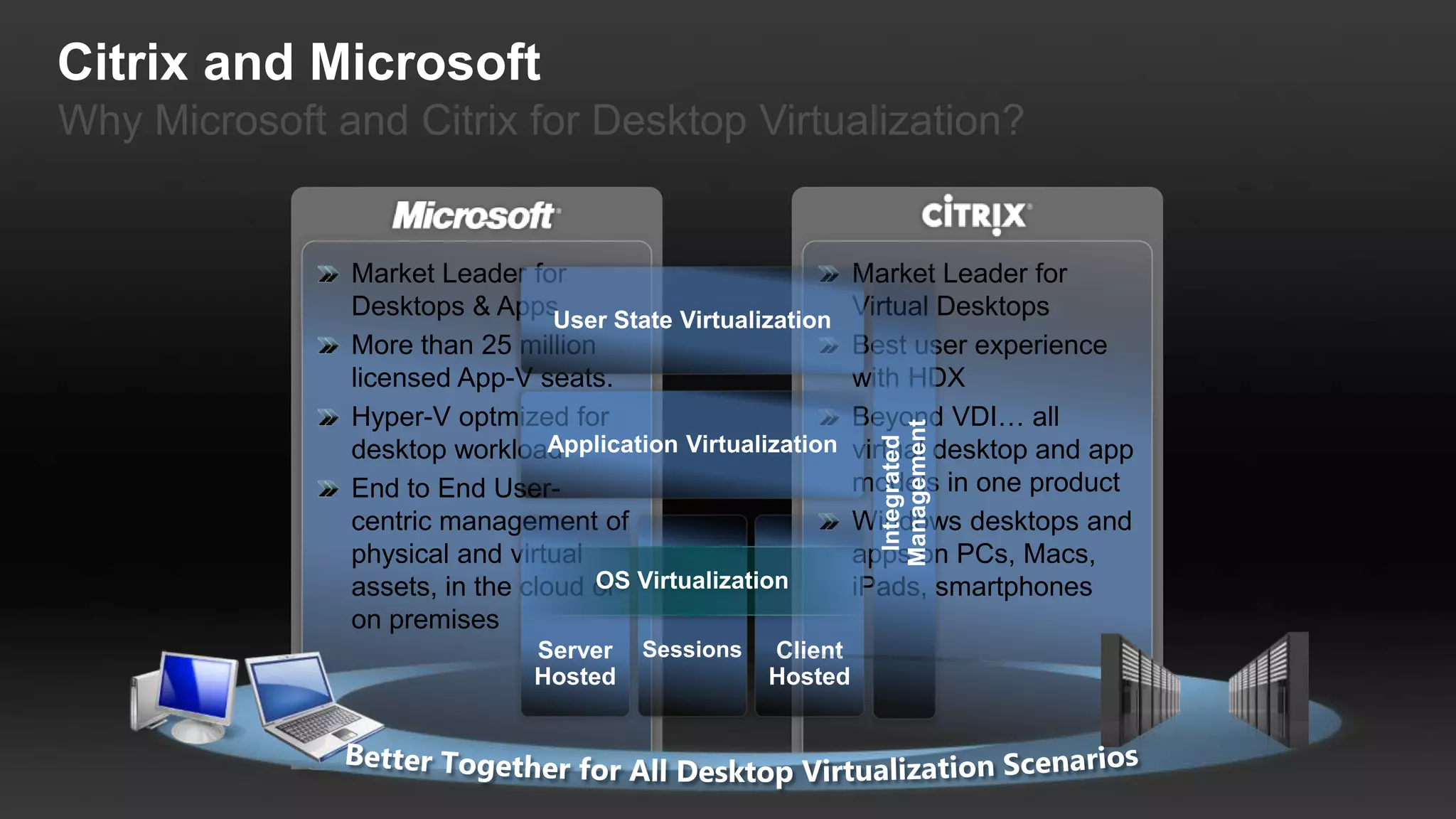
Citrix and Microsoft
Why Microsoft and Citrix for Desktop Virtualization?


               Market Leader for          Market Leader for
               Desktops & Apps            Virtual Desktops
               More than 25 million       Best user experience
               licensed App-V seats.      with HDX
               Hyper-V optmized for       Beyond VDI… all
               desktop workload           virtual desktop and app
               End to End User-           models in one product
               centric management of      Windows desktops and
               physical and virtual       apps on PCs, Macs,
               assets, in the cloud or    iPads, smartphones
               on premises
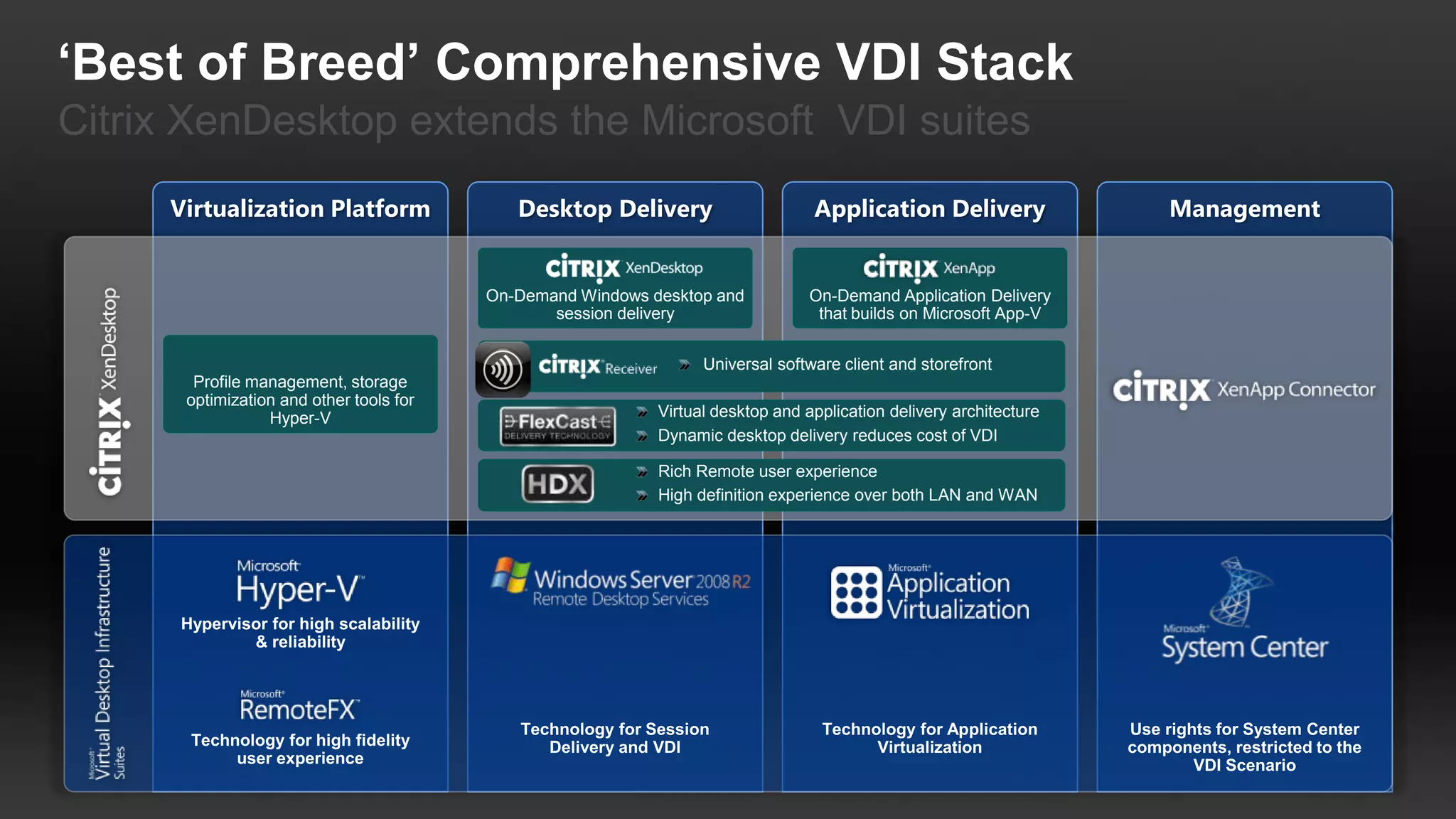
‘Best of Breed’ Comprehensive VDI Stack
Citrix XenDesktop extends the Microsoft VDI suites


                                         On-Demand Windows desktop and           On-Demand Application Delivery
                                                session delivery                  that builds on Microsoft App-V


                                                                  Universal software client and storefront
       Profile management, storage
      optimization and other tools for
                 Hyper-V                                    Virtual desktop and application delivery architecture
                                                            Dynamic desktop delivery reduces cost of VDI

                                                            Rich Remote user experience
                                                            High definition experience over both LAN and WAN
Citrix Receiver

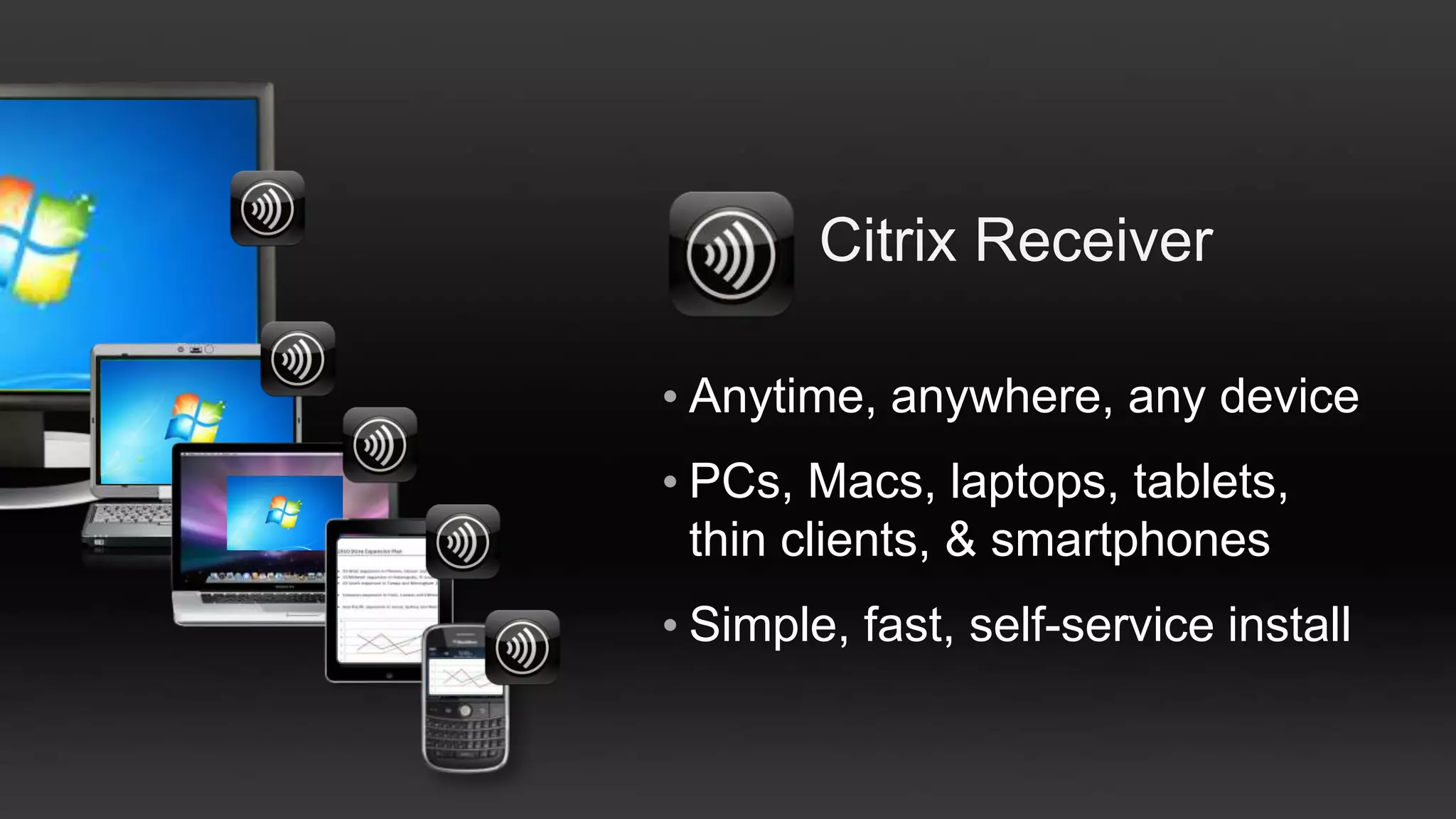
• Anytime, anywhere, any device
• PCs, Macs, laptops, tablets,
  thin clients, & smartphones
• Simple, fast, self-service install
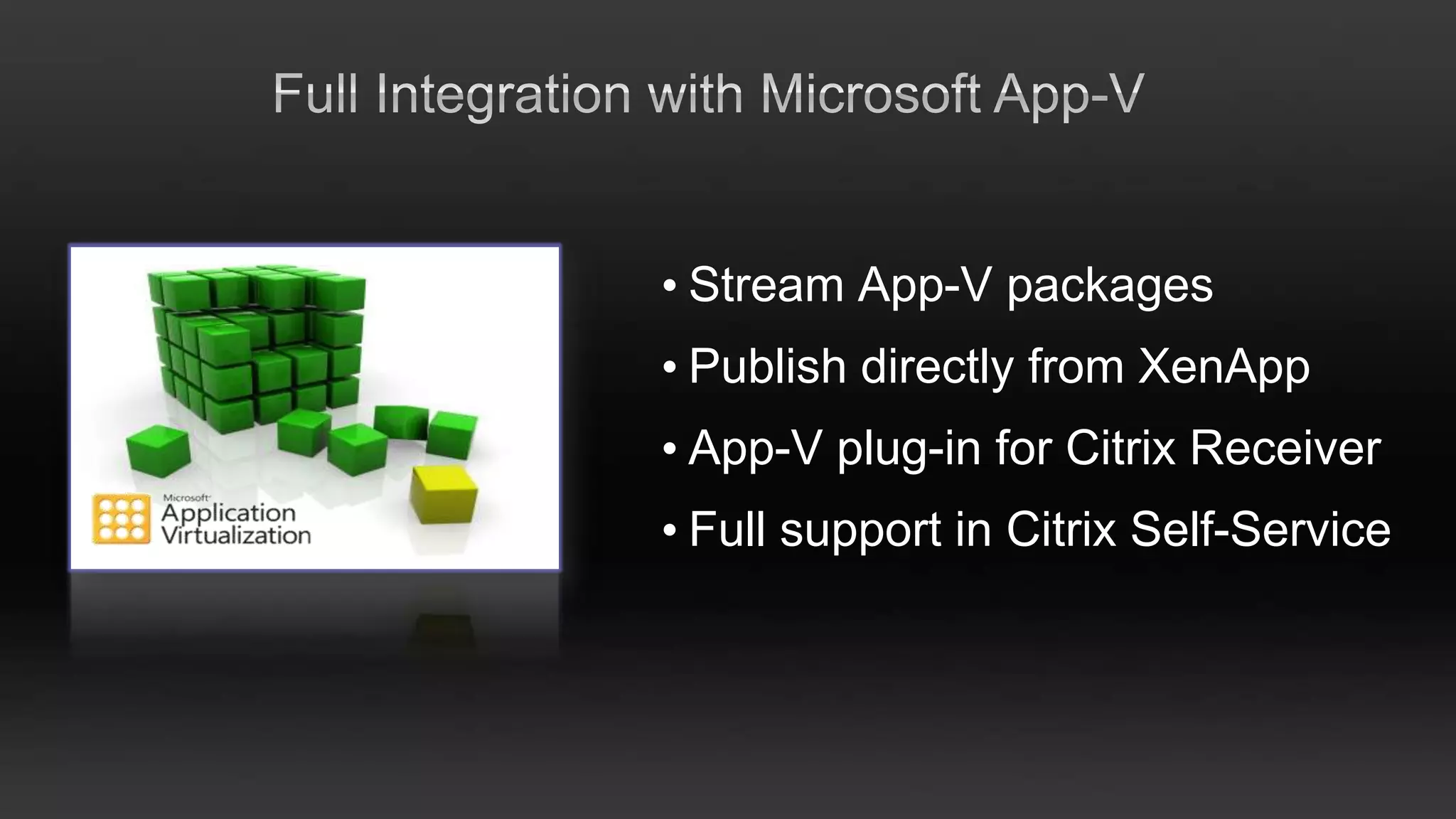
• Stream App-V packages
• Publish directly from XenApp
• App-V plug-in for Citrix Receiver
• Full support in Citrix Self-Service
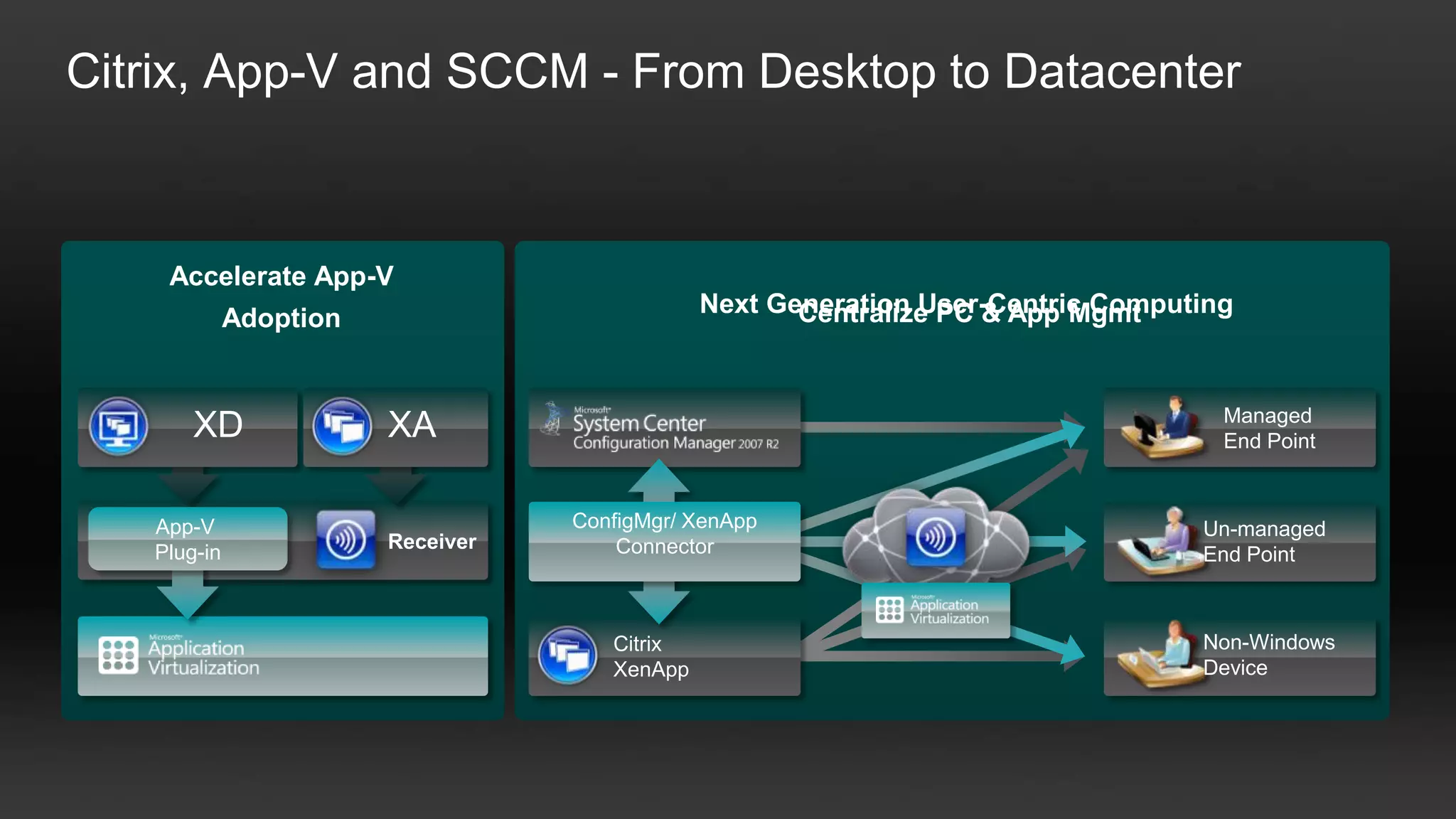
Citrix, App-V and SCCM - From Desktop to Datacenter


    Accelerate App-V
                                               Next Generation User-Centric Computing
                                                      Centralize PC & App Mgmt
             Adoption


                                                                                    Managed
       XD               XA                                                          End Point


   App-V                           ConfigMgr/ XenApp                              Un-managed
                        Receiver       Connector
   Plug-in                                                                        End Point


                                      Citrix                                      Non-Windows
                                      XenApp                                      Device
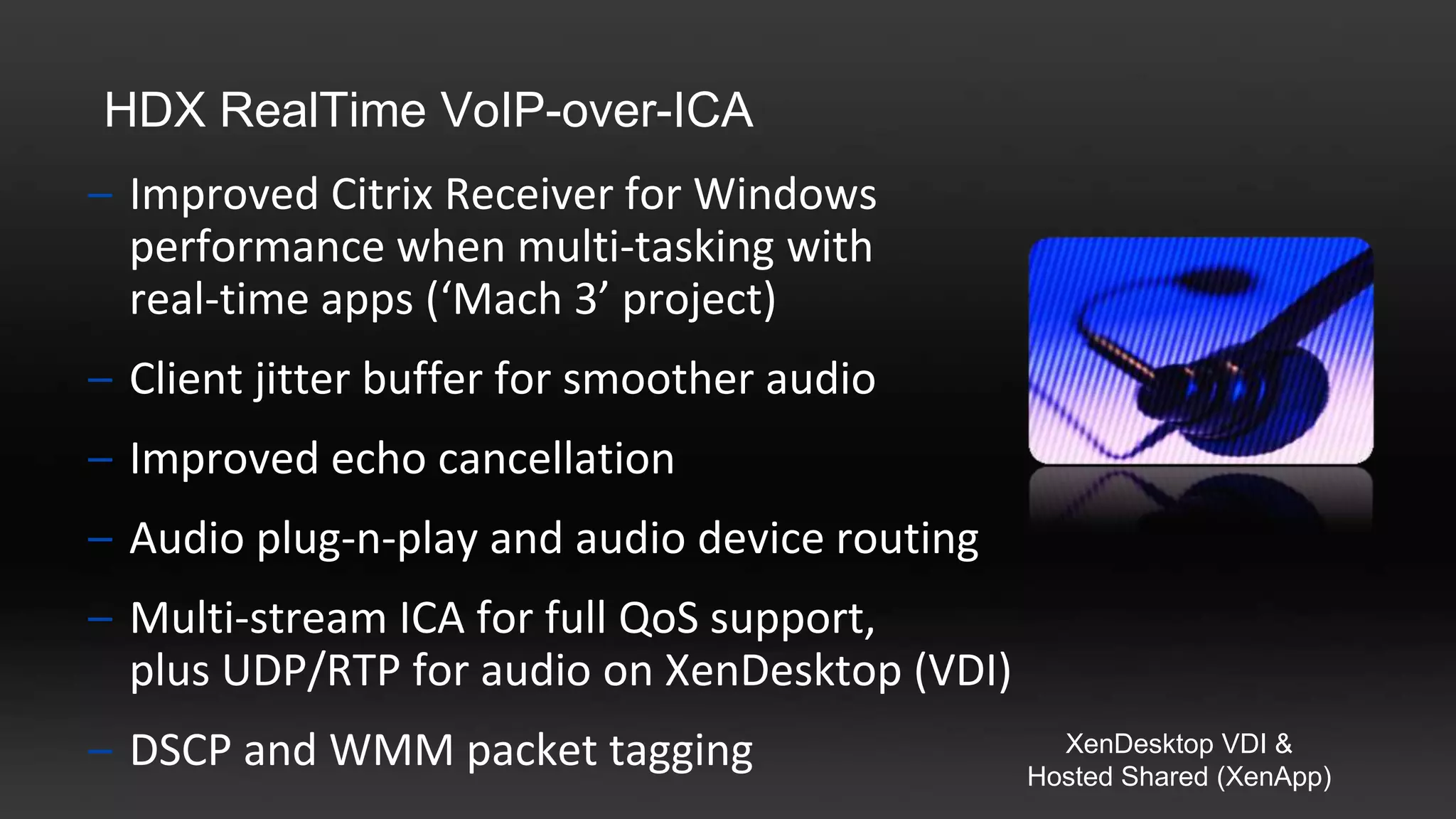
HDX RealTime VoIP-over-ICA
– Improved Citrix Receiver for Windows
  performance when multi-tasking with
  real-time apps (‘Mach 3’ project)
– Client jitter buffer for smoother audio
– Improved echo cancellation
– Audio plug-n-play and audio device routing
– Multi-stream ICA for full QoS support,
  plus UDP/RTP for audio on XenDesktop (VDI)
– DSCP and WMM packet tagging                    XenDesktop VDI &
                                               Hosted Shared (XenApp)
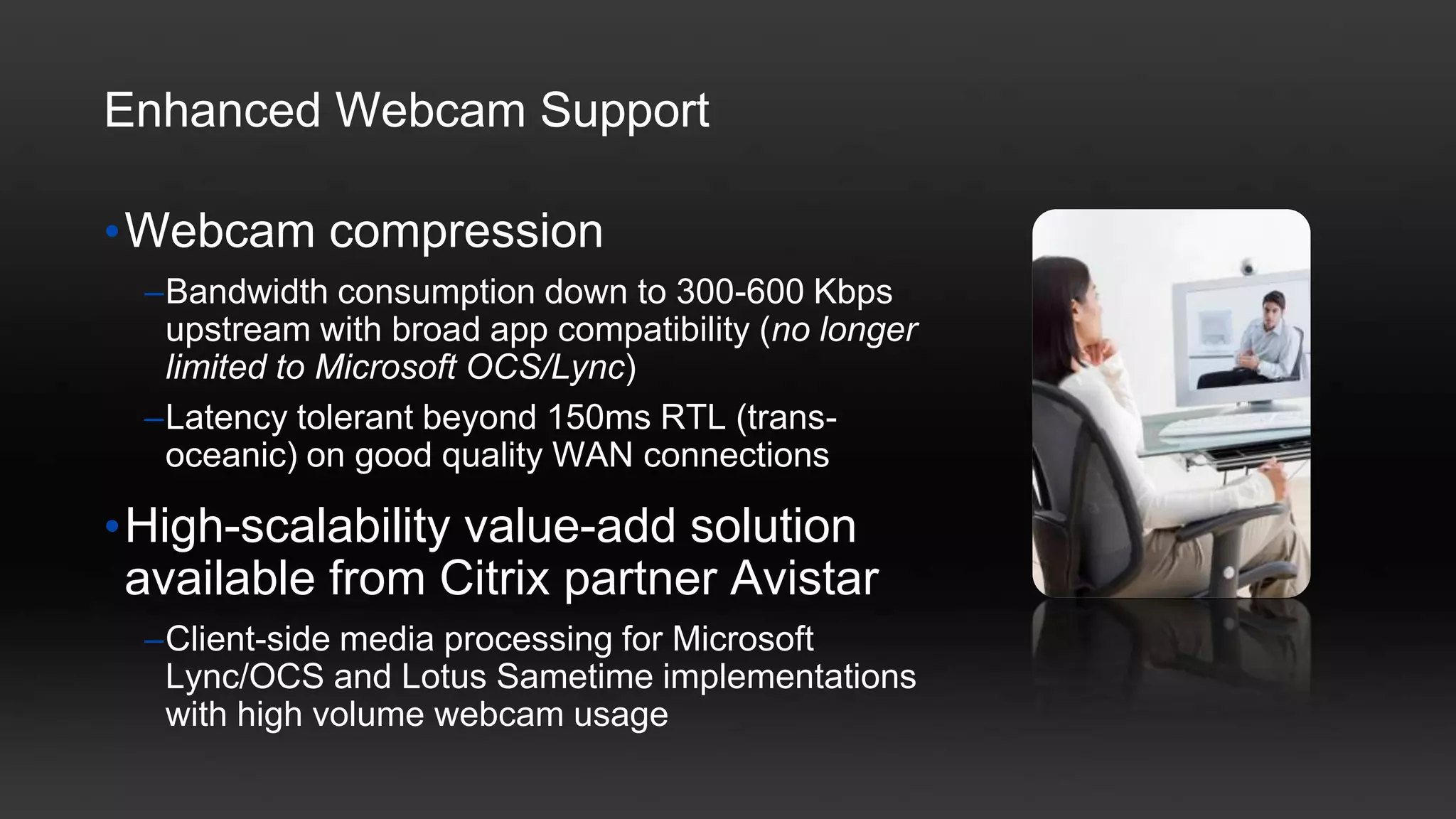
Enhanced Webcam Support

•Webcam compression
  –Bandwidth consumption down to 300-600 Kbps
   upstream with broad app compatibility (no longer
   limited to Microsoft OCS/Lync)
  –Latency tolerant beyond 150ms RTL (trans-
   oceanic) on good quality WAN connections

•High-scalability value-add solution
 available from Citrix partner Avistar
  –Client-side media processing for Microsoft
   Lync/OCS and Lotus Sametime implementations
   with high volume webcam usage
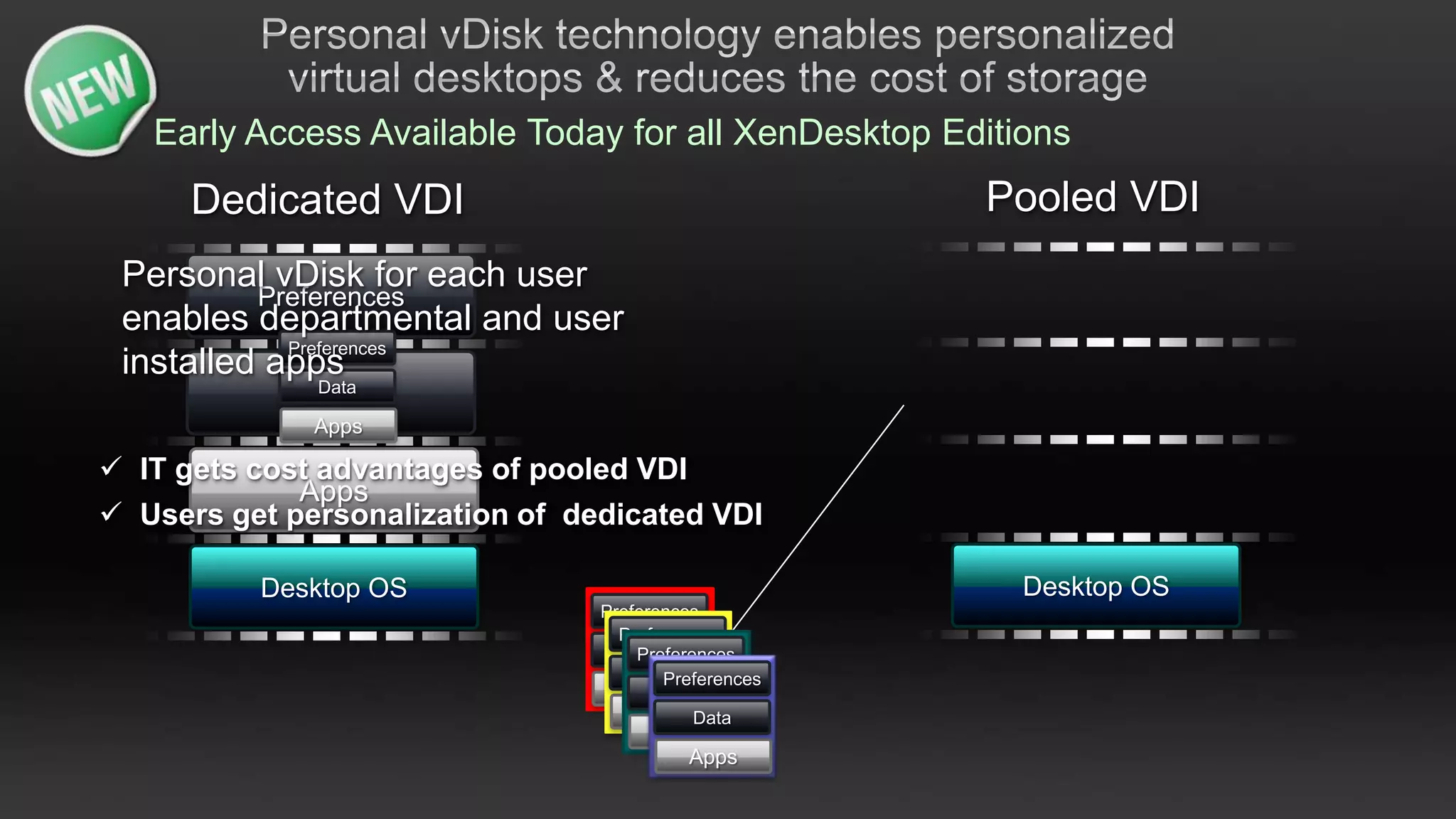
Early Access Available Today for all XenDesktop Editions
      Dedicated VDI                                   Pooled VDI
 Personal vDisk for each user
          Preferences
 enables departmental and user
            Preferences
 installed apps
              Data
             Data
              Apps

 IT gets cost advantages of pooled VDI
             Apps
 Users get personalization of dedicated VDI

          Desktop OS                                    Desktop OS
                                 Preferences
                                   Preferences
                                    Data
                                     Preferences
                                       Data
                                        Preferences
                                    Apps Data
                                      AppsData
                                       Apps
                                         Apps
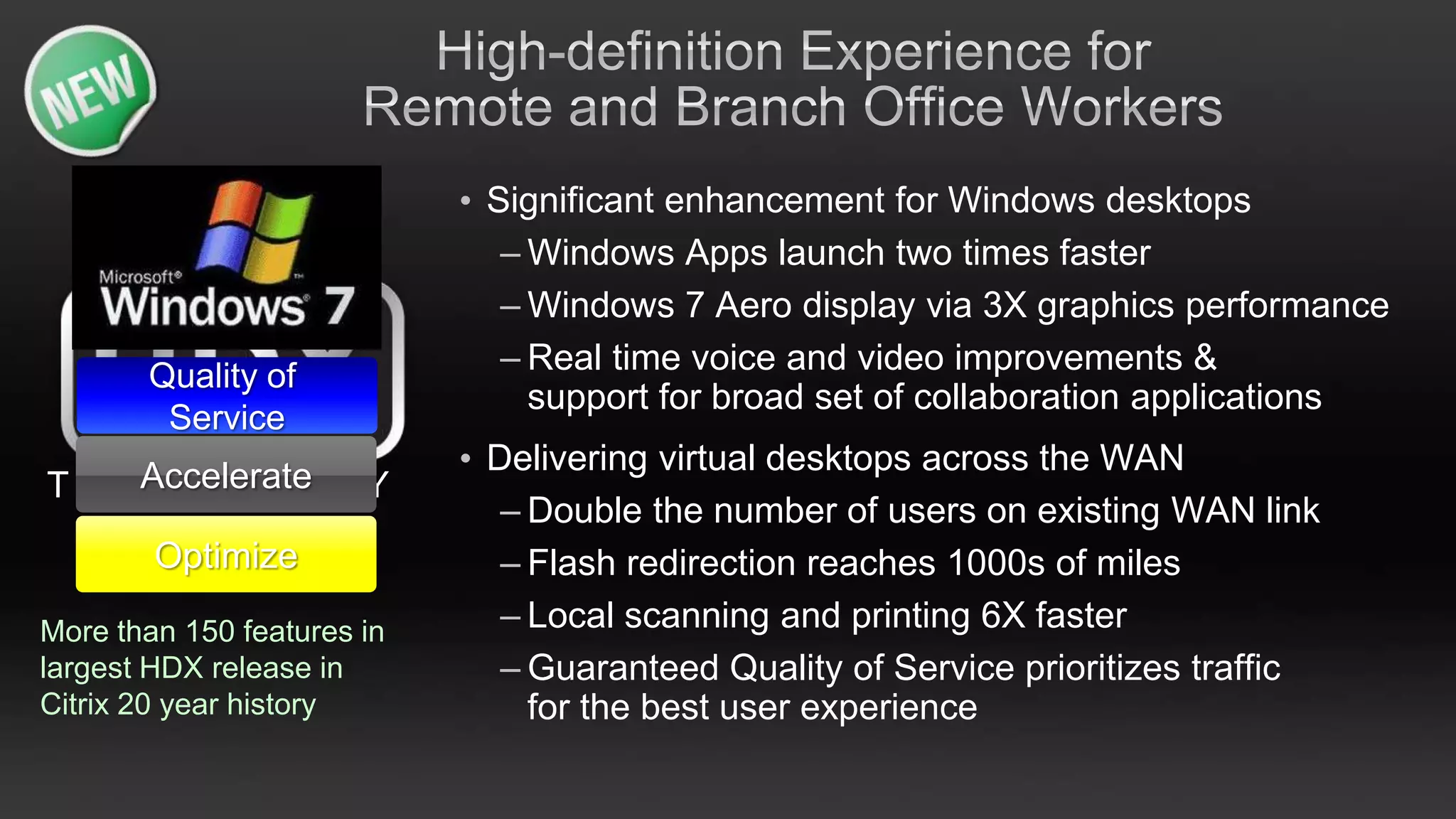
• Significant enhancement for Windows desktops
                               – Windows Apps launch two times faster
                               – Windows 7 Aero display via 3X graphics performance
       Quality of
                               – Real time voice and video improvements &
                                 support for broad set of collaboration applications
        Service
                            • Delivering virtual desktops across the WAN
T E C Accelerate G Y
      HNOLO
                               – Double the number of users on existing WAN link
        Optimize               – Flash redirection reaches 1000s of miles
More than 150 features in      – Local scanning and printing 6X faster
largest HDX release in         – Guaranteed Quality of Service prioritizes traffic
Citrix 20 year history           for the best user experience
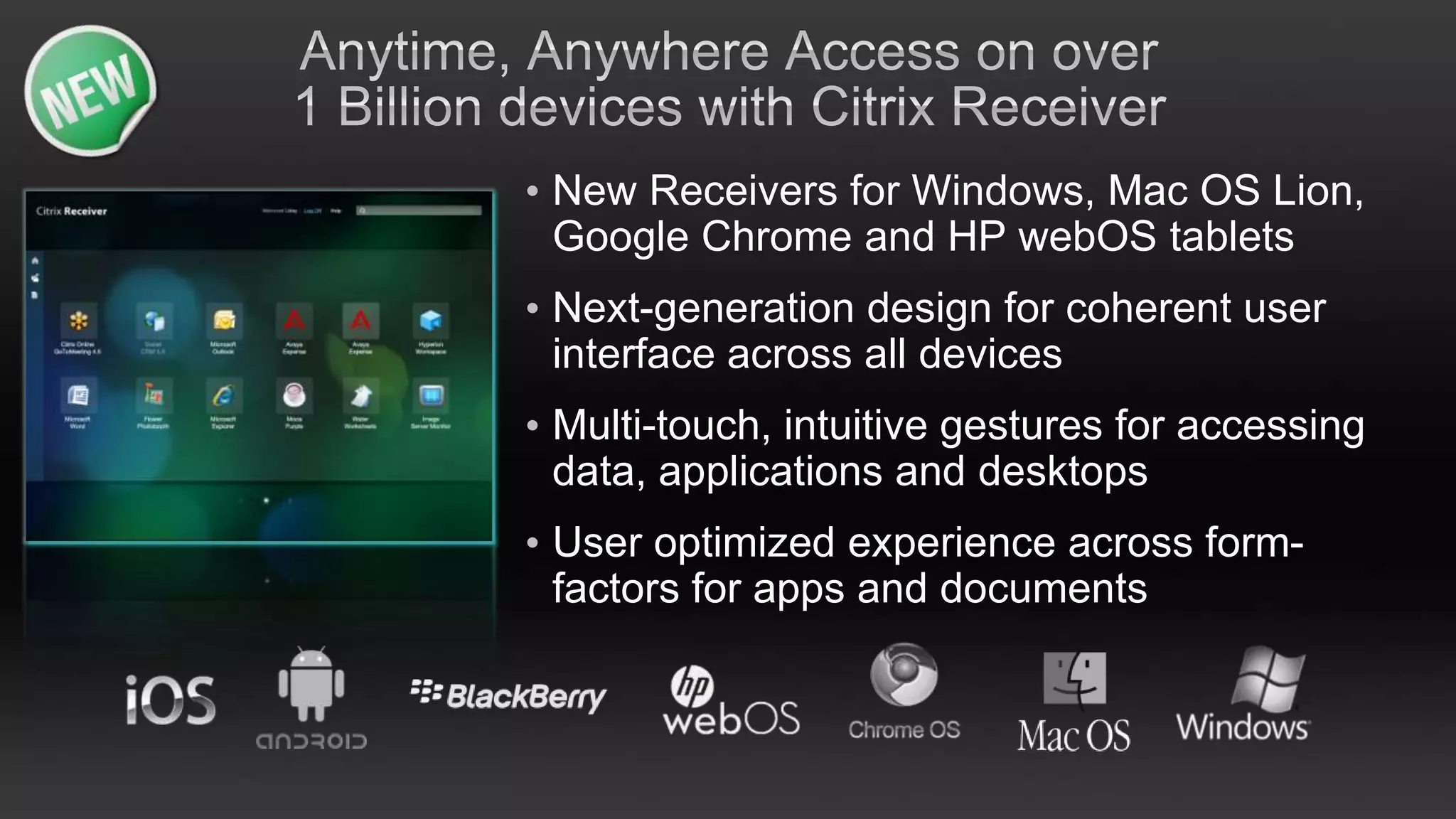
• New Receivers for Windows, Mac OS Lion,
  Google Chrome and HP webOS tablets
• Next-generation design for coherent user
  interface across all devices
• Multi-touch, intuitive gestures for accessing
  data, applications and desktops
• User optimized experience across form-
  factors for apps and documents
• 3x more laptops supported representing more
  than 45M devices
• Brilliantly simply user experience for non-
  technical users
• Enterprise class management advancements
  for administrators including automation,
  setup, scalability, reporting and backup
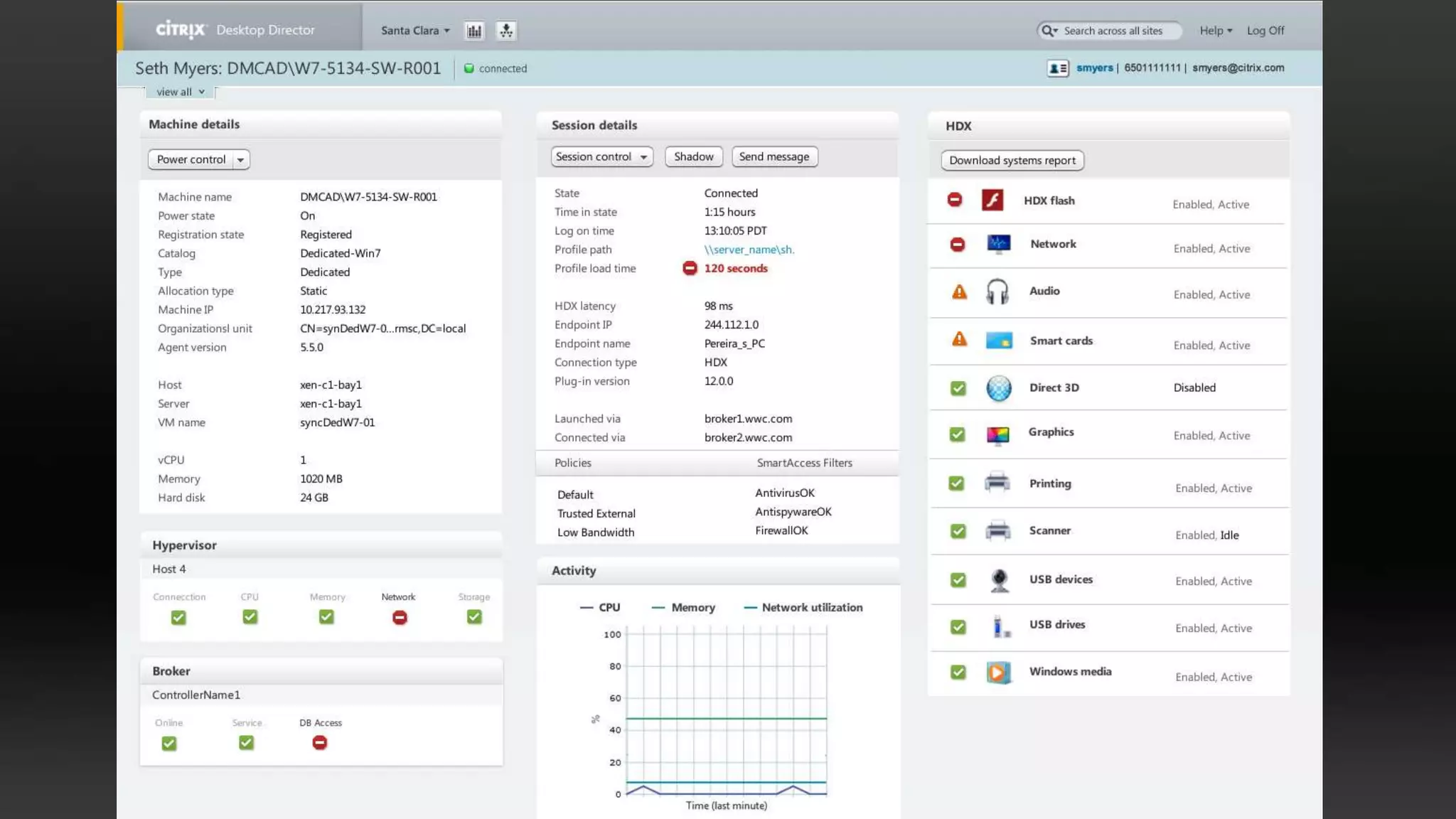
Desktop Director
Desktop virtualization goes mainstream


                                 • Designed for the help desk
                                 • Unifies Apps and Desktops
                                 • Now includes HDX Monitor
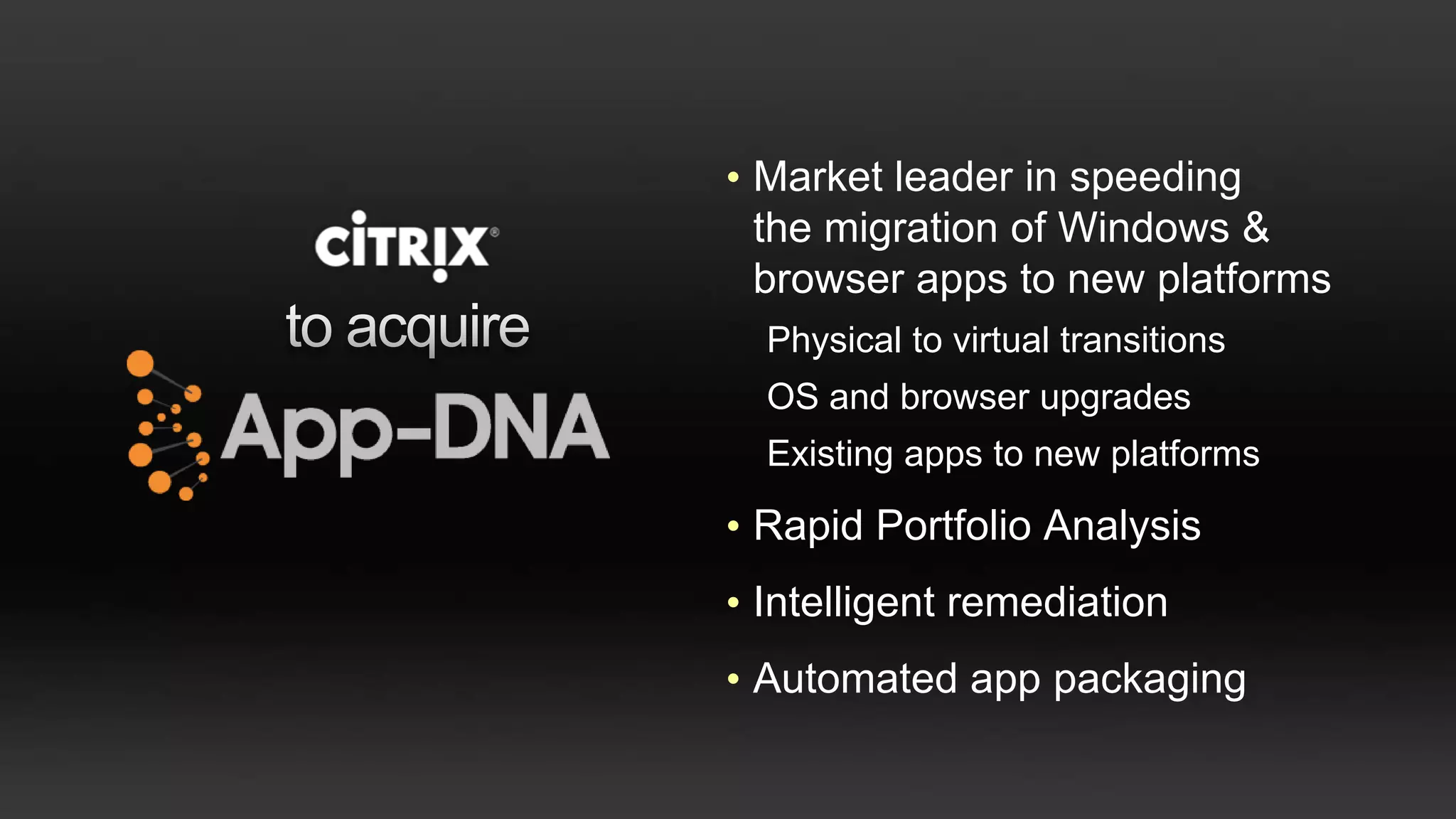
• Market leader in speeding
  the migration of Windows &
  browser apps to new platforms
  Physical to virtual transitions
  OS and browser upgrades
  Existing apps to new platforms

• Rapid Portfolio Analysis
• Intelligent remediation
• Automated app packaging
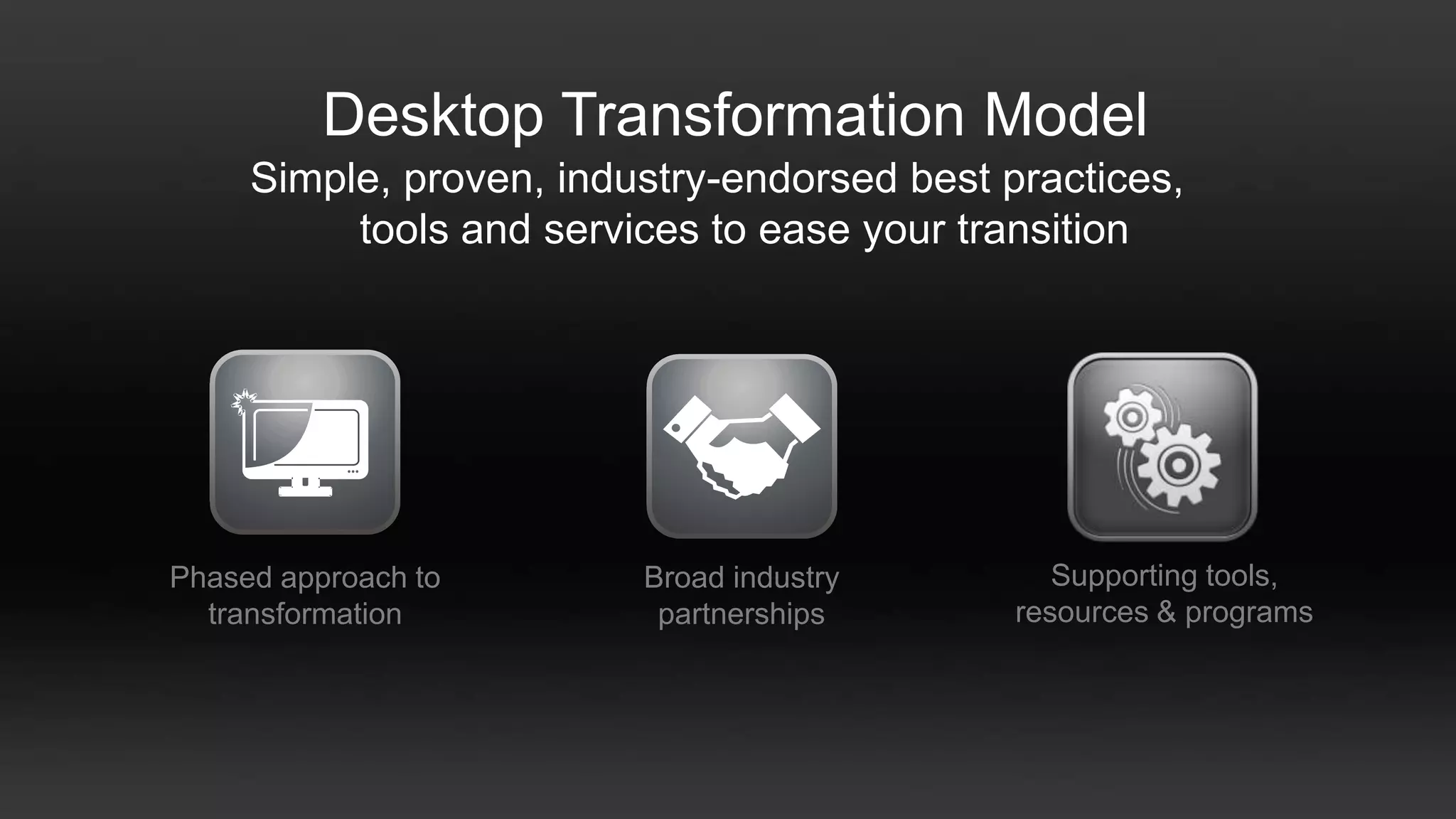
Desktop Transformation Model
     Simple, proven, industry-endorsed best practices,
          tools and services to ease your transition


Phased approach to       Broad industry         Supporting tools,
  transformation          partnerships       resources & programs
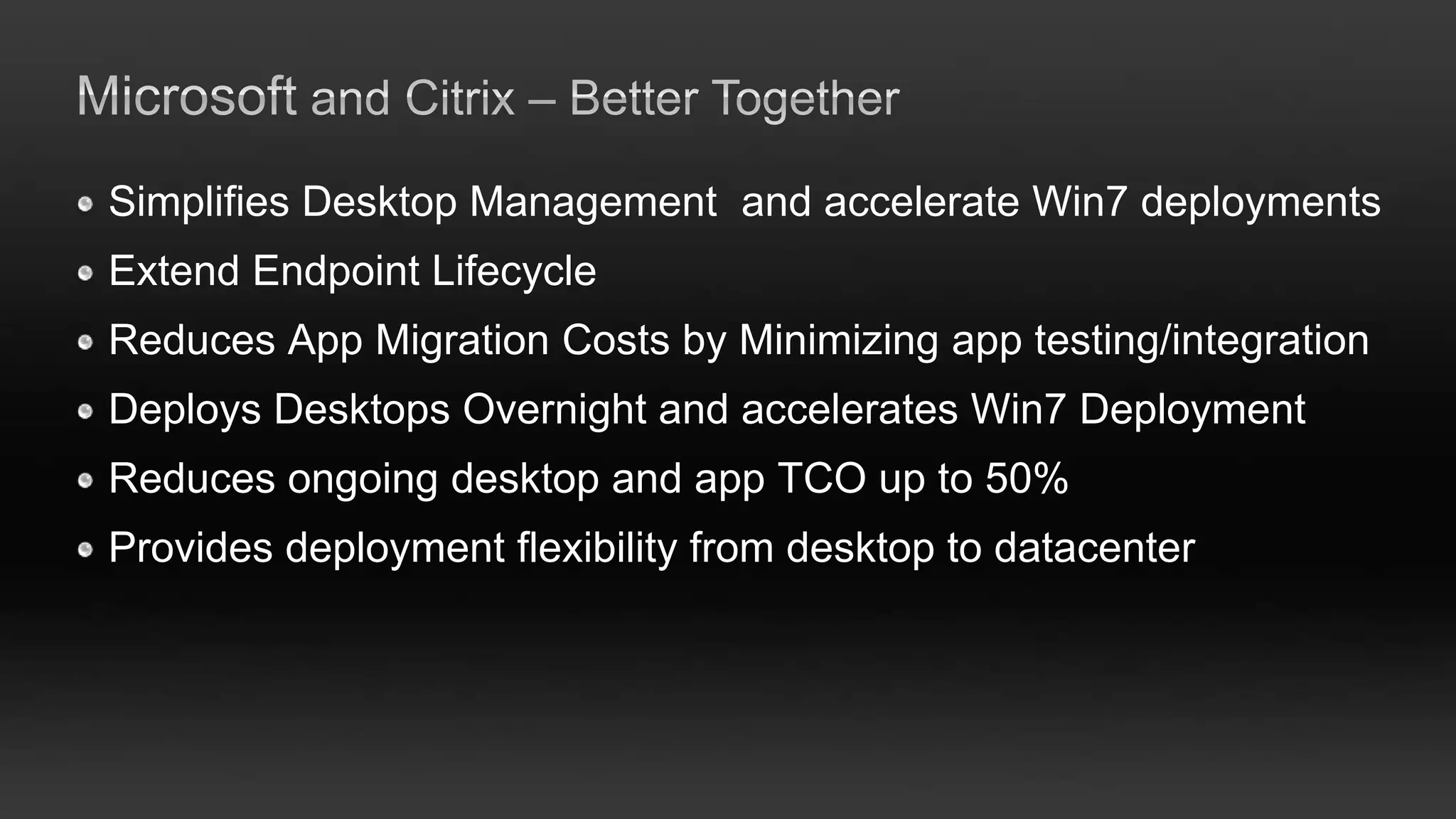
Simplifies Desktop Management and accelerate Win7 deployments
Extend Endpoint Lifecycle
Reduces App Migration Costs by Minimizing app testing/integration
Deploys Desktops Overnight and accelerates Win7 Deployment
Reduces ongoing desktop and app TCO up to 50%
Provides deployment flexibility from desktop to datacenter
Top tips for a successful desktop virtualisation implementation with Citrix and Microsoft

Top tips for a successful desktop virtualisation implementation with Citrix and Microsoft

  • 2.
    A world wherepeople can work or play from anywhere
  • 3.
    Empower Aggregate & Deliver Build & Connect
  • 4.
    Receiver | ShareFile XenApp | XenDesktop | XenClient GoToMeeting | GoToMyPC | GoToManage XenServer | CloudStack | CloudPortal CloudGateway CloudBridge NetScaler Cloud Networking Powering virtual workstyles & cloud services d a t a | m e e t i n g s | s u p p o r t | c l i e n t s | d e s k t o p s | a p p s | n e t wo r k s | s e r v e r s | c l o u d s
  • 5.
    My Data My My Prefs Apps My My My Friends Location Devices My Life | My Work Personal Cloud
  • 6.
    people mobile workstyle data apps
  • 7.
  • 8.
    Share any file, instantly with anyone by Citrix And seamlessly across all your devices
  • 9.
    • Send, request& share files within Outlook • Data from all your devices • Desktop widget & sync tools • File encryption – at rest and in transit • Versioning & comment tracking • File activity alerts & notifications • Remote wipe & account locking
  • 10.
    Amazing access to desktops,apps, docs and IT services from any device
  • 11.
    • 1000s ofPCs and Macs • 150 different smartphones • 40 different tablets • 10 different thin clients • 1.5B+ devices supported
  • 12.
    • Access datafrom any source… on any device • Open, view, edit, save and share any document • Remote wipe built in
  • 13.
    people mobile workstyle data apps
  • 14.
    Aggregate & Deliver Private Cloud
  • 15.
    Windows apps &desktops Web & mobile apps Unified Service Broker SaaS apps Corporate & cloud data
  • 17.
    XenApp XenDesktop StoreFront™ services Web & SaaS Data Mobile Gateway services
  • 18.
    XenApp / XenDesktopSession Legacy 3rd party Windows App Touch-friendly, Location / Motion Aware, etc. Remote App • Multi-touch Citrix Mobile App Server • Sensors ( GPS, Motion, Temperature, Light) • Bi-directional Video & Audio HDX Server Stack • Voice recognition & Text-to-speech
  • 19.
    • • • • • My Life | My Work
  • 21.
  • 22.
    Flexible Workstyle Solutions ANYWHERE PERSONALIZED INTELLIGENT CONNECTION EXPERIENCE INFRASTRUCTURE Work on the Unified management road across devices Work on your Cloud management own device for Windows devices Personalized Windows devices Work on your Optimize infrastructure phone for VDI
  • 23.
  • 25.
    A One-Way VIEWon Desktop virtialization
  • 26.
    All-in-one virtual desktopsolution VDI-in-a-Box Virtual Virtual Virtual Virtual Desktop Desktop Desktop Desktop All key features are built-in:  Connection brokering Dynamic Desktop User Provisioning & Template  Dynamic provisioning Management Management Management  High-availability Connection Load  Load balancing Logical Shared Storage Broker Balancer  On-demand scaling  Citrix HDX user experience High-Availability Grid Engine  Linked clones vdiMgr Access from virtually any device via Citrix Receiver Hypervisor Open architecture runs on the most popular hypervisors: • Citrix XenServer DAS • Microsoft Hyper-V • VMware vSphere (ESXi) Citrix Confidential - Do Not Distribute
  • 27.
    The Right VirtualDesktop for Every User
  • 28.
    Any user Any type of any device virtual desktop One centrally managed solution
  • 29.
    Laptop Users Knowledge Worker Task Workers On-Demand Apps The Right Desktop for Every User
  • 30.
    Mobile Task users USER TYPES workers Local Streamed Hosted Hosted VM VHD VDI Shared Runs locally 3000+ 150+ 500+ online or offline users per server users per server users per server On-Demand Apps
  • 32.
    Citrix FlexCast™ fordesktops Mobile Task USER TYPES users workers Local Streamed Hosted Hosted VM VHD VDI Shared
  • 33.
    Windows Server 2008R2: Desktop Centralization Choices • Windows Server 2008 R2 Session • Windows 7 Desktop or Virtual Virtualization Desktop (VDI)
  • 34.
    Citrix FlexCast™ forapps Streamed Hosted Hosted Local VM Shared Online or Offline Full Isolation Best ROI Ideal for Productivity Apps Ideal for Resource-Intensive Ideal for Line-of-Business Supports App-V and Single-User Apps and Client-Server Apps
  • 35.
    Citrix and Microsoft WhyMicrosoft and Citrix for Desktop Virtualization? Market Leader for Market Leader for Desktops & Apps Virtual Desktops More than 25 million Best user experience licensed App-V seats. with HDX Hyper-V optmized for Beyond VDI… all desktop workload virtual desktop and app End to End User- models in one product centric management of Windows desktops and physical and virtual apps on PCs, Macs, assets, in the cloud or iPads, smartphones on premises
  • 36.
    ‘Best of Breed’Comprehensive VDI Stack Citrix XenDesktop extends the Microsoft VDI suites On-Demand Windows desktop and On-Demand Application Delivery session delivery that builds on Microsoft App-V Universal software client and storefront Profile management, storage optimization and other tools for Hyper-V Virtual desktop and application delivery architecture Dynamic desktop delivery reduces cost of VDI Rich Remote user experience High definition experience over both LAN and WAN
  • 38.
    Citrix Receiver • Anytime,anywhere, any device • PCs, Macs, laptops, tablets, thin clients, & smartphones • Simple, fast, self-service install
  • 40.
    • Stream App-Vpackages • Publish directly from XenApp • App-V plug-in for Citrix Receiver • Full support in Citrix Self-Service
  • 41.
    Citrix, App-V andSCCM - From Desktop to Datacenter Accelerate App-V Next Generation User-Centric Computing Centralize PC & App Mgmt Adoption Managed XD XA End Point App-V ConfigMgr/ XenApp Un-managed Receiver Connector Plug-in End Point Citrix Non-Windows XenApp Device
  • 43.
    HDX RealTime VoIP-over-ICA –Improved Citrix Receiver for Windows performance when multi-tasking with real-time apps (‘Mach 3’ project) – Client jitter buffer for smoother audio – Improved echo cancellation – Audio plug-n-play and audio device routing – Multi-stream ICA for full QoS support, plus UDP/RTP for audio on XenDesktop (VDI) – DSCP and WMM packet tagging XenDesktop VDI & Hosted Shared (XenApp)
  • 44.
    Enhanced Webcam Support •Webcamcompression –Bandwidth consumption down to 300-600 Kbps upstream with broad app compatibility (no longer limited to Microsoft OCS/Lync) –Latency tolerant beyond 150ms RTL (trans- oceanic) on good quality WAN connections •High-scalability value-add solution available from Citrix partner Avistar –Client-side media processing for Microsoft Lync/OCS and Lotus Sametime implementations with high volume webcam usage
  • 45.
    Early Access AvailableToday for all XenDesktop Editions Dedicated VDI Pooled VDI Personal vDisk for each user Preferences enables departmental and user Preferences installed apps Data Data Apps  IT gets cost advantages of pooled VDI Apps  Users get personalization of dedicated VDI Desktop OS Desktop OS Preferences Preferences Data Preferences Data Preferences Apps Data AppsData Apps Apps
  • 46.
    • Significant enhancementfor Windows desktops – Windows Apps launch two times faster – Windows 7 Aero display via 3X graphics performance Quality of – Real time voice and video improvements & support for broad set of collaboration applications Service • Delivering virtual desktops across the WAN T E C Accelerate G Y HNOLO – Double the number of users on existing WAN link Optimize – Flash redirection reaches 1000s of miles More than 150 features in – Local scanning and printing 6X faster largest HDX release in – Guaranteed Quality of Service prioritizes traffic Citrix 20 year history for the best user experience
  • 47.
    • New Receiversfor Windows, Mac OS Lion, Google Chrome and HP webOS tablets • Next-generation design for coherent user interface across all devices • Multi-touch, intuitive gestures for accessing data, applications and desktops • User optimized experience across form- factors for apps and documents
  • 48.
    • 3x morelaptops supported representing more than 45M devices • Brilliantly simply user experience for non- technical users • Enterprise class management advancements for administrators including automation, setup, scalability, reporting and backup
  • 49.
    Desktop Director Desktop virtualizationgoes mainstream • Designed for the help desk • Unifies Apps and Desktops • Now includes HDX Monitor
  • 53.
    • Market leaderin speeding the migration of Windows & browser apps to new platforms Physical to virtual transitions OS and browser upgrades Existing apps to new platforms • Rapid Portfolio Analysis • Intelligent remediation • Automated app packaging
  • 54.
    Desktop Transformation Model Simple, proven, industry-endorsed best practices, tools and services to ease your transition Phased approach to Broad industry Supporting tools, transformation partnerships resources & programs
  • 55.
    Simplifies Desktop Managementand accelerate Win7 deployments Extend Endpoint Lifecycle Reduces App Migration Costs by Minimizing app testing/integration Deploys Desktops Overnight and accelerates Win7 Deployment Reduces ongoing desktop and app TCO up to 50% Provides deployment flexibility from desktop to datacenter

Editor's Notes

  • #3 It all starts with our vision…we believe in a world where people can work and play from anywhere. Citrix is transforming the future of business by redefining the workplace. Work is no longer a 9-to-5 activity that happens only within the walls of the corporate office. Work is wherever inspiration happens, and people need 24/7 access to their apps, data, devices to be productive.
  • #4 So this new era, where everything changes, is defined by what we are calling the “3 PC” era. Three clouds – the personal cloud, private cloud and public cloud – all working together as a seamless, end-to-end system. People are at the front end in the personal cloud, sharing and working on any device, anywhere, accessing enterprise applications, desktops and services from the private cloud and leveraging the public cloud for infinite capacity and elastic efficiency.
  • #5 From meetings to desktops to servers to clouds, Citrix is powering the next generation of computing. Let’s look at the technologies within each cloud that make up the virtual computing platform.At the front end is the Personal Cloud with Citrix Receiver to enable you to work everywhere. GoToMeeting to communicate and collaborate from anywhere, GoToAssist/Manage to support people wherever they are.What’s important is to have secure access to your apps, desktops and data and have them follow you around on any device. This is where the private cloud comes in with our flagship products. XenDesktop for the most complete desktop virtualization solution, going way beyond just VDI, to support the broadest array of users and scenarios – even the ability to deliver a virtual desktop to users who need to go offline with XenClient.And unparalleled leadership in the delivery of on-demand Windows, web and SaaS based apps with XenApp which is now fully integrated into our XenDesktop solution.Finally is the Public Cloud. This is about enabling IT to deliver any datacenter or any cloud based service in a transparent and secure fashion. XenServer for an enterprise-ready, cloud-proven server virtualization platform that is powering most of the world’s largest public clouds today. And CloudStack which is focused on “building and orchestrating” the cloud. It is not a traditional enterprise server virtualization platform with cloud management layered on top. It’s a powerful, lightweight, hypervisor-agnostic solution designed from the ground up to help you build clouds that are simple, automated, elastic, scalable and massively efficient.Bridging between the personal, private and public clouds is Networking. If you are building more traditional private clouds as an extension of your current enterprise server virtualization platform, we make it easy to connect to any external cloud offering with our innovative networking solutions – CloudGateway and CloudBridge. Both of these solutions are built on our powerful NetScaler SDX, MPX and VPX networking platforms, and are designed from the ground up to serve as a “service delivery fabric” for virtual datacenters and clouds. CloudGateway – sits at the “front door” of corporate datacenters giving IT an easy, unified way to orchestrate the delivery of any mix of SaaS, web and Windows apps to end users on any device.CloudBridge – sits at the “back door” of corporate datacenters, giving IT unlimited capacity by seamlessly and securely extending any datacenter to any external cloud service, regardless of hypervisor or platform.
  • #6 Let’s start with the personal cloud. This is all about people. Empowering people. Enabling people to work and collaborate the way they want from any location, anytime, on any device. This is the essence of the “Personal Cloud”… it’s not something IT owns… it’s the collection of devices, apps, data, contacts and locations unique to each individual. The role of IT is to EMPOWER each employee or user, making it easy for them to access their own unique “cloud” of assets no matter who they are, where they are, or how what they need to do.
  • #7 And it is about how we stitch together life and work to enable a truly mobile workstyle. To accomplish this requires tight integration between people, data and apps. Seamless access to people for collaboration and the apps and data you need to be productive.
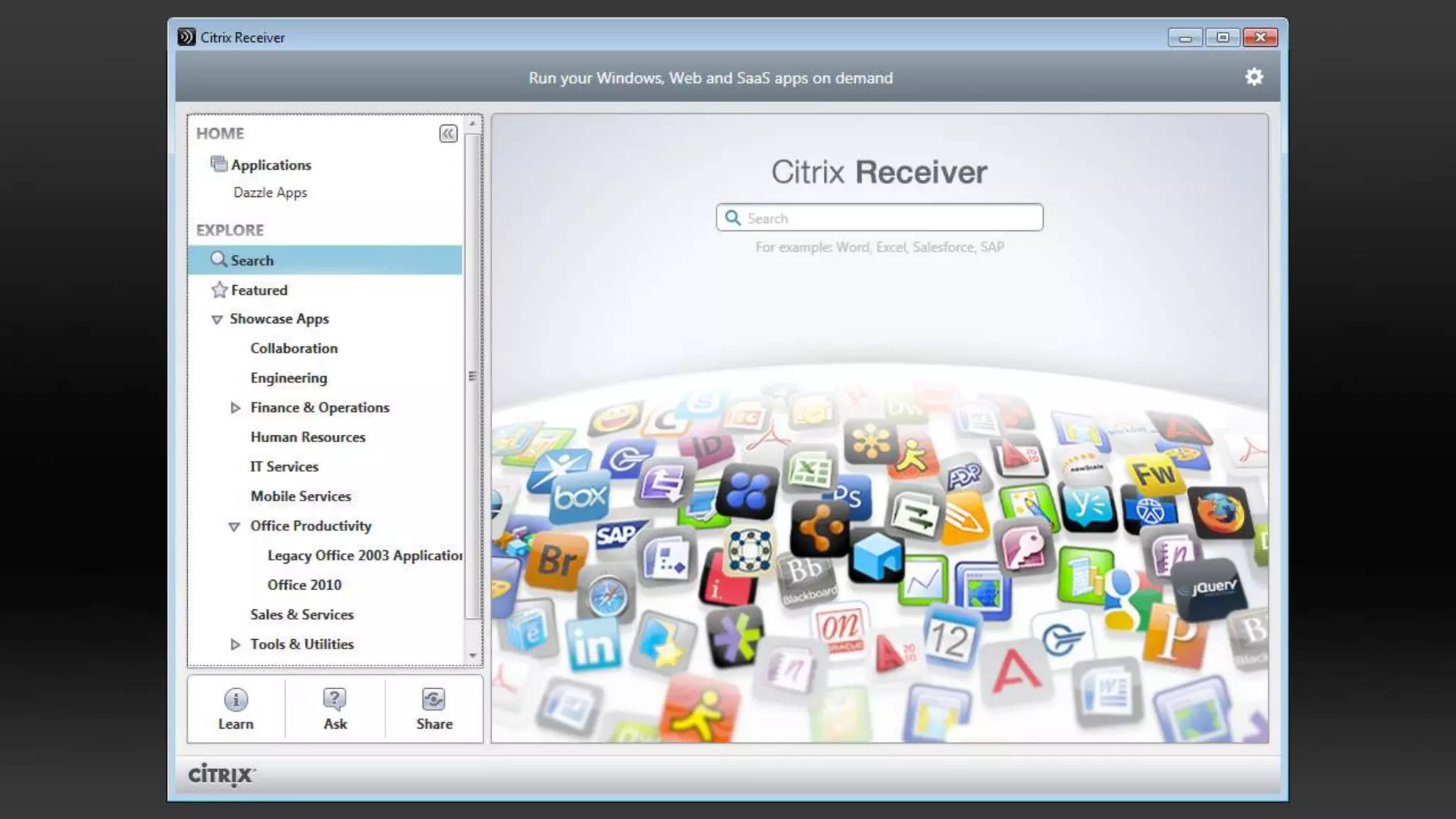
  • #8 The underlying vision is a follow-me fabric. Where your identity, preferences, data, apps all follow-you, seamlessly across your work and life, locations and devices.Let’s take a closer look at each of these pieces.
  • #9 Content is critical to the equation – whether it’s content that we consume or it is content that we create – it becomes central to productivity in both our personal and work lives. Werecently made a very important move in this space with our acquisition of ShareFile.ShareFile is all about connecting andsharing information across people and devices. Making it really easy to send, synch and share data with the confidence that it is kept secure.
  • #10 ShareFile allows you to create a password-protected collaboration space where you can exchange business documents easily and securely. Send and request files directly from outlook. A desktop widget enables you to upload, download, and delete files without ever launching a web browser. Plus access data from any device that always is the most up-to-date based on built-in data sync service. And most importantly, ShareFile is secure and compliant. Encrypt files for secure transfer, including capabilities such as remote wipe and account lock.
  • #12 With the newest releases, it is now compatible with 1.5 billion devices which is making a huge impact on your ability to deliver IT services to the explosion of devices entering the market and your workplace. This is tremendous growth from just a few months ago.And we continue to deliver new innovations on Receiver. A new workspace which is entirely configurable by end users to prioritize, highlight and rearrange all of their apps in whatever order they choose. Plus multi-tasking,to access multiple applications at the same time and switch easily between applications with full cut and paste. These are just a few of the more recent enhancements.
  • #13 We recently introduced Citrix Receiver with Follow-Me Data. Our ShareFile acquisition not only provided a secure file sharing solution but it also enabled a follow-me data fabric that offers direct integration with Citrix products to create a seamless, centrally managed and accessible solution for any company to manage employee’s data.Receiver offers people secure access to work files and data. With the new follow me data enabled Receivers, people will be able to use either virtual applications or local applications to access and edit as well as synchronize and save work files and data. This will dramatically enhance the end user experience and integrate files and data beyond simple Windows Explorer access. A tech preview will be available this quarter, and customers can register at http://fmd.citrix.com
  • #14 The combination of people, apps, and data enables a mobile workstylethat lets people work with anyone, anywhere, and on any device. This is what is giving people flexibility, making people more productive to blend life and work in a seamless way.
  • #15 Now let’s turn our attention to the private cloud. This is about being able to aggregate and deliver the full range of IT services and apps in the datacenter you have today.
  • #16 The first area to cover is about connecting the personal cloud to the private cloud. You need one URL to connect every single user with the services you want to deliver. It’s through something called a unified service broker which is the place where IT can aggregate silos of applications, Windows apps, SaaS and mobile apps, and Windows desktops. Aggregate data, whether it’s cloud data or enterprise data. Plus aggregate licensing, security policies and all of the things IT needs in order to ensure a high-performance delivery of services.
  • #17 To accomplish this is Cloud Gateway which offers this ability to aggregate, orchestrate and deliver apps and data to any single device.
  • #18 There are three fundamental components to CloudGateway: storefront services, content controllers, and gateway services.Storefront services connect directly to Receiver from every device. That’s where your identity and all the follow-me capabilities are stored. It’s built on top of gateway services that provide performance, security, and provisioning capabilities. Integrated into the storefront services are content controllers, controllers that plug the content right in — Windows apps like XenApp and XenDesktop or Web and SaaS apps. And then coming soon are controllers for mobile apps and data. So this simple construct leverages a lot of the technology we have in networking and virtualization, and brings it all together to provide the kind of unified service broker that IT needs to aggregate silos of apps and data, and one place for users to connect and get the kind of user experience they’re looking for. CloudGateway is available in two editions. The Express edition supports Windows apps and desktops, and is free for our XenApp and XenDesktop customers. The Enterprise edition adds web and SaaS app capabilities with future support for mobile and 3rd party data. Customers can upgrade from Express to Enterprise when you’re ready to add SaaS, web and follow-me data.
  • #22 The next area I will cover is about building clouds inside of your private cloud for Windows. To provide Windows as a service — Windows apps and Windows desktops.
  • #24 Okay, so this sounds great, looks like things are ramping, in theory anyway, this solves tremendous problems for IT, great benefits for the end users, all sounds great but really will desktop virtualisation fit every user? What about the ROI? What about the cost, is it too expensive? What about the scalability, is it really something that can scale on a large enterprise basis? And what about the user experience, is it really going to feel as good as a local PC? The biggest reason people have these questions is because they equate “desktop virtualization” with only “VDI” (running a Windows desktop in a VM on a server and delivering it virtually over the network to users).
  • #27 NOTE TO PRESENTER: This slide buildsVDI-in-a-Box moves all the traditional VDI components into a single integrated software appliance.Start with a bare-metal server with built-in direct-attached storage (no Microsoft O/S required) and add your choice of hypervisor. Import the VDI-in-a-Box software appliance and you are ready to configure the desktops. All VDI infrastructure is built-in: from connection brokering and load-balancing to provisioning. Even high-availability is built-in.To scale, you simply add more off-the-shelf servers and run VDI-in-a-Box on them – this forms a “grid” that you can manage centrally through the VDI-in-a-Box console. VDI-in-a-Box uses the Citrix Receiver to provide virtual desktops to almost any device: desktop PCs, laptops, thin-clients, tablets and smartphones.
  • #31 [Slide can be used to talk with the more technical and industryjournalists to go into more detail]For higher level folks (e.g. business press) point to Hosted VM based desktops to show VDI.With XenDesktop and Flex Cast, you really have the flexibility in IT to start off easy, to experiment, to even use an installed Windows operating system and just deliver virtual applications into it, and really grow as you need to. To ensure that you’re not moving all of your computing power back to the data centre, you can distribute it across the devices, the servers, whatever makes business sense for you, but in all cases you have the ability to manage it centrally.
  • #32 …and because desktop virtualization is now relevant to ALL users, you should strongly consider it alongside other strategic decisions that touch all users… like moving to Windows 7
  • #37 Key Messages: Best of breed technologies for support the full VDI StackXen Desktop with the Microsoft VDI suite delivers a high definition user experience at enterprise scaleMicrosoft Hyper-V, Citrix “Essentials for Hyper-V” and System Center provide a reliable, scalable, and cost effective desktop virtualization platform
  • #39 With the newest releases, it is now compatible with 1.5 billion devices which is making a huge impact on your ability to deliver IT services to the explosion of devices entering the market and your workplace. This is tremendous growth from just a few months ago.And we continue to deliver new innovations on Receiver. A new workspace which is entirely configurable by end users to prioritize, highlight and rearrange all of their apps in whatever order they choose. Plus multi-tasking,to access multiple applications at the same time and switch easily between applications with full cut and paste. These are just a few of the more recent enhancements.
  • #41 Stream App-V packagesPublish App-V packages from XenAppApp-V client plug-in for Citrix ReceiverSubscribe to App-V with Citrix Dazzle
  • #42 Pre-slide intro Citrix and Microsoft have a 20 year history, and counting, of partnership and innovation. We are clearly focused on collaboration from the Desktop to the Datacenter to ensure the most powerful, flexible and cost effective management infrastructure for applications and desktops – both physical and virtual – while providing a high definition, user-centric experience. Let me take you though a set of planned integrations between key virtualization offerings from Citrix Delivery Center, Microsoft System Center ConfigMgr and MDOP that are the next step to enable our customers and partners to leverage their investment in Citrix and Microsoft virtualization infrastructure. Initial Accelerating Application Virtualization Adoption Citrix Receiver is a new lightweight, universal software client that makes accessing virtual applications and desktops on any device as easy as turning on your TV. These plug-ins work with XenApp and XenDesktop and support functionality such as online and off-line app usage, virtual desktop delivery, secure access control, etc Click 1 Leveraging the Receiver’s extensibility Microsoft Application Virtualization (App-V) is a natural and obvious fit and will be the first partner Plug-in. Planned delivery from Citrix is by end of 2009. How will it work? IT can configure the App-V plug-in and the Receiver ensures that the App-V client is present and up to date. Once the plug-in is configured XenApp and Dazzle can be used to deliver App-V packages to the Receiver which will handoff to the App-V client to launch the virtual app. The user doesn’t need to know if it is a virtual application. They click on the icon and run, just like any other app. The integration of the App-V Plug-in to Citrix Receiver will also provide Intelligent Failover from local execution to hosted execution in the datacenter depending on the users connectivity or the policy configured by IT.  The addition of the App-V Plug-in to the existing suite of plug-ins will unify delivery of virtual applications whether hosted in the datacenter, running locally or running while disconnected. Click 2Centralize PC & App Mgmt LifecycleToday ConfigMgr does a great job managing desktops and applications and XenApp does a great job managing and delivering applications to any device, but clearly there is an opportunity to integrate, simplify and streamline to create and even more powerful desktop and app management environment. Click 3 In 2010, Citrix plans to deliver a XenApp connector to ConfigMgr. This next wave of integration will provide the following benefits:IT Admins will be able to manage and publish applications to XenApp from the ConfigMgr console.ConfigMgr will be able to automatically create server based collections and advertise XenApp applications to XenApp Server Farms ConfigMgr will be able to automatically create maintenance windows for application installation and updates on XenApp Servers. And finally admins can leverage XenApp to deliver Windows applications to desktops that it does not directly manage, such as non-Windows desktops and devices. This integration between ConfigMgr and XenApp will simplify application and desktop management - both virtual and physical. Click 4High Definition, user-centric experience on the desktop. In May of this year, Citrix introduced Dazzle, the first self-service “storefront” for enterprise applications. Dazzle gives corporate employees 24x7 self-service access to a broad array of applications, desktops and content, allowing them to choose exactly what they need, when they need it. In 2010 Citrix plans to integrate App-V apps into Dazzle. This will enable IT to publish both App-V and XenApp virtual applications in Dazzle. Users just select what they need and do not have to worry where the application is stored, where it is running or how it is packaged. This integration is a great step for our customers. As a partner who delivers solutions from Microsoft and Citrix you now have an even greater opportunity to demonstrate the strength of partnership…… need something stronger around the value to partners…. We hope you agree that by integrating our market leading virtual desktop and application management solutions, Citrix and Microsoft can simplify IT, while improving the end user experience.  
  • #44 Citrix has a two-pronged strategy for HDX RealTime. First of all, we offer an SDK to the ISVs who develop softphones and Unified Communications client that enables the UI of their apps run hosted on the Citrix server while the media processing is done locally on the user device. In this model, the real-time traffic goes directly from the user device to the IP-PBX or the other party to the call. But of course we recognize that not every ISV will adopt our SDK. So in addition, we continue to invest in improvements to the delivery of real-time traffic over ICA. Multi-stream ICA including UDP. Improved delivery of server-rendered video (see slide on Server-Rendered Multimedia Delivery). Jitter buffering in the “Mach 3” online plug-in. DSCP tagging for RTP Packets (Layer 3 tagging). WMM tagging for WiFi. Latency is reduced on the audio path. Also, audio quality improved. Adaptive jitter buffer – audio to speed and speed down smoothAdditional UDP streamsVideo compression technology using USB. GTM HDFaces, tried Skype Multiple audio devices show up (different microphones)What is DSCP and WMM Packet tagging?
  • #46 … So You just saw some of the amazing things you can do with desktop virtualization, and you might be thinking, wow, that’s great, but how do I get there, this sounds really complicated, but at the end of the day, it is a simple concept… Separate the layers of the desktop experience…Today’s desktop has an Operating system with drivers that locks it to the hardware, then applications reliant on the OS with libraries, then user data and preferences that tie the user to the stack. So once deployed, even with the best managed desktop practices, you have to manage each desktop as a unique object.So desktop virtualization is based on the idea of separating and abstracting these elementsAnd by isolating them it allows you to store them centrally manage, deliver them through lots of different models and bring them together at run time. So the payoff here is huge. You get the central management and control, security and agility you always wanted, while uses get the flexiblity and choice in devices and workstyle that they want. its great for IT and its great for users.
  • #54 We also introduced a new partnership to help drive cost down.Citrix has acquired App-DNA to help thousands of customers speed deployment of desktop virtualization. The App-DNA AppTitude™ product enables organizations to quickly and intelligently assess their application portfolio and build migration plans to move apps to traditional Windows 7 desktops or virtual desktops.
  • #55 Desktop Transformation brings the process, partners, tools and resources that provide a best-practice approach for helping IT accelerate success with desktop transformation. This is the result of the best minds at Citrix, together with customers and partners, coming out with the best way to implement desktop virtualizationPut simply, the wow is when customers understand what desktop virtualization can do for their business.The Desktop transformation model is the “How”
  • #56 Slide 33: the first bullet point is alarming J other than that, what are we trying to say? How XD adds value to MSstak? If that’s the case, statements like “reduces app migration costs with app-v” doesn’t support the title. I would rename the slide to : “Microsoft and Citrix – better together” or something along those lines. Plus, Im sure LCA will kill this slide, as there are too many absolutes. Stops desktop refresh. Unparalleled flexibility. De-risks win7. J