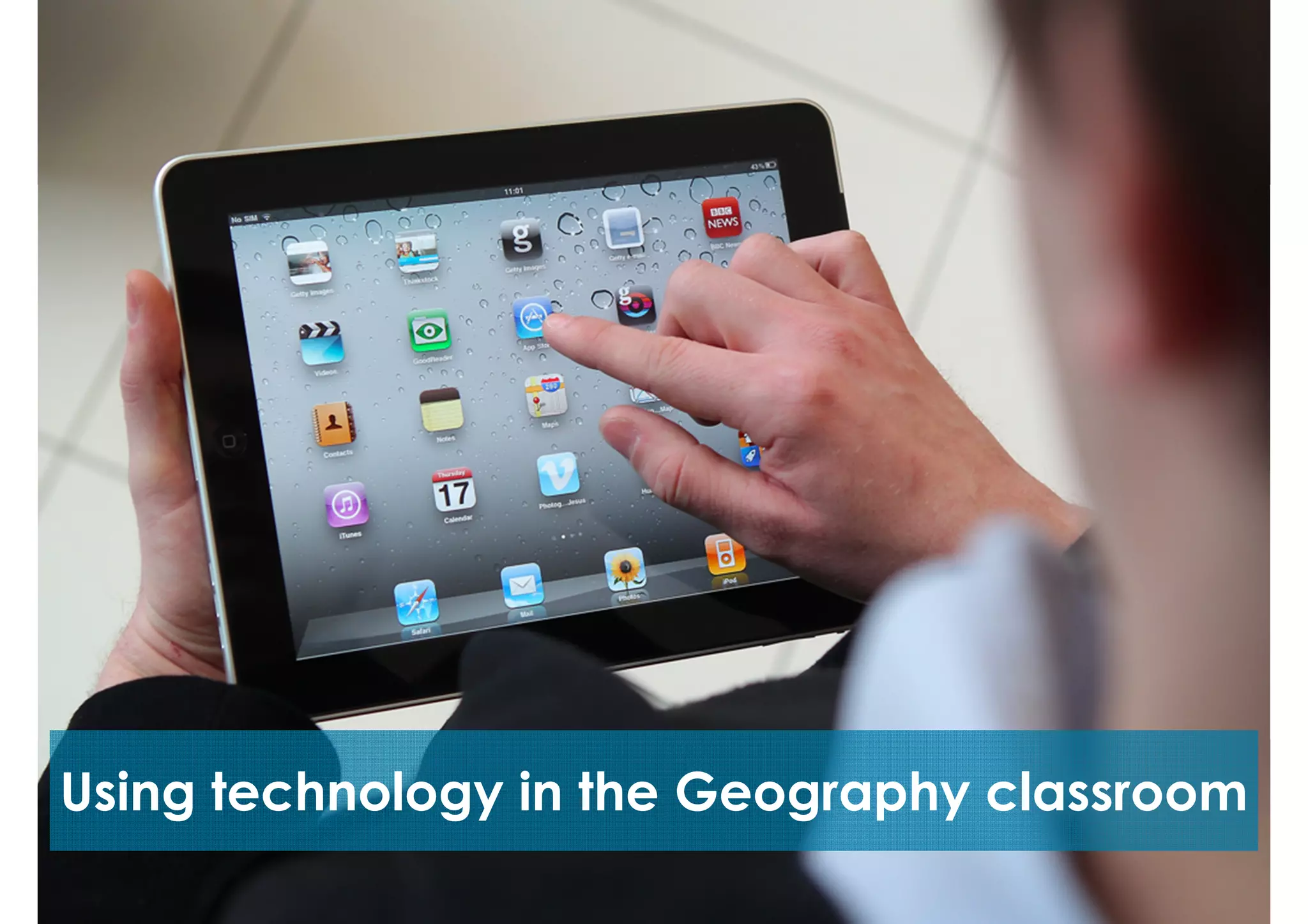
Using technology in the Geography classroom
Applications
There are many applications available for use in the
Geography classroom. Today we are going to talk about my
Top 6 (in no particular order).
#6: Socrative
Implementation
After students have
completed an
assessment task,
Socrative works well for
student reflection on
their results. It also works
well as a pop quiz
generator, and for
receiving student
feedback.
FREE
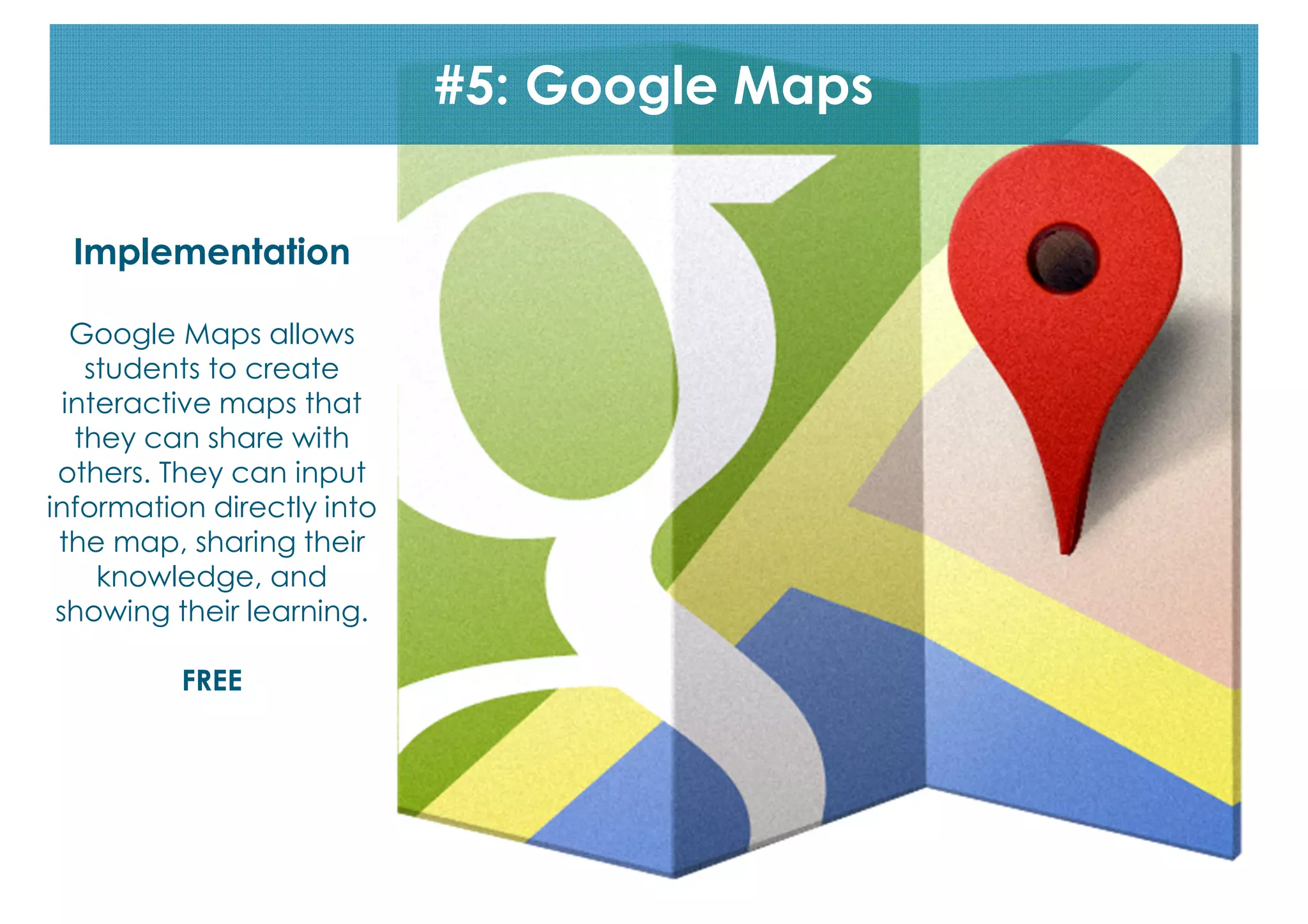
#5: Google Maps
Implementation
Google Maps allows
students to create
interactive maps that
they can share with
others. They can input
information directly into
the map, sharing their
knowledge, and
showing their learning.
FREE
#4: iMovie (or an equivalent)
Implementation
Students can easily use
iMovie to create
documentary tasks and
short films. For example:
Year 9 Geography
students created
documentaries
describing and
explaining the changes
along a selected
transect.
#3: Google Drive

Implementation
Teachers can create a collaborative document that everyone can contribute
to, in real time, such as an African fact file where each student is responsible for
inputting information about one African nation, with everyone ending up with a
comprehensive dossier.
FREE
#2: Mind Mapping applications

Implementation
To assess student’s prior knowledge, I usually get them to do a mind map at the
beginning of a new topic. This works well as students can visually represent their
learning.
codes
#1: QR Codes

Implementation
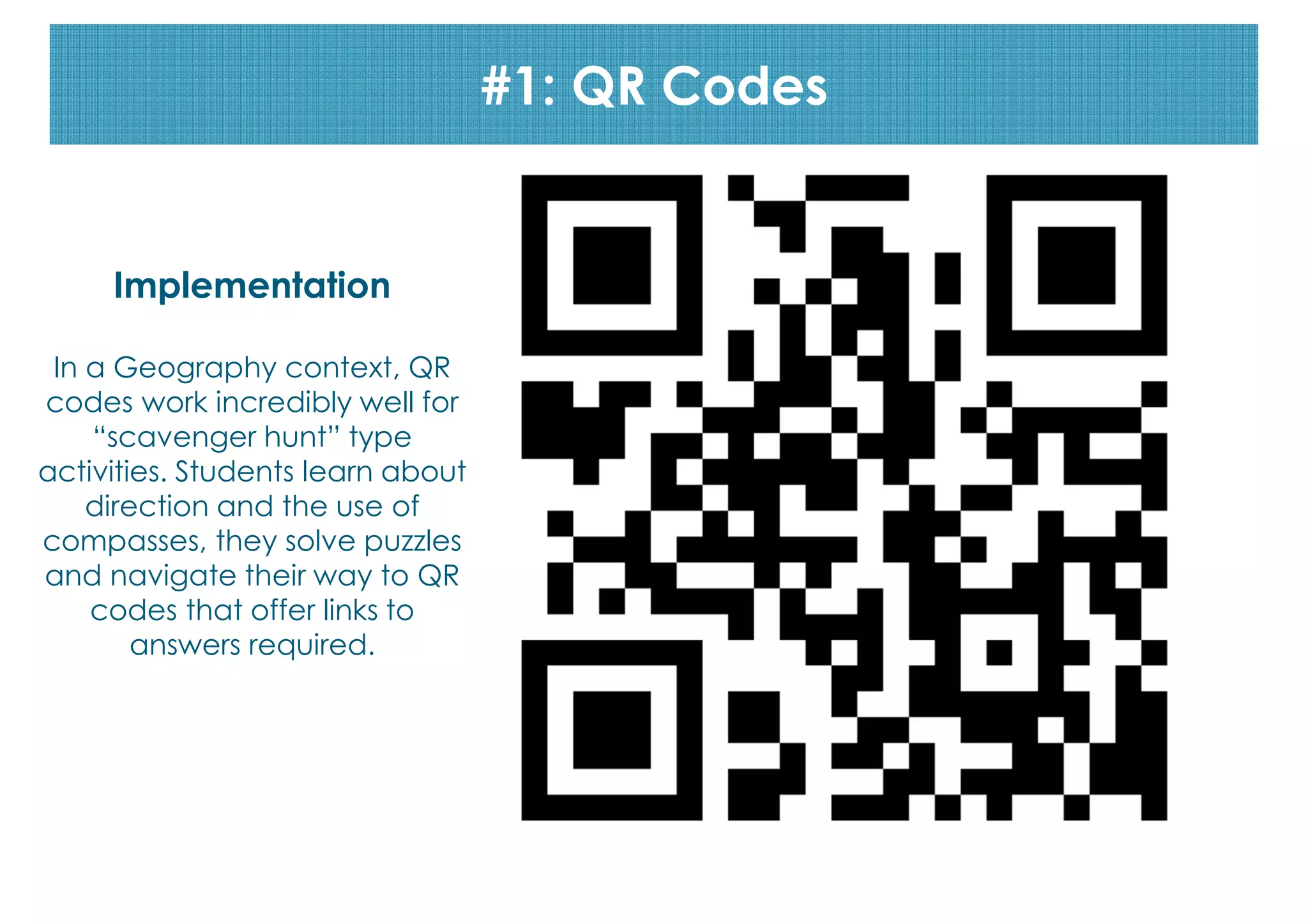
In a Geography context, QR
codes work incredibly well for
“scavenger hunt” type
activities. Students learn about
direction and the use of
compasses, they solve puzzles
and navigate their way to QR
codes that offer links to
answers required.
#1: QR codes
Bonus apps
Implementation
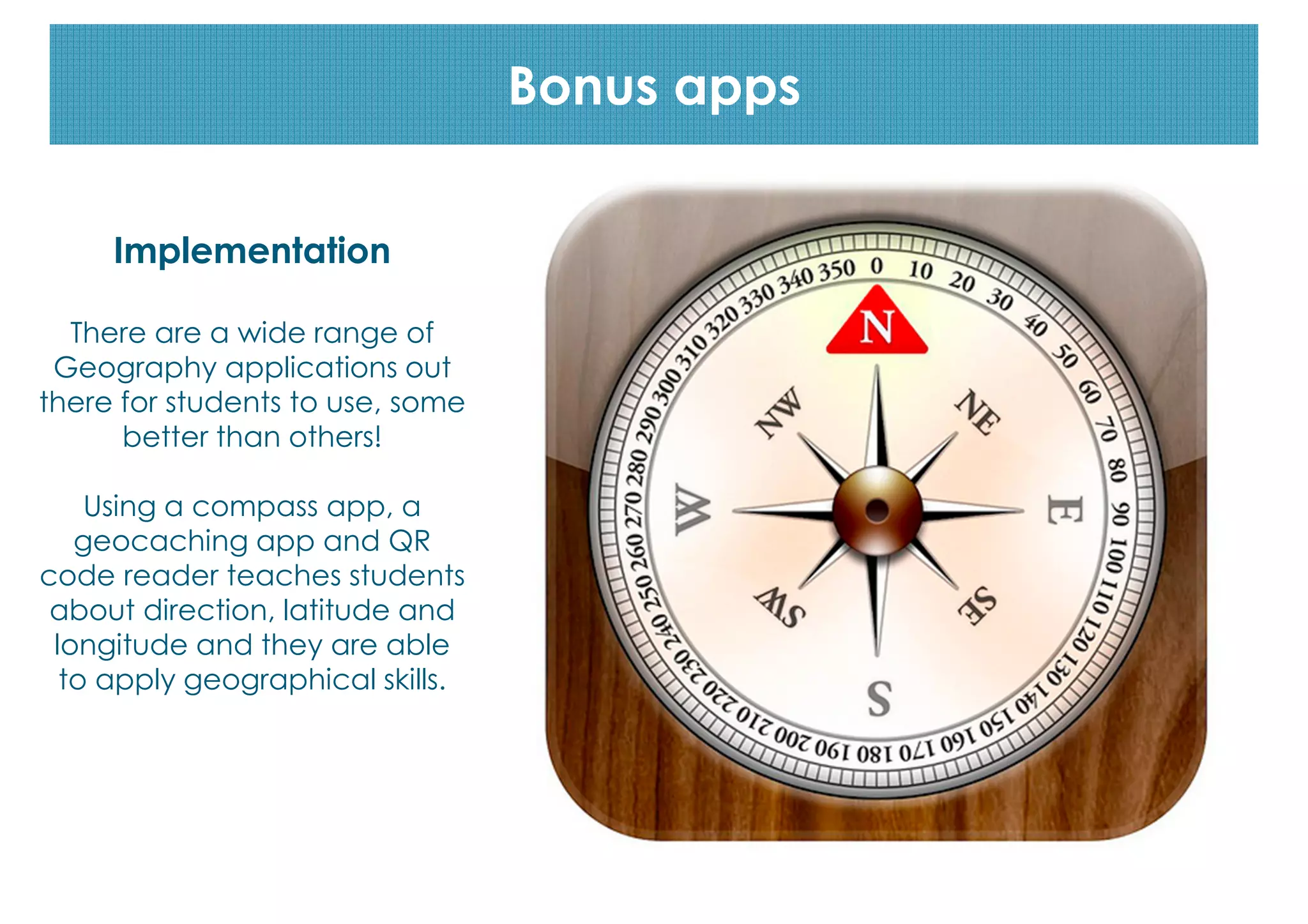
There are a wide range of
Geography applications out
there for students to use, some
better than others!
Using a compass app, a
geocaching app and QR
code reader teaches students
about direction, latitude and
longitude and they are able
to apply geographical skills.
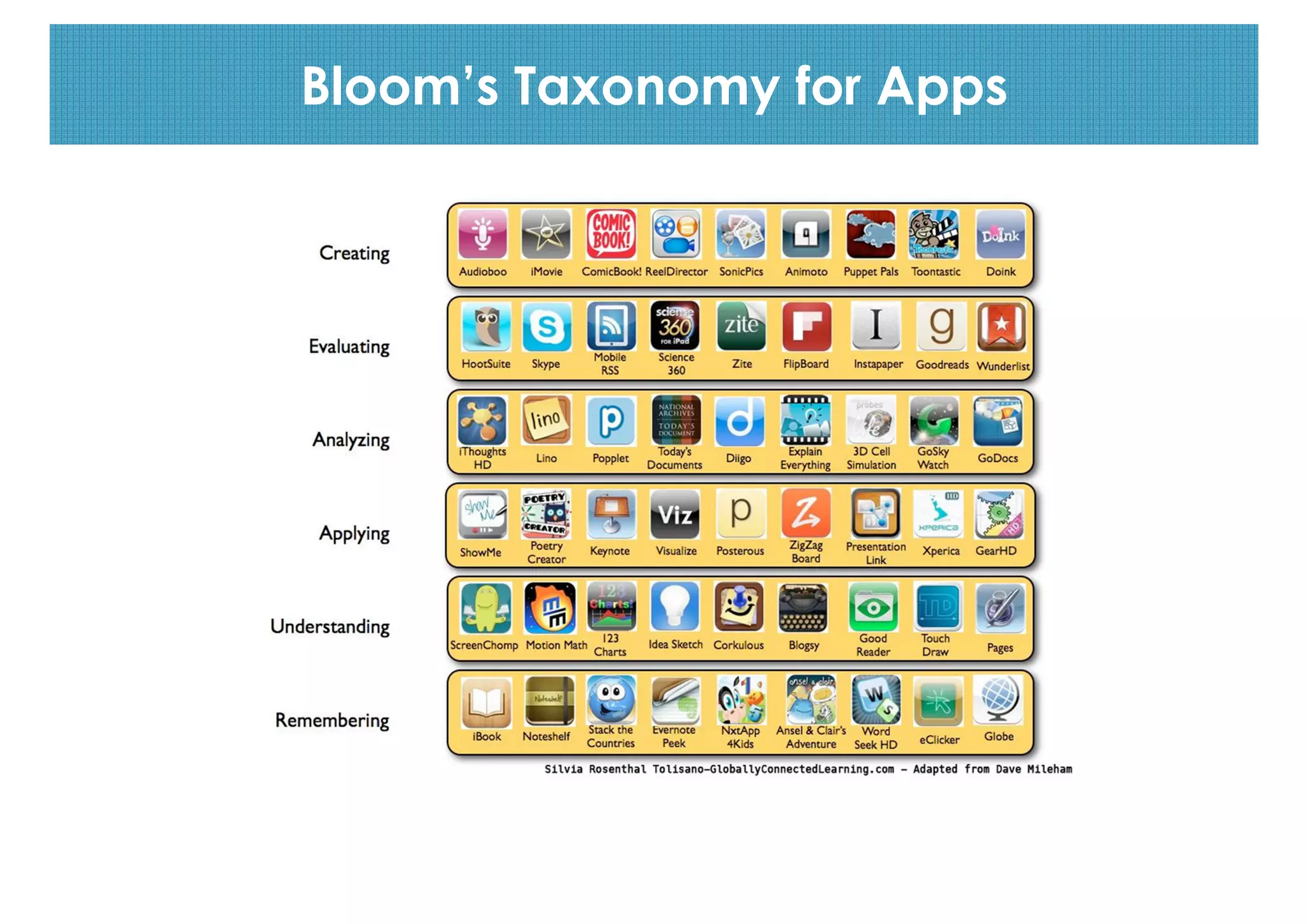
Bloom’s Taxonomy for Apps
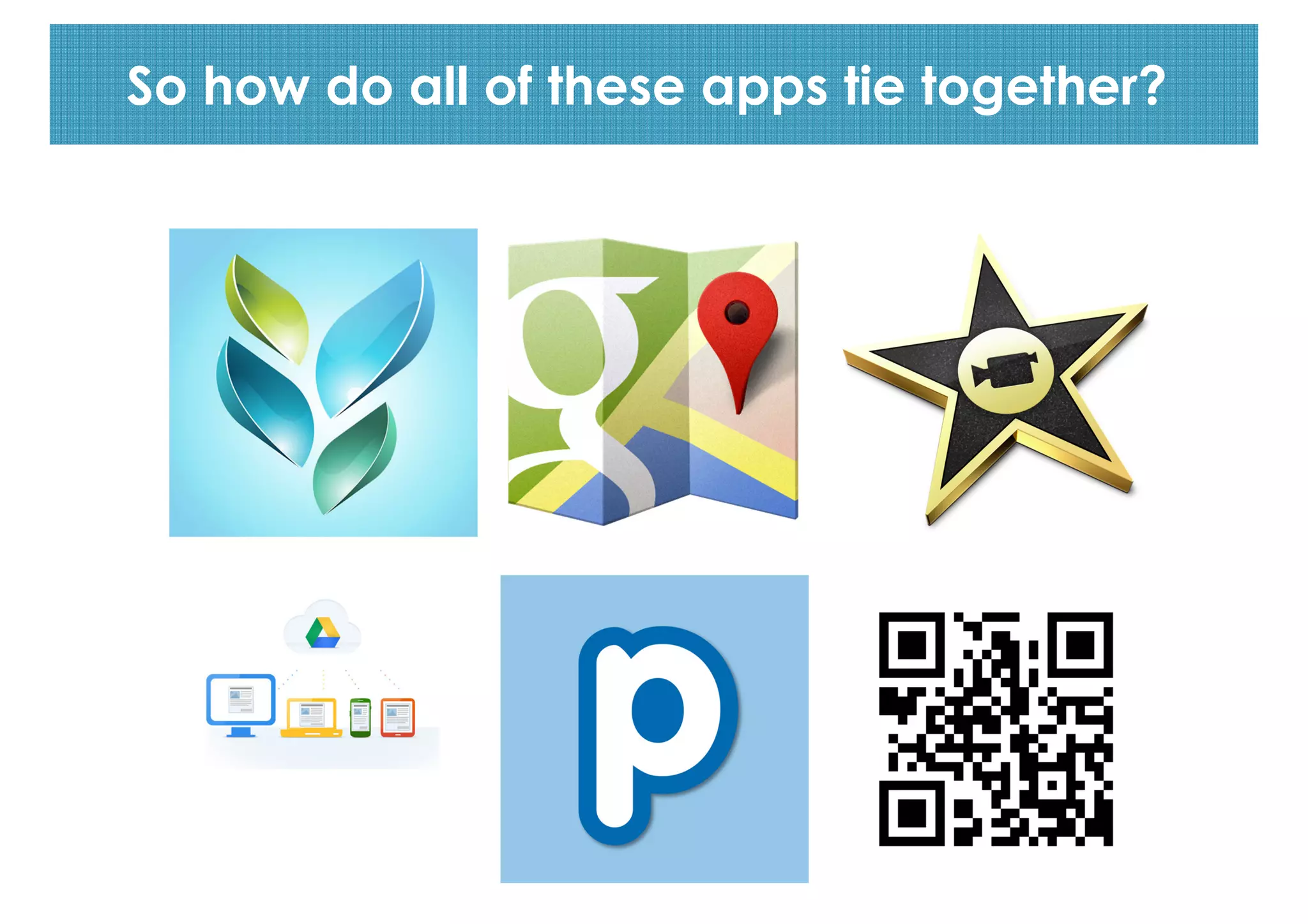
So how do all of these apps tie together?
Links
Go to this link:
http://goo.gl/uXgUBI
for access to links to apps, the
lesson plan and other resources.
Questions?
Contact me
Email: jkjorna@riverview.nsw.edu.au
Twitter: @jessicajorna

Using Technology in the Geography Classroom

  • 1.
    Using technology inthe Geography classroom
  • 2.
    Applications There are manyapplications available for use in the Geography classroom. Today we are going to talk about my Top 6 (in no particular order).
  • 3.
    #6: Socrative Implementation After studentshave completed an assessment task, Socrative works well for student reflection on their results. It also works well as a pop quiz generator, and for receiving student feedback. FREE
  • 4.
    #5: Google Maps Implementation GoogleMaps allows students to create interactive maps that they can share with others. They can input information directly into the map, sharing their knowledge, and showing their learning. FREE
  • 5.
    #4: iMovie (oran equivalent) Implementation Students can easily use iMovie to create documentary tasks and short films. For example: Year 9 Geography students created documentaries describing and explaining the changes along a selected transect.
  • 6.
    #3: Google Drive Implementation Teacherscan create a collaborative document that everyone can contribute to, in real time, such as an African fact file where each student is responsible for inputting information about one African nation, with everyone ending up with a comprehensive dossier. FREE
  • 7.
    #2: Mind Mappingapplications Implementation To assess student’s prior knowledge, I usually get them to do a mind map at the beginning of a new topic. This works well as students can visually represent their learning.
  • 8.
    codes #1: QR Codes Implementation Ina Geography context, QR codes work incredibly well for “scavenger hunt” type activities. Students learn about direction and the use of compasses, they solve puzzles and navigate their way to QR codes that offer links to answers required.
  • 9.
    #1: QR codes Bonusapps Implementation There are a wide range of Geography applications out there for students to use, some better than others! Using a compass app, a geocaching app and QR code reader teaches students about direction, latitude and longitude and they are able to apply geographical skills.
  • 10.
  • 11.
    So how doall of these apps tie together?
  • 13.
    Links Go to thislink: http://goo.gl/uXgUBI for access to links to apps, the lesson plan and other resources.
  • 14.
  • 15.