Using Second Life as a
learning environment
Sheila Webber, Information
School, University of Sheffield


  Prague, September 2010
“You posed
   some       These are my
 questions”     answers!
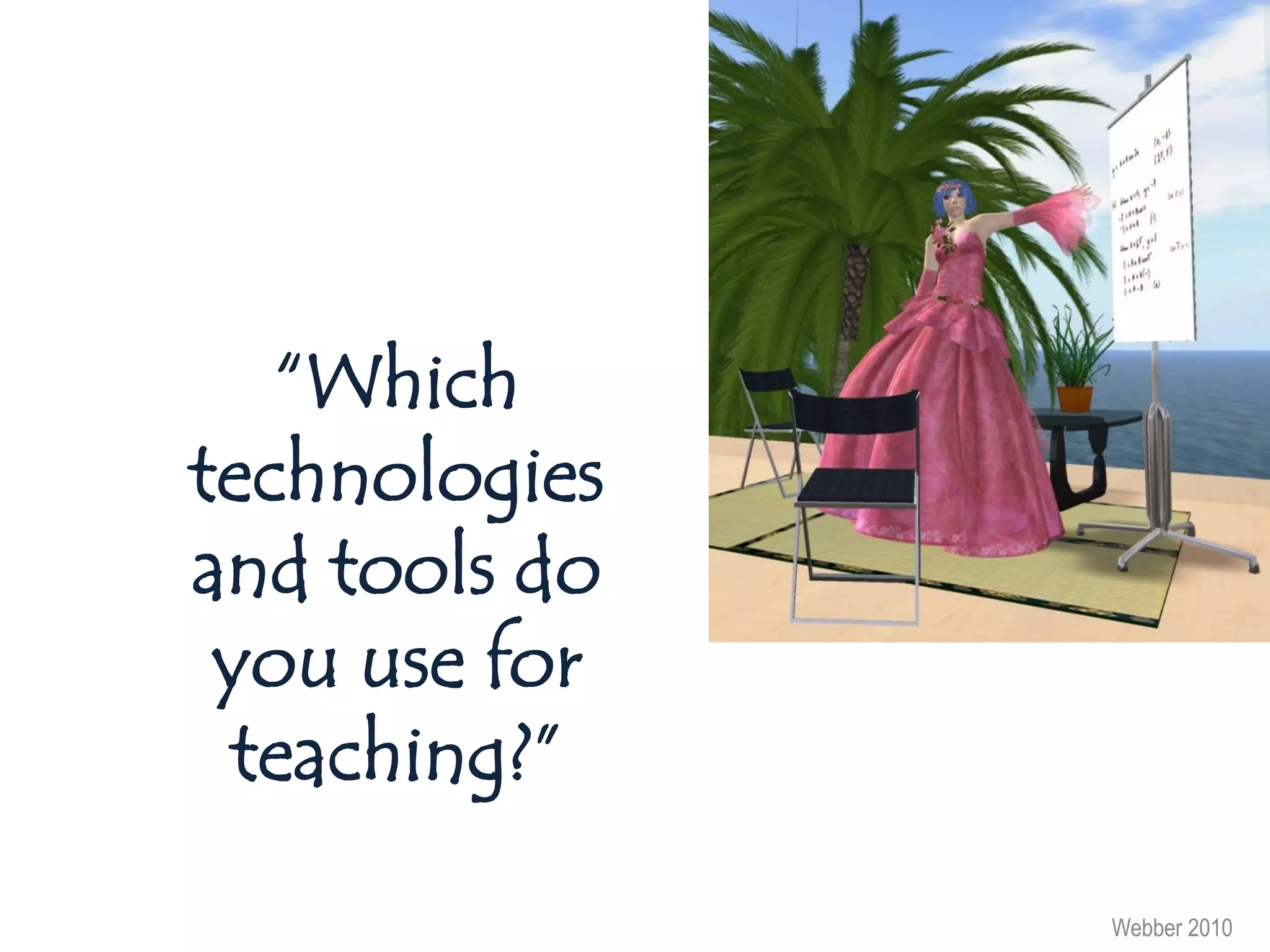
“Which
technologies
and tools do
 you use for
 teaching?”

               Webber 2010
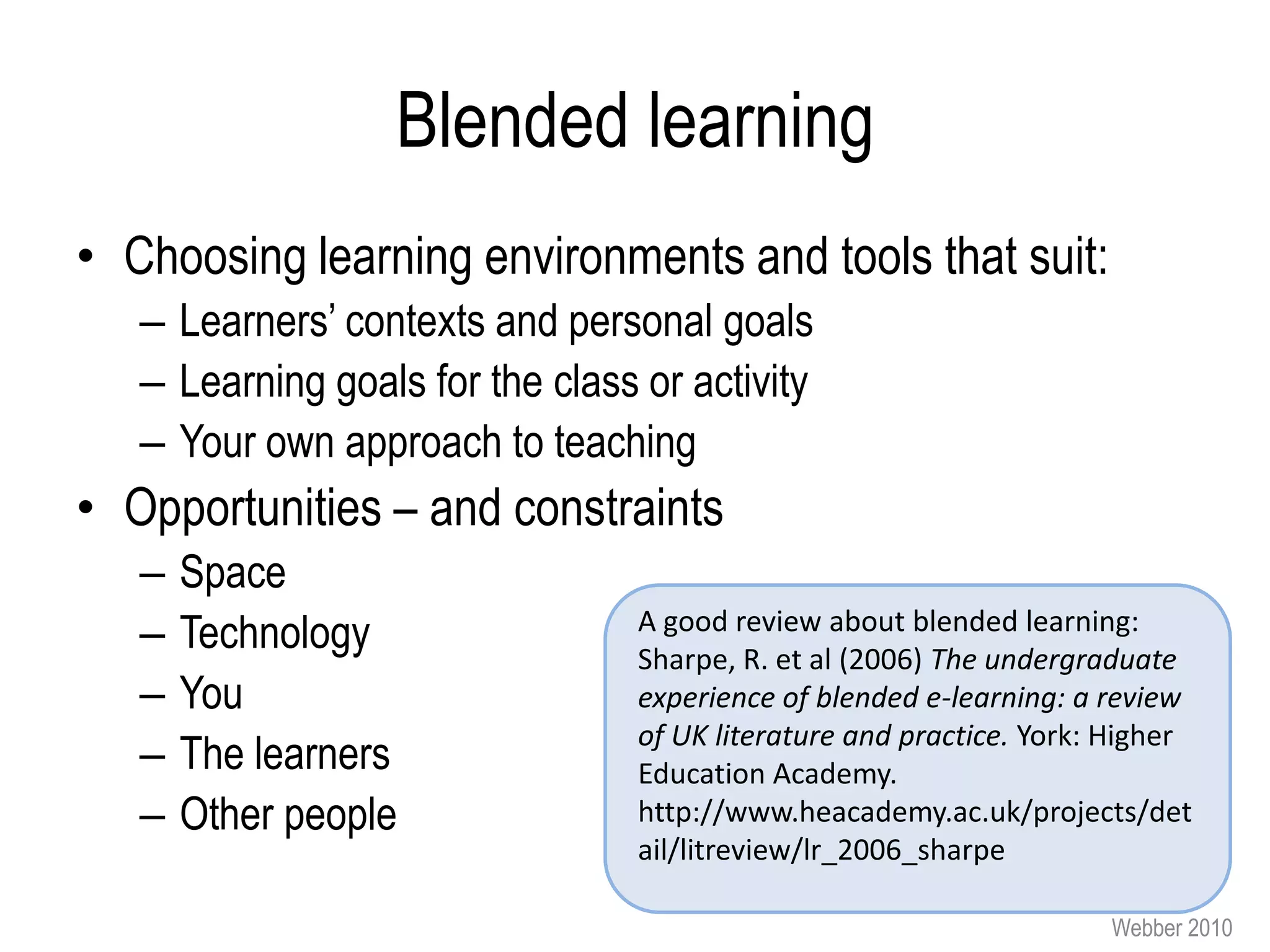
Blended learning


Face-to-Face + technology
Blended learning
• Choosing learning environments and tools that suit:
   – Learners’ contexts and personal goals
   – Learning goals for the class or activity
   – Your own approach to teaching
• Opportunities – and constraints
   –   Space
   –   Technology                 A good review about blended learning:
                                  Sharpe, R. et al (2006) The undergraduate
   –   You                        experience of blended e-learning: a review
                                  of UK literature and practice. York: Higher
   –   The learners               Education Academy.
   –   Other people               http://www.heacademy.ac.uk/projects/det
                                  ail/litreview/lr_2006_sharpe

                                                                      Webber 2010
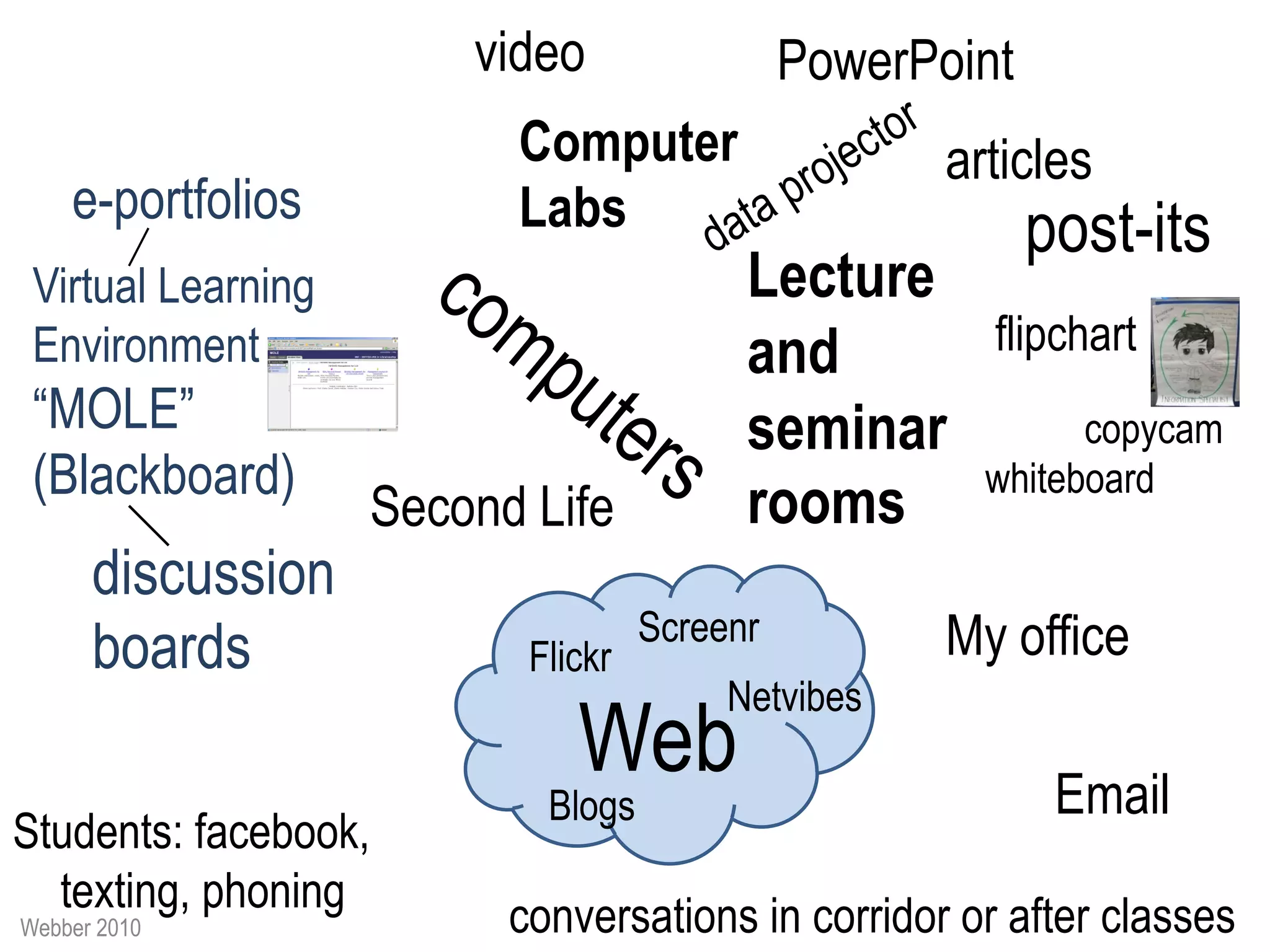
video                 PowerPoint
                          Computer                   articles
    e-portfolios          Labs                             post-its
 Virtual Learning                         Lecture
 Environment                              and          flipchart
 “MOLE”                                   seminar            copycam
 (Blackboard)                                          whiteboard
                    Second Life           rooms
      discussion
                                    Screenr          My office
      boards               Flickr
                                         Netvibes
                              Web                           Email
                            Blogs
Students: facebook,
  texting, phoning
Webber 2010               conversations in corridor or after classes
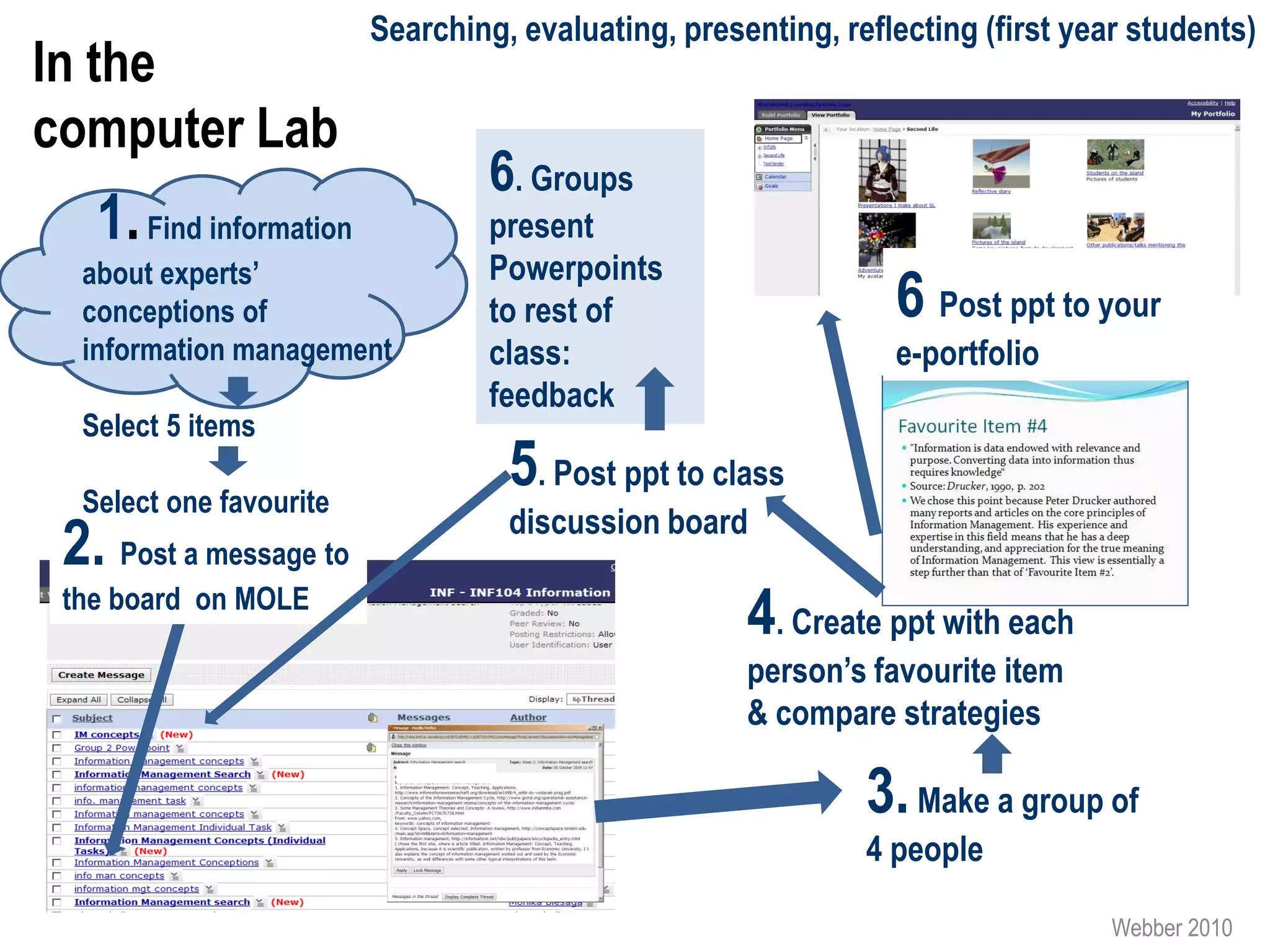
Searching, evaluating, presenting, reflecting (first year students)
In the
computer Lab
                                  6. Groups
   1. Find information            present
  about experts’                  Powerpoints
  conceptions of                  to rest of                    6 Post ppt to your
  information management          class:                        e-portfolio
                                  feedback
  Select 5 items

  Select one favourite
                                   5. Post ppt to class
                                   discussion board
 2. Post a message to
 the board on MOLE
                                                     4. Create ppt with each
                                                     person’s favourite item
                                                     & compare strategies

                                                              3. Make a group of
                                                              4 people

                                                                                 Webber 2010
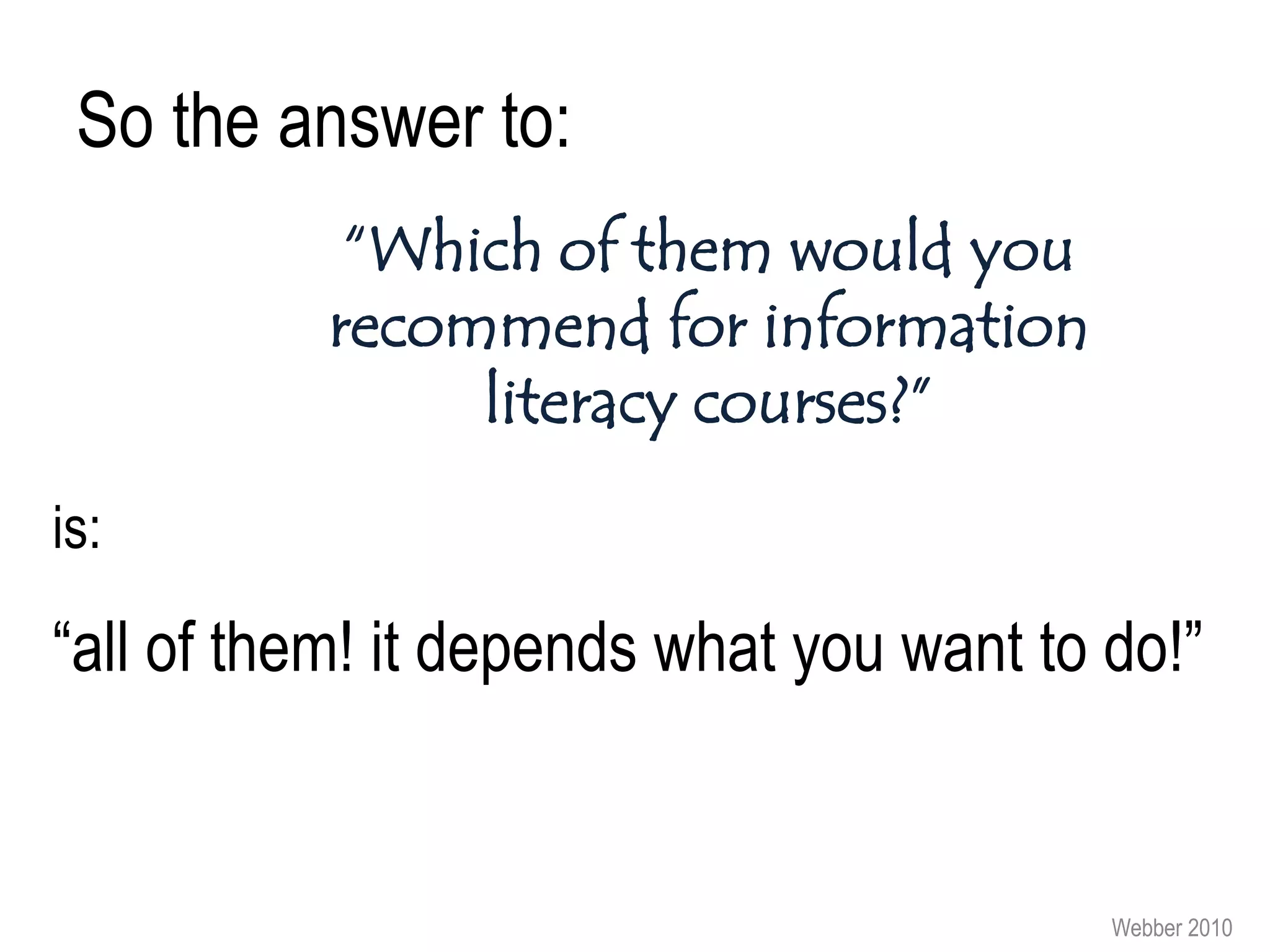
So the answer to:
            “Which of them would you
           recommend for information
                literacy courses?”
is:

“all of them! it depends what you want to do!”


                                          Webber 2010
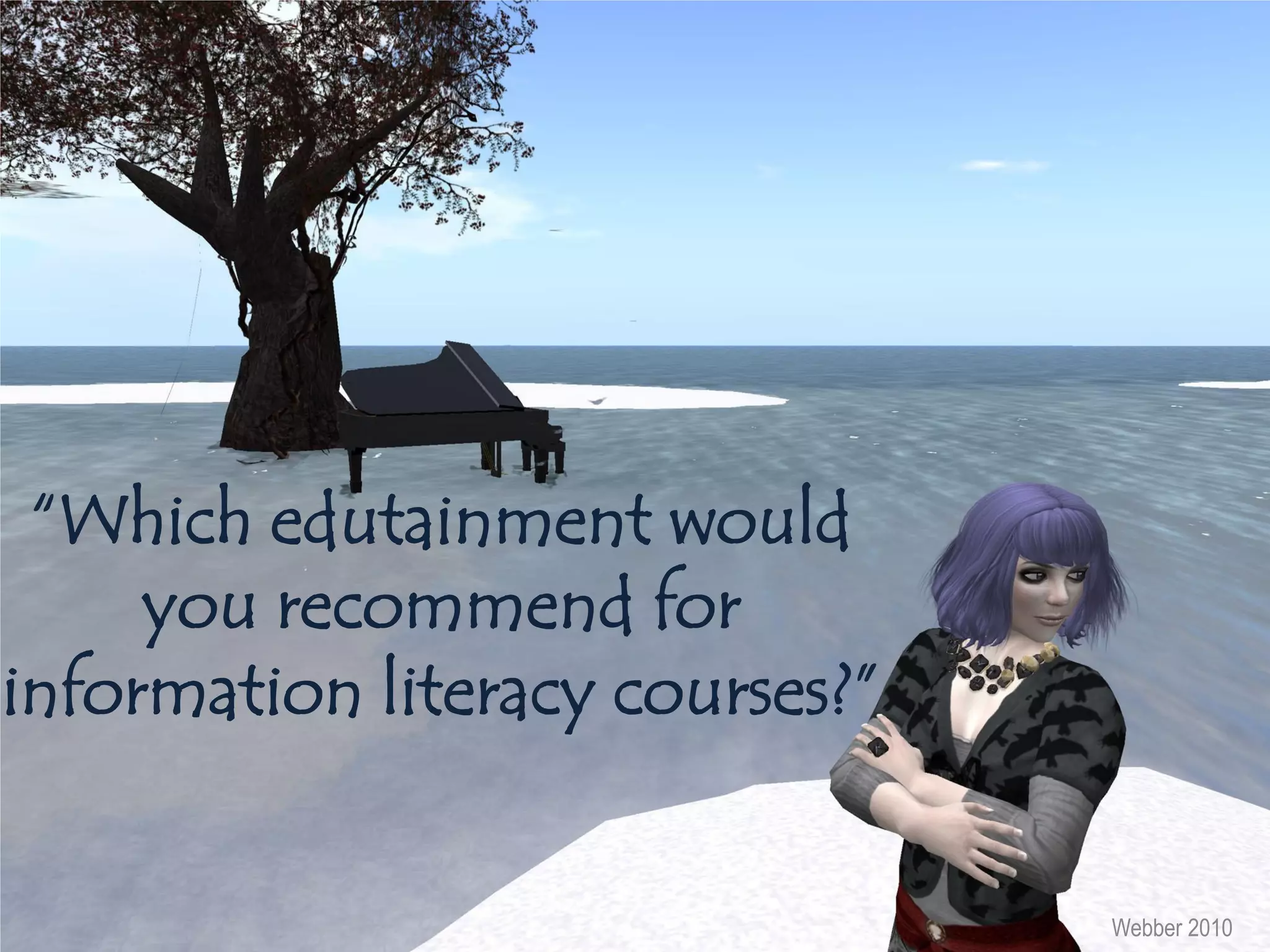
“Which edutainment would
     you recommend for
information literacy courses?”


                                 Webber 2010
• People will not be engaged and think it is “fun” just because it is
  “a game”. Research shows:
   – Gameplay, graphics and usability need to be good
   – Players want to be challenged
   – Different people like different games: issues of age gender,
     language, culture etc. as well as other personal preferences
• Key motivations for playing video games include:
   – Following your interest (e.g. Football, care for horses, guitar
     playing)
   – Doing things you can’t/ shouldn’t do in real life (e.g. killing, crashing
     cars, being a princess)
   – Competing and winning

     Forthcoming article: Gumulak, S. and Webber, S. “: Playing video
     games: Learning and information literacy”
                                                                        Webber 2010
Some ideas
• Existing games
   – Gamers do use information skills in games (searching, selecting and
     applying information): get them to discuss that & build activities (e.g.
     “teach someone else how to find and use that information for your
     favourite game”)
   – Researching & presenting the background to a favourite game
• Creating games
   – Don’t make the games too simple or dull
   – Aim for problem and puzzle solving (evaluating and combining
     information), not just “find this information and you get a point”
   – Use professional game engines to create your games (e.g. Neverwinter
     Nights) so they don’t look amateurish
   – Use mini-games to cover different aspects of information literacy
   – Get learners to create games or puzzles for each other (learning by
     creating/ teaching)
   and face-to-face games may be easier to create than digital ones!
   Nice examples of schools using games:                                        Webber
   http://www.ltscotland.org.uk/usingglowandict/sharingpractice/index.asp         2010
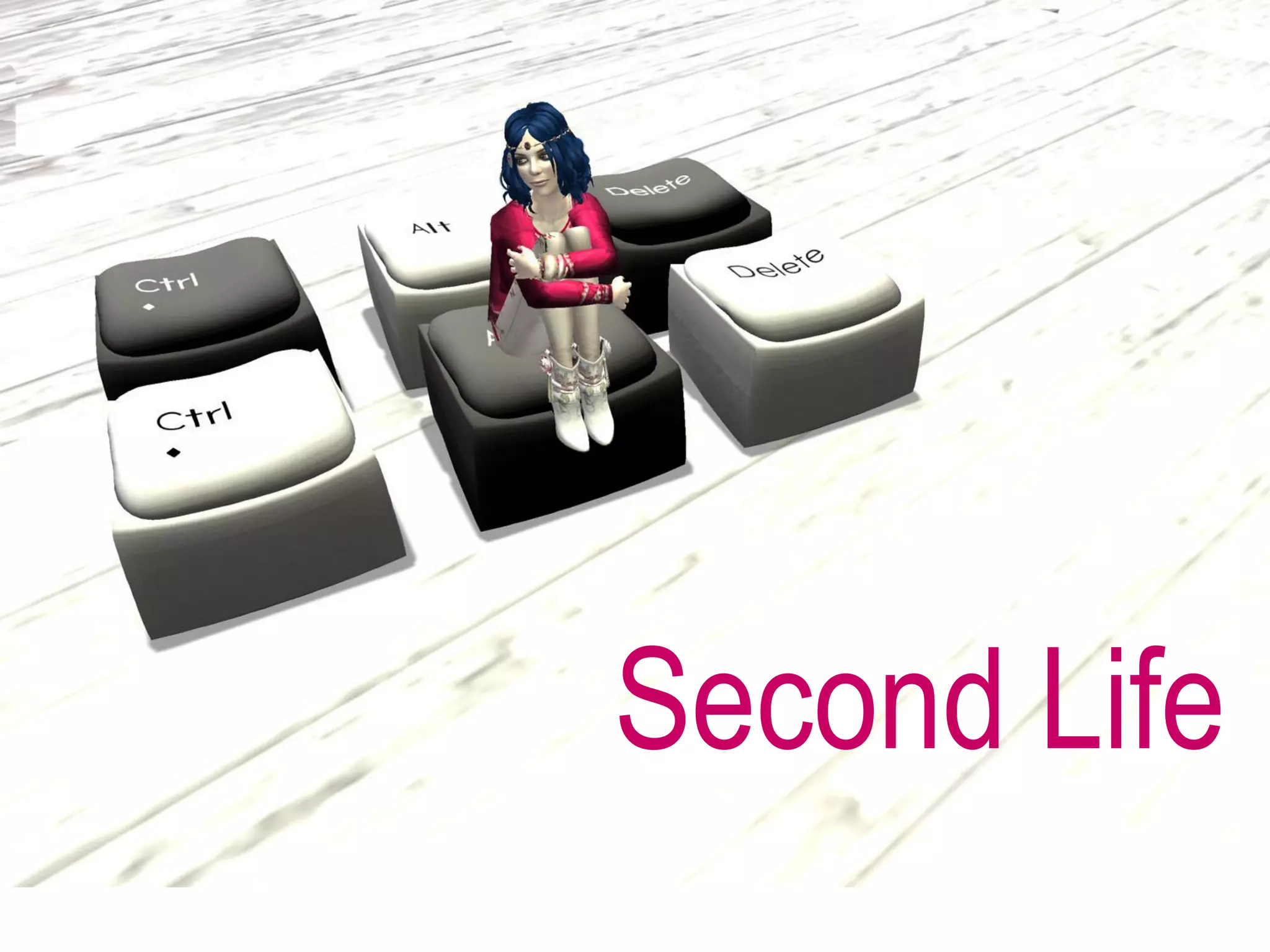
Second Life
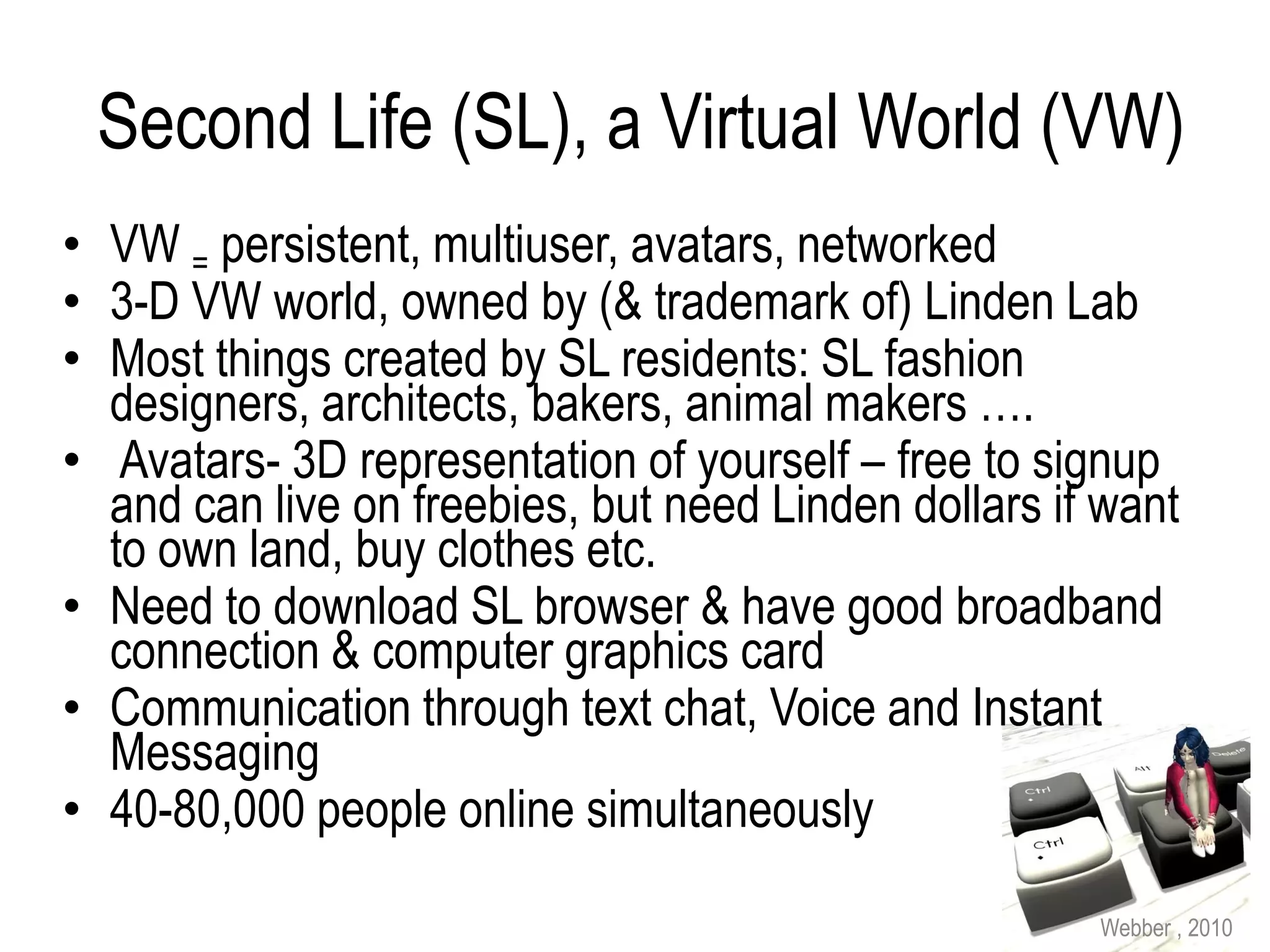
Second Life (SL), a Virtual World (VW)
• VW = persistent, multiuser, avatars, networked
• 3-D VW world, owned by (& trademark of) Linden Lab
• Most things created by SL residents: SL fashion
  designers, architects, bakers, animal makers ….
• Avatars- 3D representation of yourself – free to signup
  and can live on freebies, but need Linden dollars if want
  to own land, buy clothes etc.
• Need to download SL browser & have good broadband
  connection & computer graphics card
• Communication through text chat, Voice and Instant
  Messaging
• 40-80,000 people online simultaneously

                                                      Webber , 2010
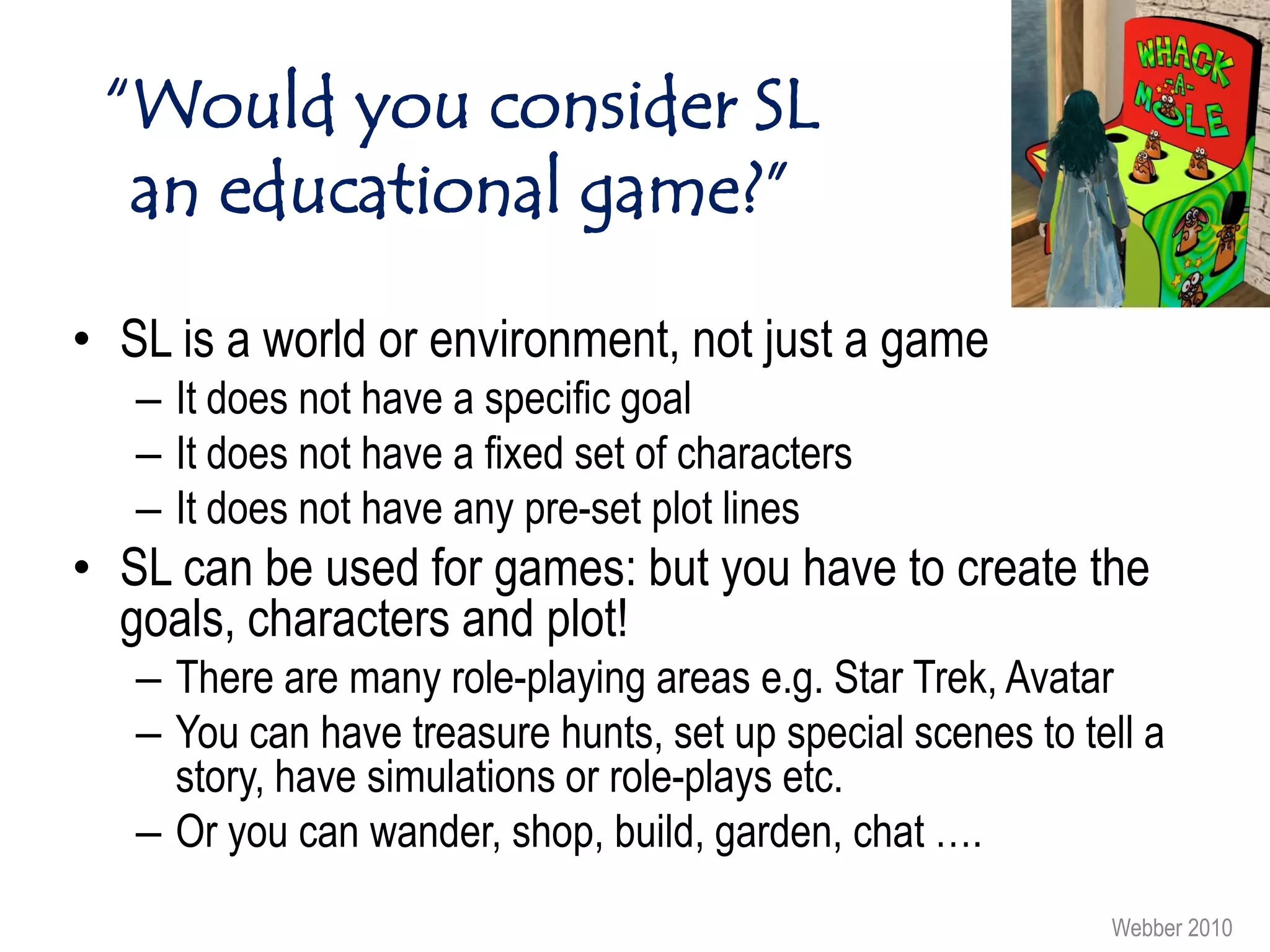
“Would you consider SL
  an educational game?”

• SL is a world or environment, not just a game
   – It does not have a specific goal
   – It does not have a fixed set of characters
   – It does not have any pre-set plot lines
• SL can be used for games: but you have to create the
  goals, characters and plot!
   – There are many role-playing areas e.g. Star Trek, Avatar
   – You can have treasure hunts, set up special scenes to tell a
     story, have simulations or role-plays etc.
   – Or you can wander, shop, build, garden, chat ….
                                                             Webber 2010
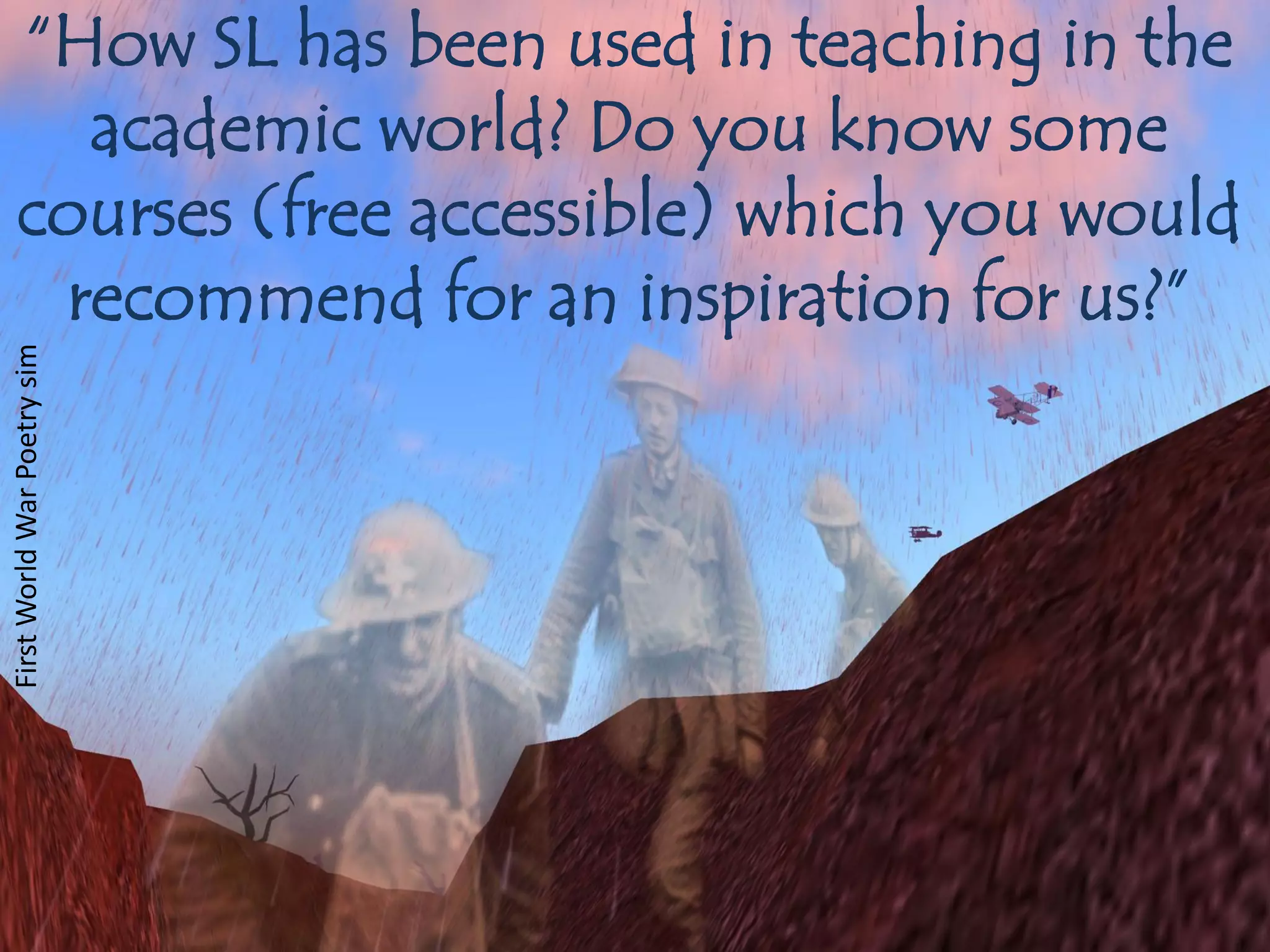
“How SL has been used in teaching in the
     academic world? Do you know some
   courses (free accessible) which you would
    recommend for an inspiration for us?”
First World War Poetry sim
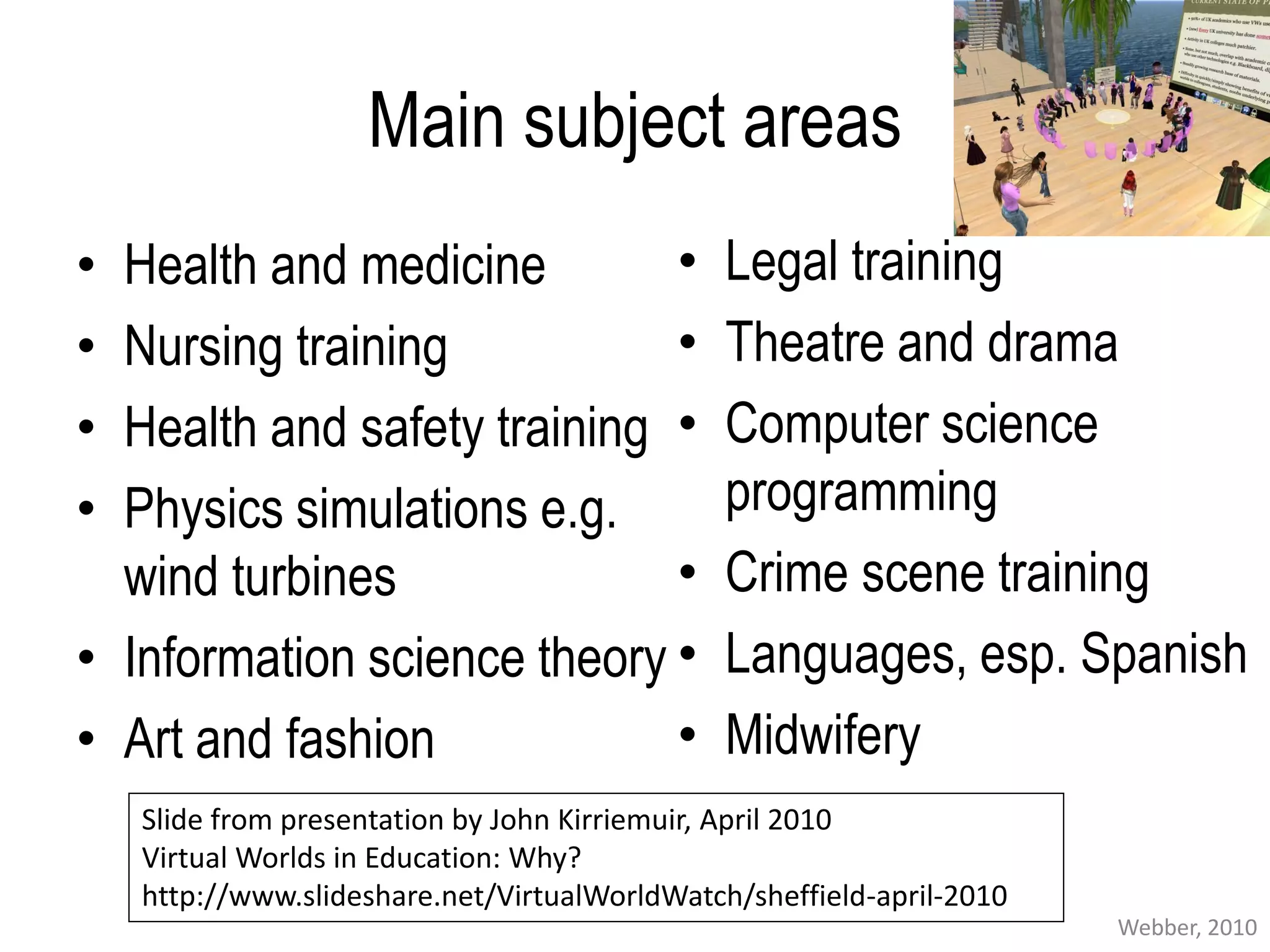
Main subject areas
• Health and medicine        •                 Legal training
• Nursing training           •                 Theatre and drama
• Health and safety training •                 Computer science
• Physics simulations e.g.                     programming
  wind turbines              •                 Crime scene training
• Information science theory •                 Languages, esp. Spanish
• Art and fashion            •                 Midwifery
    Slide from presentation by John Kirriemuir, April 2010
    Virtual Worlds in Education: Why?
    http://www.slideshare.net/VirtualWorldWatch/sheffield-april-2010
                                                                       Webber, 2010
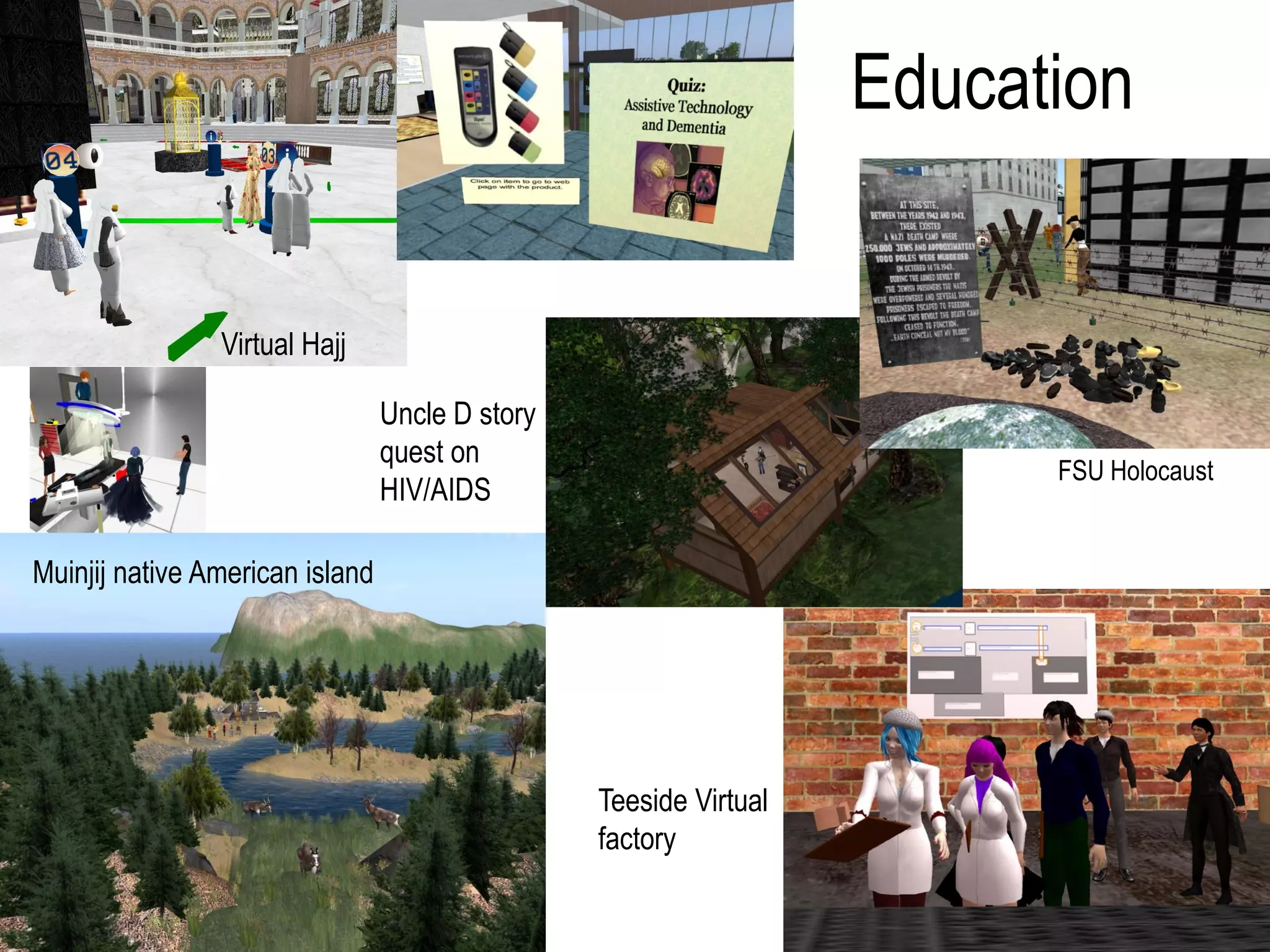
Education


                Virtual Hajj

                                 Uncle D story
                                 quest on
                                                                         FSU Holocaust
                                 HIV/AIDS

Muinjij native American island


                                                 Teeside Virtual
                                                 factory
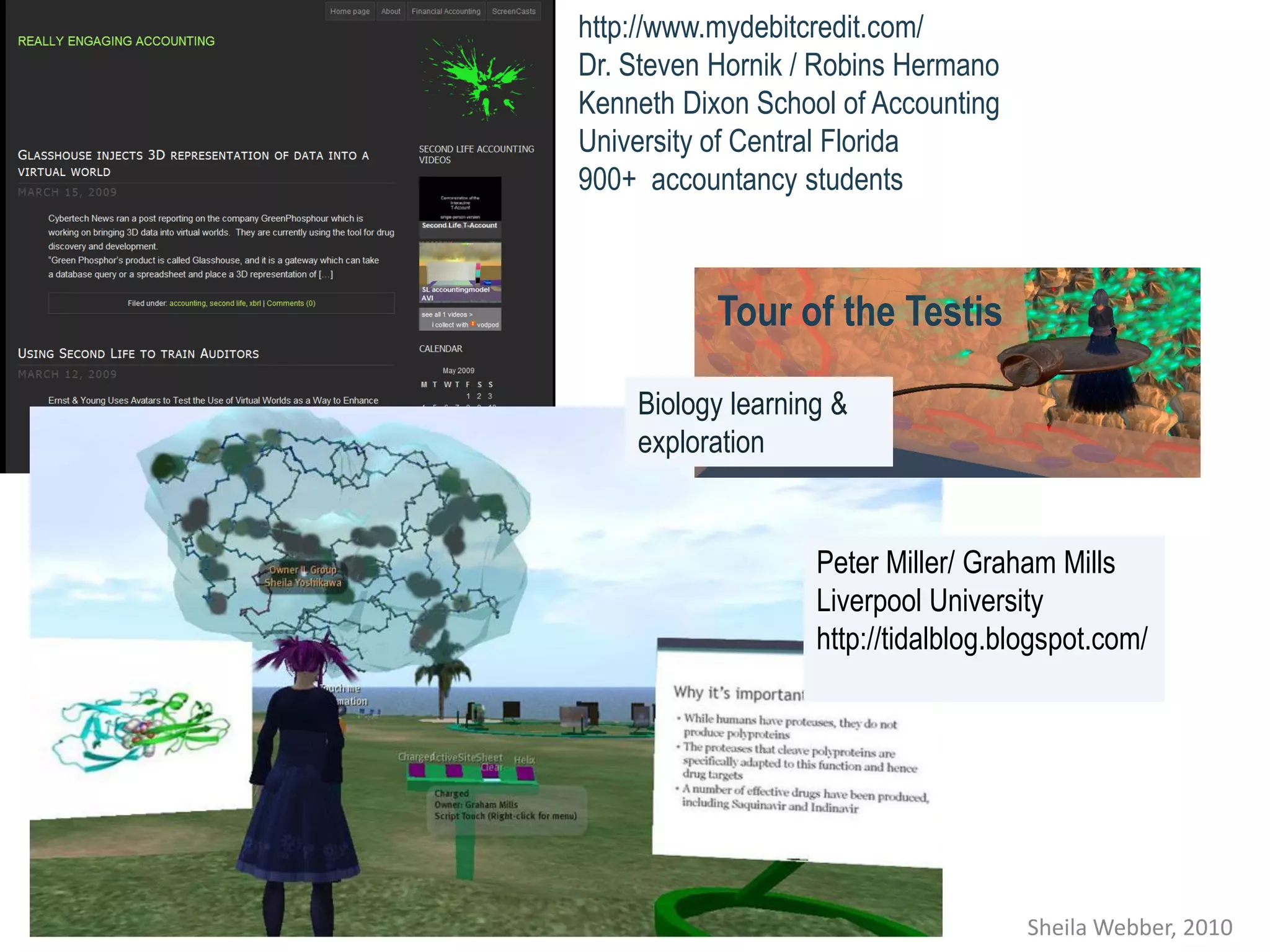
http://www.mydebitcredit.com/
Dr. Steven Hornik / Robins Hermano
Kenneth Dixon School of Accounting
University of Central Florida
900+ accountancy students


           Tour of the Testis

    Biology learning &
    exploration


                   Peter Miller/ Graham Mills
                   Liverpool University
                   http://tidalblog.blogspot.com/


                                      Sheila Webber, 2010
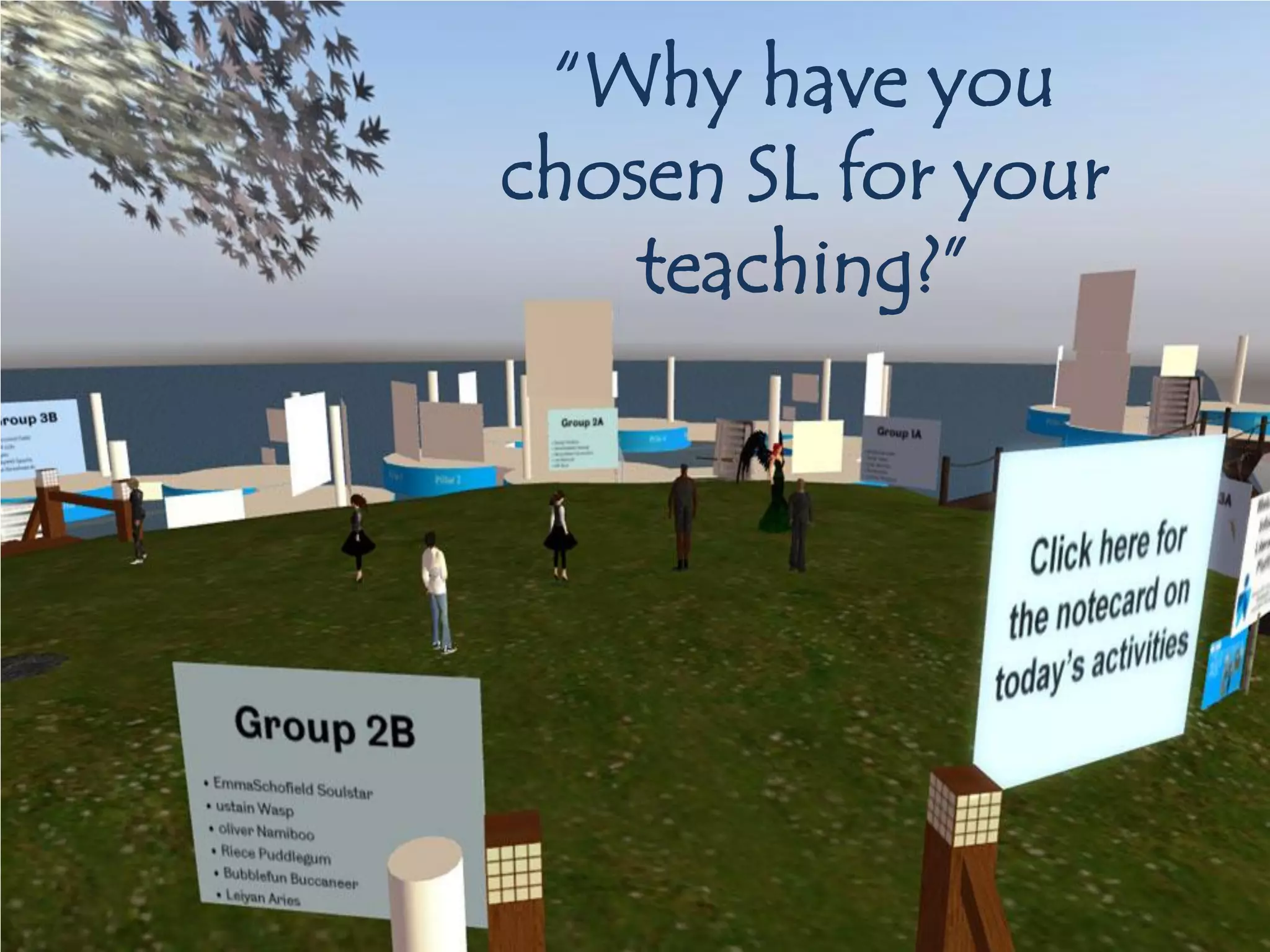
“Why have you
chosen SL for your
    teaching?”
“Why have you chosen SL for your
               teaching?”
• Interacting with concepts in three dimensions:
  encourage new ways of thinking about things
• Engaging with people internationally
• Students can pursue new research questions
• Students develop communication & technology skills
• Involvement of outside tutors
• Showcasing students' work in exhibitions
• Enabling students to meet up with tutors and peers
  outside scheduled times safely & from remote
  locations.
• I like it ;-)
Teaching in SL: my examples
• First year undergraduate core class (BSc Information
  Management): student activities:
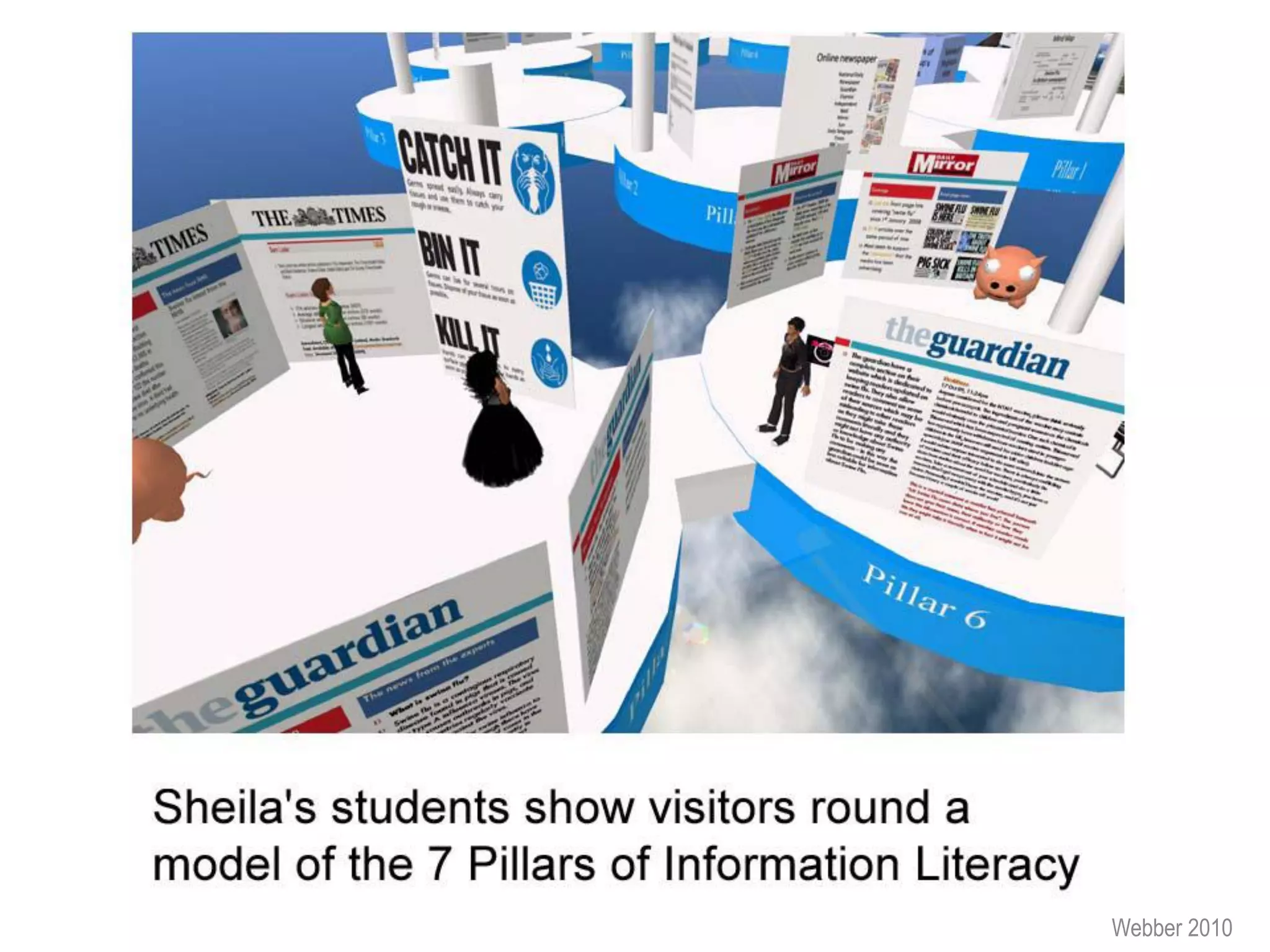
   – Exhibiting on “7 Pillars of Information Literacy”
   – Research interviews about information behaviour
• Masters-level option “Educational Informatics”: student
  activities
   – Visits; including attending & reporting on a major SL
     education conference
   – Reflecting on how could be used for learning & teaching


                                                         Webber 2010
Webber 2010
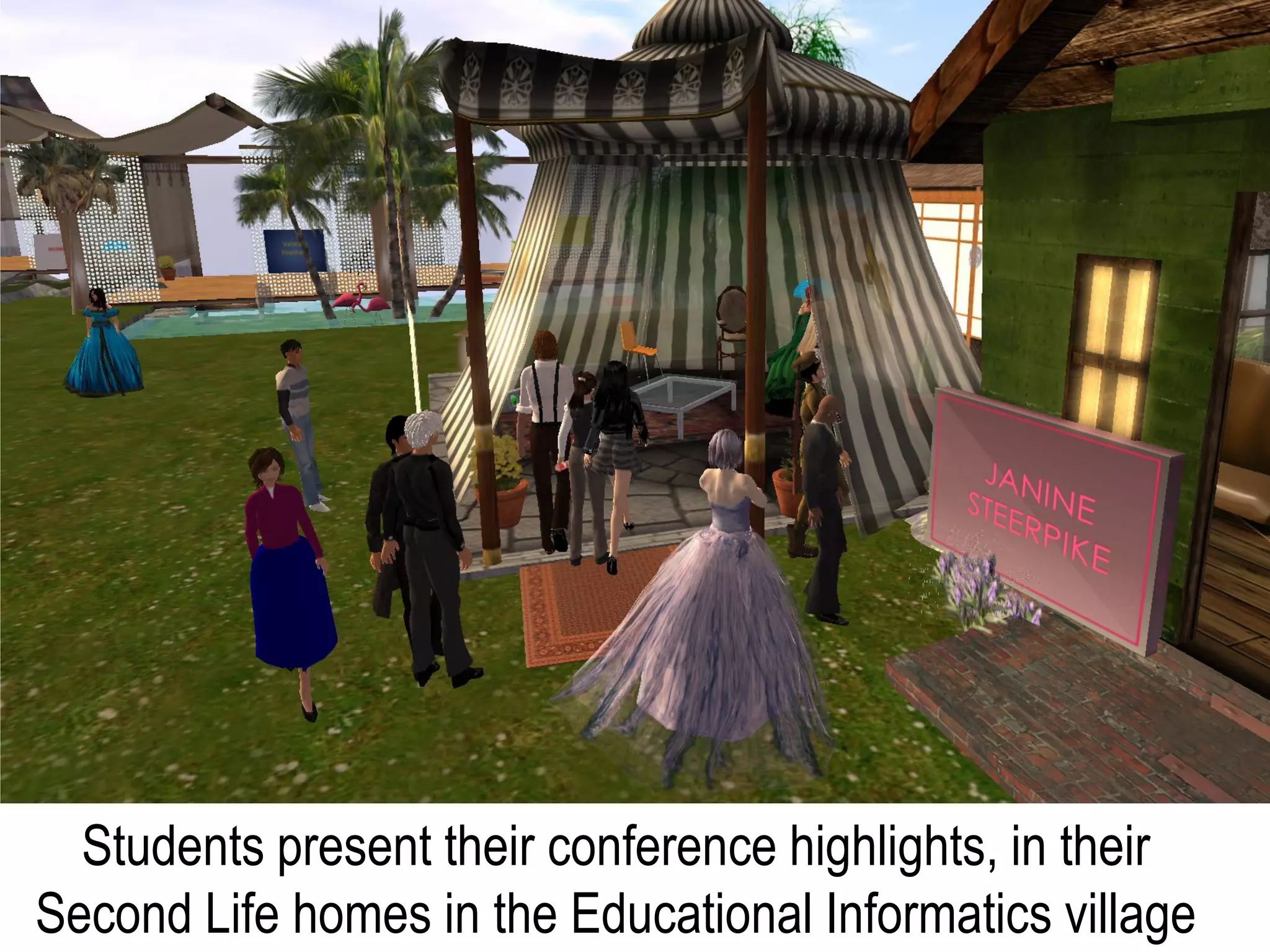
Students present their conference highlights, in their
Second Life homes in the Educational Informatics village
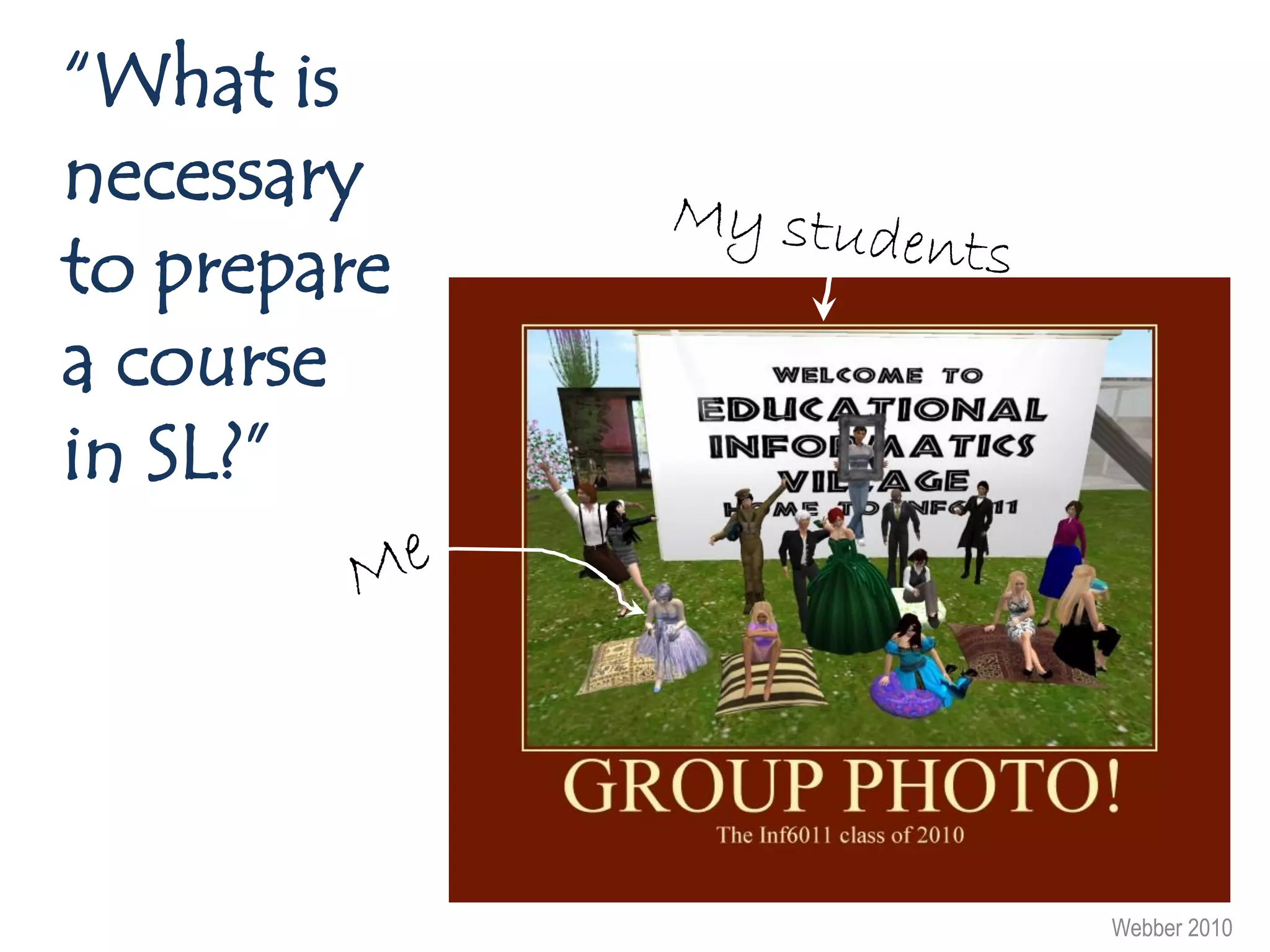
“What is
necessary
to prepare
a course
in SL?”


             Webber 2010
Some advice about SL teaching
• Attend SL events to learn what/ not to do
• Avoid putting learners on seats and just talking at them:
  this is dull
• Help learners take their first steps in SL, so they gain
  confidence
• As for all teaching: be clear about your aims & design
  learning and teaching that enables you to achieve these
  aims!
• Plan activities carefully, give clear instructions, but don’t
  try to control people’s every move – let them fly!
                                                          Webber 2010
Some advice about SL teaching
• Only use SL if there is a sound pedagogical or service reason
  e.g.
   – The three dimensional aspect helps learners to understand
     concepts (e.g. creating giant molecules, Boolean logic in the
     swimming pool, 3D model of information literacy)
   – You want to use role play or simulation (medicine, business, law,
     literature)
   – It is valuable to get external people to see your students’ work
     (e.g. art students)
   – Your users are using SL, so it becomes just one more contact
     point
   – They are distance or part-time learners
   – It enables you to include people with disabilities (e.g. physical
     disabilities)
                                                                  Webber 2010
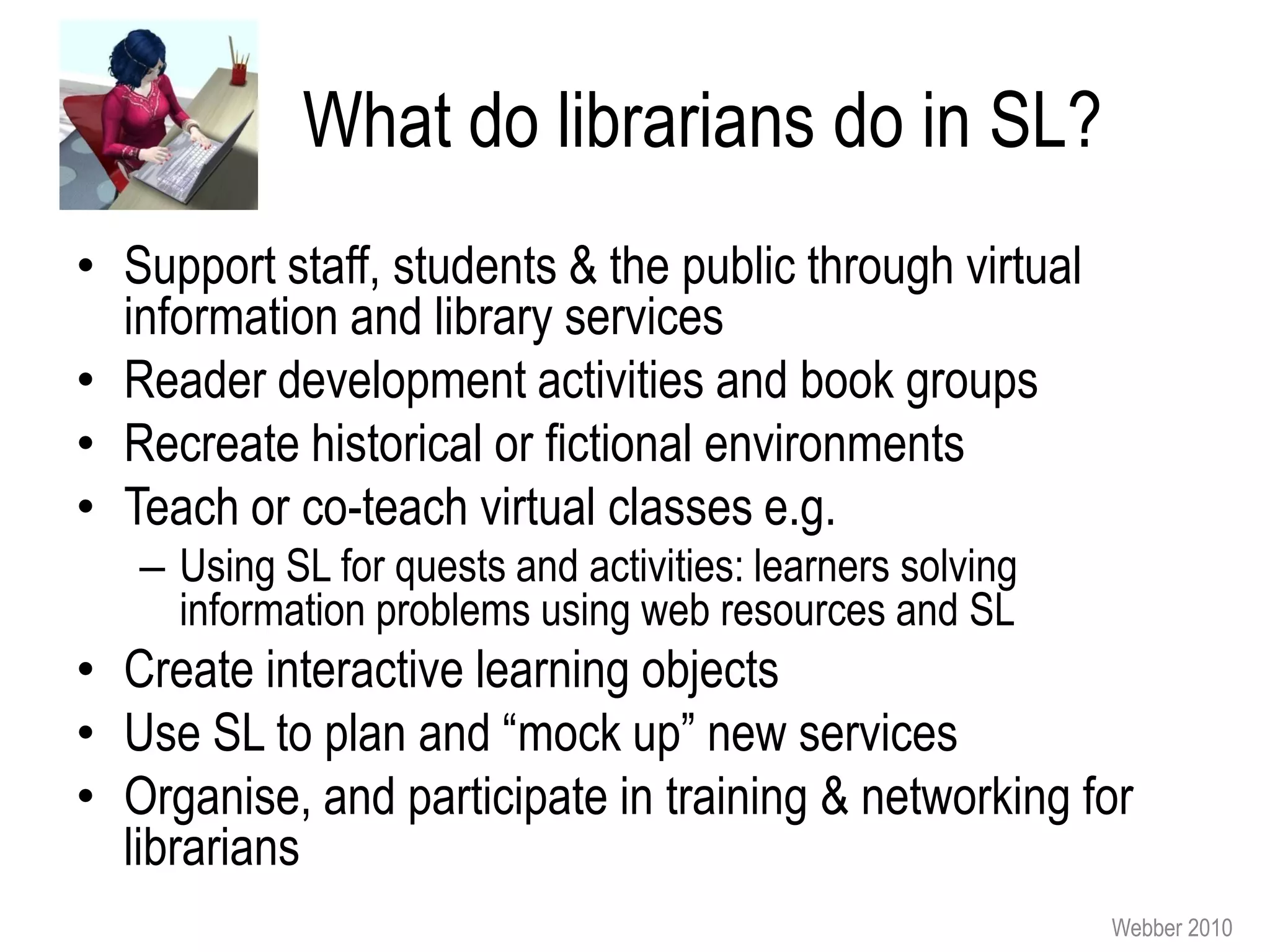
What do librarians do in SL?
• Support staff, students & the public through virtual
  information and library services
• Reader development activities and book groups
• Recreate historical or fictional environments
• Teach or co-teach virtual classes e.g.
   – Using SL for quests and activities: learners solving
     information problems using web resources and SL
• Create interactive learning objects
• Use SL to plan and “mock up” new services
• Organise, and participate in training & networking for
  librarians
                                                            Webber 2010
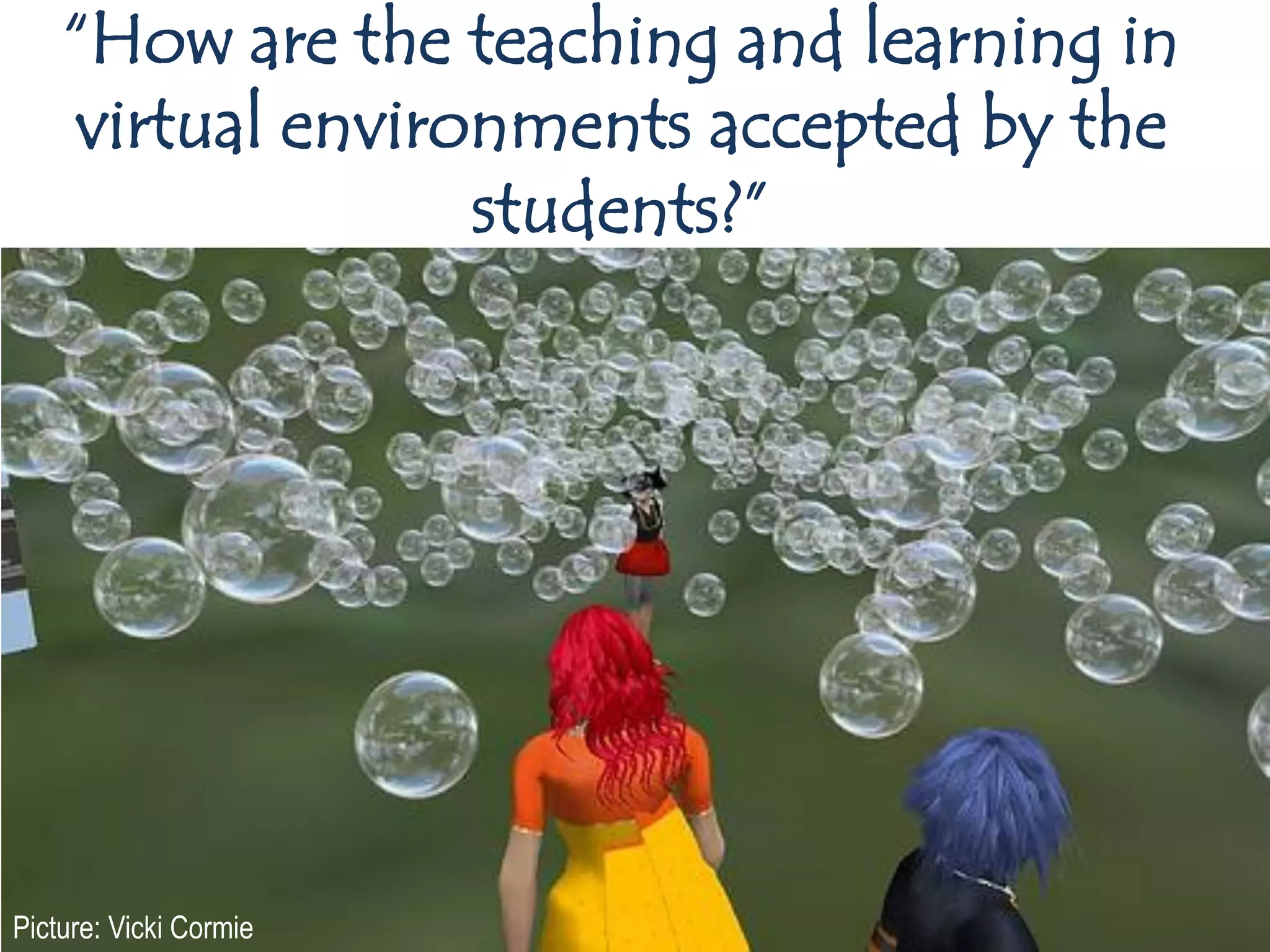
“How are the teaching and learning in
    virtual environments accepted by the
                  students?”


Picture: Vicki Cormie
All students
• Spectrum of reactions: from a bit dull/ & childish, to
  cool, exciting and motivating
• Key issue is technology: in particular younger
  students get frustrated if there is “lag” (making it
  difficult to move round and do things in SL)
• My perspective: key thing is whether it helps them
  achieve their learning outcomes, students don’t all
  like lectures, seminars etc. either!

                                                     Webber 2010
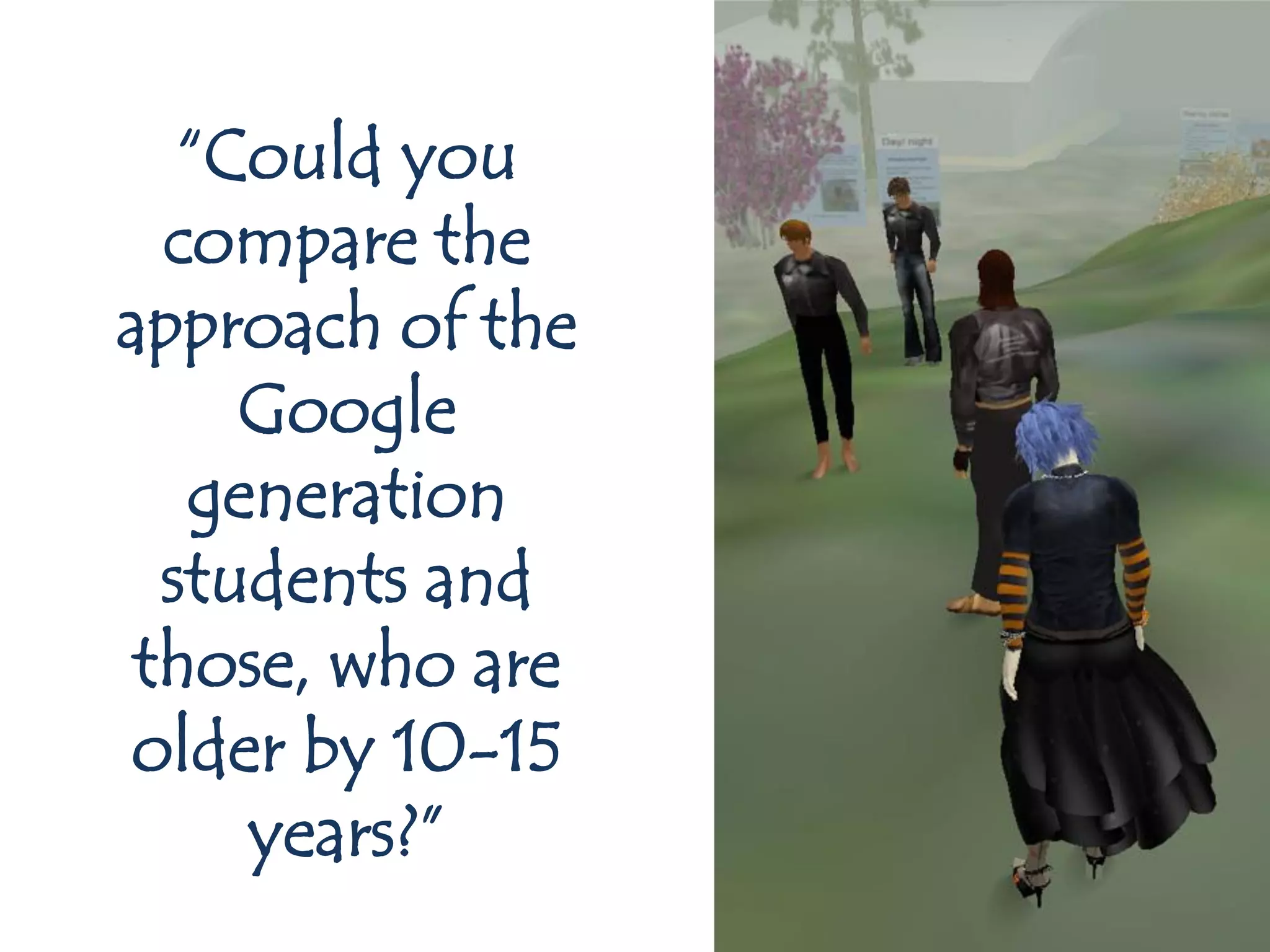
“Could you
  compare the
approach of the
     Google
   generation
  students and
 those, who are
older by 10-15
     years?”
My generalisations (there is variety in all
              age groups)…
• Older students (compared to younger)
   –   may do more outside class time
   –   less worried about being “childish”
   –   may be quicker in seeing applications for SL
   –   part of generally being more mature and motivated
   –   a few might find it a bit strange
• Younger students
   – Happy to try things out
   – Want to use technologies where they can connect with friends
   – Expect “games” to be fast moving, have a plot and have good
     graphics (so their expectations have to be modified or met)
   – Seem to accept it as another way to learn
                                                               Webber 2010
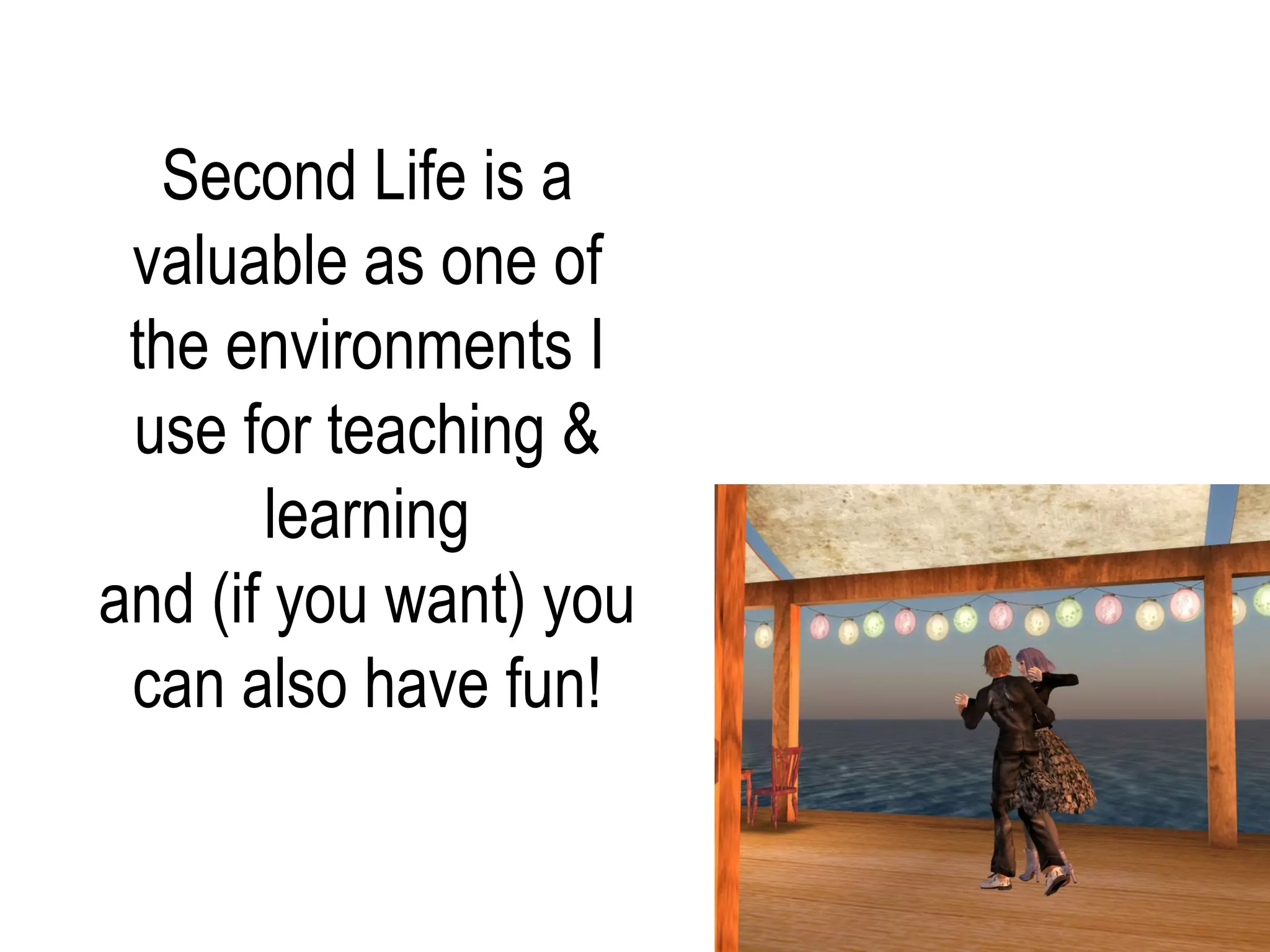
Second Life is a
 valuable as one of
 the environments I
 use for teaching &
       learning
and (if you want) you
 can also have fun!
Sheila Webber
 s.webber@shef.ac.uk
 http://information-literacy.blogspot.com/
 Twitter: SheilaYoshikawa
 http://www.slideshare.net/sheilawebber


Pictures by Sheila
  Webber unless
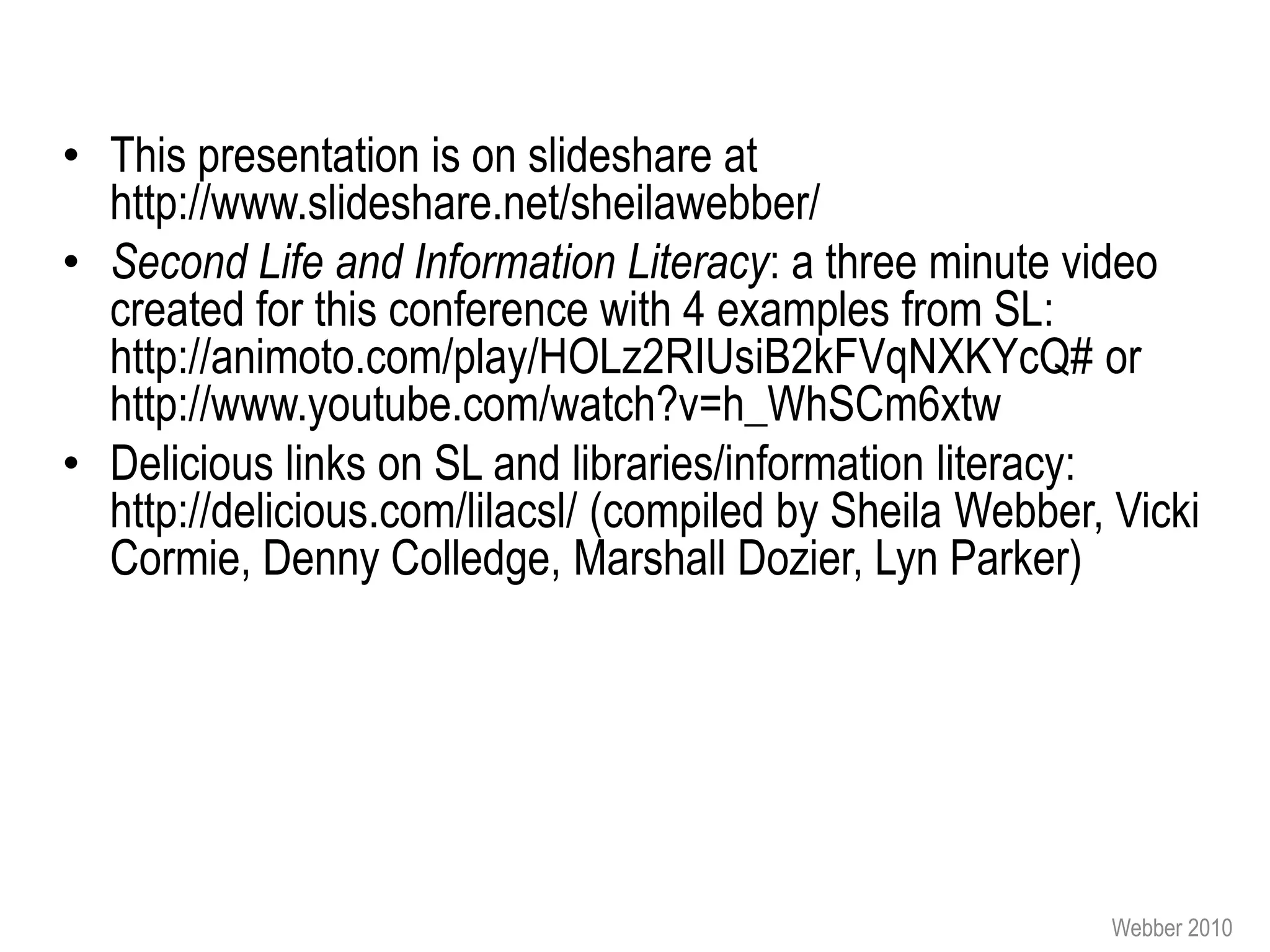
 otherwise stated    Sheila Yoshikawa
                     http://adventuresofyoshikawa.blogspot.com/


                                                                  Webber 2010
• This presentation is on slideshare at
  http://www.slideshare.net/sheilawebber/
• Second Life and Information Literacy: a three minute video
  created for this conference with 4 examples from SL:
  http://animoto.com/play/HOLz2RIUsiB2kFVqNXKYcQ# or
  http://www.youtube.com/watch?v=h_WhSCm6xtw
• Delicious links on SL and libraries/information literacy:
  http://delicious.com/lilacsl/ (compiled by Sheila Webber, Vicki
  Cormie, Denny Colledge, Marshall Dozier, Lyn Parker)


                                                           Webber 2010
• Balk, D. (2008), Could a Video Game Assist in the Delivery of
  Generic Information Literacy Skills to Students in Higher
  Education?, MSc dissertation, Robert Gordon University
  Aberdeen.
• Clyde, J. and Thomas, C. (2008), ”Building an Information
  Literacy first-person shooter”, Reference Services Review,
  Vol. 36 No. 4, pp. 366-380.
• Virtual World Watch http://virtualworldwatch.net/ (reports on
  use of virtual worlds in UK HE & FE, podcasts etc.)
• Webber, S. and Nahl, D. (2010) “Sustaining learning for LIS
  through use of a virtual world.” Paper presented at the
  2010 IFLA conference. Full text at
  http://www.ifla.org/files/hq/papers/ifla76/123-webber-en.pdf


                                                           Webber 2010
• Infolit iSchool
    – wiki: http://infolitischool.pbworks.com/
    – SLURL: http://slurl.com/secondlife/Infolit+iSchool/132/194/22/
    – Flickr site: http://www.flickr.com/photos/
      23396182@N00/collections/72157604063164433/17
• Information Literacy in Second Life Wiki (also the focus for Information
  Literacy Week in Second Life): http://infolit-week-in-sl.ning.com/
• LIS Student Union in SL,
    –   Sloog site: http://www.sloog.org/avatars/id/Adra-Letov/places
    –   Flickr site: http://www.flickr.com/photos/lis-students-sl/sets/
    –   Website: http://www2.hawaii.edu/~nahl/studentunion/lis-su.html
    –   YouTube Channel: http://www.youtube.com/LISstudentunionSL
    –   SLURL: http://slurl.com/secondlife/Info%20Island%20International/74/233/32


                                                                                Webber 2010

Using Second Life as a learning environment

  • 1.
    Using Second Lifeas a learning environment Sheila Webber, Information School, University of Sheffield Prague, September 2010
  • 2.
    “You posed some These are my questions” answers!
  • 3.
    “Which technologies and tools do you use for teaching?” Webber 2010
  • 4.
  • 5.
    Blended learning • Choosinglearning environments and tools that suit: – Learners’ contexts and personal goals – Learning goals for the class or activity – Your own approach to teaching • Opportunities – and constraints – Space – Technology A good review about blended learning: Sharpe, R. et al (2006) The undergraduate – You experience of blended e-learning: a review of UK literature and practice. York: Higher – The learners Education Academy. – Other people http://www.heacademy.ac.uk/projects/det ail/litreview/lr_2006_sharpe Webber 2010
  • 6.
    video PowerPoint Computer articles e-portfolios Labs post-its Virtual Learning Lecture Environment and flipchart “MOLE” seminar copycam (Blackboard) whiteboard Second Life rooms discussion Screenr My office boards Flickr Netvibes Web Email Blogs Students: facebook, texting, phoning Webber 2010 conversations in corridor or after classes
  • 7.
    Searching, evaluating, presenting,reflecting (first year students) In the computer Lab 6. Groups 1. Find information present about experts’ Powerpoints conceptions of to rest of 6 Post ppt to your information management class: e-portfolio feedback Select 5 items Select one favourite 5. Post ppt to class discussion board 2. Post a message to the board on MOLE 4. Create ppt with each person’s favourite item & compare strategies 3. Make a group of 4 people Webber 2010
  • 8.
    So the answerto: “Which of them would you recommend for information literacy courses?” is: “all of them! it depends what you want to do!” Webber 2010
  • 9.
    “Which edutainment would you recommend for information literacy courses?” Webber 2010
  • 10.
    • People willnot be engaged and think it is “fun” just because it is “a game”. Research shows: – Gameplay, graphics and usability need to be good – Players want to be challenged – Different people like different games: issues of age gender, language, culture etc. as well as other personal preferences • Key motivations for playing video games include: – Following your interest (e.g. Football, care for horses, guitar playing) – Doing things you can’t/ shouldn’t do in real life (e.g. killing, crashing cars, being a princess) – Competing and winning Forthcoming article: Gumulak, S. and Webber, S. “: Playing video games: Learning and information literacy” Webber 2010
  • 11.
    Some ideas • Existinggames – Gamers do use information skills in games (searching, selecting and applying information): get them to discuss that & build activities (e.g. “teach someone else how to find and use that information for your favourite game”) – Researching & presenting the background to a favourite game • Creating games – Don’t make the games too simple or dull – Aim for problem and puzzle solving (evaluating and combining information), not just “find this information and you get a point” – Use professional game engines to create your games (e.g. Neverwinter Nights) so they don’t look amateurish – Use mini-games to cover different aspects of information literacy – Get learners to create games or puzzles for each other (learning by creating/ teaching) and face-to-face games may be easier to create than digital ones! Nice examples of schools using games: Webber http://www.ltscotland.org.uk/usingglowandict/sharingpractice/index.asp 2010
  • 12.
  • 13.
    Second Life (SL),a Virtual World (VW) • VW = persistent, multiuser, avatars, networked • 3-D VW world, owned by (& trademark of) Linden Lab • Most things created by SL residents: SL fashion designers, architects, bakers, animal makers …. • Avatars- 3D representation of yourself – free to signup and can live on freebies, but need Linden dollars if want to own land, buy clothes etc. • Need to download SL browser & have good broadband connection & computer graphics card • Communication through text chat, Voice and Instant Messaging • 40-80,000 people online simultaneously Webber , 2010
  • 14.
    “Would you considerSL an educational game?” • SL is a world or environment, not just a game – It does not have a specific goal – It does not have a fixed set of characters – It does not have any pre-set plot lines • SL can be used for games: but you have to create the goals, characters and plot! – There are many role-playing areas e.g. Star Trek, Avatar – You can have treasure hunts, set up special scenes to tell a story, have simulations or role-plays etc. – Or you can wander, shop, build, garden, chat …. Webber 2010
  • 15.
    “How SL hasbeen used in teaching in the academic world? Do you know some courses (free accessible) which you would recommend for an inspiration for us?” First World War Poetry sim
  • 16.
    Main subject areas •Health and medicine • Legal training • Nursing training • Theatre and drama • Health and safety training • Computer science • Physics simulations e.g. programming wind turbines • Crime scene training • Information science theory • Languages, esp. Spanish • Art and fashion • Midwifery Slide from presentation by John Kirriemuir, April 2010 Virtual Worlds in Education: Why? http://www.slideshare.net/VirtualWorldWatch/sheffield-april-2010 Webber, 2010
  • 17.
    Education Virtual Hajj Uncle D story quest on FSU Holocaust HIV/AIDS Muinjij native American island Teeside Virtual factory
  • 18.
    http://www.mydebitcredit.com/ Dr. Steven Hornik/ Robins Hermano Kenneth Dixon School of Accounting University of Central Florida 900+ accountancy students Tour of the Testis Biology learning & exploration Peter Miller/ Graham Mills Liverpool University http://tidalblog.blogspot.com/ Sheila Webber, 2010
  • 19.
    “Why have you chosenSL for your teaching?”
  • 20.
    “Why have youchosen SL for your teaching?” • Interacting with concepts in three dimensions: encourage new ways of thinking about things • Engaging with people internationally • Students can pursue new research questions • Students develop communication & technology skills • Involvement of outside tutors • Showcasing students' work in exhibitions • Enabling students to meet up with tutors and peers outside scheduled times safely & from remote locations. • I like it ;-)
  • 21.
    Teaching in SL:my examples • First year undergraduate core class (BSc Information Management): student activities: – Exhibiting on “7 Pillars of Information Literacy” – Research interviews about information behaviour • Masters-level option “Educational Informatics”: student activities – Visits; including attending & reporting on a major SL education conference – Reflecting on how could be used for learning & teaching Webber 2010
  • 22.
  • 23.
    Students present theirconference highlights, in their Second Life homes in the Educational Informatics village
  • 24.
    “What is necessary to prepare acourse in SL?” Webber 2010
  • 25.
    Some advice aboutSL teaching • Attend SL events to learn what/ not to do • Avoid putting learners on seats and just talking at them: this is dull • Help learners take their first steps in SL, so they gain confidence • As for all teaching: be clear about your aims & design learning and teaching that enables you to achieve these aims! • Plan activities carefully, give clear instructions, but don’t try to control people’s every move – let them fly! Webber 2010
  • 26.
    Some advice aboutSL teaching • Only use SL if there is a sound pedagogical or service reason e.g. – The three dimensional aspect helps learners to understand concepts (e.g. creating giant molecules, Boolean logic in the swimming pool, 3D model of information literacy) – You want to use role play or simulation (medicine, business, law, literature) – It is valuable to get external people to see your students’ work (e.g. art students) – Your users are using SL, so it becomes just one more contact point – They are distance or part-time learners – It enables you to include people with disabilities (e.g. physical disabilities) Webber 2010
  • 27.
    What do librariansdo in SL? • Support staff, students & the public through virtual information and library services • Reader development activities and book groups • Recreate historical or fictional environments • Teach or co-teach virtual classes e.g. – Using SL for quests and activities: learners solving information problems using web resources and SL • Create interactive learning objects • Use SL to plan and “mock up” new services • Organise, and participate in training & networking for librarians Webber 2010
  • 28.
    “How are theteaching and learning in virtual environments accepted by the students?” Picture: Vicki Cormie
  • 29.
    All students • Spectrumof reactions: from a bit dull/ & childish, to cool, exciting and motivating • Key issue is technology: in particular younger students get frustrated if there is “lag” (making it difficult to move round and do things in SL) • My perspective: key thing is whether it helps them achieve their learning outcomes, students don’t all like lectures, seminars etc. either! Webber 2010
  • 30.
    “Could you compare the approach of the Google generation students and those, who are older by 10-15 years?”
  • 31.
    My generalisations (thereis variety in all age groups)… • Older students (compared to younger) – may do more outside class time – less worried about being “childish” – may be quicker in seeing applications for SL – part of generally being more mature and motivated – a few might find it a bit strange • Younger students – Happy to try things out – Want to use technologies where they can connect with friends – Expect “games” to be fast moving, have a plot and have good graphics (so their expectations have to be modified or met) – Seem to accept it as another way to learn Webber 2010
  • 32.
    Second Life isa valuable as one of the environments I use for teaching & learning and (if you want) you can also have fun!
  • 33.
    Sheila Webber s.webber@shef.ac.uk http://information-literacy.blogspot.com/ Twitter: SheilaYoshikawa http://www.slideshare.net/sheilawebber Pictures by Sheila Webber unless otherwise stated Sheila Yoshikawa http://adventuresofyoshikawa.blogspot.com/ Webber 2010
  • 34.
    • This presentationis on slideshare at http://www.slideshare.net/sheilawebber/ • Second Life and Information Literacy: a three minute video created for this conference with 4 examples from SL: http://animoto.com/play/HOLz2RIUsiB2kFVqNXKYcQ# or http://www.youtube.com/watch?v=h_WhSCm6xtw • Delicious links on SL and libraries/information literacy: http://delicious.com/lilacsl/ (compiled by Sheila Webber, Vicki Cormie, Denny Colledge, Marshall Dozier, Lyn Parker) Webber 2010
  • 35.
    • Balk, D.(2008), Could a Video Game Assist in the Delivery of Generic Information Literacy Skills to Students in Higher Education?, MSc dissertation, Robert Gordon University Aberdeen. • Clyde, J. and Thomas, C. (2008), ”Building an Information Literacy first-person shooter”, Reference Services Review, Vol. 36 No. 4, pp. 366-380. • Virtual World Watch http://virtualworldwatch.net/ (reports on use of virtual worlds in UK HE & FE, podcasts etc.) • Webber, S. and Nahl, D. (2010) “Sustaining learning for LIS through use of a virtual world.” Paper presented at the 2010 IFLA conference. Full text at http://www.ifla.org/files/hq/papers/ifla76/123-webber-en.pdf Webber 2010
  • 36.
    • Infolit iSchool – wiki: http://infolitischool.pbworks.com/ – SLURL: http://slurl.com/secondlife/Infolit+iSchool/132/194/22/ – Flickr site: http://www.flickr.com/photos/ 23396182@N00/collections/72157604063164433/17 • Information Literacy in Second Life Wiki (also the focus for Information Literacy Week in Second Life): http://infolit-week-in-sl.ning.com/ • LIS Student Union in SL, – Sloog site: http://www.sloog.org/avatars/id/Adra-Letov/places – Flickr site: http://www.flickr.com/photos/lis-students-sl/sets/ – Website: http://www2.hawaii.edu/~nahl/studentunion/lis-su.html – YouTube Channel: http://www.youtube.com/LISstudentunionSL – SLURL: http://slurl.com/secondlife/Info%20Island%20International/74/233/32 Webber 2010