
User EXperience Design
Lanh Le - March 2015
Agenda
● What - UX Definition
● How - UX Measurement Methods
● When - UX Everyday
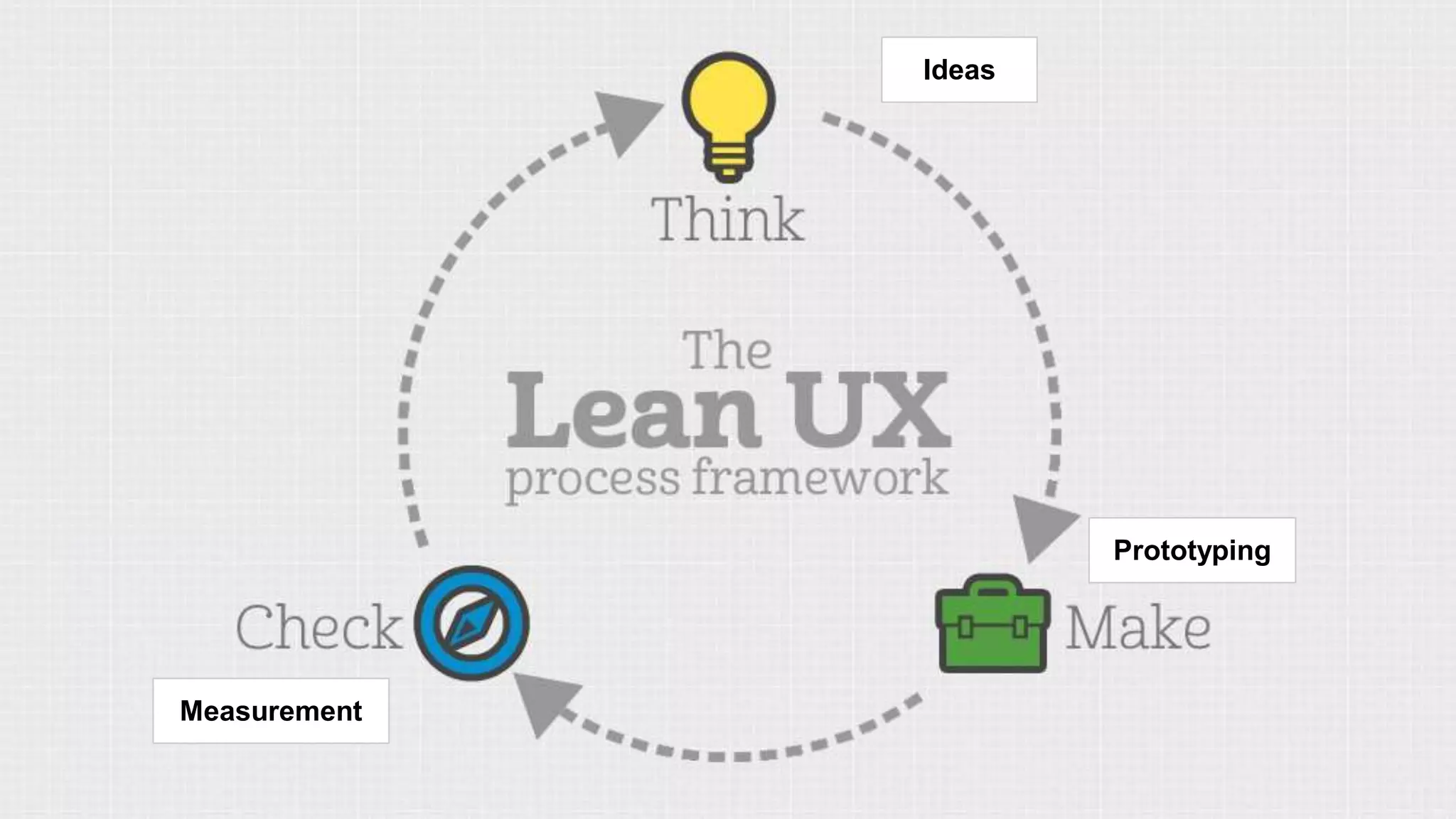
● Lean UX Process
What is
Usability / UI / UCD / UX
What is Usability?
Usability relates to how easily, efficiently and satisfactorily a product is
used by a person to achieve their goals within a specified context of use
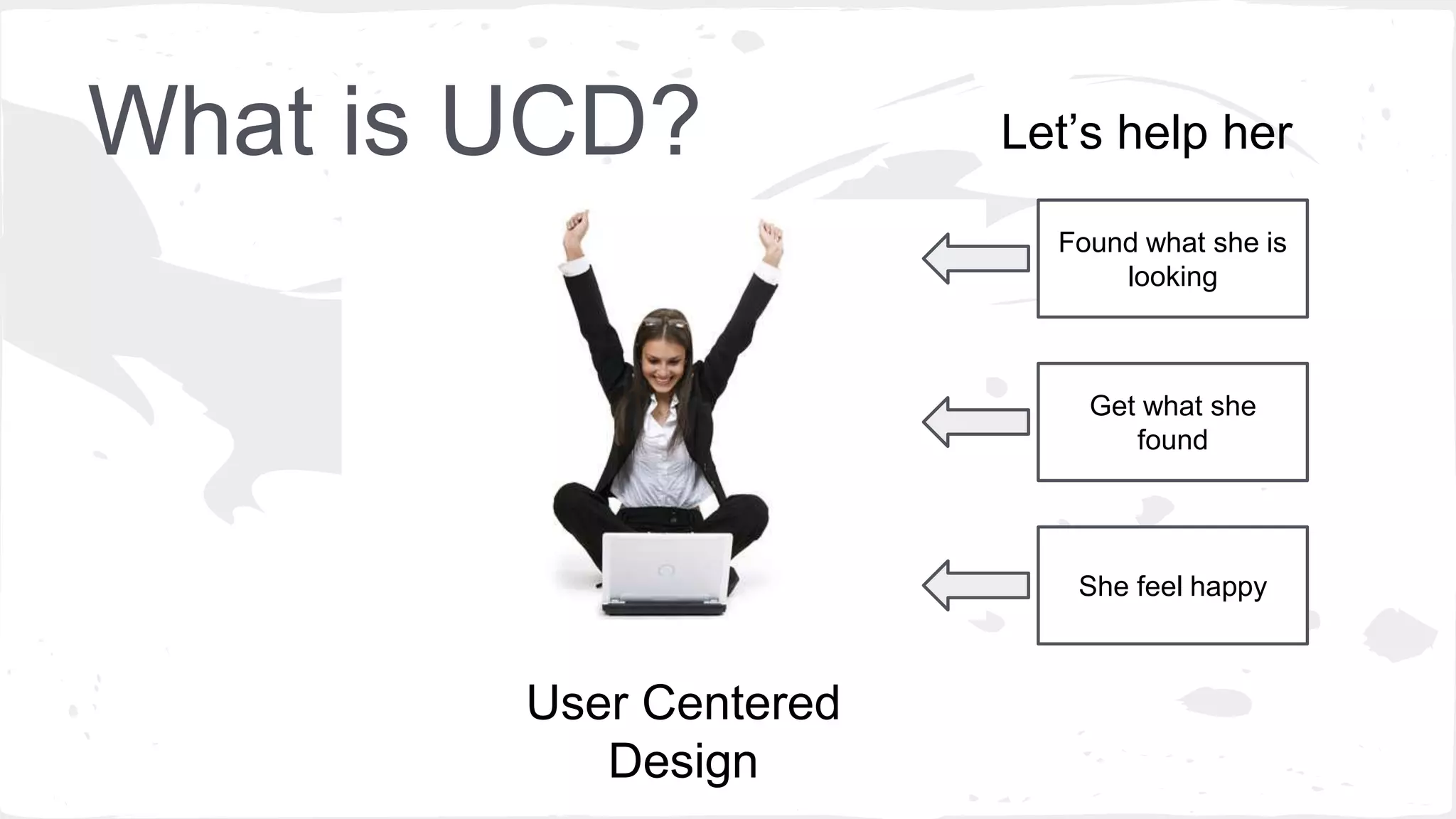
What is UCD?
User Centered
Design
Found what she is
looking
Get what she
found
She feel happy
Let’s help her
What is User EXperience Design?
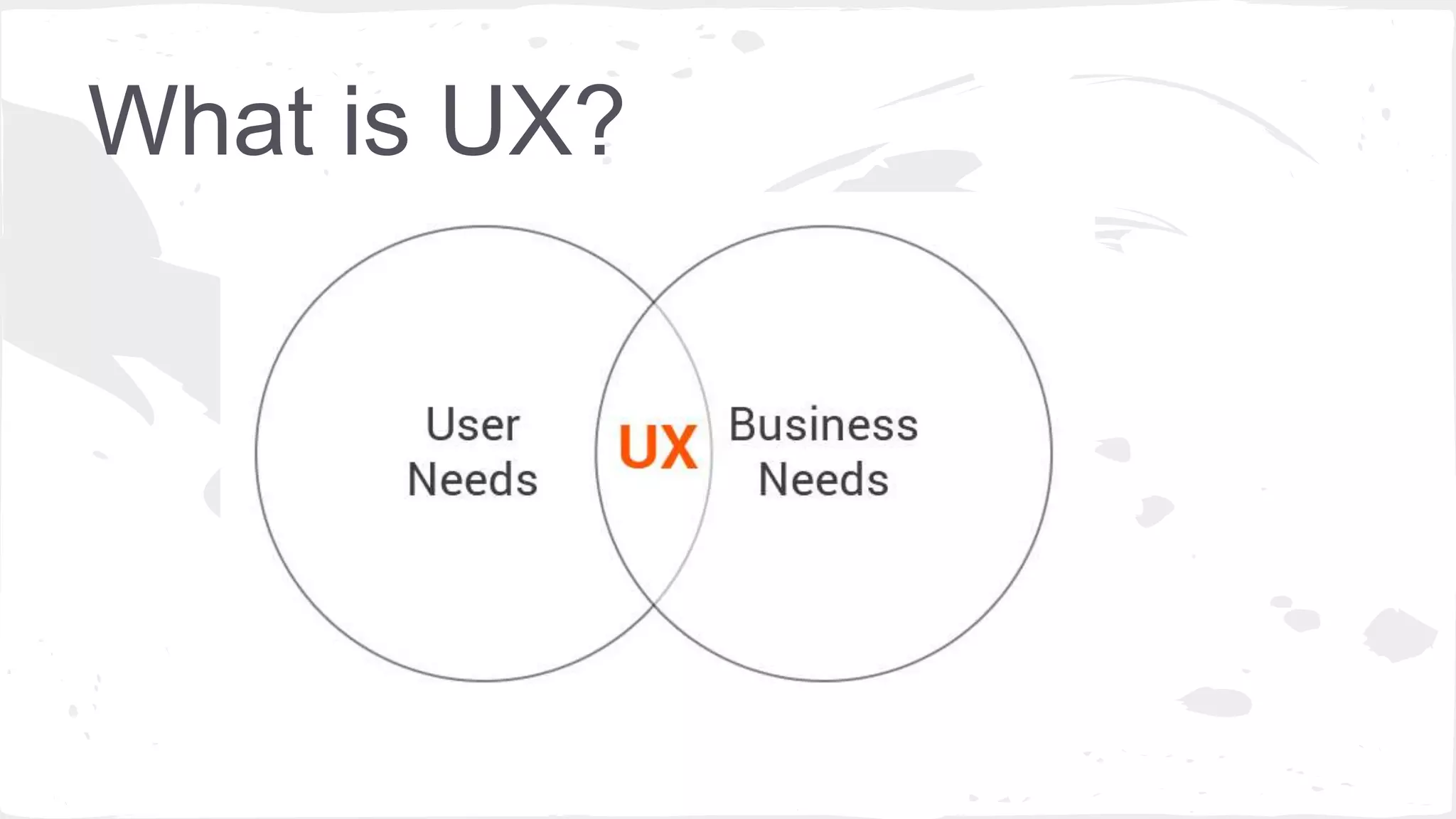
Coined a mid-1990’s by Don Norman, bridge the gap between Customer and Business.
What is UX?
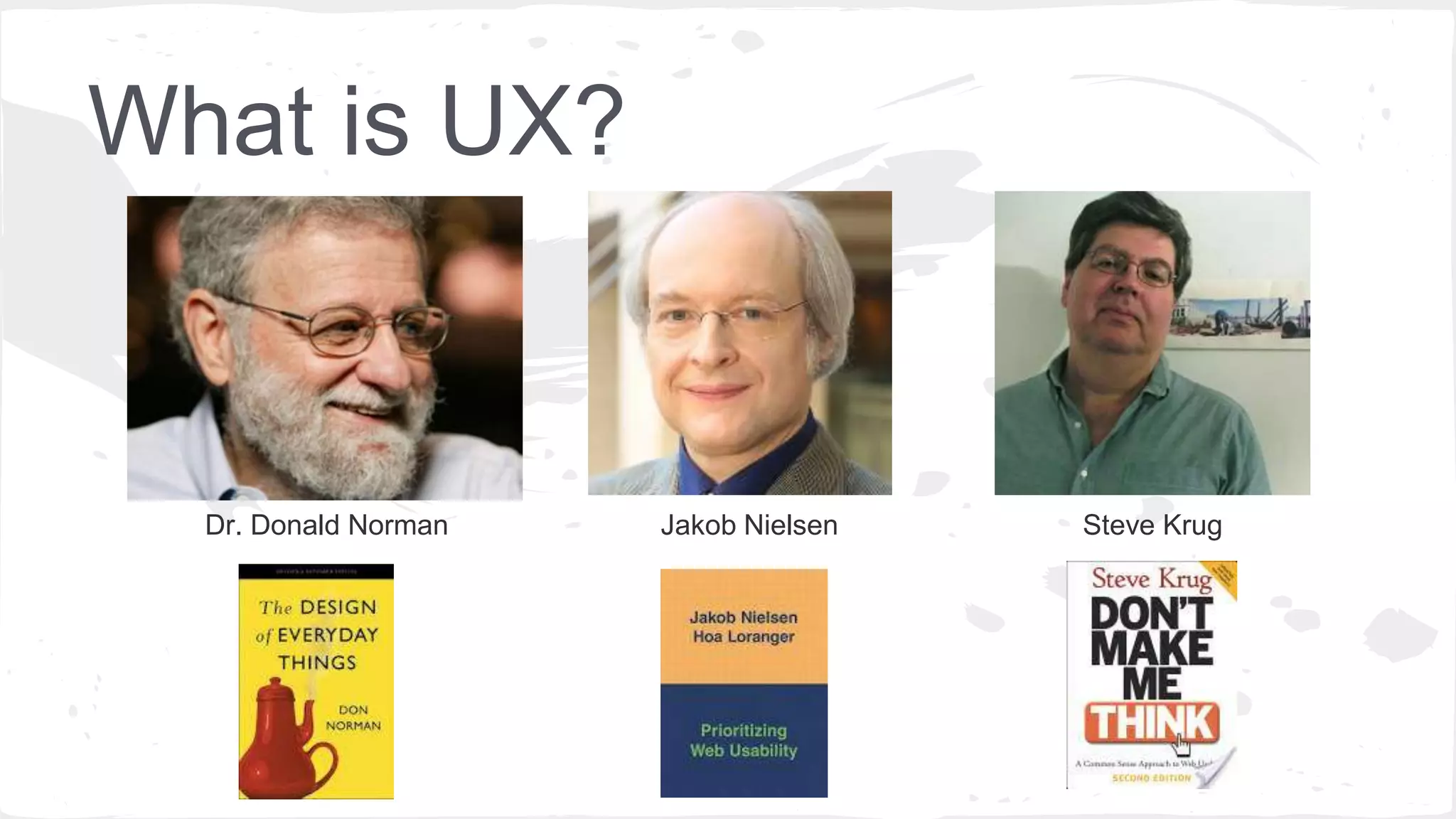
Dr. Donald Norman Jakob Nielsen Steve Krug
What is UX?
by JAKOB NIELSEN and DON NORMAN
“User experience" encompasses all aspects of the end-user's interaction
with the company, its services, and its products”
A discipline that encompasses all interactions and events, physical and
digital, between users/customers and a product, service or organisation
What is UX?
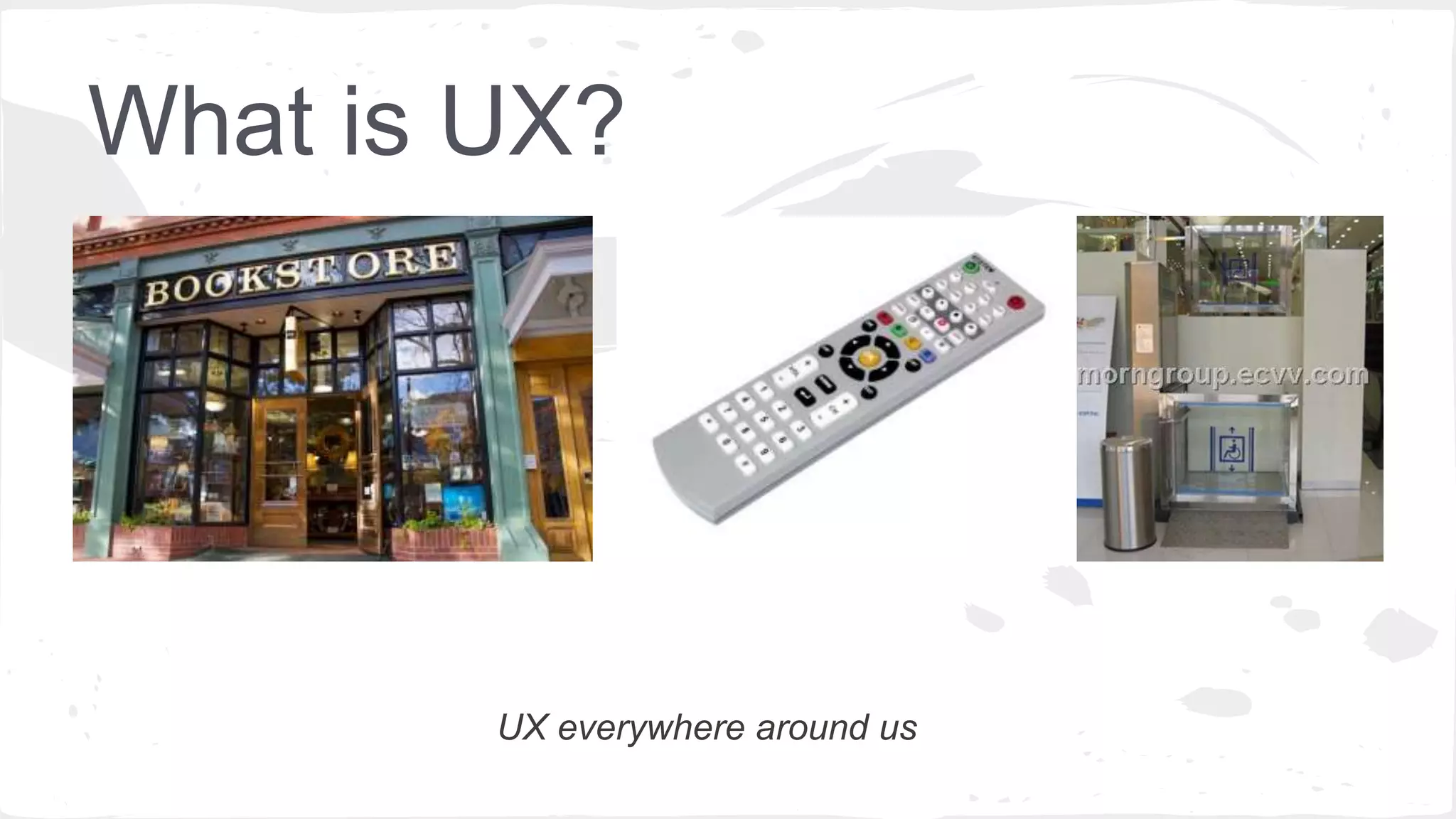
UX everywhere around us
What is UX?
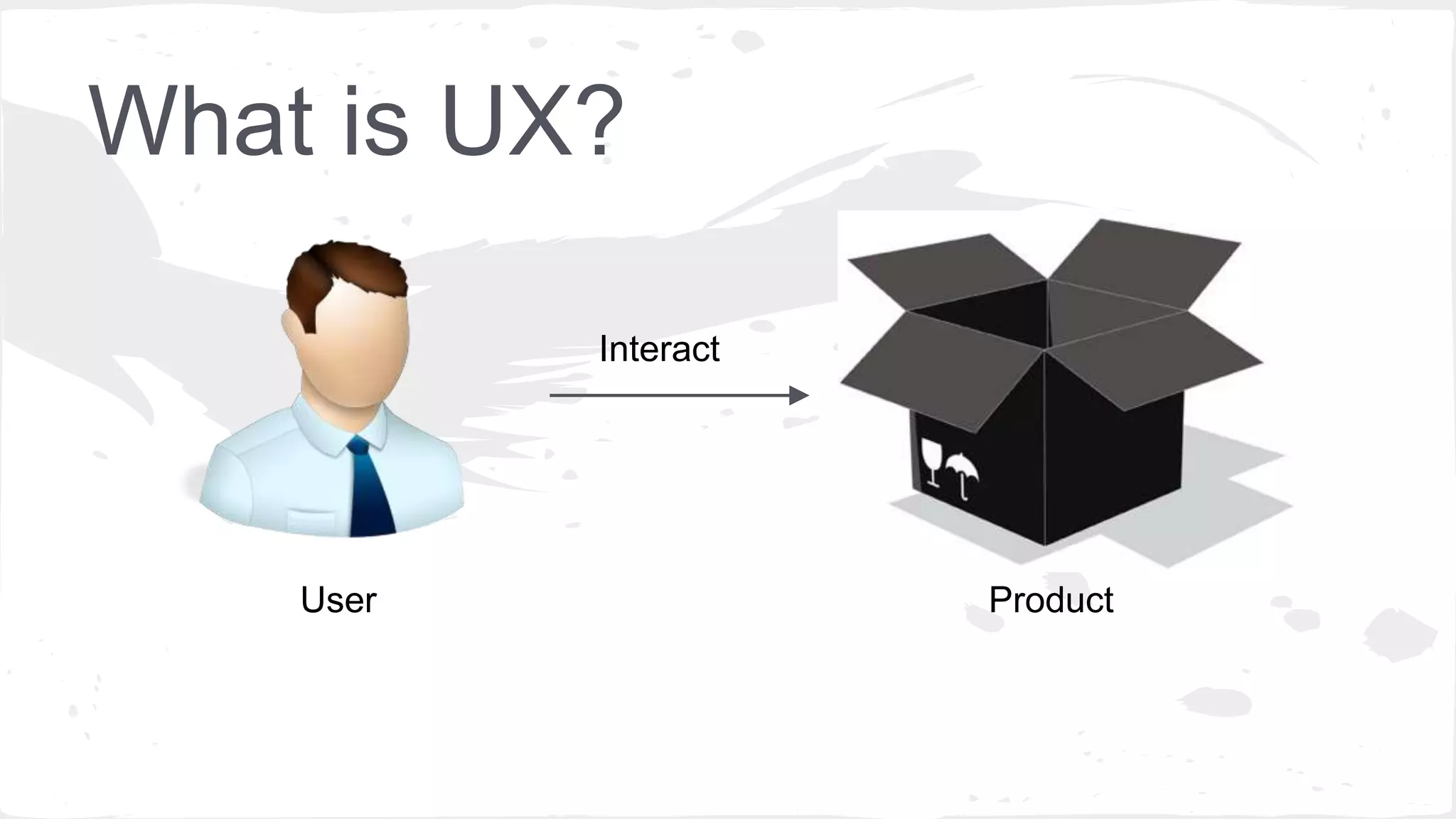
Interact
ProductUser
What is UX?
What is UX?
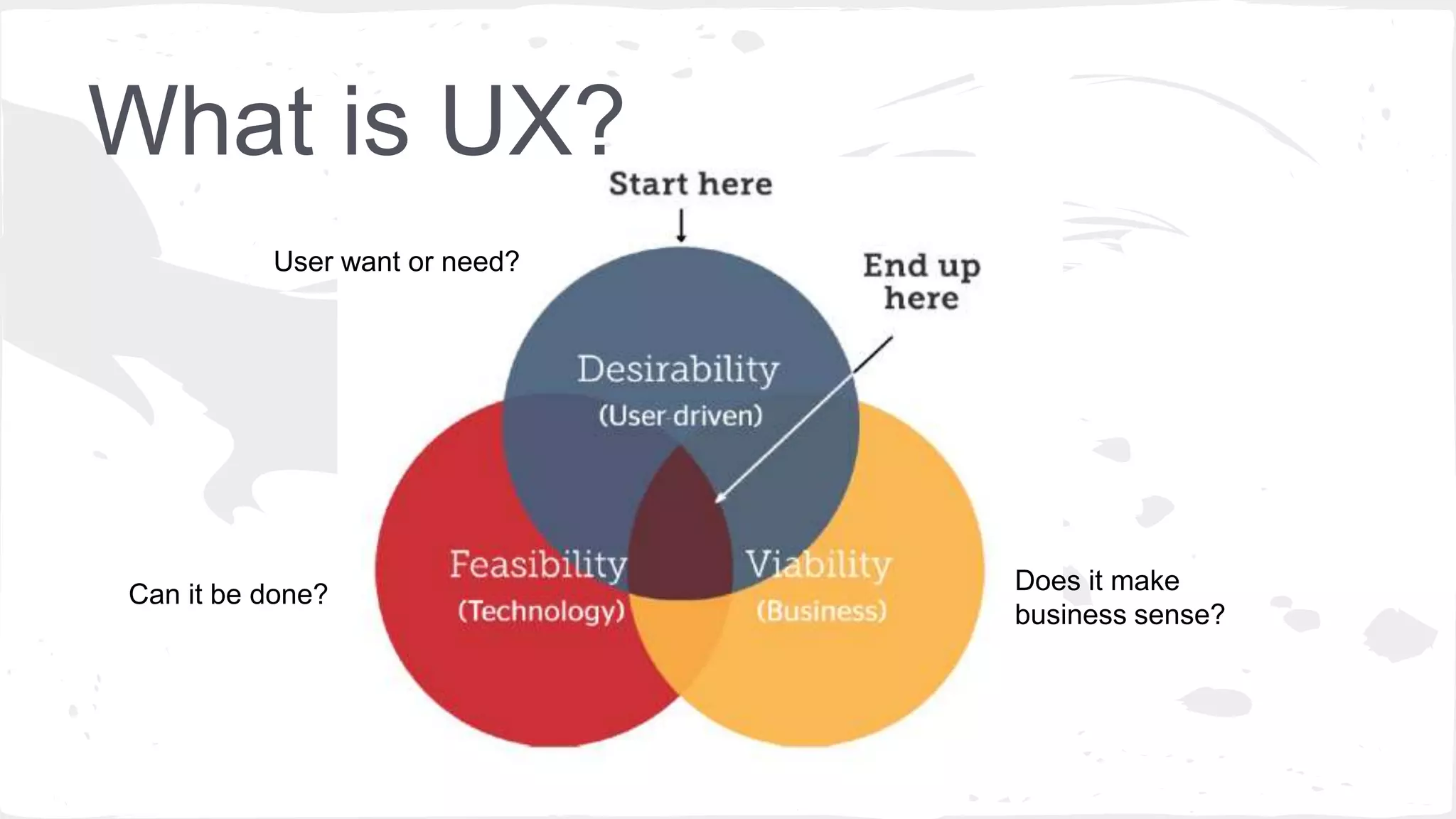
Can it be done?
User want or need?
Does it make
business sense?
Ideas
Prototyping
Measurement
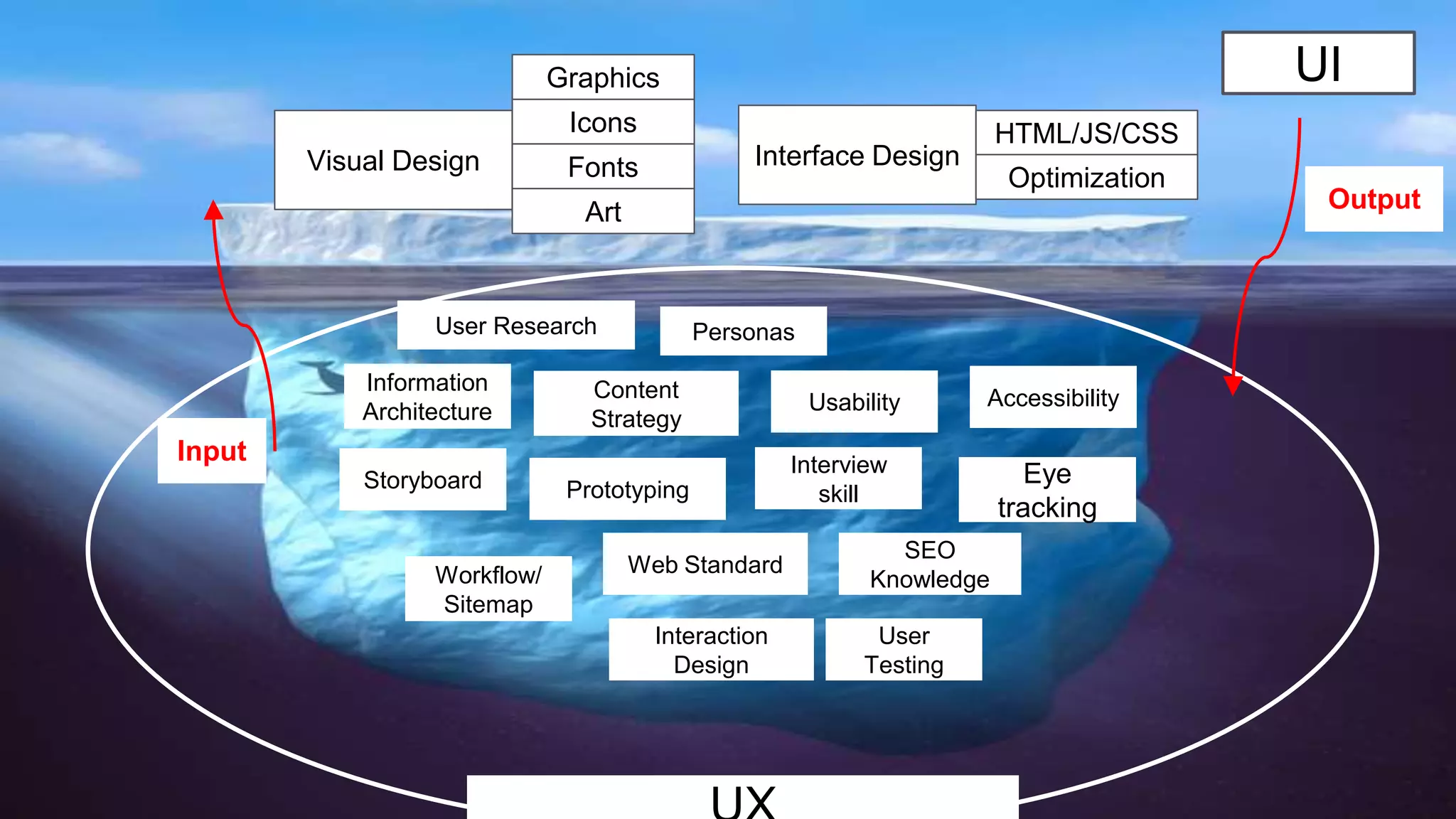
Visual Design Interface Design
Icons
Fonts
Graphics
Art
HTML/JS/CSS
Optimization
Input
Output
Usability
Web Standard
Information
Architecture
Interview
skillPrototyping
User
Testing
Interaction
Design
Content
Strategy
Personas
Workflow/
Sitemap
Accessibility
SEO
Knowledge
Eye
tracking
Storyboard
User Research
UI
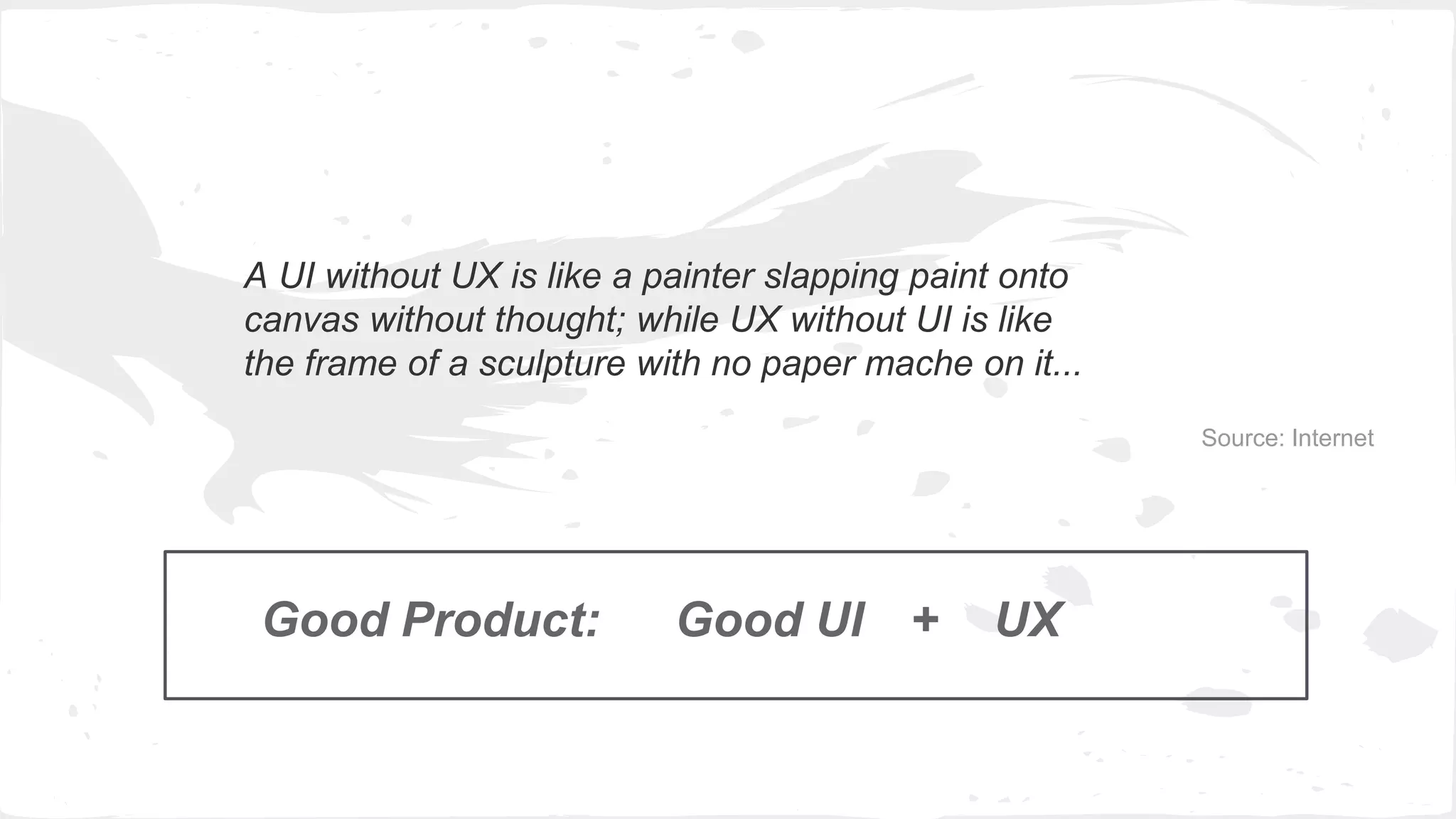
A UI without UX is like a painter slapping paint onto
canvas without thought; while UX without UI is like
the frame of a sculpture with no paper mache on it...
Source: Internet
Good Product: Good UI UX+
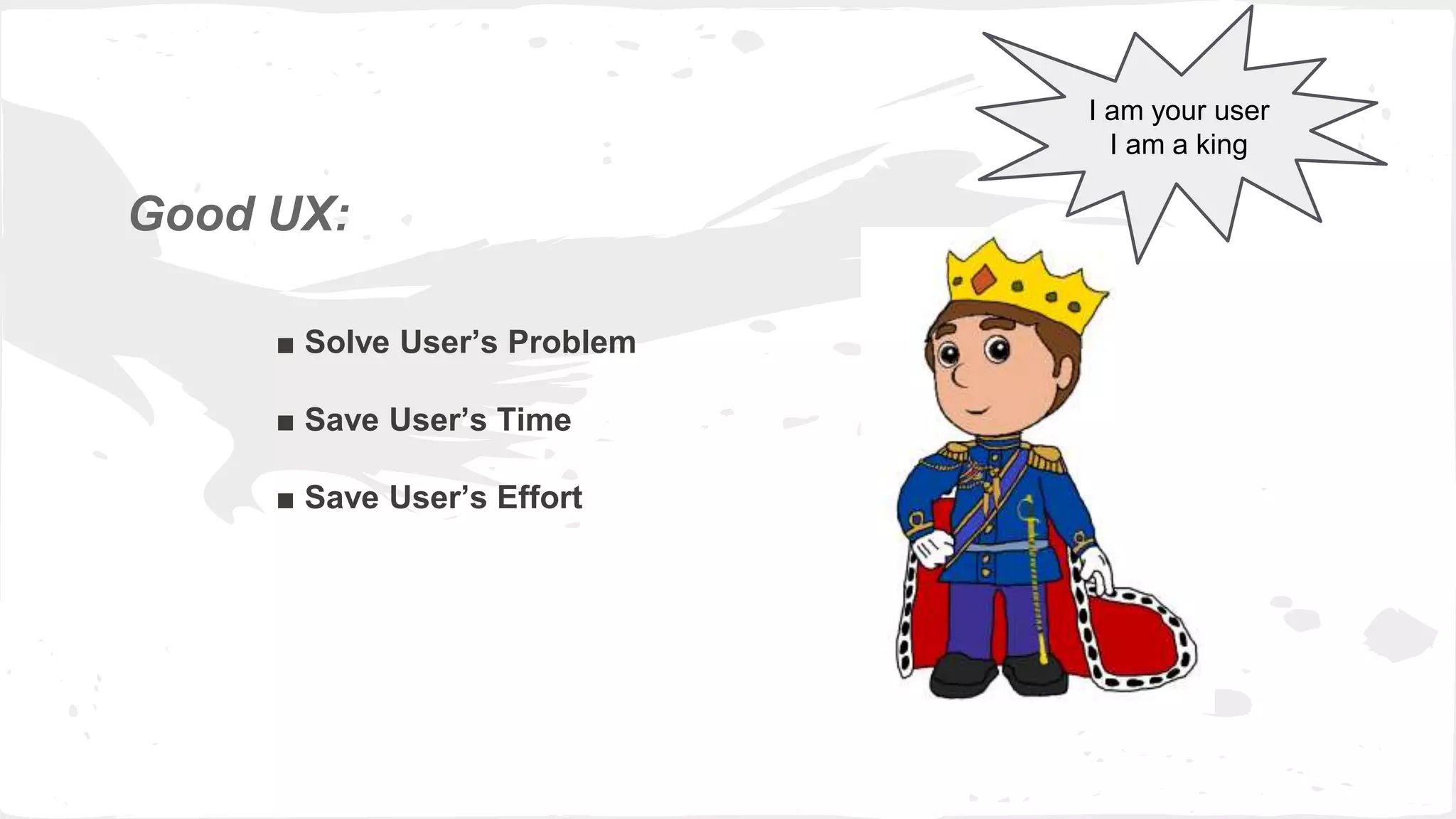
Good UX:
■ Solve User’s Problem
■ Save User’s Time
■ Save User’s Effort
I am your user
I am a king
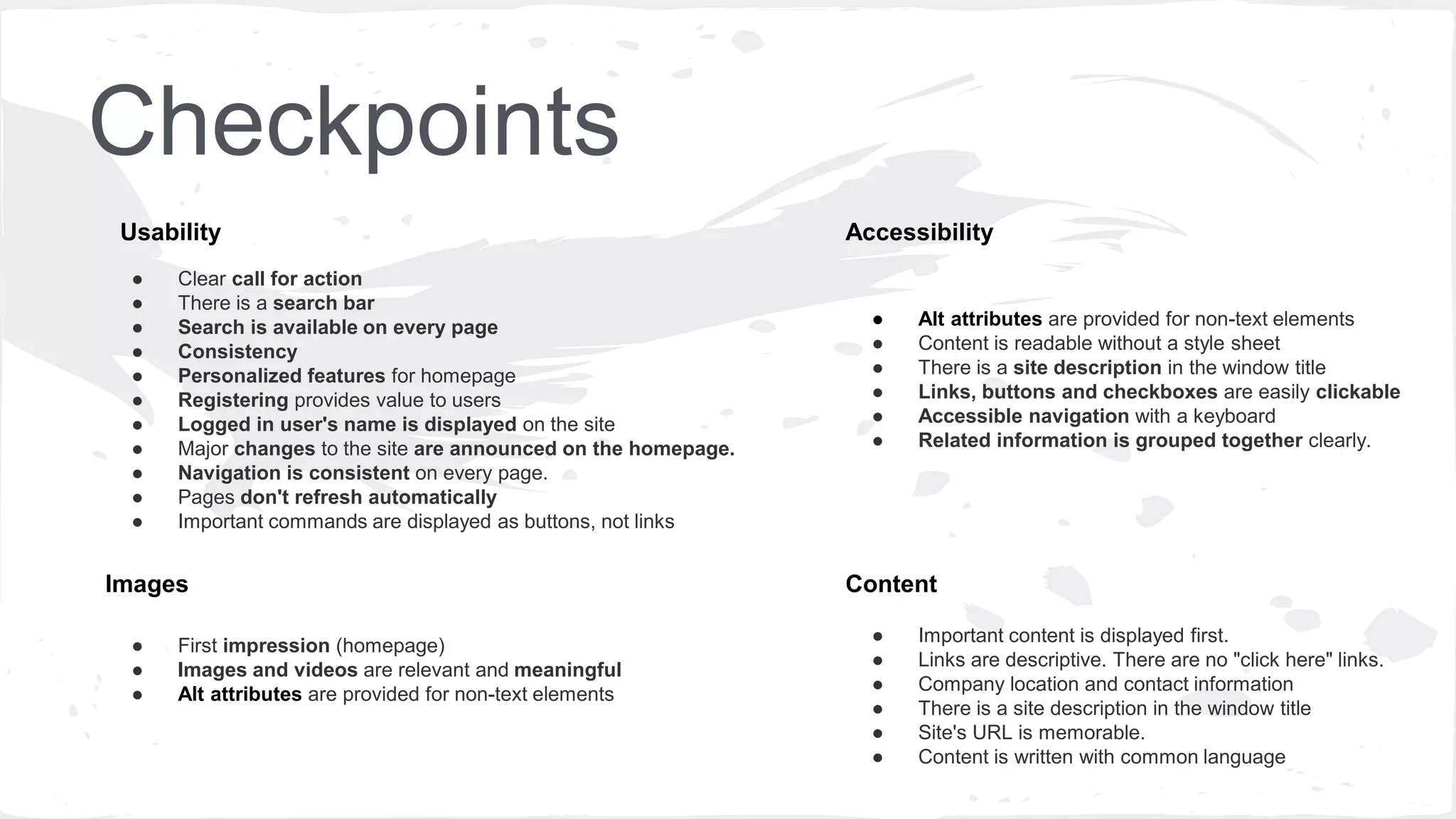
Checkpoints
● Clear call for action
● There is a search bar
● Search is available on every page
● Consistency
● Personalized features for homepage
● Registering provides value to users
● Logged in user's name is displayed on the site
● Major changes to the site are announced on the homepage.
● Navigation is consistent on every page.
● Pages don't refresh automatically
● Important commands are displayed as buttons, not links
● Alt attributes are provided for non-text elements
● Content is readable without a style sheet
● There is a site description in the window title
● Links, buttons and checkboxes are easily clickable
● Accessible navigation with a keyboard
● Related information is grouped together clearly.
Accessibility
Content
Usability
● Important content is displayed first.
● Links are descriptive. There are no "click here" links.
● Company location and contact information
● There is a site description in the window title
● Site's URL is memorable.
● Content is written with common language
● First impression (homepage)
● Images and videos are relevant and meaningful
● Alt attributes are provided for non-text elements
Images
UX without User Research is not UX
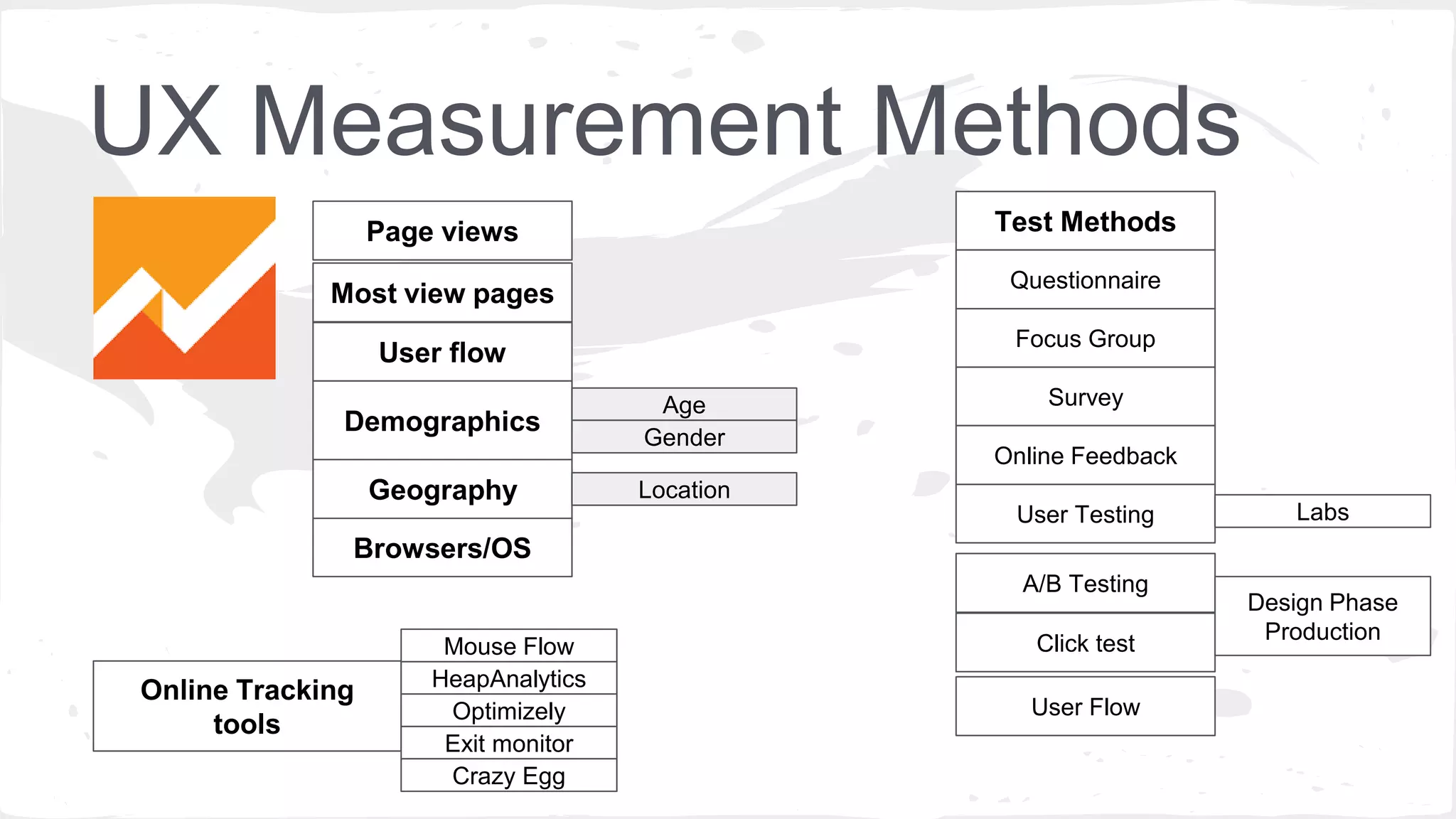
UX Measurement Methods
Page views
Most view pages
User flow
Browsers/OS
Test Methods
Focus Group
A/B Testing
Click test
User Flow
User Testing
Survey
Online Feedback
Demographics
Age
Gender
Geography
Online Tracking
tools
Mouse Flow
HeapAnalytics
Optimizely
Exit monitor
Crazy Egg
Labs
Design Phase
Production
Questionnaire
Location
UX Measurement Methods
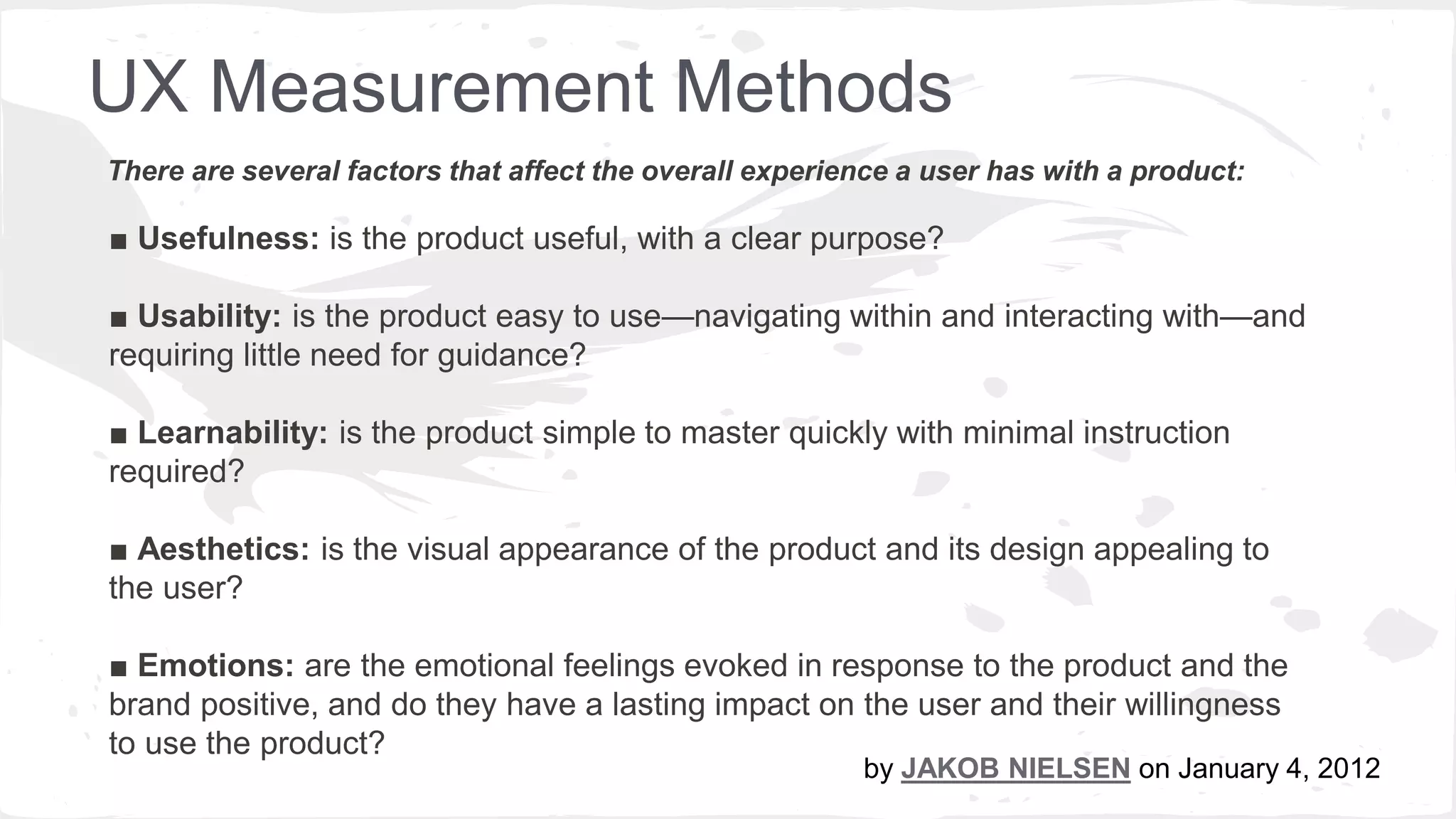
■ Usefulness: is the product useful, with a clear purpose?
■ Usability: is the product easy to use—navigating within and interacting with—and requiring little
need for guidance?
■ Learnability: is the product simple to master quickly with minimal instruction
required?
■ Aesthetics: is the visual appearance of the product and its design appealing to
the user?
■ Emotions: are the emotional feelings evoked in response to the product and the
brand positive, and do they have a lasting impact on the user and their willingness
to use the product?
There are several factors that affect the overall experience a user has with a product:
by JAKOB NIELSEN on January 4, 2012
UX Measurement Methods
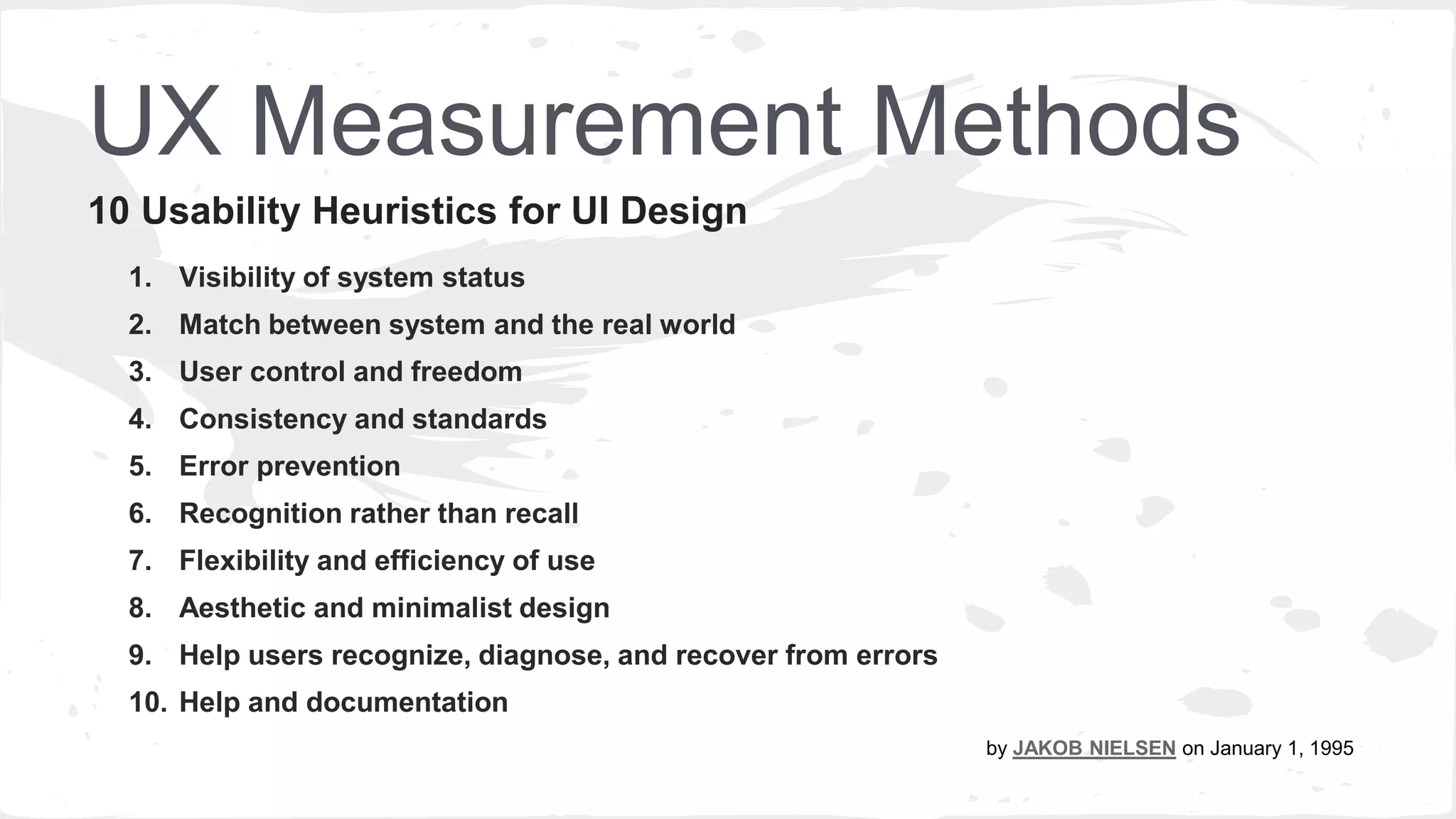
1. Visibility of system status
2. Match between system and the real world
3. User control and freedom
4. Consistency and standards
5. Error prevention
6. Recognition rather than recall
7. Flexibility and efficiency of use
8. Aesthetic and minimalist design
9. Help users recognize, diagnose, and recover from errors
10. Help and documentation
10 Usability Heuristics for UI Design
By JAKOB NIELSEN on January 1. 1995
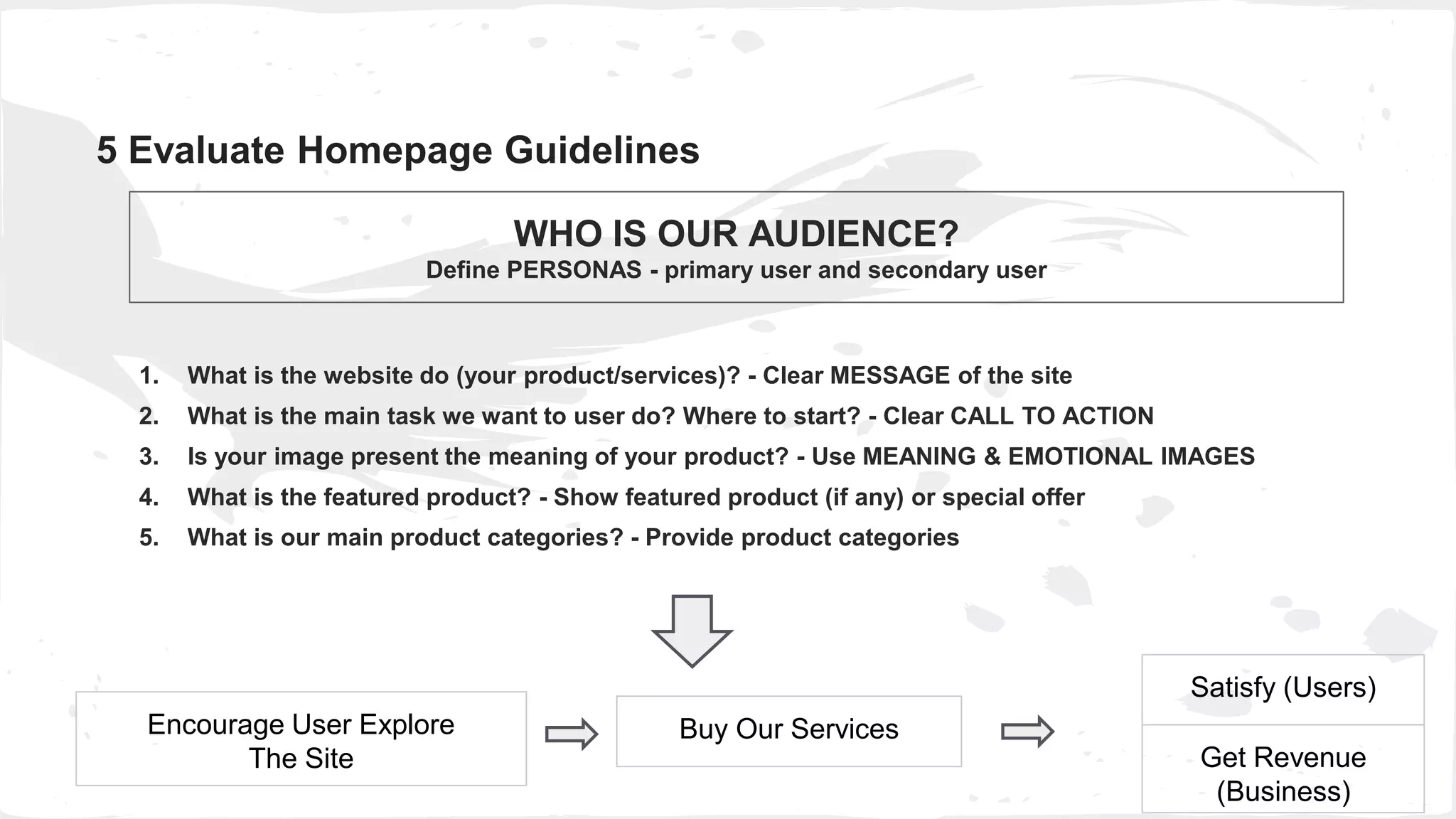
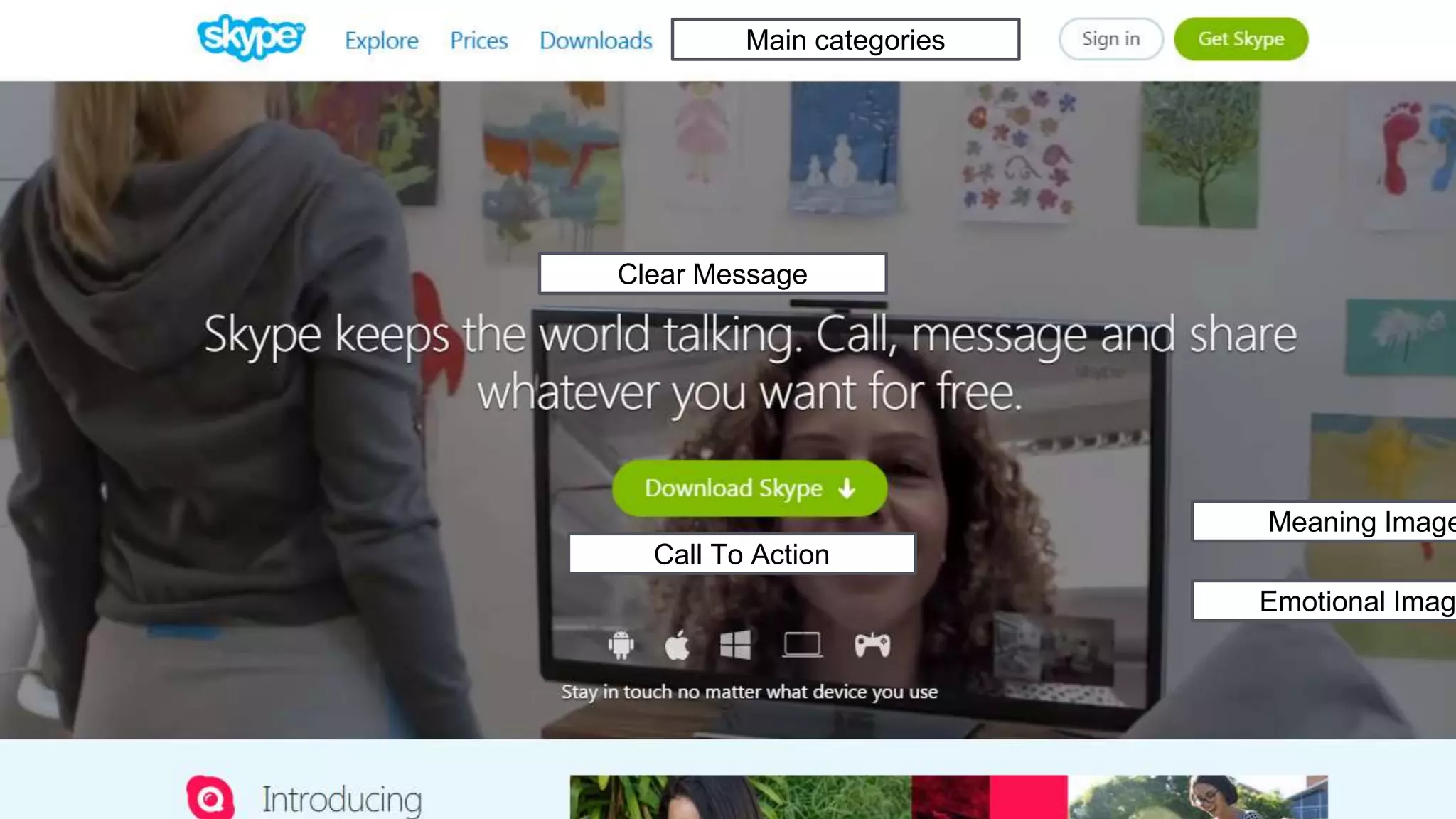
1. What is the website do (your product/services)? - Clear MESSAGE of the site
2. What is the main task we want to user do? Where to start? - Clear CALL TO ACTION
3. Is your image present the meaning of your product? - Use MEANING & EMOTIONAL IMAGES
4. What is the featured product? - Show featured product (if any) or special offer
5. What is our main product categories? - Provide product categories
5 Evaluate Homepage Guidelines
WHO IS OUR AUDIENCE?
Define PERSONAS - primary user and secondary user
Buy Our ServicesEncourage User Explore
The Site
Satisfy (Users)
Get Revenue
(Business)
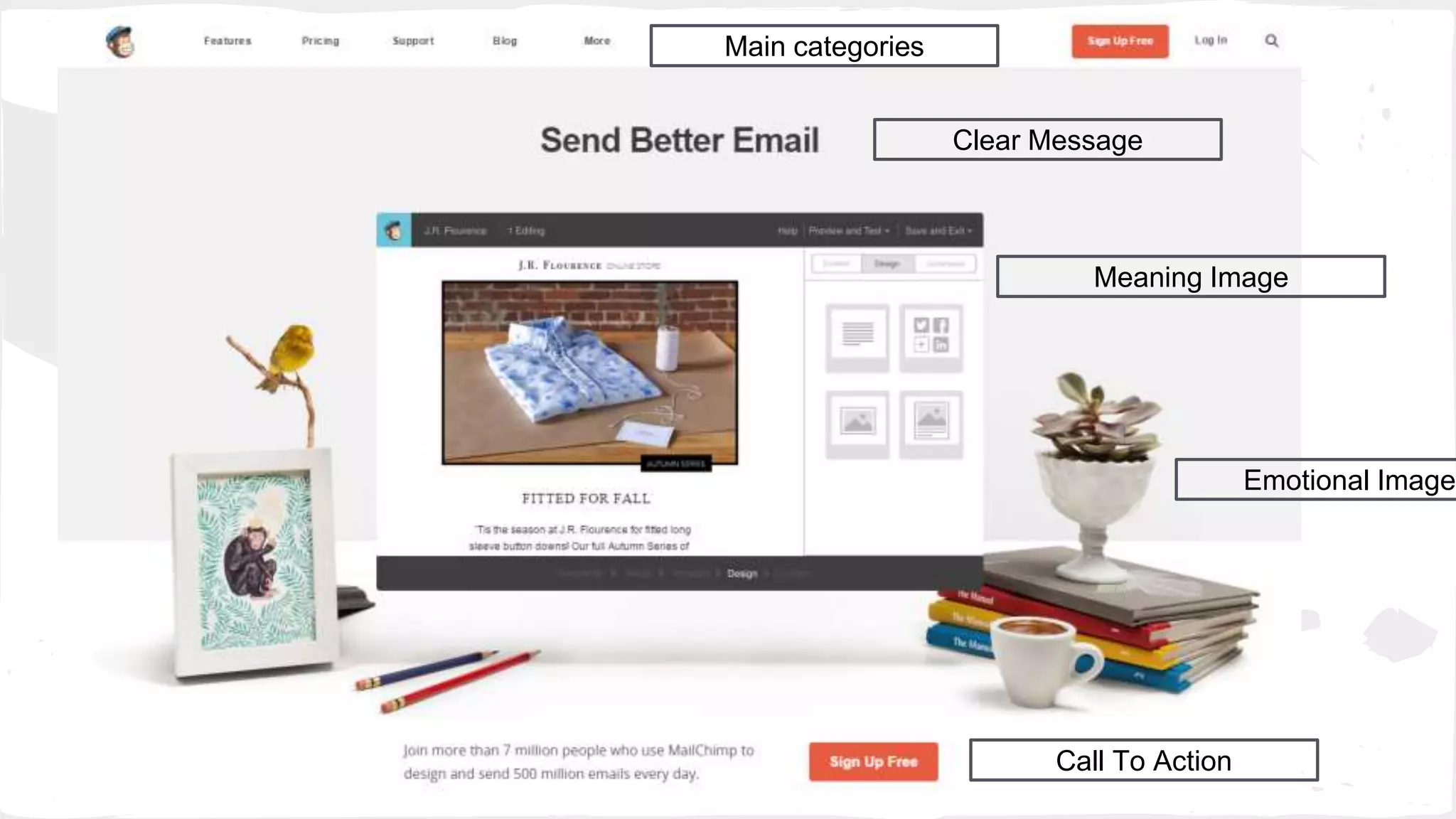
Clear Message
Meaning Image
Emotional Image
Call To Action
Main categories
Clear Call to Action
Clear Message
Meaning Image
Special offer
Clear Message
Meaning Image
Emotional Image
Main categories
Call To Action
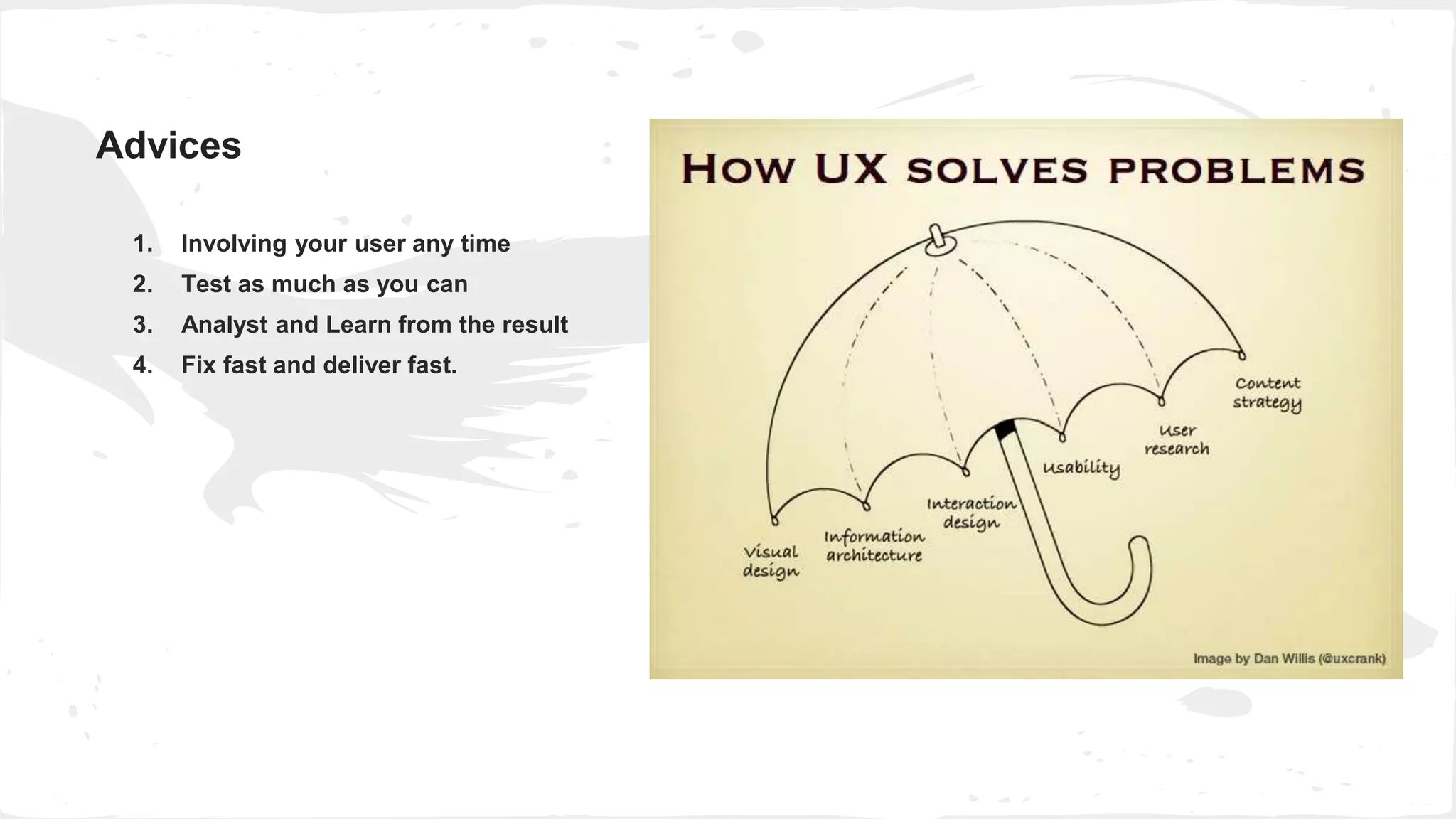
1. Involving your user any time
2. Test as much as you can
3. Analyst and Learn from the result
4. Fix fast and deliver fast.
Advices
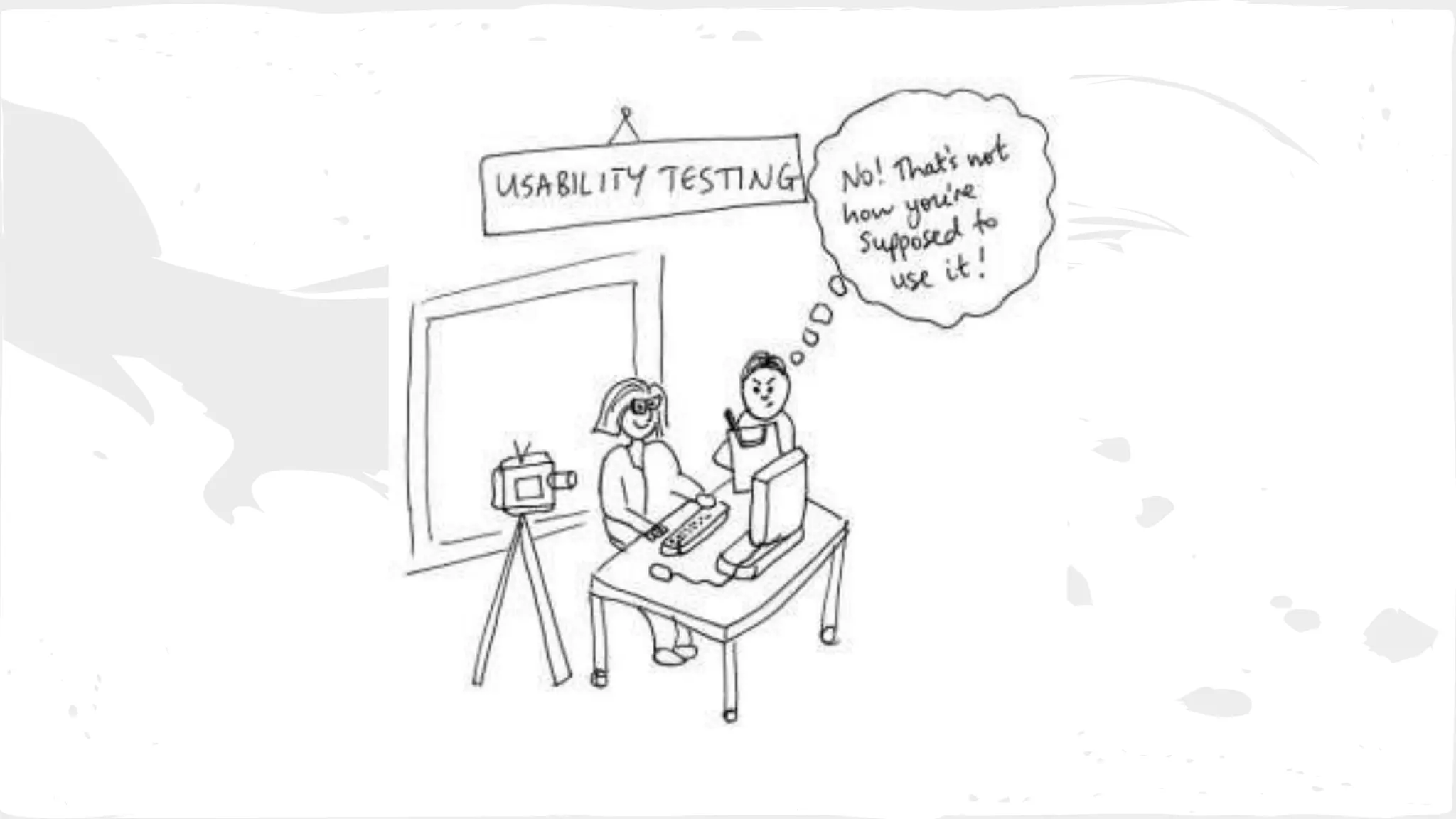
When should we do User Testing?
Every phase of design
- Before Design
- Design In progress
- After Design
Steve Krug
“Testing One better than Nothing”
Thank you!

User Experience Design

  • 1.
  • 2.
    Agenda ● What -UX Definition ● How - UX Measurement Methods ● When - UX Everyday ● Lean UX Process
  • 3.
    What is Usability /UI / UCD / UX
  • 4.
    What is Usability? Usabilityrelates to how easily, efficiently and satisfactorily a product is used by a person to achieve their goals within a specified context of use
  • 5.
    What is UCD? UserCentered Design Found what she is looking Get what she found She feel happy Let’s help her
  • 6.
    What is UserEXperience Design? Coined a mid-1990’s by Don Norman, bridge the gap between Customer and Business.
  • 7.
    What is UX? Dr.Donald Norman Jakob Nielsen Steve Krug
  • 8.
    What is UX? byJAKOB NIELSEN and DON NORMAN “User experience" encompasses all aspects of the end-user's interaction with the company, its services, and its products” A discipline that encompasses all interactions and events, physical and digital, between users/customers and a product, service or organisation
  • 9.
    What is UX? UXeverywhere around us
  • 10.
  • 11.
  • 12.
    What is UX? Canit be done? User want or need? Does it make business sense?
  • 13.
  • 14.
    Visual Design InterfaceDesign Icons Fonts Graphics Art HTML/JS/CSS Optimization Input Output Usability Web Standard Information Architecture Interview skillPrototyping User Testing Interaction Design Content Strategy Personas Workflow/ Sitemap Accessibility SEO Knowledge Eye tracking Storyboard User Research UI
  • 15.
    A UI withoutUX is like a painter slapping paint onto canvas without thought; while UX without UI is like the frame of a sculpture with no paper mache on it... Source: Internet Good Product: Good UI UX+
  • 16.
    Good UX: ■ SolveUser’s Problem ■ Save User’s Time ■ Save User’s Effort I am your user I am a king
  • 17.
    Checkpoints ● Clear callfor action ● There is a search bar ● Search is available on every page ● Consistency ● Personalized features for homepage ● Registering provides value to users ● Logged in user's name is displayed on the site ● Major changes to the site are announced on the homepage. ● Navigation is consistent on every page. ● Pages don't refresh automatically ● Important commands are displayed as buttons, not links ● Alt attributes are provided for non-text elements ● Content is readable without a style sheet ● There is a site description in the window title ● Links, buttons and checkboxes are easily clickable ● Accessible navigation with a keyboard ● Related information is grouped together clearly. Accessibility Content Usability ● Important content is displayed first. ● Links are descriptive. There are no "click here" links. ● Company location and contact information ● There is a site description in the window title ● Site's URL is memorable. ● Content is written with common language ● First impression (homepage) ● Images and videos are relevant and meaningful ● Alt attributes are provided for non-text elements Images
  • 19.
    UX without UserResearch is not UX
  • 20.
    UX Measurement Methods Pageviews Most view pages User flow Browsers/OS Test Methods Focus Group A/B Testing Click test User Flow User Testing Survey Online Feedback Demographics Age Gender Geography Online Tracking tools Mouse Flow HeapAnalytics Optimizely Exit monitor Crazy Egg Labs Design Phase Production Questionnaire Location
  • 21.
    UX Measurement Methods ■Usefulness: is the product useful, with a clear purpose? ■ Usability: is the product easy to use—navigating within and interacting with—and requiring little need for guidance? ■ Learnability: is the product simple to master quickly with minimal instruction required? ■ Aesthetics: is the visual appearance of the product and its design appealing to the user? ■ Emotions: are the emotional feelings evoked in response to the product and the brand positive, and do they have a lasting impact on the user and their willingness to use the product? There are several factors that affect the overall experience a user has with a product: by JAKOB NIELSEN on January 4, 2012
  • 22.
    UX Measurement Methods 1.Visibility of system status 2. Match between system and the real world 3. User control and freedom 4. Consistency and standards 5. Error prevention 6. Recognition rather than recall 7. Flexibility and efficiency of use 8. Aesthetic and minimalist design 9. Help users recognize, diagnose, and recover from errors 10. Help and documentation 10 Usability Heuristics for UI Design By JAKOB NIELSEN on January 1. 1995
  • 23.
    1. What isthe website do (your product/services)? - Clear MESSAGE of the site 2. What is the main task we want to user do? Where to start? - Clear CALL TO ACTION 3. Is your image present the meaning of your product? - Use MEANING & EMOTIONAL IMAGES 4. What is the featured product? - Show featured product (if any) or special offer 5. What is our main product categories? - Provide product categories 5 Evaluate Homepage Guidelines WHO IS OUR AUDIENCE? Define PERSONAS - primary user and secondary user Buy Our ServicesEncourage User Explore The Site Satisfy (Users) Get Revenue (Business)
  • 24.
    Clear Message Meaning Image EmotionalImage Call To Action Main categories
  • 25.
    Clear Call toAction Clear Message Meaning Image Special offer
  • 26.
    Clear Message Meaning Image EmotionalImage Main categories Call To Action
  • 27.
    1. Involving youruser any time 2. Test as much as you can 3. Analyst and Learn from the result 4. Fix fast and deliver fast. Advices
  • 28.
    When should wedo User Testing? Every phase of design - Before Design - Design In progress - After Design
  • 29.
    Steve Krug “Testing Onebetter than Nothing”
  • 30.

Editor's Notes

  • #9 UX is the sum of a series of interactions a person has with a product, service, or organization.
  • #15 Ex: