The Principles of
Universal Design
Universal Design
› Designing any product or environment involves the consideration
of many factors, including aesthetics, engineering options,
environmental issues, industry standards, safety concerns, and
cost.In contrast, UD is "the design of products and environments
to be usable by all people, to the greatest extent possible,
without the need for adaptation or specialized design"
The Principles of Universal Design
› Principle 1: Equitable Use
› Principle 2: Flexibility in Use
› Principle 3: Simple and Intuitive Use
› Principle 4: Perceptible Information
› Principle 5: Tolerance for Error
› Principle 6: Low Physical Effort
› Principle 7: Size and Space for Approach and Use
Principle 1: Equitable Use
› The design is useful and marketable to people with diverse
abilities.
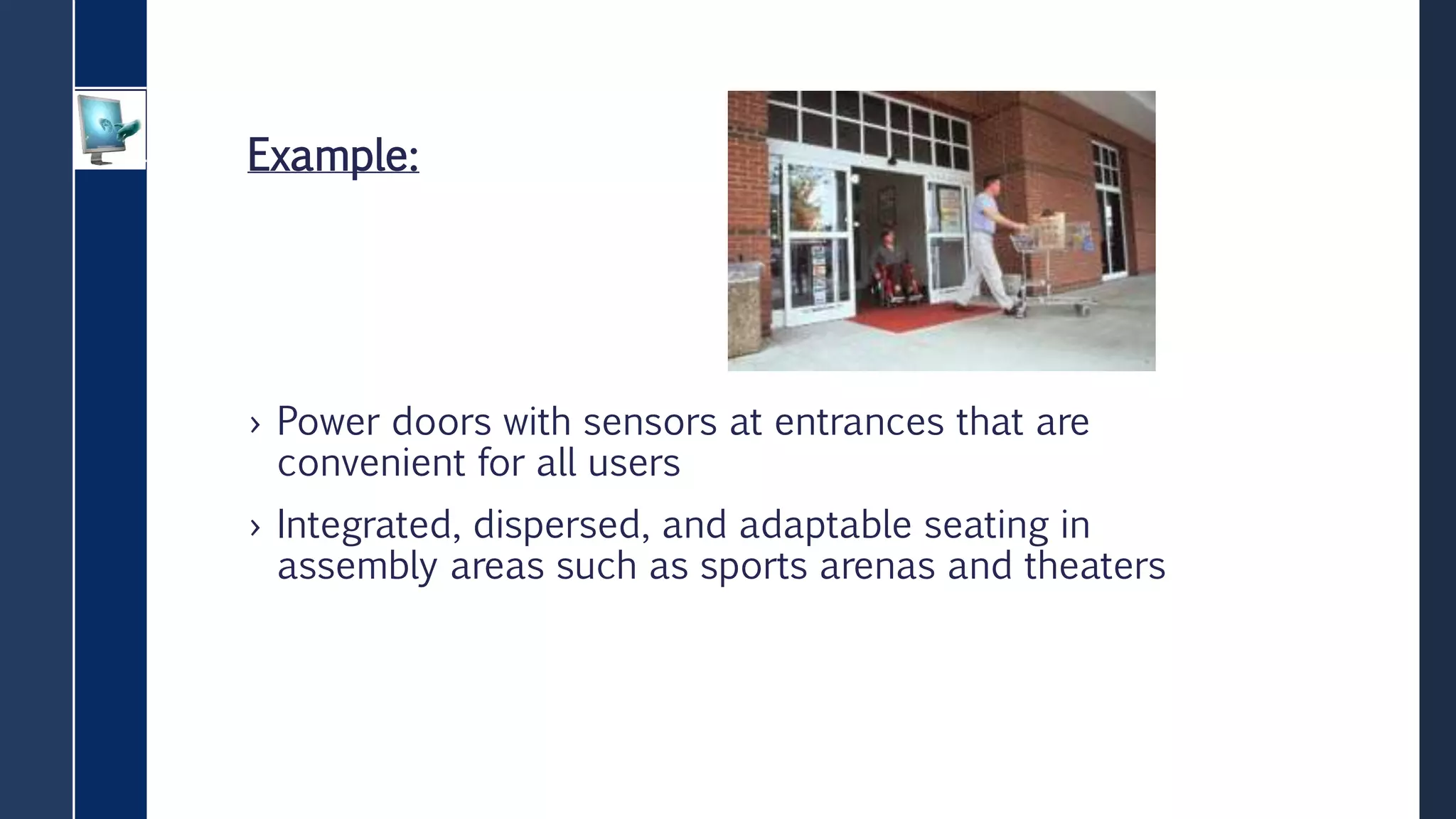
Example:
› Power doors with sensors at entrances that are
convenient for all users
› Integrated, dispersed, and adaptable seating in
assembly areas such as sports arenas and theaters
Principle 2: Flexibility in Use
› The design accommodates a wide range of individual
preferences and abilities.
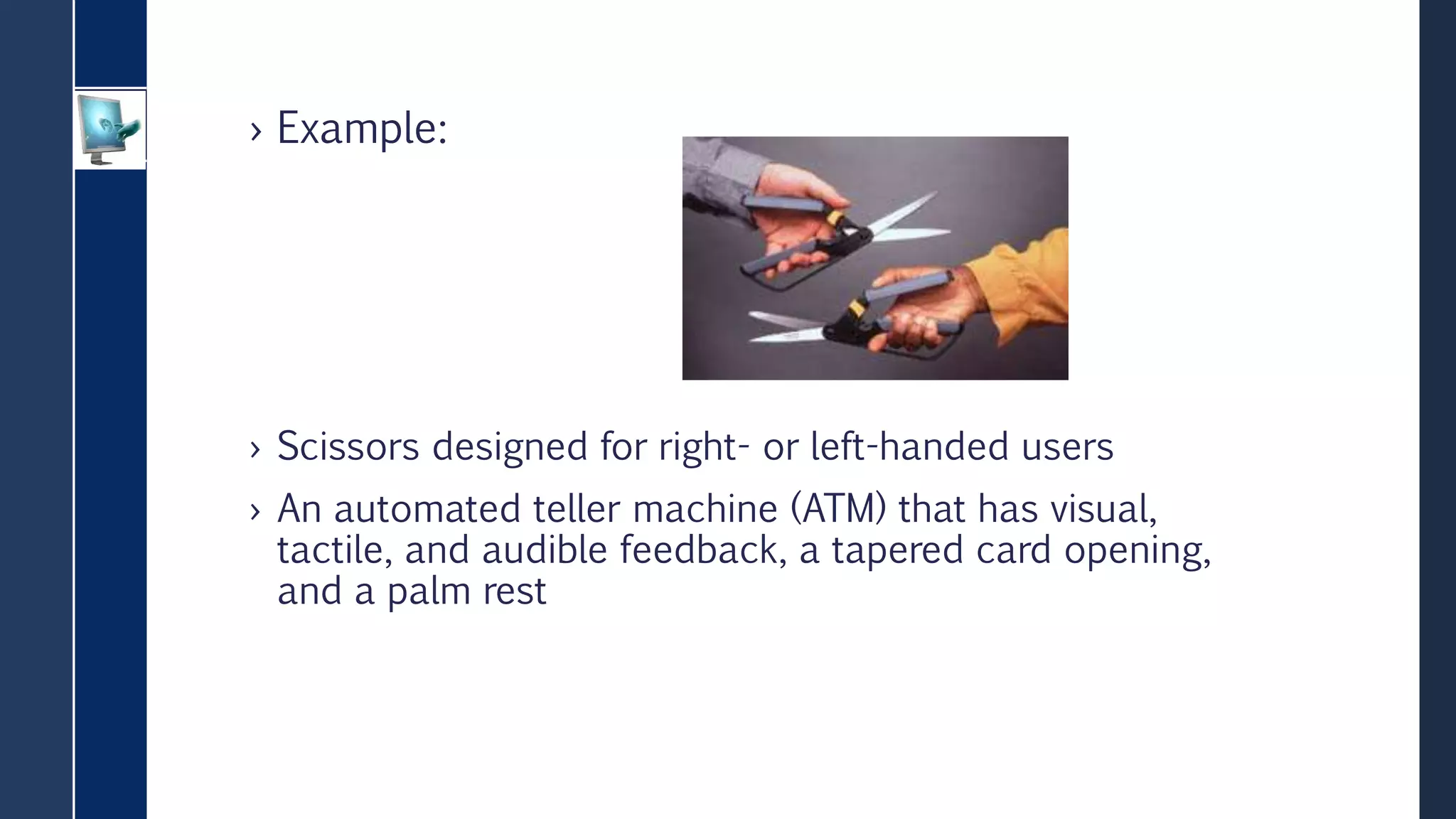
› Example:
› Scissors designed for right- or left-handed users
› An automated teller machine (ATM) that has visual,
tactile, and audible feedback, a tapered card opening,
and a palm rest
Principle 3: Simple and Intuitive Use
› Use of the design is easy to understand, regardless of the user's
experience, knowledge, language skills, or current concentration
level.
Example:
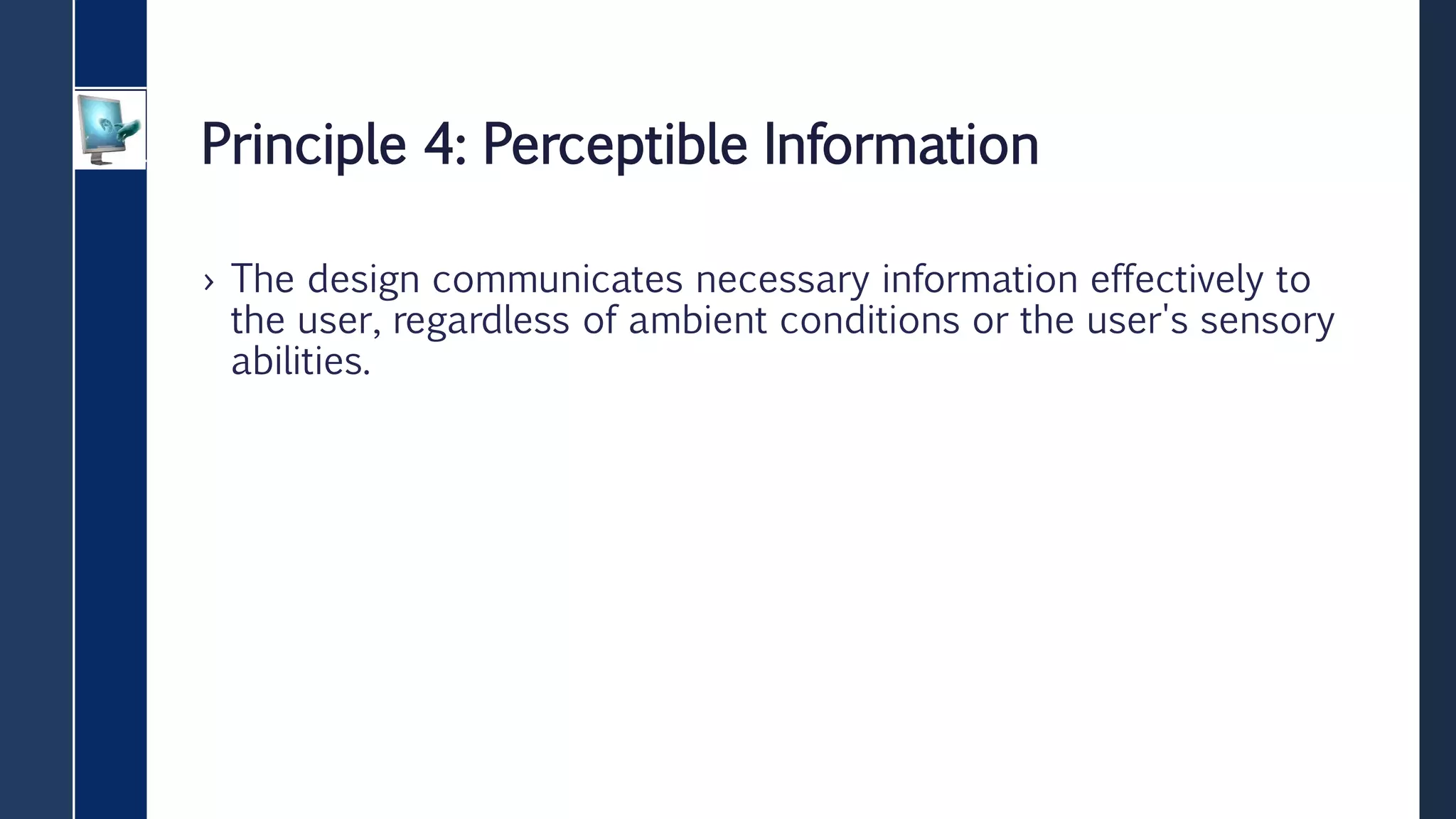
› An instruction manual with drawings and no text
› A moving sidewalk or escalator in a public space
Principle 4: Perceptible Information
› The design communicates necessary information effectively to
the user, regardless of ambient conditions or the user's sensory
abilities.
Example:
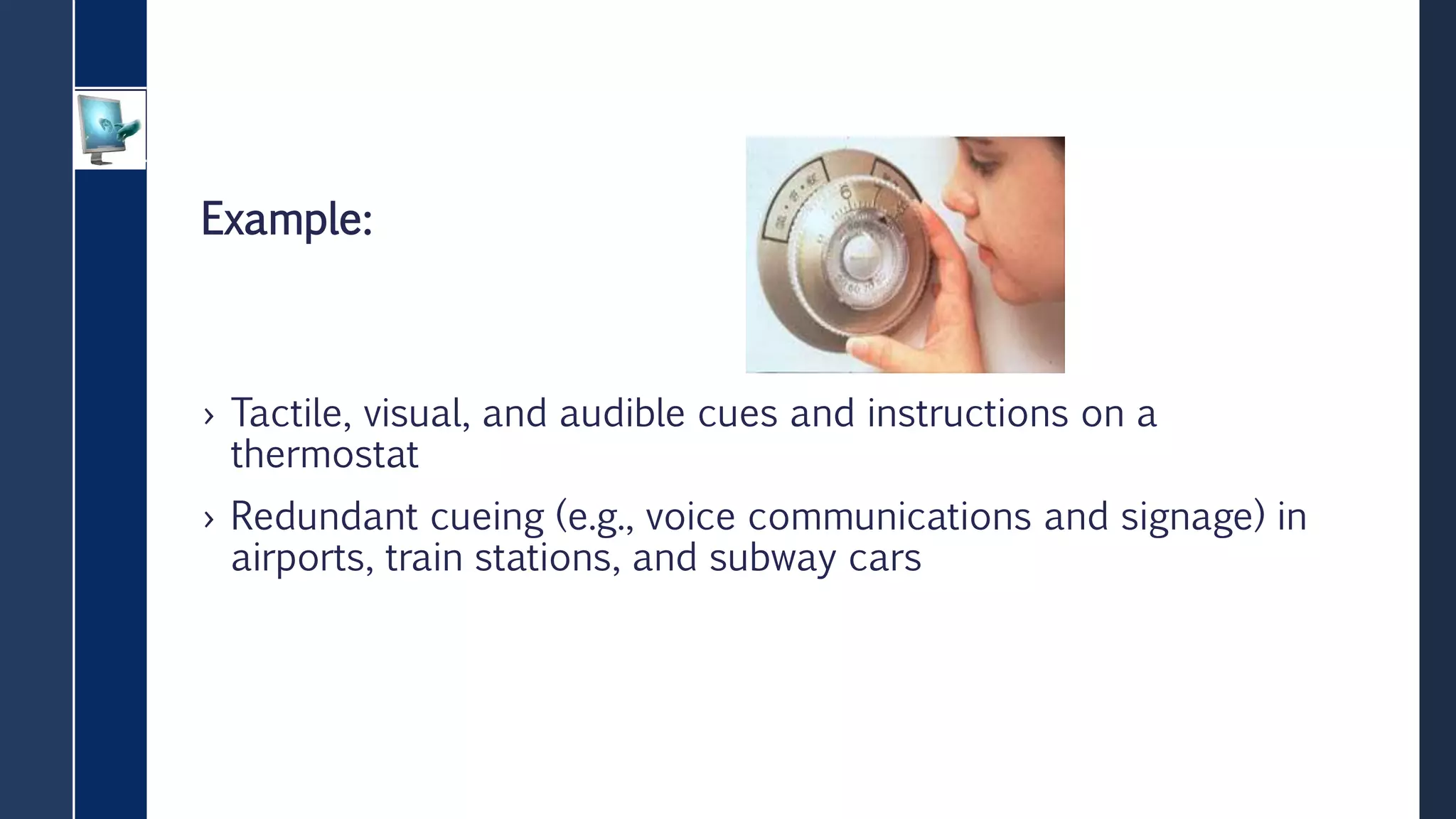
› Tactile, visual, and audible cues and instructions on a
thermostat
› Redundant cueing (e.g., voice communications and signage) in
airports, train stations, and subway cars
Principle 5: Tolerance for Error
› The design minimizes hazards and the adverse consequences of
accidental or unintended actions.
Example:
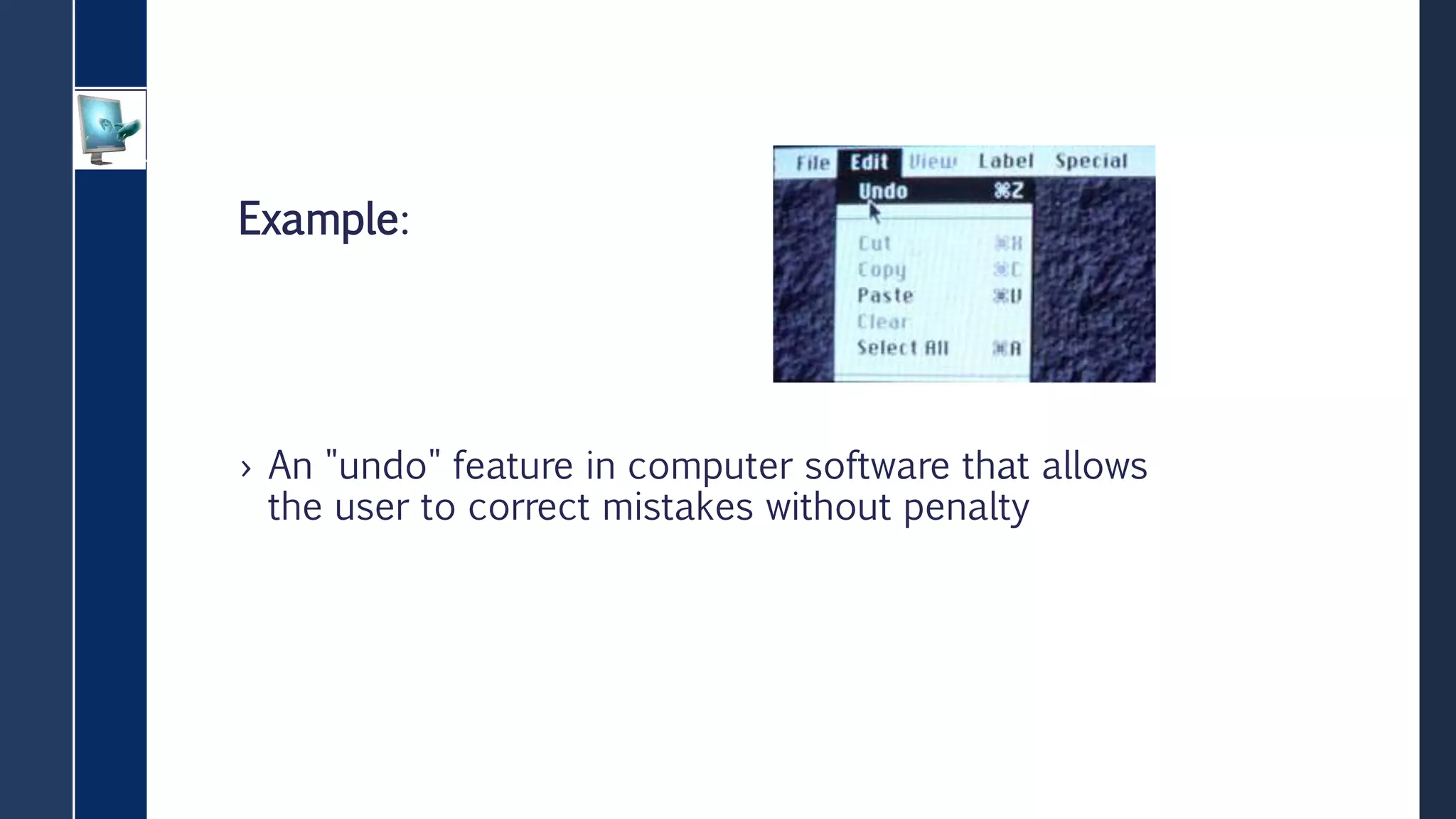
› An "undo" feature in computer software that allows
the user to correct mistakes without penalty
Principle 6: Low Physical Effort
› The design can be used efficiently and comfortably and with a
minimum of fatigue.
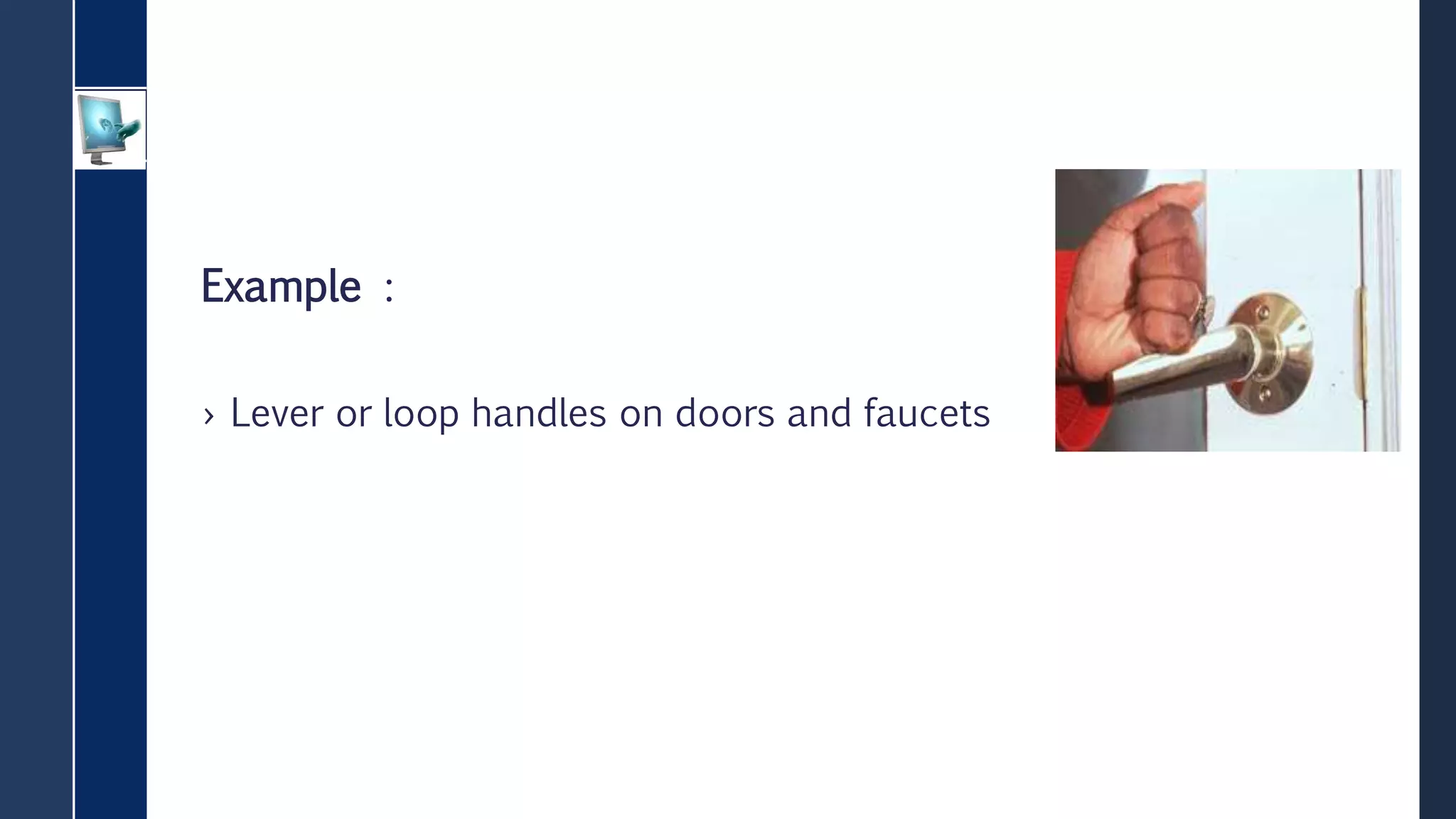
Example :
› Lever or loop handles on doors and faucets
Principle 7: Size and Space for Approach and
Use
› Appropriate size and space is provided for approach,
reach, manipulation, and use regardless of user's
body size, posture, or mobility.
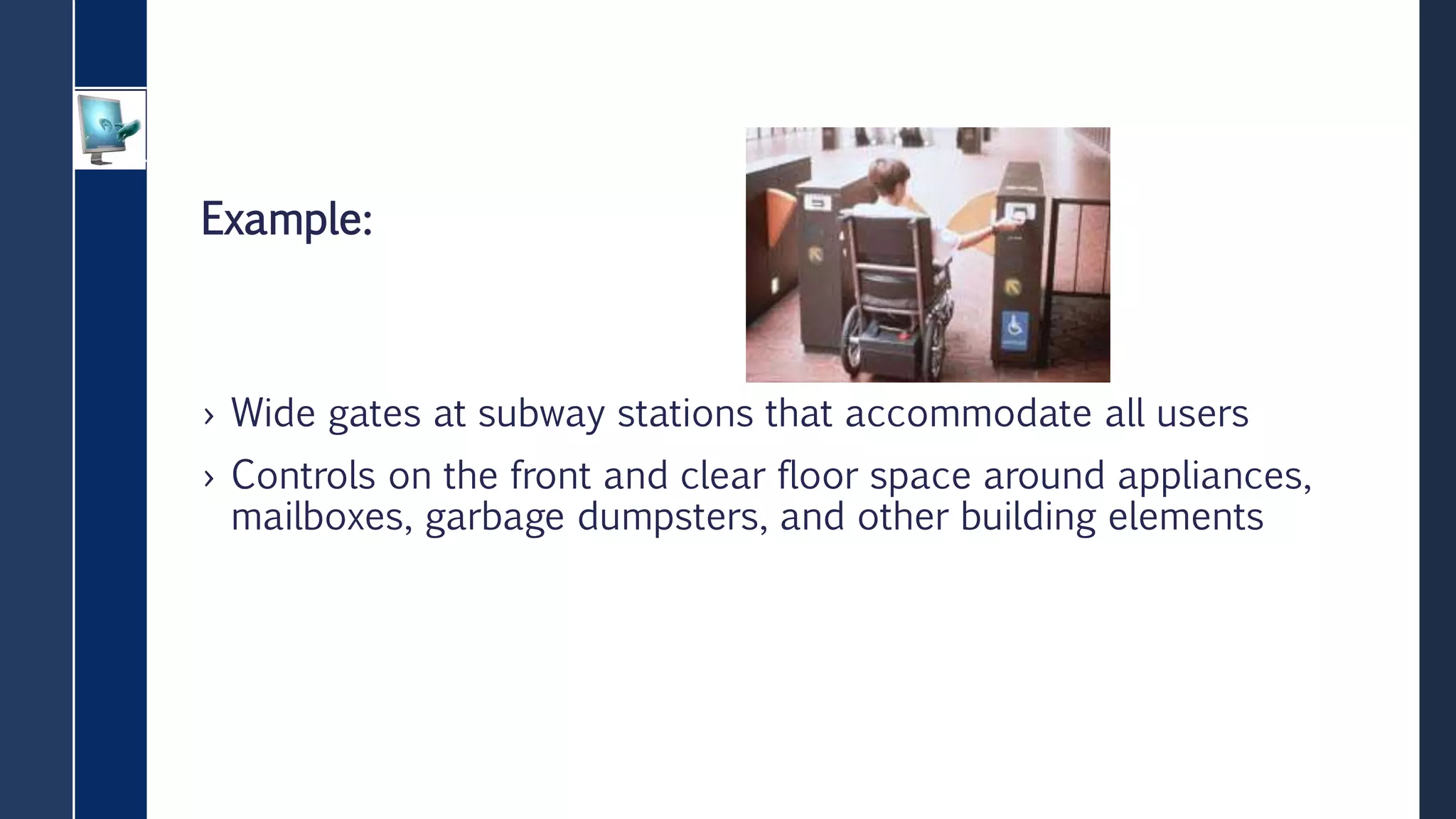
Example:
› Wide gates at subway stations that accommodate all users
› Controls on the front and clear floor space around appliances,
mailboxes, garbage dumpsters, and other building elements

universal design principle

  • 1.
  • 2.
    Universal Design › Designingany product or environment involves the consideration of many factors, including aesthetics, engineering options, environmental issues, industry standards, safety concerns, and cost.In contrast, UD is "the design of products and environments to be usable by all people, to the greatest extent possible, without the need for adaptation or specialized design"
  • 3.
    The Principles ofUniversal Design › Principle 1: Equitable Use › Principle 2: Flexibility in Use › Principle 3: Simple and Intuitive Use › Principle 4: Perceptible Information › Principle 5: Tolerance for Error › Principle 6: Low Physical Effort › Principle 7: Size and Space for Approach and Use
  • 4.
    Principle 1: EquitableUse › The design is useful and marketable to people with diverse abilities.
  • 5.
    Example: › Power doorswith sensors at entrances that are convenient for all users › Integrated, dispersed, and adaptable seating in assembly areas such as sports arenas and theaters
  • 6.
    Principle 2: Flexibilityin Use › The design accommodates a wide range of individual preferences and abilities.
  • 7.
    › Example: › Scissorsdesigned for right- or left-handed users › An automated teller machine (ATM) that has visual, tactile, and audible feedback, a tapered card opening, and a palm rest
  • 8.
    Principle 3: Simpleand Intuitive Use › Use of the design is easy to understand, regardless of the user's experience, knowledge, language skills, or current concentration level.
  • 9.
    Example: › An instructionmanual with drawings and no text › A moving sidewalk or escalator in a public space
  • 10.
    Principle 4: PerceptibleInformation › The design communicates necessary information effectively to the user, regardless of ambient conditions or the user's sensory abilities.
  • 11.
    Example: › Tactile, visual,and audible cues and instructions on a thermostat › Redundant cueing (e.g., voice communications and signage) in airports, train stations, and subway cars
  • 12.
    Principle 5: Tolerancefor Error › The design minimizes hazards and the adverse consequences of accidental or unintended actions.
  • 13.
    Example: › An "undo"feature in computer software that allows the user to correct mistakes without penalty
  • 14.
    Principle 6: LowPhysical Effort › The design can be used efficiently and comfortably and with a minimum of fatigue.
  • 15.
    Example : › Leveror loop handles on doors and faucets
  • 16.
    Principle 7: Sizeand Space for Approach and Use › Appropriate size and space is provided for approach, reach, manipulation, and use regardless of user's body size, posture, or mobility.
  • 17.
    Example: › Wide gatesat subway stations that accommodate all users › Controls on the front and clear floor space around appliances, mailboxes, garbage dumpsters, and other building elements