SAMINA KHAN
FAZAIA DEGREE COLLEGE RISALPUR
COMPUTER SECURITY
 Computer security refers to protecting
computer hardware, software and
information stored on computer from
threats .
Importance of computer
security
• Computer users often exchange
information or communicate over
internet.
• This can infect a user's computer with
virus or other types of malicious
software.
• Computer security or safety is
important for computer users to protect
their computers from different threats.
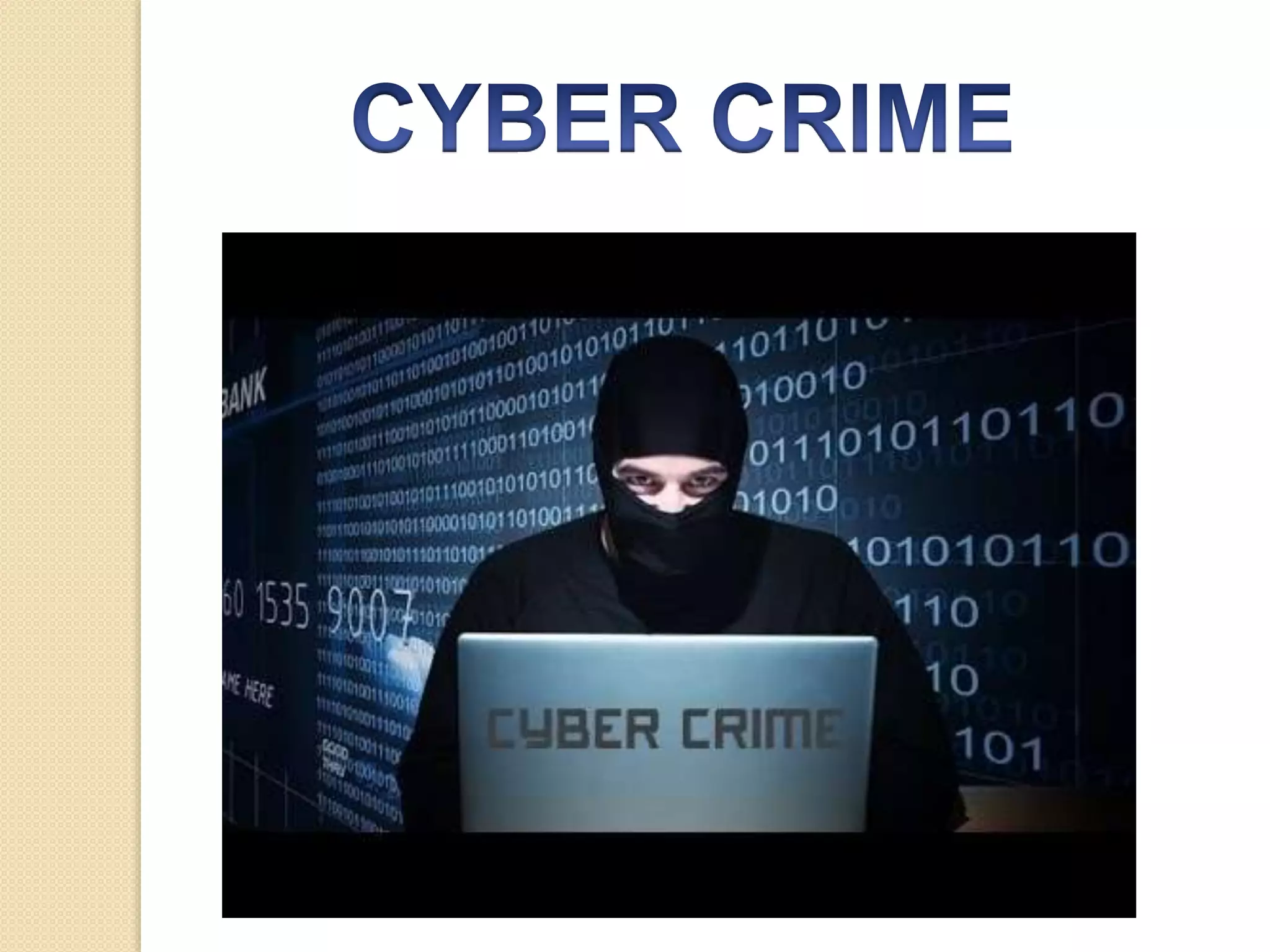
Cyber Crime
 cybercrime refers to any crime that is
committed by means of computer and
internet technology by having unlawful
access to other computers.
 Computer & internet have improved
our lives but the same technology is
also used by criminals to harm the
society.
SAMINA KHAN, FAZAIA DEGREE
COLLEGE RISALPUR
Cyber crime
 Cyber crime now include the activities
that cross international borders and
can be considered global epidemic.
SAMINA KHAN, FAZAIA DEGREE
COLLEGE RISALPUR
Cyber crime
 The following are the commonly
committed cyber crimes.
 Computers have been involved in
crimes such as fraud, kidnapping,
murder and stealing money from banks
 Criminals use internet to steal personnel
information of other users and commit
various types of cyber crime .
SAMINA KHAN, FAZAIA DEGREE
COLLEGE RISALPUR
Cyber crime
 Downloading illegal software, music
files and videos are also cybercrimes
 Internet harassment or cyber bullying
is also a serious crime
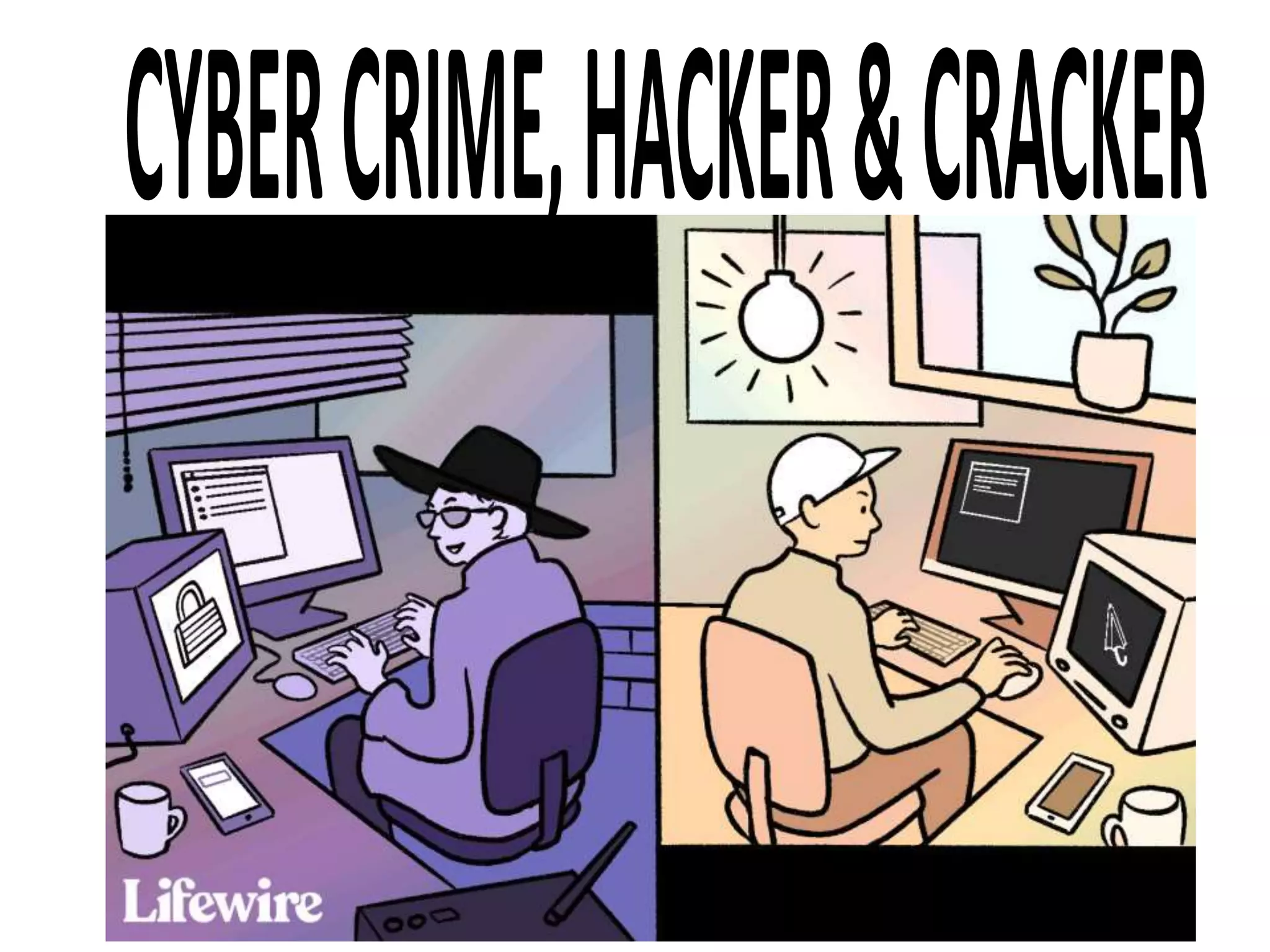
Hacker
 A person who illegally breaks into
others computer system is known as
hacker .
 Hacking is a cybercrime.
 Hackers are computer experts who try
to gain unauthorized access to
computer systems for stealing and
corrupting information.
 Most of the hackers break into
computers for financial benefits.
Hacker
 They have in-depth knowledge of
network programming and create
software to break into networks and
create problems.
Cracker
 Cracker is a computer user who
breaks into computer systems
without permission using hacking
tools for personal gain or damage
and commits cybercrimes.
 Most of the crackers do not have
professional computer skill to hack
 computer systems but they have
knowledge about using hacking tools.
Cracker
 Crackers break into computers and
cause serious damage.
 They also break into Web servers
and replace the home page of a
website with a page of their own
design.
 These criminals are dangerous and
harder to catch .
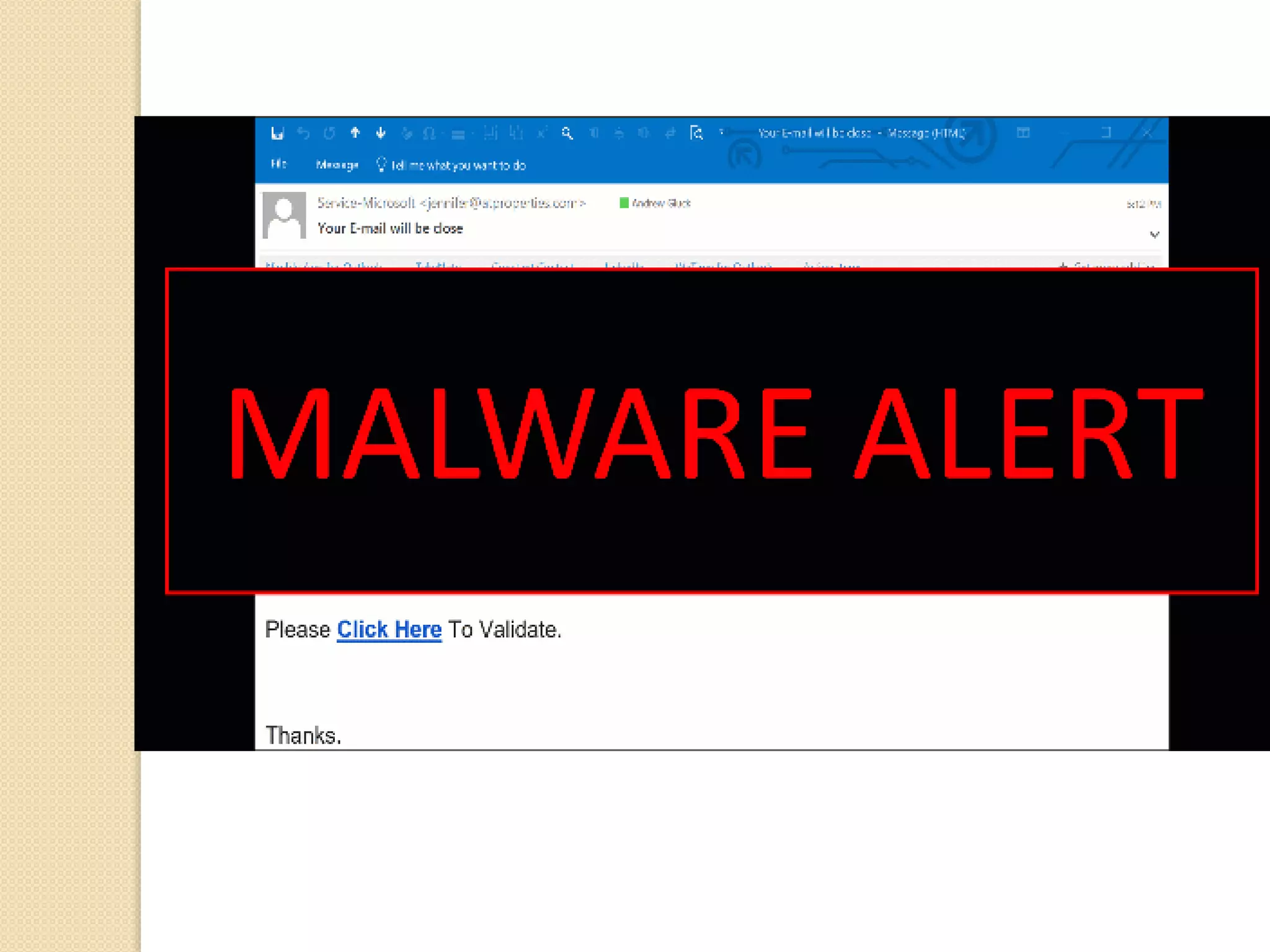
MALWARE AND ITS TYPES
 Malware is malicious software.
 It comprises of a number of harmful
software that are threat to all computer
users.
 Malware are created to attack on
privacy , destruction and financial
benefits.
 Worms, viruses, spyware. Adware are
different types of malware.
VIRUS
 A computer virus is a software
program that can get onto your
computer when you download a file
that contains the virus.
 It generates it’s copies and disturb
the activities of other program.
 It move with data from one
computer to another.
VIRUS
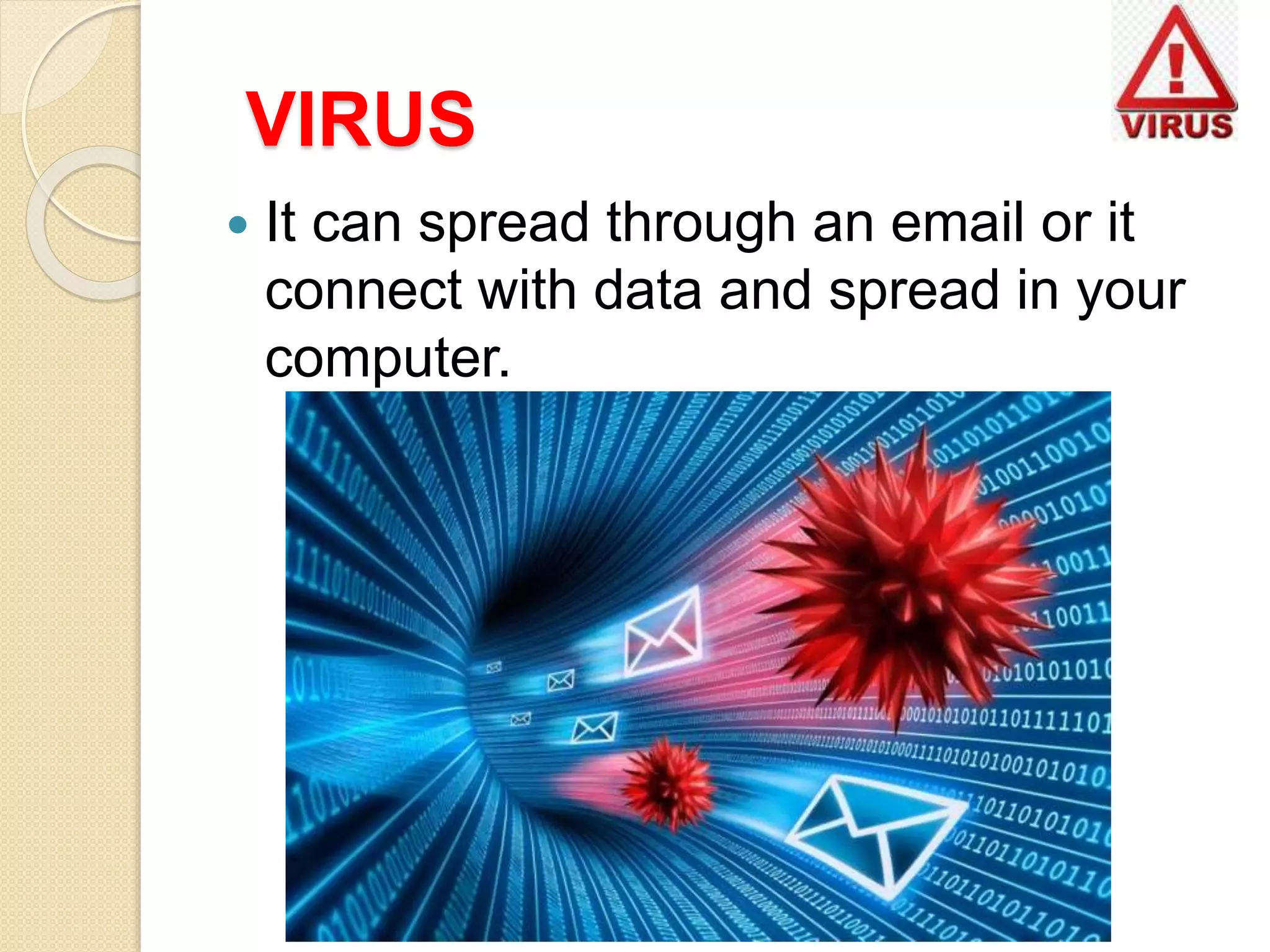
 It can spread through an email or it
connect with data and spread in your
computer.
WORMS
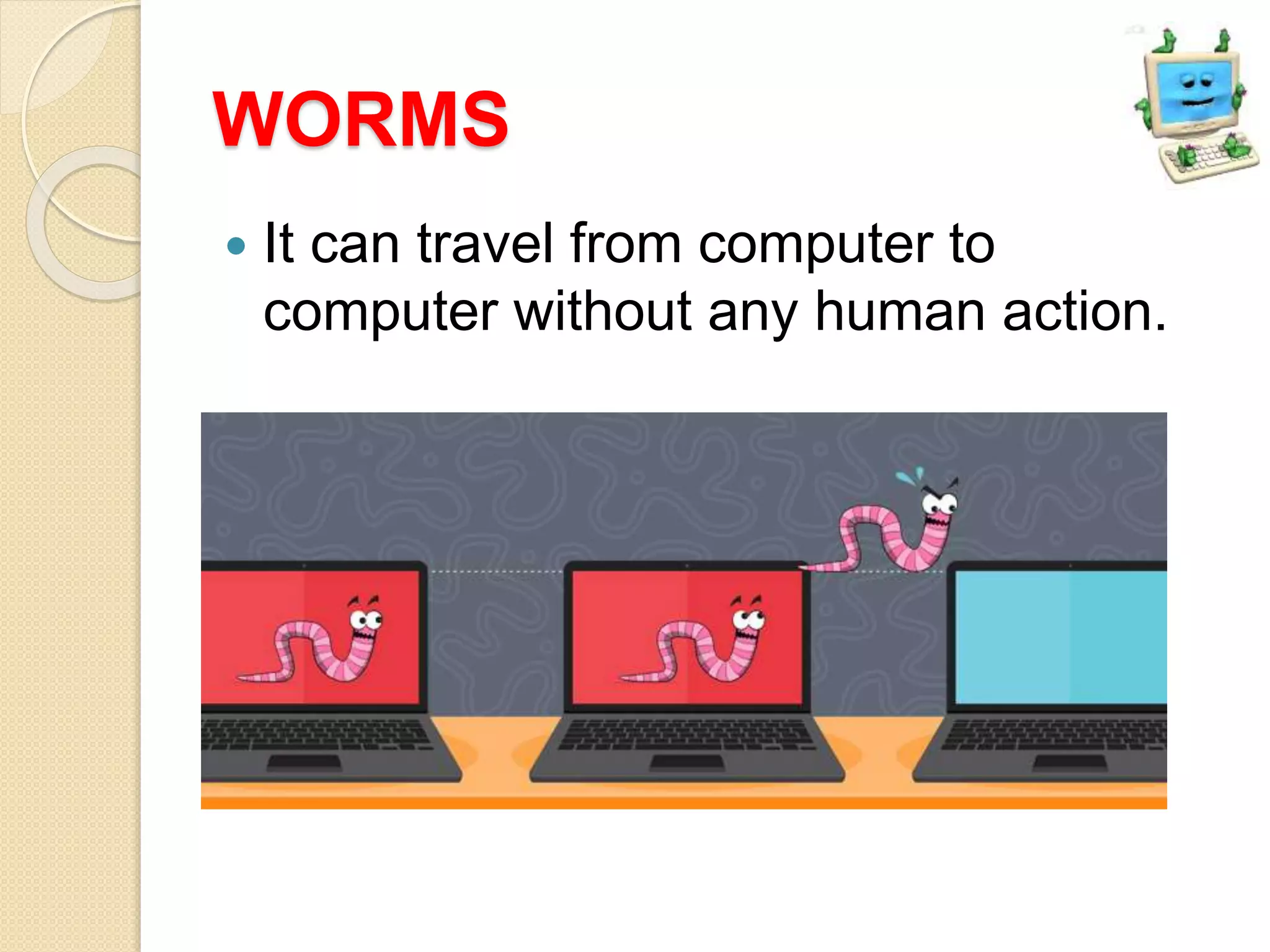
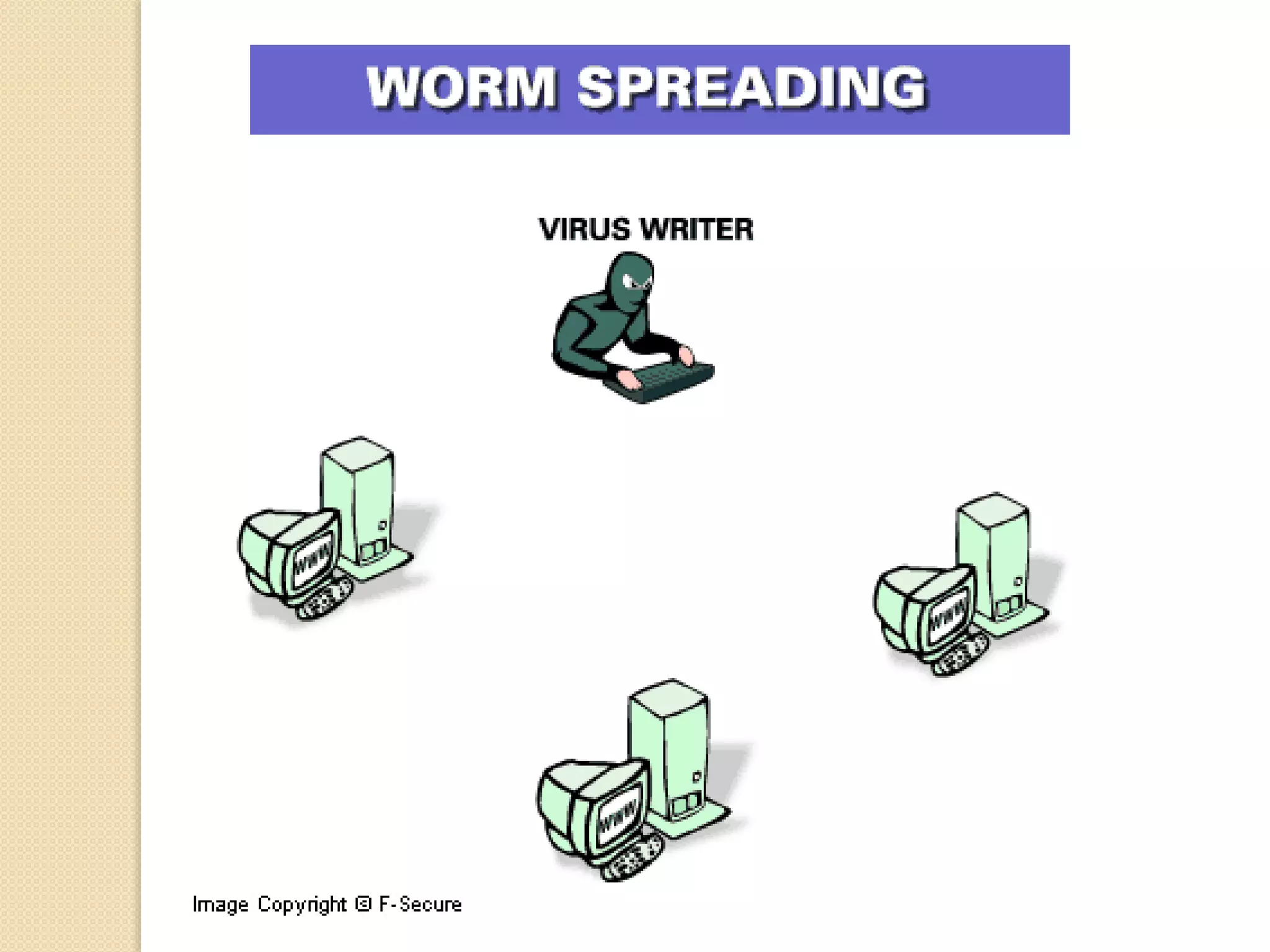
 A worm is a malware that transmits
itself over a network to infect other
computers.
 Worm can be harmful like a computer.
 It spreads automatically in computer
networks and replicates itself.
 It enters a computer through a
weakness in the operating system of
computer.
WORMS
 It can travel from computer to
computer without any human action.
SPYWARE
 Spyware programs are developed to
spy on computer users by gathering
information about their activities.
 When you download a software from
internet, spyware download with that
software without your knowledge.
 Steal passwords of computer.
 Access to bank account pin
SPYWARE
 Developed for the personal benefit of
the creator.
 Slow down the performance of
computer
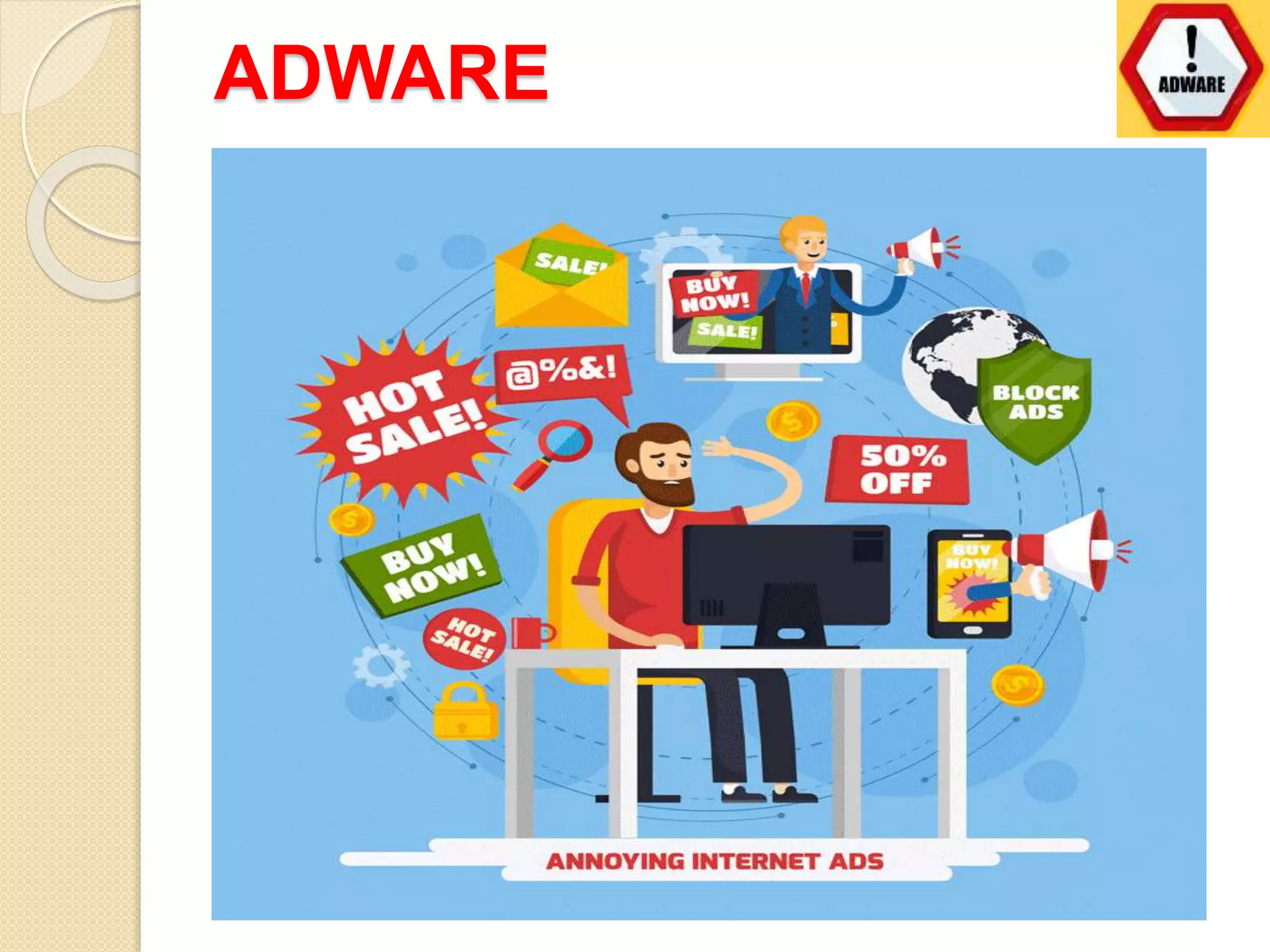
ADWARE
ADWARE
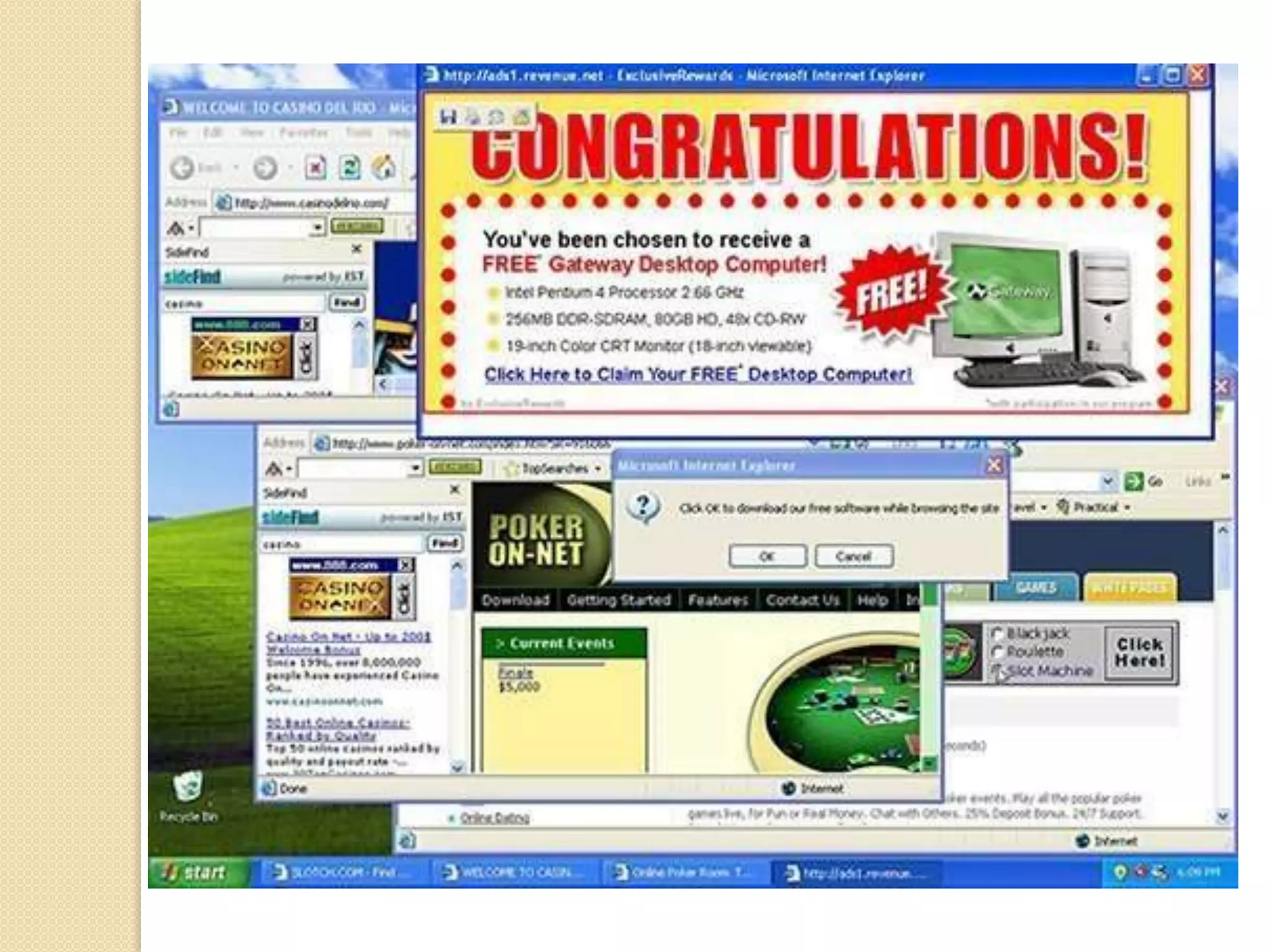
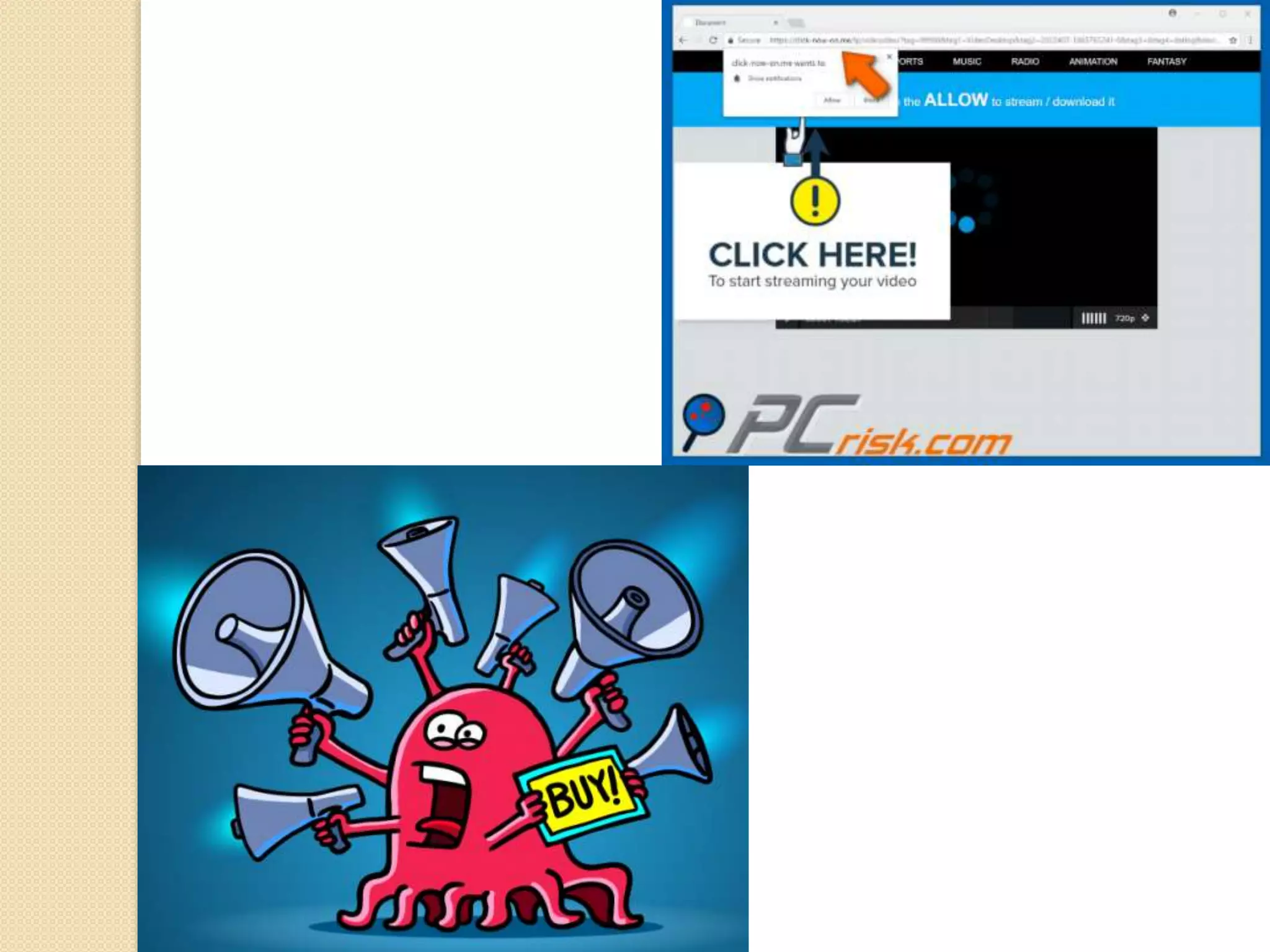
 Adware is a malware software that
attaches itself to free software on the
internet.
 It pop up advertisements during
execution of the infected program.
 Pop-up block option in browsers helps
protect computer from adware.
 Collect user information without their
permission.
COMPUTER VIRUSES
COMPUTER VIRUSES
• Computer experts create malware such as
virus, worms, spyware etc and spread it
through internet.
• It is important to understand how malware
spreads and how to protect computer from
them.
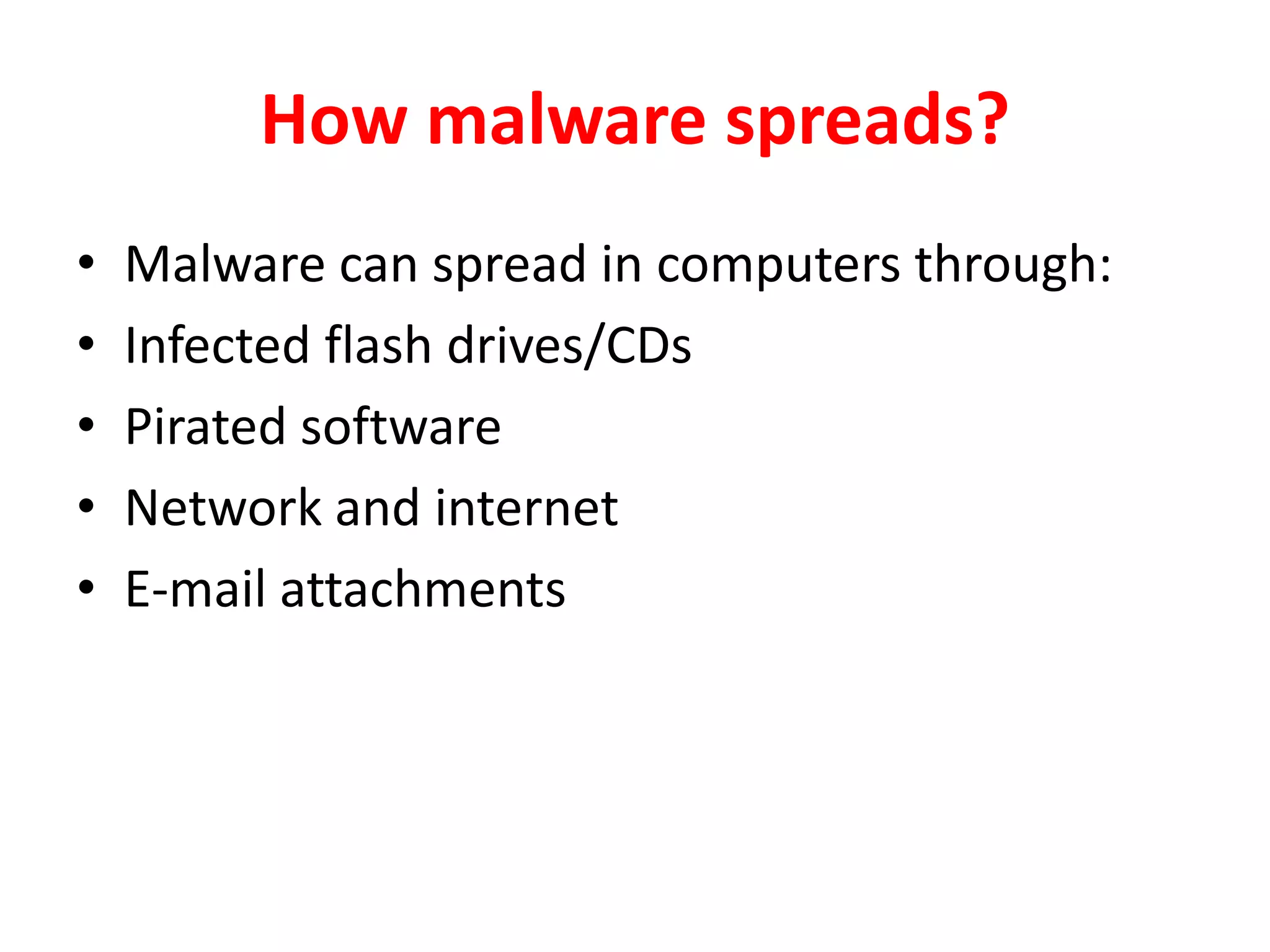
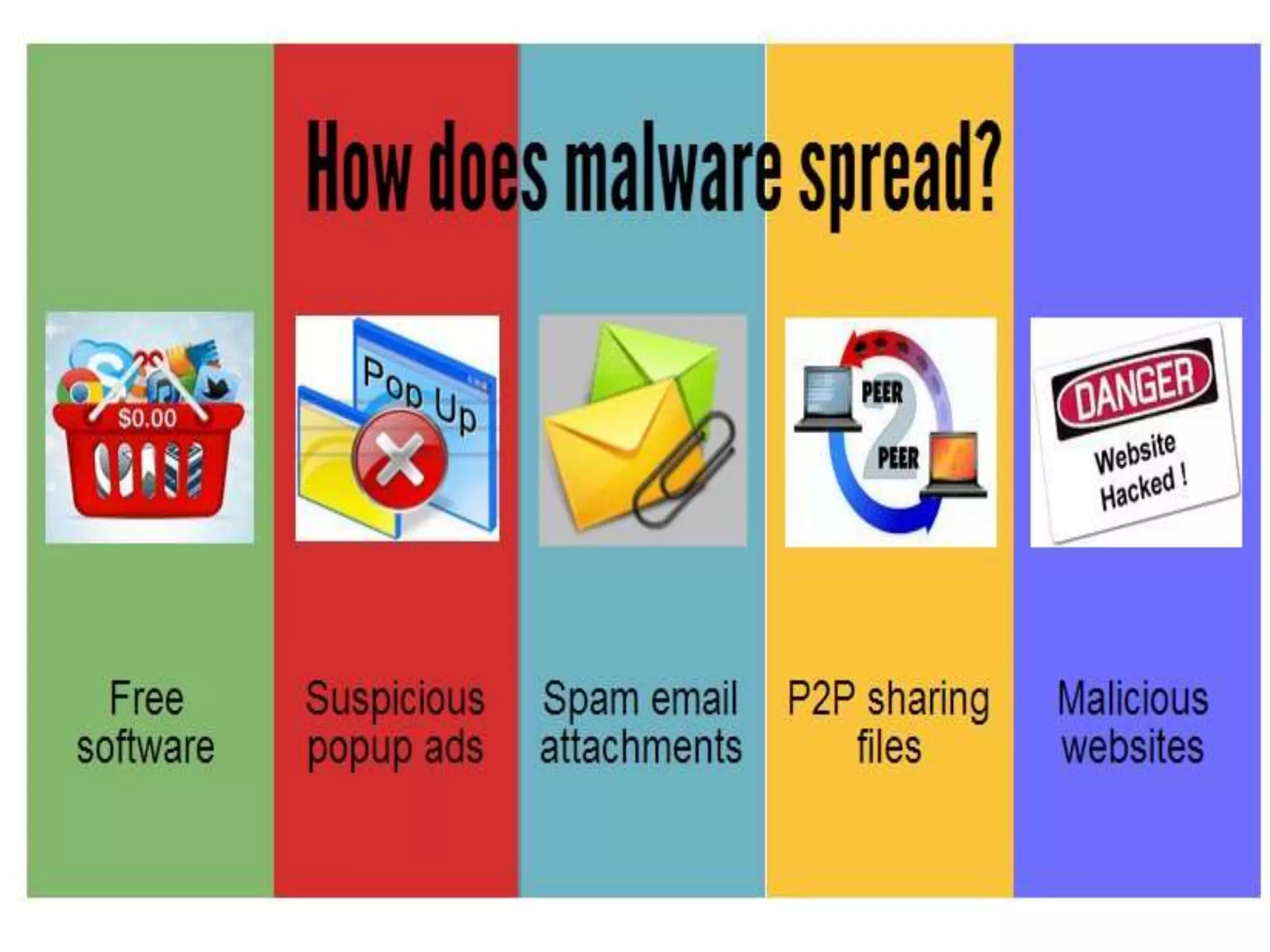
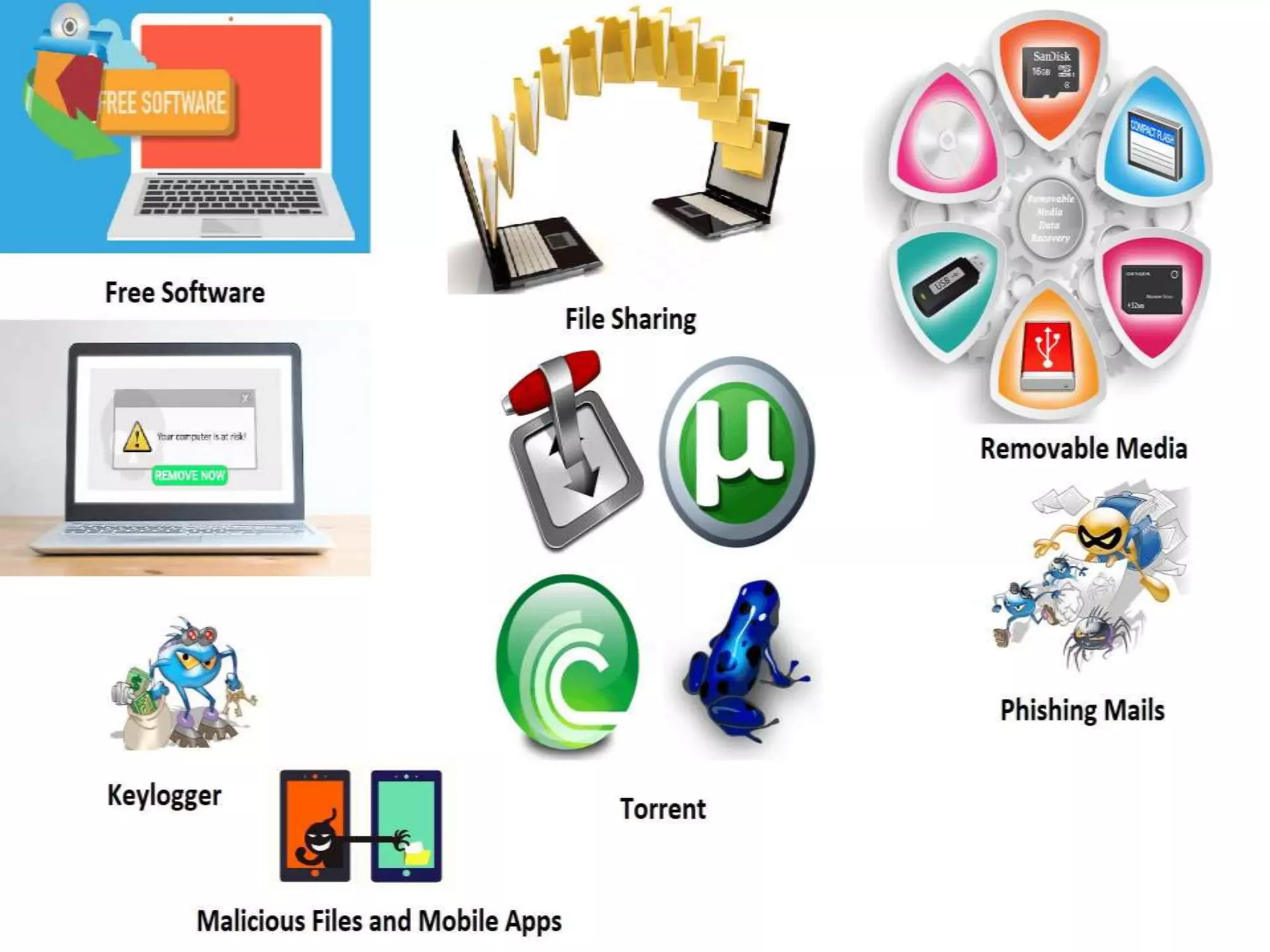
How malware spreads?
• Malware can spread in computers through:
• Infected flash drives/CDs
• Pirated software
• Network and internet
• E-mail attachments
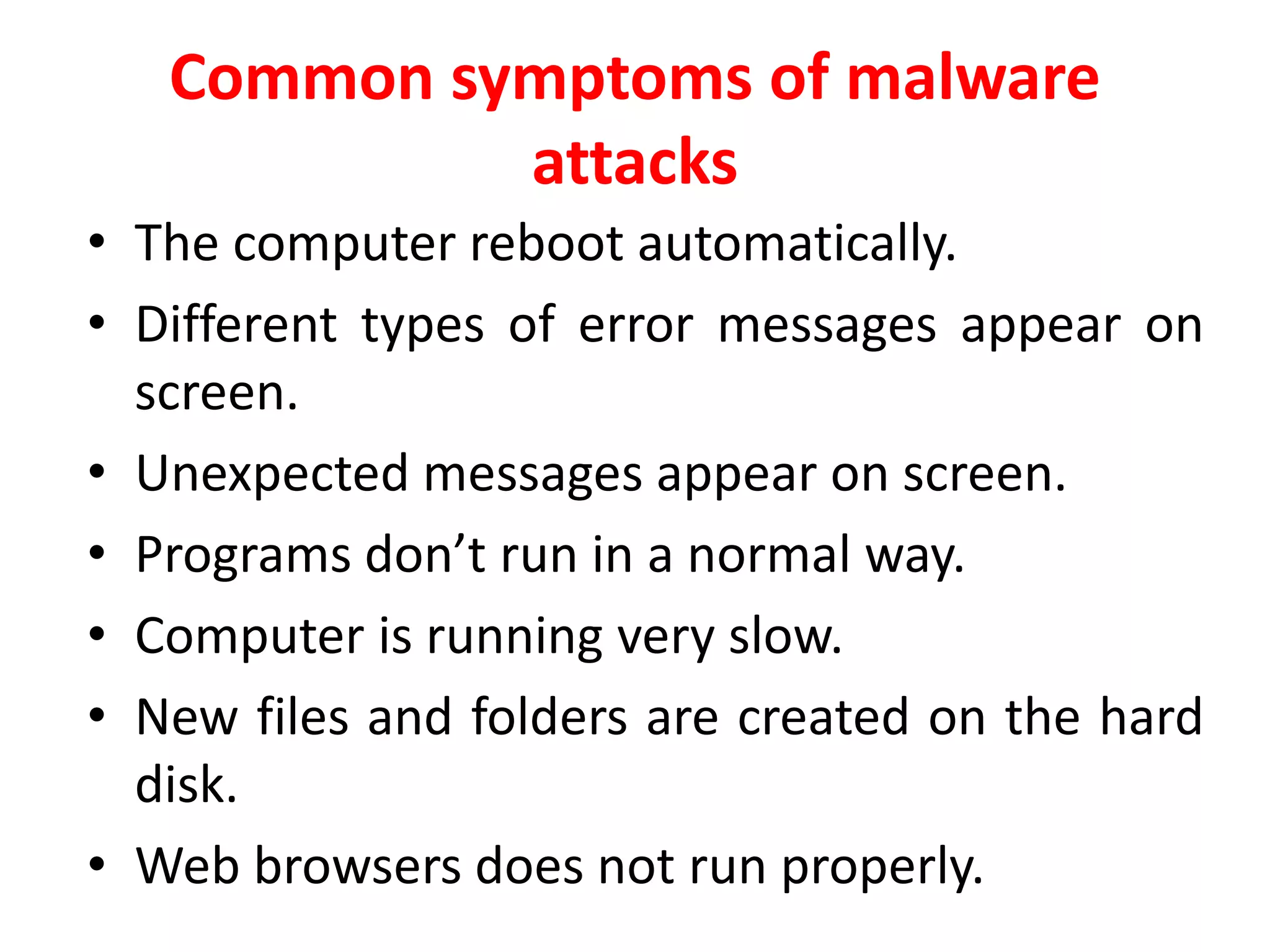
Common symptoms of malware
attacks
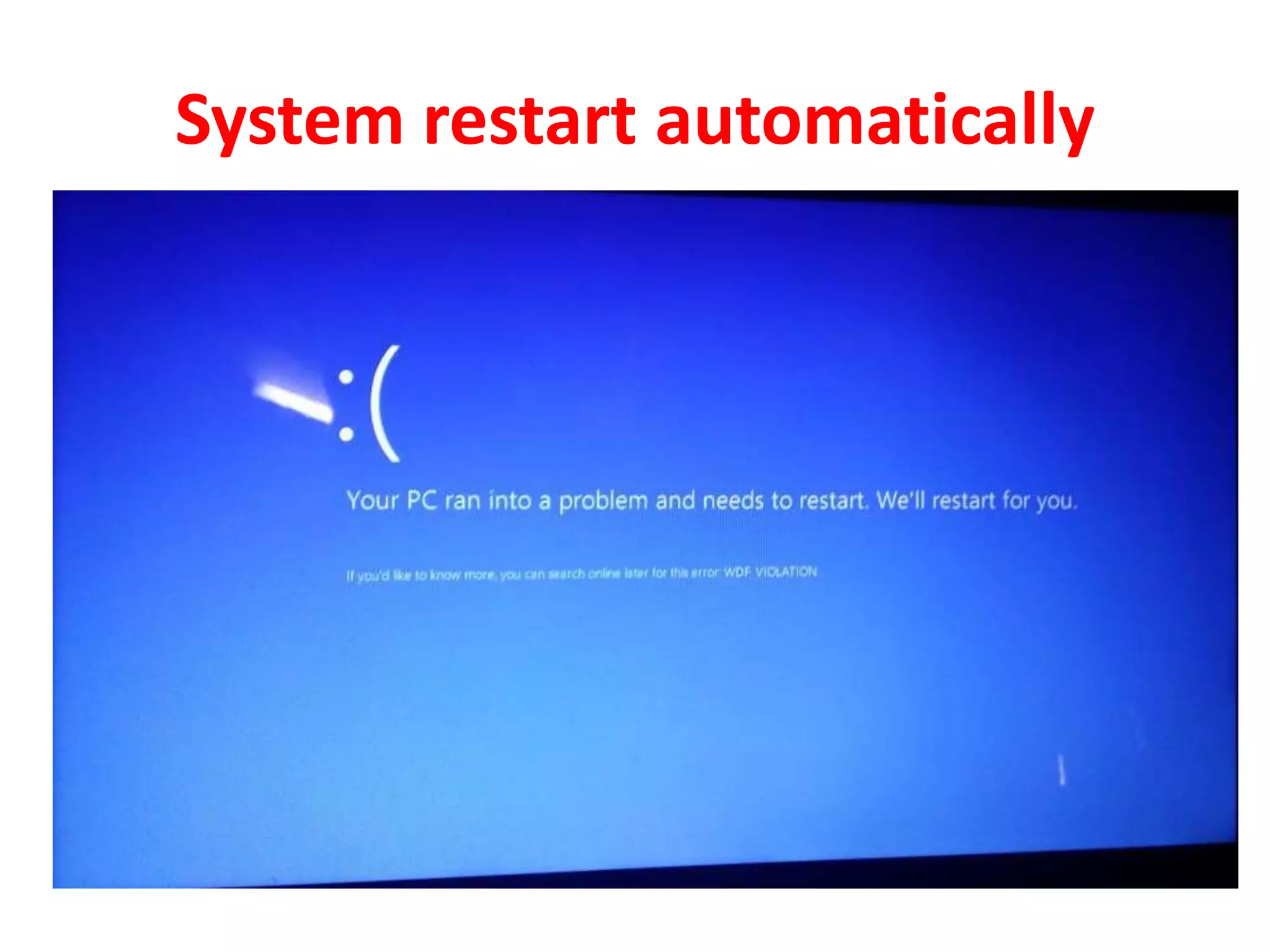
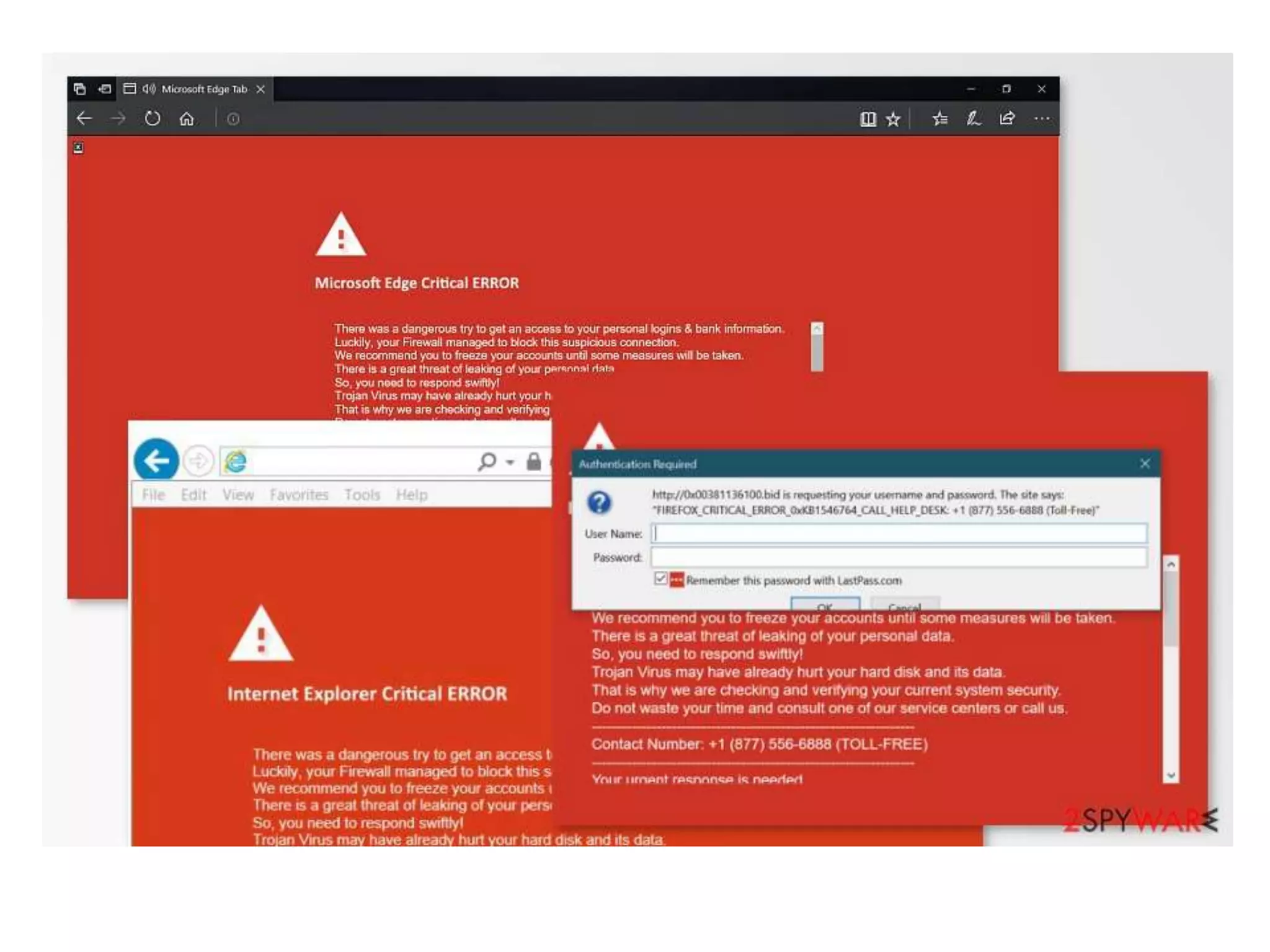
• The computer reboot automatically.
• Different types of error messages appear on
screen.
• Unexpected messages appear on screen.
• Programs don’t run in a normal way.
• Computer is running very slow.
• New files and folders are created on the hard
disk.
• Web browsers does not run properly.
System restart automatically
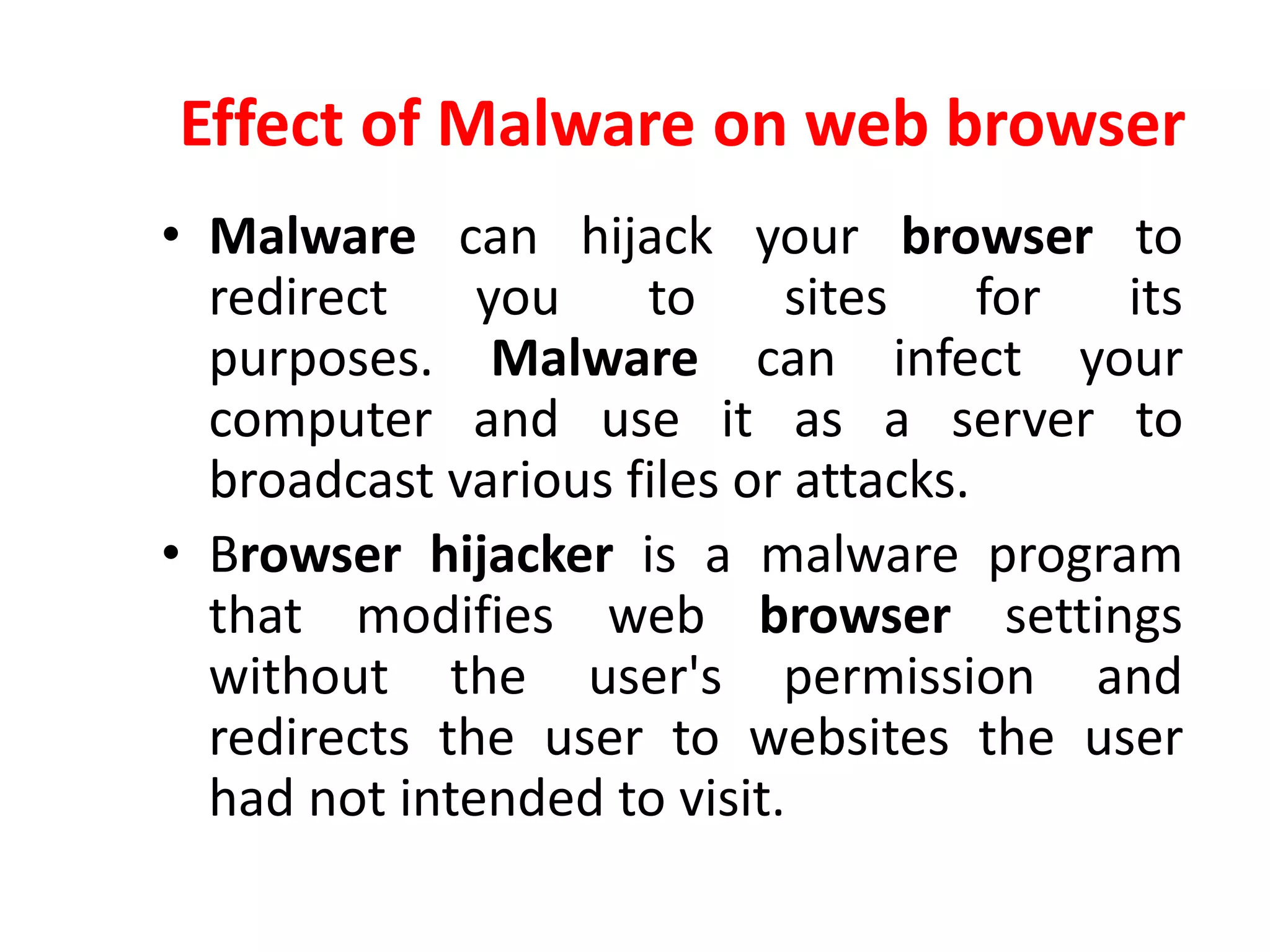
Effect of Malware on web browser
• Malware can hijack your browser to
redirect you to sites for its
purposes. Malware can infect your
computer and use it as a server to
broadcast various files or attacks.
• Browser hijacker is a malware program
that modifies web browser settings
without the user's permission and
redirects the user to websites the user
had not intended to visit.
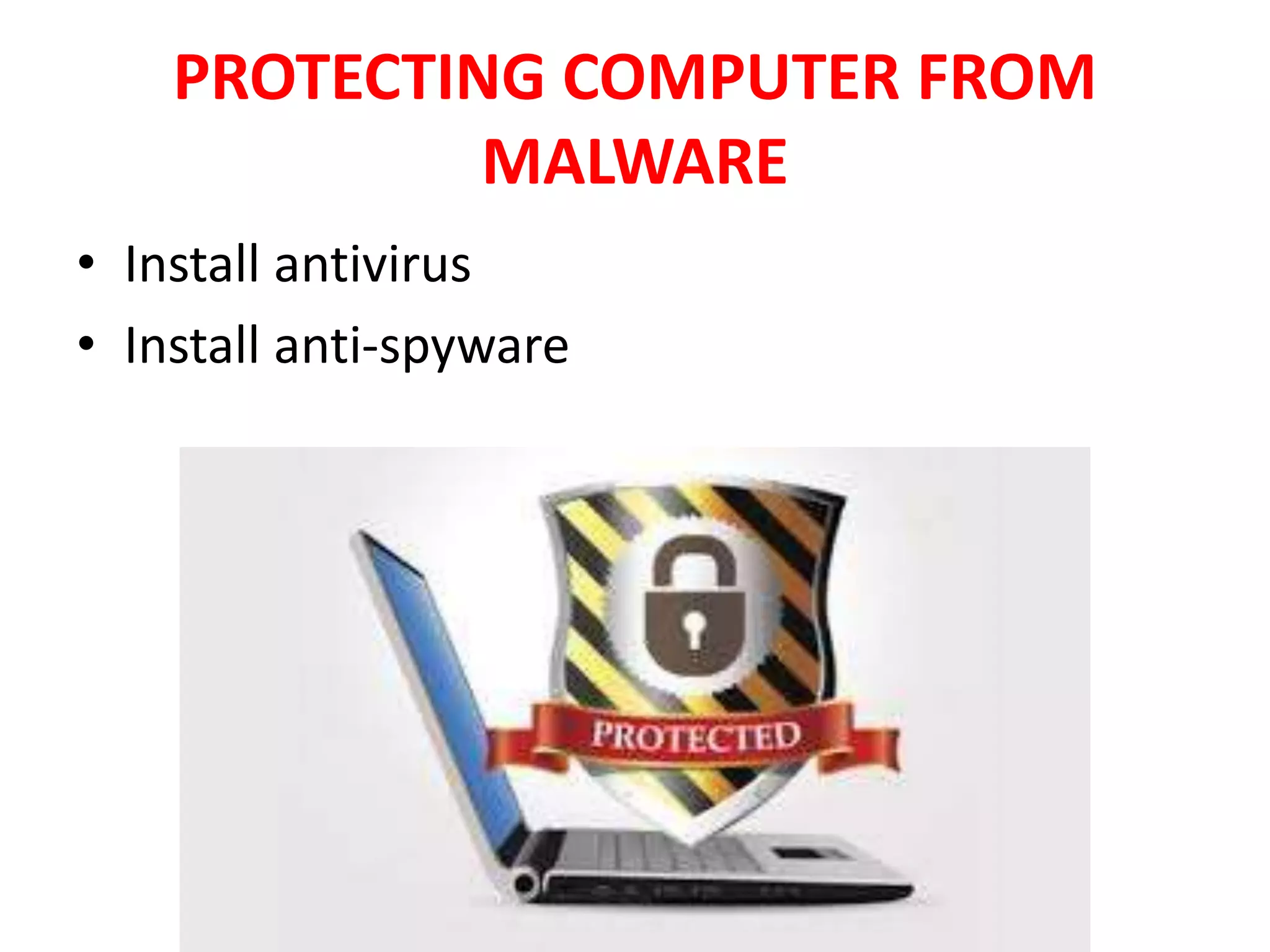
PROTECTING COMPUTER FROM
MALWARE
• Install antivirus
• Install anti-spyware
Antivirus Software
• Antivirus software is a class of program
designed to prevent, detect and
remove malware infections.
• Antivirus software typically runs as a
background process, scanning computers to
detect and restrict the spread of malware.
Antivirus Software
• Since new infections are always being made
by PC programmers, antivirus programs must
keep an updated database of the most recent
malware codes.
• Most antivirus programs auto update the
infection database all the time.
• Whenever connect a USB or any other storage
device, must run antivirus software to ensure
that it does not contain any virus.
Antispyware software
• Anti-spyware programs help to block and
prevent spyware and other malware infections
on computers.
• These programs monitor incoming data from
e-mail, websites, and downloads of files and
stop spyware programs from getting in into
computer system.
Antispyware software
• This program runs in the background of
computer and continually scan spyware
threats.
AUTHENTICATION
MECHANICS
AUTHENTICATION MECHANICS
• Mechanics of user identification and
authentication.
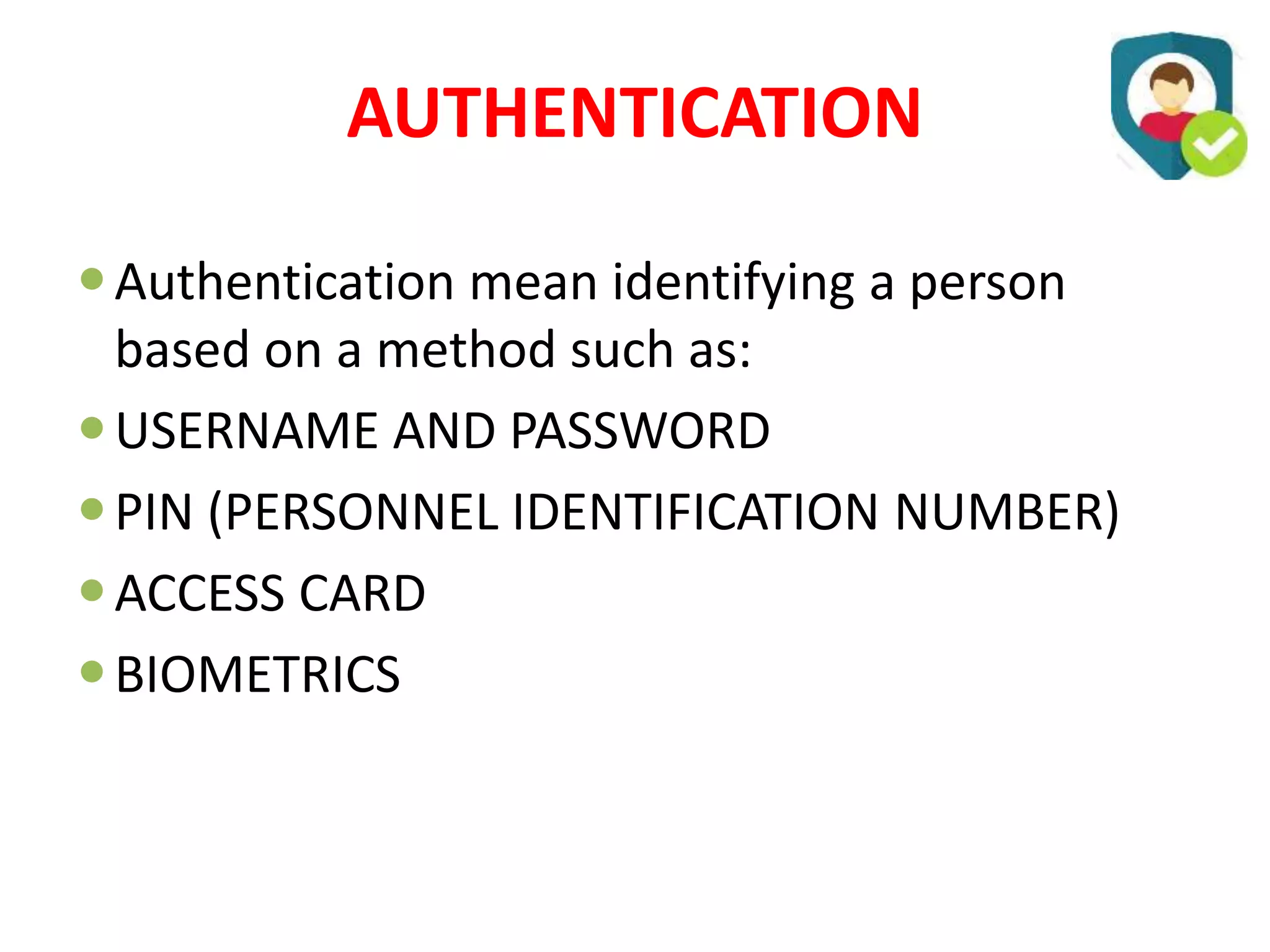
AUTHENTICATION
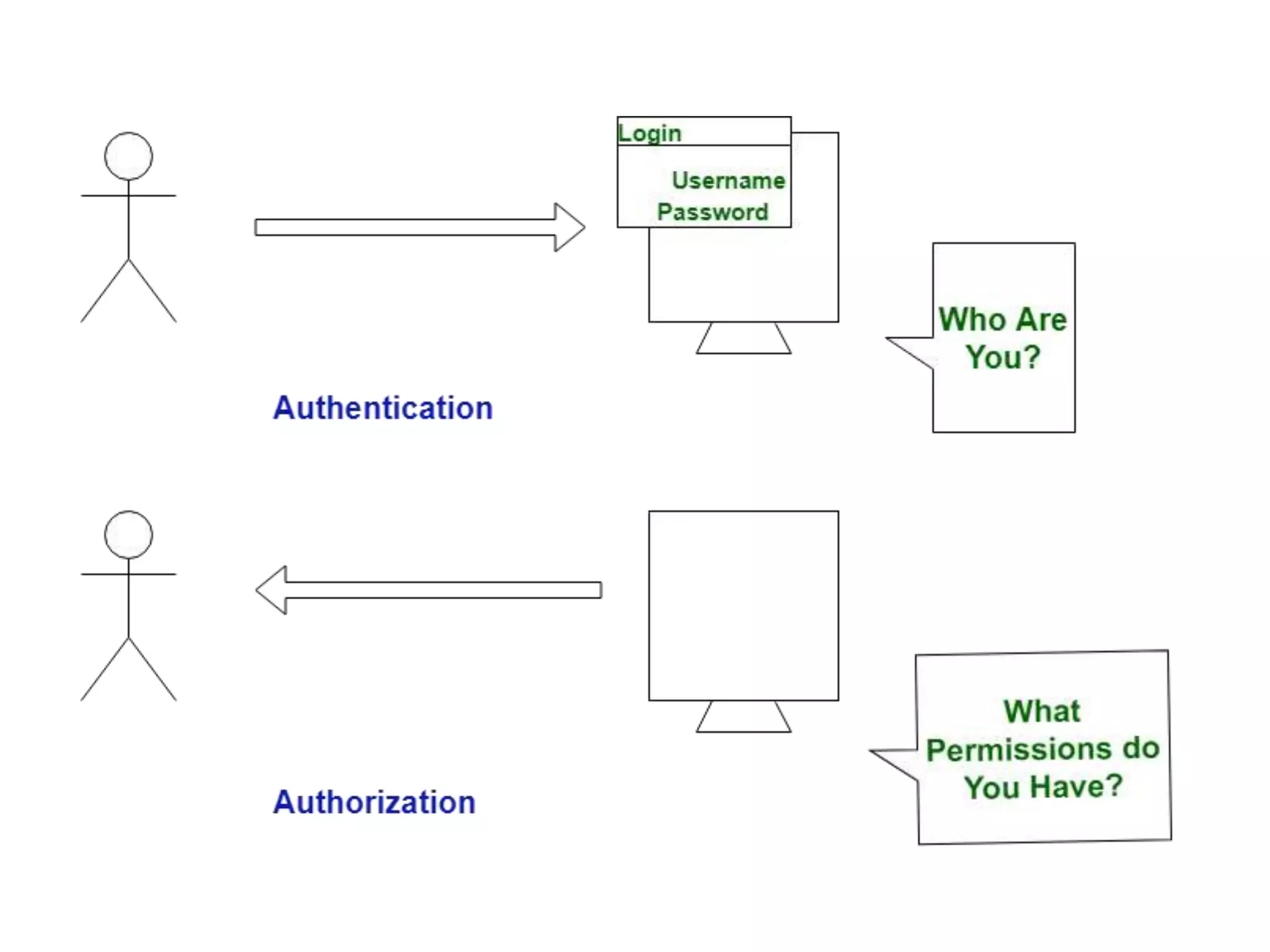
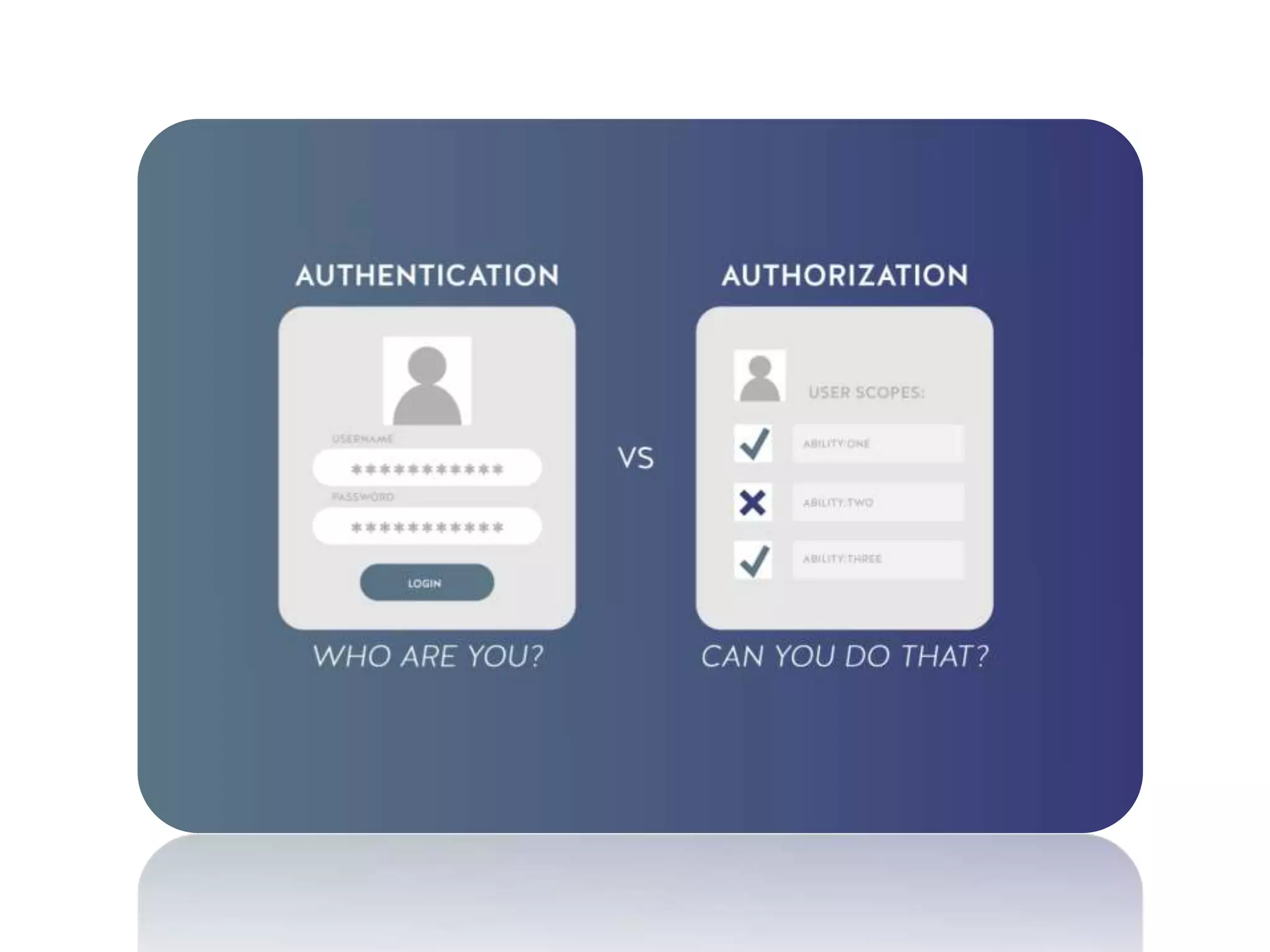
Authentication mean identifying a person
based on a method such as:
USERNAME AND PASSWORD
PIN (PERSONNEL IDENTIFICATION NUMBER)
ACCESS CARD
BIOMETRICS
AUTHORIZATION
• Authorization mean to give someone
permission to do something
UNAUTHORIZED ACCESS
• If a person gains access to a
computer system without identity
approval then he has unauthorized
access which is crime
UNAUTHORIZED ACCESS
• If a person gains access to a
computer system without identity
approval then he has unauthorized
access which is crime
AUTHENTICATION
METHODOLOGIES
AUTHENTICATION
METHODOLOGIES
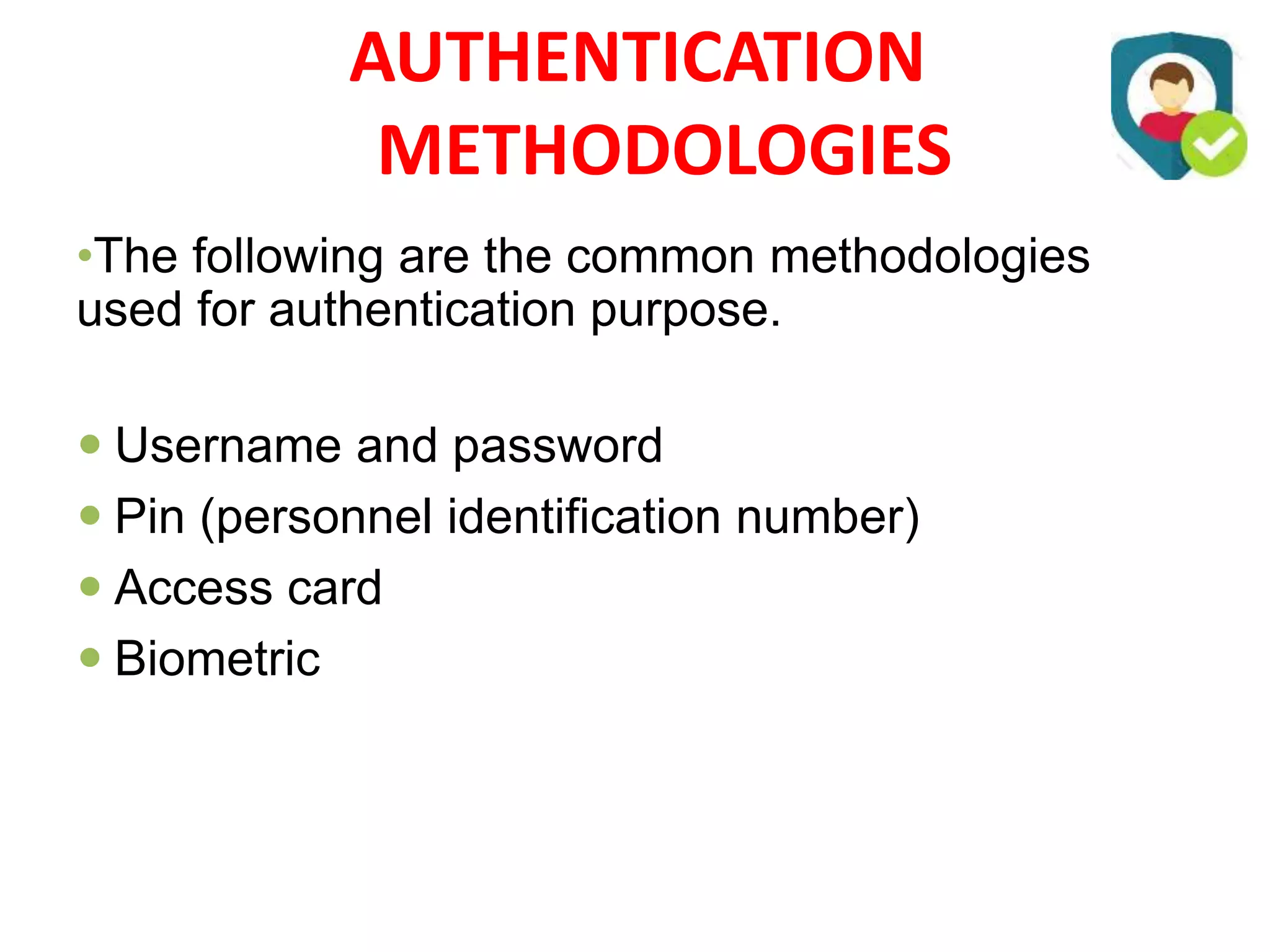
•The following are the common methodologies
used for authentication purpose.
 Username and password
 Pin (personnel identification number)
 Access card
 Biometric
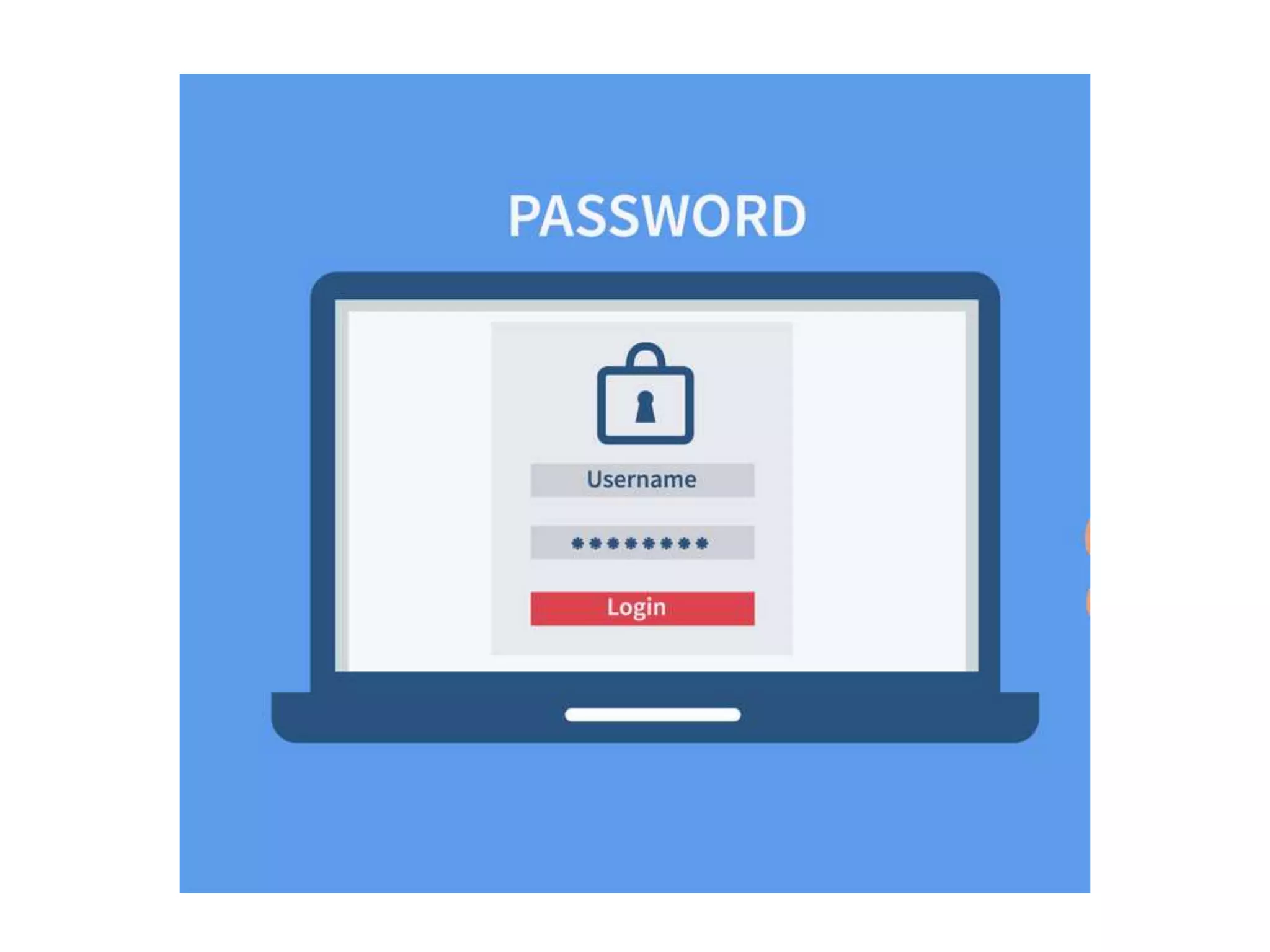
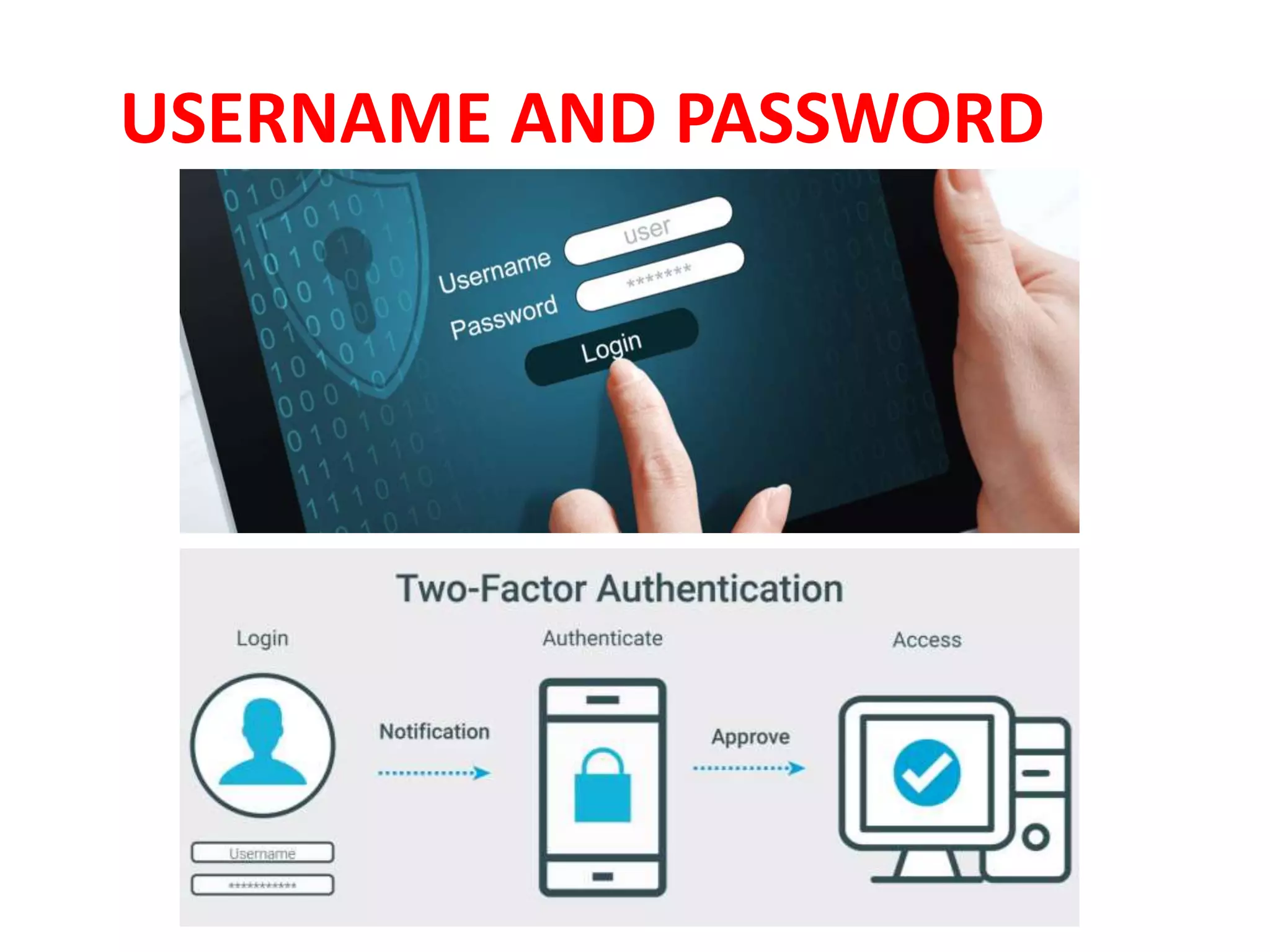
USERNAME AND PASSWORD
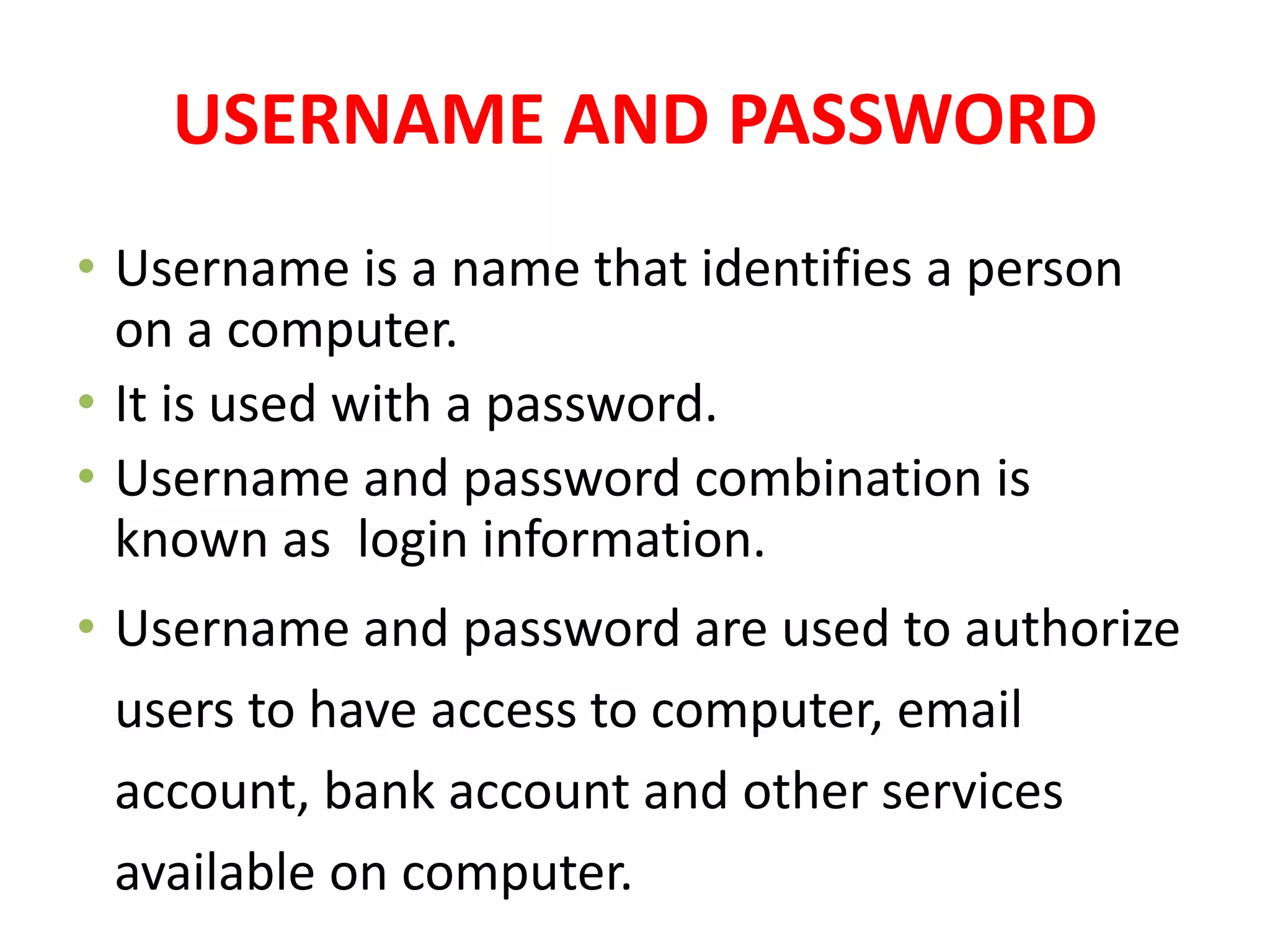
• Username is a name that identifies a person
on a computer.
• It is used with a password.
• Username and password combination is
known as login information.
• Username and password are used to authorize
users to have access to computer, email
account, bank account and other services
available on computer.
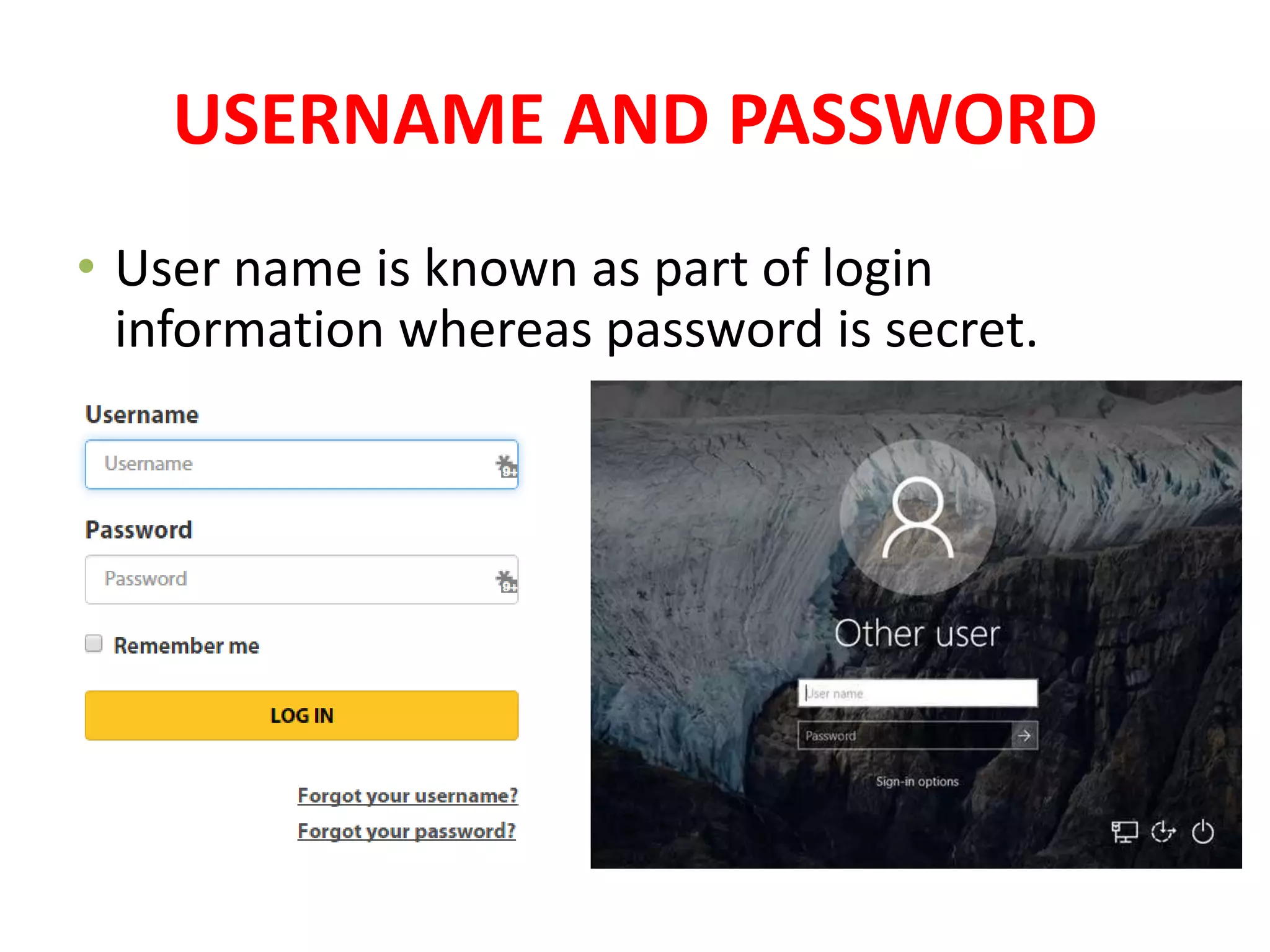
USERNAME AND PASSWORD
• User name is known as part of login
information whereas password is secret.
PIN (PERSONNEL IDENTIFICATION
NUMBER)
PIN (PERSONNEL IDENTIFICATION
NUMBER)
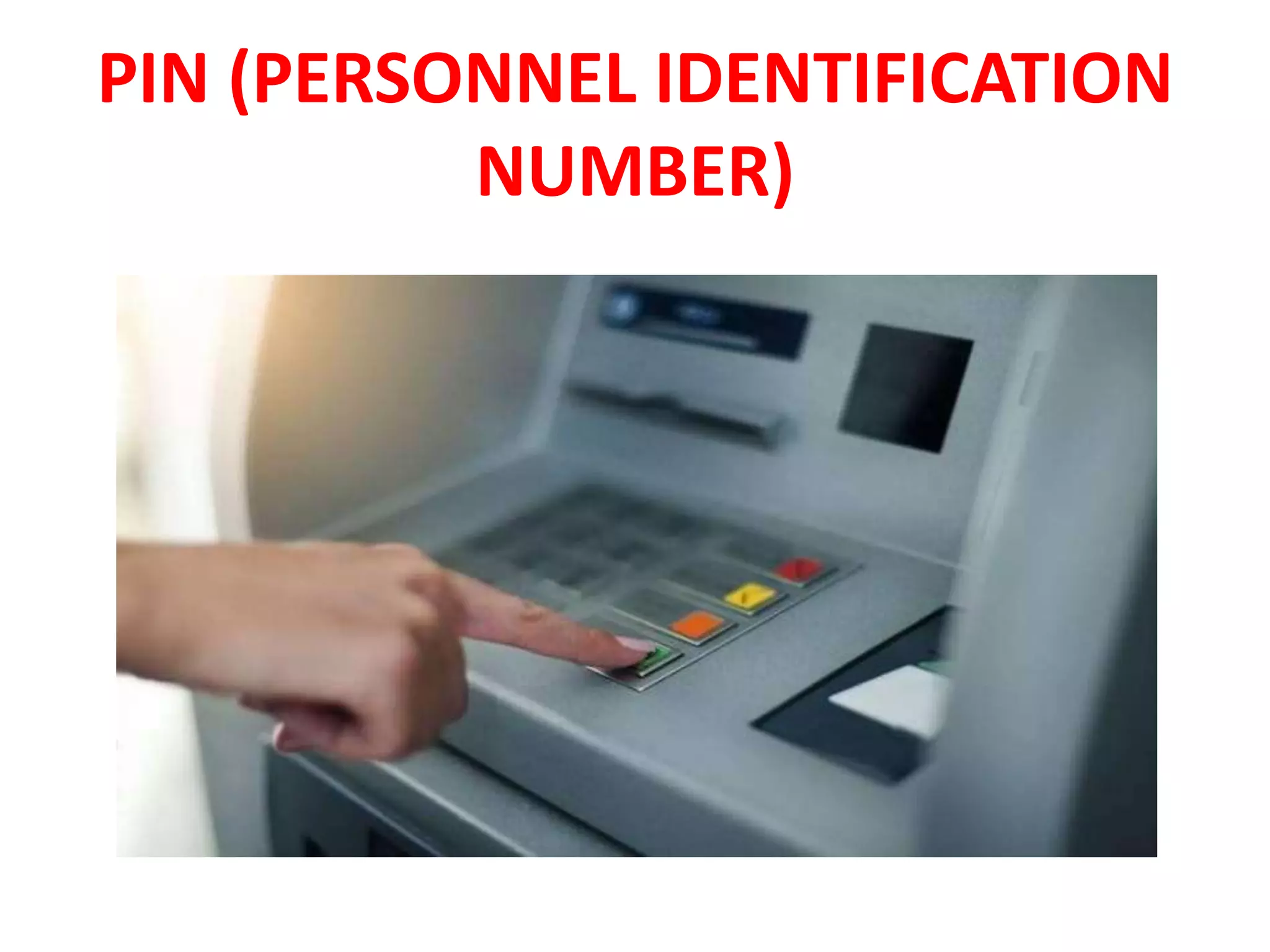
PIN is a confidential numeric password used to
authenticate a user to get access to a computer.
When a user enter the PIN, it is searched in the
database stored in computer. If it matches, the
user is authorized.
PIN are commonly used with debit and credit in
retail stores.
It is also used with ATM cards to withdraw cash
from ATM.
ACCESS CARD
ACCESS CARD
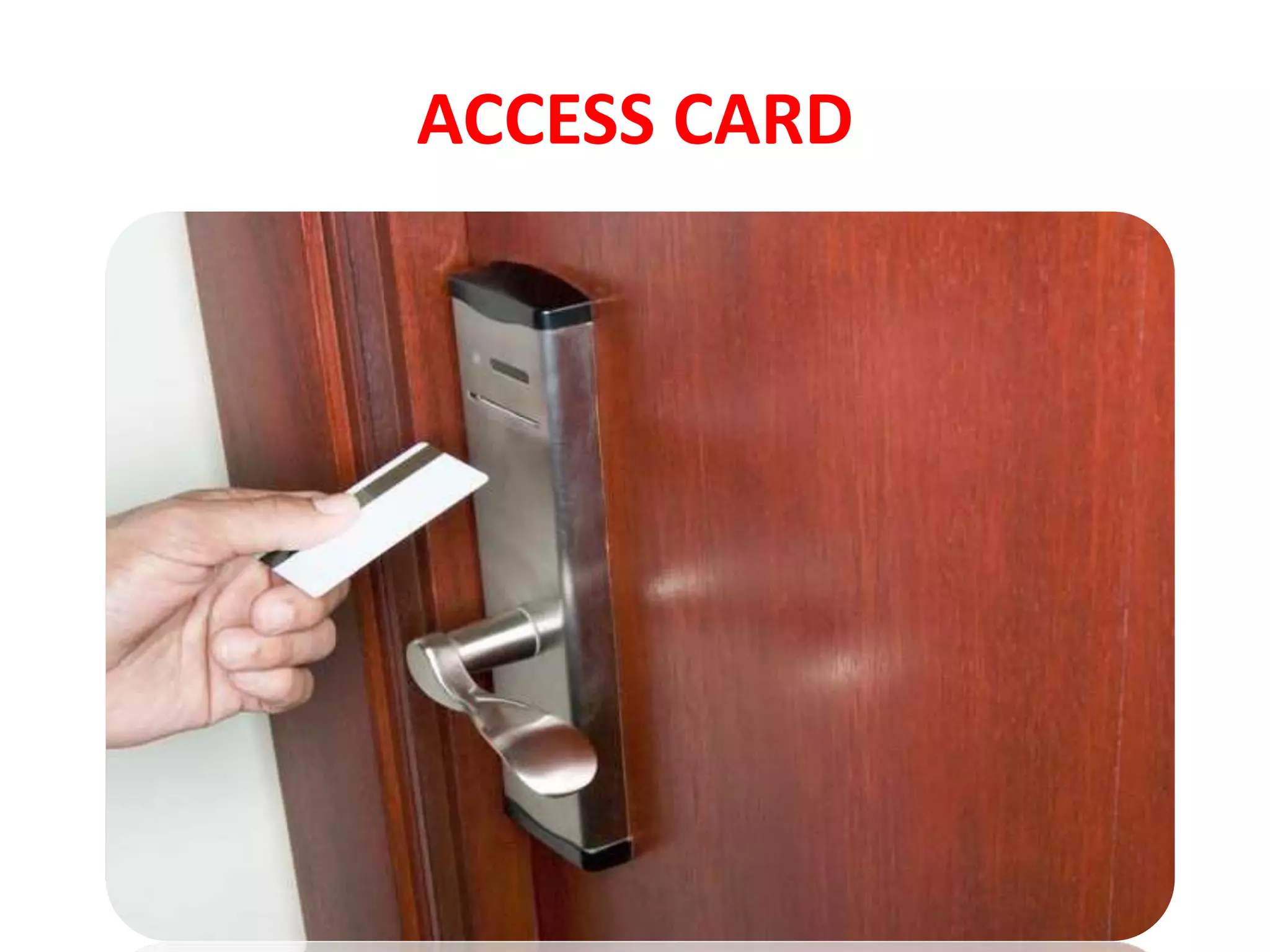
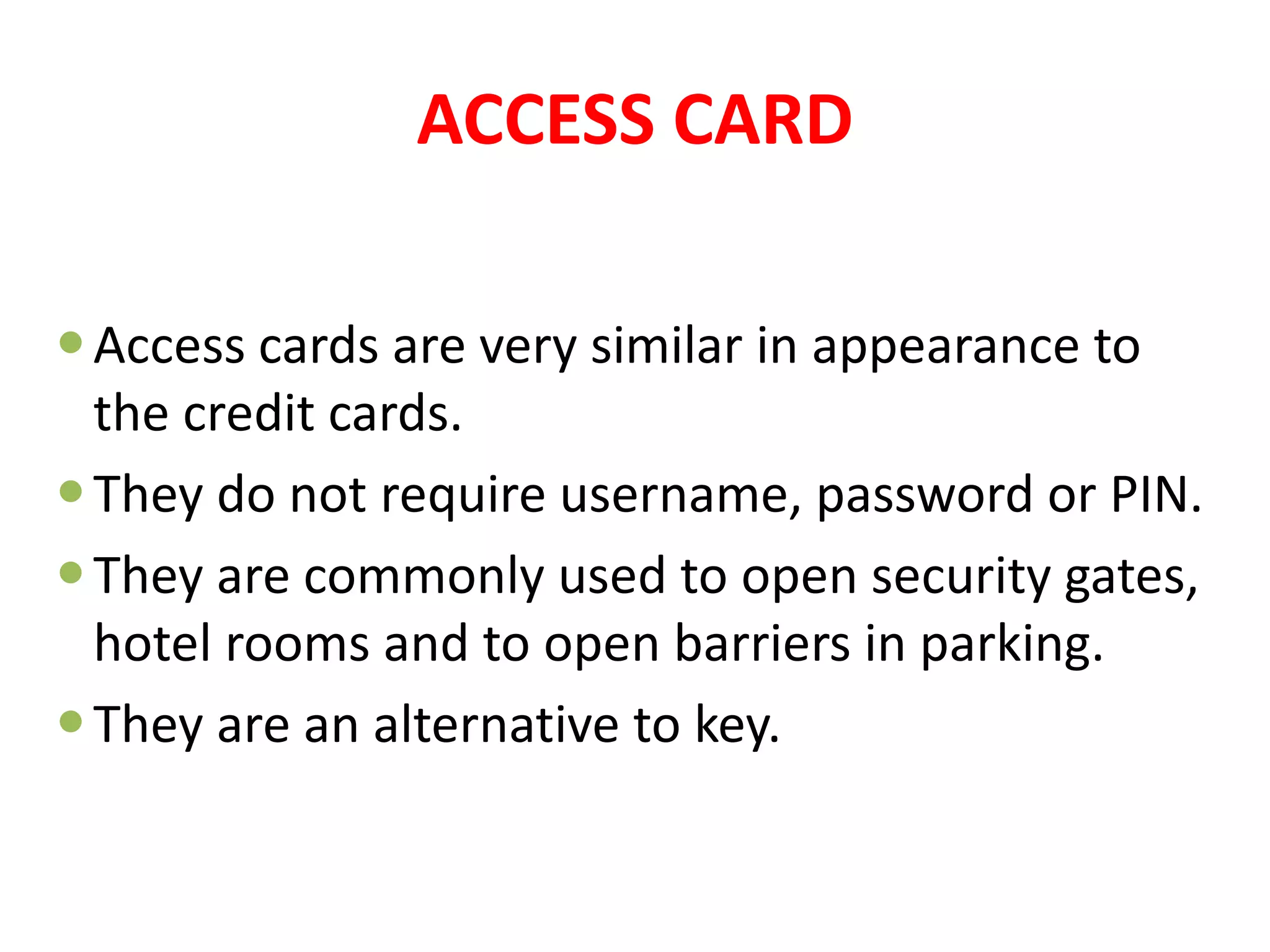
Access cards are very similar in appearance to
the credit cards.
They do not require username, password or PIN.
They are commonly used to open security gates,
hotel rooms and to open barriers in parking.
They are an alternative to key.
BIOMETRICs
BIOMETRICs
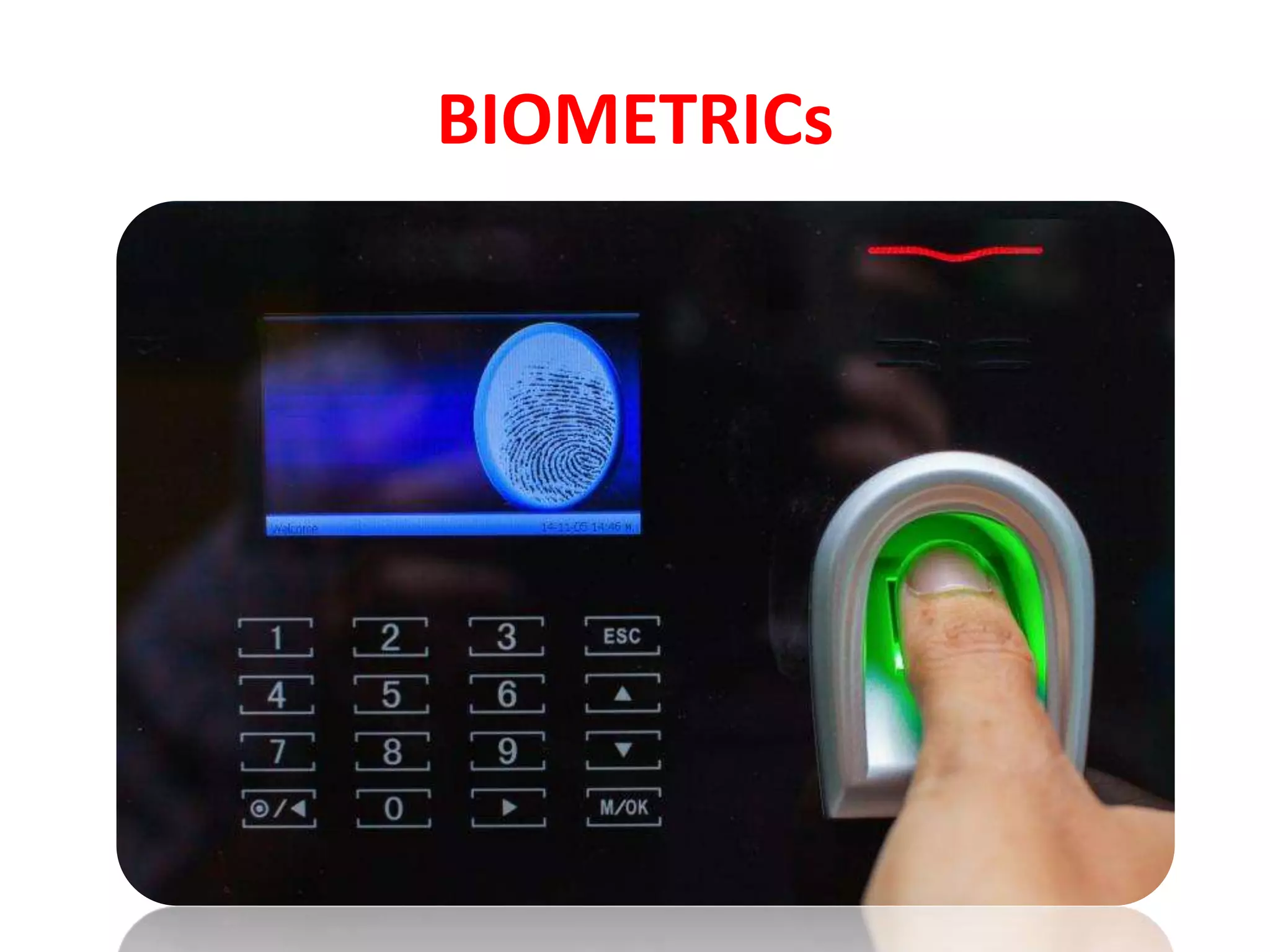
• Biometric refers to authentication method
based on the physical characteristics of
individuals such as features of face, hand
geometry, retina ,voice and fingerprint.
• It provides highly secure identification and
personal verification technologies.
• Use for financial transactions, electronic
banking and personal data privacy.
MULTIMODEL
AUTHENTICATION
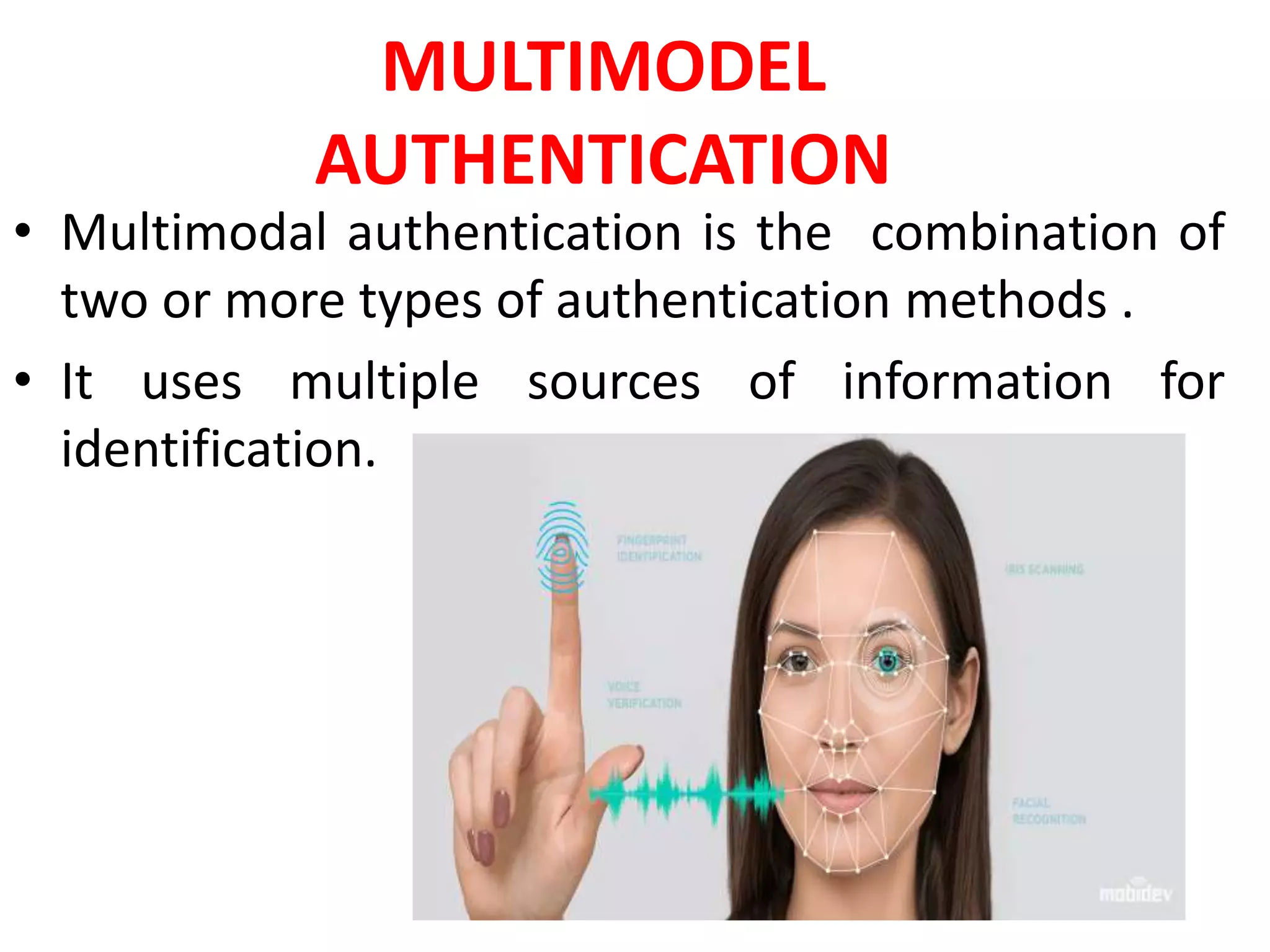
• Multimodal authentication is the combination of
two or more types of authentication methods .
• It uses multiple sources of information for
identification.
Multimodal biometrics
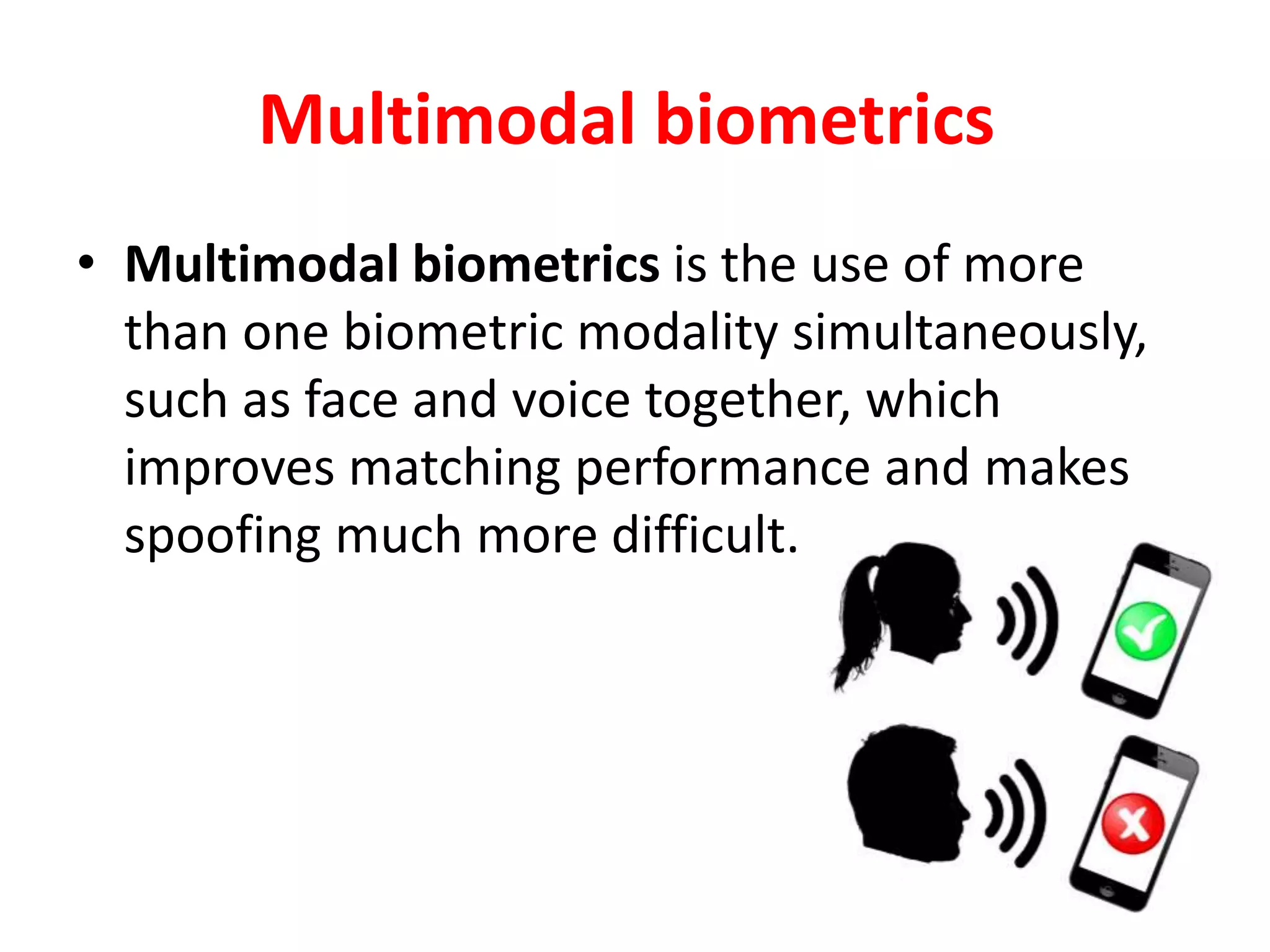
• Multimodal biometrics is the use of more
than one biometric modality simultaneously,
such as face and voice together, which
improves matching performance and makes
spoofing much more difficult.
COMPUTER ETHICS
•Computer Ethics mean an acceptable behavior
for using computer technology.
•It is a code of behavior for moral and social
issues while using computer technology,
particularly Internet.
•Computer user should be honest, respect the
rights of others on the Internet and obey laws
that apply to online behavior.
12/15/2020
COMPUTER ETHICS
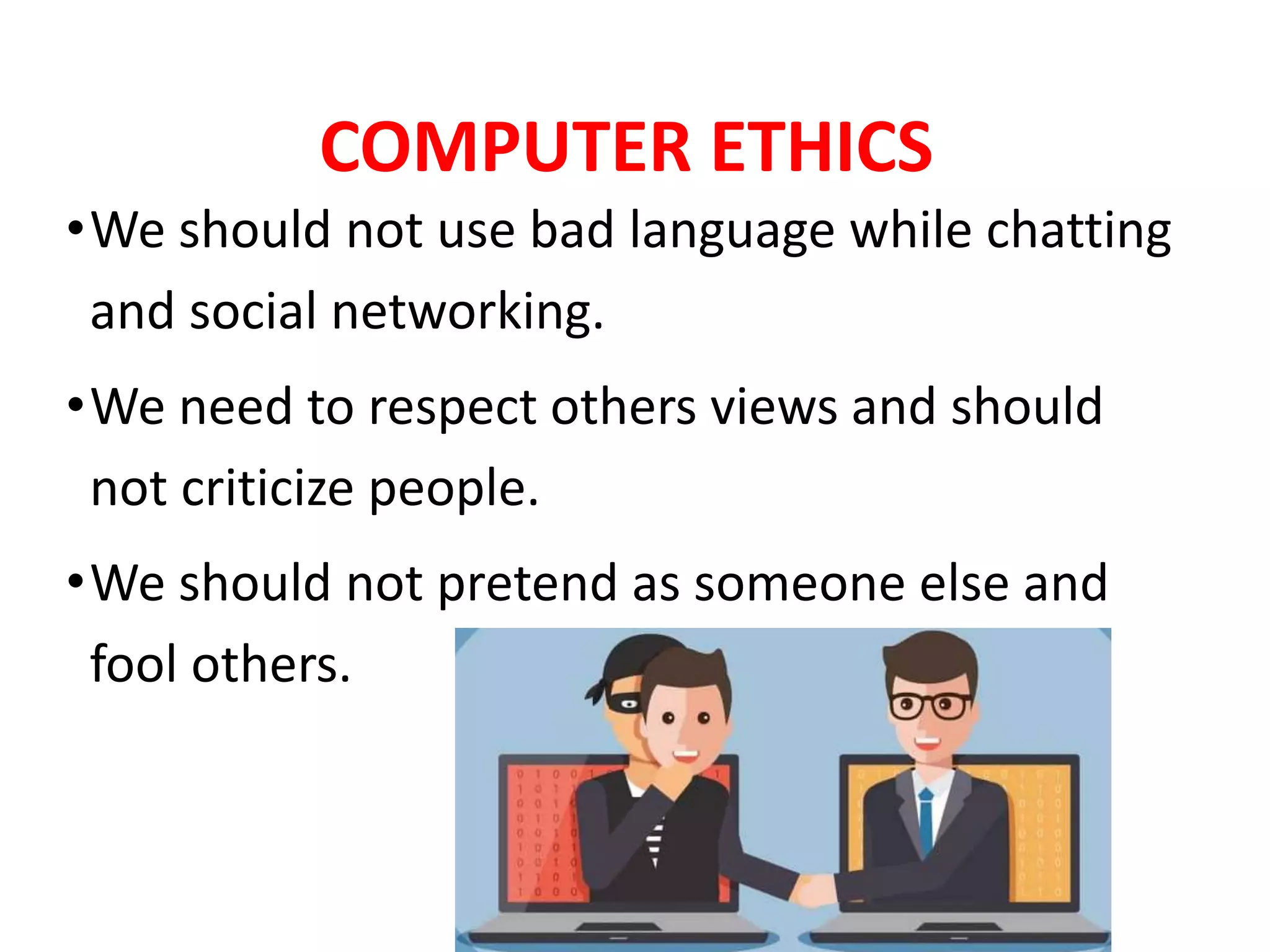
•We should not use bad language while chatting
and social networking.
•We need to respect others views and should
not criticize people.
•We should not pretend as someone else and
fool others.
COMPUTER ETHICS
•We should not download copyrighted material
such as music, movies, etc.
•People should not do something on the
internet that is objectionable or illegal.
ETHICAL USE OF COMPUTER
•The following are some important moral
guidelines for ethical use of computer
technology.
•Computer should not be used to harm other
people.
•Computer users should not break into other
computer systems to steal, change or destroy
information.
ETHICAL USE OF COMPUTER
• Computer user should not read documents
and emails of other users without their
consent.
• People should not make illegal copies of
copyright software and sell it for financial
benefit.
•Computer user who have special computer
knowledge and ability should not create
malicious software and spread it to other
computers.
ETHICAL USE OF COMPUTER
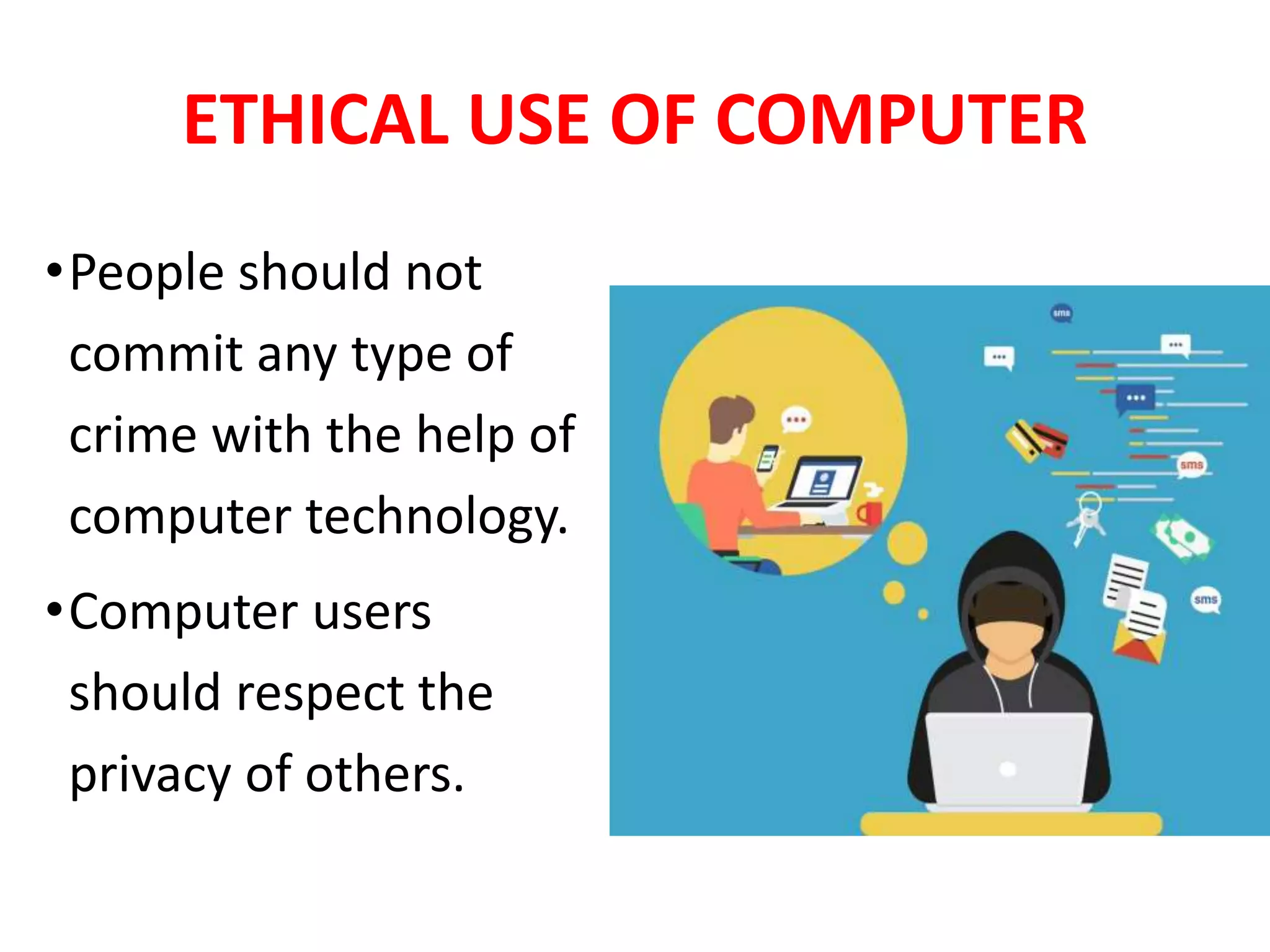
•People should not
commit any type of
crime with the help of
computer technology.
•Computer users
should respect the
privacy of others.
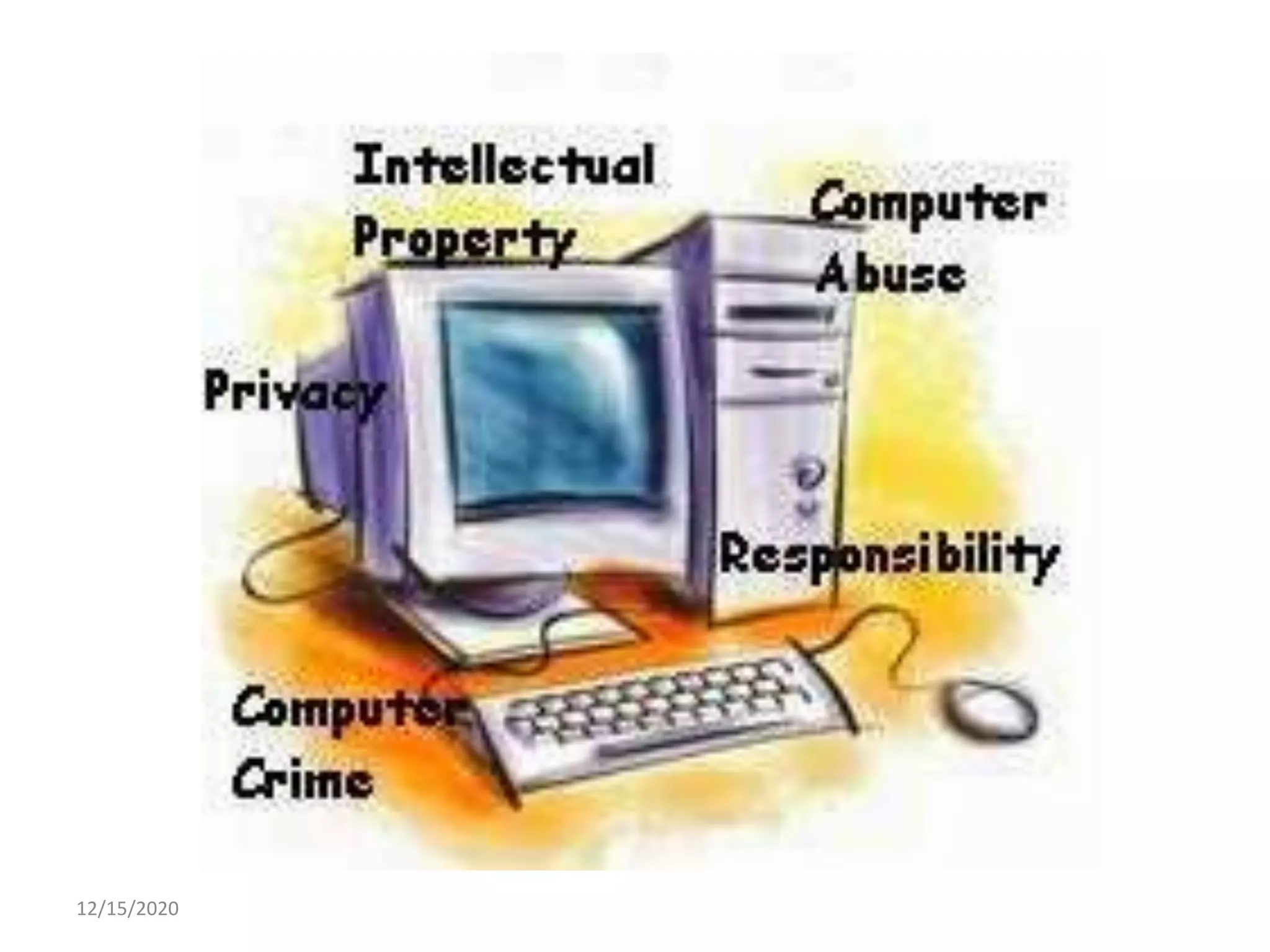
AREAS OF COMPUTER ETHICS
•The following are the main areas if Computer
Ethics.
Information accuracy
Information ownership/intellectual rights
Intellectual property
Software piracy
Information privacy
Internet and privacy
Information Accuracy
• Information stored on
computer must be
accurate, up-to-date and
complete.
• If wrong information is
entered in computer, it
can be very harmful.
Information
ownership/intellectual rights
• It means persons who create ideas in any form
are the actual owners.
• Ideas can be poem, article, play, novel, film
and drawing.
• Intellectual rights protect creative work from
unauthorized access.
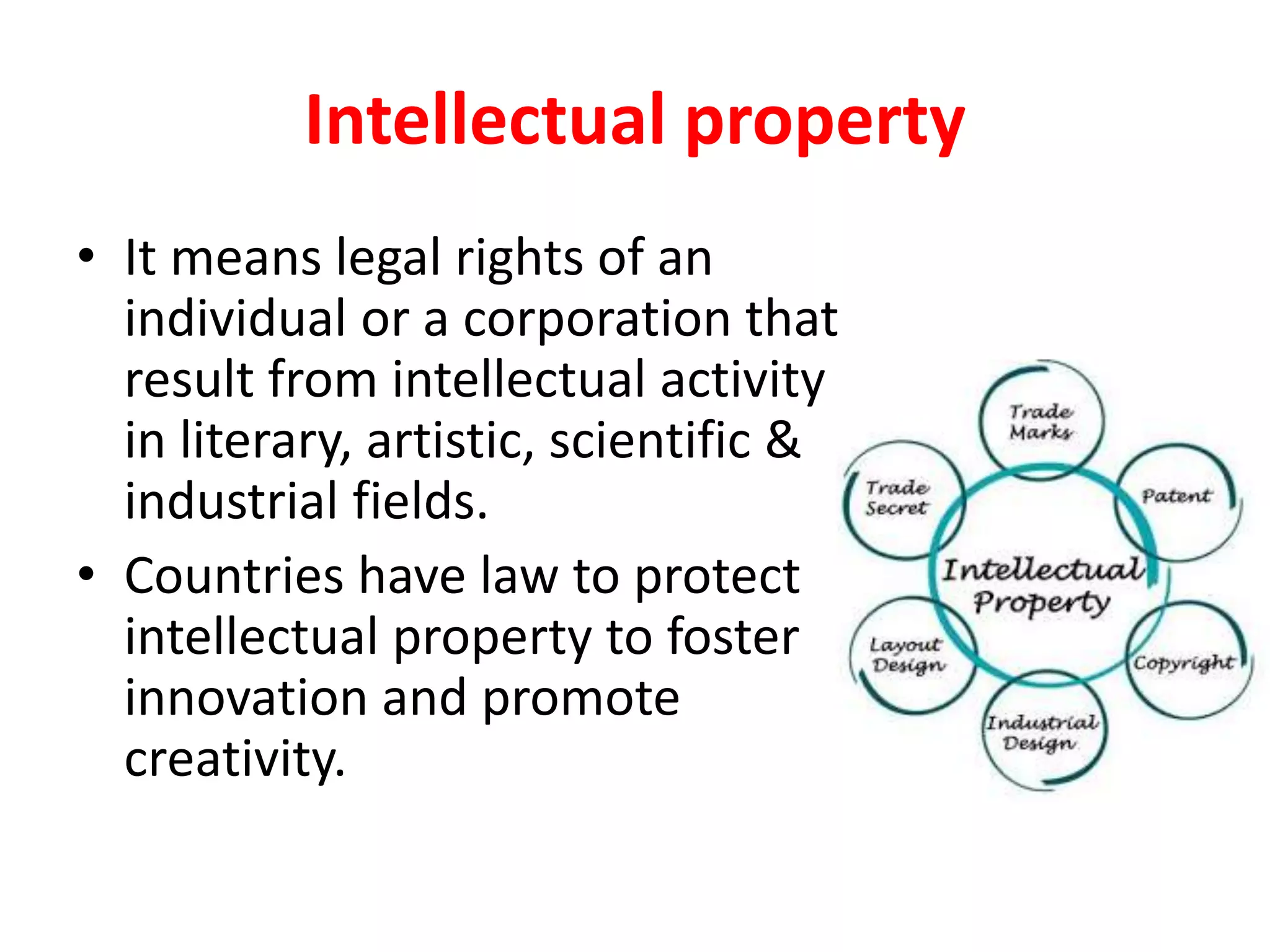
Intellectual property
• It means legal rights of an
individual or a corporation that
result from intellectual activity
in literary, artistic, scientific &
industrial fields.
• Countries have law to protect
intellectual property to foster
innovation and promote
creativity.
Software piracy
• It means making illegal copies of software for
use or sale for financial benefits.
• Software copyright law does not allow to
make illegal copies of software and install it on
other computers or sell it.
Information privacy
• It refers to an individual’s right to the privacy
of personal information.
• The Data Protection Act(law) protects the
rights of the individual against misuse of
personal information by organizations.
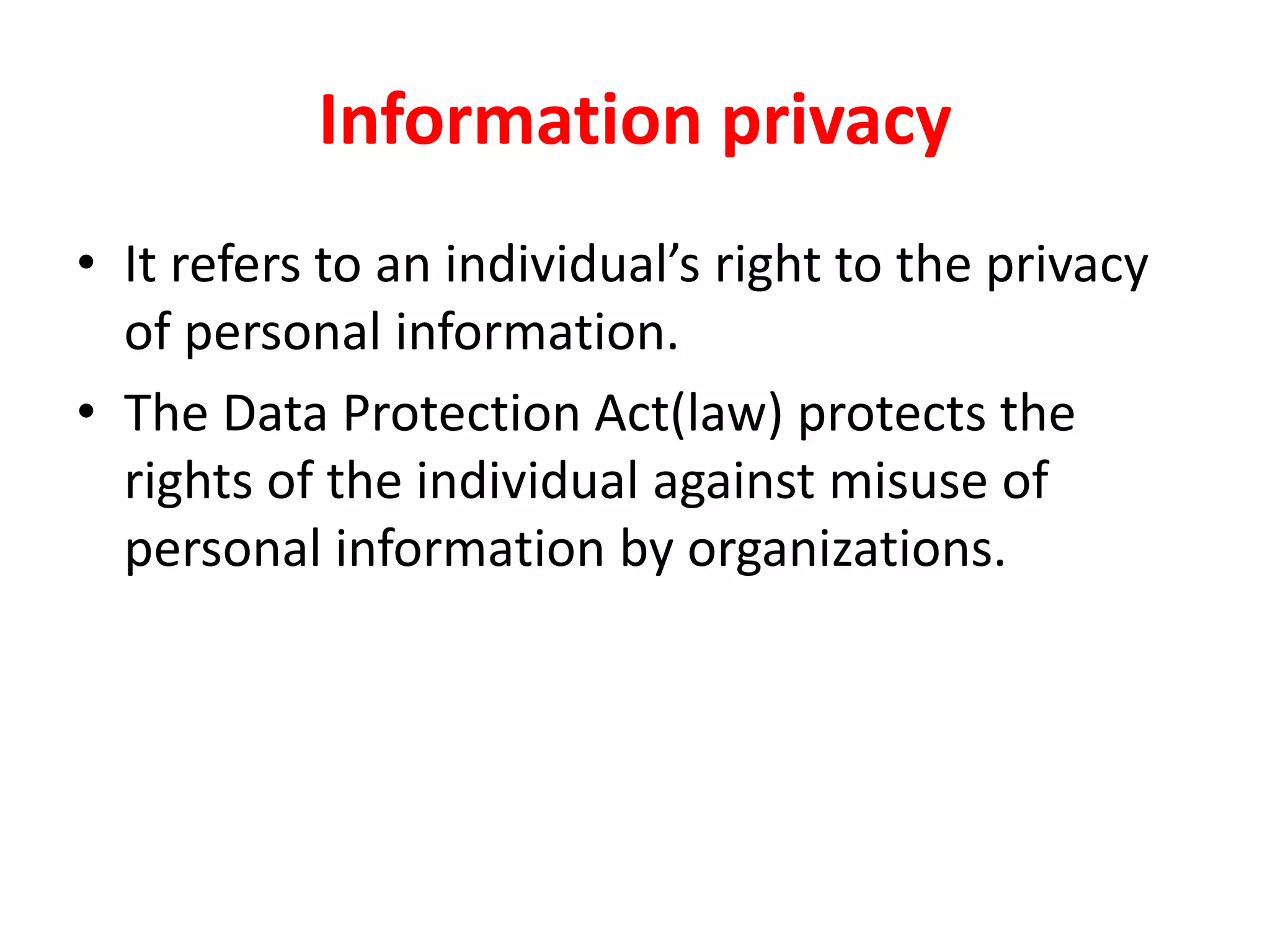
Internet and privacy
• Internet users enter personal
information in websites to sign
up register for services without
realizing that this may lead to
invasions of privacy.
• The information can be
accessed by hackers and used
for harmful purpose.
• This poses a serious threat to
privacy.
Unit14-Computer Security and ethics -downloaded.pdf

Unit14-Computer Security and ethics -downloaded.pdf

  • 2.
    SAMINA KHAN FAZAIA DEGREECOLLEGE RISALPUR
  • 3.
    COMPUTER SECURITY  Computersecurity refers to protecting computer hardware, software and information stored on computer from threats .
  • 4.
    Importance of computer security •Computer users often exchange information or communicate over internet. • This can infect a user's computer with virus or other types of malicious software. • Computer security or safety is important for computer users to protect their computers from different threats.
  • 7.
    Cyber Crime  cybercrimerefers to any crime that is committed by means of computer and internet technology by having unlawful access to other computers.  Computer & internet have improved our lives but the same technology is also used by criminals to harm the society. SAMINA KHAN, FAZAIA DEGREE COLLEGE RISALPUR
  • 8.
    Cyber crime  Cybercrime now include the activities that cross international borders and can be considered global epidemic. SAMINA KHAN, FAZAIA DEGREE COLLEGE RISALPUR
  • 9.
    Cyber crime  Thefollowing are the commonly committed cyber crimes.  Computers have been involved in crimes such as fraud, kidnapping, murder and stealing money from banks  Criminals use internet to steal personnel information of other users and commit various types of cyber crime . SAMINA KHAN, FAZAIA DEGREE COLLEGE RISALPUR
  • 10.
    Cyber crime  Downloadingillegal software, music files and videos are also cybercrimes  Internet harassment or cyber bullying is also a serious crime
  • 12.
    Hacker  A personwho illegally breaks into others computer system is known as hacker .  Hacking is a cybercrime.  Hackers are computer experts who try to gain unauthorized access to computer systems for stealing and corrupting information.  Most of the hackers break into computers for financial benefits.
  • 13.
    Hacker  They havein-depth knowledge of network programming and create software to break into networks and create problems.
  • 14.
    Cracker  Cracker isa computer user who breaks into computer systems without permission using hacking tools for personal gain or damage and commits cybercrimes.  Most of the crackers do not have professional computer skill to hack  computer systems but they have knowledge about using hacking tools.
  • 15.
    Cracker  Crackers breakinto computers and cause serious damage.  They also break into Web servers and replace the home page of a website with a page of their own design.  These criminals are dangerous and harder to catch .
  • 17.
    MALWARE AND ITSTYPES  Malware is malicious software.  It comprises of a number of harmful software that are threat to all computer users.  Malware are created to attack on privacy , destruction and financial benefits.  Worms, viruses, spyware. Adware are different types of malware.
  • 19.
    VIRUS  A computervirus is a software program that can get onto your computer when you download a file that contains the virus.  It generates it’s copies and disturb the activities of other program.  It move with data from one computer to another.
  • 20.
    VIRUS  It canspread through an email or it connect with data and spread in your computer.
  • 21.
    WORMS  A wormis a malware that transmits itself over a network to infect other computers.  Worm can be harmful like a computer.  It spreads automatically in computer networks and replicates itself.  It enters a computer through a weakness in the operating system of computer.
  • 22.
    WORMS  It cantravel from computer to computer without any human action.
  • 24.
    SPYWARE  Spyware programsare developed to spy on computer users by gathering information about their activities.  When you download a software from internet, spyware download with that software without your knowledge.  Steal passwords of computer.  Access to bank account pin
  • 25.
    SPYWARE  Developed forthe personal benefit of the creator.  Slow down the performance of computer
  • 26.
  • 28.
    ADWARE  Adware isa malware software that attaches itself to free software on the internet.  It pop up advertisements during execution of the infected program.  Pop-up block option in browsers helps protect computer from adware.  Collect user information without their permission.
  • 30.
  • 31.
    COMPUTER VIRUSES • Computerexperts create malware such as virus, worms, spyware etc and spread it through internet. • It is important to understand how malware spreads and how to protect computer from them.
  • 32.
    How malware spreads? •Malware can spread in computers through: • Infected flash drives/CDs • Pirated software • Network and internet • E-mail attachments
  • 35.
    Common symptoms ofmalware attacks • The computer reboot automatically. • Different types of error messages appear on screen. • Unexpected messages appear on screen. • Programs don’t run in a normal way. • Computer is running very slow. • New files and folders are created on the hard disk. • Web browsers does not run properly.
  • 36.
  • 37.
    Effect of Malwareon web browser • Malware can hijack your browser to redirect you to sites for its purposes. Malware can infect your computer and use it as a server to broadcast various files or attacks. • Browser hijacker is a malware program that modifies web browser settings without the user's permission and redirects the user to websites the user had not intended to visit.
  • 40.
    PROTECTING COMPUTER FROM MALWARE •Install antivirus • Install anti-spyware
  • 41.
    Antivirus Software • Antivirussoftware is a class of program designed to prevent, detect and remove malware infections. • Antivirus software typically runs as a background process, scanning computers to detect and restrict the spread of malware.
  • 42.
    Antivirus Software • Sincenew infections are always being made by PC programmers, antivirus programs must keep an updated database of the most recent malware codes. • Most antivirus programs auto update the infection database all the time. • Whenever connect a USB or any other storage device, must run antivirus software to ensure that it does not contain any virus.
  • 44.
    Antispyware software • Anti-spywareprograms help to block and prevent spyware and other malware infections on computers. • These programs monitor incoming data from e-mail, websites, and downloads of files and stop spyware programs from getting in into computer system.
  • 45.
    Antispyware software • Thisprogram runs in the background of computer and continually scan spyware threats.
  • 46.
  • 47.
    AUTHENTICATION MECHANICS • Mechanicsof user identification and authentication.
  • 48.
    AUTHENTICATION Authentication mean identifyinga person based on a method such as: USERNAME AND PASSWORD PIN (PERSONNEL IDENTIFICATION NUMBER) ACCESS CARD BIOMETRICS
  • 50.
    AUTHORIZATION • Authorization meanto give someone permission to do something
  • 53.
    UNAUTHORIZED ACCESS • Ifa person gains access to a computer system without identity approval then he has unauthorized access which is crime
  • 54.
    UNAUTHORIZED ACCESS • Ifa person gains access to a computer system without identity approval then he has unauthorized access which is crime
  • 55.
  • 56.
    AUTHENTICATION METHODOLOGIES •The following arethe common methodologies used for authentication purpose.  Username and password  Pin (personnel identification number)  Access card  Biometric
  • 57.
  • 58.
    USERNAME AND PASSWORD •Username is a name that identifies a person on a computer. • It is used with a password. • Username and password combination is known as login information. • Username and password are used to authorize users to have access to computer, email account, bank account and other services available on computer.
  • 59.
    USERNAME AND PASSWORD •User name is known as part of login information whereas password is secret.
  • 60.
  • 61.
    PIN (PERSONNEL IDENTIFICATION NUMBER) PINis a confidential numeric password used to authenticate a user to get access to a computer. When a user enter the PIN, it is searched in the database stored in computer. If it matches, the user is authorized. PIN are commonly used with debit and credit in retail stores. It is also used with ATM cards to withdraw cash from ATM.
  • 62.
  • 63.
    ACCESS CARD Access cardsare very similar in appearance to the credit cards. They do not require username, password or PIN. They are commonly used to open security gates, hotel rooms and to open barriers in parking. They are an alternative to key.
  • 64.
  • 65.
    BIOMETRICs • Biometric refersto authentication method based on the physical characteristics of individuals such as features of face, hand geometry, retina ,voice and fingerprint. • It provides highly secure identification and personal verification technologies. • Use for financial transactions, electronic banking and personal data privacy.
  • 66.
    MULTIMODEL AUTHENTICATION • Multimodal authenticationis the combination of two or more types of authentication methods . • It uses multiple sources of information for identification.
  • 67.
    Multimodal biometrics • Multimodalbiometrics is the use of more than one biometric modality simultaneously, such as face and voice together, which improves matching performance and makes spoofing much more difficult.
  • 69.
    COMPUTER ETHICS •Computer Ethicsmean an acceptable behavior for using computer technology. •It is a code of behavior for moral and social issues while using computer technology, particularly Internet. •Computer user should be honest, respect the rights of others on the Internet and obey laws that apply to online behavior.
  • 70.
  • 71.
    COMPUTER ETHICS •We shouldnot use bad language while chatting and social networking. •We need to respect others views and should not criticize people. •We should not pretend as someone else and fool others.
  • 72.
    COMPUTER ETHICS •We shouldnot download copyrighted material such as music, movies, etc. •People should not do something on the internet that is objectionable or illegal.
  • 73.
    ETHICAL USE OFCOMPUTER •The following are some important moral guidelines for ethical use of computer technology. •Computer should not be used to harm other people. •Computer users should not break into other computer systems to steal, change or destroy information.
  • 74.
    ETHICAL USE OFCOMPUTER • Computer user should not read documents and emails of other users without their consent. • People should not make illegal copies of copyright software and sell it for financial benefit. •Computer user who have special computer knowledge and ability should not create malicious software and spread it to other computers.
  • 75.
    ETHICAL USE OFCOMPUTER •People should not commit any type of crime with the help of computer technology. •Computer users should respect the privacy of others.
  • 76.
    AREAS OF COMPUTERETHICS •The following are the main areas if Computer Ethics. Information accuracy Information ownership/intellectual rights Intellectual property Software piracy Information privacy Internet and privacy
  • 77.
    Information Accuracy • Informationstored on computer must be accurate, up-to-date and complete. • If wrong information is entered in computer, it can be very harmful.
  • 78.
    Information ownership/intellectual rights • Itmeans persons who create ideas in any form are the actual owners. • Ideas can be poem, article, play, novel, film and drawing. • Intellectual rights protect creative work from unauthorized access.
  • 79.
    Intellectual property • Itmeans legal rights of an individual or a corporation that result from intellectual activity in literary, artistic, scientific & industrial fields. • Countries have law to protect intellectual property to foster innovation and promote creativity.
  • 80.
    Software piracy • Itmeans making illegal copies of software for use or sale for financial benefits. • Software copyright law does not allow to make illegal copies of software and install it on other computers or sell it.
  • 81.
    Information privacy • Itrefers to an individual’s right to the privacy of personal information. • The Data Protection Act(law) protects the rights of the individual against misuse of personal information by organizations.
  • 82.
    Internet and privacy •Internet users enter personal information in websites to sign up register for services without realizing that this may lead to invasions of privacy. • The information can be accessed by hackers and used for harmful purpose. • This poses a serious threat to privacy.