Sainath  BT Frontline  [email_address]   MVP – Active Directory Microsoft Technet Moderator – Win2k8 , Networking Microsoft Technet Magazine – Author Microsoft Speaker – SWUG
Windows Debugging
Basic Terms Process  Thread  User mode  Kernel mode  Call stack  Register  Exception
Basic Terms IRQL  Interrupt  Free Build Check Build Paging Non paged pool Paged pool
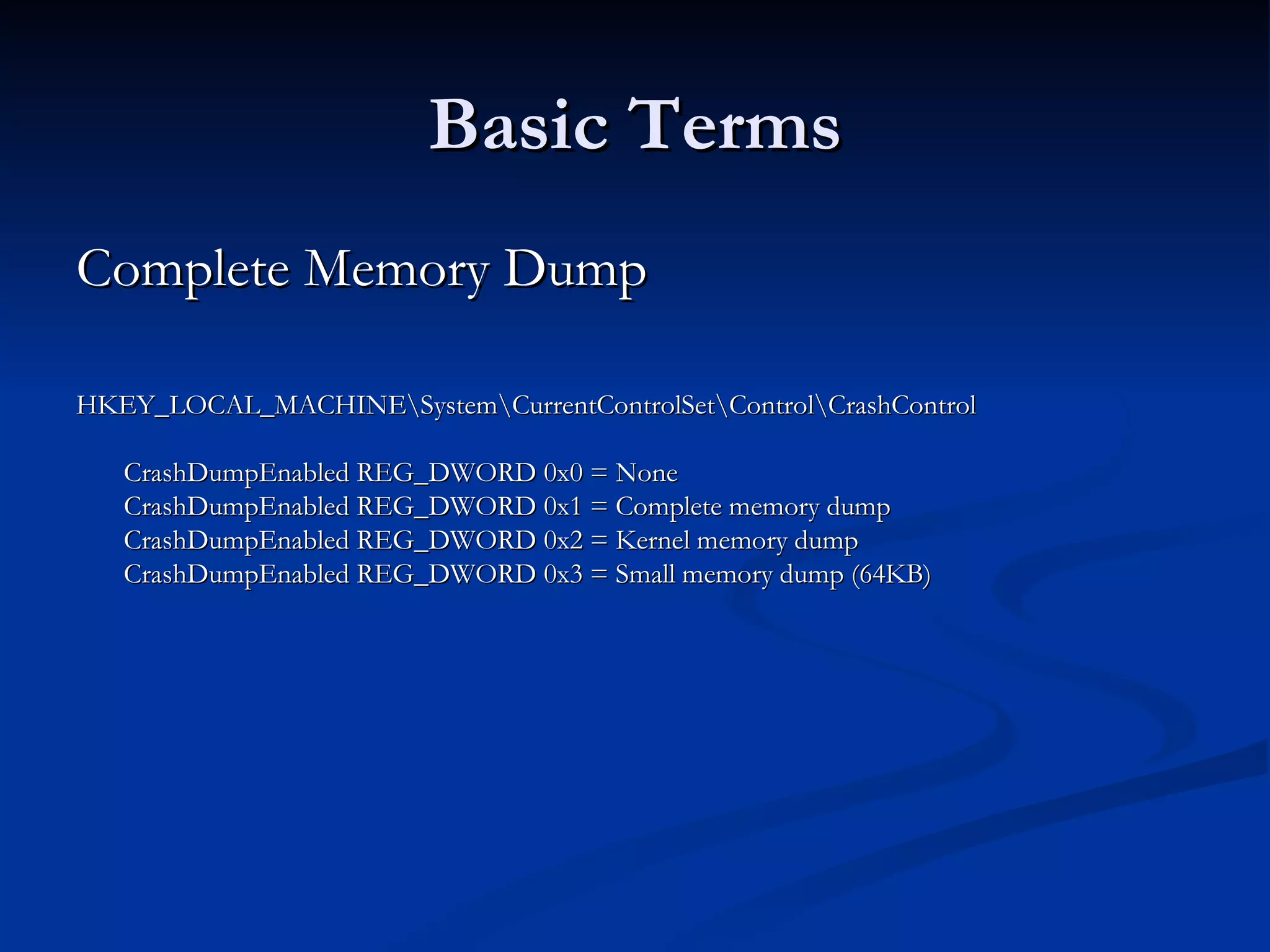
Basic Terms Complete Memory Dump  HKEY_LOCAL_MACHINE\System\CurrentControlSet\Control\CrashControl CrashDumpEnabled REG_DWORD 0x0 = None CrashDumpEnabled REG_DWORD 0x1 = Complete memory dump CrashDumpEnabled REG_DWORD 0x2 = Kernel memory dump CrashDumpEnabled REG_DWORD 0x3 = Small memory dump (64KB)
ASK A QUESTION TO PROCEED  
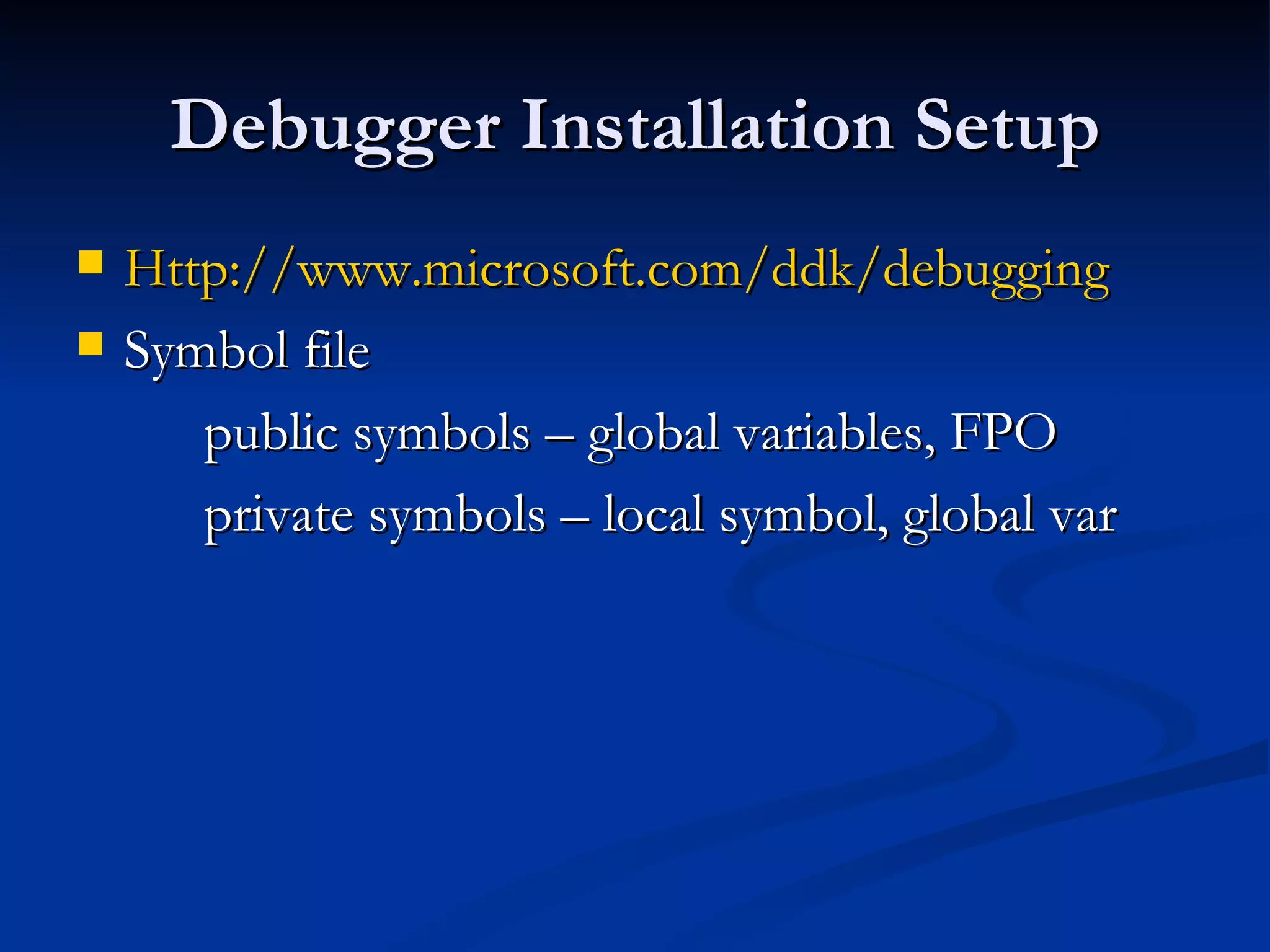
Debugger Installation Setup Http://www.microsoft.com/ddk/debugging Symbol file  public symbols – global variables, FPO private symbols – local symbol, global var
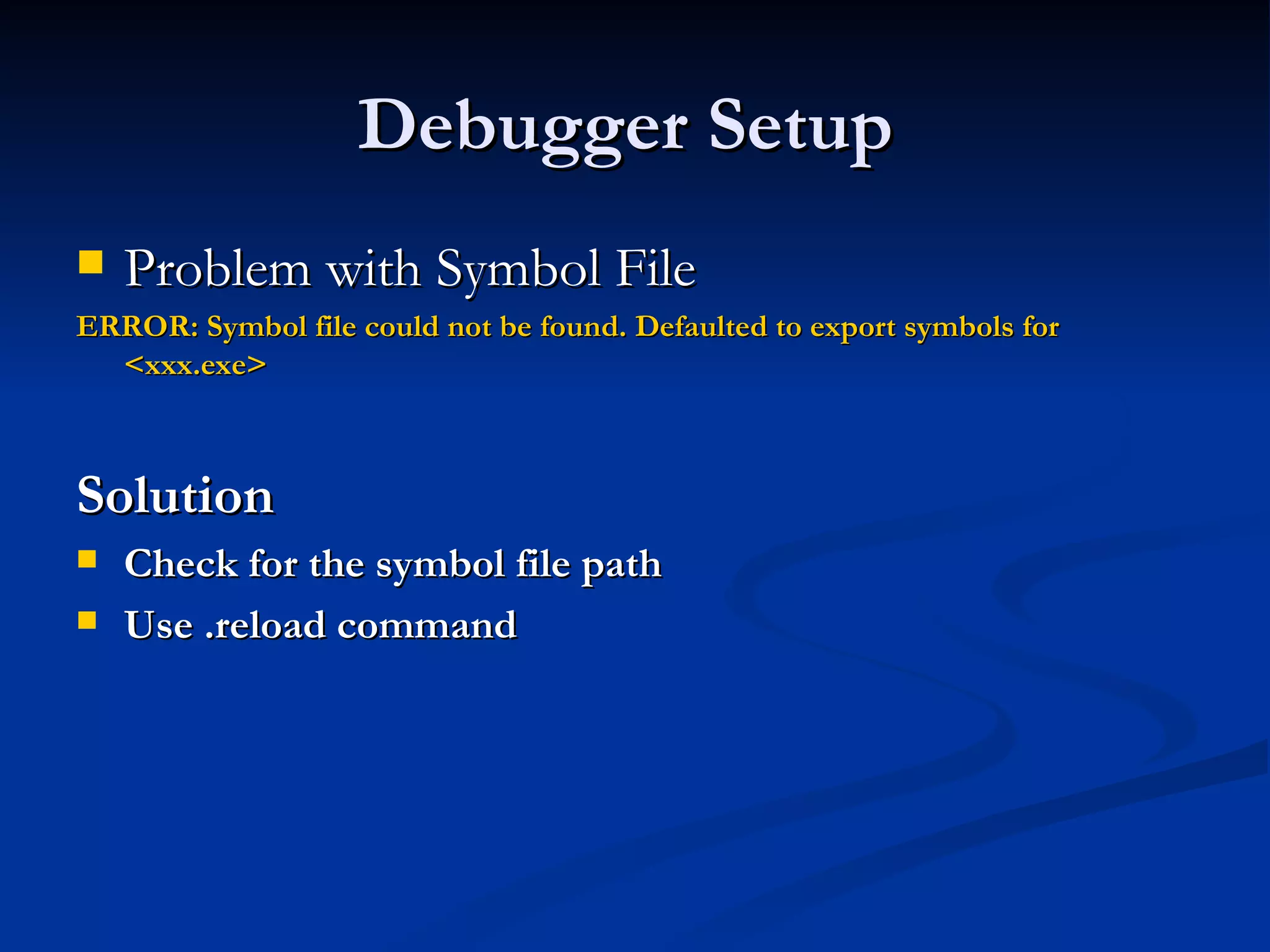
Debugger Setup  Problem with Symbol File  ERROR: Symbol file could not be found. Defaulted to export symbols for <xxx.exe>   Solution  Check for the symbol file path  Use .reload command
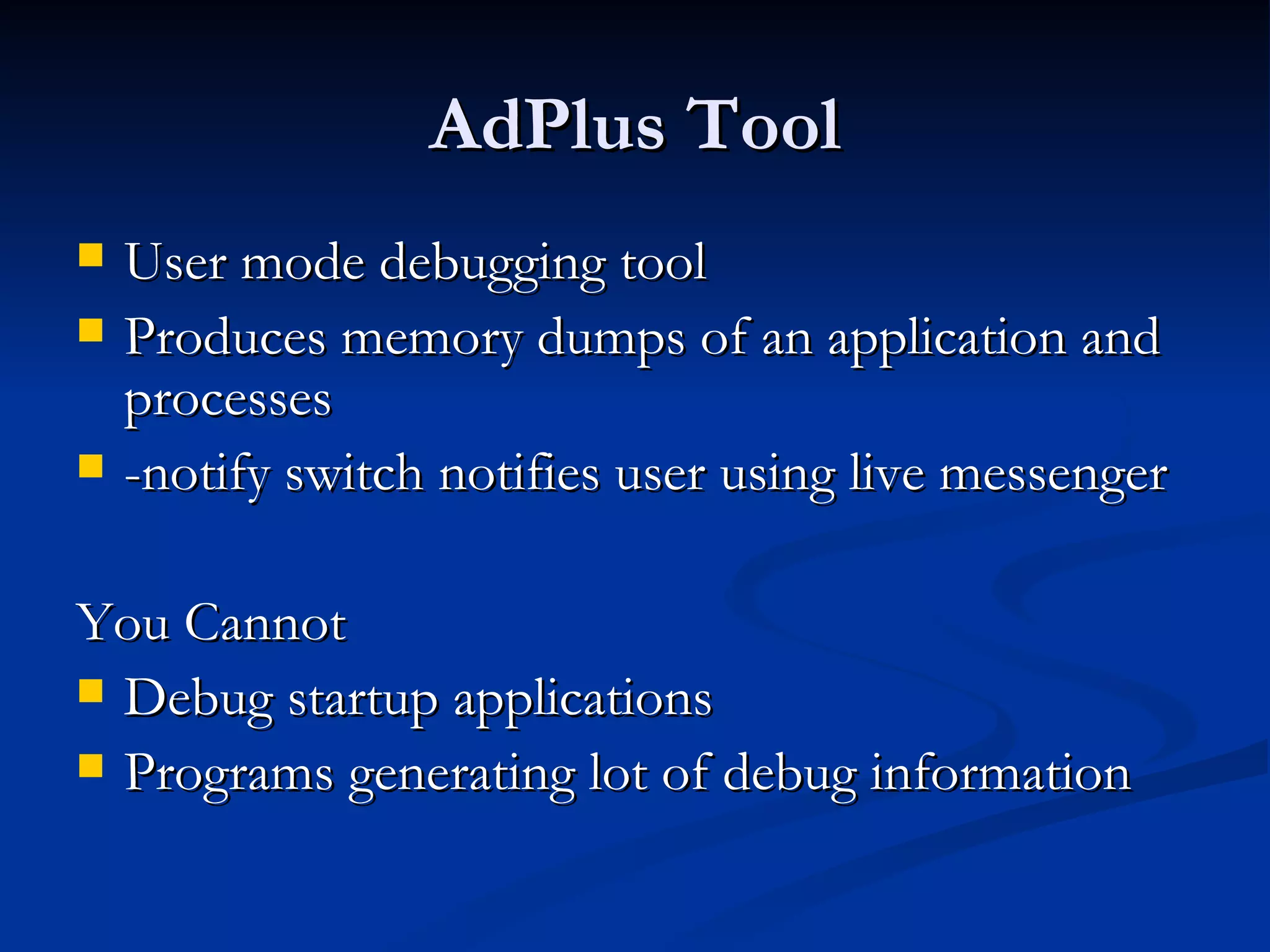
AdPlus Tool User mode debugging tool  Produces memory dumps of an application and processes -notify switch notifies user using live messenger You Cannot  Debug startup applications  Programs generating lot of debug information
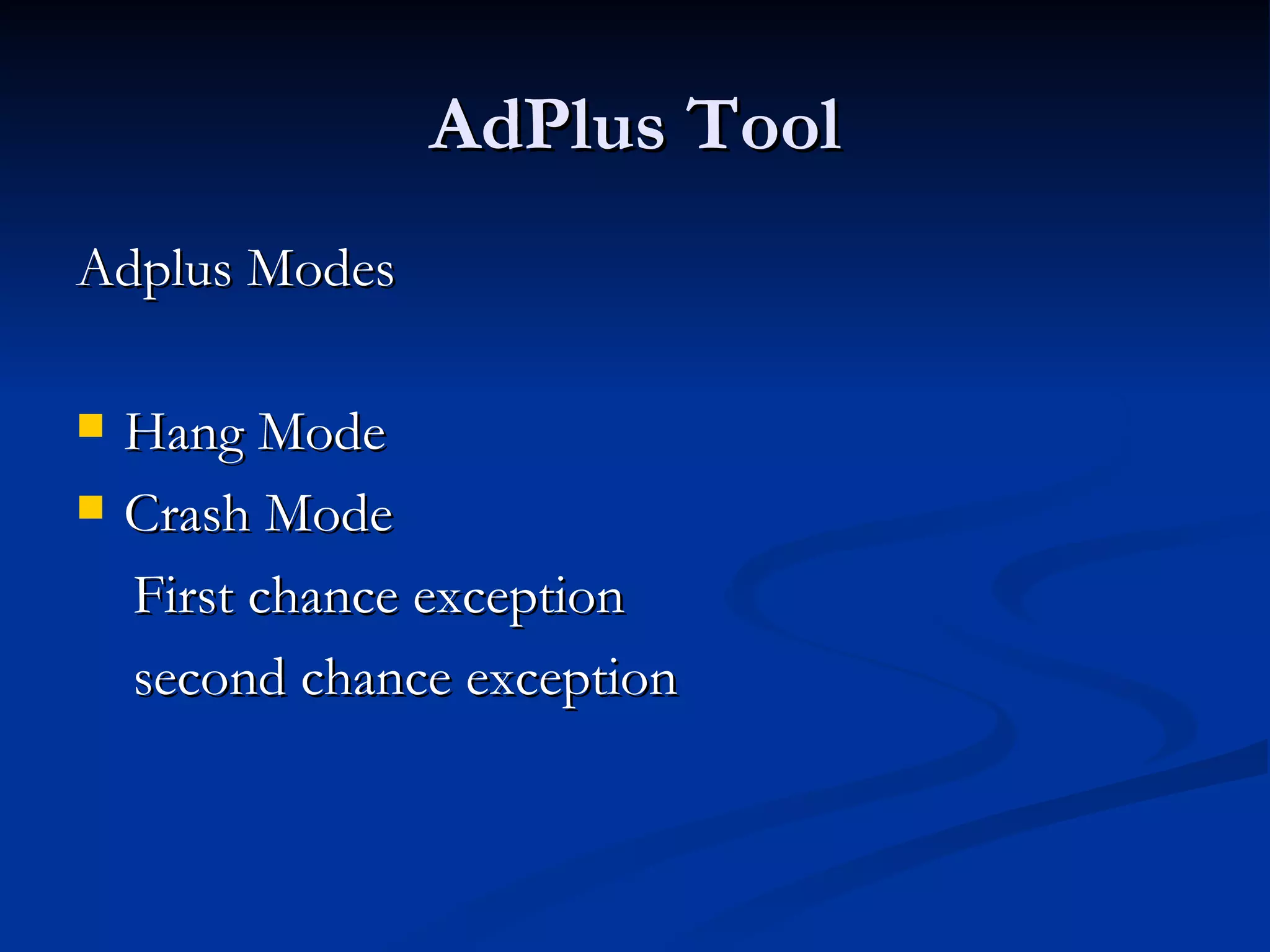
AdPlus Tool Adplus Modes  Hang Mode Crash Mode  First chance exception  second chance exception
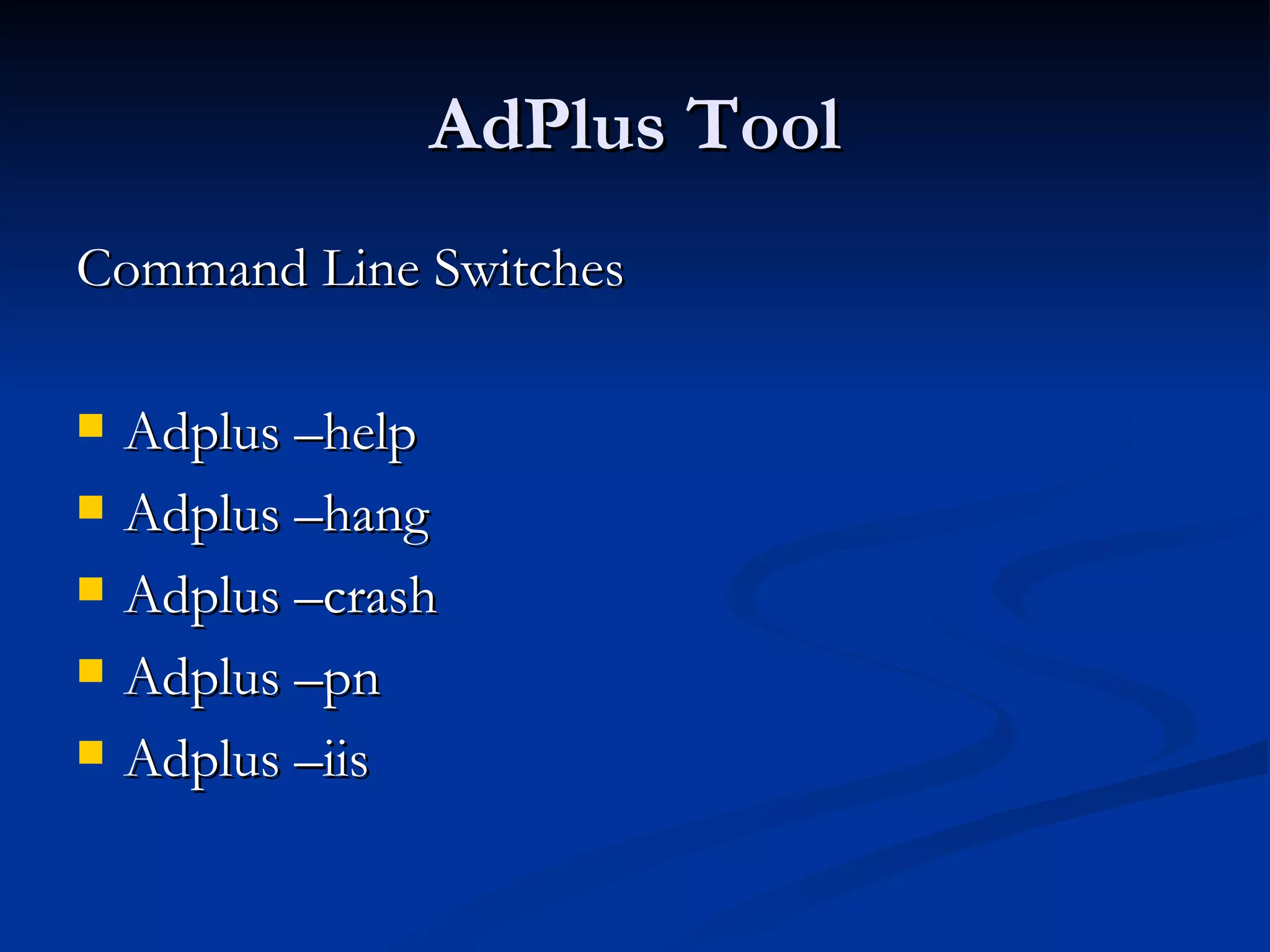
AdPlus Tool Command Line Switches  Adplus –help Adplus –hang Adplus –crash Adplus –pn Adplus –iis
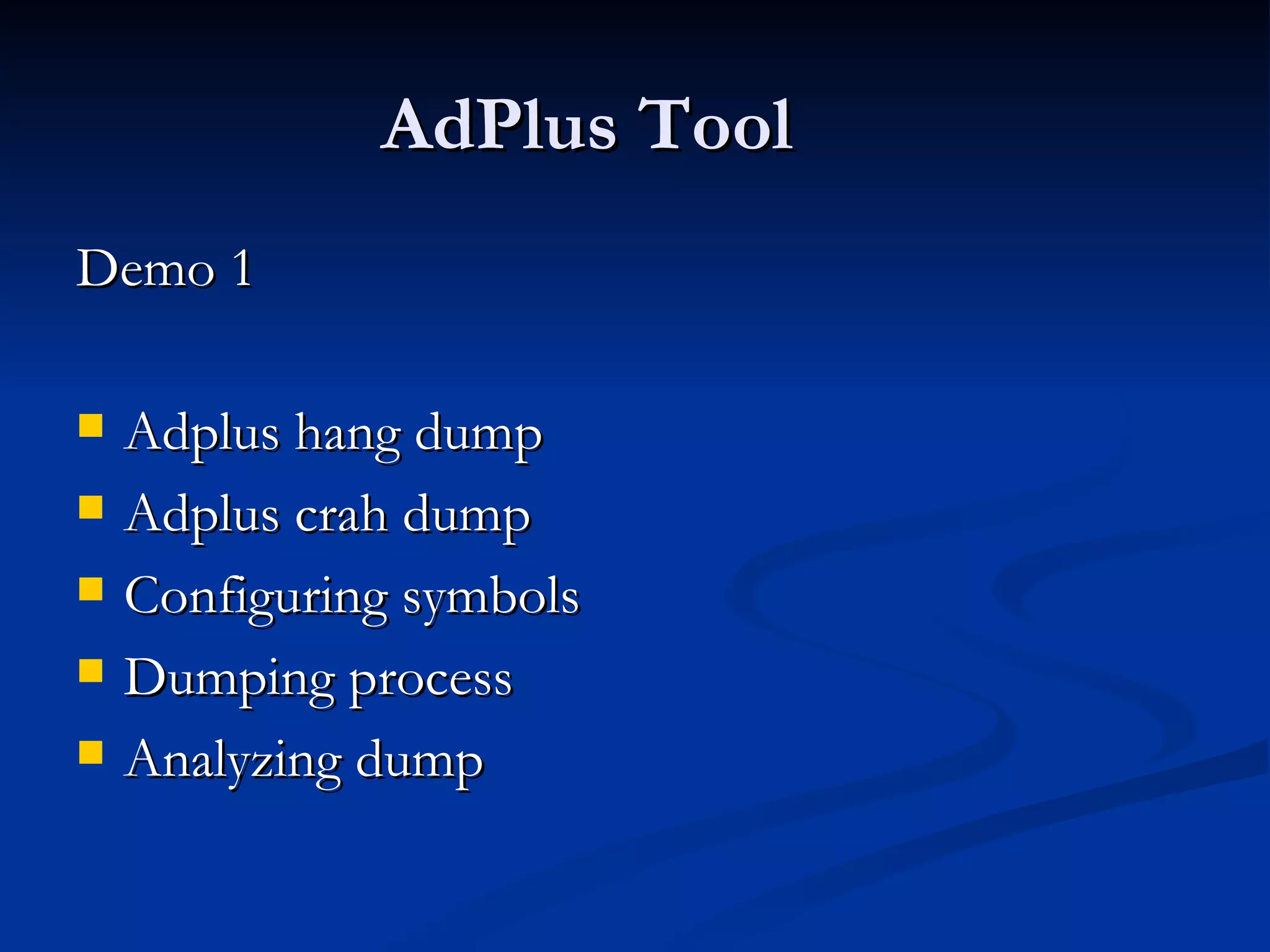
AdPlus Tool Demo 1  Adplus hang dump  Adplus crah dump  Configuring symbols  Dumping process Analyzing dump
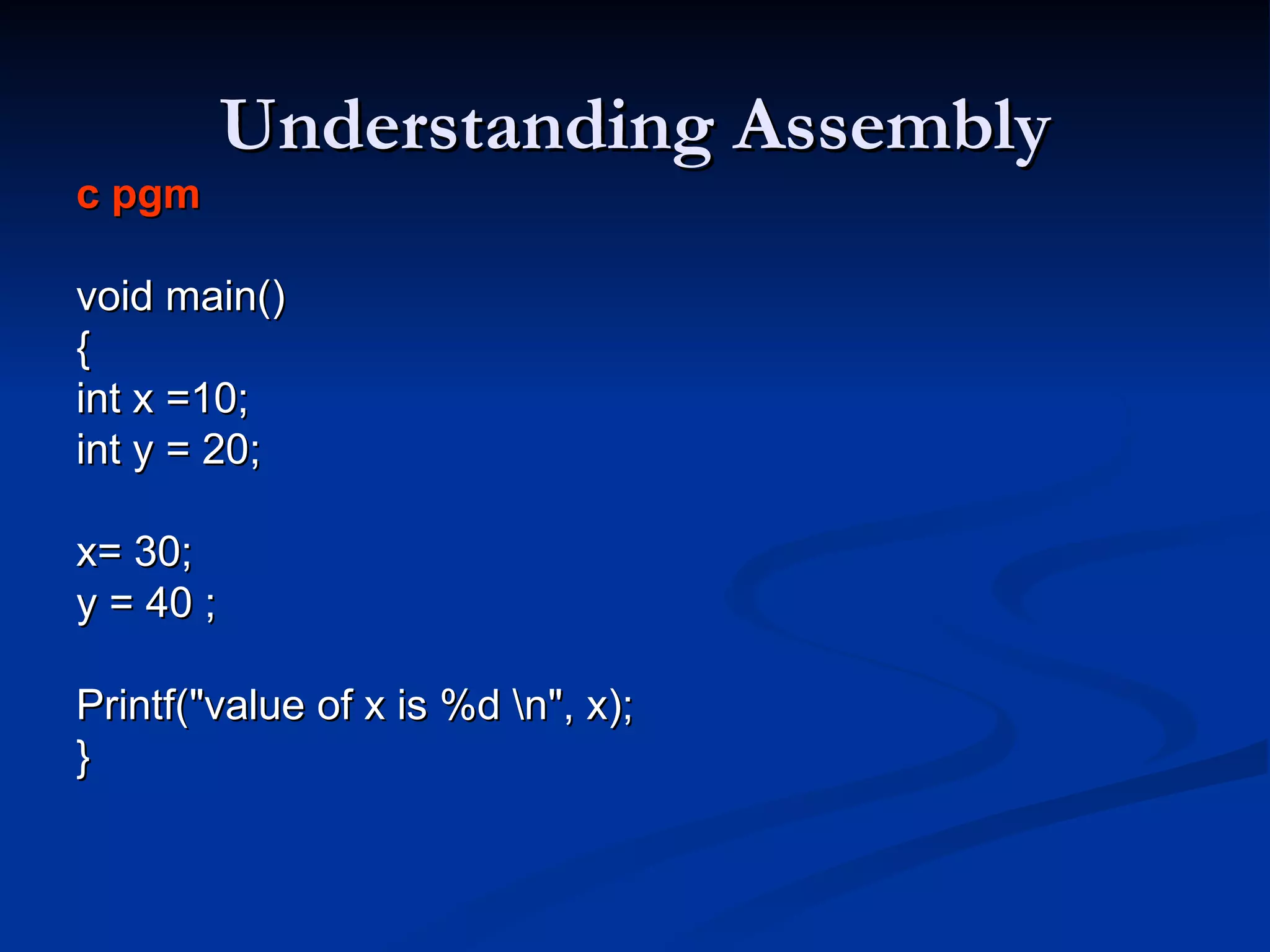
Understanding Assembly c pgm   void main() { int x =10; int y = 20; x= 30;  y = 40 ;  Printf(&quot;value of x is %d \n&quot;, x);  }
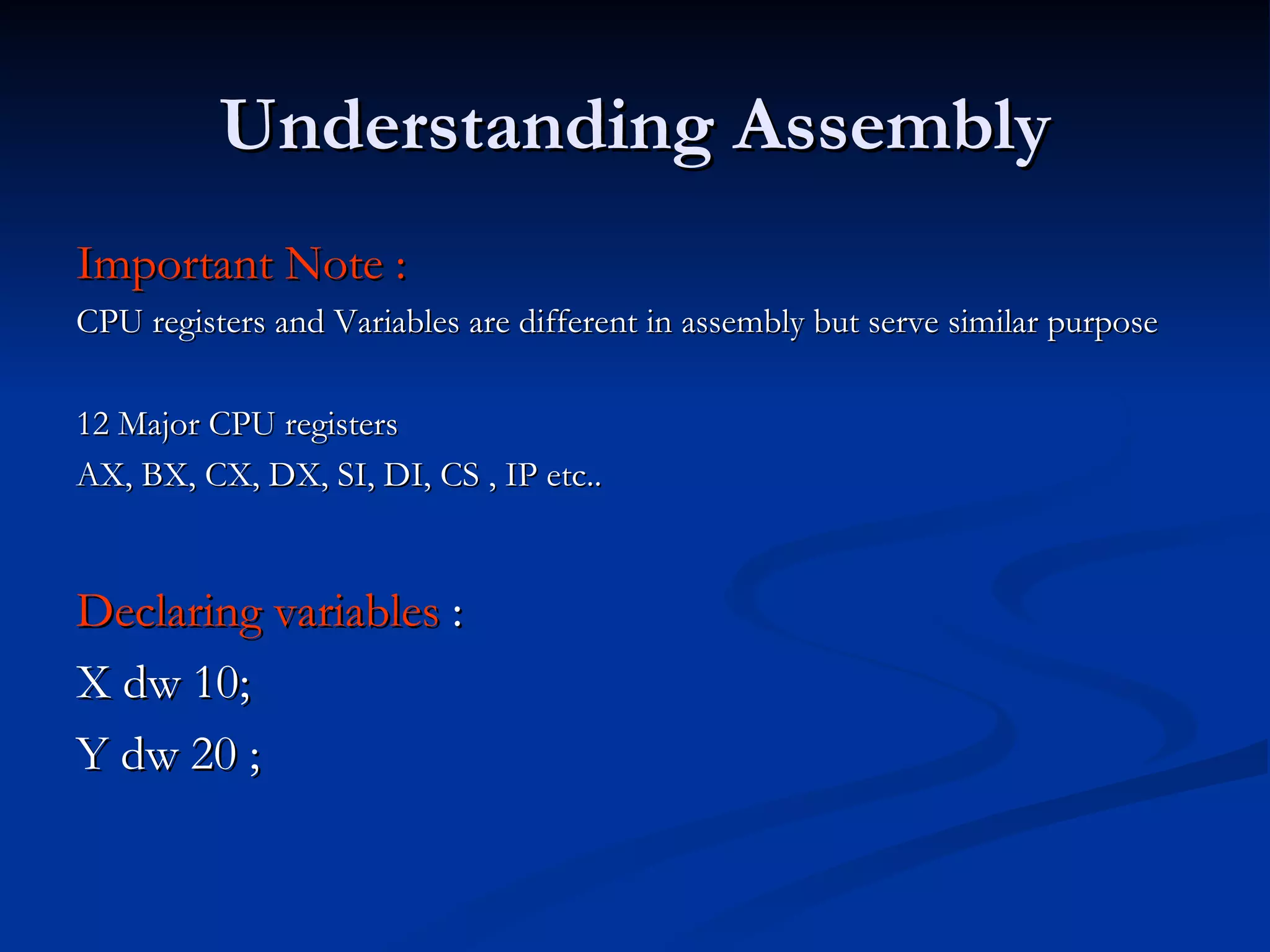
Understanding Assembly Important Note :  CPU registers and Variables are different in assembly but serve similar purpose 12 Major CPU registers  AX, BX, CX, DX, SI, DI, CS , IP etc.. Declaring variables  : X dw 10; Y dw 20 ;
Understanding Assembly Assembly  Mov [x], 10  Mov [y], 20 Windbg  Mov dword ptr [ saiprj!x (0a003456) ], 10
Assembly Continued Writing data to registers  Mov eax, 15  Mov eax, [x] Windbg  mov eax, [saipgm!x (a0302934)]
Assembly Continued C program Int b = 10; Int a = 20 ;  B = b+a ;  Assembly  mov eax , b Add [a], eax Windbg  Mov eax, [saipgm!b ( a0308923)] Add [saipgm!a (02342343)], eax
Assembly Continued Mov [x], 1 Mov [y], 1  Mov eax, [x] Add [b], eax  Inc eax  What is the output ???
Registers  Registers are small storage units generally 32 or 64bit wide Registers are always accessed using names  Wrong data in the registers are source of bug  R command to display registers
Registers Deep Dive EAX = contains return values  EBX  ECX = contains loop counter info EDX  EIP = points to next instruction to be executed ESP = Stack pointer , points to top of stack.
Registers Deep Dive  EBP = Base pointer / Stack Frame Pointer EBP will be set before function is called
Reading Memory Variable Types  Local variables Global variables Strings Unicode  Arrays  constants.
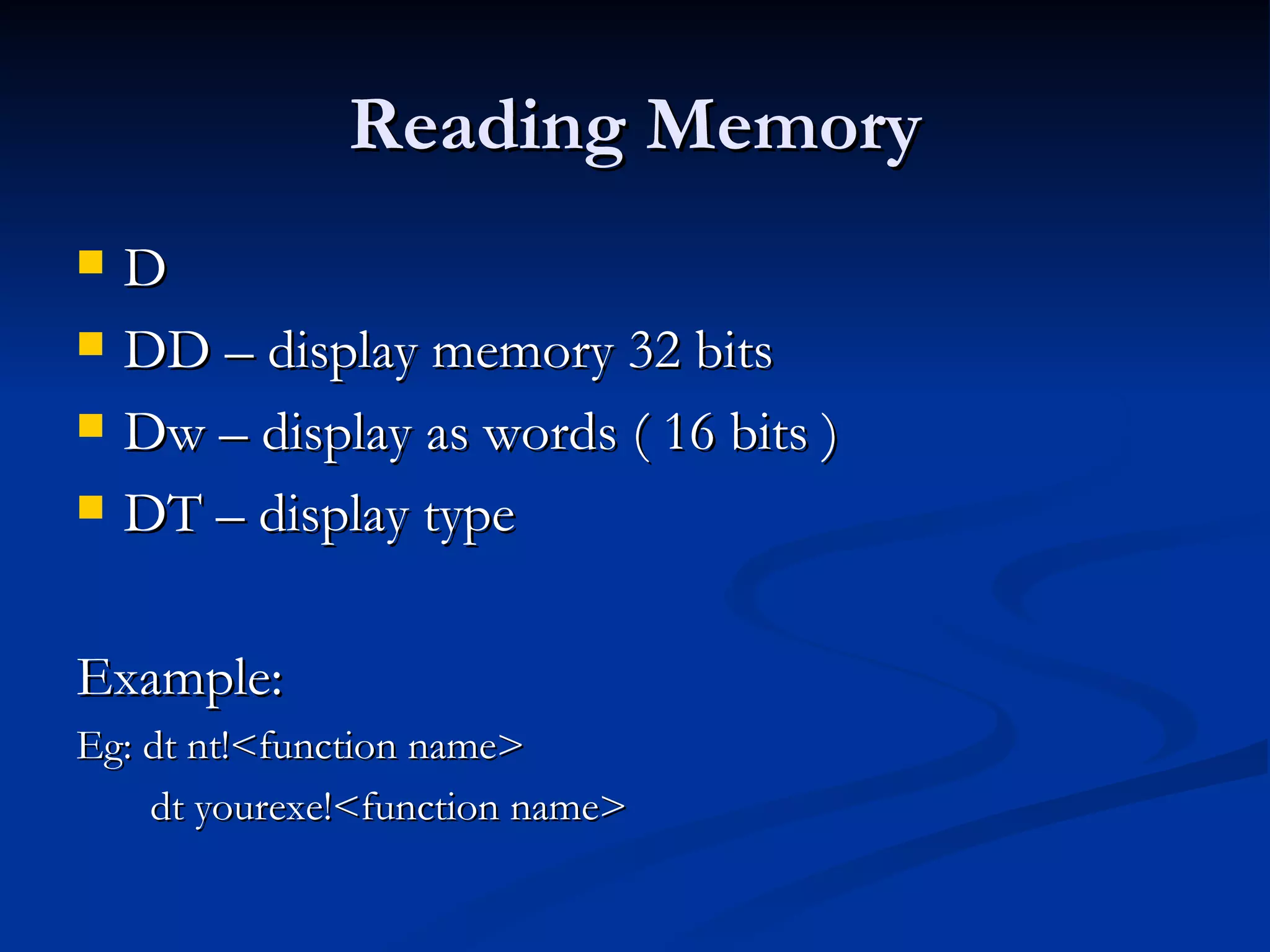
Reading Memory D DD – display memory 32 bits Dw – display as words ( 16 bits )  DT – display type  Example: Eg: dt nt!<function name> dt yourexe!<function name>
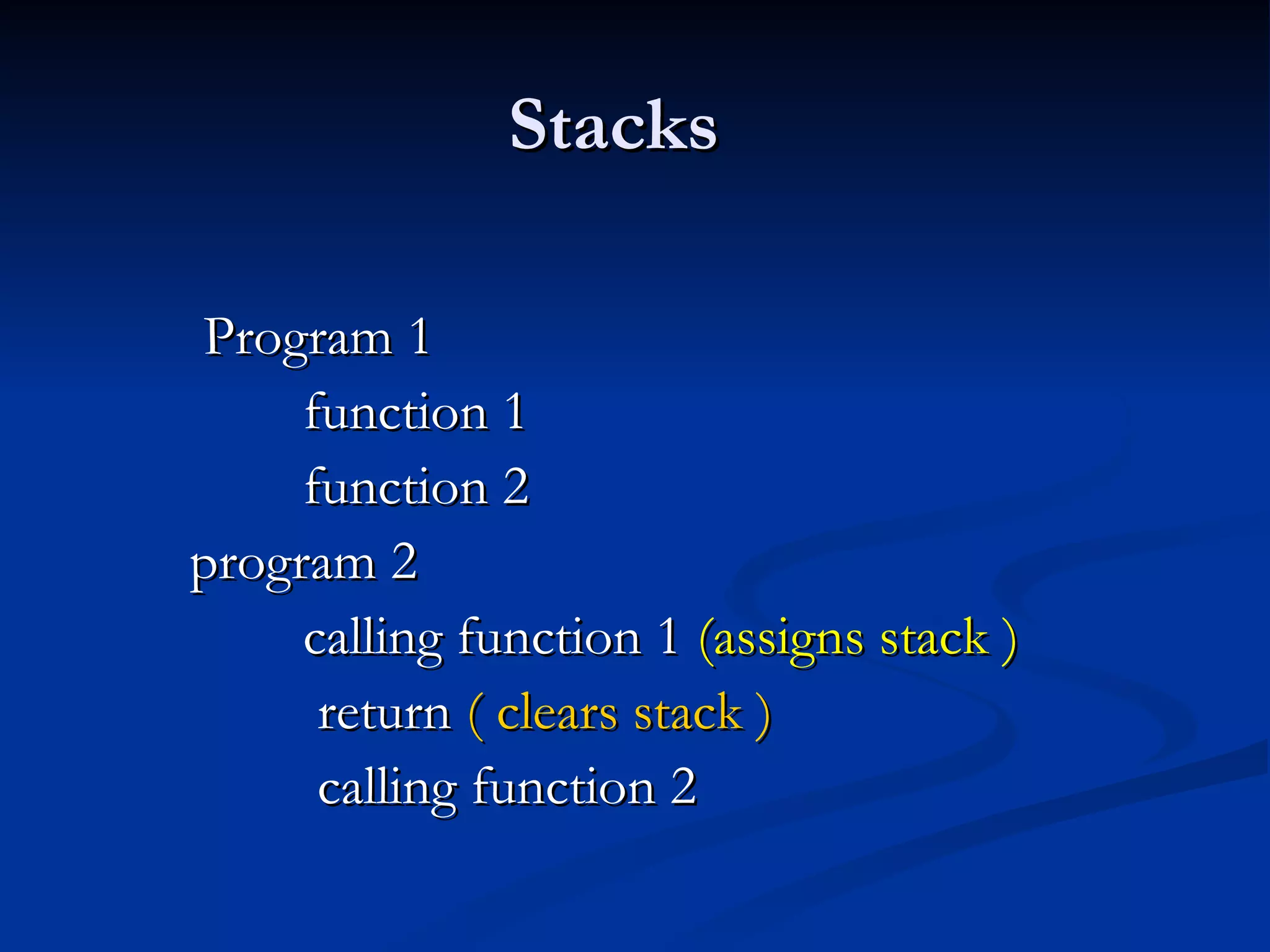
Stacks Program 1  function 1  function 2  program 2  calling function 1  (assigns stack )  return  ( clears stack )  calling function 2
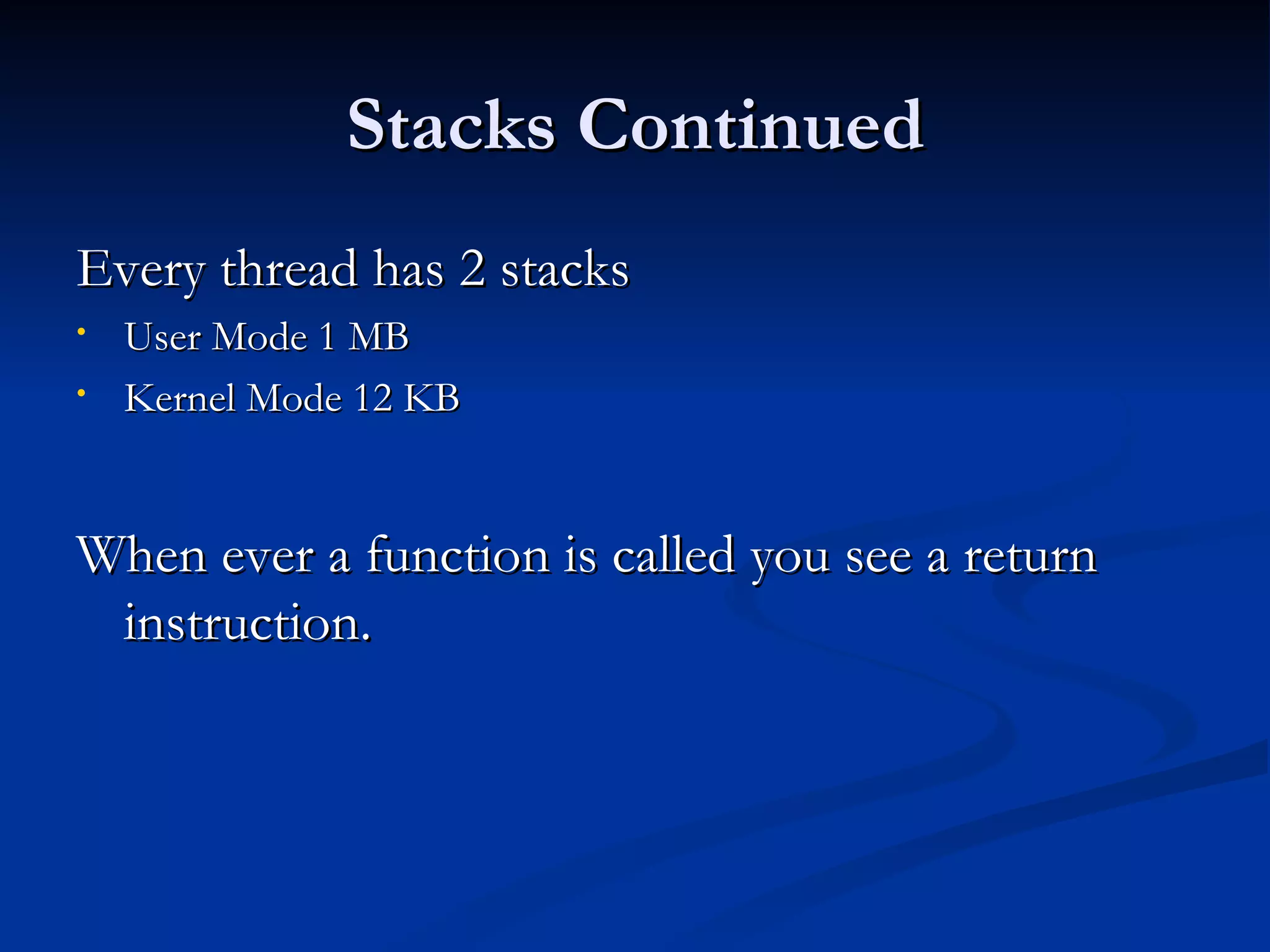
Stacks Continued Every thread has 2 stacks  User Mode 1 MB Kernel Mode 12 KB  When ever a function is called you see a return instruction.
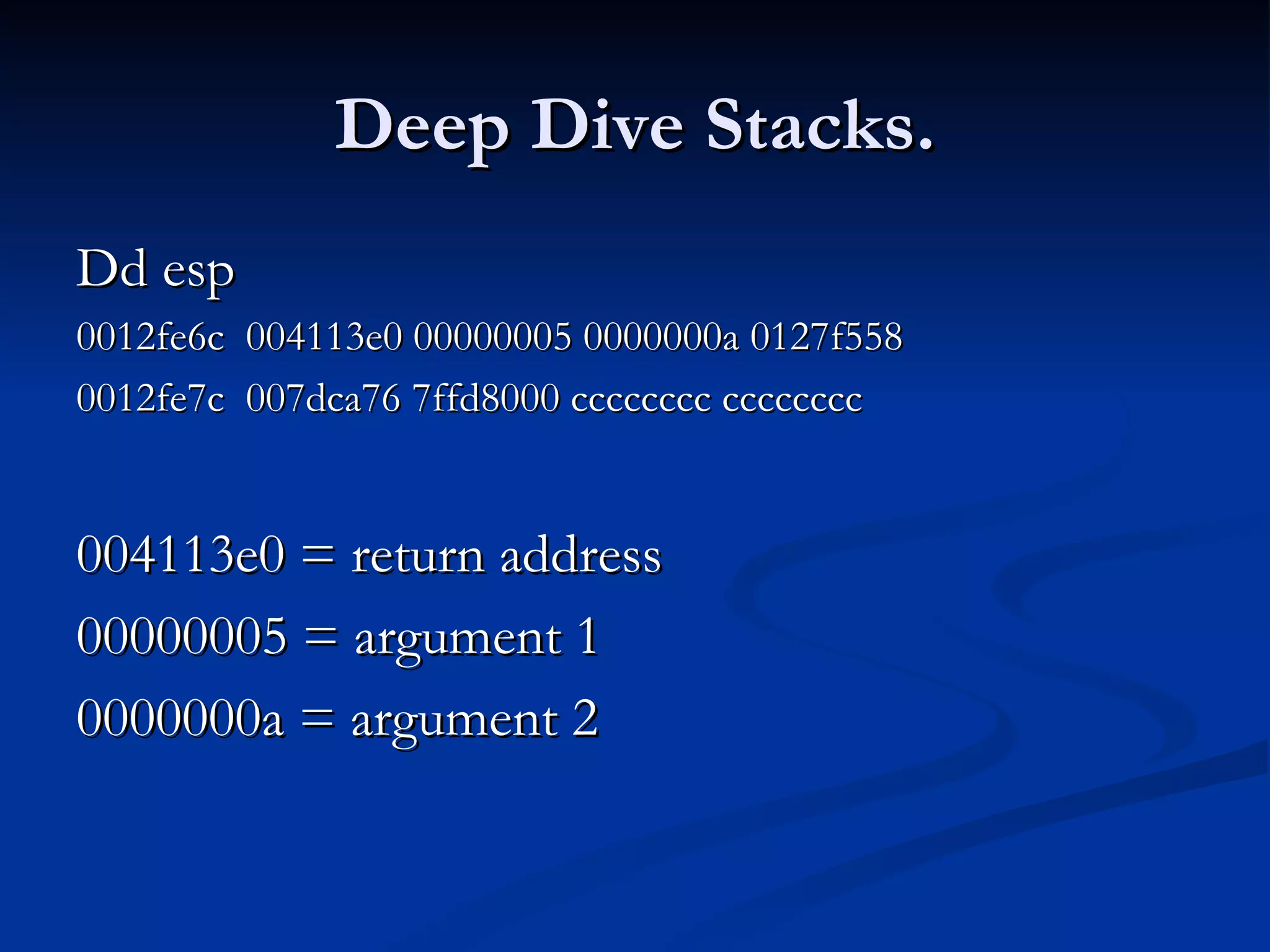
Deep Dive Stacks. Dd esp  0012fe6c  004113e0 00000005 0000000a 0127f558 0012fe7c  007dca76 7ffd8000 cccccccc cccccccc 004113e0 = return address  00000005 = argument 1  0000000a = argument 2
Questions Please  

Swug July 2010 - windows debugging by sainath

  • 1.
    Sainath BTFrontline [email_address] MVP – Active Directory Microsoft Technet Moderator – Win2k8 , Networking Microsoft Technet Magazine – Author Microsoft Speaker – SWUG
  • 2.
  • 3.
    Basic Terms Process Thread User mode Kernel mode Call stack Register Exception
  • 4.
    Basic Terms IRQL Interrupt Free Build Check Build Paging Non paged pool Paged pool
  • 5.
    Basic Terms CompleteMemory Dump HKEY_LOCAL_MACHINE\System\CurrentControlSet\Control\CrashControl CrashDumpEnabled REG_DWORD 0x0 = None CrashDumpEnabled REG_DWORD 0x1 = Complete memory dump CrashDumpEnabled REG_DWORD 0x2 = Kernel memory dump CrashDumpEnabled REG_DWORD 0x3 = Small memory dump (64KB)
  • 6.
    ASK A QUESTIONTO PROCEED 
  • 7.
    Debugger Installation SetupHttp://www.microsoft.com/ddk/debugging Symbol file public symbols – global variables, FPO private symbols – local symbol, global var
  • 8.
    Debugger Setup Problem with Symbol File ERROR: Symbol file could not be found. Defaulted to export symbols for <xxx.exe> Solution Check for the symbol file path Use .reload command
  • 9.
    AdPlus Tool Usermode debugging tool Produces memory dumps of an application and processes -notify switch notifies user using live messenger You Cannot Debug startup applications Programs generating lot of debug information
  • 10.
    AdPlus Tool AdplusModes Hang Mode Crash Mode First chance exception second chance exception
  • 11.
    AdPlus Tool CommandLine Switches Adplus –help Adplus –hang Adplus –crash Adplus –pn Adplus –iis
  • 12.
    AdPlus Tool Demo1 Adplus hang dump Adplus crah dump Configuring symbols Dumping process Analyzing dump
  • 13.
    Understanding Assembly cpgm void main() { int x =10; int y = 20; x= 30; y = 40 ; Printf(&quot;value of x is %d \n&quot;, x); }
  • 14.
    Understanding Assembly ImportantNote : CPU registers and Variables are different in assembly but serve similar purpose 12 Major CPU registers AX, BX, CX, DX, SI, DI, CS , IP etc.. Declaring variables : X dw 10; Y dw 20 ;
  • 15.
    Understanding Assembly Assembly Mov [x], 10 Mov [y], 20 Windbg Mov dword ptr [ saiprj!x (0a003456) ], 10
  • 16.
    Assembly Continued Writingdata to registers Mov eax, 15 Mov eax, [x] Windbg mov eax, [saipgm!x (a0302934)]
  • 17.
    Assembly Continued Cprogram Int b = 10; Int a = 20 ; B = b+a ; Assembly mov eax , b Add [a], eax Windbg Mov eax, [saipgm!b ( a0308923)] Add [saipgm!a (02342343)], eax
  • 18.
    Assembly Continued Mov[x], 1 Mov [y], 1 Mov eax, [x] Add [b], eax Inc eax What is the output ???
  • 19.
    Registers Registersare small storage units generally 32 or 64bit wide Registers are always accessed using names Wrong data in the registers are source of bug R command to display registers
  • 20.
    Registers Deep DiveEAX = contains return values EBX ECX = contains loop counter info EDX EIP = points to next instruction to be executed ESP = Stack pointer , points to top of stack.
  • 21.
    Registers Deep Dive EBP = Base pointer / Stack Frame Pointer EBP will be set before function is called
  • 22.
    Reading Memory VariableTypes Local variables Global variables Strings Unicode Arrays constants.
  • 23.
    Reading Memory DDD – display memory 32 bits Dw – display as words ( 16 bits ) DT – display type Example: Eg: dt nt!<function name> dt yourexe!<function name>
  • 24.
    Stacks Program 1 function 1 function 2 program 2 calling function 1 (assigns stack ) return ( clears stack ) calling function 2
  • 25.
    Stacks Continued Everythread has 2 stacks User Mode 1 MB Kernel Mode 12 KB When ever a function is called you see a return instruction.
  • 26.
    Deep Dive Stacks.Dd esp 0012fe6c 004113e0 00000005 0000000a 0127f558 0012fe7c 007dca76 7ffd8000 cccccccc cccccccc 004113e0 = return address 00000005 = argument 1 0000000a = argument 2
  • 27.