Khalil Nassar
Senior Systems Engineer
Microsoft Corporation
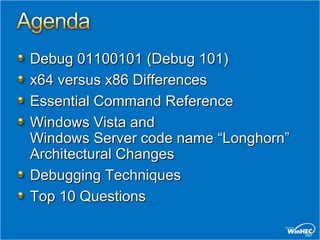
Debug 01100101 (Debug 101)
x64 versus x86 Differences
Essential Command Reference
Windows Vista and
Windows Server code name “Longhorn”
Architectural Changes
Debugging Techniques
Top 10 Questions
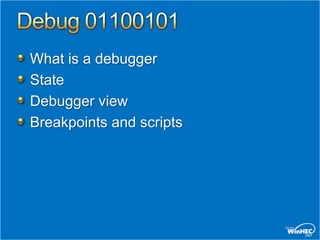
What is a debugger
State
Debugger view
Breakpoints and scripts
What is a debugger?
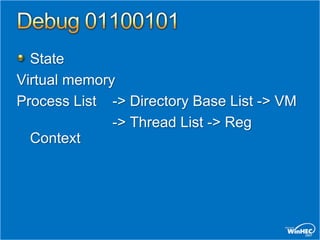
State
Virtual memory
Process List -> Directory Base List -> VM
              -> Thread List -> Reg
  Context
State
Interrupts
Timeslice/Dispatch
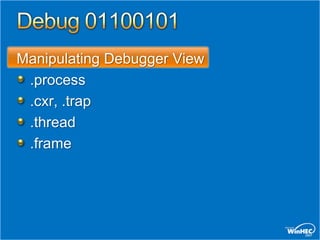
Manipulating Debugger View
 .process
 .cxr, .trap
 .thread
 .frame
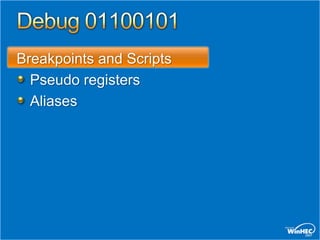
Breakpoints and Scripts
  Pseudo registers
  Aliases
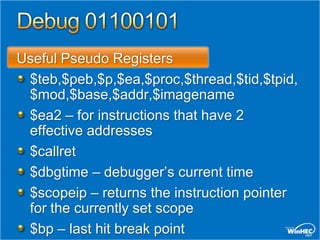
Useful Pseudo Registers
 $teb,$peb,$p,$ea,$proc,$thread,$tid,$tpid,
 $mod,$base,$addr,$imagename
 $ea2 – for instructions that have 2
 effective addresses
 $callret
 $dbgtime – debugger’s current time
 $scopeip – returns the instruction pointer
 for the currently set scope
 $bp – last hit break point
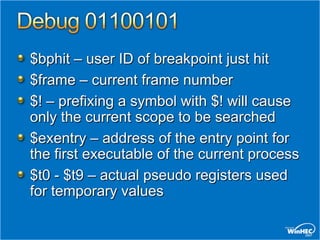
$bphit – user ID of breakpoint just hit
$frame – current frame number
$! – prefixing a symbol with $! will cause
only the current scope to be searched
$exentry – address of the entry point for
the first executable of the current process
$t0 - $t9 – actual pseudo registers used
for temporary values
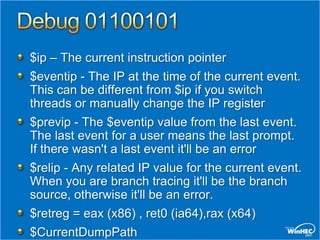
$ip – The current instruction pointer
$eventip - The IP at the time of the current event.
This can be different from $ip if you switch
threads or manually change the IP register
$previp - The $eventip value from the last event.
The last event for a user means the last prompt.
If there wasn't a last event it'll be an error
$relip - Any related IP value for the current event.
When you are branch tracing it'll be the branch
source, otherwise it'll be an error.
$retreg = eax (x86) , ret0 (ia64),rax (x64)
$CurrentDumpPath
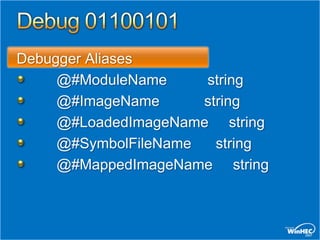
Debugger Aliases
     @#ModuleName     string
     @#ImageName      string
     @#LoadedImageName string
     @#SymbolFileName   string
     @#MappedImageName string
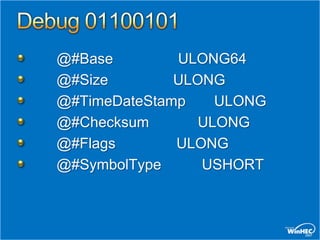
@#Base        ULONG64
@#Size        ULONG
@#TimeDateStamp    ULONG
@#Checksum       ULONG
@#Flags       ULONG
@#SymbolType     USHORT
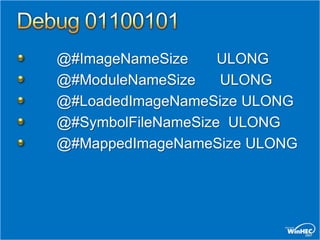
@#ImageNameSize     ULONG
@#ModuleNameSize    ULONG
@#LoadedImageNameSize ULONG
@#SymbolFileNameSize ULONG
@#MappedImageNameSize ULONG
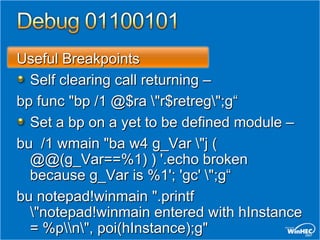
Useful Breakpoints
  Self clearing call returning –
bp func "bp /1 @$ra "r$retreg";g“
  Set a bp on a yet to be defined module –
bu /1 wmain "ba w4 g_Var "j (
  @@(g_Var==%1) ) '.echo broken
  because g_Var is %1'; 'gc' ";g“
bu notepad!winmain ".printf
  "notepad!winmain entered with hInstance
  = %pn", poi(hInstance);g"
Script Examples
  Search for kernel trap frames.
  Demonstrates arbitrary processing
  on each hit
.foreach ($addr { s-[1]d 80000000 l?7fffffff
  23 23 }) { ? $addr ; .trap $addr - 0n52 ; kv
  }!vm
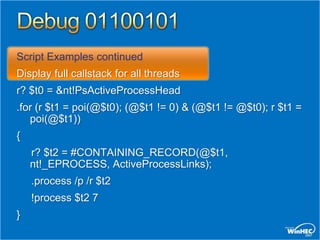
Script Examples continued
Display full callstack for all threads
r? $t0 = &nt!PsActiveProcessHead
.for (r $t1 = poi(@$t0); (@$t1 != 0) & (@$t1 != @$t0); r $t1 =
   poi(@$t1))
{
    r? $t2 = #CONTAINING_RECORD(@$t1,
    nt!_EPROCESS, ActiveProcessLinks);
    .process /p /r $t2
    !process $t2 7
}
Architectural Issues
Debugging Relevant Issues
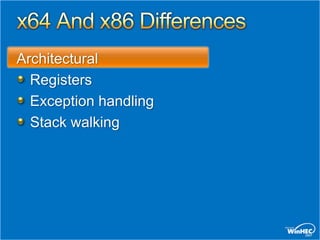
Architectural
  Registers
  Exception handling
  Stack walking
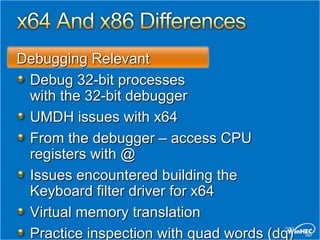
Debugging Relevant
 Debug 32-bit processes
 with the 32-bit debugger
 UMDH issues with x64
 From the debugger – access CPU
 registers with @
 Issues encountered building the
 Keyboard filter driver for x64
 Virtual memory translation
 Practice inspection with quad words (dq)
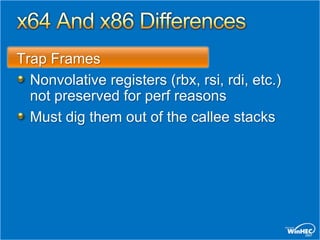
Trap Frames
  Nonvolative registers (rbx, rsi, rdi, etc.)
  not preserved for perf reasons
  Must dig them out of the callee stacks
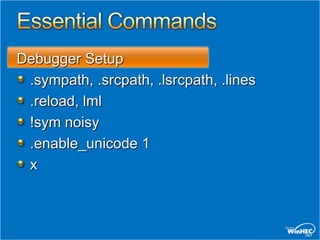
Debugger Setup
 .sympath, .srcpath, .lsrcpath, .lines
 .reload, lml
 !sym noisy
 .enable_unicode 1
 x
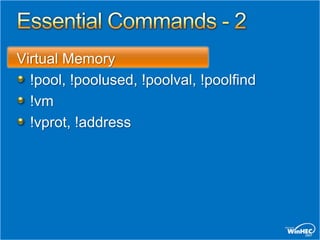
Virtual Memory
  !pool, !poolused, !poolval, !poolfind
  !vm
  !vprot, !address
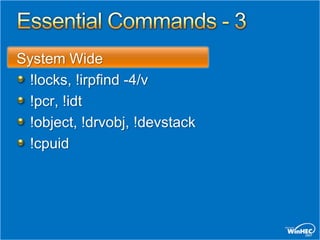
System Wide
 !locks, !irpfind -4/v
 !pcr, !idt
 !object, !drvobj, !devstack
 !cpuid
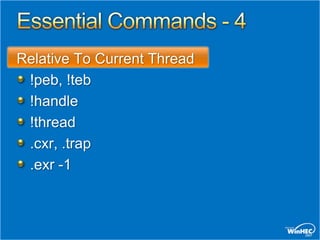
Relative To Current Thread
 !peb, !teb
 !handle
 !thread
 .cxr, .trap
 .exr -1
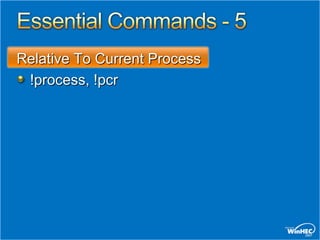
Relative To Current Process
 !process, !pcr
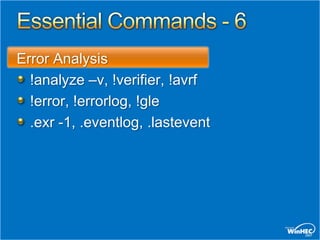
Error Analysis
  !analyze –v, !verifier, !avrf
  !error, !errorlog, !gle
  .exr -1, .eventlog, .lastevent
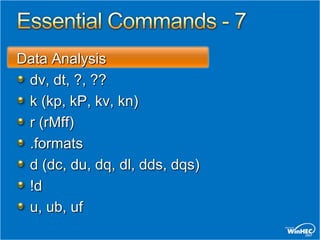
Data Analysis
 dv, dt, ?, ??
 k (kp, kP, kv, kn)
 r (rMff)
 .formats
 d (dc, du, dq, dl, dds, dqs)
 !d
 u, ub, uf
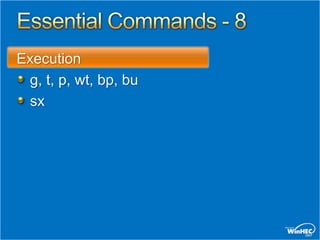
Execution
 g, t, p, wt, bp, bu
 sx
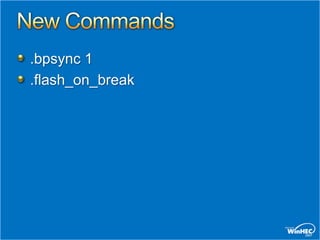
.bpsync 1
.flash_on_break
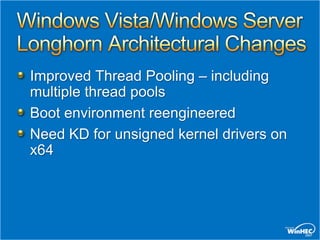
Improved Thread Pooling – including
multiple thread pools
Boot environment reengineered
Need KD for unsigned kernel drivers on
x64
#10: Is there a way to redirect the output
of a debugger extension to a text file?
#9: Is there a way to make the debugger
flash or emit a sound when a breakpoint
is hit?
#8: .kdfiles on Windows Vista
#7: Breaking in Main() from KD.
Module Load
#6: .crash behavior
#5: BCDEDIT
#4: Why Does KD Get Wedged
#3: kd -kl
#2: Can I force the symbols to match?
Debugging effectively requires
understanding your target code, debugger
theory and Operating System (OS)
theory. This presentation has been an
introduction to operating system and
debugger theory with an emphasis on
debugger capabilities and commands.
The related lab gives hands on
experience with driver and OS theory
using the debugger as the enabler
Understand the system state,
not just your driver
 Virtual Memory
 Interrupts
 Timeslice/Dispatch
Go beyond Call Stacks and Exceptions
 Know more of the essential commands
Debugging Well is Very Rewarding
Web Resources
  Debugging Tools for Windows:
  http://www.microsoft.com/whdc/DevTools/Debugging/default.mspx
  Training, message boards, etc:
  http://www.microsoft.com/whdc/devtools/debugging/resources.mspx
Related Sessions
  DVR-T410 Driver Debugging Basics
  DVR-C478 Debugging Drivers: Discussion
  DVR-C408 Driver Verifier: Internals Discussion
  DVR-H409 Debugging Bugs Exposed by Driver Verifier: Workshop
  DVR-H481 64-bit Driver Debugging Basics: Workshop (2 sessions)
Help: Create a support incident: DDK Developer Support
Feedback: Send suggestions or bug reports:
                   Windbgfb @ microsoft.com
© 2007 Microsoft Corporation. All rights reserved. Microsoft, Windows, Windows Vista and other product names are or may be registered trademarks and/or trademarks in the U.S. and/or other countries.
The information herein is for informational purposes only and represents the current view of Microsoft Corporation as of the date of this presentation. Because Microsoft must respond to changing market
     conditions, it should not be interpreted to be a commitment on the part of Microsoft, and Microsoft cannot guarantee the accuracy of any information provided after the date of this presentation.
                                 MICROSOFT MAKES NO WARRANTIES, EXPRESS, IMPLIED OR STATUTORY, AS TO THE INFORMATION IN THIS PRESENTATION.

Driver Debugging Basics

  • 1.
    Khalil Nassar Senior SystemsEngineer Microsoft Corporation
  • 2.
    Debug 01100101 (Debug101) x64 versus x86 Differences Essential Command Reference Windows Vista and Windows Server code name “Longhorn” Architectural Changes Debugging Techniques Top 10 Questions
  • 3.
    What is adebugger State Debugger view Breakpoints and scripts
  • 4.
    What is adebugger?
  • 5.
    State Virtual memory Process List-> Directory Base List -> VM -> Thread List -> Reg Context
  • 6.
  • 8.
    Manipulating Debugger View .process .cxr, .trap .thread .frame
  • 9.
    Breakpoints and Scripts Pseudo registers Aliases
  • 10.
    Useful Pseudo Registers $teb,$peb,$p,$ea,$proc,$thread,$tid,$tpid, $mod,$base,$addr,$imagename $ea2 – for instructions that have 2 effective addresses $callret $dbgtime – debugger’s current time $scopeip – returns the instruction pointer for the currently set scope $bp – last hit break point
  • 11.
    $bphit – userID of breakpoint just hit $frame – current frame number $! – prefixing a symbol with $! will cause only the current scope to be searched $exentry – address of the entry point for the first executable of the current process $t0 - $t9 – actual pseudo registers used for temporary values
  • 12.
    $ip – Thecurrent instruction pointer $eventip - The IP at the time of the current event. This can be different from $ip if you switch threads or manually change the IP register $previp - The $eventip value from the last event. The last event for a user means the last prompt. If there wasn't a last event it'll be an error $relip - Any related IP value for the current event. When you are branch tracing it'll be the branch source, otherwise it'll be an error. $retreg = eax (x86) , ret0 (ia64),rax (x64) $CurrentDumpPath
  • 13.
    Debugger Aliases @#ModuleName string @#ImageName string @#LoadedImageName string @#SymbolFileName string @#MappedImageName string
  • 14.
    @#Base ULONG64 @#Size ULONG @#TimeDateStamp ULONG @#Checksum ULONG @#Flags ULONG @#SymbolType USHORT
  • 15.
    @#ImageNameSize ULONG @#ModuleNameSize ULONG @#LoadedImageNameSize ULONG @#SymbolFileNameSize ULONG @#MappedImageNameSize ULONG
  • 16.
    Useful Breakpoints Self clearing call returning – bp func "bp /1 @$ra "r$retreg";g“ Set a bp on a yet to be defined module – bu /1 wmain "ba w4 g_Var "j ( @@(g_Var==%1) ) '.echo broken because g_Var is %1'; 'gc' ";g“ bu notepad!winmain ".printf "notepad!winmain entered with hInstance = %pn", poi(hInstance);g"
  • 17.
    Script Examples Search for kernel trap frames. Demonstrates arbitrary processing on each hit .foreach ($addr { s-[1]d 80000000 l?7fffffff 23 23 }) { ? $addr ; .trap $addr - 0n52 ; kv }!vm
  • 18.
    Script Examples continued Displayfull callstack for all threads r? $t0 = &nt!PsActiveProcessHead .for (r $t1 = poi(@$t0); (@$t1 != 0) & (@$t1 != @$t0); r $t1 = poi(@$t1)) { r? $t2 = #CONTAINING_RECORD(@$t1, nt!_EPROCESS, ActiveProcessLinks); .process /p /r $t2 !process $t2 7 }
  • 19.
  • 20.
    Architectural Registers Exception handling Stack walking
  • 21.
    Debugging Relevant Debug32-bit processes with the 32-bit debugger UMDH issues with x64 From the debugger – access CPU registers with @ Issues encountered building the Keyboard filter driver for x64 Virtual memory translation Practice inspection with quad words (dq)
  • 22.
    Trap Frames Nonvolative registers (rbx, rsi, rdi, etc.) not preserved for perf reasons Must dig them out of the callee stacks
  • 23.
    Debugger Setup .sympath,.srcpath, .lsrcpath, .lines .reload, lml !sym noisy .enable_unicode 1 x
  • 24.
    Virtual Memory !pool, !poolused, !poolval, !poolfind !vm !vprot, !address
  • 25.
    System Wide !locks,!irpfind -4/v !pcr, !idt !object, !drvobj, !devstack !cpuid
  • 26.
    Relative To CurrentThread !peb, !teb !handle !thread .cxr, .trap .exr -1
  • 27.
    Relative To CurrentProcess !process, !pcr
  • 28.
    Error Analysis !analyze –v, !verifier, !avrf !error, !errorlog, !gle .exr -1, .eventlog, .lastevent
  • 29.
    Data Analysis dv,dt, ?, ?? k (kp, kP, kv, kn) r (rMff) .formats d (dc, du, dq, dl, dds, dqs) !d u, ub, uf
  • 30.
    Execution g, t,p, wt, bp, bu sx
  • 31.
  • 32.
    Improved Thread Pooling– including multiple thread pools Boot environment reengineered Need KD for unsigned kernel drivers on x64
  • 34.
    #10: Is therea way to redirect the output of a debugger extension to a text file?
  • 35.
    #9: Is therea way to make the debugger flash or emit a sound when a breakpoint is hit?
  • 36.
    #8: .kdfiles onWindows Vista
  • 37.
    #7: Breaking inMain() from KD. Module Load
  • 38.
  • 39.
  • 40.
    #4: Why DoesKD Get Wedged
  • 41.
  • 42.
    #2: Can Iforce the symbols to match?
  • 44.
    Debugging effectively requires understandingyour target code, debugger theory and Operating System (OS) theory. This presentation has been an introduction to operating system and debugger theory with an emphasis on debugger capabilities and commands. The related lab gives hands on experience with driver and OS theory using the debugger as the enabler
  • 45.
    Understand the systemstate, not just your driver Virtual Memory Interrupts Timeslice/Dispatch Go beyond Call Stacks and Exceptions Know more of the essential commands Debugging Well is Very Rewarding
  • 46.
    Web Resources Debugging Tools for Windows: http://www.microsoft.com/whdc/DevTools/Debugging/default.mspx Training, message boards, etc: http://www.microsoft.com/whdc/devtools/debugging/resources.mspx Related Sessions DVR-T410 Driver Debugging Basics DVR-C478 Debugging Drivers: Discussion DVR-C408 Driver Verifier: Internals Discussion DVR-H409 Debugging Bugs Exposed by Driver Verifier: Workshop DVR-H481 64-bit Driver Debugging Basics: Workshop (2 sessions) Help: Create a support incident: DDK Developer Support Feedback: Send suggestions or bug reports: Windbgfb @ microsoft.com
  • 47.
    © 2007 MicrosoftCorporation. All rights reserved. Microsoft, Windows, Windows Vista and other product names are or may be registered trademarks and/or trademarks in the U.S. and/or other countries. The information herein is for informational purposes only and represents the current view of Microsoft Corporation as of the date of this presentation. Because Microsoft must respond to changing market conditions, it should not be interpreted to be a commitment on the part of Microsoft, and Microsoft cannot guarantee the accuracy of any information provided after the date of this presentation. MICROSOFT MAKES NO WARRANTIES, EXPRESS, IMPLIED OR STATUTORY, AS TO THE INFORMATION IN THIS PRESENTATION.