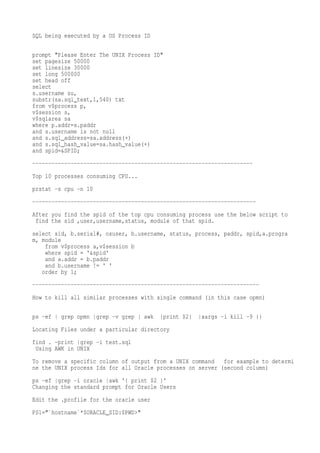
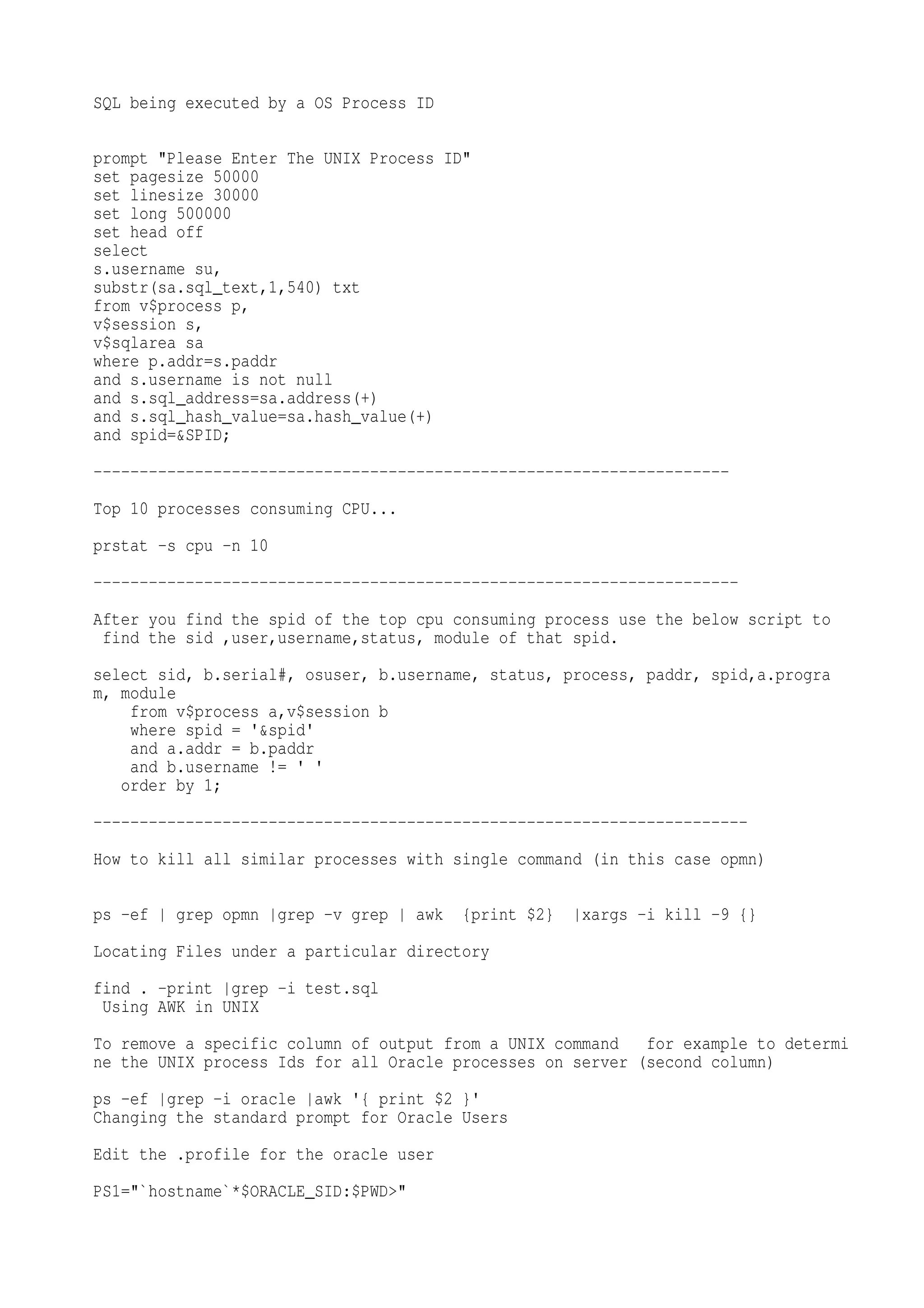
SQL being executed by a OS Process ID

prompt "Please Enter The UNIX Process ID"
set pagesize 50000
set linesize 30000
set long 500000
set head off
select
s.username su,
substr(sa.sql_text,1,540) txt
from v$process p,
v$session s,
v$sqlarea sa
where p.addr=s.paddr
and s.username is not null
and s.sql_address=sa.address(+)
and s.sql_hash_value=sa.hash_value(+)
and spid=&SPID;
---------------------------------------------------------------------
Top 10 processes consuming CPU...
prstat -s cpu -n 10
----------------------------------------------------------------------
After you find the spid of the top cpu consuming process use the below script to
 find the sid ,user,username,status, module of that spid.
select sid, b.serial#, osuser, b.username, status, process, paddr, spid,a.progra
m, module
    from v$process a,v$session b
    where spid = '&spid'
    and a.addr = b.paddr
    and b.username != ' '
   order by 1;
-----------------------------------------------------------------------
How to kill all similar processes with single command (in this case opmn)

ps -ef   grep opmn grep -v grep      awk   {print $2}   xargs -i kill -9 {}
Locating Files under a particular directory
find . -print grep -i test.sql
 Using AWK in UNIX
To remove a specific column of output from a UNIX command   for example to determi
ne the UNIX process Ids for all Oracle processes on server (second column)
ps -ef grep -i oracle awk '{ print $2 }'
Changing the standard prompt for Oracle Users
Edit the .profile for the oracle user
PS1="`hostname`*$ORACLE_SID:$PWD>"
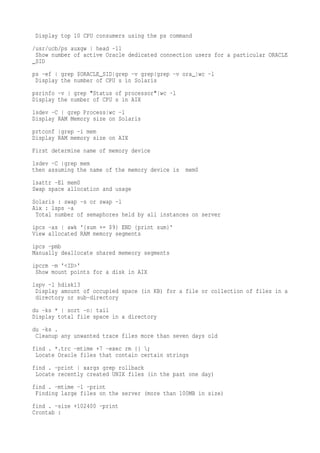
Display top 10 CPU consumers using the ps command
/usr/ucb/ps auxgw head -11
 Show number of active Oracle dedicated connection users for a particular ORACLE
_SID
ps -ef grep $ORACLE_SID grep -v grep grep -v ora_ wc -l
 Display the number of CPU s in Solaris
psrinfo -v grep "Status of processor" wc -l
Display the number of CPU s in AIX
lsdev -C grep Process wc -l
Display RAM Memory size on Solaris
prtconf grep -i mem
Display RAM memory size on AIX
First determine name of memory device
lsdev -C grep mem
then assuming the name of the memory device is   mem0
lsattr -El mem0
Swap space allocation and usage
Solaris : swap -s or swap -l
Aix : lsps -a
 Total number of semaphores held by all instances on server
ipcs -as awk '{sum += $9} END {print sum}'
View allocated RAM memory segments
ipcs -pmb
Manually deallocate shared memeory segments
ipcrm -m '<ID>'
 Show mount points for a disk in AIX
lspv -l hdisk13
 Display amount of occupied space (in KB) for a file or collection of files in a
 directory or sub-directory
du -ks * sort -n tail
Display total file space in a directory
du -ks .
 Cleanup any unwanted trace files more than seven days old
find . *.trc -mtime +7 -exec rm {} ;
 Locate Oracle files that contain certain strings
find . -print xargs grep rollback
 Locate recently created UNIX files (in the past one day)
find . -mtime -1 -print
 Finding large files on the server (more than 100MB in size)
find . -size +102400 -print
Crontab :
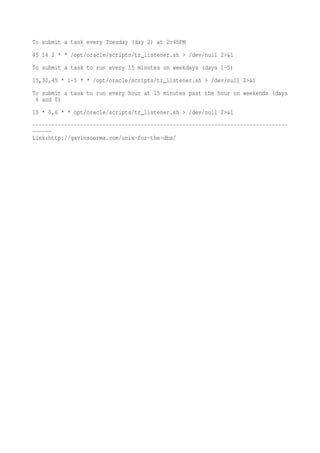
To submit a task every Tuesday (day 2) at 2:45PM
45 14 2 * * /opt/oracle/scripts/tr_listener.sh > /dev/null 2>&1
To submit a task to run every 15 minutes on weekdays (days 1-5)
15,30,45 * 1-5 * * /opt/oracle/scripts/tr_listener.sh > /dev/null 2>&1
To submit a task to run every hour at 15 minutes past the hour on weekends (days
 6 and 0)
15 * 0,6 * * opt/oracle/scripts/tr_listener.sh > /dev/null 2>&1
--------------------------------------------------------------------------------
------
Link:http://gavinsoorma.com/unix-for-the-dba/

37562259 top-consuming-process

  • 1.
    SQL being executedby a OS Process ID prompt "Please Enter The UNIX Process ID" set pagesize 50000 set linesize 30000 set long 500000 set head off select s.username su, substr(sa.sql_text,1,540) txt from v$process p, v$session s, v$sqlarea sa where p.addr=s.paddr and s.username is not null and s.sql_address=sa.address(+) and s.sql_hash_value=sa.hash_value(+) and spid=&SPID; --------------------------------------------------------------------- Top 10 processes consuming CPU... prstat -s cpu -n 10 ---------------------------------------------------------------------- After you find the spid of the top cpu consuming process use the below script to find the sid ,user,username,status, module of that spid. select sid, b.serial#, osuser, b.username, status, process, paddr, spid,a.progra m, module from v$process a,v$session b where spid = '&spid' and a.addr = b.paddr and b.username != ' ' order by 1; ----------------------------------------------------------------------- How to kill all similar processes with single command (in this case opmn) ps -ef grep opmn grep -v grep awk {print $2} xargs -i kill -9 {} Locating Files under a particular directory find . -print grep -i test.sql Using AWK in UNIX To remove a specific column of output from a UNIX command for example to determi ne the UNIX process Ids for all Oracle processes on server (second column) ps -ef grep -i oracle awk '{ print $2 }' Changing the standard prompt for Oracle Users Edit the .profile for the oracle user PS1="`hostname`*$ORACLE_SID:$PWD>"
  • 2.
    Display top 10CPU consumers using the ps command /usr/ucb/ps auxgw head -11 Show number of active Oracle dedicated connection users for a particular ORACLE _SID ps -ef grep $ORACLE_SID grep -v grep grep -v ora_ wc -l Display the number of CPU s in Solaris psrinfo -v grep "Status of processor" wc -l Display the number of CPU s in AIX lsdev -C grep Process wc -l Display RAM Memory size on Solaris prtconf grep -i mem Display RAM memory size on AIX First determine name of memory device lsdev -C grep mem then assuming the name of the memory device is mem0 lsattr -El mem0 Swap space allocation and usage Solaris : swap -s or swap -l Aix : lsps -a Total number of semaphores held by all instances on server ipcs -as awk '{sum += $9} END {print sum}' View allocated RAM memory segments ipcs -pmb Manually deallocate shared memeory segments ipcrm -m '<ID>' Show mount points for a disk in AIX lspv -l hdisk13 Display amount of occupied space (in KB) for a file or collection of files in a directory or sub-directory du -ks * sort -n tail Display total file space in a directory du -ks . Cleanup any unwanted trace files more than seven days old find . *.trc -mtime +7 -exec rm {} ; Locate Oracle files that contain certain strings find . -print xargs grep rollback Locate recently created UNIX files (in the past one day) find . -mtime -1 -print Finding large files on the server (more than 100MB in size) find . -size +102400 -print Crontab :
  • 3.
    To submit atask every Tuesday (day 2) at 2:45PM 45 14 2 * * /opt/oracle/scripts/tr_listener.sh > /dev/null 2>&1 To submit a task to run every 15 minutes on weekdays (days 1-5) 15,30,45 * 1-5 * * /opt/oracle/scripts/tr_listener.sh > /dev/null 2>&1 To submit a task to run every hour at 15 minutes past the hour on weekends (days 6 and 0) 15 * 0,6 * * opt/oracle/scripts/tr_listener.sh > /dev/null 2>&1 -------------------------------------------------------------------------------- ------ Link:http://gavinsoorma.com/unix-for-the-dba/