SQL
BY: REIMUEL M. BISNAR
What is SQL?
 SQL is a standard language for accessing and
manipulating databasees.
 SQL stands for Structured Query Language
 SQL lets you access and manipulate
databases
 SQL is an ANSI (American National Standards
Institute) standard
What Can SQL do?
 SQL can execute queries against a database
 SQL can retrieve data from a database
 SQL can insert records in a database
 SQL can update records in a database
 SQL can delete records from a database
 SQL can create new databases
 SQL can create new tables in a database
 SQL can create stored procedures in a database
 SQL can create views in a database
 SQL can set permissions on tables, procedures, and views
SQL is a Standard - BUT....
 Although SQL is an ANSI (American National
Standards Institute) standard, there are
different versions of the SQL language.
 However, to be compliant with the ANSI
standard, they all support at least the major
commands (such as SELECT, UPDATE,
DELETE, INSERT, WHERE) in a similar manner.
SQL Syntax
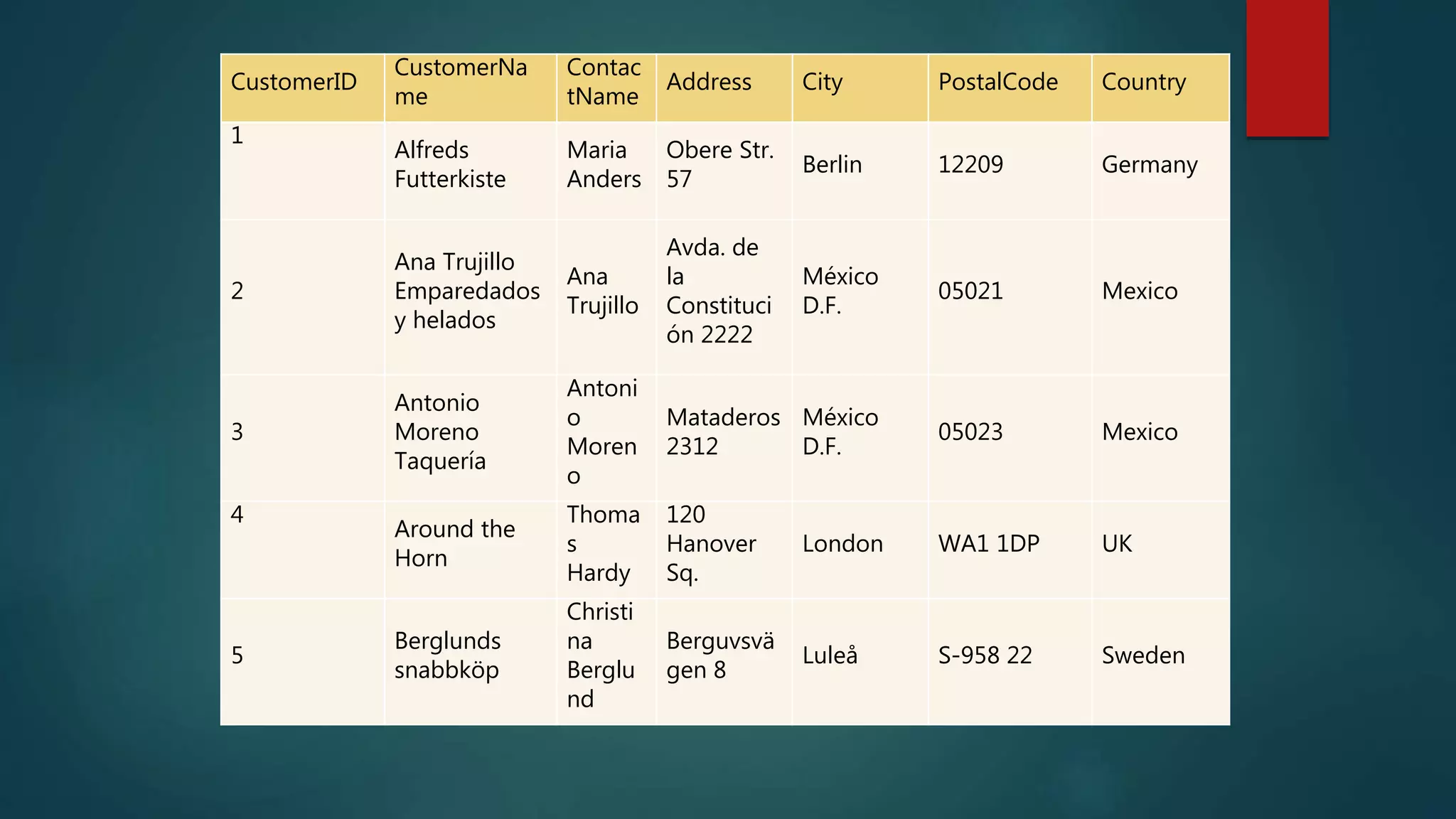
 Database Tables
A database most often contains one or more
tables. Each table is identified by a name (e.g.
"Customers" or "Orders"). Tables contain records
(rows) with data.
CustomerID
CustomerNa
me
Contac
tName
Address City PostalCode Country
1
Alfreds
Futterkiste
Maria
Anders
Obere Str.
57
Berlin 12209 Germany
2
Ana Trujillo
Emparedados
y helados
Ana
Trujillo
Avda. de
la
Constituci
ón 2222
México
D.F.
05021 Mexico
3
Antonio
Moreno
Taquería
Antoni
o
Moren
o
Mataderos
2312
México
D.F.
05023 Mexico
4
Around the
Horn
Thoma
s
Hardy
120
Hanover
Sq.
London WA1 1DP UK
5
Berglunds
snabbköp
Christi
na
Berglu
nd
Berguvsvä
gen 8
Luleå S-958 22 Sweden
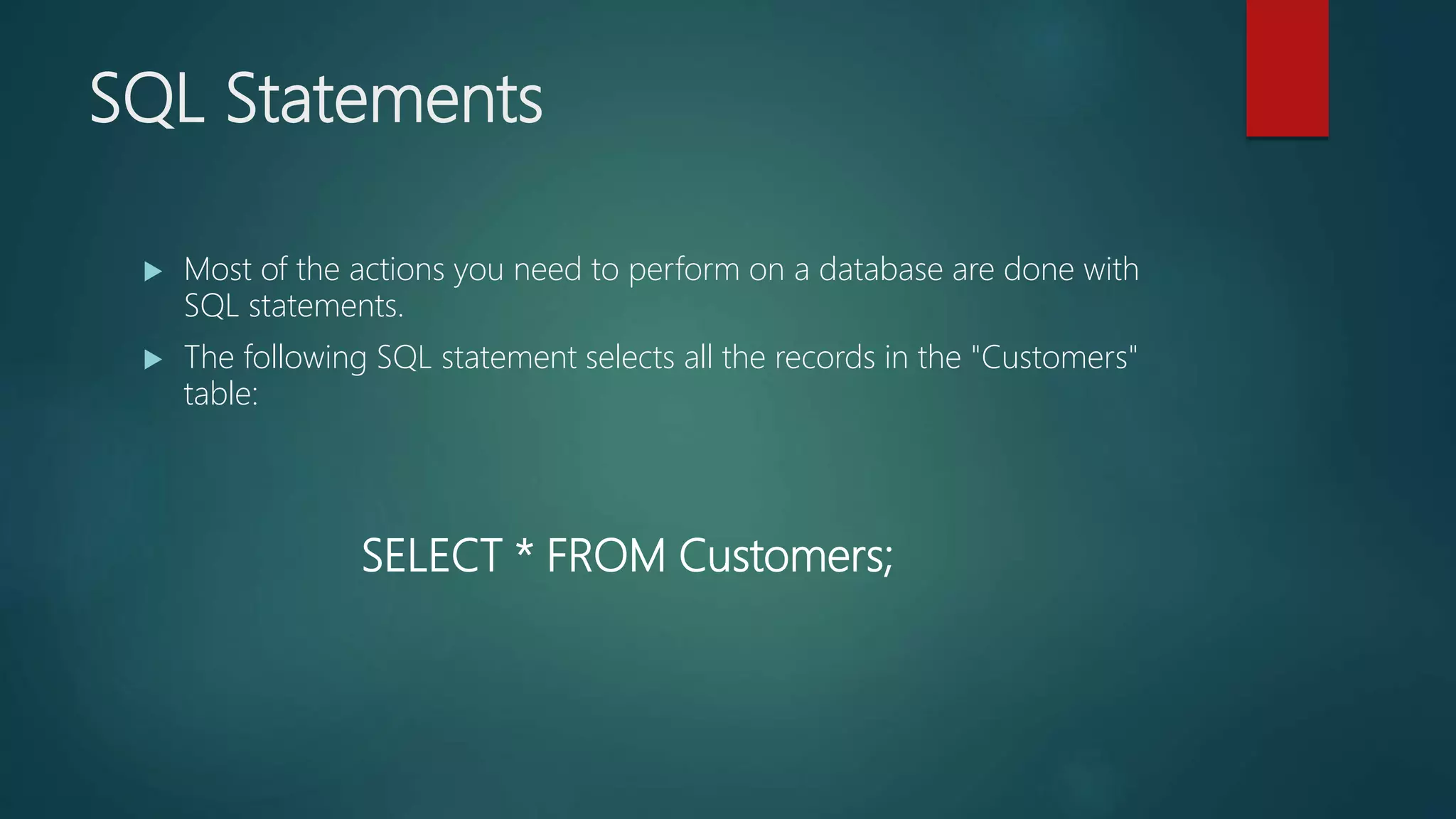
SQL Statements
 Most of the actions you need to perform on a database are done with
SQL statements.
 The following SQL statement selects all the records in the "Customers"
table:
SELECT * FROM Customers;
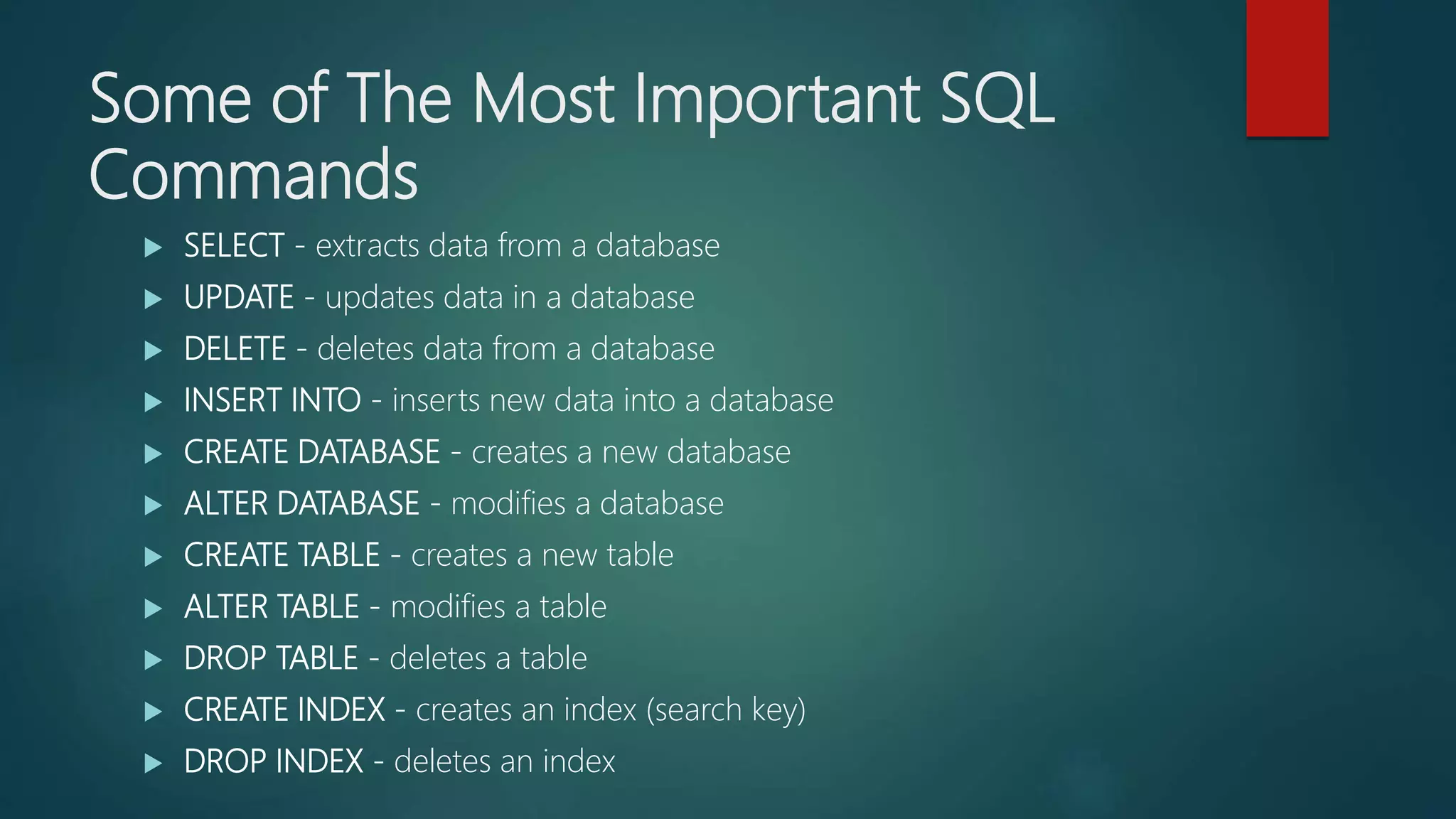
Some of The Most Important SQL
Commands
 SELECT - extracts data from a database
 UPDATE - updates data in a database
 DELETE - deletes data from a database
 INSERT INTO - inserts new data into a database
 CREATE DATABASE - creates a new database
 ALTER DATABASE - modifies a database
 CREATE TABLE - creates a new table
 ALTER TABLE - modifies a table
 DROP TABLE - deletes a table
 CREATE INDEX - creates an index (search key)
 DROP INDEX - deletes an index
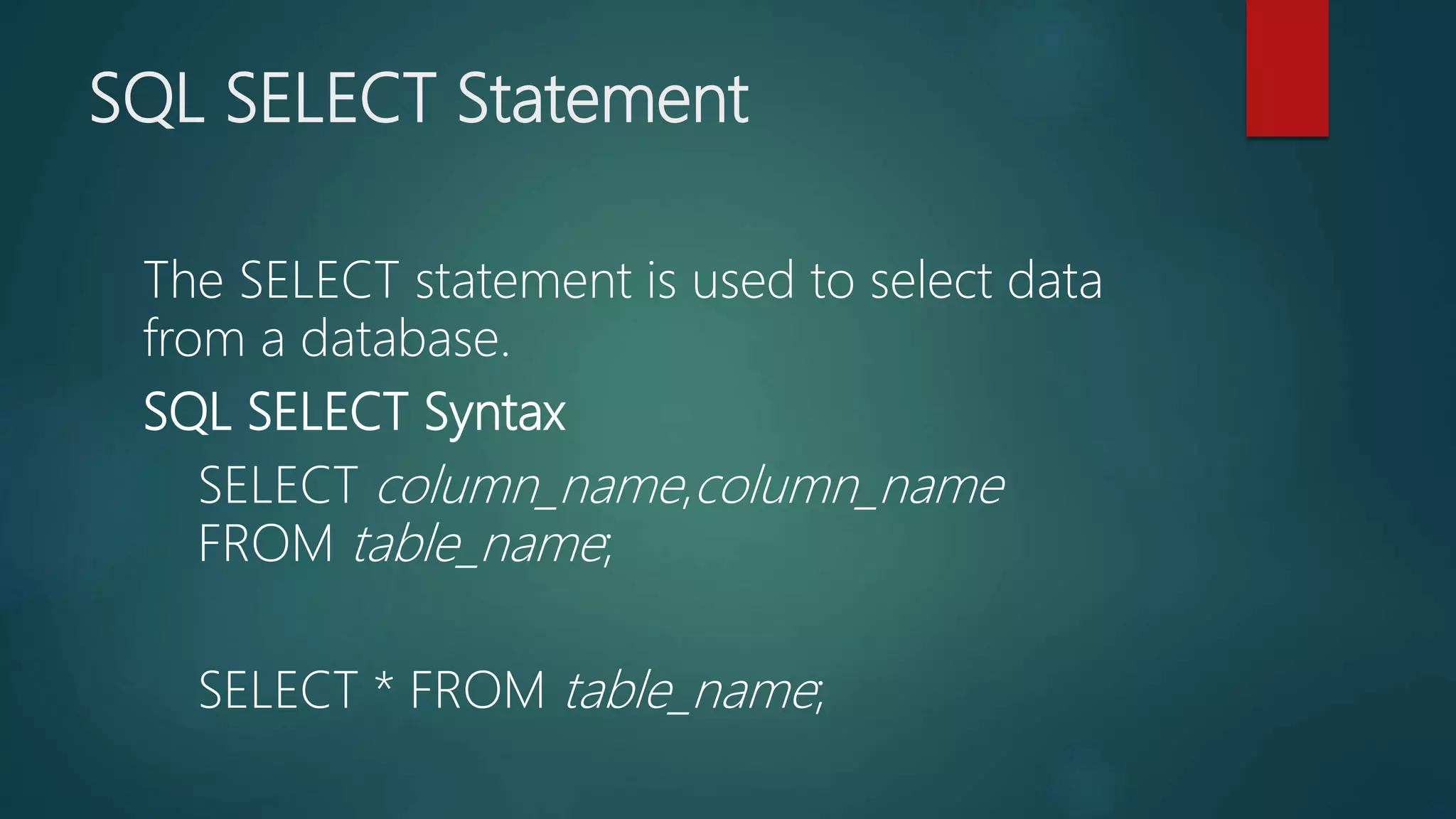
SQL SELECT Statement
The SELECT statement is used to select data
from a database.
SQL SELECT Syntax
SELECT column_name,column_name
FROM table_name;
SELECT * FROM table_name;
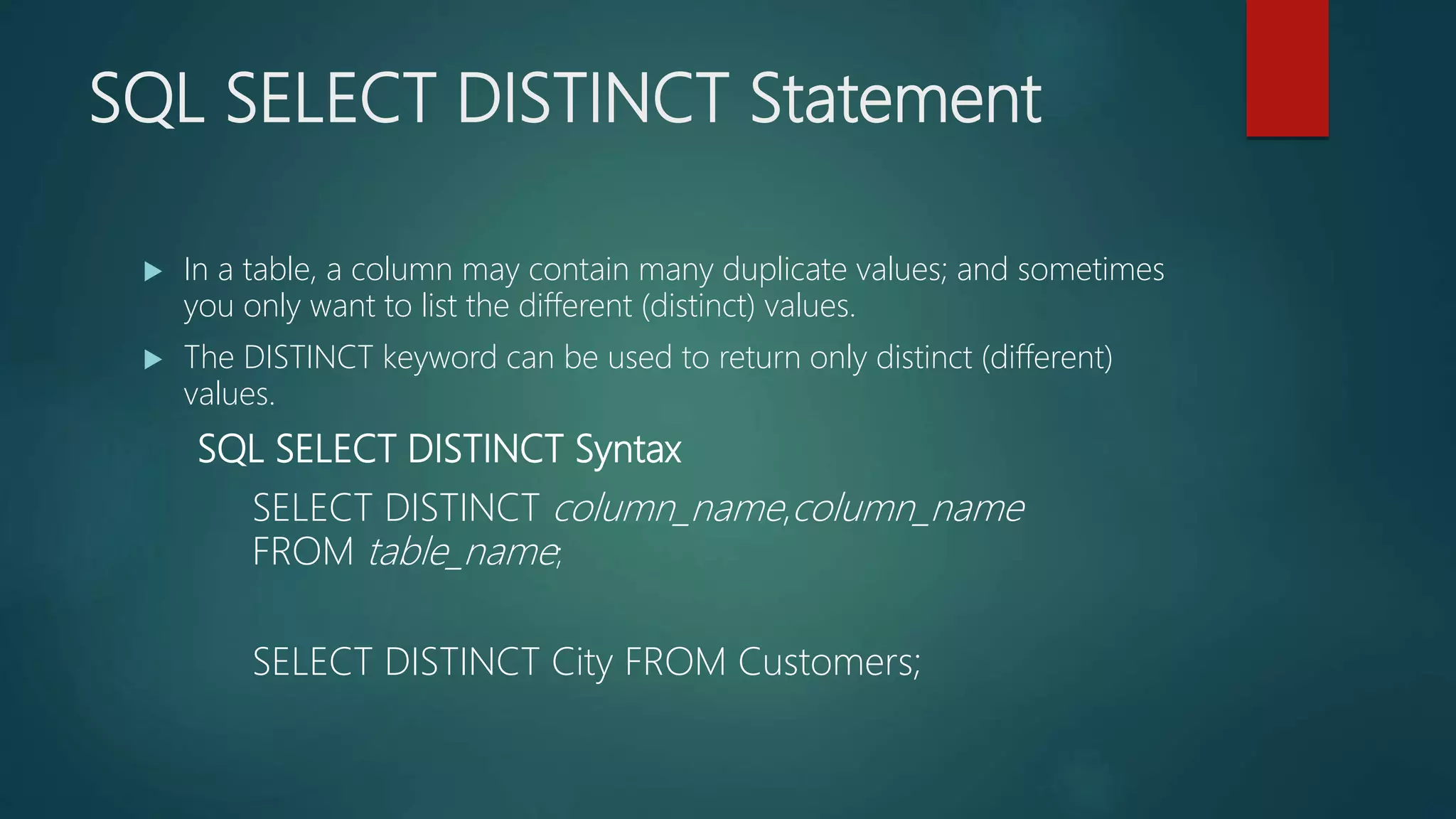
SQL SELECT DISTINCT Statement
 In a table, a column may contain many duplicate values; and sometimes
you only want to list the different (distinct) values.
 The DISTINCT keyword can be used to return only distinct (different)
values.
SQL SELECT DISTINCT Syntax
SELECT DISTINCT column_name,column_name
FROM table_name;
SELECT DISTINCT City FROM Customers;
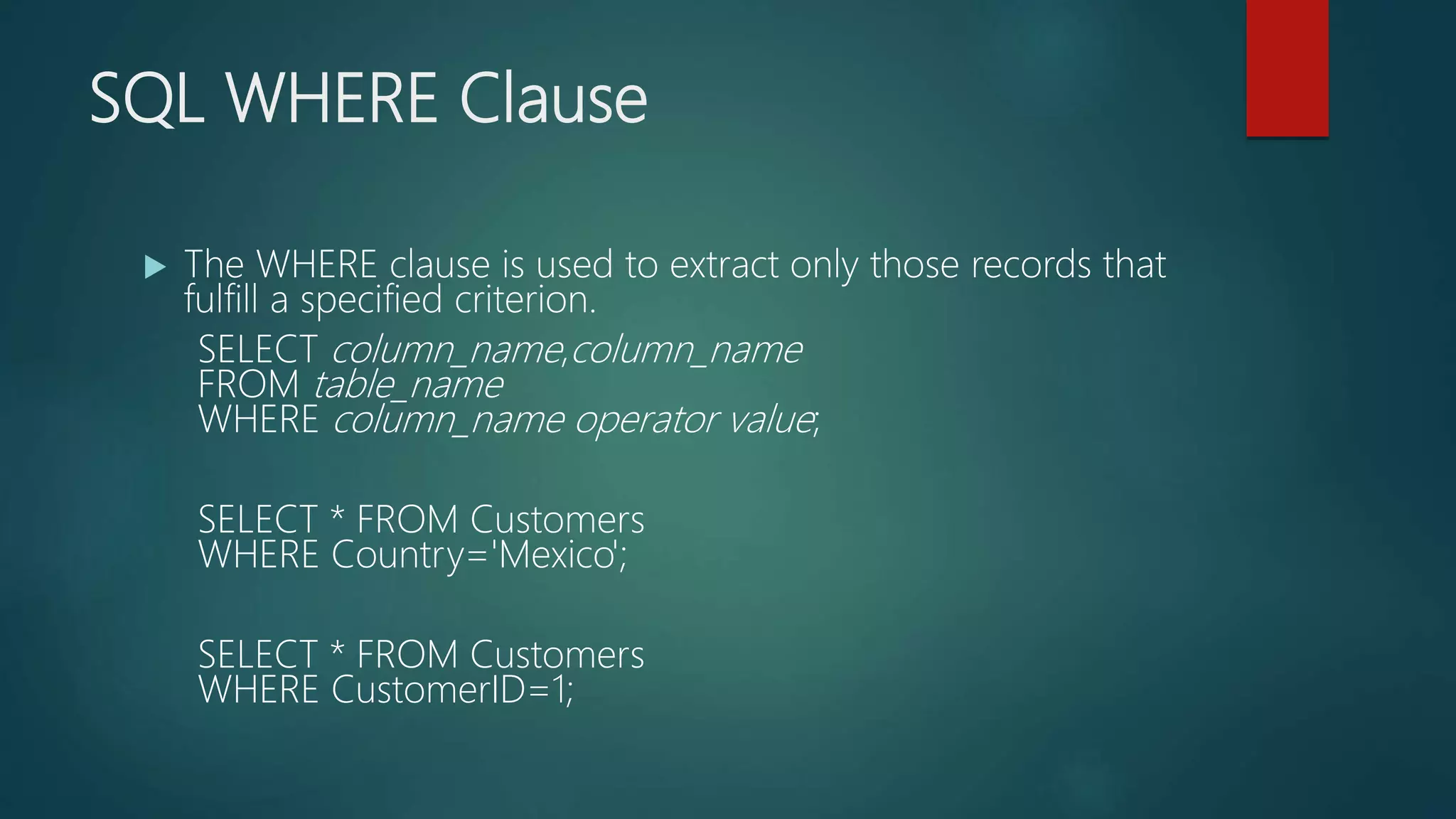
SQL WHERE Clause
 The WHERE clause is used to extract only those records that
fulfill a specified criterion.
SELECT column_name,column_name
FROM table_name
WHERE column_name operator value;
SELECT * FROM Customers
WHERE Country='Mexico';
SELECT * FROM Customers
WHERE CustomerID=1;
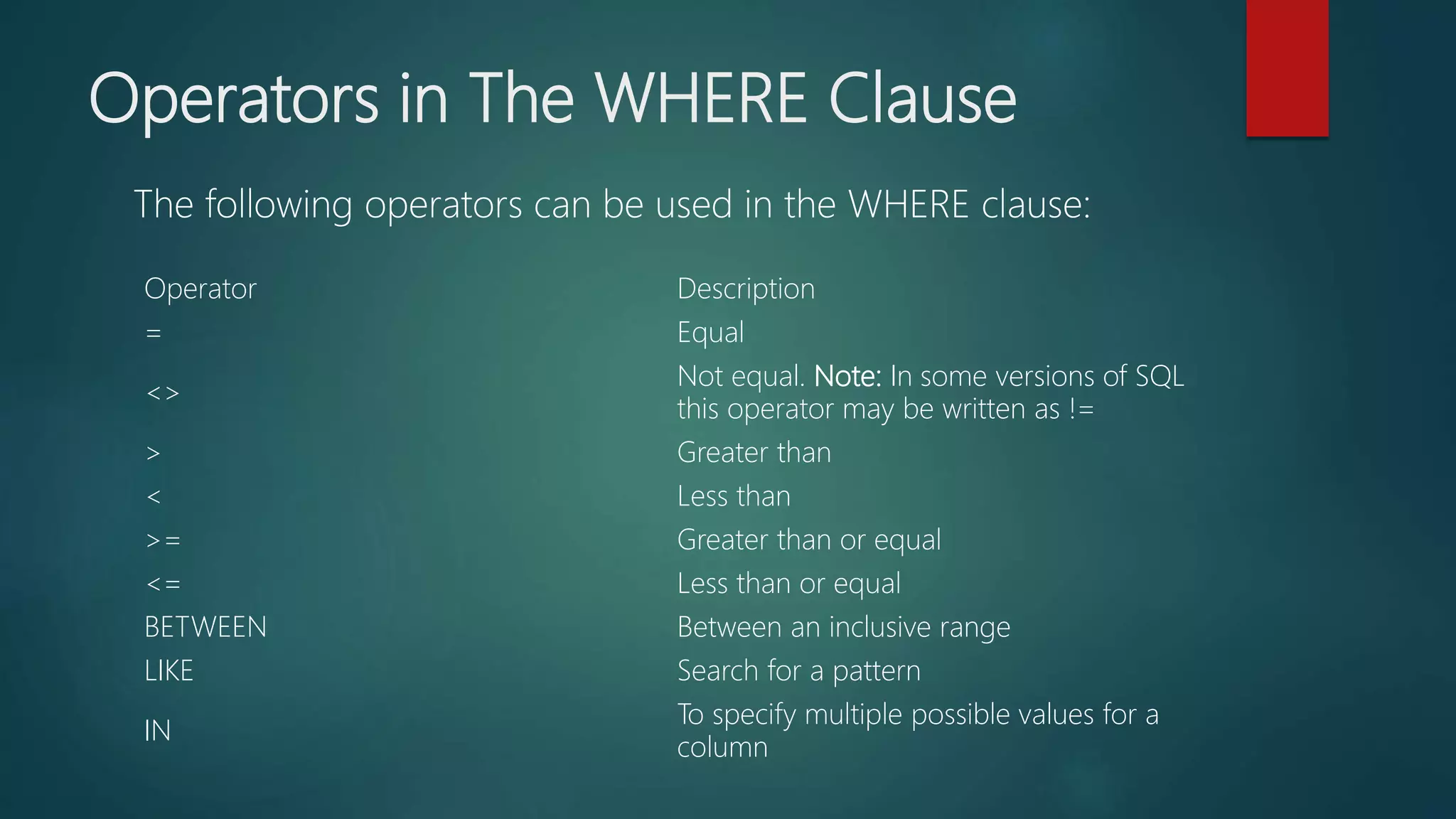
Operators in The WHERE Clause
Operator Description
= Equal
<>
Not equal. Note: In some versions of SQL
this operator may be written as !=
> Greater than
< Less than
>= Greater than or equal
<= Less than or equal
BETWEEN Between an inclusive range
LIKE Search for a pattern
IN
To specify multiple possible values for a
column
The following operators can be used in the WHERE clause:
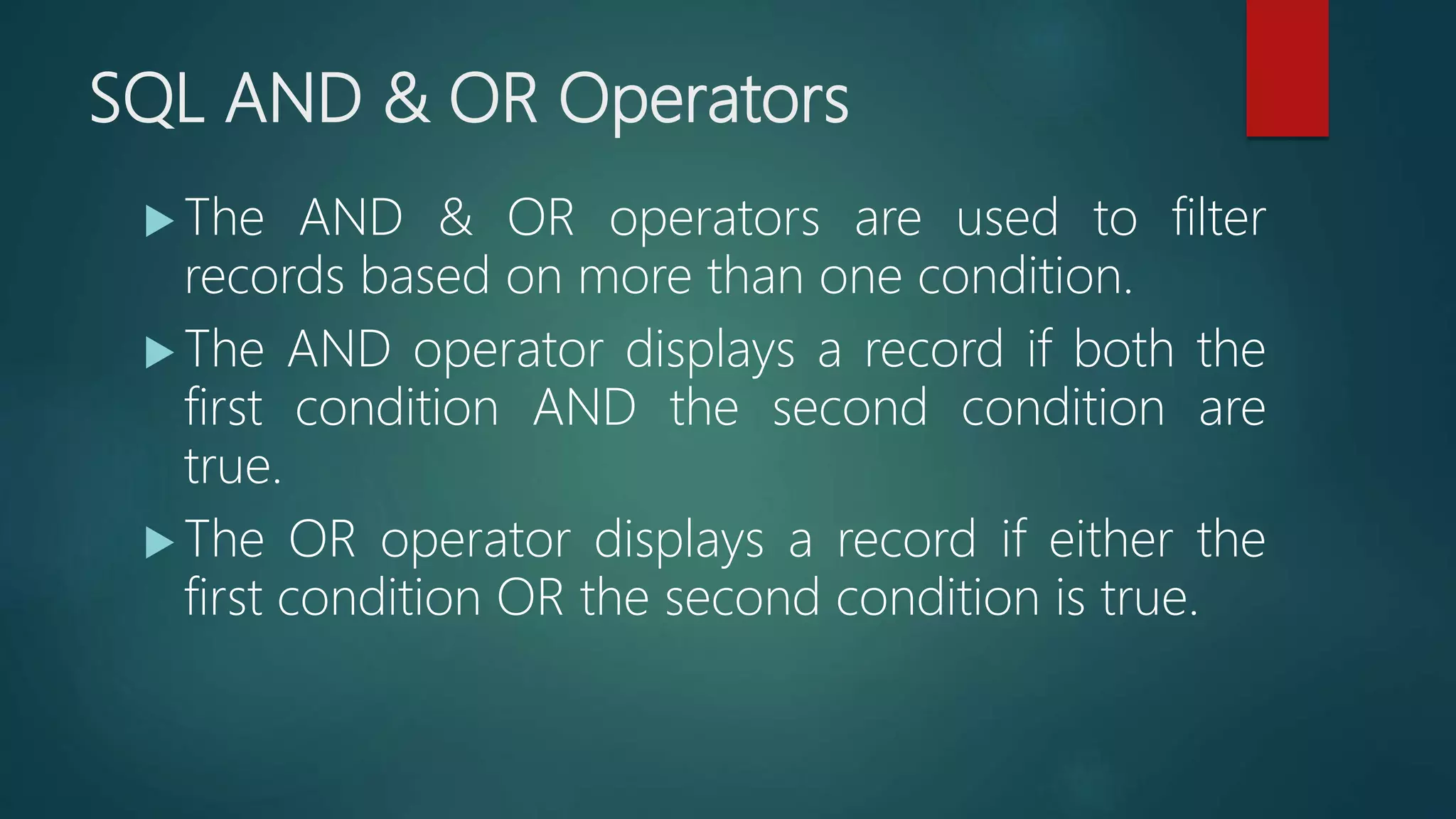
SQL AND & OR Operators
 The AND & OR operators are used to filter
records based on more than one condition.
 The AND operator displays a record if both the
first condition AND the second condition are
true.
 The OR operator displays a record if either the
first condition OR the second condition is true.
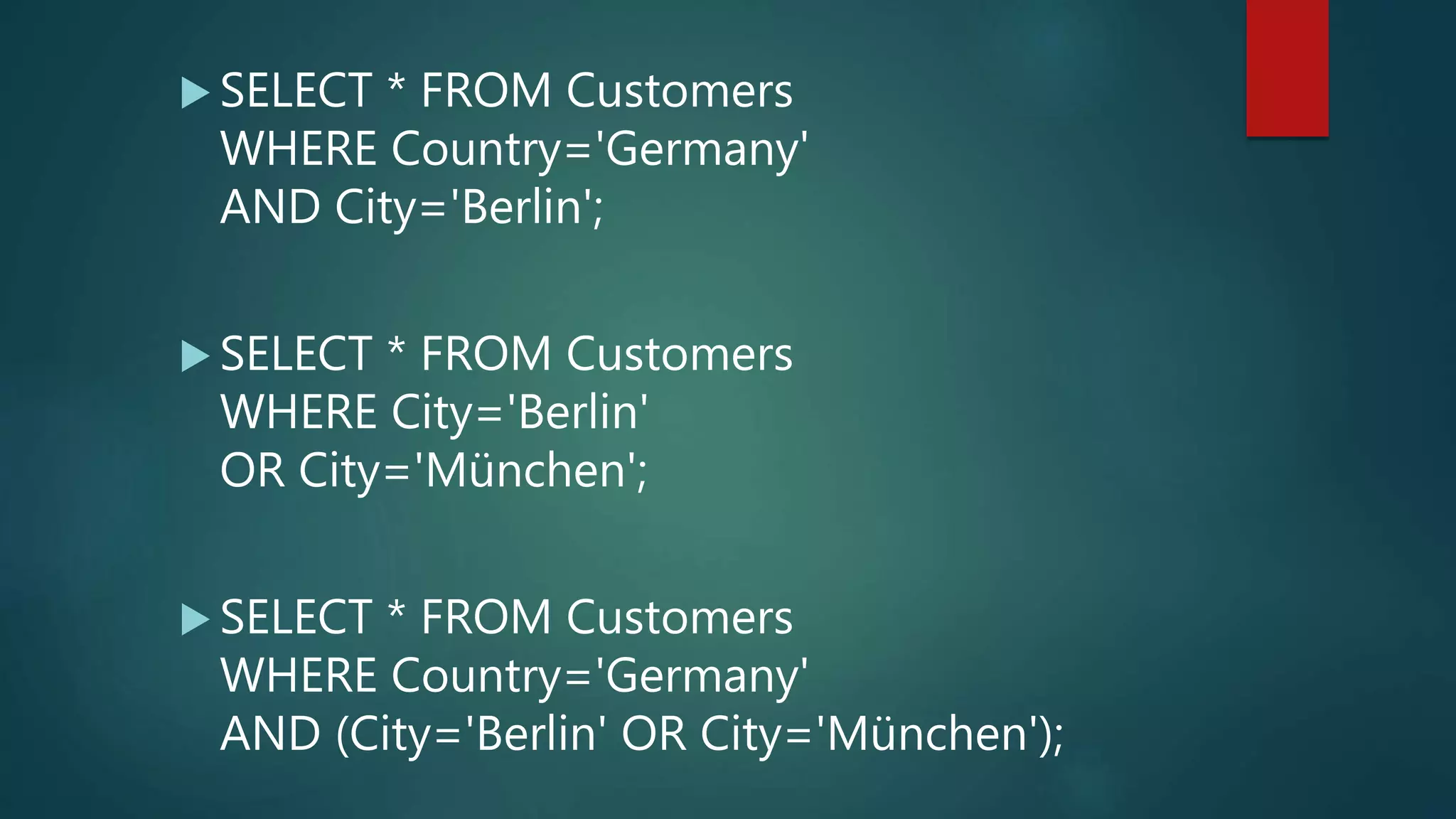
 SELECT * FROM Customers
WHERE Country='Germany'
AND City='Berlin';
 SELECT * FROM Customers
WHERE City='Berlin'
OR City='München';
 SELECT * FROM Customers
WHERE Country='Germany'
AND (City='Berlin' OR City='München');
SQL ORDER BY Keyword
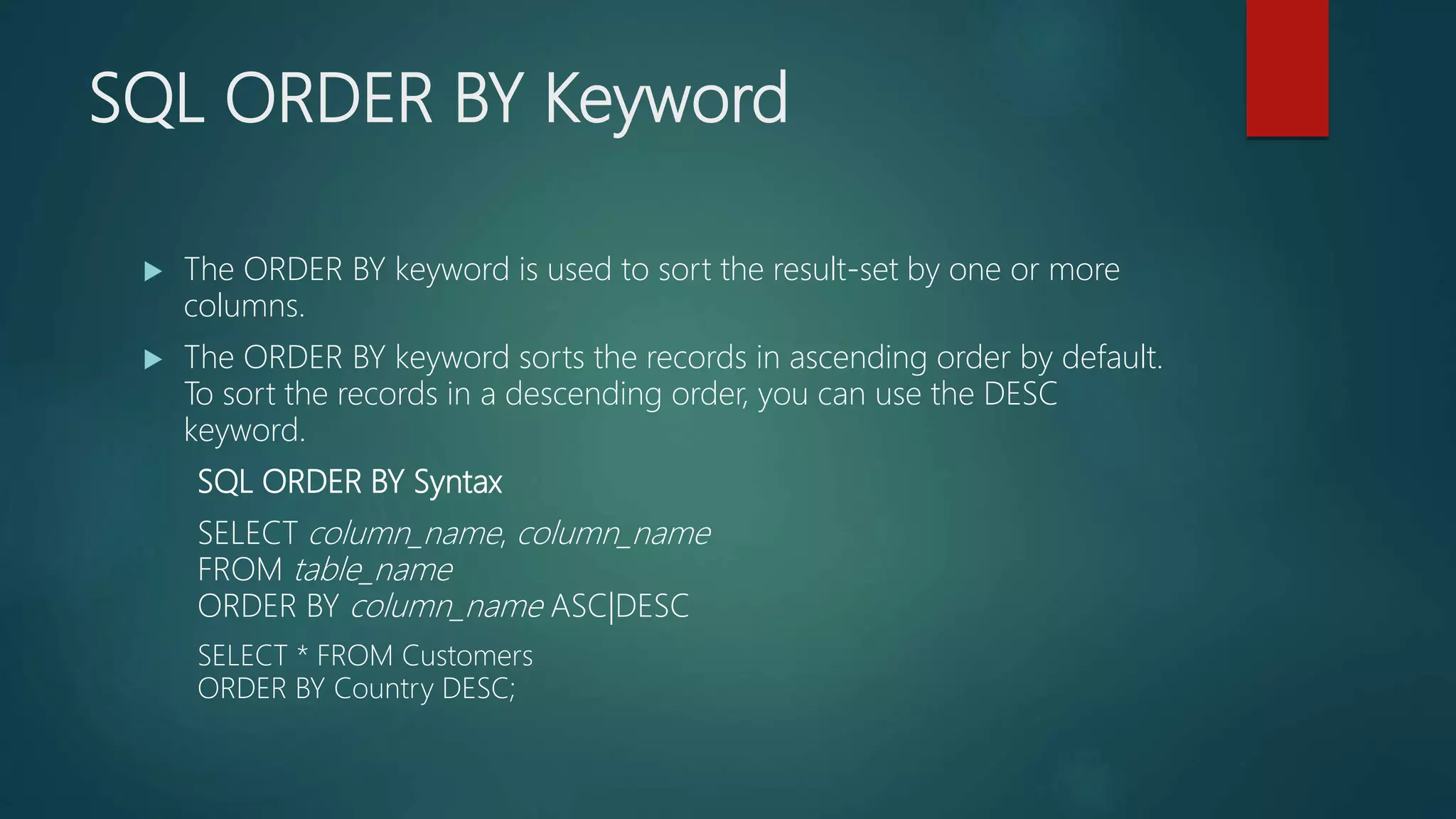
 The ORDER BY keyword is used to sort the result-set by one or more
columns.
 The ORDER BY keyword sorts the records in ascending order by default.
To sort the records in a descending order, you can use the DESC
keyword.
SQL ORDER BY Syntax
SELECT column_name, column_name
FROM table_name
ORDER BY column_name ASC|DESC
SELECT * FROM Customers
ORDER BY Country DESC;
SQL INSERT INTO Statement
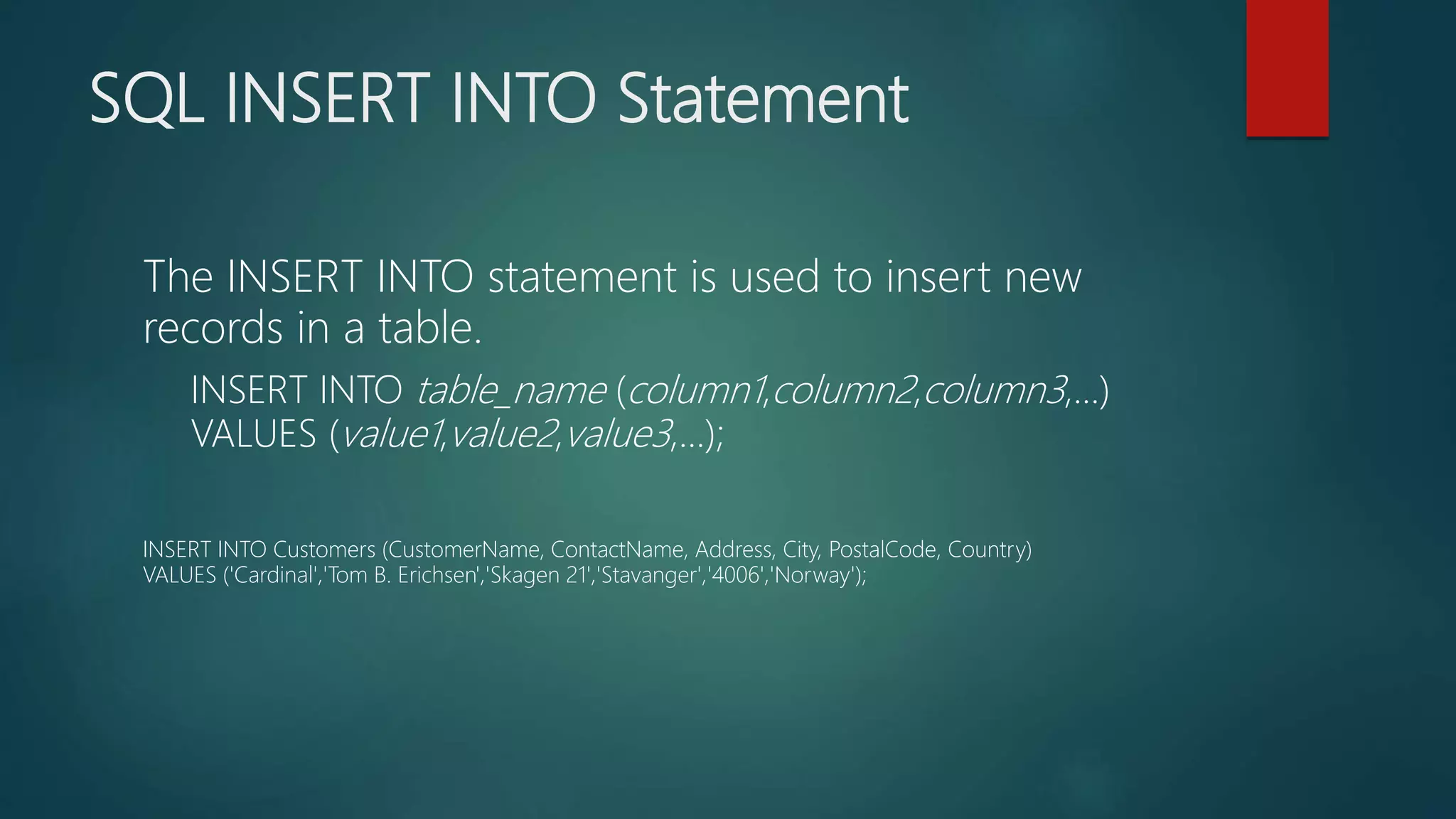
The INSERT INTO statement is used to insert new
records in a table.
INSERT INTO table_name (column1,column2,column3,...)
VALUES (value1,value2,value3,...);
INSERT INTO Customers (CustomerName, ContactName, Address, City, PostalCode, Country)
VALUES ('Cardinal','Tom B. Erichsen','Skagen 21','Stavanger','4006','Norway');
SQL UPDATE Statement
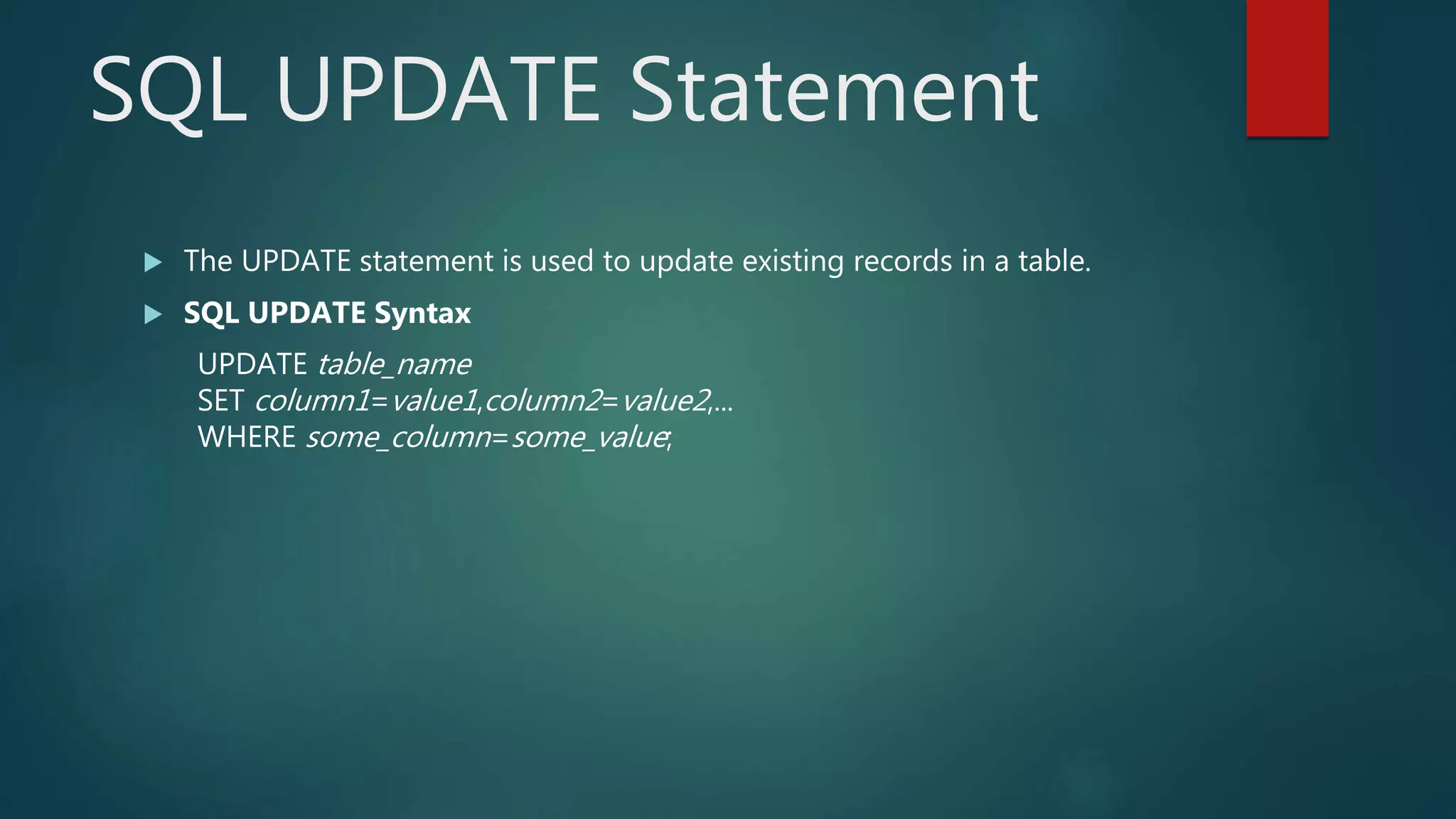
 The UPDATE statement is used to update existing records in a table.
 SQL UPDATE Syntax
UPDATE table_name
SET column1=value1,column2=value2,...
WHERE some_column=some_value;
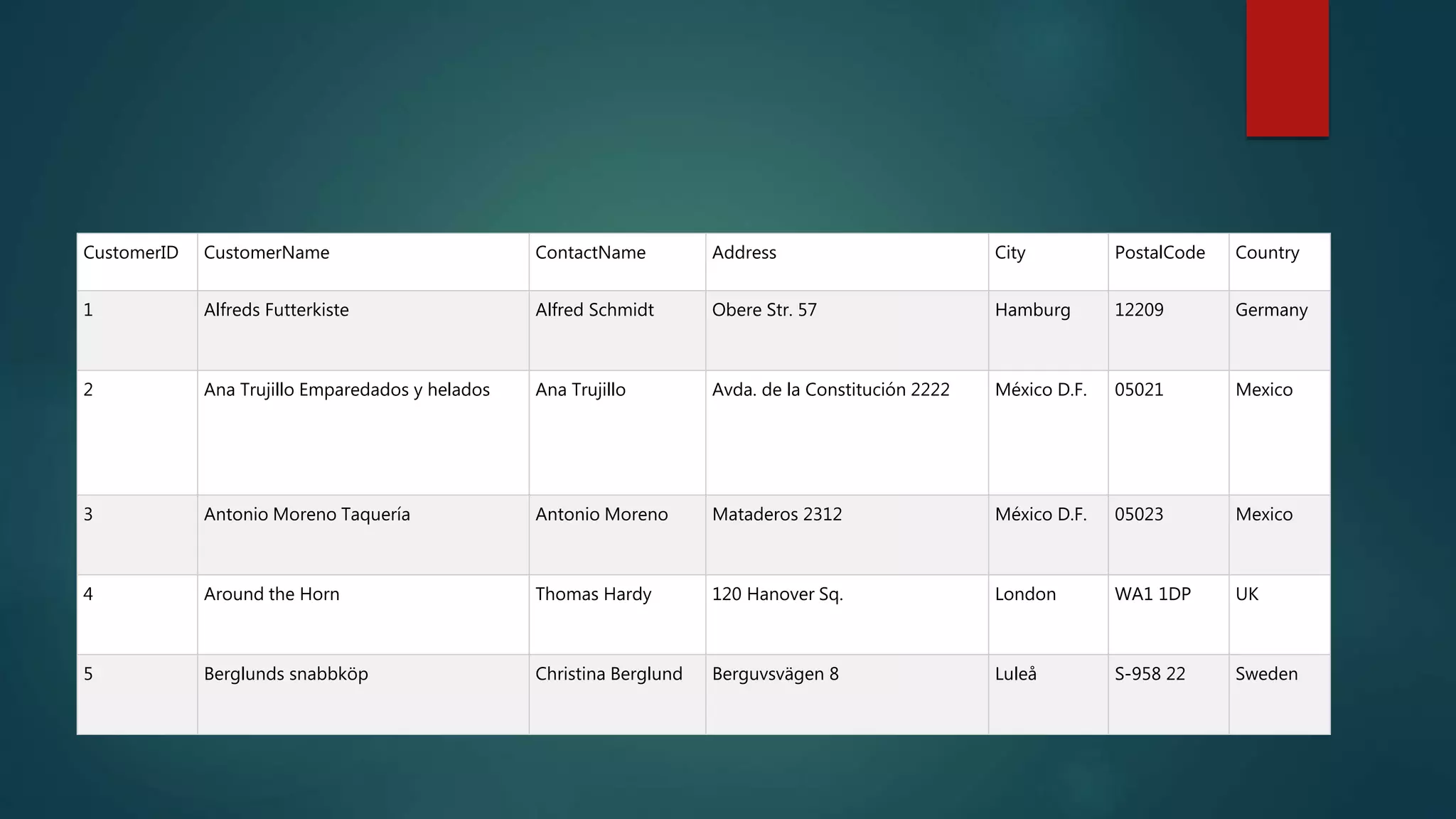
CustomerID CustomerName ContactName Address City PostalCode Country
1 Alfreds Futterkiste Alfred Schmidt Obere Str. 57 Hamburg 12209 Germany
2 Ana Trujillo Emparedados y helados Ana Trujillo Avda. de la Constitución 2222 México D.F. 05021 Mexico
3 Antonio Moreno Taquería Antonio Moreno Mataderos 2312 México D.F. 05023 Mexico
4 Around the Horn Thomas Hardy 120 Hanover Sq. London WA1 1DP UK
5 Berglunds snabbköp Christina Berglund Berguvsvägen 8 Luleå S-958 22 Sweden
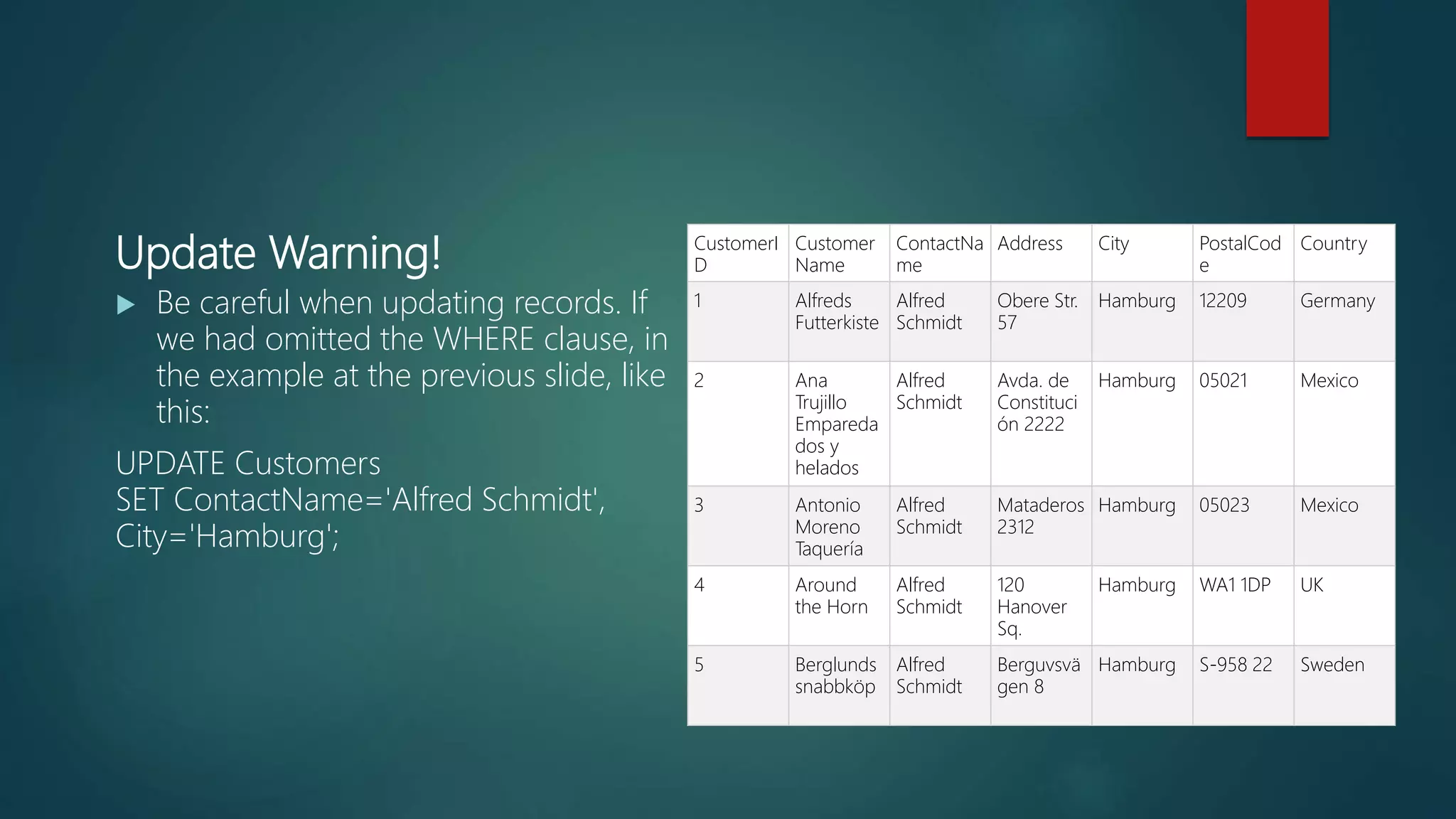
Update Warning!
 Be careful when updating records. If
we had omitted the WHERE clause, in
the example at the previous slide, like
this:
UPDATE Customers
SET ContactName='Alfred Schmidt',
City='Hamburg';
CustomerI
D
Customer
Name
ContactNa
me
Address City PostalCod
e
Country
1 Alfreds
Futterkiste
Alfred
Schmidt
Obere Str.
57
Hamburg 12209 Germany
2 Ana
Trujillo
Empareda
dos y
helados
Alfred
Schmidt
Avda. de
Constituci
ón 2222
Hamburg 05021 Mexico
3 Antonio
Moreno
Taquería
Alfred
Schmidt
Mataderos
2312
Hamburg 05023 Mexico
4 Around
the Horn
Alfred
Schmidt
120
Hanover
Sq.
Hamburg WA1 1DP UK
5 Berglunds
snabbköp
Alfred
Schmidt
Berguvsvä
gen 8
Hamburg S-958 22 Sweden
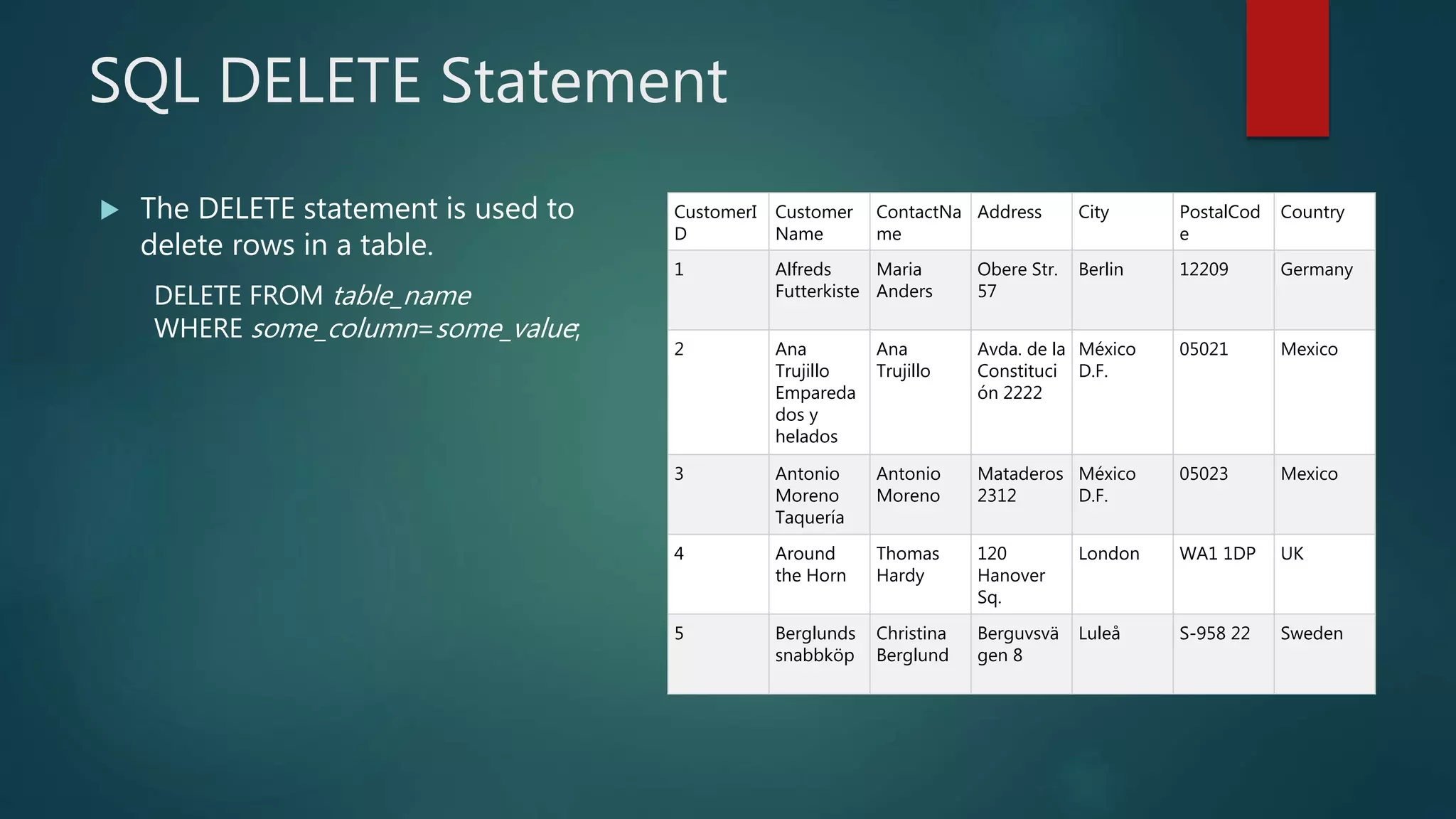
SQL DELETE Statement
 The DELETE statement is used to
delete rows in a table.
DELETE FROM table_name
WHERE some_column=some_value;
CustomerI
D
Customer
Name
ContactNa
me
Address City PostalCod
e
Country
1 Alfreds
Futterkiste
Maria
Anders
Obere Str.
57
Berlin 12209 Germany
2 Ana
Trujillo
Empareda
dos y
helados
Ana
Trujillo
Avda. de la
Constituci
ón 2222
México
D.F.
05021 Mexico
3 Antonio
Moreno
Taquería
Antonio
Moreno
Mataderos
2312
México
D.F.
05023 Mexico
4 Around
the Horn
Thomas
Hardy
120
Hanover
Sq.
London WA1 1DP UK
5 Berglunds
snabbköp
Christina
Berglund
Berguvsvä
gen 8
Luleå S-958 22 Sweden
SQL DELETE Example
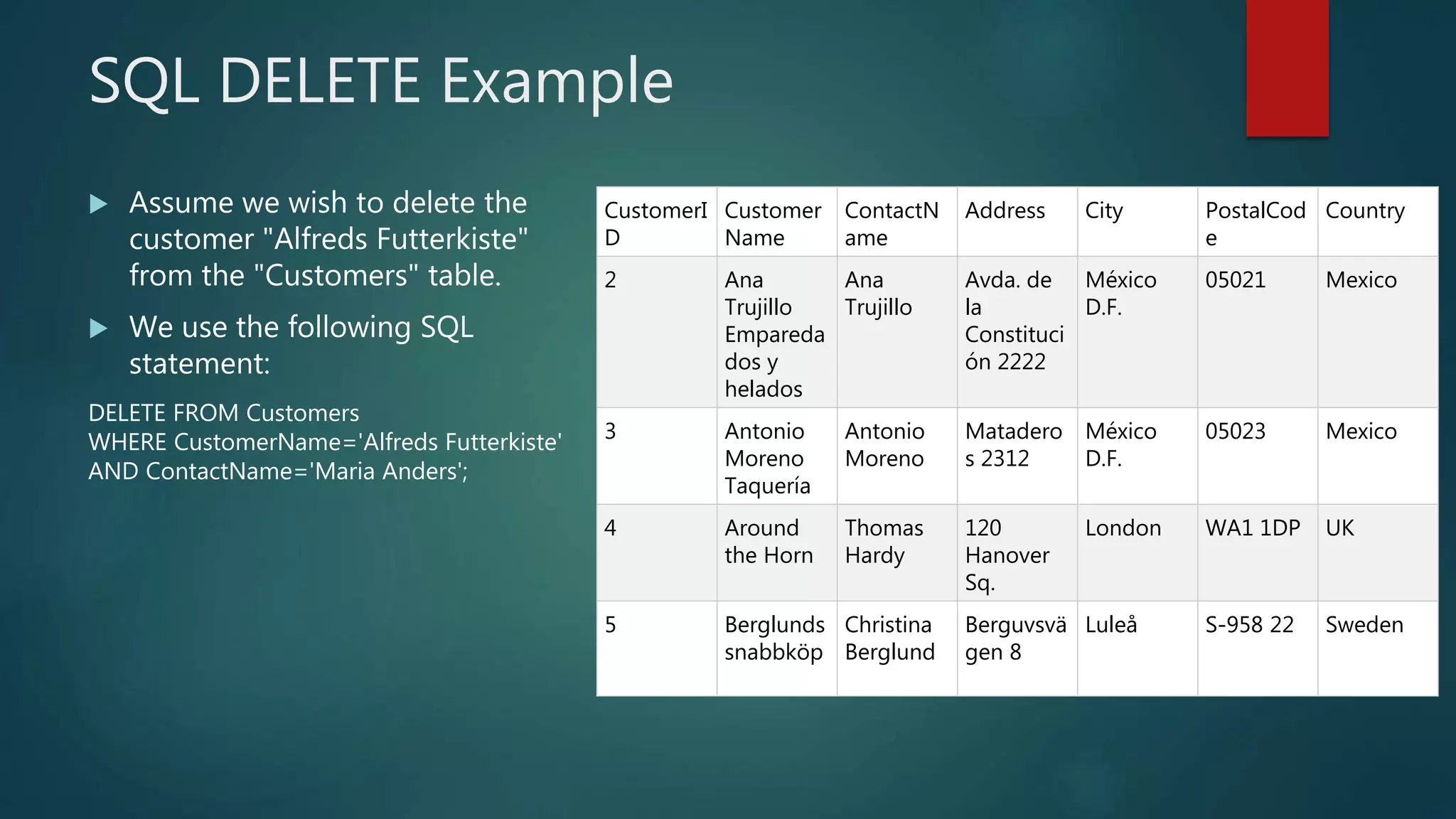
 Assume we wish to delete the
customer "Alfreds Futterkiste"
from the "Customers" table.
 We use the following SQL
statement:
DELETE FROM Customers
WHERE CustomerName='Alfreds Futterkiste'
AND ContactName='Maria Anders';
CustomerI
D
Customer
Name
ContactN
ame
Address City PostalCod
e
Country
2 Ana
Trujillo
Empareda
dos y
helados
Ana
Trujillo
Avda. de
la
Constituci
ón 2222
México
D.F.
05021 Mexico
3 Antonio
Moreno
Taquería
Antonio
Moreno
Matadero
s 2312
México
D.F.
05023 Mexico
4 Around
the Horn
Thomas
Hardy
120
Hanover
Sq.
London WA1 1DP UK
5 Berglunds
snabbköp
Christina
Berglund
Berguvsvä
gen 8
Luleå S-958 22 Sweden
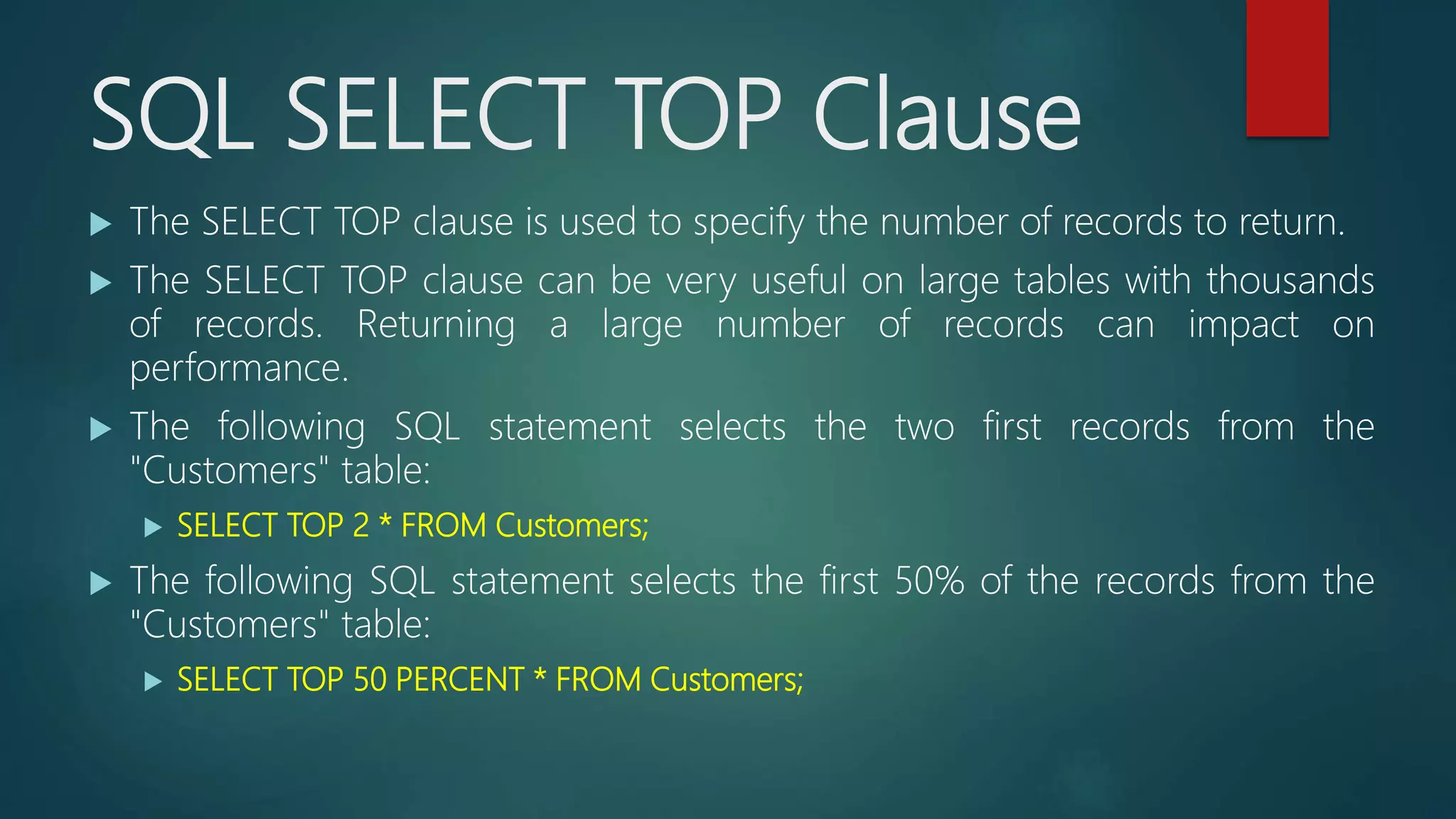
SQL SELECT TOP Clause
 The SELECT TOP clause is used to specify the number of records to return.
 The SELECT TOP clause can be very useful on large tables with thousands
of records. Returning a large number of records can impact on
performance.
 The following SQL statement selects the two first records from the
"Customers" table:
 SELECT TOP 2 * FROM Customers;
 The following SQL statement selects the first 50% of the records from the
"Customers" table:
 SELECT TOP 50 PERCENT * FROM Customers;
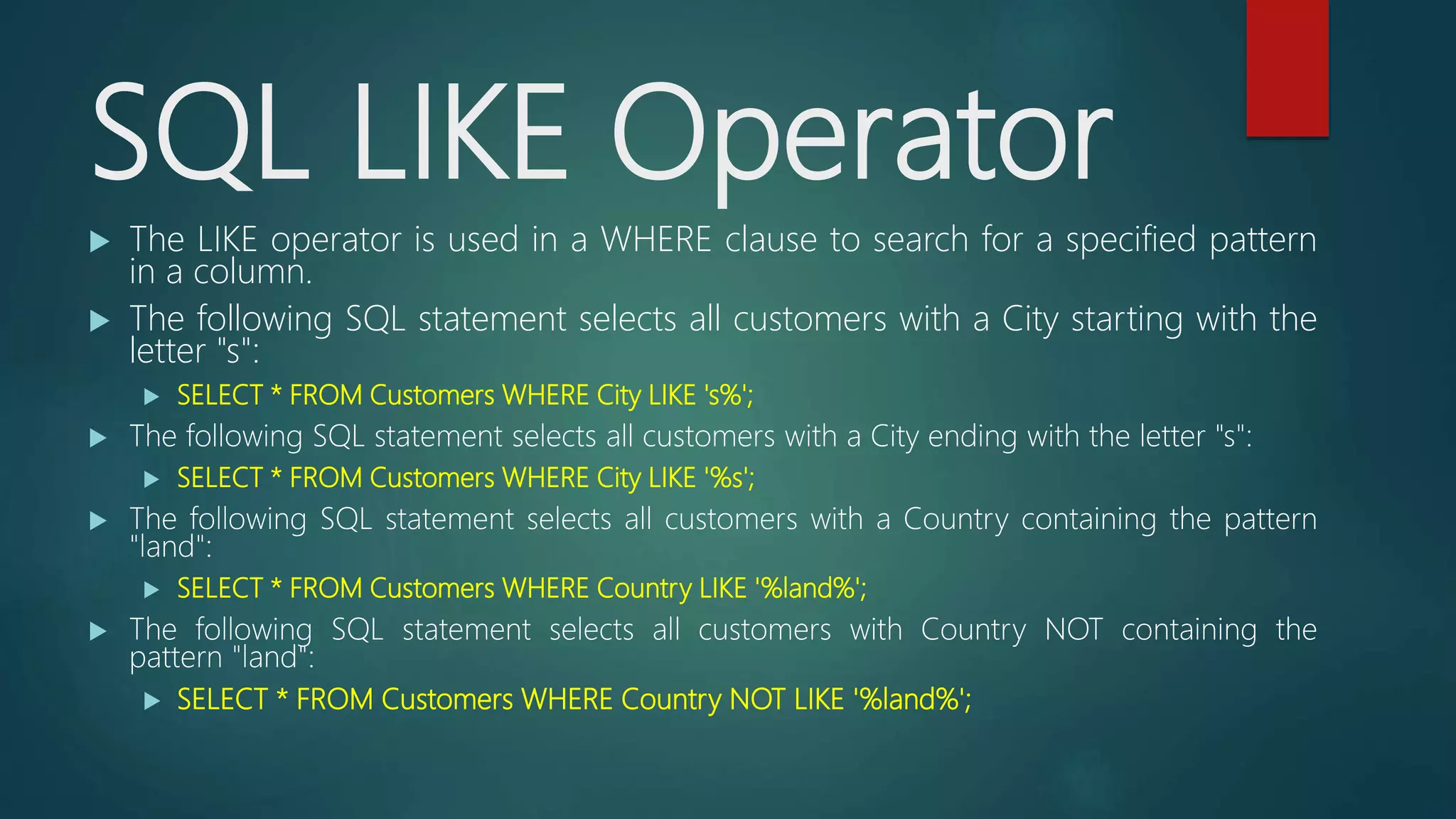
SQL LIKE Operator
 The LIKE operator is used in a WHERE clause to search for a specified pattern
in a column.
 The following SQL statement selects all customers with a City starting with the
letter "s":
 SELECT * FROM Customers WHERE City LIKE 's%';
 The following SQL statement selects all customers with a City ending with the letter "s":
 SELECT * FROM Customers WHERE City LIKE '%s';
 The following SQL statement selects all customers with a Country containing the pattern
"land":
 SELECT * FROM Customers WHERE Country LIKE '%land%';
 The following SQL statement selects all customers with Country NOT containing the
pattern "land":
 SELECT * FROM Customers WHERE Country NOT LIKE '%land%';
SQL Wildcards
 A wildcard character can be used to substitute for any other character(s)
in a string.
Wildcard Description
% A substitute for zero or more characters
_ A substitute for a single character
[charlist] Sets and ranges of characters to match
[^charlist]
or
[!charlist]
Matches only a character NOT specified
within the brackets
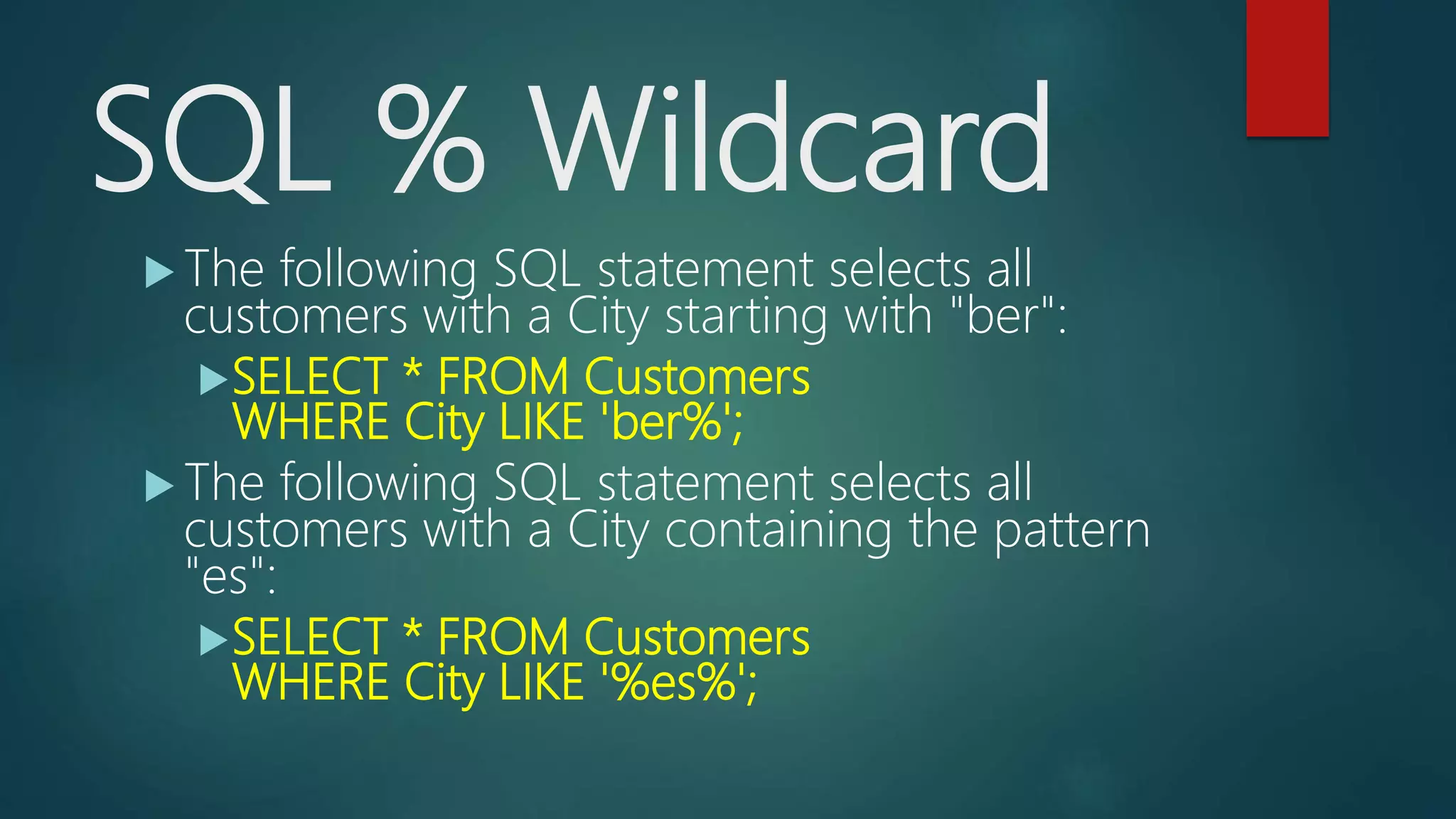
SQL % Wildcard
 The following SQL statement selects all
customers with a City starting with "ber":
SELECT * FROM Customers
WHERE City LIKE 'ber%';
 The following SQL statement selects all
customers with a City containing the pattern
"es":
SELECT * FROM Customers
WHERE City LIKE '%es%';
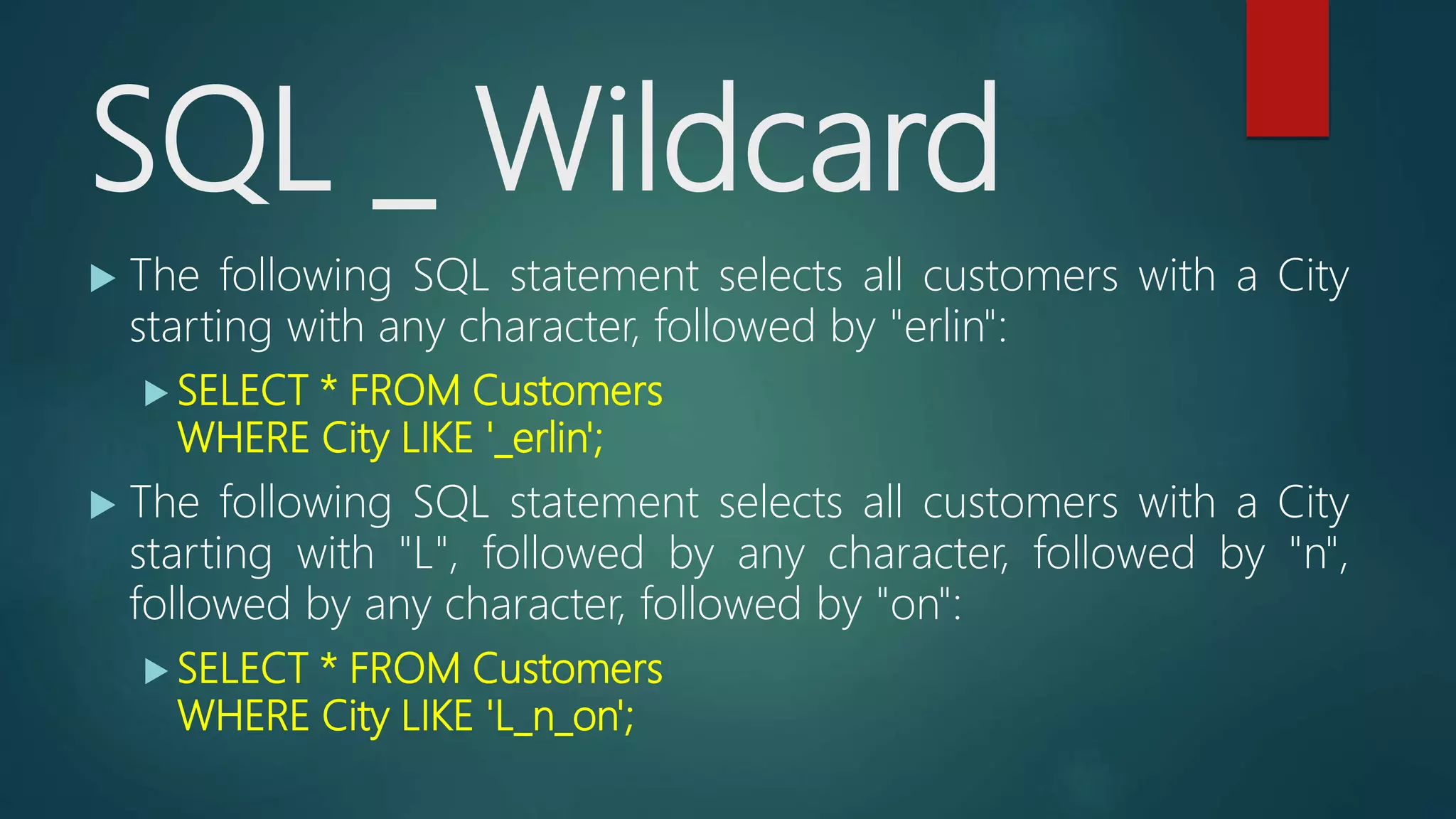
SQL _ Wildcard
 The following SQL statement selects all customers with a City
starting with any character, followed by "erlin":
 SELECT * FROM Customers
WHERE City LIKE '_erlin';
 The following SQL statement selects all customers with a City
starting with "L", followed by any character, followed by "n",
followed by any character, followed by "on":
 SELECT * FROM Customers
WHERE City LIKE 'L_n_on';
SQL [charlist] Wildcard
 The following SQL statement selects all customers with a City starting with
"b", "s", or "p":
 SELECT * FROM Customers WHERE City LIKE '[bsp]%';
 The following SQL statement selects all customers with a City starting with
"a", "b", or "c":
 SELECT * FROM Customers WHERE City LIKE '[a-c]%';
 The following SQL statement selects all customers with a City NOT starting
with "b", "s", or "p":
 SELECT * FROM Customers WHERE City LIKE '[!bsp]%';
or
 SELECT * FROM Customers WHERE City NOT LIKE '[bsp]%';
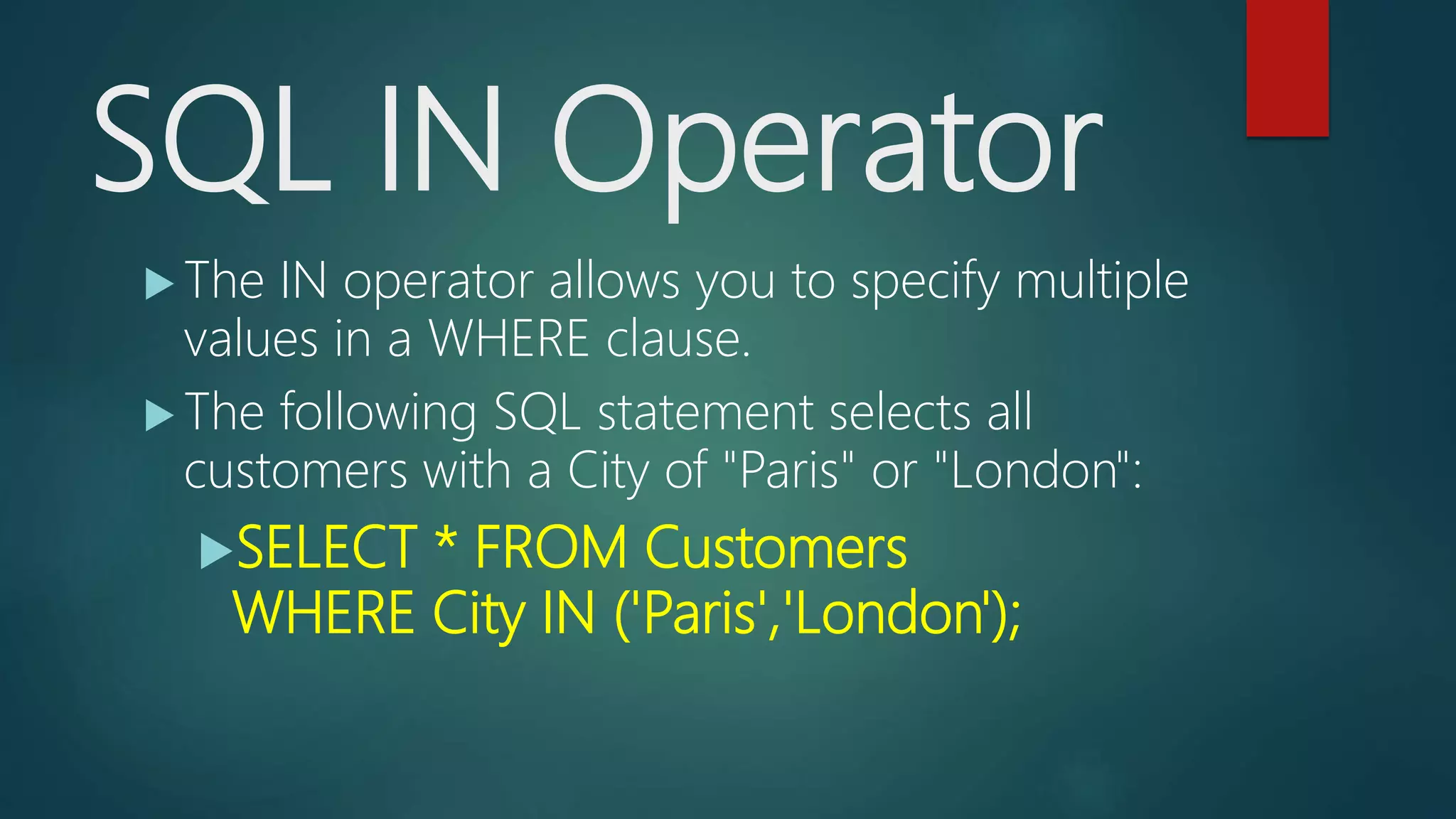
SQL IN Operator
 The IN operator allows you to specify multiple
values in a WHERE clause.
 The following SQL statement selects all
customers with a City of "Paris" or "London":
SELECT * FROM Customers
WHERE City IN ('Paris','London');
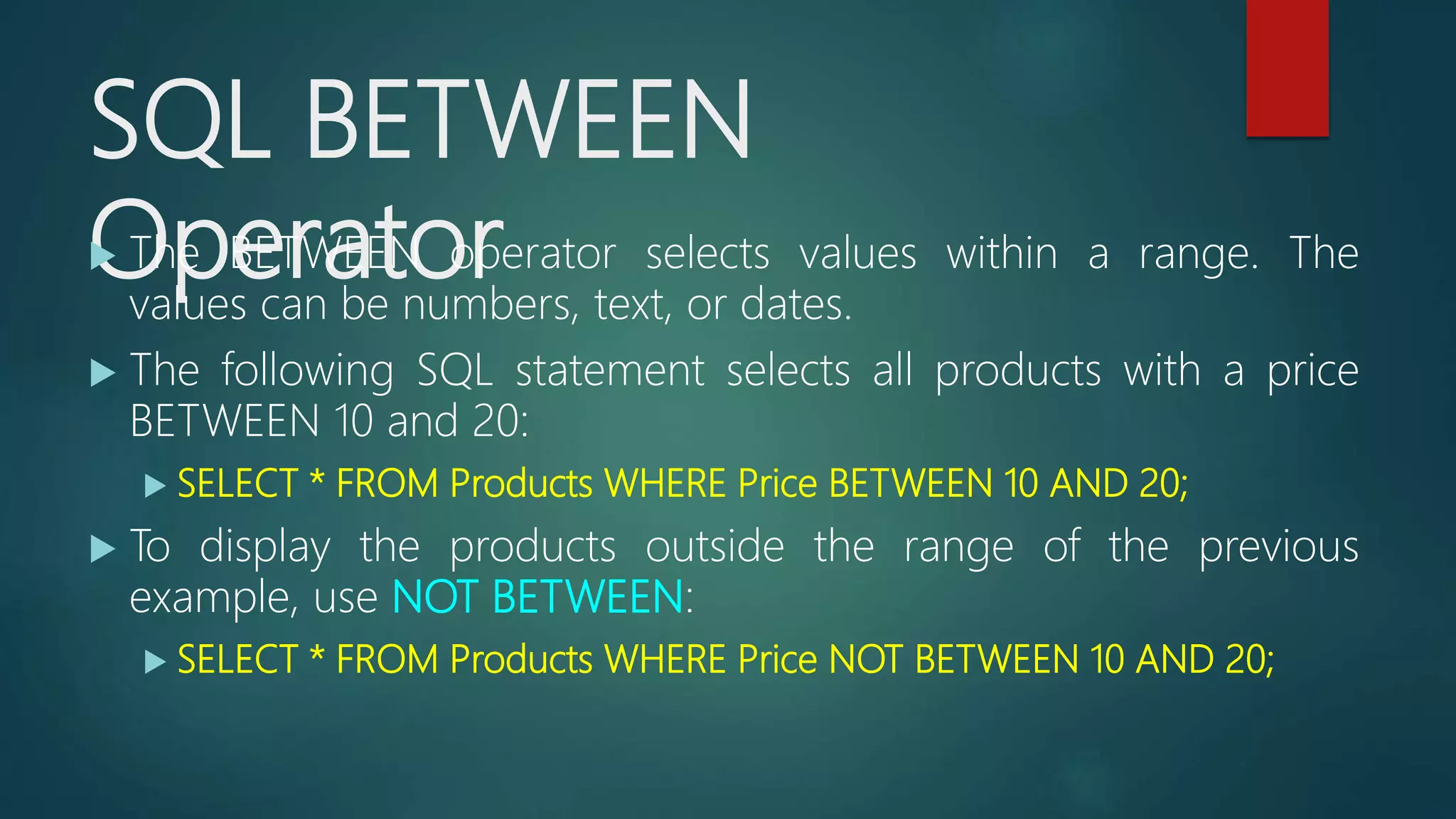
SQL BETWEEN
Operator The BETWEEN operator selects values within a range. The
values can be numbers, text, or dates.
 The following SQL statement selects all products with a price
BETWEEN 10 and 20:
 SELECT * FROM Products WHERE Price BETWEEN 10 AND 20;
 To display the products outside the range of the previous
example, use NOT BETWEEN:
 SELECT * FROM Products WHERE Price NOT BETWEEN 10 AND 20;
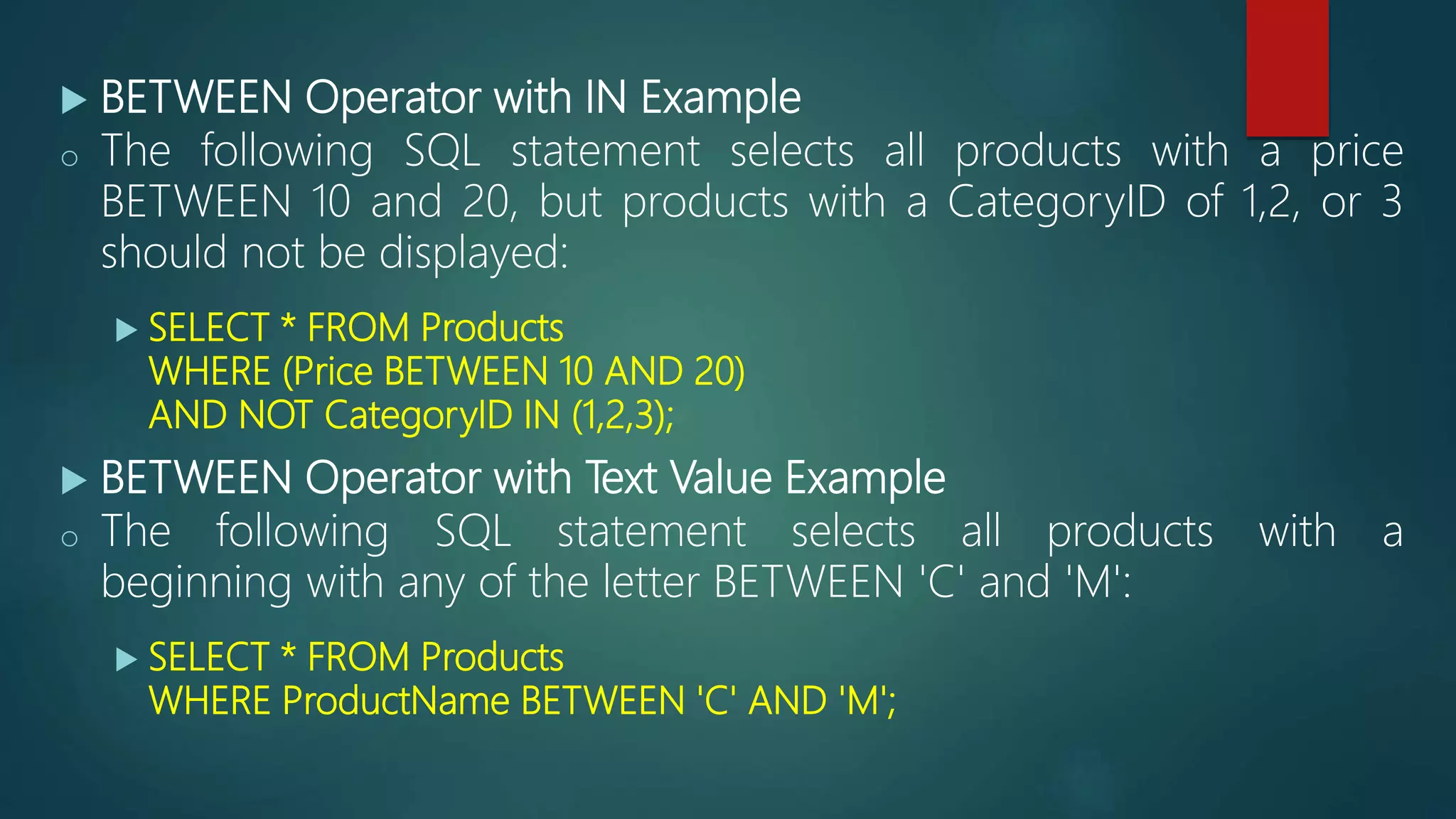
 BETWEEN Operator with IN Example
o The following SQL statement selects all products with a price
BETWEEN 10 and 20, but products with a CategoryID of 1,2, or 3
should not be displayed:
 SELECT * FROM Products
WHERE (Price BETWEEN 10 AND 20)
AND NOT CategoryID IN (1,2,3);
 BETWEEN Operator with Text Value Example
o The following SQL statement selects all products with a
beginning with any of the letter BETWEEN 'C' and 'M':
 SELECT * FROM Products
WHERE ProductName BETWEEN 'C' AND 'M';
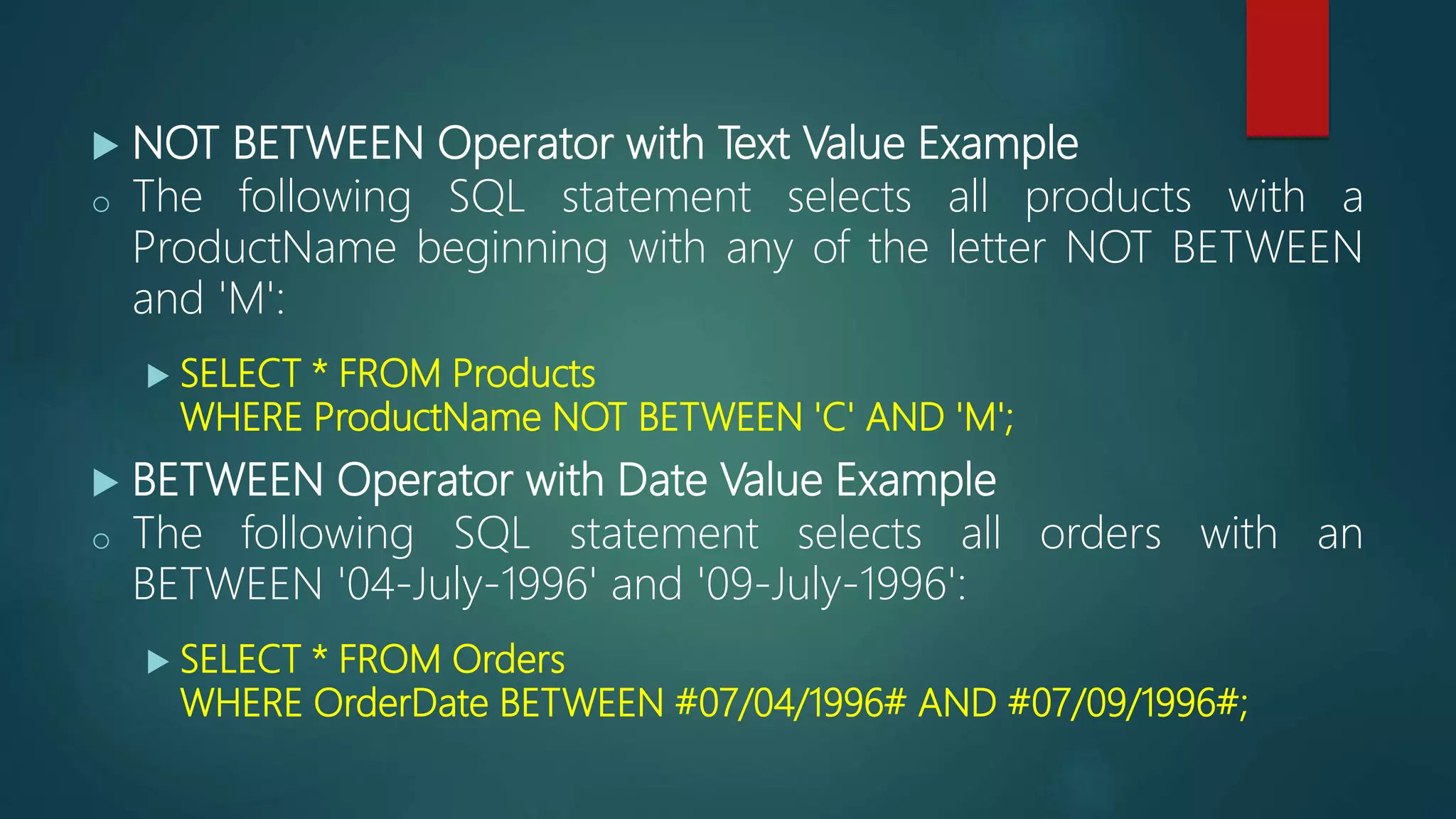
 NOT BETWEEN Operator with Text Value Example
o The following SQL statement selects all products with a
ProductName beginning with any of the letter NOT BETWEEN
and 'M':
 SELECT * FROM Products
WHERE ProductName NOT BETWEEN 'C' AND 'M';
 BETWEEN Operator with Date Value Example
o The following SQL statement selects all orders with an
BETWEEN '04-July-1996' and '09-July-1996':
 SELECT * FROM Orders
WHERE OrderDate BETWEEN #07/04/1996# AND #07/09/1996#;
REF: http://www.w3schools.com/sql/

SQL

  • 1.
  • 2.
    What is SQL? SQL is a standard language for accessing and manipulating databasees.  SQL stands for Structured Query Language  SQL lets you access and manipulate databases  SQL is an ANSI (American National Standards Institute) standard
  • 3.
    What Can SQLdo?  SQL can execute queries against a database  SQL can retrieve data from a database  SQL can insert records in a database  SQL can update records in a database  SQL can delete records from a database  SQL can create new databases  SQL can create new tables in a database  SQL can create stored procedures in a database  SQL can create views in a database  SQL can set permissions on tables, procedures, and views
  • 4.
    SQL is aStandard - BUT....  Although SQL is an ANSI (American National Standards Institute) standard, there are different versions of the SQL language.  However, to be compliant with the ANSI standard, they all support at least the major commands (such as SELECT, UPDATE, DELETE, INSERT, WHERE) in a similar manner.
  • 5.
    SQL Syntax  DatabaseTables A database most often contains one or more tables. Each table is identified by a name (e.g. "Customers" or "Orders"). Tables contain records (rows) with data.
  • 6.
    CustomerID CustomerNa me Contac tName Address City PostalCodeCountry 1 Alfreds Futterkiste Maria Anders Obere Str. 57 Berlin 12209 Germany 2 Ana Trujillo Emparedados y helados Ana Trujillo Avda. de la Constituci ón 2222 México D.F. 05021 Mexico 3 Antonio Moreno Taquería Antoni o Moren o Mataderos 2312 México D.F. 05023 Mexico 4 Around the Horn Thoma s Hardy 120 Hanover Sq. London WA1 1DP UK 5 Berglunds snabbköp Christi na Berglu nd Berguvsvä gen 8 Luleå S-958 22 Sweden
  • 7.
    SQL Statements  Mostof the actions you need to perform on a database are done with SQL statements.  The following SQL statement selects all the records in the "Customers" table: SELECT * FROM Customers;
  • 8.
    Some of TheMost Important SQL Commands  SELECT - extracts data from a database  UPDATE - updates data in a database  DELETE - deletes data from a database  INSERT INTO - inserts new data into a database  CREATE DATABASE - creates a new database  ALTER DATABASE - modifies a database  CREATE TABLE - creates a new table  ALTER TABLE - modifies a table  DROP TABLE - deletes a table  CREATE INDEX - creates an index (search key)  DROP INDEX - deletes an index
  • 9.
    SQL SELECT Statement TheSELECT statement is used to select data from a database. SQL SELECT Syntax SELECT column_name,column_name FROM table_name; SELECT * FROM table_name;
  • 10.
    SQL SELECT DISTINCTStatement  In a table, a column may contain many duplicate values; and sometimes you only want to list the different (distinct) values.  The DISTINCT keyword can be used to return only distinct (different) values. SQL SELECT DISTINCT Syntax SELECT DISTINCT column_name,column_name FROM table_name; SELECT DISTINCT City FROM Customers;
  • 11.
    SQL WHERE Clause The WHERE clause is used to extract only those records that fulfill a specified criterion. SELECT column_name,column_name FROM table_name WHERE column_name operator value; SELECT * FROM Customers WHERE Country='Mexico'; SELECT * FROM Customers WHERE CustomerID=1;
  • 12.
    Operators in TheWHERE Clause Operator Description = Equal <> Not equal. Note: In some versions of SQL this operator may be written as != > Greater than < Less than >= Greater than or equal <= Less than or equal BETWEEN Between an inclusive range LIKE Search for a pattern IN To specify multiple possible values for a column The following operators can be used in the WHERE clause:
  • 13.
    SQL AND &OR Operators  The AND & OR operators are used to filter records based on more than one condition.  The AND operator displays a record if both the first condition AND the second condition are true.  The OR operator displays a record if either the first condition OR the second condition is true.
  • 14.
     SELECT *FROM Customers WHERE Country='Germany' AND City='Berlin';  SELECT * FROM Customers WHERE City='Berlin' OR City='München';  SELECT * FROM Customers WHERE Country='Germany' AND (City='Berlin' OR City='München');
  • 15.
    SQL ORDER BYKeyword  The ORDER BY keyword is used to sort the result-set by one or more columns.  The ORDER BY keyword sorts the records in ascending order by default. To sort the records in a descending order, you can use the DESC keyword. SQL ORDER BY Syntax SELECT column_name, column_name FROM table_name ORDER BY column_name ASC|DESC SELECT * FROM Customers ORDER BY Country DESC;
  • 16.
    SQL INSERT INTOStatement The INSERT INTO statement is used to insert new records in a table. INSERT INTO table_name (column1,column2,column3,...) VALUES (value1,value2,value3,...); INSERT INTO Customers (CustomerName, ContactName, Address, City, PostalCode, Country) VALUES ('Cardinal','Tom B. Erichsen','Skagen 21','Stavanger','4006','Norway');
  • 17.
    SQL UPDATE Statement The UPDATE statement is used to update existing records in a table.  SQL UPDATE Syntax UPDATE table_name SET column1=value1,column2=value2,... WHERE some_column=some_value;
  • 18.
    CustomerID CustomerName ContactNameAddress City PostalCode Country 1 Alfreds Futterkiste Alfred Schmidt Obere Str. 57 Hamburg 12209 Germany 2 Ana Trujillo Emparedados y helados Ana Trujillo Avda. de la Constitución 2222 México D.F. 05021 Mexico 3 Antonio Moreno Taquería Antonio Moreno Mataderos 2312 México D.F. 05023 Mexico 4 Around the Horn Thomas Hardy 120 Hanover Sq. London WA1 1DP UK 5 Berglunds snabbköp Christina Berglund Berguvsvägen 8 Luleå S-958 22 Sweden
  • 19.
    Update Warning!  Becareful when updating records. If we had omitted the WHERE clause, in the example at the previous slide, like this: UPDATE Customers SET ContactName='Alfred Schmidt', City='Hamburg'; CustomerI D Customer Name ContactNa me Address City PostalCod e Country 1 Alfreds Futterkiste Alfred Schmidt Obere Str. 57 Hamburg 12209 Germany 2 Ana Trujillo Empareda dos y helados Alfred Schmidt Avda. de Constituci ón 2222 Hamburg 05021 Mexico 3 Antonio Moreno Taquería Alfred Schmidt Mataderos 2312 Hamburg 05023 Mexico 4 Around the Horn Alfred Schmidt 120 Hanover Sq. Hamburg WA1 1DP UK 5 Berglunds snabbköp Alfred Schmidt Berguvsvä gen 8 Hamburg S-958 22 Sweden
  • 20.
    SQL DELETE Statement The DELETE statement is used to delete rows in a table. DELETE FROM table_name WHERE some_column=some_value; CustomerI D Customer Name ContactNa me Address City PostalCod e Country 1 Alfreds Futterkiste Maria Anders Obere Str. 57 Berlin 12209 Germany 2 Ana Trujillo Empareda dos y helados Ana Trujillo Avda. de la Constituci ón 2222 México D.F. 05021 Mexico 3 Antonio Moreno Taquería Antonio Moreno Mataderos 2312 México D.F. 05023 Mexico 4 Around the Horn Thomas Hardy 120 Hanover Sq. London WA1 1DP UK 5 Berglunds snabbköp Christina Berglund Berguvsvä gen 8 Luleå S-958 22 Sweden
  • 21.
    SQL DELETE Example Assume we wish to delete the customer "Alfreds Futterkiste" from the "Customers" table.  We use the following SQL statement: DELETE FROM Customers WHERE CustomerName='Alfreds Futterkiste' AND ContactName='Maria Anders'; CustomerI D Customer Name ContactN ame Address City PostalCod e Country 2 Ana Trujillo Empareda dos y helados Ana Trujillo Avda. de la Constituci ón 2222 México D.F. 05021 Mexico 3 Antonio Moreno Taquería Antonio Moreno Matadero s 2312 México D.F. 05023 Mexico 4 Around the Horn Thomas Hardy 120 Hanover Sq. London WA1 1DP UK 5 Berglunds snabbköp Christina Berglund Berguvsvä gen 8 Luleå S-958 22 Sweden
  • 22.
    SQL SELECT TOPClause  The SELECT TOP clause is used to specify the number of records to return.  The SELECT TOP clause can be very useful on large tables with thousands of records. Returning a large number of records can impact on performance.  The following SQL statement selects the two first records from the "Customers" table:  SELECT TOP 2 * FROM Customers;  The following SQL statement selects the first 50% of the records from the "Customers" table:  SELECT TOP 50 PERCENT * FROM Customers;
  • 23.
    SQL LIKE Operator The LIKE operator is used in a WHERE clause to search for a specified pattern in a column.  The following SQL statement selects all customers with a City starting with the letter "s":  SELECT * FROM Customers WHERE City LIKE 's%';  The following SQL statement selects all customers with a City ending with the letter "s":  SELECT * FROM Customers WHERE City LIKE '%s';  The following SQL statement selects all customers with a Country containing the pattern "land":  SELECT * FROM Customers WHERE Country LIKE '%land%';  The following SQL statement selects all customers with Country NOT containing the pattern "land":  SELECT * FROM Customers WHERE Country NOT LIKE '%land%';
  • 24.
    SQL Wildcards  Awildcard character can be used to substitute for any other character(s) in a string. Wildcard Description % A substitute for zero or more characters _ A substitute for a single character [charlist] Sets and ranges of characters to match [^charlist] or [!charlist] Matches only a character NOT specified within the brackets
  • 25.
    SQL % Wildcard The following SQL statement selects all customers with a City starting with "ber": SELECT * FROM Customers WHERE City LIKE 'ber%';  The following SQL statement selects all customers with a City containing the pattern "es": SELECT * FROM Customers WHERE City LIKE '%es%';
  • 26.
    SQL _ Wildcard The following SQL statement selects all customers with a City starting with any character, followed by "erlin":  SELECT * FROM Customers WHERE City LIKE '_erlin';  The following SQL statement selects all customers with a City starting with "L", followed by any character, followed by "n", followed by any character, followed by "on":  SELECT * FROM Customers WHERE City LIKE 'L_n_on';
  • 27.
    SQL [charlist] Wildcard The following SQL statement selects all customers with a City starting with "b", "s", or "p":  SELECT * FROM Customers WHERE City LIKE '[bsp]%';  The following SQL statement selects all customers with a City starting with "a", "b", or "c":  SELECT * FROM Customers WHERE City LIKE '[a-c]%';  The following SQL statement selects all customers with a City NOT starting with "b", "s", or "p":  SELECT * FROM Customers WHERE City LIKE '[!bsp]%'; or  SELECT * FROM Customers WHERE City NOT LIKE '[bsp]%';
  • 28.
    SQL IN Operator The IN operator allows you to specify multiple values in a WHERE clause.  The following SQL statement selects all customers with a City of "Paris" or "London": SELECT * FROM Customers WHERE City IN ('Paris','London');
  • 29.
    SQL BETWEEN Operator TheBETWEEN operator selects values within a range. The values can be numbers, text, or dates.  The following SQL statement selects all products with a price BETWEEN 10 and 20:  SELECT * FROM Products WHERE Price BETWEEN 10 AND 20;  To display the products outside the range of the previous example, use NOT BETWEEN:  SELECT * FROM Products WHERE Price NOT BETWEEN 10 AND 20;
  • 30.
     BETWEEN Operatorwith IN Example o The following SQL statement selects all products with a price BETWEEN 10 and 20, but products with a CategoryID of 1,2, or 3 should not be displayed:  SELECT * FROM Products WHERE (Price BETWEEN 10 AND 20) AND NOT CategoryID IN (1,2,3);  BETWEEN Operator with Text Value Example o The following SQL statement selects all products with a beginning with any of the letter BETWEEN 'C' and 'M':  SELECT * FROM Products WHERE ProductName BETWEEN 'C' AND 'M';
  • 31.
     NOT BETWEENOperator with Text Value Example o The following SQL statement selects all products with a ProductName beginning with any of the letter NOT BETWEEN and 'M':  SELECT * FROM Products WHERE ProductName NOT BETWEEN 'C' AND 'M';  BETWEEN Operator with Date Value Example o The following SQL statement selects all orders with an BETWEEN '04-July-1996' and '09-July-1996':  SELECT * FROM Orders WHERE OrderDate BETWEEN #07/04/1996# AND #07/09/1996#;
  • 32.