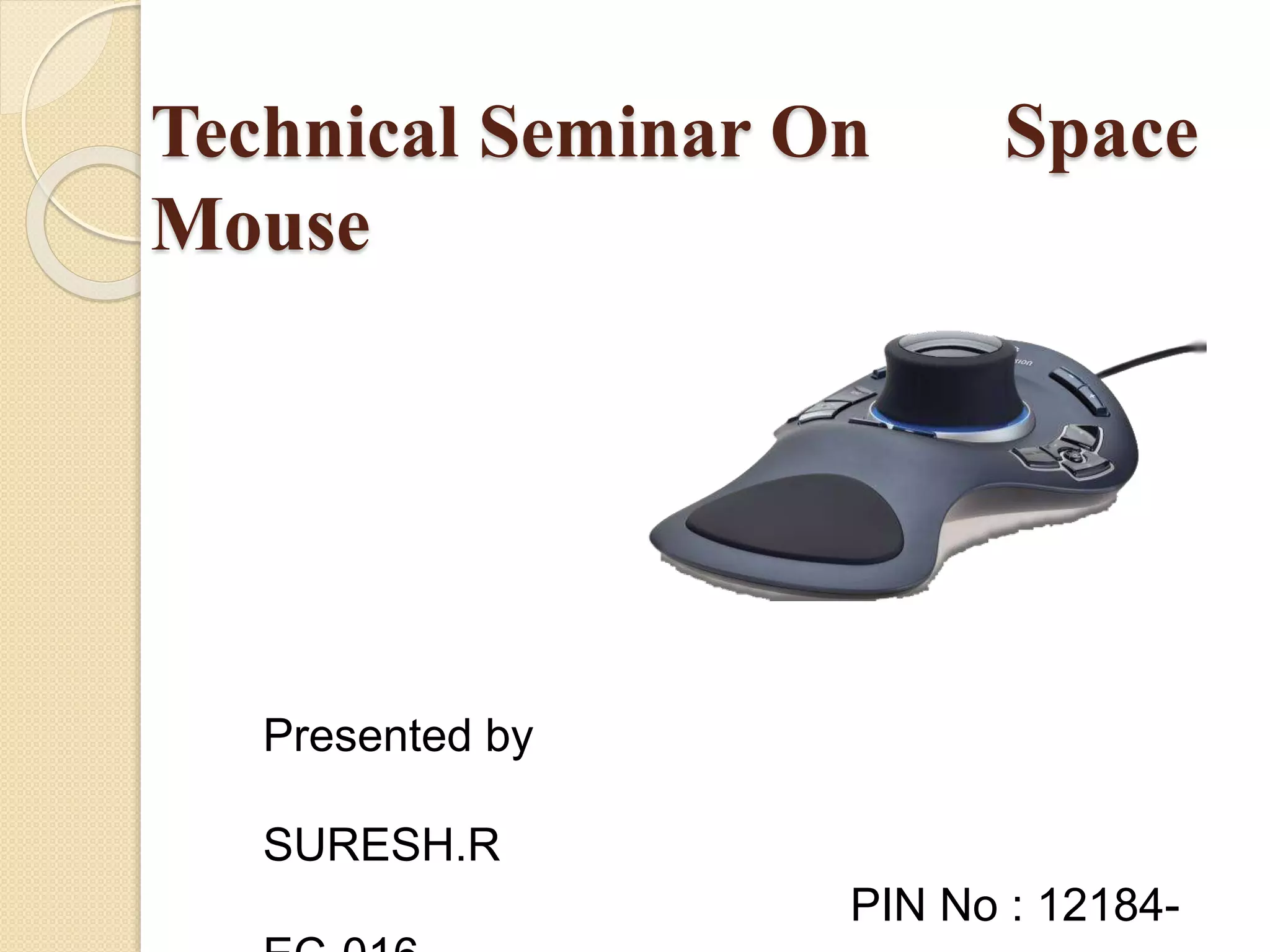
Technical Seminar On Space
Mouse
Presented by
SURESH.R
PIN No : 12184-
Contents
 Introduction
 Why 3D Motion?
 DLR control ball, Magellan's predecessor
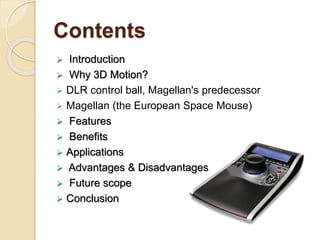
 Magellan (the European Space Mouse)
 Features
 Benefits
 Applications
 Advantages & Disadvantages
 Future scope
 Conclusion
Introduction
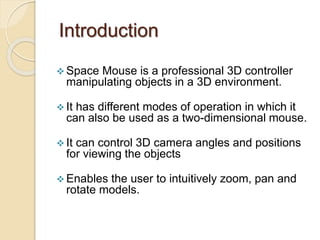
 Space Mouse is a professional 3D controller
manipulating objects in a 3D environment.
 It has different modes of operation in which it
can also be used as a two-dimensional mouse.
 It can control 3D camera angles and positions
for viewing the objects
 Enables the user to intuitively zoom, pan and
rotate models.
Why 3D motion?
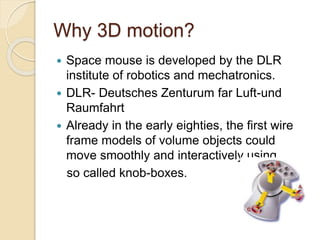
 Space mouse is developed by the DLR
institute of robotics and mechatronics.
 DLR- Deutsches Zenturum far Luft-und
Raumfahrt
 Already in the early eighties, the first wire
frame models of volume objects could
move smoothly and interactively using
so called knob-boxes.
DLR control ball, Magellan's
predecessor
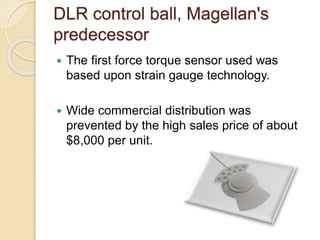
 The first force torque sensor used was
based upon strain gauge technology.
 Wide commercial distribution was
prevented by the high sales price of about
$8,000 per unit.
Magellan (the European
Space Mouse)
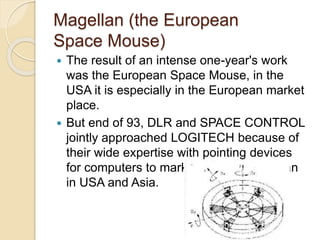
 The result of an intense one-year's work
was the European Space Mouse, in the
USA it is especially in the European market
place.
 But end of 93, DLR and SPACE CONTROL
jointly approached LOGITECH because of
their wide expertise with pointing devices
for computers to market and sell Magellan
in USA and Asia.
Features
 Ease of use of manipulating objects in 3D
applications.
 Nine programmable buttons to customize
users preference for motion control
 Fingertip operation for maximum precision
and performance.
Benefits
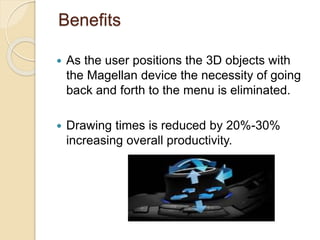
 As the user positions the 3D objects with
the Magellan device the necessity of going
back and forth to the menu is eliminated.
 Drawing times is reduced by 20%-30%
increasing overall productivity.
Advantages
 Drawing times is reduced by
20%-30% increasing overall productivity.
 Going back and forth to the menu is
eliminated
 Natural hand position eliminates fatigue
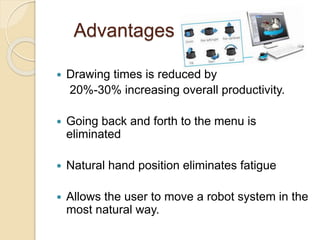
 Allows the user to move a robot system in the
most natural way.
Disadvantages
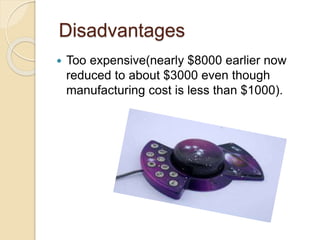
 Too expensive(nearly $8000 earlier now
reduced to about $3000 even though
manufacturing cost is less than $1000).
Future scope
 In space Exploration Robots
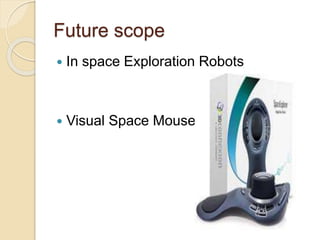
 Visual Space Mouse
Conclusion
 It is also applicable to other areas of
science like chemistry, biology and also
entertainment.
 The features of a space mouse are not
only applicable to the graphic simulation
and 3D objects but they will strongly
change the whole world of manufacturing
and constructing technology.
Reference
 www.google.com
 www.wikipedia.org
 www.studymafia.org
Space mouse[1]
Space mouse[1]

Space mouse[1]

  • 1.
    Technical Seminar OnSpace Mouse Presented by SURESH.R PIN No : 12184-
  • 2.
    Contents  Introduction  Why3D Motion?  DLR control ball, Magellan's predecessor  Magellan (the European Space Mouse)  Features  Benefits  Applications  Advantages & Disadvantages  Future scope  Conclusion
  • 3.
    Introduction  Space Mouseis a professional 3D controller manipulating objects in a 3D environment.  It has different modes of operation in which it can also be used as a two-dimensional mouse.  It can control 3D camera angles and positions for viewing the objects  Enables the user to intuitively zoom, pan and rotate models.
  • 4.
    Why 3D motion? Space mouse is developed by the DLR institute of robotics and mechatronics.  DLR- Deutsches Zenturum far Luft-und Raumfahrt  Already in the early eighties, the first wire frame models of volume objects could move smoothly and interactively using so called knob-boxes.
  • 5.
    DLR control ball,Magellan's predecessor  The first force torque sensor used was based upon strain gauge technology.  Wide commercial distribution was prevented by the high sales price of about $8,000 per unit.
  • 6.
    Magellan (the European SpaceMouse)  The result of an intense one-year's work was the European Space Mouse, in the USA it is especially in the European market place.  But end of 93, DLR and SPACE CONTROL jointly approached LOGITECH because of their wide expertise with pointing devices for computers to market and sell Magellan in USA and Asia.
  • 7.
    Features  Ease ofuse of manipulating objects in 3D applications.  Nine programmable buttons to customize users preference for motion control  Fingertip operation for maximum precision and performance.
  • 8.
    Benefits  As theuser positions the 3D objects with the Magellan device the necessity of going back and forth to the menu is eliminated.  Drawing times is reduced by 20%-30% increasing overall productivity.
  • 9.
    Advantages  Drawing timesis reduced by 20%-30% increasing overall productivity.  Going back and forth to the menu is eliminated  Natural hand position eliminates fatigue  Allows the user to move a robot system in the most natural way.
  • 10.
    Disadvantages  Too expensive(nearly$8000 earlier now reduced to about $3000 even though manufacturing cost is less than $1000).
  • 11.
    Future scope  Inspace Exploration Robots  Visual Space Mouse
  • 12.
    Conclusion  It isalso applicable to other areas of science like chemistry, biology and also entertainment.  The features of a space mouse are not only applicable to the graphic simulation and 3D objects but they will strongly change the whole world of manufacturing and constructing technology.
  • 13.