





$whoami
MIHIR SHAH | SHAHENSHAH
github.com/shahenshah99
Previous talks and content
Hack ElasticSearch
This particular exploit took advantage of the Elasticsearch
search capabilities. In order for the attack to work, it
requires data
INSERT DATA
Use cURL to add a record. ElasticSearch can take a
minute to launch, so you may find it's not listening yet.
EXPLOIT
This particular version of Elasticsearch (1.4.2) allowed
Java code to be used as part of the search. While
whitelisting existed, there are other ways to gain access to
the Java API required to potentially case damage.
Let’s get a shell
CGroups
CGroups control how much resources a process can use.
It is possible to ensure system protection from malicious
users or applications against DoS attacks
CPU-Shares
While memory limits defined a set maximum, CPU limits
are based on shares. These shares are a weight
between how much processing time one process should
get compared to another. If a CPU is idle, then the
process will use all the available resources. If a second
process requires the CPU then the available CPU time
will be shared based on the weighting.
Network Namespace
Namespaces control what a process and see and
access.
Pid Namespace
As with networks, the processes a container can see
depends on which namespace it belongs too. By changing
the Pid namespace allows a container to interact with
processes beyond its normal scope.
Shared Namespaces
Providing containers access to the host namespace is
sometimes required, such as for debugging tooling, but is
regarded as bad practice.
Understanding the
installation of Clair/CoreOS
Copy the docker image to
the registry
Creating a SecComp Profile
SecComp defines which system calls should and should
not be allowed to be executed by a container. They're
defined in a JSON file that is applied when a container
starts.
Lets launch a container
IT DIDN’T WORK
Because our container attempted to execute chmod, the
call failed with Operation not permitted. This is because
our seccomp profile blocked it.
Trying strace on Ubuntu and Alpine
and observing the results
New-Privilege Flags
User Namespace
By default, the Docker Daemon runs as root user on the host
ps aux | grep docker
As a result of the Daemon running as root, any containers started will
have the same security context as the host's root user.
This has the side-effect that if files owned by the root user are accessible
from the container, then can be modified by the running container.
docker run --rm alpine id
Case Scenario
Let’s create a copy of the touch binary
sudo cp /bin/touch /bin/touch.bak && ls -lha
/bin/touch.bak
Because the container is both root inside the container and on the host, the file
can be removed.
docker run -it -v /bin/:/host/ alpine rm -f /host/touch.bak
As a result, the command no longer exists.
In this case, the container is capable of deleting the touch binary from the host.
Mitigation Technique
docker run --user=1000:1000 alpine
id
LETS TRY THIS ON PREVIOUS SCENARIO
(DEMO)
What if we required root
level access inside the
container?
Enter User Namespaces
User Namespaces are a Linux Kernel security
feature. The feature allows a root user inside a
namespace, or container, to a unprivileged user
id on the Host.
Docker Ignore
Lets create an Image with a potentially sensitive file
and see how it goes around
But what if you want to use
the passwords.txt in your
image?
Accessing .ssh files
Create some data to use in the build within the .ssh mounted directory.
Start a build secrets server. This server will be used by
other containers are they're building built to access the .ssh
mounted directory.
Lets understand the
dockerfile for OnVault and
build the image
docker build -f Dockerfile-onvault -t onvault-test .
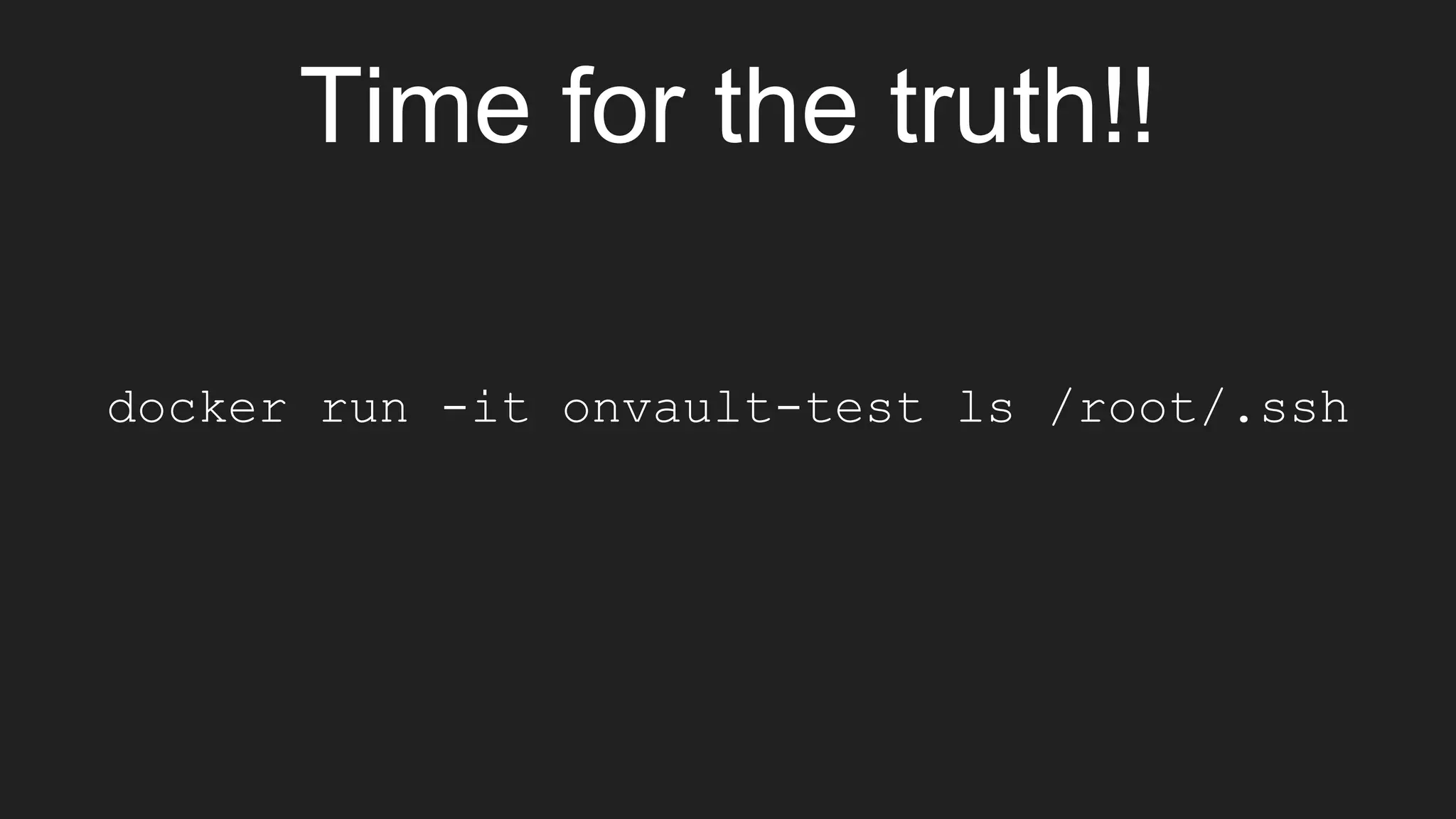
Time for the truth!!
docker run -it onvault-test ls /root/.ssh
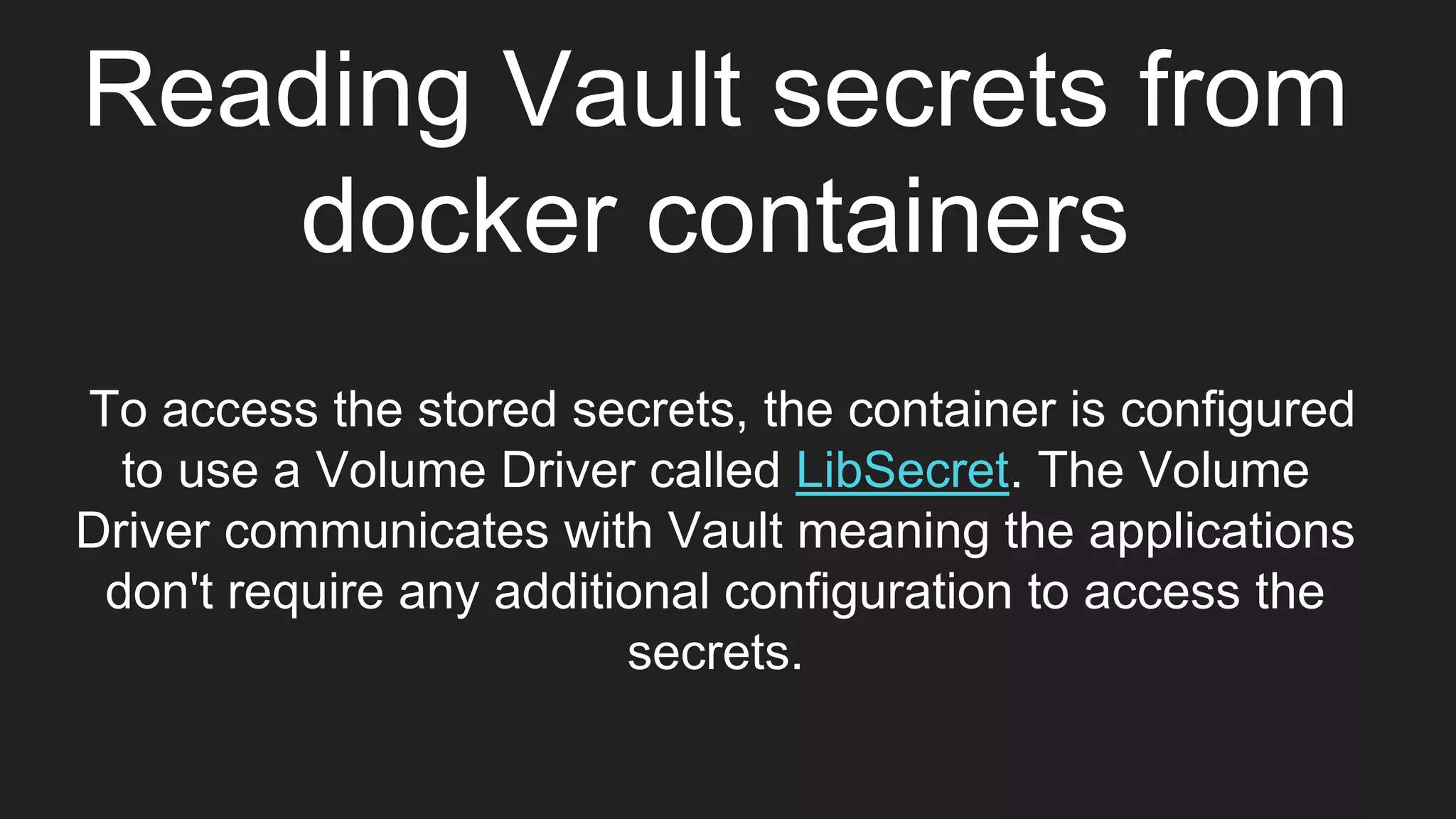
Reading Vault secrets from
docker containers
To access the stored secrets, the container is configured
to use a Volume Driver called LibSecret. The Volume
Driver communicates with Vault meaning the applications
don't require any additional configuration to access the
secrets.
Lets set up the environment
first
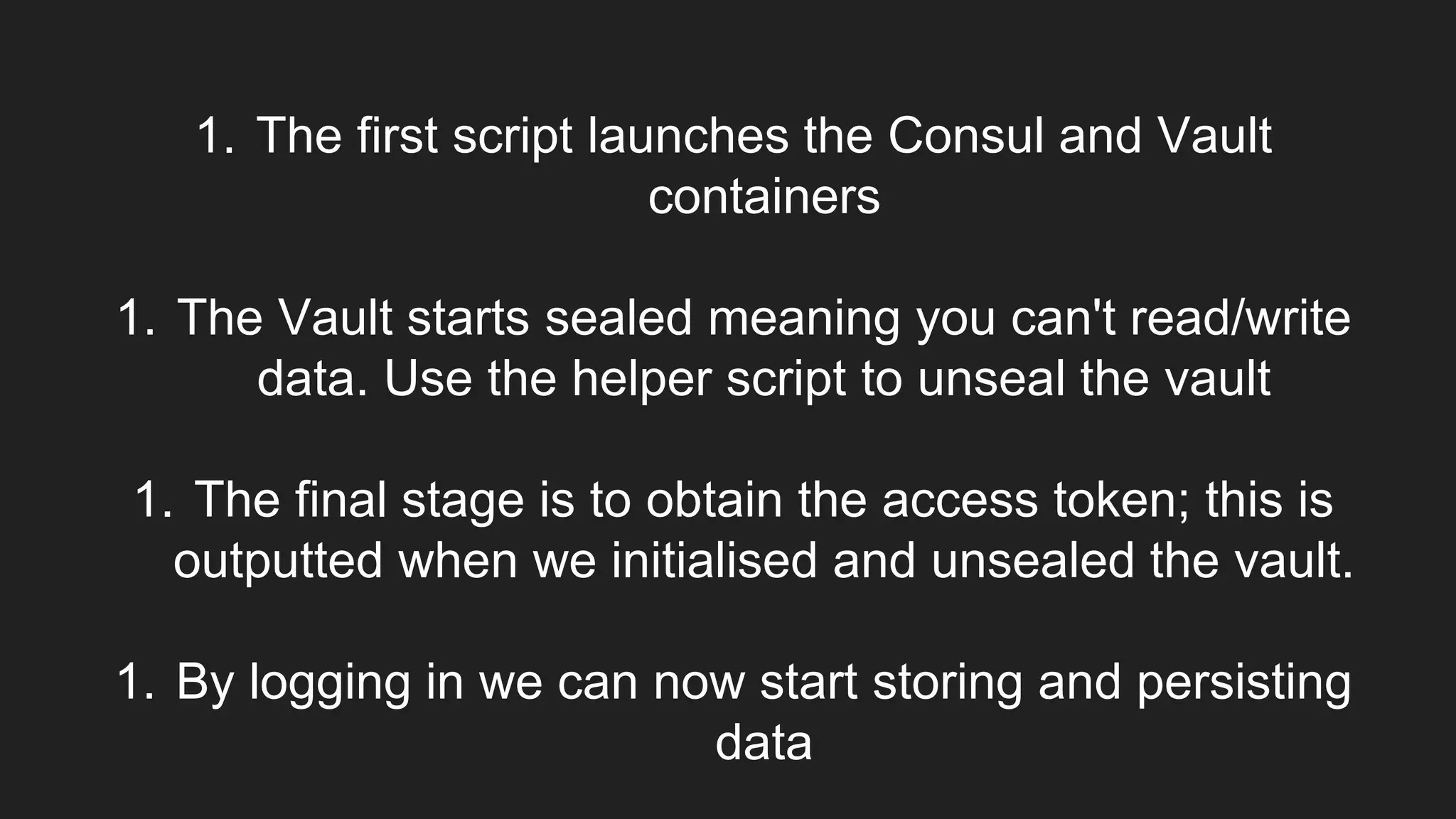
1. The first script launches the Consul and Vault
containers
1. The Vault starts sealed meaning you can't read/write
data. Use the helper script to unseal the vault
1. The final stage is to obtain the access token; this is
outputted when we initialised and unsealed the vault.
1. By logging in we can now start storing and persisting
data
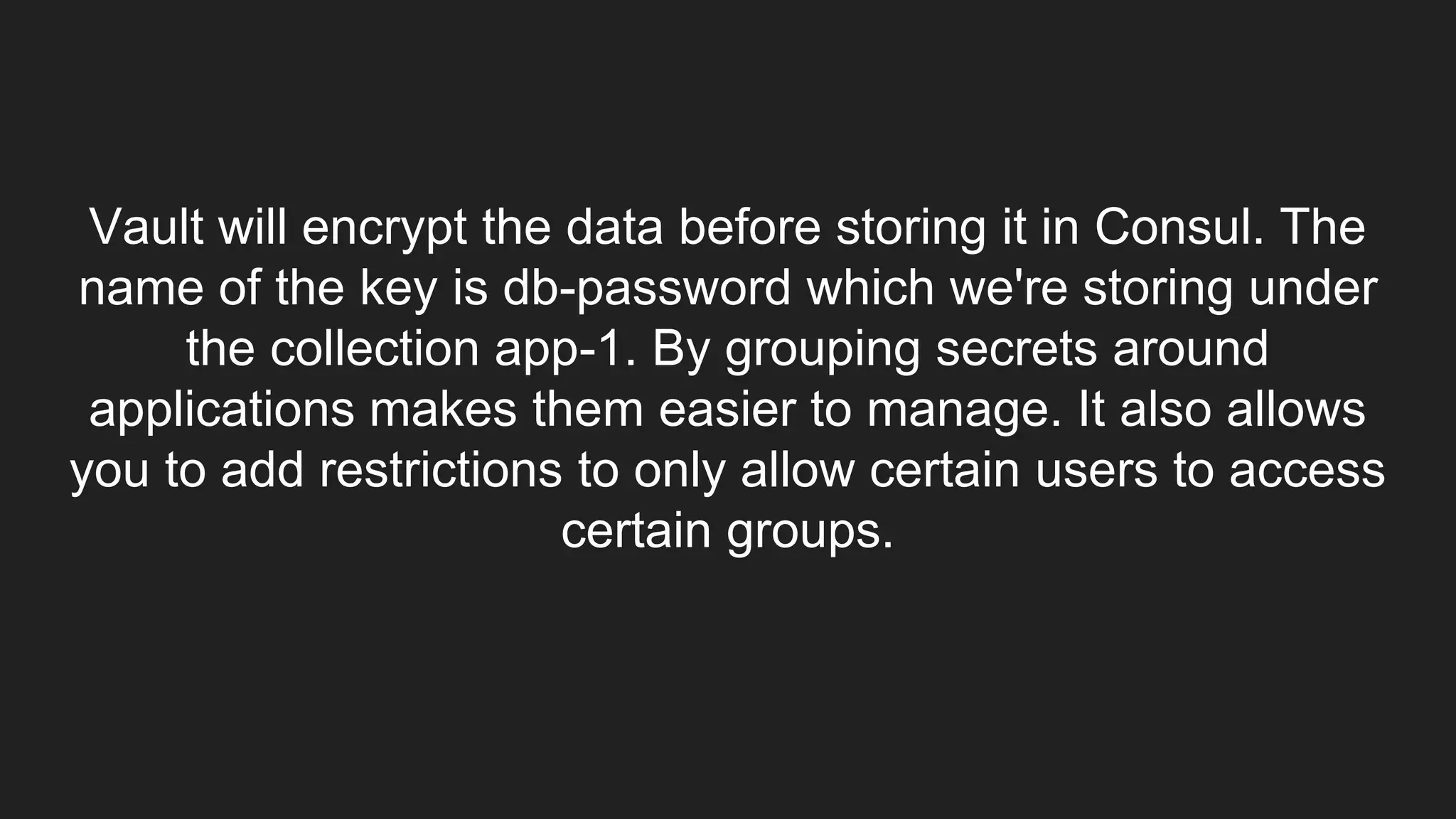
Vault will encrypt the data before storing it in Consul. The
name of the key is db-password which we're storing under
the collection app-1. By grouping secrets around
applications makes them easier to manage. It also allows
you to add restrictions to only allow certain users to access
certain groups.
Configure Docker Volume Driver
With the data saved, we now need our Docker
Container to be able to read and access the
secret, in this case, our password. We'll do this
by using a 3rd party Docker Volume Driver called
LibSecret. Volume drivers are plugins that extend
Docker. Docker will communicate with the plugin
when accessing the file-system.
Launch LibSecret
Let’s Start the container
Our container never has access to Vault or access token.
Everything is managed via the Volume Driver.
Now let’s try reading the secrets
Each key within our collection is accessed as a
file. For example, to read decrypted value of db-
password we'd just read the file.
Try out these things -
1.Reading secrets with the
password
2.Adding new content to the Vault
3.Reading other files stored in the
vault
That should be all!!!
(Or is it?)
ANY QUESTIONS?
THANK YOU

Securing docker containers

  • 1.
    $whoami MIHIR SHAH |SHAHENSHAH github.com/shahenshah99 Previous talks and content
  • 2.
    Hack ElasticSearch This particularexploit took advantage of the Elasticsearch search capabilities. In order for the attack to work, it requires data
  • 3.
    INSERT DATA Use cURLto add a record. ElasticSearch can take a minute to launch, so you may find it's not listening yet.
  • 4.
    EXPLOIT This particular versionof Elasticsearch (1.4.2) allowed Java code to be used as part of the search. While whitelisting existed, there are other ways to gain access to the Java API required to potentially case damage.
  • 5.
  • 6.
    CGroups CGroups control howmuch resources a process can use. It is possible to ensure system protection from malicious users or applications against DoS attacks
  • 7.
    CPU-Shares While memory limitsdefined a set maximum, CPU limits are based on shares. These shares are a weight between how much processing time one process should get compared to another. If a CPU is idle, then the process will use all the available resources. If a second process requires the CPU then the available CPU time will be shared based on the weighting.
  • 8.
    Network Namespace Namespaces controlwhat a process and see and access.
  • 9.
    Pid Namespace As withnetworks, the processes a container can see depends on which namespace it belongs too. By changing the Pid namespace allows a container to interact with processes beyond its normal scope.
  • 10.
    Shared Namespaces Providing containersaccess to the host namespace is sometimes required, such as for debugging tooling, but is regarded as bad practice.
  • 11.
  • 12.
    Copy the dockerimage to the registry
  • 13.
    Creating a SecCompProfile SecComp defines which system calls should and should not be allowed to be executed by a container. They're defined in a JSON file that is applied when a container starts.
  • 14.
    Lets launch acontainer
  • 15.
    IT DIDN’T WORK Becauseour container attempted to execute chmod, the call failed with Operation not permitted. This is because our seccomp profile blocked it.
  • 16.
    Trying strace onUbuntu and Alpine and observing the results
  • 17.
  • 18.
    User Namespace By default,the Docker Daemon runs as root user on the host ps aux | grep docker As a result of the Daemon running as root, any containers started will have the same security context as the host's root user. This has the side-effect that if files owned by the root user are accessible from the container, then can be modified by the running container. docker run --rm alpine id
  • 19.
    Case Scenario Let’s createa copy of the touch binary sudo cp /bin/touch /bin/touch.bak && ls -lha /bin/touch.bak Because the container is both root inside the container and on the host, the file can be removed. docker run -it -v /bin/:/host/ alpine rm -f /host/touch.bak As a result, the command no longer exists. In this case, the container is capable of deleting the touch binary from the host.
  • 20.
    Mitigation Technique docker run--user=1000:1000 alpine id LETS TRY THIS ON PREVIOUS SCENARIO (DEMO)
  • 21.
    What if werequired root level access inside the container?
  • 22.
    Enter User Namespaces UserNamespaces are a Linux Kernel security feature. The feature allows a root user inside a namespace, or container, to a unprivileged user id on the Host.
  • 23.
    Docker Ignore Lets createan Image with a potentially sensitive file and see how it goes around
  • 24.
    But what ifyou want to use the passwords.txt in your image?
  • 25.
    Accessing .ssh files Createsome data to use in the build within the .ssh mounted directory.
  • 26.
    Start a buildsecrets server. This server will be used by other containers are they're building built to access the .ssh mounted directory.
  • 27.
    Lets understand the dockerfilefor OnVault and build the image docker build -f Dockerfile-onvault -t onvault-test .
  • 28.
    Time for thetruth!! docker run -it onvault-test ls /root/.ssh
  • 29.
    Reading Vault secretsfrom docker containers To access the stored secrets, the container is configured to use a Volume Driver called LibSecret. The Volume Driver communicates with Vault meaning the applications don't require any additional configuration to access the secrets.
  • 30.
    Lets set upthe environment first
  • 31.
    1. The firstscript launches the Consul and Vault containers 1. The Vault starts sealed meaning you can't read/write data. Use the helper script to unseal the vault 1. The final stage is to obtain the access token; this is outputted when we initialised and unsealed the vault. 1. By logging in we can now start storing and persisting data
  • 32.
    Vault will encryptthe data before storing it in Consul. The name of the key is db-password which we're storing under the collection app-1. By grouping secrets around applications makes them easier to manage. It also allows you to add restrictions to only allow certain users to access certain groups.
  • 33.
    Configure Docker VolumeDriver With the data saved, we now need our Docker Container to be able to read and access the secret, in this case, our password. We'll do this by using a 3rd party Docker Volume Driver called LibSecret. Volume drivers are plugins that extend Docker. Docker will communicate with the plugin when accessing the file-system.
  • 34.
  • 35.
    Let’s Start thecontainer Our container never has access to Vault or access token. Everything is managed via the Volume Driver. Now let’s try reading the secrets
  • 36.
    Each key withinour collection is accessed as a file. For example, to read decrypted value of db- password we'd just read the file.
  • 37.
    Try out thesethings - 1.Reading secrets with the password 2.Adding new content to the Vault 3.Reading other files stored in the vault
  • 38.
    That should beall!!! (Or is it?)
  • 39.
  • 40.