


CONTAINER SECURITY 101
IT’S 2019. STOP SPREADING FUD. FFS.
WHOAMI
FRANK LOUWERS
@FRANK_BE
HTTPS://KIWAZO.BE
BUILT, GREW AND SOLD A HOSTING
COMPANY (15+ YEARS)
FREELANCE CONSULTANT
DOCKER TRAINER
DAI / DCA / DSP / DTSP
CONTAINERS
!=
CURL -K | (SUDO BASH)
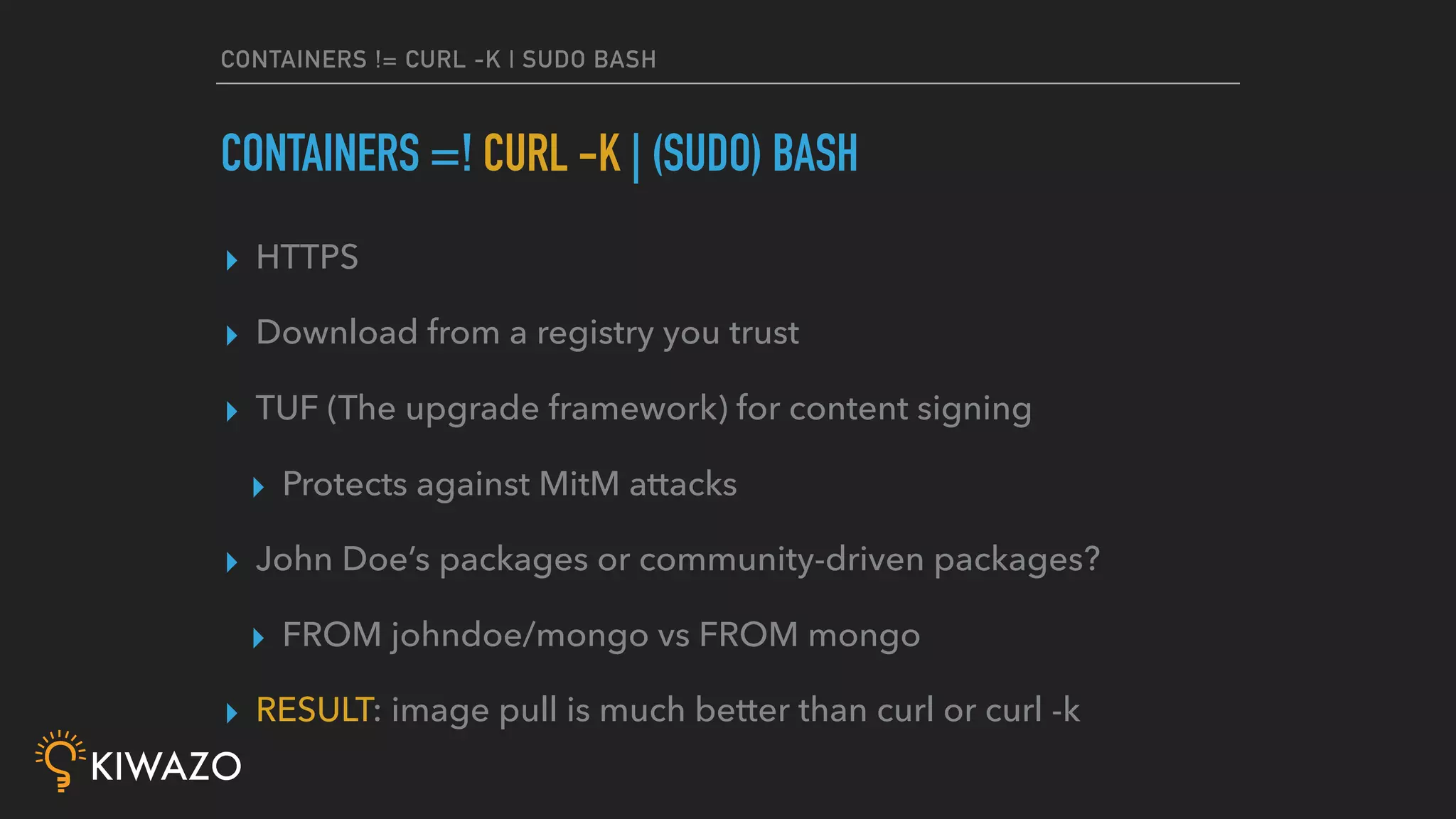
CONTAINERS != CURL -K | SUDO BASH
▸ HTTPS
▸ Download from a registry you trust
▸ TUF (The upgrade framework) for content signing
▸ Protects against MitM attacks
▸ John Doe’s packages or community-driven packages?
▸ FROM johndoe/mongo vs FROM mongo
▸ RESULT: image pull is much better than curl or curl -k
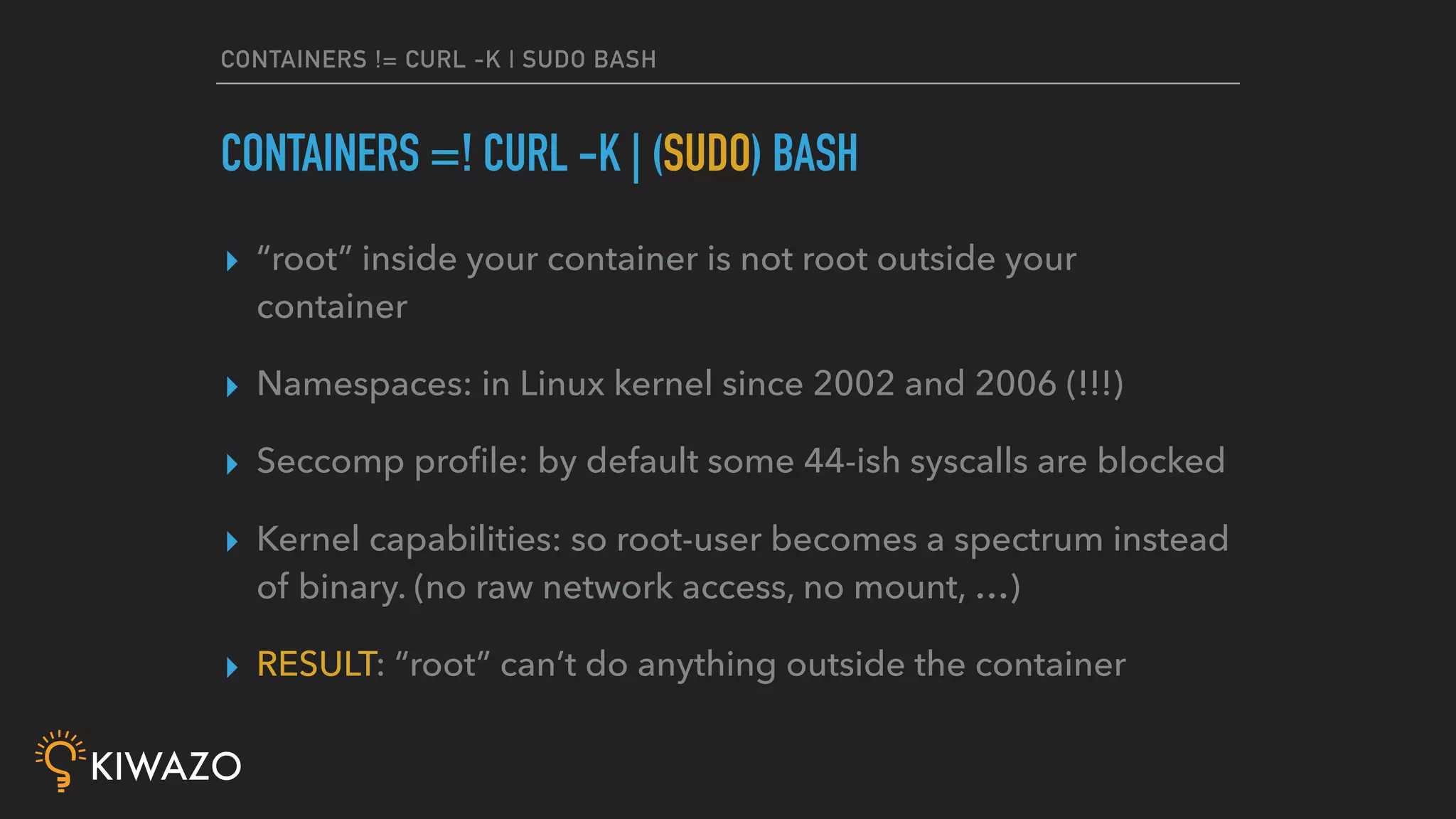
CONTAINERS =! CURL -K | (SUDO) BASH
CONTAINERS != CURL -K | SUDO BASH
▸ “root” inside your container is not root outside your
container
▸ Namespaces: in Linux kernel since 2002 and 2006 (!!!)
▸ Seccomp profile: by default some 44-ish syscalls are blocked
▸ Kernel capabilities: so root-user becomes a spectrum instead
of binary. (no raw network access, no mount, …)
▸ RESULT: “root” can’t do anything outside the container
CONTAINERS =! CURL -K | (SUDO) BASH
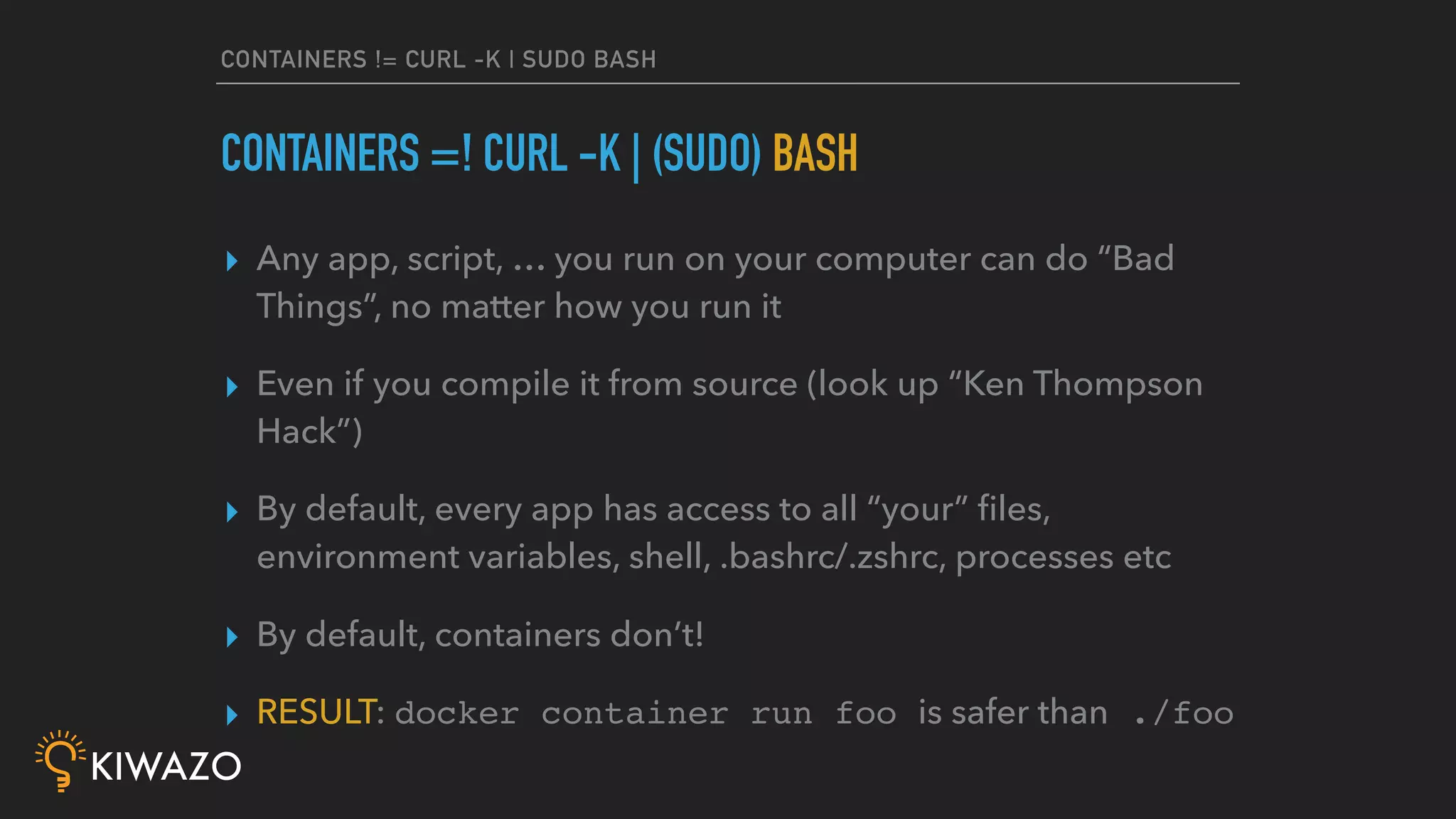
CONTAINERS != CURL -K | SUDO BASH
▸ Any app, script, … you run on your computer can do “Bad
Things”, no matter how you run it
▸ Even if you compile it from source (look up “Ken Thompson
Hack”)
▸ By default, every app has access to all “your” files,
environment variables, shell, .bashrc/.zshrc, processes etc
▸ By default, containers don’t!
▸ RESULT: docker container run foo is safer than ./foo
CONTAINERS =! CURL -K | (SUDO) BASH
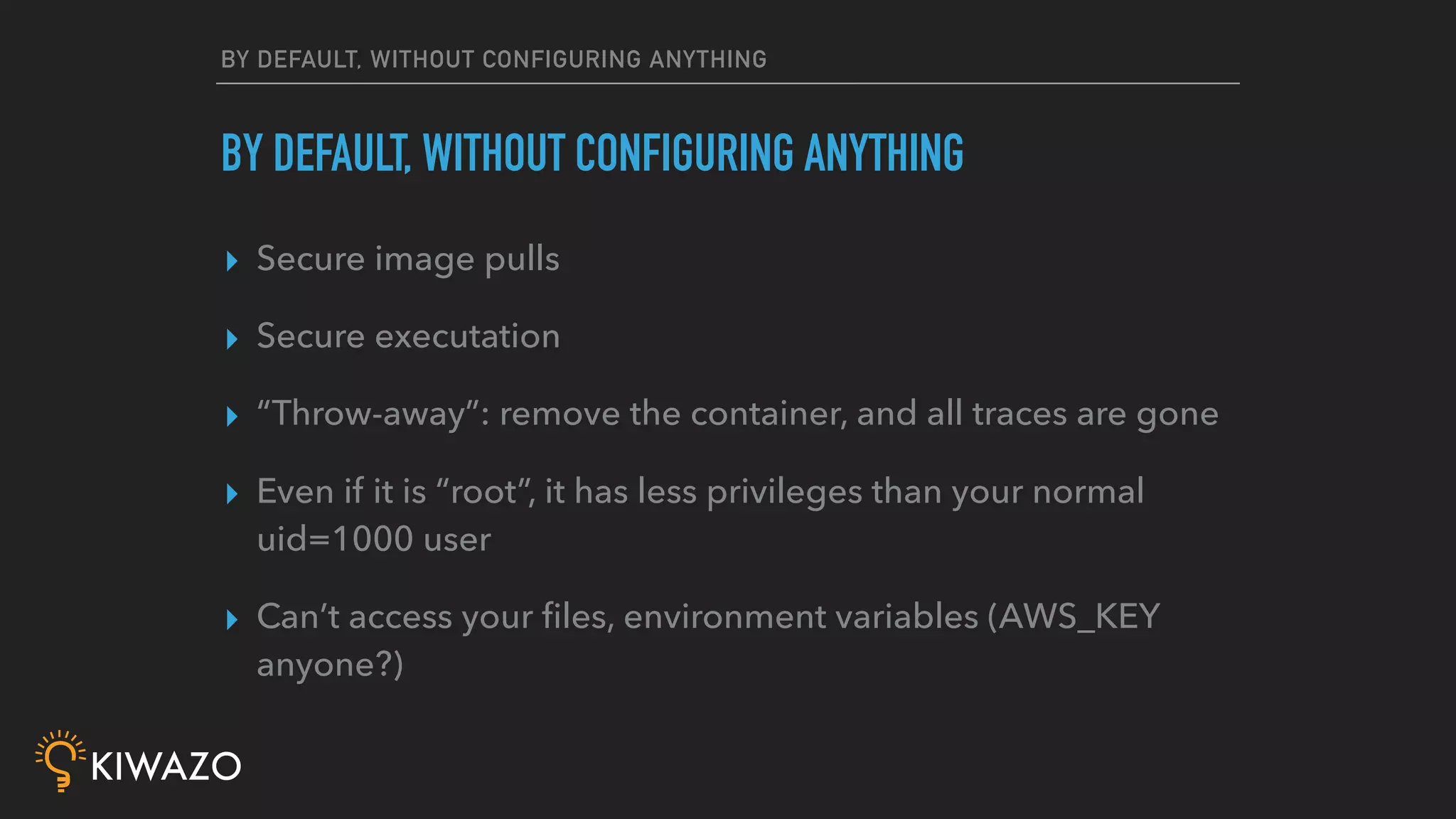
BY DEFAULT, WITHOUT CONFIGURING ANYTHING
▸ Secure image pulls
▸ Secure executation
▸ “Throw-away”: remove the container, and all traces are gone
▸ Even if it is “root”, it has less privileges than your normal
uid=1000 user
▸ Can’t access your files, environment variables (AWS_KEY
anyone?)
BY DEFAULT, WITHOUT CONFIGURING ANYTHING
DEVS SHALL NOT
MESS WITH MY USERS
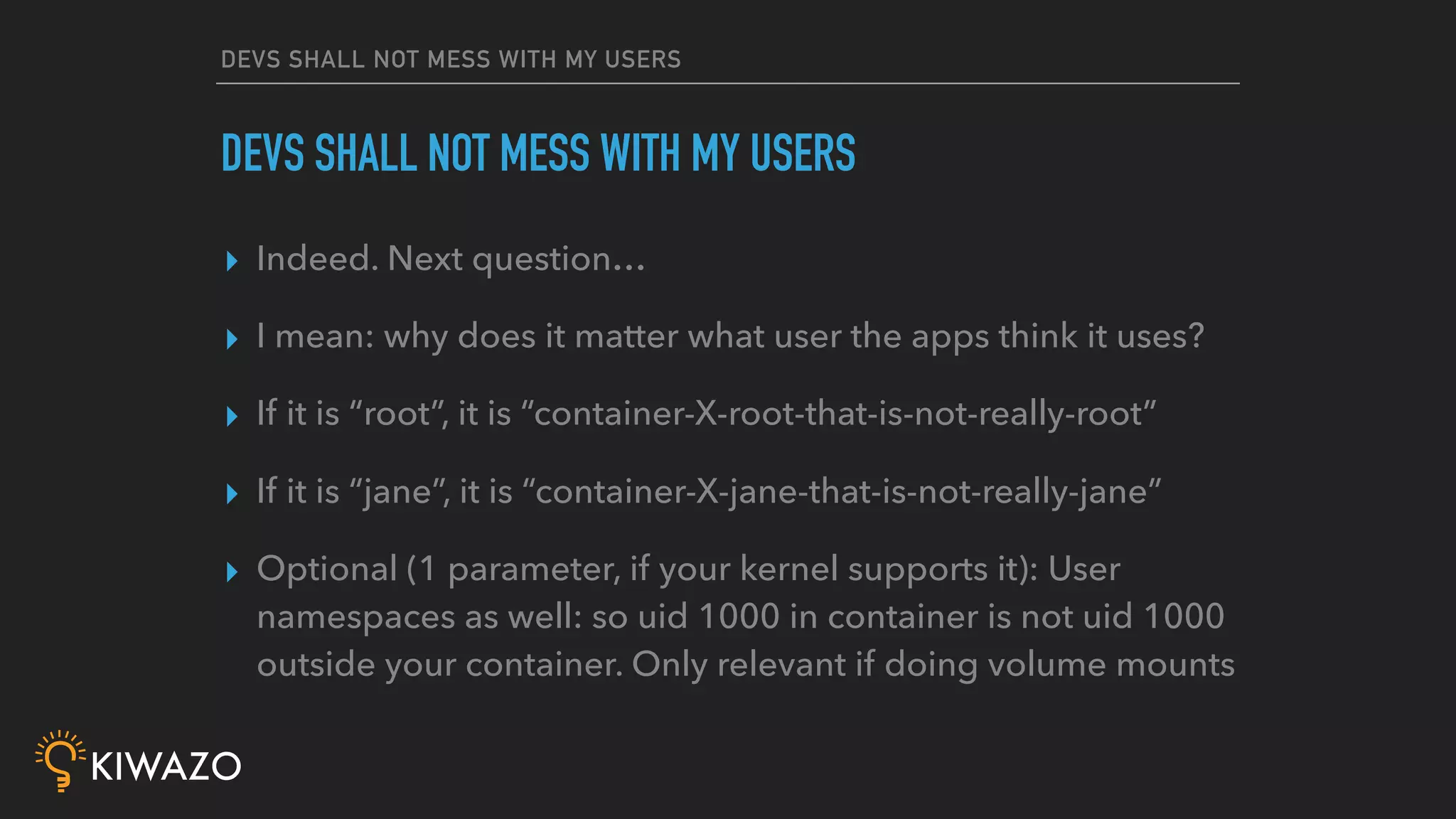
DEVS SHALL NOT MESS WITH MY USERS
▸ Indeed. Next question…
▸ I mean: why does it matter what user the apps think it uses?
▸ If it is “root”, it is “container-X-root-that-is-not-really-root”
▸ If it is “jane”, it is “container-X-jane-that-is-not-really-jane”
▸ Optional (1 parameter, if your kernel supports it): User
namespaces as well: so uid 1000 in container is not uid 1000
outside your container. Only relevant if doing volume mounts
DEVS SHALL NOT MESS WITH MY USERS
BUT WHAT ABOUT
PRIVILEGED CONTAINERS?
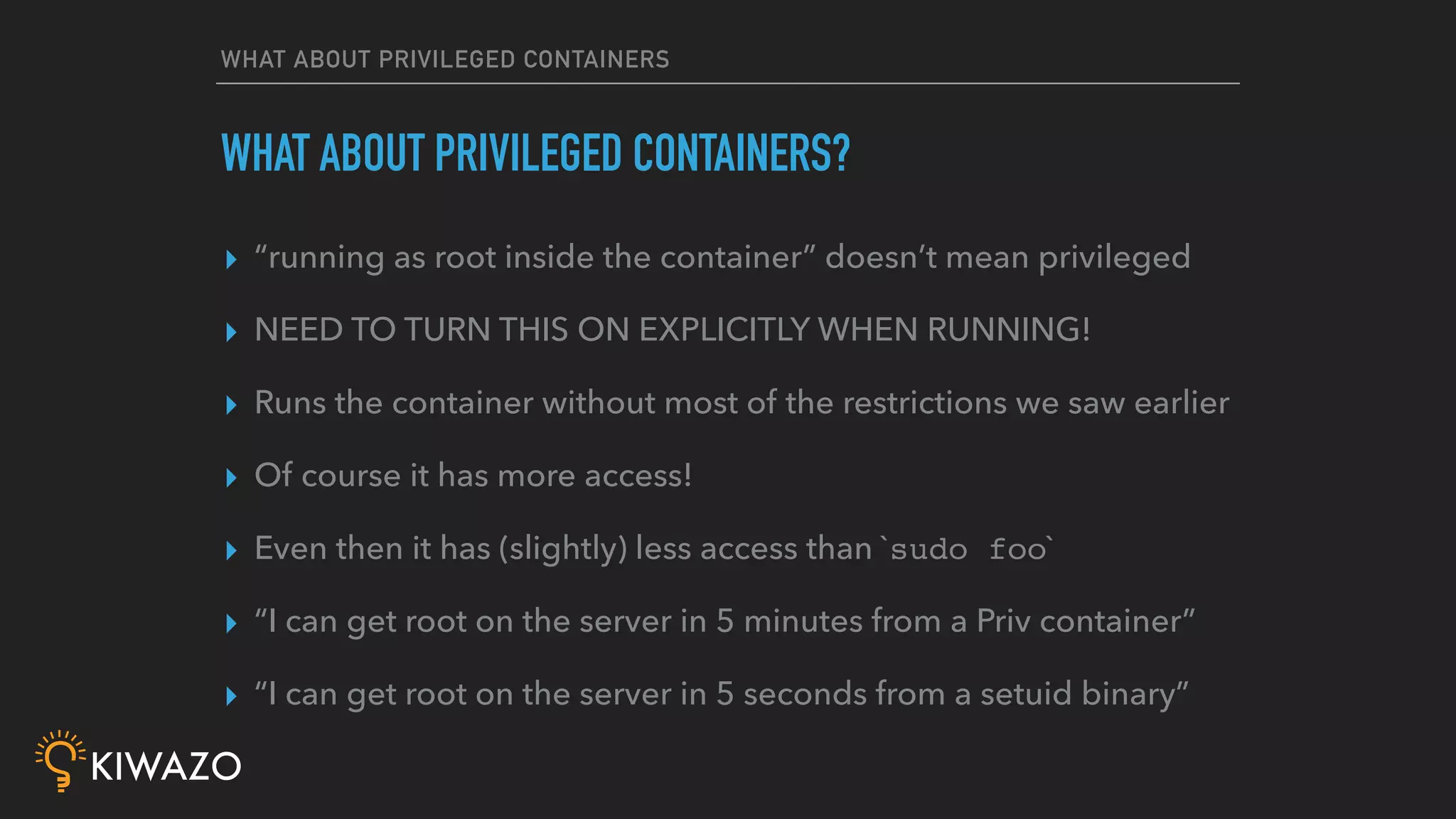
WHAT ABOUT PRIVILEGED CONTAINERS
▸ “running as root inside the container” doesn’t mean privileged
▸ NEED TO TURN THIS ON EXPLICITLY WHEN RUNNING!
▸ Runs the container without most of the restrictions we saw earlier
▸ Of course it has more access!
▸ Even then it has (slightly) less access than `sudo foo`
▸ “I can get root on the server in 5 minutes from a Priv container”
▸ “I can get root on the server in 5 seconds from a setuid binary”
WHAT ABOUT PRIVILEGED CONTAINERS?
BUT WHAT ABOUT
THE FIREWALL?
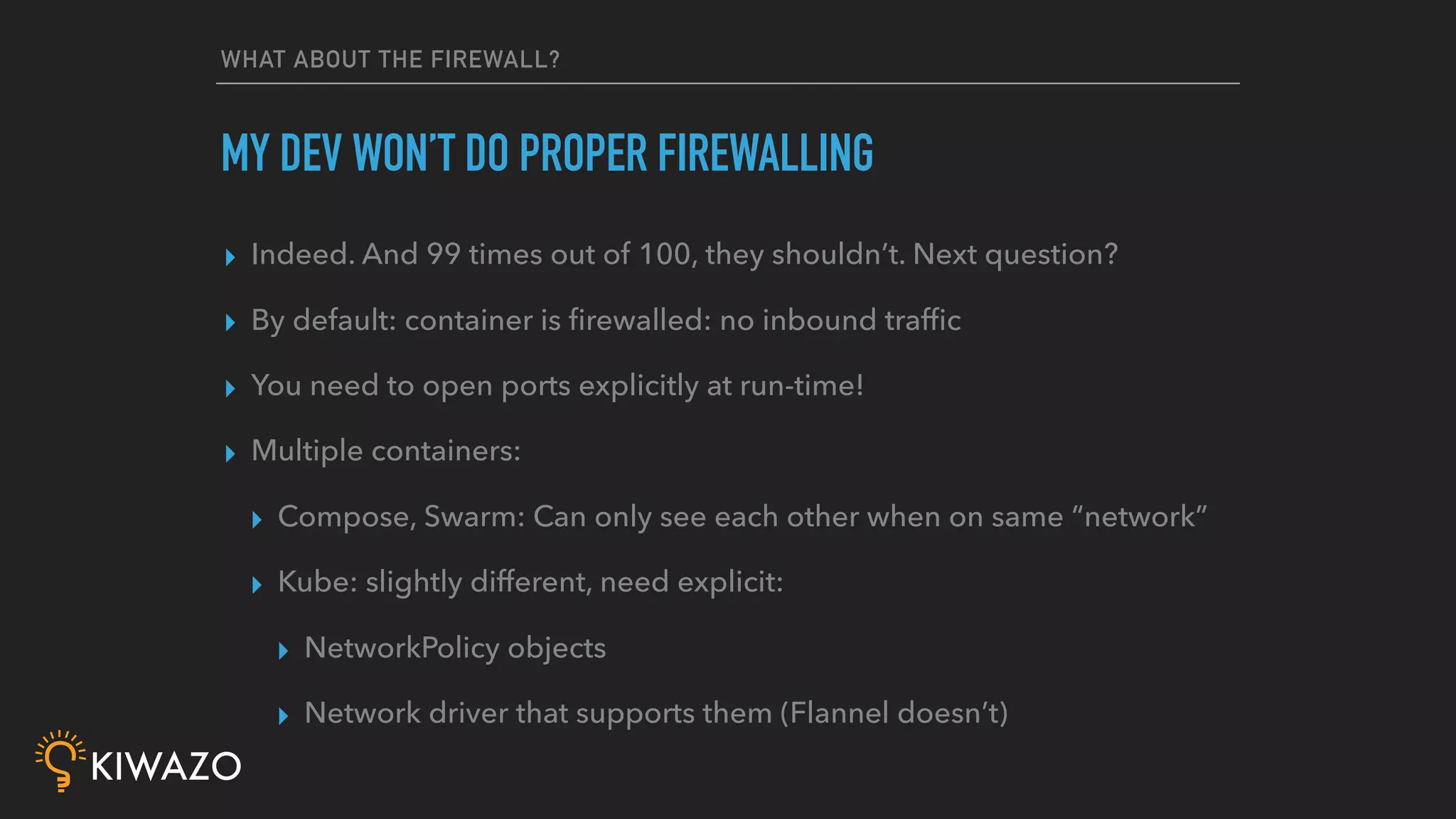
WHAT ABOUT THE FIREWALL?
▸ Indeed. And 99 times out of 100, they shouldn’t. Next question?
▸ By default: container is firewalled: no inbound traffic
▸ You need to open ports explicitly at run-time!
▸ Multiple containers:
▸ Compose, Swarm: Can only see each other when on same “network”
▸ Kube: slightly different, need explicit:
▸ NetworkPolicy objects
▸ Network driver that supports them (Flannel doesn’t)
MY DEV WON’T DO PROPER FIREWALLING
SECRETS IN ENVIRONMENT
VARIABLES?
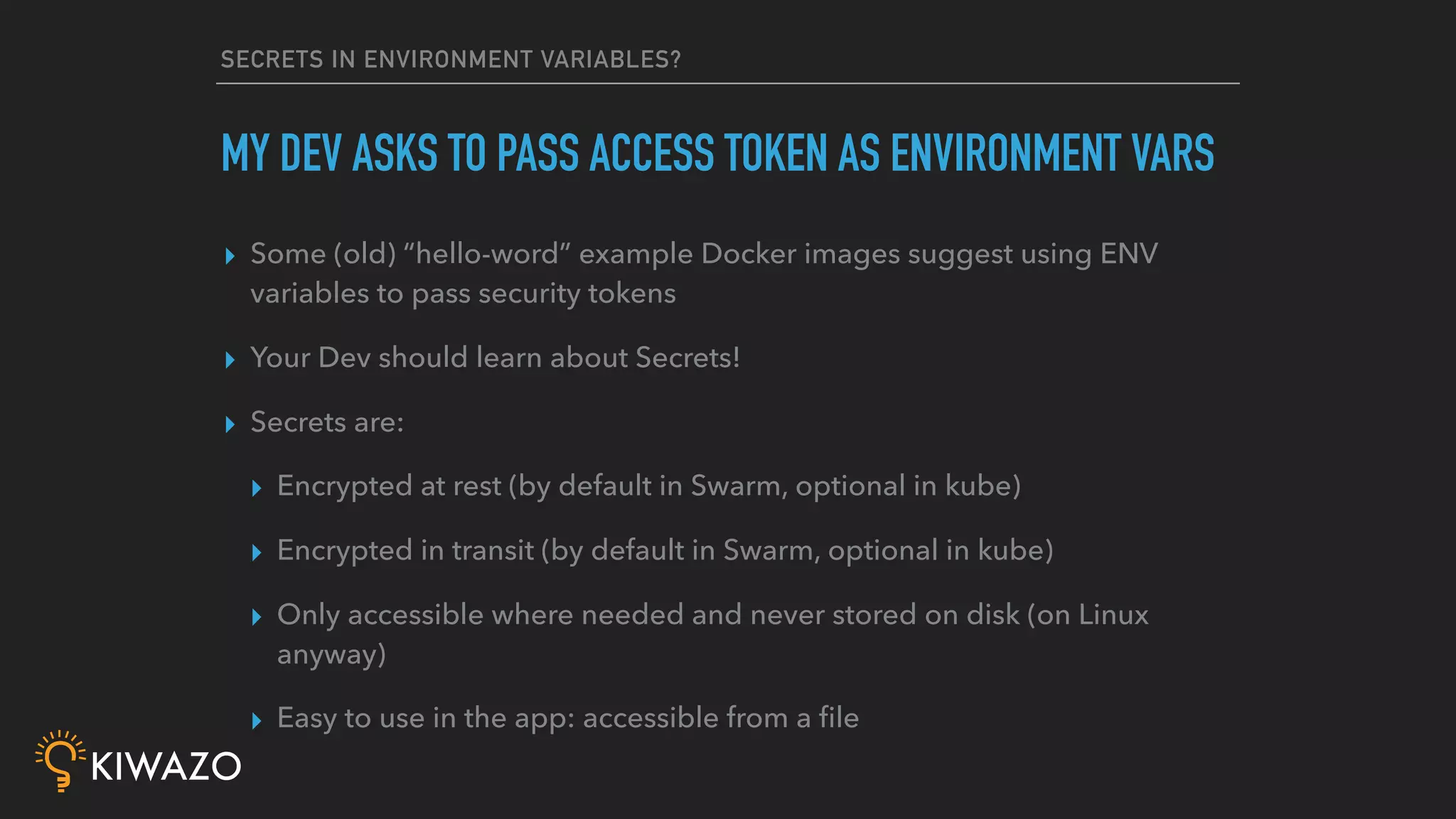
SECRETS IN ENVIRONMENT VARIABLES?
▸ Some (old) “hello-word” example Docker images suggest using ENV
variables to pass security tokens
▸ Your Dev should learn about Secrets!
▸ Secrets are:
▸ Encrypted at rest (by default in Swarm, optional in kube)
▸ Encrypted in transit (by default in Swarm, optional in kube)
▸ Only accessible where needed and never stored on disk (on Linux
anyway)
▸ Easy to use in the app: accessible from a file
MY DEV ASKS TO PASS ACCESS TOKEN AS ENVIRONMENT VARS
THANKS FRANK, BUT
I WANT TO DO BETTER
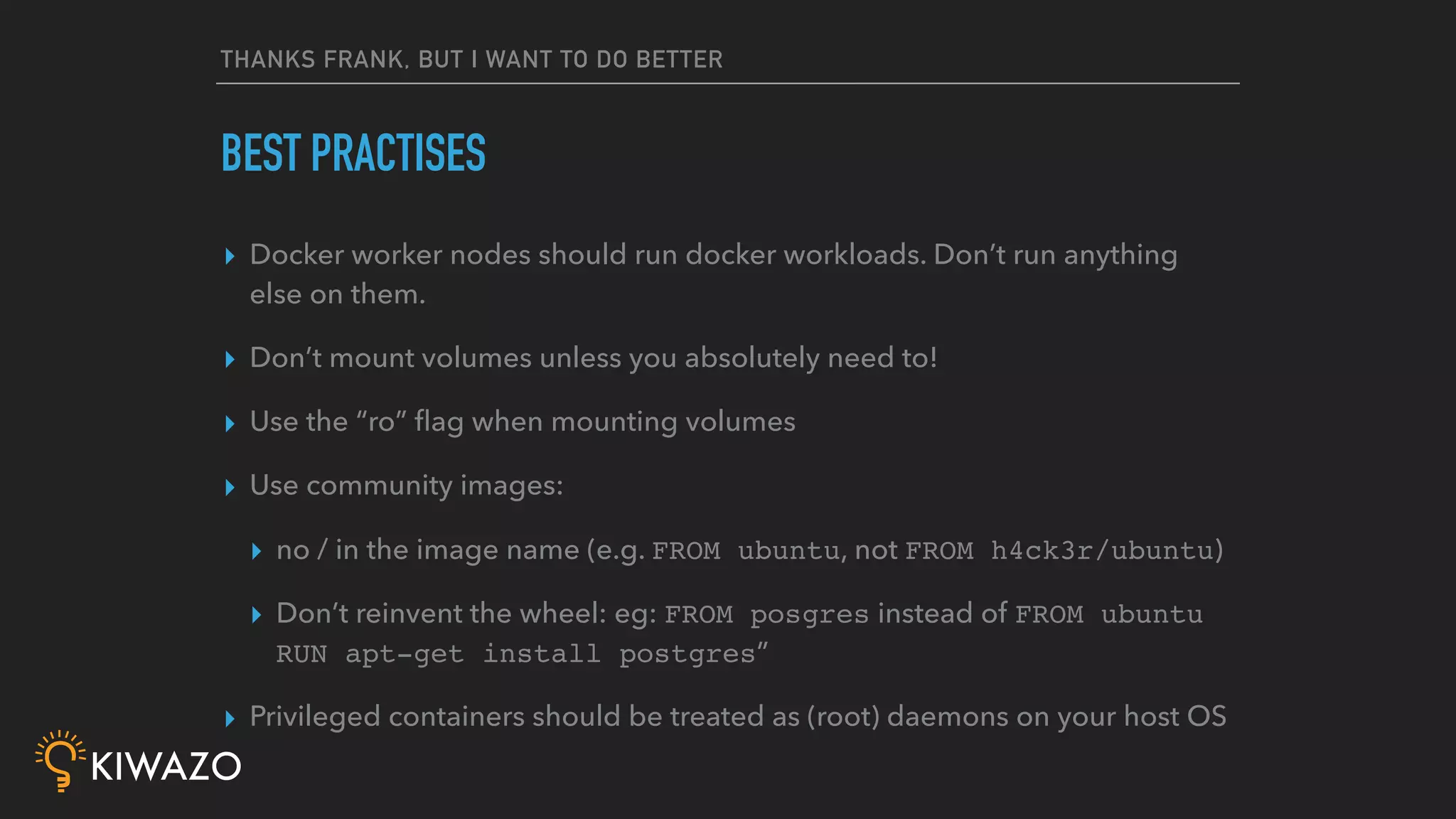
THANKS FRANK, BUT I WANT TO DO BETTER
▸ Docker worker nodes should run docker workloads. Don’t run anything
else on them.
▸ Don’t mount volumes unless you absolutely need to!
▸ Use the “ro” flag when mounting volumes
▸ Use community images:
▸ no / in the image name (e.g. FROM ubuntu, not FROM h4ck3r/ubuntu)
▸ Don’t reinvent the wheel: eg: FROM posgres instead of FROM ubuntu
RUN apt-get install postgres”
▸ Privileged containers should be treated as (root) daemons on your host OS
BEST PRACTISES
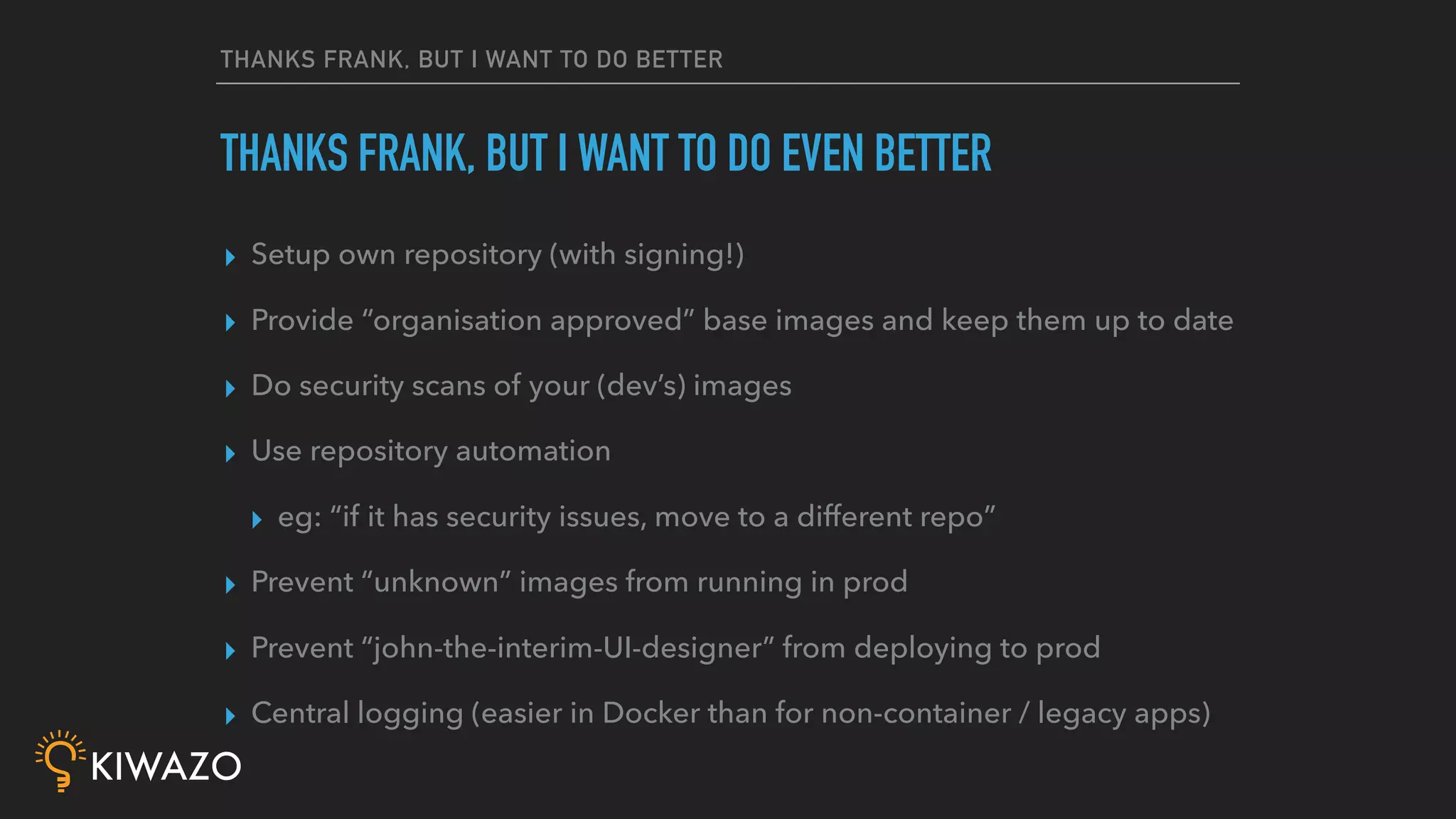
THANKS FRANK, BUT I WANT TO DO BETTER
▸ Setup own repository (with signing!)
▸ Provide “organisation approved” base images and keep them up to date
▸ Do security scans of your (dev’s) images
▸ Use repository automation
▸ eg: “if it has security issues, move to a different repo”
▸ Prevent “unknown” images from running in prod
▸ Prevent “john-the-interim-UI-designer” from deploying to prod
▸ Central logging (easier in Docker than for non-container / legacy apps)
THANKS FRANK, BUT I WANT TO DO EVEN BETTER
BUT YOU DIDN’T MENTION ANYTHING
CONFIGMANAGEMENT RELATED?
INDEED. I DIDN’T.
Q & A
Bonus: Freelancer, interested in
Docker Training and consulting?
Come and talk to me!
@FRANK_BE
FRANK@LOUWERS.BE

Docker security 101 (CfgMgmtCamp 2019)

  • 1.
    CONTAINER SECURITY 101 IT’S2019. STOP SPREADING FUD. FFS.
  • 2.
    WHOAMI FRANK LOUWERS @FRANK_BE HTTPS://KIWAZO.BE BUILT, GREWAND SOLD A HOSTING COMPANY (15+ YEARS) FREELANCE CONSULTANT DOCKER TRAINER DAI / DCA / DSP / DTSP
  • 3.
  • 4.
    CONTAINERS != CURL-K | SUDO BASH ▸ HTTPS ▸ Download from a registry you trust ▸ TUF (The upgrade framework) for content signing ▸ Protects against MitM attacks ▸ John Doe’s packages or community-driven packages? ▸ FROM johndoe/mongo vs FROM mongo ▸ RESULT: image pull is much better than curl or curl -k CONTAINERS =! CURL -K | (SUDO) BASH
  • 5.
    CONTAINERS != CURL-K | SUDO BASH ▸ “root” inside your container is not root outside your container ▸ Namespaces: in Linux kernel since 2002 and 2006 (!!!) ▸ Seccomp profile: by default some 44-ish syscalls are blocked ▸ Kernel capabilities: so root-user becomes a spectrum instead of binary. (no raw network access, no mount, …) ▸ RESULT: “root” can’t do anything outside the container CONTAINERS =! CURL -K | (SUDO) BASH
  • 6.
    CONTAINERS != CURL-K | SUDO BASH ▸ Any app, script, … you run on your computer can do “Bad Things”, no matter how you run it ▸ Even if you compile it from source (look up “Ken Thompson Hack”) ▸ By default, every app has access to all “your” files, environment variables, shell, .bashrc/.zshrc, processes etc ▸ By default, containers don’t! ▸ RESULT: docker container run foo is safer than ./foo CONTAINERS =! CURL -K | (SUDO) BASH
  • 7.
    BY DEFAULT, WITHOUTCONFIGURING ANYTHING ▸ Secure image pulls ▸ Secure executation ▸ “Throw-away”: remove the container, and all traces are gone ▸ Even if it is “root”, it has less privileges than your normal uid=1000 user ▸ Can’t access your files, environment variables (AWS_KEY anyone?) BY DEFAULT, WITHOUT CONFIGURING ANYTHING
  • 8.
    DEVS SHALL NOT MESSWITH MY USERS
  • 9.
    DEVS SHALL NOTMESS WITH MY USERS ▸ Indeed. Next question… ▸ I mean: why does it matter what user the apps think it uses? ▸ If it is “root”, it is “container-X-root-that-is-not-really-root” ▸ If it is “jane”, it is “container-X-jane-that-is-not-really-jane” ▸ Optional (1 parameter, if your kernel supports it): User namespaces as well: so uid 1000 in container is not uid 1000 outside your container. Only relevant if doing volume mounts DEVS SHALL NOT MESS WITH MY USERS
  • 10.
  • 11.
    WHAT ABOUT PRIVILEGEDCONTAINERS ▸ “running as root inside the container” doesn’t mean privileged ▸ NEED TO TURN THIS ON EXPLICITLY WHEN RUNNING! ▸ Runs the container without most of the restrictions we saw earlier ▸ Of course it has more access! ▸ Even then it has (slightly) less access than `sudo foo` ▸ “I can get root on the server in 5 minutes from a Priv container” ▸ “I can get root on the server in 5 seconds from a setuid binary” WHAT ABOUT PRIVILEGED CONTAINERS?
  • 12.
  • 13.
    WHAT ABOUT THEFIREWALL? ▸ Indeed. And 99 times out of 100, they shouldn’t. Next question? ▸ By default: container is firewalled: no inbound traffic ▸ You need to open ports explicitly at run-time! ▸ Multiple containers: ▸ Compose, Swarm: Can only see each other when on same “network” ▸ Kube: slightly different, need explicit: ▸ NetworkPolicy objects ▸ Network driver that supports them (Flannel doesn’t) MY DEV WON’T DO PROPER FIREWALLING
  • 14.
  • 15.
    SECRETS IN ENVIRONMENTVARIABLES? ▸ Some (old) “hello-word” example Docker images suggest using ENV variables to pass security tokens ▸ Your Dev should learn about Secrets! ▸ Secrets are: ▸ Encrypted at rest (by default in Swarm, optional in kube) ▸ Encrypted in transit (by default in Swarm, optional in kube) ▸ Only accessible where needed and never stored on disk (on Linux anyway) ▸ Easy to use in the app: accessible from a file MY DEV ASKS TO PASS ACCESS TOKEN AS ENVIRONMENT VARS
  • 16.
    THANKS FRANK, BUT IWANT TO DO BETTER
  • 17.
    THANKS FRANK, BUTI WANT TO DO BETTER ▸ Docker worker nodes should run docker workloads. Don’t run anything else on them. ▸ Don’t mount volumes unless you absolutely need to! ▸ Use the “ro” flag when mounting volumes ▸ Use community images: ▸ no / in the image name (e.g. FROM ubuntu, not FROM h4ck3r/ubuntu) ▸ Don’t reinvent the wheel: eg: FROM posgres instead of FROM ubuntu RUN apt-get install postgres” ▸ Privileged containers should be treated as (root) daemons on your host OS BEST PRACTISES
  • 18.
    THANKS FRANK, BUTI WANT TO DO BETTER ▸ Setup own repository (with signing!) ▸ Provide “organisation approved” base images and keep them up to date ▸ Do security scans of your (dev’s) images ▸ Use repository automation ▸ eg: “if it has security issues, move to a different repo” ▸ Prevent “unknown” images from running in prod ▸ Prevent “john-the-interim-UI-designer” from deploying to prod ▸ Central logging (easier in Docker than for non-container / legacy apps) THANKS FRANK, BUT I WANT TO DO EVEN BETTER
  • 19.
    BUT YOU DIDN’TMENTION ANYTHING CONFIGMANAGEMENT RELATED? INDEED. I DIDN’T.
  • 20.
    Q & A Bonus:Freelancer, interested in Docker Training and consulting? Come and talk to me! @FRANK_BE FRANK@LOUWERS.BE