Docker Orchestration
Ansible & CoreOS
with
About me
1. DevOps consultant (3+ years)
2. Worked at Liveperson for 5+ years
3. Managed production CoreOS implementation (1+ year)
4. Running speedyray.net, in-memory nosql database as a service
5. Can be found at @leonidlm (twitter) / leonidlm@gmail.com
Agenda
1. Introduction to CoreOS
2. CoreOS components & ecosystem
3. Ansible for AWS
4. Demo: run a CoreOS cluster on AWS using Ansible
5. Notes / improvement ideas
6. Discussion: configuration management in the containers era
What is CoreOS?
1. A minimal linux built to run docker/rocket containers
2. Rethinking how an os for a modern datacenter should look like
3. Doesn’t have a package manager, almost everything is a container
4. Facilitates atomic os updates
5. Comes built-in with cluster coordination/bootstrap tools: etcd, fleet,
cloud-init
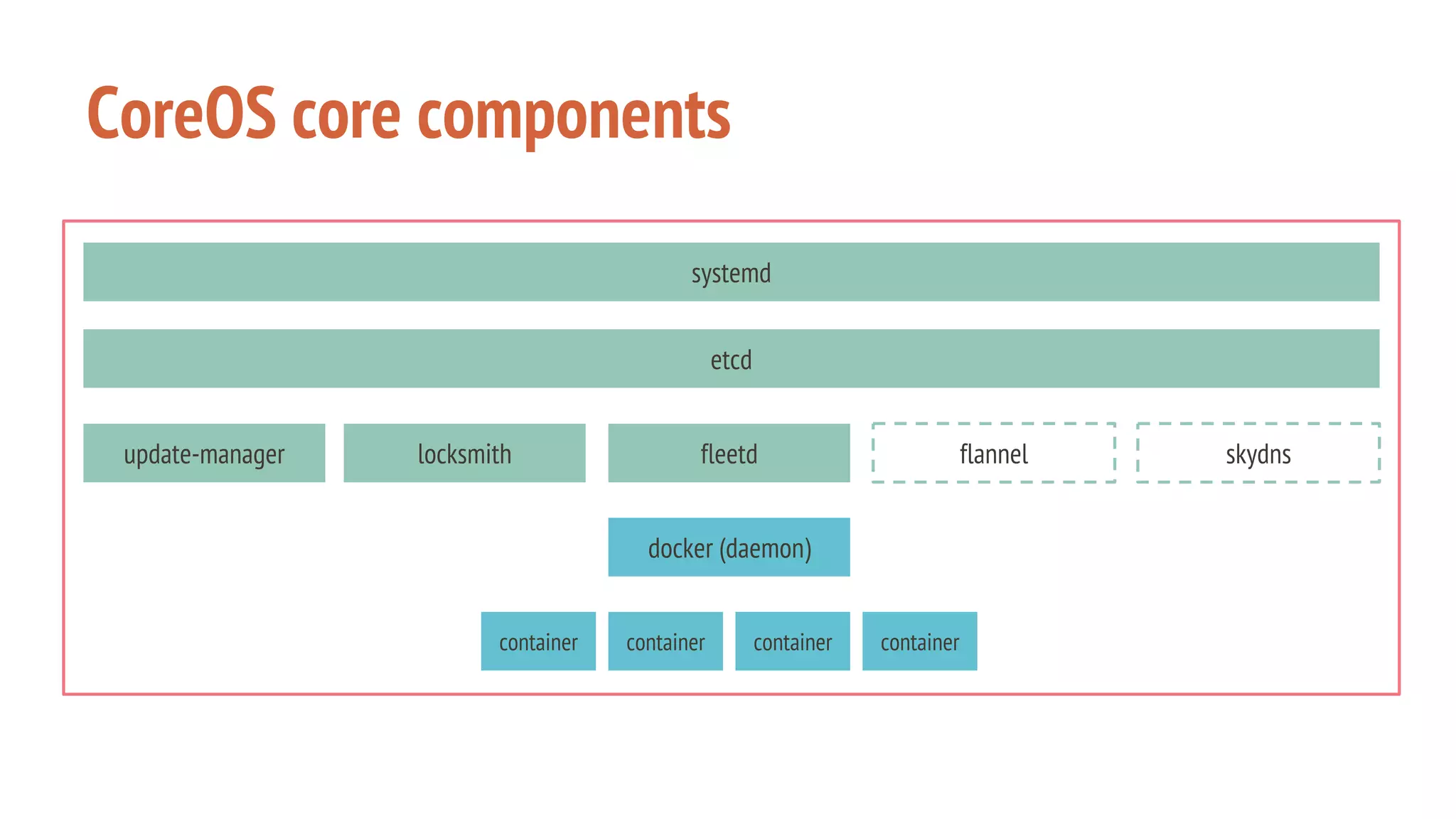
CoreOS core components
systemd
etcd
fleetd
docker (daemon)
update-manager locksmith flannel skydns
container containercontainer container
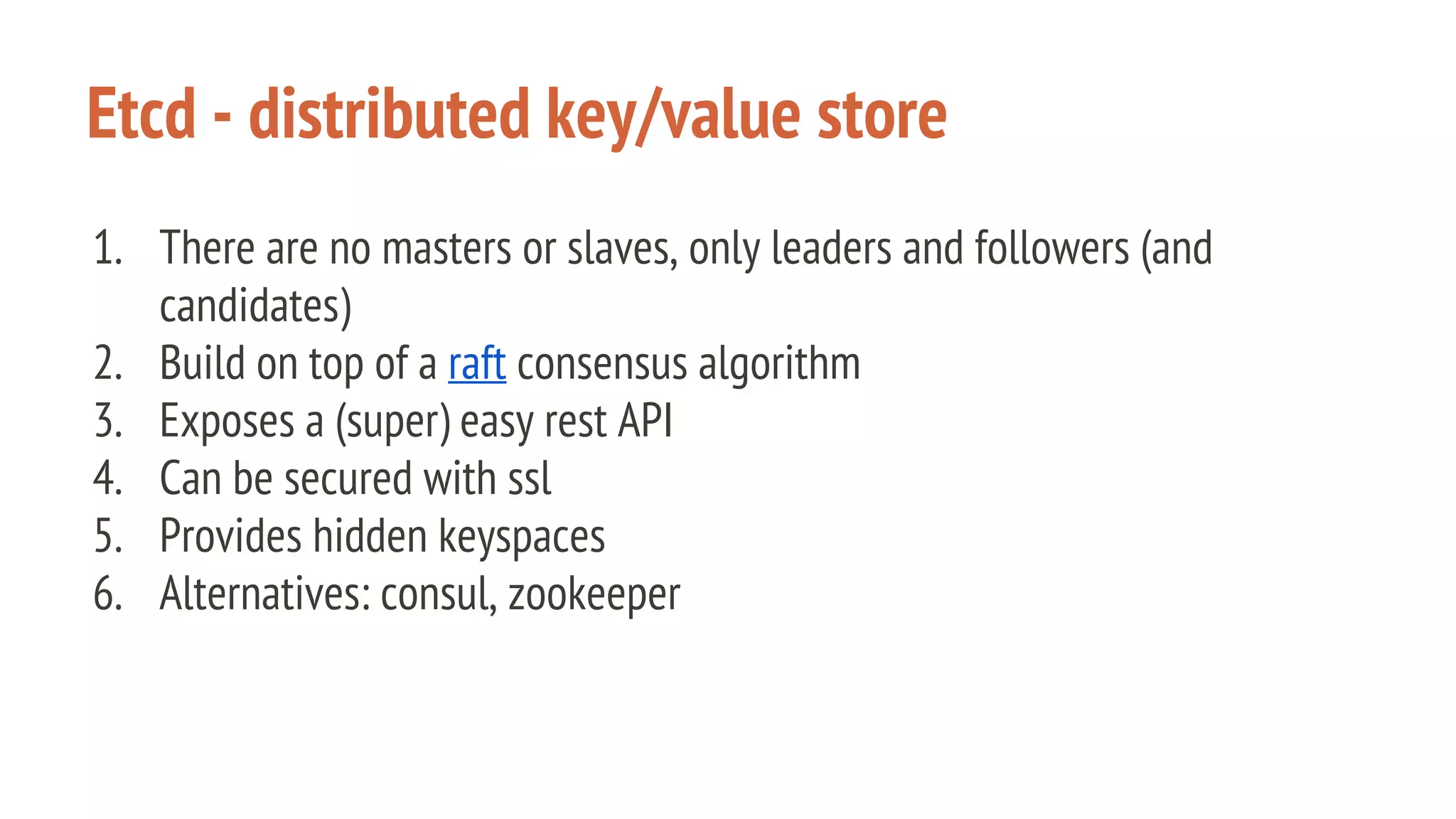
Etcd - distributed key/value store
1. There are no masters or slaves, only leaders and followers (and
candidates)
2. Build on top of a raft consensus algorithm
3. Exposes a (super) easy rest API
4. Can be secured with ssl
5. Provides hidden keyspaces
6. Alternatives: consul, zookeeper
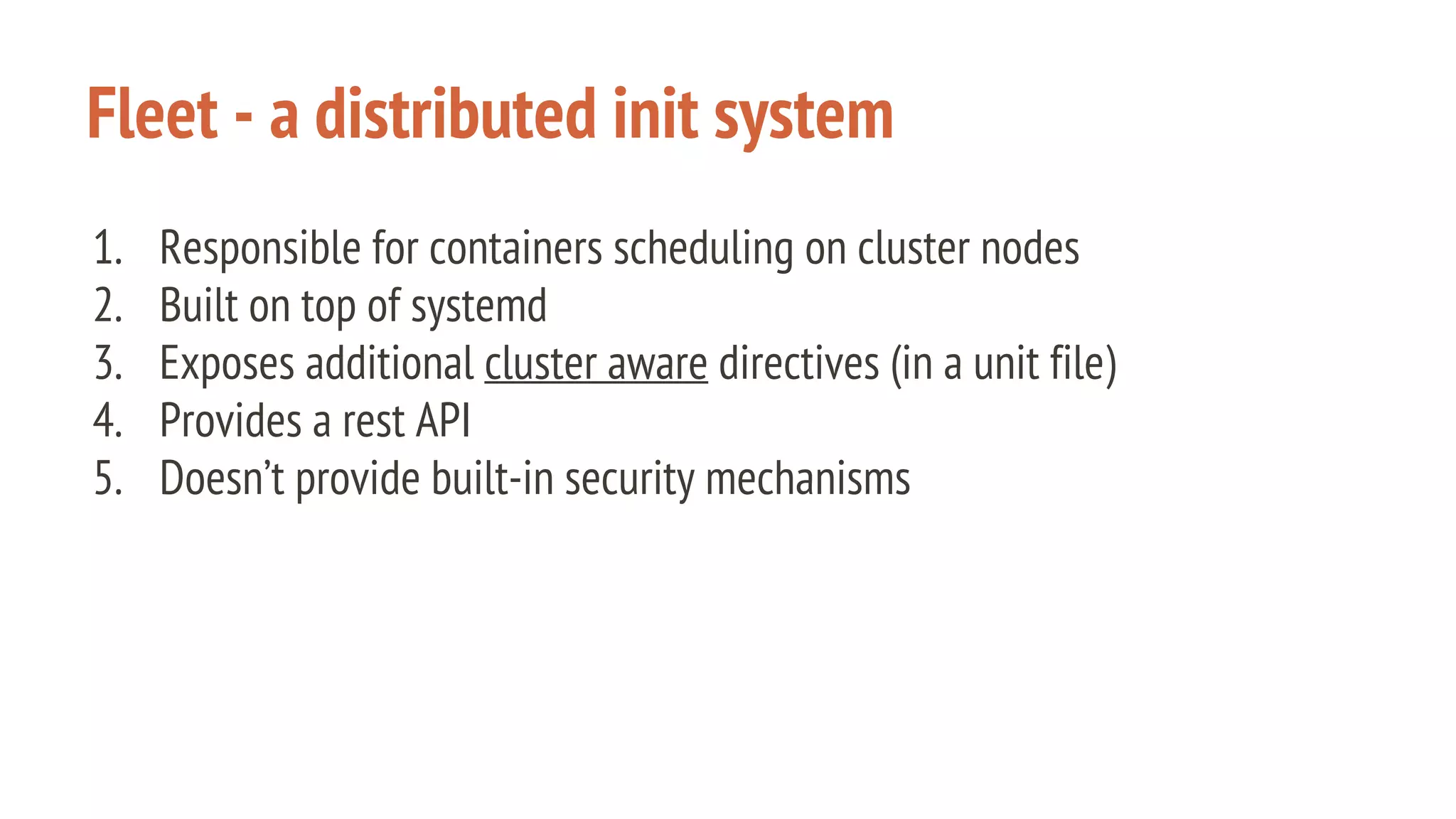
Fleet - a distributed init system
1. Responsible for containers scheduling on cluster nodes
2. Built on top of systemd
3. Exposes additional cluster aware directives (in a unit file)
4. Provides a rest API
5. Doesn’t provide built-in security mechanisms
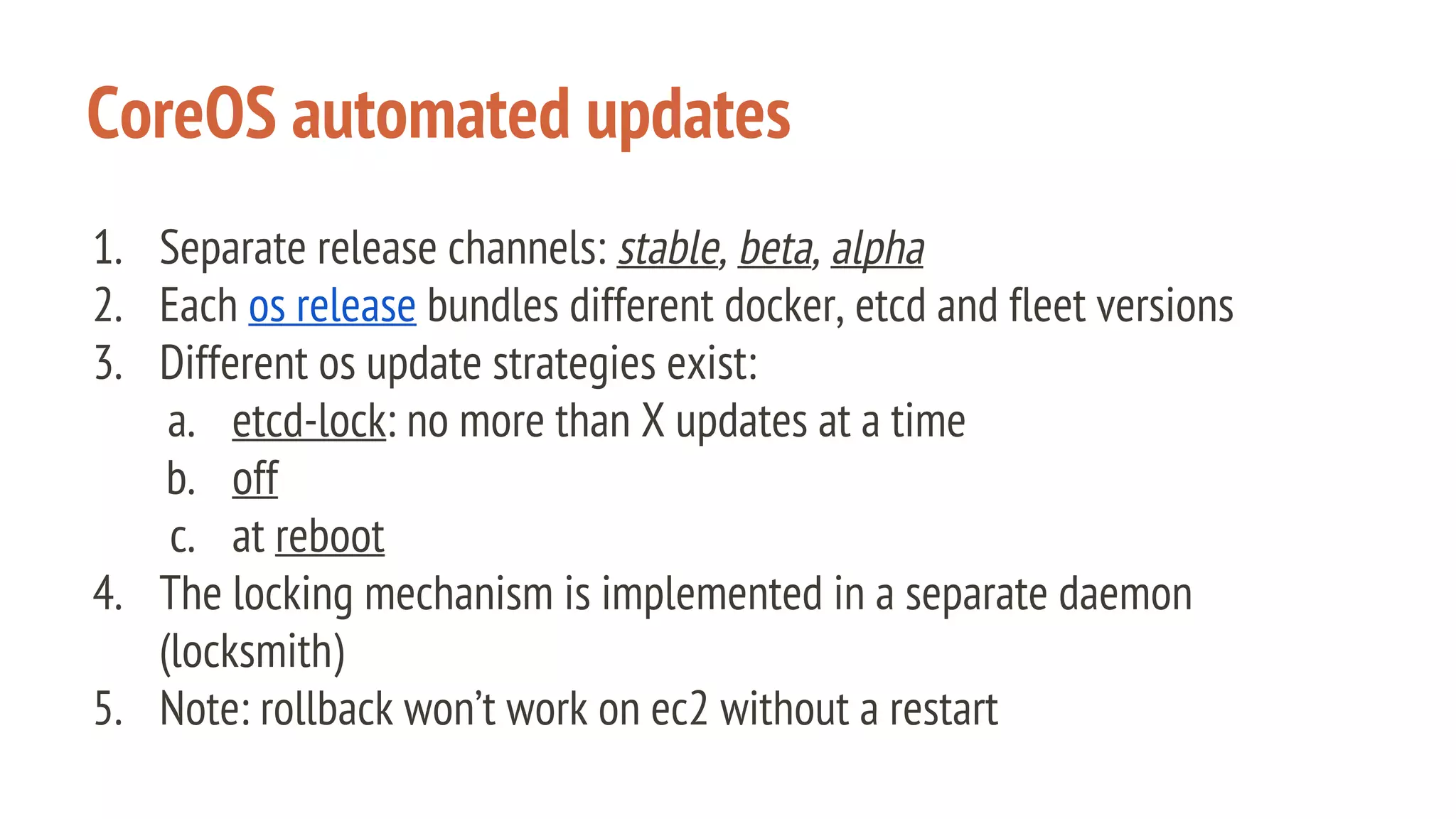
CoreOS automated updates
1. Separate release channels: stable, beta, alpha
2. Each os release bundles different docker, etcd and fleet versions
3. Different os update strategies exist:
a. etcd-lock: no more than X updates at a time
b. off
c. at reboot
4. The locking mechanism is implemented in a separate daemon
(locksmith)
5. Note: rollback won’t work on ec2 without a restart
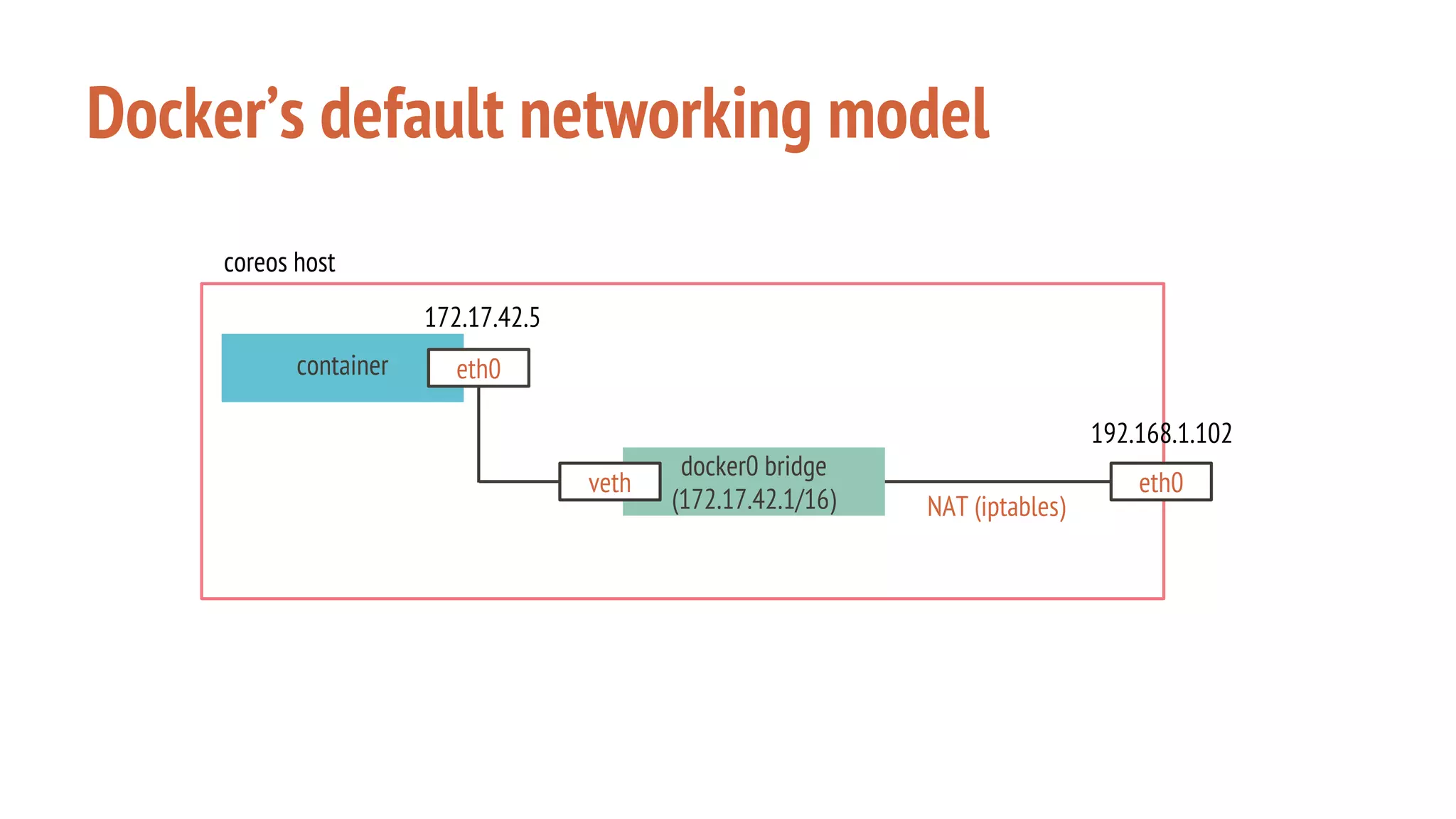
Docker’s default networking model
docker0 bridge
(172.17.42.1/16)
container eth0
veth eth0
172.17.42.5
192.168.1.102
NAT (iptables)
coreos host
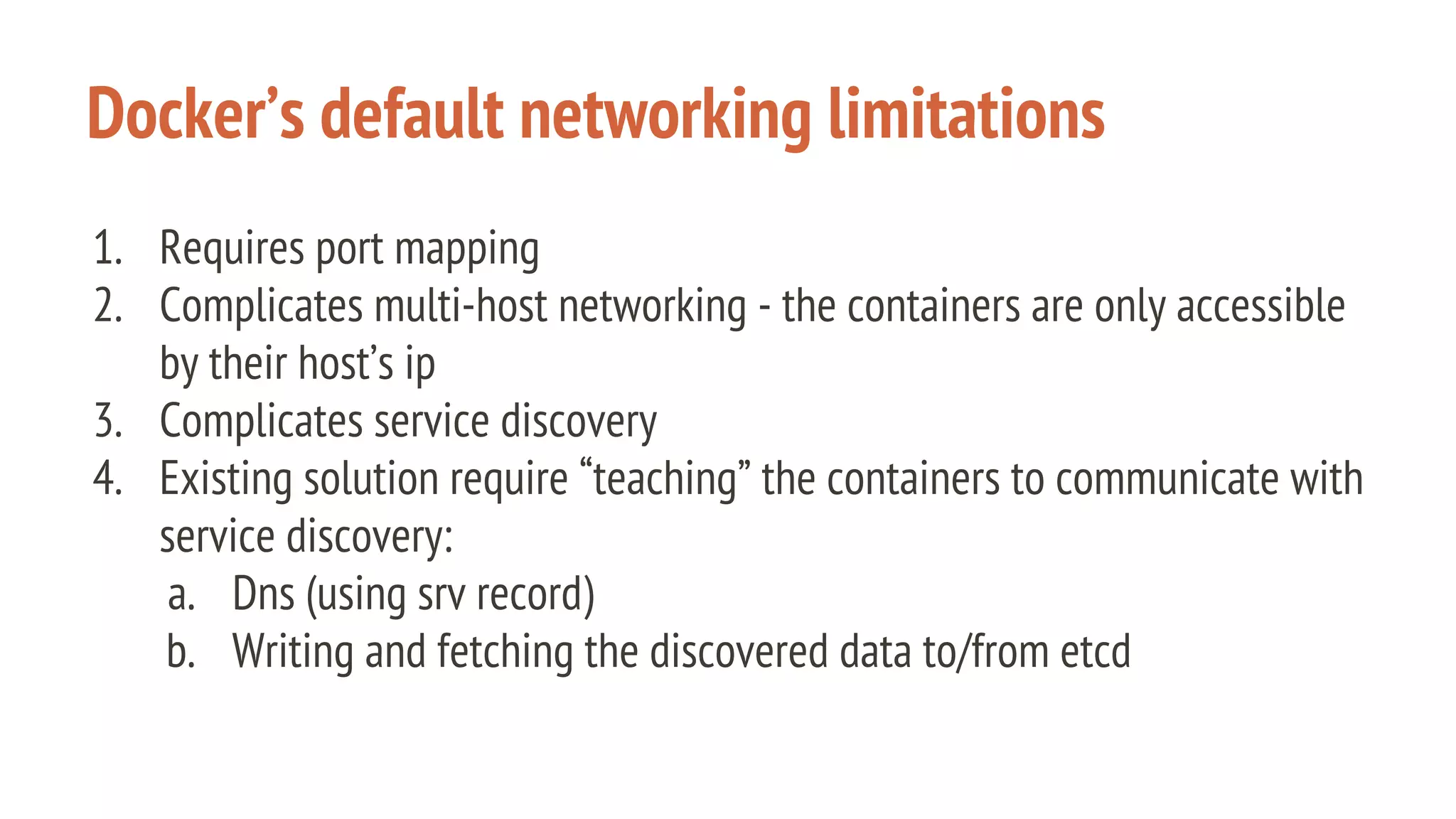
Docker’s default networking limitations
1. Requires port mapping
2. Complicates multi-host networking - the containers are only accessible
by their host’s ip
3. Complicates service discovery
4. Existing solution require “teaching” the containers to communicate with
service discovery:
a. Dns (using srv record)
b. Writing and fetching the discovered data to/from etcd
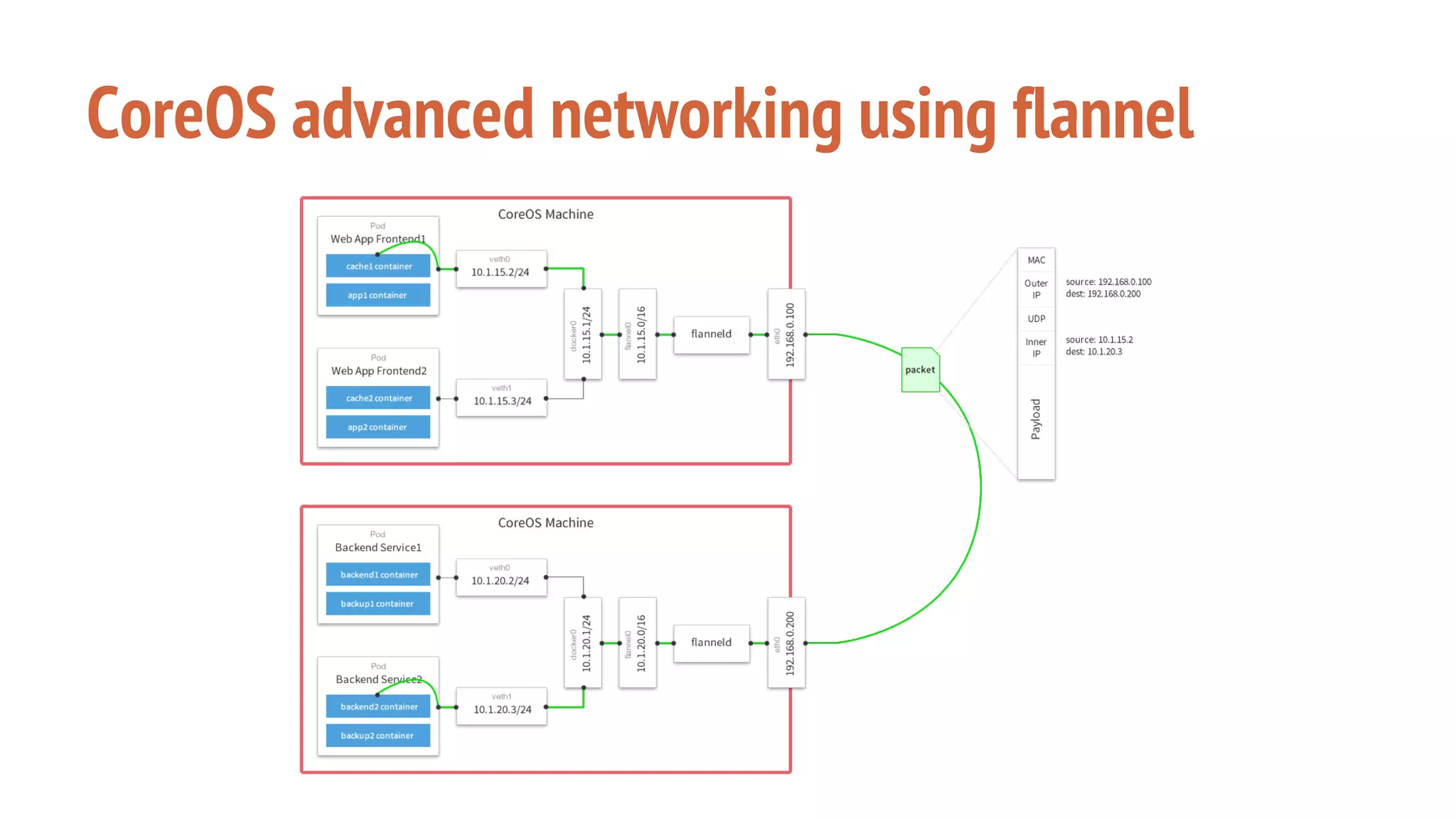
CoreOS advanced networking using flannel
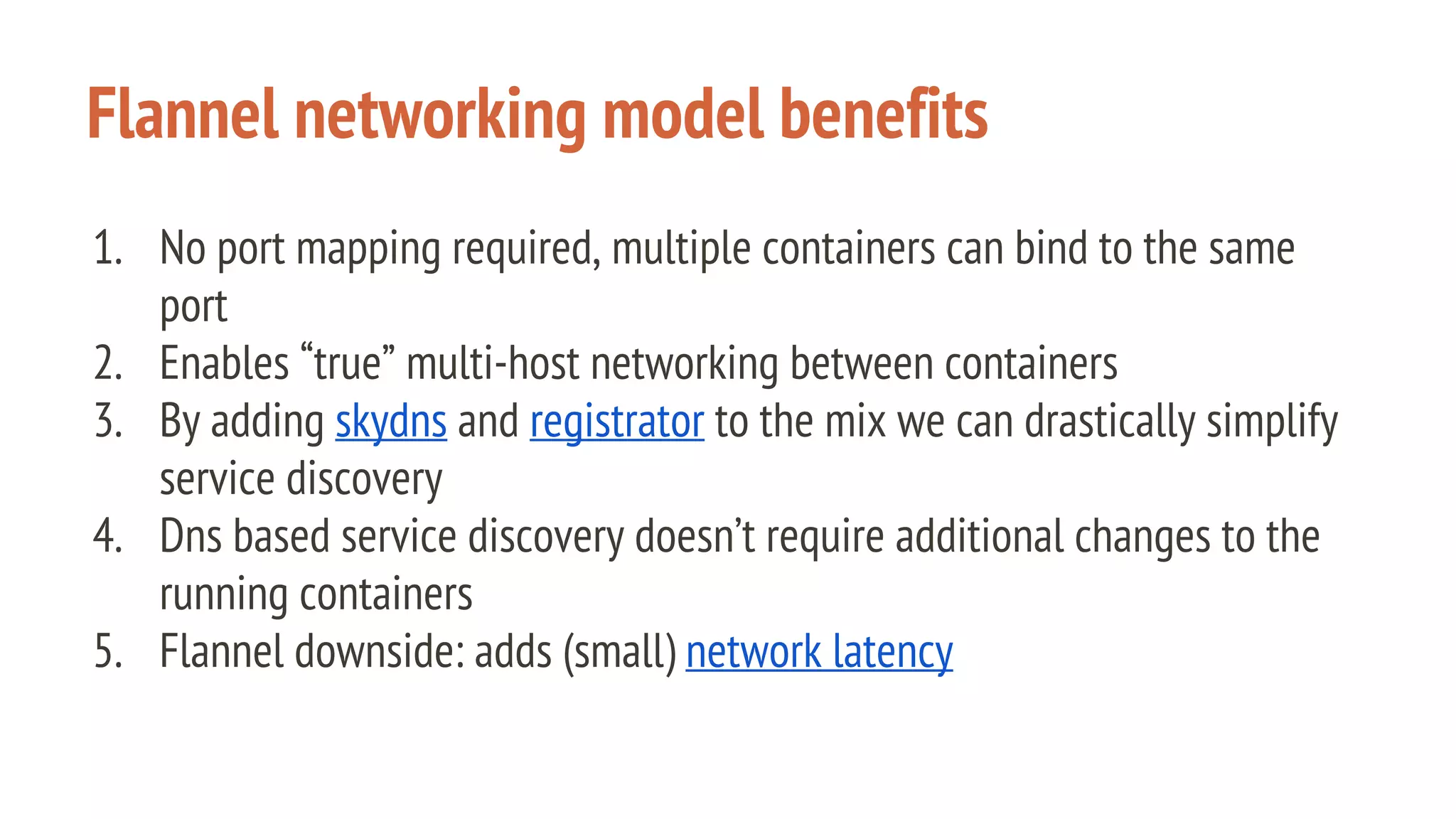
Flannel networking model benefits
1. No port mapping required, multiple containers can bind to the same
port
2. Enables “true” multi-host networking between containers
3. By adding skydns and registrator to the mix we can drastically simplify
service discovery
4. Dns based service discovery doesn’t require additional changes to the
running containers
5. Flannel downside: adds (small) network latency
Demo
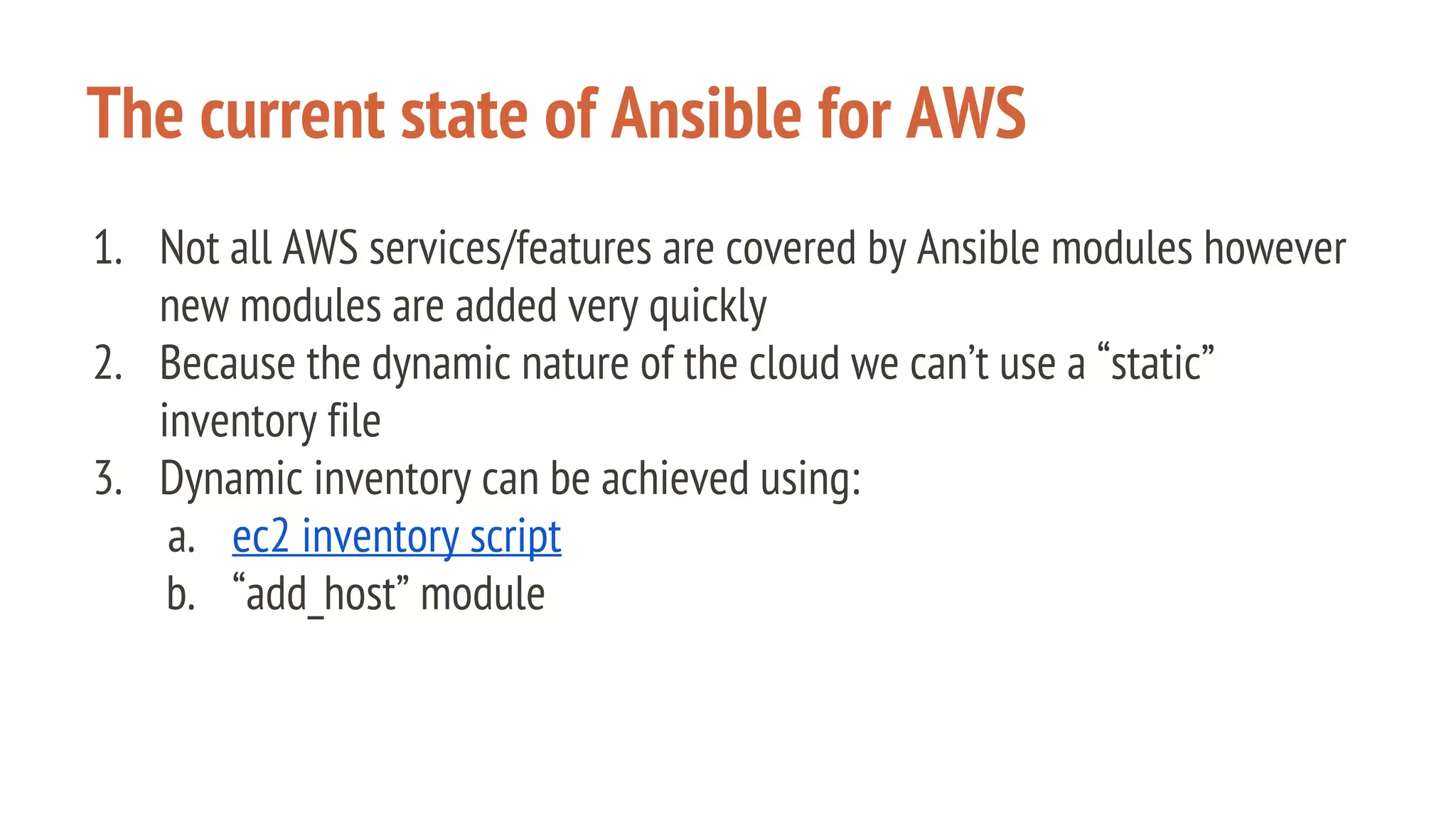
The current state of Ansible for AWS
1. Not all AWS services/features are covered by Ansible modules however
new modules are added very quickly
2. Because the dynamic nature of the cloud we can’t use a “static”
inventory file
3. Dynamic inventory can be achieved using:
a. ec2 inventory script
b. “add_host” module
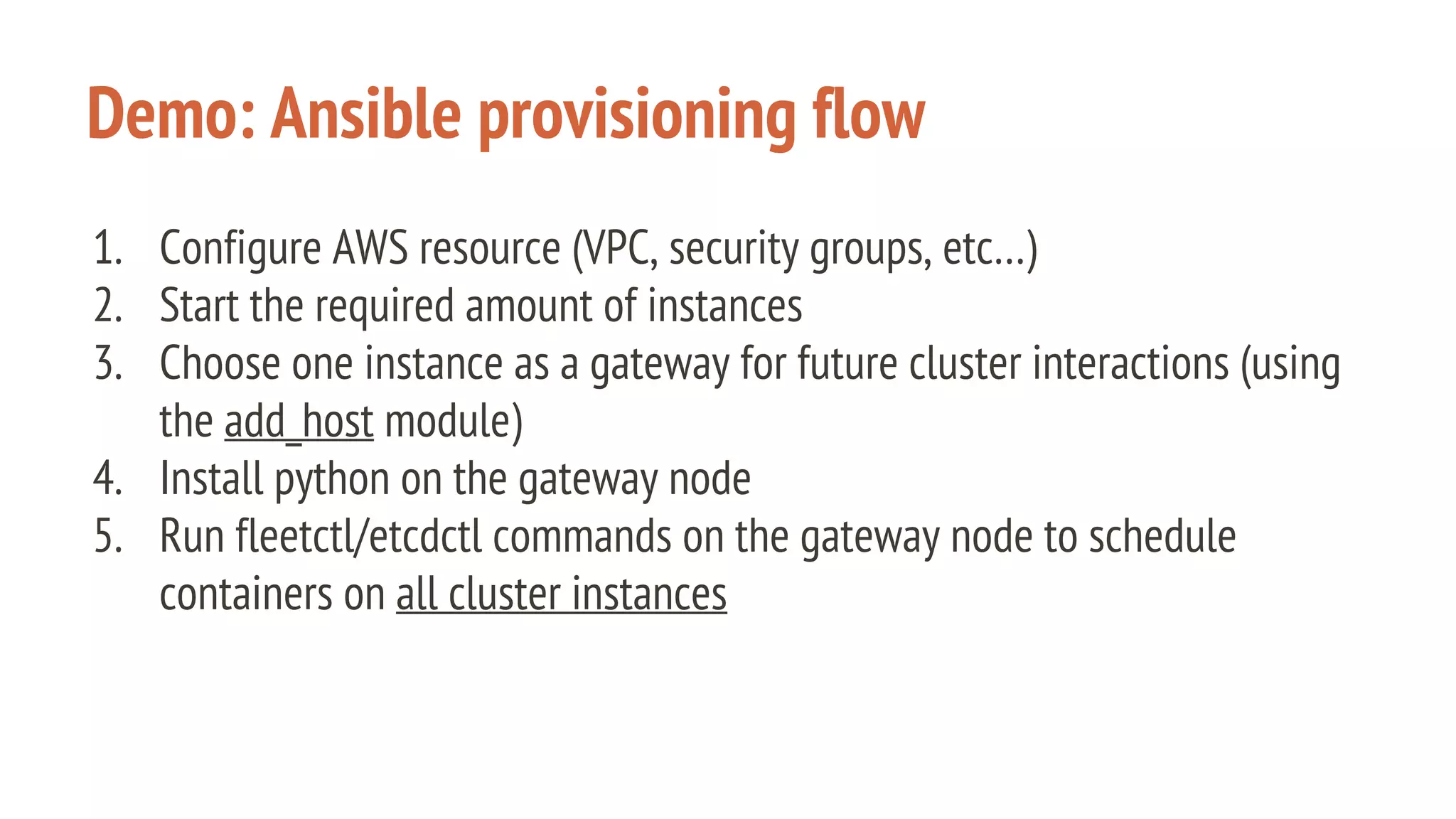
Demo: Ansible provisioning flow
1. Configure AWS resource (VPC, security groups, etc…)
2. Start the required amount of instances
3. Choose one instance as a gateway for future cluster interactions (using
the add_host module)
4. Install python on the gateway node
5. Run fleetctl/etcdctl commands on the gateway node to schedule
containers on all cluster instances
Demo time
Follow along: https://github.com/leonidlm/coreos-with-ansible-example
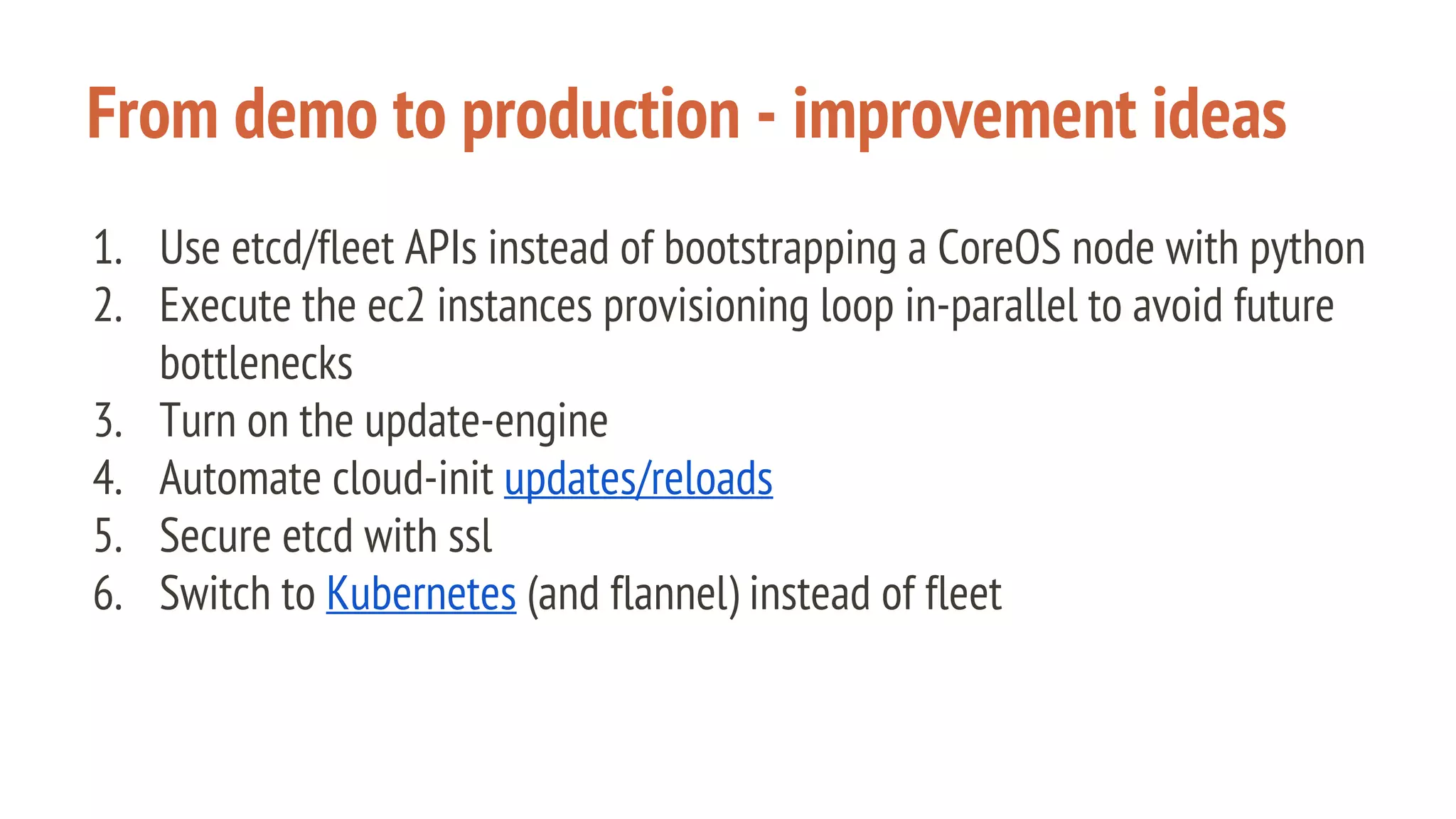
From demo to production - improvement ideas
1. Use etcd/fleet APIs instead of bootstrapping a CoreOS node with python
2. Execute the ec2 instances provisioning loop in-parallel to avoid future
bottlenecks
3. Turn on the update-engine
4. Automate cloud-init updates/reloads
5. Secure etcd with ssl
6. Switch to Kubernetes (and flannel) instead of fleet
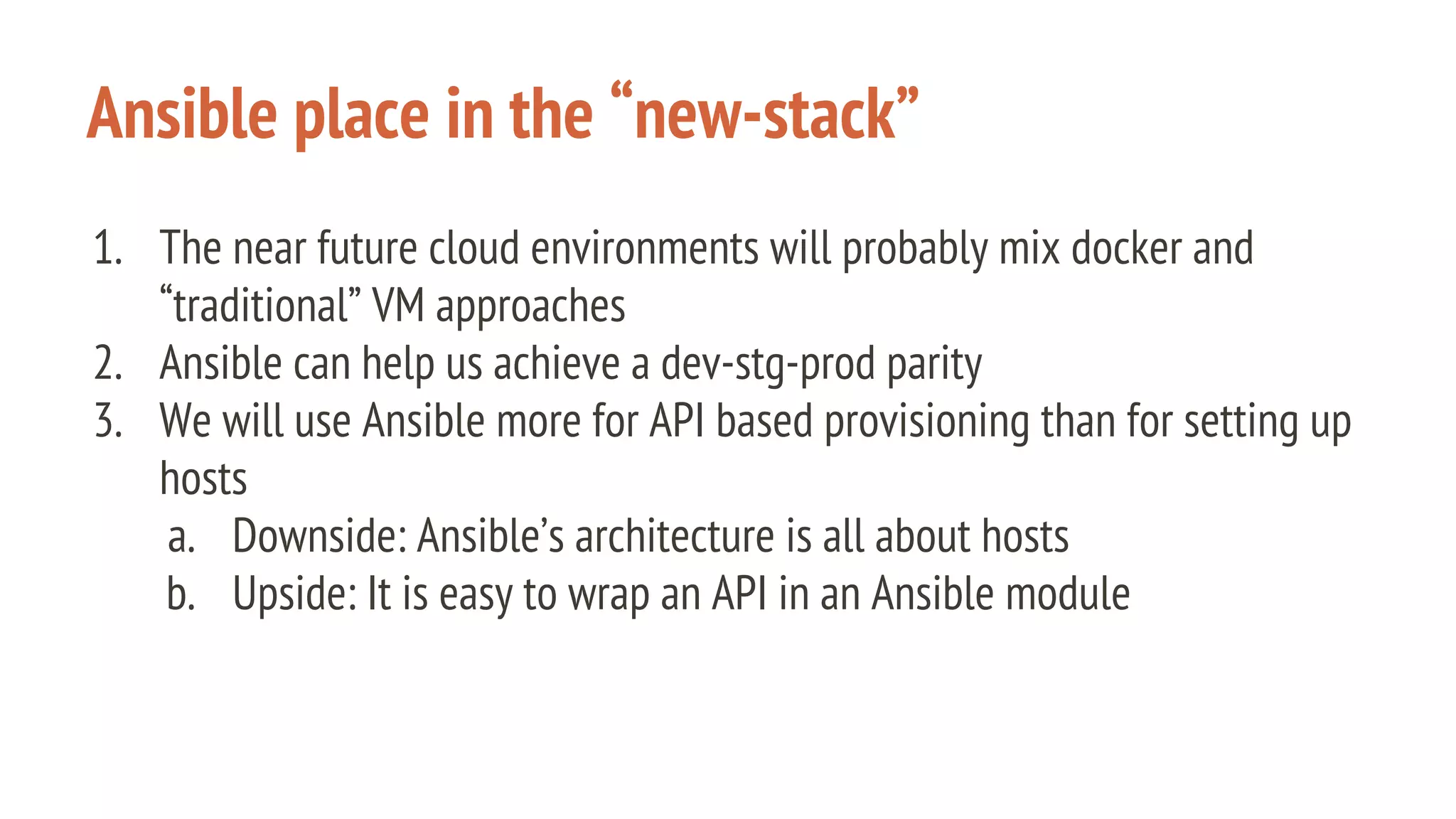
Ansible place in the “new-stack”
1. The near future cloud environments will probably mix docker and
“traditional” VM approaches
2. Ansible can help us achieve a dev-stg-prod parity
3. We will use Ansible more for API based provisioning than for setting up
hosts
a. Downside: Ansible’s architecture is all about hosts
b. Upside: It is easy to wrap an API in an Ansible module
Links / Additional resources
1. Awesome docker - https://github.com/veggiemonk/awesome-docker
2. Commercial CoreOS offering: Tectonic
3. Cool introduction to the raft consensus algorithm - http:
//thesecretlivesofdata.com/raft/
Thank you!
@leonidlm (twitter)
https://il.linkedin.com/in/leonidmirsky
leonidlm@gmail.com

Docker orchestration using core os and ansible - Ansible IL 2015

  • 1.
  • 2.
    About me 1. DevOpsconsultant (3+ years) 2. Worked at Liveperson for 5+ years 3. Managed production CoreOS implementation (1+ year) 4. Running speedyray.net, in-memory nosql database as a service 5. Can be found at @leonidlm (twitter) / leonidlm@gmail.com
  • 3.
    Agenda 1. Introduction toCoreOS 2. CoreOS components & ecosystem 3. Ansible for AWS 4. Demo: run a CoreOS cluster on AWS using Ansible 5. Notes / improvement ideas 6. Discussion: configuration management in the containers era
  • 4.
    What is CoreOS? 1.A minimal linux built to run docker/rocket containers 2. Rethinking how an os for a modern datacenter should look like 3. Doesn’t have a package manager, almost everything is a container 4. Facilitates atomic os updates 5. Comes built-in with cluster coordination/bootstrap tools: etcd, fleet, cloud-init
  • 5.
    CoreOS core components systemd etcd fleetd docker(daemon) update-manager locksmith flannel skydns container containercontainer container
  • 6.
    Etcd - distributedkey/value store 1. There are no masters or slaves, only leaders and followers (and candidates) 2. Build on top of a raft consensus algorithm 3. Exposes a (super) easy rest API 4. Can be secured with ssl 5. Provides hidden keyspaces 6. Alternatives: consul, zookeeper
  • 7.
    Fleet - adistributed init system 1. Responsible for containers scheduling on cluster nodes 2. Built on top of systemd 3. Exposes additional cluster aware directives (in a unit file) 4. Provides a rest API 5. Doesn’t provide built-in security mechanisms
  • 8.
    CoreOS automated updates 1.Separate release channels: stable, beta, alpha 2. Each os release bundles different docker, etcd and fleet versions 3. Different os update strategies exist: a. etcd-lock: no more than X updates at a time b. off c. at reboot 4. The locking mechanism is implemented in a separate daemon (locksmith) 5. Note: rollback won’t work on ec2 without a restart
  • 9.
    Docker’s default networkingmodel docker0 bridge (172.17.42.1/16) container eth0 veth eth0 172.17.42.5 192.168.1.102 NAT (iptables) coreos host
  • 10.
    Docker’s default networkinglimitations 1. Requires port mapping 2. Complicates multi-host networking - the containers are only accessible by their host’s ip 3. Complicates service discovery 4. Existing solution require “teaching” the containers to communicate with service discovery: a. Dns (using srv record) b. Writing and fetching the discovered data to/from etcd
  • 11.
  • 12.
    Flannel networking modelbenefits 1. No port mapping required, multiple containers can bind to the same port 2. Enables “true” multi-host networking between containers 3. By adding skydns and registrator to the mix we can drastically simplify service discovery 4. Dns based service discovery doesn’t require additional changes to the running containers 5. Flannel downside: adds (small) network latency
  • 13.
  • 14.
    The current stateof Ansible for AWS 1. Not all AWS services/features are covered by Ansible modules however new modules are added very quickly 2. Because the dynamic nature of the cloud we can’t use a “static” inventory file 3. Dynamic inventory can be achieved using: a. ec2 inventory script b. “add_host” module
  • 15.
    Demo: Ansible provisioningflow 1. Configure AWS resource (VPC, security groups, etc…) 2. Start the required amount of instances 3. Choose one instance as a gateway for future cluster interactions (using the add_host module) 4. Install python on the gateway node 5. Run fleetctl/etcdctl commands on the gateway node to schedule containers on all cluster instances
  • 16.
    Demo time Follow along:https://github.com/leonidlm/coreos-with-ansible-example
  • 17.
    From demo toproduction - improvement ideas 1. Use etcd/fleet APIs instead of bootstrapping a CoreOS node with python 2. Execute the ec2 instances provisioning loop in-parallel to avoid future bottlenecks 3. Turn on the update-engine 4. Automate cloud-init updates/reloads 5. Secure etcd with ssl 6. Switch to Kubernetes (and flannel) instead of fleet
  • 18.
    Ansible place inthe “new-stack” 1. The near future cloud environments will probably mix docker and “traditional” VM approaches 2. Ansible can help us achieve a dev-stg-prod parity 3. We will use Ansible more for API based provisioning than for setting up hosts a. Downside: Ansible’s architecture is all about hosts b. Upside: It is easy to wrap an API in an Ansible module
  • 19.
    Links / Additionalresources 1. Awesome docker - https://github.com/veggiemonk/awesome-docker 2. Commercial CoreOS offering: Tectonic 3. Cool introduction to the raft consensus algorithm - http: //thesecretlivesofdata.com/raft/
  • 20.