Science Learning Around
the Globe
Britt Gow, Hawkesdale P12 College
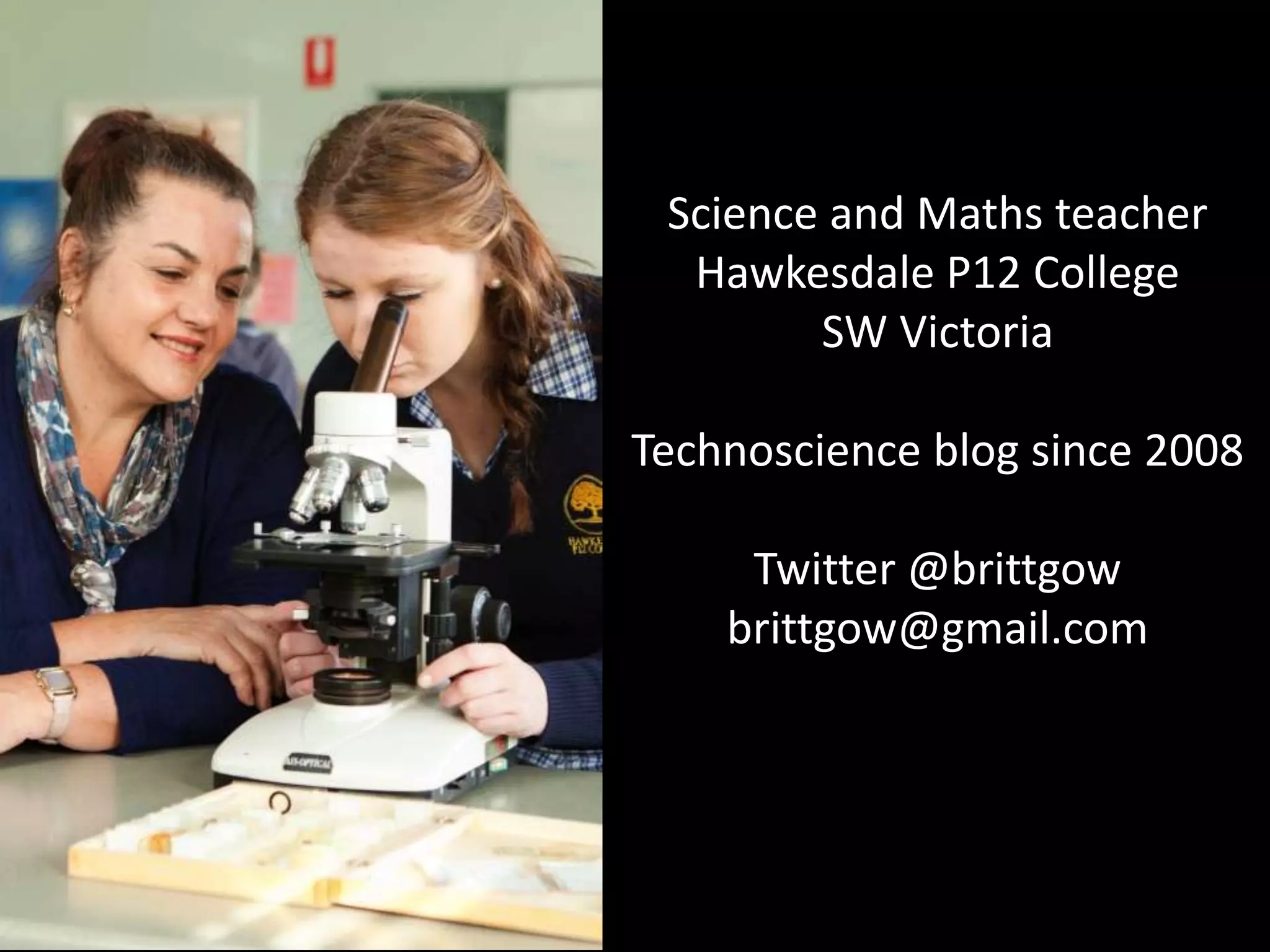
Science and Maths teacher
Hawkesdale P12 College
SW Victoria
Technoscience blog since 2008
Twitter @brittgow
brittgow@gmail.com
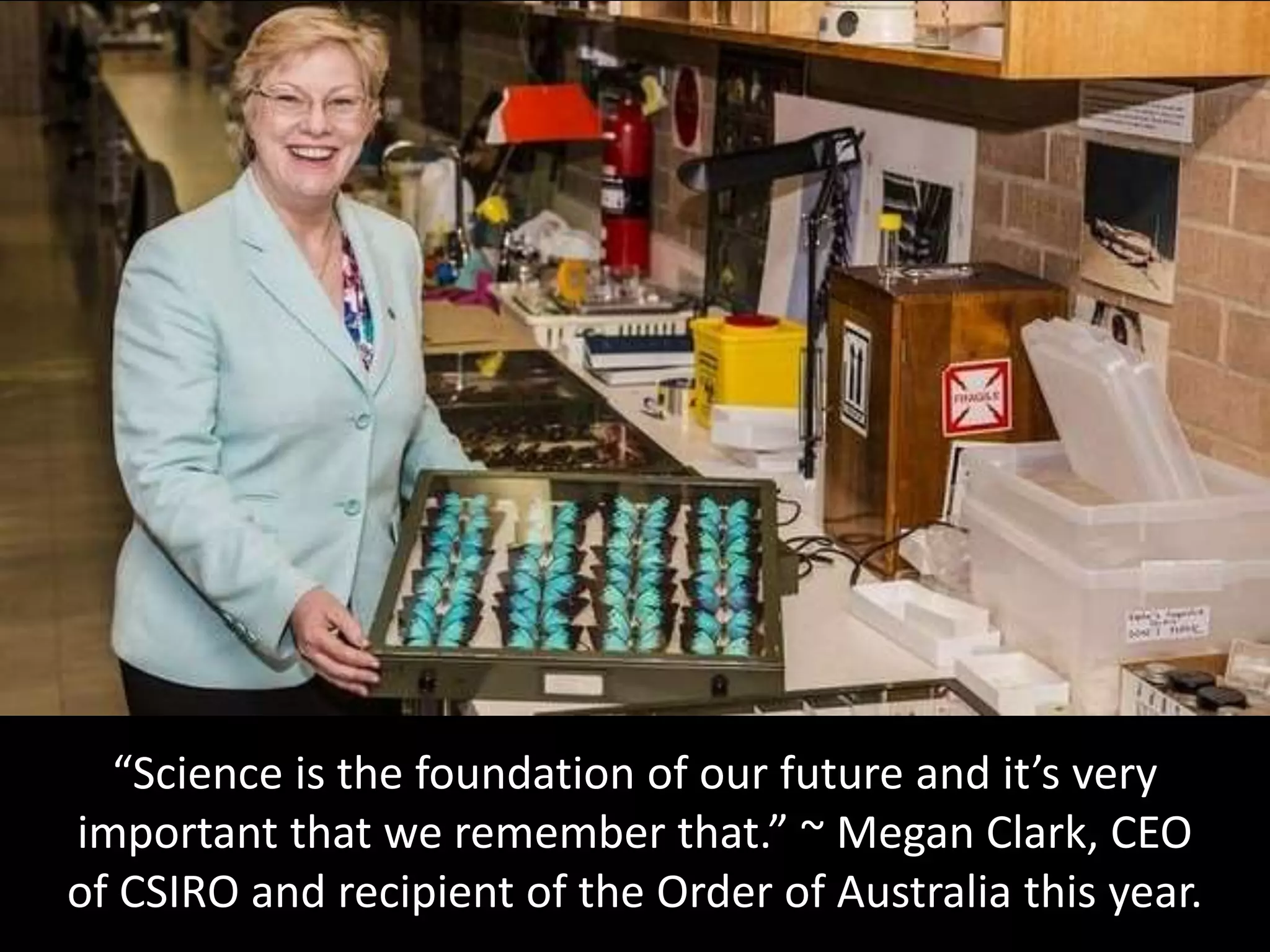
“Science is the foundation of our future and it’s very
important that we remember that.” ~ Megan Clark, CEO
of CSIRO and recipient of the Order of Australia this year.
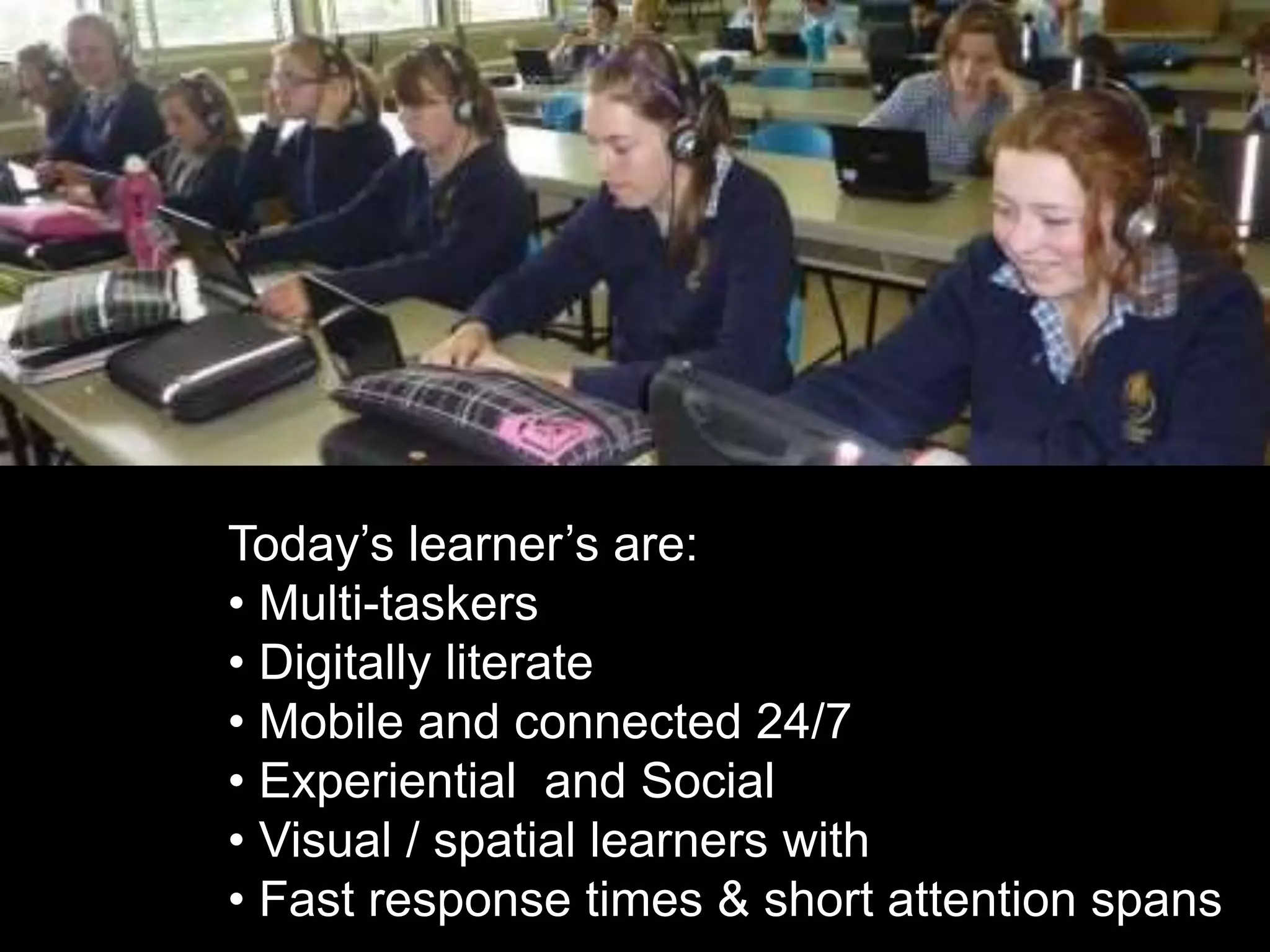
Today’s learner’s are:
• Multi-taskers
• Digitally literate
• Mobile and connected 24/7
• Experiential and Social
• Visual / spatial learners with
• Fast response times & short attention spans
• The Power to Engage
• Students use technology already
• It's not going to go away...it will only grow
• Professional development
• Employers want their workers to use internet tools
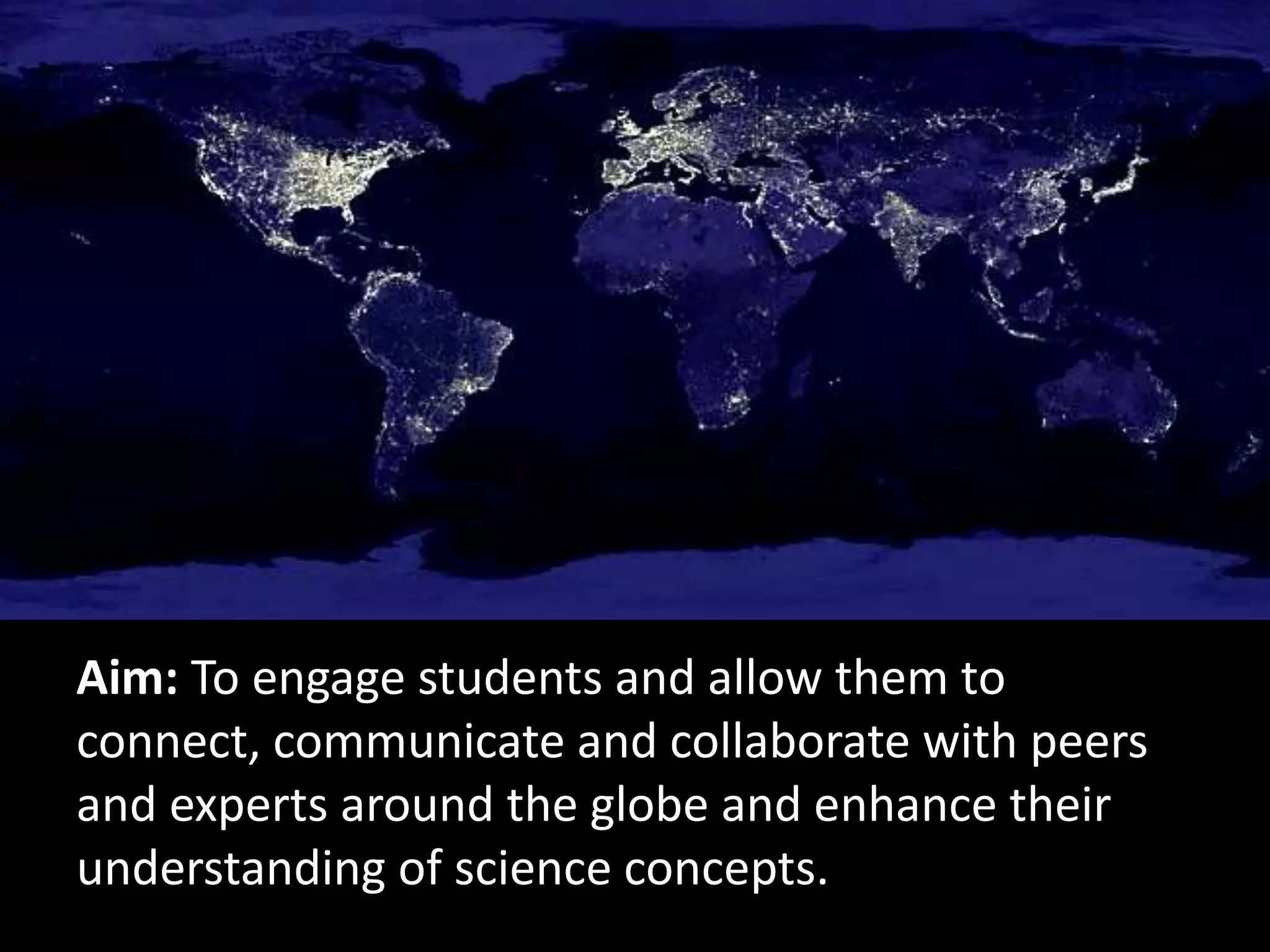
Aim: To engage students and allow them to
connect, communicate and collaborate with peers
and experts around the globe and enhance their
understanding of science concepts.
via blogs & wikis
via Skype @ScientistMags
via Twitter @genegeek
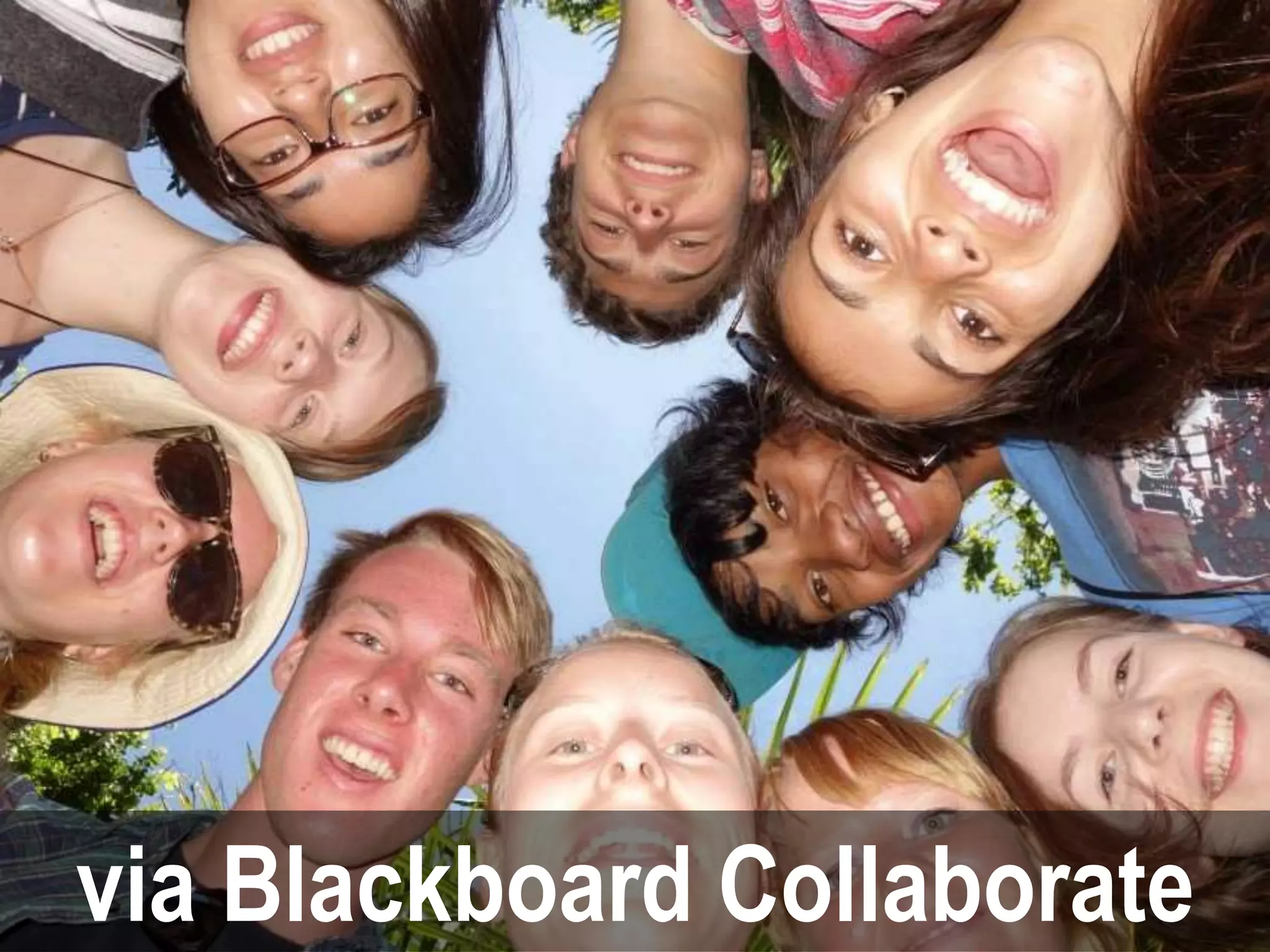
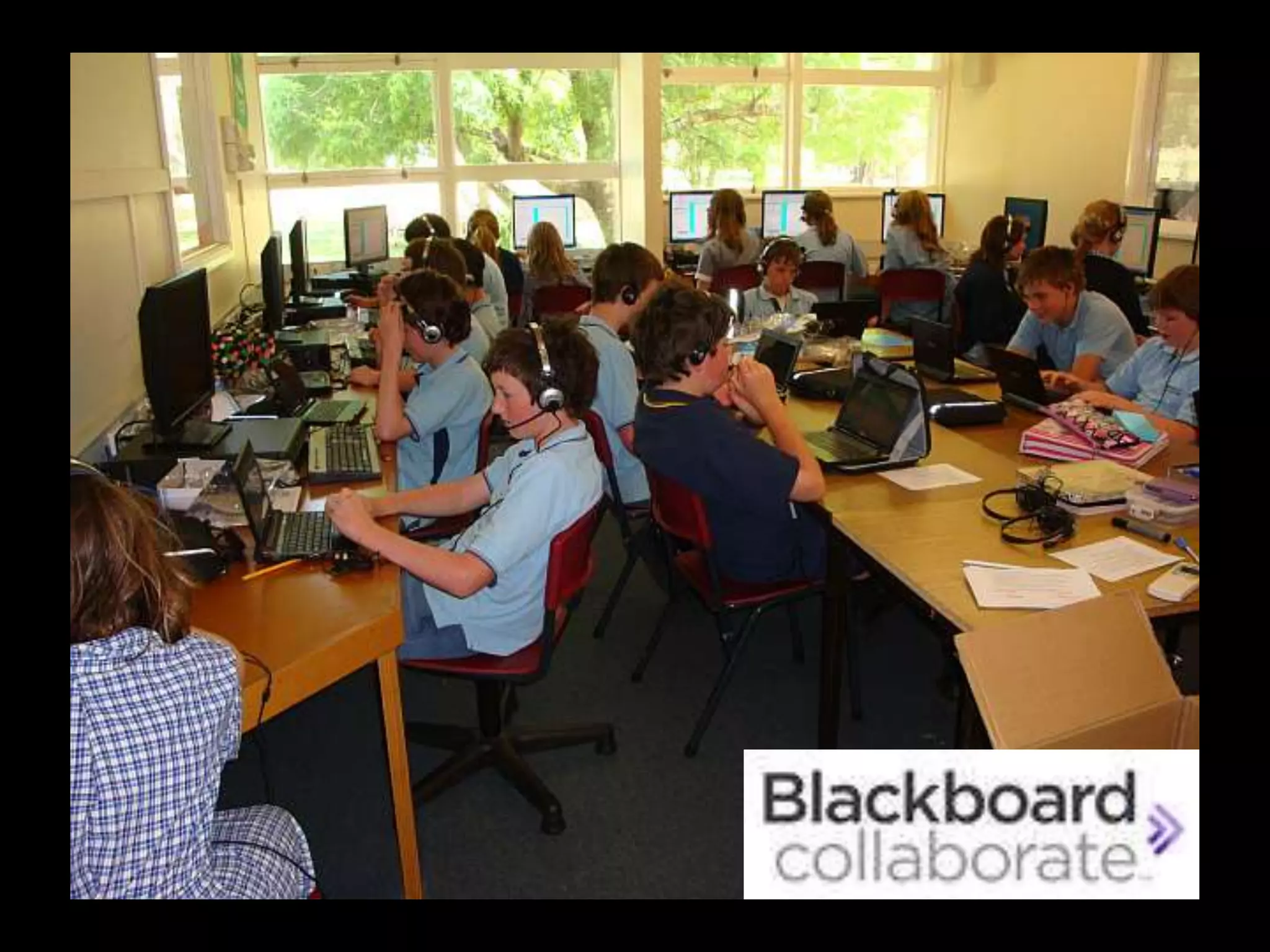
via Blackboard Collaborate
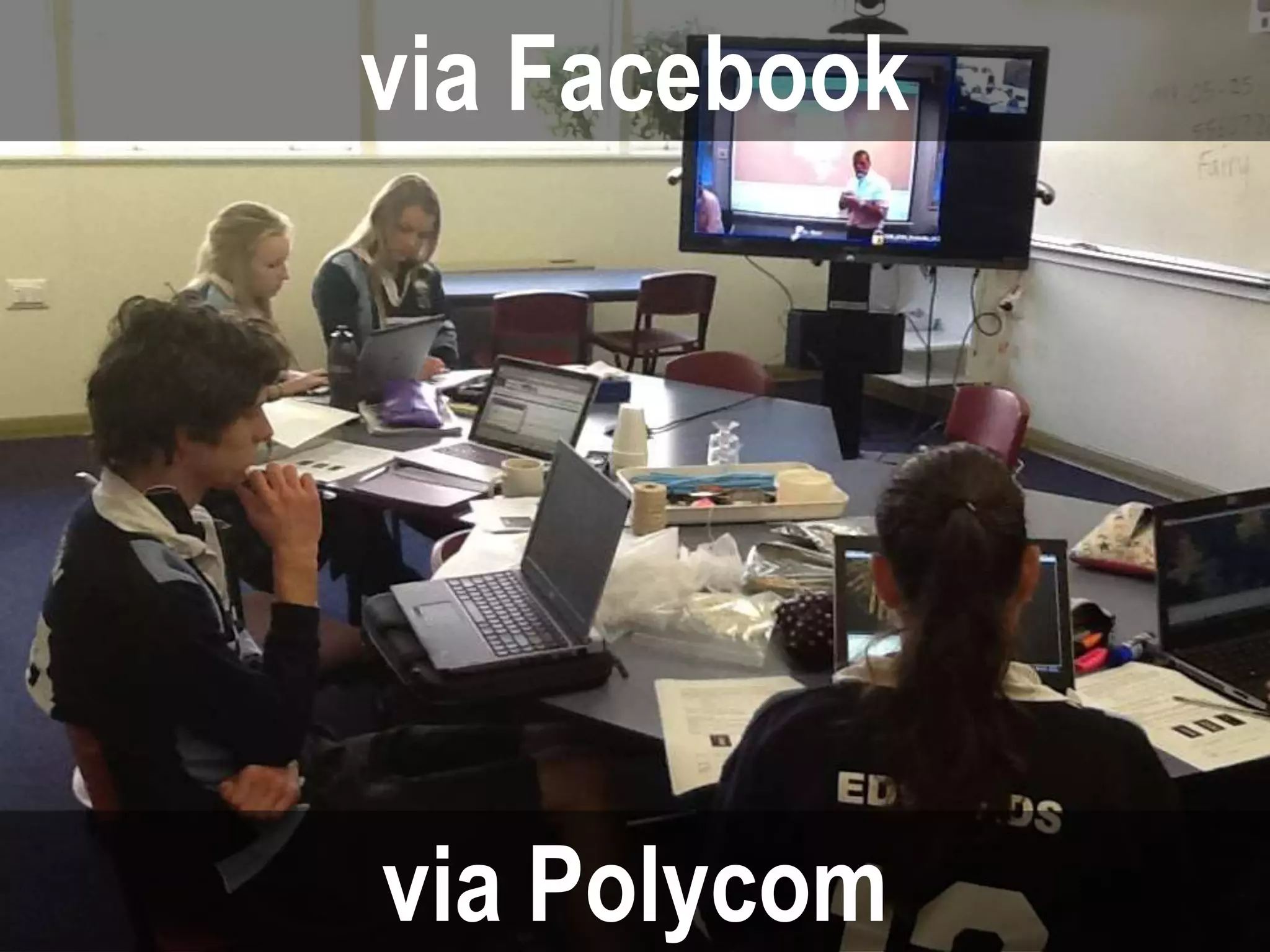
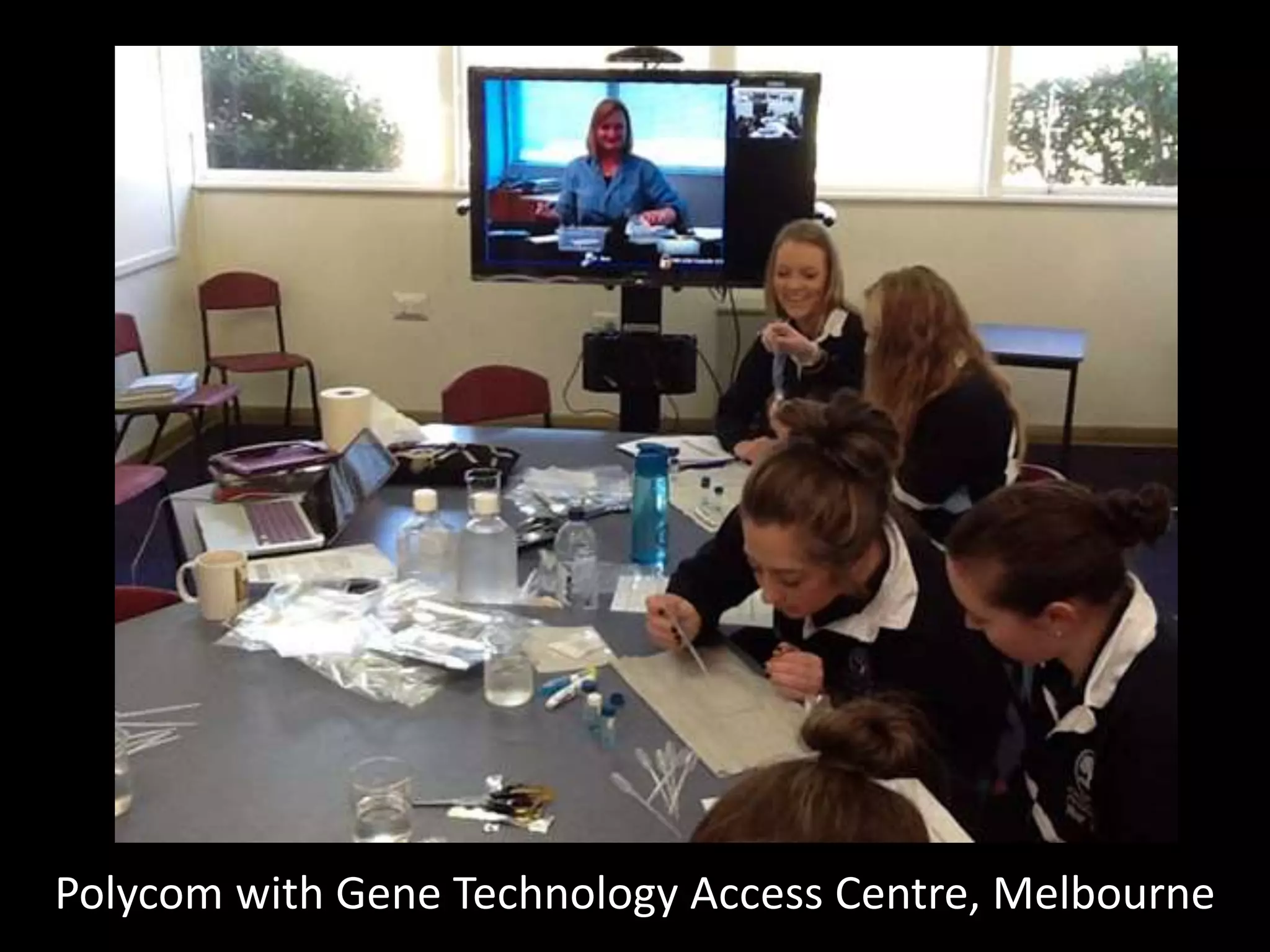
via Polycom
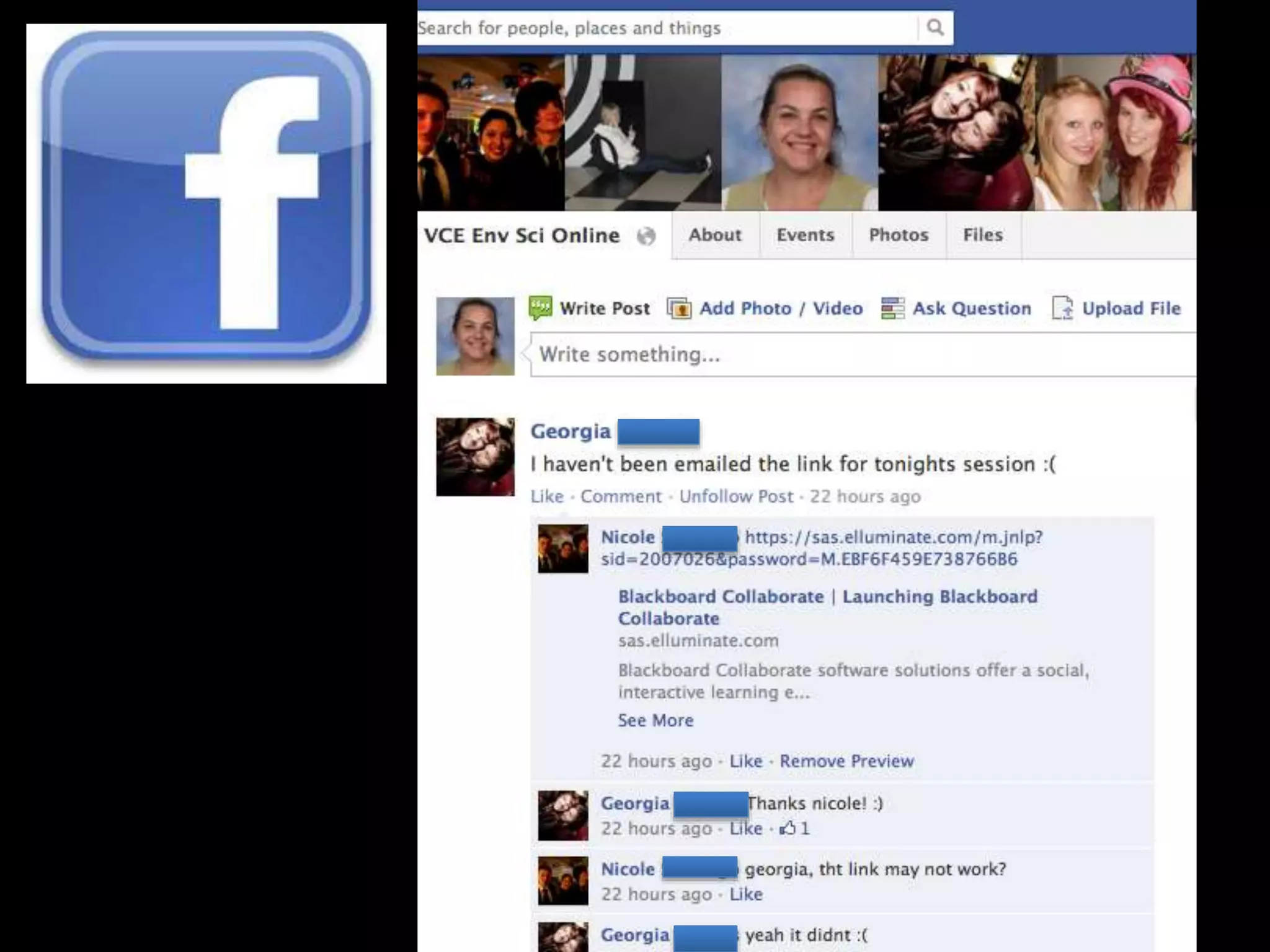
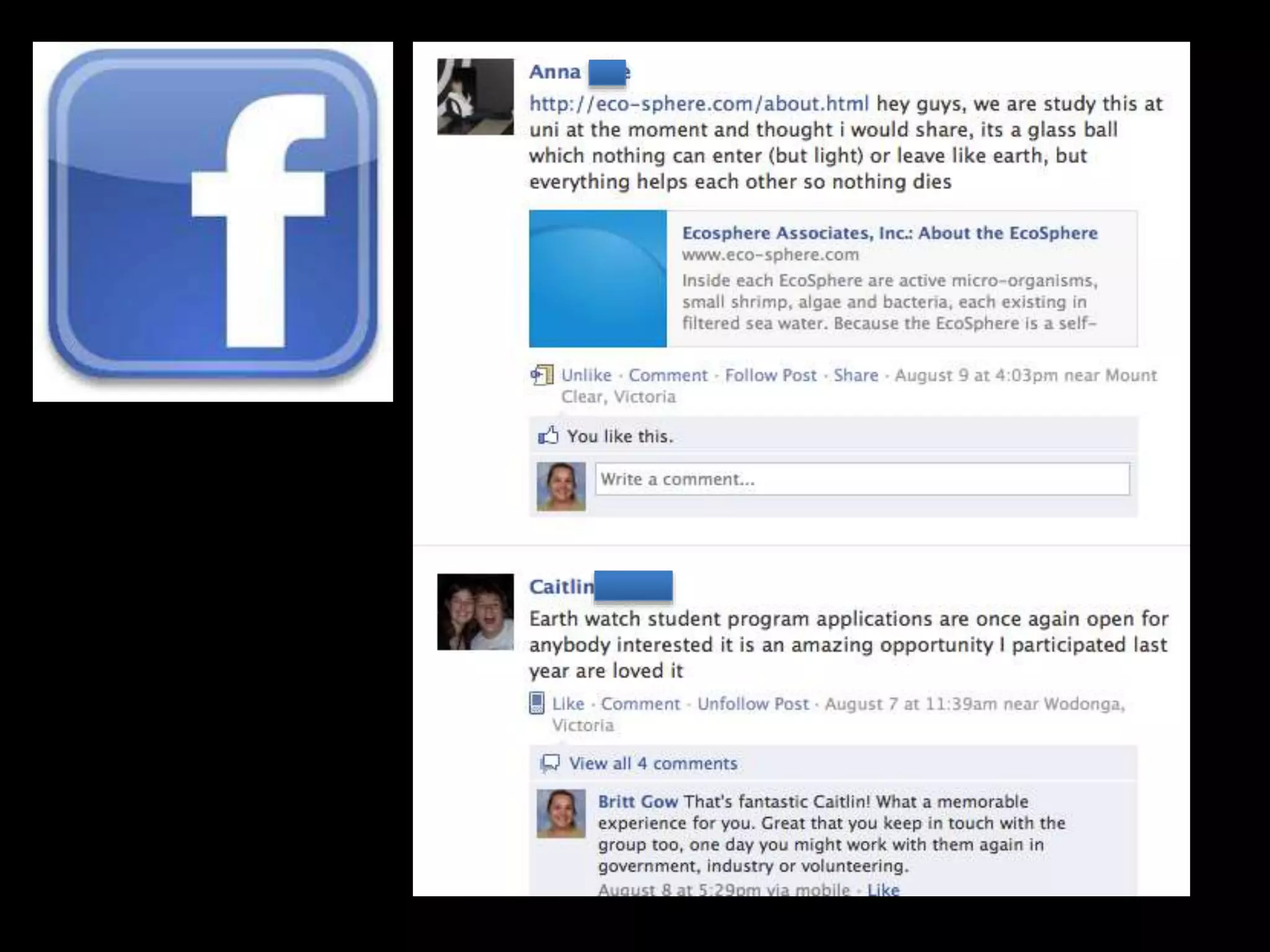
via Facebook
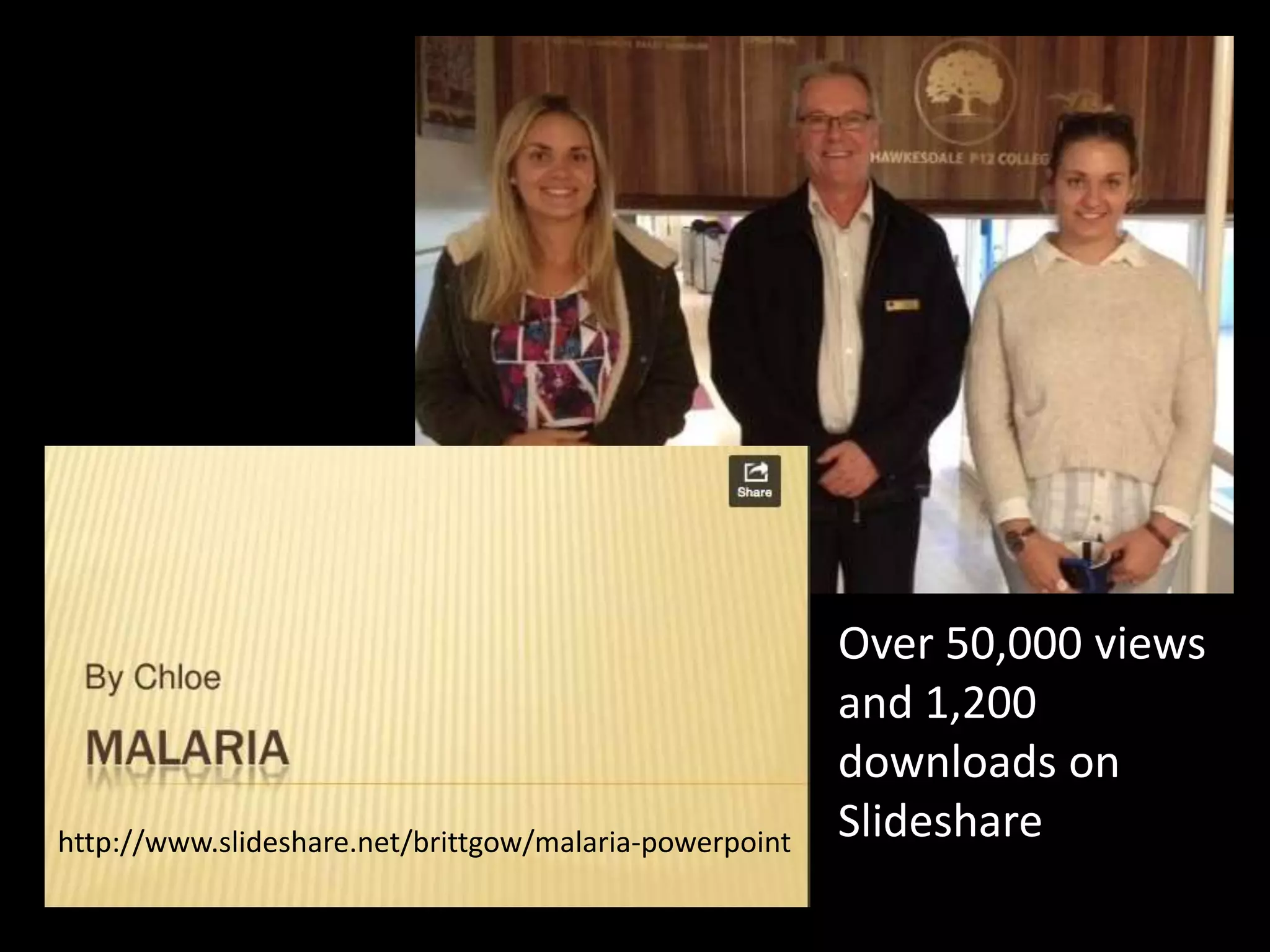
Over 50,000 views
and 1,200
downloads on
Slidesharehttp://www.slideshare.net/brittgow/malaria-powerpoint
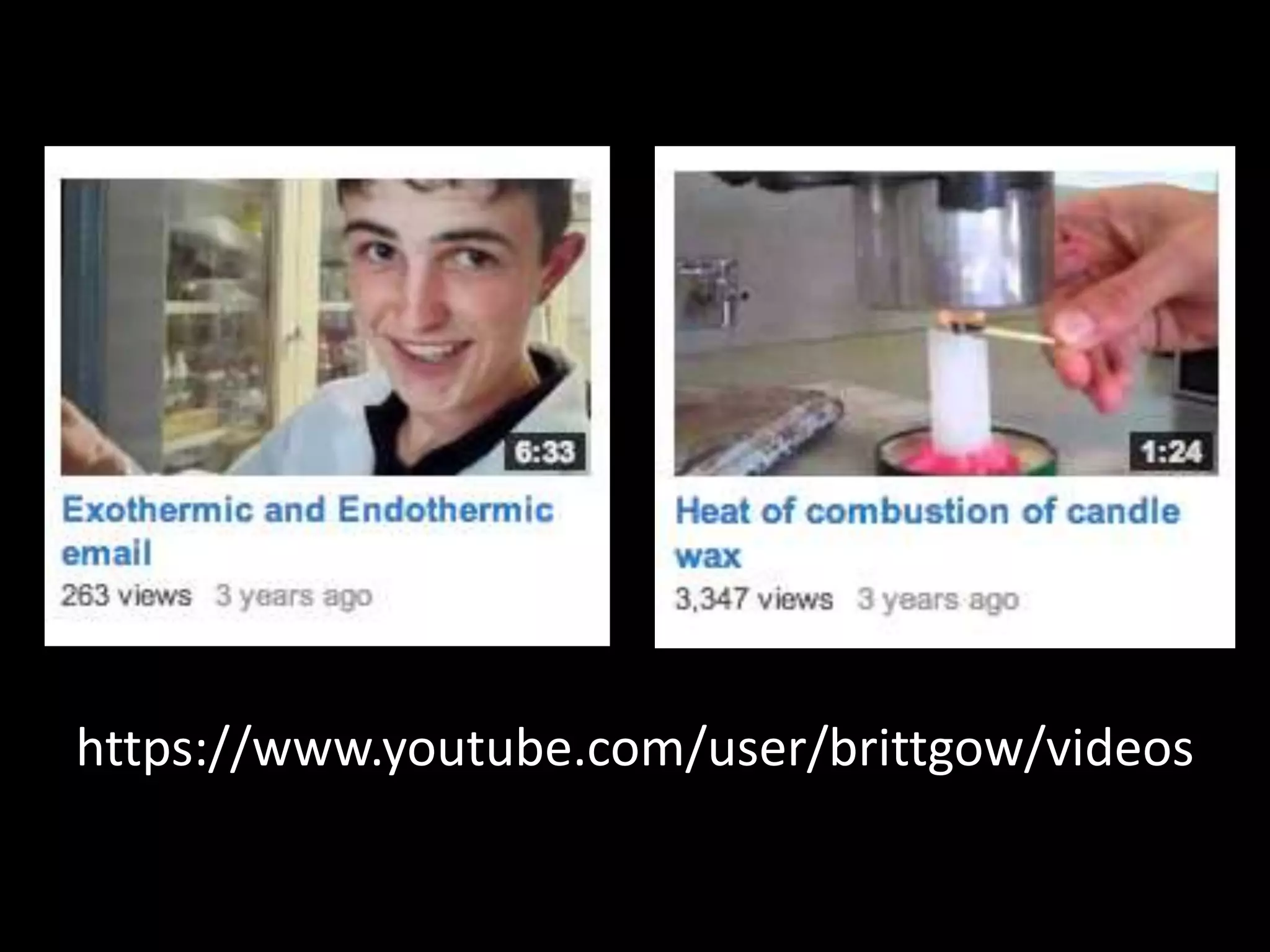
https://www.youtube.com/user/brittgow/videos
Social Networks
• Edublogs – http://edublogs.org
• Wikispaces - https://www.wikispaces.com/
• Twitter - https://twitter.com/
• Skype - http://www.skype.com/en/
• Slideshare - http://www.slideshare.net/
• YouTube - https://www.youtube.com/
• Facebook – https://www.facebook.com/
What do these sites have in common?
• Sign up with a username and password
• Sometimes you can use another platform (eg.
Google or Facebook)
• Create a profile (image, occupation, interests)
• Share an object (text, image, slideshow, video)
• Connect with people based on interests
• Comment, ‘Like’, Discuss and Share
How can you find teachers willing
to work together to create global
projects?
• Science Blogs
• Twitter (#scichat)
• Skype for Education
• Nings (Classroom2.0)
• Conferences (online and F2F)
• Facebook for Educators
What tools can you use to allow
students to learn collectively?
• Google docs (upload to spreadsheets)
• Edmodo (create classes online)
• Wikispaces (Wetpaint or PBwiki)
• Skype
• Voicethread
• Blackboard Collaborate
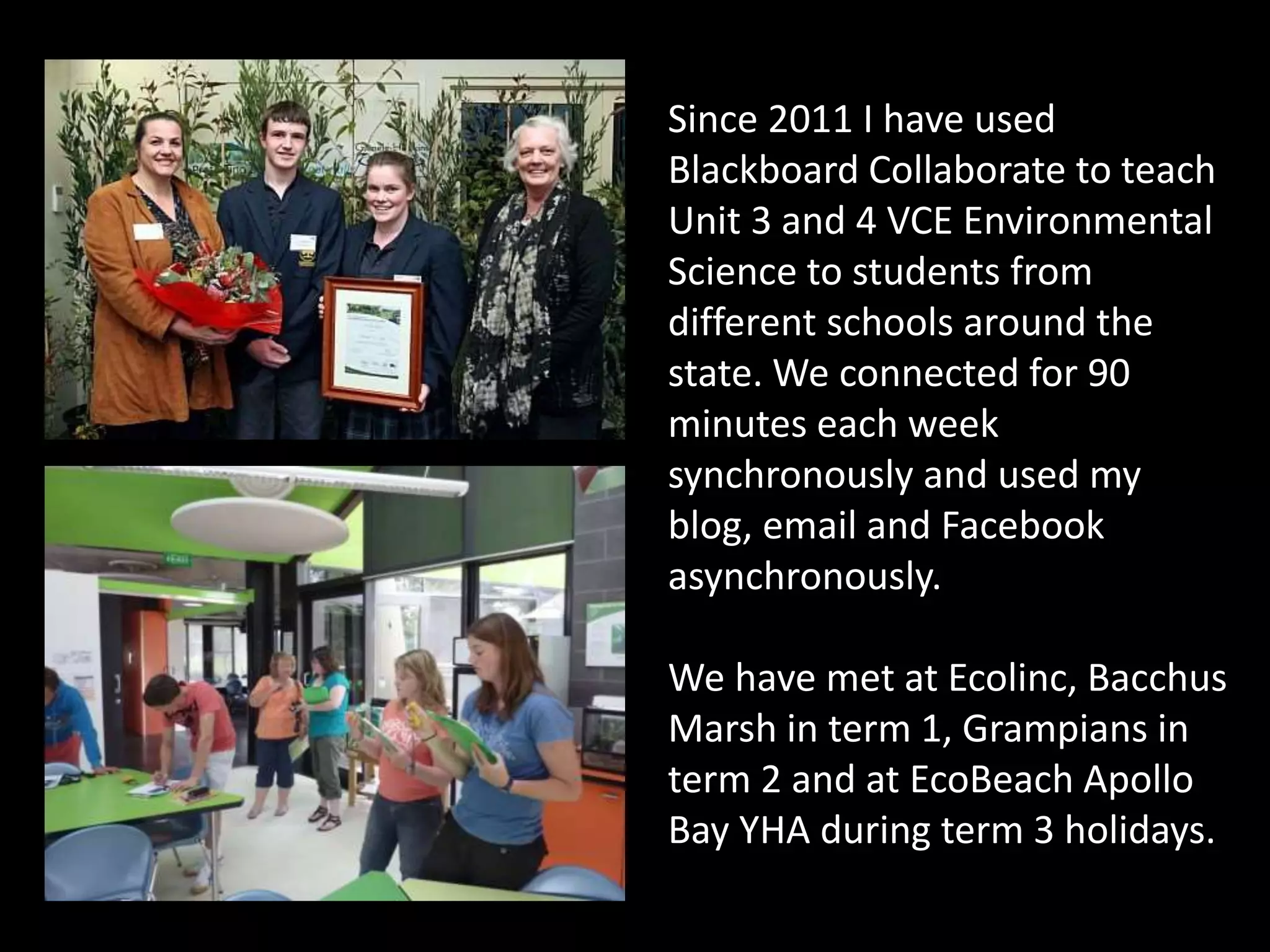
Since 2011 I have used
Blackboard Collaborate to teach
Unit 3 and 4 VCE Environmental
Science to students from
different schools around the
state. We connected for 90
minutes each week
synchronously and used my
blog, email and Facebook
asynchronously.
We have met at Ecolinc, Bacchus
Marsh in term 1, Grampians in
term 2 and at EcoBeach Apollo
Bay YHA during term 3 holidays.
Some Global Science Projects...
• Google Science Fair
• Global Learning and Observations to Benefit the
Environment (GLOBE)
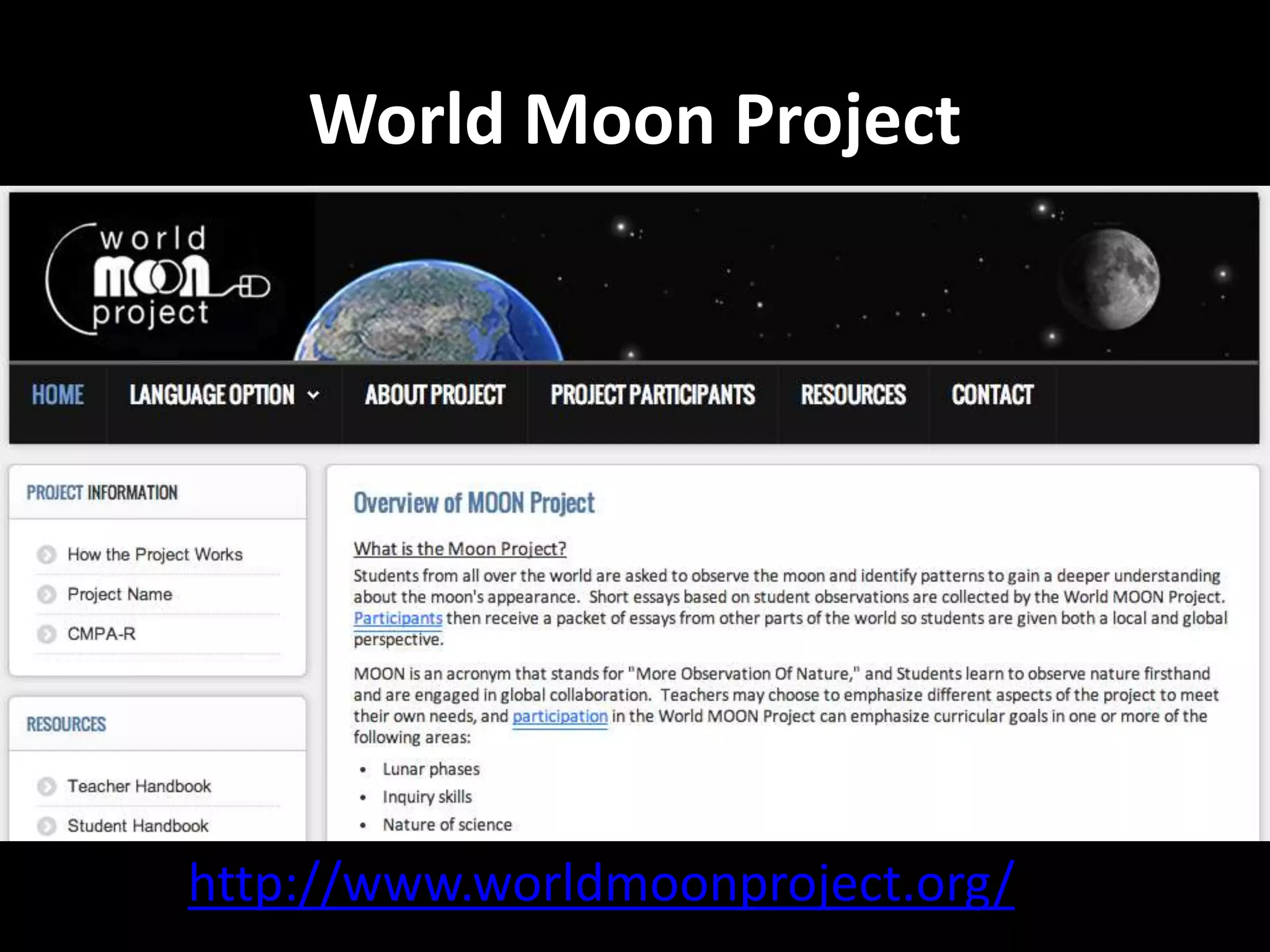
• The Moon Project
• SHOUT Tree banding program
• Online Science Fair
• International Energy Challenge
With varying degrees of collaboration.
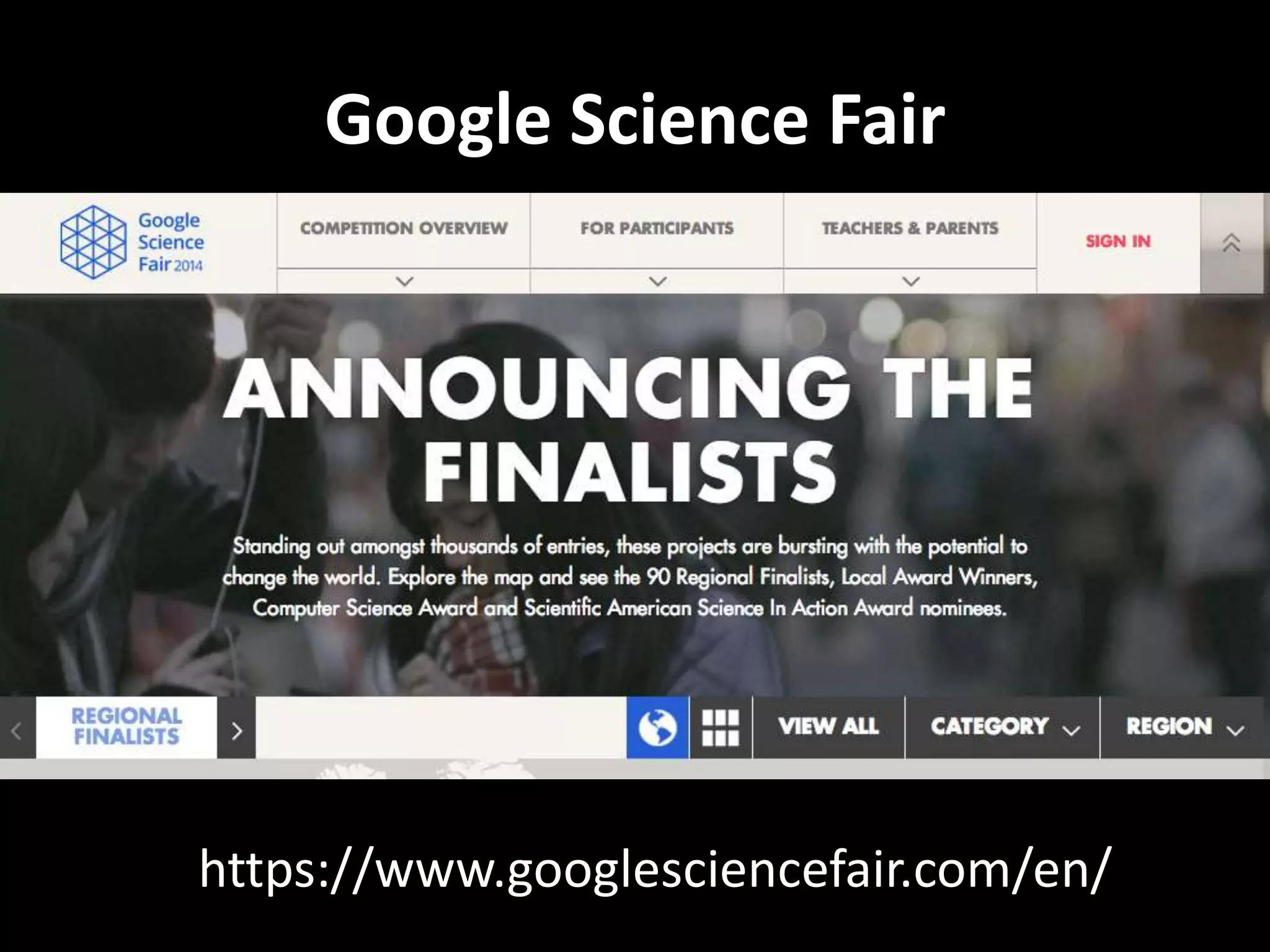
https://www.googlesciencefair.com/en/
Google Science Fair
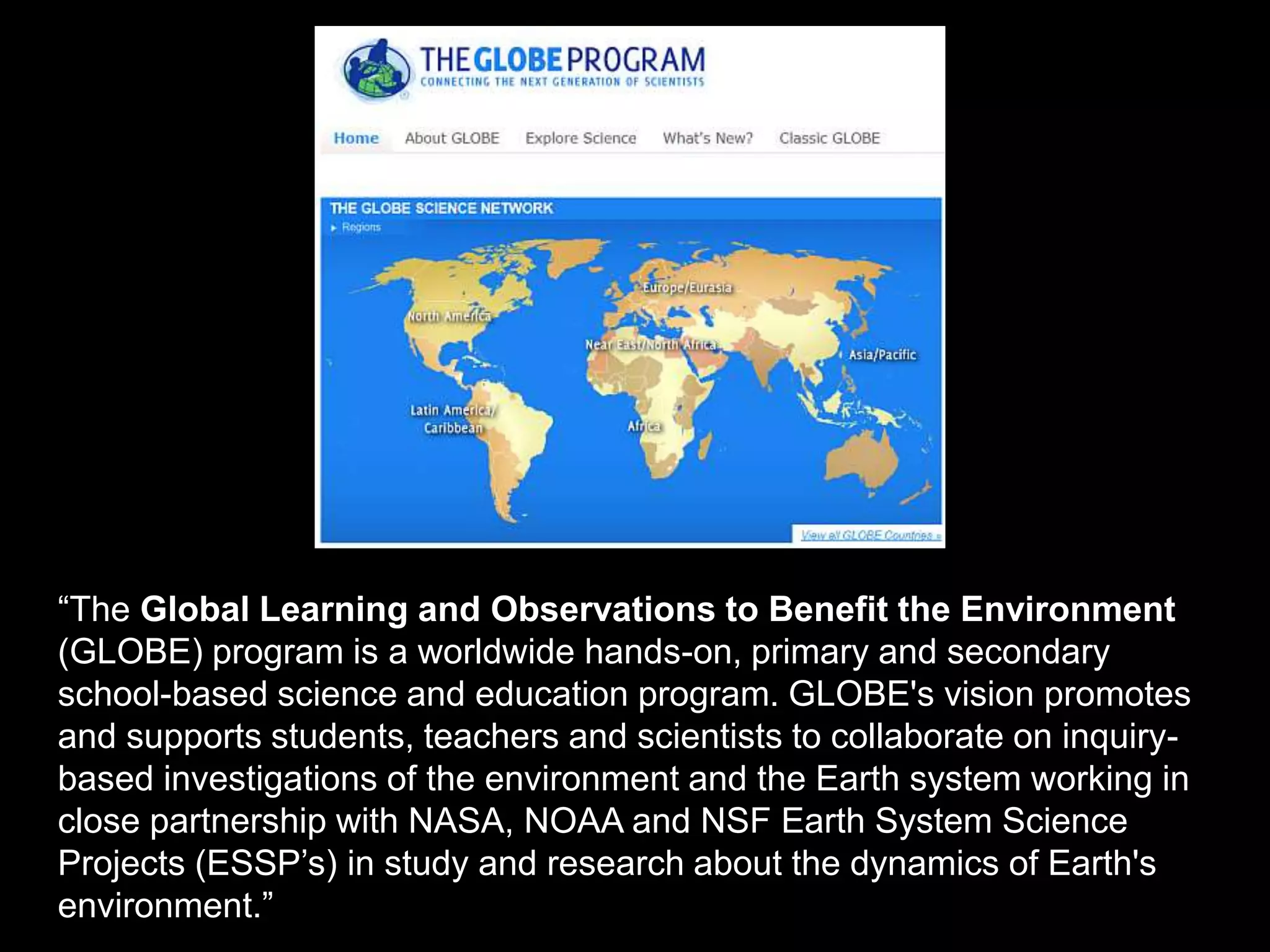
“The Global Learning and Observations to Benefit the Environment
(GLOBE) program is a worldwide hands-on, primary and secondary
school-based science and education program. GLOBE's vision promotes
and supports students, teachers and scientists to collaborate on inquiry-
based investigations of the environment and the Earth system working in
close partnership with NASA, NOAA and NSF Earth System Science
Projects (ESSP’s) in study and research about the dynamics of Earth's
environment.”
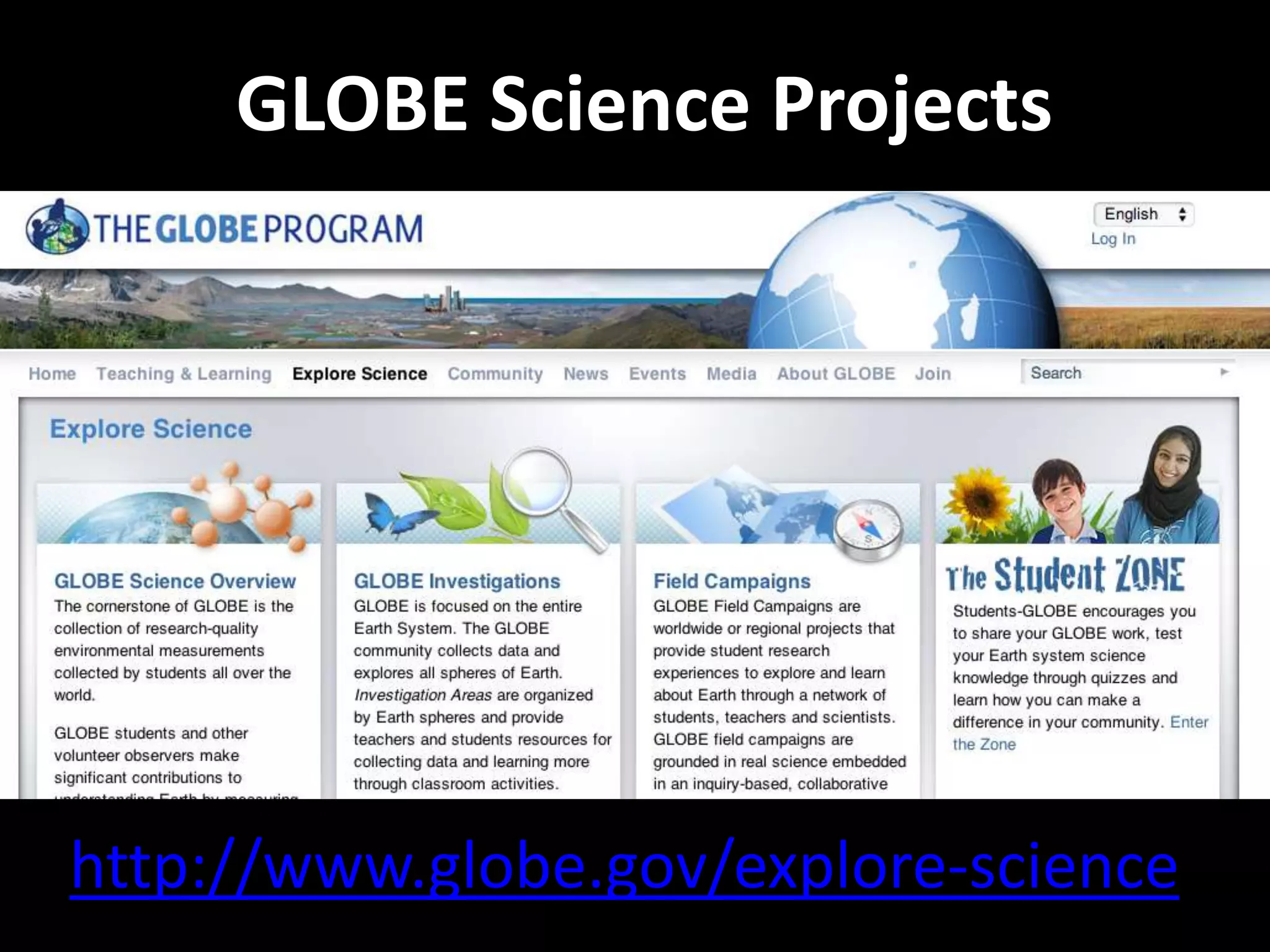
http://www.globe.gov/explore-science
GLOBE Science Projects
http://www.worldmoonproject.org/
World Moon Project
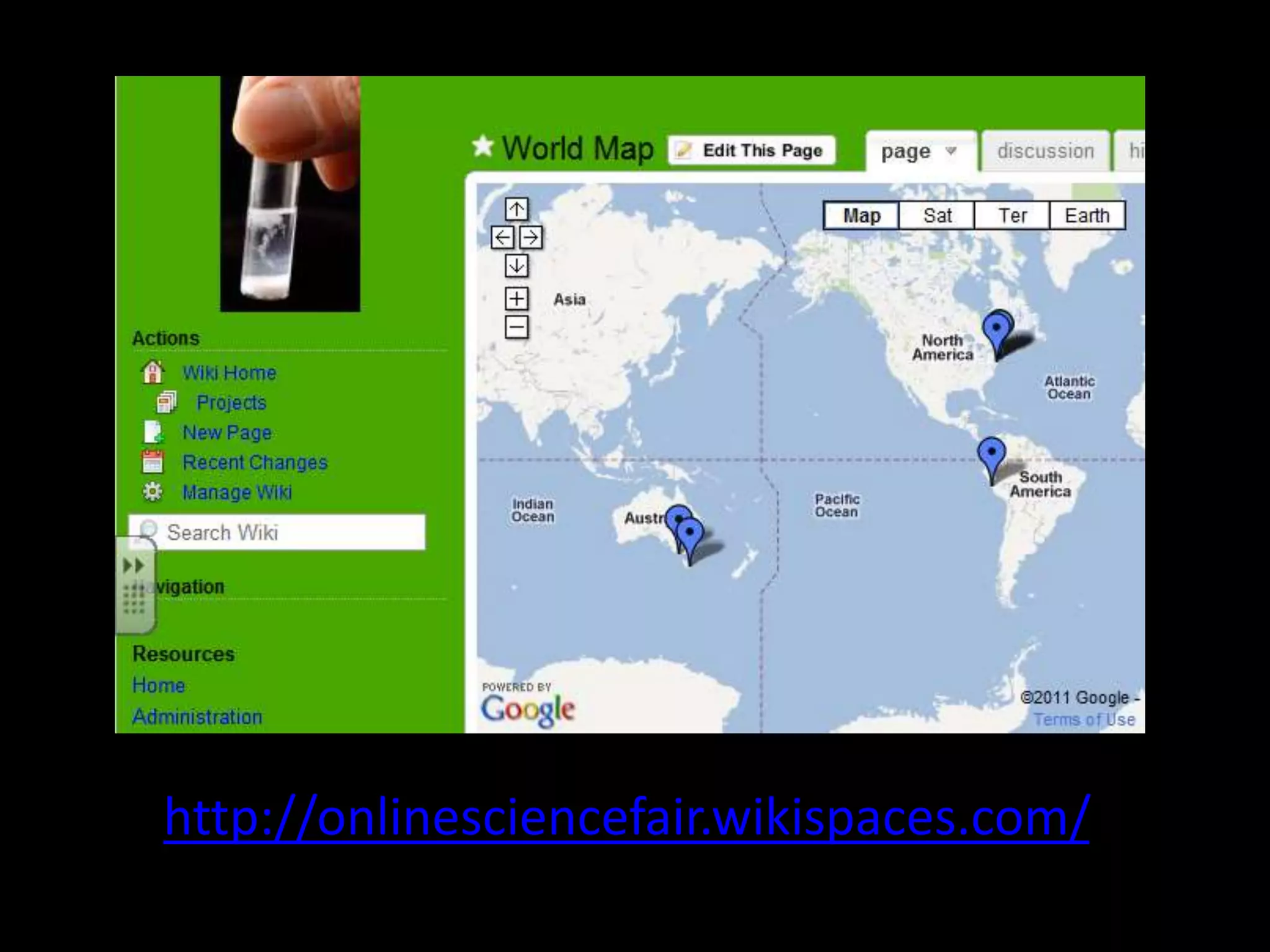
http://onlinesciencefair.wikispaces.com/
Online Science Fair
• Students chose individual projects using the
“Science Buddies” site.
• Teachers set up a wiki in which each student had
a page with a template.
• Template showed which parts of the project need
to be completed each week.
• The aim was to upload a digital product
(slideshow, video or Voicethread) that explained
their hypothesis, results and an explanation.
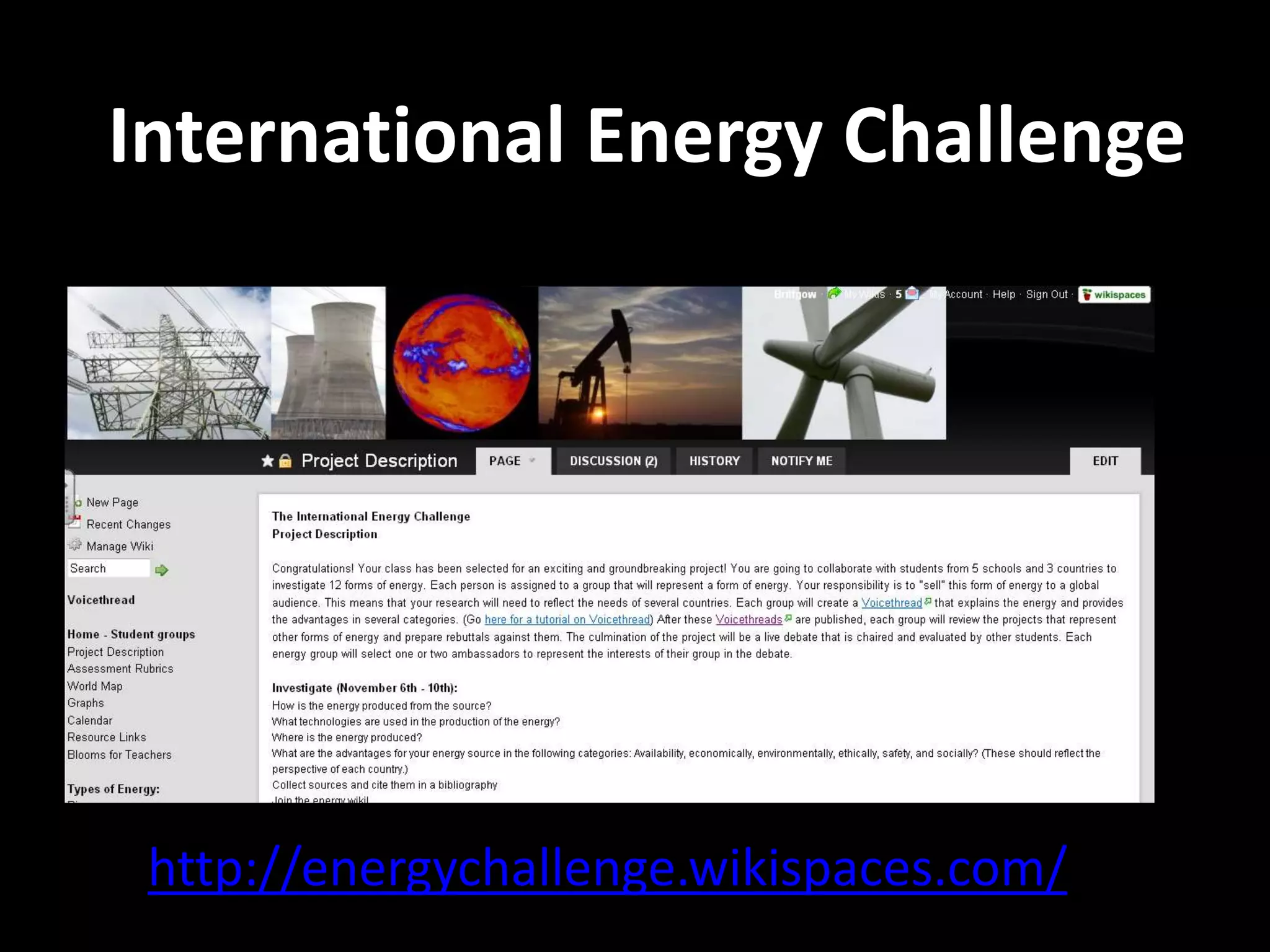
International Energy Challenge
http://energychallenge.wikispaces.com/
International Energy Challenge
• A Seimen’s STEM project, initiated by teachers in
USA.
• Five schools in four countries each looked at
Renewable and Non-renewable Energy sources.
• The main focus was a wiki, with all resources
linked or embedded to pages for each school and
energy source.
• Students worked together in groups around 12
different forms of energy.
International Energy Challenge
• Each group produced a wiki for research and
discussion and a Voicethread.
• The conclusion of the project was an online
“Town Meeting”, using Blackboard Collaborate,
moderated by older students, in which each
group nominated a spokesperson who outlined
their case for that particular form of energy,
stating the positive case and outlining why other
forms of energy where inferior.
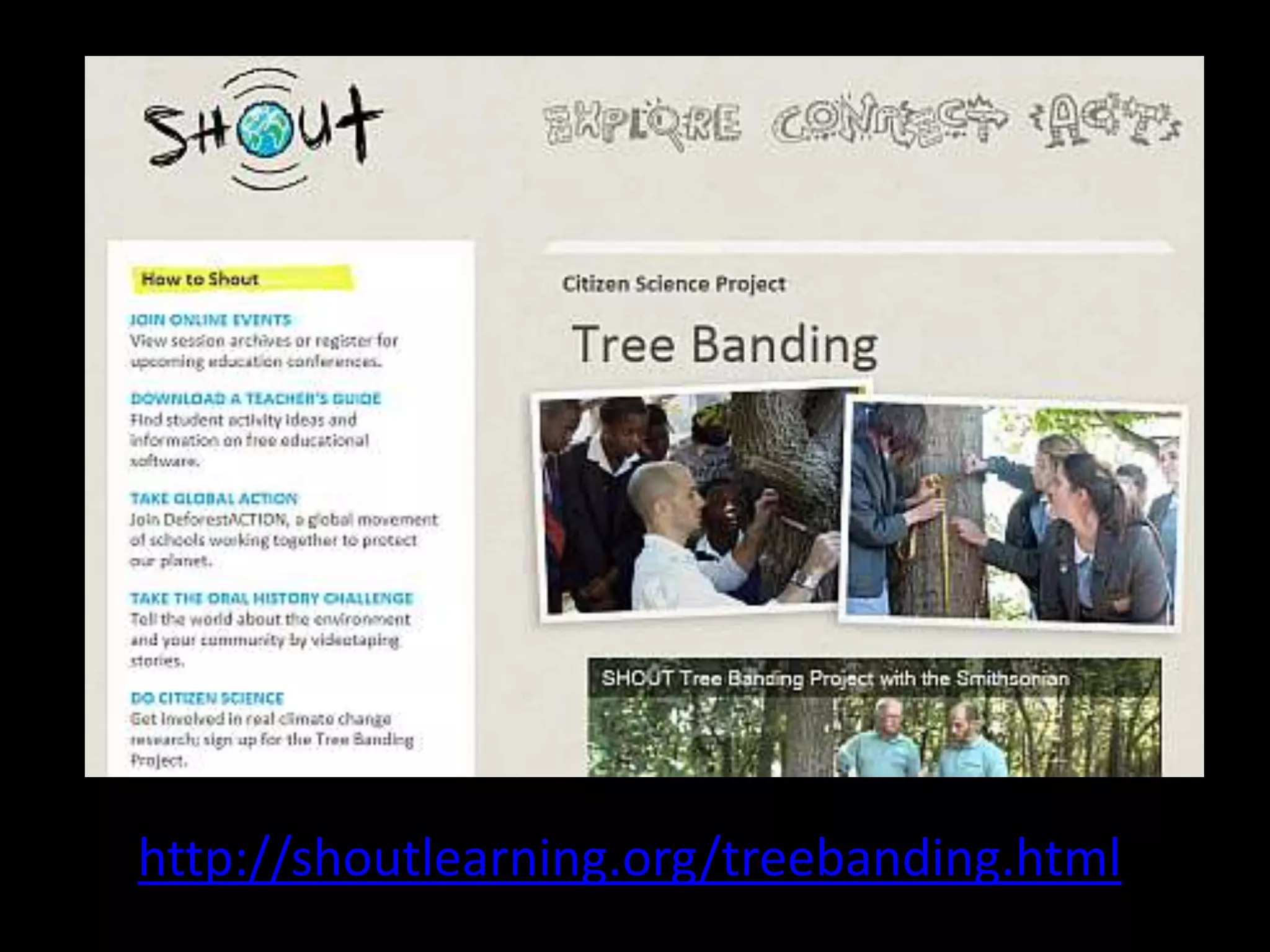
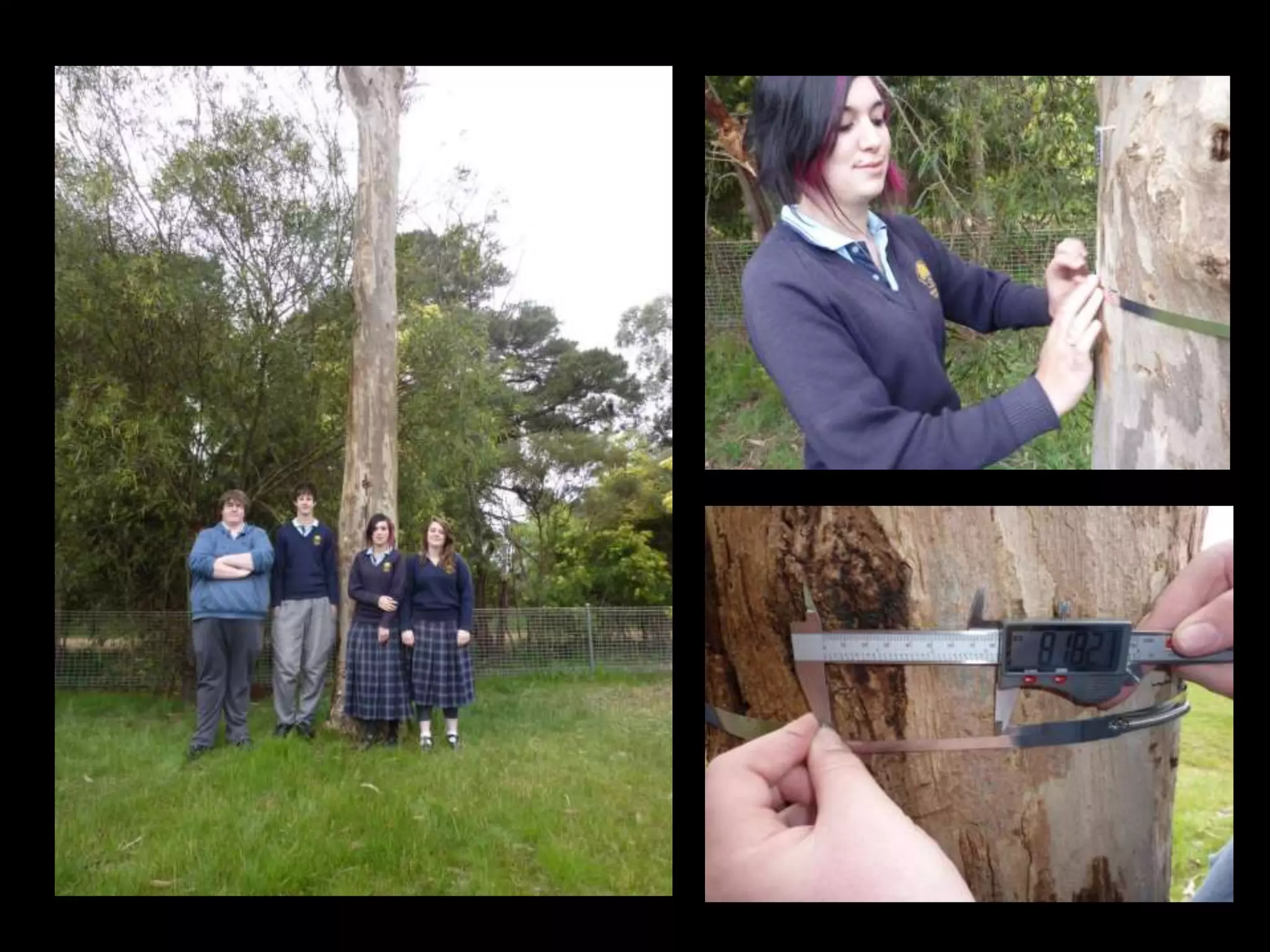
http://shoutlearning.org/treebanding.html
SHOUT Tree Banding Project
• An international project sponsored by the
Smithsonian Institute.
• Resources available online (YouTube videos,
website and downloads)
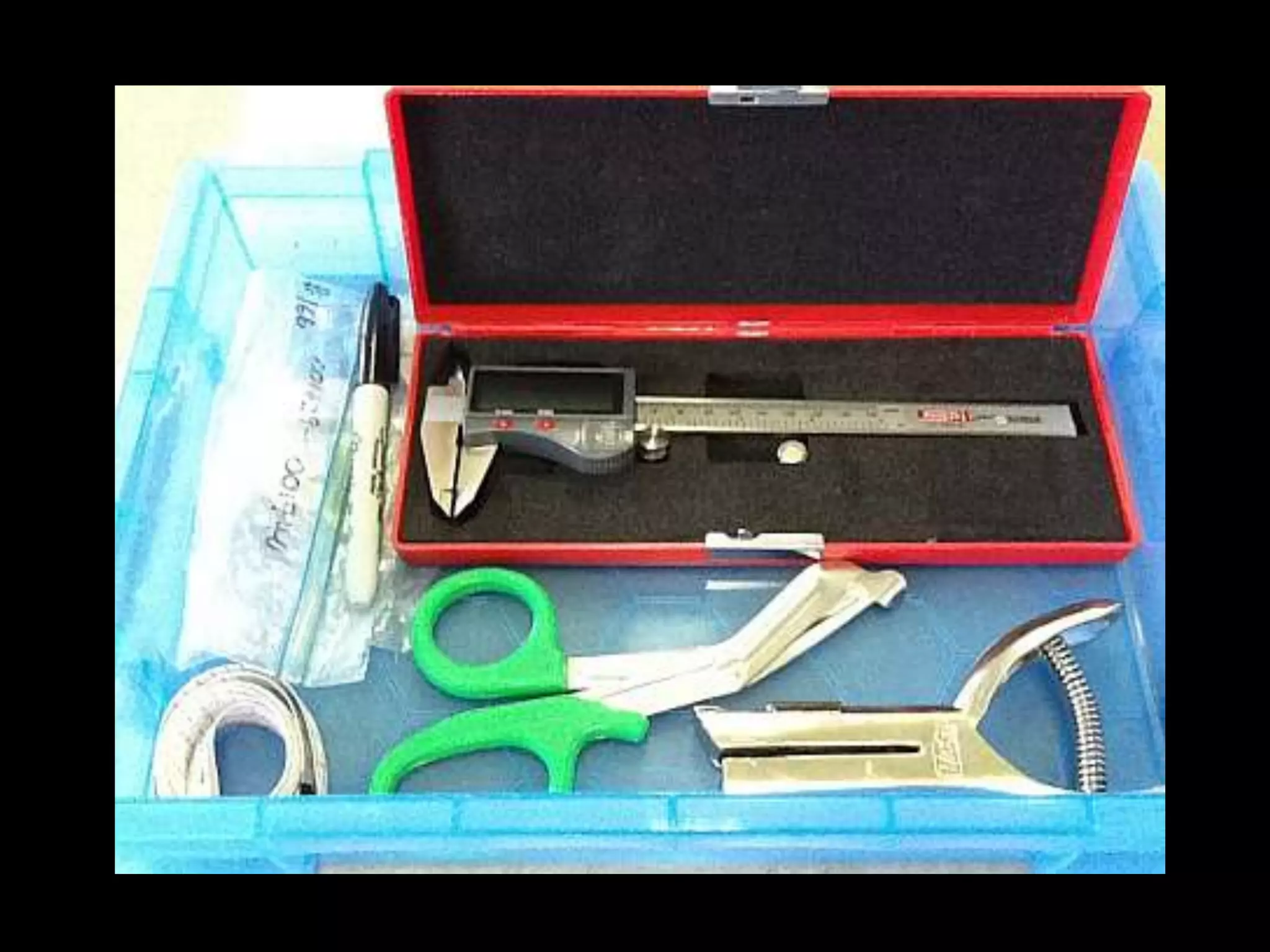
• A tree-banding kit is sent out, which contains
all the necessary materials and equipment to
measure tree growth using dendrometers.
• Data is uploaded to the website for scientists
to use in climate change analysis.
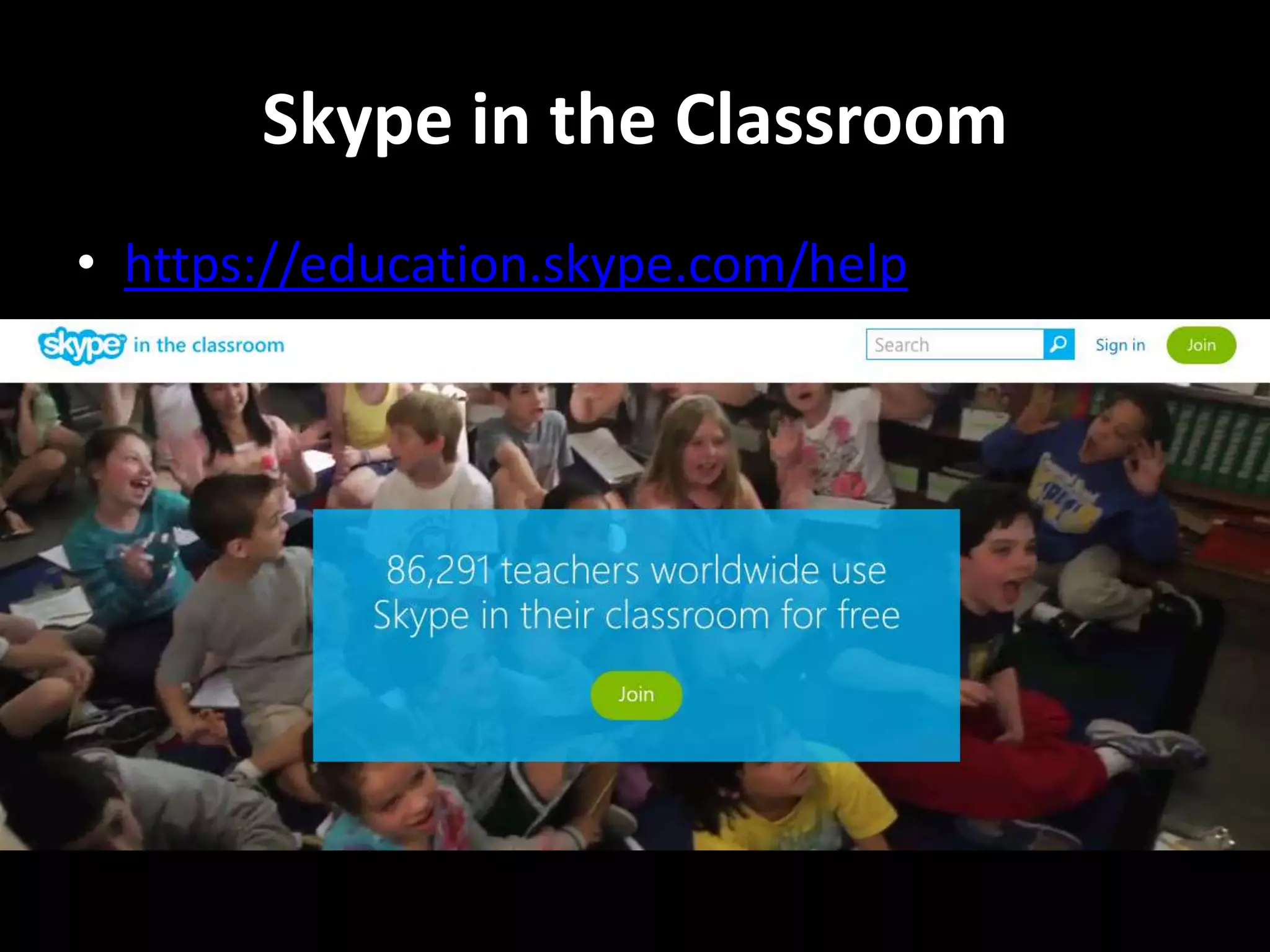
CSIRO Scientists in Schools
• http://www.scientistsinschools.edu.au/
We use Skype and Blackboard Collaborate to
connect with our Scientist in Schools partner,
Melissa Toifl, from CSIRO Land and Water
Technologies, in Highett and Clayton.
Skype in the Classroom
• https://education.skype.com/help
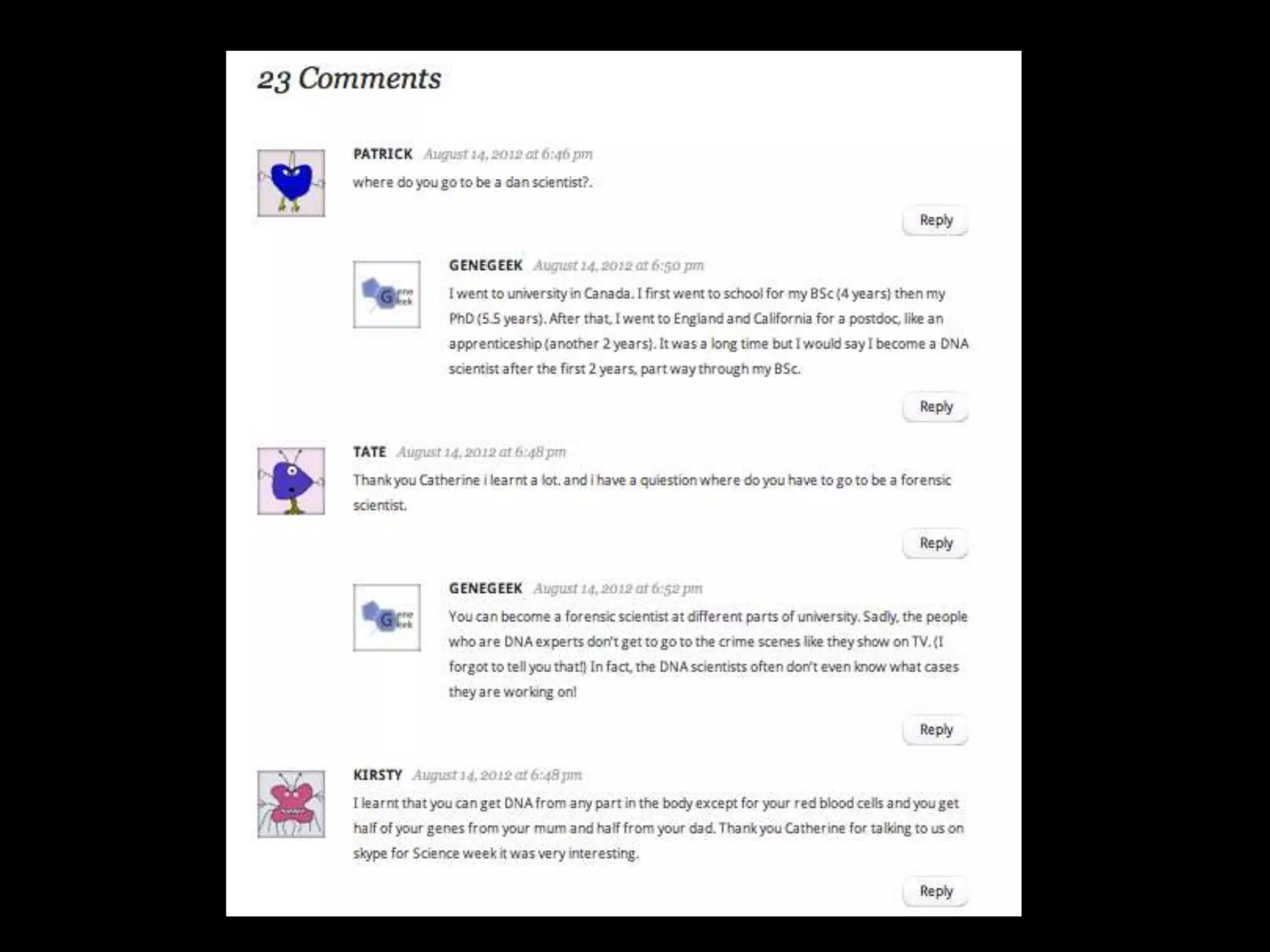
@genegeek
Catherine Anderson,
a geneticist from
Canada.
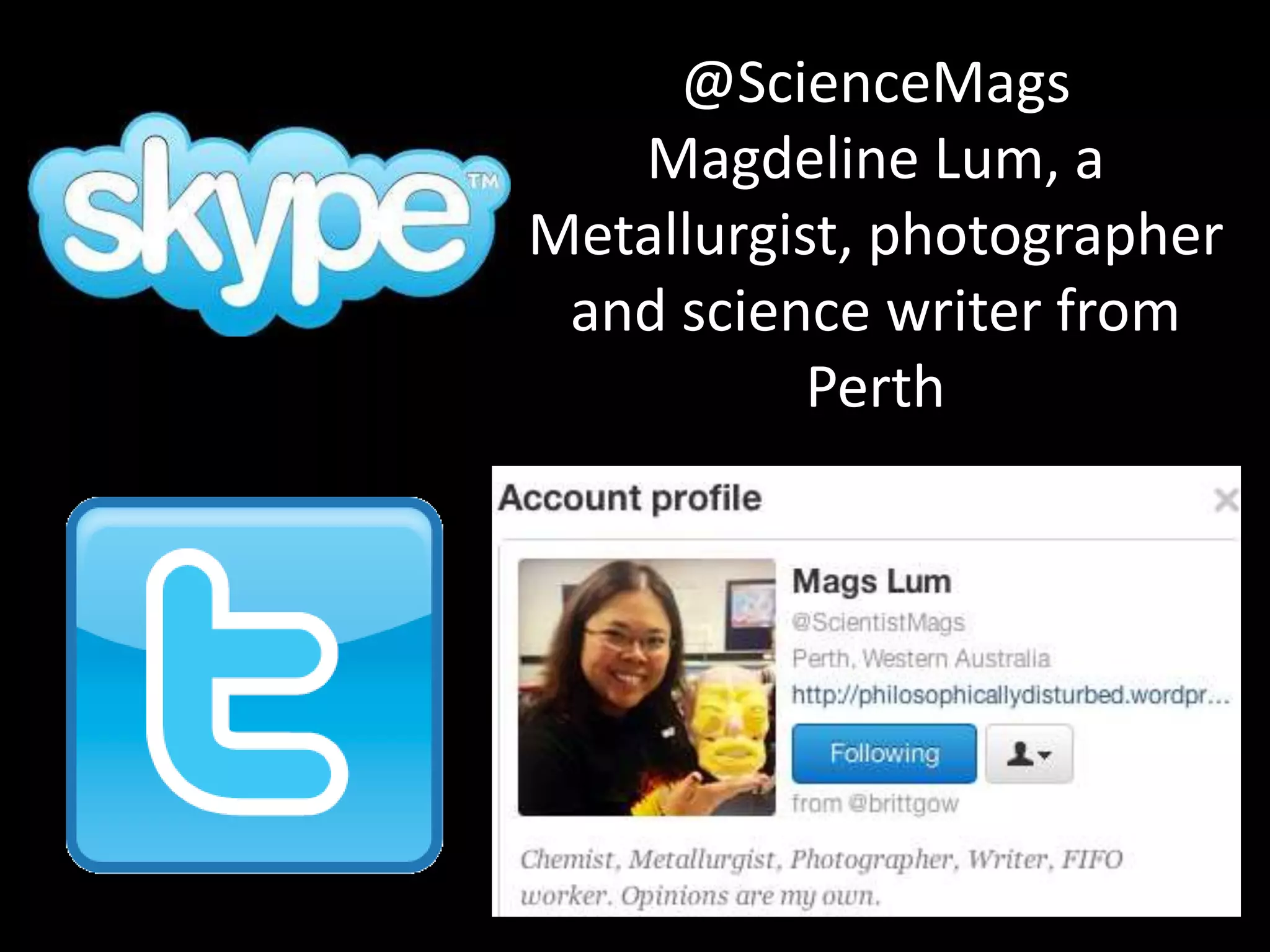
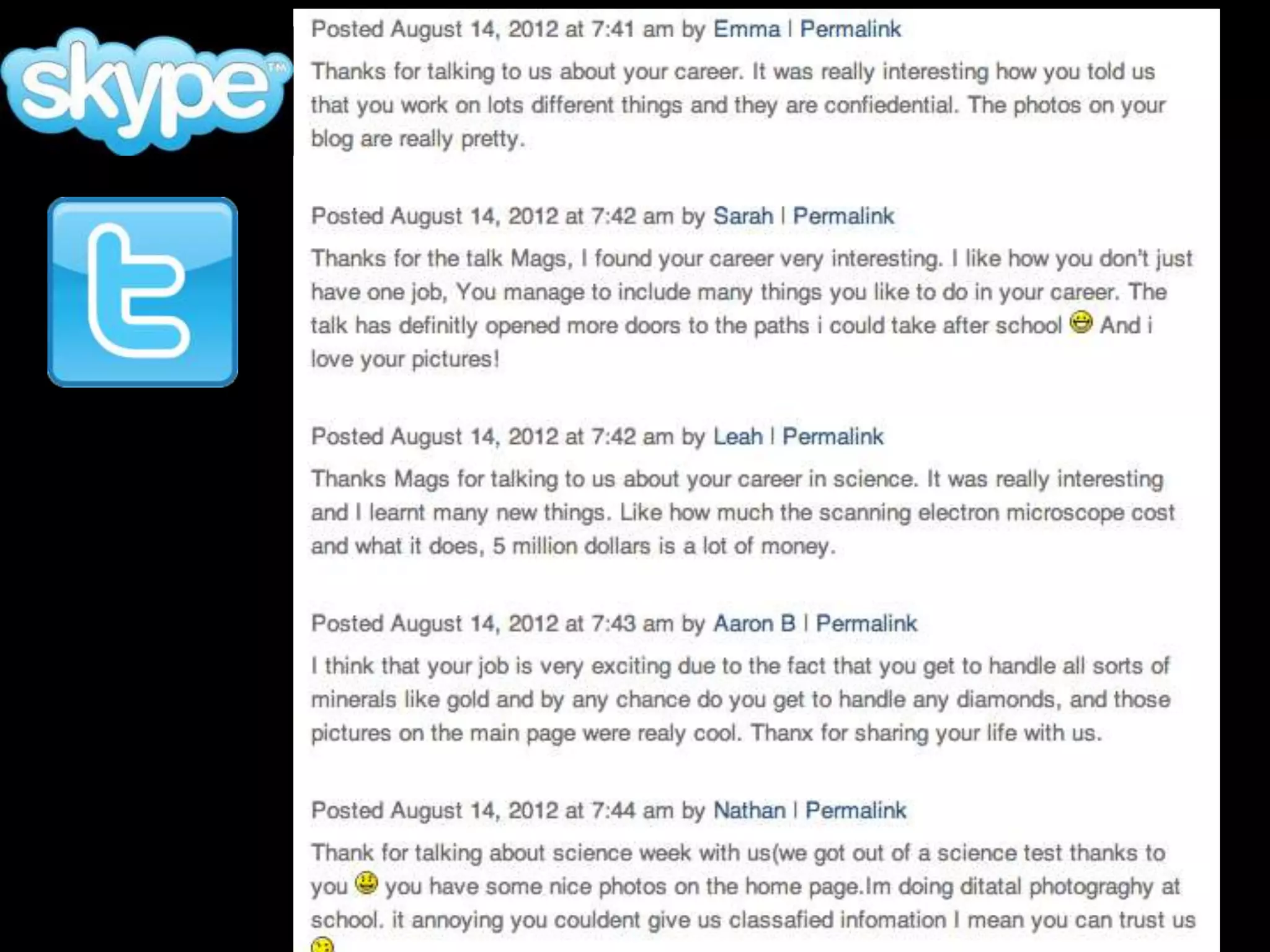
@ScienceMags
Magdeline Lum, a
Metallurgist, photographer
and science writer from
Perth
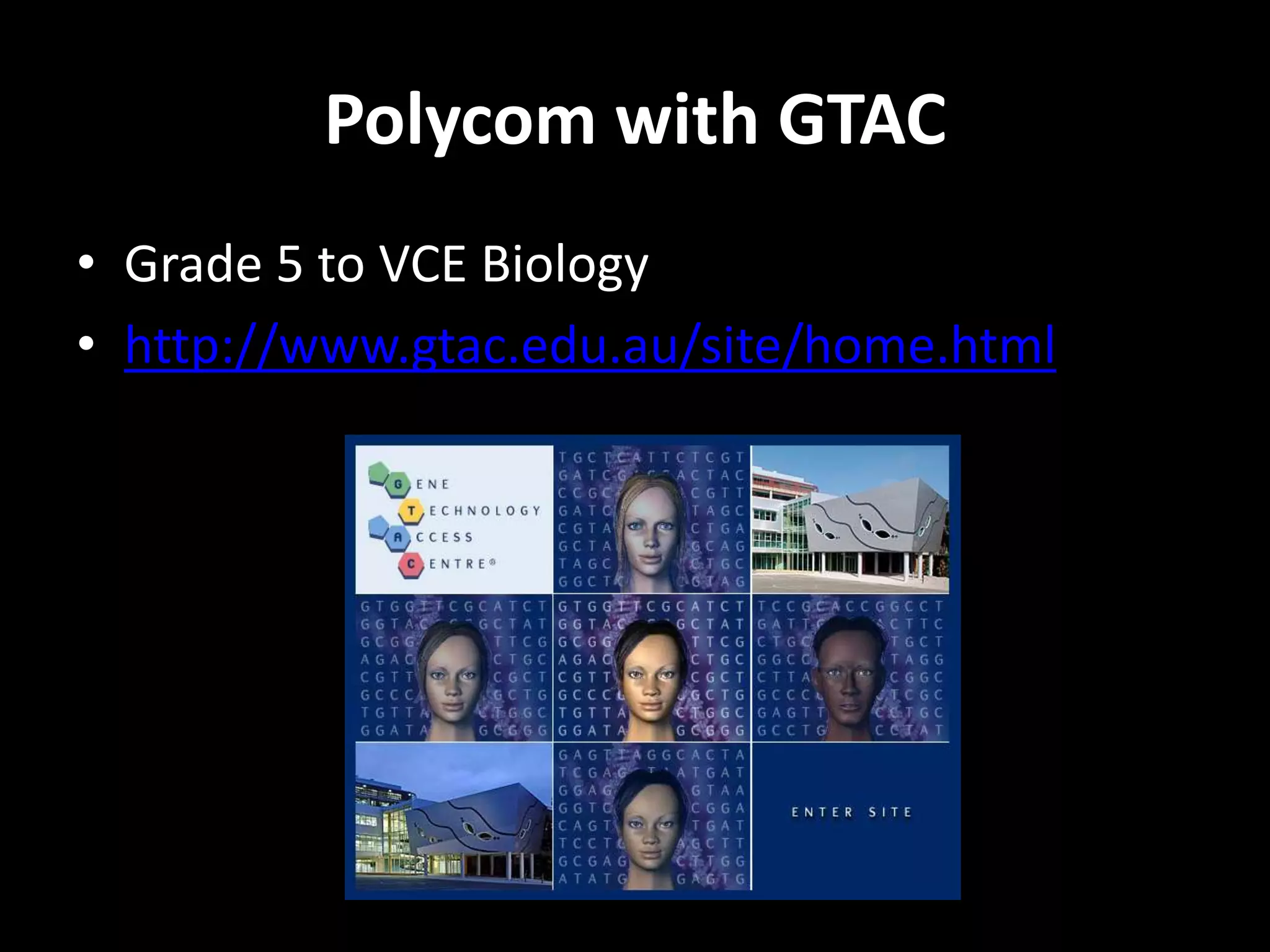
Polycom with GTAC
• Grade 5 to VCE Biology
• http://www.gtac.edu.au/site/home.html
Polycom with Gene Technology Access Centre, Melbourne
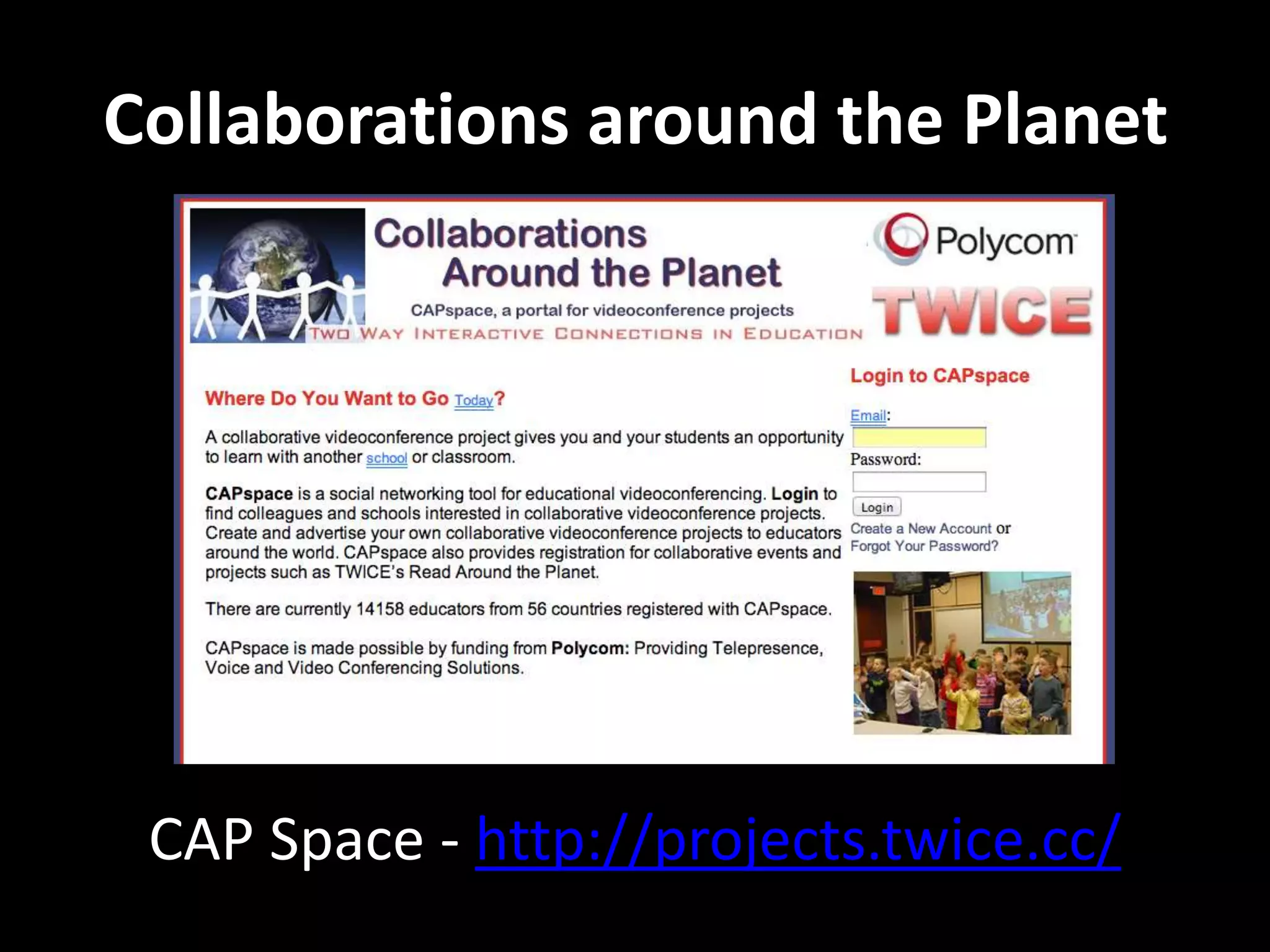
Collaborations around the Planet
CAP Space - http://projects.twice.cc/
Facebook Pages for science lovers
• Science Alert
• I F*cking Love Science
• Australian Science Teacher’s Association
• ScienceDaily
• ABC Science
• Climate Reality
• An Inconvenient Truth
Citizen Science
• “Scientific research, conducted in whole or in part,
by amateur or nonprofessional scientists, often by
crowd-sourcing or crowd-funding.”
http://en.wikipedia.org/wiki/Citizen_science
• “The systematic collection and analysis of data;
development of technology; testing of phenomena
and the dissemination of these activities by
researchers primarily on an avocational basis.”
http://www.ala.org.au/get-involved/citizen-science/
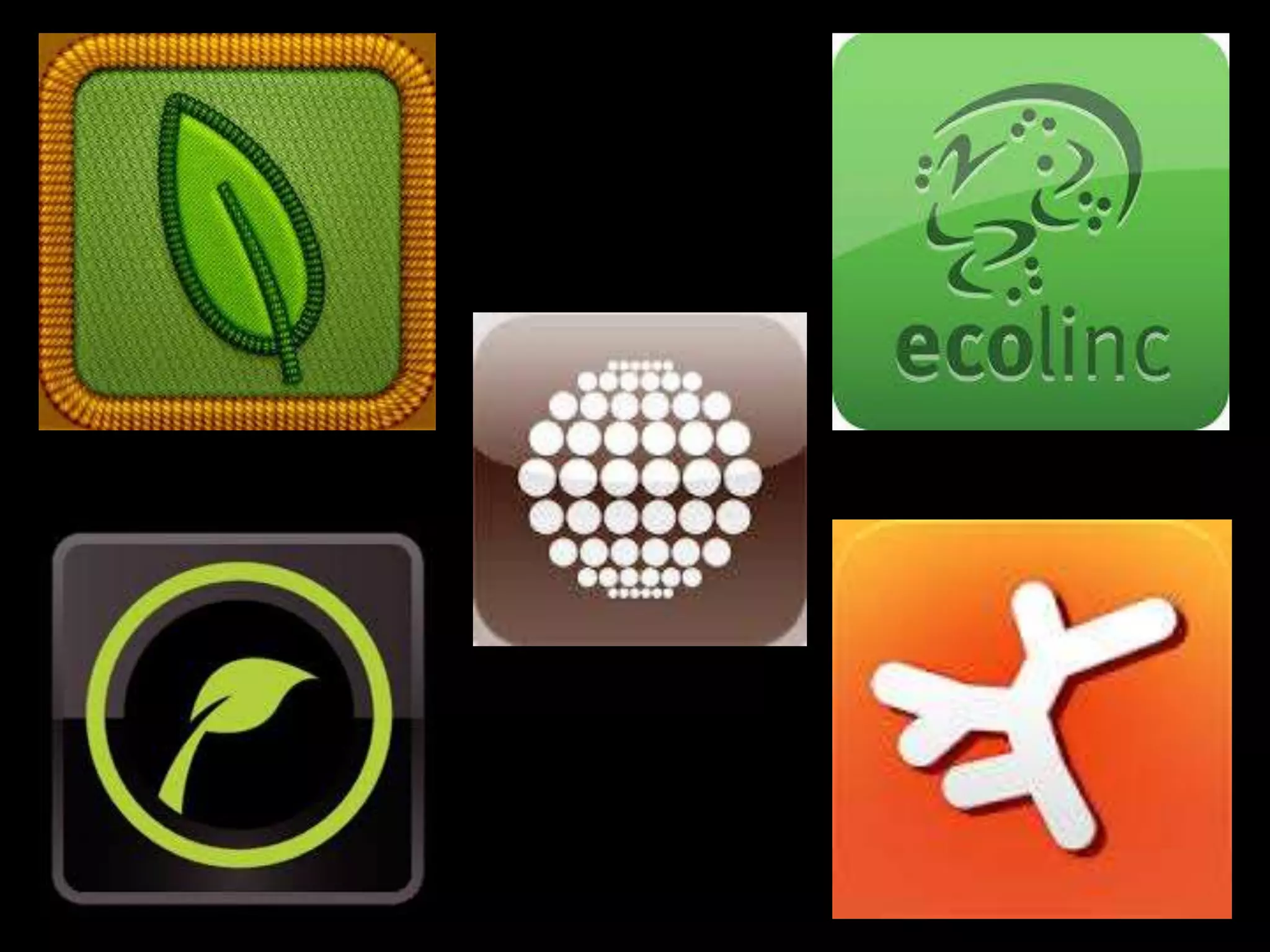
Citizen Science Apps
• OzAtlas “Atlas of Living Australia”
• Ecolinc “Biodiversity of the Western Volcanic
Plains Flora and Fauna Field Guide”
• ClimateWatch
• Leafsnap
• Project Noah

Science Learning around the Globe

  • 1.
    Science Learning Around theGlobe Britt Gow, Hawkesdale P12 College
  • 2.
    Science and Mathsteacher Hawkesdale P12 College SW Victoria Technoscience blog since 2008 Twitter @brittgow brittgow@gmail.com
  • 3.
    “Science is thefoundation of our future and it’s very important that we remember that.” ~ Megan Clark, CEO of CSIRO and recipient of the Order of Australia this year.
  • 5.
    Today’s learner’s are: •Multi-taskers • Digitally literate • Mobile and connected 24/7 • Experiential and Social • Visual / spatial learners with • Fast response times & short attention spans
  • 6.
    • The Powerto Engage • Students use technology already • It's not going to go away...it will only grow • Professional development • Employers want their workers to use internet tools
  • 8.
    Aim: To engagestudents and allow them to connect, communicate and collaborate with peers and experts around the globe and enhance their understanding of science concepts.
  • 9.
  • 10.
  • 11.
  • 12.
  • 13.
    Over 50,000 views and1,200 downloads on Slidesharehttp://www.slideshare.net/brittgow/malaria-powerpoint
  • 14.
  • 16.
    Social Networks • Edublogs– http://edublogs.org • Wikispaces - https://www.wikispaces.com/ • Twitter - https://twitter.com/ • Skype - http://www.skype.com/en/ • Slideshare - http://www.slideshare.net/ • YouTube - https://www.youtube.com/ • Facebook – https://www.facebook.com/
  • 17.
    What do thesesites have in common? • Sign up with a username and password • Sometimes you can use another platform (eg. Google or Facebook) • Create a profile (image, occupation, interests) • Share an object (text, image, slideshow, video) • Connect with people based on interests • Comment, ‘Like’, Discuss and Share
  • 18.
    How can youfind teachers willing to work together to create global projects? • Science Blogs • Twitter (#scichat) • Skype for Education • Nings (Classroom2.0) • Conferences (online and F2F) • Facebook for Educators
  • 20.
    What tools canyou use to allow students to learn collectively? • Google docs (upload to spreadsheets) • Edmodo (create classes online) • Wikispaces (Wetpaint or PBwiki) • Skype • Voicethread • Blackboard Collaborate
  • 22.
    Since 2011 Ihave used Blackboard Collaborate to teach Unit 3 and 4 VCE Environmental Science to students from different schools around the state. We connected for 90 minutes each week synchronously and used my blog, email and Facebook asynchronously. We have met at Ecolinc, Bacchus Marsh in term 1, Grampians in term 2 and at EcoBeach Apollo Bay YHA during term 3 holidays.
  • 23.
    Some Global ScienceProjects... • Google Science Fair • Global Learning and Observations to Benefit the Environment (GLOBE) • The Moon Project • SHOUT Tree banding program • Online Science Fair • International Energy Challenge With varying degrees of collaboration.
  • 24.
  • 25.
    “The Global Learningand Observations to Benefit the Environment (GLOBE) program is a worldwide hands-on, primary and secondary school-based science and education program. GLOBE's vision promotes and supports students, teachers and scientists to collaborate on inquiry- based investigations of the environment and the Earth system working in close partnership with NASA, NOAA and NSF Earth System Science Projects (ESSP’s) in study and research about the dynamics of Earth's environment.”
  • 26.
  • 27.
  • 28.
  • 29.
    Online Science Fair •Students chose individual projects using the “Science Buddies” site. • Teachers set up a wiki in which each student had a page with a template. • Template showed which parts of the project need to be completed each week. • The aim was to upload a digital product (slideshow, video or Voicethread) that explained their hypothesis, results and an explanation.
  • 30.
  • 31.
    International Energy Challenge •A Seimen’s STEM project, initiated by teachers in USA. • Five schools in four countries each looked at Renewable and Non-renewable Energy sources. • The main focus was a wiki, with all resources linked or embedded to pages for each school and energy source. • Students worked together in groups around 12 different forms of energy.
  • 32.
    International Energy Challenge •Each group produced a wiki for research and discussion and a Voicethread. • The conclusion of the project was an online “Town Meeting”, using Blackboard Collaborate, moderated by older students, in which each group nominated a spokesperson who outlined their case for that particular form of energy, stating the positive case and outlining why other forms of energy where inferior.
  • 33.
  • 34.
    SHOUT Tree BandingProject • An international project sponsored by the Smithsonian Institute. • Resources available online (YouTube videos, website and downloads) • A tree-banding kit is sent out, which contains all the necessary materials and equipment to measure tree growth using dendrometers. • Data is uploaded to the website for scientists to use in climate change analysis.
  • 37.
    CSIRO Scientists inSchools • http://www.scientistsinschools.edu.au/
  • 38.
    We use Skypeand Blackboard Collaborate to connect with our Scientist in Schools partner, Melissa Toifl, from CSIRO Land and Water Technologies, in Highett and Clayton.
  • 39.
    Skype in theClassroom • https://education.skype.com/help
  • 40.
  • 42.
    @ScienceMags Magdeline Lum, a Metallurgist,photographer and science writer from Perth
  • 44.
    Polycom with GTAC •Grade 5 to VCE Biology • http://www.gtac.edu.au/site/home.html
  • 45.
    Polycom with GeneTechnology Access Centre, Melbourne
  • 46.
    Collaborations around thePlanet CAP Space - http://projects.twice.cc/
  • 49.
    Facebook Pages forscience lovers • Science Alert • I F*cking Love Science • Australian Science Teacher’s Association • ScienceDaily • ABC Science • Climate Reality • An Inconvenient Truth
  • 50.
    Citizen Science • “Scientificresearch, conducted in whole or in part, by amateur or nonprofessional scientists, often by crowd-sourcing or crowd-funding.” http://en.wikipedia.org/wiki/Citizen_science • “The systematic collection and analysis of data; development of technology; testing of phenomena and the dissemination of these activities by researchers primarily on an avocational basis.” http://www.ala.org.au/get-involved/citizen-science/
  • 52.
    Citizen Science Apps •OzAtlas “Atlas of Living Australia” • Ecolinc “Biodiversity of the Western Volcanic Plains Flora and Fauna Field Guide” • ClimateWatch • Leafsnap • Project Noah

Editor's Notes

  • #10 Technoscience since 2008 Gerald Ardito in New York Online Science Fair International Energy Challenge
  • #11 Personal Learning Networks – Genegeek a biologist from Canada and Mags Lum, geologist from Karratha, WA Connecting with experts provides authentic learning experiences for students – asking questions
  • #12 VCE Environmental Science Online 5 years, with four students this year from Dandenong, Bairnsdale, Yea and Collingwood.