STEM in the Middle Years
EarthEd Centre, Ballarat
Activities that encourage science,
technology, engineering and maths
learning
What is STEM?
• The acronym stands for Science, Technology,
Engineering and Mathematics, but it is more
then the sum of its parts
• Not just a collection of content areas, but a
transdisciplinary approach that provides
authentic contexts for modern learning
• The focus is on developing skills such as
collaboration, critical thinking, creativity,
problem solving and effective communication
The STEM process
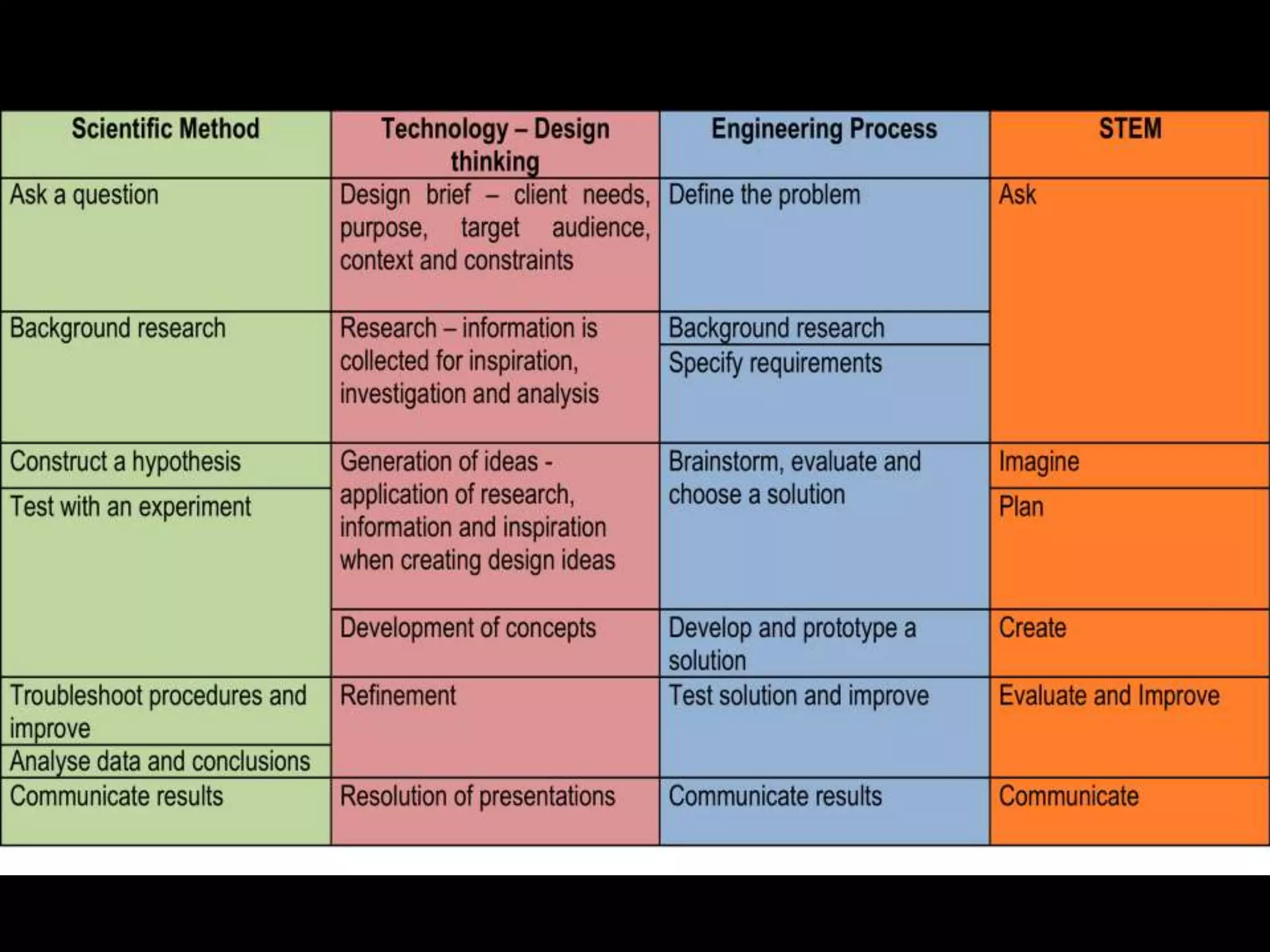
• Ask – Research, define the problem, what’s
the brief?
• Imagine – Generate ideas, brainstorm
• Plan – Choose a solution
• Create – Construct and develop a prototype
• Evaluate – test and troubleshoot
• Improve – Refine and adjust
• Communication - Results
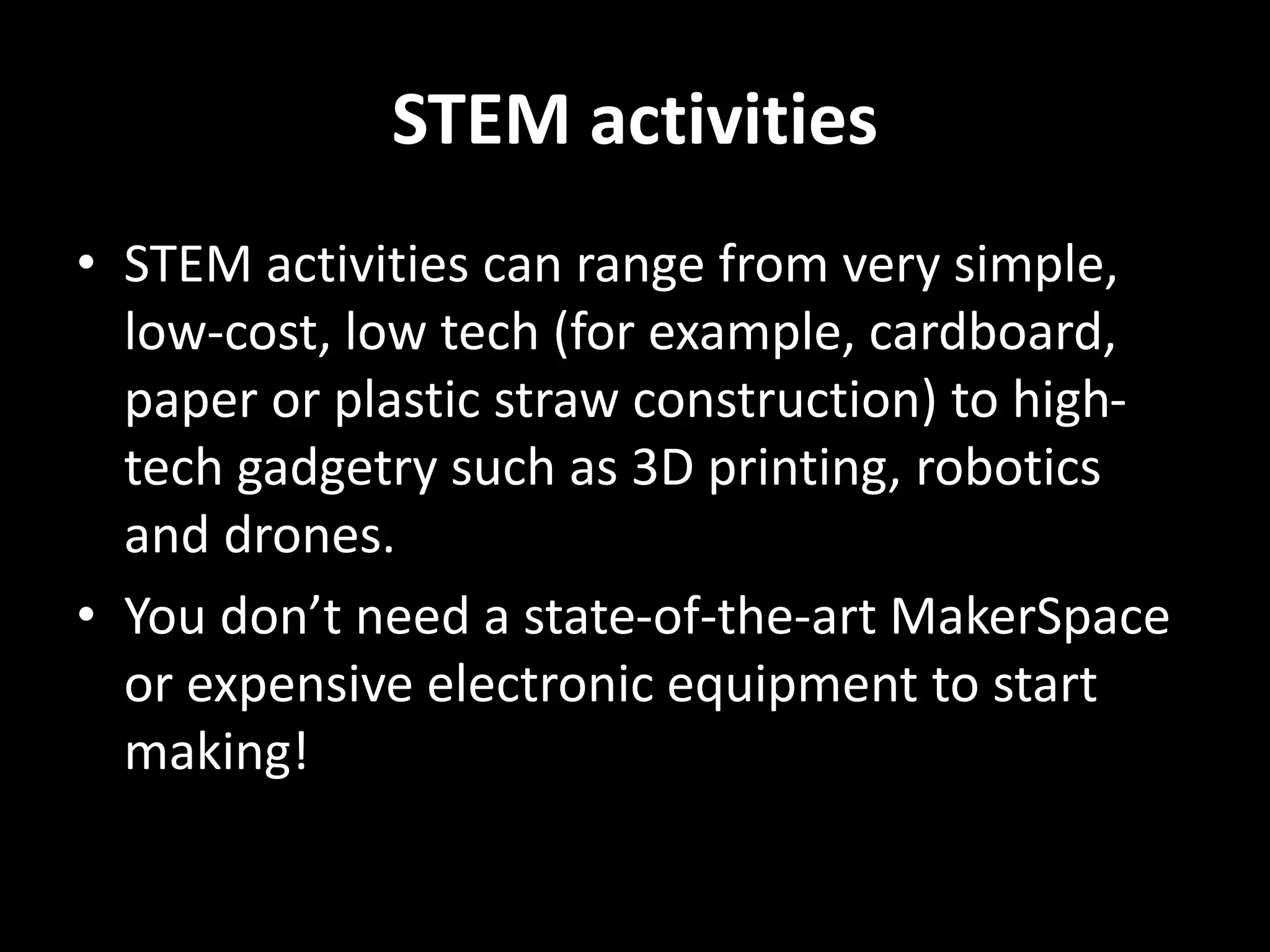
STEM activities
• STEM activities can range from very simple,
low-cost, low tech (for example, cardboard,
paper or plastic straw construction) to high-
tech gadgetry such as 3D printing, robotics
and drones.
• You don’t need a state-of-the-art MakerSpace
or expensive electronic equipment to start
making!
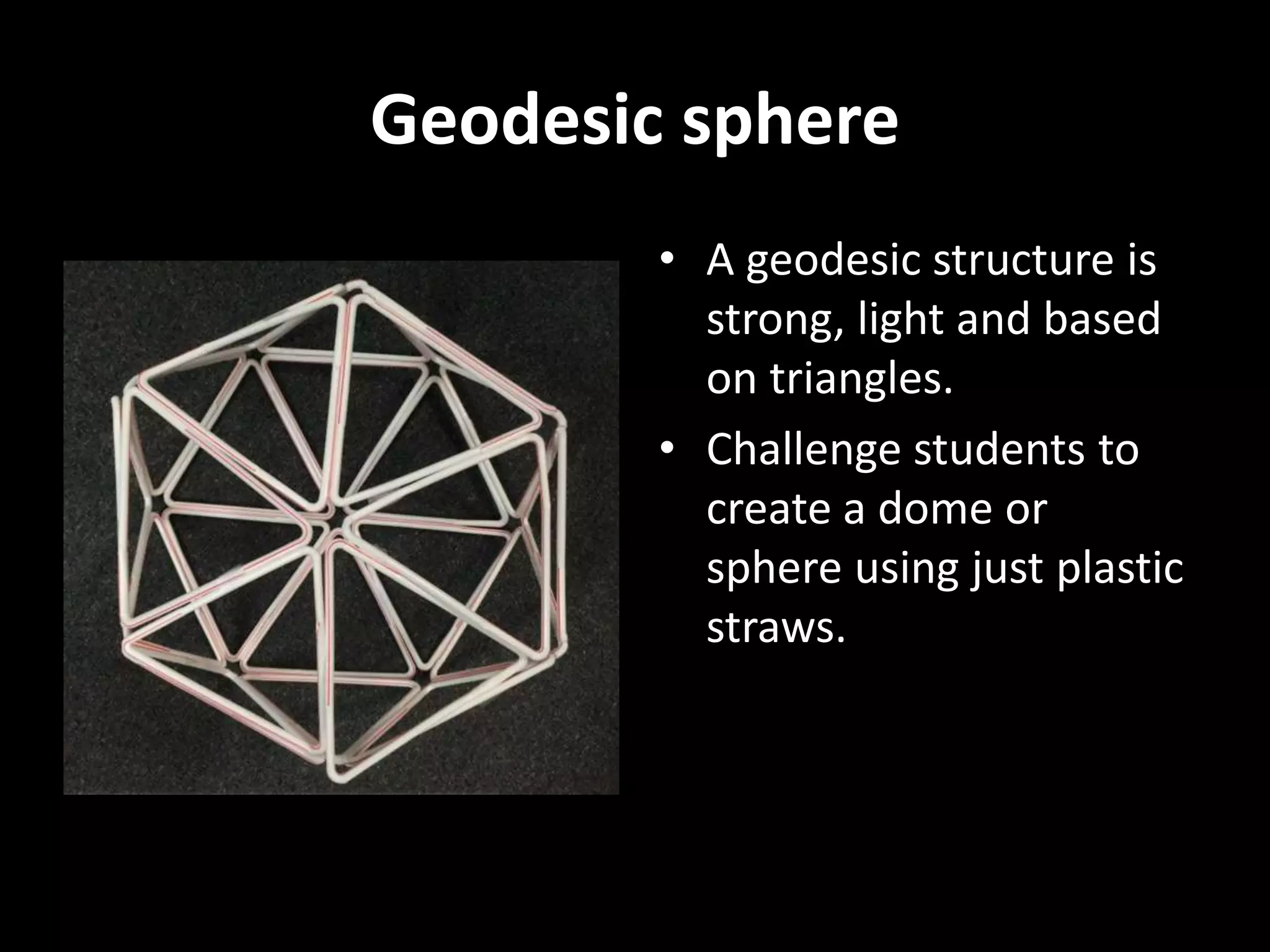
Geodesic sphere
• A geodesic structure is
strong, light and based
on triangles.
• Challenge students to
create a dome or
sphere using just plastic
straws.
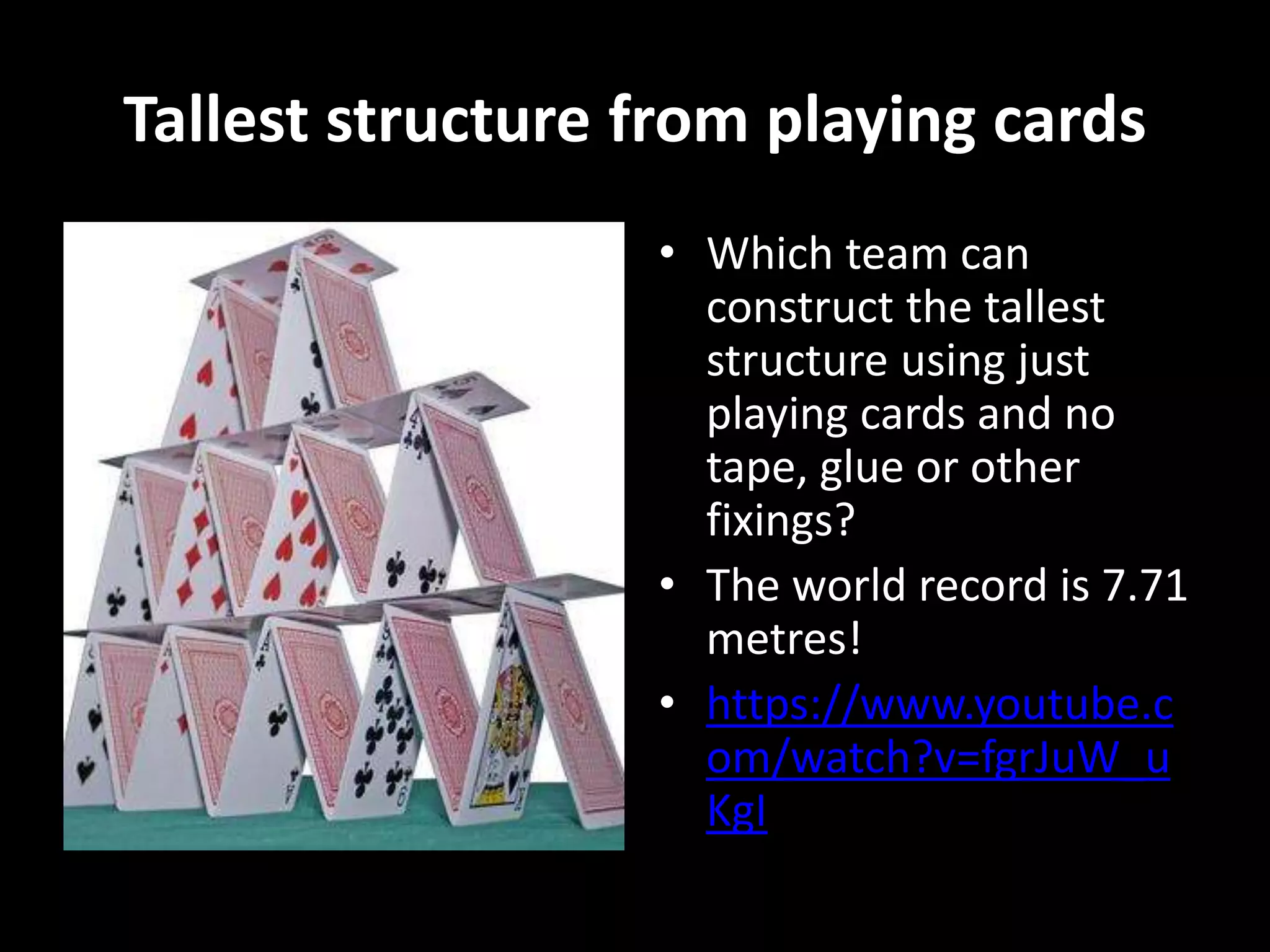
Tallest structure from playing cards
• Which team can
construct the tallest
structure using just
playing cards and no
tape, glue or other
fixings?
• The world record is 7.71
metres!
• https://www.youtube.c
om/watch?v=fgrJuW_u
KgI
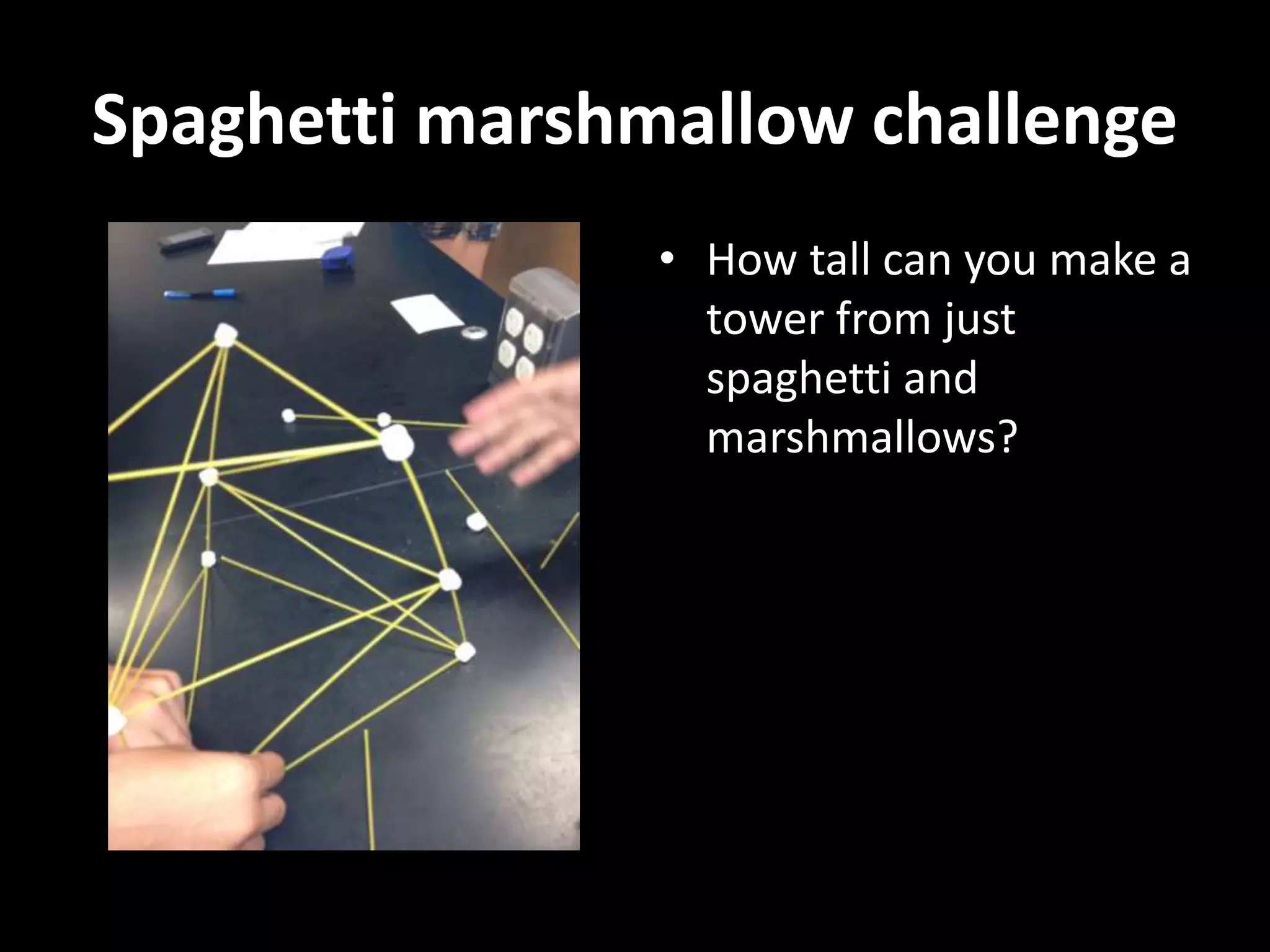
Spaghetti marshmallow challenge
• How tall can you make a
tower from just
spaghetti and
marshmallows?
Paper chair for teddy
• Using only paper and
tape can you build a
chair that supports a
stuffed toy?
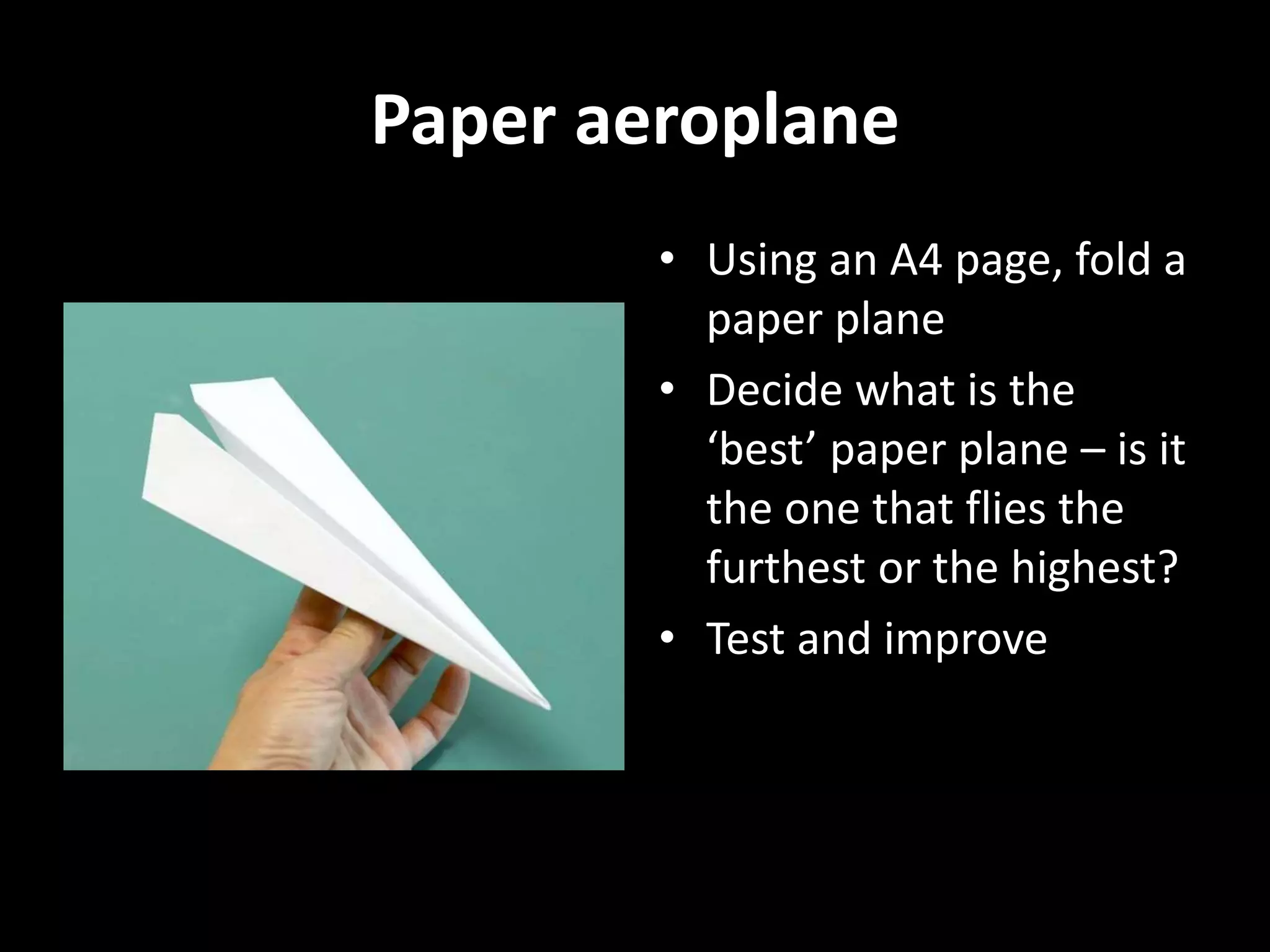
Paper aeroplane
• Using an A4 page, fold a
paper plane
• Decide what is the
‘best’ paper plane – is it
the one that flies the
furthest or the highest?
• Test and improve
Bridge Challenge
• How much weight can a
bridge bear?
• What is the span
length?
• There are four types of
bridge – beam, arch,
suspension and
cantilever.
Bridge Challenge
A bridge challenge can be suitable for a variety
of ages and take from 15 minutes to many days!
• Icy-pole sticks and glue (from 50 to unlimited)
• Straws and skewers
• Spaghetti and marshmallows
• Playing cards and tape
• Paper and string
Shadow puppets
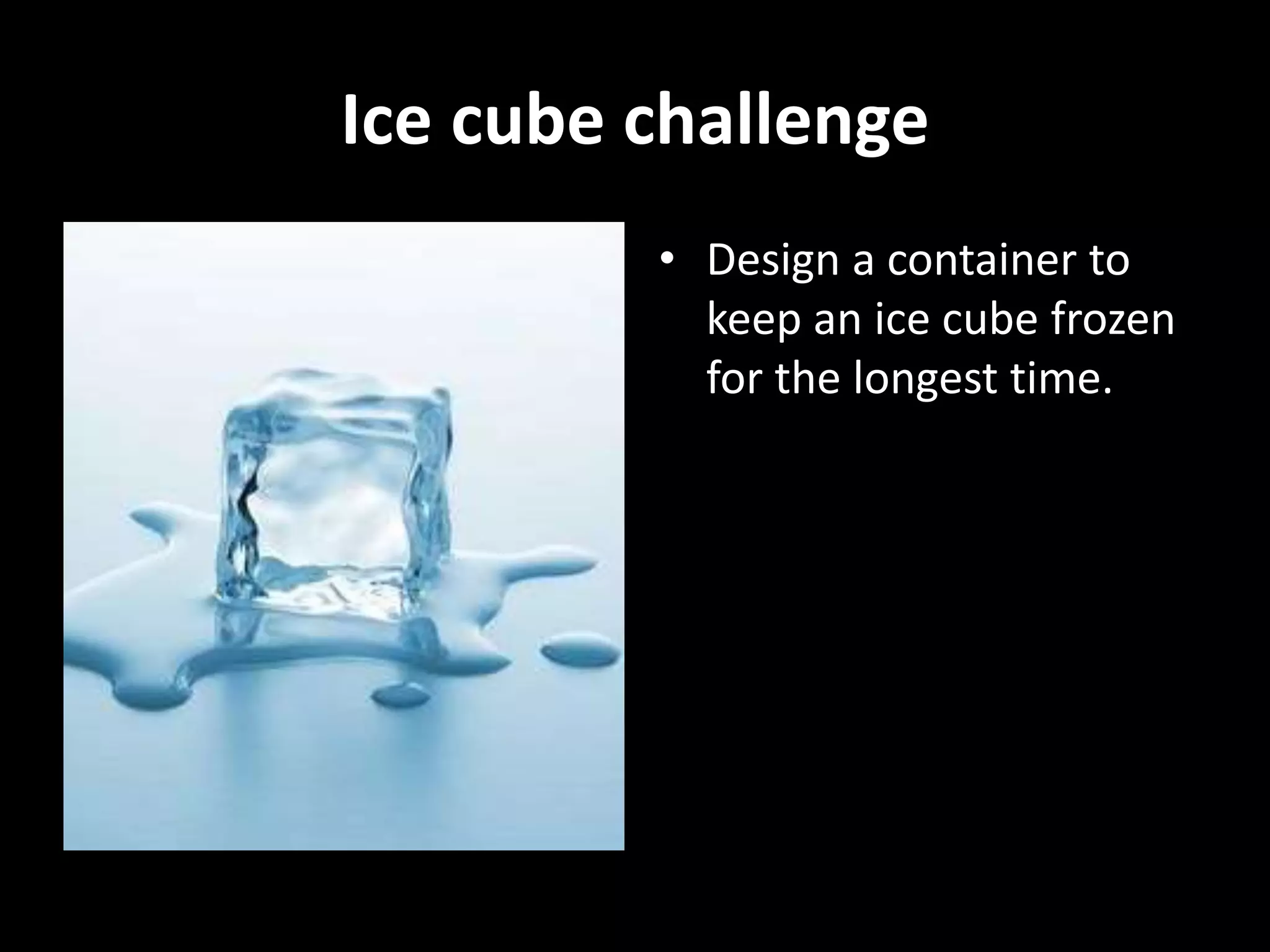
Ice cube challenge
• Design a container to
keep an ice cube frozen
for the longest time.
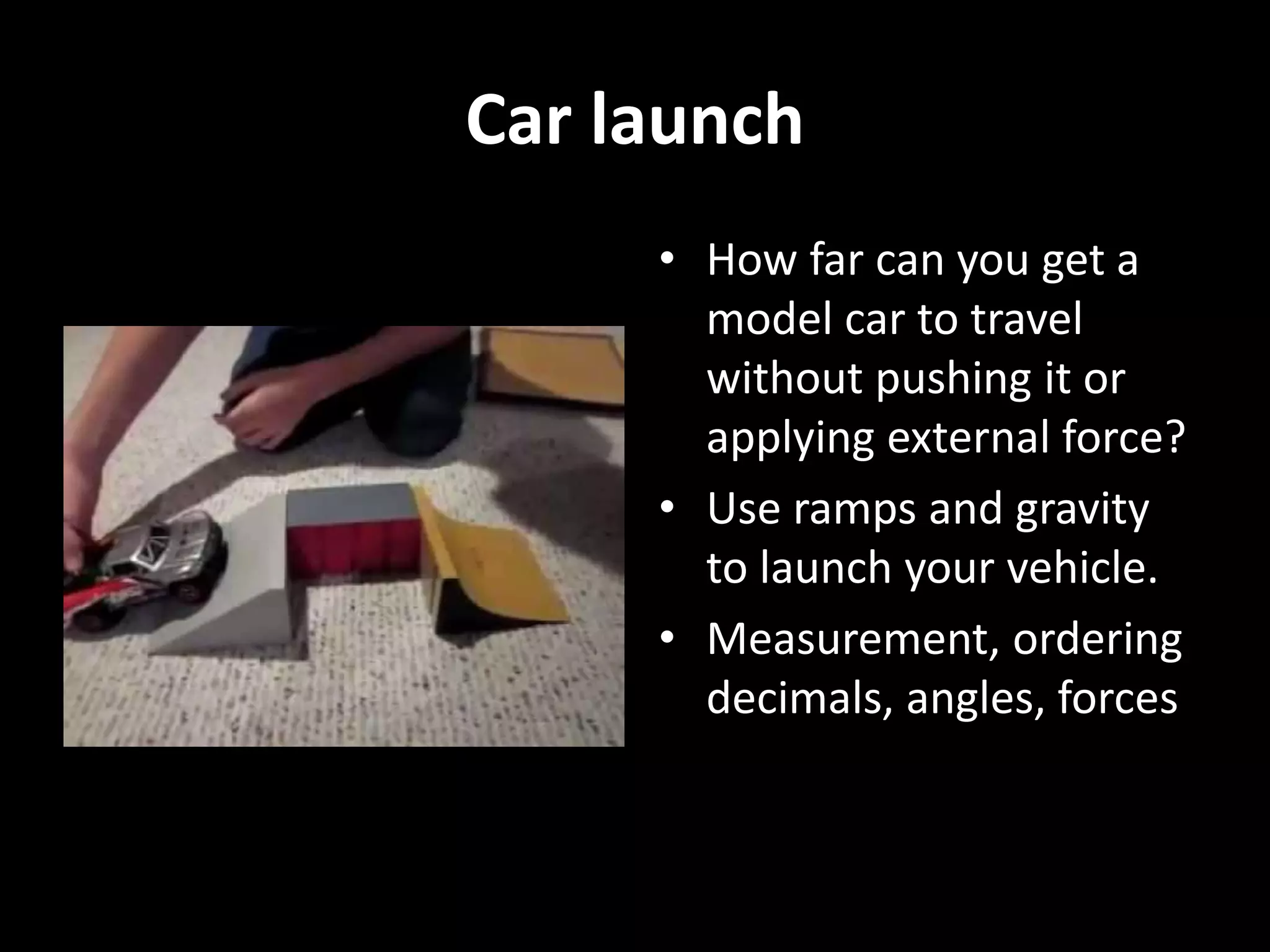
Car launch
• How far can you get a
model car to travel
without pushing it or
applying external force?
• Use ramps and gravity
to launch your vehicle.
• Measurement, ordering
decimals, angles, forces
Marble Drop
• Design a maze for
marble or table-tennis
ball
• Can be attached to the
wall
Rube Goldberg
Machines
• Unnecessarily complex
devices that achieve
simple tasks, often
involving domino falls,
rolling balls, ramps,
tubes, levers and
wheels.
Create a Hologram
3D Google Glasses – Virtual Reality
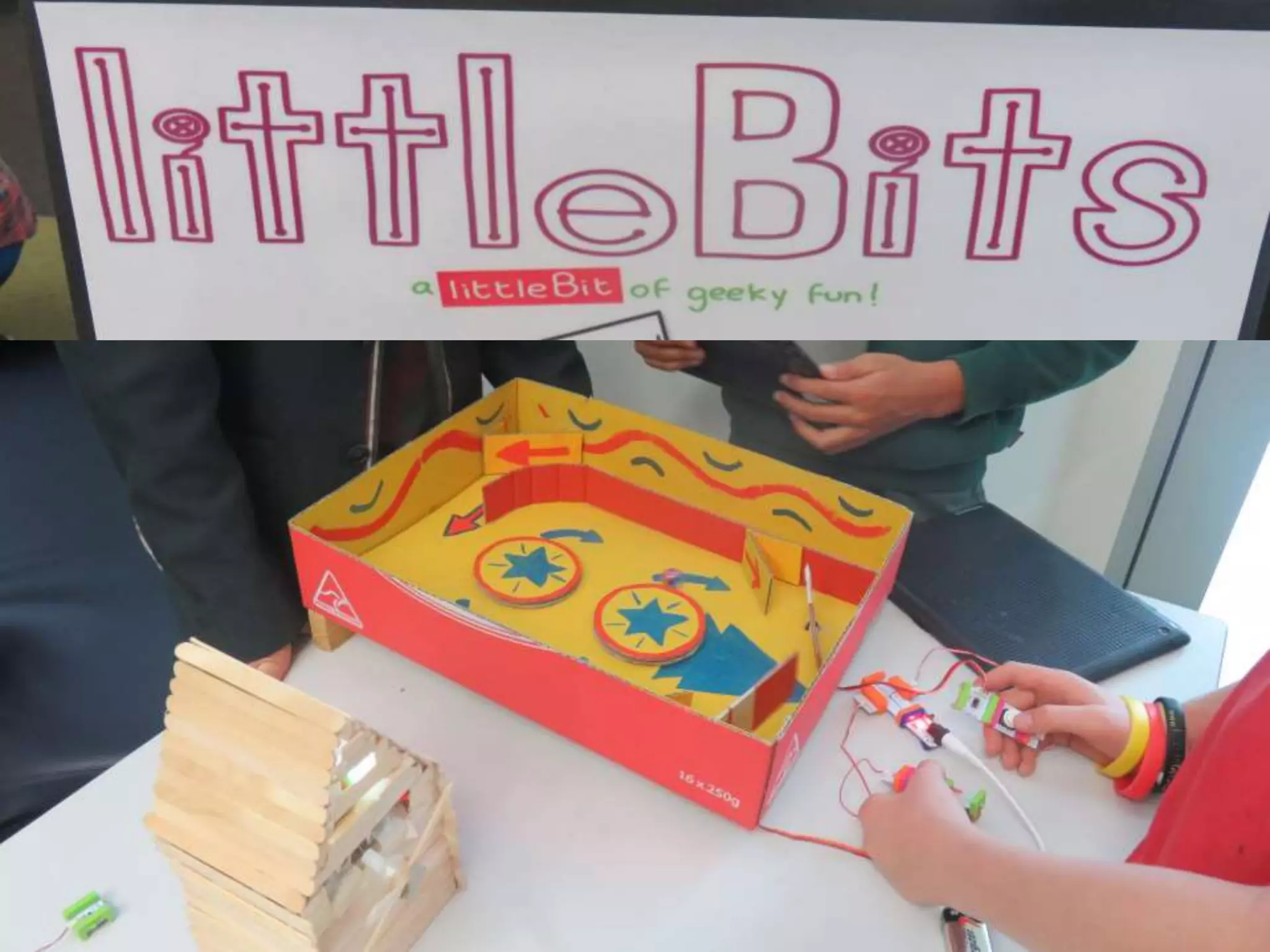
Soft Circuits
Wearable Tech
• Clothing and accessories with integrated
circuits
• FitBits, light-up shoes, GPS in AFL, smart
watches
• Smart helmets that monitor heart-rate etc
• Boxing gloves that track performance
• Backpacks with inbuilt solar panels
• LEDs and sensors on your fingernails
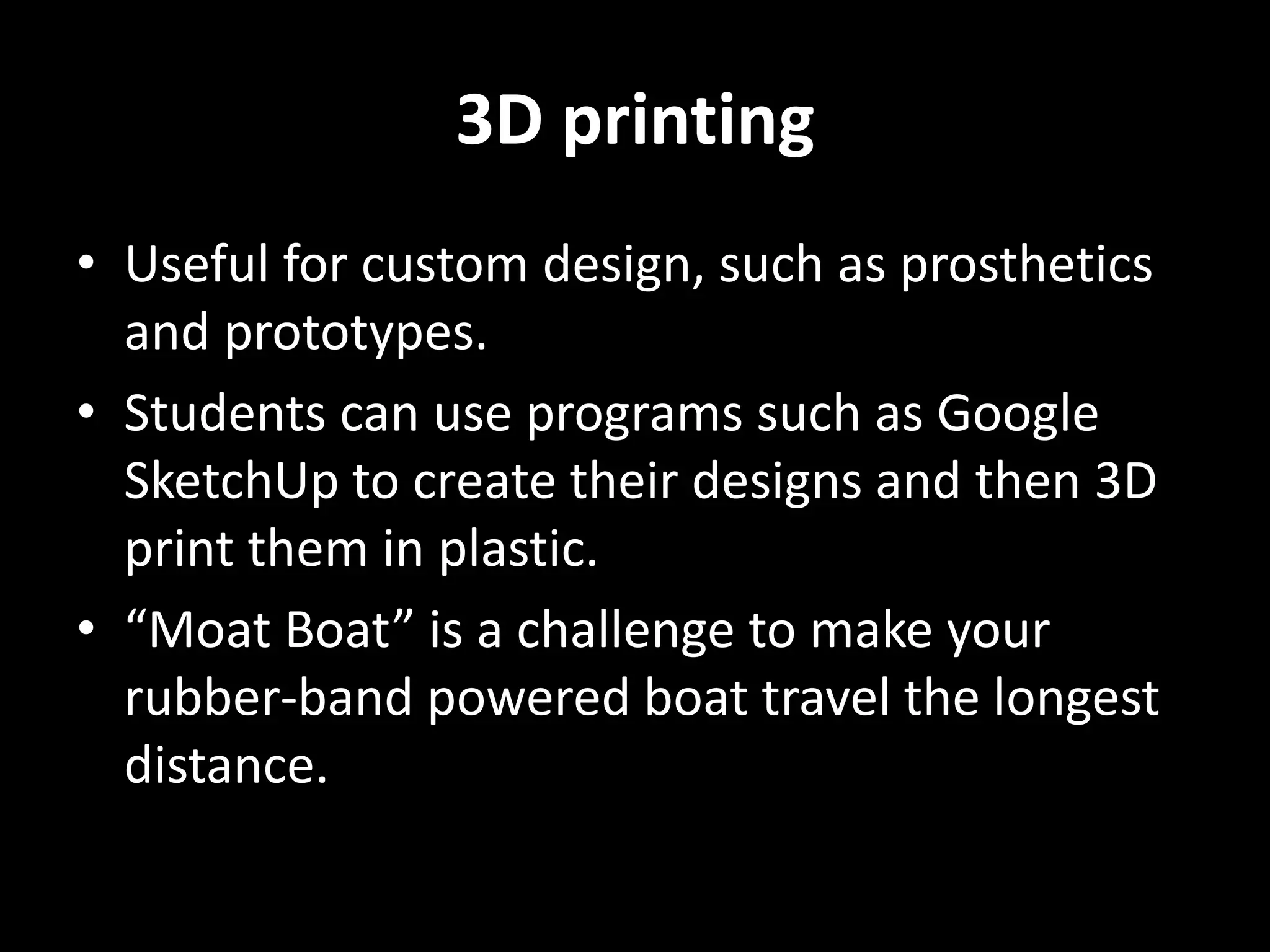
3D printing
• Useful for custom design, such as prosthetics
and prototypes.
• Students can use programs such as Google
SketchUp to create their designs and then 3D
print them in plastic.
• “Moat Boat” is a challenge to make your
rubber-band powered boat travel the longest
distance.
Moat Boats
3D printed paddle
boats – how far can
a boat powered by a
rubber band travel?
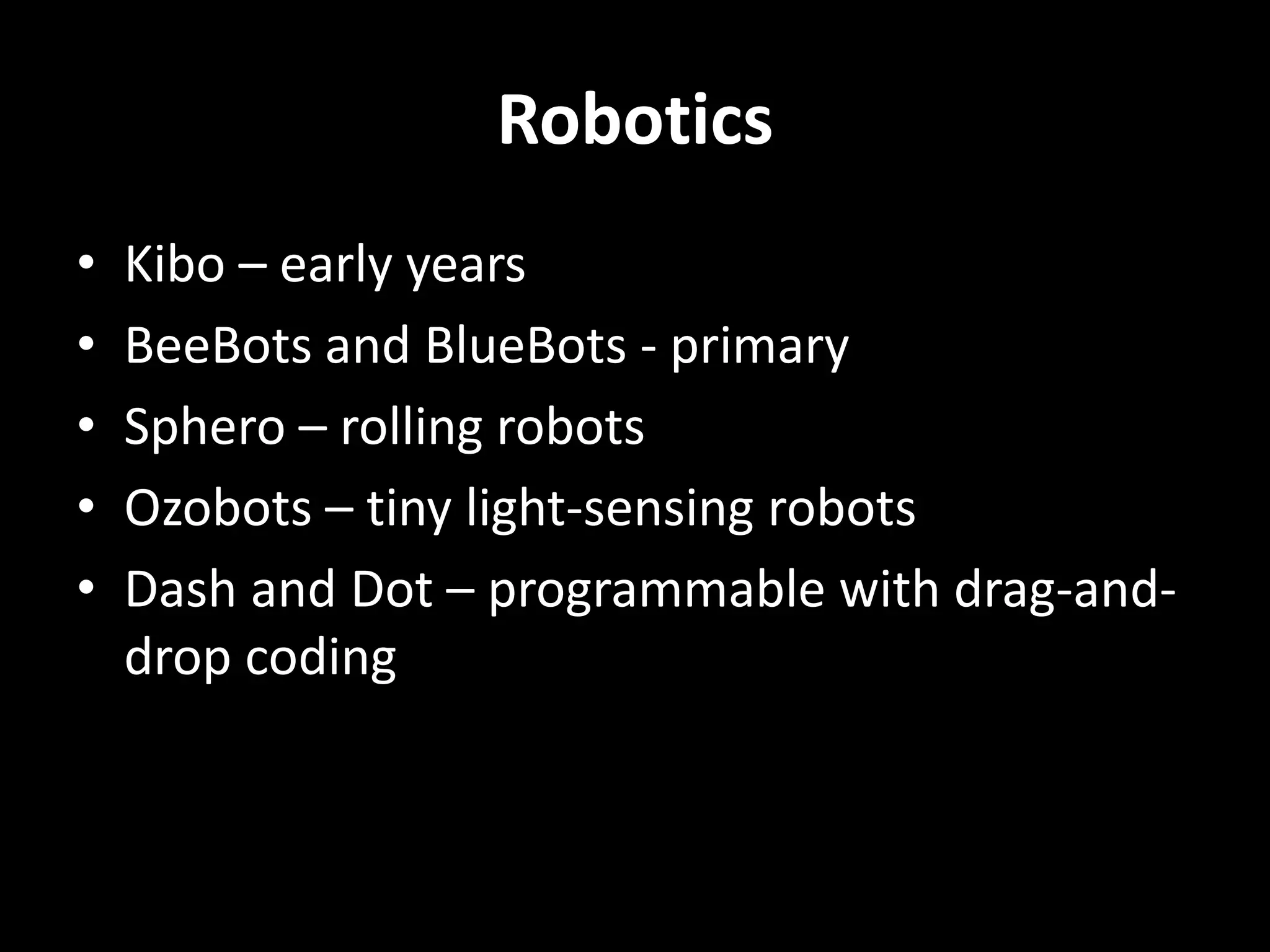
Robotics
• Kibo – early years
• BeeBots and BlueBots - primary
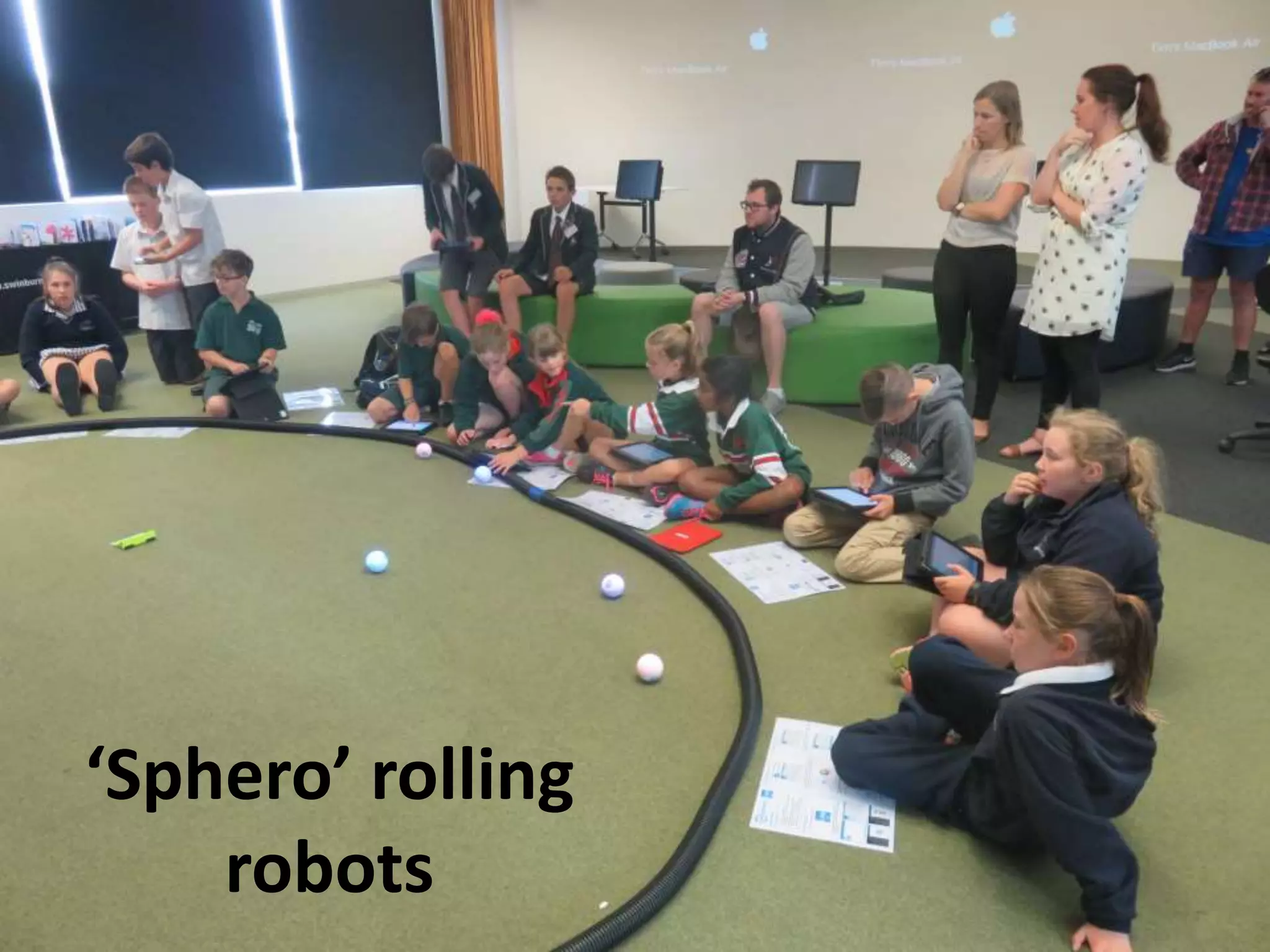
• Sphero – rolling robots
• Ozobots – tiny light-sensing robots
• Dash and Dot – programmable with drag-and-
drop coding
‘Sphero’ rolling
robots
Drones
Can you control
a drone?
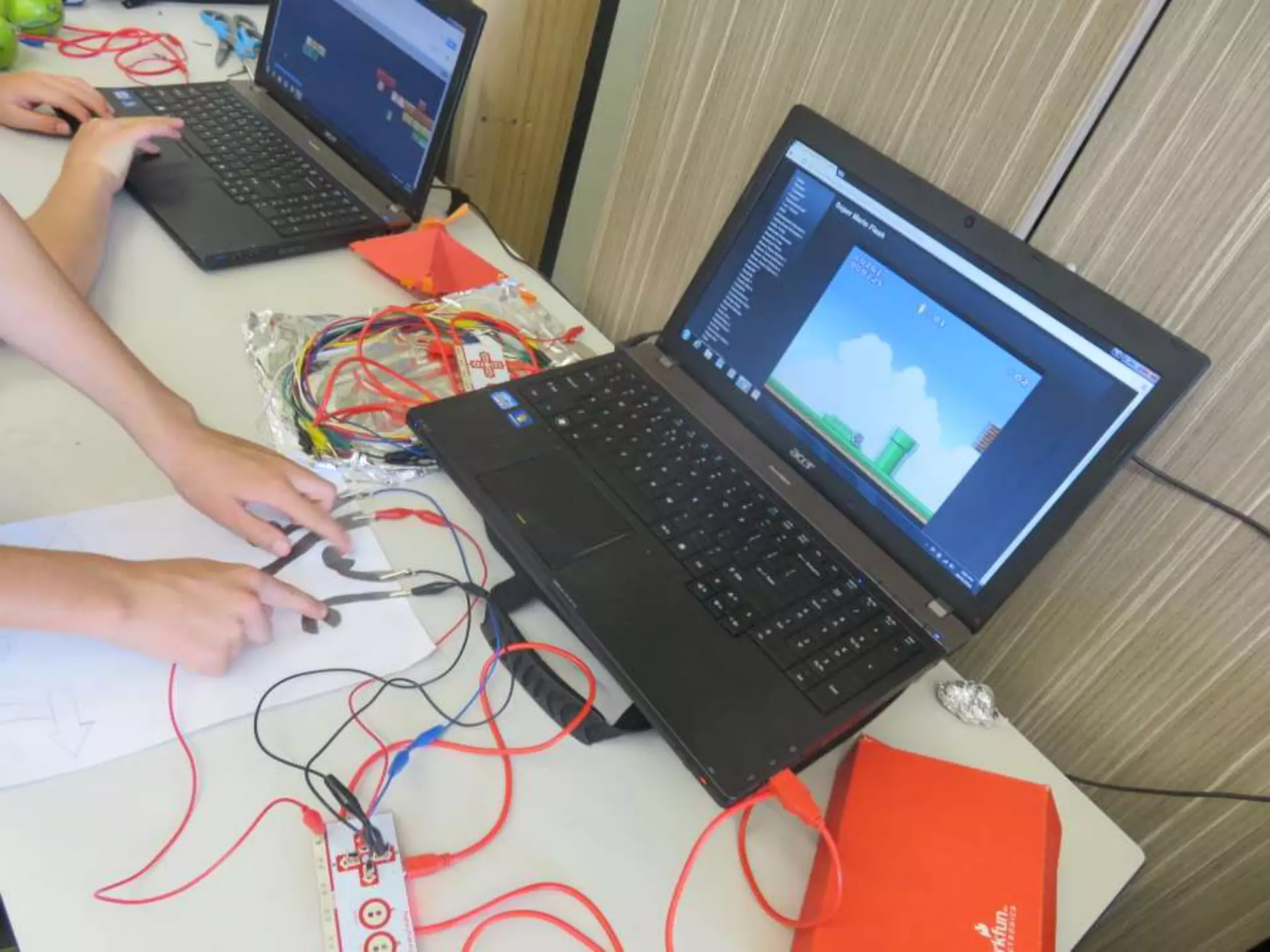
Makey-Makey
Coding Resources
• https://code.org/
• Hour of Code: https://code.org/learn
• Unplugged:
https://code.org/curriculum/course2/1/Teach
er
• Computer Science Unplugged:
http://csunplugged.org/
• Scratch: https://scratch.mit.edu/

STEM challenges slideshow

  • 1.
    STEM in theMiddle Years EarthEd Centre, Ballarat Activities that encourage science, technology, engineering and maths learning
  • 2.
    What is STEM? •The acronym stands for Science, Technology, Engineering and Mathematics, but it is more then the sum of its parts • Not just a collection of content areas, but a transdisciplinary approach that provides authentic contexts for modern learning • The focus is on developing skills such as collaboration, critical thinking, creativity, problem solving and effective communication
  • 4.
    The STEM process •Ask – Research, define the problem, what’s the brief? • Imagine – Generate ideas, brainstorm • Plan – Choose a solution • Create – Construct and develop a prototype • Evaluate – test and troubleshoot • Improve – Refine and adjust • Communication - Results
  • 5.
    STEM activities • STEMactivities can range from very simple, low-cost, low tech (for example, cardboard, paper or plastic straw construction) to high- tech gadgetry such as 3D printing, robotics and drones. • You don’t need a state-of-the-art MakerSpace or expensive electronic equipment to start making!
  • 6.
    Geodesic sphere • Ageodesic structure is strong, light and based on triangles. • Challenge students to create a dome or sphere using just plastic straws.
  • 7.
    Tallest structure fromplaying cards • Which team can construct the tallest structure using just playing cards and no tape, glue or other fixings? • The world record is 7.71 metres! • https://www.youtube.c om/watch?v=fgrJuW_u KgI
  • 8.
    Spaghetti marshmallow challenge •How tall can you make a tower from just spaghetti and marshmallows?
  • 9.
    Paper chair forteddy • Using only paper and tape can you build a chair that supports a stuffed toy?
  • 10.
    Paper aeroplane • Usingan A4 page, fold a paper plane • Decide what is the ‘best’ paper plane – is it the one that flies the furthest or the highest? • Test and improve
  • 11.
    Bridge Challenge • Howmuch weight can a bridge bear? • What is the span length? • There are four types of bridge – beam, arch, suspension and cantilever.
  • 12.
    Bridge Challenge A bridgechallenge can be suitable for a variety of ages and take from 15 minutes to many days! • Icy-pole sticks and glue (from 50 to unlimited) • Straws and skewers • Spaghetti and marshmallows • Playing cards and tape • Paper and string
  • 13.
  • 14.
    Ice cube challenge •Design a container to keep an ice cube frozen for the longest time.
  • 15.
    Car launch • Howfar can you get a model car to travel without pushing it or applying external force? • Use ramps and gravity to launch your vehicle. • Measurement, ordering decimals, angles, forces
  • 16.
    Marble Drop • Designa maze for marble or table-tennis ball • Can be attached to the wall
  • 17.
    Rube Goldberg Machines • Unnecessarilycomplex devices that achieve simple tasks, often involving domino falls, rolling balls, ramps, tubes, levers and wheels.
  • 19.
  • 20.
    3D Google Glasses– Virtual Reality
  • 21.
  • 22.
    Wearable Tech • Clothingand accessories with integrated circuits • FitBits, light-up shoes, GPS in AFL, smart watches • Smart helmets that monitor heart-rate etc • Boxing gloves that track performance • Backpacks with inbuilt solar panels • LEDs and sensors on your fingernails
  • 23.
    3D printing • Usefulfor custom design, such as prosthetics and prototypes. • Students can use programs such as Google SketchUp to create their designs and then 3D print them in plastic. • “Moat Boat” is a challenge to make your rubber-band powered boat travel the longest distance.
  • 25.
    Moat Boats 3D printedpaddle boats – how far can a boat powered by a rubber band travel?
  • 27.
    Robotics • Kibo –early years • BeeBots and BlueBots - primary • Sphero – rolling robots • Ozobots – tiny light-sensing robots • Dash and Dot – programmable with drag-and- drop coding
  • 32.
  • 33.
  • 34.
  • 41.
    Coding Resources • https://code.org/ •Hour of Code: https://code.org/learn • Unplugged: https://code.org/curriculum/course2/1/Teach er • Computer Science Unplugged: http://csunplugged.org/ • Scratch: https://scratch.mit.edu/