

Revit Architecture 2013 Course
Kardan University
Engr. Ahmad Sameer Nawab
• Building Information Modeling (BIM) is a digital representation of physical
and functional characteristics of a facility.
A BIM is a shared knowledge resource for information about a facility
forming a reliable basis for decisions during its life-cycle; defined as
existing from earliest conception to demolition.
(National BIM Standard - United States)
BIM
Revit Architecture
 Revit Architecture is a powerful, complex piece of BIM
 The most robust Tools
 3D modeling and rendering
 Revit version 1.0 was released on April 5, 2000
 The latest released version is Revit Architecture / Structure / MEP 2014
(April, 2013) and the corresponding suites
 Works with families and Templates
Variants
 Revit Architecture, for architects and building designers
 Revit MEP
 Revit Structure for structural engineers and designers.
 Revit One Box was introduced as part of the 2013 product release. It
includes all three flavors of Revit in one installation and is part of the
Building Design Suite Premium and Ultimate editions
 Revit LT is being introduced in 2013 with some features crippled.
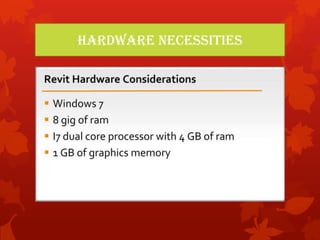
Hardware Necessities
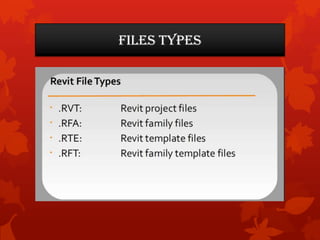
Files Types
Courses We Cover
 Revit Architecture 2013
 Revit Stairs Workshop (2013)
 Revit Family Workshop (2013)
Revit Architecture 2013
 Getting Started
 What Is Revit Architecture
 How to Use the Project Files
 The Revit World
 The Revit Workflow
 The Revit Interface Object Selection:
 Modifying and Mirroring
 Navigating with Views and the Project Browser
 File Types and Families Navigating in 3D
 Creating a Model
 Using Reference Planes
 Placing Exterior Walls
 Adding Masonry Elevator Shafts
 Placing Interior Partitions
 Creating 45-Degree Chamfers
 Editing Wall Joins
 Adding Doors
 Placing Wall Openings
 Adding Windows
Revit Architecture 2013
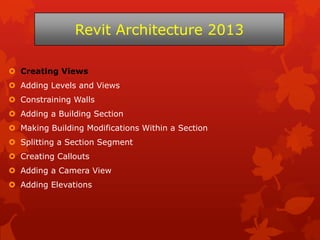
 Creating Views
 Adding Levels and Views
 Constraining Walls
 Adding a Building Section
 Making Building Modifications Within a Section
 Splitting a Section Segment
 Creating Callouts
 Adding a Camera View
 Adding Elevations
Revit Architecture 2013
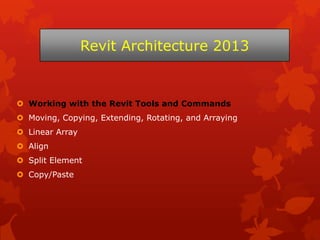
 Working with the Revit Tools and Commands
 Moving, Copying, Extending, Rotating, and Arraying
 Linear Array
 Align
 Split Element
 Copy/Paste
Revit Architecture 2013
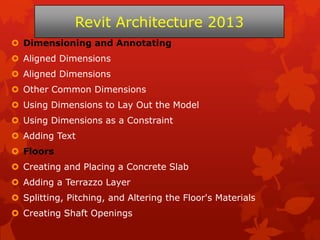
 Dimensioning and Annotating
 Aligned Dimensions
 Other Common Dimensions
 Using Dimensions to Lay Out the Model
 Using Dimensions as a Constraint
 Adding Text
 Floors
 Creating and Placing a Concrete Slab
 Adding a Terrazzo Layer
 Splitting, Pitching, and Altering the Floor's Materials
 Creating Shaft Openings
Revit Architecture 2013
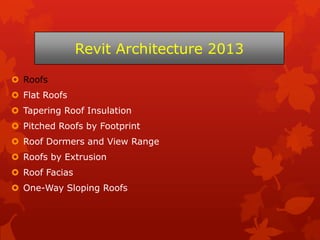
 Roofs
 Flat Roofs
 Tapering Roof Insulation
 Pitched Roofs by Footprint
 Roof Dormers and View Range
 Roofs by Extrusion
 Roof Facias
 One-Way Sloping Roofs
Revit Architecture 2013
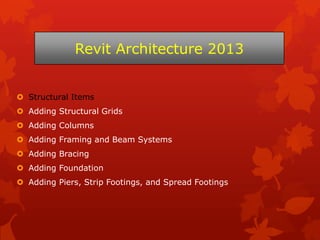
 Structural Items
 Adding Structural Grids
 Adding Columns
 Adding Framing and Beam Systems
 Adding Bracing
 Adding Foundation
 Adding Piers, Strip Footings, and Spread Footings
Revit Architecture 2013
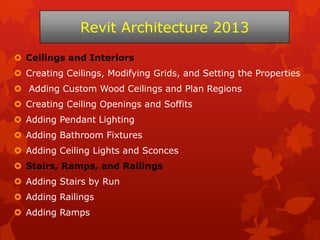
 Ceilings and Interiors
 Creating Ceilings, Modifying Grids, and Setting the Properties
 Adding Custom Wood Ceilings and Plan Regions
 Creating Ceiling Openings and Soffits
 Adding Pendant Lighting
 Adding Bathroom Fixtures
 Adding Ceiling Lights and Sconces
 Stairs, Ramps, and Railings
 Adding Stairs by Run
 Adding Railings
 Adding Ramps
Revit Architecture 2013
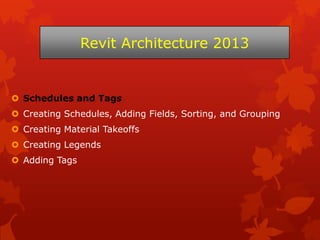
 Schedules and Tags
 Creating Schedules, Adding Fields, Sorting, and Grouping
 Creating Material Takeoffs
 Creating Legends
 Adding Tags
Revit Architecture 2013
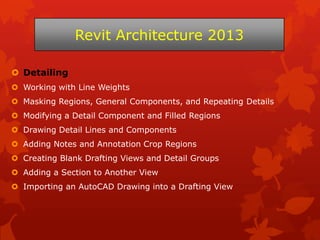
 Detailing
 Working with Line Weights
 Masking Regions, General Components, and Repeating Details
 Modifying a Detail Component and Filled Regions
 Drawing Detail Lines and Components
 Adding Notes and Annotation Crop Regions
 Creating Blank Drafting Views and Detail Groups
 Adding a Section to Another View
 Importing an AutoCAD Drawing into a Drafting View
Revit Architecture 2013
 Creating Sheets and Printing
 Creating and Populating Sheets
 Modifying a Viewport
 Revisions
 Addressing and Sharing Project Information
 Printing
 Rooms and Area Plans
 Adding Rooms
 Room Schedules
 Adding a Color Fill Plan
 Adding Room Separators
 Creating an Area Plan
Revit Architecture 2013
 Working with Families
 Creating Families
 Using Reference Planes
 Adding Parameters and Sketching
 Loading a Family and Hosting It to a Wall
 Rendering Your Project
 Adjusting Lighting for Rendering
 Creating a Lighting Group for Interior Rendering
 Walking Through Your Rendering
Revit Architecture 2013
Thanks

Revit architecture 2013 course

  • 1.
    Revit Architecture 2013Course Kardan University Engr. Ahmad Sameer Nawab
  • 2.
    • Building InformationModeling (BIM) is a digital representation of physical and functional characteristics of a facility. A BIM is a shared knowledge resource for information about a facility forming a reliable basis for decisions during its life-cycle; defined as existing from earliest conception to demolition. (National BIM Standard - United States) BIM
  • 3.
    Revit Architecture  RevitArchitecture is a powerful, complex piece of BIM  The most robust Tools  3D modeling and rendering  Revit version 1.0 was released on April 5, 2000  The latest released version is Revit Architecture / Structure / MEP 2014 (April, 2013) and the corresponding suites  Works with families and Templates
  • 4.
    Variants  Revit Architecture,for architects and building designers  Revit MEP  Revit Structure for structural engineers and designers.  Revit One Box was introduced as part of the 2013 product release. It includes all three flavors of Revit in one installation and is part of the Building Design Suite Premium and Ultimate editions  Revit LT is being introduced in 2013 with some features crippled.
  • 5.
  • 6.
  • 7.
    Courses We Cover Revit Architecture 2013  Revit Stairs Workshop (2013)  Revit Family Workshop (2013)
  • 8.
    Revit Architecture 2013 Getting Started  What Is Revit Architecture  How to Use the Project Files  The Revit World  The Revit Workflow  The Revit Interface Object Selection:  Modifying and Mirroring  Navigating with Views and the Project Browser  File Types and Families Navigating in 3D
  • 9.
     Creating aModel  Using Reference Planes  Placing Exterior Walls  Adding Masonry Elevator Shafts  Placing Interior Partitions  Creating 45-Degree Chamfers  Editing Wall Joins  Adding Doors  Placing Wall Openings  Adding Windows Revit Architecture 2013
  • 10.
     Creating Views Adding Levels and Views  Constraining Walls  Adding a Building Section  Making Building Modifications Within a Section  Splitting a Section Segment  Creating Callouts  Adding a Camera View  Adding Elevations Revit Architecture 2013
  • 11.
     Working withthe Revit Tools and Commands  Moving, Copying, Extending, Rotating, and Arraying  Linear Array  Align  Split Element  Copy/Paste Revit Architecture 2013
  • 12.
     Dimensioning andAnnotating  Aligned Dimensions  Aligned Dimensions  Other Common Dimensions  Using Dimensions to Lay Out the Model  Using Dimensions as a Constraint  Adding Text  Floors  Creating and Placing a Concrete Slab  Adding a Terrazzo Layer  Splitting, Pitching, and Altering the Floor's Materials  Creating Shaft Openings Revit Architecture 2013
  • 13.
     Roofs  FlatRoofs  Tapering Roof Insulation  Pitched Roofs by Footprint  Roof Dormers and View Range  Roofs by Extrusion  Roof Facias  One-Way Sloping Roofs Revit Architecture 2013
  • 14.
     Structural Items Adding Structural Grids  Adding Columns  Adding Framing and Beam Systems  Adding Bracing  Adding Foundation  Adding Piers, Strip Footings, and Spread Footings Revit Architecture 2013
  • 15.
     Ceilings andInteriors  Creating Ceilings, Modifying Grids, and Setting the Properties  Adding Custom Wood Ceilings and Plan Regions  Creating Ceiling Openings and Soffits  Adding Pendant Lighting  Adding Bathroom Fixtures  Adding Ceiling Lights and Sconces  Stairs, Ramps, and Railings  Adding Stairs by Run  Adding Railings  Adding Ramps Revit Architecture 2013
  • 16.
     Schedules andTags  Creating Schedules, Adding Fields, Sorting, and Grouping  Creating Material Takeoffs  Creating Legends  Adding Tags Revit Architecture 2013
  • 17.
     Detailing  Workingwith Line Weights  Masking Regions, General Components, and Repeating Details  Modifying a Detail Component and Filled Regions  Drawing Detail Lines and Components  Adding Notes and Annotation Crop Regions  Creating Blank Drafting Views and Detail Groups  Adding a Section to Another View  Importing an AutoCAD Drawing into a Drafting View Revit Architecture 2013
  • 18.
     Creating Sheetsand Printing  Creating and Populating Sheets  Modifying a Viewport  Revisions  Addressing and Sharing Project Information  Printing  Rooms and Area Plans  Adding Rooms  Room Schedules  Adding a Color Fill Plan  Adding Room Separators  Creating an Area Plan Revit Architecture 2013
  • 19.
     Working withFamilies  Creating Families  Using Reference Planes  Adding Parameters and Sketching  Loading a Family and Hosting It to a Wall  Rendering Your Project  Adjusting Lighting for Rendering  Creating a Lighting Group for Interior Rendering  Walking Through Your Rendering Revit Architecture 2013
  • 20.