Download to read offline
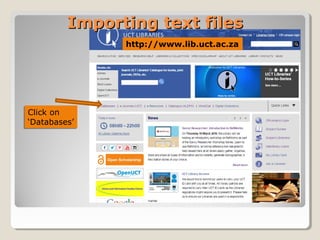
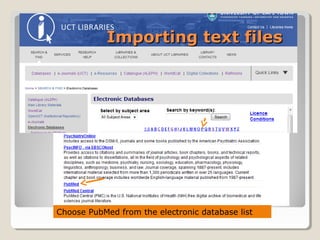
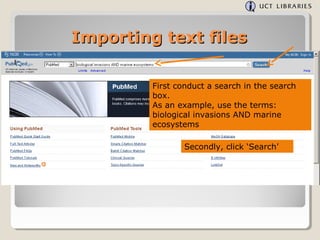
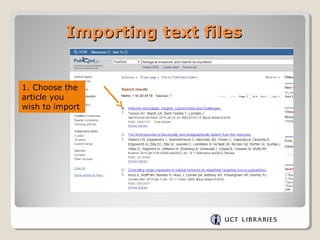
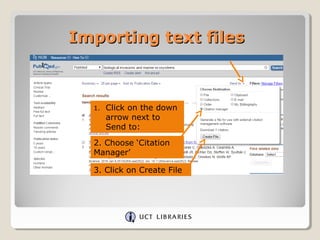
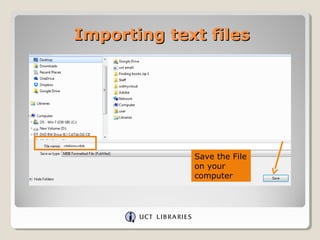
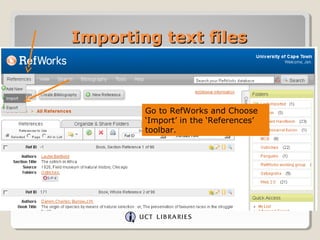
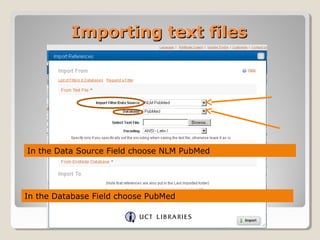
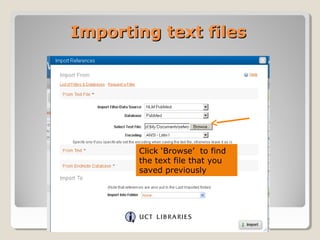
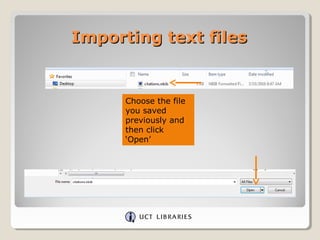
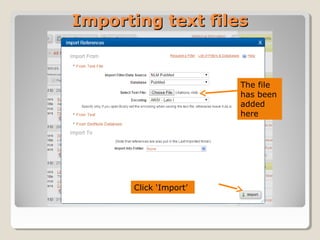
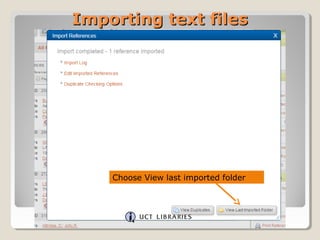
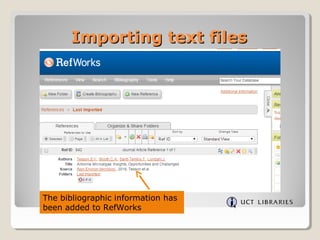

This document provides instructions for importing text files from databases into RefWorks. It uses the NCBI database PubMed as an example. The steps are: conduct a search in PubMed on a topic, like "biological invasions AND marine ecosystems"; select an article and choose "Citation Manager" to create a text file; save the file on your computer; in RefWorks, select "Import" and choose NLM PubMed as the data source and PubMed as the database; browse and select the saved text file; click "Import" to add the reference to RefWorks.


