
By: Adeel Rasheed
 https://chauhantricks.blogspot.com/
 https://www.slideshare.net/adeel02
Computer Privacy
 Everyone takes privacy in normal life for granted,
computer also have privacy.
 When dealing with computers, security and privacy
are almost synonyms.
Ways of computer privacy
 Password
 Encryption
 Email Privacy
Password
 Not just to protect the computer but to make sure that
the computer issues by authorized worker or user only.
 Password is private combination of characters
associated with the user name that allows access to
computer resources
Encryption
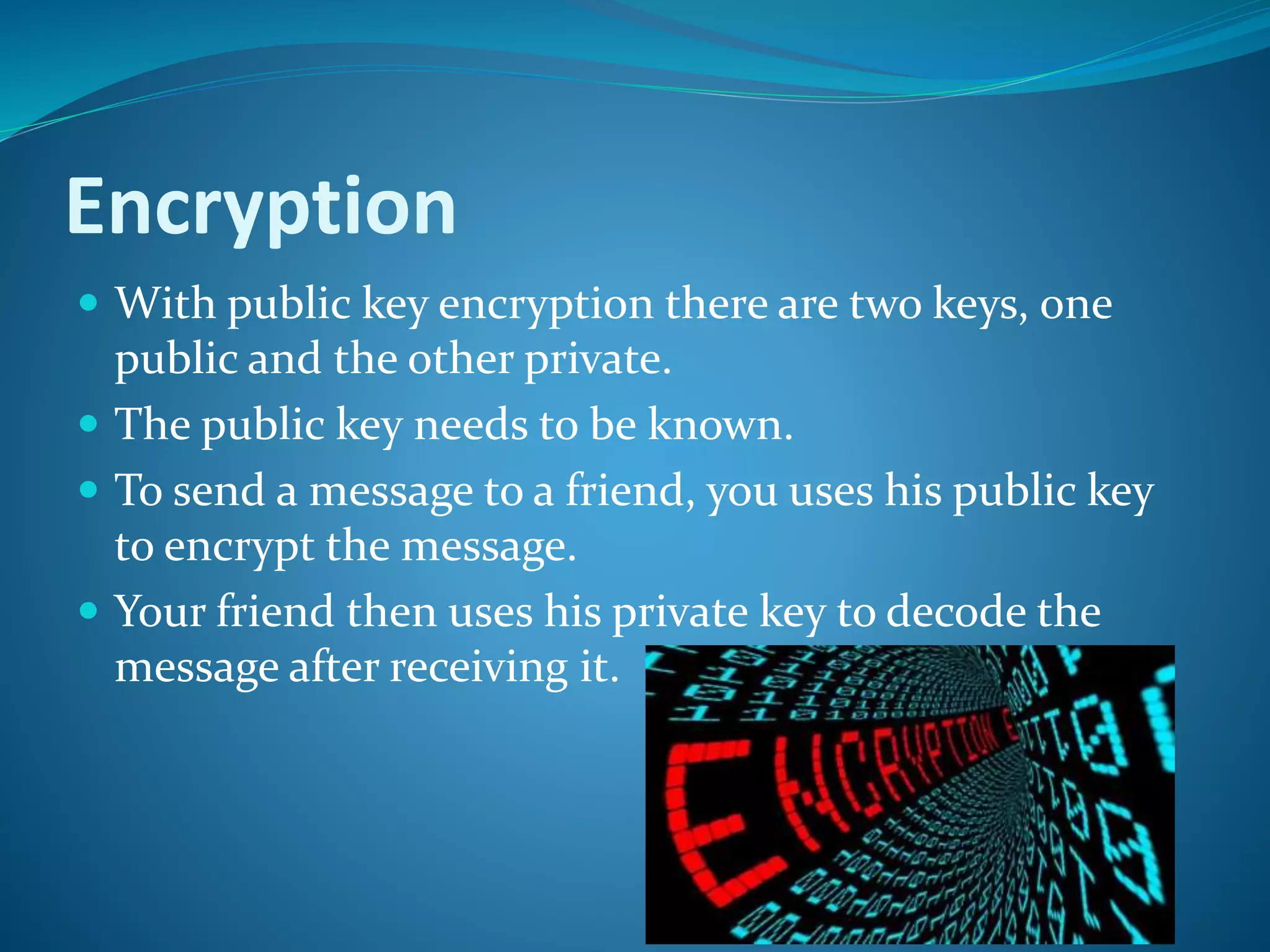
 With public key encryption there are two keys, one
public and the other private.
 The public key needs to be known.
 To send a message to a friend, you uses his public key
to encrypt the message.
 Your friend then uses his private key to decode the
message after receiving it.
Email Privacy
 When u send a message by email, the message is
broken into packets and the packets are sent out over
the Internet.
 The number of packets depends on the size of
message.
 Each message has the internet address of the recipient.
 This means there may be some places between the
packets could be intercepted and examined
Information Security
 The quality or state of being secure to be free from
danger
 Security is achieved using several strategies
simultaneously or used in combination with one
another
 Security is recognized as essential to protect vital
processes and the systems that provide those processes
 Security is not something you buy, it is something you
do
Information can be
 Created
 Stored
 Destroyed
 Processed
 Transmitted
 Used – (For proper & improper purposes)
 Corrupted
 Lost
 Stolen
 HACKER: Create or improve programs and shared
those program with fellow hackers . Typically are not
criminal.
 CRACKERS: Share programs designed to gain
unauthorized access computer systems or disrupt
networks. Typically are criminals.
 CARDERS: Specialize in stealing, trading and using
stolen credit cards over the internet.
MALICIOUS PROGRAMS (MALWARE)
Design to damage or disrupt computer system. Most
common types of malware
 viruses
 worms
 Trojan horses.
Measure to Protect Computer
Security
RESTRICTING ACCESS:
 Sometimes security matter of putting guards on
company computer rooms and checking the
identification of everyone admitted. Other times it use
 Biometric scanning such as fingerprint and iris.
 Password are secret words or phrases that must be
keyed into a computer system to gain access.
Ethics
 Standards of moral products.
 The right to keep personal information, such as credit
ratings and medical histories, from getting into
unauthorized hands.
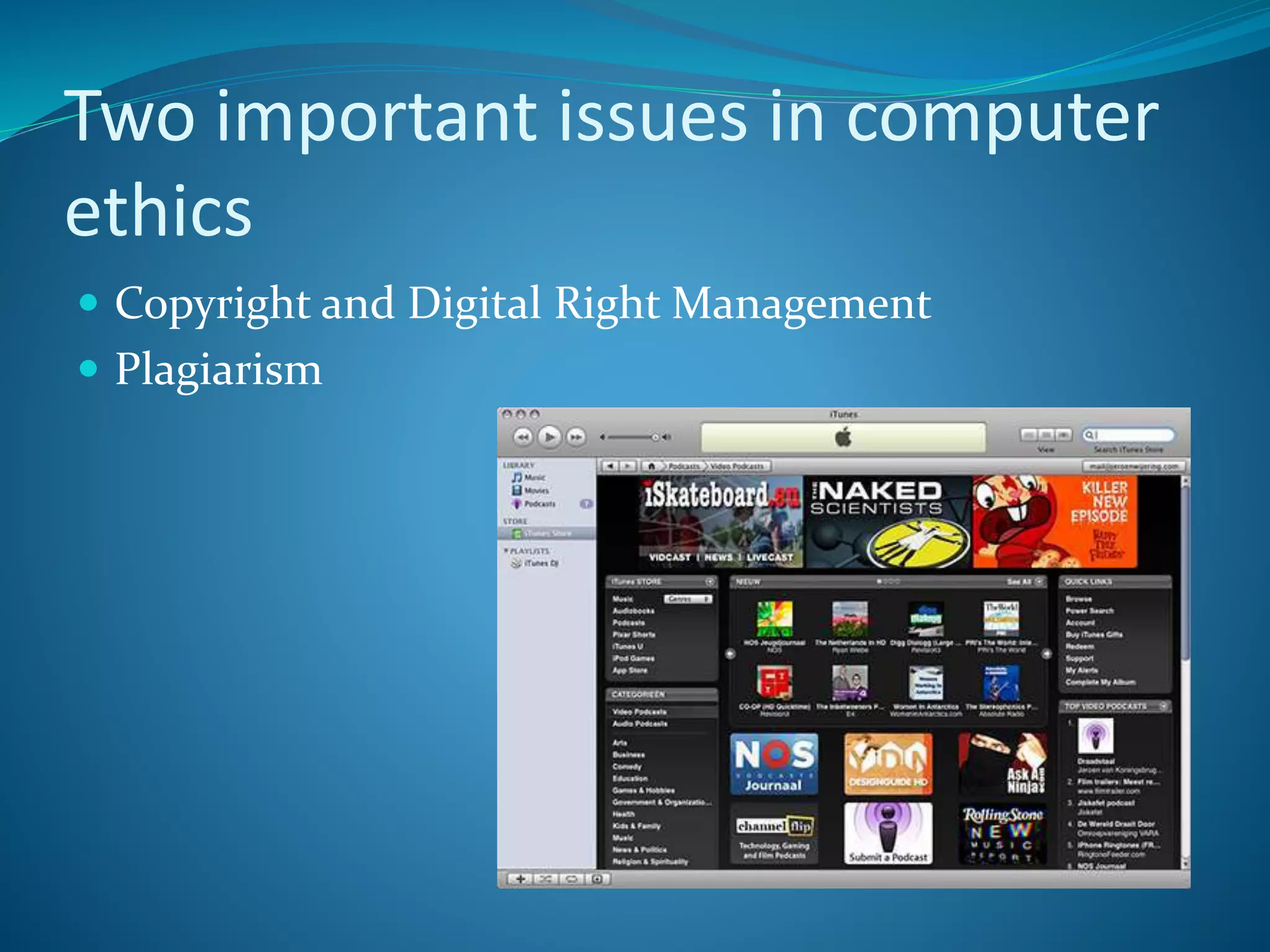
Two important issues in computer
ethics
 Copyright and Digital Right Management
 Plagiarism
Copyright
 Gives content creators the right to control the use and
distribution of their work.
Example of materials :
Paintings , books , music, films , video games.
 Others : make unauthorized copies
 Digital media. (violates copyright)
Software Piracy
 Digital Millennium Copyright Act
established the right of the program owner to make a backup
copy and disallow the creation of copies.
illegal to download copyright-protected music and videos
from Internet.
 Digital rights management (DRM)
collection of technologies designed to prevent copyright
violations.
control the number of devices that can access given file.
limits the kinds of devices that can access a file.
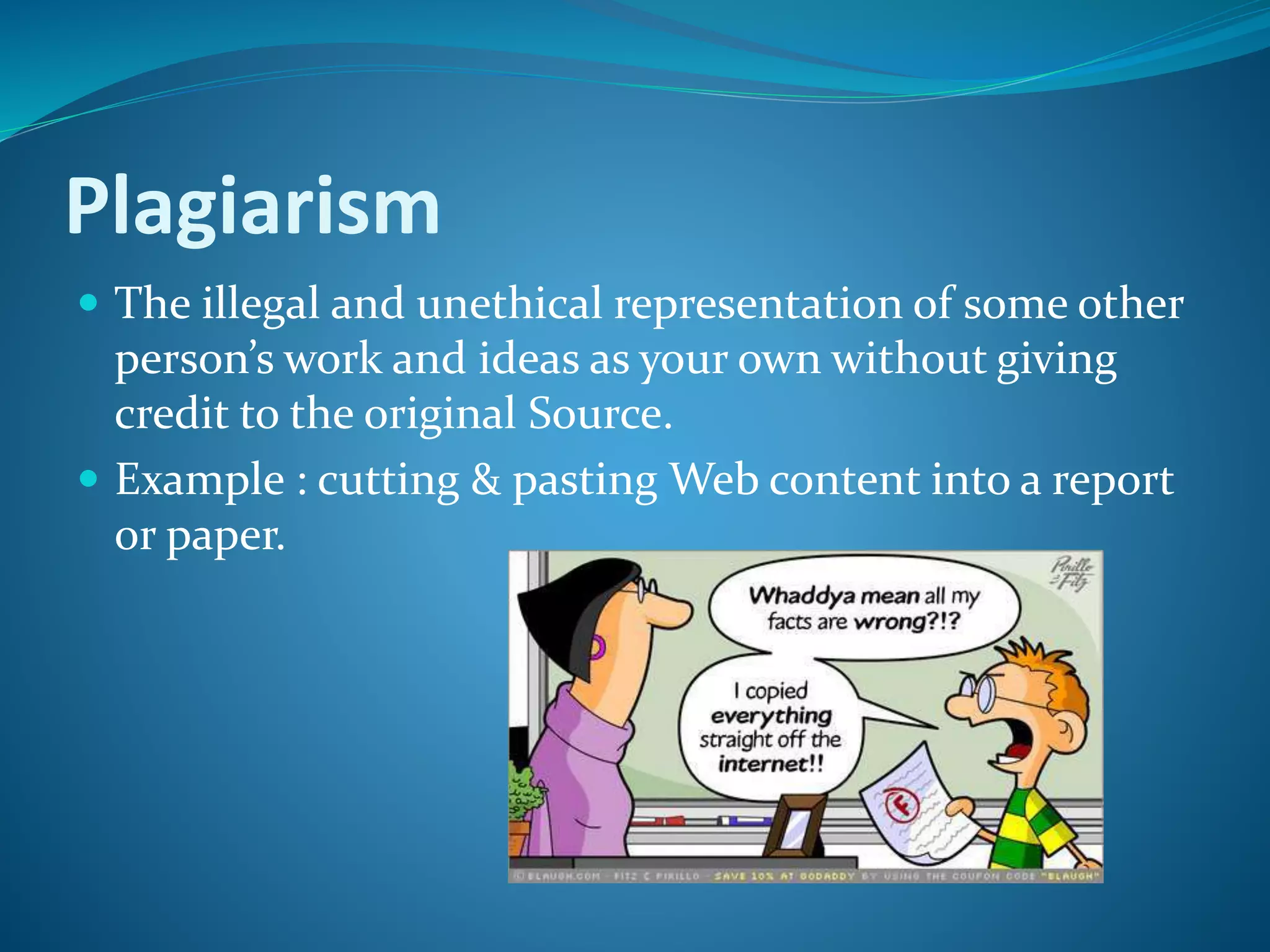
Plagiarism
 The illegal and unethical representation of some other
person’s work and ideas as your own without giving
credit to the original Source.
 Example : cutting & pasting Web content into a report
or paper.
Thanks You

Privacy and Security Information

  • 2.
    By: Adeel Rasheed https://chauhantricks.blogspot.com/  https://www.slideshare.net/adeel02
  • 3.
    Computer Privacy  Everyonetakes privacy in normal life for granted, computer also have privacy.  When dealing with computers, security and privacy are almost synonyms.
  • 4.
    Ways of computerprivacy  Password  Encryption  Email Privacy
  • 5.
    Password  Not justto protect the computer but to make sure that the computer issues by authorized worker or user only.  Password is private combination of characters associated with the user name that allows access to computer resources
  • 6.
    Encryption  With publickey encryption there are two keys, one public and the other private.  The public key needs to be known.  To send a message to a friend, you uses his public key to encrypt the message.  Your friend then uses his private key to decode the message after receiving it.
  • 7.
    Email Privacy  Whenu send a message by email, the message is broken into packets and the packets are sent out over the Internet.  The number of packets depends on the size of message.  Each message has the internet address of the recipient.  This means there may be some places between the packets could be intercepted and examined
  • 8.
    Information Security  Thequality or state of being secure to be free from danger  Security is achieved using several strategies  Security is achieved using several strategies simultaneously or used in combination with one another  Security is recognized as essential to protect vital processes and the systems that provide those processes  Security is not something you buy, it is something you do
  • 9.
    Information can be Created  Stored  Destroyed  Processed  Transmitted  Used – (For proper & improper purposes)  Corrupted  Lost  Stolen
  • 10.
     HACKER: Createor improve programs and shared those program with fellow hackers . Typically are not criminal.  CRACKERS: Share programs designed to gain unauthorized access computer systems or disrupt networks. Typically are criminals.  CARDERS: Specialize in stealing, trading and using stolen credit cards over the internet.
  • 11.
    MALICIOUS PROGRAMS (MALWARE) Designto damage or disrupt computer system. Most common types of malware  viruses  worms  Trojan horses.
  • 12.
    Measure to ProtectComputer Security RESTRICTING ACCESS:  Sometimes security matter of putting guards on company computer rooms and checking the identification of everyone admitted. Other times it use  Biometric scanning such as fingerprint and iris.  Password are secret words or phrases that must be keyed into a computer system to gain access.
  • 13.
    Ethics  Standards ofmoral products.  The right to keep personal information, such as credit ratings and medical histories, from getting into unauthorized hands.
  • 14.
    Two important issuesin computer ethics  Copyright and Digital Right Management  Plagiarism
  • 15.
    Copyright  Gives contentcreators the right to control the use and distribution of their work. Example of materials : Paintings , books , music, films , video games.  Others : make unauthorized copies  Digital media. (violates copyright)
  • 16.
    Software Piracy  DigitalMillennium Copyright Act established the right of the program owner to make a backup copy and disallow the creation of copies. illegal to download copyright-protected music and videos from Internet.  Digital rights management (DRM) collection of technologies designed to prevent copyright violations. control the number of devices that can access given file. limits the kinds of devices that can access a file.
  • 17.
    Plagiarism  The illegaland unethical representation of some other person’s work and ideas as your own without giving credit to the original Source.  Example : cutting & pasting Web content into a report or paper.
  • 18.